
7 Nursing Assistant - Float Pool Cover Letter Templates with Example
This guide helps you create a focused Nursing Assistant - Float Pool cover letter. It shows how to present your fit for the role and make each paragraph clear and purposeful.
Float Pool letters can show how you adapt to changing assignments while supporting adult and geriatric patients. Use relevant examples of daily care, patient observation, clear communication with registered nurses, and timely documentation.
Explore one cover letter example in 7 layouts, and learn how to shape the opening, choose useful evidence, explain your interest and role fit, and close in a professional way.
What Makes a Great Nursing Assistant - Float Pool Cover Letter in 2026
A strong letter connects your interest in float work with safe, respectful support for adult and geriatric patients. Keep the opening direct and make the closing professional.
Use clear examples of daily care, noticing and reporting changes, and communicating with the RN team. Show how your approach fits the employer’s needs without claiming skills you cannot support.
The featured Nursing Assistant - Float Pool example follows a focused progression from role interest to relevant care evidence and a professional close. Adapt that flow while choosing a presentation that suits the employer and the communication context.
#1 Simple One Column Format Cover Letter Example
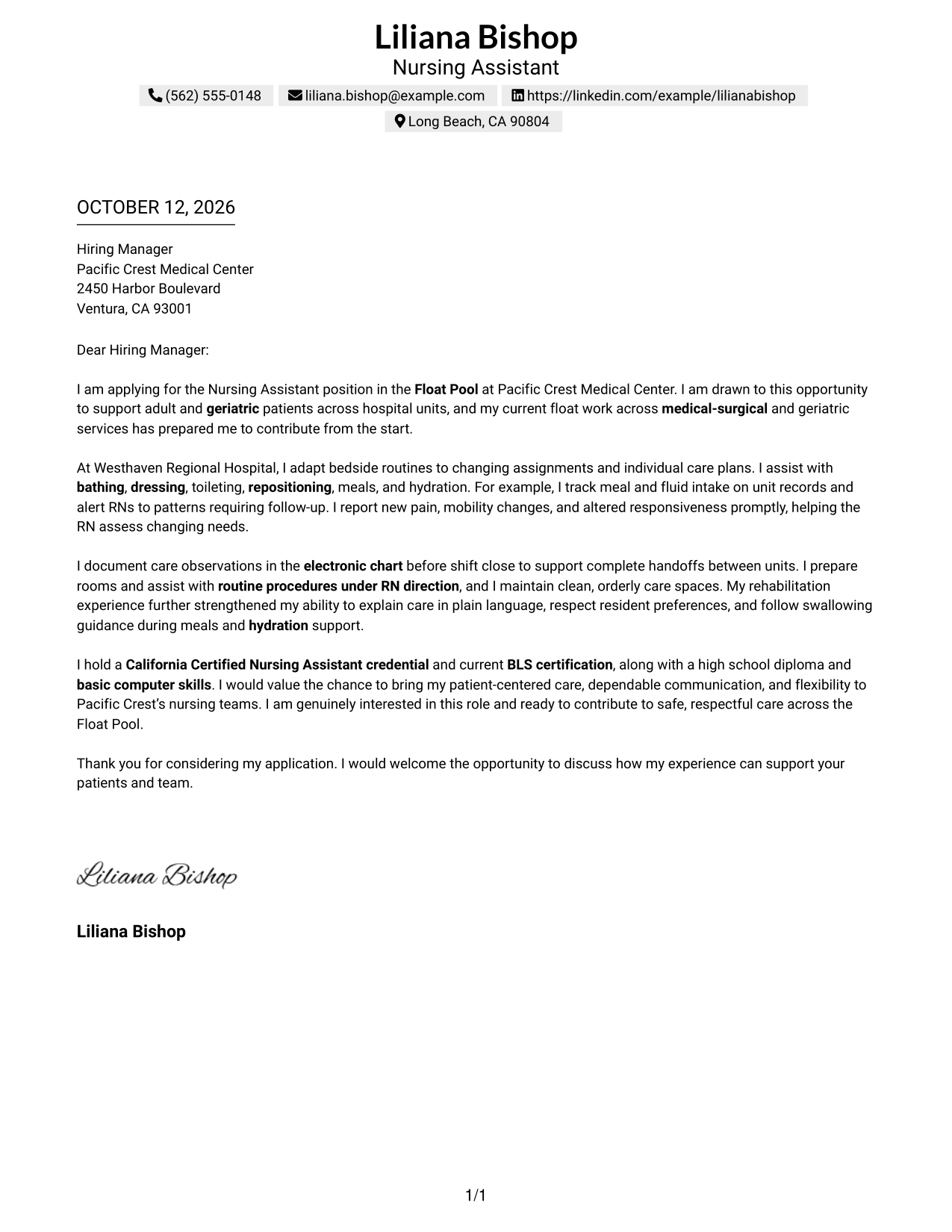
The Simple One Column Format places contact details above one continuous letter, so a recruiter can follow the opening, evidence, and closing in order.
Why This Format Works
- One reading path carries the opening motivation into supporting care evidence and closing.
- Separate paragraphs let a specific care example stand apart from broader evidence.
- A consistent sequence keeps credentials and employer interest within the letter's final appeal.
Best For
- Letters with a clear opening-to-closing sequence
- Contact details above the letter body
- Care examples that need context
- Applications with several points of role fit
- Readers who prefer a single reading path
#2 Two Column Format Cover Letter Example
The Two Column Format places contact details in a sidebar beside one continuous letter body, keeping the message in a clear reading order.
Why This Format Works
- Contact details sit apart, while motivation and evidence remain in one reading path.
- Continuous body paragraphs preserve the sequence from role interest through care evidence.
- A distinct letter area keeps the closing request separate from contact details.
Best For
- Letters with a clear narrative flow
- Contact information in a separate area
- Care examples needing room for context
- Applications with several points of role fit
- Readers who want contact details easy to find
#3 Photo Header Two Column Format Cover Letter Example
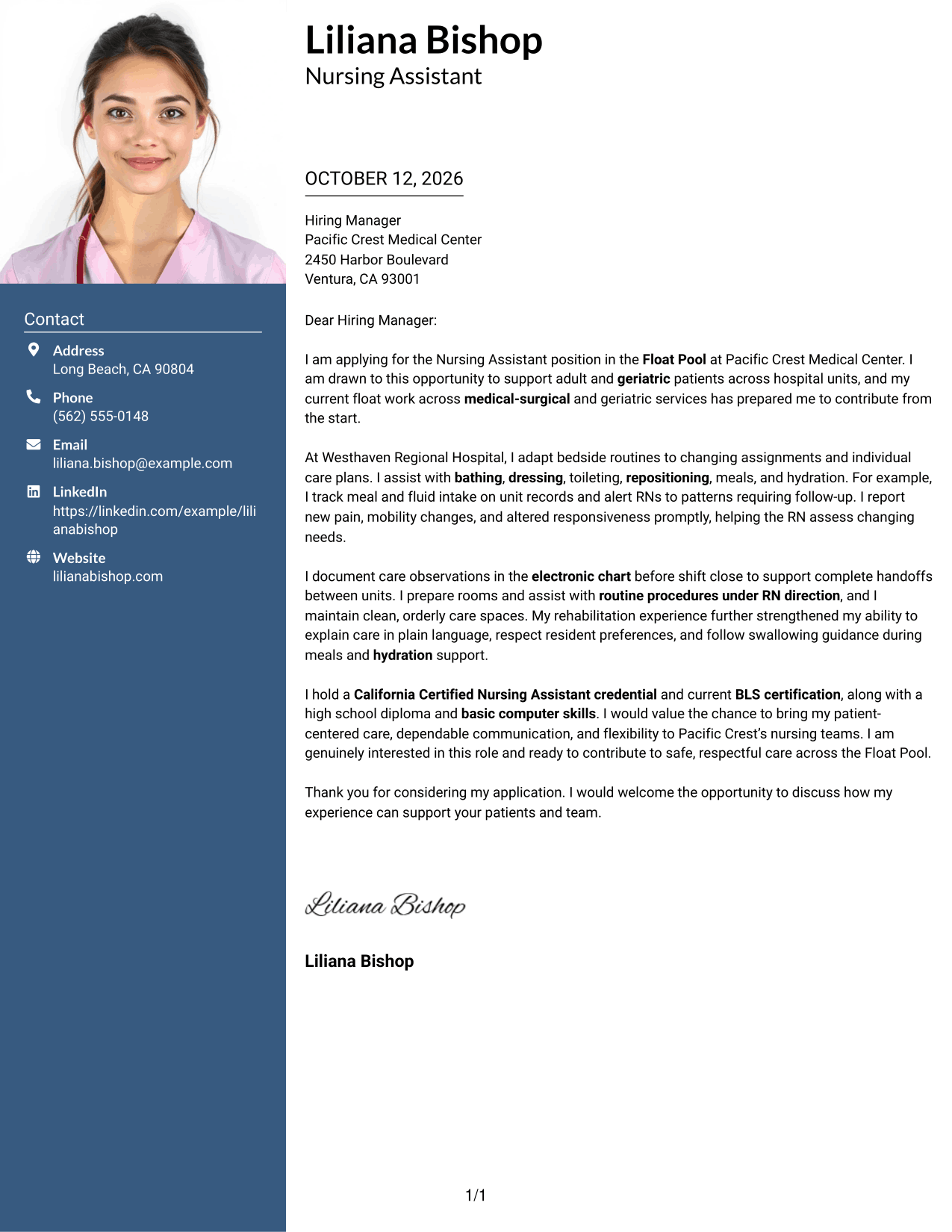
The Photo Header Two Column Format pairs a photo-led header and contact sidebar with one continuous letter body, keeping the message in a clear reading order.
Why This Format Works
- Contact details remain separate, while the body carries motivation, evidence, and closing in sequence.
- Paragraph breaks help care examples read as support for the opening interest.
- The photo-led header identifies the sender visually, while the letter itself makes the case.
Best For
- Letters using a professional sender photo
- A separate area for contact details
- A continuous body for connected care examples
- Applications where visual identity is requested
- Readers who prefer a clear letter sequence
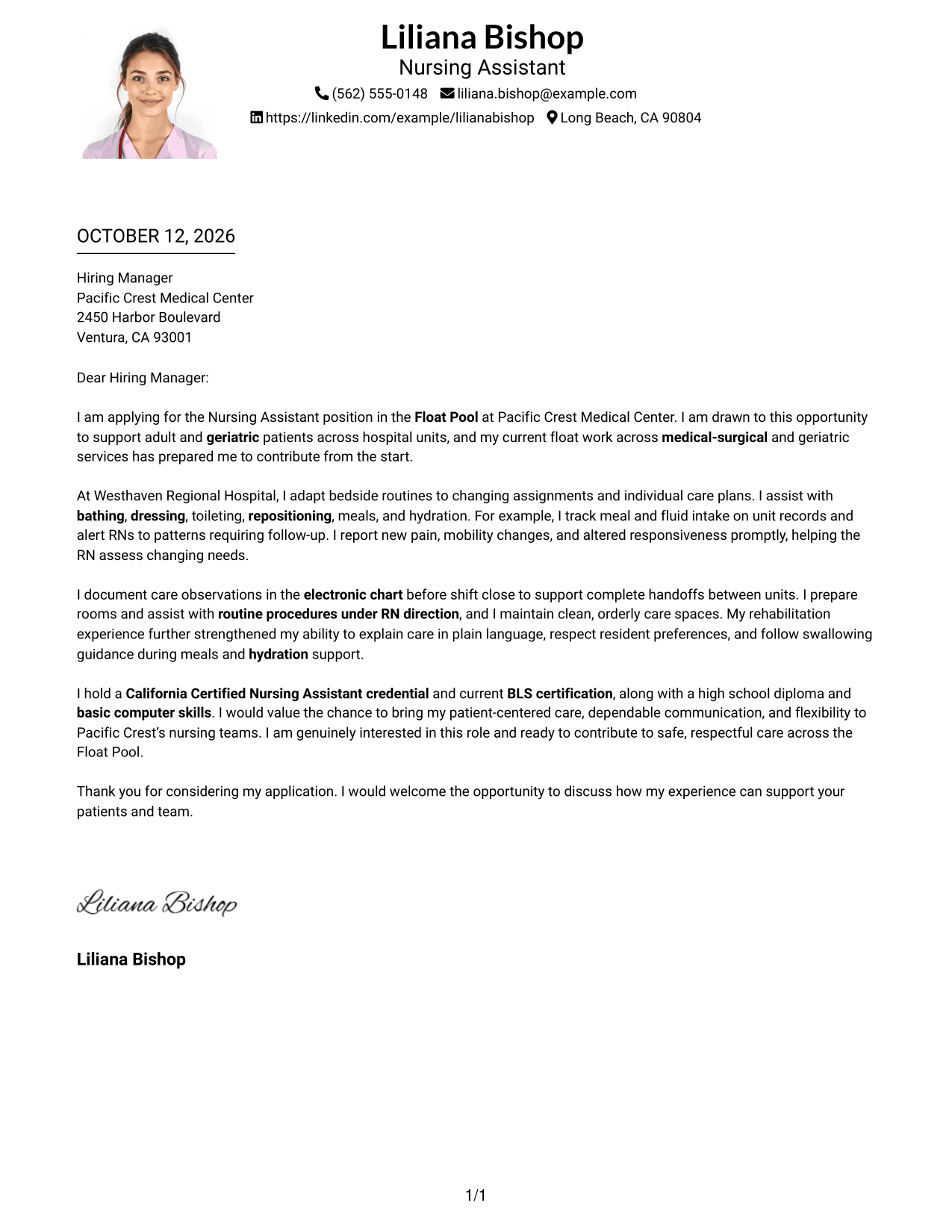
#4 One Column Format with Photo Cover Letter Example
The One Column Format with Photo places the sender photo and contact details in the header above one continuous letter, from opening through closing.
Why This Format Works
- Header details and the photo sit above a single reading path for the letter.
- Opening interest leads into care evidence without a parallel content column.
- Paragraph spacing can keep credentials and the closing easy to locate.
Best For
- Photo-inclusive letter presentation
- Single-path reading from greeting to sign-off
- Care evidence arranged in a direct sequence
- Header details kept apart from letter paragraphs
- Readers who value a clear closing
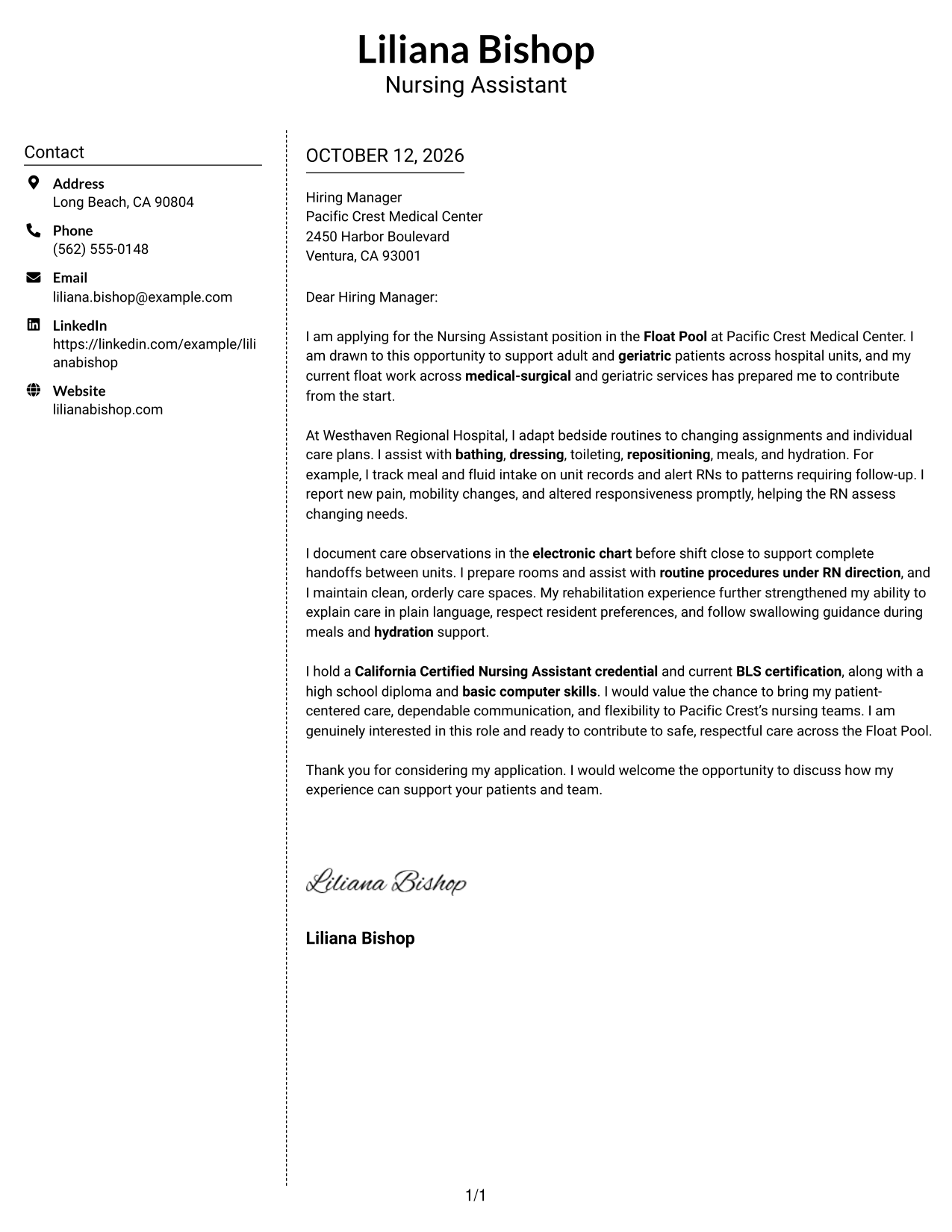
#5 Simple Two Column Format Cover Letter Example
The Simple Two Column Format keeps contact details in a sidebar and the letter in one continuous body, giving the message a straightforward reading path.
Why This Format Works
- Contact information stays in its own area, leaving the letter body uninterrupted.
- The body keeps the application reason and care examples together as a narrative.
- Direct paragraph order helps the closing request follow the supporting evidence.
Best For
- A straightforward letter with separate contact details
- Connected paragraphs that build one case
- Care examples presented in context
- A clear transition from evidence to closing
- Readers who prefer simple navigation
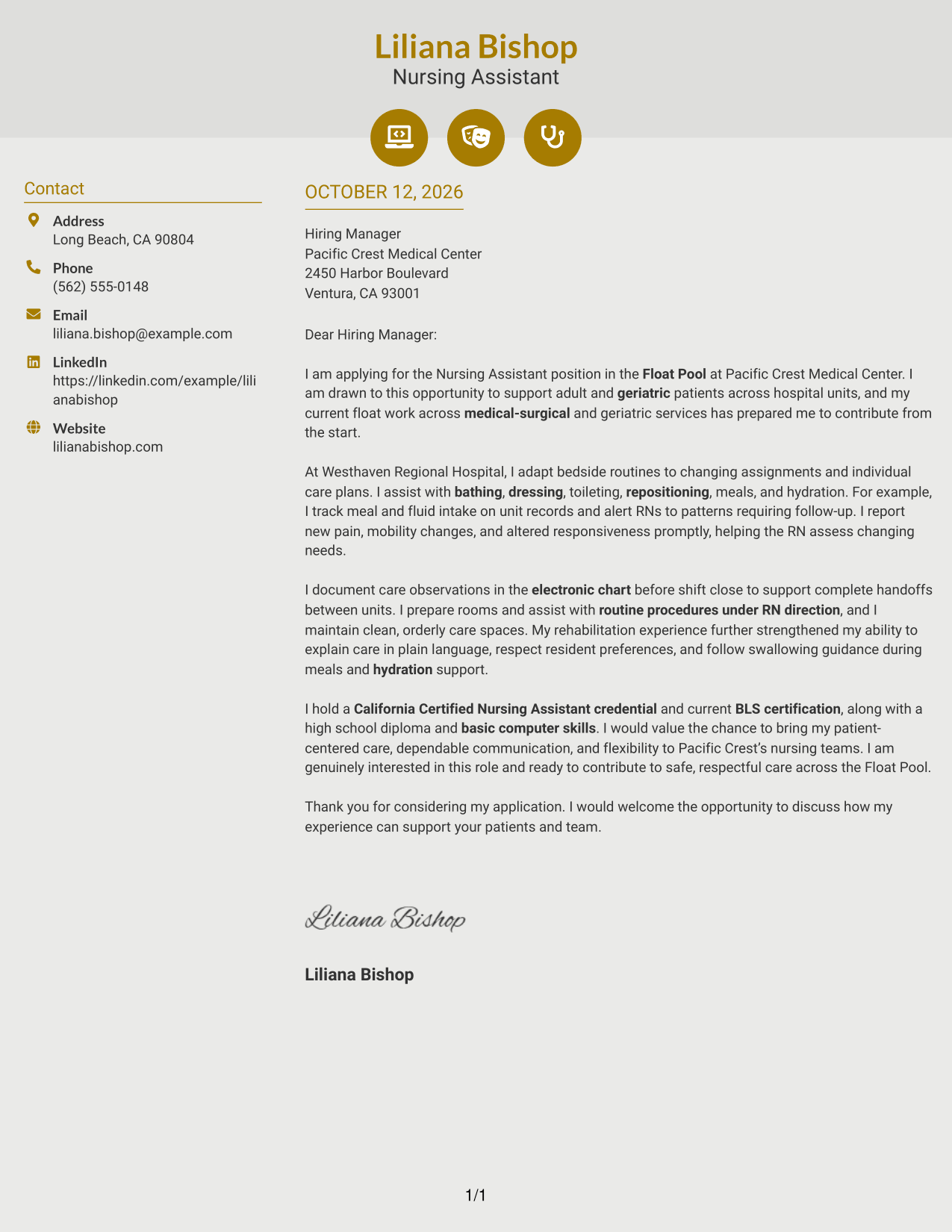
#6 Modern Icon Format Cover Letter Example
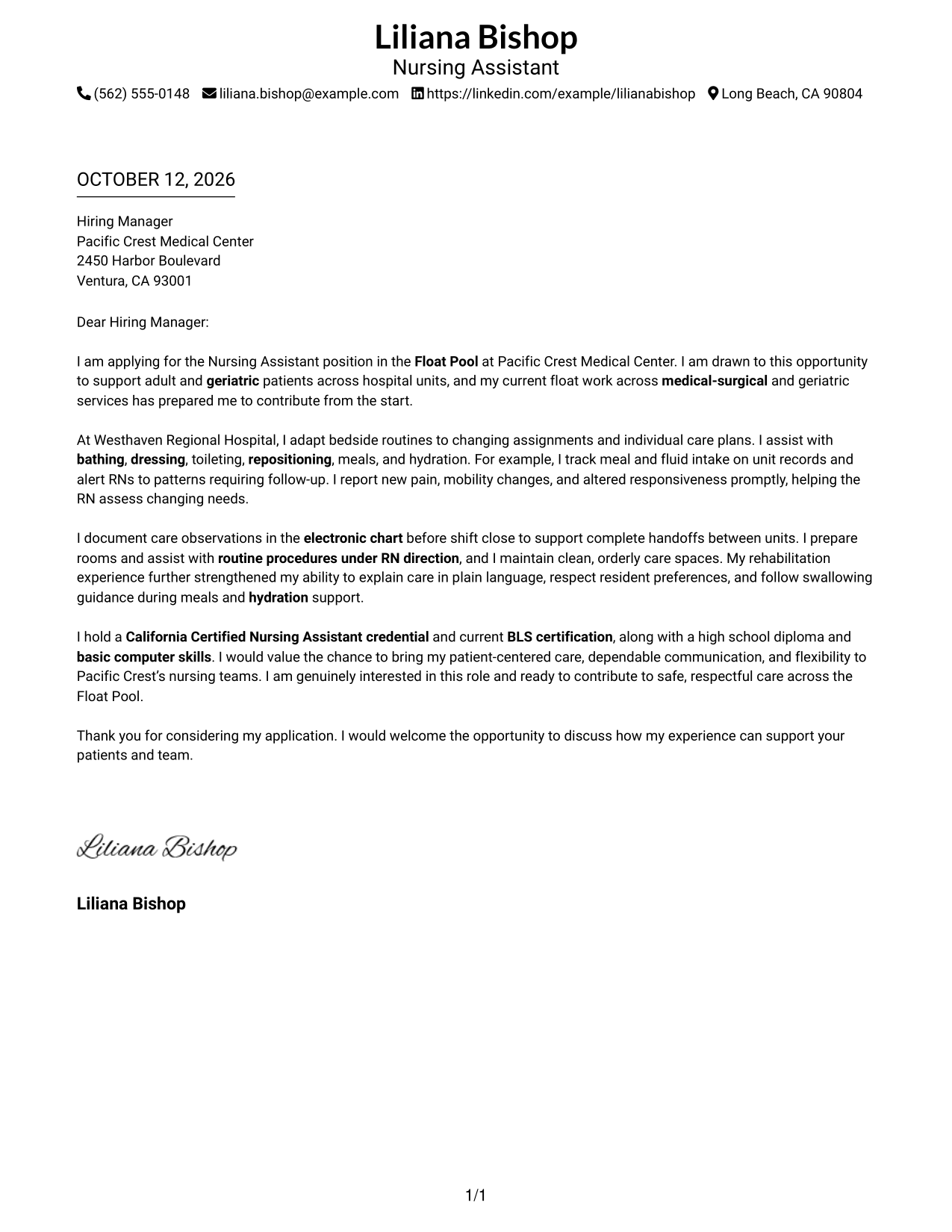
The Modern Icon Format uses a contact sidebar beside one continuous letter body, with icons serving as contact cues or header accents rather than paragraph labels.
Why This Format Works
- Contact cues help readers locate sender details without interrupting the letter's argument.
- One continuous body carries role interest, care evidence, and closing in order.
- Header accents add visual cues while paragraph order carries the case for fit.
Best For
- Contact details with clear visual cues
- One connected argument from opening to closing
- Care examples that need a readable narrative
- A sidebar separated from letter paragraphs
- Readers who prefer visual contact navigation
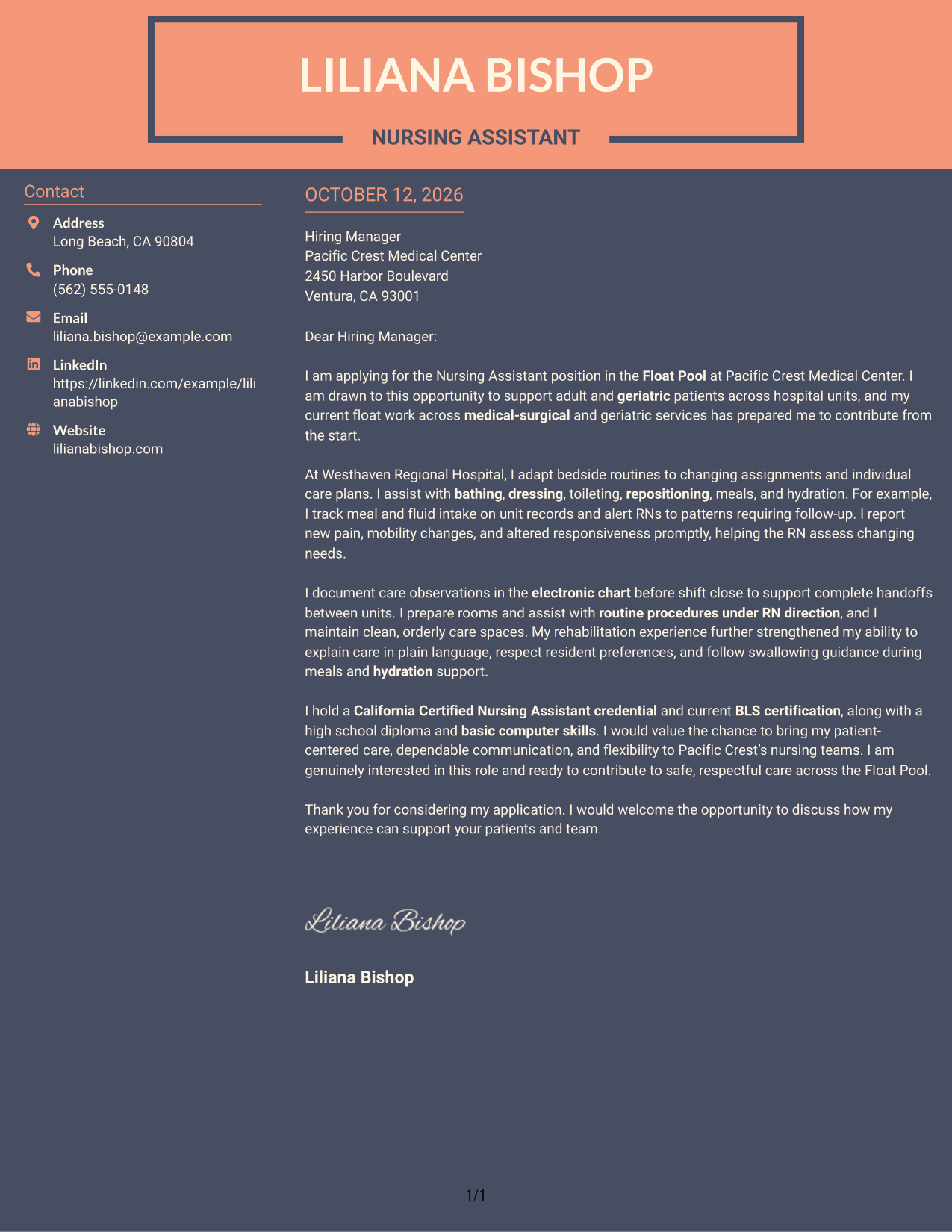
#7 Creative Two Tone Format Cover Letter Example
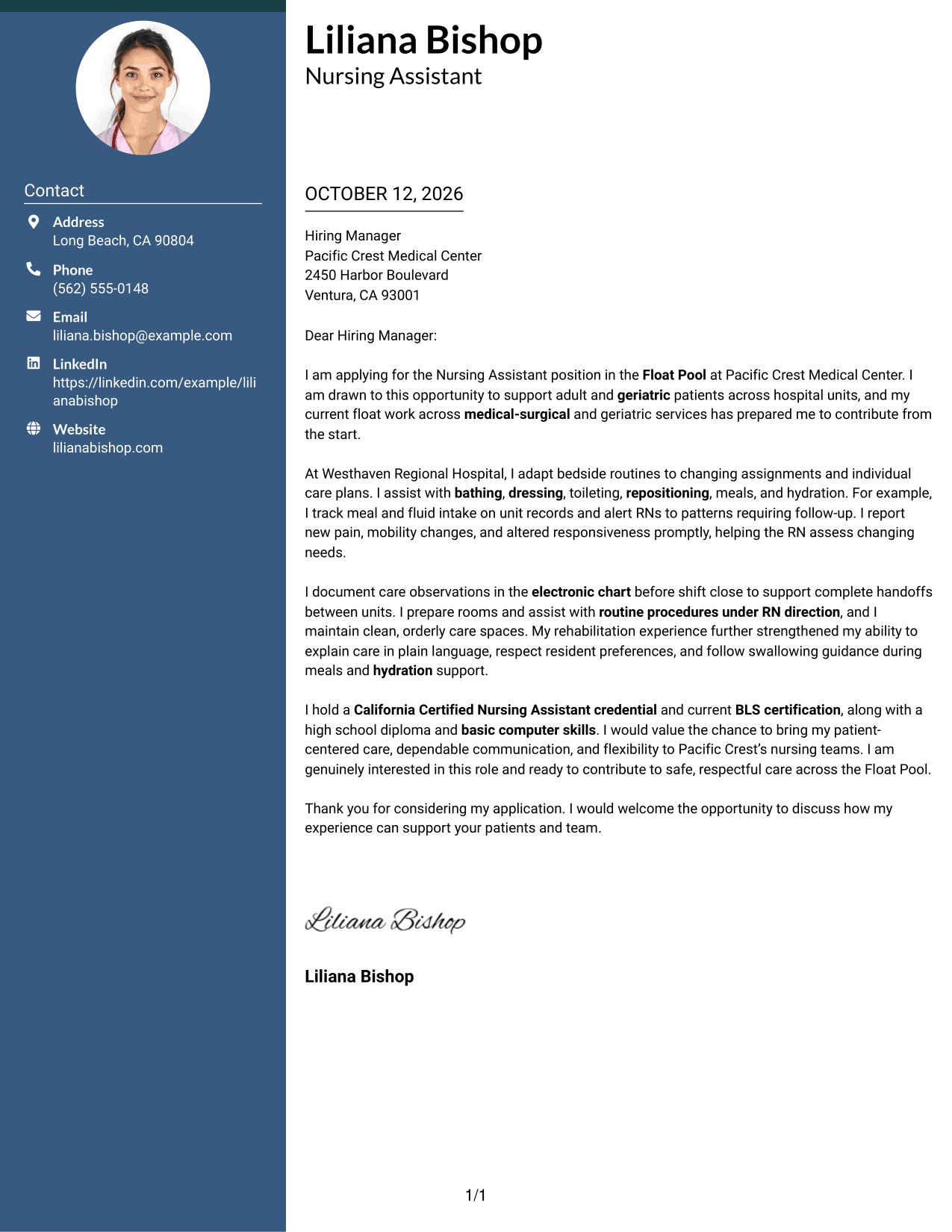
The Creative Two Tone Format uses contrasting color areas for the contact sidebar and letter body, while keeping the message in one continuous sequence.
Why This Format Works
- Color contrast separates contact details from the opening and supporting care narrative.
- Continuous paragraphs let role motivation develop before practical care evidence.
- Closing interest remains part of the same message, not a separate column.
Best For
- A visible distinction between contacts and letter
- A continuous narrative with clear progression
- Care evidence introduced after role motivation
- A closing that follows the main message
- Readers who value visual separation
Why Use ResumeInMinutes for a Nursing Assistant - Float Pool Cover Letter
ResumeInMinutes helps you organize a role-specific cover letter without starting from a blank page. Choose a clear design, then adjust the wording to reflect your care experience and the position’s needs.
- Clear writing styles
- Readable layouts
- Role-focused customization
- Quick cover letter creation
- Professional templates
- PDF support
For a Nursing Assistant - Float Pool application, use the letter to explain your interest, show how you respond to changing assignments, and describe the care and communication you can bring to the team.
See Also
- 7 Nursing Assistant - Float Pool Resume Templates with Example
- 33 Assistant Professor of Nursing - Medical Surgical Resume Templates with Example 2026 (ATS-Optimized)
- 33 Certified Nursing Assistant (CNA) Resume Templates with Example 2026 (ATS-Optimized)
- 33 Certified Nursing Assistant I Resume Templates with Example 2026 (ATS-Optimized)
- 33 Certified Nursing Assistant II Resume Templates with Example 2026 (ATS-Optimized)
- 33 Certified Nursing Assistant Resume Templates with Example 2026 (ATS-Optimized)
- 7 Clinical Receptionist/Office Assistant - Nursing Clinical Support Resume Templates with Example
- 33 Hospice Certified Nursing Assistant, CNA Resume Templates with Example 2026 (ATS-Optimized)
- 30+ Assistant Professor of Nursing - Medical Surgical Cover Letter Templates with Example 2026
- 30+ Certified Nursing Assistant (CNA) Cover Letter Templates with Example 2026
Frequently Asked Questions
What should a Nursing Assistant - Float Pool cover letter include?
Use a direct opening, relevant examples of patient support, and a clear explanation of your interest in float work. Close by thanking the reader and inviting a conversation.
How can I show that I can adapt to float assignments?
Describe a real example of adjusting your care routine to a different unit or patient need. Explain how you kept communication clear and supported safe, steady care.
What patient care examples fit this cover letter?
You may describe activities of daily living, meal and fluid support, mobility assistance, patient observation, or prompt communication with licensed staff. Choose examples that match your own experience.
How should I explain changes in a patient’s condition?
Briefly state what you noticed, who you informed, and why prompt communication mattered. Keep the example factual and protect patient privacy.
Should I mention CNA and BLS credentials?
If you hold current credentials that relate to the position, mention them briefly in the body or near the closing. The featured example refers to a California Certified Nursing Assistant credential and current BLS certification.
How can I make my letter feel specific to the employer?
Connect your interest to details in the job posting, such as float assignments, adult and geriatric care, or teamwork with registered nurses. Do not add claims about the employer that you cannot confirm.
Can I change the cover letter template?
Yes. Adjust the wording and presentation to fit the position and your communication style. Keep the letter focused, accurate, and easy to read.




