
7 Nursing Assistant - Hospital Float Pool Cover Letter Templates with Example
This practical guide helps you create a focused Nursing Assistant - Hospital Float Pool cover letter and compare seven layouts.
What Makes a Great Nursing Assistant - Hospital Float Pool Cover Letter in 2026
A strong letter links patient care across changing hospital assignments to the needs of a float-pool role. A clear opening states your interest, while the body shows how you support daily care and communicate with the RN.
Use specific examples, such as reporting a change in condition or assisting with meals and safe transfers. Connect that evidence to the employer’s needs, then close with a direct statement of interest.
The featured Nursing Assistant - Hospital Float Pool example moves from motivation to current hospital care, then to relevant experience and a clear closing. Adapt that focused progression to your own evidence, and choose a presentation that fits the employer and communication context.
#1 Simple One Column Format Cover Letter Example
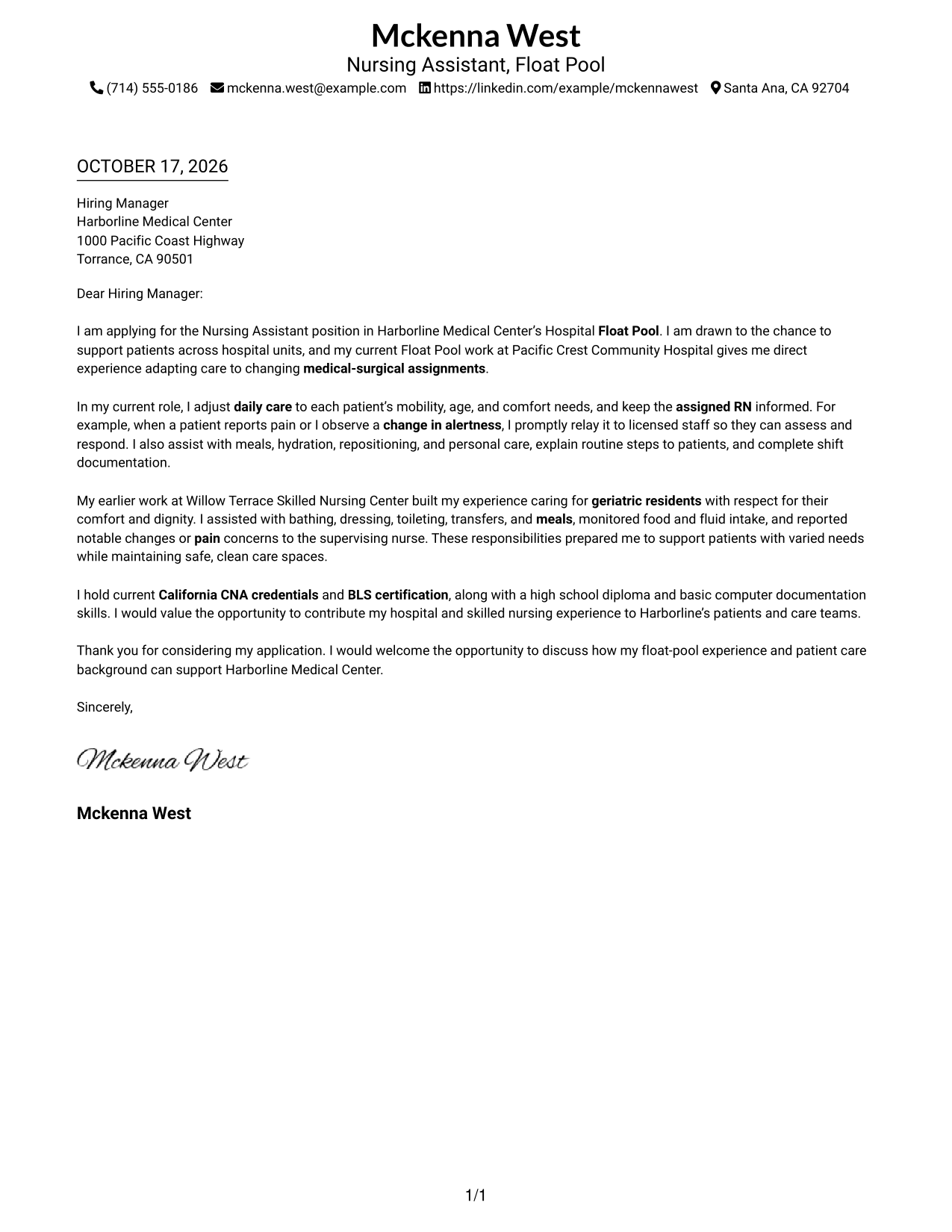
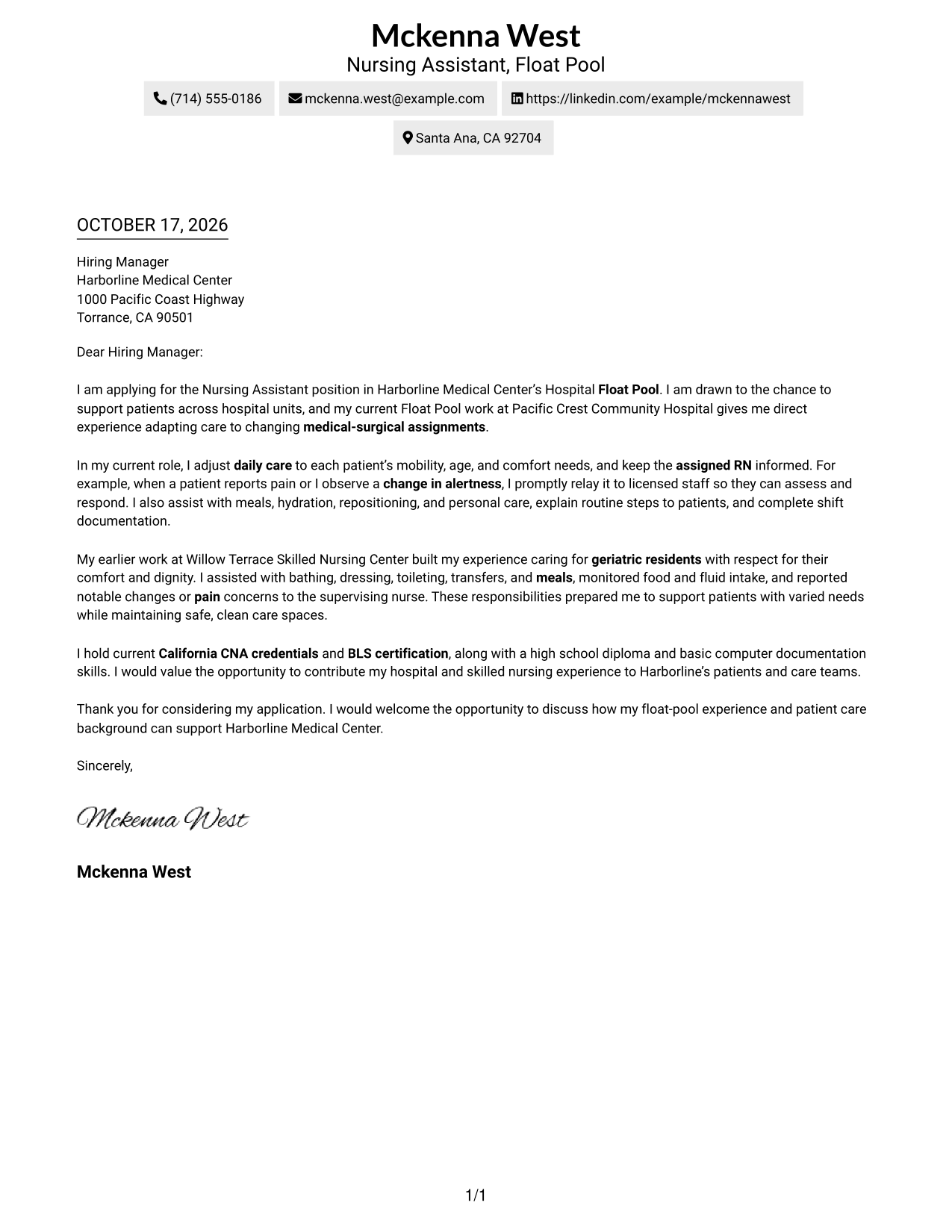
The Simple One Column Format keeps sender details in the header and the letter in one body column, giving the message a direct reading path.
Why This Format Works
- Header-based sender details keep contact information apart from the message itself.
- One body column presents the opening, evidence, and closing in sequence.
- Without a sidebar, the letter's paragraphs retain the full body width.
Best For
- Single-column letter layouts
- Header-based contact details
- Paragraph-led persuasion
- Direct opening-to-closing reading
- Minimal page structure
#2 Two Column Format Cover Letter Example
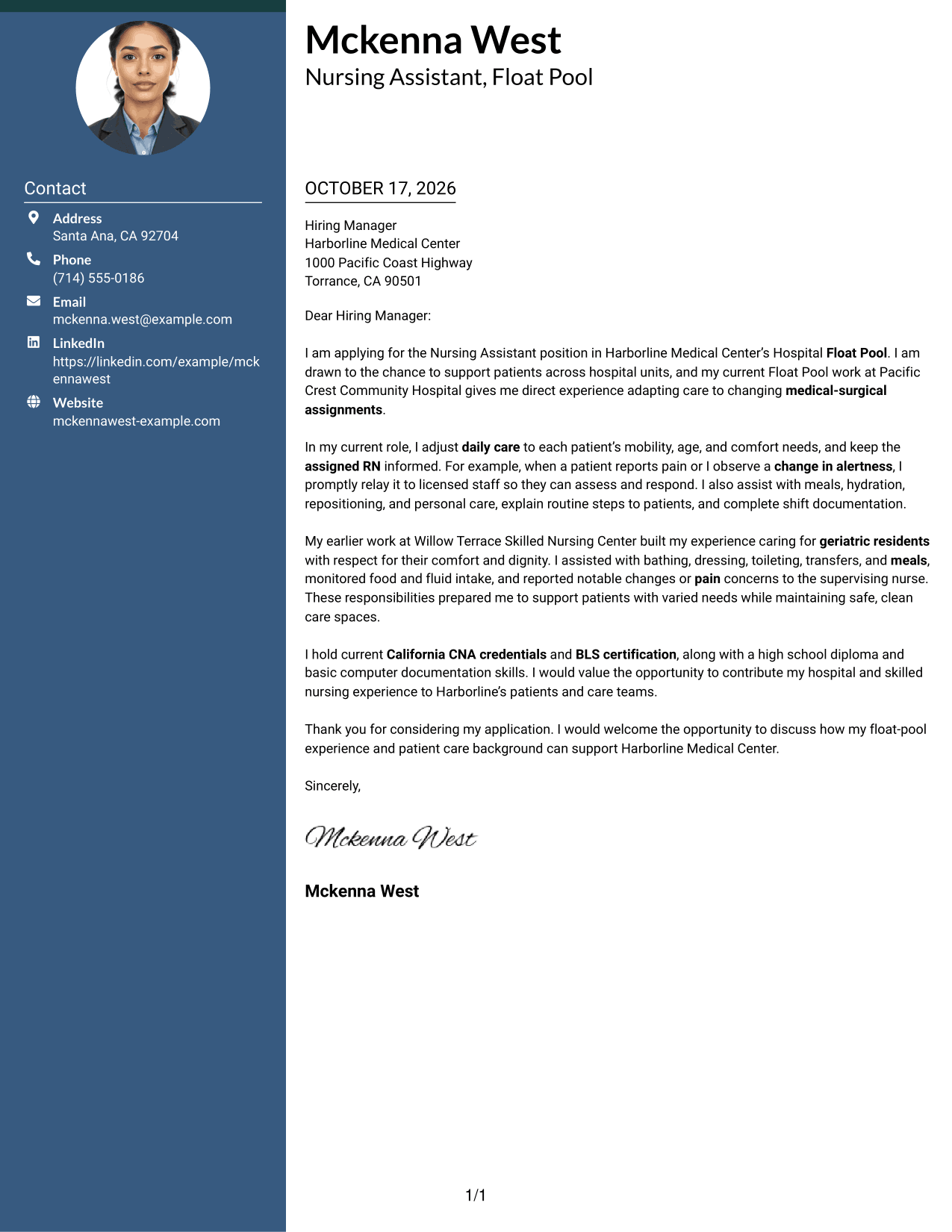
The Two Column Format places contact details in a sidebar beside one continuous letter body, keeping the message together while contact information stays easy to find.
Why This Format Works
- The contact sidebar gives sender information a distinct place beside the letter.
- A continuous body keeps motivation and supporting evidence in one message.
- Readers can refer to contact details while keeping the letter in view.
Best For
- Side-by-side contact and letter content
- A continuous persuasive message
- Quick access to sender details
- Paragraph-based applications
- Readers avoiding body headings
#3 Photo Header Two Column Format Cover Letter Example
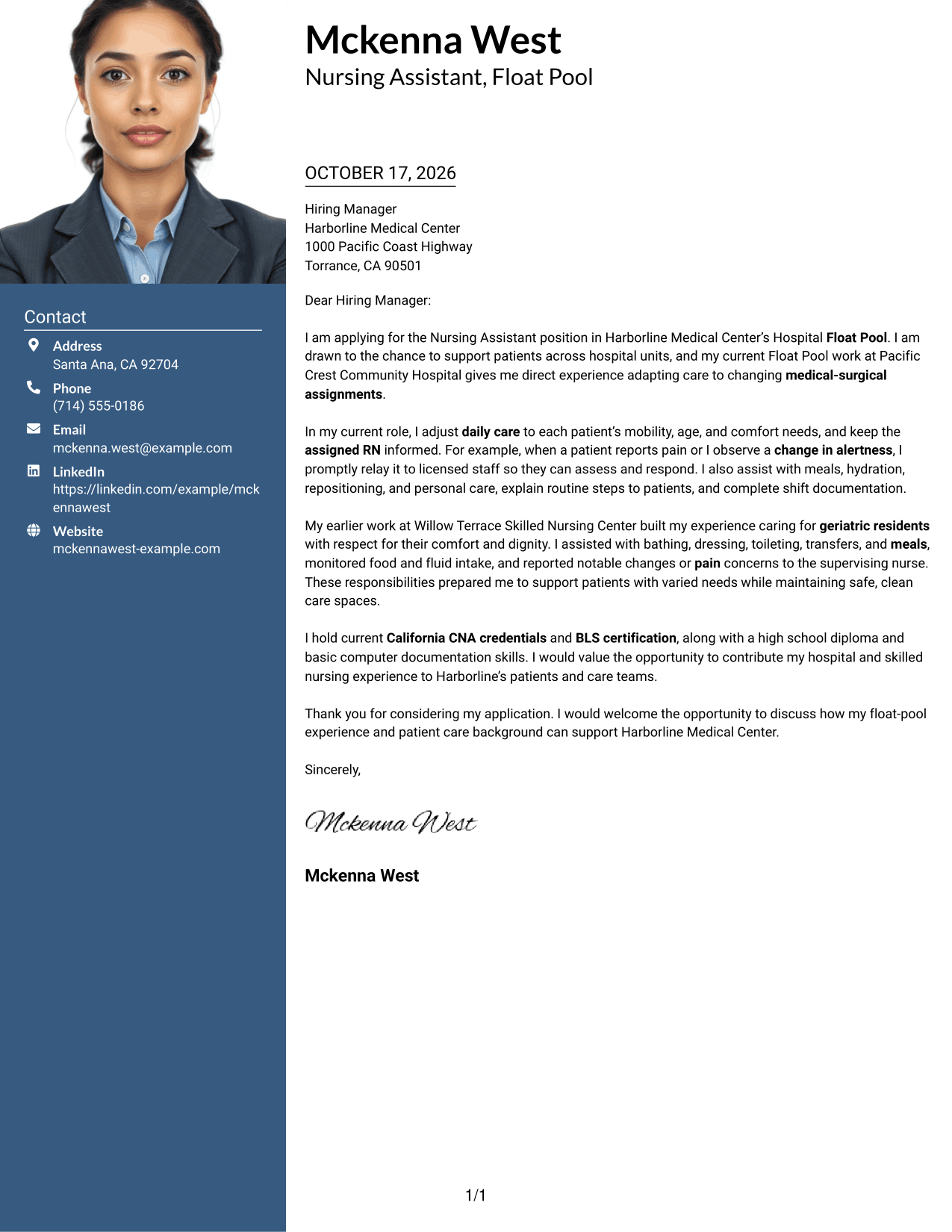
The Photo Header Two Column Format pairs a photo and contact sidebar with one continuous letter body for readers who prefer a personal visual element.
Why This Format Works
- The photo adds a personal visual element without changing the letter's argument.
- Contact details remain beside the message rather than within its paragraphs.
- One continuous body carries the opening, supporting points, and closing.
Best For
- Photo-inclusive letter layouts
- Contact details beside correspondence
- Continuous paragraph arguments
- A personal visual element
- Readers who prefer contact separation
#4 One Column Format with Photo Cover Letter Example
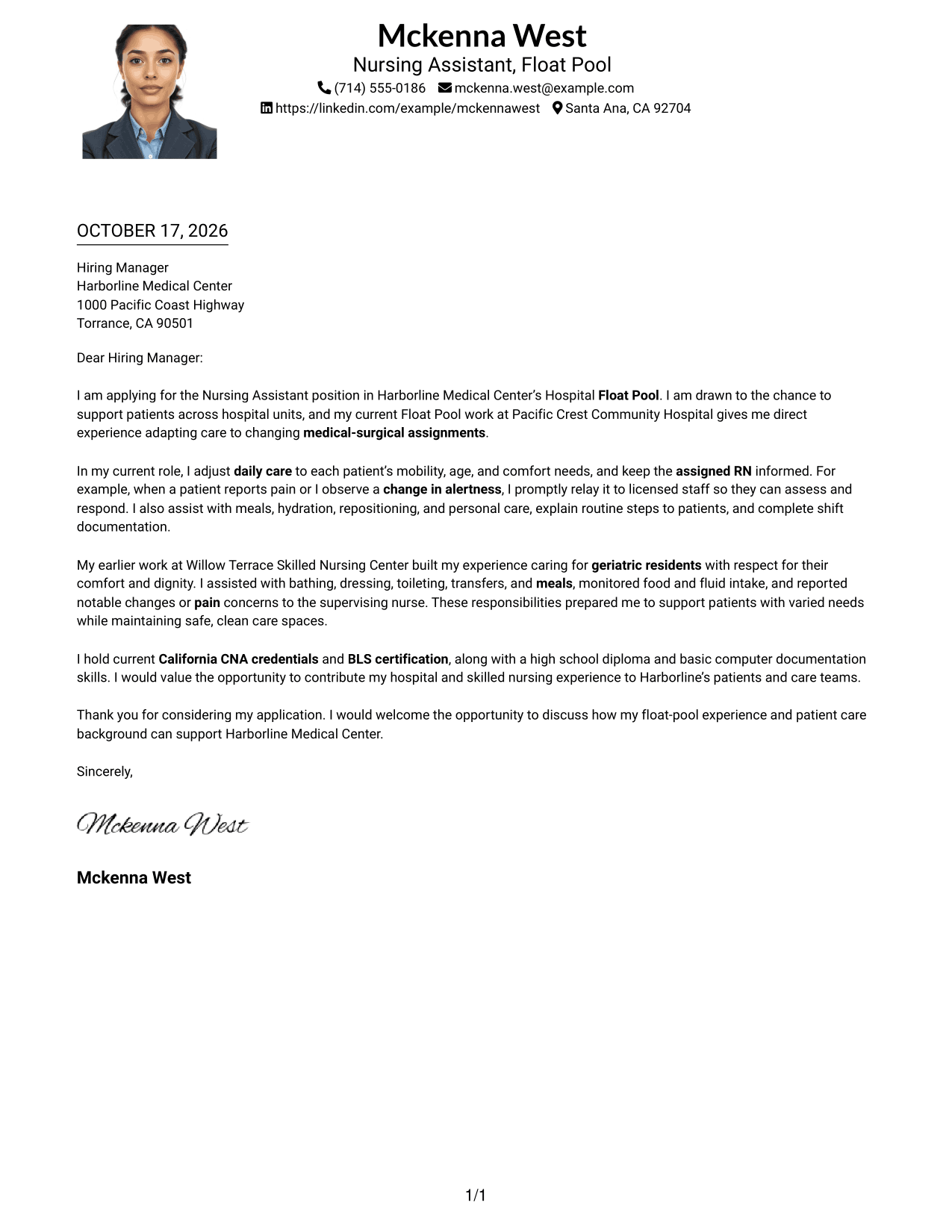
The One Column Format with Photo keeps sender details in the header, adds a photo, and presents the letter in one continuous body column.
Why This Format Works
- The photo offers a visual option while leaving the letter's message unchanged.
- Header contact details stay outside the continuous body of the letter.
- A single body column keeps each paragraph in a direct reading order.
Best For
- One-column correspondence
- Photo in the header
- Direct paragraph sequence
- Contact details above the message
- Readers who prefer a personal image
#5 Simple Two Column Format Cover Letter Example
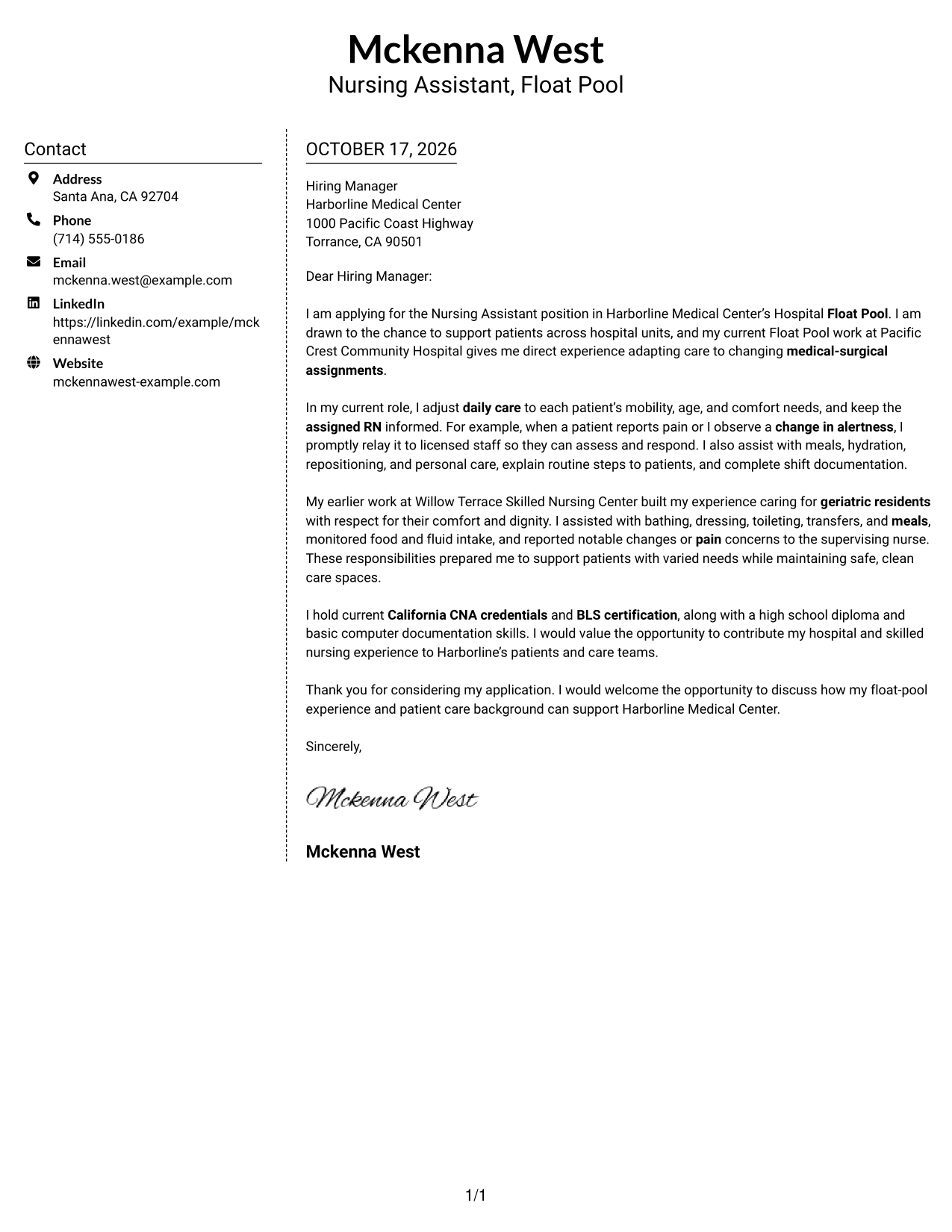
The Simple Two Column Format puts a contact sidebar next to one continuous letter body, separating contact information from the letter's message.
Why This Format Works
- The sidebar keeps sender details distinct from the letter's paragraphs.
- The letter remains a single message from opening through closing.
- Readers can locate contact information without interrupting the body text.
Best For
- Separate contact and letter areas
- Uninterrupted paragraph-based messages
- Fast access to sender information
- A clear opening-to-closing sequence
- Readers who prefer a sidebar
#6 Modern Icon Format Cover Letter Example
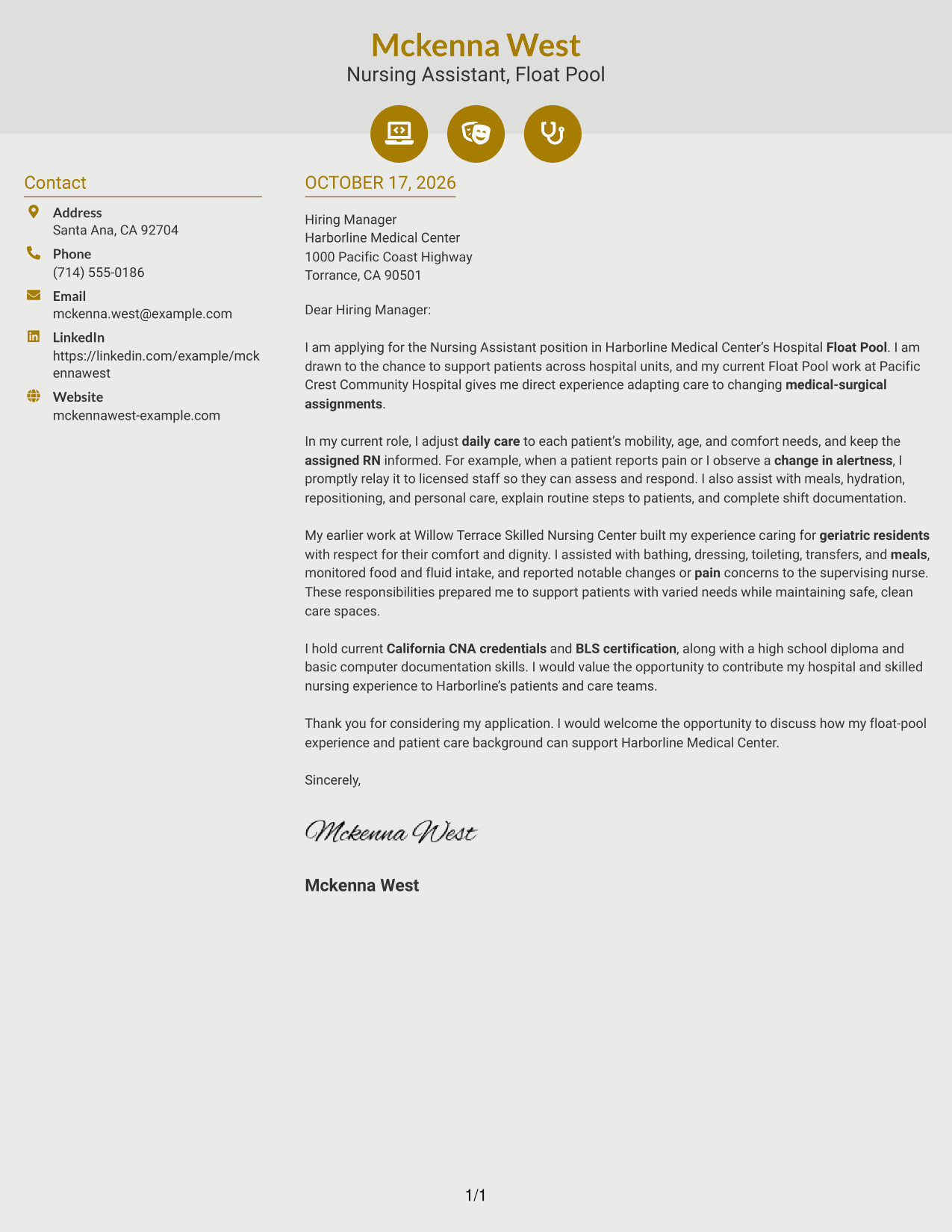
The Modern Icon Format uses a two-column layout with contact icons in the sidebar and one continuous letter body beside it.
Why This Format Works
- Contact icons act as cues for sender information, not for letter paragraphs.
- Sidebar placement keeps contact details distinct from the continuous letter body.
- The body remains one message from the opening through the closing.
Best For
- Icon cues for contact details
- Side-by-side contact and letter content
- A single continuous message
- Quick reference to sender information
- Readers who prefer visual contact markers
#7 Creative Two Tone Format Cover Letter Example
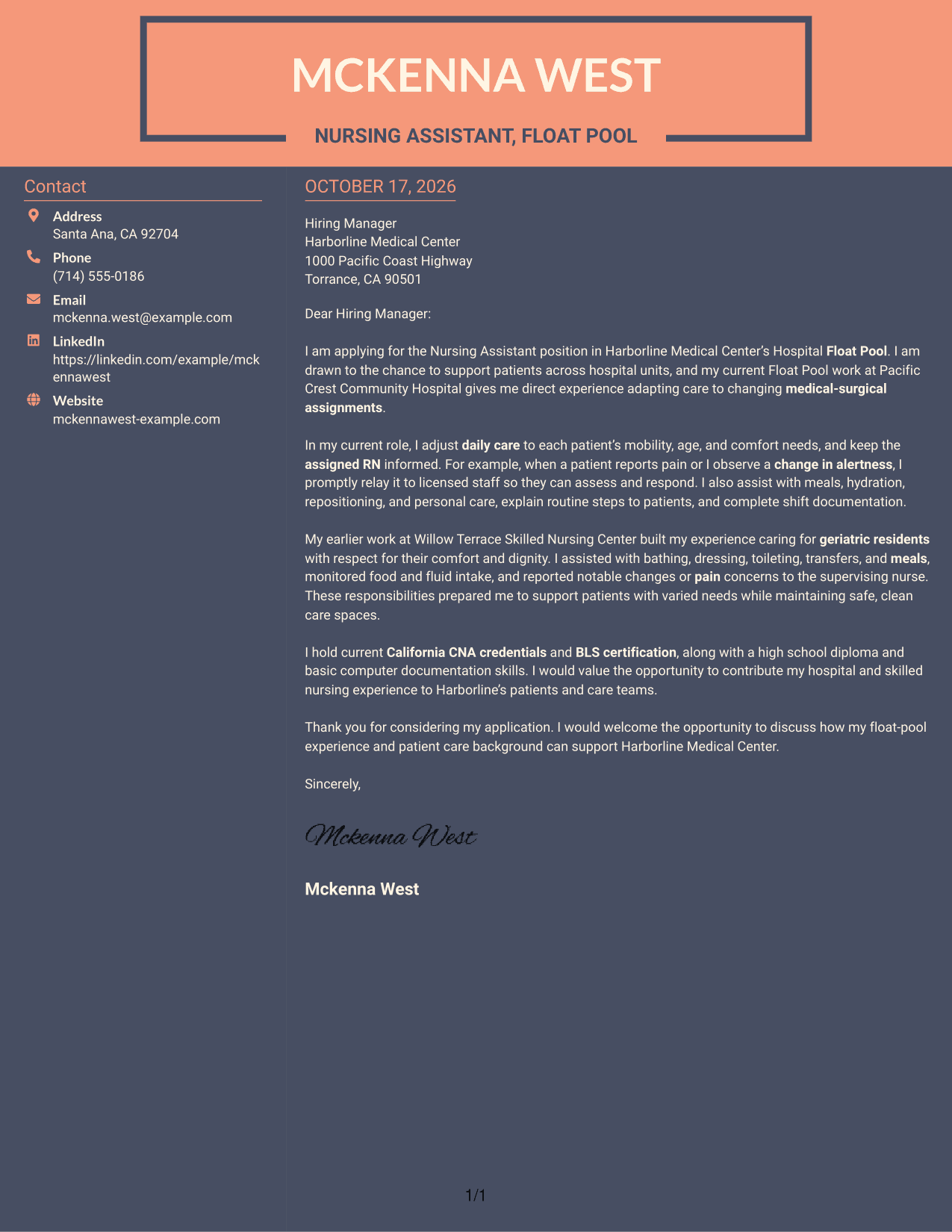
The Creative Two Tone Format places contact details in a sidebar beside one continuous letter body, giving the contact information its own space.
Why This Format Works
- Contact details have a separate place beside the letter's uninterrupted paragraphs.
- The body keeps the opening, motivation, evidence, and closing together.
- Readers can follow the message without moving between argument columns.
Best For
- Contact information beside correspondence
- One continuous letter argument
- Paragraph-led motivation and evidence
- Readers who prefer separate contact details
- Applications without body headings
See Also
- 7 Nursing Assistant - Hospital Float Pool Resume Templates with Example
- 7 Nursing Assistant - Float Pool Resume Templates with Example
- 33 Assistant Professor of Nursing - Medical Surgical Resume Templates with Example 2026 (ATS-Optimized)
- 33 Certified Nursing Assistant (CNA) Resume Templates with Example 2026 (ATS-Optimized)
- 33 Certified Nursing Assistant I Resume Templates with Example 2026 (ATS-Optimized)
- 33 Certified Nursing Assistant II Resume Templates with Example 2026 (ATS-Optimized)
- 33 Certified Nursing Assistant Resume Templates with Example 2026 (ATS-Optimized)
- 7 Clinical Partner / Certified Nursing Assistant (CNA) - Acute Care Resume Templates with Example
- 7 Nursing Assistant - Float Pool Cover Letter Templates with Example
- 30+ Assistant Professor of Nursing - Medical Surgical Cover Letter Templates with Example 2026
Frequently Asked Questions
What should a Nursing Assistant - Hospital Float Pool cover letter include?
Show why you want the role and give relevant examples of daily patient care, communication with the RN, and adapting to changing assignments. Close by expressing interest in discussing your fit.
How can I show that I can adapt to different hospital units?
Describe how you adjust care to a patient’s age, mobility, and comfort needs. Explain how you keep the assigned RN informed and complete clear shift documentation as assignments change.
How should I describe patient observation in my letter?
Give a brief, accurate example of noticing a patient concern, such as pain or a change in alertness, and promptly sharing it with licensed staff. Do not claim outcomes beyond what you know.
Does this page show one example or several different letters?
It presents one cover letter example in several visual layouts. You can compare the image previews and open an example in the editor to customize it.
Which cover letter presentation should I choose?
Choose a clear, easy-to-read layout that supports a professional message. Consider the employer and communication context, and make sure the opening, evidence, and closing are easy to follow.




