
7 Ombuds I - Higher Education Conflict Resolution Cover Letter Templates with Example
This practical guide to the Ombuds I - Higher Education Conflict Resolution cover letter shows you seven layouts for presenting your motivation and role fit clearly.
What Makes a Great Ombuds I - Higher Education Conflict Resolution Cover Letter in 2026
A strong letter shows how you can help a university community address workplace and academic concerns with confidentiality, impartiality, independence, and care. Make your motivation clear and explain how your communication can help visitors consider next steps.
Support your message with relevant evidence, such as consultation, mediation, conflict coaching, training, or program reporting. Connect that evidence to the employer’s needs while protecting the privacy of people involved.
The featured application follows a focused progression from role interest to conflict-resolution methods, training and program support, and a clear close; adapt that flow while choosing a presentation that suits the employer and communication context.
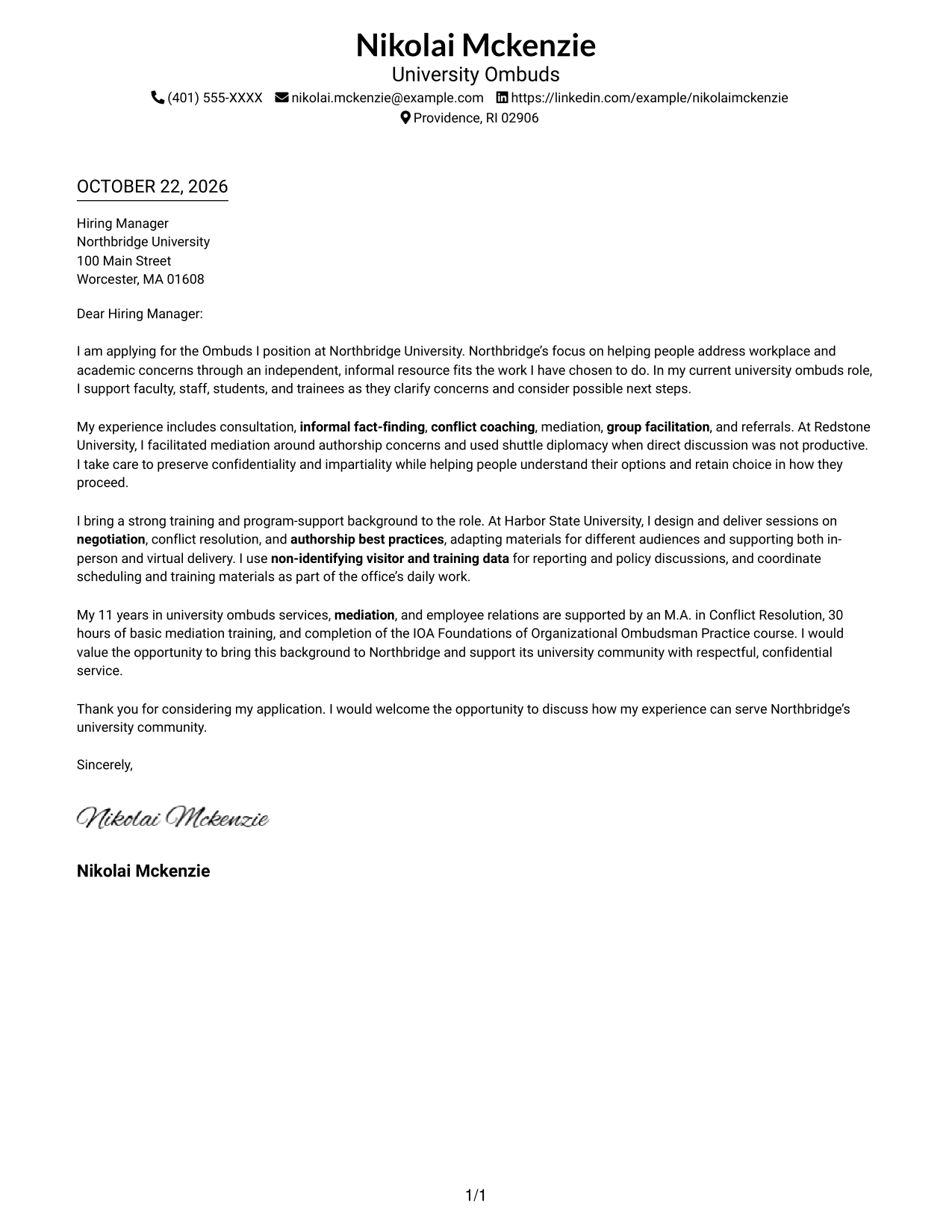
#1 Simple One Column Format Cover Letter Example
A single-column layout keeps sender details in the header and gives the letter a direct reading path.
Why This Format Works
- Sender details stay in the header, apart from the letter's central message.
- The opening, evidence, and closing remain together in one continuous body.
- One reading column gives paragraph text a steady, familiar reading order.
Best For
- Single-column letter layout
- Header-based sender information
- Uninterrupted persuasive paragraphs
- Text-first correspondence
- Direct professional applications
#2 Two Column Format Cover Letter Example
The two-column layout places a contact sidebar beside one continuous letter body, keeping correspondence details separate from the message.
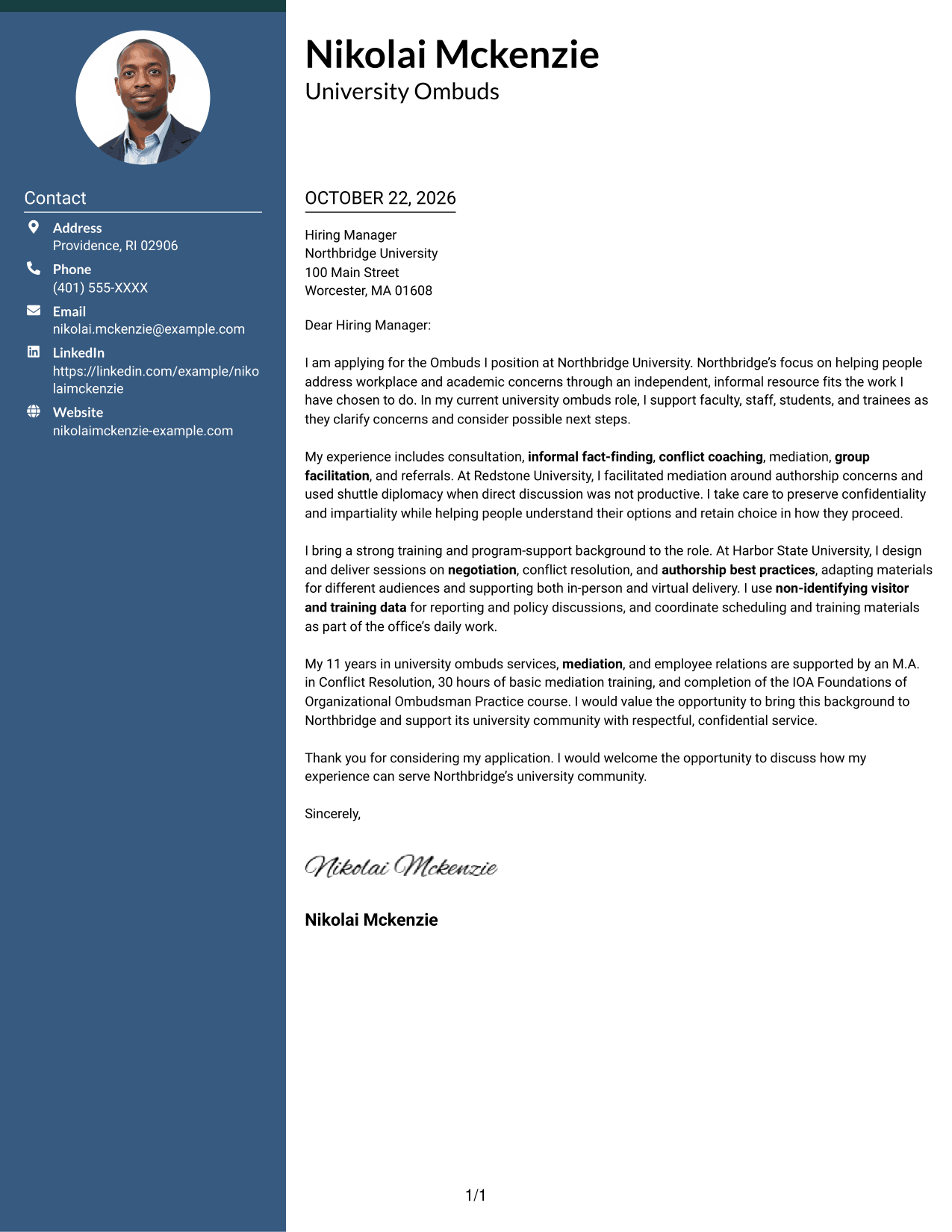
Why This Format Works
- Contact details sit in a sidebar, separate from the letter's argument.
- One continuous body keeps the opening, supporting points, and closing connected.
- The text-led layout suits readers who prefer correspondence without a portrait.
Best For
- Side-by-side contact and letter layout
- One-column letter body
- Sender details at a glance
- Continuous persuasive paragraphs
- Text-led applications without a portrait
#3 Photo Header Two Column Format Cover Letter Example
A photo header and contact sidebar add a portrait to the page while keeping the letter itself in one continuous body column.
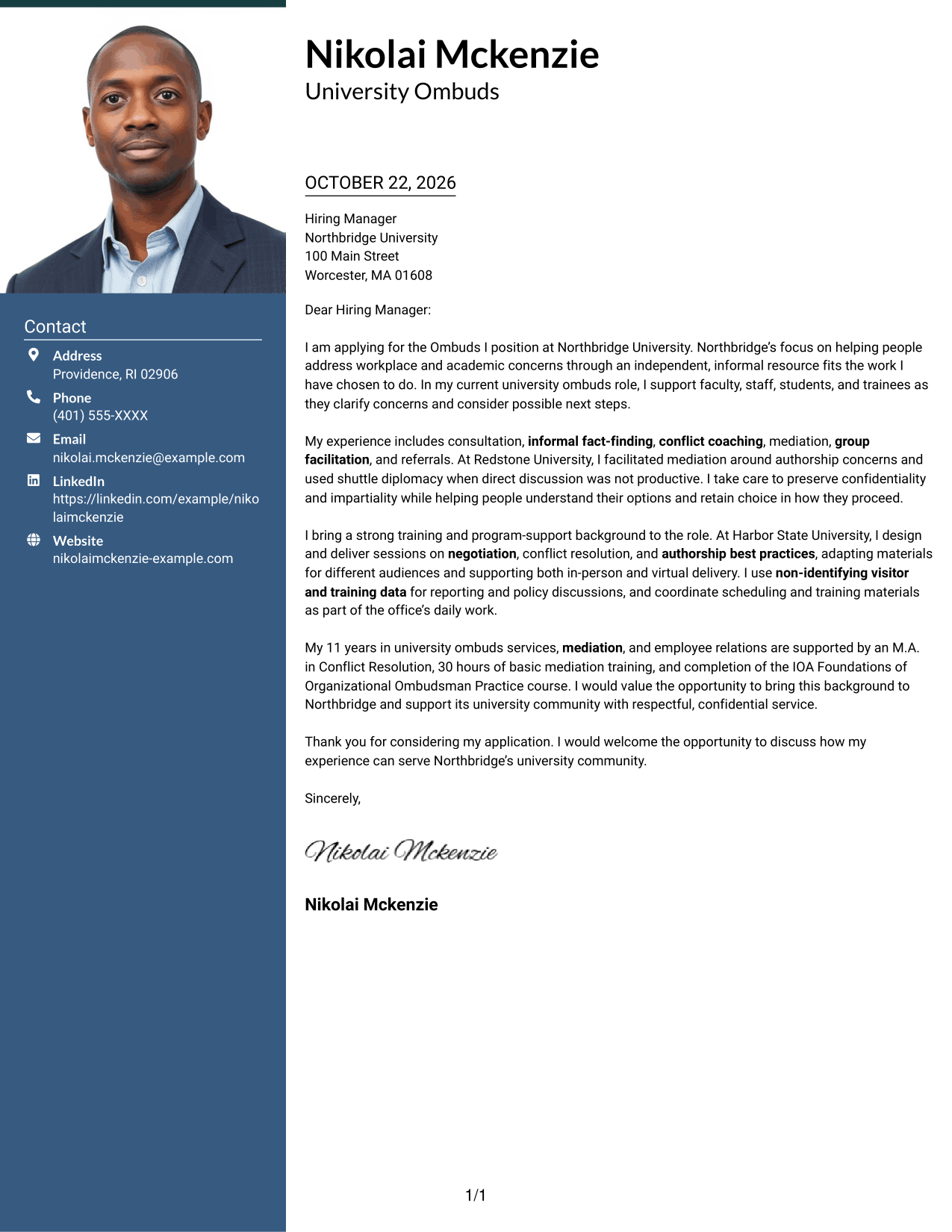
Why This Format Works
- Contact details have a sidebar, while the letter remains one continuous body.
- Readers can follow the opening, supporting points, and closing without split body columns.
- The photo adds a personal visual element, separate from the letter's persuasive content.
Best For
- Portrait-led letter headers
- Contact sidebar layouts
- Continuous paragraph-based arguments
- Personal visual introduction
- Higher education ombuds applications
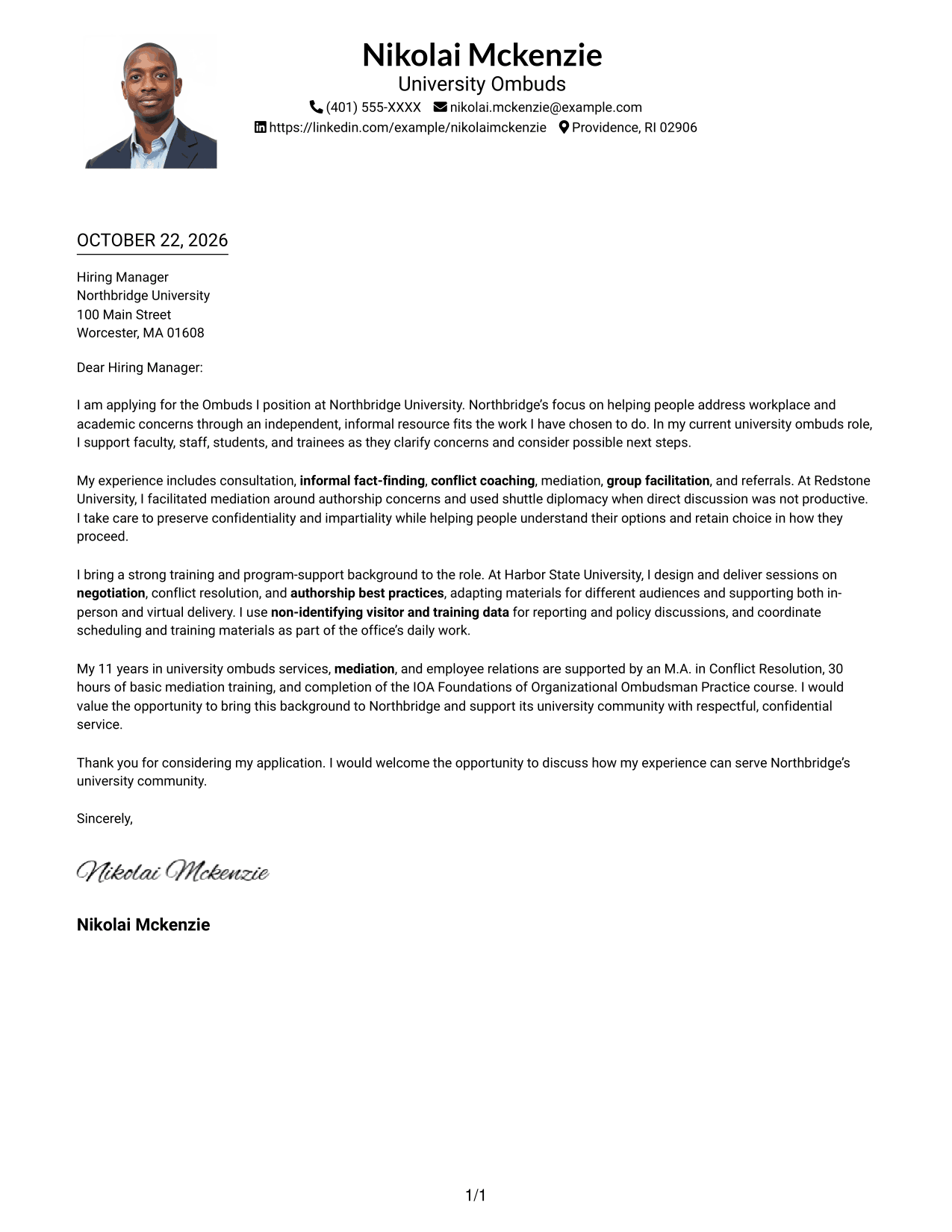
#4 One Column Format with Photo Cover Letter Example
A photo in the header adds a personal visual element to this one-column format, while the letter remains a continuous sequence of paragraphs.
Why This Format Works
- The photo appears with the header, while the letter body stays one column.
- Sender details and the body share a direct page structure without a sidebar.
- The continuous paragraphs let reviewers follow the full message in sequence.
Best For
- Single-column letter reading
- Photo in the header
- Continuous letter paragraphs
- Header-based contact information
- University ombuds applications
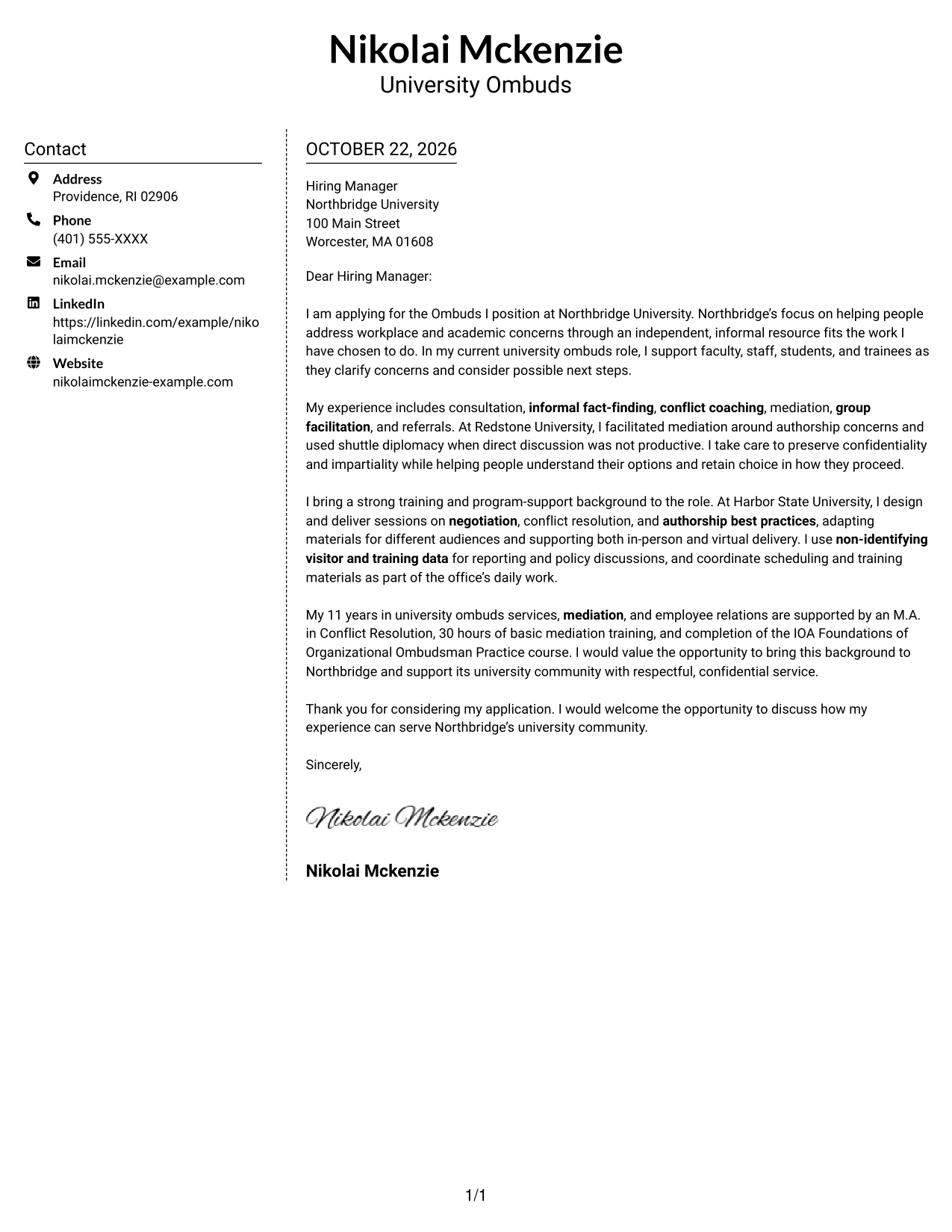
#5 Simple Two Column Format Cover Letter Example
A simple two-column arrangement separates contact information from the letter while leaving the full message in one body column.
Why This Format Works
- Contact information has its own column beside the uninterrupted letter body.
- The message itself stays in one column, preserving a clear paragraph sequence.
- The text-focused presentation works for correspondence that does not need a portrait.
Best For
- Two-column contact organization
- Single-column letter body
- Text-led correspondence
- Continuous application paragraphs
- University conflict-resolution applications
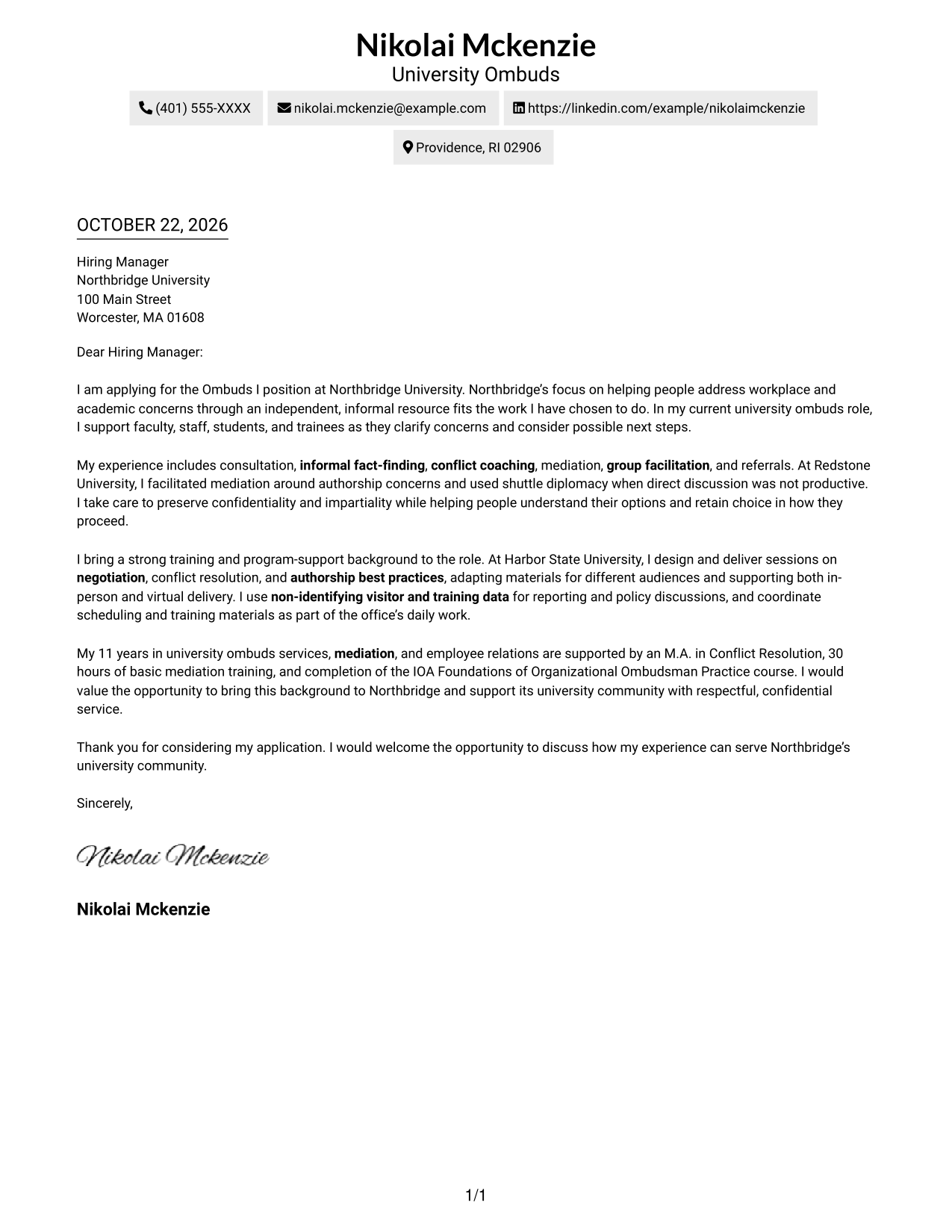
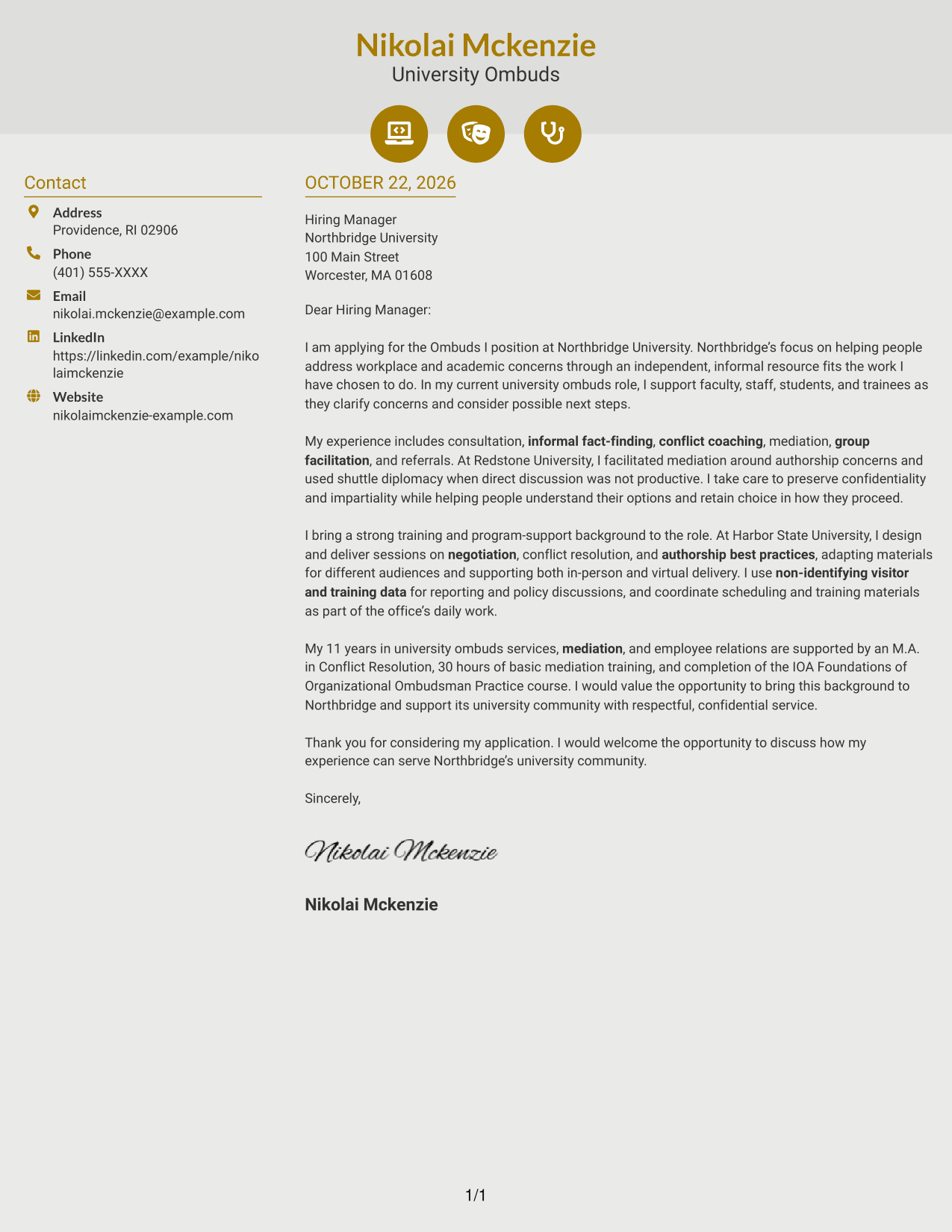
#6 Modern Icon Format Cover Letter Example
Contact icons mark the sender details in this two-column format, while the letter remains a continuous body in its own column.
Why This Format Works
- Contact icons sit with sender details, while the letter stays in one body column.
- Readers can follow the message in order without icons dividing its paragraphs.
- Contact cues add visual markers to the header, not to the letter's argument.
Best For
- Icon-marked sender details
- Single-column letter argument
- Contact sidebar organization
- Text-led correspondence
- Applications with several contact methods
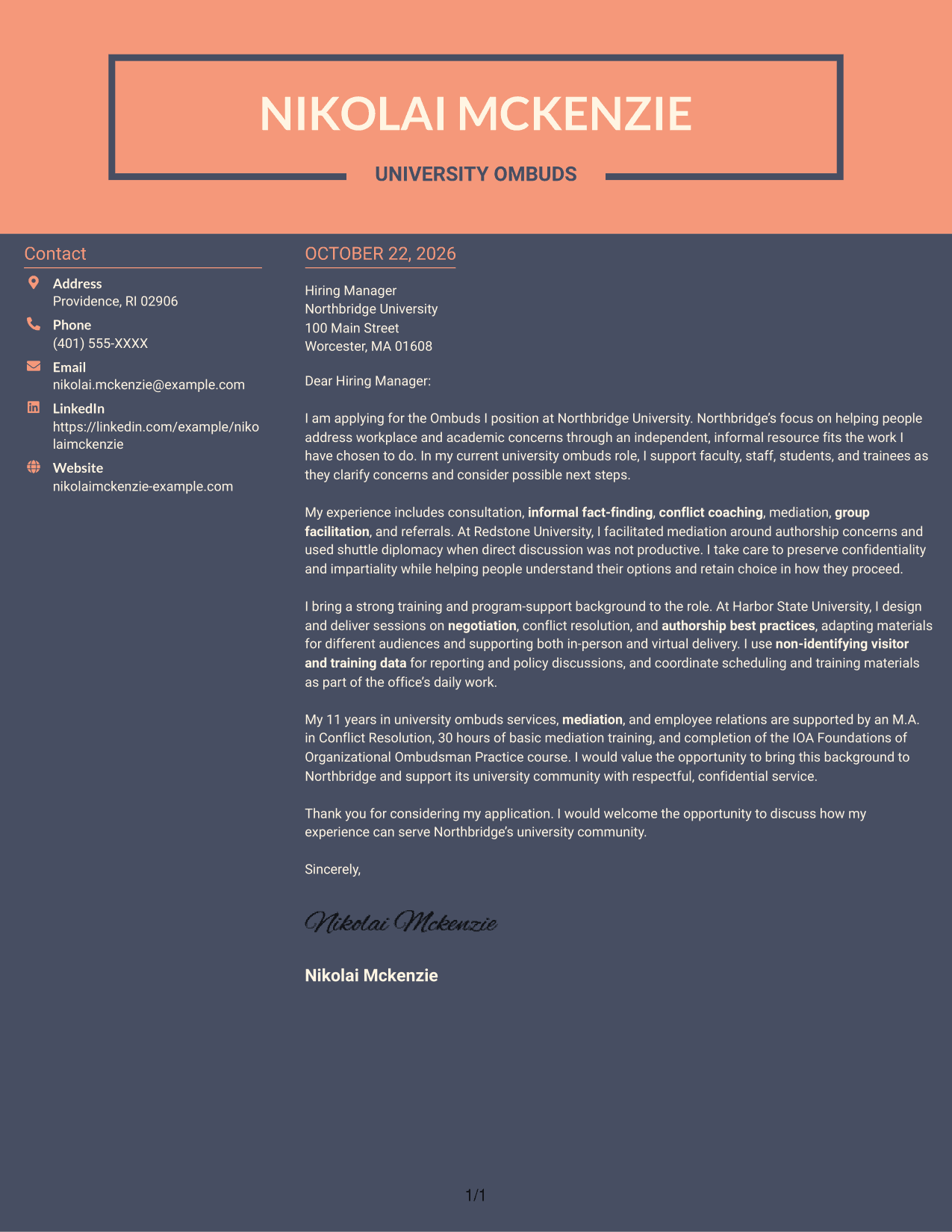
#7 Creative Two Tone Format Cover Letter Example
The two-column layout gives sender details a separate place beside the letter's continuous body, keeping the correspondence easy to follow.
Why This Format Works
- Sender details occupy a sidebar beside the letter's continuous body.
- Keeping paragraphs together lets reviewers follow the message from opening to close.
- Without a portrait, the page keeps attention on the written message.
Best For
- Two-column letter presentation
- Separate sender contact details
- One-column paragraph sequence
- Text-focused correspondence
- University ombuds applications
Why Use ResumeInMinutes for an Ombuds I - Higher Education Conflict Resolution Cover Letter
A clear, focused letter helps you explain your approach to sensitive concerns and show how your experience relates to a university ombuds role.
- Clear cover letter presentation
- Focused opening, body, and closing
- Role-specific message customization
- Readable communication style
- Preview images for comparison
- Example access in the editor
Compare the image previews, then open an example in the editor to tailor your message to the employer, the role, and the way you communicate.
See Also
- 7 Ombuds I - Higher Education Conflict Resolution Resume Templates with Example
- 7 Compliance Oversight Officer - Payments Compliance Resume Templates with Example
- 7 Engineering Geologist - Dam and Levee Projects Resume Templates with Example
- 7 Executive Projects Manager - Medicaid Eligibility Policy Resume Templates with Example
- 7 Operations Supervisor - Highway Maintenance Operations Resume Templates with Example
- 7 Product Manager - Claude Marketplace Resume Templates with Example
- 7 Business Analysis Manager - Innovation and Technology Enablement Resume Templates with Example
- 7 Associate Director - Bilingual Education and Care Services Resume Templates with Example
- 7 Business Manager Associate - Wealth Management Product Resume Templates with Example
- 7 Child Protection Specialist - Child Welfare Investigations Resume Templates with Example
Frequently Asked Questions
What should the opening paragraph say for this ombuds role?
State your interest in the Ombuds I position and explain why the university’s independent, impartial, confidential, and informal role matters to you. Then connect that motivation to the support the community needs.
How can I show that my experience fits higher education conflict resolution?
Use specific examples of work such as consultation, informal fact-finding, conflict coaching, mediation, group facilitation, or referrals. Explain your part in the work and how you helped people understand their options.
How should I discuss confidentiality and impartiality?
Describe how you protect privacy, avoid taking sides, and respect each visitor’s choice. Do not include identifying details from sensitive matters.
What cover letter presentation should I choose?
Choose a clear, readable presentation that suits the employer and the communication context. Keep the opening, body, and closing easy to follow.
Should I tailor the example to each university position?
Yes. Adjust your opening to the specific role, then select evidence that fits its work, such as training, referrals, policy support, or non-identifying program reporting.




