
7 Operations Manager - Library Staffing and Volunteer Services Cover Letter Templates with Example
This practical guide helps you write an Operations Manager - Library Staffing and Volunteer Services cover letter that makes your fit clear. Learn how to connect your interest in the work with the needs of library staffing and public service.
A strong letter moves from a clear opening to focused evidence, then closes with a professional next step. The examples show how to explain relevant experience, motivation, and alignment with an employer’s service priorities.
Explore the featured example in 7 layouts, and learn how to shape the opening, choose evidence about scheduling and volunteer support, and explain why the role interests you.
What Makes a Great Operations Manager - Library Staffing and Volunteer Services Cover Letter in 2026
A strong letter connects staffing, volunteer services, and public-facing operations to the exact role. Its opening should show clear interest, while the body explains how the applicant can support reliable service.
Choose specific evidence, such as improving staff coverage, guiding volunteers, or coordinating student placements. Link that evidence to the employer’s needs, and close with a direct, courteous invitation to continue the conversation.
The featured example moves from interest in the role to relevant evidence and a professional close. Adapt this focused progression while choosing a presentation that suits the employer and the way you will communicate.
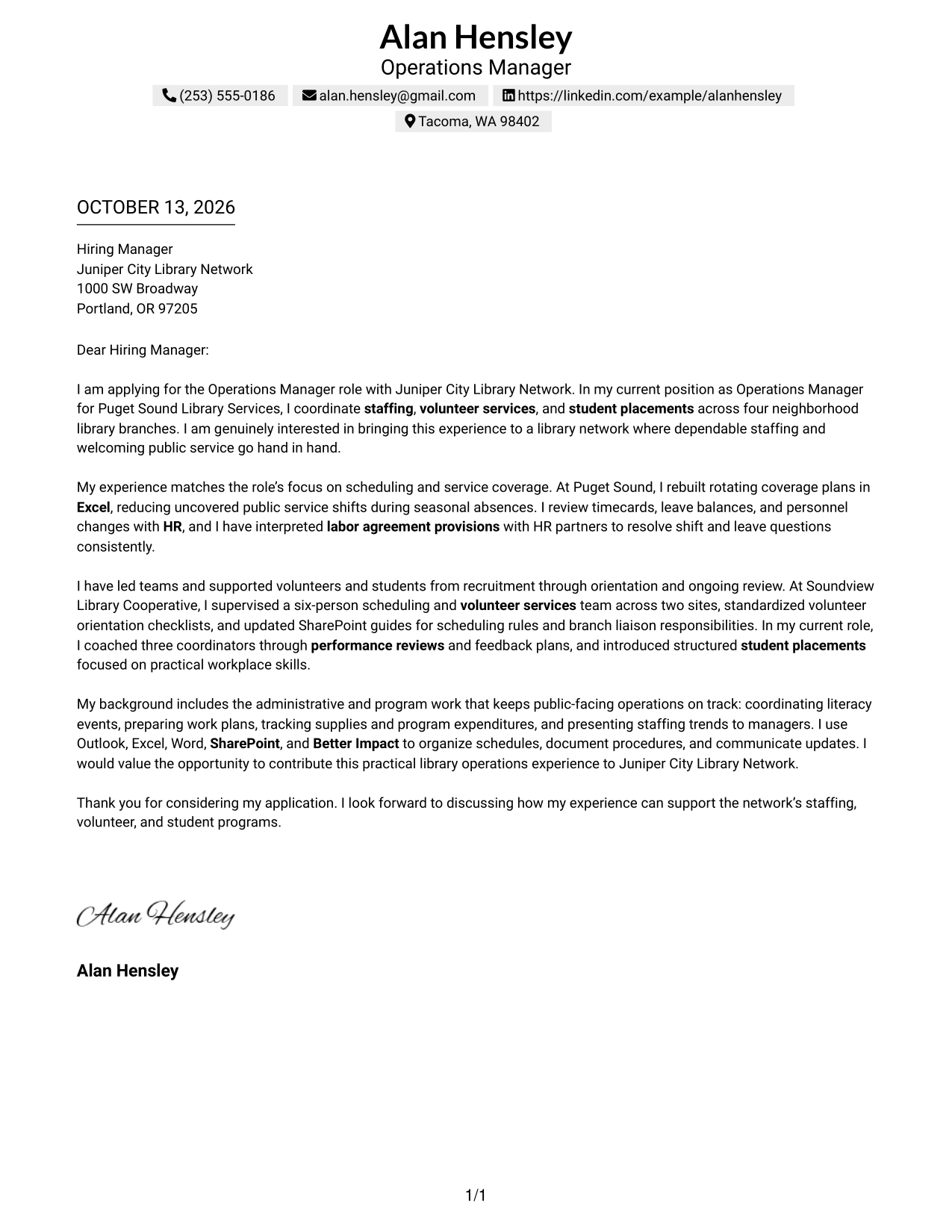
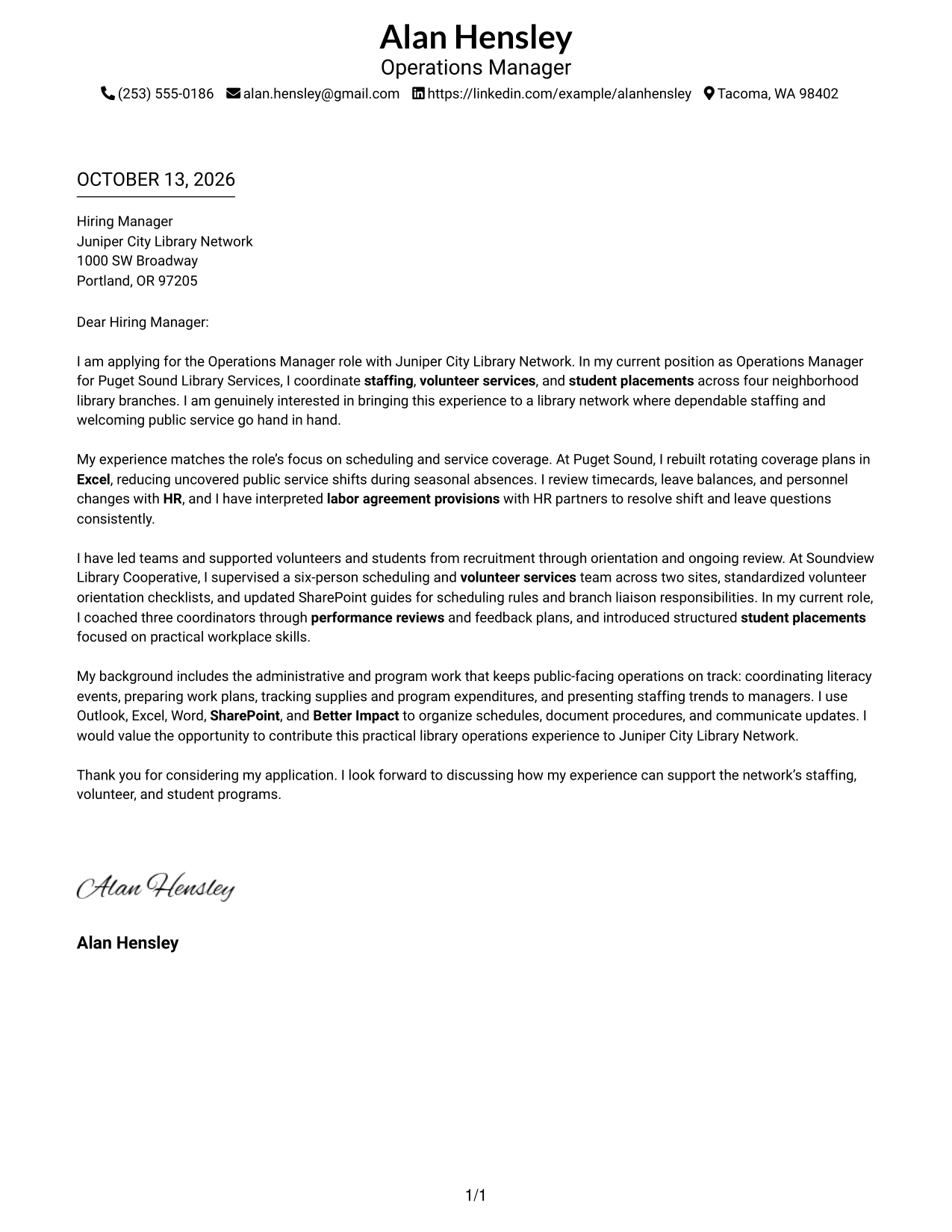
#1 Simple One Column Format Cover Letter Example
A letter should lead the reader from interest to evidence without losing its main point. Simple One Column Format places the sender details in the header and keeps motivation, relevant experience, aligned skills, and closing in one clear reading path, helping the employer follow the case for fit.
Why This Format Works
- The single reading path lets the opening establish motivation before the evidence follows.
- Consistent paragraph order helps reviewers connect scheduling examples with role requirements.
- A distinct closing gives the request for discussion a clear final place.
Best For
- Letters with a clear argument
- Direct opening-to-evidence flow
- Readable paragraph progression
- Simple contact and letter separation
- A focused closing request
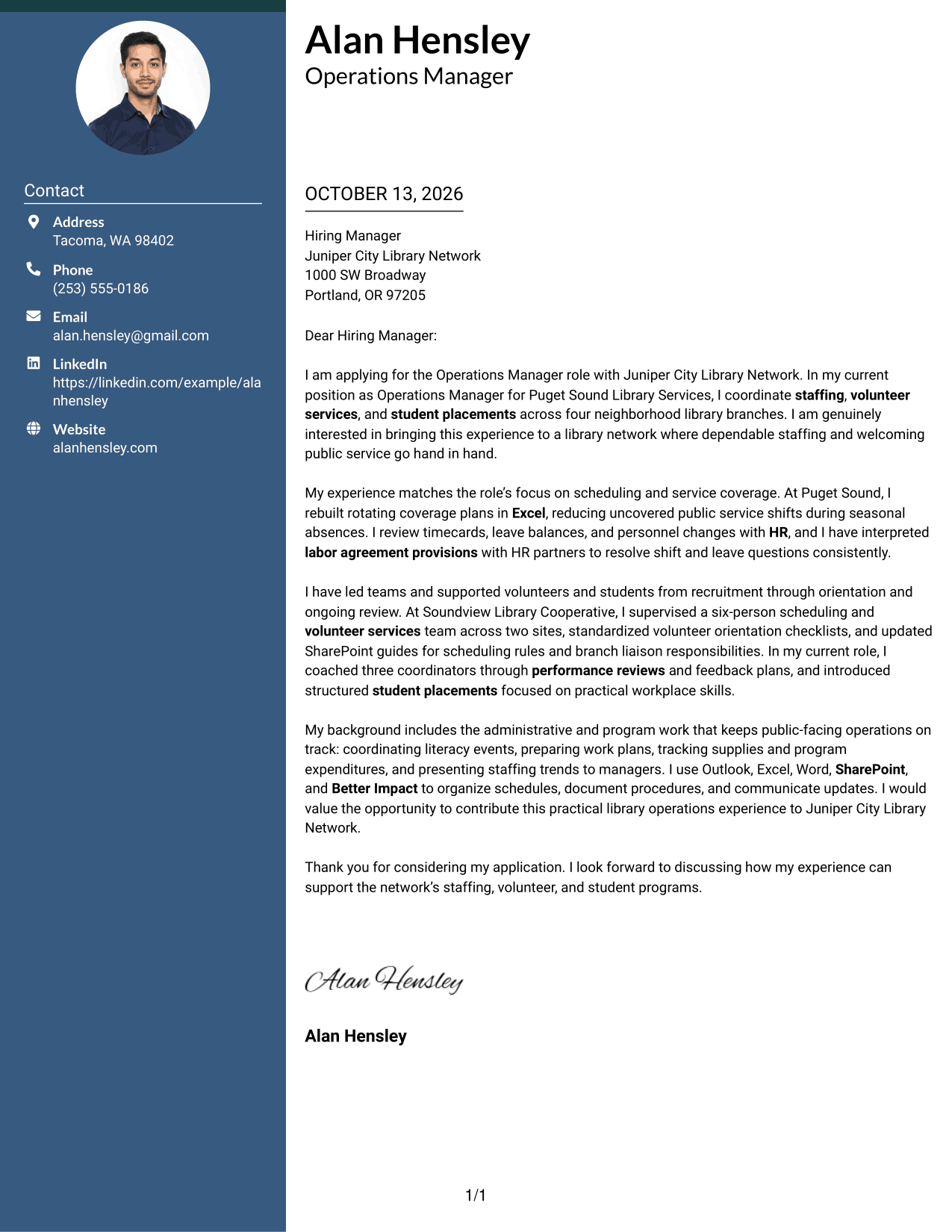
#2 Two Column Format Cover Letter Example
When a reader needs contact details and the letter at once, a sidebar can make that first step easy. Two Column Format keeps those details beside one continuous letter body, where the opening, supporting evidence, and closing remain in a natural sequence that communicates interest and fit.
Why This Format Works
- The contact sidebar separates sender details from the letter’s persuasive message.
- One continuous body keeps motivation and supporting examples in their intended order.
- The closing stays with the argument instead of becoming a separate column.
Best For
- Visible sender contact details
- A single connected letter argument
- Quick access to contact information
- Evidence that builds across paragraphs
- A closing tied to the full message
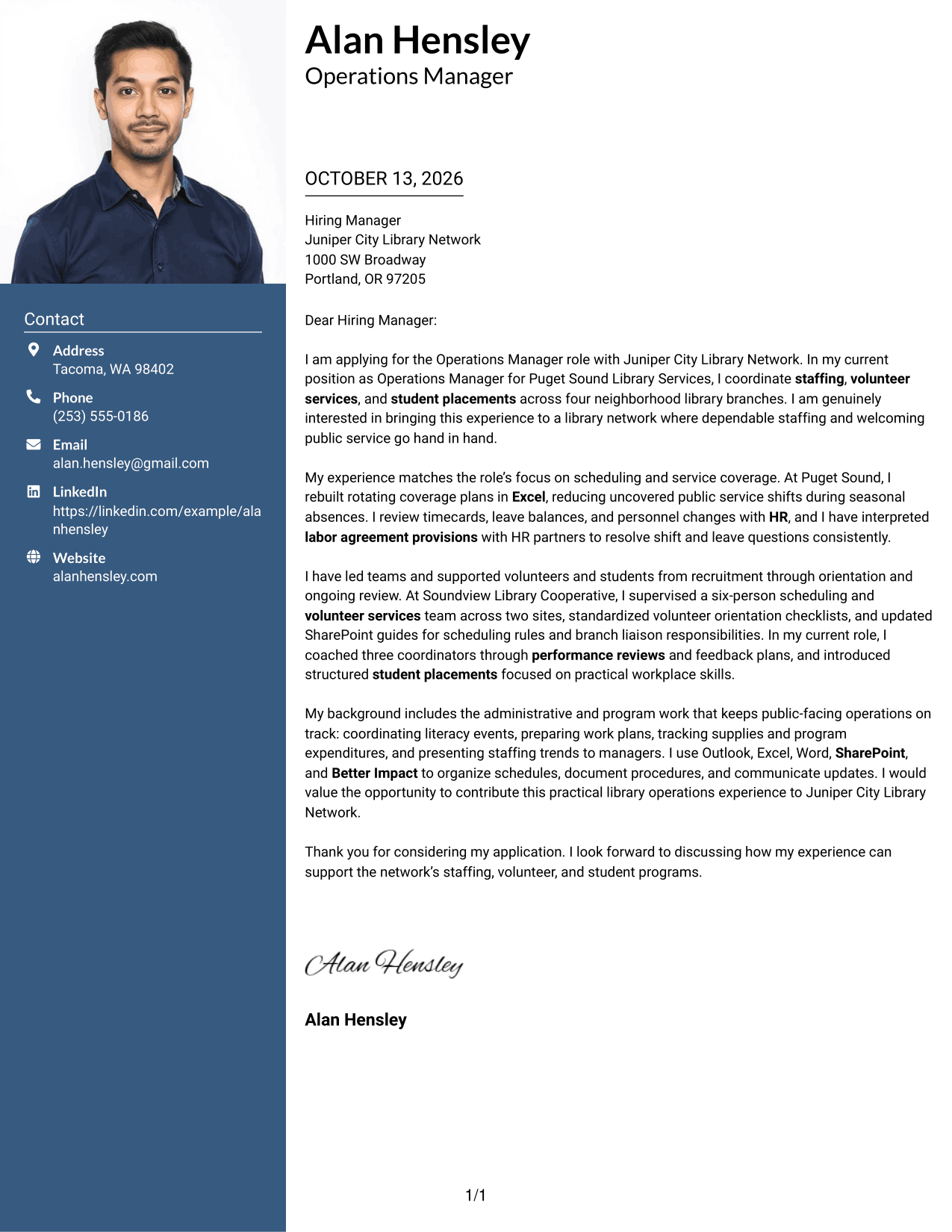
#3 Photo Header Two Column Format Cover Letter Example
A photo can be part of the page’s first impression, but the letter still needs to make its case through words. Photo Header Two Column Format places the photo and contact details apart from one continuous letter body, so motivation, experience, and the closing stay connected for the reader.
Why This Format Works
- The continuous body lets the opening introduce interest before work examples add evidence.
- Separate contact details leave the letter paragraphs together in reading order.
- The closing remains part of the same message as the supporting examples.
Best For
- Applications requesting a photo
- Contact details beside the letter
- A connected case for role fit
- Opening and evidence read in sequence
- A final request within the letter
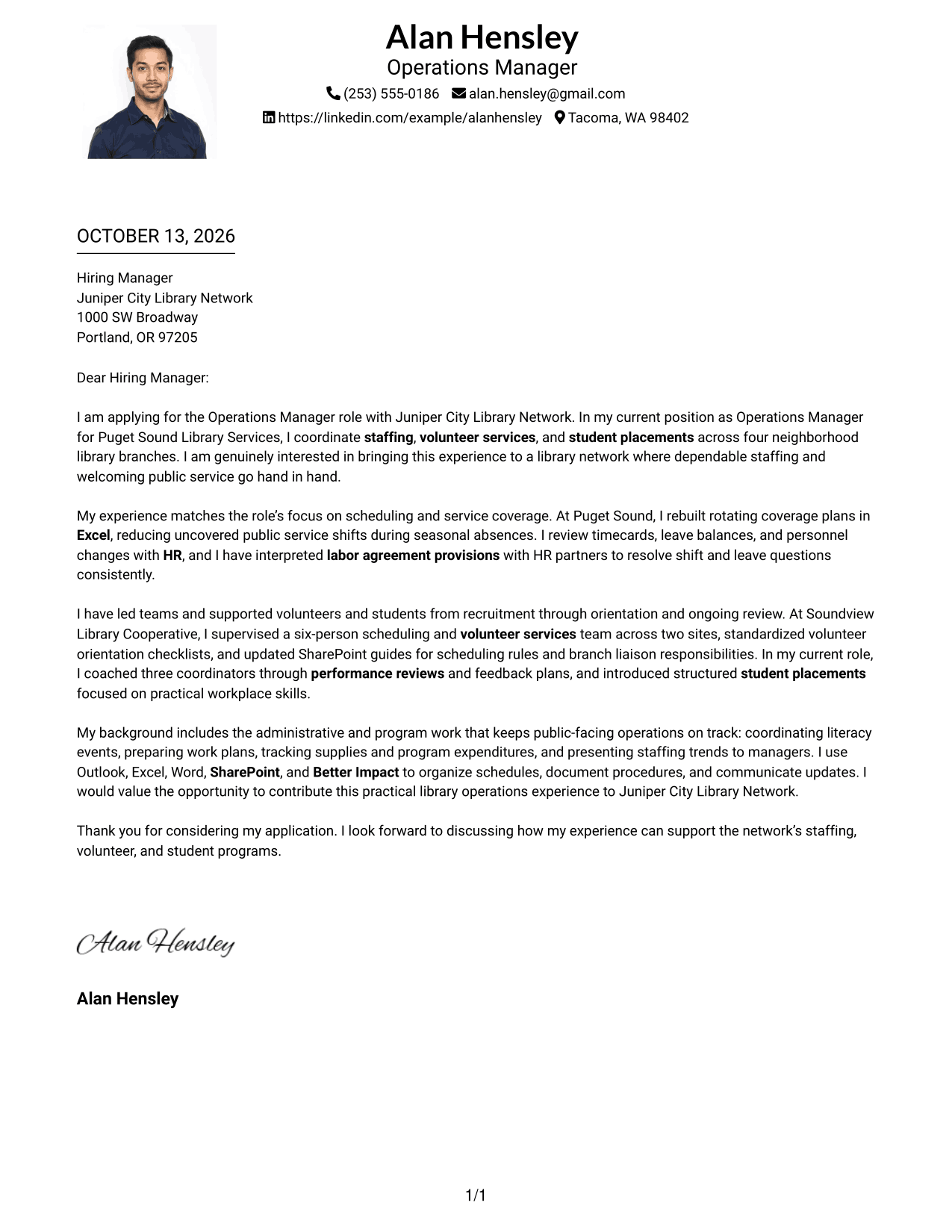
#4 One Column Format with Photo Cover Letter Example
A photo may add a personal visual element, while the message itself should stay easy to follow. One Column Format with Photo keeps sender details in the header and the letter in one continuous column, giving motivation, relevant examples, and employer fit a direct route to the reader.
Why This Format Works
- The single column keeps each paragraph in a clear, uninterrupted reading order.
- The opening can state motivation before later paragraphs present evidence and fit.
- A closing within the letter gives the message a natural endpoint.
Best For
- Applications requesting a portrait
- One clear letter reading path
- Sender details in the header
- Motivation followed by supporting examples
- A closing connected to the message
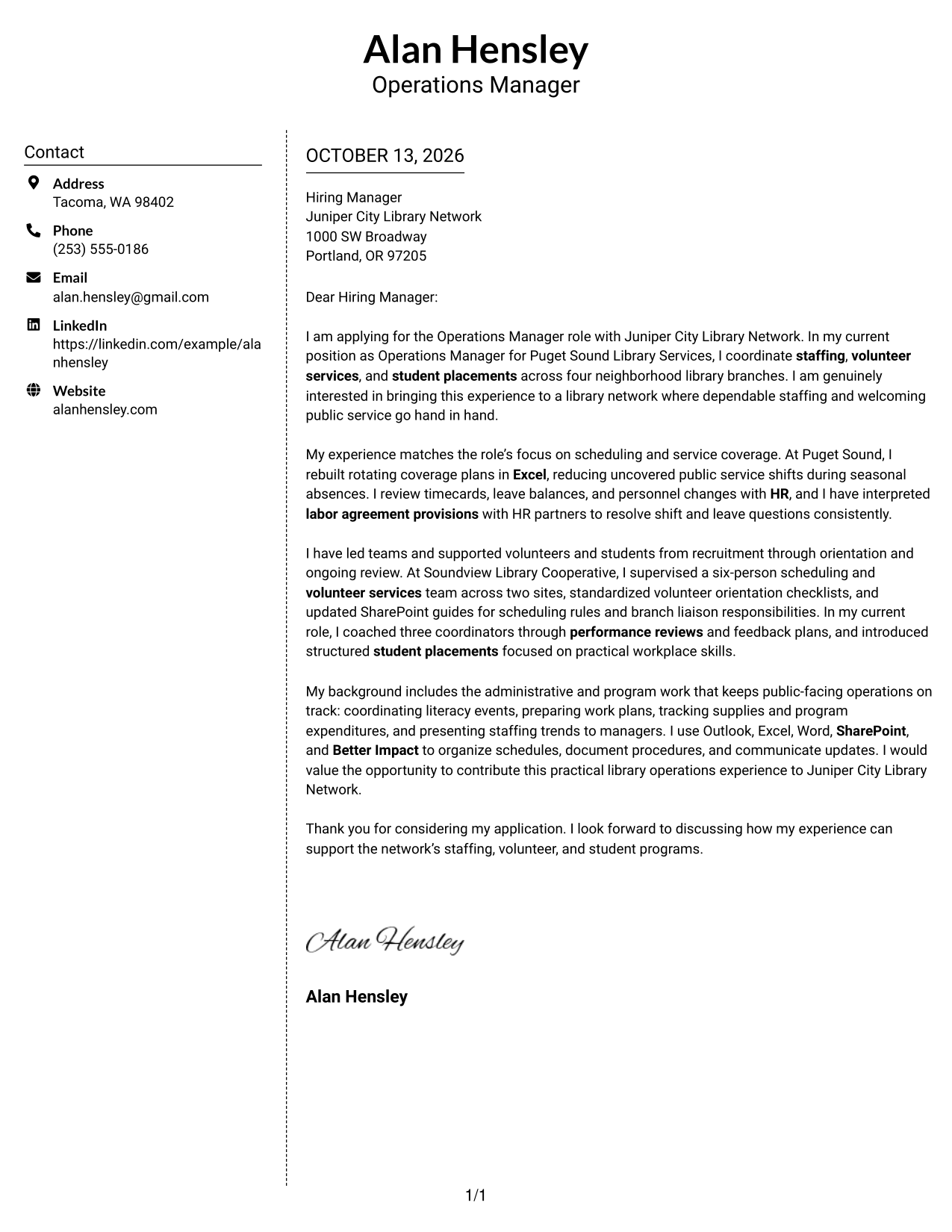
#5 Simple Two Column Format Cover Letter Example
The layout choice should help the reader find contact information without breaking the letter’s argument. Simple Two Column Format places a contact sidebar beside a continuous letter body, letting the opening, evidence of relevant experience, and courteous close read as one connected message.
Why This Format Works
- The contact sidebar keeps sender information apart from the letter’s main argument.
- A continuous body preserves the link between motivation and experience examples.
- The closing follows the evidence rather than competing for space beside it.
Best For
- Contact information kept to the side
- A continuous persuasive message
- Evidence in a clear paragraph sequence
- A closing that follows the case
- Simple separation of sender details
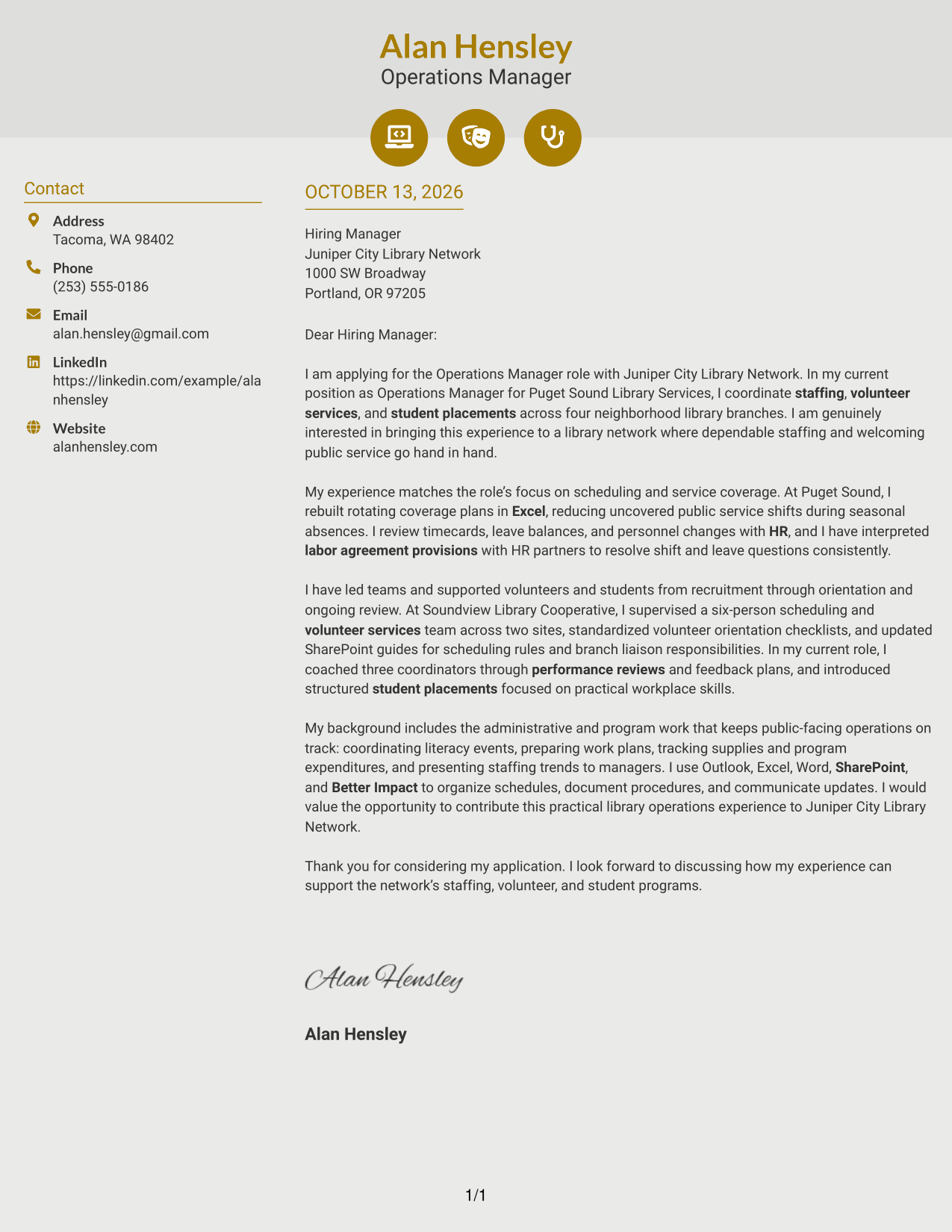
#6 Modern Icon Format Cover Letter Example
A small visual cue can make contact details easier to spot, while the letter carries the substance of the application. Modern Icon Format pairs those cues with a contact sidebar and one continuous letter body, keeping motivation, role-aligned evidence, and the closing together.
Why This Format Works
- Contact icons help readers locate sender details without labeling the letter’s argument.
- The continuous body keeps motivation and evidence in one reading sequence.
- A shared text flow carries the reader from opening through closing.
Best For
- Contact details with visual cues
- A single body for the full argument
- Motivation connected to evidence
- Easy-to-find sender information
- A closing within the letter flow
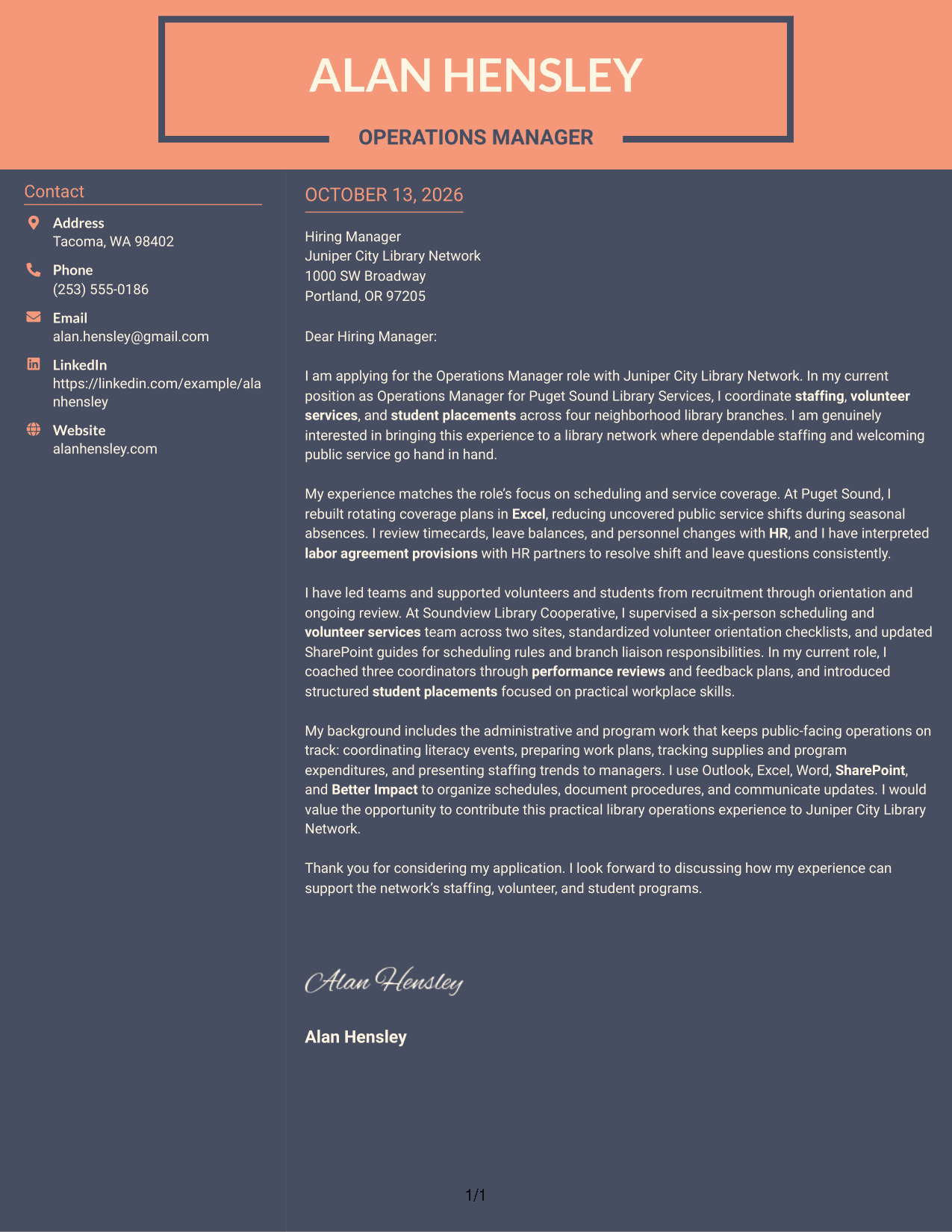
#7 Creative Two Tone Format Cover Letter Example
A change in tone or color can guide the eye, but the argument should remain easy to follow. Creative Two Tone Format sets the contact sidebar apart from one continuous letter body, where motivation, relevant evidence, and a clear close work together to show employer fit.
Why This Format Works
- The two-tone treatment distinguishes contact details from the letter’s main text.
- One continuous body keeps experience examples connected to the opening purpose.
- The closing remains in sequence, completing the letter’s case for fit.
Best For
- A clear visual split for contact details
- One uninterrupted letter argument
- Evidence linked to the opening purpose
- Paragraphs that lead to a clear close
- A distinct contact area beside the message
See Also
- 7 Operations Manager - Library Staffing and Volunteer Services Resume Templates with Example
- 33 Emergency Services Manager - Emergency Management Operations Resume Templates with Example
- 33 HVAC Vice President - Service Operations Leadership Resume Templates with Example
- 7 Accountant - Billing Operations Resume Templates with Example
- 7 Administrative Assistant 5 - Executive Operations Resume Templates with Example
- 33 Administrative Operations Coordinator - Transportation Administration Resume Templates with Example 2026 (ATS-Optimized)
- 33 Analyst - Cybersecurity Operations Resume Templates with Example 2026 (ATS-Optimized)
- 7 Assistant Director of Operations - Financial Aid Resume Templates with Example
- 30+ Analyst - Cybersecurity Operations Cover Letter Templates with Example 2026
- 7 Chief of Parking Enforcement Operations Cover Letter Templates with Example
Frequently Asked Questions
What should an Operations Manager - Library Staffing and Volunteer Services cover letter include?
Show how your experience relates to staffing coverage, volunteer support, supervision, onboarding, and public-facing operations. Include clear examples, explain your interest in the role, and end with a professional closing.
How can I show that I can manage library staffing and schedules?
Describe a specific scheduling challenge and the steps you took to maintain service coverage. If relevant to your experience, explain how you used scheduling records, leave information, or coordination with Human Resources.
How do I discuss volunteer services in my cover letter?
Choose examples that show how you supported volunteer recruitment, orientation, scheduling, training, or program review. Explain how your actions helped volunteers understand their roles and support library services.
Should I mention student placement programs?
If you have related experience, describe how you helped organize placements, onboarding, or workplace learning. Keep the focus on your contribution and how it connects to the role’s student program responsibilities.
How can I tailor the letter to a library employer?
Use details from the job description to show what matters in the role, such as dependable coverage, volunteer support, or clear staff training. Explain why those parts of the work interest you, without claiming experience you do not have.
What is a good way to close this cover letter?
Thank the reader for considering your application, briefly restate the value you could bring, and express interest in discussing the role. Keep the closing warm and concise.




