
7 Order Coordinator - Warehouse Shipping and Receiving Cover Letter Templates with Example
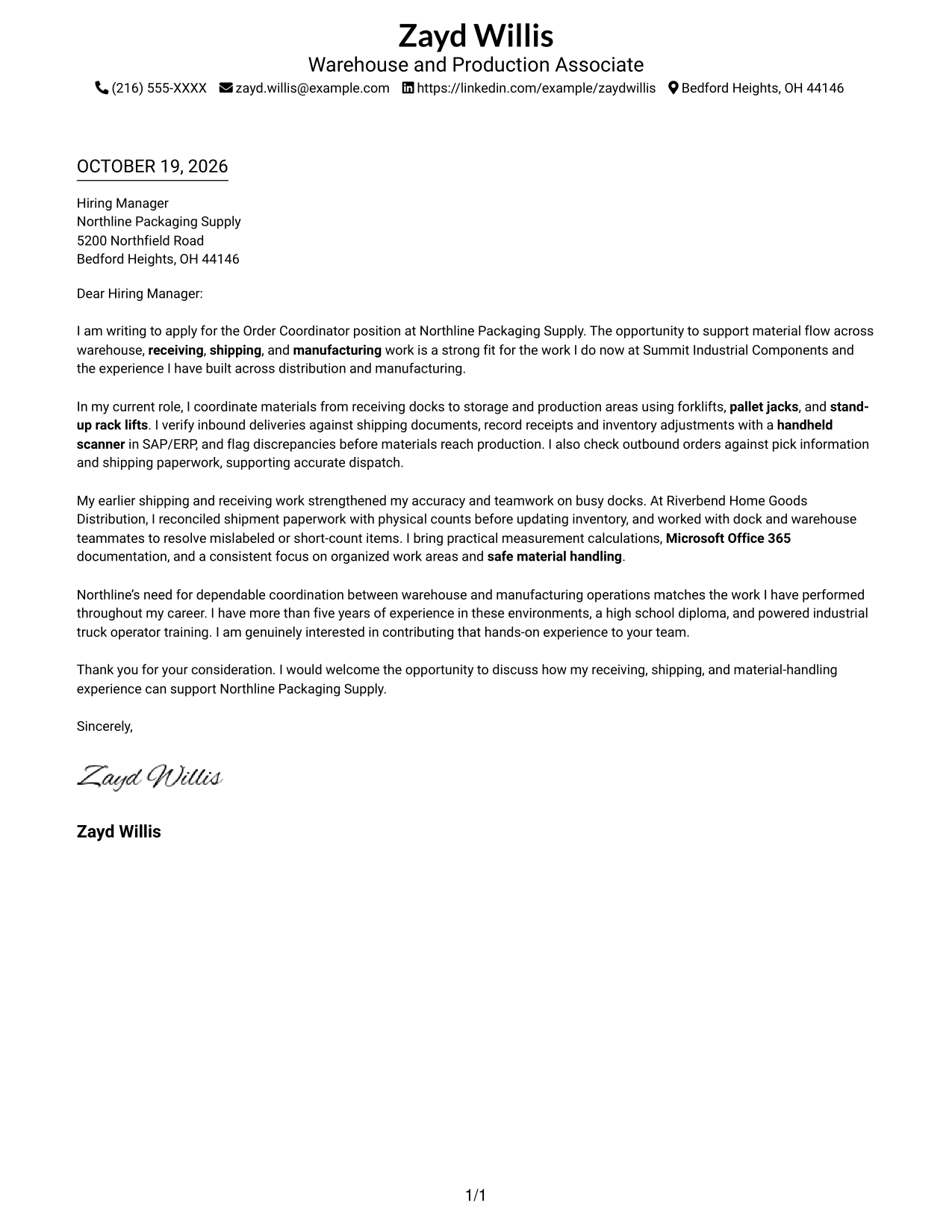
This practical guide helps you write an Order Coordinator - Warehouse Shipping and Receiving cover letter that connects reliable order flow with clear, job-focused evidence across 7 layouts.
What Makes a Great Order Coordinator - Warehouse Shipping and Receiving Cover Letter in 2026
A strong letter shows how you support accurate movement of goods through receiving, inventory, shipping, and warehouse coordination. Start with a direct reason for applying, then connect your experience to the work the role needs done.
Use specific examples of checking shipments, recording inventory, using equipment or systems, and working safely with a team. Show how those actions support accurate orders and dependable material flow, and explain why that work interests you.
The featured Order Coordinator - Warehouse Shipping and Receiving example follows a focused progression from interest to practical evidence and a clear close. Adapt that flow while choosing a presentation that suits the employer and the communication context.
#1 Simple One Column Format Cover Letter Example
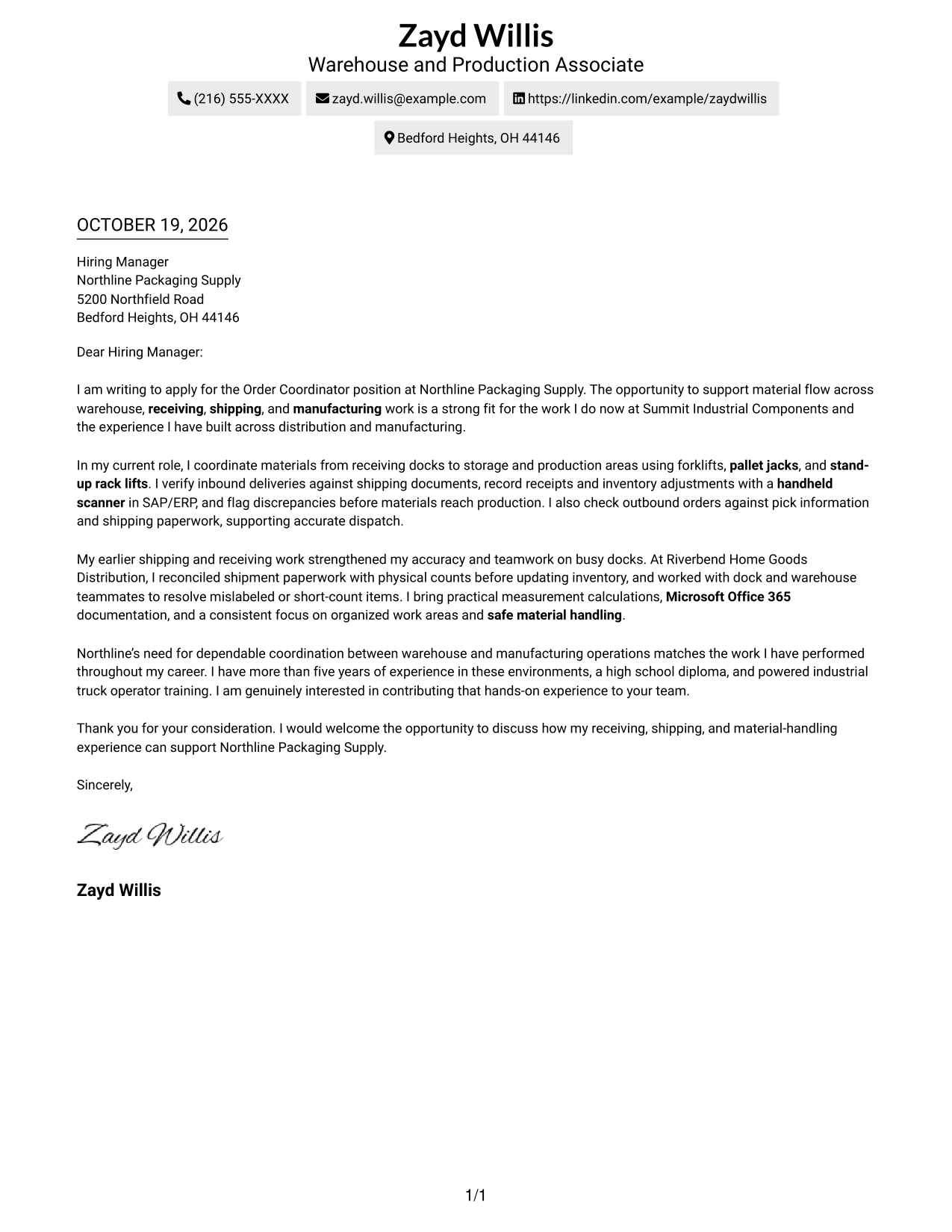
The Simple One Column Format keeps sender details and the letter in a single column, giving the opening, evidence, and closing a direct reading path.
Why This Format Works
- Sender details remain easy to locate above the continuous letter body.
- One column lets reviewers follow motivation, evidence, and closing in order.
- No argument headings keep the message in a natural letter form.
Best For
- Direct opening-to-close letter flow
- Sender details near the message
- Text-led applications
- Letters with concise supporting evidence
- Correspondence without a portrait
#2 Two Column Format Cover Letter Example
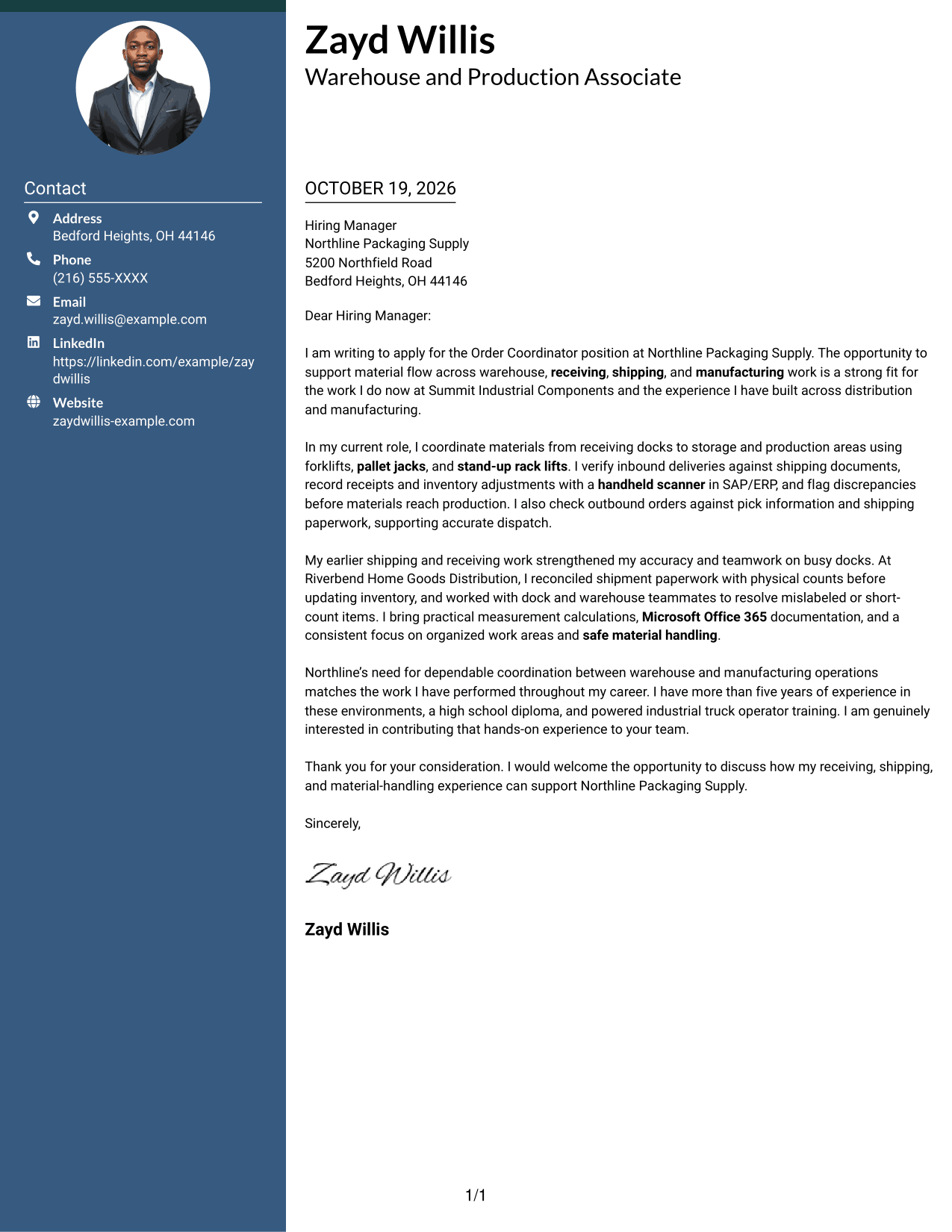
The Two Column Format places contact details in a sidebar beside one continuous letter body, separating contact information while keeping the message intact.
Why This Format Works
- Contact details have a separate place, so reviewers can find them quickly.
- One letter column keeps the opening, evidence, and closing in sequence.
- With no argument headings, the message reads as a letter, not an outline.
Best For
- Separate contact reference
- Continuous persuasive paragraphs
- Evidence-led application letters
- Photo-free correspondence
- Direct written introductions
#3 Photo Header Two Column Format Cover Letter Example
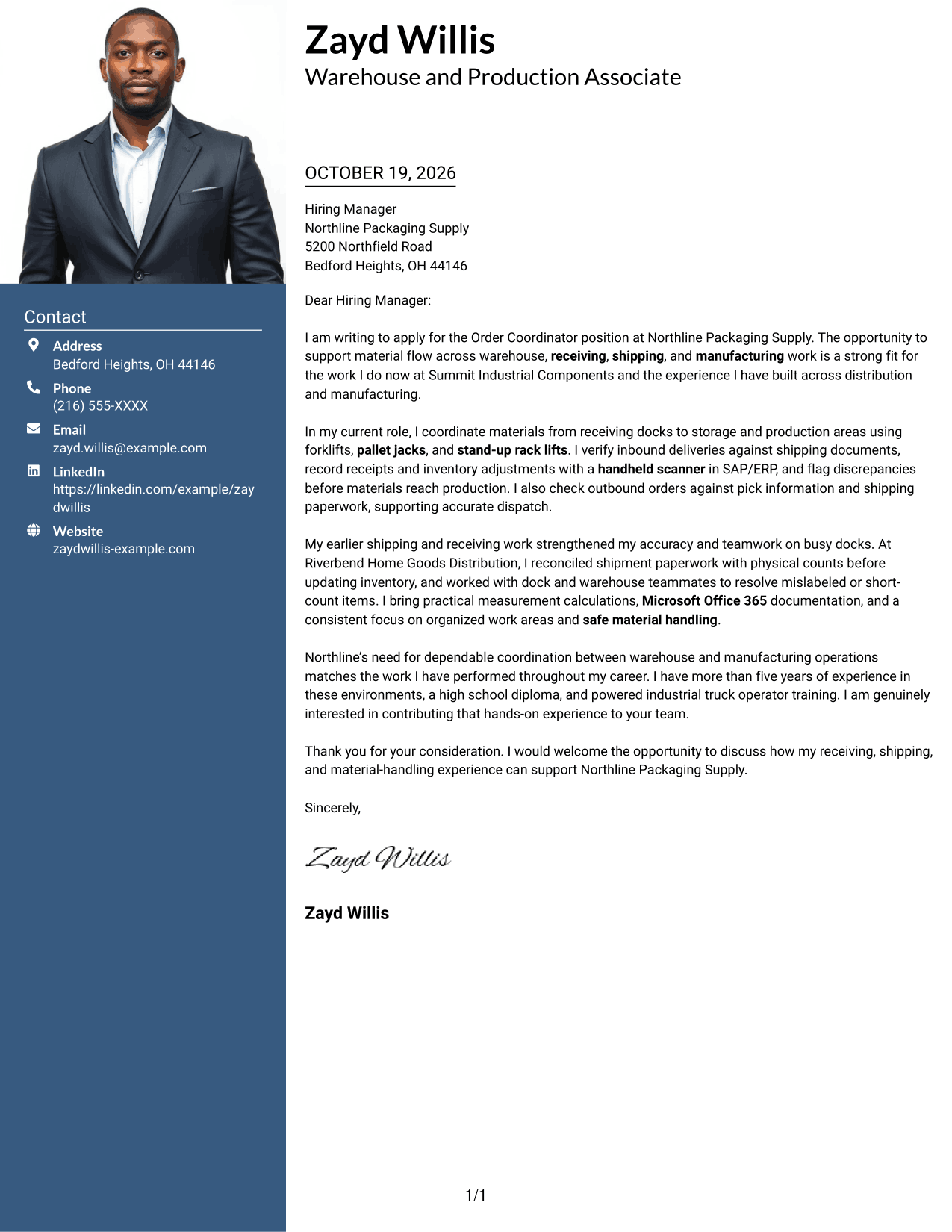
The Photo Header Two Column Format pairs a portrait and contact sidebar with one continuous letter body, giving the page a personal visual point while preserving the message's reading order.
Why This Format Works
- The portrait adds a personal visual element without interrupting the written message.
- Contact details sit apart from the body, making sender information easy to find.
- Unlabeled paragraphs keep motivation and supporting points in a natural letter form.
Best For
- Portrait-inclusive applications
- Contact details apart from the message
- Continuous letter-body reading
- Letters with multiple supporting paragraphs
- Order Coordinator applications
#4 One Column Format with Photo Cover Letter Example
The One Column Format with Photo pairs a photo with a single-column letter, giving readers a personal visual element alongside a direct reading path.
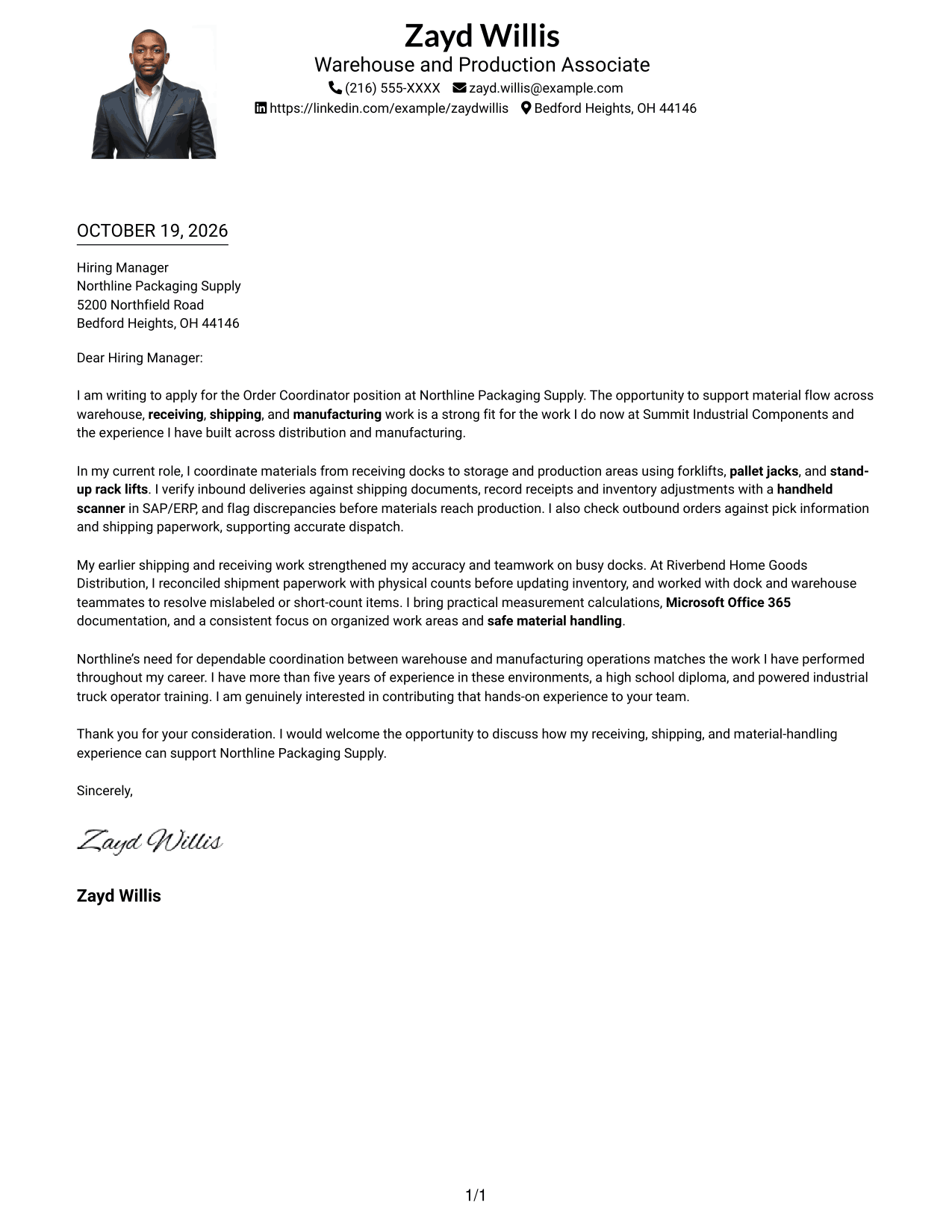
Why This Format Works
- One column keeps the opening, evidence, and close in a clear sequence.
- Sender information stays close to the letter without a separate contact sidebar.
- A photo offers a personal visual choice while the paragraphs remain continuous.
Best For
- Single-column letter reading
- Portrait-inclusive correspondence
- Sender details near the message
- Applications with uninterrupted prose
- Warehouse shipping and receiving applications
#5 Simple Two Column Format Cover Letter Example
The Simple Two Column Format sets a contact sidebar beside one continuous letter body, giving sender details their own area while the persuasive message stays together.
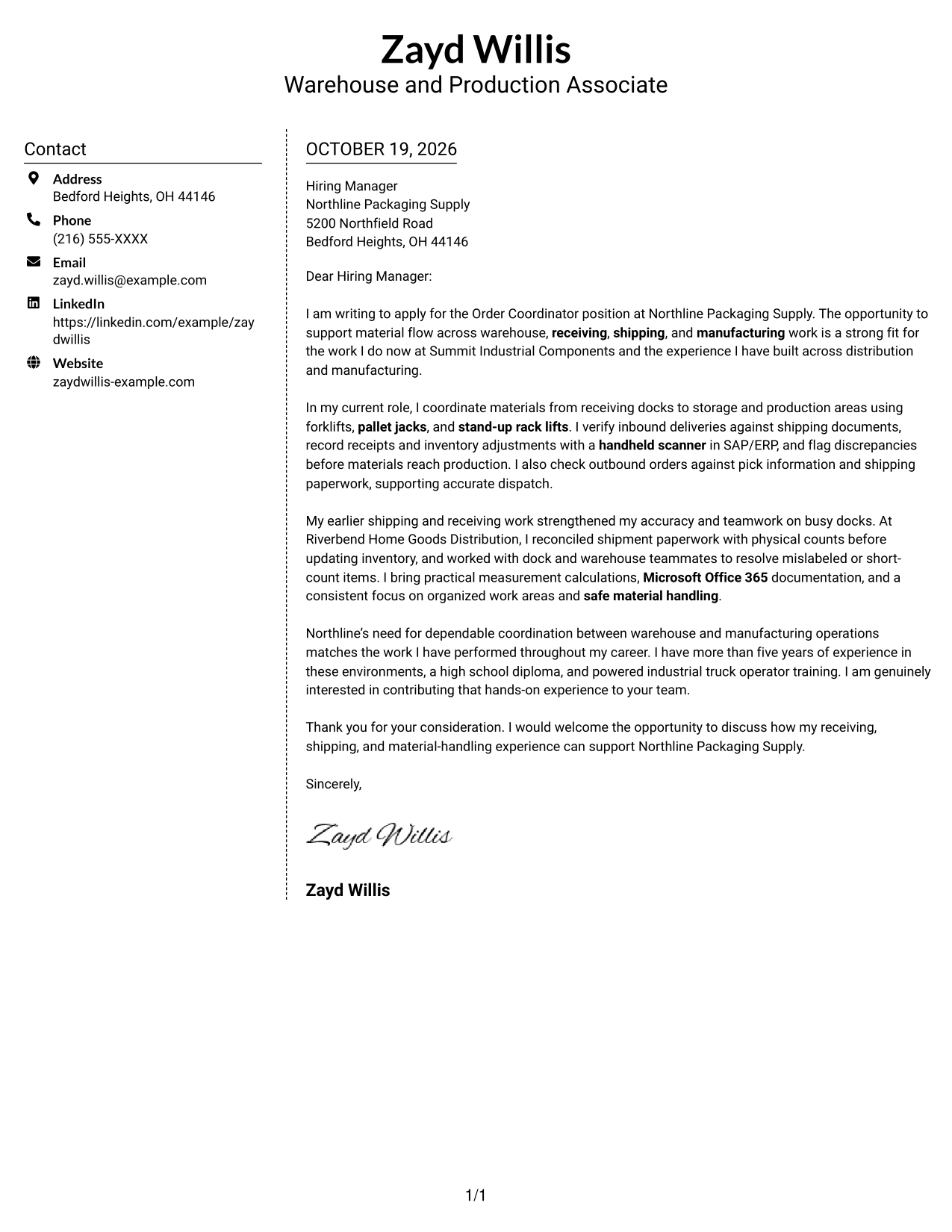
Why This Format Works
- Sender information stays in the sidebar, apart from the persuasive text.
- Opening, supporting points, and close remain together in one letter body.
- Unlabeled paragraphs preserve a familiar, direct correspondence style.
Best For
- Sidebar contact reference
- Single-stream persuasive letters
- Evidence-focused correspondence
- Photo-free applications
- Order Coordinator applications
#6 Modern Icon Format Cover Letter Example
The Modern Icon Format uses a contact sidebar beside one continuous letter body, with icons cueing contact details rather than labeling parts of the message.
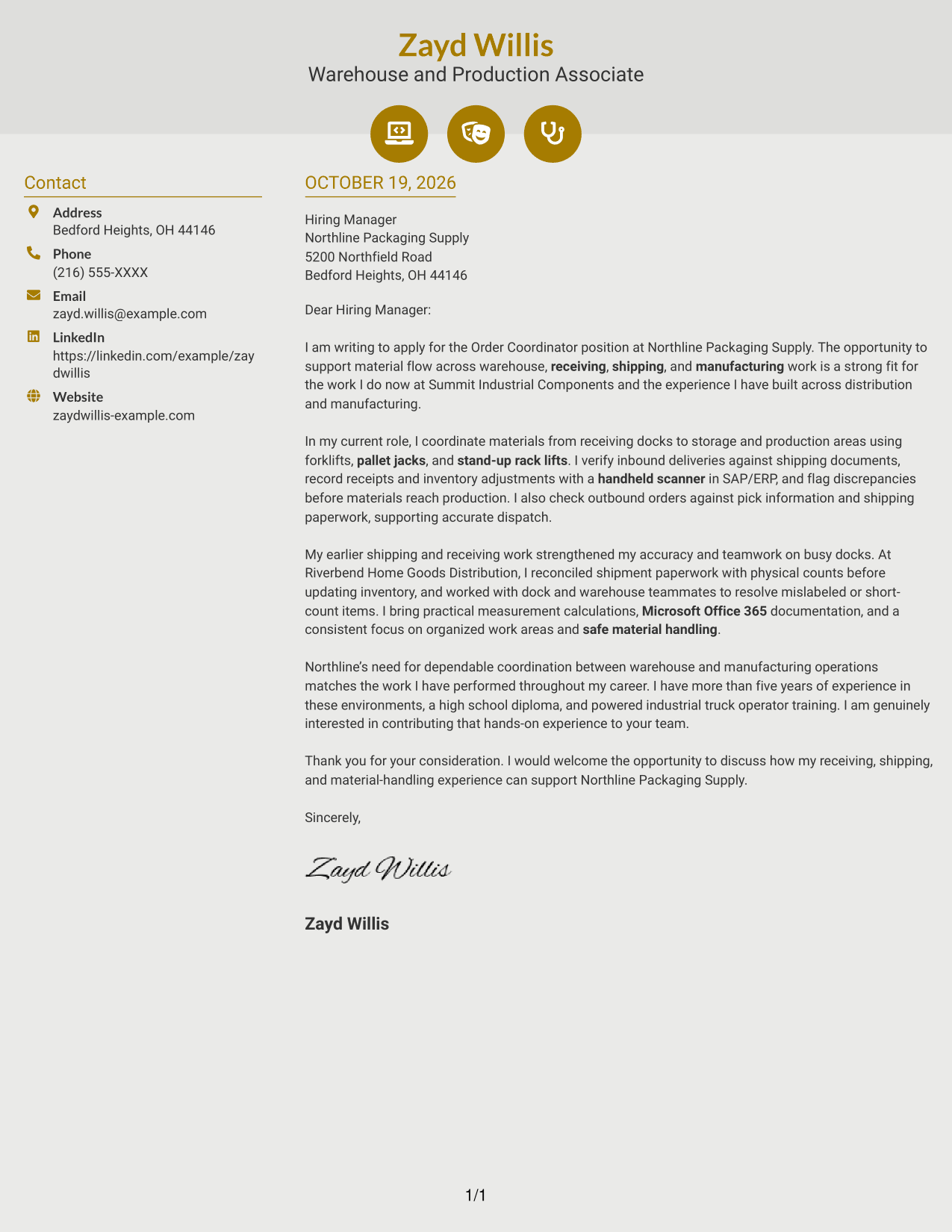
Why This Format Works
- Icons identify contact details, not the letter's motivation or evidence.
- Sidebar and body stay distinct, while the message follows one reading sequence.
- Header accents remain decorative, leaving the argument in ordinary paragraphs.
Best For
- Contact details with visual cues
- Continuous persuasive prose
- Motivation-led application letters
- Evidence-rich written applications
- Decorative contact-header preference
#7 Creative Two Tone Format Cover Letter Example
The Creative Two Tone Format places a contact sidebar beside one continuous letter body, keeping sender information apart from the message while preserving a single reading stream.
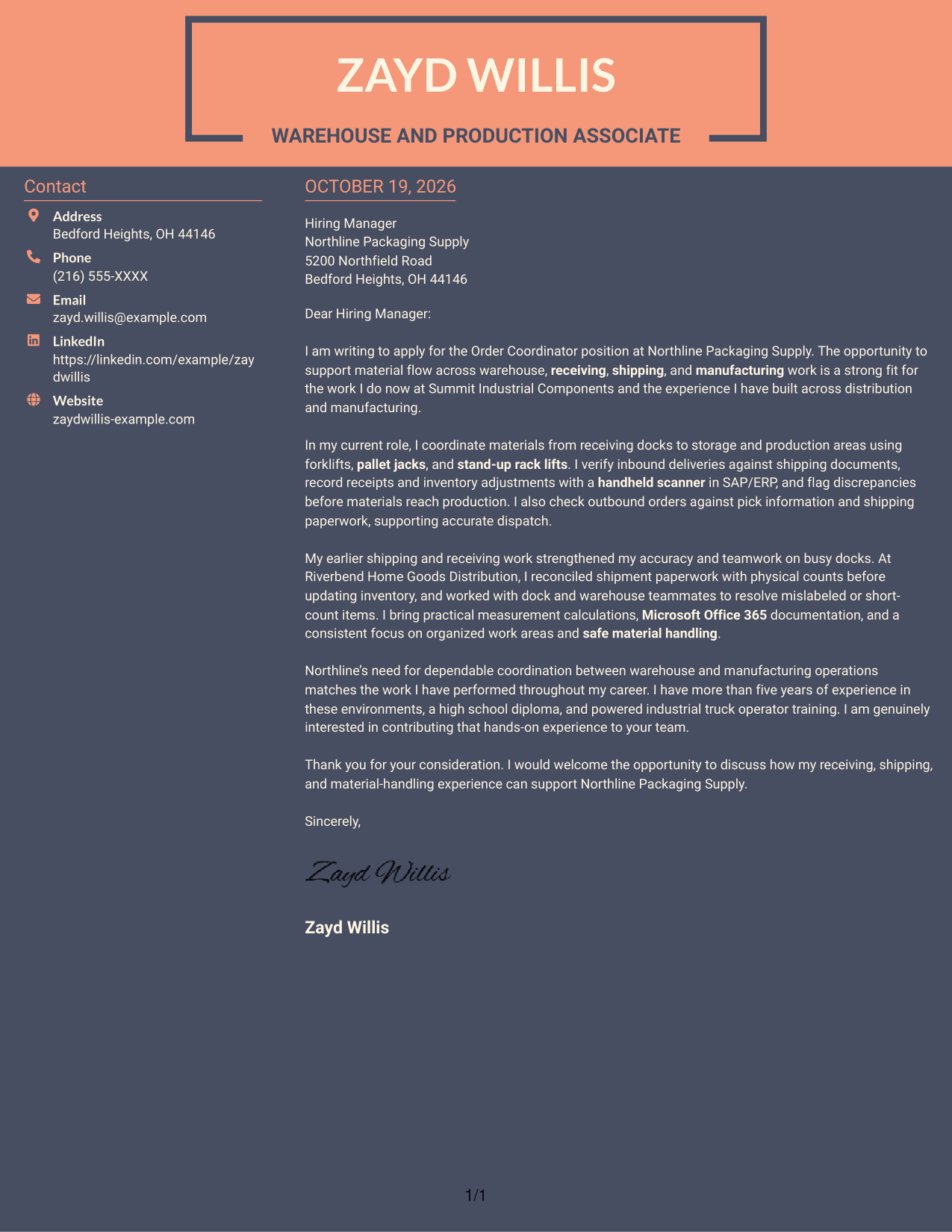
Why This Format Works
- Contact information has its own area beside the prose.
- All persuasive paragraphs stay together instead of forming parallel columns.
- With no argument headings, readers meet the message as continuous correspondence.
Best For
- Contact information beside the message
- Continuous argument paragraphs
- Text-led application letters
- Letters with detailed supporting points
- Warehouse order-coordination applications
Why Use ResumeInMinutes for an Order Coordinator - Warehouse Shipping and Receiving Cover Letter
Compare the image previews to see how each presentation handles your message, then open an example in the editor to customize its content for the role.
- Different writing styles
- Clear, readable layouts
- Role-focused customization
- Guidance for each letter section
- Professional cover letter templates
- Cover letter examples in the editor
Keep the message focused on order accuracy, careful shipment checks, clear records, safe material handling, and teamwork. Choose examples that show how your actions help work move smoothly between receiving, shipping, and production.
See Also
- 7 Order Coordinator - Warehouse Shipping and Receiving Resume Templates with Example
- 7 Accounts Payable Coordinator I - Claims Payments Resume Templates with Example
- 33 Accounts Payable Coordinator Resume Templates with Example 2026 (ATS-Optimized)
- 7 Accounts Receivable Coordinator I Resume Templates with Example
- 7 Administrative Assistant & Hospitality Coordinator Resume Templates with Example
- 7 Administrative Coordinator for Nursing Resume Templates with Example
- 33 Administrative Operations Coordinator - Transportation Administration Resume Templates with Example 2026 (ATS-Optimized)
- 7 Adult Learner Engagement Coordinator Resume Templates with Example
- 30+ Accounts Payable Coordinator Cover Letter Templates with Example 2026
- 7 Accounts Payable Coordinator I - Claims Payments Cover Letter Templates with Example
Frequently Asked Questions
What should an Order Coordinator - Warehouse Shipping and Receiving cover letter emphasize?
Show how you verify incoming and outgoing shipments, maintain accurate inventory records, and coordinate material movement. Include relevant examples of equipment, scanners, SAP/ERP, Microsoft Office 365, safety, and teamwork when they reflect your experience.
How can I show that I support accurate order flow?
Describe a clear action, such as checking shipment paperwork against physical counts or recording an inventory adjustment. Explain how careful checking helped resolve an issue or keep materials moving to the right place.
Do the examples use one letter in different styles?
The guide presents one example through different visual styles. Compare the image previews, then open an example in the editor to see and customize its presentation.
Which cover letter style works well for a warehouse order coordination role?
A clean, easy-to-read style helps a hiring manager follow your reason for applying and the evidence behind your fit. Choose a layout that supports clear reading and suits the employer’s communication context.
Should I include a photo on my cover letter?
For applications in the United States, a cover letter without a photo is usually the safer choice. Keep attention on your role-specific message and work examples.




