
7 Paralegal - Litigation and Damage Claims Resume Templates with Example
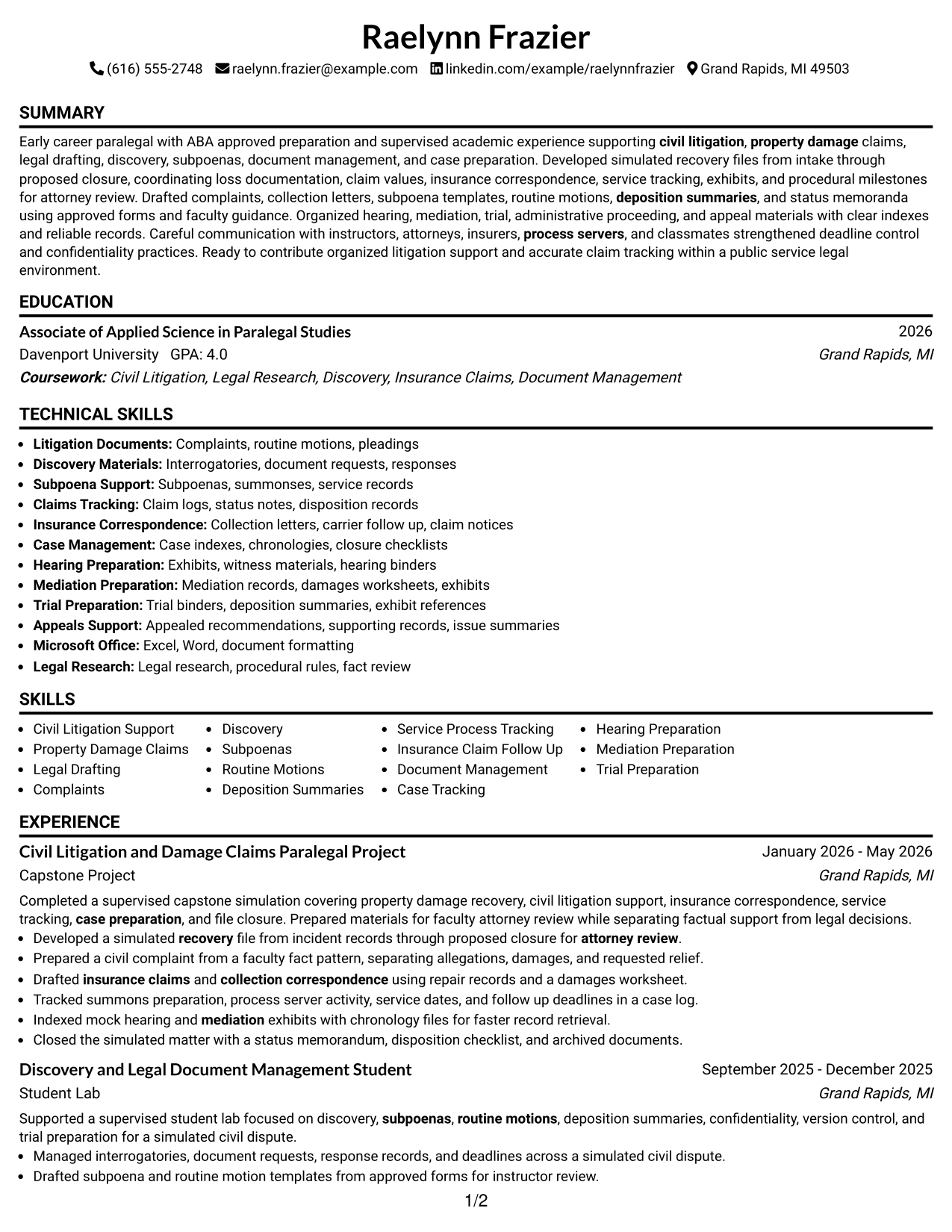
This practical guide shows you how to build a Paralegal - Litigation and Damage Claims resume that is clear, focused, and easy to review. You will learn how to organize evidence so attorneys and recruiters can quickly understand what you can support.
Strong resumes for this work connect civil litigation support with damage-claim follow-up, document control, discovery, service tracking, hearing preparation, and careful case records. Use concise bullets and clear section headings so each skill is supported by coursework, projects, supervised experience, education, or credentials.
The same complete resume is presented in 7 ATS-friendly layouts so you can compare reading order, section structure, and visual presentation before choosing a format.
What Makes a Great Paralegal - Litigation and Damage Claims Resume in 2026
A strong resume is easy to scan and shows how your legal support work moves a matter from intake through follow-up, litigation preparation, and file closing.
Use accurate keywords such as civil litigation support, property-damage claims, discovery, subpoenas, service of process, case tracking, legal drafting, and document management, but only where your education or experience supports them.
The examples shown below are intentionally detailed to demonstrate a range of experiences, skills, accomplishments and relevant keywords. We prefer detailed resumes as they provide more context to the hiring managers and also help the ATS systems identify relevant qualifications and score your resume better for a match. But the length of a resume is an individual choice. If you want a one page resume, just keep the most relevant experience and information for the job. Note: Resume examples are for educational purposes only. Use only information that accurately reflects your experience and qualifications. References to real organizations do not imply affiliation or endorsement.
#1 Simple One Column Format Resume Example
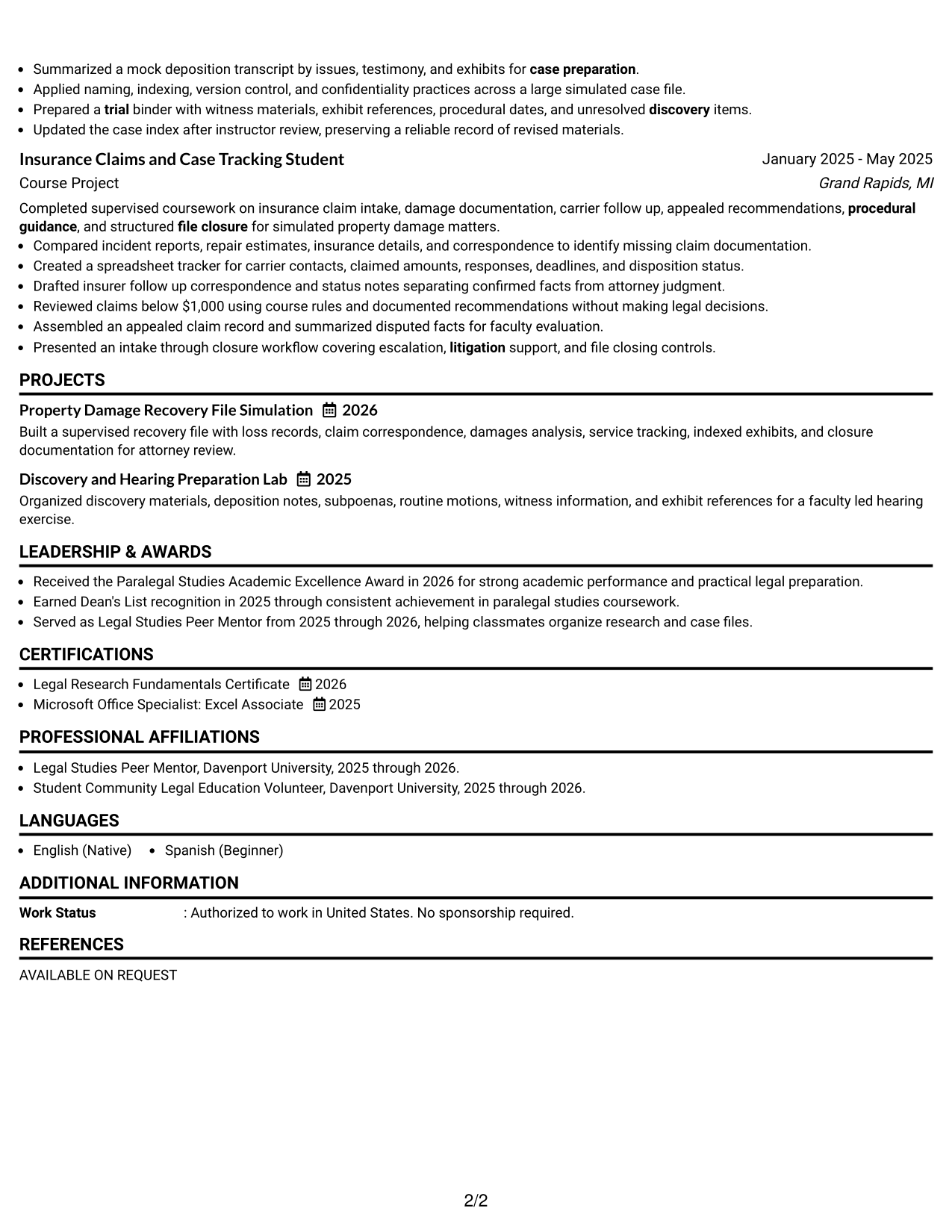
The Simple One Column Format keeps every resume section in one clear reading path, helping recruiters scan the record from top to bottom.
Why This Format Works
- Linear reading keeps experience and project evidence easy to follow.
- Full-width sections give education and credentials clear breathing room.
- Simple ordering helps reviewers connect skills with supporting experience.
Best For
- Straightforward ATS review
- Readers who prefer linear order
- Detailed project-based experience
- Education-led career starts
- Clear legal support evidence
Resume Keywords
- Civil Litigation Support
- Property Damage Claims
- Legal Drafting
- Discovery
- Subpoenas
- Deposition Summaries
- Service of Process
- Insurance Claim Follow Up
- Document Management
- Case Tracking
- Hearing Preparation
- Mediation Preparation
- Trial Preparation
- Appeals Support
#2 Plain One Column with Shaded Labels Resume Example
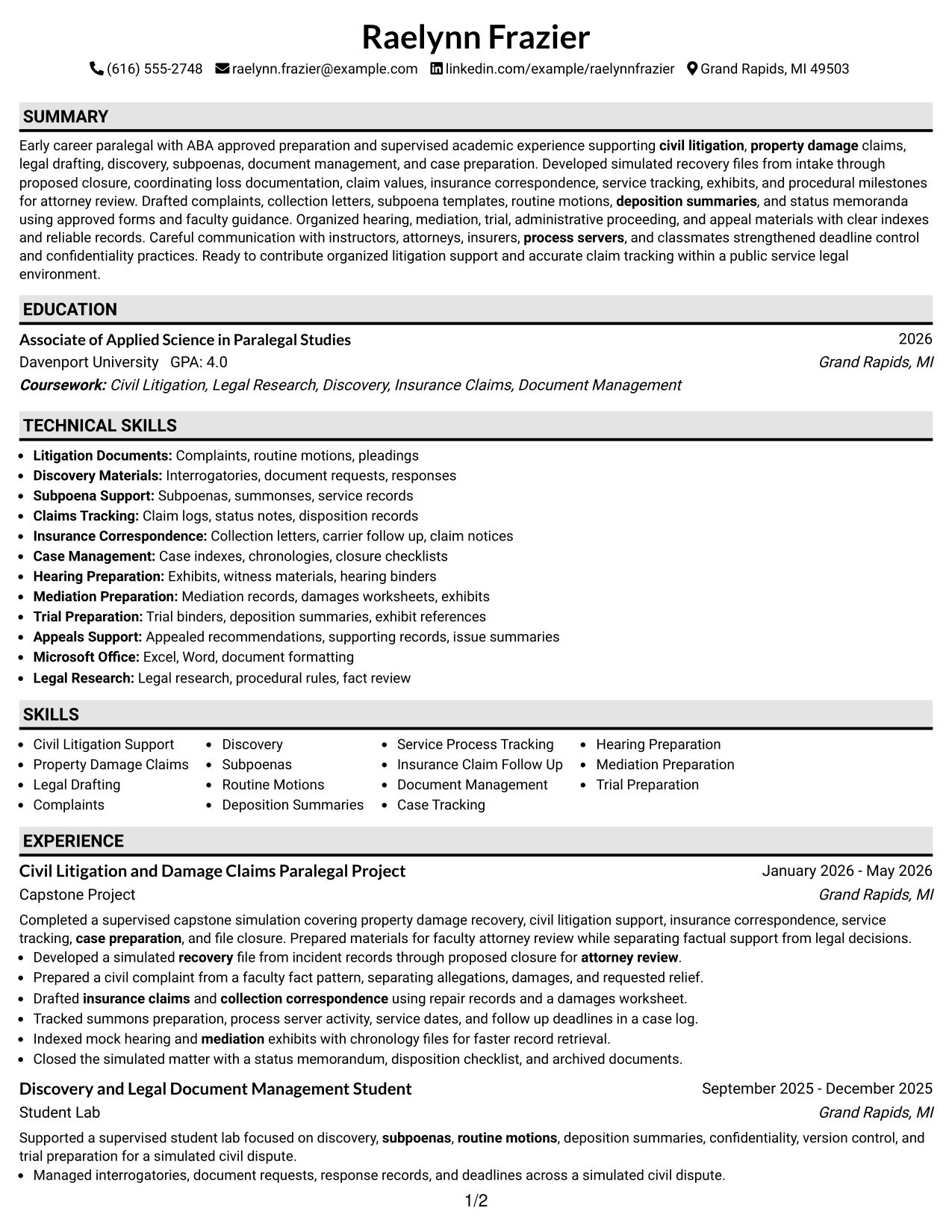
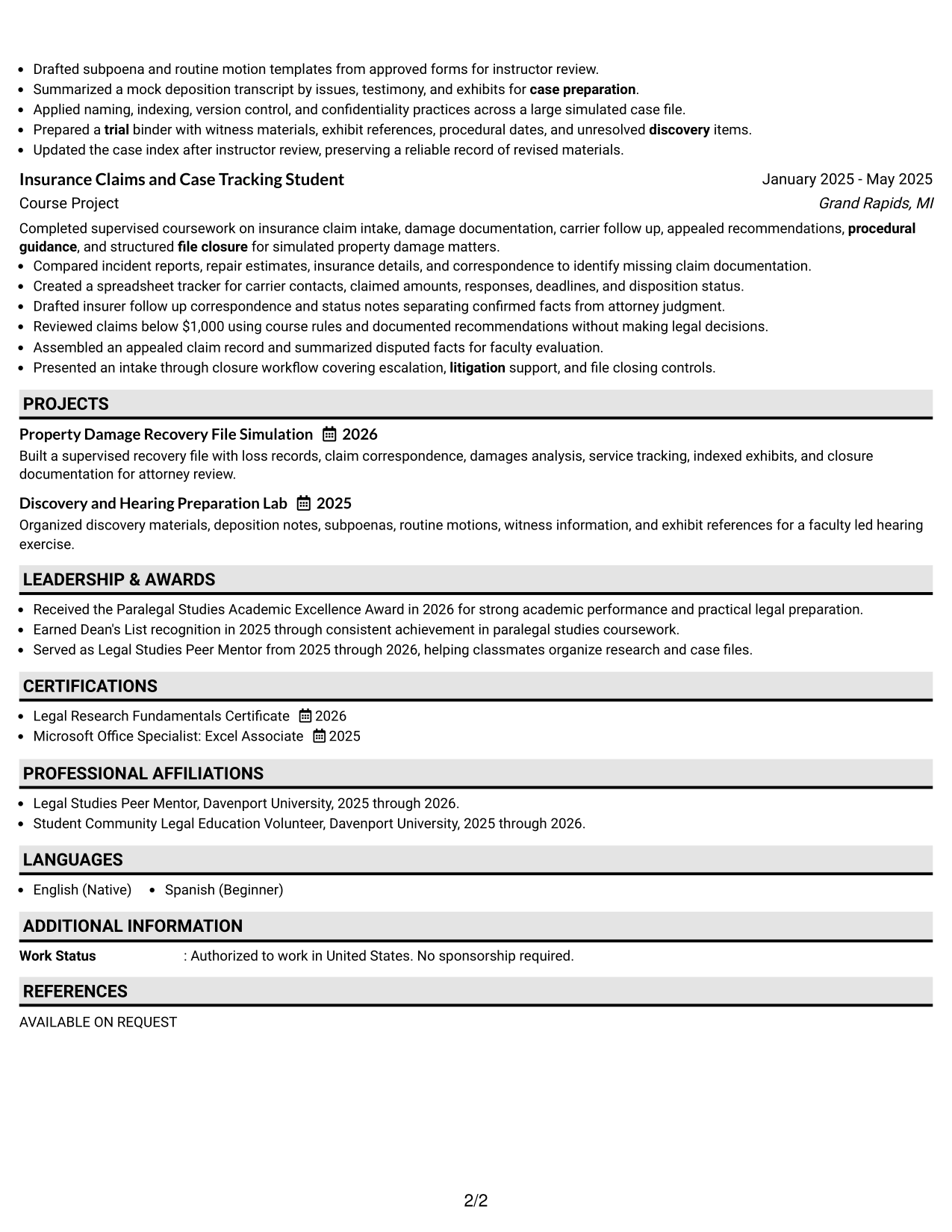
Plain One Column with Shaded Labels uses visible section markers within a single flow, helping recruiters find key resume areas quickly.
Why This Format Works
- Shaded labels separate experience, skills, education, and credentials without changing reading order.
- Section markers make project-heavy material easier to locate during review.
- One-column flow preserves a simple sequence across detailed supporting evidence.
Best For
- Fast section-by-section review
- Resumes with several academic projects
- Readers who value strong section labels
- Mixed experience and education content
- Applications needing simple navigation
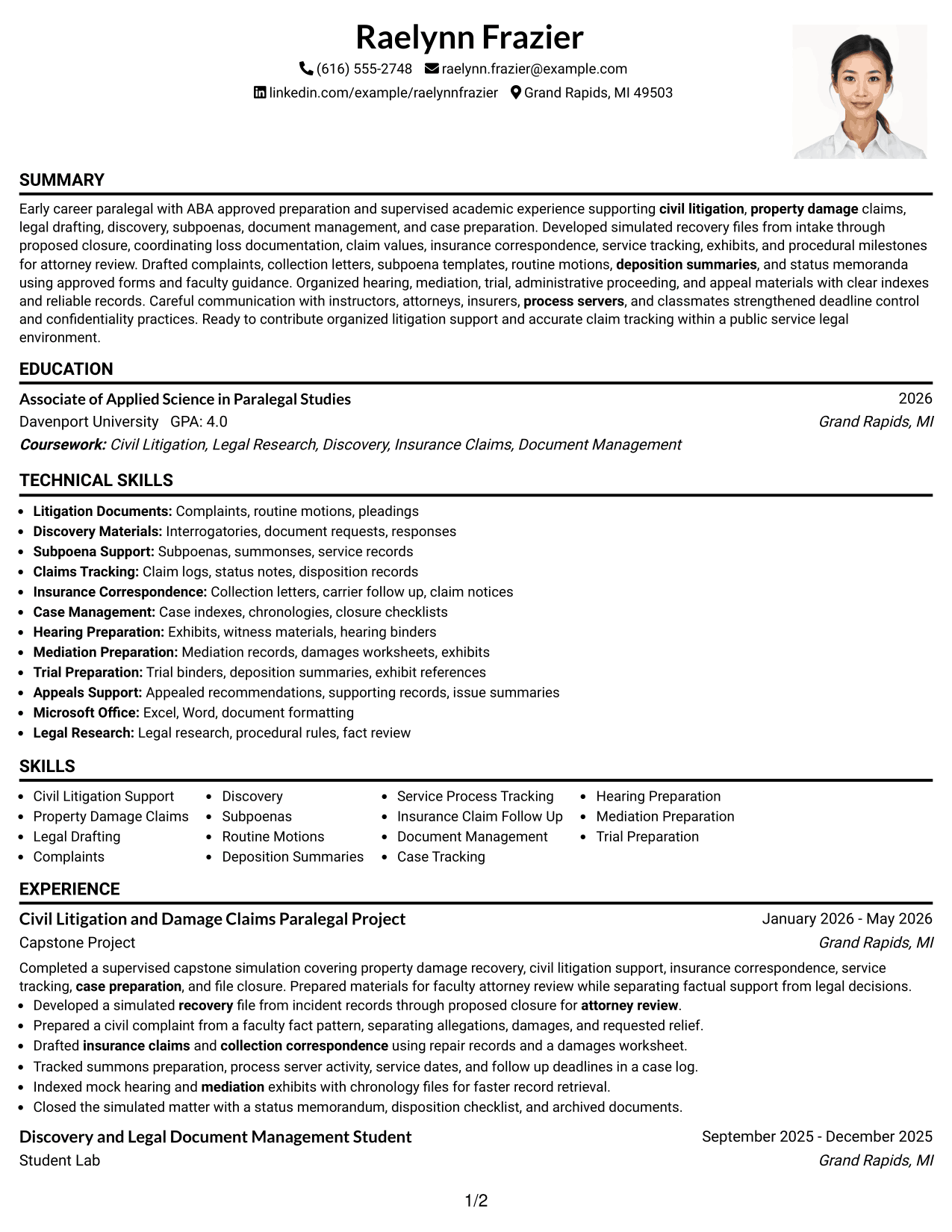
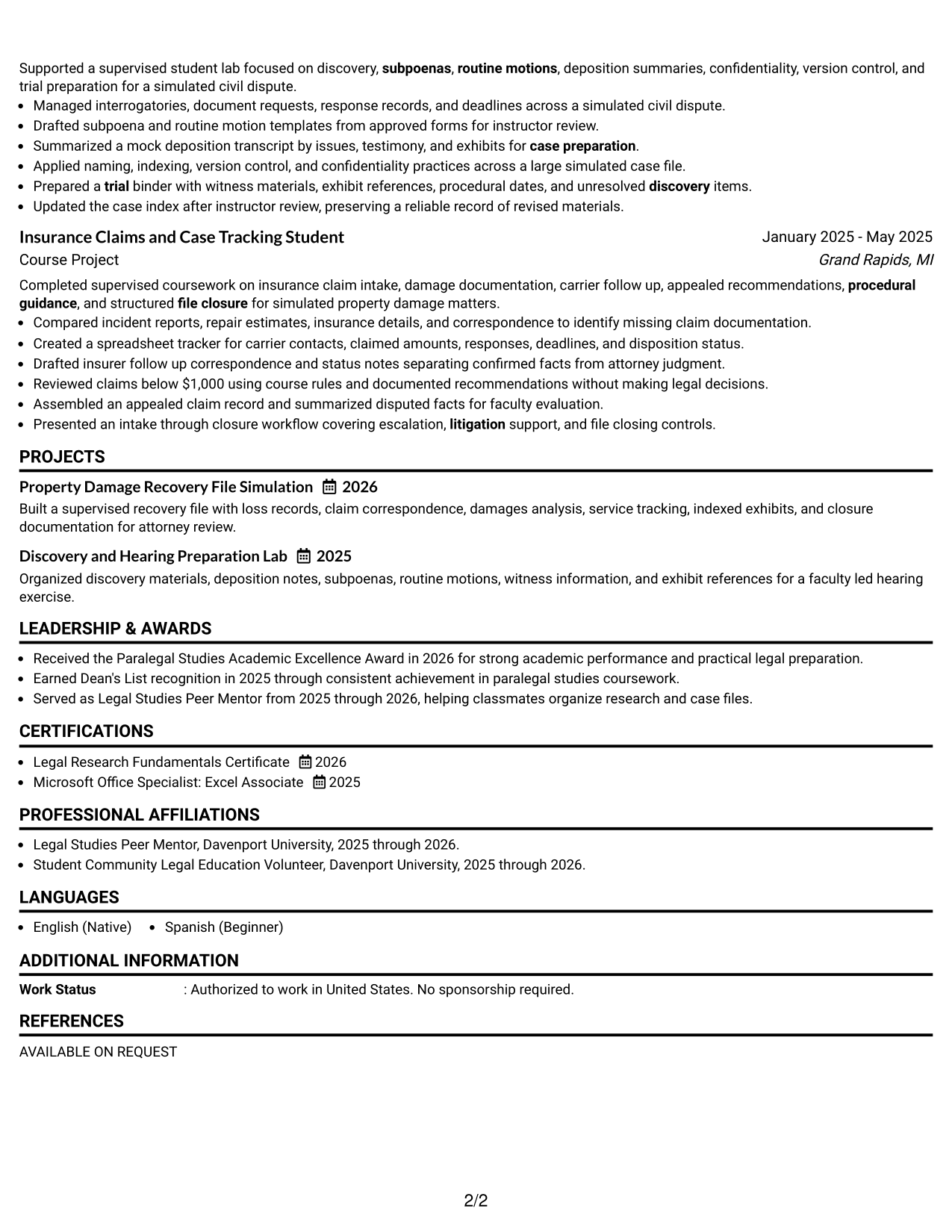
#3 One Column Format with Photo Right Resume Example
One Column Format with Photo Right keeps the resume body in one sequence while the right-side photo creates a distinct personal header.
Why This Format Works
- Single-column body keeps experience and achievements in an uninterrupted sequence.
- Photo stays in the header while resume sections remain easy to trace.
- Full-width body space supports detailed projects, education, and credential sections.
Best For
- Regions where resume photos are customary
- Readers wanting uninterrupted body text
- Project-rich resumes with full-width sections
- Detailed education and credential records
- Applications favoring a personal header
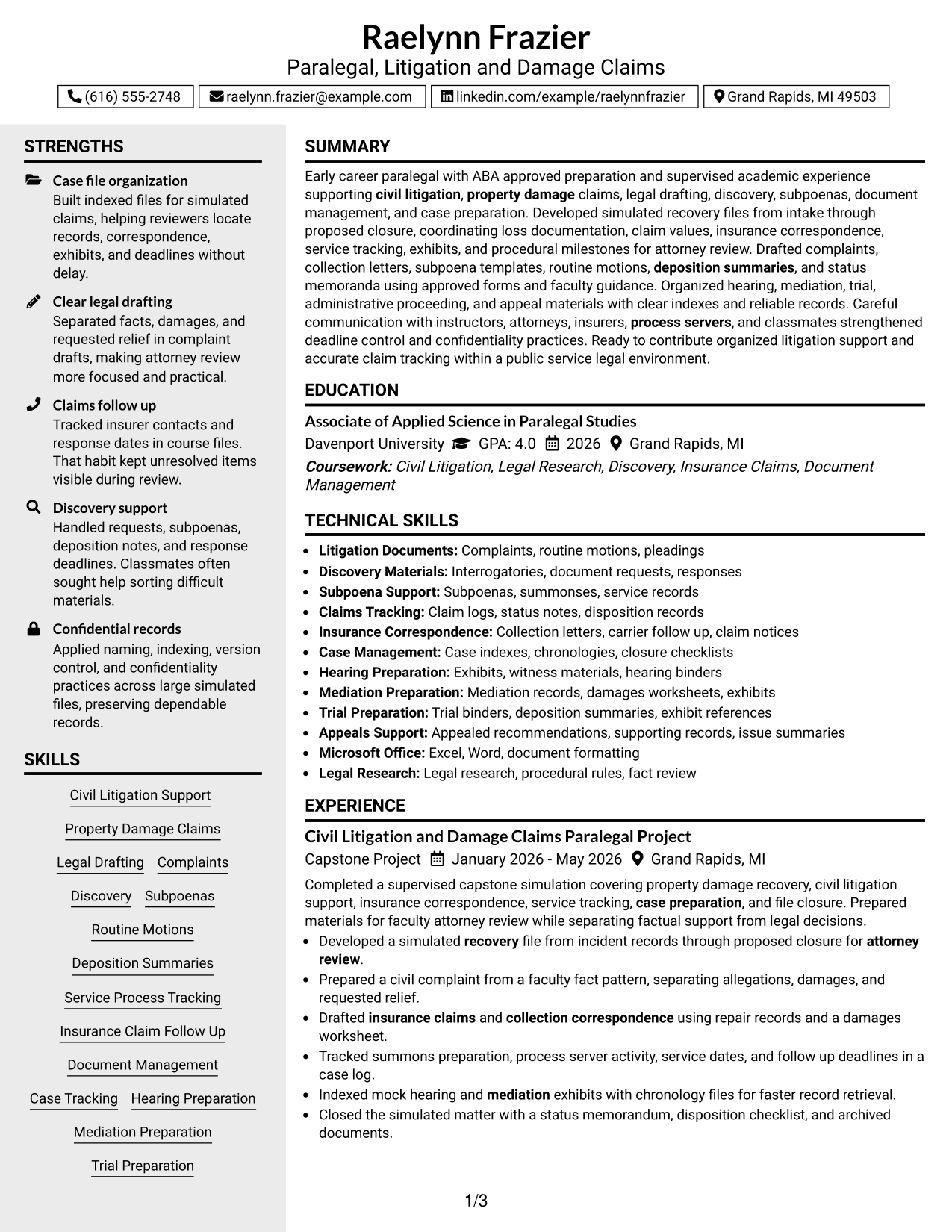
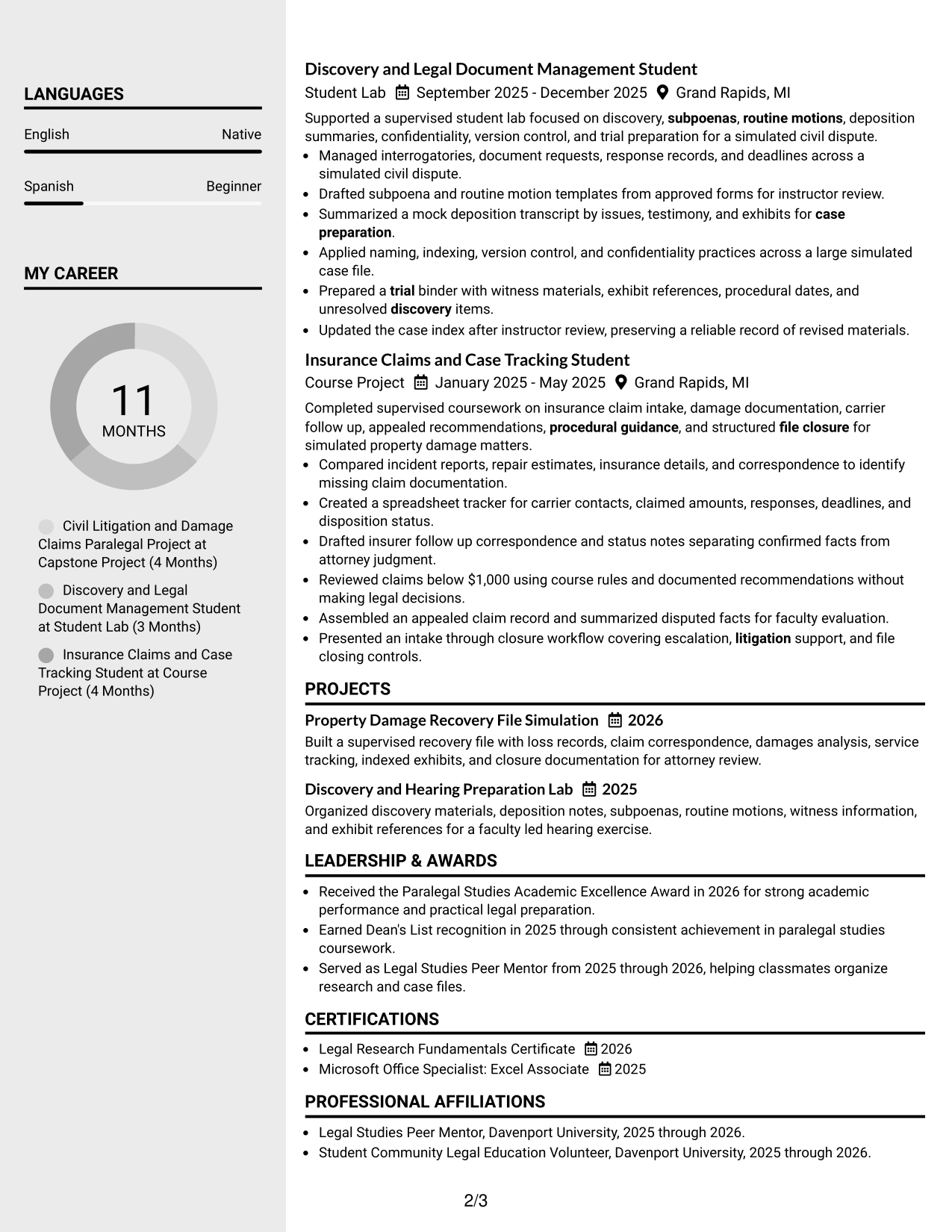
#4 Clean Two Column Sidebar Format Resume Example
Clean Two Column Sidebar Format divides the resume into a main column and sidebar, helping recruiters separate detailed history from supporting information.
Why This Format Works
- Main and sidebar areas separate detailed experience from shorter supporting sections.
- Parallel columns help reviewers locate skills and credentials without losing career context.
- Compact side content leaves the main column focused on experience and projects.
Best For
- Resumes with many supporting sections
- Readers comparing skills with experience
- Compact credential and education summaries
- Project histories needing a wider main column
- Two-column visual organization
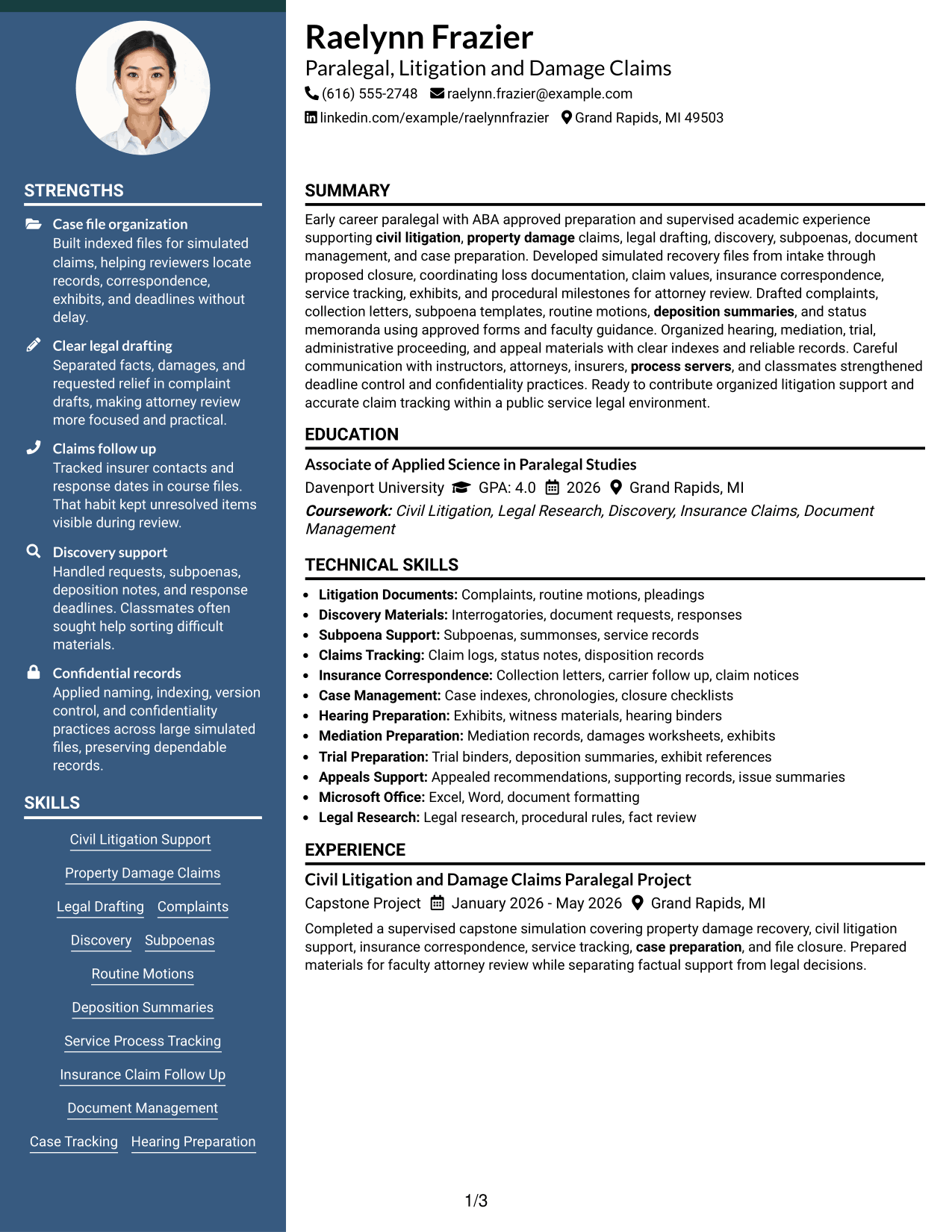
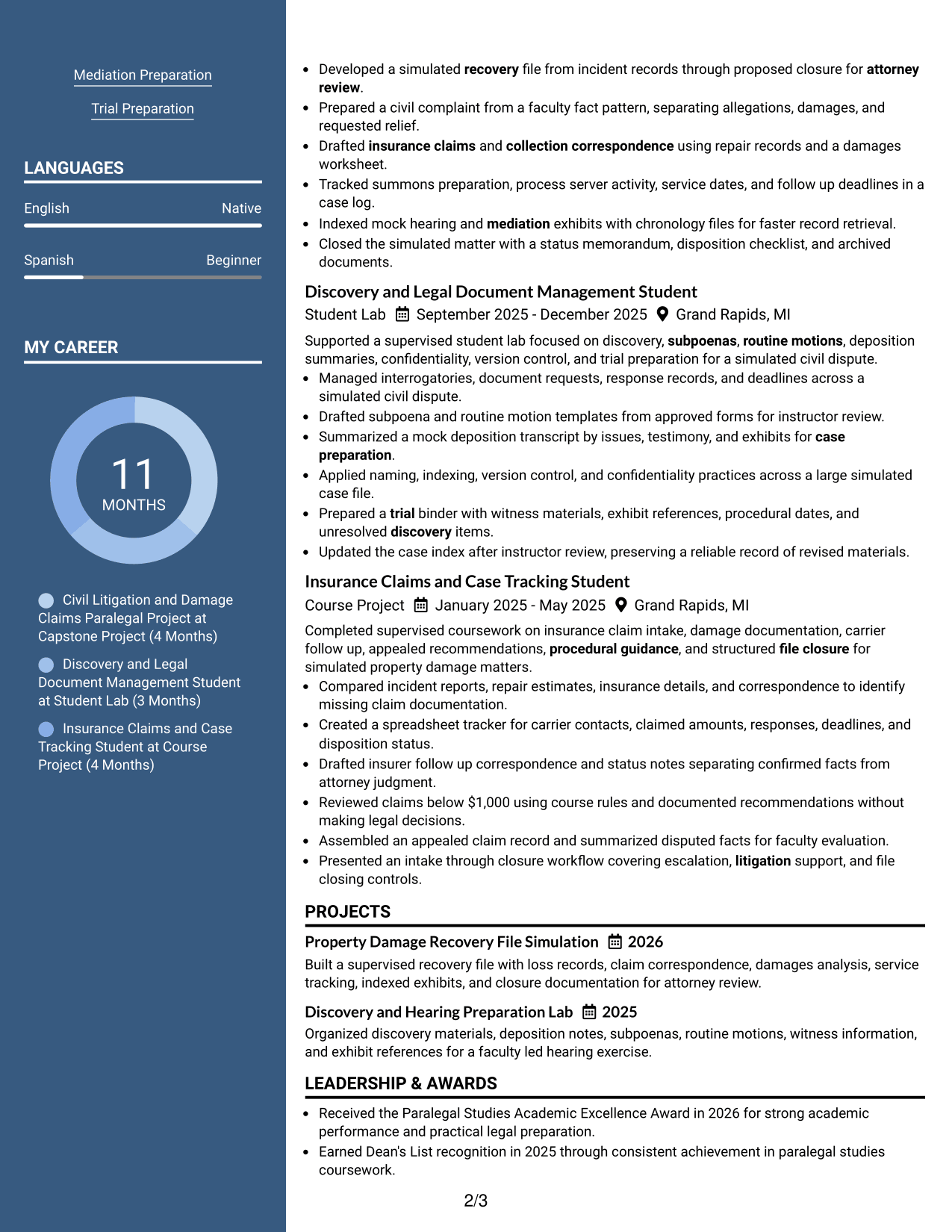
#5 Two Column Format Resume Example
Two Column Format balances resume content across two body columns, helping recruiters compare major sections without relying on one long vertical flow.
Why This Format Works
- Balanced columns reduce long vertical stretches across experience and supporting sections.
- Side-by-side organization makes skills and education easier to compare with experience.
- Two-column structure gives projects and credentials distinct visual areas for review.
Best For
- Balanced amounts of resume content
- Readers making quick section comparisons
- Several skills and credential groups
- Experience supported by academic projects
- Structured two-column reading
#6 Photo Header Two Column Format Resume Example
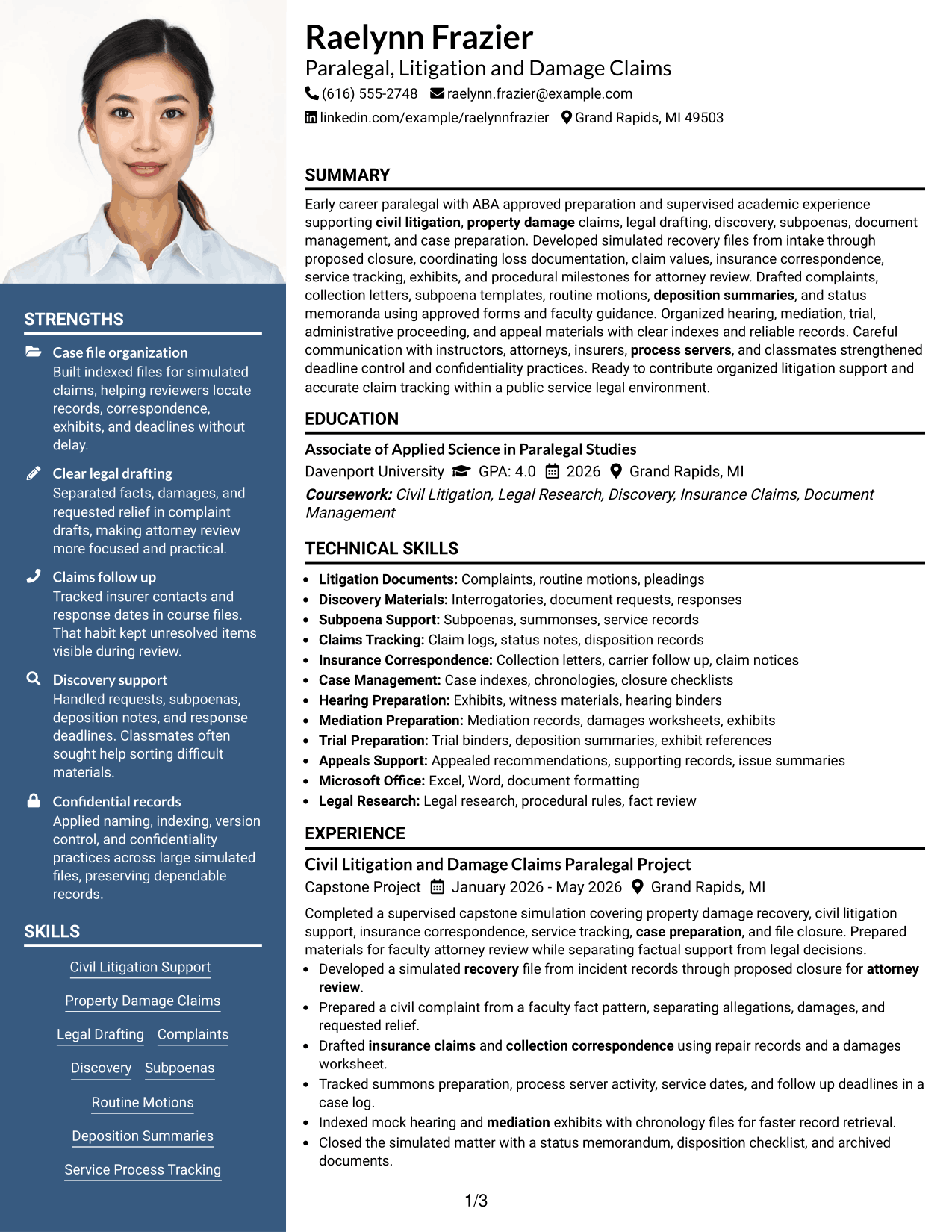
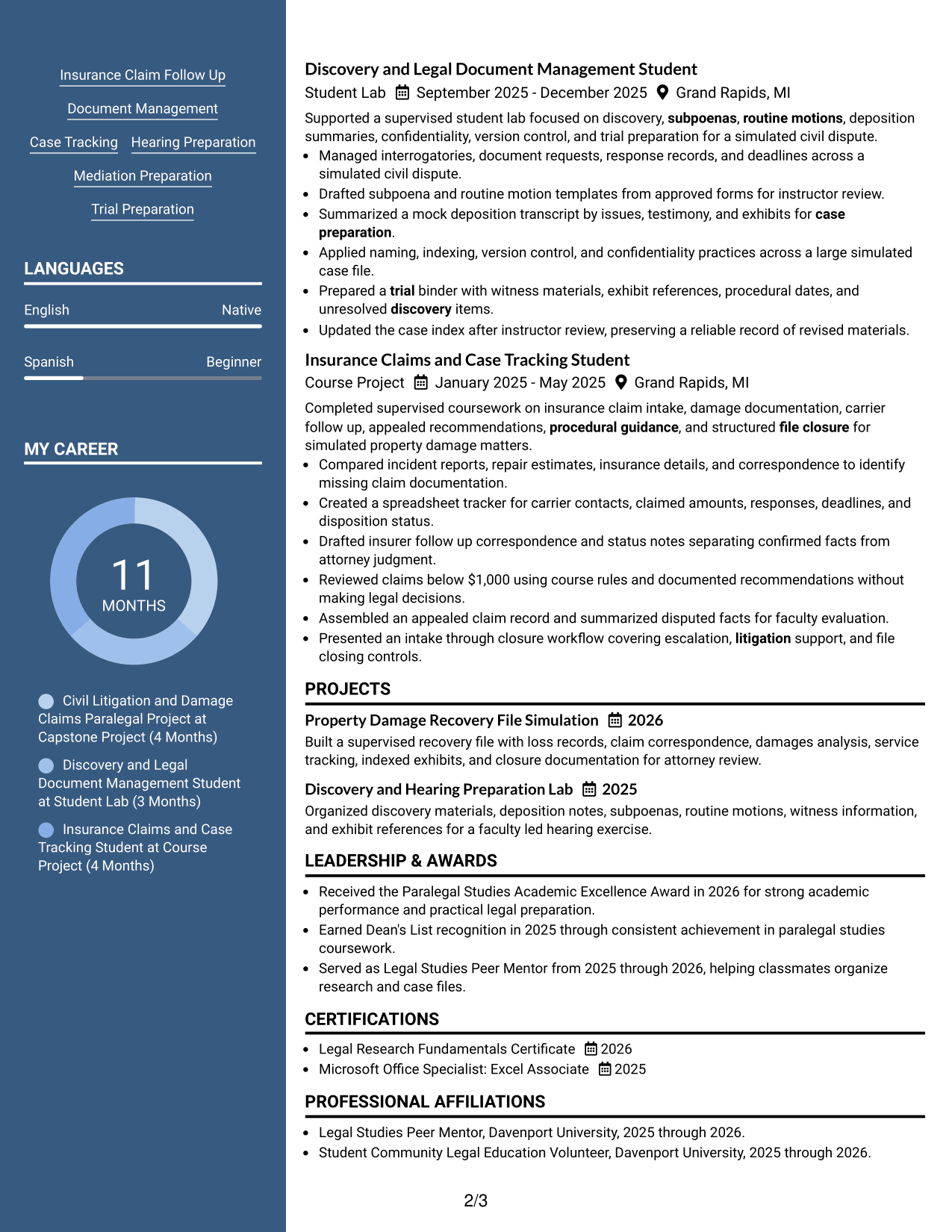
Photo Header Two Column Format combines a photo-led header with two body columns, helping recruiters distinguish identity details from organized resume sections.
Why This Format Works
- Two body columns separate detailed experience from compact skills and credentials.
- Photo-led header identifies the person without changing the body reading structure.
- Column separation gives projects, education, and experience clear visual boundaries.
Best For
- Markets where professional photos are expected
- Two-column resumes with a strong header
- Readers reviewing varied section types
- Experience plus compact supporting details
- Applications needing clear visual separation
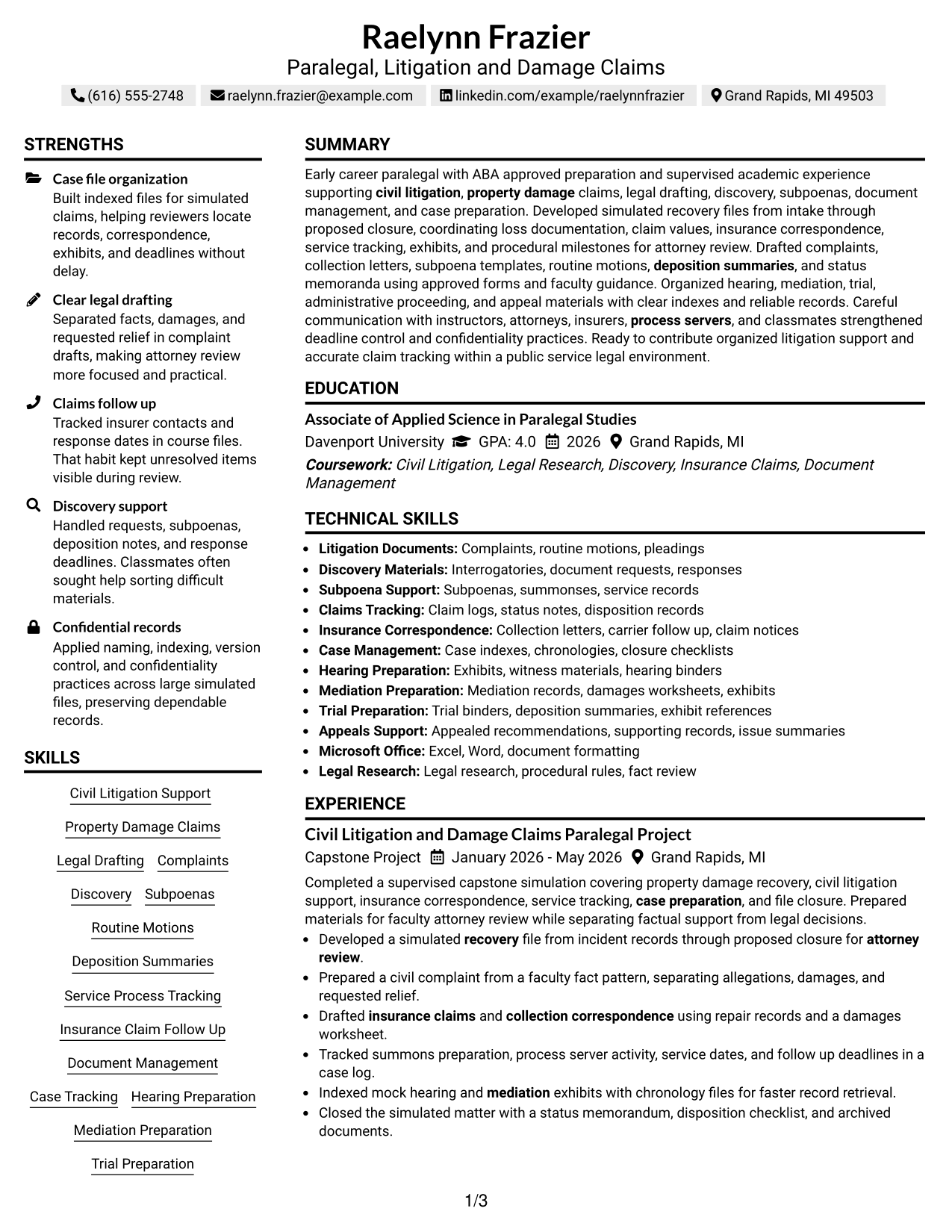
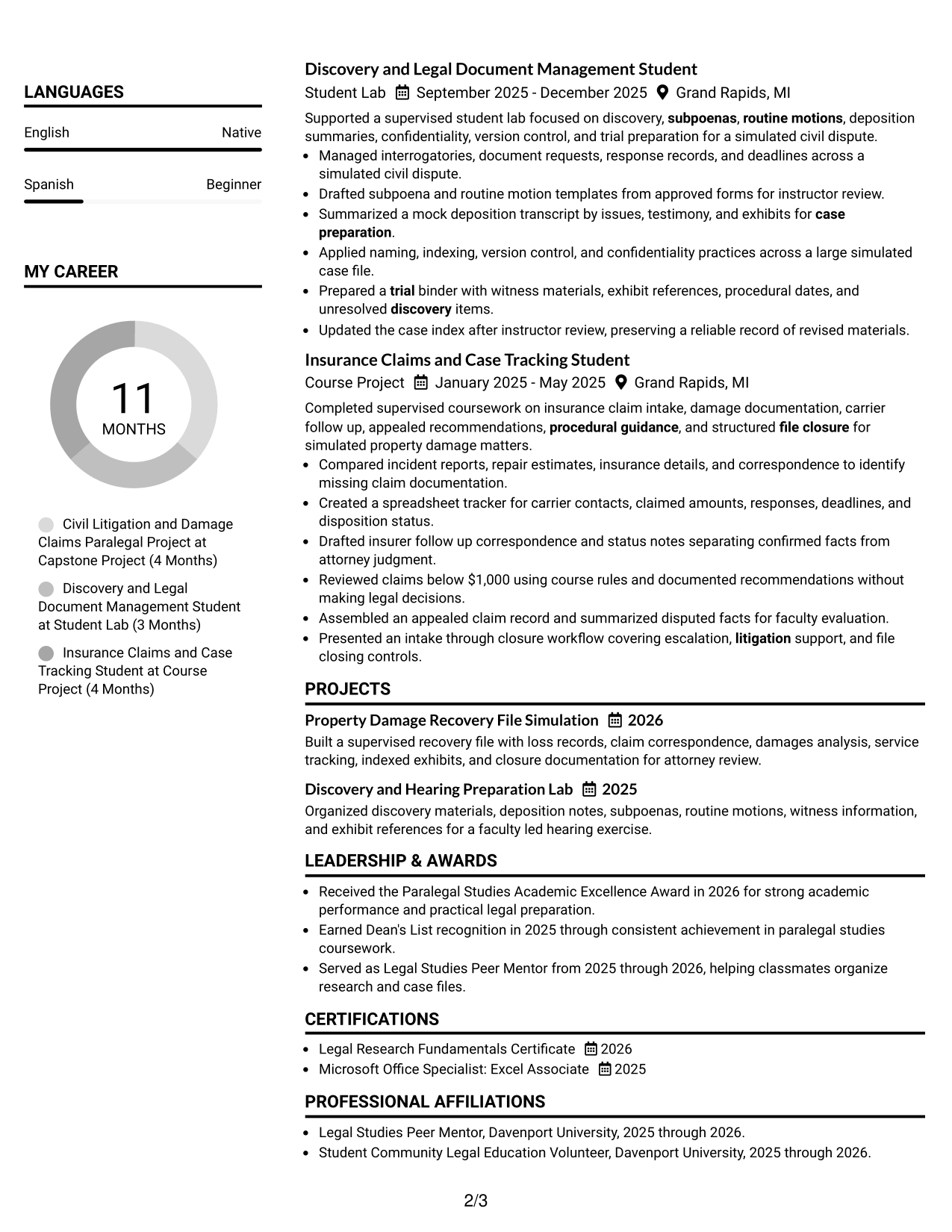
#7 Simple Two Column Format Resume Example
Simple Two Column Format uses two uncluttered columns, helping recruiters scan detailed resume content and supporting sections with clear visual balance.
Why This Format Works
- Uncluttered columns keep experience readable while giving skills their own area.
- Clear separation helps reviewers distinguish project evidence from education and credentials.
- Simple visual balance supports quick movement between major resume sections.
Best For
- Readers who prefer light visual structure
- Experience with several supporting sections
- Skills that need separate visibility
- Education and credentials beside work history
- Clean two-column organization
Why Build Your Paralegal - Litigation and Damage Claims Resume with ResumeInMinutes
ResumeInMinutes helps you turn legal coursework, supervised projects, credentials, and practical case-support tasks into clear resume sections that are easy to review and customize.
- ATS-friendly section structure
- Role-focused keyword guidance
- Experience and project organization
- Education and credential placement
- Free PDF resume previews
- Resume customization support
You can refine the summary, experience bullets, skills, education, projects, and certifications so the resume shows clear support for litigation and damage-claim work without overstating attorney-level responsibility.
See Also
- 33 Paralegal, Safety & Insurance Litigation Resume Templates with Example 2026 (ATS-Optimized)
- 33 Paralegal Analyst I Resume Templates with Example 2026 (ATS-Optimized)
- 7 Paralegal II - Special Assault Unit Resume Templates with Example
- 7 Paralegal Resume Templates with Example
- 7 Retirement Sales Consultant - Taft-Hartley Resume Templates with Example
- 7 Residential Services Specialist 1-2 Resume Templates with Example
- 7 Manager, Customer Master Data Resume Templates with Example
- 7 Product Manager - Login, Authentication & Client Protection Resume Templates with Example
- 7 Administrative Assistant 5 - Executive Operations Resume Templates with Example
- 7 Police Officer Resume Templates with Example
Frequently Asked Questions
Are these Paralegal - Litigation and Damage Claims resume templates ATS-friendly?
Yes. The layouts use clear headings and readable sections that support ATS scanning. Your results still depend on using accurate job-related terms and standard resume content.
Are these different resumes?
No. The guide shows one complete resume in different visual formats so you can compare structure without changing the underlying evidence.
What should a Paralegal - Litigation and Damage Claims resume include?
Include a focused summary, relevant legal support experience or projects, civil litigation skills, claims tracking, discovery support, document management, education, and applicable certifications.
How can an early-career paralegal show relevant experience?
Use supervised academic projects, student labs, coursework, volunteer work, and practical assignments when they show real tasks such as drafting, discovery organization, claim follow-up, service tracking, or case-file management.
Which keywords are useful for this resume?
Useful terms can include civil litigation support, property-damage claims, complaints, discovery, subpoenas, deposition summaries, service of process, insurance follow-up, case tracking, and file closure when those terms match your background.
Should I include claims below class="article-rest" id="article-rest",000 on my resume?
You may mention work with small-value claim procedures when it is accurate. Make clear that you followed supplied rules or supported attorney review rather than making independent legal decisions.
Should I include a photo on my resume?
For most U.S. applications, a no-photo resume is the safer choice. Use a photo only where local hiring practice clearly calls for one.
Can I customize these resume templates?
Yes. You can adjust the text and visual format while keeping the resume focused on litigation support, damage claims, legal documents, case preparation, and accurate records.




