
7 Patient Access Representative - Registration and Care Coordination Cover Letter Templates with Example
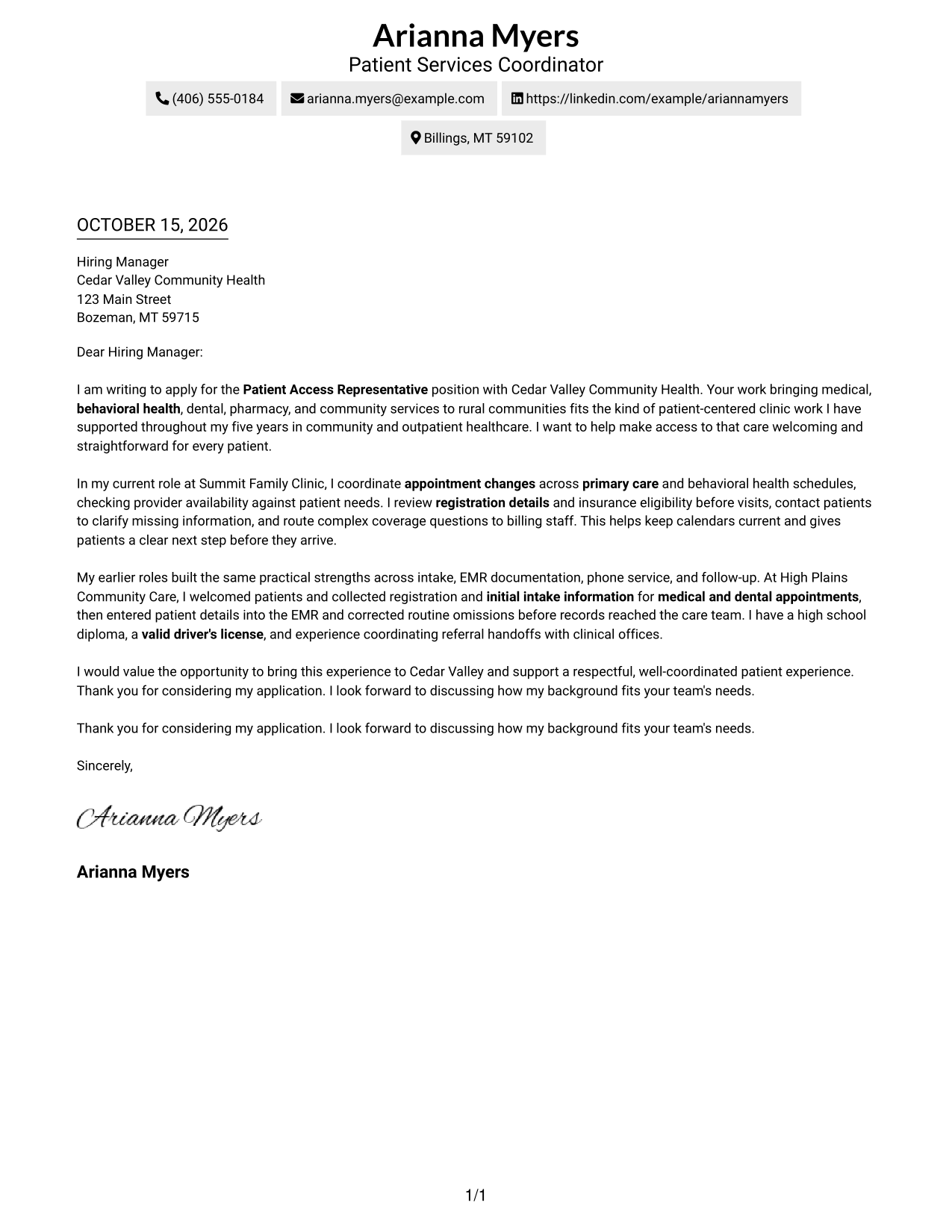
This practical guide helps you write a Patient Access Representative - Registration and Care Coordination cover letter and compare seven layouts for presenting your role fit clearly.
What Makes a Great Patient Access Representative - Registration and Care Coordination Cover Letter in 2026
A strong cover letter connects patient registration, scheduling, insurance checks, and care coordination to the needs of the role. A clear opening shows why the work and the employer’s approach to patient care matter to you.
Use specific examples to show how you keep information accurate, guide patients, and support smooth handoffs. Link your evidence to the employer’s services and explain how your communication helps patients take the next step.
The featured Patient Access Representative - Registration and Care Coordination example moves from interest in the role to practical evidence and a clear close. Adapt that focused progression, then choose a presentation that fits the employer and the way you will communicate with them.
#1 Simple One Column Format Cover Letter Example
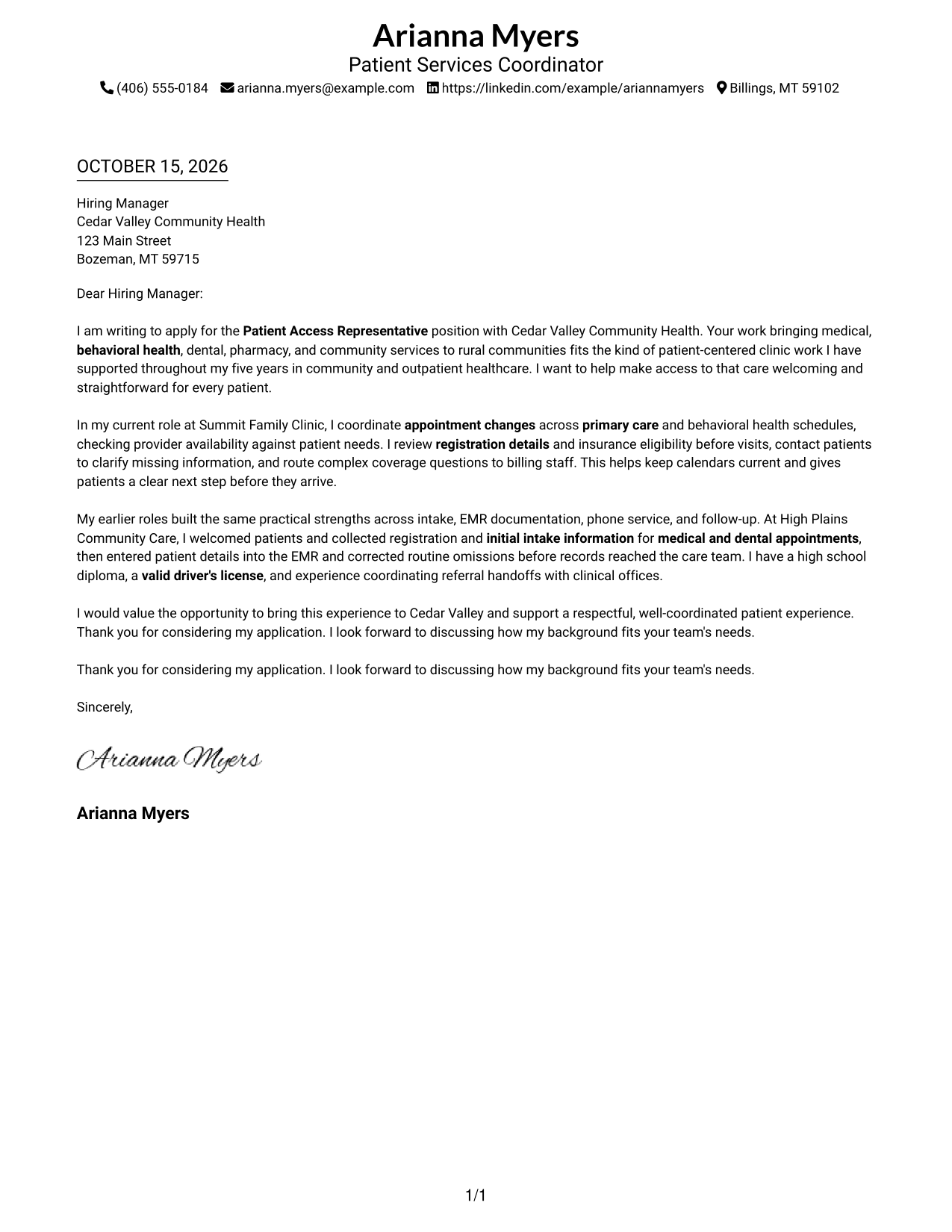
Simple One Column Format places sender details in the header above a continuous letter body, giving the message a direct reading path.
Why This Format Works
- The single-column page keeps sender details above one uninterrupted letter body.
- Opening, motivation, supporting points, and closing follow one reading sequence.
- Without a portrait, the written message remains the page's visual focus.
Best For
- Single-column letter layouts
- Sender details in the header
- Uninterrupted persuasive paragraphs
- Photo-free applications
- Direct employer correspondence
#2 Two Column Format Cover Letter Example
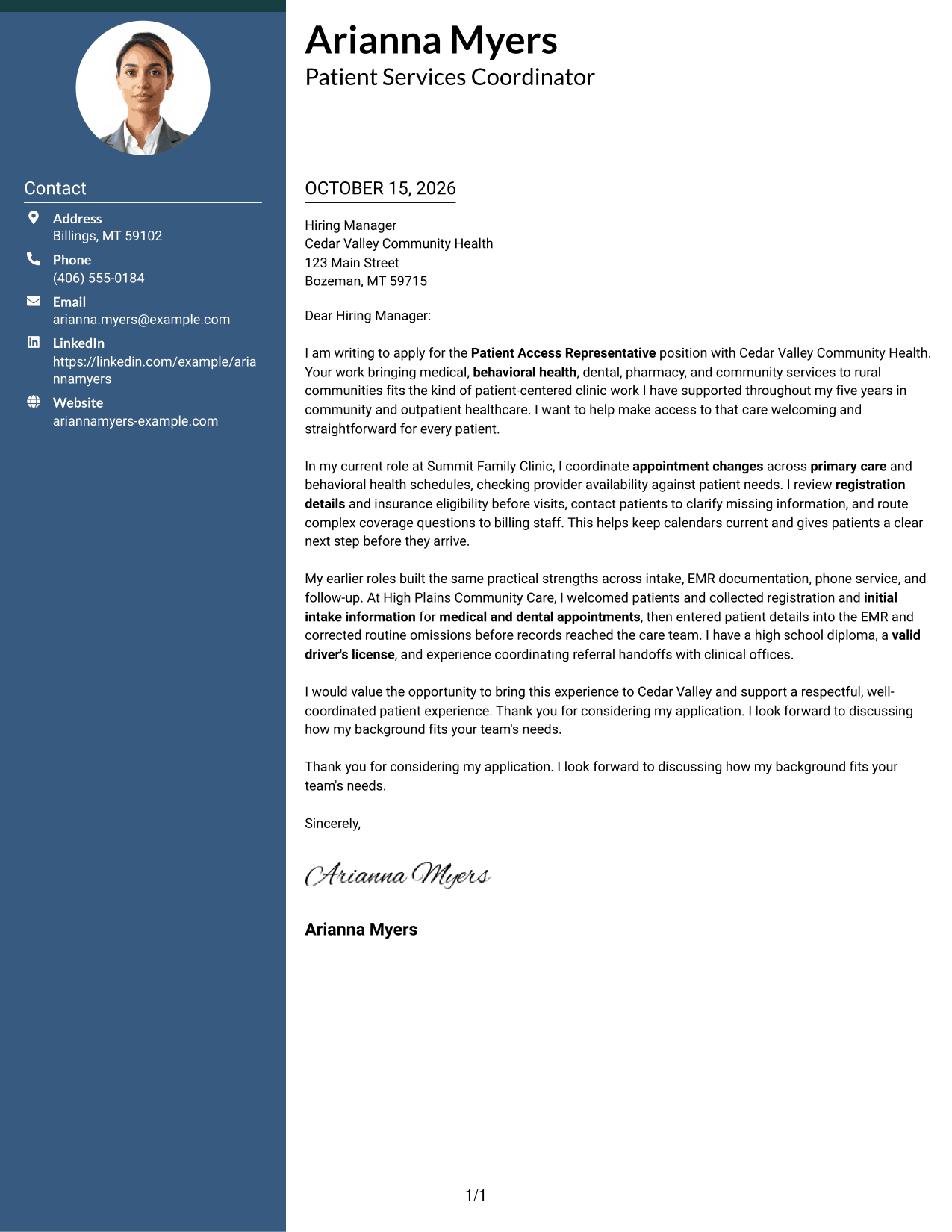
Two Column Format pairs a contact sidebar with one continuous letter column, keeping contact information distinct from the message.
Why This Format Works
- Contact details sit in a sidebar, apart from the continuous letter body.
- Opening, motivation, supporting points, and closing remain in one column.
- Without a portrait, the page keeps its header presentation text-based.
Best For
- Contact details apart from letter prose
- A single-column letter body
- Photo-free correspondence
- Multi-paragraph application letters
- Community healthcare applications
#3 Photo Header Two Column Format Cover Letter Example
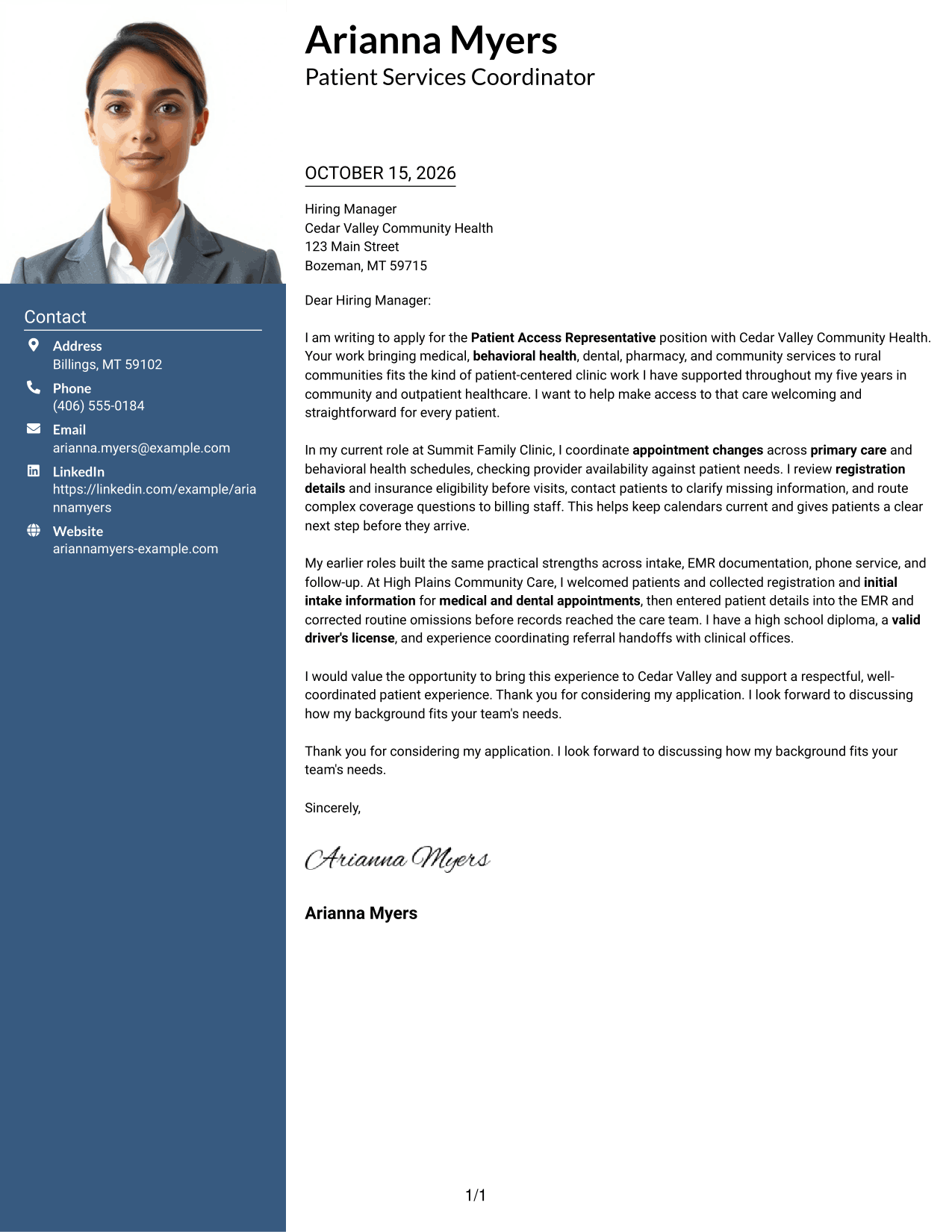
Photo Header Two Column Format combines a portrait header and contact sidebar with one continuous letter column, offering a distinct visual introduction without splitting the message.
Why This Format Works
- The contact sidebar separates sender details from the letter's continuous paragraphs.
- All persuasive paragraphs stay together in one continuous letter column.
- The photo header adds a portrait as a visible part of the page.
Best For
- Portrait-inclusive letter headers
- Contact details in a sidebar
- One-column persuasive messages
- Multi-paragraph correspondence
- Healthcare applications that include a portrait
#4 One Column Format with Photo Cover Letter Example
One Column Format with Photo keeps the letter in a single column and adds a portrait for a personal visual touch.
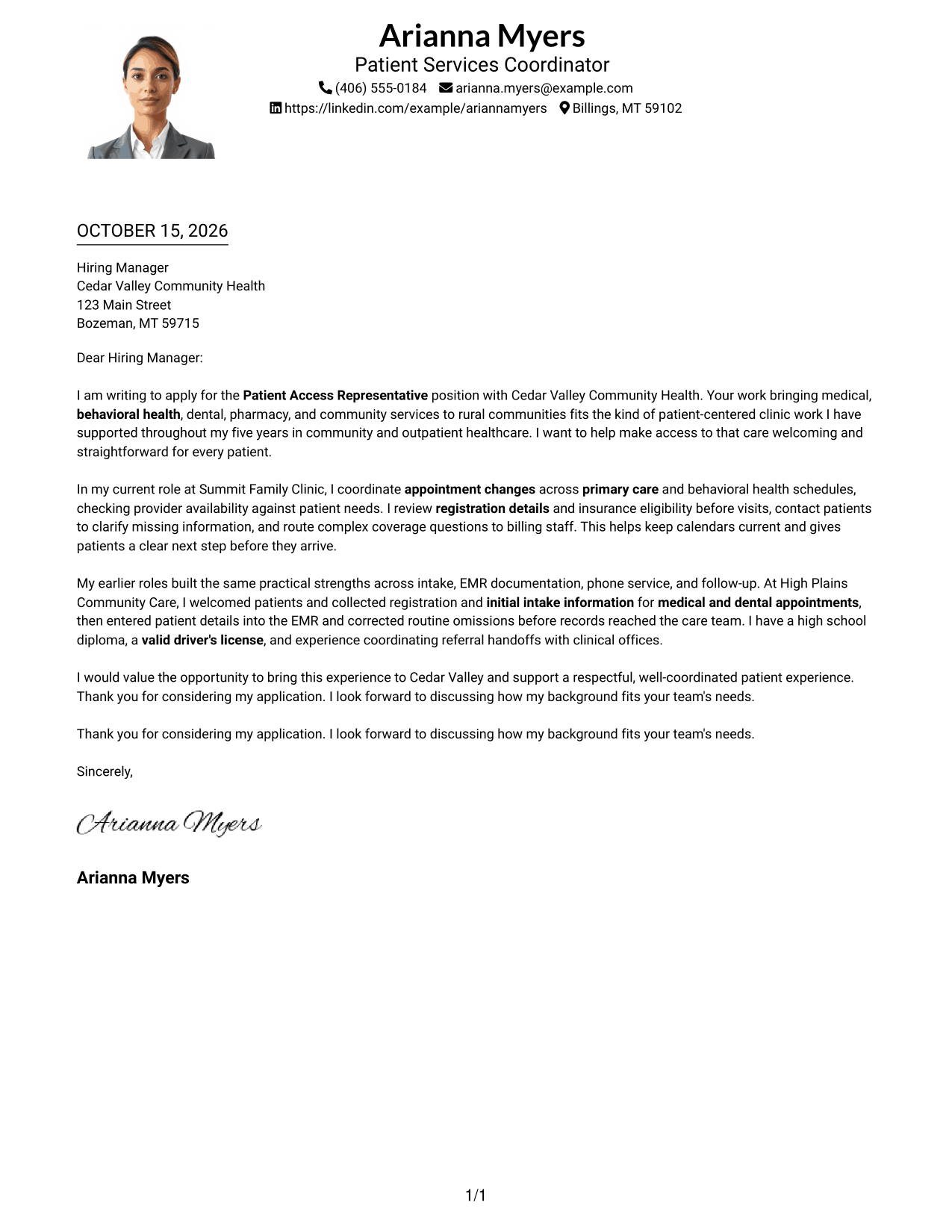
Why This Format Works
- The portrait adds a visual feature without dividing the letter into columns.
- Sender details and letter paragraphs share one direct reading sequence.
- The single column keeps the opening, evidence, and closing together.
Best For
- Single-column letter layouts
- Portrait-inclusive applications
- Header-based sender details
- Continuous application paragraphs
- Direct employer correspondence
#5 Simple Two Column Format Cover Letter Example
Simple Two Column Format places a contact sidebar beside one continuous letter column, separating contact details from the written case.
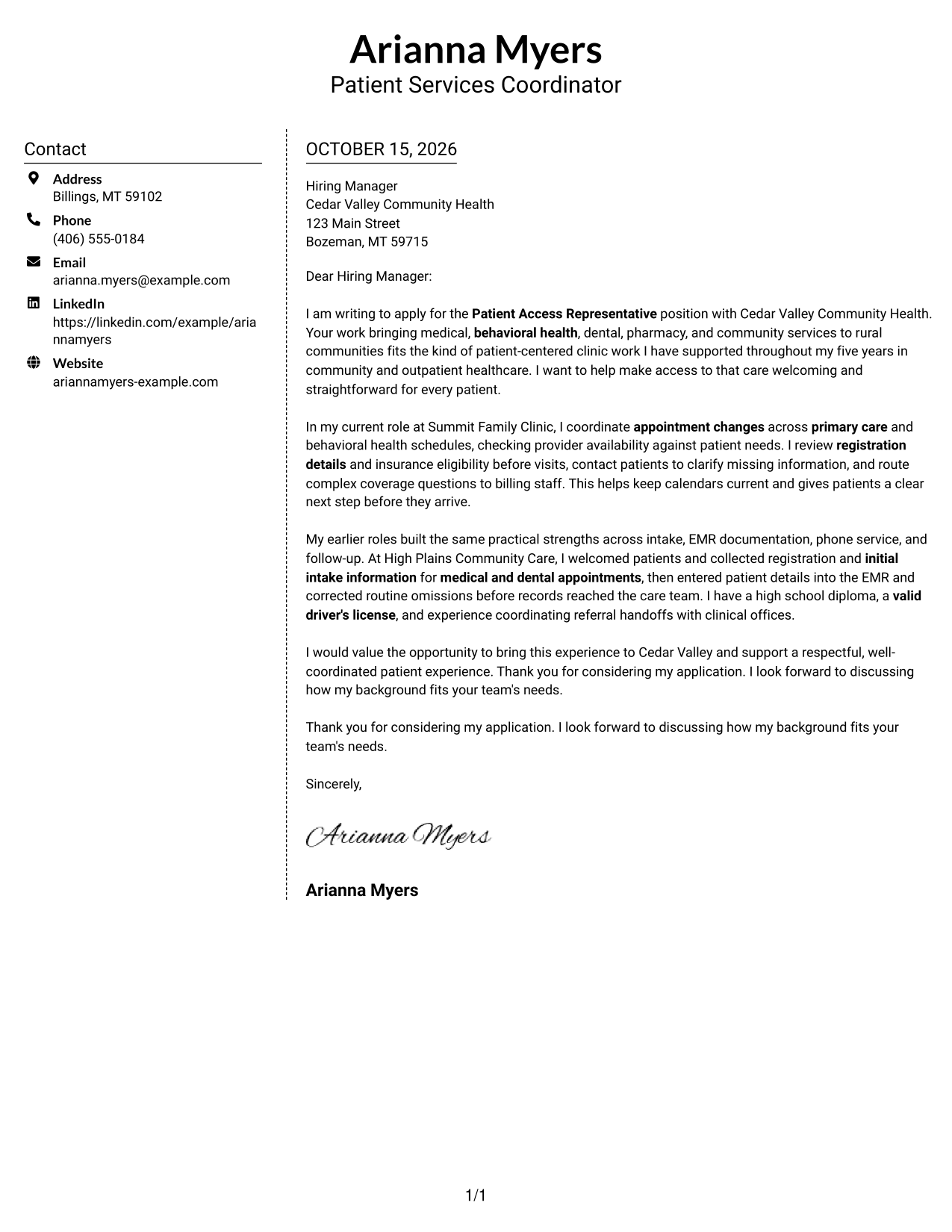
Why This Format Works
- The contact sidebar stays apart from the letter's uninterrupted paragraphs.
- The body keeps its opening, supporting points, and closing in one column.
- With no portrait, the page favors a text-based presentation.
Best For
- Sidebar contact organization
- A continuous letter body
- Photo-free employer correspondence
- Multi-paragraph application letters
- Patient access applications
#6 Modern Icon Format Cover Letter Example
Modern Icon Format pairs a contact sidebar with one continuous letter column, using icons as cues for contact details rather than letter arguments.
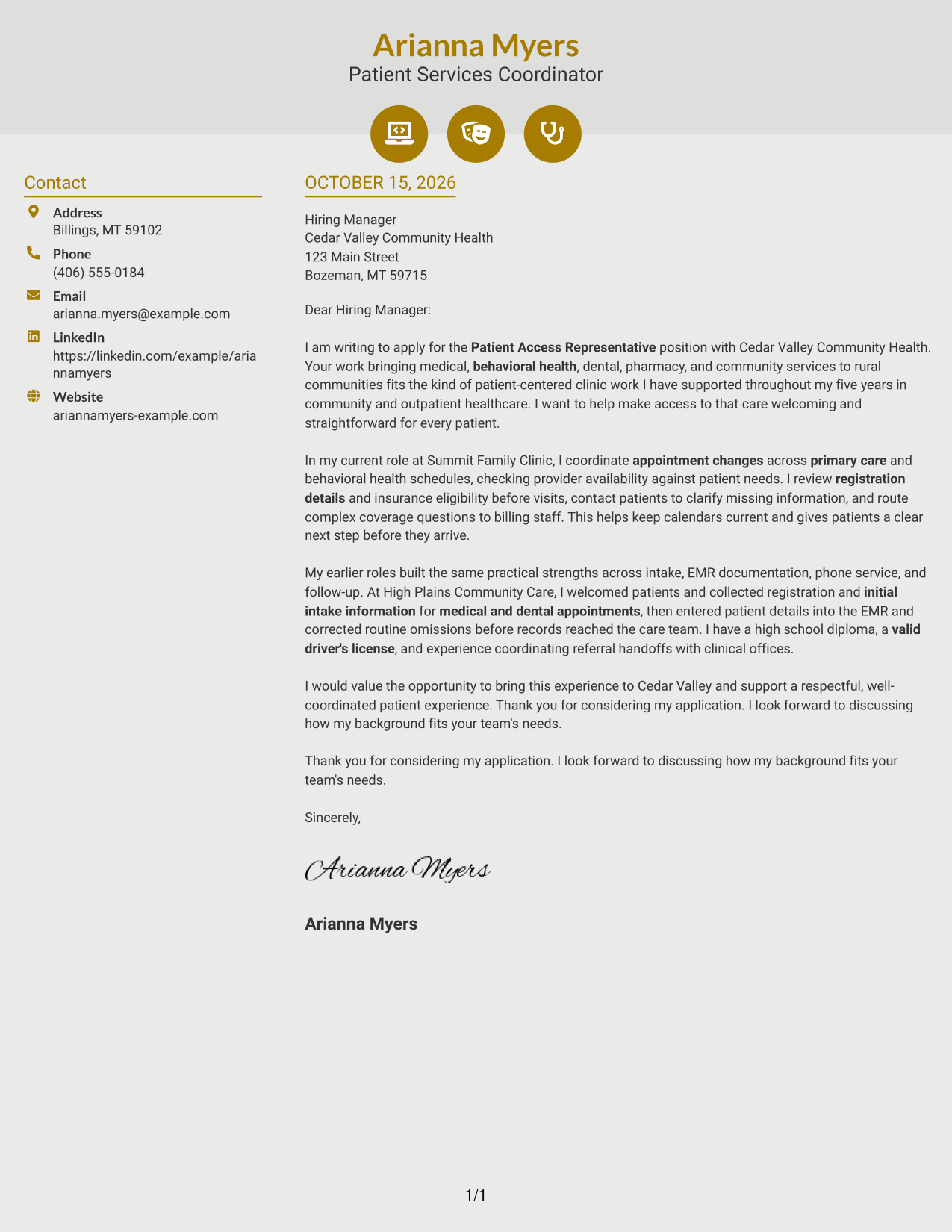
Why This Format Works
- Icons mark contact details, helping readers identify information in the sidebar.
- The argument remains in one continuous column, from opening through closing.
- The photo-free layout leaves its header free of portrait imagery.
Best For
- Icon-marked contact details
- Two-column contact organization
- Continuous persuasive correspondence
- Photo-free applications
- Multi-paragraph employer letters
#7 Creative Two Tone Format Cover Letter Example
Creative Two Tone Format places a contact sidebar beside one continuous letter column, keeping contact details distinct while the message stays together.
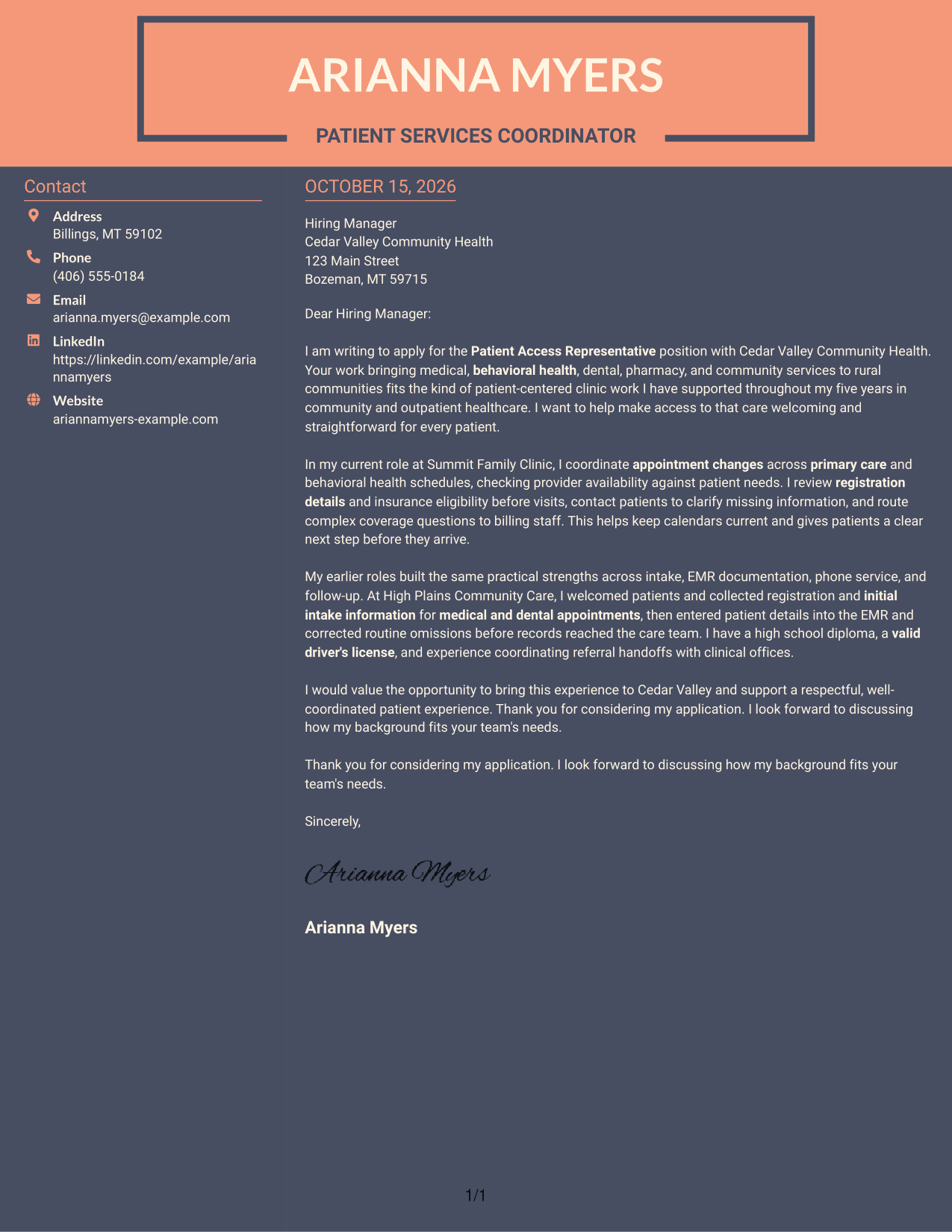
Why This Format Works
- Contact details occupy a sidebar beside the continuous letter body.
- All persuasive paragraphs remain together rather than split into parallel columns.
- Without a portrait, the page keeps its focus on written communication.
Best For
- Two-column contact organization
- A single-column letter message
- Photo-free applications
- Continuous employer correspondence
- Community health applications
See Also
- 7 Patient Access Representative - Registration and Care Coordination Resume Templates with Example
- 7 Patient Access Representative III - Emergency Department Resume Templates with Example
- 33 Part Time Patient Customer Service Representative Resume Templates with Example 2026 (ATS-Optimized)
- 33 Part Time Patient Service Representative Resume Templates with Example 2026 (ATS-Optimized)
- 7 Finance Customer Care Representative Intermediate Resume Templates with Example
- 33 Technical Customer Care Representative I Resume Templates with Example 2026 (ATS-Optimized)
- 33 Advanced Worker – Area Sales Representative Resume Templates with Example 2026 (ATS-Optimized)
- 33 Annual Reports Client Service Representative Resume Templates with Example 2026 (ATS-Optimized)
- 30+ Part Time Patient Customer Service Representative Cover Letter Templates with Example 2026
- 30+ Part Time Patient Service Representative Cover Letter Templates with Example 2026
Frequently Asked Questions
What should a Patient Access Representative - Registration and Care Coordination cover letter include?
Show your interest in patient access, then connect relevant experience to intake, appointment scheduling, insurance checks, EMR records, phone service, and coordination with care teams. Close by stating how you would support a respectful patient experience.
How can I show that I am a good fit for this role?
Give a brief example of how you handled registration details, resolved a scheduling need, checked insurance information, or guided a patient. Explain the action you took and how it helped the patient or clinic.
How can I show interest in a community health organization?
Refer to services or care values that genuinely interest you, such as coordinated medical and behavioral health services or access for rural communities. Connect that interest to the kind of patient support you want to provide.
Which cover letter layout should I choose?
Choose a clear layout that makes your opening, supporting examples, and closing easy to follow. Compare the image previews, then open an example in the editor to view or customize it.
Should I include a photo on my cover letter?
For U.S. applications, a cover letter without a photo is usually the safer choice. Focus the page on your message and relevant experience.




