
7 Patient Care Technician - Outpatient Dialysis Cover Letter Templates with Example
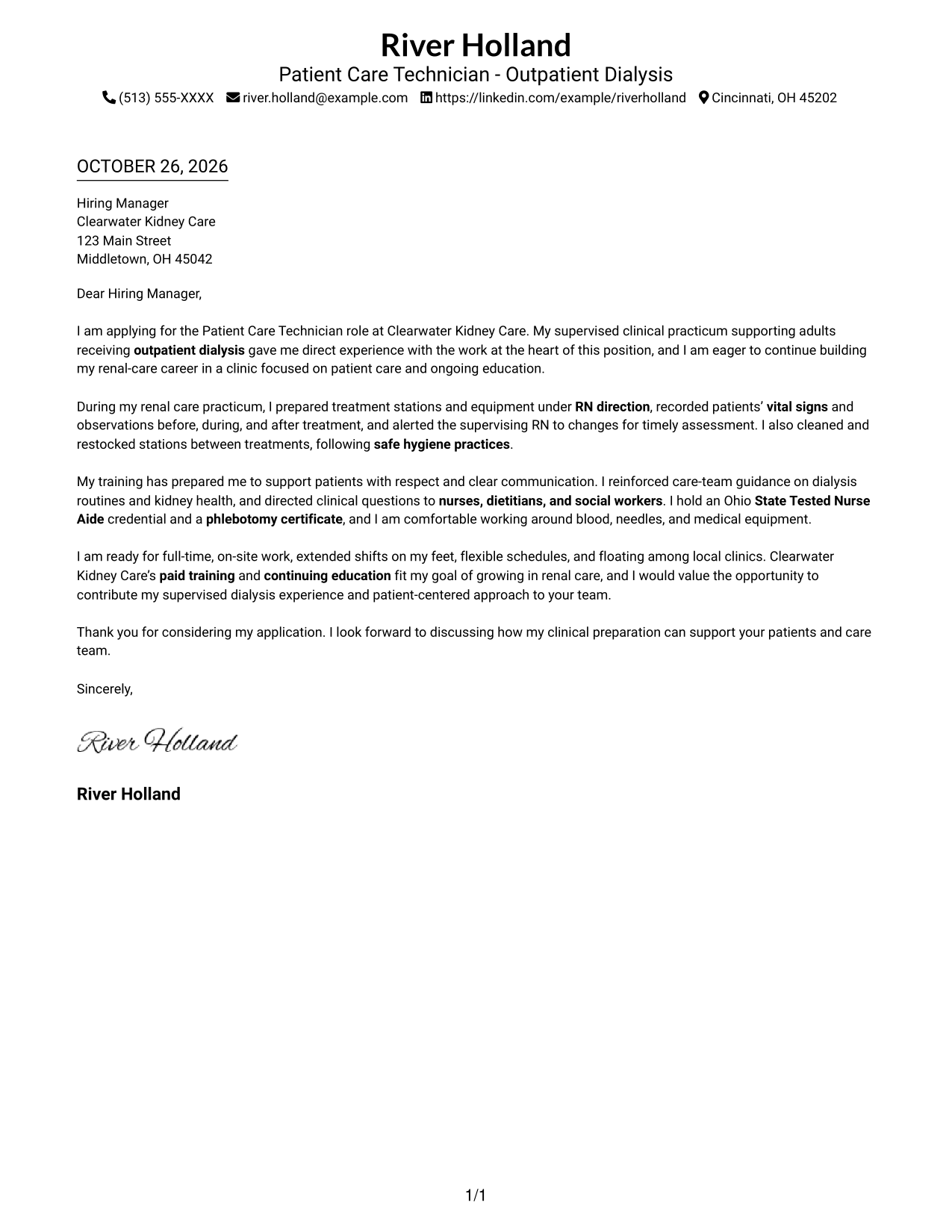
This practical guide helps you create a Patient Care Technician - Outpatient Dialysis cover letter, with seven layouts to compare and guidance for presenting your clinical preparation clearly.
What Makes a Great Patient Care Technician - Outpatient Dialysis Cover Letter in 2026
A strong cover letter connects supervised outpatient dialysis practice with careful, respectful patient support. Its opening states your interest, while the body shares relevant care experience and the closing shows readiness for the role.
Use evidence such as monitoring vital signs, preparing treatment stations under RN direction, and communicating changes to the care team. Connect these examples to the clinic’s approach and training opportunities without claiming experience you do not have.
The featured Patient Care Technician - Outpatient Dialysis example moves from role interest to clinical evidence, communication strengths, and a clear close, giving you a focused progression to adapt while choosing a presentation that suits the employer and communication context.
#1 Simple One Column Format Cover Letter Example
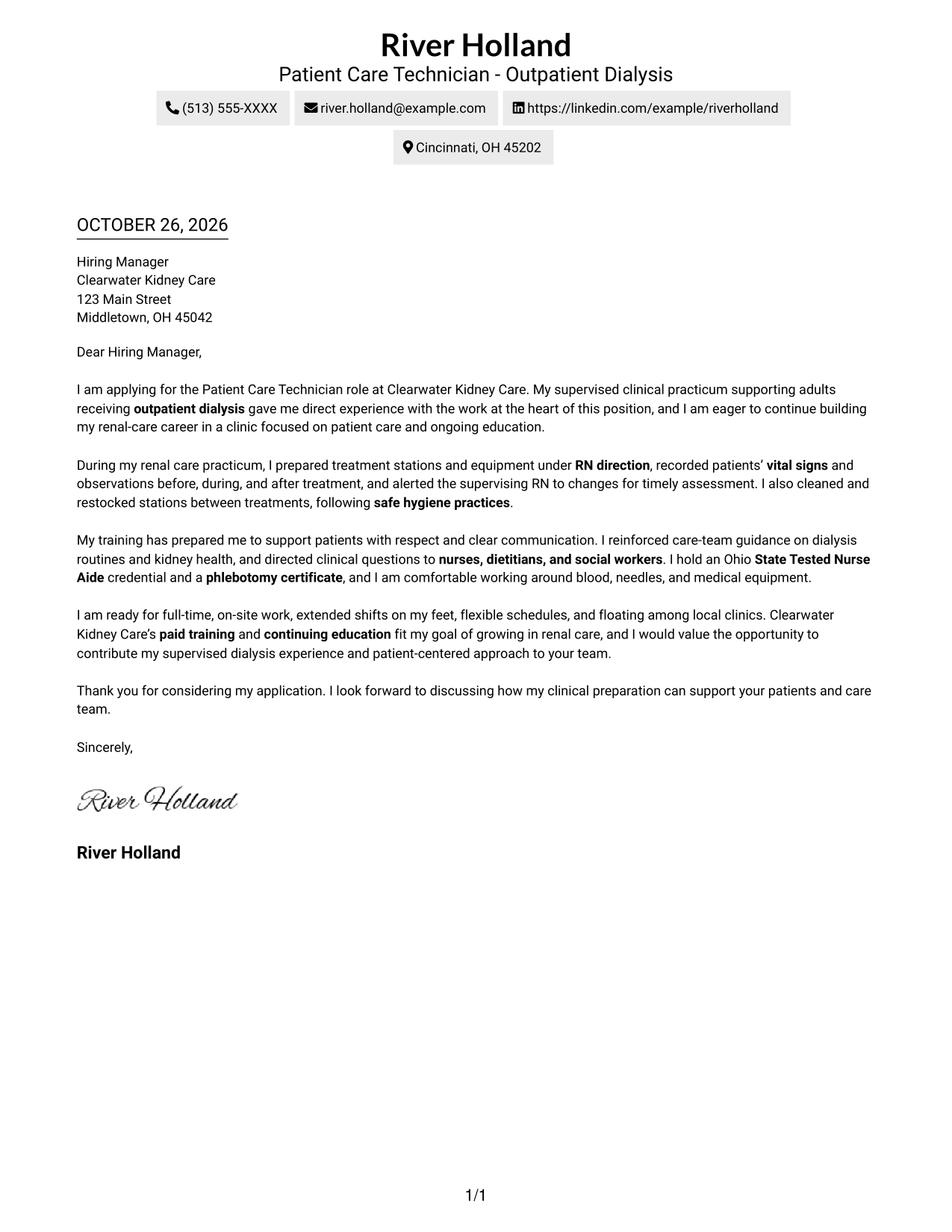
The Simple One Column Format keeps sender details and the full letter in a single column, a clear choice for readers who prefer a familiar reading path.
Why This Format Works
- Sender details stay in the header, close to the letter itself.
- Opening, evidence, and closing remain in one familiar paragraph sequence.
- Without argument headings, the message keeps a standard letter form.
Best For
- One-column reading preference
- Header-based sender details
- Continuous letter paragraphs
- Traditional application correspondence
- Photo-free document preference
#2 Two Column Format Cover Letter Example
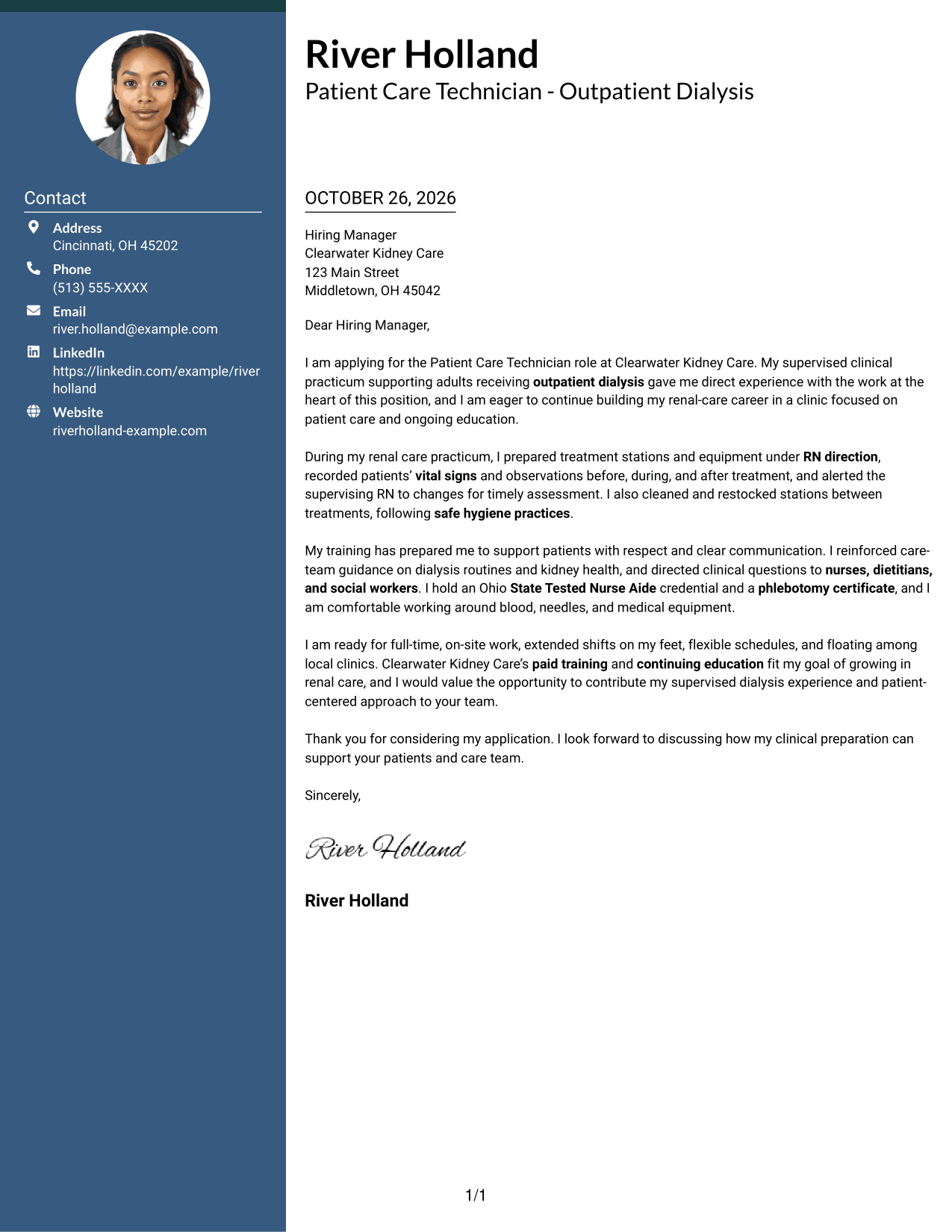
The Two Column Format places a contact sidebar beside one continuous letter body, helping readers distinguish contact information from the application message.
Why This Format Works
- A contact sidebar keeps sender information apart from the message.
- One letter column carries the argument without splitting it across sides.
- Paragraphs retain a familiar letter form without headings for argument stages.
Best For
- Contact details beside the message
- A single-column letter body
- Applications with several supporting points
- Clear separation of contact and correspondence
- Photo-free applications
#3 Photo Header Two Column Format Cover Letter Example
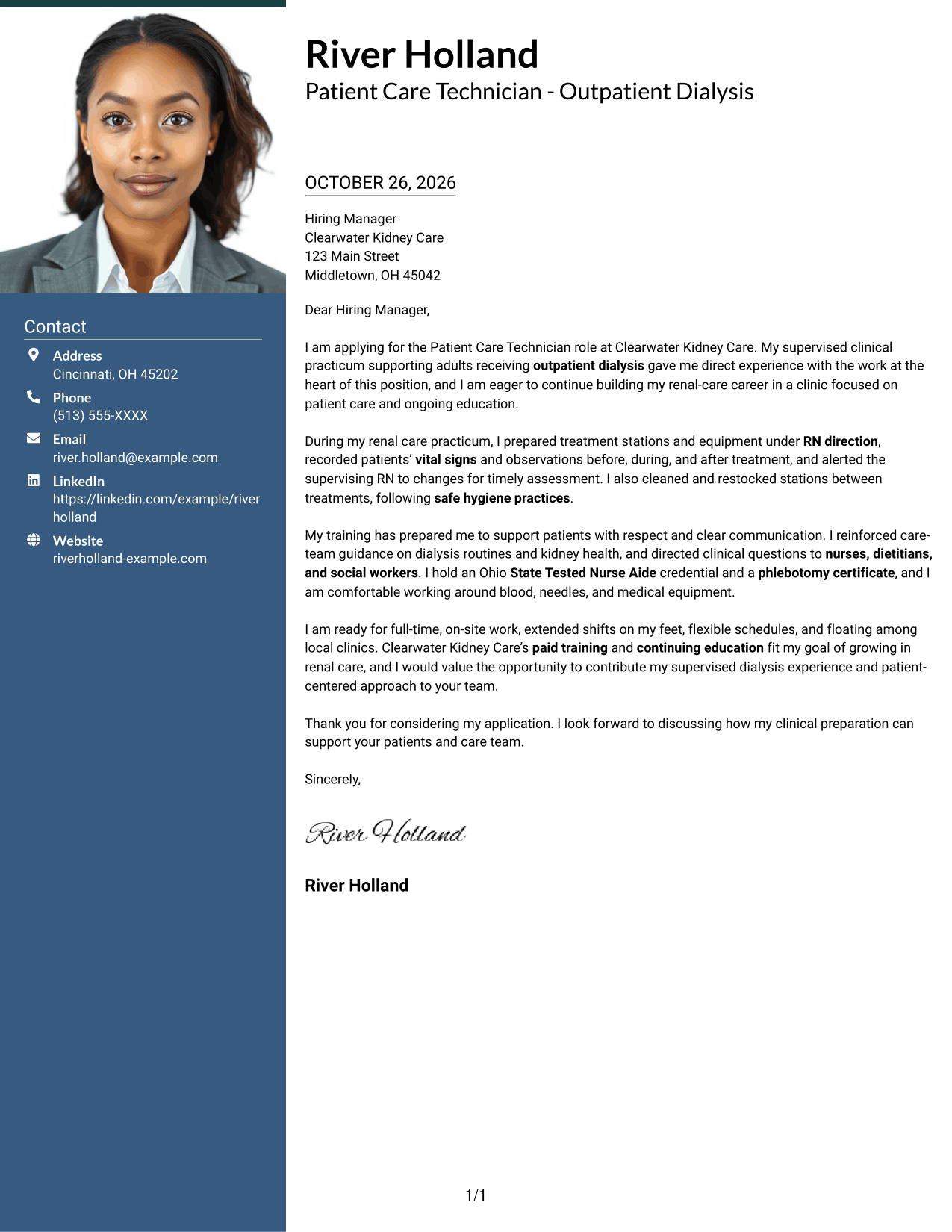
The Photo Header Two Column Format combines a photo with a contact sidebar and one letter column, suiting readers who want a personal visual element beside a continuous message.
Why This Format Works
- The contact sidebar keeps sender details separate from the letter's argument.
- A single body column preserves the order of the letter's paragraphs.
- The photo adds a visual element without dividing the message.
Best For
- Photo-inclusive correspondence
- Contact details beside the message
- A continuous letter-body argument
- Applications with a personal visual element
- One-column message reading
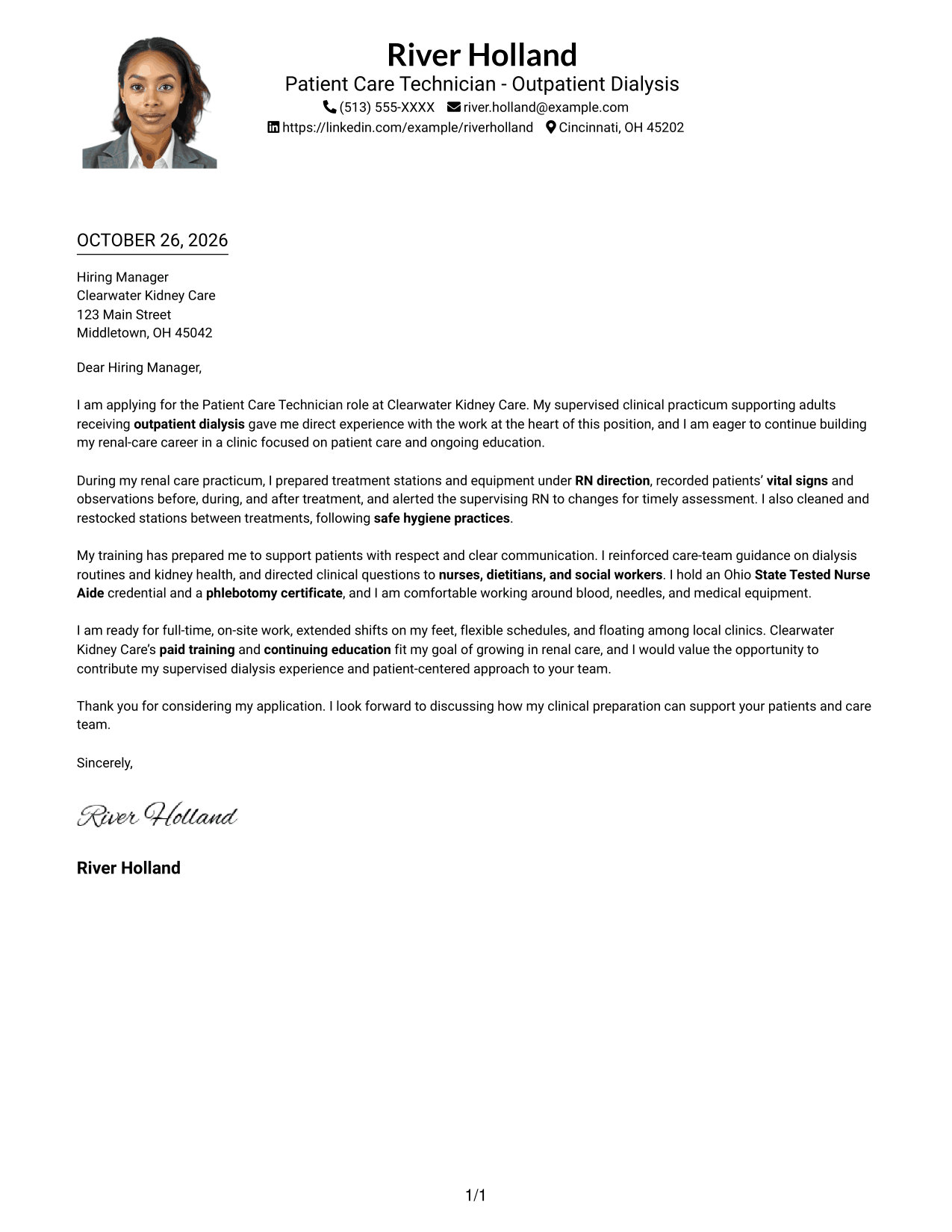
#4 One Column Format with Photo Cover Letter Example
The One Column Format with Photo keeps the letter in one reading column and includes a photo, a practical choice for readers who prefer a personal visual element with a familiar letter layout.
Why This Format Works
- Sender details remain in the header with the continuous letter body.
- A single column keeps the message's paragraphs in their usual order.
- The photo offers a visual choice without labeling parts of the argument.
Best For
- One-column letter reading
- Photo-inclusive presentation
- Header-based sender details
- Unheaded application paragraphs
- A familiar letter layout
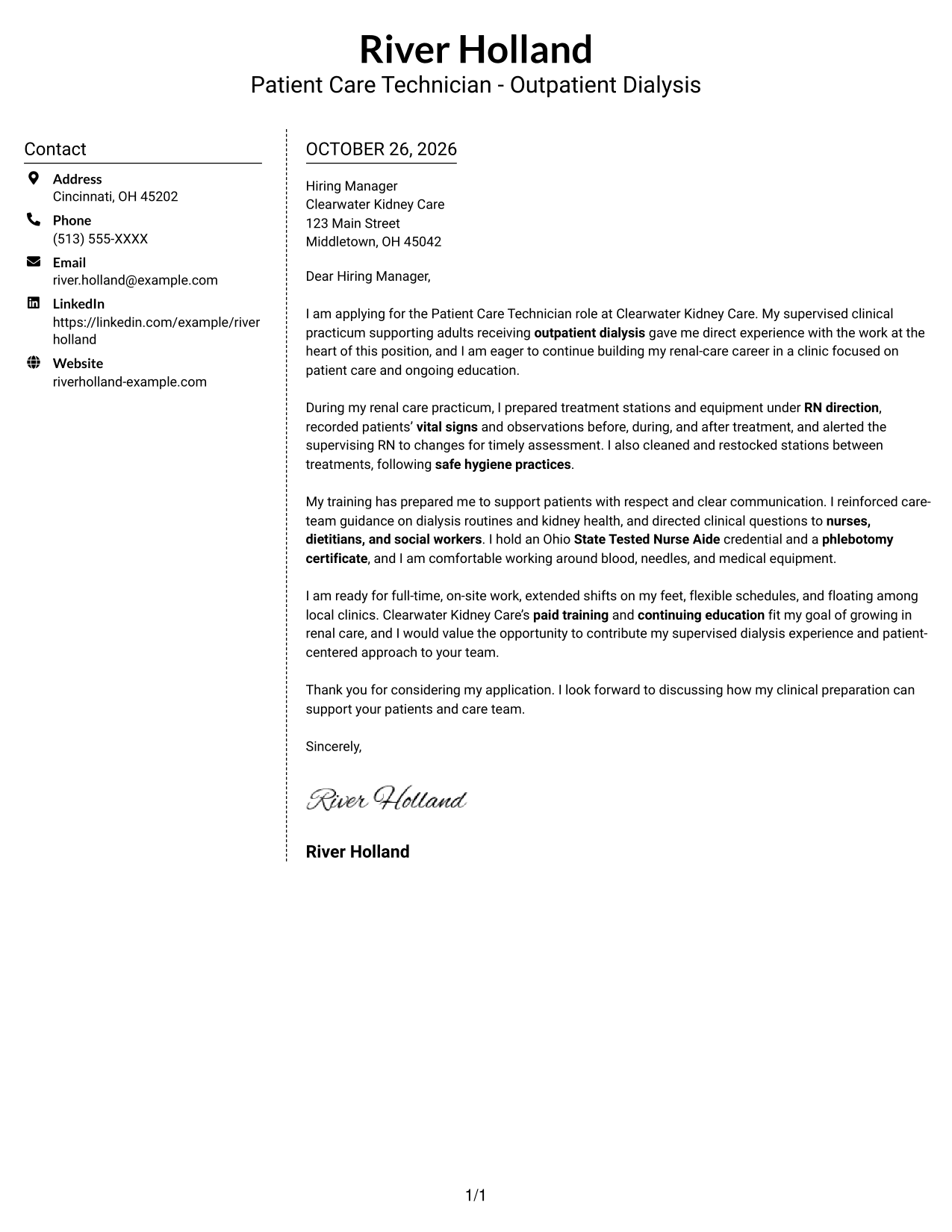
#5 Simple Two Column Format Cover Letter Example
The Simple Two Column Format gives contact details a separate sidebar while keeping the letter itself in one column, a useful arrangement for readers who want those areas clearly apart.
Why This Format Works
- Contact information has its own area beside the application letter.
- The message stays in one column instead of spanning both sides.
- Unheaded paragraphs keep the letter in a familiar correspondence style.
Best For
- A separate contact area
- One-column message reading
- Unheaded letter paragraphs
- Applications with a clear personal message
- Photo-free correspondence
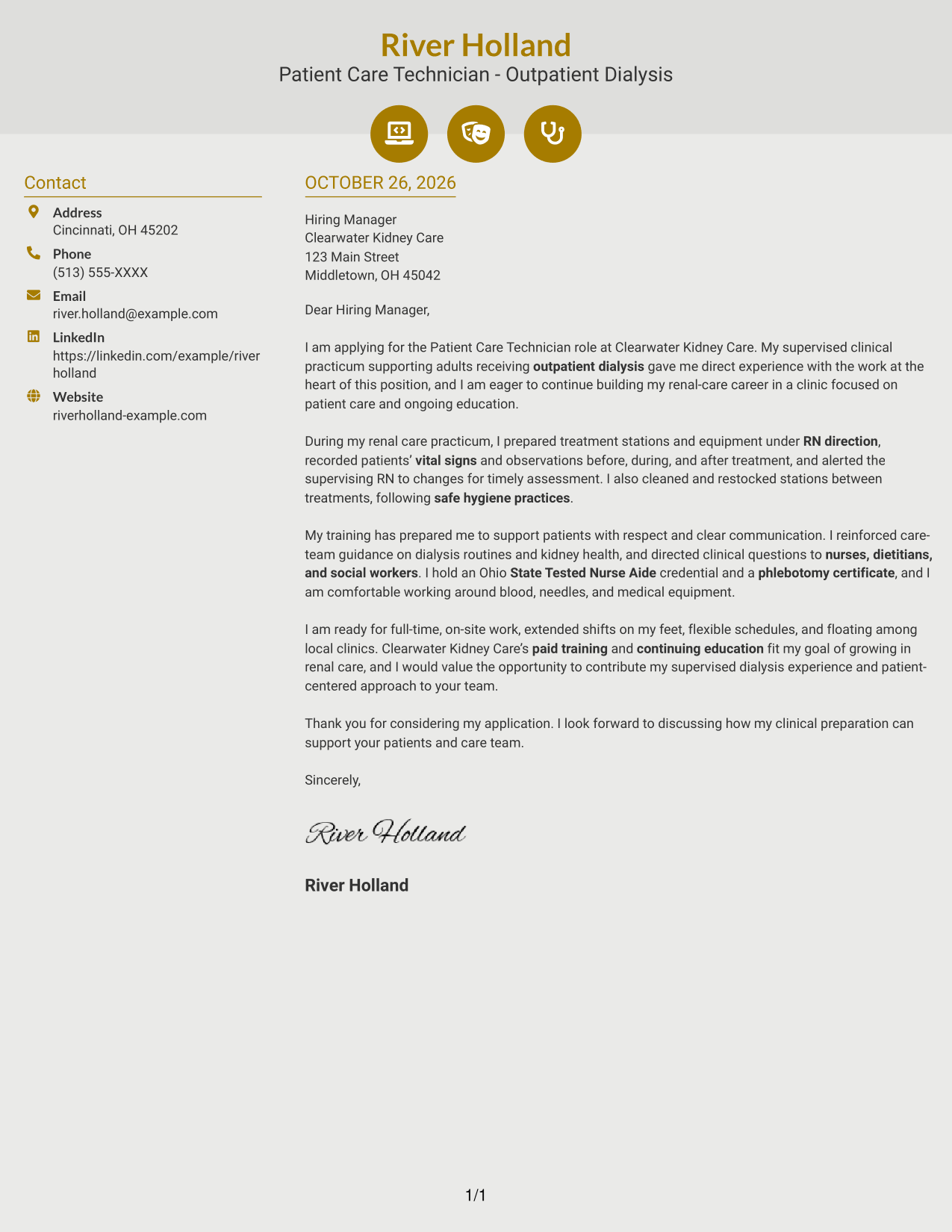
#6 Modern Icon Format Cover Letter Example
The Modern Icon Format uses two columns for a contact sidebar and one letter body, with icons as contact cues rather than labels for the message's argument.
Why This Format Works
- Contact icons help distinguish details such as email and phone information.
- The sidebar keeps contact information apart from the letter's paragraphs.
- A single body column carries the message from opening through closing.
Best For
- Icon-marked contact details
- A separate contact sidebar
- Continuous letter paragraphs
- One-column argument reading
- Photo-free application materials
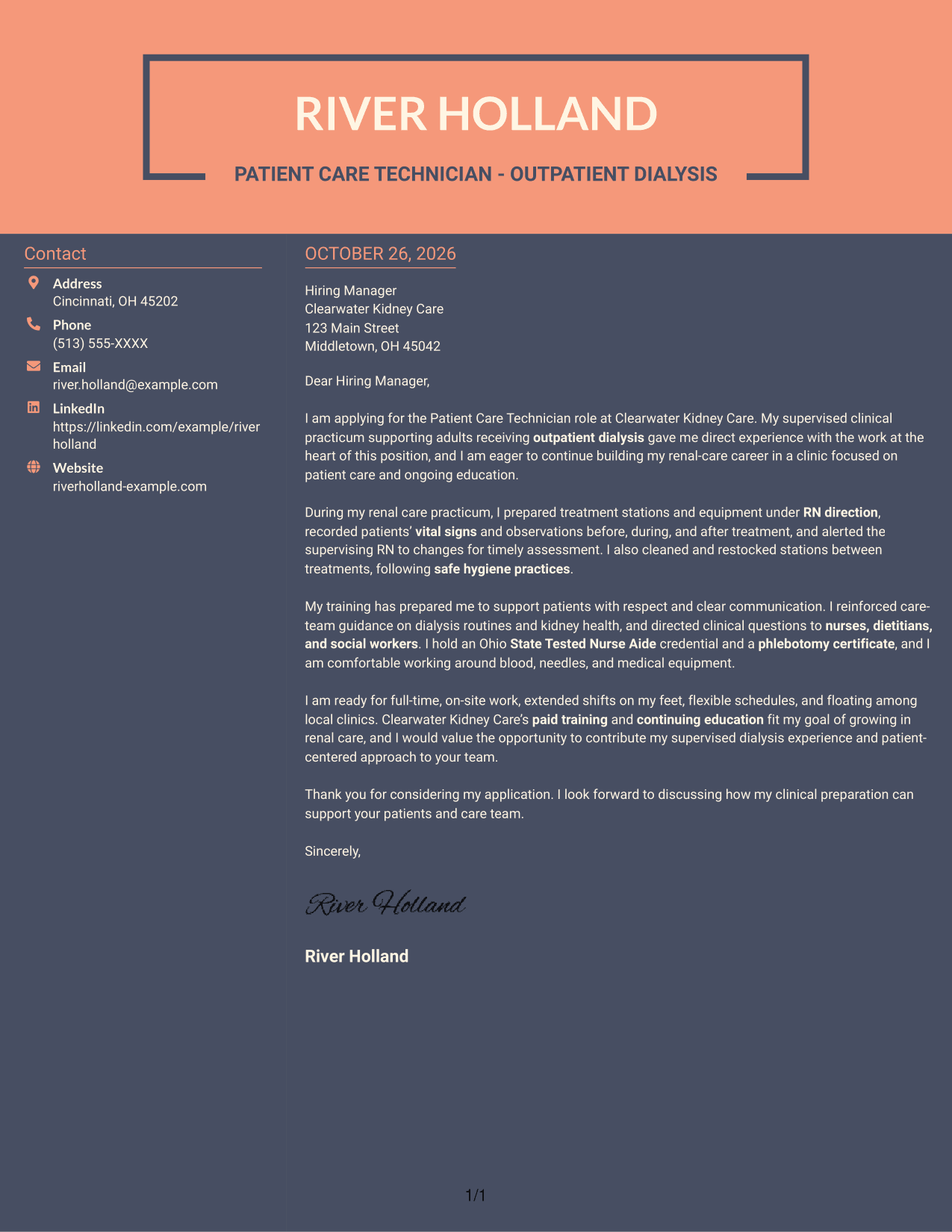
#7 Creative Two Tone Format Cover Letter Example
The Creative Two Tone Format places a contact sidebar beside one continuous letter column, a practical choice for readers who prefer contact details separated from the message.
Why This Format Works
- The sidebar gives contact details a separate place beside the letter.
- The argument stays together in one body column, not parallel sections.
- Without argument headings, the message follows a standard letter structure.
Best For
- Separate contact and letter areas
- A continuous body-column message
- Standard paragraph correspondence
- Applications with several points of fit
- Photo-free document layouts
Why Use ResumeInMinutes for a Patient Care Technician - Outpatient Dialysis Cover Letter
ResumeInMinutes offers a clear starting point for shaping a role-focused cover letter. Review the image preview, then open an example in the editor to explore its presentation.
- Clear letter structure
- Readable formatting
- Role-focused guidance
- Image previews
- Editor examples
- Cover letter support
For this role, focus your letter on safe patient care, dialysis station preparation, patient monitoring, and clear communication with the care team. Show how your examples connect with the clinic’s responsibilities and the support it offers.
See Also
- 7 Patient Care Technician - Outpatient Dialysis Resume Templates with Example
- 7 Patient Care Technician I - Cardiac Thoracic Step Down Resume Templates with Example
- 33 Patient Care Technician (PCT) Resume Templates with Example 2026 (ATS-Optimized)
- 7 Patient Care Technician - Telemetry Resume Templates with Example
- 7 Clinical Technician 1 - Progressive Care Unit Resume Templates with Example
- 33 Emergency Medical Technician - Prehospital Emergency Care Resume Templates with Example 2026 (ATS-Optimized)
- 7 Emergency Technician - Emergency Department Care Resume Templates with Example
- 33 Pharmacy Technician - Acute Care Resume Templates with Example 2026 (ATS-Optimized)
- 30+ Patient Care Technician (PCT) Cover Letter Templates with Example 2026
- 7 Clinical Technician 1 - Progressive Care Unit Cover Letter Templates with Example
Frequently Asked Questions
What should a Patient Care Technician - Outpatient Dialysis cover letter include?
Start with a direct statement of interest. Use the body to describe relevant supervised care, such as preparing treatment areas, recording vital signs, and raising concerns with the RN. Close by connecting your interest to the role.
Does this page show different cover letter examples?
It presents one Patient Care Technician - Outpatient Dialysis cover letter example in different visual layouts. Use the image previews to compare them, then open an example in the editor to view or customize it.
How can I show that my experience fits outpatient dialysis care?
Choose specific examples from your training or clinical practice. Explain how you prepared equipment, monitored patients, followed hygiene practices, or communicated observations under RN direction.
How should I explain my interest in this position?
Connect your interest in renal care with the work of supporting patients during treatment. If it is relevant to your goals, mention the employer’s paid training and continuing education, and explain why those opportunities matter to you.
Should I mention schedule flexibility in my cover letter?
If you are available for the role’s schedule, state that clearly. You can mention full-time, on-site work, extended shifts, flexible hours, or floating among local clinics when those details are accurate for you.




