
30+ Patient Experience Navigator Cover Letter Templates with Example 2026
Are you ready to craft a Patient Experience Navigator cover letter that can elevate your application? You’ve come to the right place.
A compelling cover letter allows you to emphasize your expertise in patient support, coordination, and dedication to enhancing healthcare experiences, further illustrating your fit for the role beyond what’s in your resume. It’s your opportunity to shine a light on your professional journey and how it aligns with the mission at Accompany Health.
In this guide, you’ll find one effective Patient Experience Navigator cover letter example, explore what makes it impactful, and see how to generate a cover letter in 33 diverse styles and themes to express your unique personality and career aspirations in just minutes.
What Makes a Great Patient Experience Navigator Cover Letter in 2026
Exceptional cover letters in 2026 are targeted, skills-driven, and reflective of the job description. The best cover letters consistently focus on three key areas:
- Relevant experience in patient care and coordination
- Understanding of HIPAA regulations and patient confidentiality
- Effective communication and collaboration with healthcare teams
Rather than just reiterating your resume, successful cover letters convey:
- Why you are drawn to the Patient Experience Navigator role
- How your background aligns with the specific needs of Accompany Health
- Your commitment to enhancing patient experiences and quality of care
For this type of role, effective keyword alignment may include patient scheduling, referrals, healthcare operations, empathy, communication skills, and HIPAA compliance.
The templates below demonstrate how one effective, ATS-friendly cover letter can be customized across various professional styles.
Essential Sections of a Patient Experience Navigator Cover Letter
High-performing cover letters typically follow a clear, easily understandable structure. When cover letters feel generic or disorganized, hiring managers may lose interest quickly.
The strongest cover letters generally include the following:
- HEADER
- DATE
- EMPLOYER / HIRING MANAGER DETAILS
- OPENING PARAGRAPH
- WHY THIS ROLE / WHY THIS COMPANY
- RELEVANT EXPERIENCE
- SKILLS ALIGNMENT
- CULTURE / TEAM FIT
- CLOSING PARAGRAPH
- PROFESSIONAL SIGN-OFF
The example below adheres to this structure allowing readers to confidently model their own cover letters.
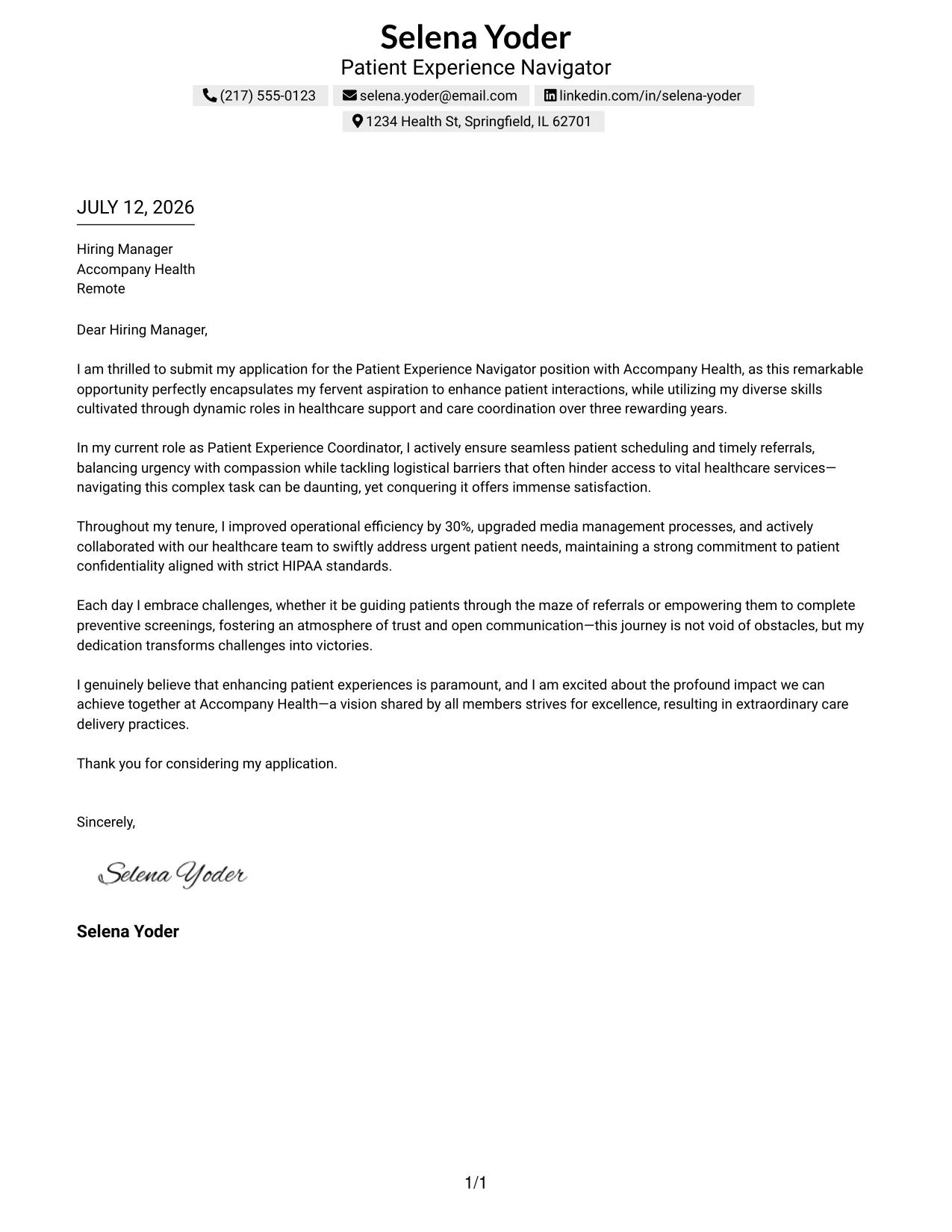
#1 Patient Experience Navigator Cover Letter Example
This cover letter showcases the application of a dedicated healthcare professional for the Patient Experience Navigator role. It emphasizes Selena's three years of experience in patient support and care coordination, highlighting her passion for enhancing patient interactions and her strong skill set in managing referrals and scheduling.
The layout is simple yet effective, maintaining clarity and focus on the essential content. Selena's natural tone and detailed examples of her achievements create a compelling narrative, making it engaging for hiring managers in the healthcare industry.
Candidate Snapshot
- Name: Selena Yoder
- Education: B.S. in Health Sciences (Expected May 2026)
- Target Role: Patient Experience Navigator
- Highlighted Skills: Patient Coordination, HIPAA Compliance, Effective Communication
Why This Cover Letter Works
- Begins with enthusiasm for the role, clearly aligning Selena's motivations with the position's responsibilities
- Details relevant experience from her current role that directly matches job requirements, such as managing referrals and patient scheduling
- Highlights measurable achievements, like a 30% improvement in operational efficiency, proving her effectiveness
- Demonstrates a deep understanding of HIPAA regulations and patient confidentiality, addressing critical job expectations
- Encapsulates her commitment to enhancing patient experiences through concrete examples, showing genuine care
- Maintains a professional yet warm tone, important for roles in patient-centered healthcare environments
Keywords Matched From Job Description
- Patient Experience Navigator
- Healthcare Support
- Patient Scheduling
- Care Coordination
- HIPAA Compliance
- Referral Management
- Preventive Screenings
- Communication
- Patient Advocacy
- Operational Efficiency
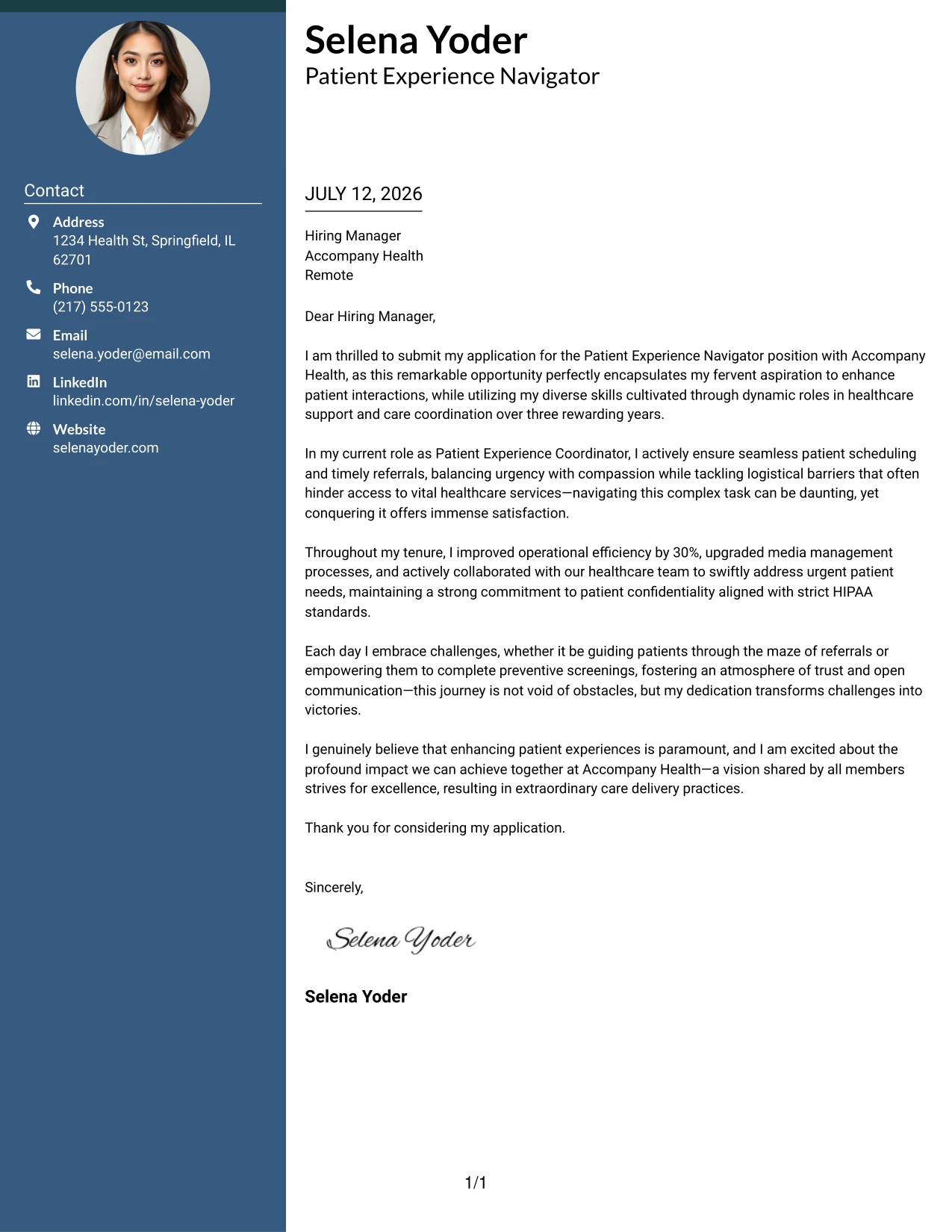
#2 Patient Experience Navigator Cover Letter Example (Two Column Format)
This layout adopts a modern two-column cover letter structure, combining a concise contact sidebar with an easily navigable content area. It emphasizes professionalism while allowing for a polished appearance that stands out to hiring managers in the healthcare sector.
Why the Two Column Format Works
- Creates a visually striking first impression with a premium layout tailored for healthcare professionals
- Organizes contact details for quick reference, enhancing recruiter efficiency
- Maintains readability while ensuring a professional presentation that aligns with industry standards
- Balances aesthetics with logical content flow, keeping focus on Selena's relevant experience and achievements
- Allows her to present her unique personality while retaining a serious tone appropriate for healthcare settings
- Ideal for positions where strong communication and presentation skills are paramount
Best For
- Patient Experience Roles
- Healthcare Support Positions
- Healthcare Industry Professionals
- Entry-Level Healthcare Applicants
- Strong Communication Environments
- Settings with High Patient Interaction
- Roles Focused on Patient Advocacy
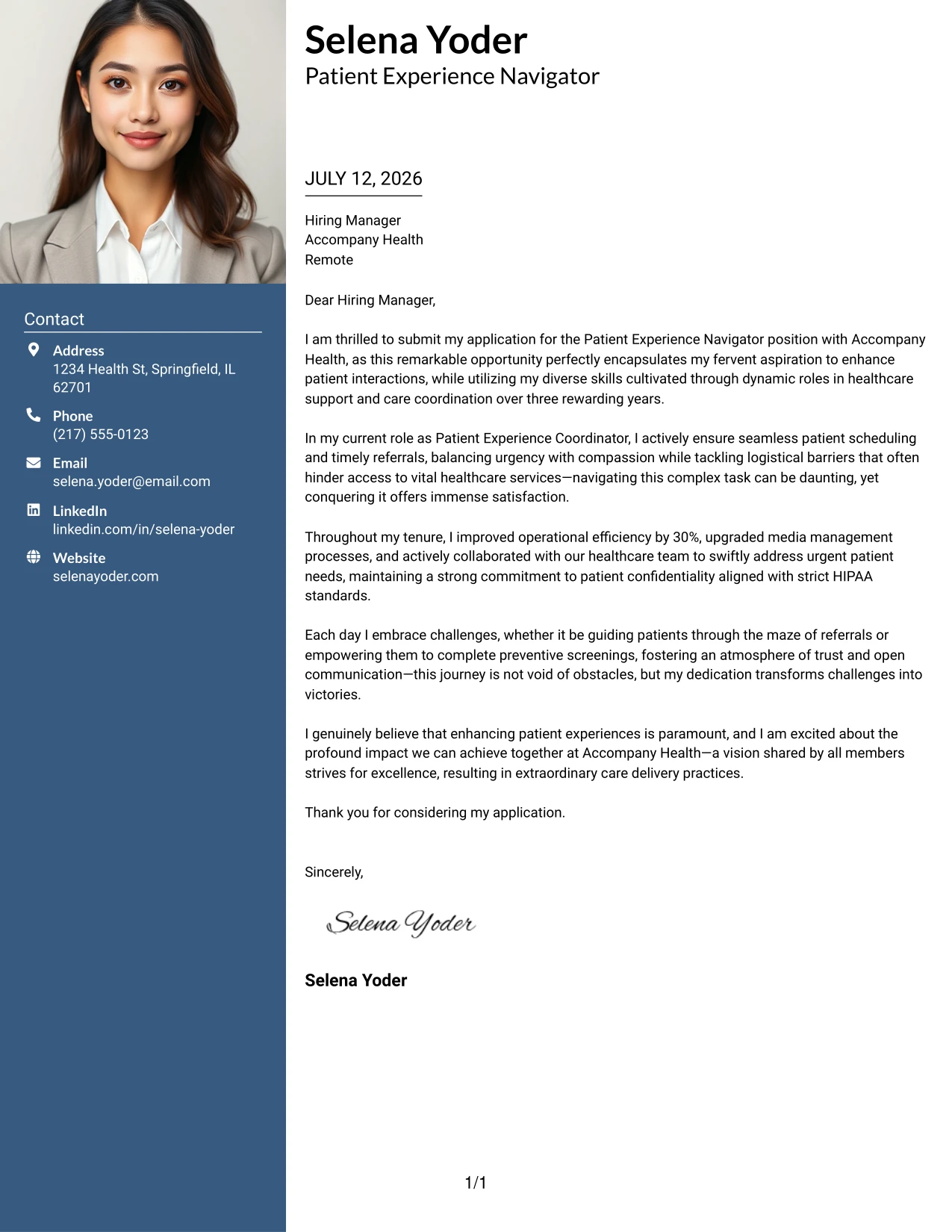
#3 Patient Experience Navigator Cover Letter Example (Photo Header Two Column Format)
In this design, a stylish two-column layout with a profile photo header enhances Selena's personal branding while maintaining professionalism. This format integrates visual appeal and a clear structure, making it an excellent choice for healthcare roles where interpersonal skills and approachability are important.
Why the Photo Header Two Column Format Works
- Captivates attention with a professional photo, bolstering Selena's personal branding for patient-facing roles
- Displays contact information in an organized fashion, facilitating quick access for hiring managers
- Offers a compelling mix of creativity and professionalism that aligns with modern healthcare standards
- Presents information clearly, allowing Selena's achievements to shine without overwhelming the reader
- Helps her stand out in competitive job applications where interpersonal skills are highly valued
- Perfect for healthcare environments eager to employ candidates with strong communication styles and empathetic approaches
Best For
- Patient Experience Navigator Position
- Healthcare Career Opportunities
- Roles Requiring Strong Communication Skills
- Patient-Centric Environments
- Creative Healthcare Employers
- Personable Applicants
- Competitive Healthcare Roles
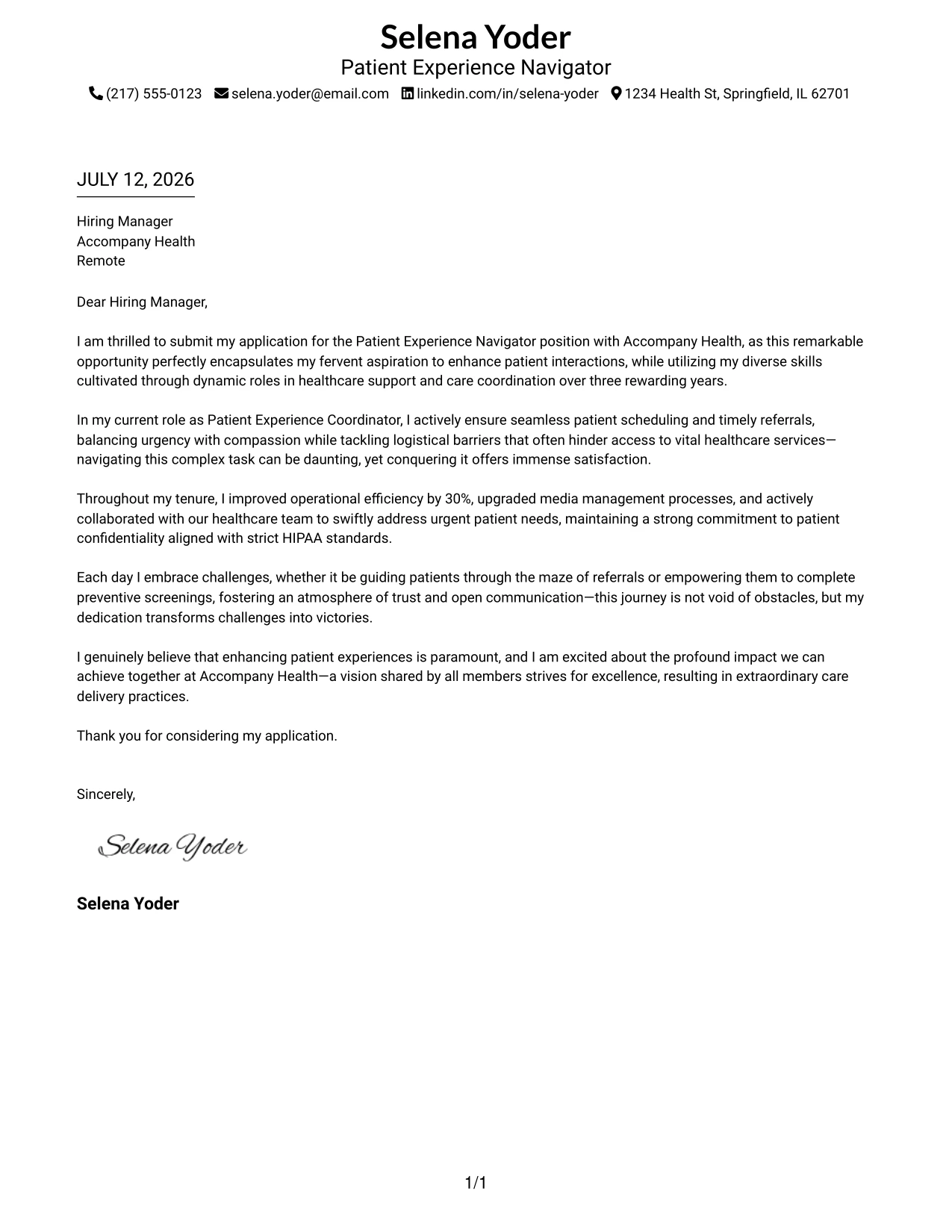
#4 Patient Experience Navigator Cover Letter Example (Simple One Column Format)
This version embodies a clean one-column layout, emphasizing a straightforward and professional presentation without any distractions. It focuses solely on clarity and content, making it an ideal choice for those in patient care settings where communication is key.
Why the Simple One Column Format Works
- Utilizes a classic professional format that is relevant for healthcare applications
- Directs full attention to Selena's insights, accomplishments, and qualifications
- Easy for healthcare recruiters to skim the content and find essential information quickly
- Highly compatible with applicant tracking systems (ATS), ensuring it passes digital screenings
- Effective for conservative healthcare environments that prefer traditional presentations
- No unnecessary graphics or colors allows the content to take center stage
- Ideal when the strength of experience and clarity of communication matter most
Best For
- Patient Experience Roles
- Healthcare Industry Applications
- Corporate Healthcare Settings
- Text-Based Applications with Clear Communication
- Traditional Healthcare Employers
- Formal Applications
- Entry-Level Positions
- Clarity-Focused Roles
- Conservative Employers
#5 Patient Experience Navigator Cover Letter Example (One Column Format with Photo)
This layout adopts a professional one-column design with a subtle photo element on the left. It combines simplicity and polish while integrating a hint of personal branding, enhancing the overall presentation without detracting from the content.
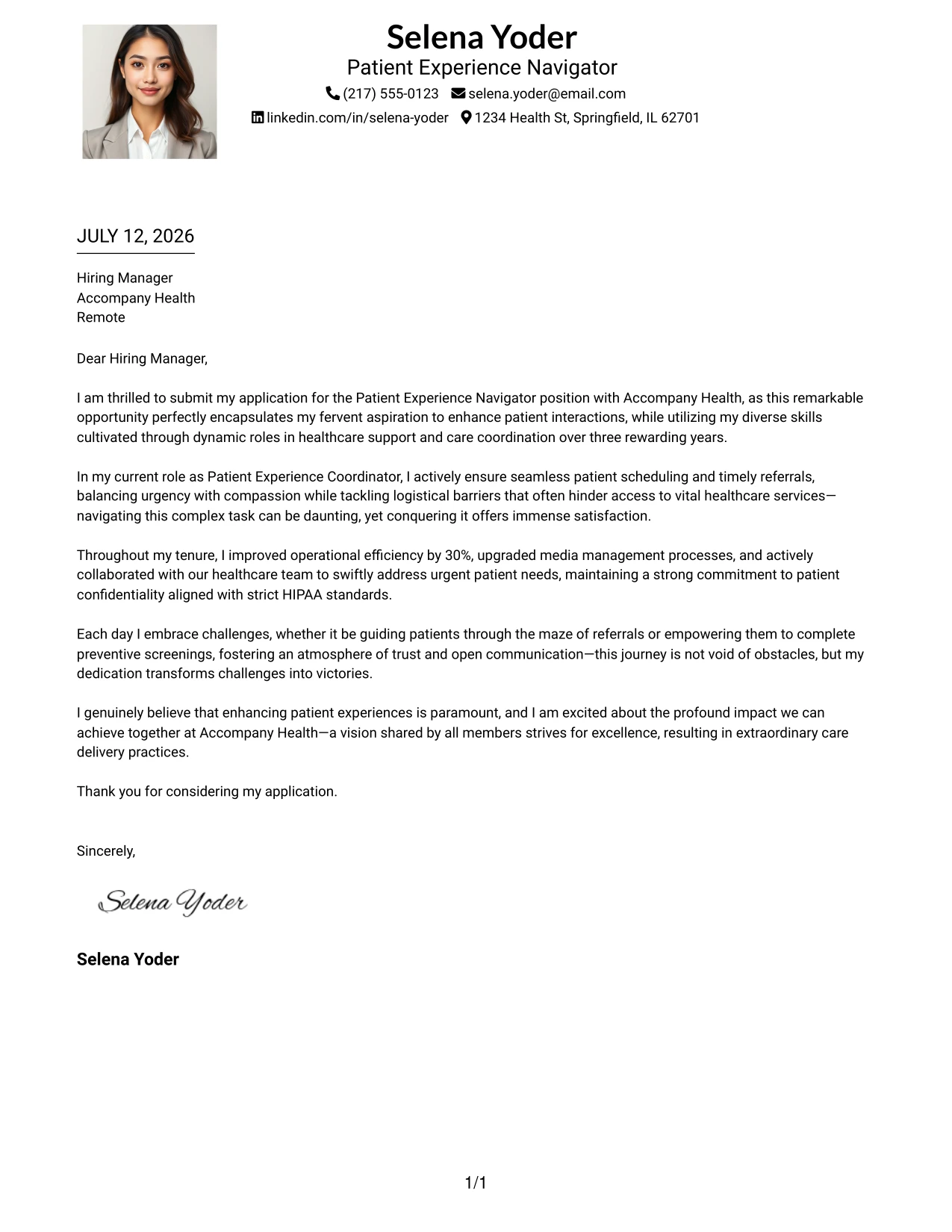
Why the One Column Format with Photo Works
- Keeps a straightforward structure that aids readability and clarity
- Integrates a professional photo for enhanced personal branding in patient-centered roles
- Ensures focus remains on Selena's qualifications and expertise without distraction
- The layout is compatible with ATS, ensuring her application is viewed positively
- Maintains a polished appearance while emphasizing Selena's communication skills
- Ideal for candidates seeking a balance between professionalism and personal expression
- Great for healthcare settings looking for personable, approachable candidates
Best For
- Patient Experience Positions
- Healthcare Roles Requiring Personal Interaction
- Entry-Level Applications in Healthcare
- Professionally Curious Candidates
- Caring and Compassionate Environments
- Bright Prospects in Patient Advocacy
- Strong Communication Profiles
#6 Patient Experience Navigator Cover Letter Example (One Column Format with Photo Right)
This version features a clean one-column design where the photo is arranged on the right. It maintains a modern and text-focused aesthetic while subtly reinforcing Selena's personal branding, making it suitable for industries where presenting a friendly yet professional face is essential.
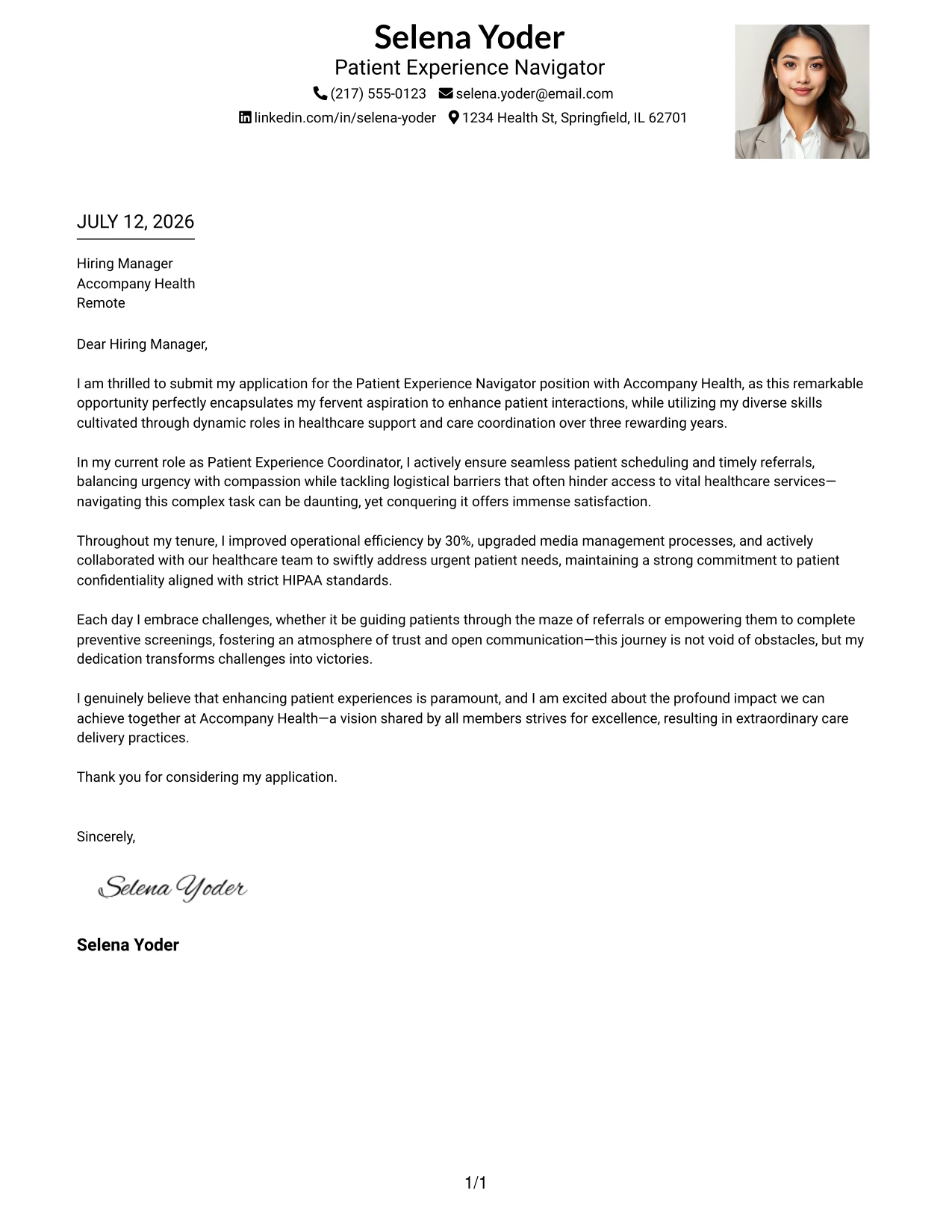
Why the One Column Format with Photo Right Works
- Keeps a streamlined structure that is visually appealing and professional
- Right-aligned photo offers a polished presentation and a modern touch
- Directs attention to important written content while complementing Selena's qualifications
- Great for showcasing her approachability and communication style
- Appropriate for healthcare environments where visual appeal is valued
- Promotes a balance of professionalism and friendliness, key qualities for patient care roles
- Works effectively in settings where personal interactions are essential
Best For
- Patient Experience Navigator Roles
- Healthcare Positions with High Patient Interaction
- Roles Requiring a Personal Touch
- Modern Healthcare Environments
- Entry-Level Healthcare Applications
- Approachable Candidates
- Strong Communicators in Patient Care
#7 Patient Experience Navigator Cover Letter Example (Simple Two Column Format)
This example represents a simple yet effective two-column layout where contact information is neatly separated from the main body, ensuring clarity and professionalism. This format is particularly suitable for healthcare positions where accessibility and organization are key.
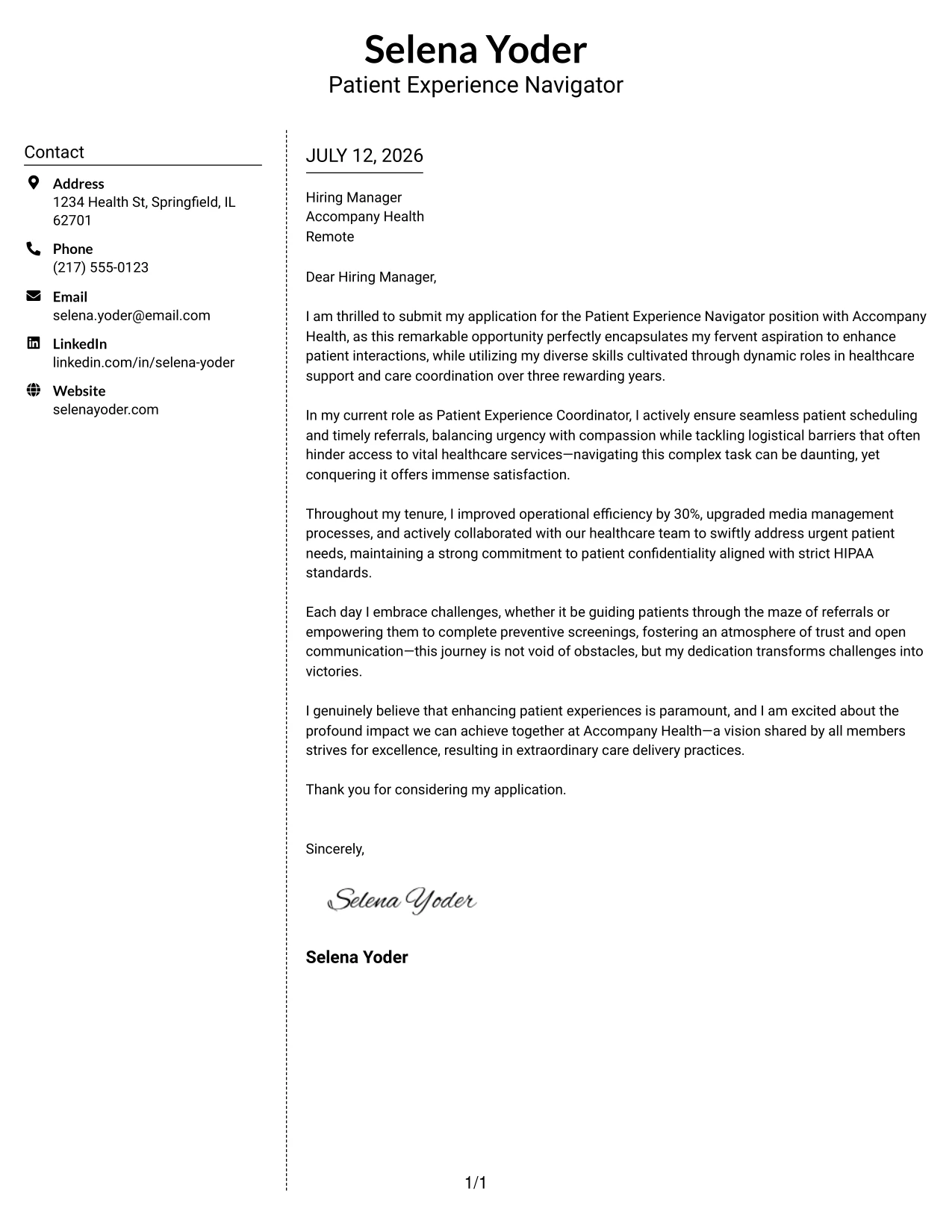
Why the Simple Two Column Format Works
- Clearly delineates contact info from the cover letter body for efficient review by recruiters
- A clean dotted line separator enhances organization without overwhelming the content
- Maintains a structured yet modern appearance, ideal for patient-centered roles
- Enables quick location of crucial information, ensuring direct attention to Selena’s qualifications
- Keeps the content area focused, making it easy for hiring managers to evaluate her fit
- Ideal for applicants looking to add a touch of modernity to a traditional format
- Balances organization and readability, crucial for healthcare applications
Best For
- Patient Experience Positions
- Healthcare Roles Requiring Quick Information Access
- Organized and Structured Applicants
- Healthcare Support Positions
- Entry-Level Applications in Healthcare
- Applicants Seeking Balance in Presentation
- Strong Communicators
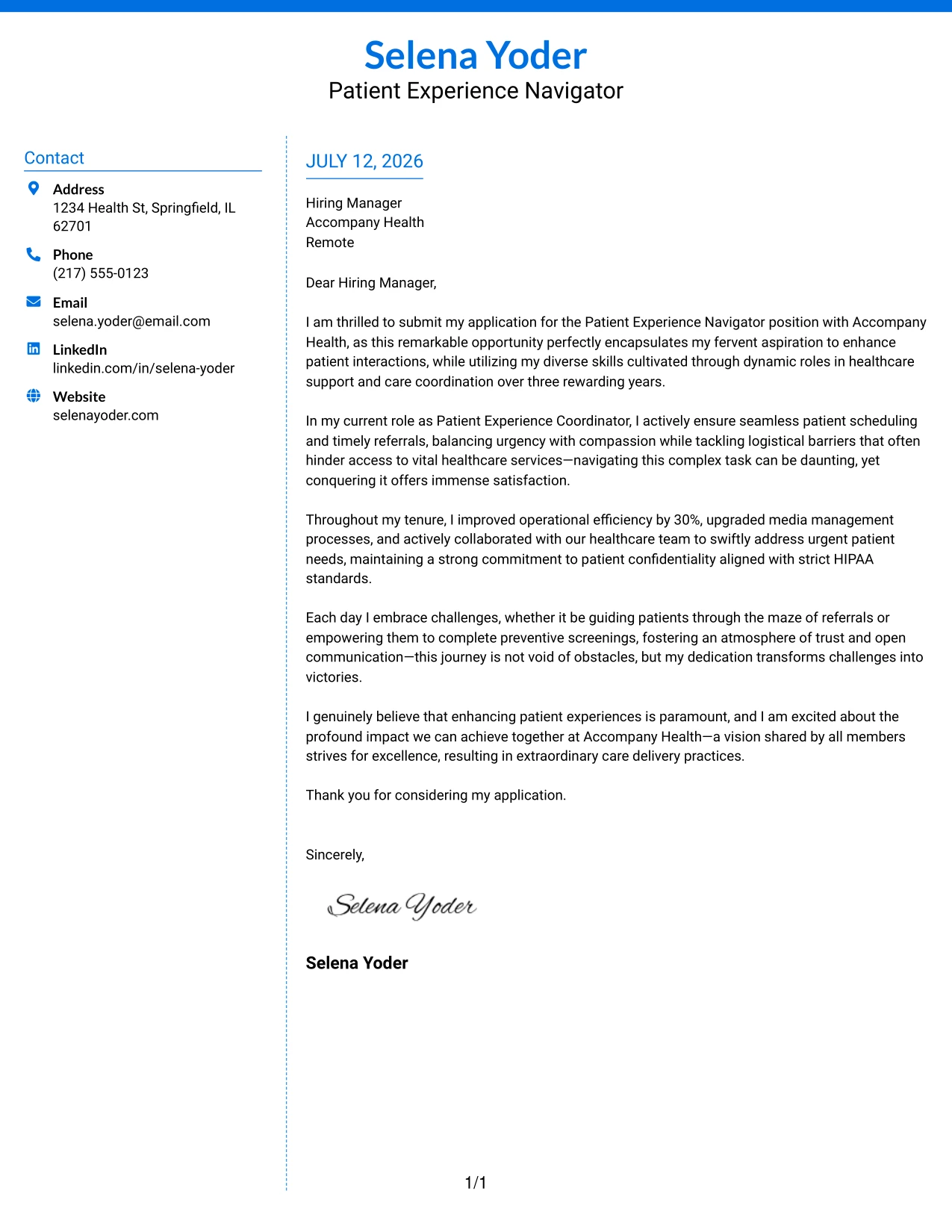
#8 Patient Experience Navigator Cover Letter Example (Stylish Two Column Designer Format)
This cover letter features a stylish two-column layout that showcases Selena's contact information and adds a modern flair. This design provides a premium identity while ensuring clarity in the content presentation, making it particularly appealing for roles in innovative healthcare environments.
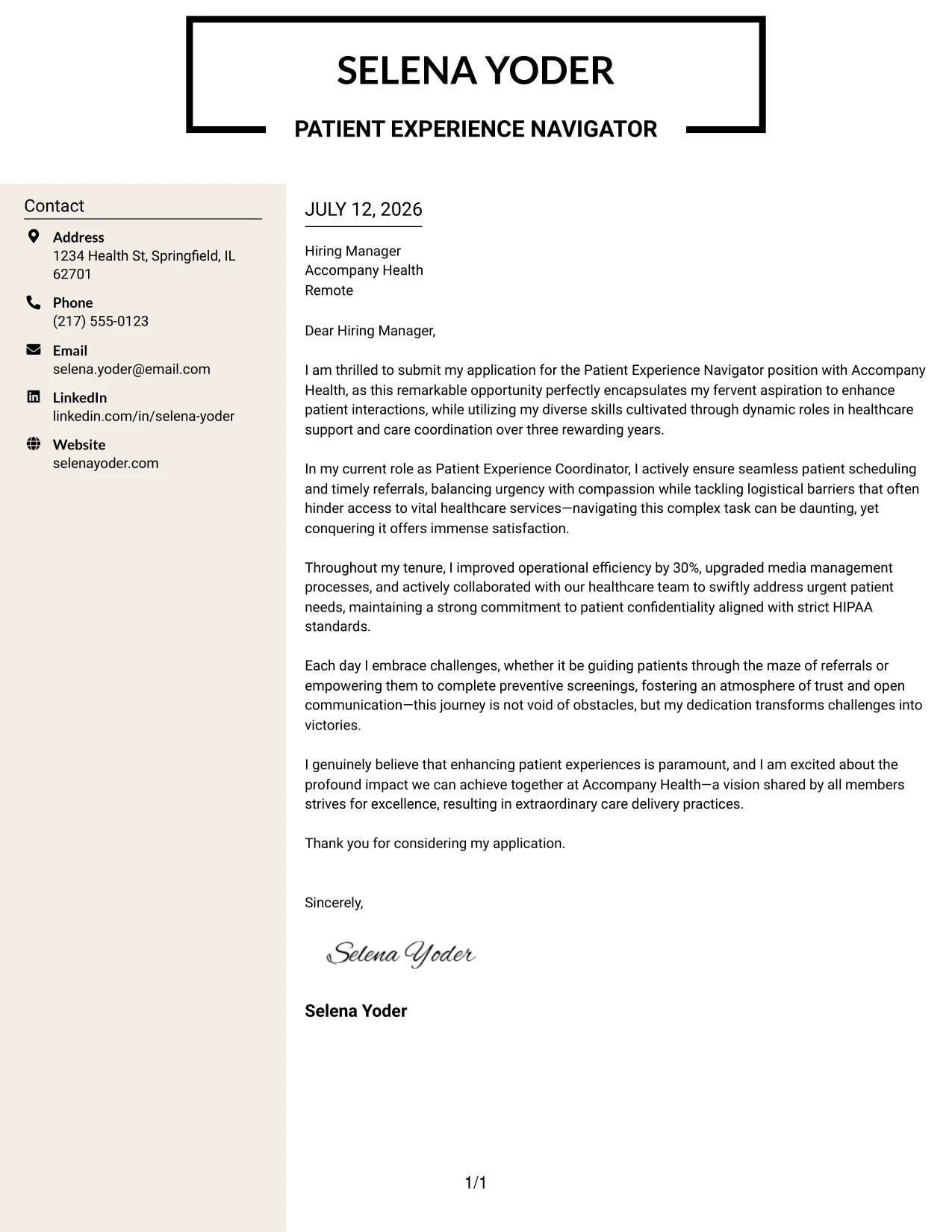
Why the Stylish Two Column Format Works
- A bold header creates an eye-catching first impression that sets a confident tone
- Well-structured contact details improve accessibility and readability for recruiters
- Ensures professional presentation while allowing for a touch of creativity—important in healthcare
- Highlights Selena's personality while keeping focus on her qualifications and experiences
- Perfect for candidates in healthcare roles emphasizing innovation and patient engagement
- Encourages interest in her application by demonstrating a strong understanding of design
Best For
- Patient Experience Navigator Roles
- Innovative Healthcare Environments
- Creative Healthcare Positions
- Roles Emphasizing Design and Communication
- Proactive Healthcare Applicants
- Patient-Centric Service Models
- Healthcare Spaces Valuing Presentation
#9 Patient Experience Navigator Cover Letter Example (Colored Two Column Format)
This design employs a colored two-column format, providing an engaging visual identity while confirming Selena's suitability for the Patient Experience Navigator role. The use of color softens the traditional layout while maintaining clarity and professionalism in the content.
Why the Colored Two Column Format Works
- The use of color enhances visual hierarchy, aiding quick navigation through the content
- Organized structure separates contact details from the primary content, streamlining the review process
- This format presents a modern look while focusing on Selena’s qualifications and experience
- Adds visual interest without compromising professionalism, essential in healthcare settings
- Makes Selena's application stand out in fields where creativity and engagement matter
- Aids hiring managers in quickly identifying relevant information, ideal for busy environments
Best For
- Patient Experience Navigator Roles
- Healthcare Positions in Creative Environments
- Entry-Level Applications with Personality
- Modern Healthcare Settings
- Roles Emphasizing Communication and Approachability
- Engaging Healthcare Cultures
#10 Patient Experience Navigator Cover Letter Example (Creative Two Tone Format)
This version features a creative two-tone layout, utilizing contrasting colors to beautifully distinguish sections while ensuring professionalism. This design provides a memorable presentation, perfect for setting Selena apart in the healthcare sector.
Why the Creative Two Tone Format Works
- Contrasting sections immediately draw attention, creating an impactful first impression
- Bold headers enhance scanning and improve the visual structure, beneficial for busy recruiters
- Differentiates branding elements from body content in a cohesive design that emphasizes professionalism
- Aids in maintaining readability while allowing for a modern touch
- Helps Selena stand out among traditional applications, fostering memorability in interviews
- Exceptional choice for healthcare professionals aiming to blend creativity with credibility
Best For
- Patient Experience Navigator Roles
- Creative Healthcare Positions
- Innovative Workplace Cultures
- Roles Emphasizing Communication Skills
- Health-Oriented Service Models
- Applicants Looking to Stand Out
#11 Patient Experience Navigator Cover Letter Example (Modern Icon Format)
In this example, the layout incorporates a modern icon format, using graphical elements to enhance Selena's strengths. This style not only emphasizes her qualifications but also presents a fresh, engaging appearance, crucial in the patient-focused healthcare sector.
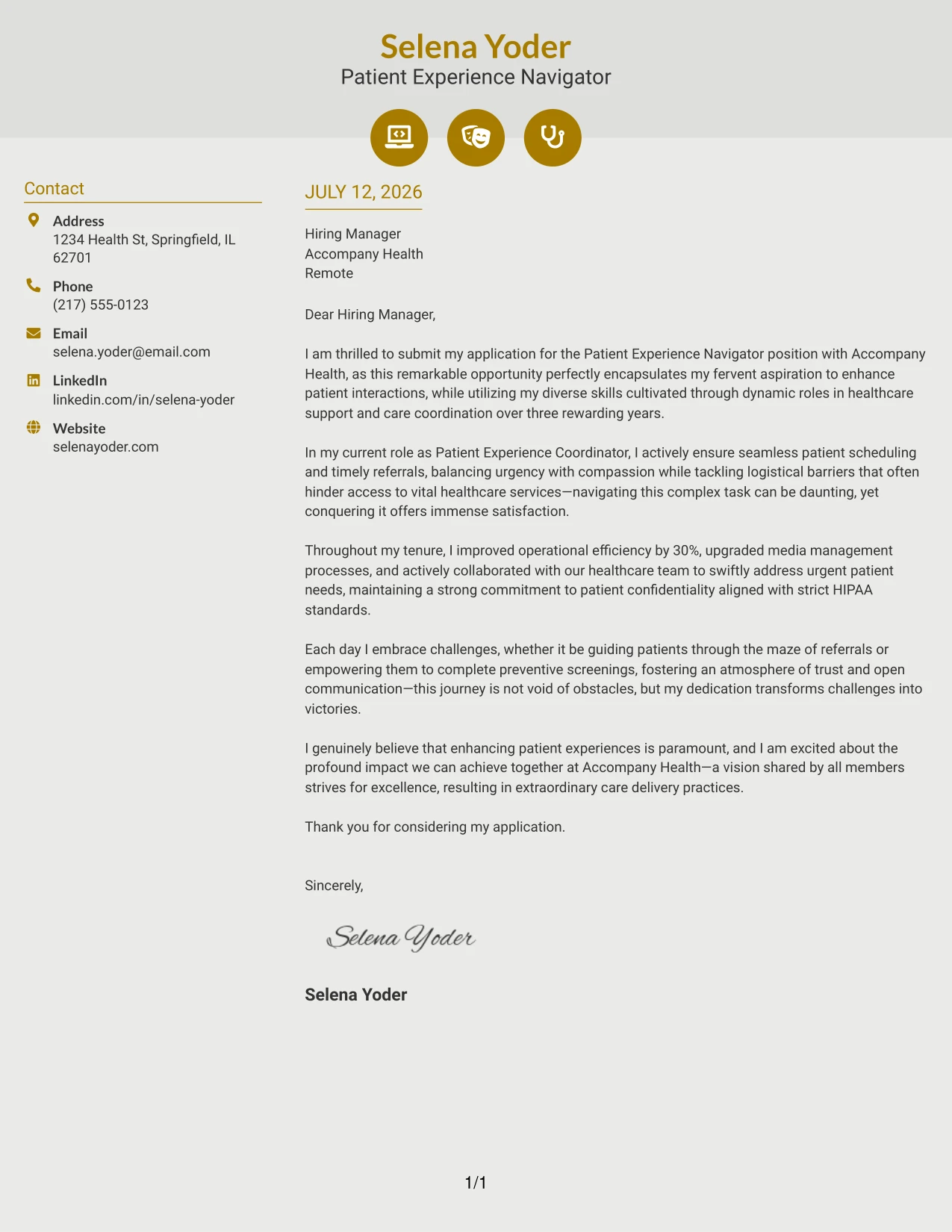
Why the Modern Icon Format Works
- Icons emphasize key skills, making it easy for hiring managers to identify expertise at a glance
- Modern background shading offers a sophisticated look while separating sections effectively
- Accent colors enhance visual organization, aiding quick navigation through Selena’s qualifications
- Engaging visuals add creativity while preserving professionalism, important in patient care roles
- Optimal for candidates wanting to combine visual appeal with strong content delivery
- Stands out in healthcare settings where personalization and approachability are valued
Best For
- Patient Experience Navigator Roles
- Healthcare Environments Emphasizing Interaction
- Entry-Level Healthcare Applications
- Creative Positions in Patient Care
- Proactive Healthcare Candidates
- Modern Employers Seeking Engaging Presentations
#12 Patient Experience Navigator Cover Letter Example (Minimal Header Format)
This version employs a simple text-based cover letter format, featuring a clean name header with all contact information presented in one line. The absence of a job title or additional design elements lends it a traditional, distraction-free quality that highlights the applicant's writing and qualifications, which is particularly essential for roles like Patient Experience Navigator.
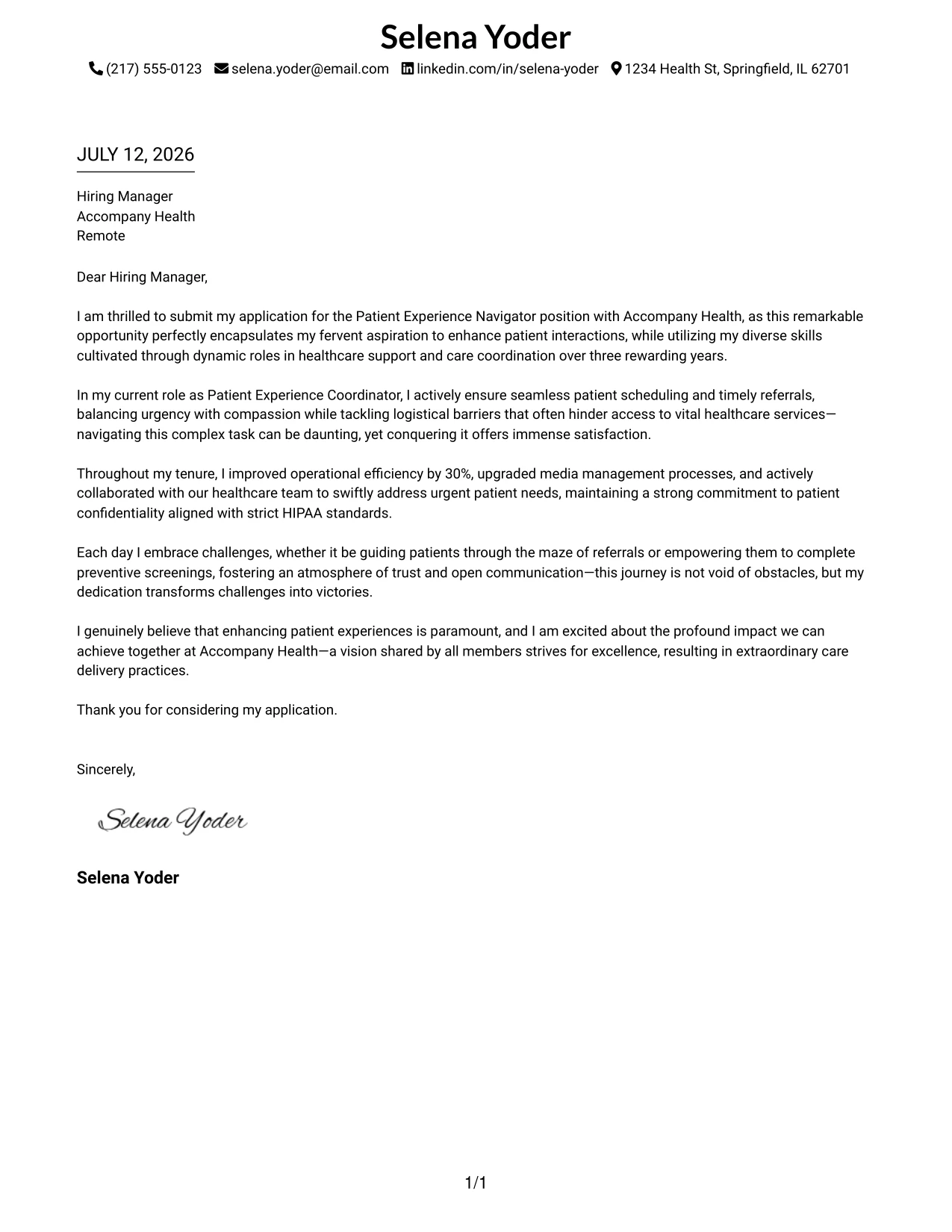
Why the Minimal Header Format Works
- Highly organized layout directs the reader's attention to the core content
- Simplified contact details help save space and present professionalism
- No extra titles or embellishments maximize clarity
- Easy for hiring managers to review applications quickly
- Designed to be ATS-friendly, maintaining compatibility across all applications
- Perfect for candidates whose written communication skills are crucial
- Timeless, polished, and versatile across different healthcare environments
Best For
- Patient Experience Navigator Roles
- Healthcare Employers
- Traditional Medical Environments
- Formal Applications
- ATS-Friendly Opportunities
- Healthcare Professionals
- Recent Graduates in Healthcare
- Entry-Level Positions in Patient Care
- Professionally Simple Cover Letters
- Text-Driven Applications
#13 Patient Experience Navigator Cover Letter Example (Clean Two Column Sidebar Format)
This format utilizes a clean two-column layout with a softly shaded left sidebar for contact details and a centered header at the top for a polished professional appearance. It upgrades traditional one-column templates while remaining simple, elegant, and easy to navigate, making it ideal for customer-focused roles like a Patient Experience Navigator.
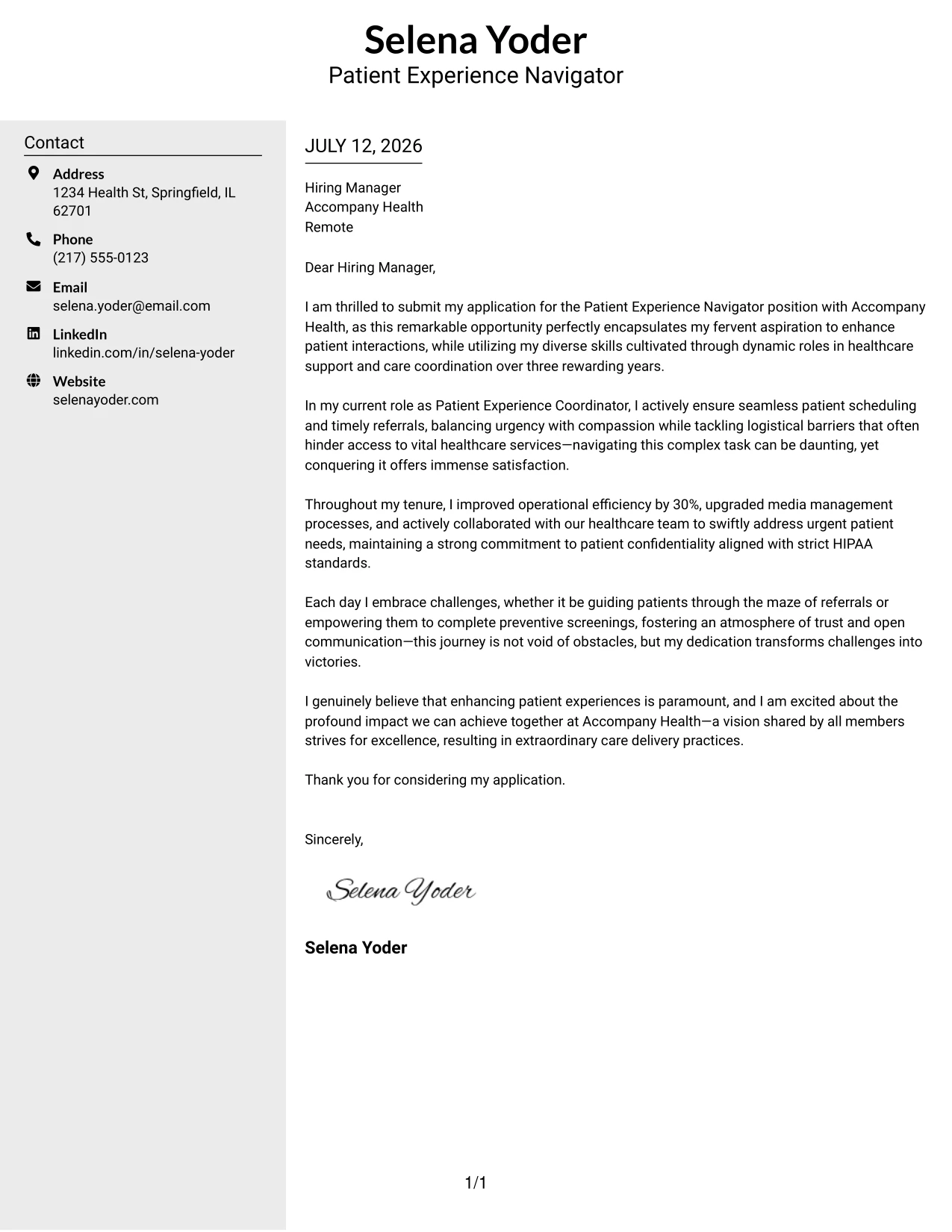
Why the Clean Two Column Sidebar Format Works
- Sidebar neatly separates essential contact information from the main content
- Centered header enhances professional identity and visibility
- Two-column format improves logical organization and readability for hiring managers
- Subtle color contrast adds visual style without detracting from key information
- Main content remains accessible and compatible with ATS scanning systems
- Effective for candidates who wish to stand out while maintaining professionalism
- A versatile choice suitable for both healthcare and other professional settings
Best For
- Patient Experience Navigator Applications
- Healthcare Organizations
- Mid-Level Health Services Roles
- College Graduates Entering Healthcare
- Entry to Mid-Level Healthcare Positions
- Professional Branding in Health Services
- ATS-Friendly Letter Formats
- Streamlined Document Design
- Effective Communication Templates
#14 Patient Experience Navigator Cover Letter Example (Plain Two Column Format)
This example features a plain two-column layout with contact details on the left and letter content on the right, free from divider lines, images, or decorative features. The clean, modern structure underscores professionalism, making it especially suitable for roles within healthcare where clarity and straightforward communication are paramount.
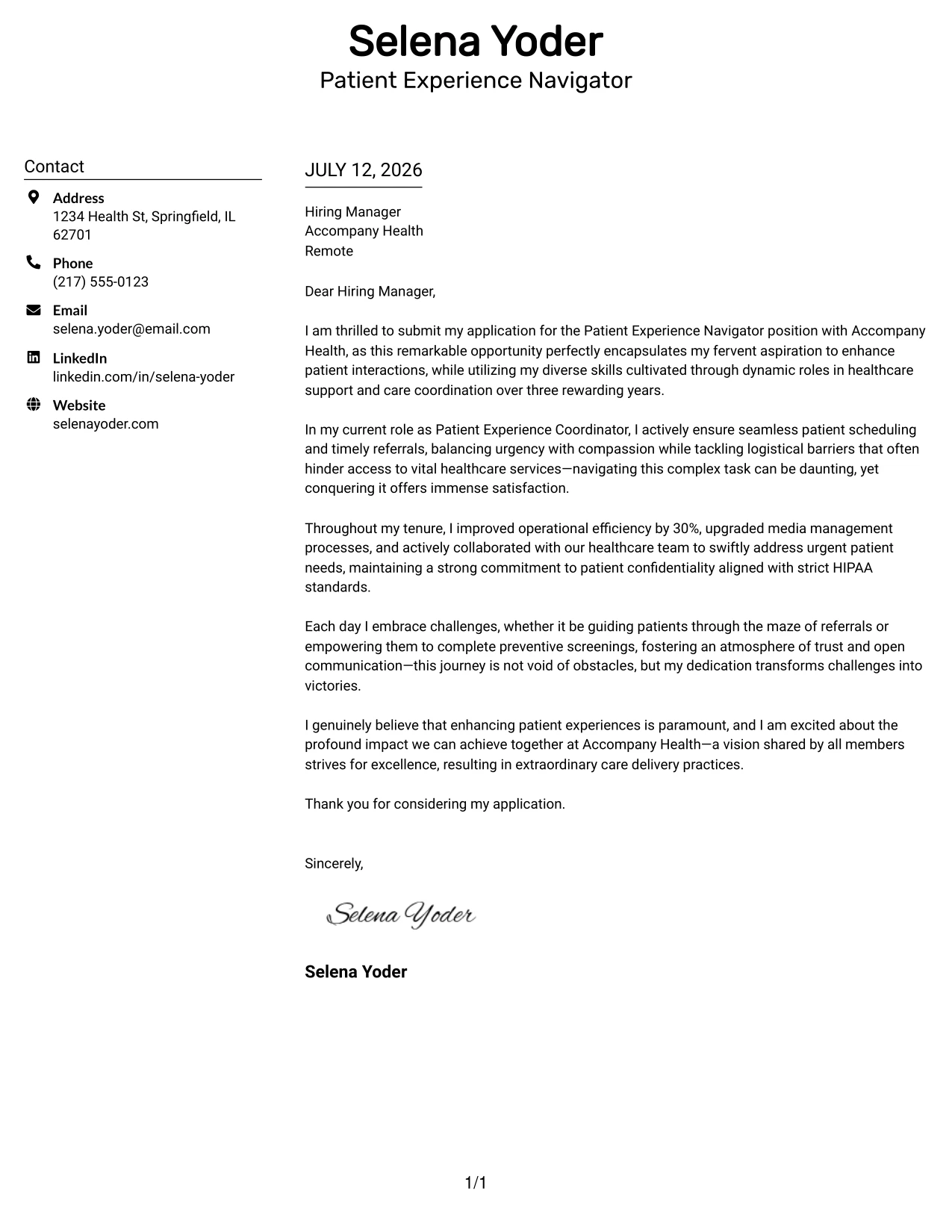
Why the Plain Two Column Format Works
- Clearly separates contact information, enhancing organizational clarity
- No distracting graphics or lines maintain a straightforward, professional tone
- Modern layout supports clarity without sacrificing aesthetics
- Facilitates quick scanning for busy hiring managers
- Suits a variety of healthcare and corporate environments
- Balanced design is ATS-compatible, ensuring seamless submission processes
- Perfect for candidates emphasizing written communication skills
Best For
- Patient Experience Navigator Positions
- Corporate Healthcare Employers
- Entry-Level Medical Roles
- College Students in Health Sciences
- Professional Applications in Health Services
- ATS Compliant Submissions
- Minimalistic Design Enthusiasts
- Organized Document Presentations
- Modern vs. Traditional Balance
#15 Patient Experience Navigator Cover Letter Example (Modern Full Background Two Column Format)
This version showcases a full-page background color design, with a dotted line separating the two columns and an accent bar at the top, creating a cohesive, polished appearance. This modern structure is both visually appealing and professional, aligning well with the values of organizations dedicated to excellent patient care.
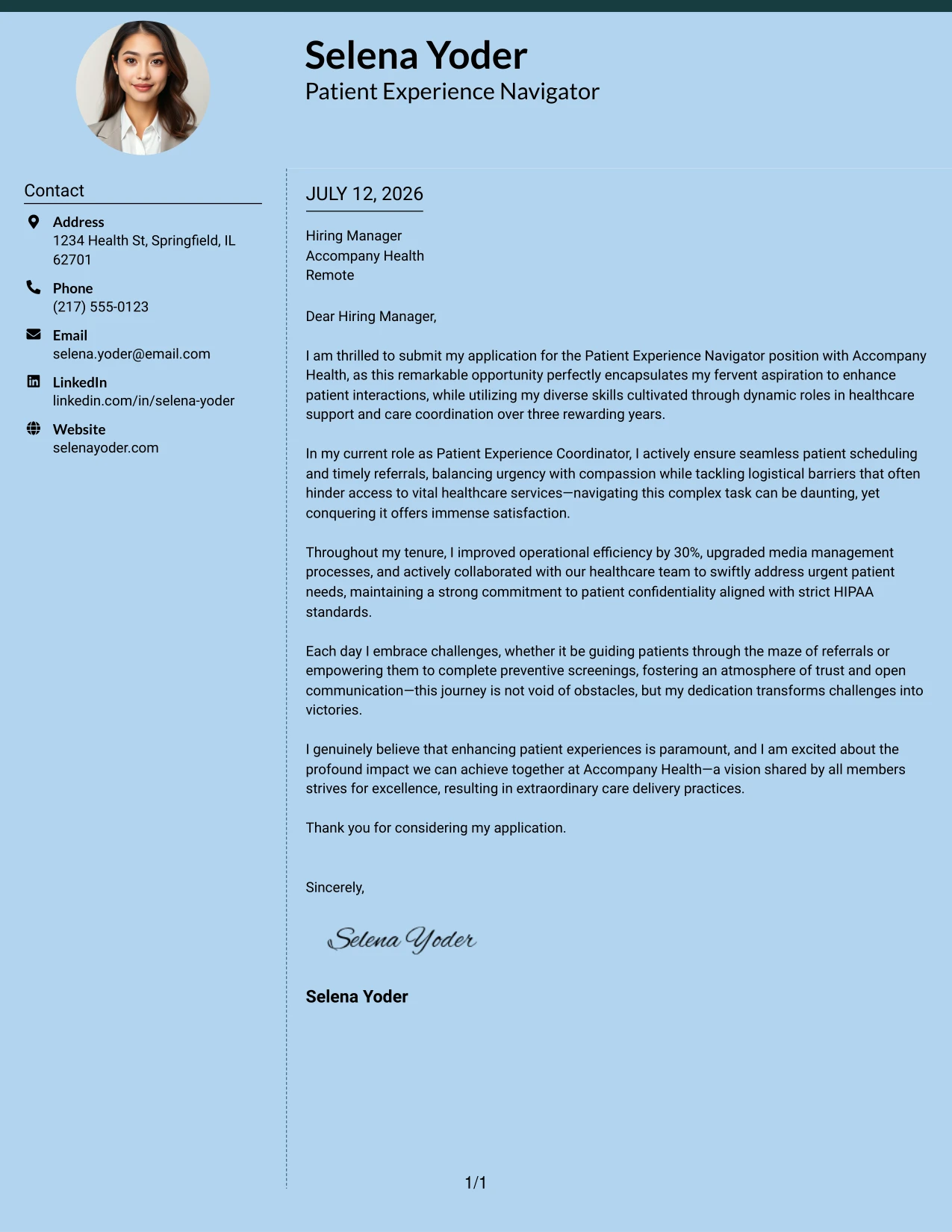
Why the Modern Full Background Two Column Format Works
- Unified background color conveys a polished and professional look
- Dotted line effectively divides content from contact details for a clean presentation
- Top accent bar enhances visual appeal while maintaining professionalism
- Two-column layout adds organization and improves readability
- Helps candidates stand out in a competitive healthcare job market
- Balances design aesthetics with the demands of professional applications
- Well-suited for applicants wanting to project modernity without sacrificing clarity
Best For
- Patient Experience Navigator Roles
- Healthcare Service Providers
- Modern Applications and Startups
- Graduate-Level Healthcare Candidates
- College Students Seeking Professional Experience
- Branding and Professional Impact
- Creative Applications in Health Services
- Visual Appeal in Cover Letters
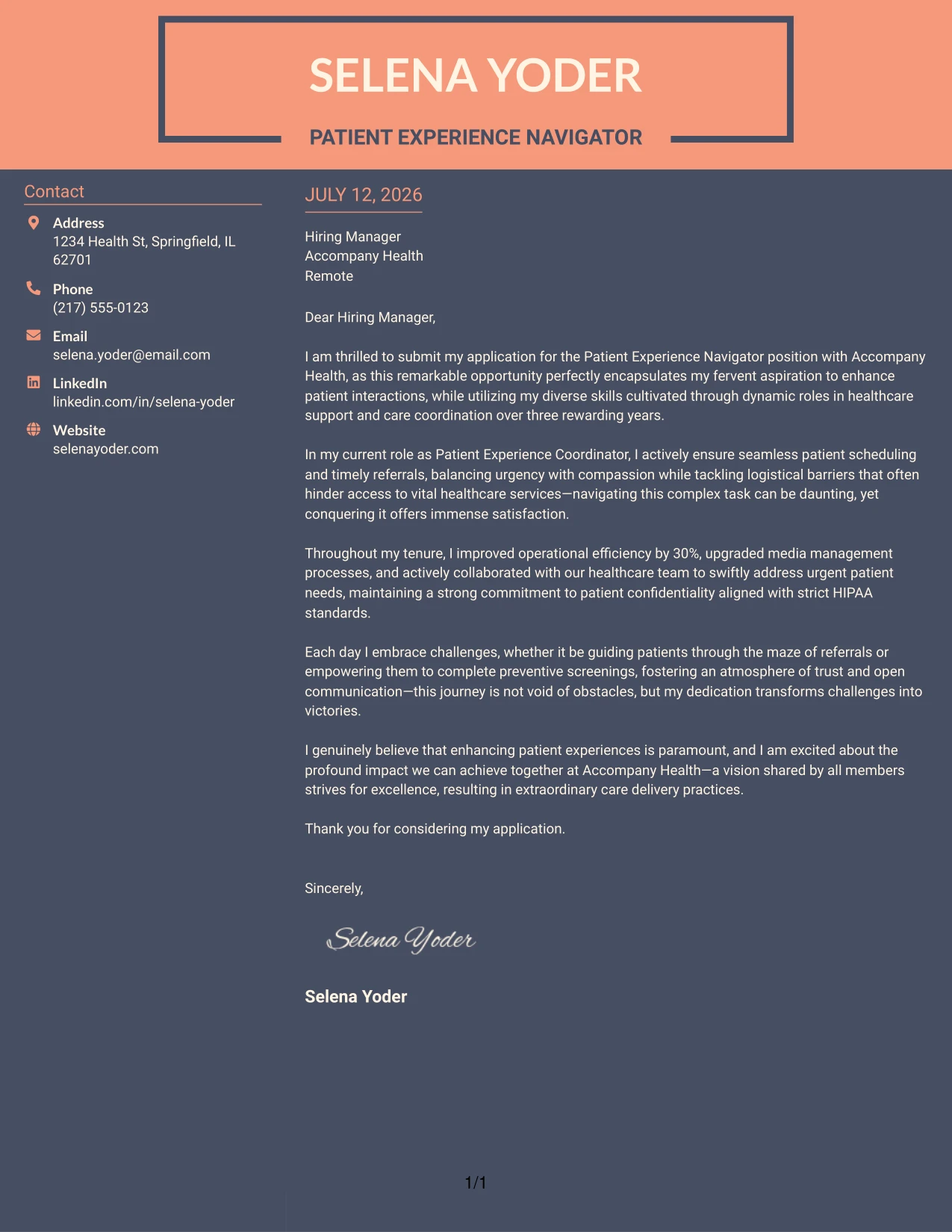
#16 Patient Experience Navigator Cover Letter Example (Dark Mode Two Column Format)
This format utilizes a two-column layout with a dark background and light text, providing a striking modern aesthetic that demands attention. It maintains professionalism while showcasing a strong design sensibility, making it an ideal choice for tech-savvy healthcare applicants.
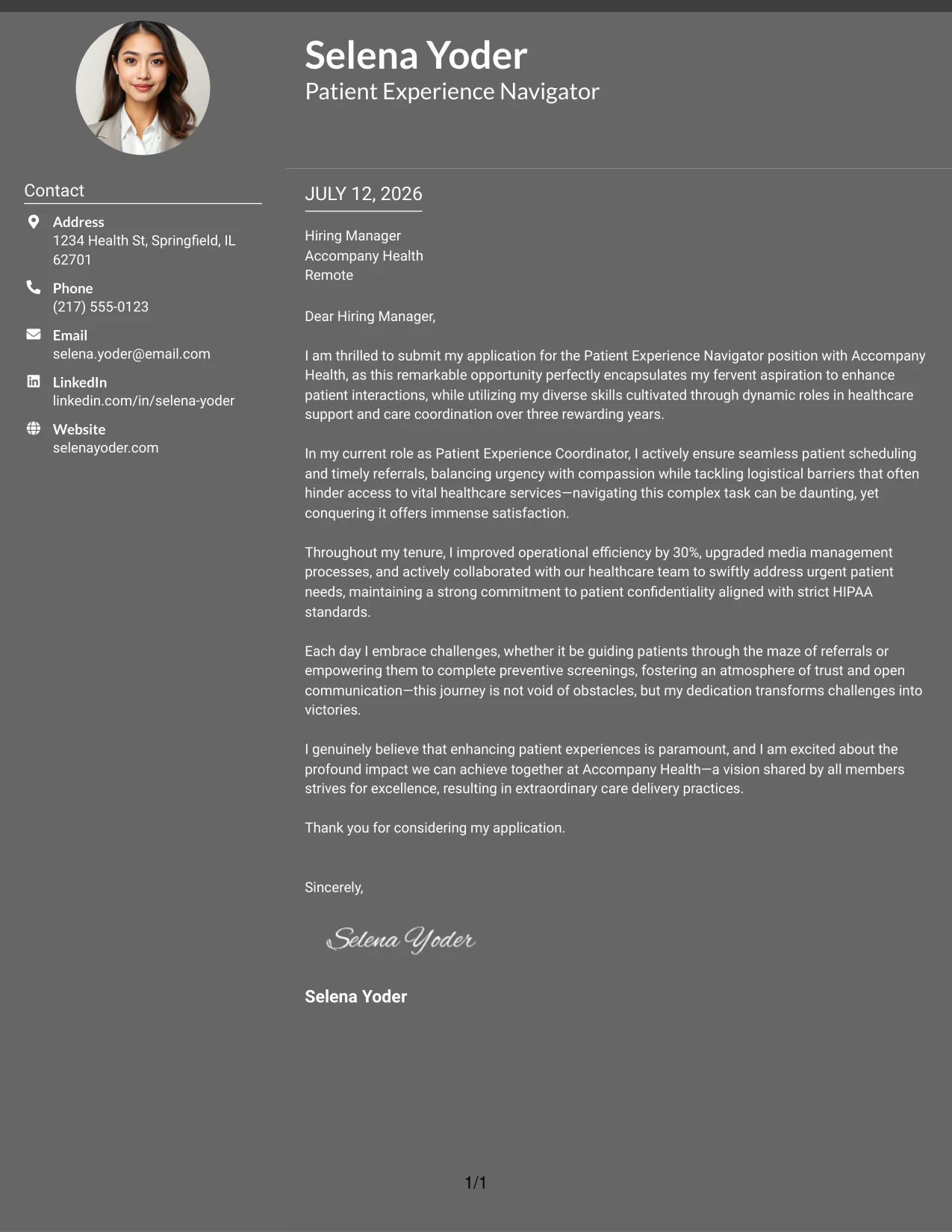
Why the Dark Mode Two Column Format Works
- Bold dark background creates a striking first impression for impactful candidates
- Light text ensures readability and offers modern appeal
- The two-column structure allows separation of contact and letter content effectively
- Perfect for tech candidates wanting to present a contemporary edge
- Innovative design that captures attention while remaining professional
- Stand out from conventional templates by using engaging aesthetics
- Balances creativity and organization for a compelling presentation
Best For
- Patient Experience Navigator Applications
- Healthcare Startups
- Tech-Focused Employers
- Front-End Healthcare Positions
- UI / UX Roles in Healthcare
- Individuals Seekings Visual Impact
- Creative Patient Care Roles
- Personal Brand Development
- High-Impact Presentation Templates
#17 Patient Experience Navigator Cover Letter Example (Dark Mode Box Header Format)
This example highlights a dark mode one-column layout featuring boxed contact details for immediate clarity. The striking black background paired with outlined contact badges creates a polished, modern appearance that resonates well with candidates in tech-heavy healthcare sectors.
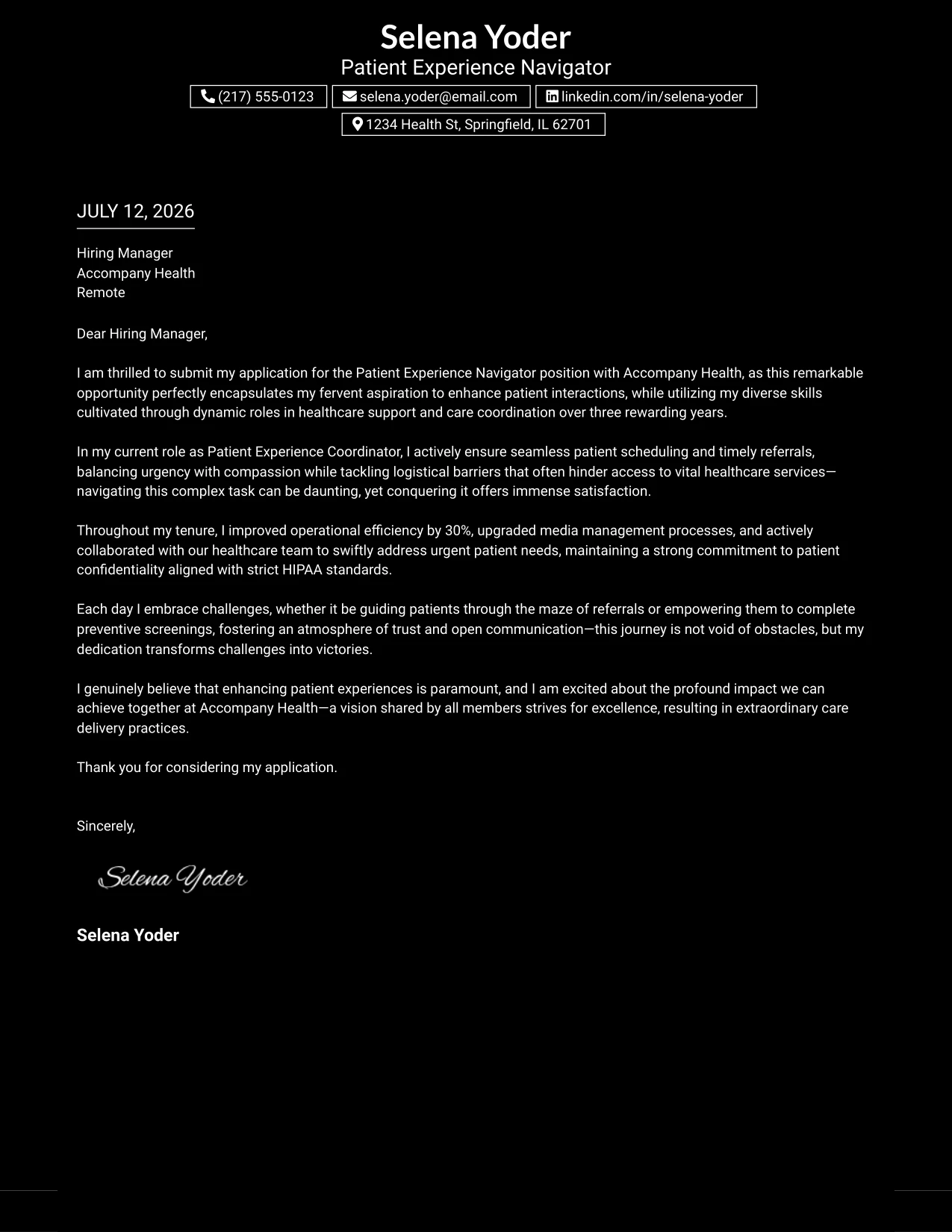
Why the Dark Mode Box Header Format Works
- Bold black background emphasizes the professional yet modern aesthetic
- Boxed contact information stands out and is easily identifiable
- Simplicity in structure maintains a clear reading flow
- Strong contrast enhances presentation while promoting readability
- Perfect for candidates in tech-oriented healthcare seeking to express innovation
- Helps applications break away from standard designs with creativity
- Maintains professionalism alongside stylish design choices
Best For
- Patient Experience Navigator Job Seekers
- Innovative Healthcare Startups
- Healthcare and Tech Companies
- Front-End Patient Care Roles
- Creative Professionals in Health Services
- Strong Personal Branding Options
- Modern Graphic Layouts
- High Visual Appeal
#18 Patient Experience Navigator Cover Letter Example (Elegant Full Background Two Column Format)
This cover letter features a single full-page background along with a dotted divider that separates the two columns, complemented by a bold accent line across the top. This modern yet elegant design fuses professionalism with style, making it an attractive choice for candidates pursuing roles that prioritize patient engagement.
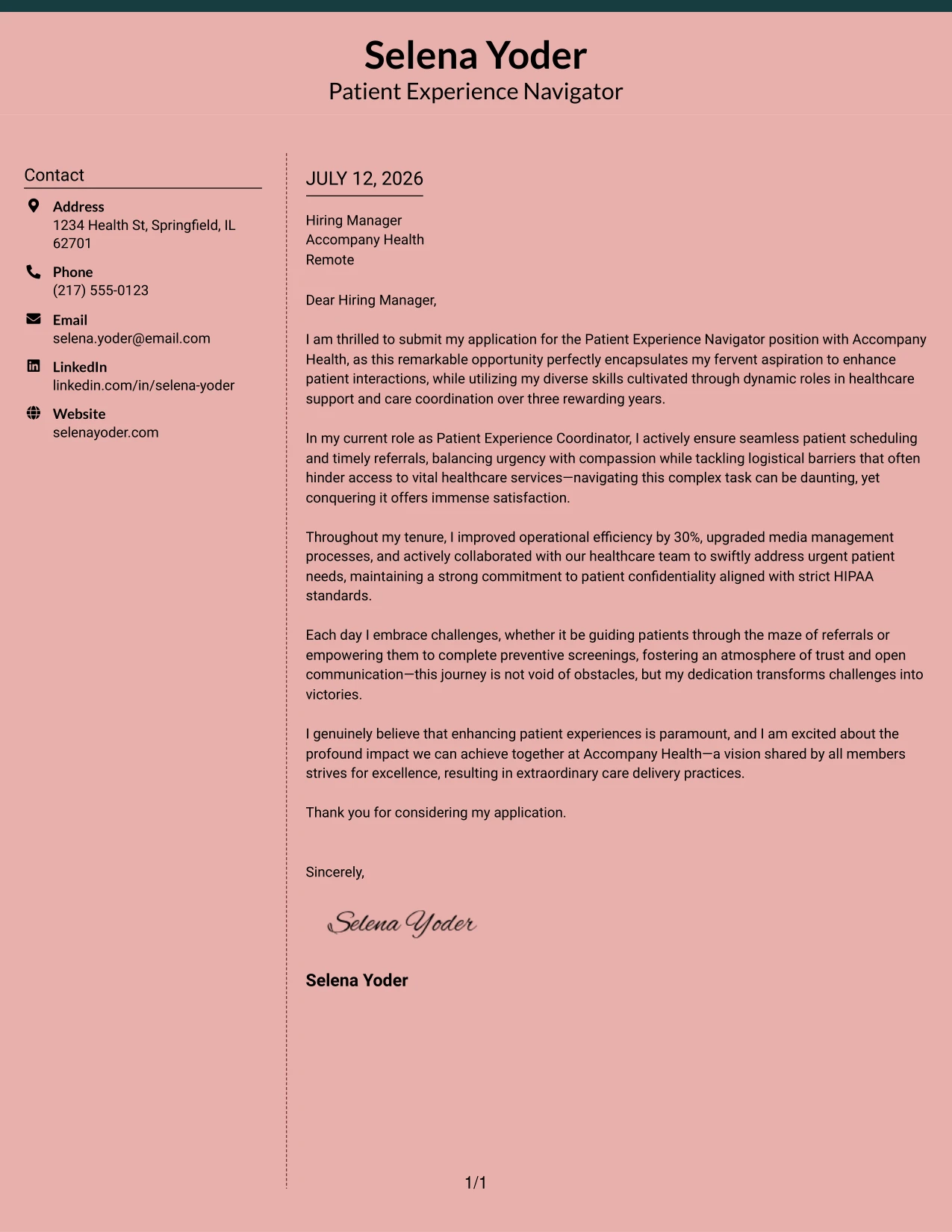
Why the Elegant Full Background Two Column Format Works
- Full-background color indicates a cohesive and premium appearance
- Dotted line clearly delineates contact details and letter content
- Accent line enhances visual structure, aiding in brand recognition
- Two-column layout supports clarity and organization
- Providing a softer color palette adds a welcoming touch for healthcare settings
- Helps job applications stand out from more generic designs
- Combines modern style with practical readability
Best For
- Patient Experience Navigator Applications
- Healthcare Agencies
- Innovative Corporate Environments
- Graduate-Level Candidates
- Health Science Students
- Professionally Branded Documents
- Visually Interesting Cover Letters
- Creative Roles in Health Services
#19 Patient Experience Navigator Cover Letter Example (Plain One Column with Highlighted Date)
This version adopts a simple one-column text layout, accentuated by a subtle highlight behind the date to emphasize immediacy and professionalism. The approach keeps the design uncluttered while providing an aesthetically pleasing touch—ideal for healthcare roles that value clarity.
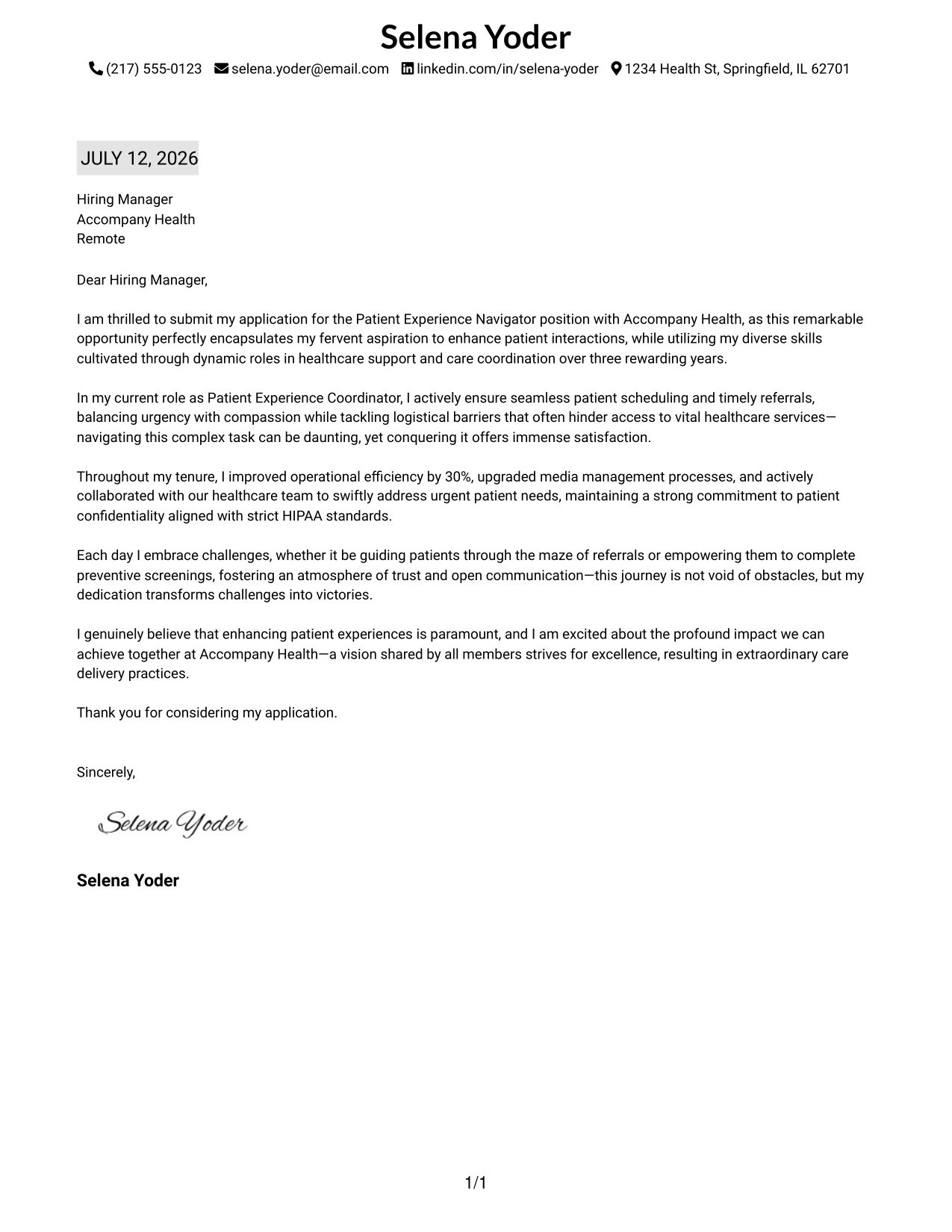
Why the Plain One Column with Highlighted Date Format Works
- Classic one-column layout keeps letter succinct and professional
- Highlighted date fosters a sense of timeliness for applicants
- Minimalistic approach emphasizes qualifications and writing quality
- Great for traditional healthcare employers
- Easy for quick scanning by recruiters sorting through portfolios
- ATS-friendly formatting aligns with PDF submission standards
- Offers visual polish without unnecessary embellishments
Best For
- Patient Experience Navigator Opportunities
- Corporate Healthcare Employers
- Traditional Medical Organizations
- Entry-Level Positions in Patient Care
- Aspiring Healthcare Professionals
- Graduate Applications
- ATS Compatible Cover Letters
- Minimal Design Preferences
- Professional Communication Styles
#20 Patient Experience Navigator Cover Letter Example (Bold Color Header Professional Format)
This version features a full-width colored header that prominently displays the candidate's name and education. Accent colors are utilized for section headings, creating a modern, structured look while ensuring the content remains professional and visually appealing.
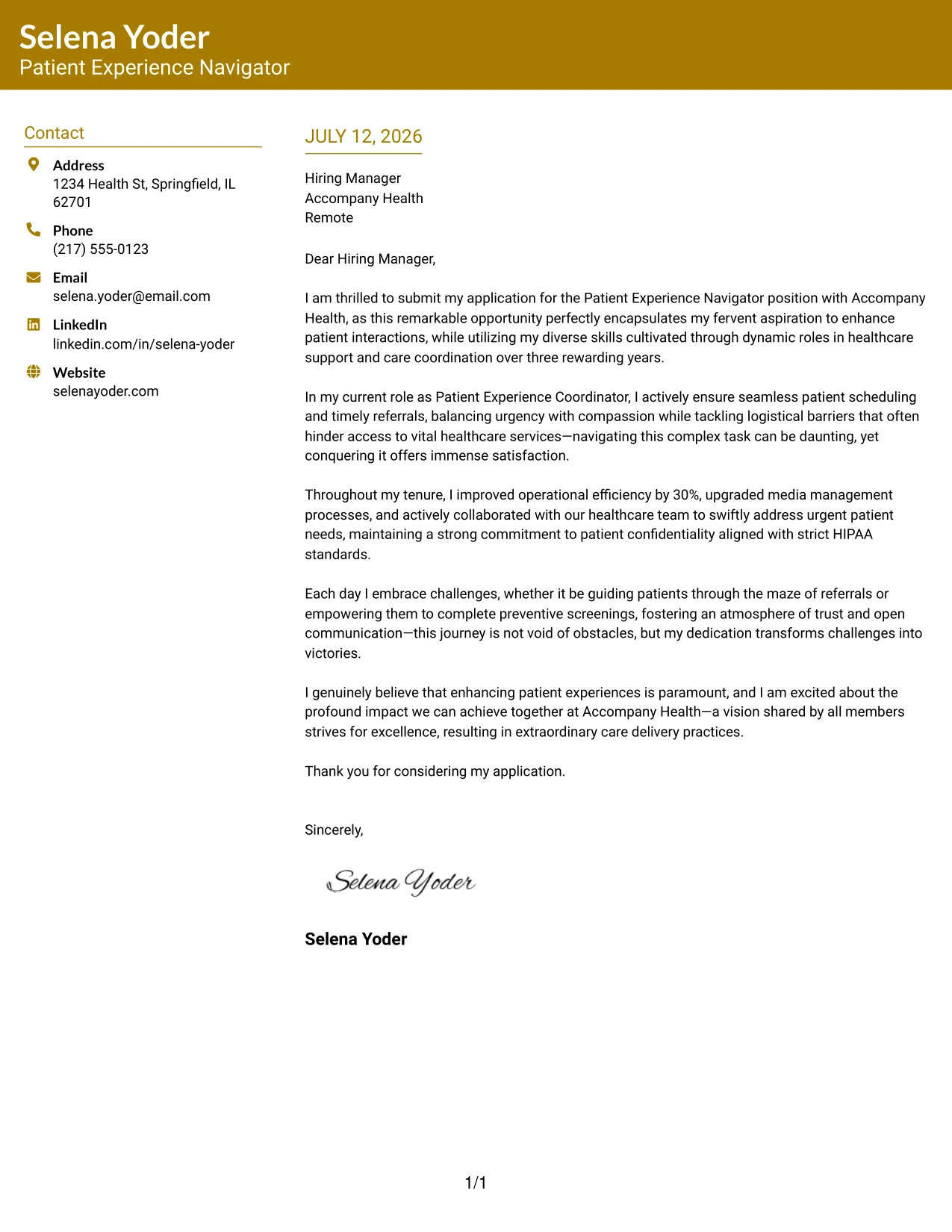
Why the Bold Color Header Professional Format Works
- Colorful header captures attention, enhancing first impressions
- Candidate’s name stands out for recruiter identification
- Accent-colored headings maintain visual consistency and attractive aesthetics
- Two-column format organizes critical contact details and letter content efficiently
- Brings character without sacrificing professionalism
- Excellent for applicants in the healthcare sector wanting a modern touch
- Strikes a balance between branding and clear, readable content
Best For
- Patient Experience Navigator Applications
- Healthcare Employers
- Graduate Roles in Health Sciences
- Corporate Applications
- Modern Companies in Healthcare
- Professionals Seeking Branding
- ATS-Friendly Cover Letters
- Colorful Yet Professional Templates
- Strong First Impression Candidates
#21 Patient Experience Navigator Cover Letter Example (Photo Header Color Sidebar Format)
This example uses a two-column layout complete with a professional profile photo, featuring a top accent line and a colored left sidebar for contact details. The design creates strong visual impact while still maintaining polish, organization, and readability—all essential traits for a Patient Experience Navigator.
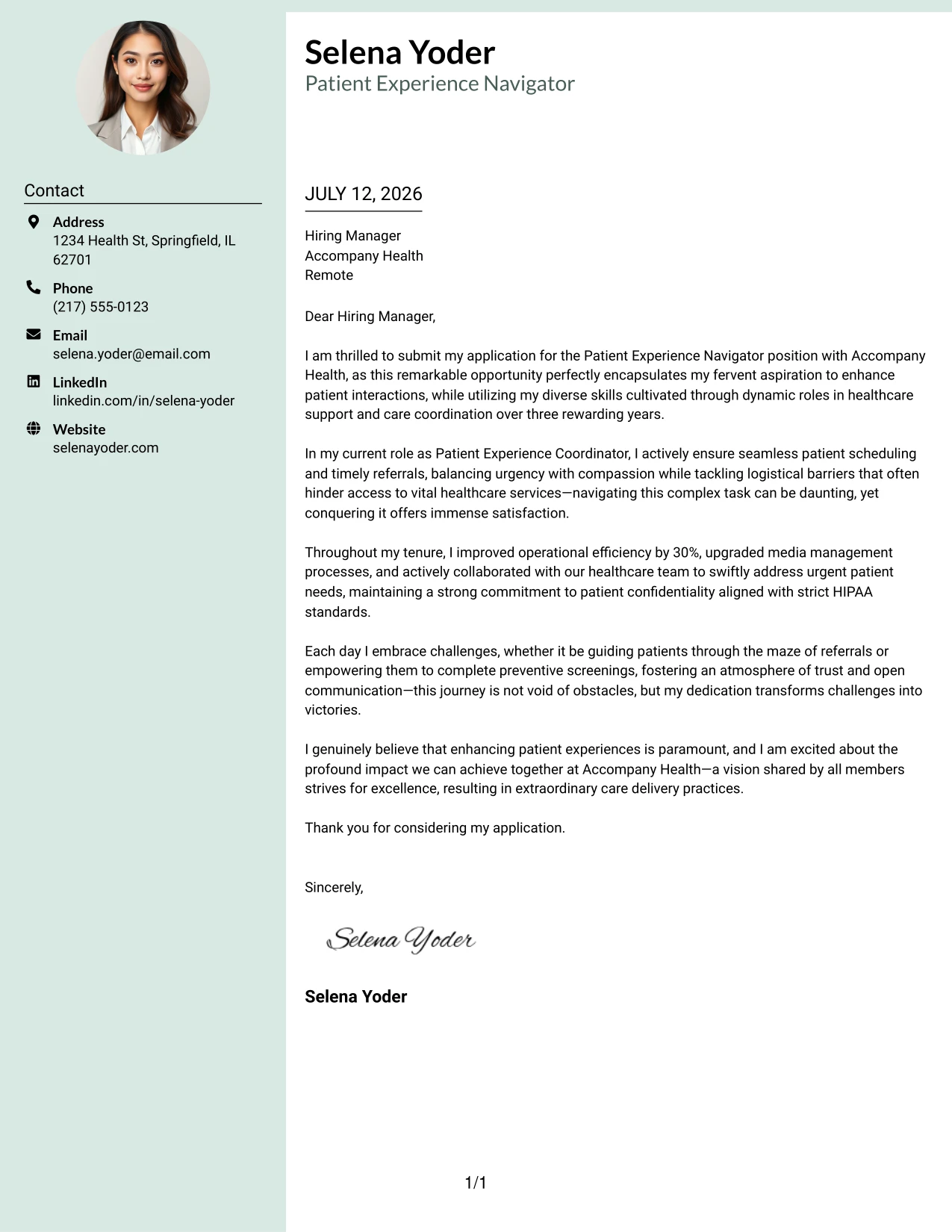
Why the Photo Header Color Sidebar Format Works
- Profile photo personalizes and enhances brand identity
- Top accent line adds a premium touch to the first impression
- Colored sidebar efficiently separates contact details from content
- Two-column layout promotes clarity and encourages easy navigation
- Design sets candidates apart from generic templates
- Great for applicants seeking to pair style with professionalism in healthcare roles
- Combines effective branding with a neat visual structure
Best For
- Patient Experience Navigator Positions
- Healthcare Employers
- Creative Startups in Health Services
- Graduate Candidates in Health Sciences
- Computer Science and Tech Students
- Personal Branding Seeker Roles
- Professional Design Applications
- Attention-Grabbing Cover Letters
#22 Patient Experience Navigator Cover Letter Example (Top Left Header Color Accent Format)
This example showcases a clean two-column layout with the candidate's name and education neatly aligned at the top left, lending a modern resume-style introductory feel. Accent-colored headings embellish the text while ensuring a professional and minimalist presentation.
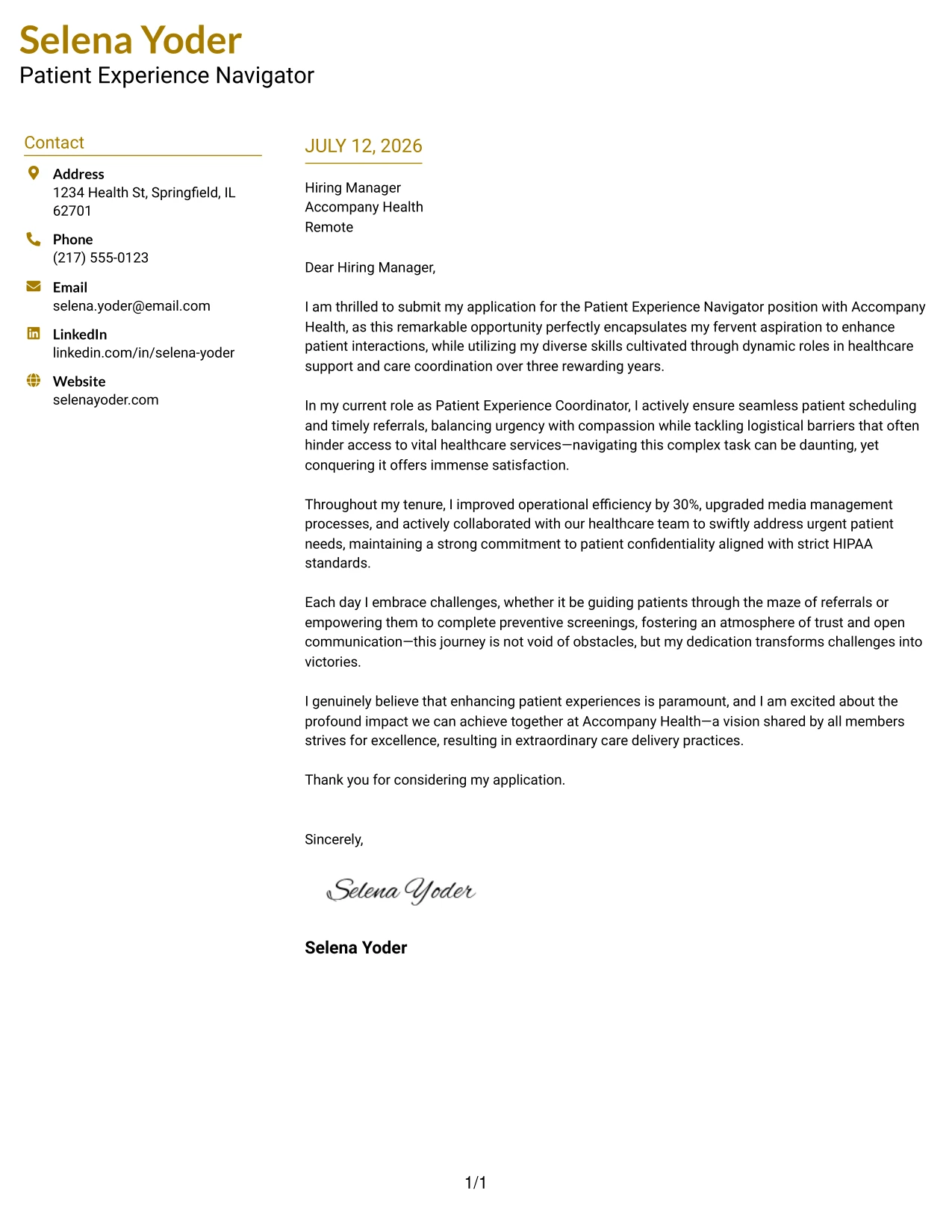
Why the Top Left Header Color Accent Format Works
- Top left alignment forms an immediate professional identity for applicants
- Accent-colored headings add a touch of personality without overwhelming the design
- Two-column format effectively separates contact details from letter body
- Minimalist styling allows the focus to remain on qualifications and writing
- Favorable for quick scanning by recruiters reviewing many applications
- Modern presentation helps candidates distinguish themselves from plain submissions
- Combines readability with effective branding
Best For
- Patient Experience Navigator Roles
- Healthcare Employers
- Graduate and Entry-Level Positions
- Innovative Medical Companies
- Computer Science and Health Studies Students
- ATS Compliant Submissions
- Minimalist Design Advocates
- Colorful Presentation Templates
- Clean, Professional Layouts
#23 Patient Experience Navigator Cover Letter Example (Centered Header Classic Two Column Format)
This version employs a centered header that establishes an emphatic introduction, complemented by a structured two-column layout that emphasizes clarity. The professional black-on-white theme ensures that the focus remains on content-filled areas while creating a timeless image.
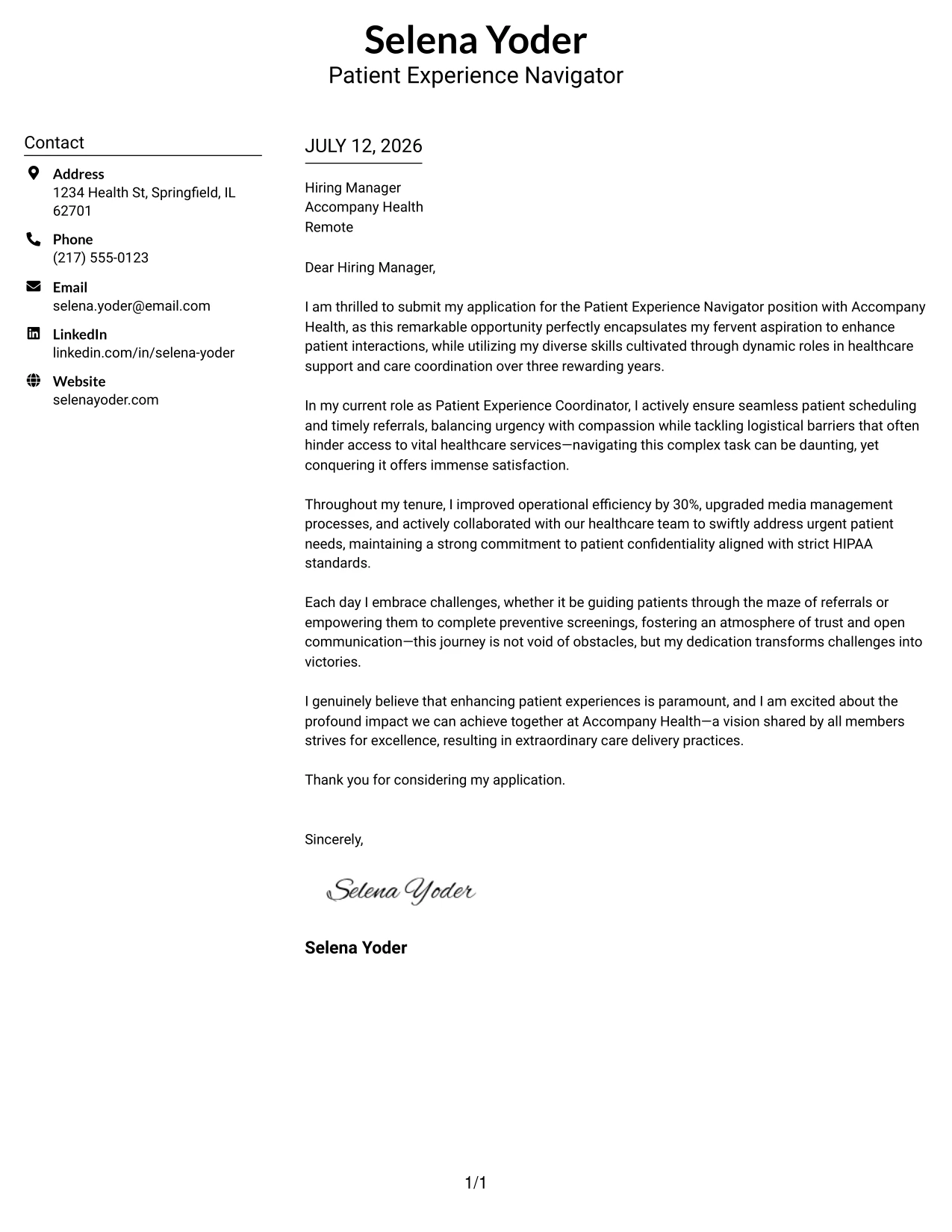
Why the Centered Header Classic Two Column Format Works
- The centered header makes a strong first impression, grabbing attention immediately.
- The two-column structure efficiently differentiates personal details from the content of the letter.
- Timeless black-and-white design keeps the layout professional and straightforward.
- The layout is compact, ensuring that crucial information is easily scannable.
- This format is well-suited to both conservative healthcare and modern organizational cultures.
- Combines readability and structured presentation for a polished look.
Best For
- Patient Experience Roles
- Healthcare Employers
- Graduate Positions in Healthcare
- Experienced Healthcare Professionals
- ATS-Friendly Formats
- Professional Applications in Health Services
- Minimalistic Design Aesthetics
- Structured Presentation
- Timeless Branding
- Effective Communication Layouts
#24 Patient Experience Navigator Cover Letter Example (Left Aligned Header Clean Two Column Format)
This format features a left-aligned header that conveys confidence, paired with a clear two-column layout that enhances readability. This professional design strikes an inviting balance while maintaining clarity and organization throughout.
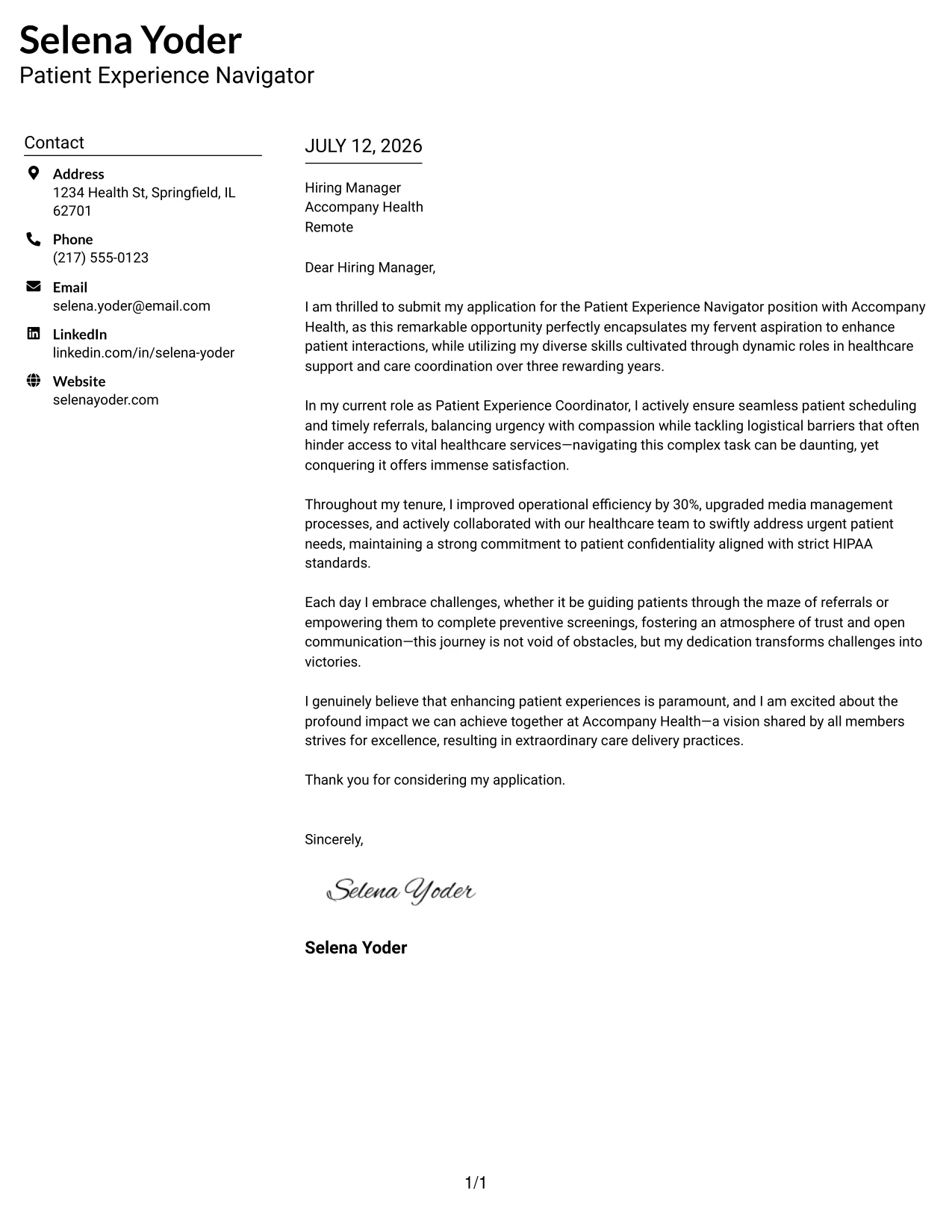
Why the Left Aligned Header Clean Two Column Format Works
- The left-aligned header presents a straightforward, confident initial impression.
- This reading flow guides the eye seamlessly from the header to the main content.
- Separating contact details keeps the focus on your qualifications.
- The minimalist black-and-white aesthetic looks professional across various industries.
- Logically structured for quick reviews by hiring managers.
- Effective for both patient care support roles and entry-level healthcare professionals.
Best For
- Patient Care Roles
- Healthcare Internships
- Graduate-Level Applications
- Healthcare Organizations
- Modern Professional Settings
- ATS-Compatible Letters
- Effective Communication Presentations
- Minimally Designed Cover Letters
- Professional Branding
#25 Patient Experience Navigator Cover Letter Example (Accent Divider Modern Two Column Format)
This format integrates a stylish accent divider between columns to create a modern and organized structure. The blend of content presentation and professional design adds character while emphasizing clarity.
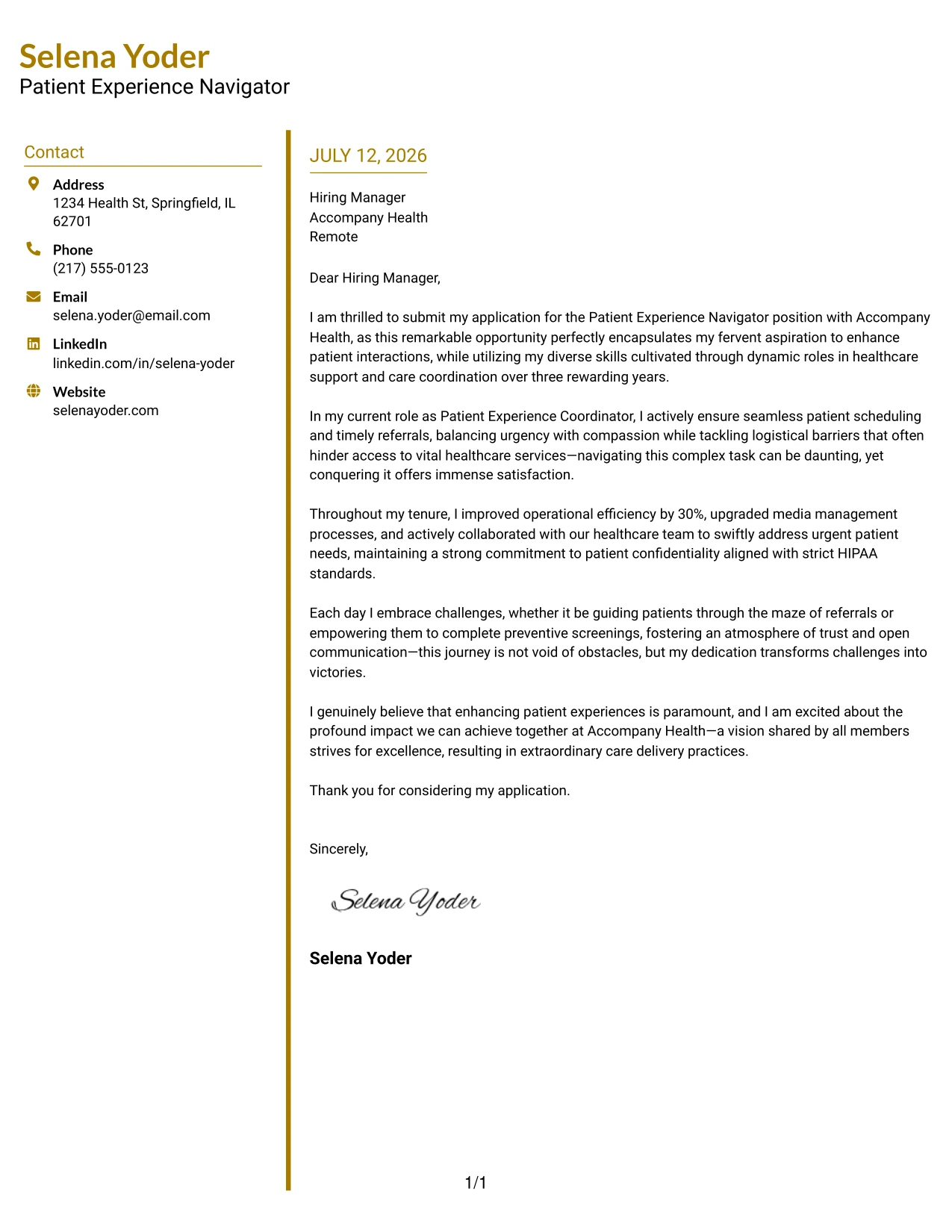
Why the Accent Divider Modern Two Column Format Works
- The accent divider clearly distinguishes between sections for easy navigation.
- Matching header colors create a consistent, branded appearance throughout.
- Two-column design provides an uncluttered presentation of contact information.
- This modern arrangement feels fresh yet maintains professionalism.
- Encourages natural reading from left to right, enhancing user experience.
- Applicable for corporate settings and internships alike, showcasing your personality.
Best For
- Healthcare Support Roles
- Graduate-Level Applications
- Interviews in Healthcare Organizations
- Healthcare Networking Opportunities
- Modern Applications
- ATS-Compatible Documents
- Professional Branding Initiatives
- Structured Cover Letters
- Client-Focused Positions
- Dynamic Presentation Styles
#26 Patient Experience Navigator Cover Letter Example (Shaded Labels Clean Two Column Format)
This version employs subtle shaded backgrounds for key headings, which offer visual clarity while maintaining a professional tone. The clean two-column design structures critical information effectively, ideal for healthcare roles.
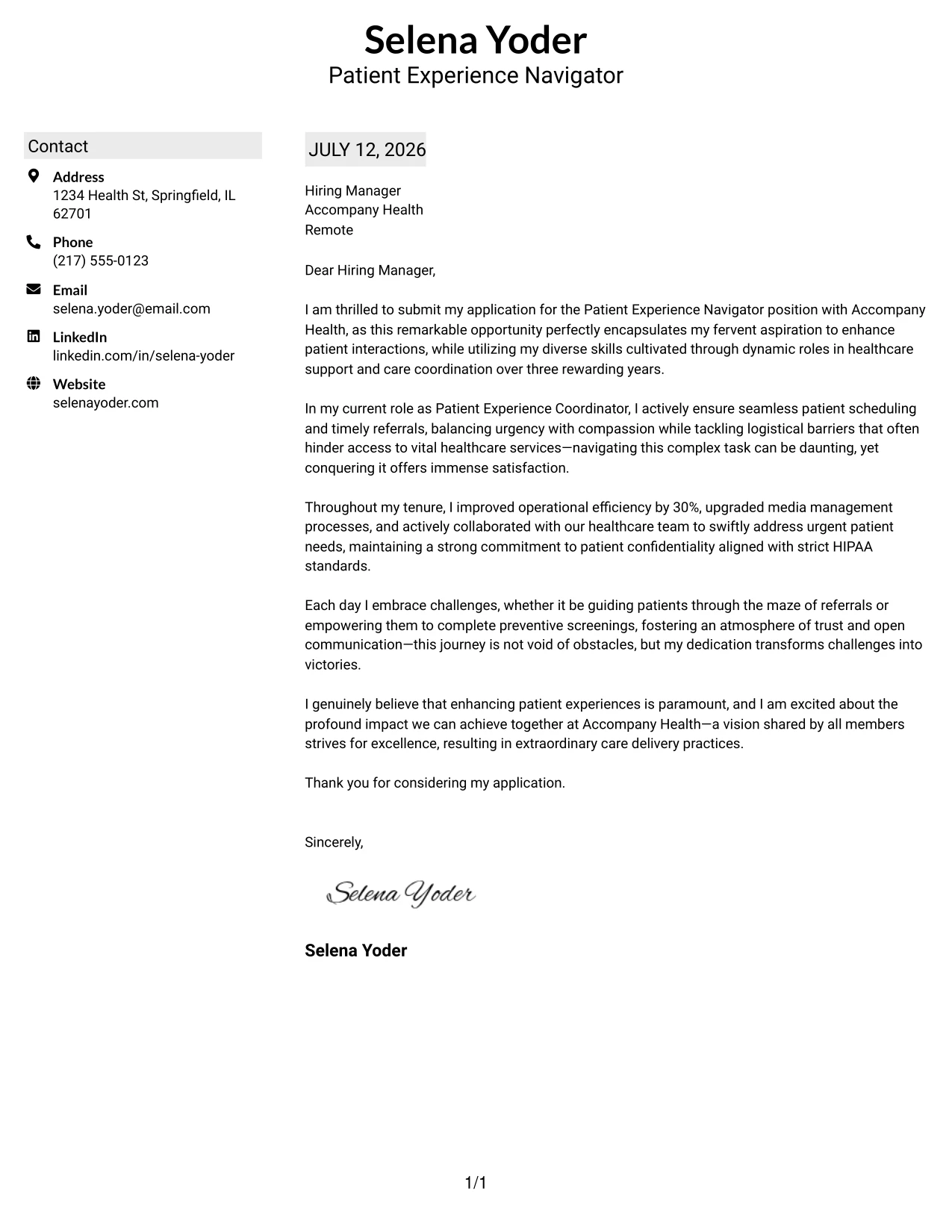
Why the Shaded Labels Clean Two Column Format Works
- The light shading accentuates key headings without distracting from the content.
- The two-column layout clearly separates contact details from letter body for ease of reading.
- Minimal styling supports a professional look that is easy on the eyes.
- Soft visual cues guide the reader’s navigation and comprehension.
- Ideal for applicants aiming for a modern yet conservative presentation.
- Balances simplicity with structure, perfect for healthcare roles.
Best For
- Patient Experience Roles
- Graduate Applicants
- Entry-Level Positions in Healthcare
- ATS-Compatible Letters
- Modern Minimal Design
- Corporate Job Applications
- Healthcare Work Environments
- Professional Presentation Formats
- Clean Layouts
- Structured Correspondences
#27 Patient Experience Navigator Cover Letter Example (Photo Header Color Accent International Format)
This rendition blends a professional photo with accent colors, creating a polished and inviting appearance. It is particularly suitable for settings where including a photo adds value or is customary.
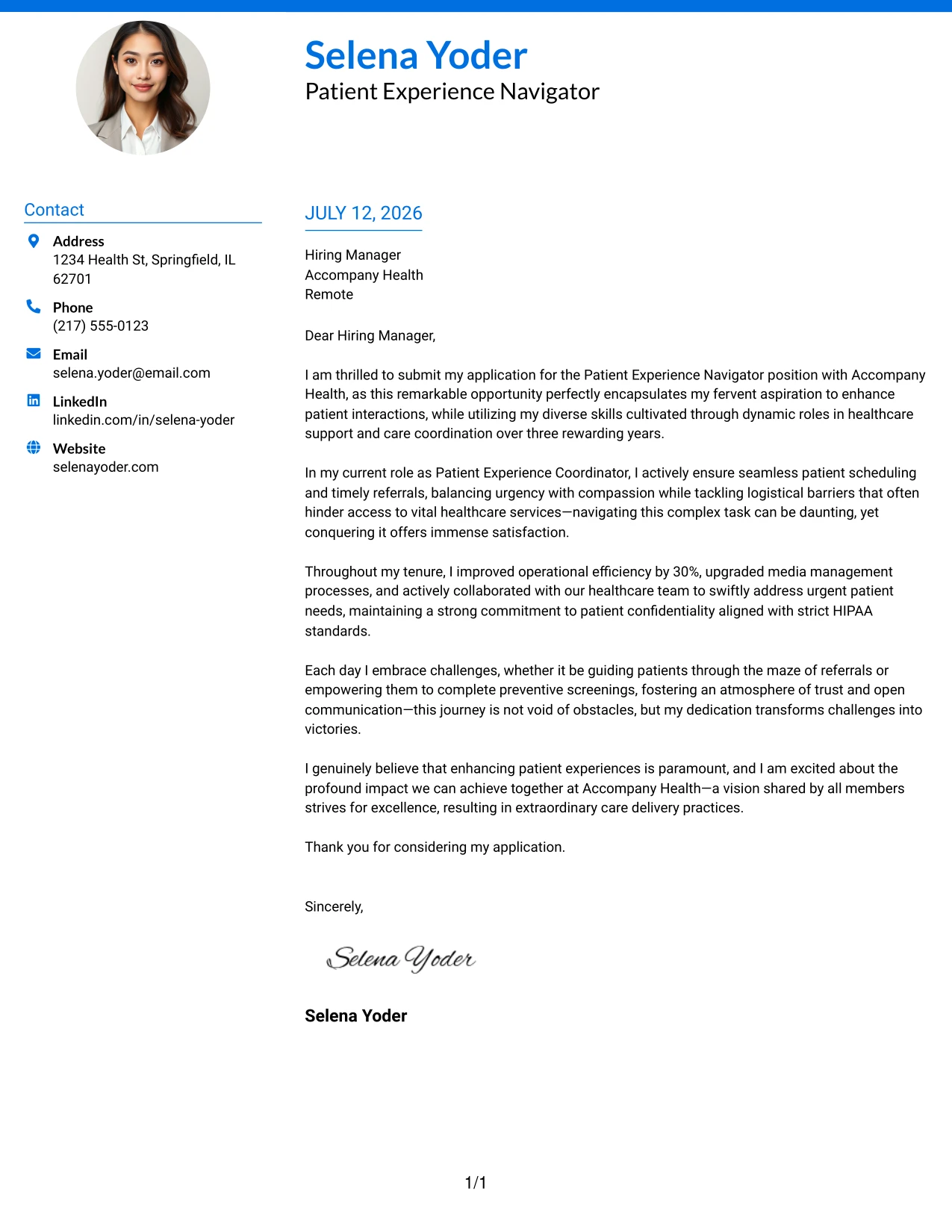
Why the Photo Header Color Accent International Format Works
- Incorporating a professional photo offers an immediate personal touch to your application.
- Accent colors create a cohesive theme that enhances the overall document aesthetic.
- The structured layout separates critical details for quick readability.
- Quick for recruiters to scan, maintaining professionalism and creativity.
- This format stands out in international markets that favor personal branding.
- Strikes a balance between creativity and professional standards, ideal for client-facing roles.
Best For
- Patient Experience Roles
- International Applications
- Client-Facing Positions
- Graduate Opportunities
- Healthcare Industries
- Modern Workplaces
- Photo-Savvy Job Markets
- Personal Branding Initiatives
- Impressive First Impressions
- High-Engagement Roles
#28 Patient Experience Navigator Cover Letter Example (Large Profile Photo International Two Column Format)
This an engaging format that features a large profile photo, bold name header, and a clear two-column layout. It is particularly effective for roles where visuals are valued, helping the candidate stand out professionally.
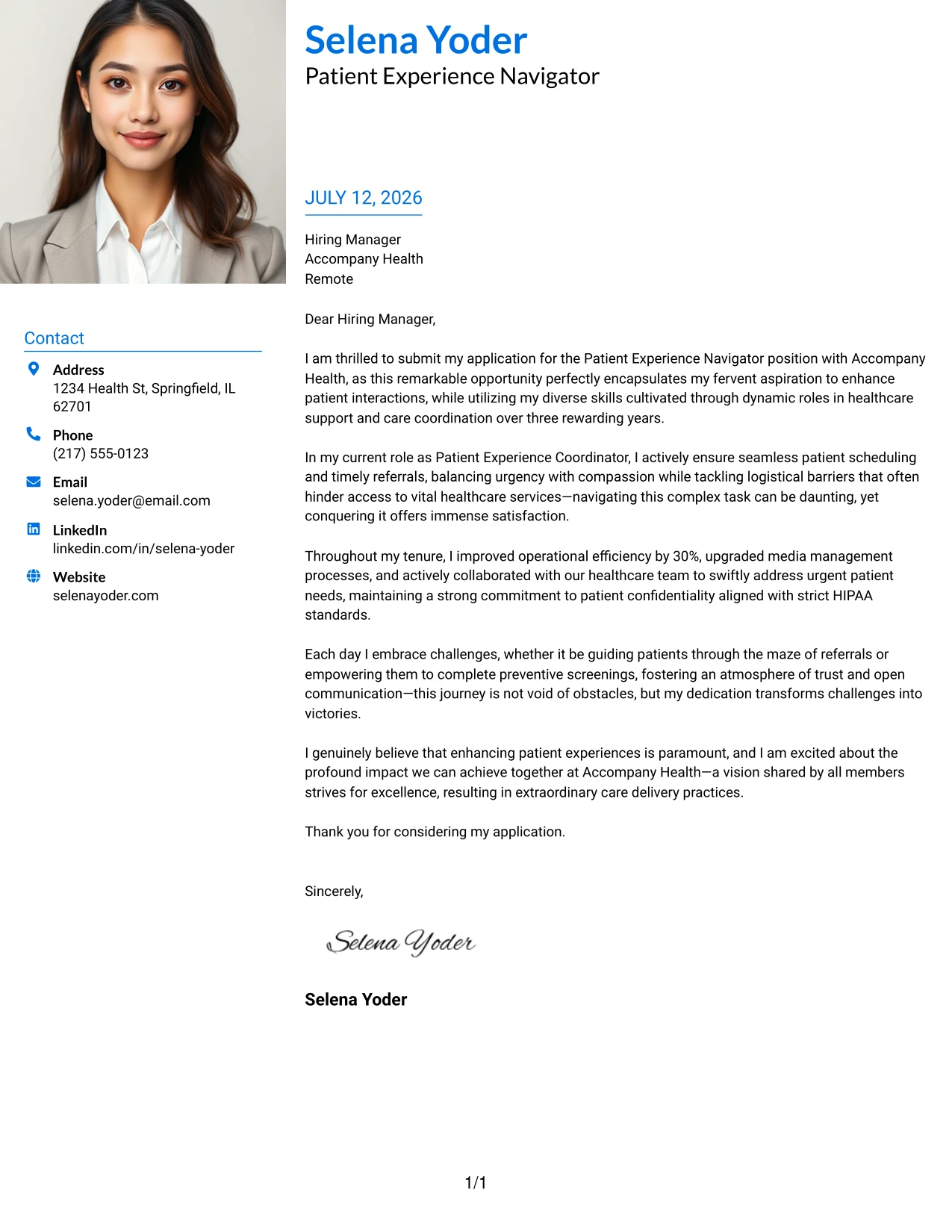
Why the Large Profile Photo International Two Column Format Works
- A prominently displayed photo creates an instant personal connection in appropriate contexts.
- The bold name header enhances branding visibility from the outset.
- Two columns maintain organized contact information, separating it cleanly from the letter body.
- This engaging layout aids in standing out from traditional formats.
- The structure retains professionalism while accommodating creativity.
- Perfectly suited for roles with high interpersonal interaction.
Best For
- Patient Experience Opportunities
- International Job Markets
- Client-Facing Roles
- Graduate-Level Applications
- Interactive Positions in Healthcare
- Photo-Friendly Environments
- Personal Branding Strategies
- Memorable Initial Impressions
- Dynamic Job Applications
- Engaging Professional Correspondences
#29 Patient Experience Navigator Cover Letter Example (One Column Boxed Contact Header Format)
This layout utilizes a single-column format with boxed contact details just below the candidate name. The box element adds structure while keeping the overall presentation modern and approachable.
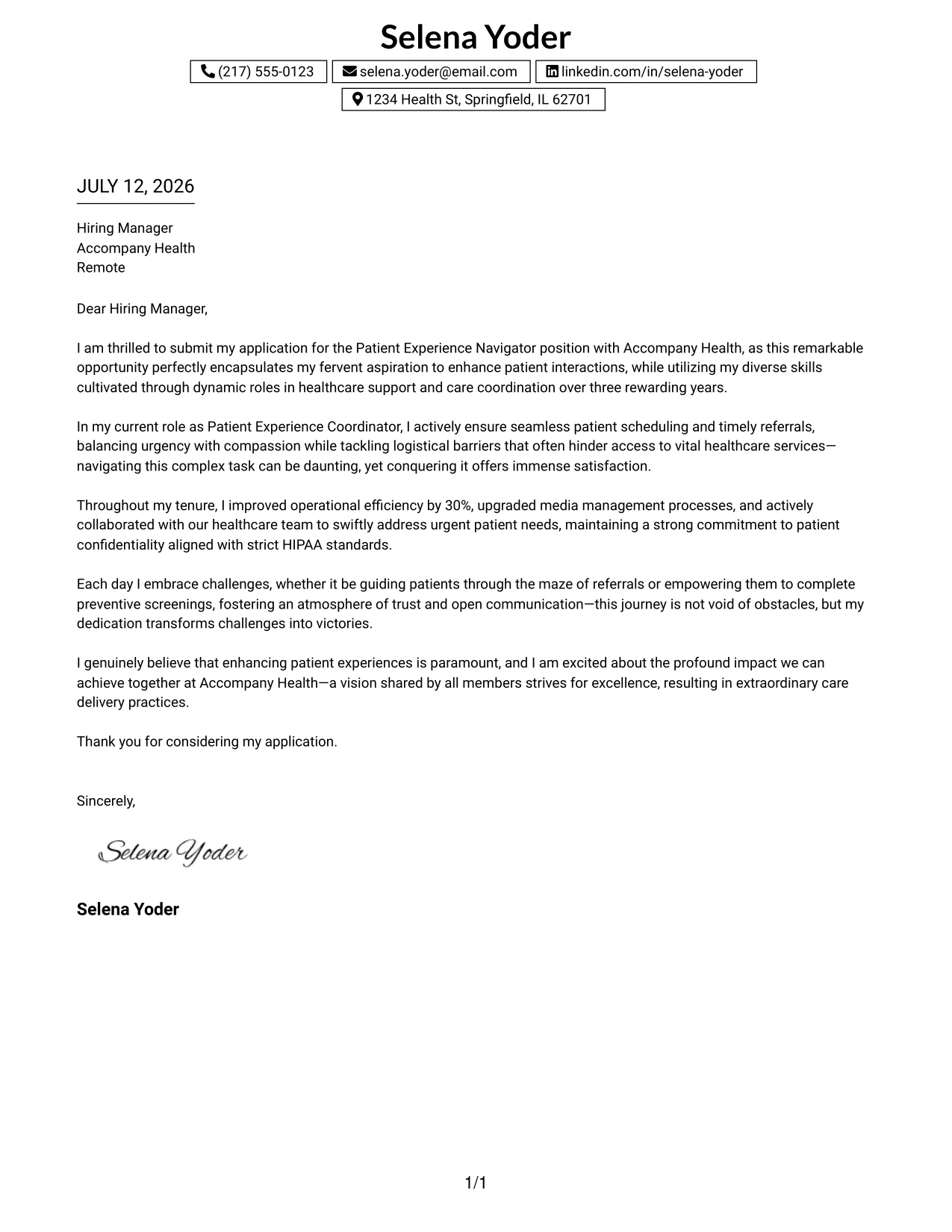
Why the One Column Boxed Contact Header Format Works
- The boxed contact details organize essential information clearly and attractively.
- The centered header instills a professional yet friendly first impression.
- Maintaining a single-column layout simplifies the reading experience.
- Clean borders enhance visual distinction without overwhelming the essential message.
- This modern minimalist style remains effective across various job sectors.
- Balances personal branding with professionalism for impactful letters.
Best For
- Patient Experience Positions
- Healthcare Students
- Graduate-Level Opportunities
- Corporate Applications
- Healthcare Environments
- Modern Layouts
- ATS-Compatible Documents
- Professional Engagements
- Easy-to-read Communications
#30 Patient Experience Navigator Cover Letter Example (One Column Shaded Contact Header Format)
This design maintains its clean one-column structure, enhancing it with soft shaded highlights for contact information. This modern yet understated detail enriches the overall visual appeal without sacrificing professionalism.
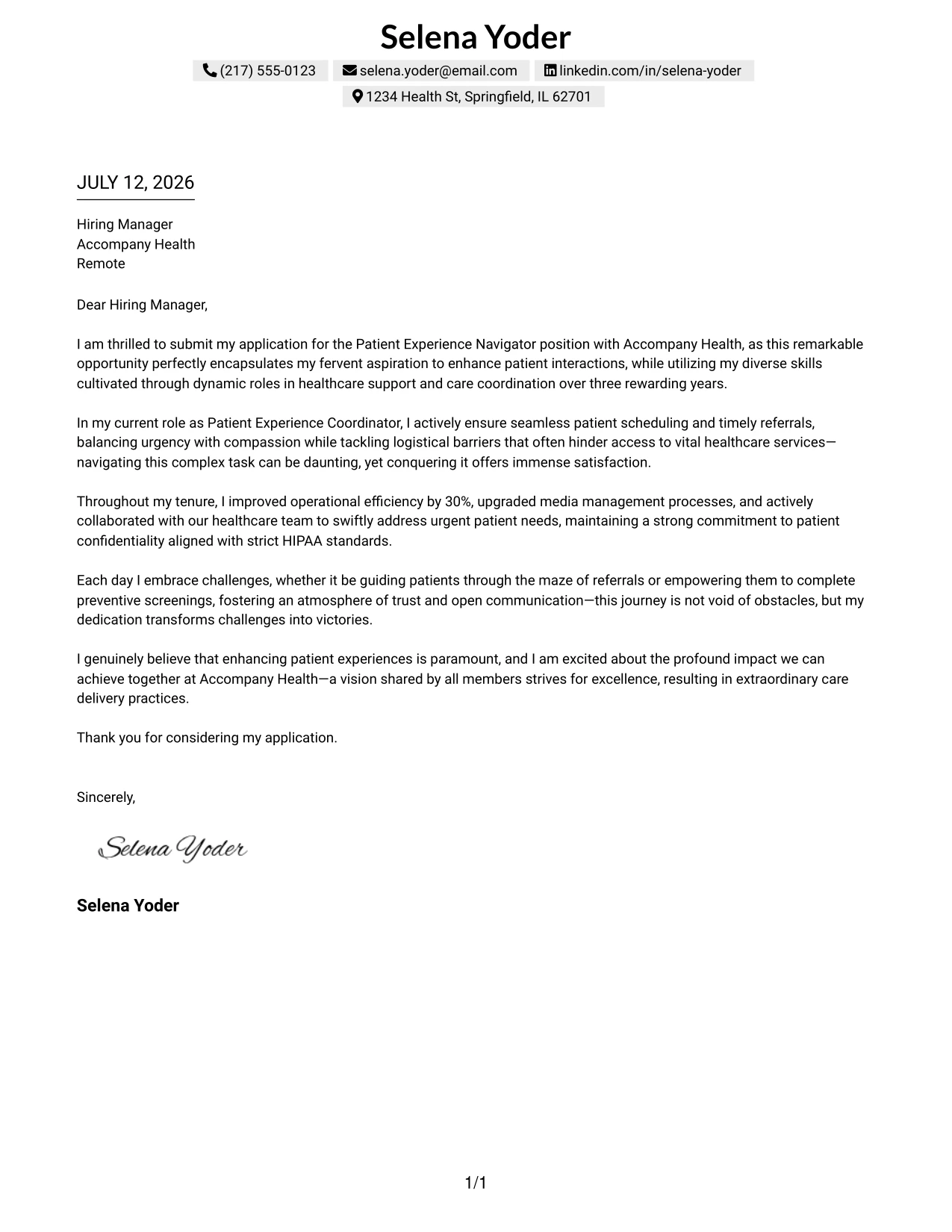
Why the One Column Shaded Contact Header Format Works
- The shaded highlights create an inviting space for contact details without harsh outlines.
- This method projects a softer, more contemporary aesthetic than boxed styles.
- The centered header showcases a strong yet professional branding presence.
- Remaining within a single-column layout allows for seamless readability.
- This format balances effective use of white space while boosting clarity.
- The polished design is suitable for diverse corporate environments.
Best For
- Patient Experience Roles
- Healthcare Candidates
- Graduate Job Applications
- Corporate Opportunities
- Modern Aesthetic Preferences
- Minimalist Layouts
- ATS-Friendly Formats
- Elegant Communications
- Structured Presentations
#31 Patient Experience Navigator Cover Letter Example (Boxed Contact Header with Job Title Format)
This cover letter integrates a boxed contact section with the job title displayed directly beneath, effectively highlighting the candidate’s career focus and signaling intent right from the start.
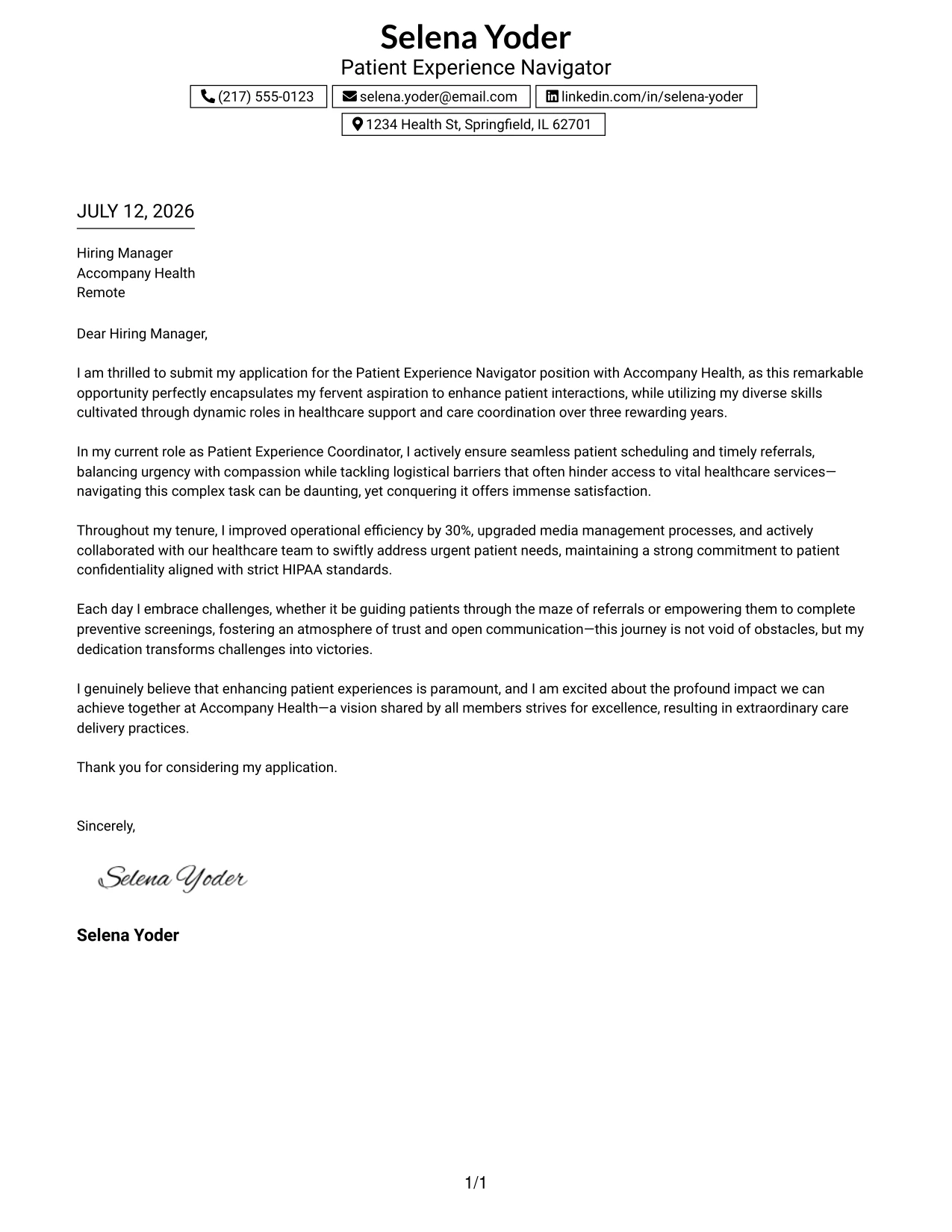
Why the Boxed Contact Header with Job Title Format Works
- Displaying the job title at the forefront ensures the applicant’s focus is clear to the reader.
- The boxed layout organizes critical contact details for easy access.
- The centered header showcases professionalism in presentation.
- Maintaining a one-column format enhances clarity and readability throughout.
- This style helps applicants appear intentional and focused.
- Blends modernity with classic formality, suitable for healthcare applications.
Best For
- Patient Engagement Roles
- Healthcare Fields
- Graduate-Level Opportunities
- Corporate Applications
- ATS-Friendly Formats
- Professional Branding Methods
- Structured Presentation Styles
- Focused Career Applications
- Job Seeker Clarity
#32 Patient Experience Navigator Cover Letter Example (Plain Professional Layout with Job Title & Shaded Date)
This layout adopts a clean and simple one-column design, featuring the applicant’s name, job title, and streamlined contact information at the top. The inclusion of a soft shaded date block contributes subtle emphasis to the overall professional appearance.
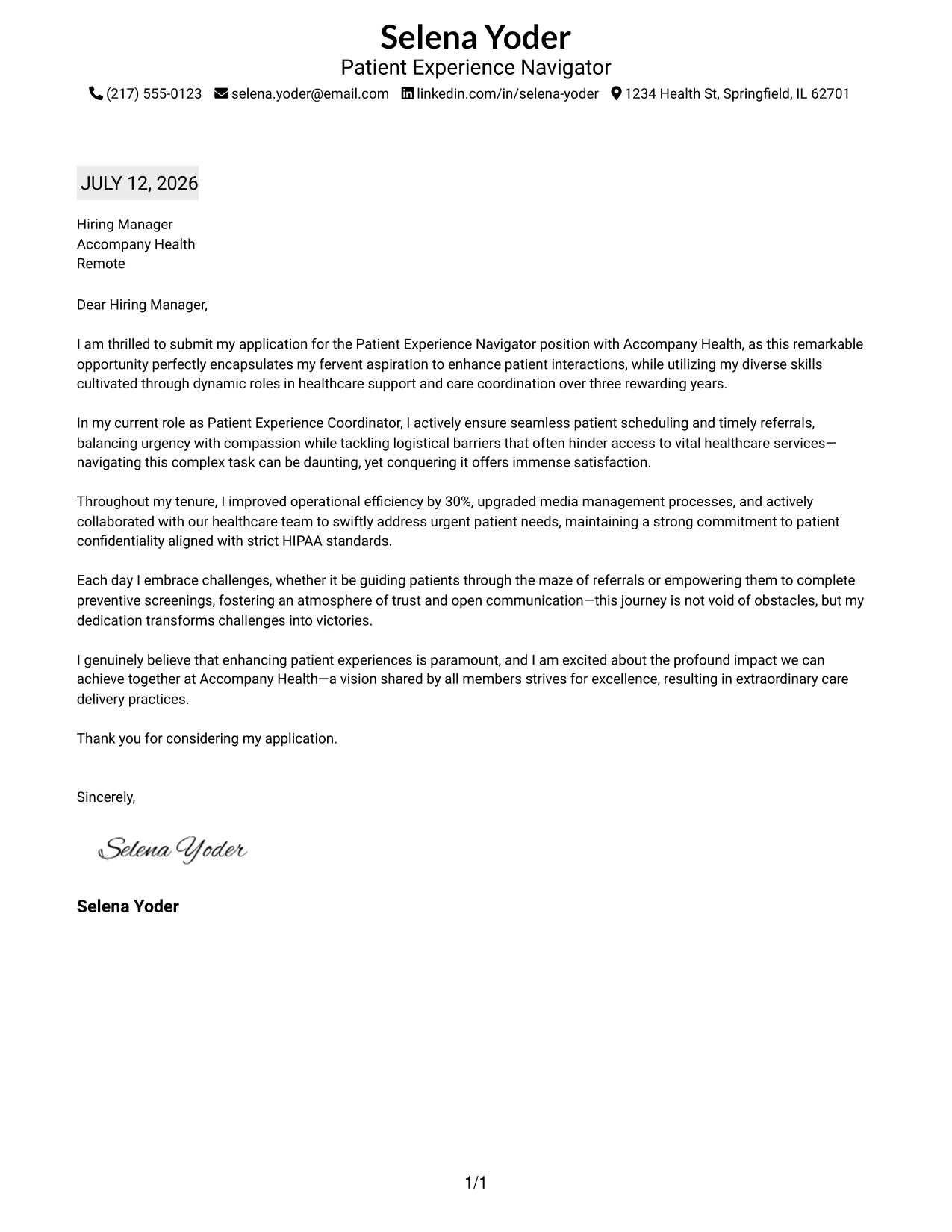
Why the Plain Professional Layout with Job Title & Shaded Date Works
- Positioning the job title clarifies the applicant's target positions immediately.
- The shaded date lends visual interest without overwhelming the content.
- A one-column format promotes smooth reading for recruiters.
- This clean layout highlights contact information efficiently, appearing modern.
- Minimal design choices keep attention squarely on essential content.
- Suited for many corporate settings, blending simplicity with professionalism.
Best For
- Patient Experience Roles
- Graduate Students
- Job Applications in Healthcare
- ATS-Compatible Letters
- Minimalist Presentation Styles
- Professional Communication Formats
- Consumers-Focused Opportunities
- Engaging Job Applications
#33 Patient Experience Navigator Cover Letter Example (Two-Line Contact Header with Underlined Date Format)
This format exhibits a well-organized two-line header with contact details providing clear visibility; the underlined date adds an essential structural element while maintaining a minimalist approach.
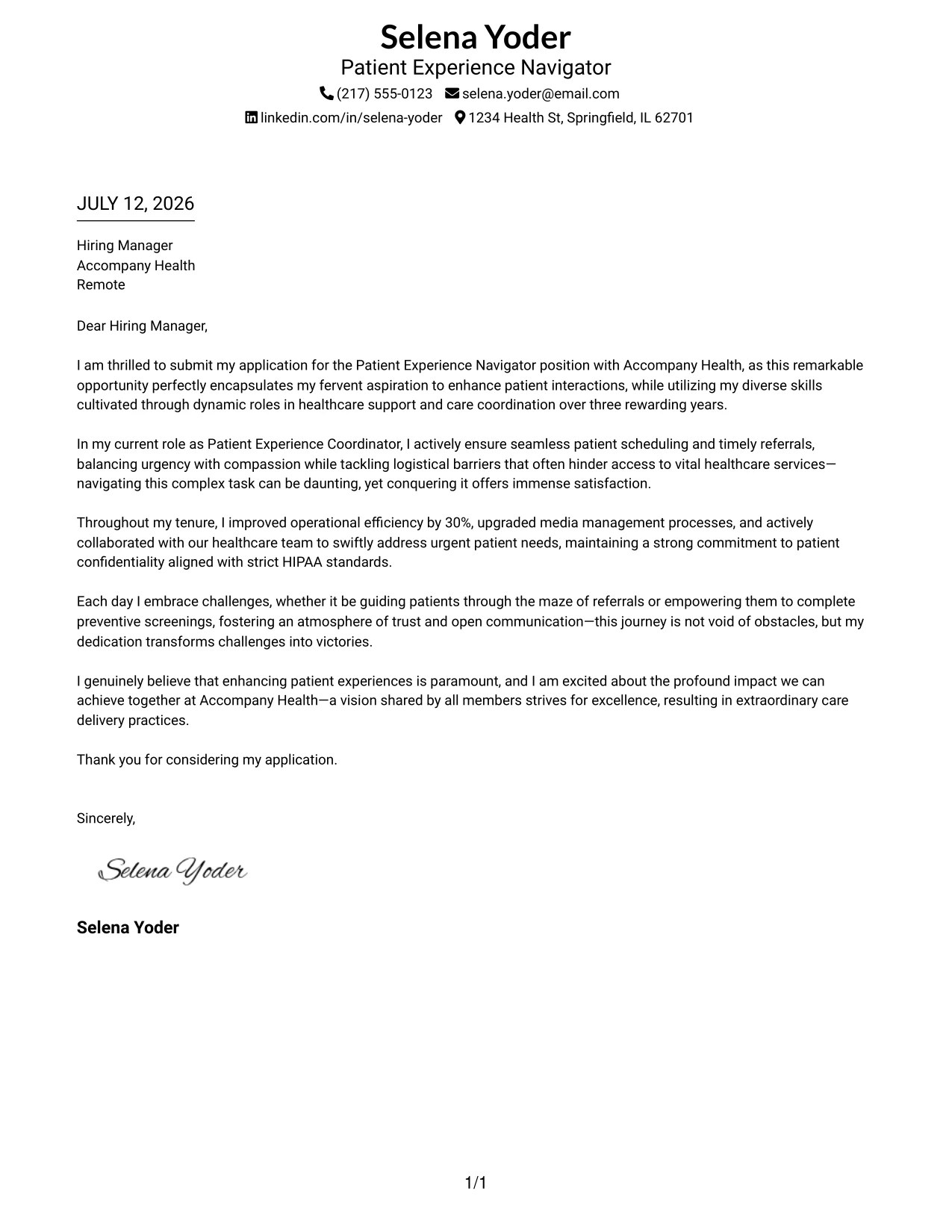
Why the Two-Line Contact Header with Underlined Date Format Works
- The two-line header enhances spacing for improved reader comprehension.
- Centered branding provides a polished and professional first impression.
- The underlined date emphasizes structure without feeling cluttered.
- A minimalist one-column design maintains focus on the essential message.
- This clean typography is inviting and easy on the eyes for recruiters.
- A design that ensures quick scanning supports hiring managers in their review process.
- Strikes an excellent balance between professionalism and simplicity.
Best For
- Patient Experience Roles
- Graduate Opportunities
- Corporate Applications in Healthcare
- ATS-Friendly Formats
- Minimalist Templates
- Professional Branding Strategies
- Simple Yet Effective Communication
- Job Applications
Why Use ResumeInMinutes for a Patient Experience Navigator Cover Letter
ResumeInMinutes assists healthcare professionals in crafting tailored cover letters swiftly without starting from scratch.
- 33 writing styles
- ATS-friendly formatting
- Job-description-based customization
- Fast cover letter generation
- Professional templates
- Resume + cover letter support
Whether you're applying as a Patient Experience Navigator or for other healthcare roles, you can create a polished cover letter in minutes.
See Also
- 33 Patient Experience Navigator Resume Templates with Example 2026 (ATS-Optimized)
- 33 Transitional Care Navigator - RN Resume Templates with Example 2026 (ATS-Optimized)
- 33 Medical Assistant/Patient Support Assistant Resume Templates with Example 2026 (ATS-Optimized)
- 33 Nursing Unit Aide - Patient Care Support Resume Templates with Example
- 33 Part Time Patient Customer Service Representative Resume Templates with Example 2026 (ATS-Optimized)
- 33 Part Time Patient Service Representative Resume Templates with Example 2026 (ATS-Optimized)
- 33 Patient Care Front Desk Specialist Resume Templates with Example 2026 (ATS-Optimized)
- 7 Patient Care Technician I - Cardiac Thoracic Step Down Resume Templates with Example
- 30+ Transitional Care Navigator - RN Cover Letter Templates with Example 2026
- 30+ Medical Assistant/Patient Support Assistant Cover Letter Templates with Example 2026
Frequently Asked Questions
Are these Patient Experience Navigator cover letter templates ATS-friendly?
Yes. The templates feature clean, readable formatting and include healthcare-focused keywords such as patient care, HIPAA compliance, healthcare communications, and referrals.
Are these 33 different cover letters?
No. This guide showcases one Patient Experience Navigator cover letter example presented in 33 distinct template styles, layouts, and design themes.
Can I download the templates as PDFs?
Yes. Each style includes a free PDF download so you can preview the design and select the format that best suits your application.
Which cover letter style is best for a Patient Experience Navigator position?
For most applications, a clean one-column or simple two-column template is most effective. For modern healthcare organizations, you may also consider templates with subtle design elements and color accents.
Can candidates with limited experience still write a compelling cover letter?
Absolutely. A strong cover letter can focus on your eagerness to learn, relevant coursework, volunteer work, and any customer service experiences.
Should I include a photo in my cover letter?
Only include a photo if it is customary in your region or industry. In the U.S., using a no-photo template is typically the safer choice.
Can I customize these cover letter templates?
Yes. ResumeInMinutes allows you to customize the cover letter text, layout, design style, and PDF format to fit your Patient Experience Navigator application.




