
7 Payment Operations Senior Associate - Claims and Revenue Cycle Cover Letter Templates with Example
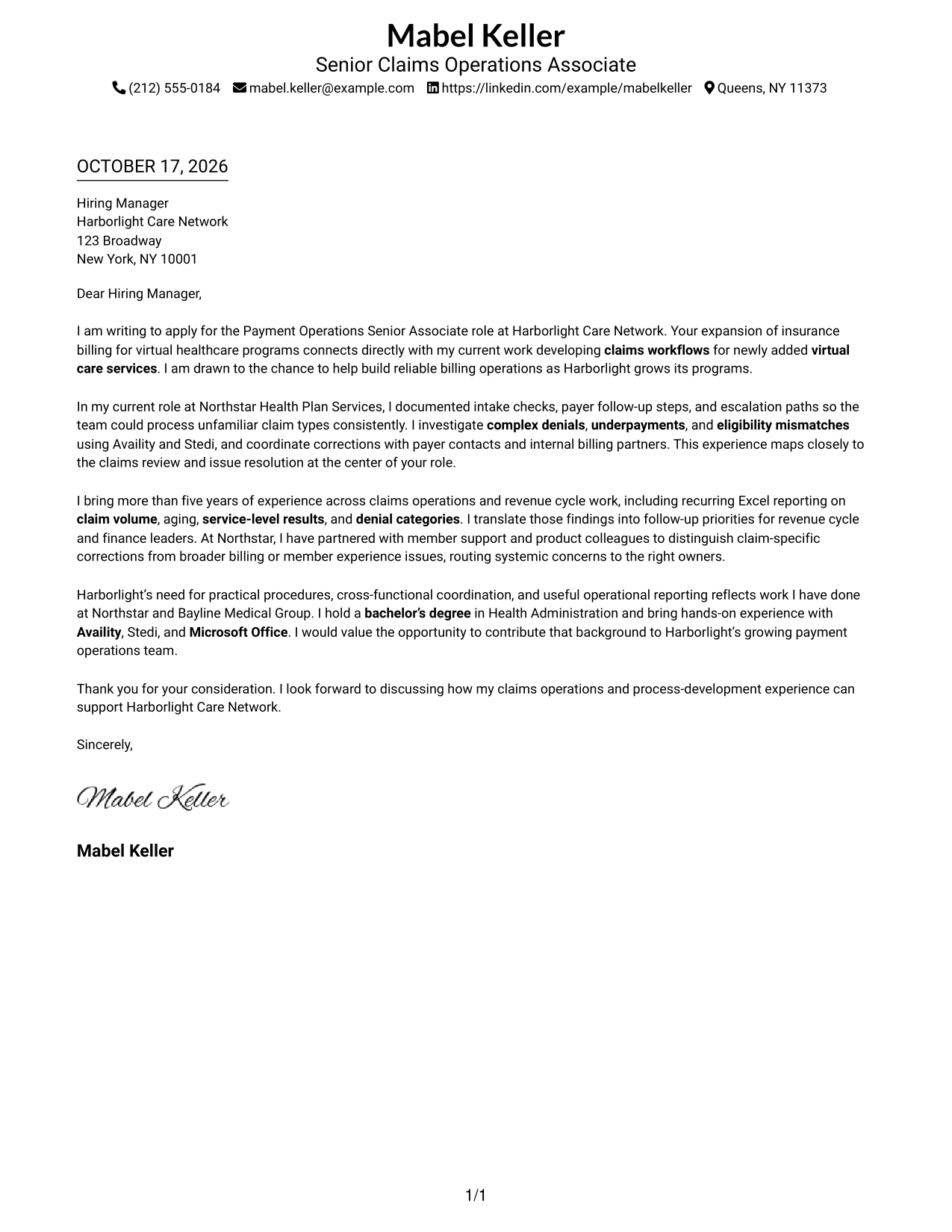
This practical guide helps you write a Payment Operations Senior Associate - Claims and Revenue Cycle cover letter using seven layouts.
What Makes a Great Payment Operations Senior Associate - Claims and Revenue Cycle Cover Letter in 2026
A strong letter links your interest in payment operations to the work of resolving claims issues and supporting reliable revenue cycle processes. A clear opening, focused body, and direct closing help make your fit easy to understand.
Use specific evidence about claims workflows, denial or eligibility research, reporting, and coordination across teams. Connect that evidence to the employer’s needs and explain why its payment operations work interests you.
The featured example follows a focused progression from role-specific interest to relevant evidence and a clear next step; adapt that flow while choosing a presentation that suits the employer and communication context.
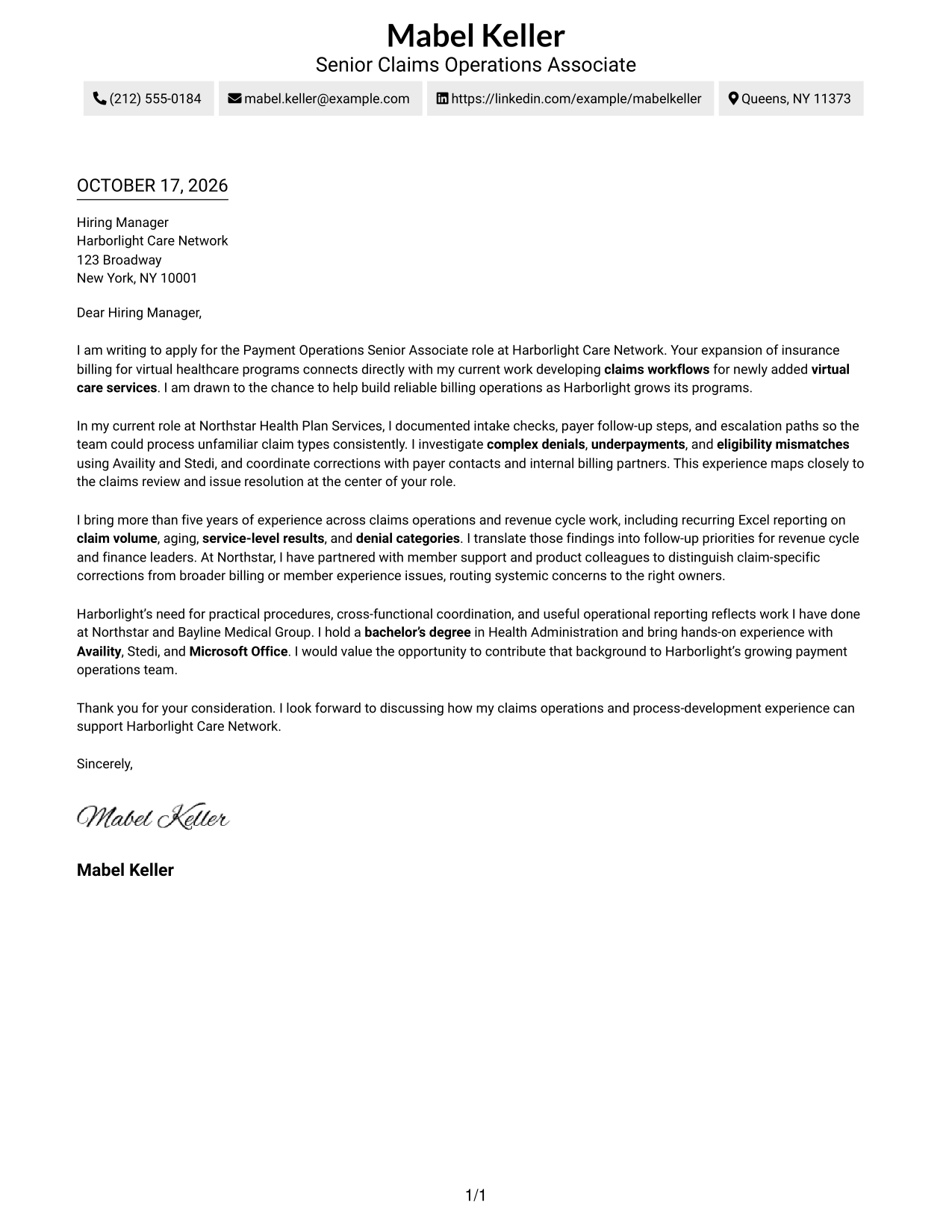
#1 Simple One Column Format Cover Letter Example
A single-column layout keeps sender details in the header and the letter body together, a familiar choice for readers who prefer a direct reading path.
Why This Format Works
- Sender details stay in the header, apart from the letter's message.
- The opening, supporting points, and closing follow one continuous reading sequence.
- The letter uses one column without a separate contact sidebar.
Best For
- Single-column letter layouts
- Familiar paragraph-based correspondence
- Header-based sender details
- Letters with several supporting paragraphs
- Readers who prefer a direct reading path
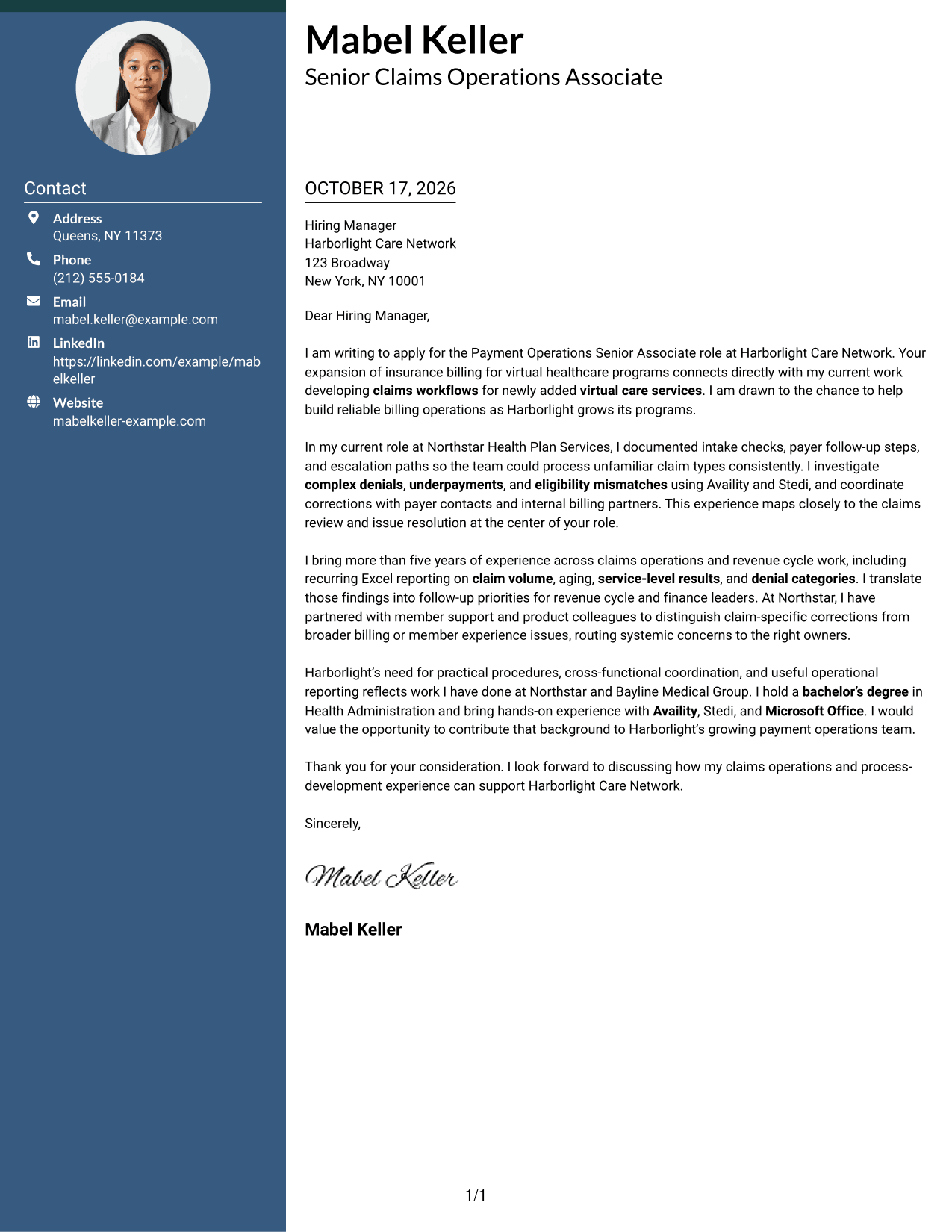
#2 Two Column Format Cover Letter Example
A contact sidebar sits beside one continuous letter body, giving sender details a separate place while keeping the message intact.
Why This Format Works
- Contact details have a distinct location beside the main correspondence.
- Opening, supporting points, and closing remain together in one letter body.
- The two-column arrangement separates contact information from the letter's argument.
Best For
- Contact details beside the letter
- Continuous paragraph-based arguments
- Side-by-side information placement
- Readers who look for sender details first
- Multi-paragraph correspondence
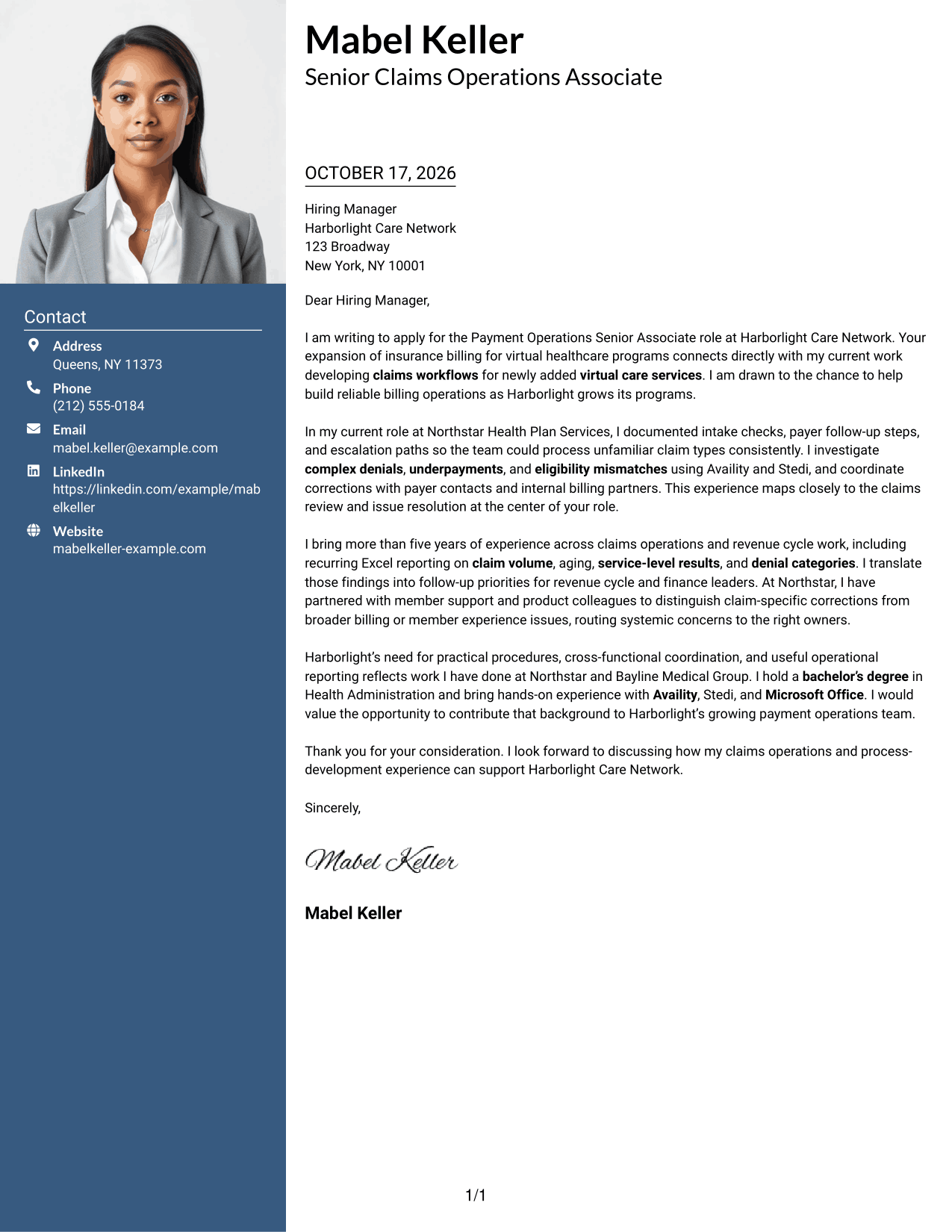
#3 Photo Header Two Column Format Cover Letter Example
A photo adds a personal visual element to this two-column layout, while the contact details and continuous letter body remain distinct.
Why This Format Works
- The photo adds a visible personal touch without interrupting the letter's message.
- A contact sidebar keeps sender information apart from the body paragraphs.
- The continuous letter body preserves the order of the full message.
Best For
- Photo-inclusive letter layouts
- Contact details beside the message
- Readers who prefer a visible portrait
- Continuous multi-paragraph letters
- Distinct contact and message areas
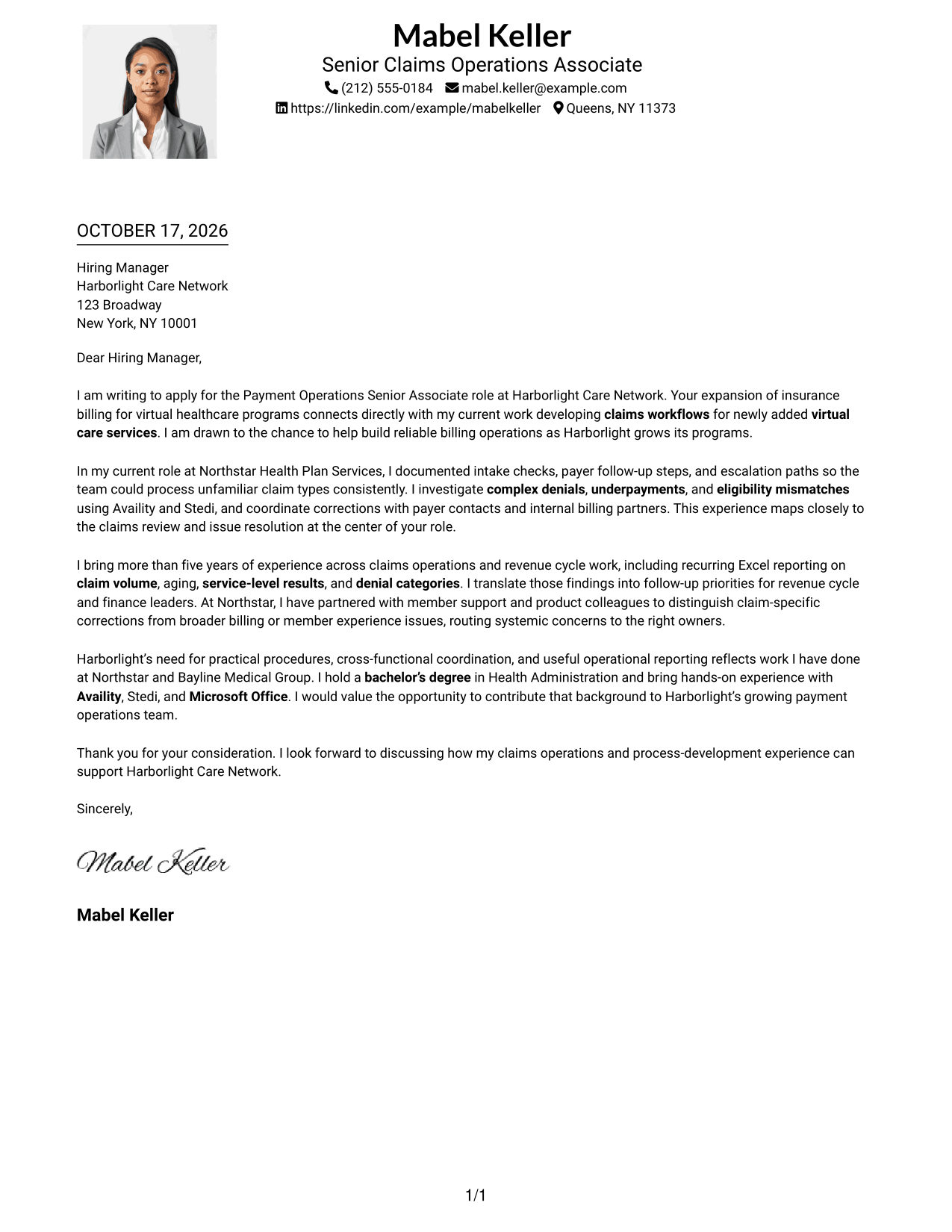
#4 One Column Format with Photo Cover Letter Example
A portrait accompanies the single-column presentation, offering a personal visual element without adding a contact sidebar beside the letter.
Why This Format Works
- Sender details appear in the header above the continuous letter body.
- One column keeps the opening, support, and closing in the same text flow.
- The portrait provides a visual point of interest alongside the letter.
Best For
- Single-column correspondence with a portrait
- Header-based sender details
- Letters with a continuous message
- Readers who prefer one text column
- Personal visual presentation
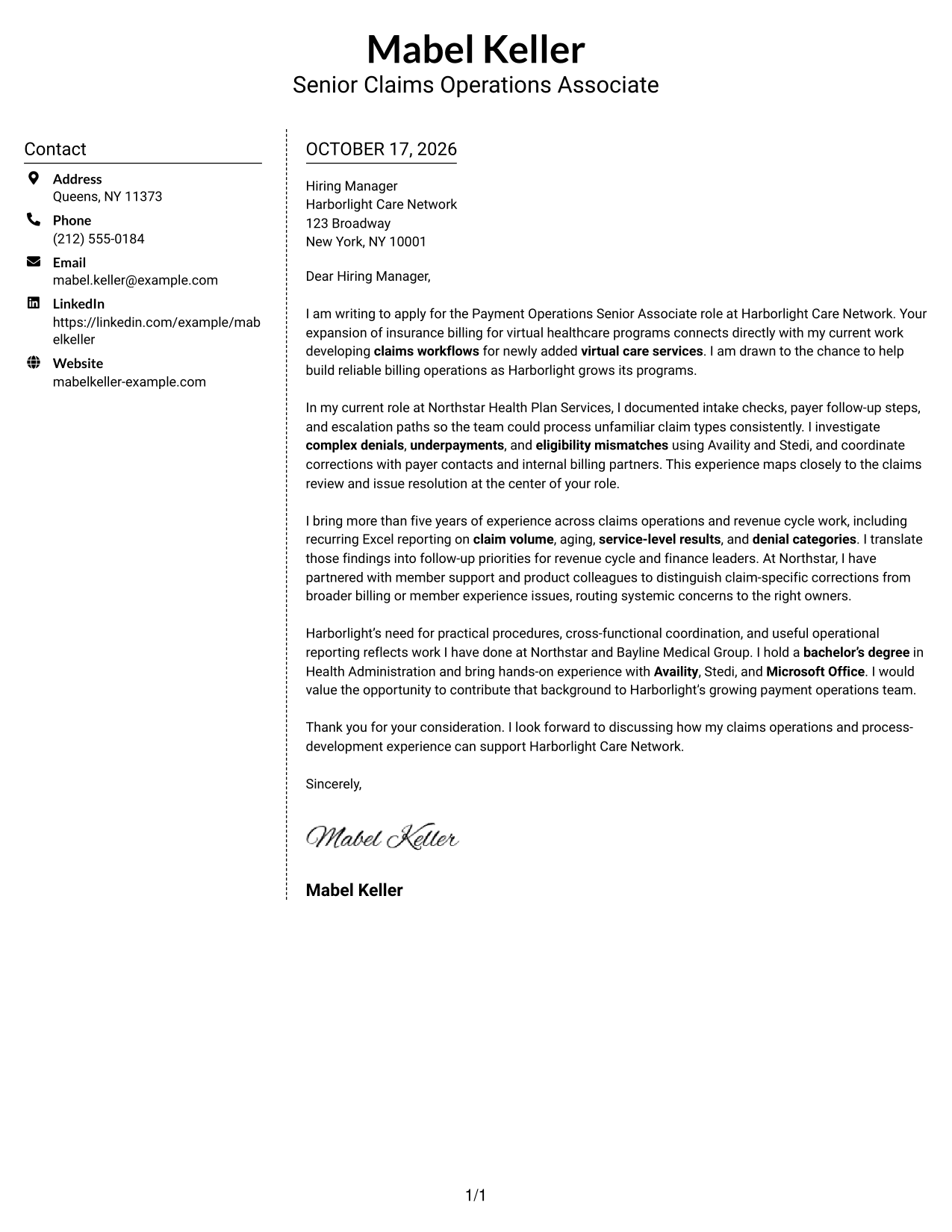
#5 Simple Two Column Format Cover Letter Example
The contact sidebar has its own place beside the letter, a practical choice for keeping contact details distinct from the continuous message.
Why This Format Works
- The sidebar gives sender information a defined area outside the letter body.
- The message stays in continuous paragraphs rather than parallel text columns.
- Readers can distinguish contact information from the correspondence at a glance.
Best For
- Contact information outside the message
- Continuous paragraph-based letters
- Two-column document organization
- Readers who value clear contact placement
- Letters with multiple body paragraphs
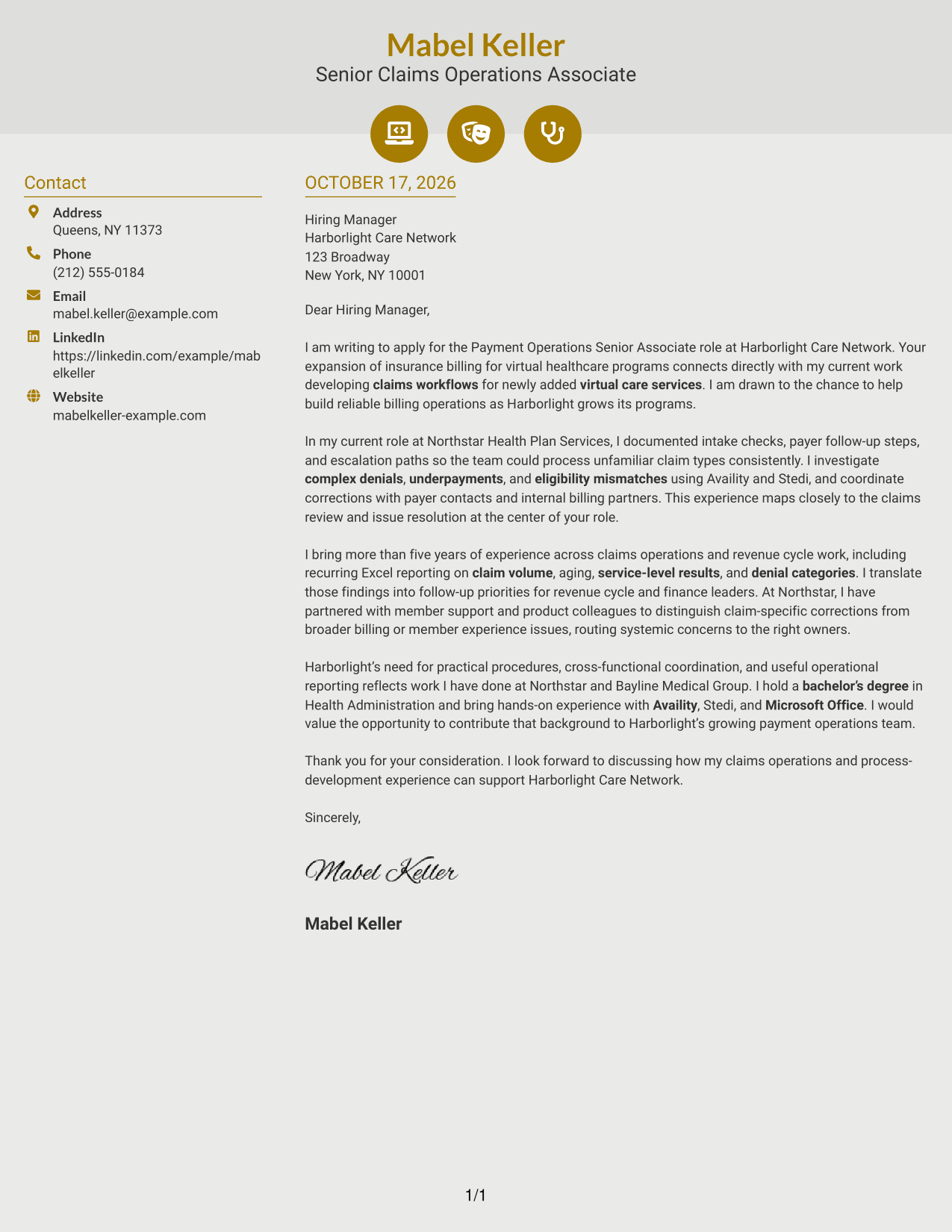
#6 Modern Icon Format Cover Letter Example
Contact icons add visual cues to the sidebar beside one continuous letter body, helping readers tell contact details from the message.
Why This Format Works
- Icons provide visual cues for contact details, not for parts of the argument.
- The sidebar keeps sender information separate from the continuous letter body.
- The letter remains a single column of paragraphs from opening to close.
Best For
- Icon-cued contact details
- A continuous letter message
- Side-by-side contact and letter areas
- Readers who scan contact information quickly
- Paragraph-based applications
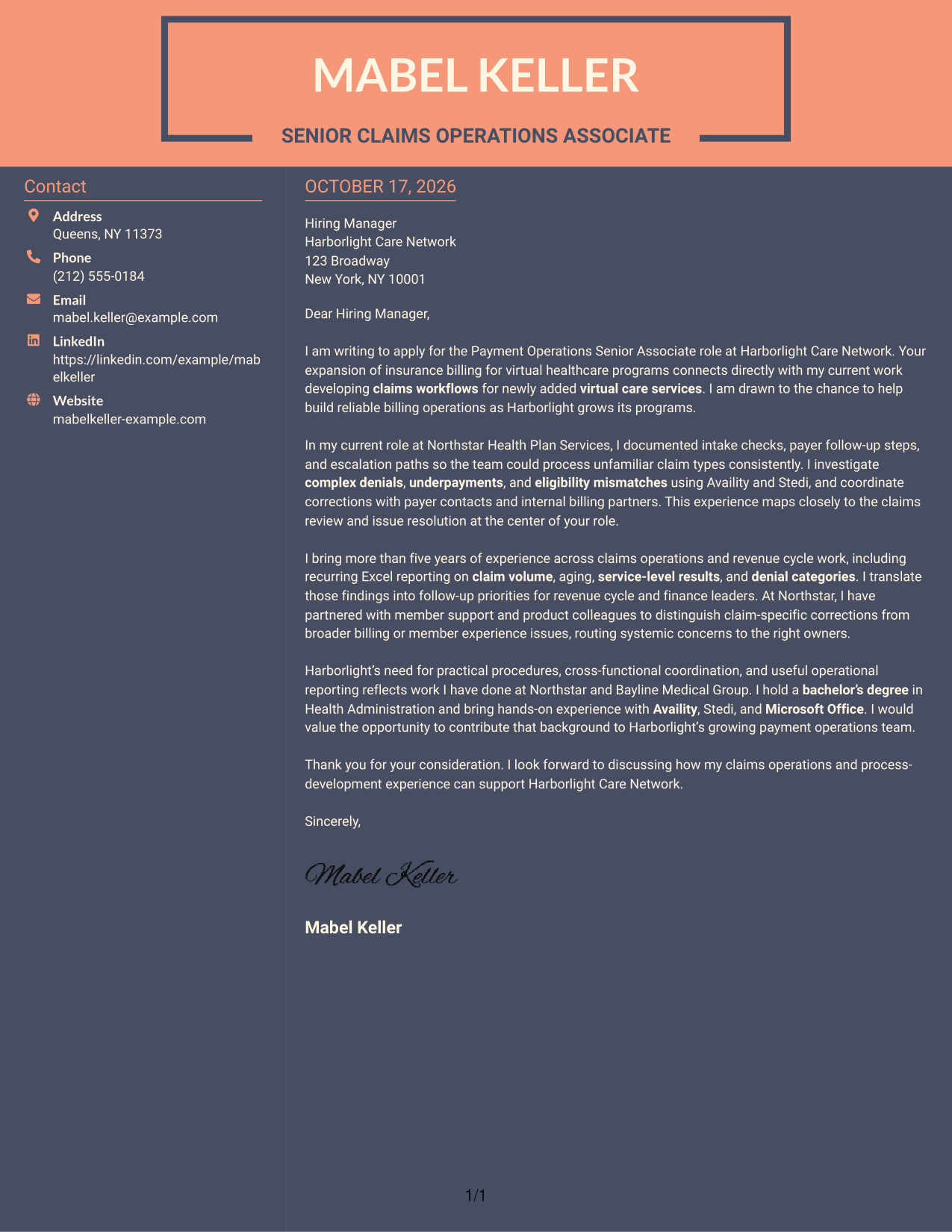
#7 Creative Two Tone Format Cover Letter Example
A contact sidebar stands beside the uninterrupted letter body, making the separation between sender details and the message easy to see.
Why This Format Works
- Sender details sit apart from the body, making contact information easy to find.
- The letter's opening, evidence, and closing stay together in continuous paragraphs.
- The two-column structure distinguishes contact information from the main message.
Best For
- A clear boundary between contact and message
- Continuous persuasive correspondence
- Side-by-side page organization
- Readers seeking easy contact lookup
- Multi-paragraph cover letters
See Also
- 7 Payment Operations Senior Associate - Claims and Revenue Cycle Resume Templates with Example
- 7 Accounts Payable Assistant - Claims Payments Resume Templates with Example
- 7 Director of Product Management - Corporate Payments Resume Templates with Example
- 33 Public Sector Payments Product Manager Resume Templates with Example
- 7 Equipment Development Engineer - Wafer Bonding Resume Templates with Example
- 7 Sales Development Representative - SaaS Prospecting Resume Templates with Example
- 7 Payroll Program Manager - Payroll Systems and Transformation Resume Templates with Example
- 7 Technical Enablement Manager - Semiconductor Validation Resume Templates with Example
- 7 Accounts Payable Assistant - Claims Payments Cover Letter Templates with Example
- 7 Director of Product Management - Corporate Payments Cover Letter Templates with Example
Frequently Asked Questions
What should the opening paragraph say for this role?
Name the Payment Operations Senior Associate - Claims and Revenue Cycle role, then connect your interest to the employer’s work. For a virtual care billing operation, you could explain why building reliable claims processes matters to you.
What evidence belongs in the body of this cover letter?
Choose a few relevant examples, such as documenting claims procedures, researching denials or underpayments, resolving eligibility issues, preparing operational reports, or coordinating with other teams. Explain what you did and how it relates to the role.
How can I show that I understand the employer’s needs?
Refer to the employer’s stated goals, such as improving claims processing, tracking denial trends, or supporting new billing workflows. Show how your relevant experience could help with those needs without claiming results you cannot support.
How should I close the letter?
Restate your interest briefly, name the value you could bring to payment operations, and invite a conversation. Keep the tone confident and professional.
How do I choose a cover letter layout?
Choose a clear, readable presentation that fits the employer and the way you want to communicate. Compare the image previews, then open an example in the editor to view or customize it.




