
7 Payroll Program Manager - Payroll Systems and Transformation Cover Letter Templates with Example
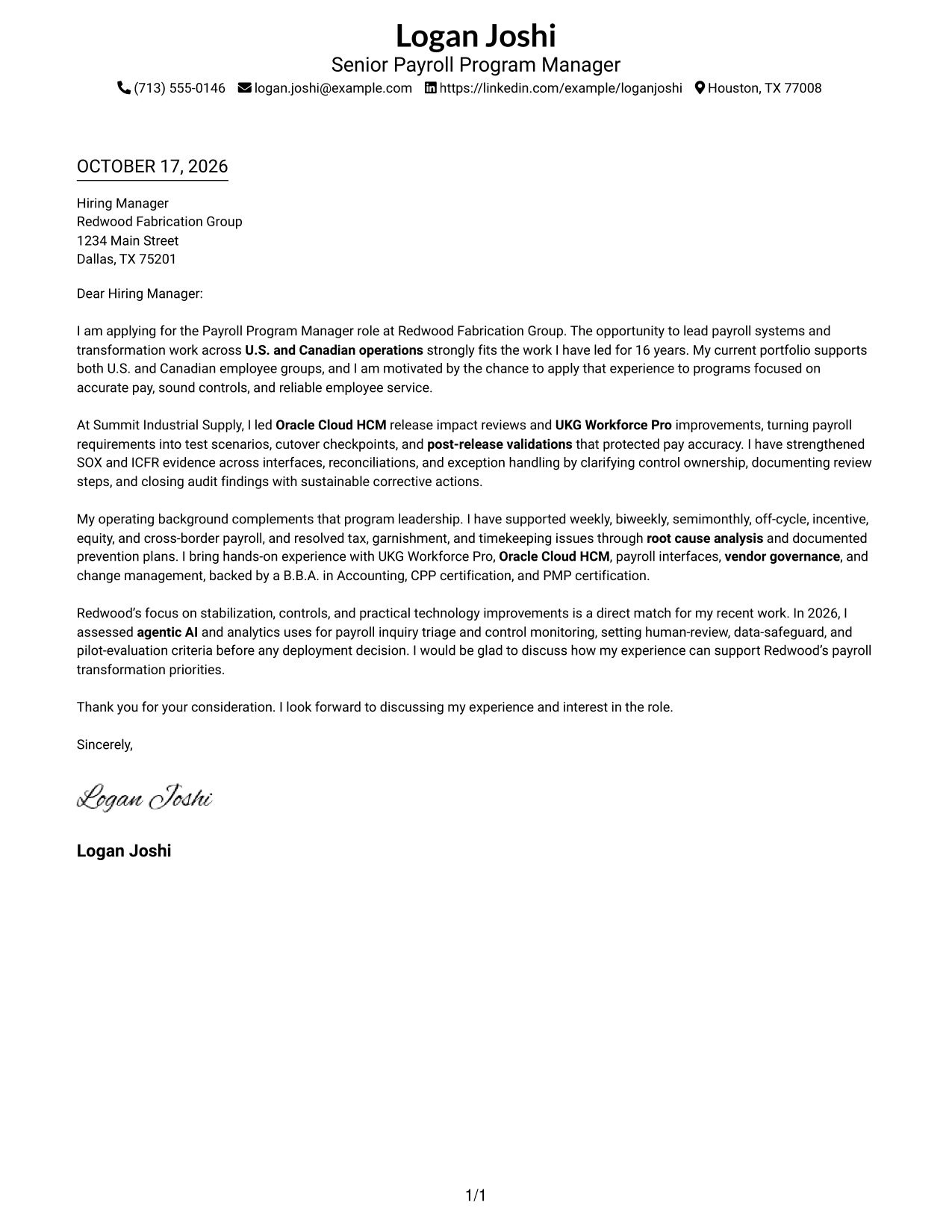
This guide helps you write a focused Payroll Program Manager - Payroll Systems and Transformation cover letter, with seven layouts to compare and a clear approach to showing role fit.
What Makes a Great Payroll Program Manager - Payroll Systems and Transformation Cover Letter in 2026
A strong letter connects payroll program leadership to accurate pay, reliable systems, and sound controls across U.S. and Canadian operations. It shows clear interest in leading work from planning and testing through launch and stabilization.
Use specific evidence, such as Oracle Cloud HCM release reviews, UKG Workforce Pro improvements, or stronger SOX and ICFR controls. Link that experience to the employer’s priorities and explain how your approach supports employees and cross-functional teams.
The featured example moves from role interest to evidence of systems and controls leadership, then closes with a clear connection to the employer’s priorities. Adapt this focused progression while choosing a presentation that suits the employer and communication context.
#1 Simple One Column Format Cover Letter Example
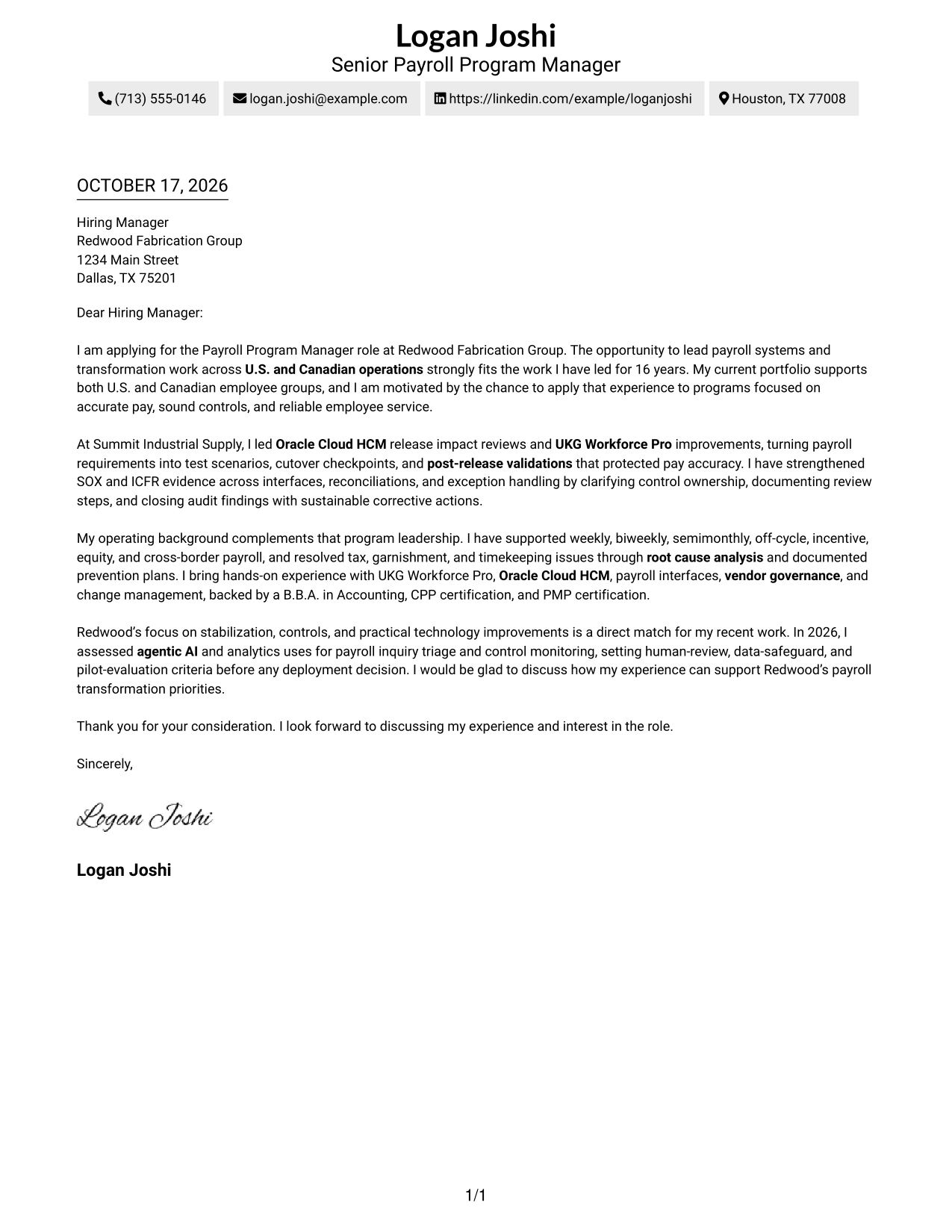
A single-column page keeps sender details in the header and gives the letter one direct reading path.
Why This Format Works
- Sender details stay in the header, so contact information is easy to find.
- The single text column lets the opening, evidence, and closing read in sequence.
- Without a contact sidebar, the letter body has the full text width.
Best For
- Linear reading preference
- Header-based sender details
- Full-width message text
- Photo-free correspondence
- Letters with several contact methods
#2 Two Column Format Cover Letter Example
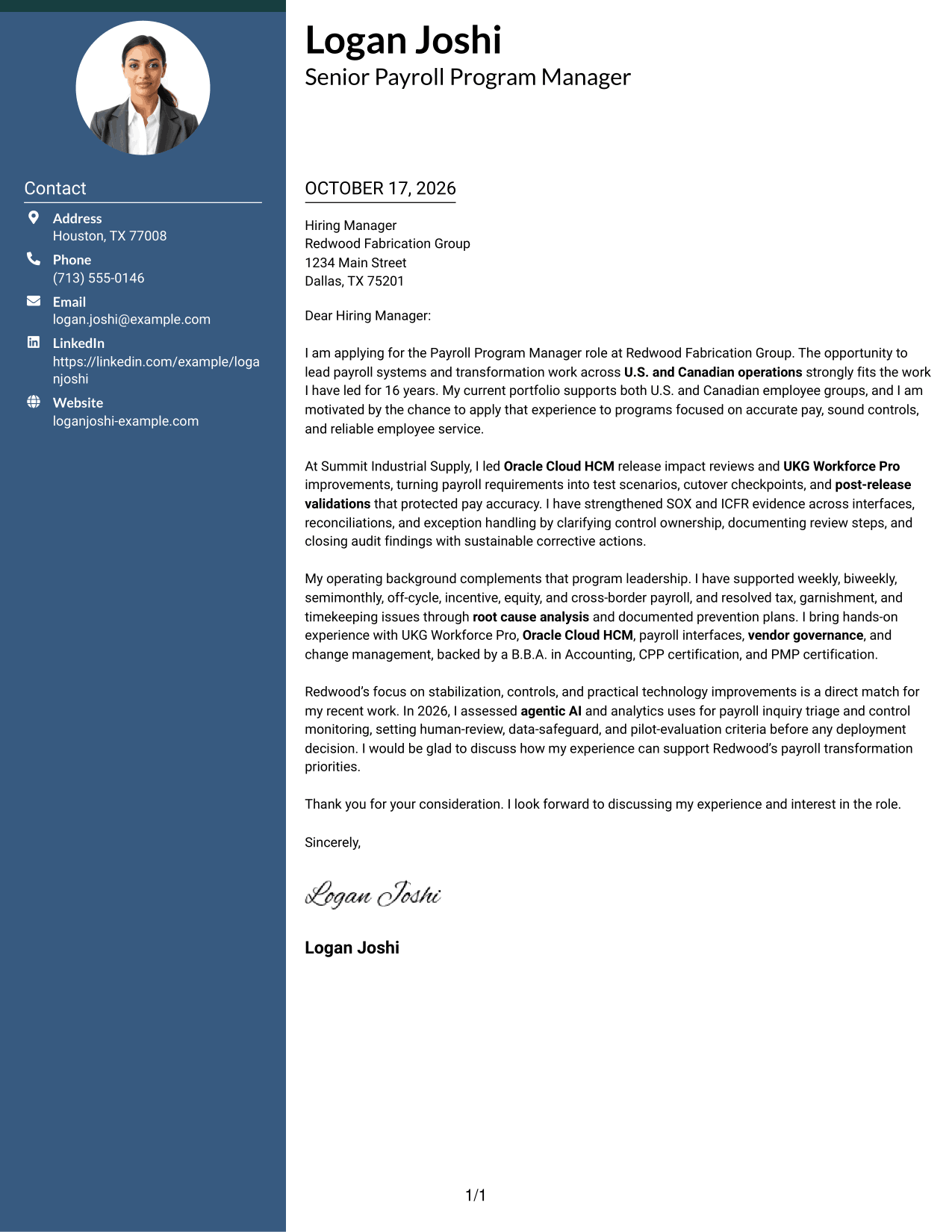
A contact sidebar sits beside the letter body, so reviewers can find sender information without breaking the prose into sections.
Why This Format Works
- The contact sidebar keeps sender details apart from the letter's message.
- One uninterrupted text column lets the opening, evidence, and closing read in order.
- Photo-free styling suits readers who prefer attention on written communication.
Best For
- Contact details apart from the message
- One-column letter bodies
- Photo-free correspondence
- Several sender contact methods
- Continuous prose letters
#3 Photo Header Two Column Format Cover Letter Example
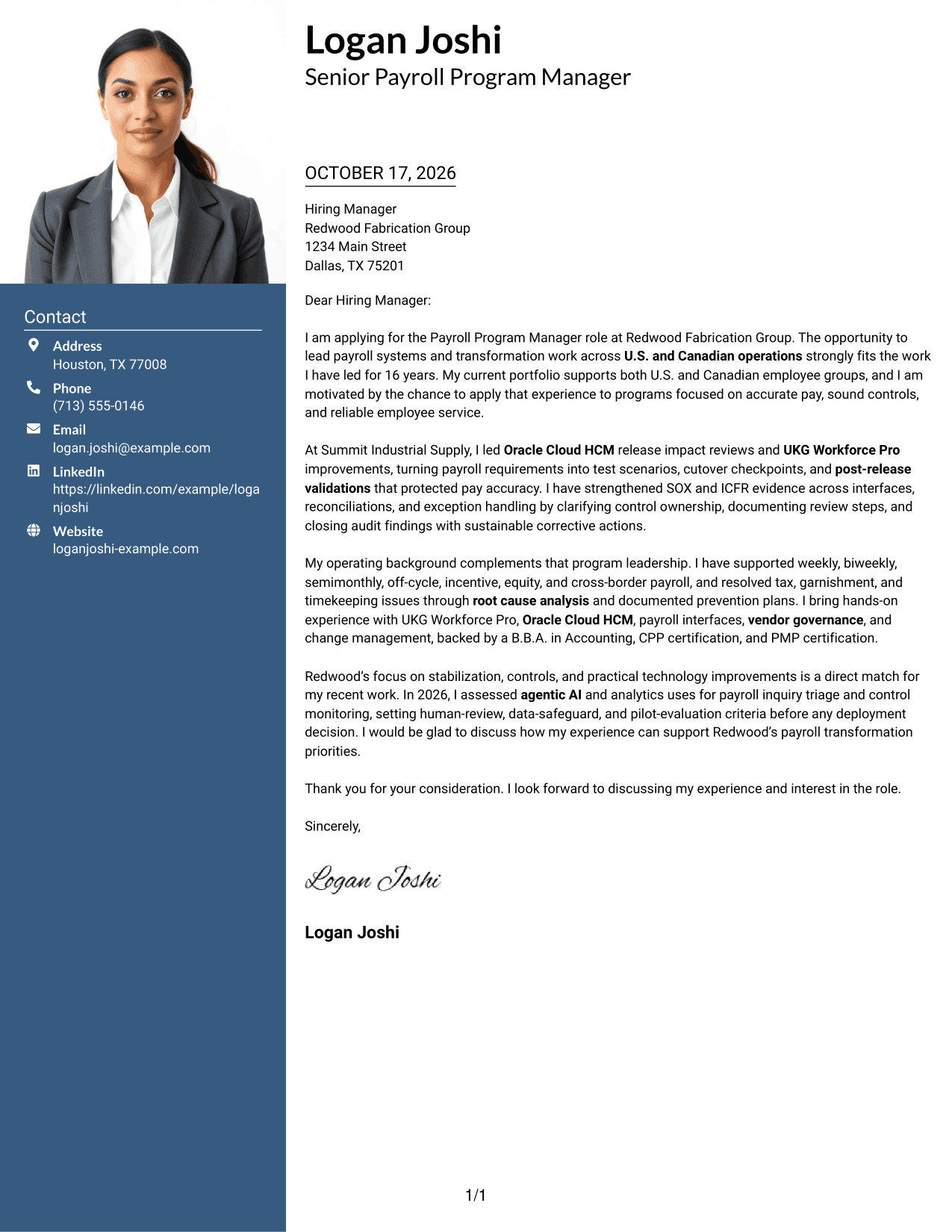
The two-column design includes a portrait with the contact sidebar, while the letter stays in one continuous text column.
Why This Format Works
- A portrait adds a personal visual element while the sidebar holds contact details.
- One letter column keeps motivation, evidence, and closing in a natural sequence.
- The sidebar gives sender information a clear place beside the message.
Best For
- Portrait-inclusive correspondence
- Sidebar contact placement
- Single-column message text
- Several sender contact methods
- Continuous prose letters
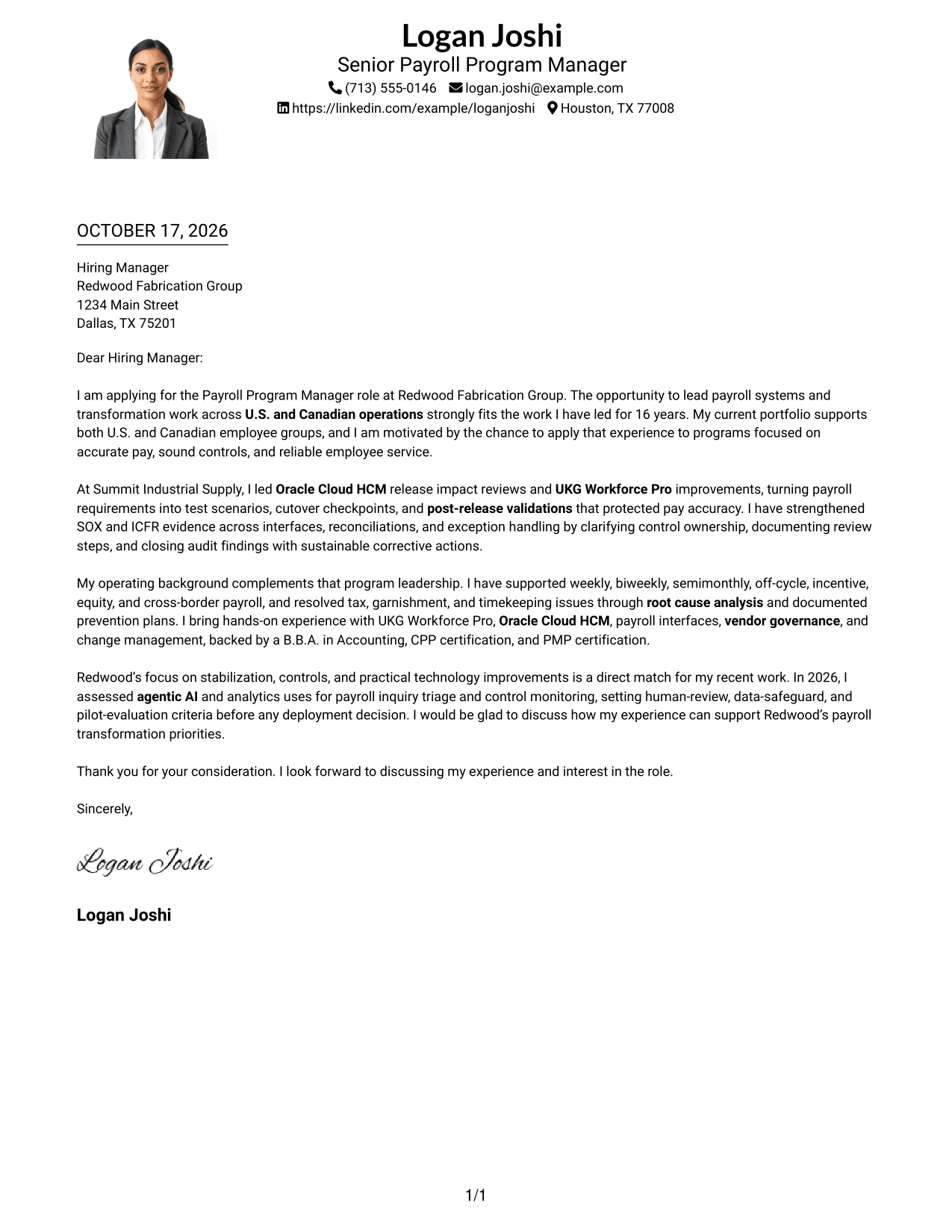
#4 One Column Format with Photo Cover Letter Example
The single-column format includes a portrait, keeping the letter itself in one direct reading path.
Why This Format Works
- The portrait adds a personal visual cue without changing the letter's body flow.
- One text column keeps the letter's argument in a direct reading sequence.
- Sender details remain in the header, separate from the continuous message.
Best For
- Portrait-inclusive correspondence
- One-column reading preference
- Header-based sender details
- Full-width letter paragraphs
- Several sender contact methods
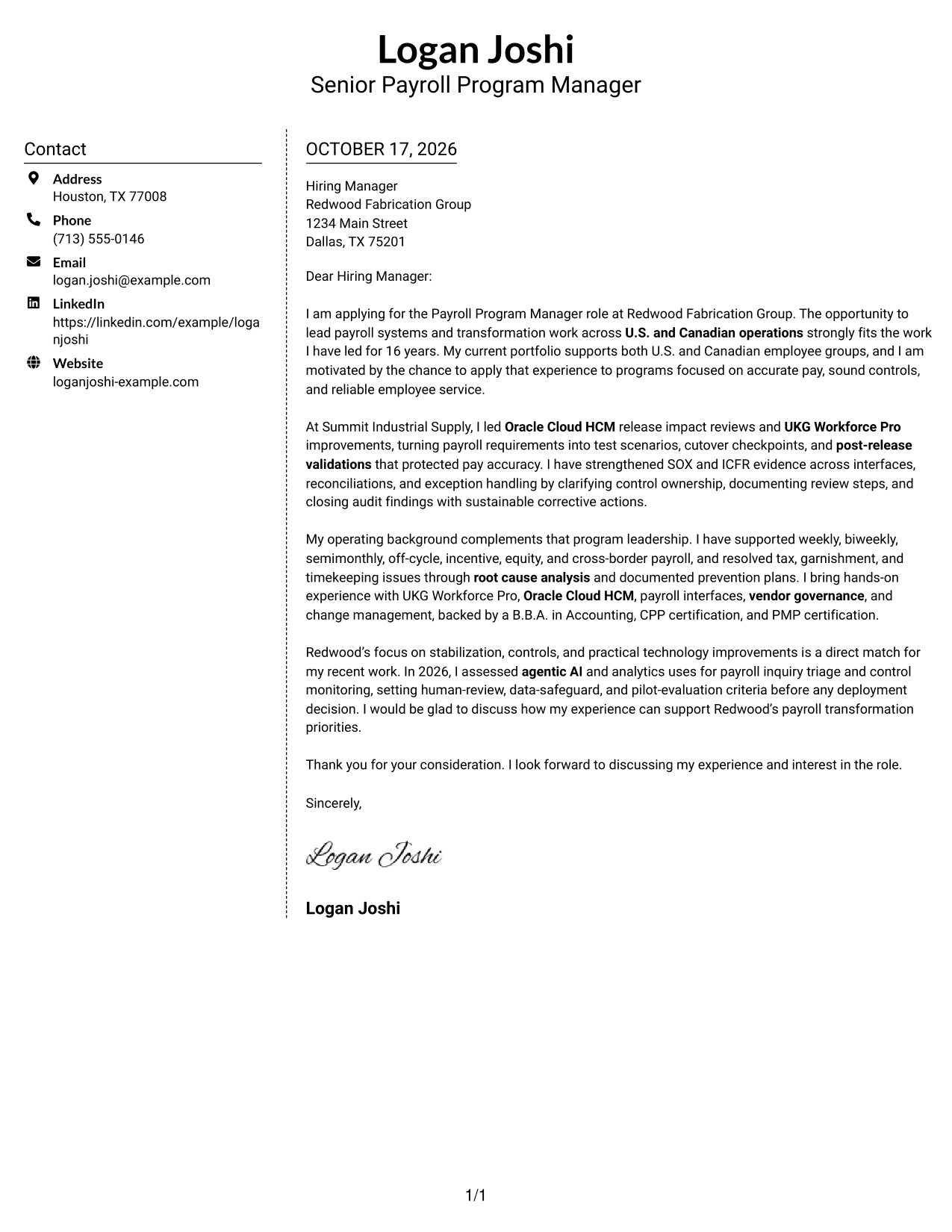
#5 Simple Two Column Format Cover Letter Example
A contact sidebar sits beside one continuous letter column, keeping contact information distinct from the written case.
Why This Format Works
- Contact details sit in a sidebar, making sender information easy to locate.
- The letter remains one continuous text column, so its case reads from opening to close.
- Without a portrait, the page keeps its visual focus on the written message.
Best For
- Sidebar-based contact details
- One-column letter body
- Photo-free correspondence
- Several sender contact methods
- Continuous paragraph arguments
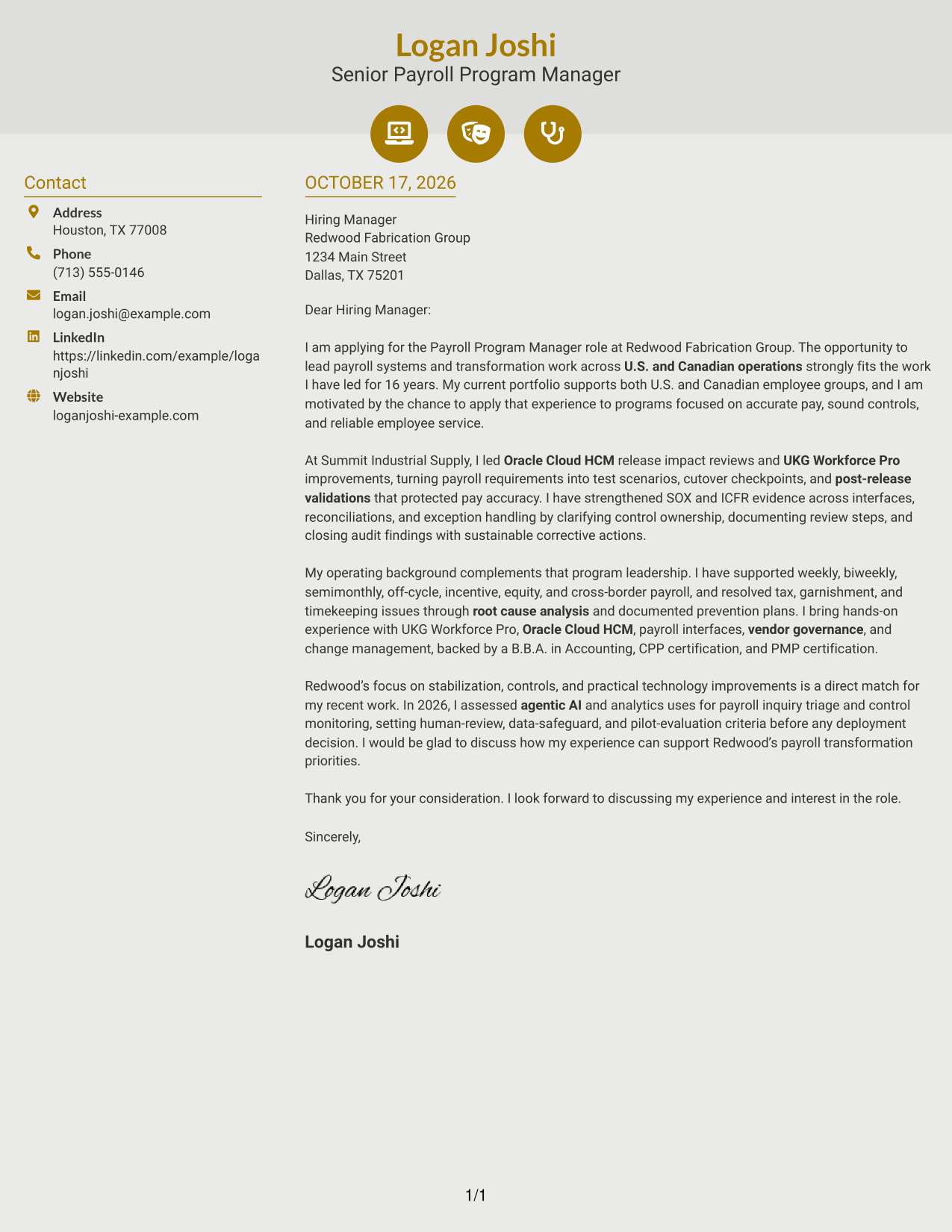
#6 Modern Icon Format Cover Letter Example
Contact icons mark sender details in the sidebar, while the letter's paragraphs remain in one continuous column.
Why This Format Works
- Contact icons help readers identify sender details without labeling letter paragraphs.
- Sidebar contact information stays separate from the continuous argument.
- One text column preserves the natural order of motivation, evidence, and closing.
Best For
- Icon cues for contact information
- Sidebar contact placement
- Single-column letter body
- Photo-free correspondence
- Several sender contact methods
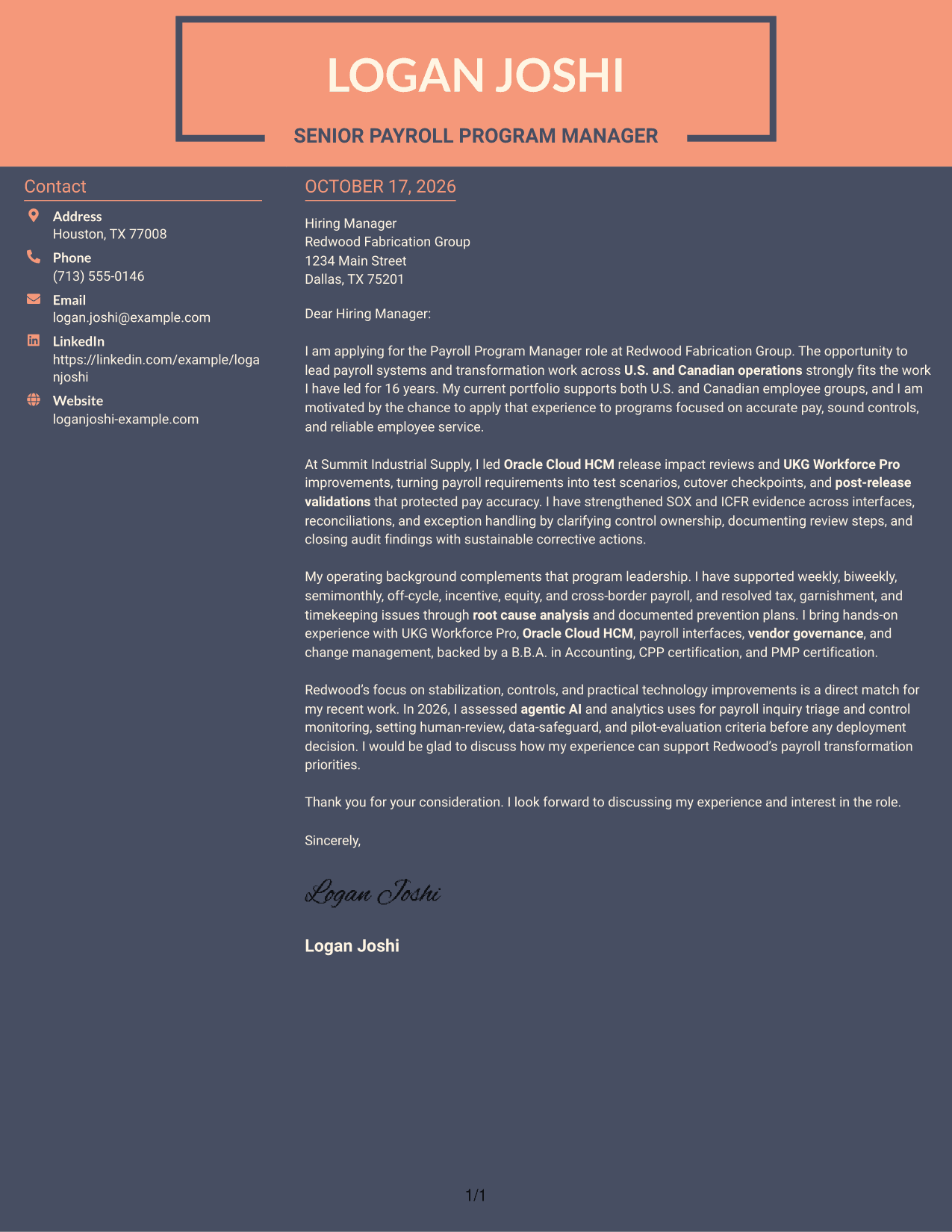
#7 Creative Two Tone Format Cover Letter Example
A two-column arrangement places sender contact details beside the continuous letter body, separating reference information from the prose.
Why This Format Works
- The sidebar separates contact details from the letter's message without adding body headings.
- Opening, evidence, and closing remain together in one continuous text column.
- Photo-free styling offers a text-focused visual choice.
Best For
- Two-column page preference
- Sidebar contact information
- Continuous letter paragraphs
- Photo-free correspondence
- Multiple sender contact methods
Why Use ResumeInMinutes for a Payroll Program Manager - Payroll Systems and Transformation Cover Letter
ResumeInMinutes lets you compare cover letter image previews and open an example in the editor. Use the example to shape a clear message about your program leadership, systems work, and fit for the role.
- Multiple writing styles
- Clear, professional layouts
- Job-focused customization
- Guidance for a focused letter
- Examples for key letter sections
- Options to view or customize in the editor
Build a concise case for your payroll transformation experience by connecting system releases, controls, and cross-functional work to the employer’s needs.
See Also
- 7 Payroll Program Manager - Payroll Systems and Transformation Resume Templates with Example
- 7 Senior IT Analyst - Administrative Systems Management (HR/Payroll) Resume Templates with Example
- 7 Workday Payroll Systems Analyst Resume Templates with Example
- 7 Payroll Specialist Resume Templates with Example
- 7 Payroll Technician - Public Sector Payroll Resume Templates with Example
- 7 Workday US Payroll Lead Resume Templates with Example
- 7 Program Specialist - Maintenance Management Systems Resume Templates with Example
- 7 Academic Program Specialist - Global Academic Programs Resume Templates with Example
- 7 Workday Payroll Systems Analyst Cover Letter Templates with Example
- 7 Payroll Technician - Public Sector Payroll Cover Letter Templates with Example
Frequently Asked Questions
What should a Payroll Program Manager - Payroll Systems and Transformation cover letter emphasize?
Show how you lead payroll programs across planning, testing, launch, and stabilization. Connect examples of payroll systems work, controls, issue resolution, and cross-functional communication to the employer’s priorities.
How can I describe payroll systems experience clearly?
Name relevant systems only when you have used them, then explain what you did and why it mattered. For example, describe how release testing, cutover checks, or post-release validation helped protect pay accuracy.
What belongs in the opening paragraph?
State the role you are applying for, give a direct reason for your interest, and introduce the strongest match between your experience and the position. Keep detailed evidence for the body paragraphs.
How should I connect my experience to an employer?
Choose a stated priority, such as payroll stabilization, stronger controls, or practical technology improvements. Then link it to a relevant example from your work without claiming results or qualifications you cannot support.
Should I use a photo on my cover letter?
Use a photo only if it is common or expected in your country, region, or field. For U.S. applications, a no-photo presentation is usually the safer choice.




