
30+ Penetration Tester Intern Cover Letter Templates with Example 2026
This practical guide helps you create a focused Penetration Tester Intern cover letter that connects your interest in ethical security testing with the needs of the role. You will learn how to present your fit clearly and give the hiring team a reason to continue reading.
A strong cover letter for this position should show careful judgment, respect for authorized testing boundaries, and the ability to explain security findings in useful language. It should connect relevant lab or academic experience to penetration testing work without simply repeating the rest of your application.
This guide includes a practical Penetration Tester Intern cover letter example and explains how to build an effective opening, select evidence for the body, show motivation and employer alignment, and close professionally. The example is presented in 33 different styles and themes, so you can choose a presentation that fits the employer and communication context.
What Makes a Great Penetration Tester Intern Cover Letter in 2026
Strong cover letters for a Penetration Tester Intern role are specific, evidence-based, and controlled in tone. They should make the connection between your preparation and the employer’s security assessment work clear:
- Authorized testing across web applications, networks, or systems
- Use of tools such as Kali Linux, Nmap, Burp Suite, Metasploit, and Wireshark
- Clear documentation, risk explanation, and remediation follow-up
Instead of repeating your application, an effective cover letter explains:
- Why you want to develop your penetration testing skills in this setting
- How your academic or lab work relates to authorized security assessments
- How you communicate findings, protect information, and stay within scope
For this role, useful evidence may include reconnaissance, enumeration, vulnerability validation, controlled exploitation, web application testing, technical reporting, evidence collection, and remediation retesting. Mention only the tools and practices you can support with real academic or lab experience.
The templates below show how one focused Penetration Tester Intern cover letter can be presented in different professional styles while keeping the message clear and relevant.
The featured example follows a focused progression from role interest and relevant preparation to testing evidence, communication strengths, employer alignment, and a professional close, which readers can adapt while choosing a presentation suited to the employer and communication context.
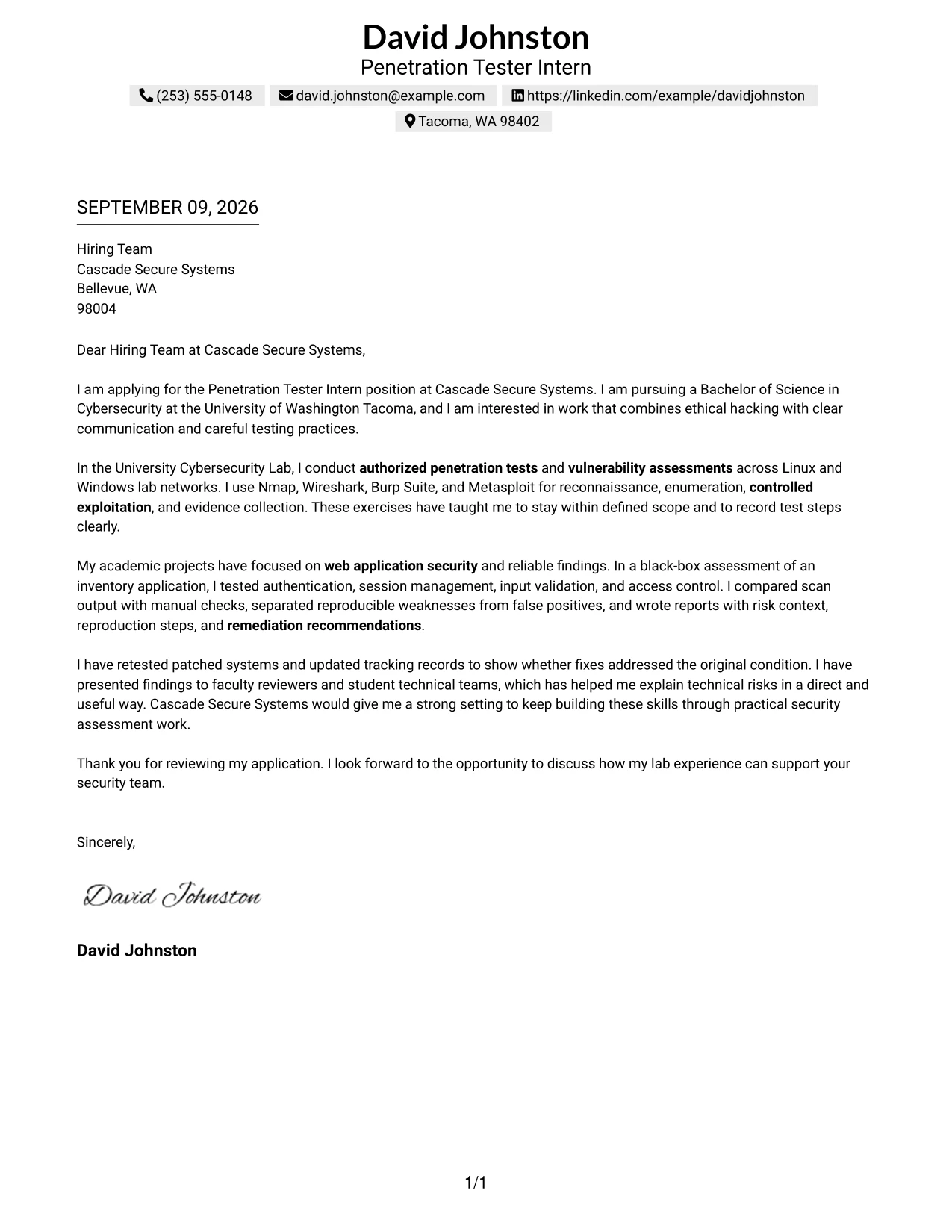
#1 Text/Fang Style Cover Letter Example
Text/Fang Style gives the letter a direct, centered presentation that keeps the employer focused on the message. The opening states interest in the Penetration Tester Intern position, current cybersecurity study, and motivation to combine ethical hacking with careful communication.
The body then presents authorized lab testing, web application assessment, evidence collection, false-positive validation, reporting, and remediation retesting in a clear sequence. This structure makes the fit easy to understand without turning the letter into a resume summary.
#1 Cover Letter Snapshot
- Opens with the target role and a clear reason for applying.
- Connects cybersecurity study with hands-on authorized testing.
- Uses specific tools and assessment activities as supporting evidence.
- Closes by linking lab experience to Cascade Secure Systems' security team.
#1 Why This Cover Letter Works
- The centered text creates a calm, professional first impression.
- The opening quickly identifies the target position and motivation.
- The body shows experience across networks, systems, and web applications.
- Specific tools support the claims without taking over the letter.
- The message emphasizes scope control and ethical testing boundaries.
- Reporting and remediation retesting show complete assessment follow-through.
- The closing invites a discussion and keeps the employer fit clear.
#1 Penetration Tester Intern Keywords
- authorized penetration tests
- vulnerability assessments
- reconnaissance
- enumeration
- controlled exploitation
- web application security
- technical reporting
- remediation retesting
#2 Two Column Format Cover Letter Example
A recruiter can move from the main letter to supporting details in a Two Column Format without losing the message. The arrangement separates the application story from concise supporting evidence, helping the reader connect the candidate's motivation with the testing, reporting, and retesting work required by Cascade Secure Systems.
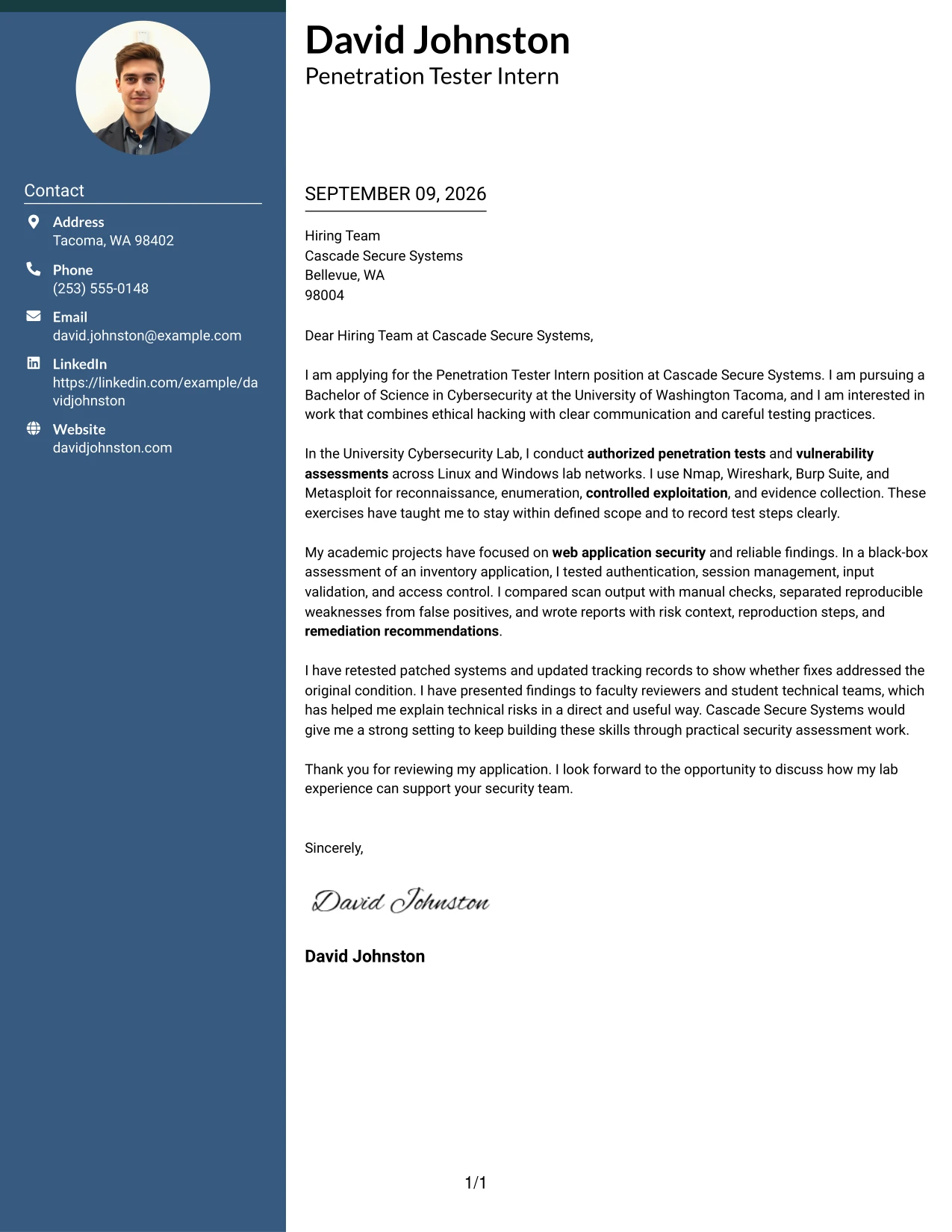
#2 Why the Two Column Format Works for a Cover Letter
- Two columns divide the persuasive message from supporting details.
- The main column can carry motivation and company interest.
- The secondary column can reinforce tools, methods, or communication strengths.
- Short blocks make the letter easier to review quickly.
- The format supports a clear link between academic work and job duties.
- Separate areas help prevent technical details from hiding the main request.
- The structure works well when the letter must show both evidence and concise writing.
#2 Best For
- Applicants who need to separate motivation from supporting evidence.
- Letters that combine a short narrative with several relevant testing methods.
- Readers who prefer clear side-by-side organization during an initial review.
- Applications with enough supporting detail to benefit from a secondary information area.
- Candidates explaining both technical work and communication responsibilities.
- Internship letters that connect academic projects to practical assessment duties.
- Messages that need a compact presentation without removing important context.
#3 Photo Header Two Column Format Cover Letter Example
Validated assessment evidence receives priority in a Photo Header Two Column Format. The letter can lead with reproducible findings, authorized testing, and clear remediation work while the two-column structure keeps motivation and supporting details easy to compare. A restrained photo header can add personal identity when appropriate, but the written evidence remains the reason to continue reading.
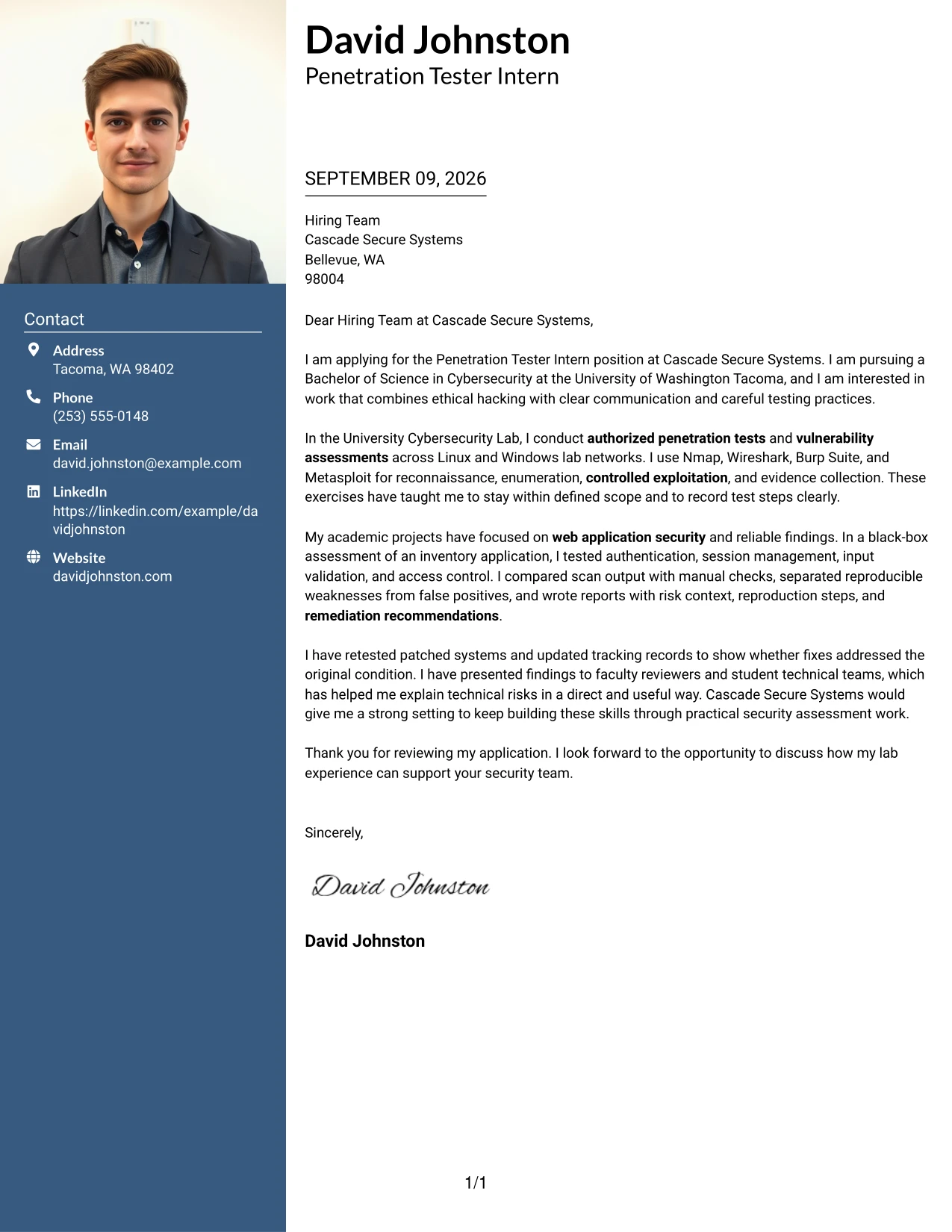
#3 Why the Photo Header Two Column Format Works for a Cover Letter
- The evidence-first message gives the employer a reason to assess fit quickly.
- Two columns separate the main argument from supporting qualifications.
- Reproducible findings show care rather than unsupported technical claims.
- The letter can connect testing activity to Cascade Secure Systems' responsibilities.
- A photo header adds identity without replacing professional content.
- The structure supports concise explanations of risk and remediation.
- The format makes technical evidence and communication ability visible together.
#3 Best For
- Applicants with clear assessment evidence that should lead the letter.
- Applications where a photo header fits accepted professional norms.
- Letters balancing a strong technical case with a personal introduction.
- Candidates presenting verified findings, remediation work, and testing boundaries.
- Readers who compare the main argument with supporting evidence side by side.
- Technology applications that benefit from a polished but evidence-led presentation.
- Messages where personal identity should support, not replace, documented capability.
#4 Simple One Column Format Cover Letter Example
Content is balanced from the opening through the closing in a Simple One Column Format. Each paragraph has one job: explain interest, show relevant assessment experience, connect that experience to the internship, and request a conversation. The result is a focused letter that is easy to read in print or on screen.
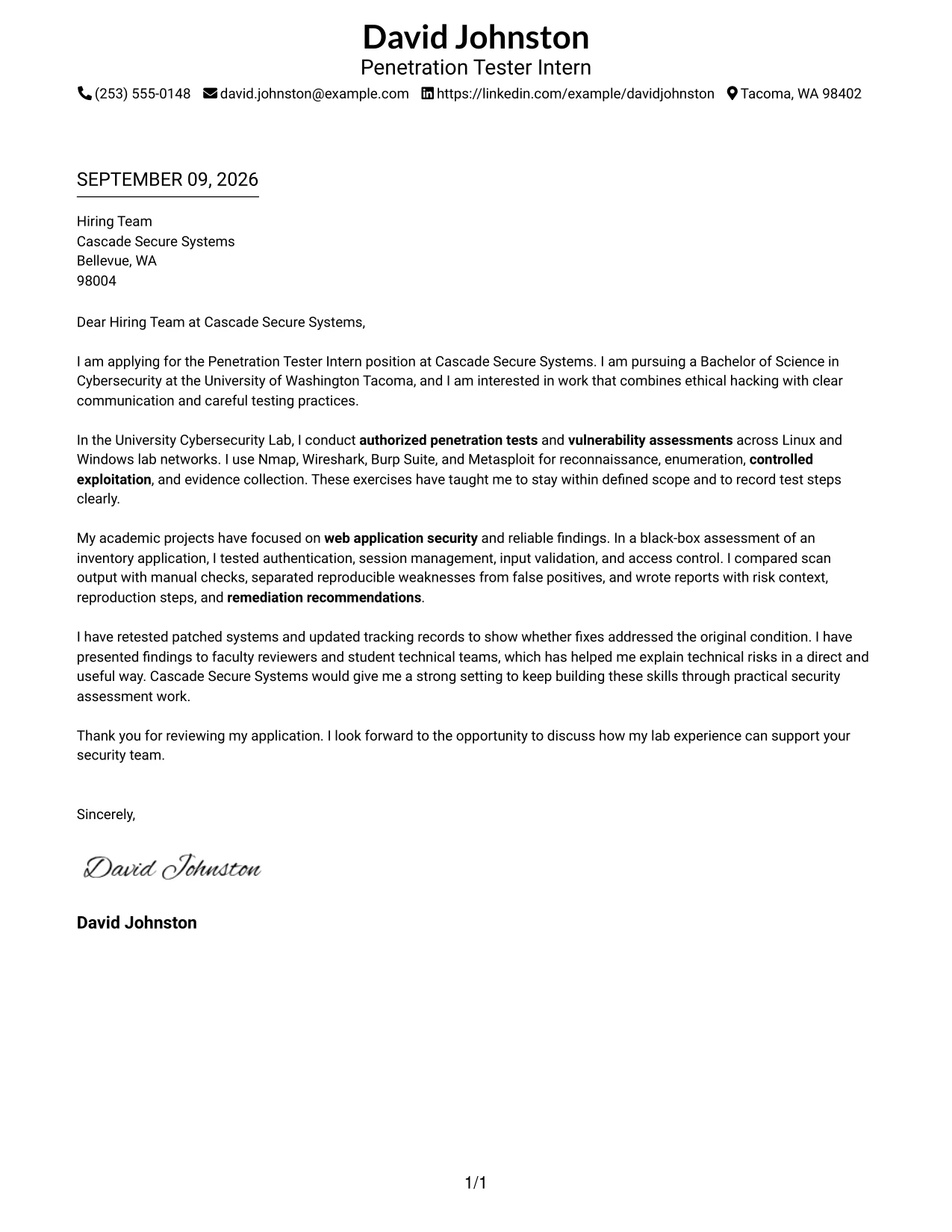
#4 Why the Simple One Column Format Works for a Cover Letter
- One column gives every paragraph the same reading path.
- The opening can state motivation without competing visual elements.
- The middle of the letter can connect lab work to internship duties.
- A clean sequence supports explanations of tools and testing methods.
- The format leaves room for clear risk, evidence, and remediation language.
- Simple spacing helps the closing feel deliberate rather than crowded.
- The presentation suits employers who value direct written communication.
#4 Best For
- Applicants who want a straightforward reading path from greeting to closing.
- Letters intended for both screen review and easy printing.
- Applications with a focused story that does not need side content.
- Candidates explaining a few strong examples in complete paragraphs.
- Readers who value plain organization over decorative presentation.
- Internship applications that need a direct connection between study and job duties.
- Messages where careful wording matters more than visual complexity.
#5 One Column Format with Photo Cover Letter Example
Practical application needs guide the One Column Format with Photo. The letter keeps the motivation, technical evidence, and closing in one dependable sequence while a photo can add a personal point of recognition. That visual element should remain secondary to the authorized testing experience and clear communication expected in the internship.
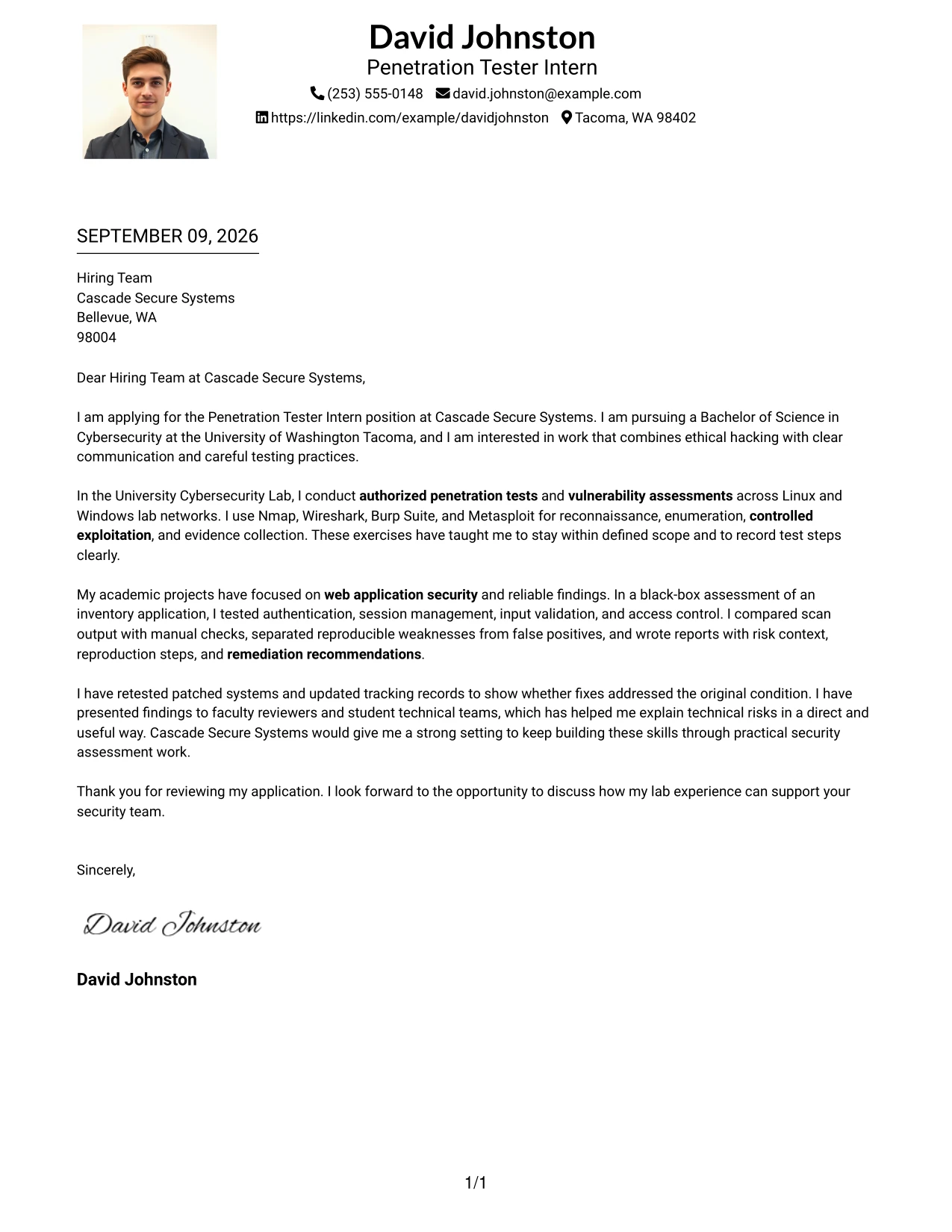
#5 Why the One Column Format with Photo Works for a Cover Letter
- The single reading path keeps the application message unified.
- A photo can give the letter a recognizable personal presentation where appropriate.
- The opening can connect cybersecurity study to the employer's internship needs.
- Technical examples remain easy to follow in a continuous narrative.
- The format supports a balanced explanation of testing and communication.
- The closing stays visible because no side panel interrupts the letter.
- A consistent structure helps the personal and professional elements work together.
#5 Best For
- Applicants using a personal presentation where a photo is professionally appropriate.
- Letters that need one continuous narrative with no side reading path.
- Applications combining technical evidence with a more personal introduction.
- Candidates who want the photo to support recognition without dominating the page.
- Readers who prefer a familiar sequence from motivation to closing.
- Internship letters presenting several connected examples in paragraph form.
- Professional settings where visual identity and written fit can appear together.
#6 One Column Format with Photo Right Cover Letter Example
A restrained visual hierarchy keeps the written case primary in a One Column Format with Photo Right. The letter leads with role alignment, authorized security work, and useful reporting, while the right-side photo adds a separate point of identity. This balance supports a professional introduction without weakening the evidence behind the application.
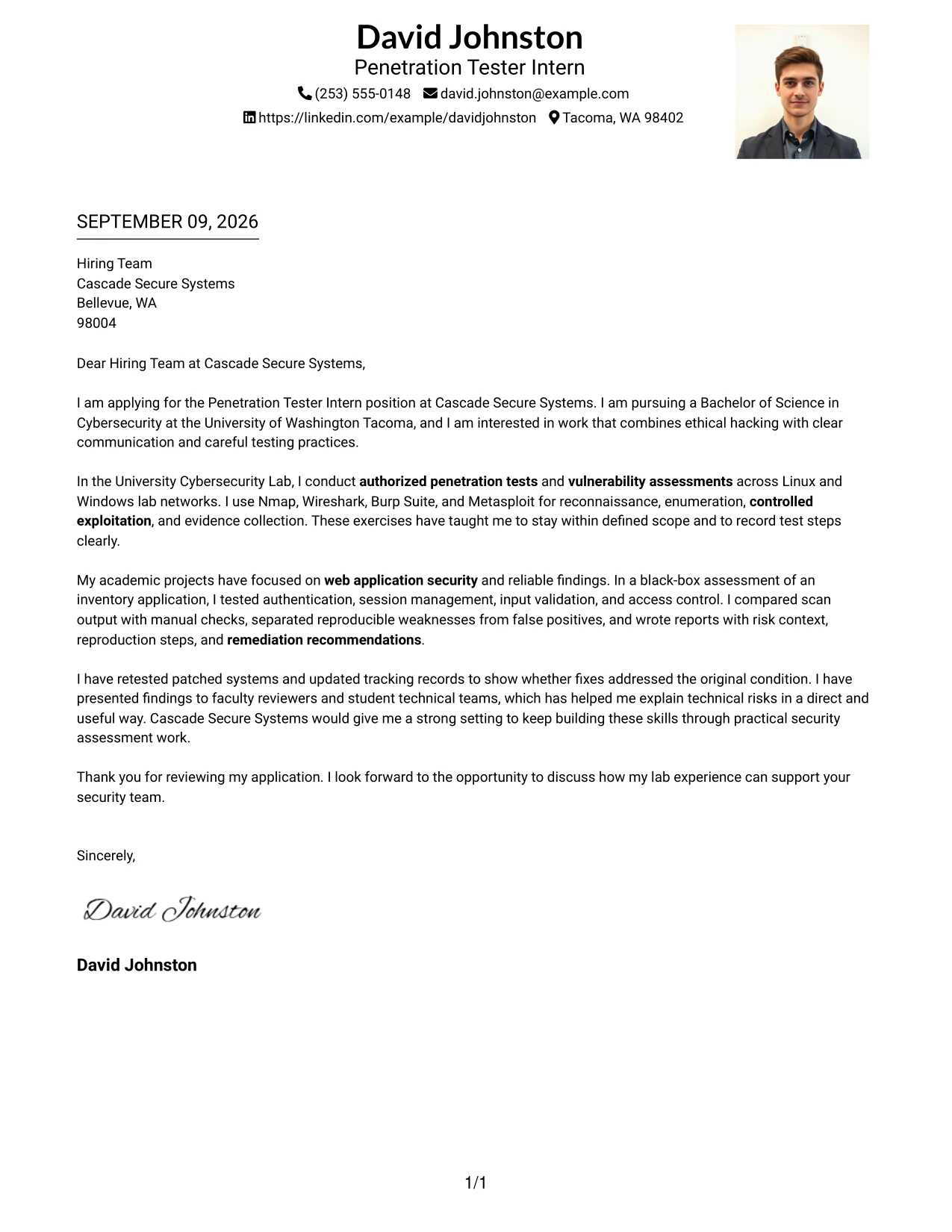
#6 Why the One Column Format with Photo Right Works for a Cover Letter
- The right-side photo leaves the main message available for uninterrupted reading.
- The opening can align the applicant's interests with the assessment role.
- A one-column body keeps technical explanations in a logical order.
- The layout gives reporting and remediation work enough room to be understood.
- The photo remains separate from the evidence and does not compete with it.
- The letter can show careful testing and clear communication in equal measure.
- The visual hierarchy helps the employer see fit before secondary presentation details.
#6 Best For
- Applicants who want a photo placed apart from the main written argument.
- Letters where role alignment should be read before personal presentation details.
- Candidates presenting a continuous account of testing, reporting, and retesting.
- Applications needing a clear body area for technical explanations.
- Readers who prefer strong separation between identity and evidence.
- Professional introductions that use visual structure without adding side text.
- Messages where a personal element should remain visible but clearly secondary.
#7 Simple Two Column Format Cover Letter Example
Simple Two Column Format places the main application message beside compact supporting details. The letter can explain interest and fit in one area while the other highlights authorized testing, web application work, technical reporting, and remediation retesting. Clear separation helps the reader scan without losing the persuasive thread.
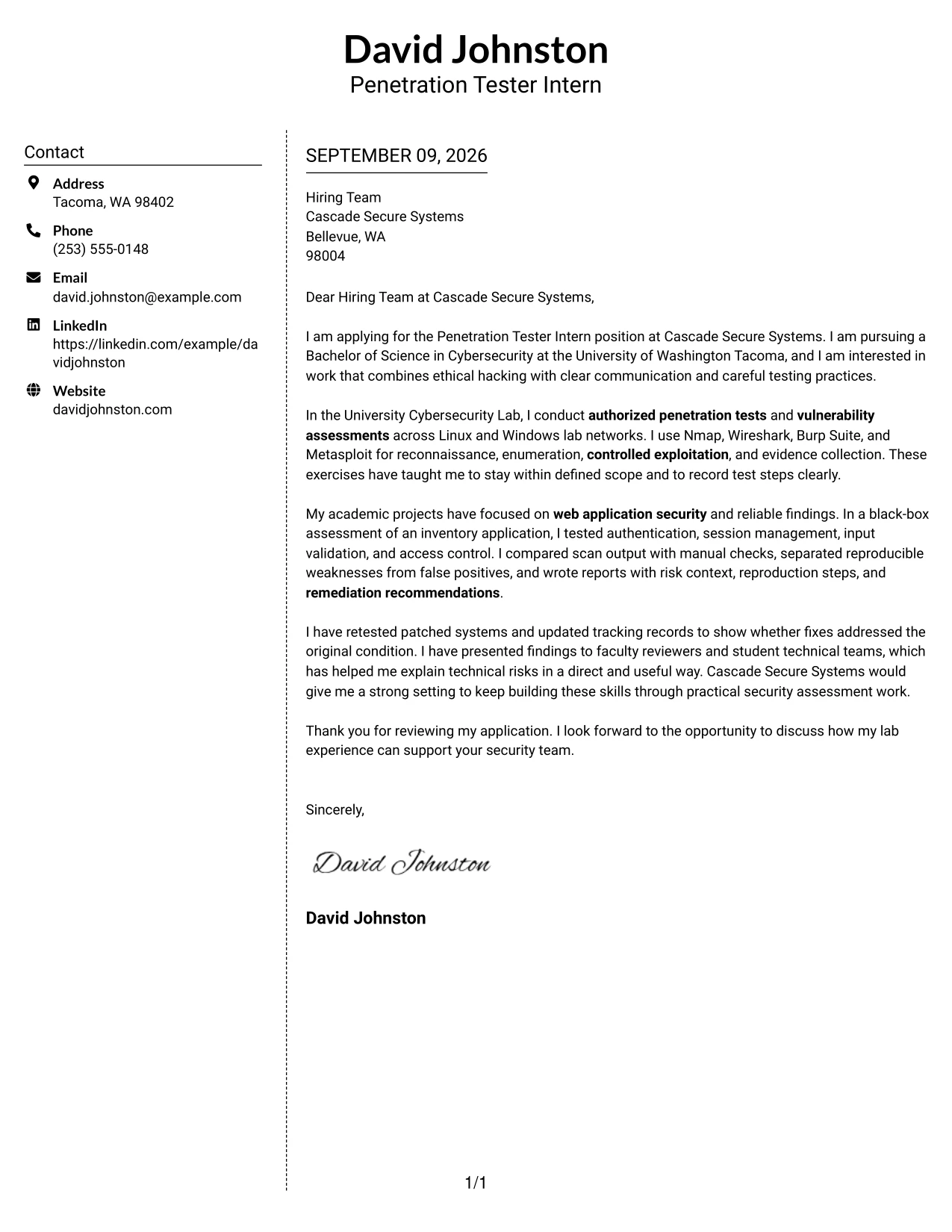
#7 Why the Simple Two Column Format Works for a Cover Letter
- The two-column structure gives the letter a clear content map.
- The main narrative can explain motivation and interest in the employer.
- Supporting details can reinforce assessment methods without repeating the story.
- Compact blocks make important evidence easy to locate.
- The layout helps connect academic projects with practical internship duties.
- Simple visual treatment keeps attention on the written argument.
- A defined side area can hold concise details while the main column carries persuasion.
#7 Best For
- Applicants who need a main argument and a compact evidence area.
- Letters with distinct motivation, experience, and supporting-detail content.
- Readers who scan for fit before reviewing technical examples.
- Candidates organizing academic assessment work into easy-to-find groups.
- Applications that need structure but not a highly decorative presentation.
- Messages combining narrative paragraphs with short factual support.
- Professional letters where fast navigation and clear persuasion must work together.
#8 Stylish Two Column Designer Format Cover Letter Example
Readers can move through a Stylish Two Column Designer Format by following the main letter and then checking the organized sidebar details. The design gives supporting information a defined place, so the letter can discuss motivation, technical evidence, and employer fit without creating a long, dense block of text.
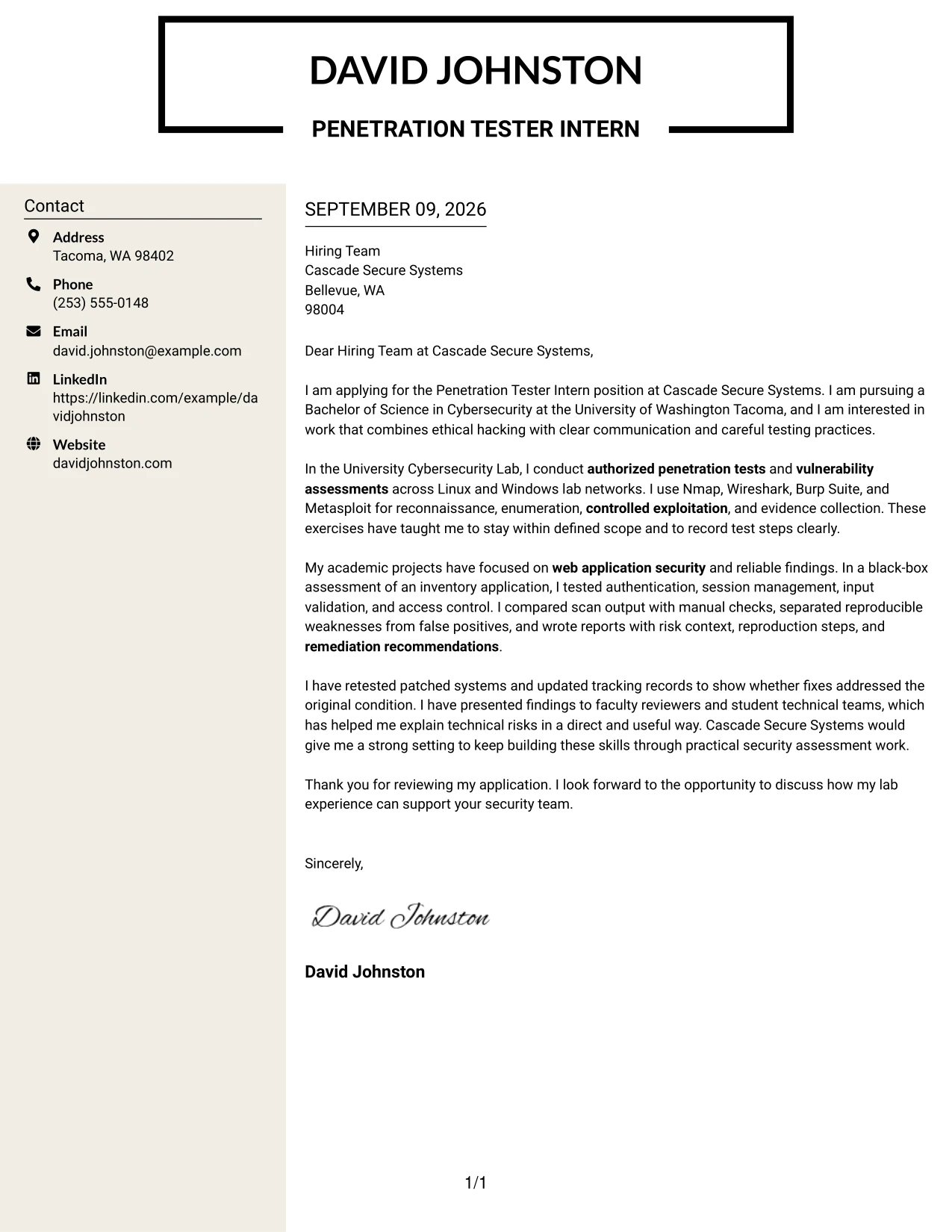
#8 Why the Stylish Two Column Designer Format Works for a Cover Letter
- The sidebar gives supporting information a predictable location.
- The main column preserves space for motivation and company interest.
- A designed hierarchy helps technical details remain readable.
- The letter can show testing, documentation, and collaboration without crowding.
- Distinct areas make it easier to compare role needs with relevant experience.
- The format supports a polished presentation while keeping the message practical.
- A controlled amount of detail can strengthen fit without repeating the resume.
#8 Best For
- Applicants with several supporting details that need a dedicated sidebar.
- Letters where a polished structure should guide, not distract from, the message.
- Candidates combining a persuasive narrative with organized technical evidence.
- Readers who review the main argument and supporting facts in separate passes.
- Applications needing room for tools, methods, and communication strengths.
- Internship letters with multiple academic or lab examples to connect.
- Professional settings that allow a designed format with clear information control.
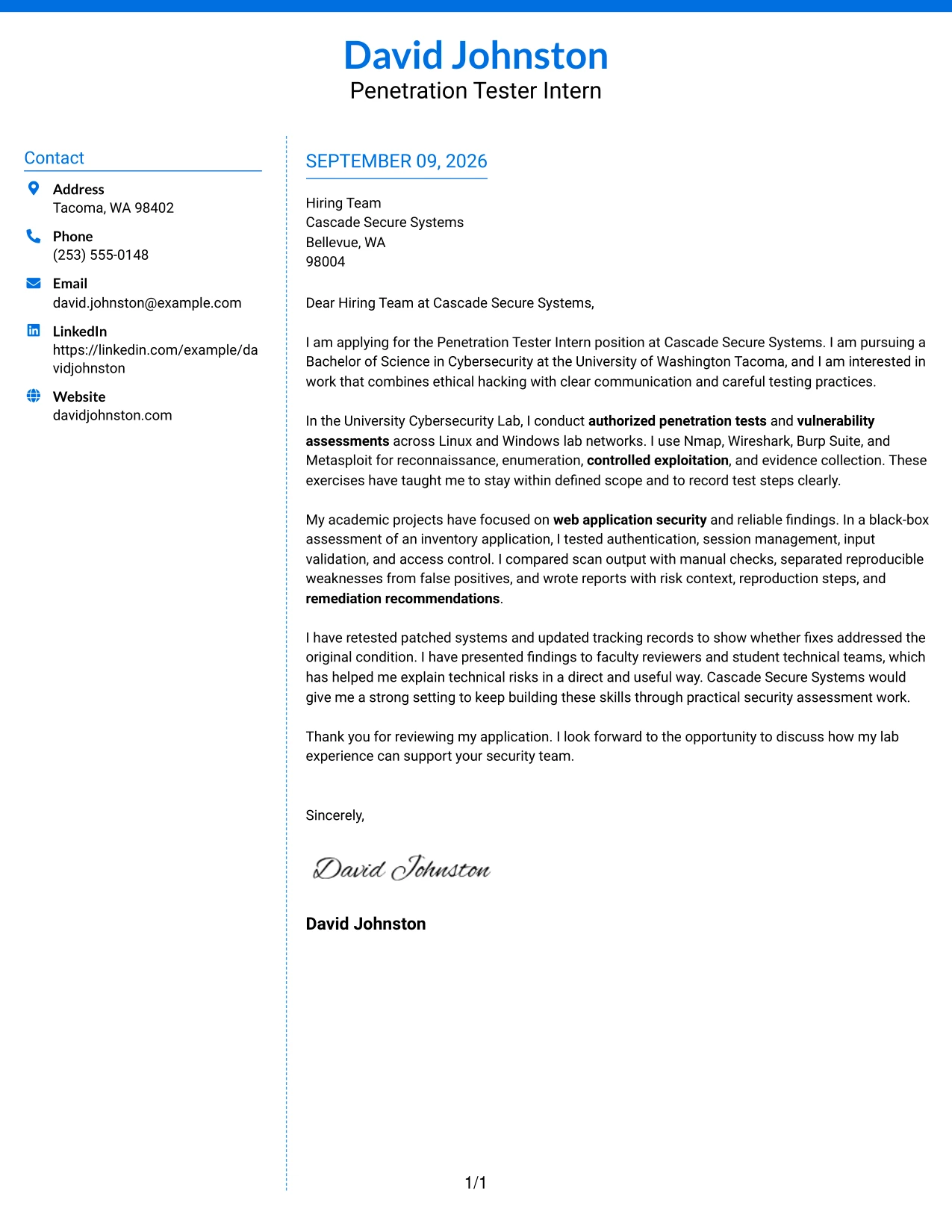
#9 Colored Two Column Format Cover Letter Example
Confirmed evidence should lead the reader through a Colored Two Column Format. One area can explain the application and employer fit, while the other emphasizes validated findings, risk context, and remediation follow-up. Controlled color separates these ideas and helps the letter communicate technical judgment as well as interest.
#9 Why the Colored Two Column Format Works for a Cover Letter
- The evidence-led order supports a credible technical application.
- Two columns separate the persuasive narrative from assessment support.
- Color can guide attention without replacing clear written explanations.
- Validated findings show discipline in checking scan results.
- Risk context helps the employer understand why the work matters.
- Remediation follow-up demonstrates responsibility after discovery.
- The format presents technical judgment alongside motivation and communication.
#9 Best For
- Applicants whose strongest case rests on confirmed assessment evidence.
- Letters separating employer interest from findings and remediation support.
- Readers who benefit from color-guided movement between content areas.
- Candidates explaining risk context without placing it in a dense paragraph.
- Applications showing validation, documentation, and follow-up as a complete process.
- Technical roles where careful judgment matters as much as initial discovery.
- Messages that need visual separation while keeping evidence central.
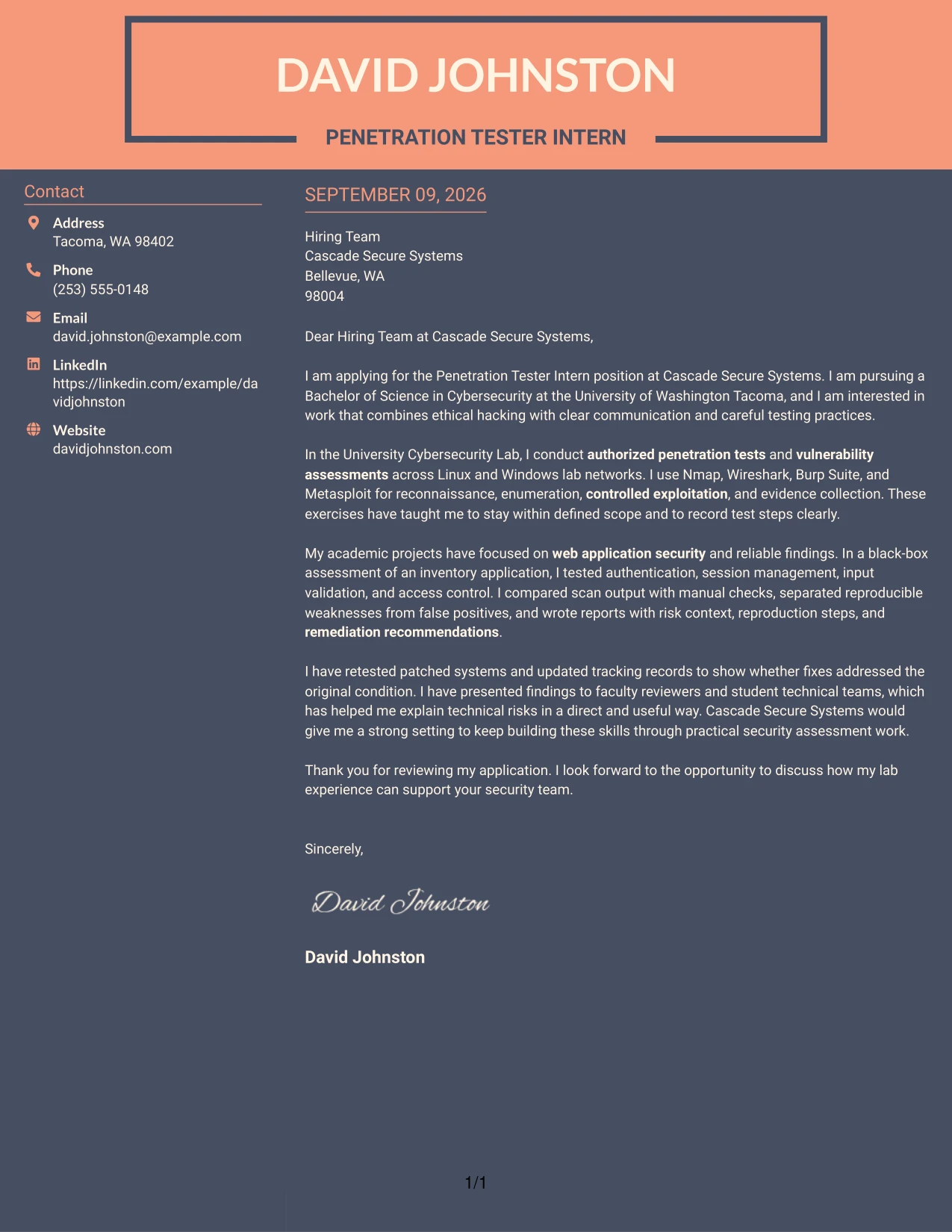
#10 Creative Two Tone Format Cover Letter Example
Space is divided between a concise personal introduction and the evidence that supports the application in a Creative Two Tone Format. The two-tone treatment adds energy, but the letter remains practical: it explains interest in the internship, shows authorized testing experience, and closes with a clear request to discuss fit.
#10 Why the Creative Two Tone Format Works for a Cover Letter
- The two-tone treatment gives the letter a clear visual beginning and ending.
- A concise introduction can create interest without delaying the evidence.
- The body can connect testing work to the employer's stated responsibilities.
- Color contrast helps separate personal motivation from professional proof.
- The format leaves room for direct explanations of risk and remediation.
- A focused closing prevents the creative design from becoming the main message.
- The result can feel distinctive while preserving a practical communication style.
#10 Best For
- Applicants seeking a distinctive presentation with controlled visual contrast.
- Letters that need a clear separation between introduction and evidence.
- Candidates with a focused story that can be stated without long sections.
- Applications where creativity should support, not replace, professional substance.
- Readers who appreciate visual emphasis around a concise written message.
- Messages connecting technical assessment work to a direct employer request.
- Professional settings open to a modern format with disciplined content.
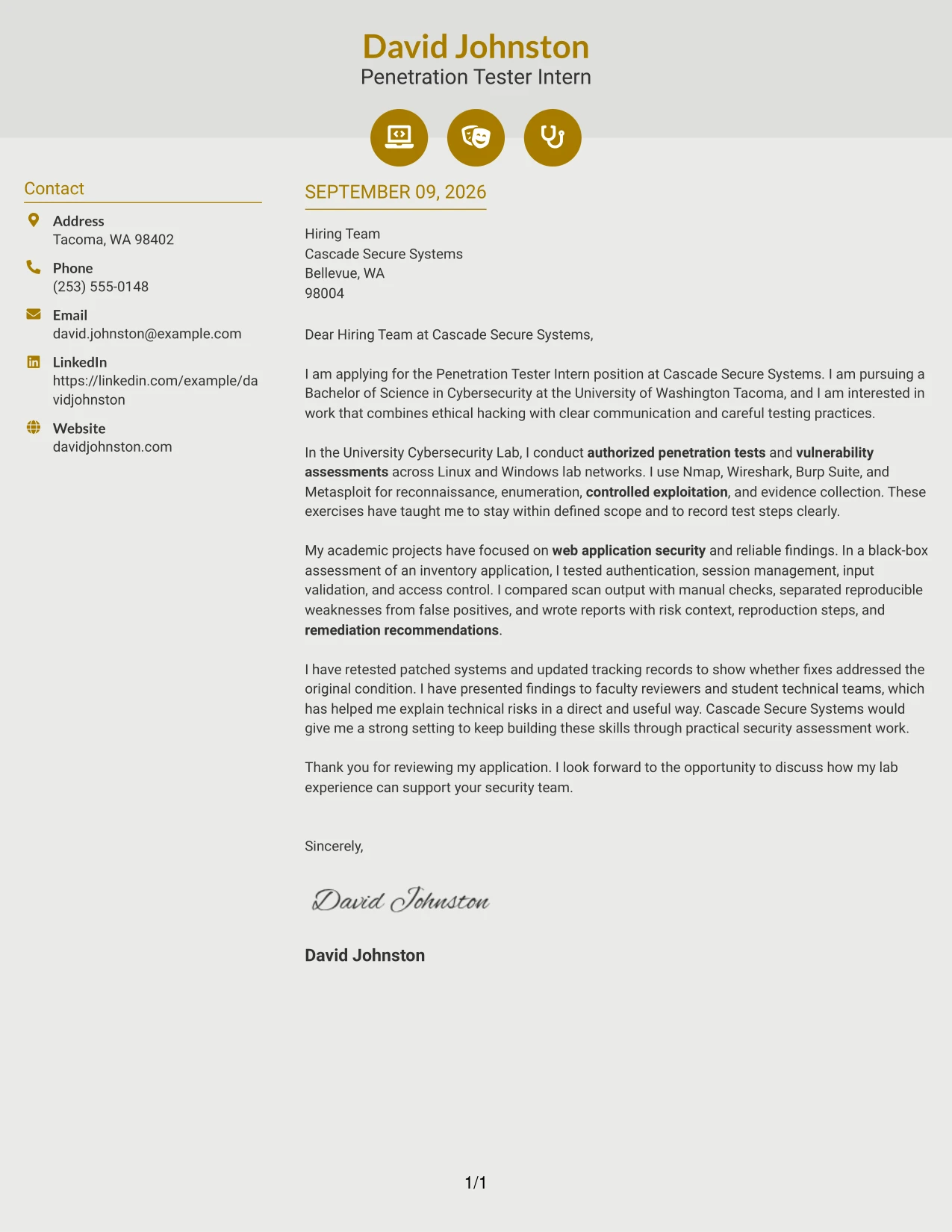
#11 Modern Icon Format Cover Letter Example
The practical application comes first in a Modern Icon Format: the reader should quickly see the target role, relevant security work, and reason for applying. Small visual markers can guide attention to motivation, evidence, and closing details, while the single-column message keeps the communication direct and professional.
#11 Why the Modern Icon Format Works for a Cover Letter
- The single-column flow keeps the application easy to follow.
- Icons can guide the reader to motivation, evidence, and next steps.
- The opening quickly establishes interest in the Penetration Tester Intern position.
- Technical examples remain connected to the employer's assessment responsibilities.
- Visual markers can separate ideas without adding long explanations.
- The format supports concise reporting of tools, findings, and remediation work.
- A modern hierarchy can make the letter memorable while preserving professional clarity.
#11 Best For
- Applicants who want light visual guidance around a direct letter.
- Applications where clear markers can improve movement through short sections.
- Candidates presenting motivation, evidence, and closing details in one column.
- Readers who prefer a modern structure without a complex page layout.
- Letters connecting technical assessment work to a concise employer message.
- Professional settings that accept restrained icons as navigation aids.
- Messages where visual clarity should make the written fit easier to remember.
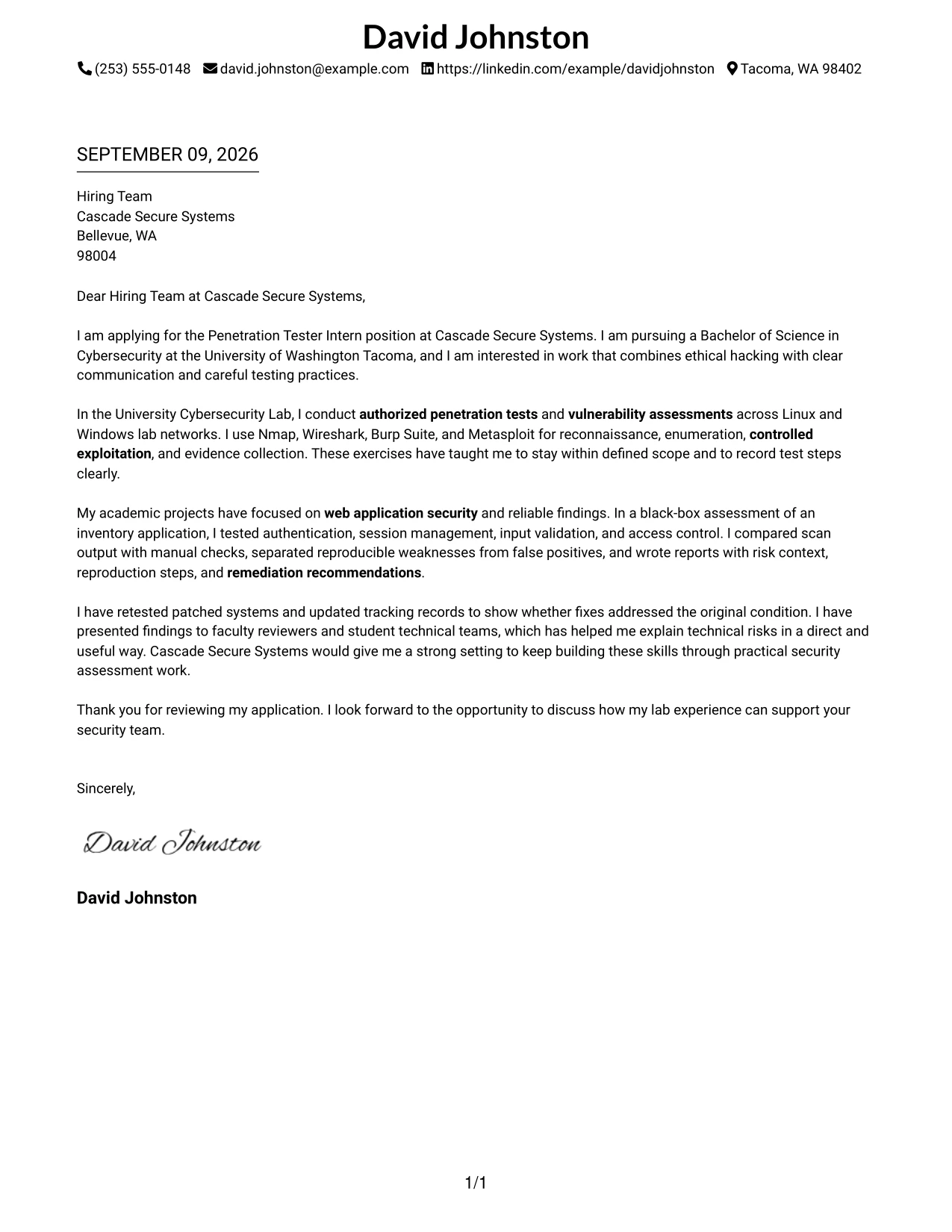
#12 Minimal Header Format Cover Letter Example
A restrained visual hierarchy keeps the opening focused on the Penetration Tester Intern opportunity, then moves directly to authorized testing experience, web application security work, and remediation retesting. The simple header leaves room for a direct message about ethical judgment, scope control, and clear reporting without competing design elements.
Why the Minimal Header Format Works for a Cover Letter
- The opening can state the target role and reason for applying without delay.
- A clean header gives the employer immediate access to contact details.
- The body can connect lab experience to the responsibilities in the job description.
- Tool references such as Nmap, Burp Suite, and Metasploit support a credible technical message.
- The format makes scope control and authorized testing easy to emphasize.
- A short closing can reinforce interest in Cascade Secure Systems and readiness to learn.
- The restrained presentation supports a professional tone for a security assessment role.
Best For
- Applicants who need a direct opening tied to one specific opportunity
- Cover letters that connect academic work to practical role requirements
- Readers who value a quiet, uncluttered presentation
- Applications where ethical boundaries and professional judgment matter
- Letters with a focused sequence of motivation, evidence, and employer fit
- Candidates who need space for both technical detail and clear communication
- One-page letters that should be easy to review from top to bottom
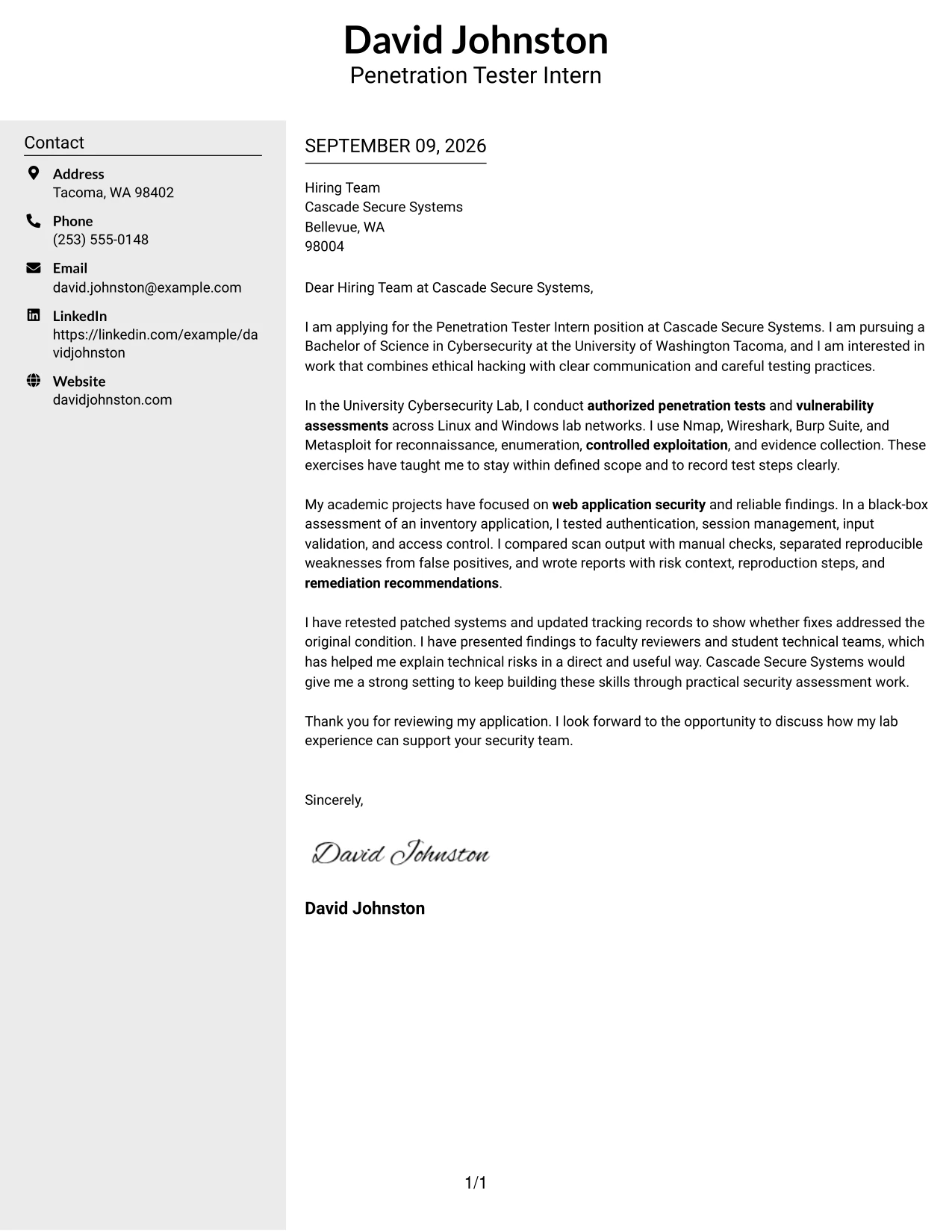
#13 Clean Two Column Sidebar Format Cover Letter Example
The Clean Two Column Sidebar Format separates contact and supporting details from the main message, giving the reader a clear route through motivation, evidence, and fit. The main column can explain authorized assessments and validated findings, while the sidebar reinforces the tools and technical subjects most relevant to the Penetration Tester Intern role.
Why the Clean Two Column Sidebar Format Works for a Cover Letter
- The main column preserves a logical letter narrative.
- The sidebar gives quick access to relevant technical strengths.
- Separate areas help the reader distinguish motivation from supporting evidence.
- The body can describe vulnerability validation without burying the central message.
- A compact side area can reinforce web, network, and Linux testing exposure.
- The structure supports fast review while retaining useful detail.
- The format makes the connection to Cascade Secure Systems visible early.
Best For
- Letters that need a strong main argument with compact supporting details
- Applications where readers may review contact and technical information separately
- Candidates combining a short motivation statement with several relevant tools
- Cover letters that benefit from clear visual separation between evidence and explanation
- Technical roles requiring both concise writing and enough context to establish credibility
- Applicants presenting web, network, and system testing experience in one page
- Readers who prefer quick navigation through a structured application
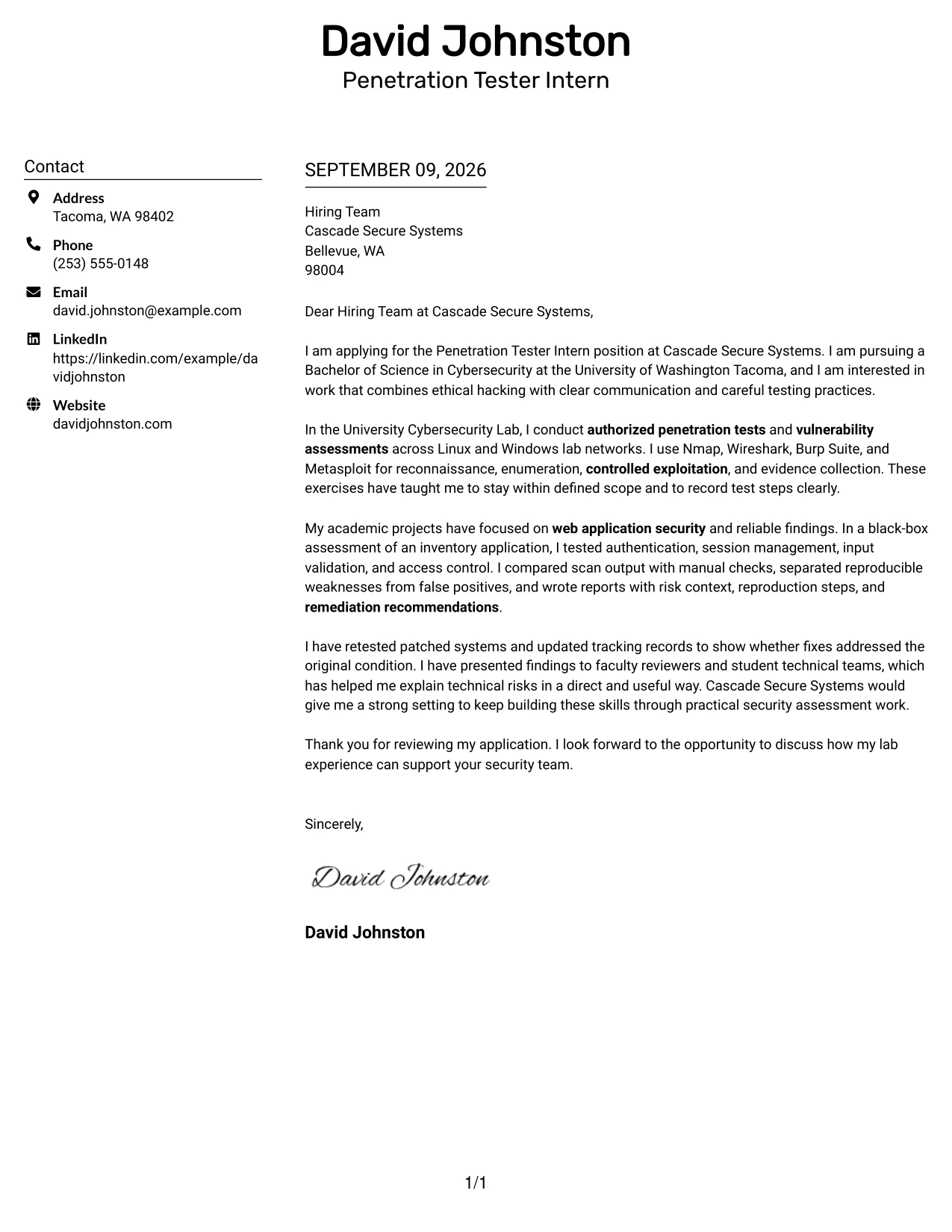
#14 Plain Two Column Format Cover Letter Example
Readers can move from the greeting to the central qualification story, then use the second column for supporting context. That path suits a cover letter that explains why penetration testing is the chosen direction, how academic assessments produced reliable findings, and how those practices match Cascade Secure Systems' expectations.
Why the Plain Two Column Format Works for a Cover Letter
- The reading path keeps the motivation statement separate from supporting detail.
- Two balanced areas prevent a technical explanation from becoming a dense block.
- The letter can give equal attention to experience and employer fit.
- Academic work can be presented as evidence without overwhelming the opening.
- The format supports concise discussion of reporting, retesting, and collaboration.
- A plain treatment keeps the message professional and easy to follow.
- The structure works well when the letter must carry several relevant examples.
Best For
- Cover letters with several related examples that need balanced space
- Applicants explaining both why they want the role and what they can contribute
- Letters that combine academic assessment work with communication evidence
- Readers who prefer plain organization over decorative treatment
- Applications requiring a clear account of testing, reporting, and follow-up
- Candidates with enough relevant detail to support two coordinated reading areas
- One-page letters where no single qualification should dominate
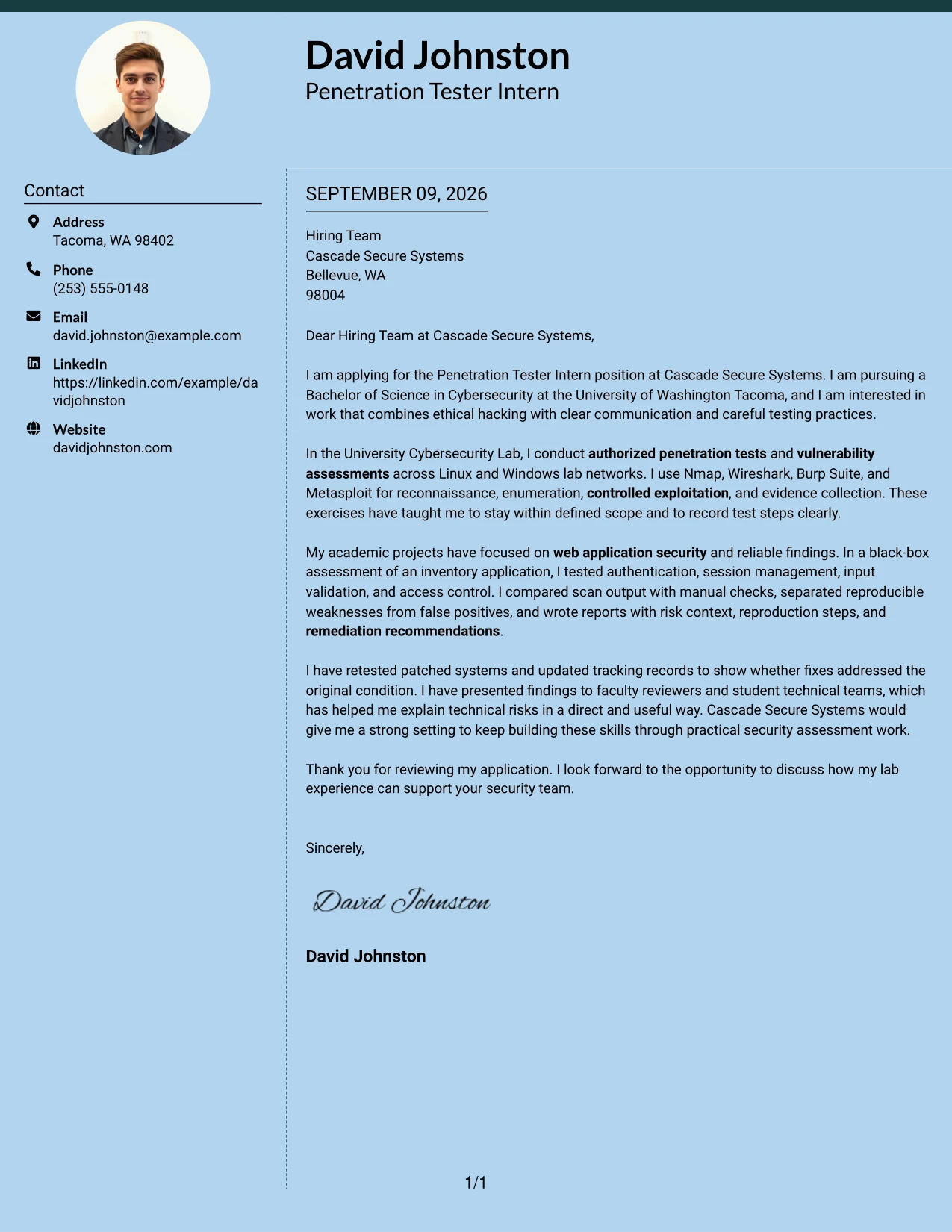
#15 Modern Full Background Two Column Format Cover Letter Example
Validated evidence should lead the letter: authorized lab assessments, reproducible web weaknesses, clear risk context, and remediation checks. The Modern Full Background Two Column Format gives those points a strong, organized setting while allowing a second content area to connect the evidence to Cascade Secure Systems' assessment work.
Why the Modern Full Background Two Column Format Works for a Cover Letter
- The letter can lead with proof instead of broad claims.
- A two-column structure separates technical evidence from motivation and fit.
- Reproducible findings give the employer a concrete basis for evaluation.
- The format supports a concise explanation of risk and recommended remediation.
- Retesting experience shows attention to the full assessment cycle.
- The visual hierarchy can keep authorized testing and ethical judgment prominent.
- The closing can connect proven practices to the employer's security team.
Best For
- Applications that must foreground documented assessment evidence
- Applicants with reproducible findings to explain in limited space
- Letters connecting testing results to remediation and follow-up
- Technical roles where credibility depends on specific proof
- Readers who want evidence and motivation presented as separate but related ideas
- Candidates showing care with scope, records, and responsible handling of information
- Cover letters that need a firm, organized presentation for a security team
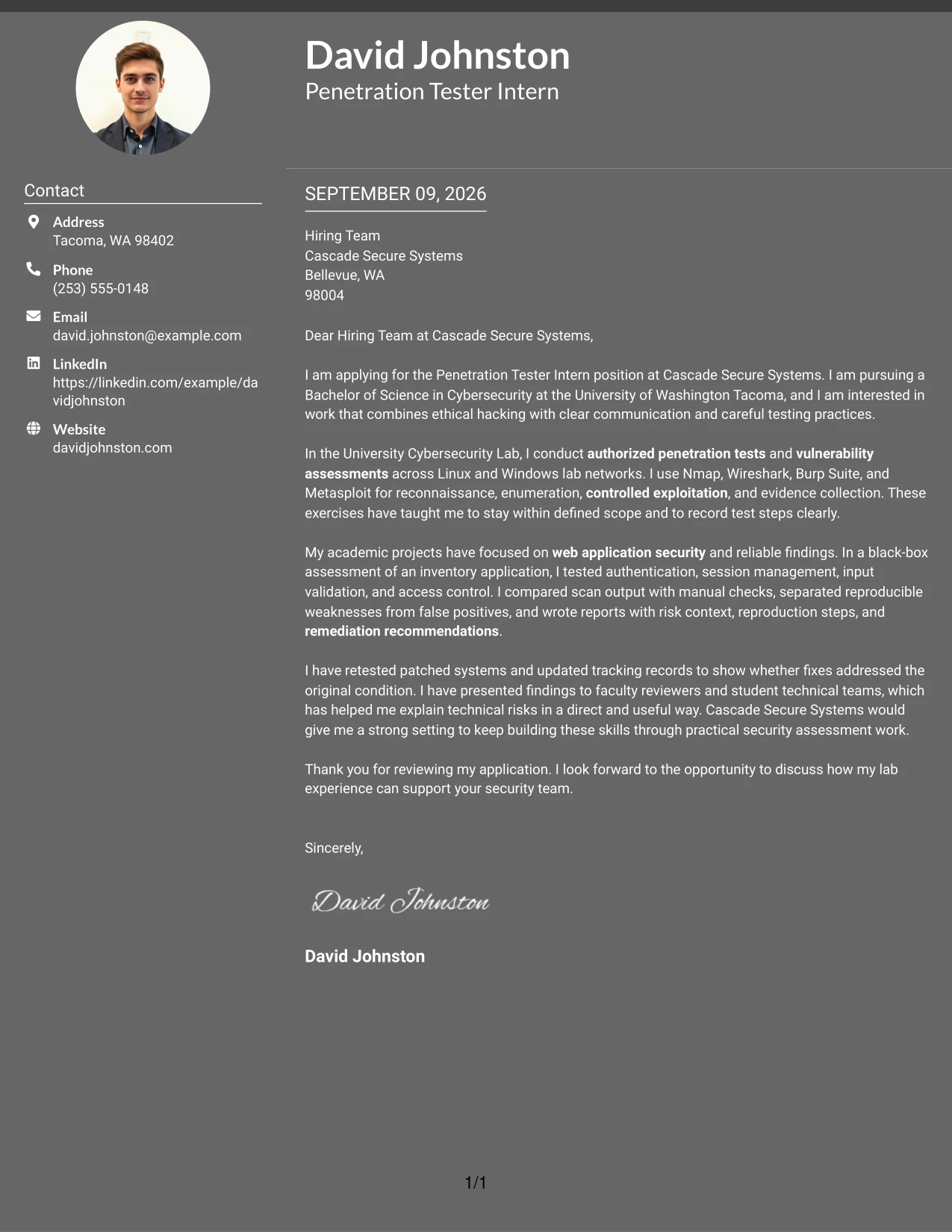
#16 Dark Mode Two Column Format Cover Letter Example
Content stays balanced when the letter gives equal space to the practical application and the supporting proof. The Dark Mode Two Column Format can frame a focused message about authorized testing, careful documentation, and communication with technical teams without allowing visual treatment to replace substance.
Why the Dark Mode Two Column Format Works for a Cover Letter
- The two-column balance supports both motivation and qualification evidence.
- A focused opening can explain interest in practical security assessment work.
- The body can show how tools were used within authorized boundaries.
- Supporting detail can cover reports, evidence, and remediation follow-up.
- The structure helps technical and non-technical readers find the main points.
- A controlled visual treatment can suit a technology-focused application.
- The closing has room to connect learning goals with team contribution.
Best For
- Technology applications that need a confident but controlled presentation
- Letters balancing a practical reason for applying with supporting experience
- Candidates explaining authorized testing without making unsupported claims
- Applications where documentation and collaboration deserve equal attention
- Readers who need clear separation between the main message and added context
- Cover letters that must show both learning potential and disciplined practice
- Roles involving technical review, reporting, and communication with system owners
#17 Dark Mode Box Header Format Cover Letter Example
A practical application need comes first: the letter must quickly show why the candidate can support authorized assessments and learn established methods. The Dark Mode Box Header Format gives the opening a defined entry point, then lets the body build a compact case through lab testing, validated findings, and clear communication.
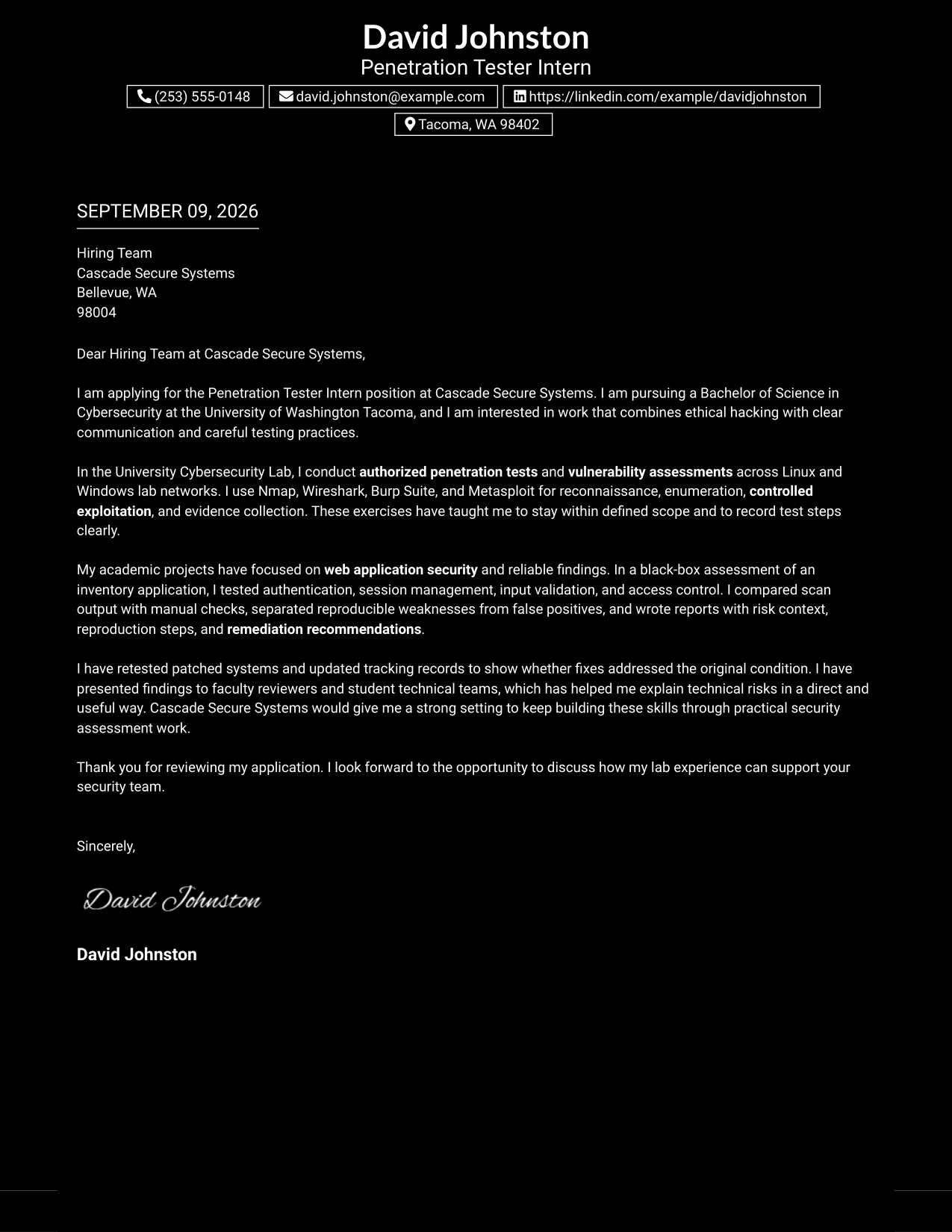
Why the Dark Mode Box Header Format Works for a Cover Letter
- A defined header helps the reader identify the role and purpose immediately.
- The single-column flow supports a complete persuasive letter from opening to close.
- Lab evidence can follow the motivation statement in a natural sequence.
- The body can explain controlled exploitation without overstating experience.
- Clear reporting and risk communication remain central to the case.
- The format gives the closing a distinct place to request further discussion.
- A structured presentation supports a professional technology application.
Best For
- Applications needing an immediate, easy-to-find role focus
- Letters with one main argument supported by a short evidence sequence
- Applicants moving from motivation into lab experience without side navigation
- Cover letters that must explain controlled testing in plain language
- Readers who prefer a defined opening and a continuous body
- Candidates emphasizing careful reporting and responsible security practice
- One-page applications where the header should establish clear visual order
#18 Elegant Full Background Two Column Format Cover Letter Example
A polished but restrained hierarchy can make the letter feel deliberate while keeping its argument practical. The Elegant Full Background Two Column Format supports a clear connection between motivation for penetration testing, academic evidence across web and network environments, and the communication standards expected by Cascade Secure Systems.
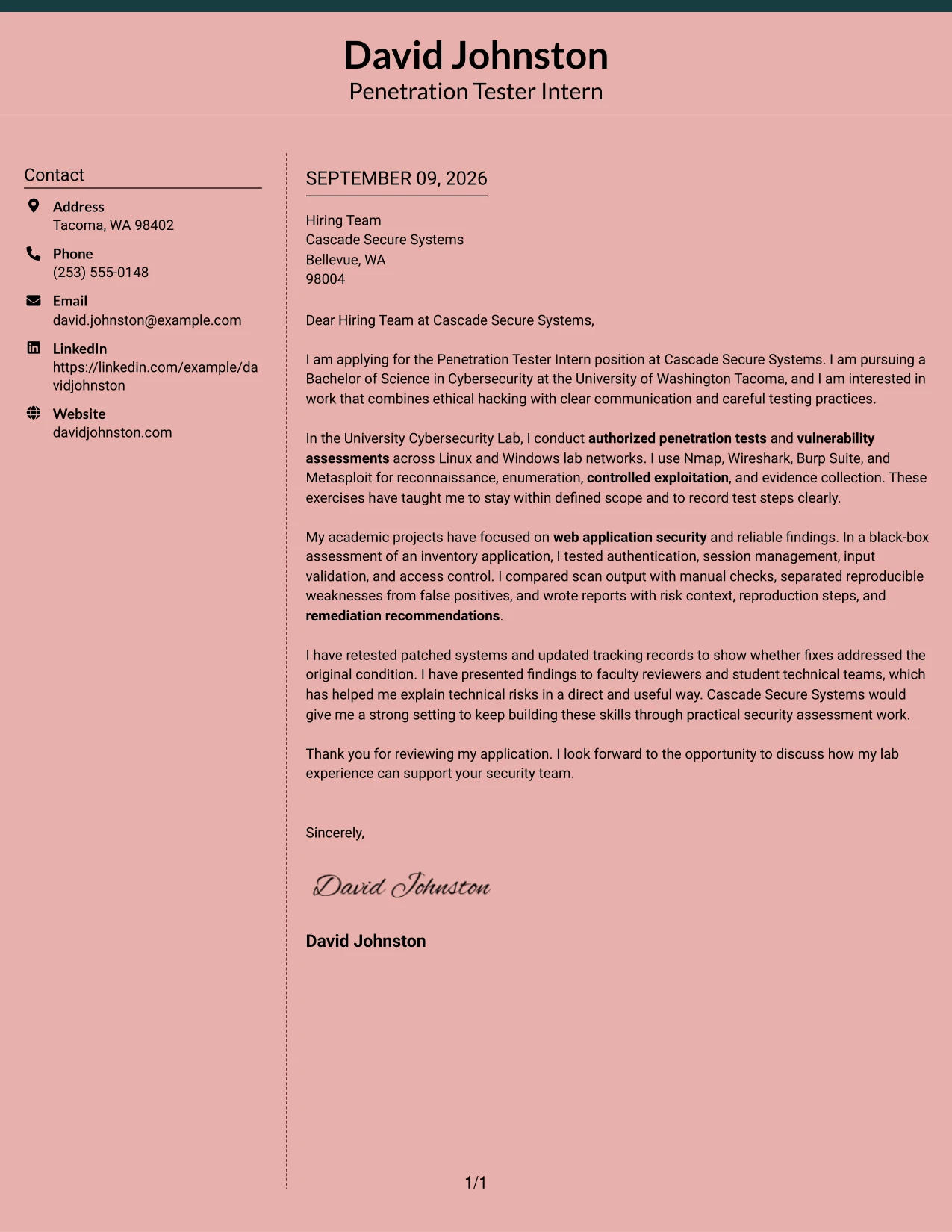
Why the Elegant Full Background Two Column Format Works for a Cover Letter
- The presentation signals care without distracting from the message.
- Two columns can separate personal motivation from supporting technical evidence.
- The letter can show breadth across web applications, networks, and systems.
- Academic experience is framed as relevant preparation rather than a substitute for professional work.
- The structure makes clear reporting and ethical judgment easy to reinforce.
- A polished hierarchy helps the employer follow the case for fit.
- The closing can return to interest in practical assessment work.
Best For
- Applicants who want a polished presentation with a measured tone
- Letters linking several testing environments to one clear career direction
- Applications where technical evidence and communication style both matter
- Candidates presenting academic preparation with accurate, modest claims
- Readers who value visual order alongside a persuasive written case
- Security applications requiring discussion of scope, findings, and fit
- One-page letters that need breadth without a crowded appearance
#19 Plain One Column with Highlighted Date Cover Letter Example
The Plain One Column with Highlighted Date Format organizes the letter as a direct sequence: application purpose, relevant evidence, employer connection, and closing. The highlighted date adds a clear point of reference, while the single column keeps the explanation of authorized testing and remediation work easy to follow.
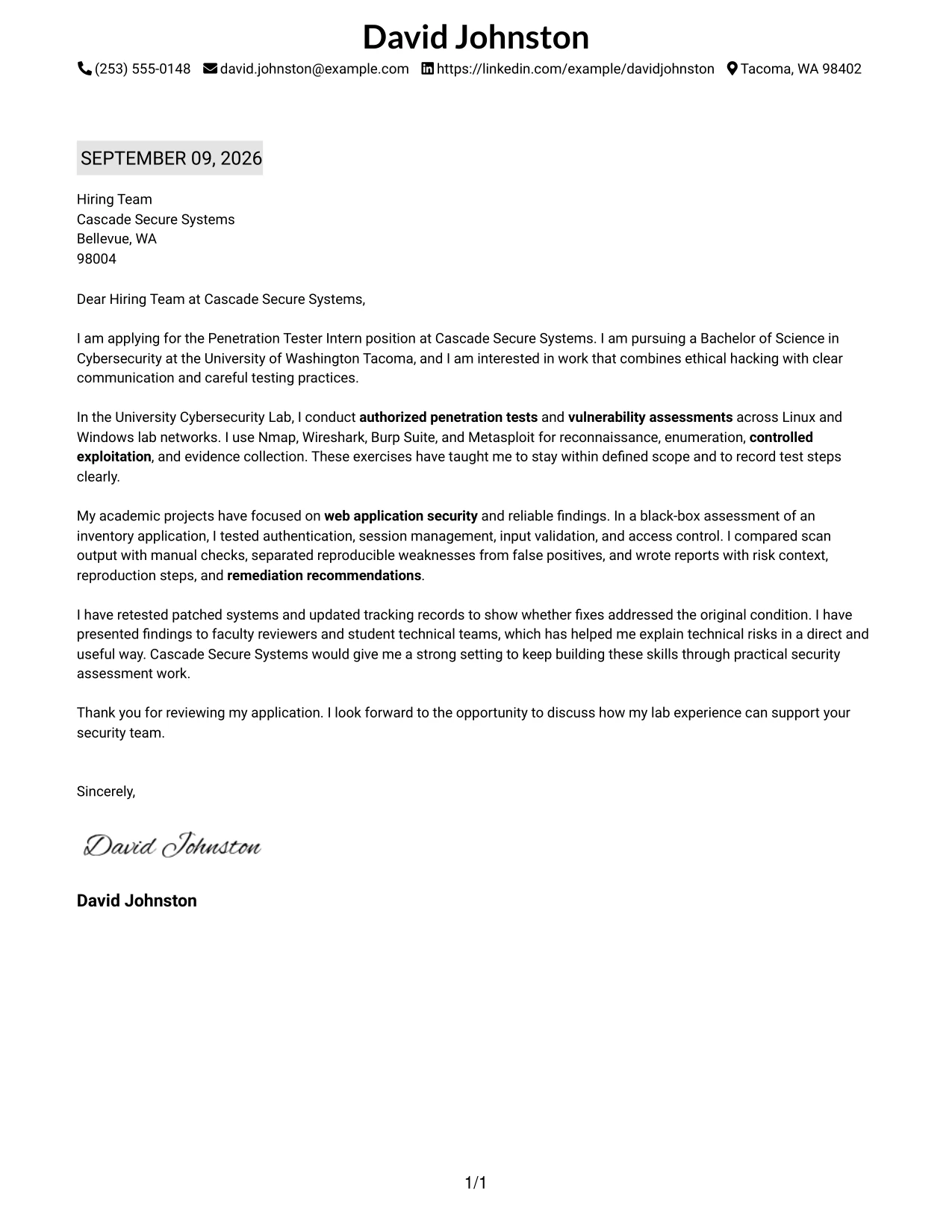
Why the Plain One Column with Highlighted Date Format Works for a Cover Letter
- The single reading path reduces distractions during review.
- A visible date gives the application clear correspondence context.
- The opening can identify the role and motivation in a few lines.
- Evidence can build in order from lab work to web application assessment.
- The letter can explain false-positive review and remediation retesting clearly.
- A plain structure supports a credible, factual tone.
- The closing remains easy to locate after the evidence and fit statement.
Best For
- Applications where date and correspondence details should be easy to locate
- Letters requiring a simple beginning-to-end reading path
- Applicants presenting evidence in a deliberate sequence
- Readers who prefer a traditional, low-distraction structure
- Cover letters explaining testing, validation, and retesting step by step
- Candidates who want technical detail to remain easy to scan
- One-page submissions where clarity matters more than visual complexity
#20 Bold Color Header Professional Format Cover Letter Example
The reader should reach the central qualification message quickly, then see evidence that supports it. In the Bold Color Header Professional Format, the strong header can identify the Penetration Tester Intern application, while the body explains academic testing, reliable reporting, and interest in supporting Cascade Secure Systems. The letter can name David Johnston once in the header or opening, where a clear personal reference is useful.
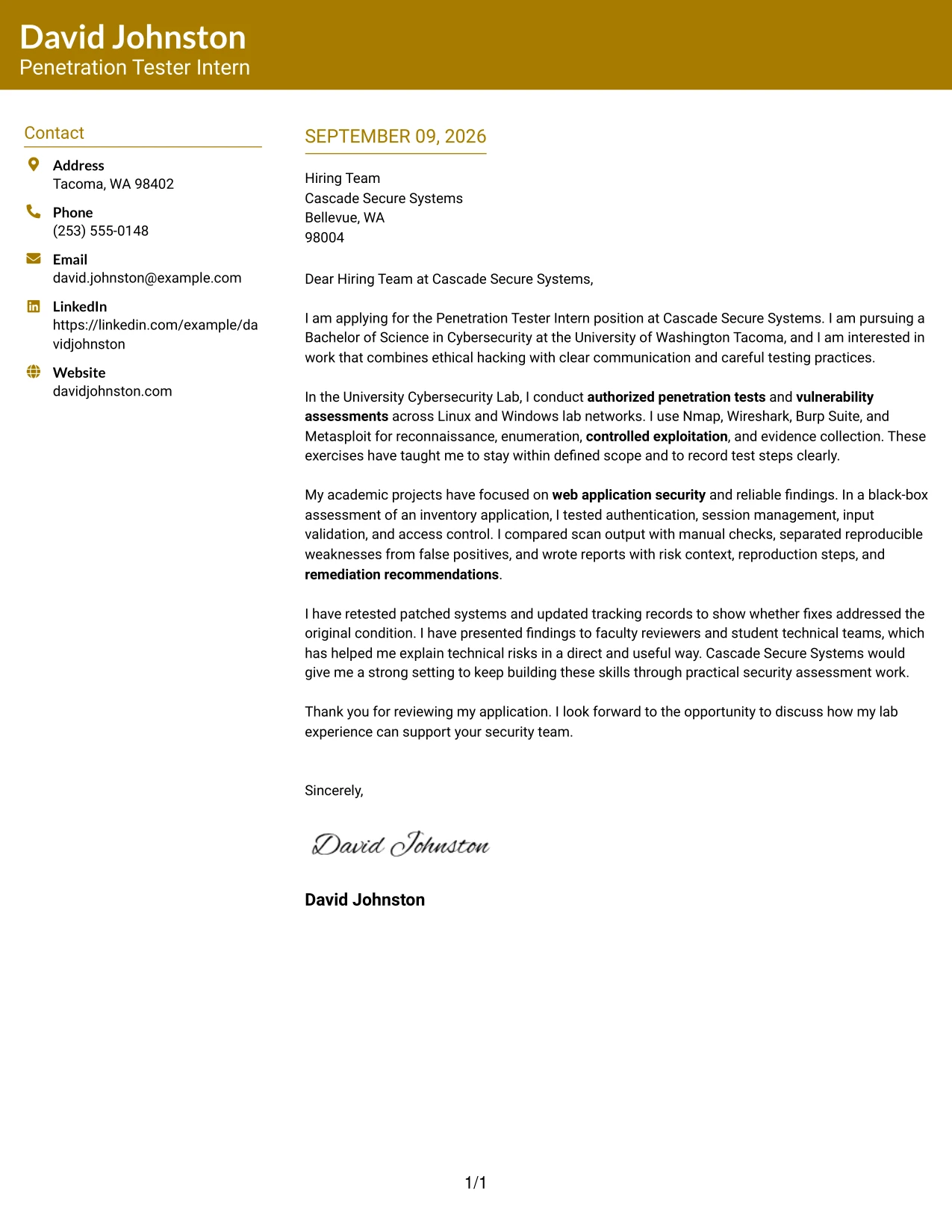
Why the Bold Color Header Professional Format Works for a Cover Letter
- A strong header gives the application an immediate point of recognition.
- The body can move quickly from role interest to supporting evidence.
- The format suits a confident explanation of tools used in authorized labs.
- Technical reporting can be presented as a communication strength, not just a task.
- The letter can show how findings were validated before recommendations were made.
- A clear final paragraph can connect preparation to the employer's needs.
- The design supports a professional message without requiring a long letter.
Best For
- Applications that benefit from a strong first point of recognition
- Letters with a concise qualification case and focused supporting evidence
- Applicants who need to connect tools with disciplined testing practices
- Readers who scan the header before deciding whether to read closely
- Cover letters highlighting validation, reporting, and remediation follow-up
- Candidates making a clear transition from study to practical security work
- One-page applications where the opening must establish confidence quickly
#21 Photo Header Color Sidebar Format Cover Letter Example
Documented evidence should carry the argument: authorized lab testing, manual validation of web findings, concise reporting, and retesting after fixes. The Photo Header Color Sidebar Format can place that evidence in a clearly organized letter while the sidebar supports quick reference to the role, contact details, and focused technical strengths.
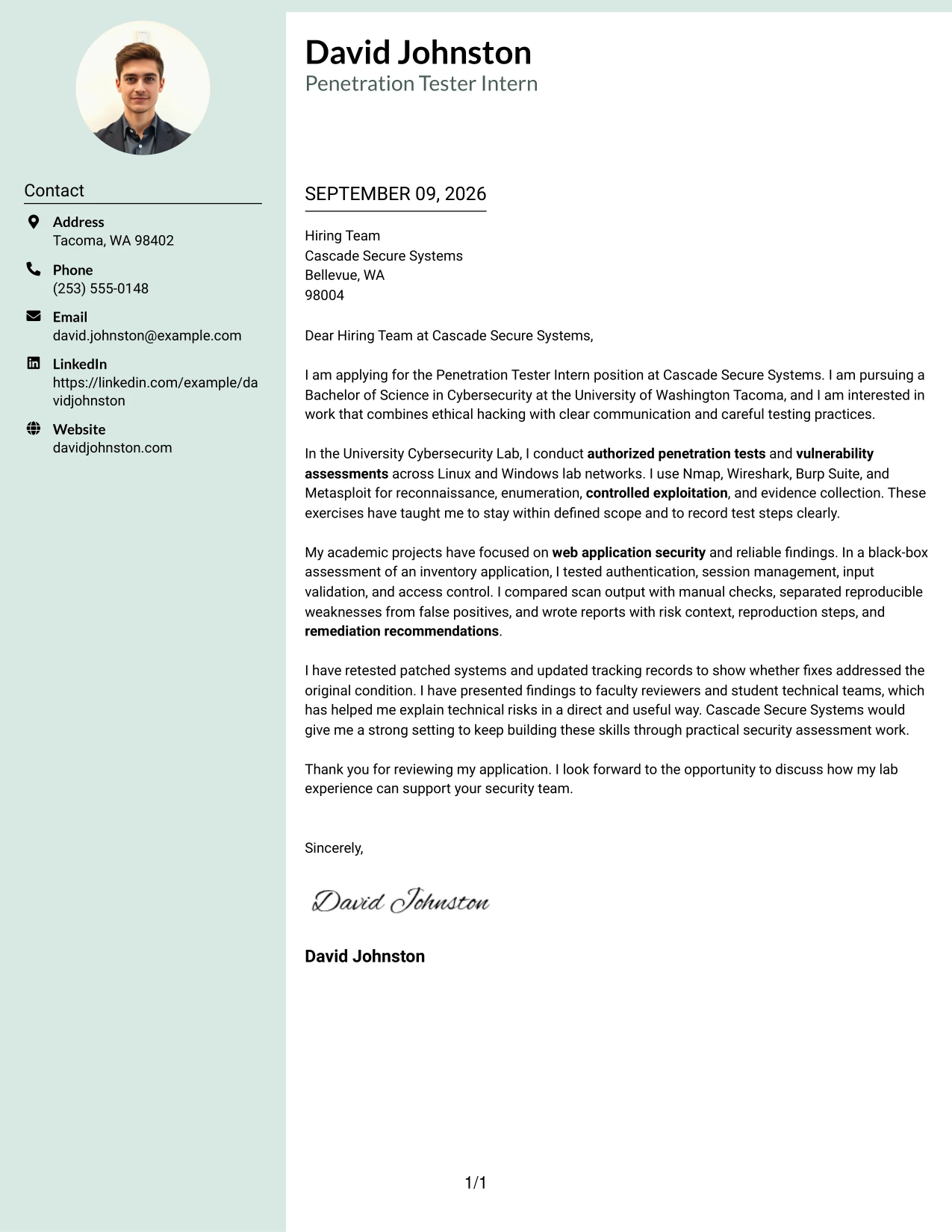
Why the Photo Header Color Sidebar Format Works for a Cover Letter
- The main message can lead with evidence rather than general interest.
- A sidebar gives the reader quick access to key application details.
- The letter can show practical use of testing tools without listing them without context.
- Manual validation demonstrates care with false positives and finding quality.
- Reporting and remediation retesting create a complete evidence chain.
- The format supports a professional, approachable introduction for a team-based role.
- A clear separation between proof and supporting details helps the employer review fit.
Best For
- Applications where documented evidence should lead the written case
- Letters that need a quick-reference area alongside a persuasive main message
- Applicants showing several stages of assessment work in limited space
- Roles requiring both technical credibility and professional presentation
- Candidates who want to separate testing proof from contact and role details
- Cover letters explaining validation, reporting, and remediation as connected steps
- Readers who prefer a visually organized application with a clear evidence focus
#22 Top Left Header Color Accent Format Cover Letter Example
Balanced spacing lets the letter state its purpose, present the strongest evidence, and close with a practical employer connection. The Top Left Header Color Accent Format gives the opening a clear anchor while preserving room for a concise account of authorized assessments, web application findings, and careful remediation follow-up.
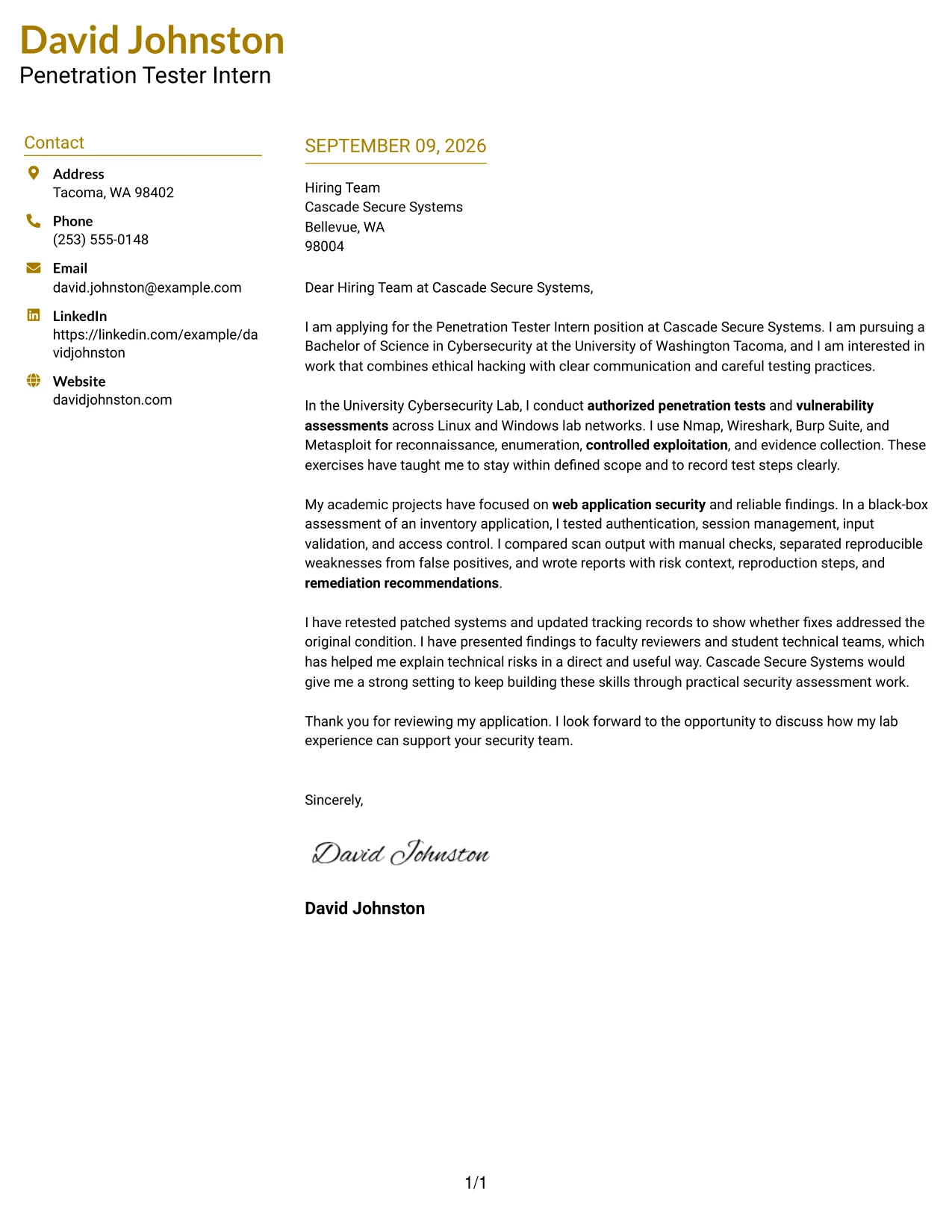
Why the Top Left Header Color Accent Format Works for a Cover Letter
- The top-left anchor helps the reader identify the application quickly.
- Balanced spacing keeps motivation, evidence, and fit from competing.
- The body can connect academic assessments to the employer's stated duties.
- A concise account of web testing gives the letter relevant technical substance.
- Remediation follow-up shows interest in outcomes, not only discovery.
- The format supports a direct closing and a clear request for discussion.
- A measured accent adds distinction while preserving professional readability.
Best For
- Applications needing a clear starting point and balanced page use
- Letters that connect academic assessments to a practical employer need
- Applicants with focused evidence in web testing and remediation follow-up
- Readers who prefer a calm structure with a visible point of entry
- Cover letters that must keep motivation and technical proof in proportion
- Candidates emphasizing outcomes after findings are reported
- One-page submissions requiring clear separation between opening, evidence, and close
#23 Centered Header Classic Two Column Format Cover Letter Example
For an application that needs quick review, the Centered Header Classic Two Column Format gives the letter a clear opening, balanced body, and easy contact access. The cover letter can connect cybersecurity study with authorized testing experience, tool familiarity, careful evidence collection, and interest in Cascade Secure Systems without crowding the page. Its centered header creates a professional first impression, while the two-column structure supports a clean separation between recipient details and the persuasive message.
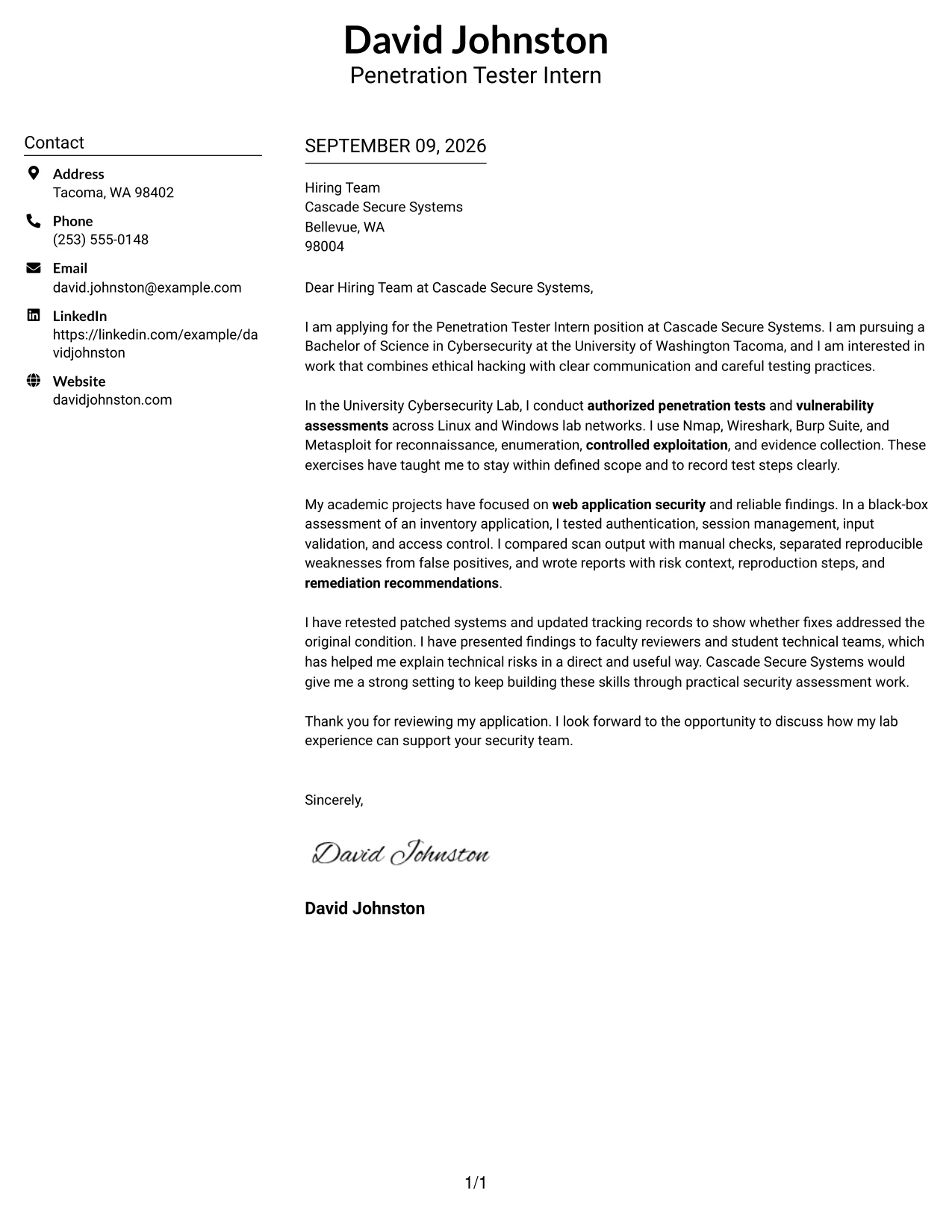
Why the Centered Header Classic Two Column Format Works for a Cover Letter
- The centered header makes the sender and recipient details easy to locate.
- Two-column organization gives the page structure without requiring long blocks of text.
- The opening can state the target role and explain the applicant's interest in ethical security work.
- The body can connect lab testing with the employer's need for authorized assessments and clear records.
- Technical tools can be named in context rather than presented as a disconnected list.
- The closing can reinforce remediation retesting, communication, and willingness to learn.
- The balanced design supports a confident tone while keeping the letter focused on employer fit.
Best For
- Applicants who want a balanced page with clear separation between contact details and message content.
- Cover letters that must present technical evidence without creating a dense reading experience.
- Applications where a centered header should establish a formal and organized first impression.
- Readers who prefer a structured letter with distinct visual zones for context and persuasion.
- Candidates connecting academic work to practical responsibilities in a short, focused letter.
- Applications that need room for both motivation and specific examples of reliable testing.
- Cover letters for organizations that value careful scope control and concise technical communication.
#24 Left Aligned Header Clean Two Column Format Cover Letter Example
A restrained visual hierarchy lets the reader move from contact information to the greeting and then into the strongest evidence. The Left Aligned Header Clean Two Column Format keeps the tone direct and professional, which suits an application that must show interest in penetration testing while explaining authorized lab work, web application assessment, and clear reporting. The layout supports a focused case for fit without making the design compete with the message.
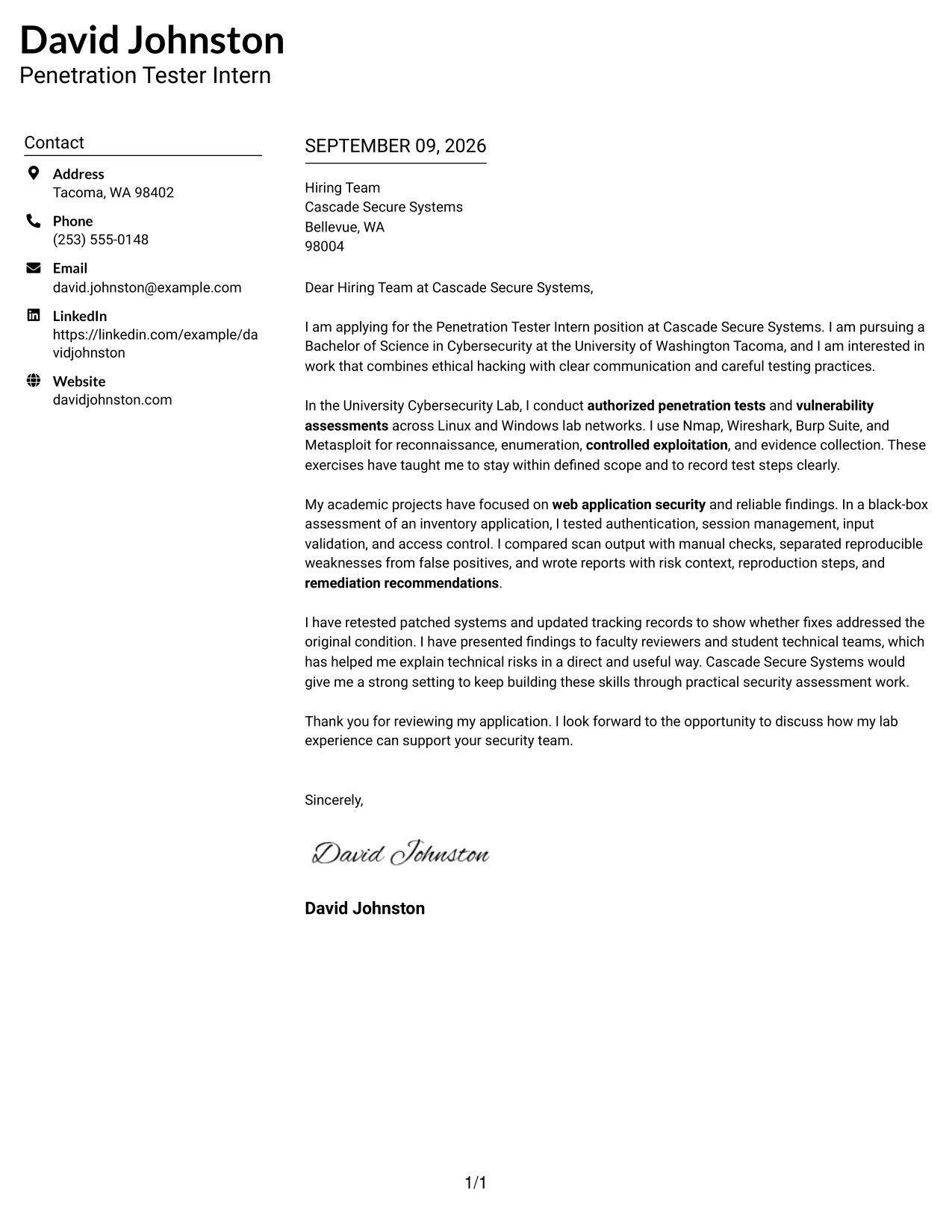
Why the Left Aligned Header Clean Two Column Format Works for a Cover Letter
- Left alignment creates a natural reading path from the applicant's details to the letter body.
- The clean structure keeps the opening focused on the role, study, and reason for applying.
- A short evidence paragraph can show experience with reconnaissance, enumeration, and validation.
- The format makes it easy to link Burp Suite and Nmap use to real assessment tasks.
- The body can explain how false positives were removed through manual checking.
- A direct closing gives the employer a clear reason to continue the conversation.
- The simple hierarchy supports a practical communication style suited to technical teams.
Best For
- Applicants who want a clean, left-to-right reading path for a technical application.
- Cover letters that must align academic preparation with stated assessment responsibilities.
- Readers who value restrained presentation over decorative page elements.
- Applications where practical examples should appear close to the claims they support.
- Candidates explaining how testing tools were used to produce reliable findings.
- Letters that need a clear transition from personal motivation to employer-specific contribution.
- Professional settings where concise written communication is part of the selection process.
#25 Accent Divider Modern Two Column Format Cover Letter Example
The Accent Divider Modern Two Column Format uses clear visual breaks to separate the application context, supporting evidence, and closing request. That structure helps the letter show why the candidate wants the role, what authorized assessment work has been completed, and how the experience matches Cascade Secure Systems' needs. The modern presentation remains useful because each section has a clear job: establish motivation, prove preparation, and make the next step easy.
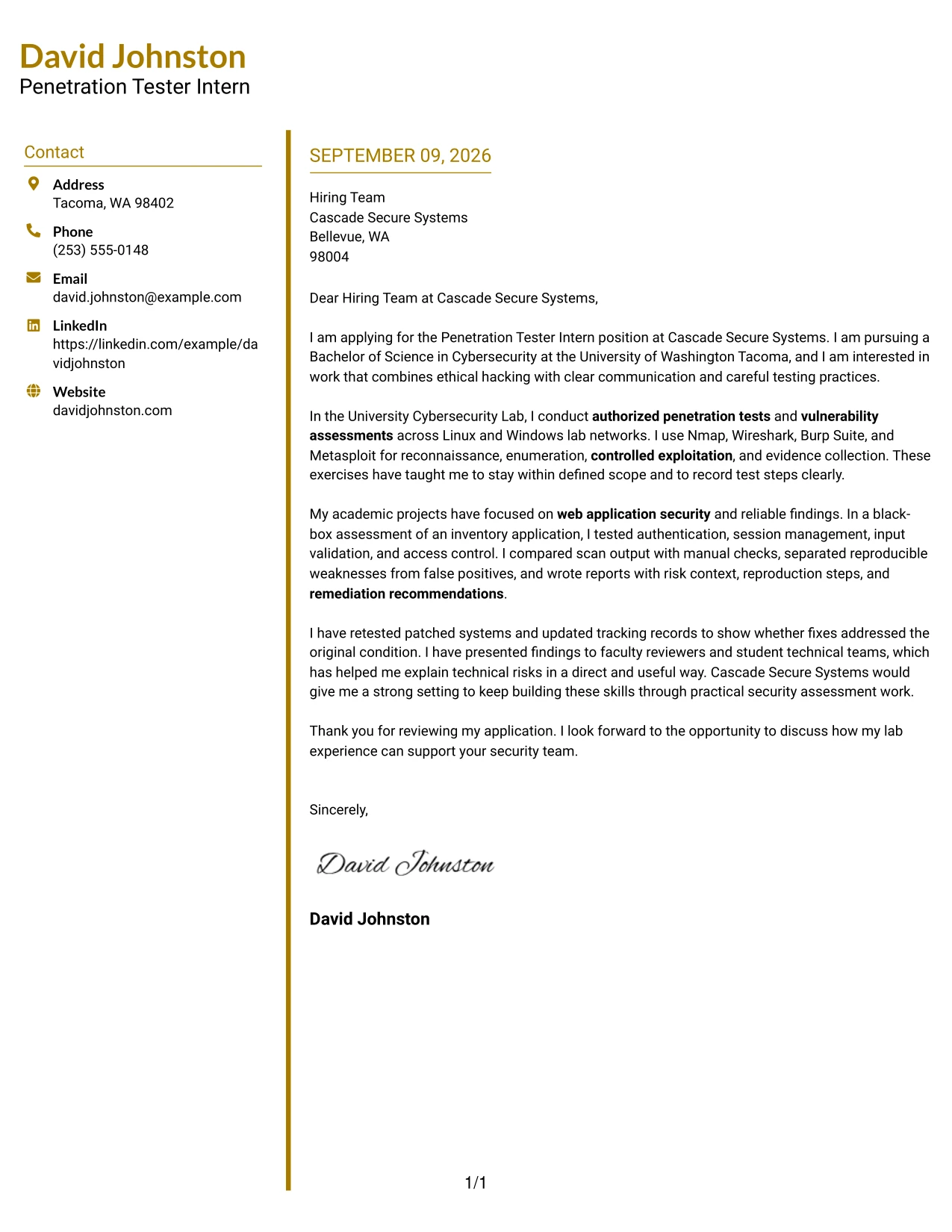
Why the Accent Divider Modern Two Column Format Works for a Cover Letter
- The divider creates visible transitions between motivation, evidence, and closing.
- A focused introduction can identify the role and connect it to cybersecurity study.
- The body can present authorized lab testing as direct support for the employer's responsibilities.
- Separate content areas make web application and network experience easier to distinguish.
- The letter can show disciplined validation instead of relying on unsupported scan results.
- A defined closing gives space to mention communication with technical reviewers and teams.
- The modern structure helps the reader scan the argument while preserving a persuasive sequence.
Best For
- Applications that benefit from clear visual separation between the letter's main arguments.
- Cover letters with several related evidence points that should not run together.
- Candidates presenting both web application and network assessment preparation.
- Readers who scan first and then return to the strongest supporting details.
- Letters that need a modern appearance while retaining a formal business tone.
- Applications where motivation, technical proof, and employer fit must appear in a logical order.
- Situations where section dividers can make a short letter feel deliberate and complete.
#26 Shaded Labels Clean Two Column Format Cover Letter Example
Readers can move through the Shaded Labels Clean Two Column Format by using its labeled areas as signposts. This helps a focused cover letter handle several points without losing its central message: interest in the internship, preparation through cybersecurity study, experience with authorized testing, and the ability to report findings clearly. Shaded labels add order to the page while leaving the written argument responsible for proving fit.
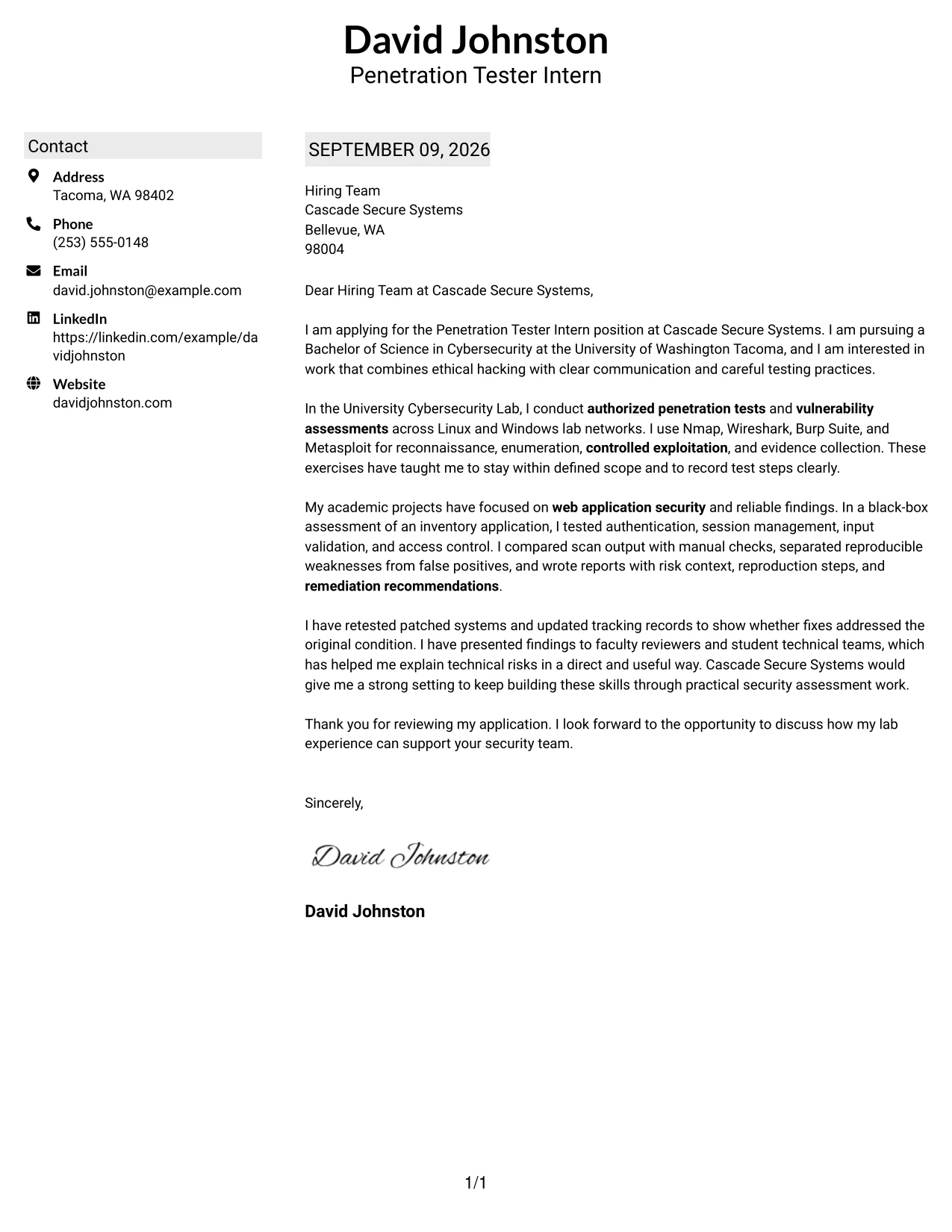
Why the Shaded Labels Clean Two Column Format Works for a Cover Letter
- Labeled areas help the reader identify the purpose of each part of the letter.
- The opening can quickly establish motivation and current cybersecurity education.
- A dedicated evidence area can explain work across Linux, Windows, and web applications.
- The format supports a clear link between testing activity and employer responsibilities.
- Details about scope, sanitized evidence, and reproducible findings can be grouped logically.
- The closing can summarize communication strengths and interest in practical assessment work.
- The clean structure helps manage several relevant points without making the letter feel overloaded.
Best For
- Applicants with several connected examples that need visible organization.
- Cover letters combining education, lab practice, and communication evidence.
- Readers who appreciate labels that clarify where each message point begins.
- Applications requiring both technical detail and a concise explanation of motivation.
- Candidates who need to show breadth across systems and web application testing.
- Letters where evidence, fit, and next steps should be easy to locate independently.
- Professional applications that benefit from orderly presentation without a crowded page.
#27 Photo Header Color Accent International Format Cover Letter Example
Validated evidence should lead the message in the Photo Header Color Accent International Format. A restrained color system and prominent header image can support a professional introduction, but the letter earns attention through specific proof: authorized penetration testing, manual validation, concise reporting, and remediation retesting. The result is a personable presentation that still keeps security boundaries, technical accuracy, and employer needs at the center.
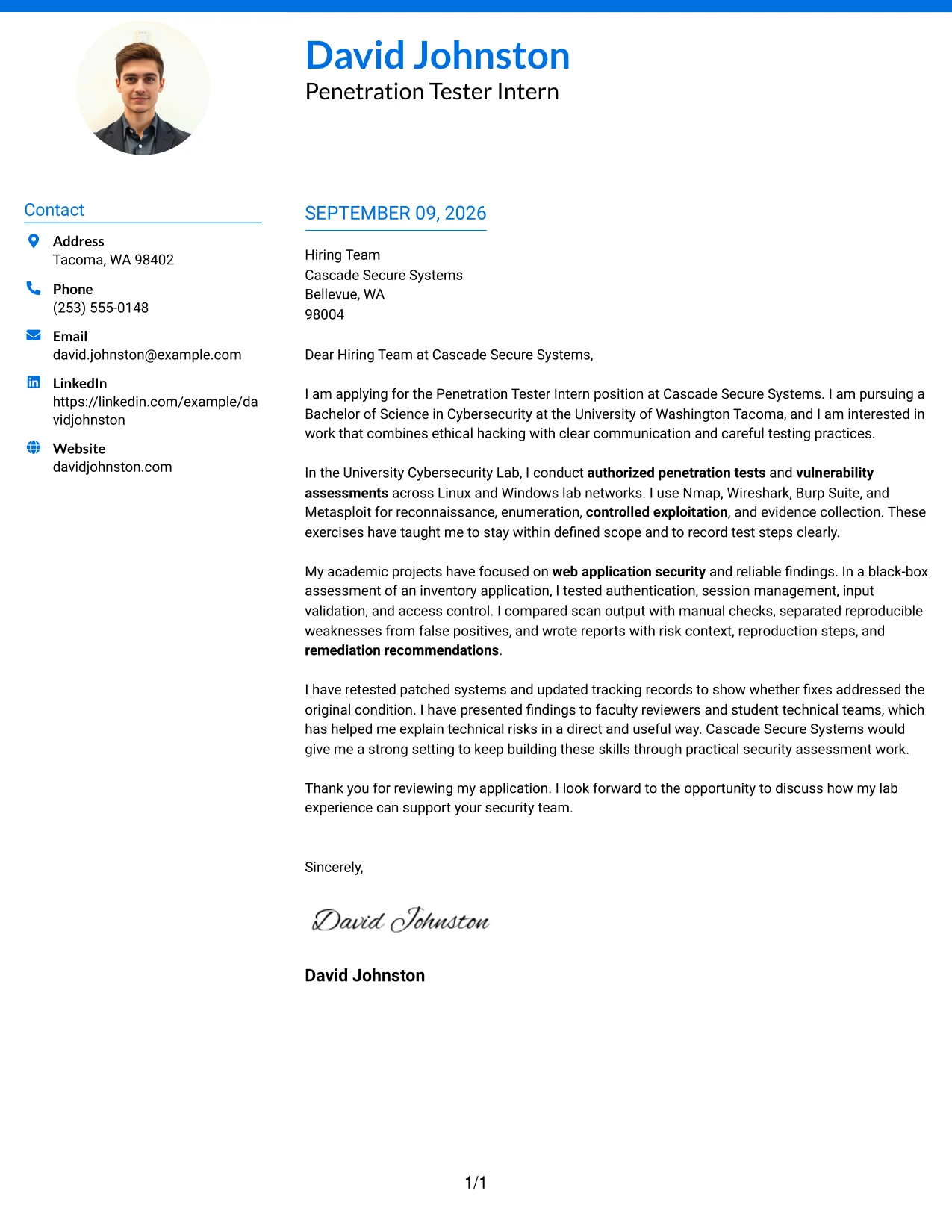
Why the Photo Header Color Accent International Format Works for a Cover Letter
- The opening image and color accents create an approachable first impression without replacing the written case.
- The letter can lead with confirmed testing experience rather than broad claims.
- A concise body can connect Nmap, Burp Suite, Wireshark, and Metasploit to authorized exercises.
- The format supports a clear explanation of scope control and responsible testing.
- Evidence about reproducible findings gives the application technical credibility.
- The closing can highlight communication with faculty reviewers and student technical teams.
- The combination of personal presentation and concrete results can support a strong employer-fit message.
Best For
- Applicants who want a personal introduction alongside clear technical evidence.
- Applications where a polished international-style presentation suits the communication context.
- Cover letters that need to balance approachability with responsible security language.
- Candidates showing confirmed findings, documented steps, and remediation follow-up.
- Readers who respond well to strong visual identity supported by precise written proof.
- Applications where technical communication and ethical judgment are central to fit.
- Situations where a prominent header can distinguish the letter while the body stays focused.
#28 Large Profile Photo International Two Column Format Cover Letter Example
Balanced content distribution is important when a prominent header image shares the page with a detailed application message. The Large Profile Photo International Two Column Format gives the letter room to present motivation, assessment experience, and communication strengths in a controlled sequence. Its two-column design can keep contact context distinct from the main argument, allowing the candidate's technical preparation to remain visible without overwhelming the page.
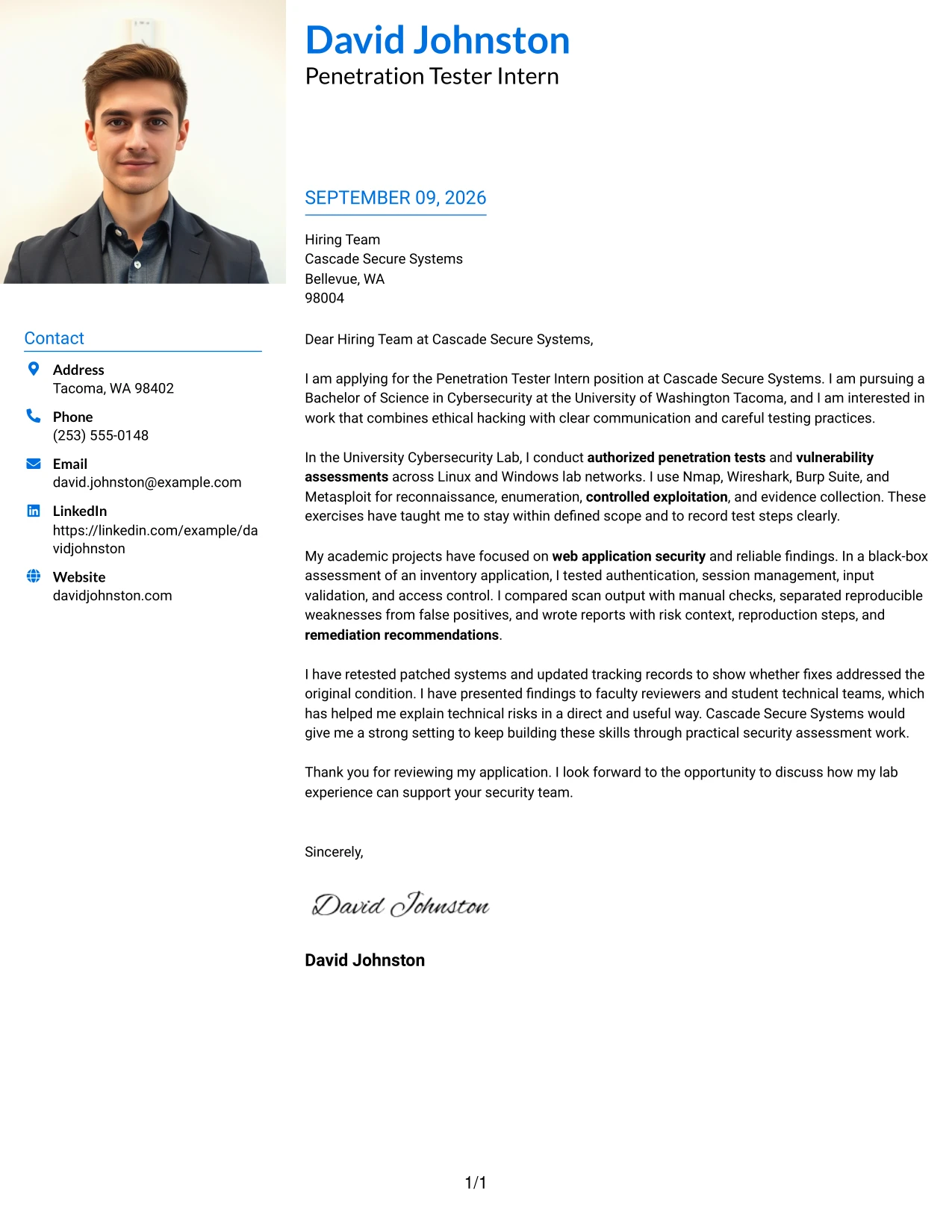
Why the Large Profile Photo International Two Column Format Works for a Cover Letter
- The larger header image establishes a clear personal identity before the reader reaches the main argument.
- Two-column balance prevents contact information from competing with the persuasive content.
- The opening can connect current cybersecurity study with interest in practical assessment work.
- The body can show experience testing authentication, session management, input validation, and access control.
- A separate content area gives remediation retesting and reporting enough emphasis.
- The format supports a measured tone when discussing ethical boundaries and confidential information.
- The closing can bring the visual presentation back to the employer's security team and needs.
Best For
- Applicants who want a strong personal introduction with a clearly separated letter body.
- Applications where contact context and persuasive content need distinct visual areas.
- Cover letters presenting multiple forms of evidence from labs and academic projects.
- Readers who prefer a spacious layout for motivation, experience, and employer fit.
- Candidates explaining both technical findings and how those findings were communicated.
- Applications where a prominent personal presentation remains appropriate for the organization.
- Letters that need to show breadth while keeping each main message point easy to follow.
#29 One Column Boxed Contact Header Format Cover Letter Example
For a practical application that should read like a direct professional message, the One Column Boxed Contact Header Format keeps every part of the letter on one consistent path. The boxed contact area establishes context, then the message can move from interest in the Penetration Tester Intern role to evidence from authorized labs, web application testing, technical reporting, and remediation follow-up. This straightforward design gives the content priority and makes the letter easy to review from start to finish.
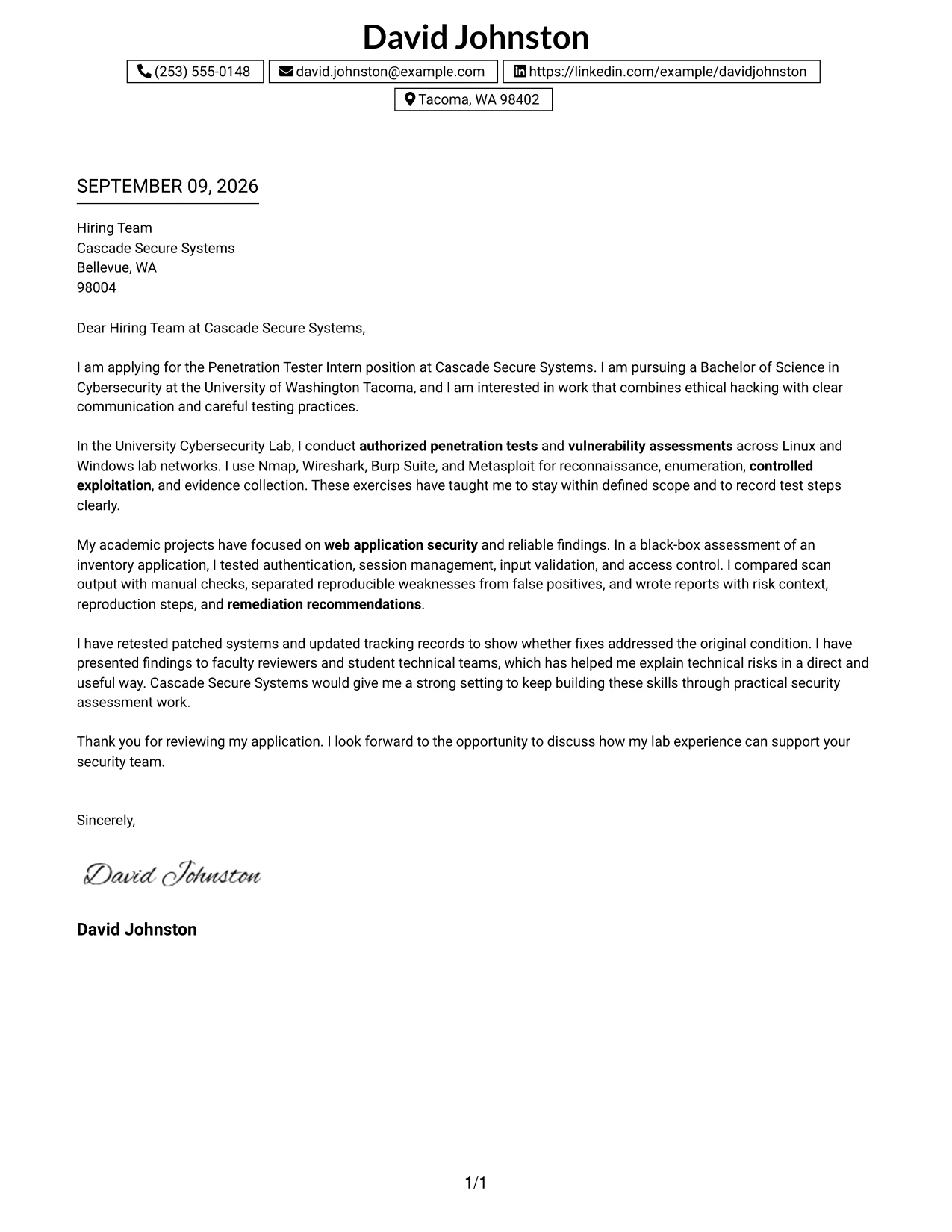
Why the One Column Boxed Contact Header Format Works for a Cover Letter
- A single reading path keeps the recruiter focused on the application argument.
- The boxed header separates contact details without interrupting the letter's flow.
- The opening can state the role, cybersecurity degree, and motivation in a compact way.
- The body can explain tools and methods through relevant testing examples.
- One-column presentation gives findings, risk context, and recommendations room to develop clearly.
- The closing can connect retesting experience with the employer's need to confirm fixes.
- The format supports direct, professional communication from greeting through sign-off.
Best For
- Applicants who prefer a single, uninterrupted reading path.
- Cover letters where the written message should carry more weight than visual complexity.
- Applications needing a clear contact block followed by a detailed but focused argument.
- Candidates explaining a progression from testing activity to reporting and follow-up.
- Readers reviewing letters on screens where one-column flow improves continuity.
- Professional messages that must present technical evidence in a calm, orderly sequence.
- Applications where a boxed header provides structure without dividing the main content.
#30 One Column Shaded Contact Header Format Cover Letter Example
A quiet visual hierarchy helps the reader see how the applicant's preparation matches the work. The One Column Shaded Contact Header Format uses a shaded contact area to establish order, then gives the letter a steady path through cybersecurity study, authorized testing, validated findings, and interest in Cascade Secure Systems. The design supports a role-aligned message in which each paragraph answers a practical employer question: why this role, what evidence exists, and how can that preparation help the team?
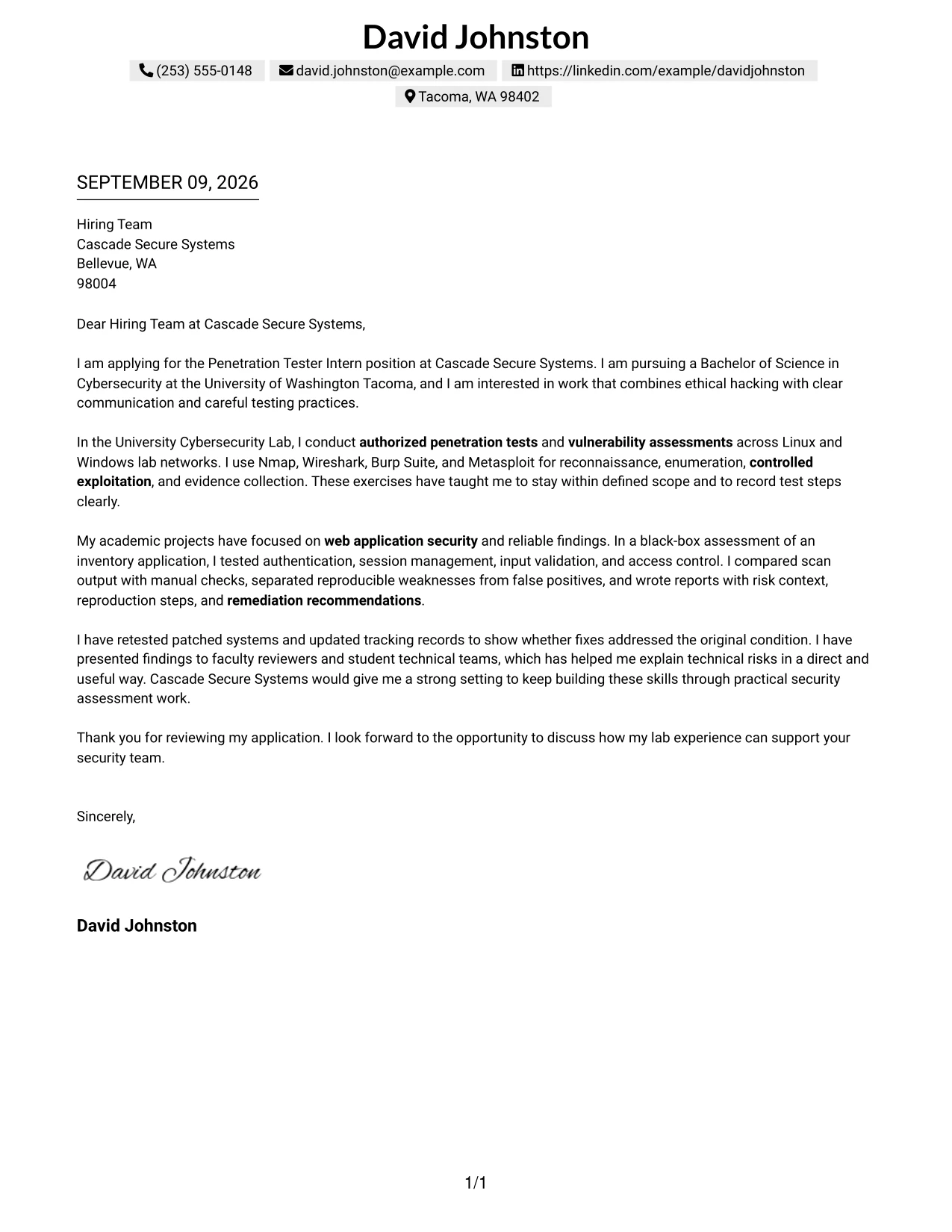
Why the One Column Shaded Contact Header Format Works for a Cover Letter
- The shaded header gives the page a clear starting point without distracting from the message.
- A one-column flow lets the reader follow the role-alignment argument in order.
- The introduction can connect cybersecurity education to interest in authorized security assessments.
- The experience section can match lab work to reconnaissance, validation, reporting, and retesting.
- Specific project evidence shows that technical observations were checked before being reported.
- The closing can reinforce careful communication and readiness to learn from security professionals.
- The format makes the employer-fit story easy to follow from first sentence to final request.
Best For
- Applicants who want a calm, role-focused presentation with a clear starting point.
- Cover letters that need to connect education directly to stated job responsibilities.
- Readers who prefer one-column documents with strong paragraph continuity.
- Candidates showing how academic testing practice transfers to supervised professional work.
- Applications where validated findings should support the main fit argument.
- Letters that must explain motivation, preparation, and contribution in a clear sequence.
- Professional messages requiring a polished structure without visual distractions.
#31 Boxed Contact Header with Job Title Format Cover Letter Example
The Boxed Contact Header with Job Title Format places the target role at the front of the document, followed by a simple sequence of motivation, evidence, and fit. That structure helps the reader understand immediately that the letter is for the Penetration Tester Intern opening, while the body explains authorized lab assessments, web application testing, technical reporting, and remediation verification. The format gives the application a clear frame without allowing the job title to replace substantive proof.
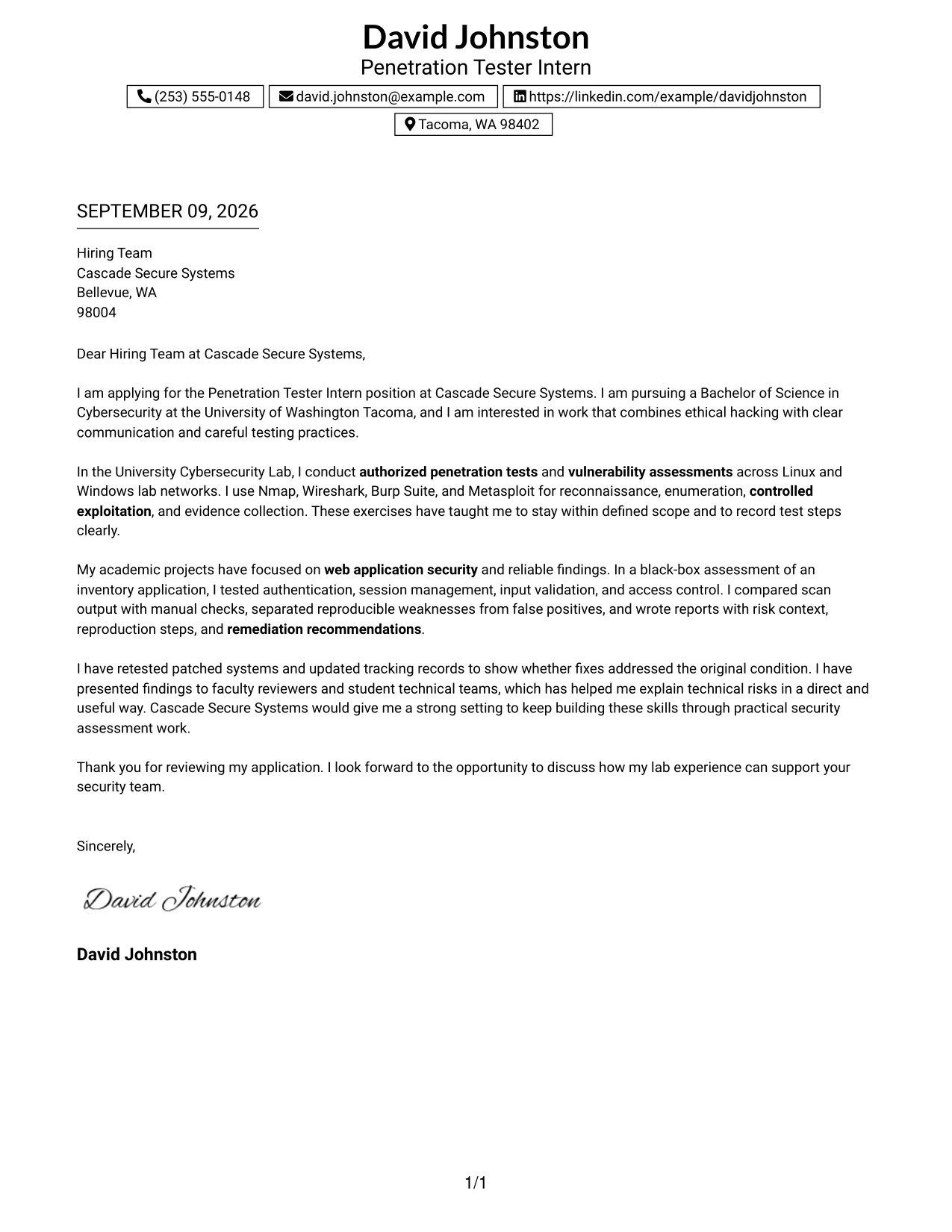
Why the Boxed Contact Header with Job Title Format Works for a Cover Letter
- Displaying the job title early confirms the purpose of the letter at a glance.
- The boxed contact area creates a firm boundary between identification and application content.
- The opening can state interest in Cascade Secure Systems and connect it to cybersecurity study.
- The body can organize evidence around assessment, validation, documentation, and retesting.
- The letter can show how technical findings were explained to reviewers and student teams.
- A focused closing can restate interest without repeating the full qualification story.
- The format makes the central role-alignment message visible from the first review.
Best For
- Applications that need the target opening to be unmistakable at first glance.
- Cover letters where the role title should frame the evidence that follows.
- Candidates presenting a clear chain from assessment activity to remediation verification.
- Readers who scan the header before deciding whether to read the full message.
- Letters connecting technical preparation with communication to reviewers and system teams.
- Applications that benefit from a formal contact block and a prominent application context.
- Professional correspondence where clarity of purpose is more important than decoration.
#32 Plain Professional Layout with Job Title & Shaded Date Cover Letter Example
The reader can follow this plain professional letter in a familiar order: role and date context, greeting, motivation, evidence, and closing. The Plain Professional Layout with Job Title & Shaded Date keeps the page formal and uncluttered, giving the application enough room to explain current cybersecurity study, lab-based penetration testing, reliable findings, and interest in supporting Cascade Secure Systems. Its restrained structure lets substance carry the application.
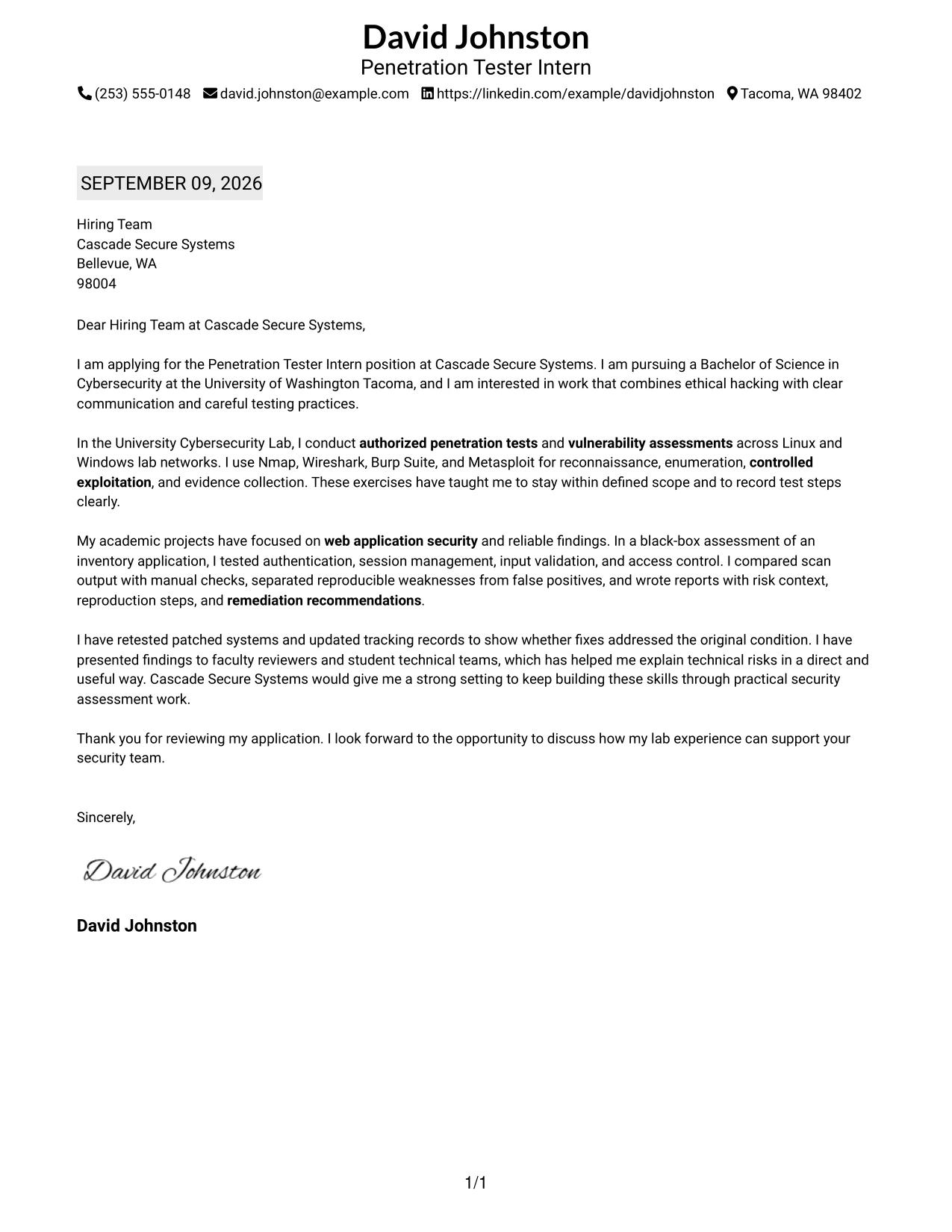
Why the Plain Professional Layout with Job Title & Shaded Date Works for a Cover Letter
- The familiar order reduces effort for a reader reviewing many applications.
- The shaded date and job title establish context before the persuasive message begins.
- The introduction can explain the connection between cybersecurity study and the internship.
- The body can present authorized network and web application work in a logical sequence.
- Reporting details show the ability to describe risk, reproduction steps, and remediation.
- The closing can point to retesting and collaboration with technical teams.
- The plain presentation keeps attention on evidence and employer fit rather than visual effects.
Best For
- Applicants who want a conventional business letter with a clear review order.
- Cover letters where content volume requires room for several evidence-based paragraphs.
- Readers who prefer familiar date, title, greeting, body, and closing placement.
- Candidates explaining multiple assessment responsibilities without using a crowded design.
- Applications that need technical reporting detail alongside a concise motivation statement.
- Professional settings where restrained presentation signals reliability and discipline.
- Letters intended for reviewers who value straightforward communication and easy navigation.
#33 Two-Line Contact Header with Underlined Date Format Cover Letter Example
Concrete evidence should appear early enough to support the application, and the Two-Line Contact Header with Underlined Date Format gives that evidence a clean professional setting. The two-line header identifies the sender and application context, while the underlined date helps orient the reader before the letter moves into authorized testing, web application assessment, reporting, and remediation retesting. The result is a focused message that uses formality to reinforce credibility.
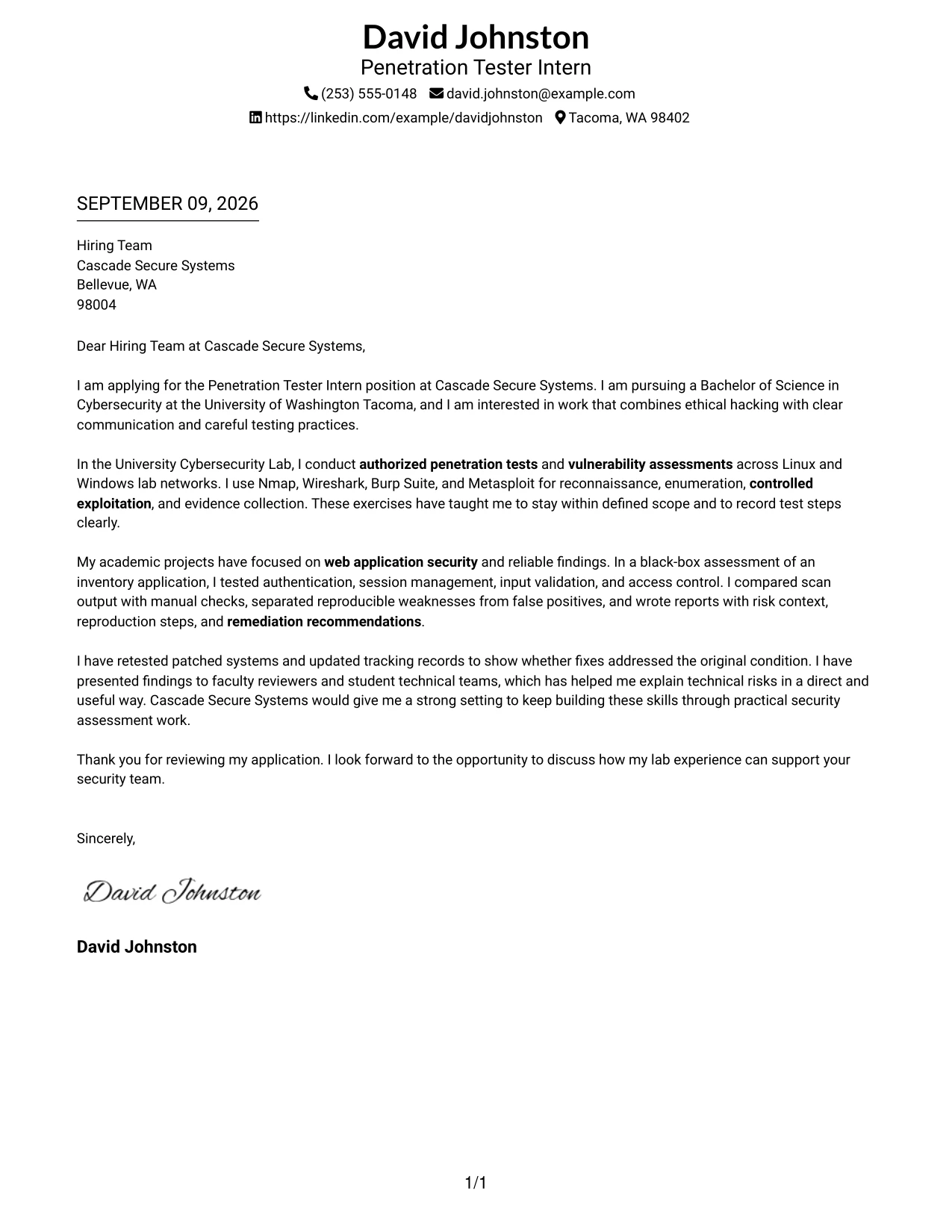
Why the Two-Line Contact Header with Underlined Date Format Works for a Cover Letter
- The two-line header presents essential contact context without taking over the page.
- The underlined date gives the document a clear point of reference.
- The opening can lead with interest in the role and preparation for security assessment work.
- The body can provide evidence from Linux and Windows lab testing and a web application project.
- Specific reporting practices support claims about accuracy, scope control, and clear communication.
- The closing can connect remediation retesting with the employer's practical needs.
- The formal structure keeps attention on verified preparation and responsible professional conduct.
Best For
- Applicants who want a formal letter with compact contact presentation.
- Cover letters where evidence should appear quickly after the application context.
- Readers who value clear document dating and a traditional business structure.
- Candidates showing practical testing across systems, networks, and web applications.
- Applications that need to emphasize scope control and accurate technical records.
- Letters supporting claims with concrete reporting and remediation follow-up.
- Professional messages where credibility depends on precise, responsible communication.
Why Use ResumeInMinutes for a Penetration Tester Intern Cover Letter
ResumeInMinutes helps applicants shape a tailored cover letter without starting with a blank page. You can organize your role interest, testing background, communication strengths, and motivation into a clear letter that supports the application.
- Professional writing styles
- Clean, readable formatting
- Job-description-based customization
- Fast cover letter generation
- Professional templates
- Cover letter and application support
Whether you are emphasizing web application testing, network assessment, vulnerability validation, or remediation retesting, you can create a polished cover letter that keeps the focus on your preparation and fit for the Penetration Tester Intern role.
See Also
- 33 Associate Penetration Tester Resume Templates with Example 2026 (ATS-Optimized)
- 33 Entry-Level Penetration Tester Resume Templates with Example 2026 (ATS-Optimized)
- 33 Junior Penetration Tester Resume Templates with Example 2026 (ATS-Optimized)
- 33 Lead Penetration Tester Resume Templates with Example 2026 (ATS-Optimized)
- 33 Penetration Tester Intern Resume Templates with Example 2026 (ATS-Optimized)
- 33 Penetration Tester Resume Templates with Example 2026 (ATS-Optimized)
- 33 Penetration Tester, VP Resume Templates with Example 2026 (ATS-Optimized)
- 33 Senior IT Penetration Tester Resume Templates with Example 2026 (ATS-Optimized)
- 30+ Associate Penetration Tester Cover Letter Templates with Example 2026
- 30+ Entry-Level Penetration Tester Cover Letter Templates with Example 2026
Frequently Asked Questions
Are these Penetration Tester Intern cover letter templates ATS-friendly?
They use clean, readable formatting and support relevant language such as authorized penetration testing, vulnerability assessment, reconnaissance, web application security, technical reporting, and remediation retesting. Always keep the final letter natural and truthful.
Are these 33 different cover letters?
No. The guide uses one Penetration Tester Intern cover letter example shown in different professional presentation styles. The core message can be adapted to your role evidence and employer context.
Can I download the templates as PDFs?
Yes. Each style includes a free PDF download so you can review the presentation and choose a format that fits your application.
Which cover letter style is best for a Penetration Tester Intern?
A clean, professional style is usually the safest choice. Select a layout that makes your opening, testing evidence, communication approach, and closing easy to read without distracting design elements.
Can a cybersecurity student write a strong Penetration Tester Intern cover letter?
Yes. Focus on authorized lab assessments, web application or network testing, careful scope control, evidence collection, technical reporting, and remediation retesting. Academic work can be persuasive when you explain what you tested and how you communicated the results.
Should I include penetration testing tools in my cover letter?
Include tools that you have actually used and connect them to a specific type of testing or documentation. For example, you might explain how Nmap supported reconnaissance or how Burp Suite supported web application validation.
Can I customize these cover letter templates?
Yes. You can customize the letter text, layout, design style, and PDF format for your Penetration Tester Intern application. Adjust the opening, evidence, motivation, and closing to match the employer and the work described in the job posting.




