
7 People Data Analyst Intern Cover Letter Templates with Example
This practical guide helps you shape a focused People Data Analyst Intern cover letter, with seven layouts to compare and an example of how to present workforce analysis clearly.
What Makes a Great People Data Analyst Intern Cover Letter in 2026
A strong letter links interest in people analytics to the role's focus on employee experience, engagement, and retention. A clear opening, focused body, and direct closing help the reader follow your case.
Use relevant evidence, such as analyzing employee data, checking data quality, or explaining findings with dashboards and reports. Connect that evidence to the employer's goals and show care for privacy and clear communication.
The featured People Data Analyst Intern example follows a focused progression from role interest to relevant evidence and a clear close, which you can adapt while choosing a presentation that suits the employer and communication context.
#1 Simple One Column Format Cover Letter Example
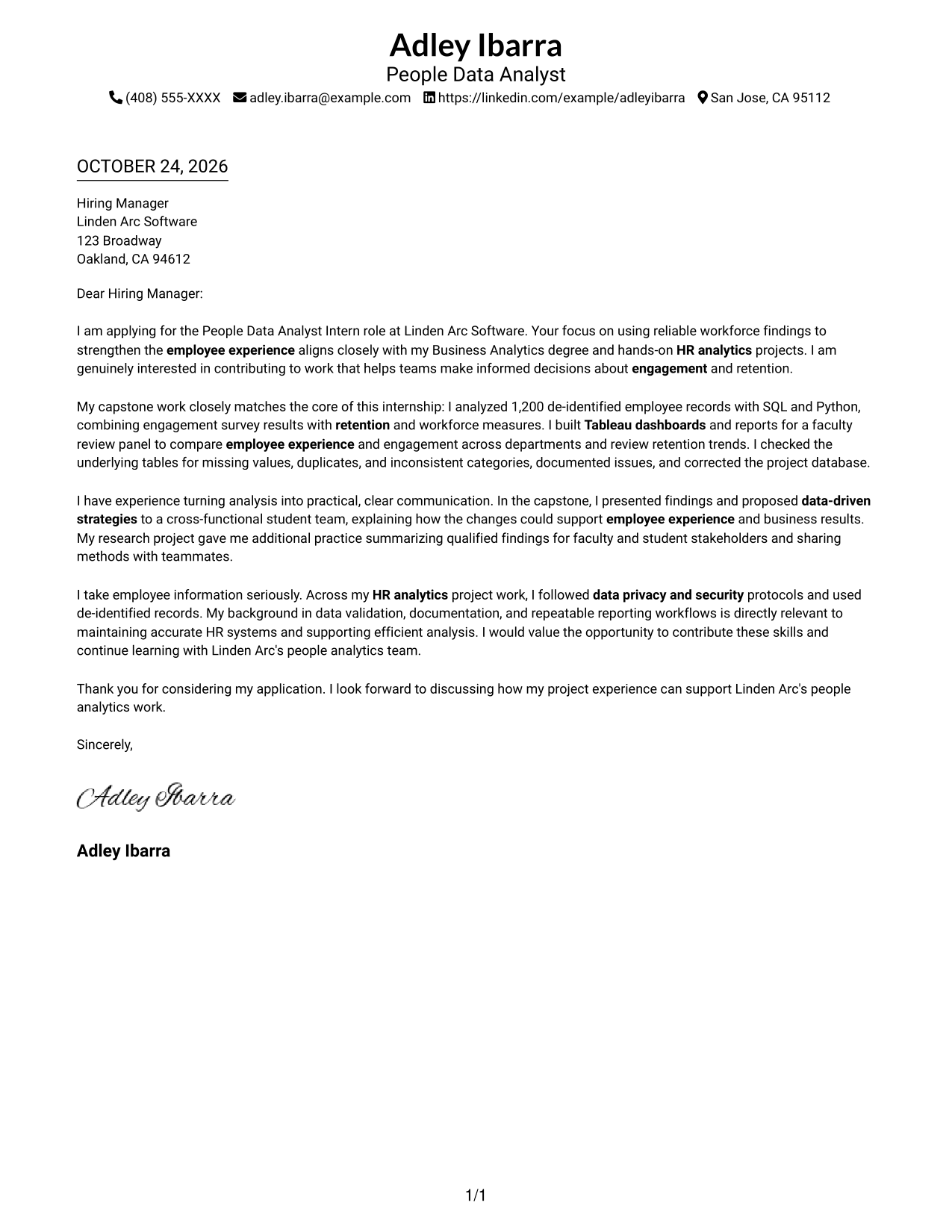
The Simple One Column Format keeps sender details in the header and the letter body in one column, giving the message a direct reading path.
Why This Format Works
- Sender details in the header stay separate from the letter's message.
- One-column reading keeps opening, motivation, evidence, and closing in a direct sequence.
- Without body headings, the letter reads as a continuous message rather than labeled sections.
Best For
- Single-column reading preference
- Header-based contact details
- Continuous letter paragraphs
- Portrait-free correspondence
- People Data Analyst Intern applications
#2 Two Column Format Cover Letter Example
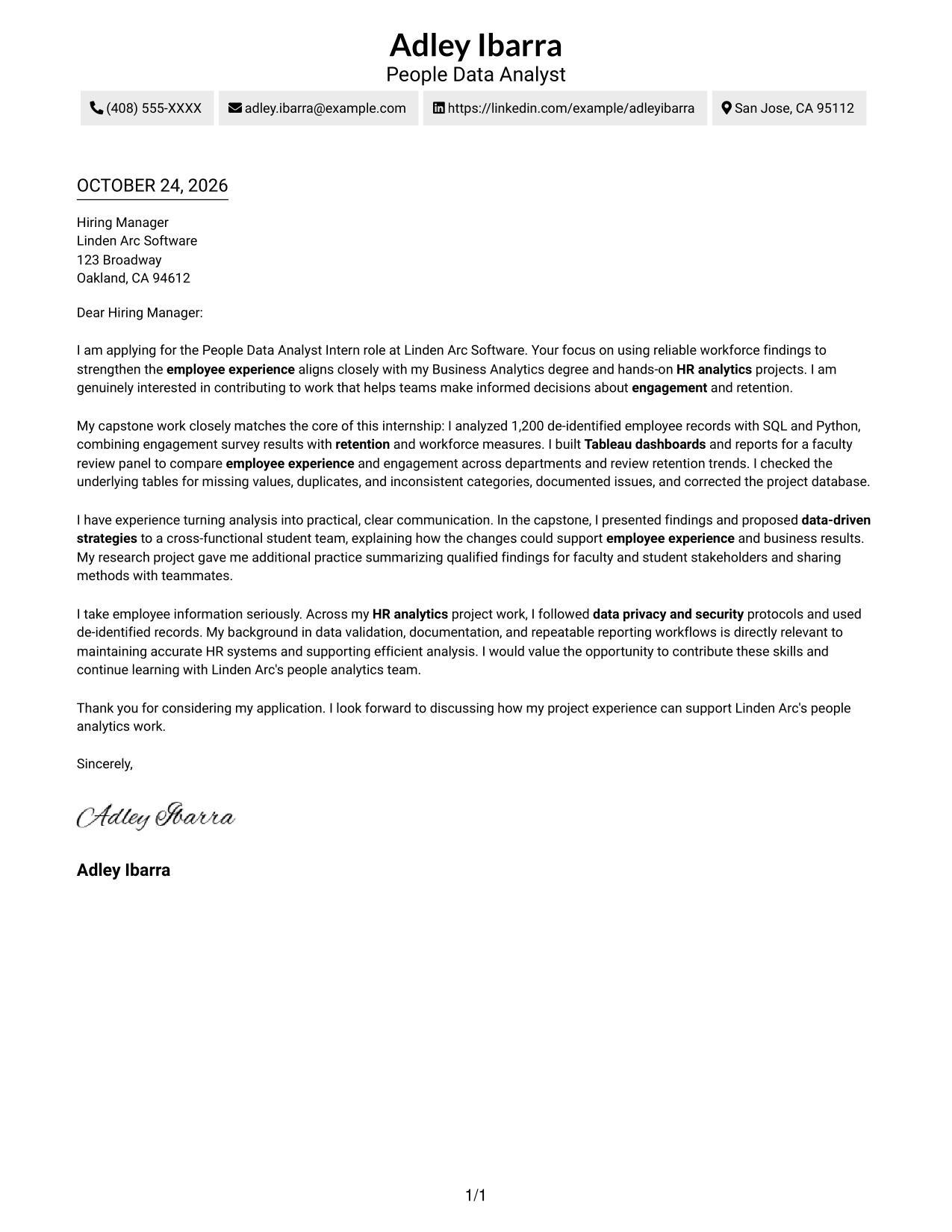
The Two Column Format places contact details in a sidebar beside one continuous letter body, keeping sender information distinct from the message.
Why This Format Works
- Contact details sit in a sidebar, apart from the persuasive letter body.
- The message itself stays in one column, preserving a clear opening-to-close progression.
- With no body headings, the paragraphs read as one letter, not separate arguments.
Best For
- Contact sidebar organization
- Continuous letter arguments
- Letters without body headings
- Portrait-free correspondence
- People Data Analyst Intern applications
#3 Photo Header Two Column Format Cover Letter Example
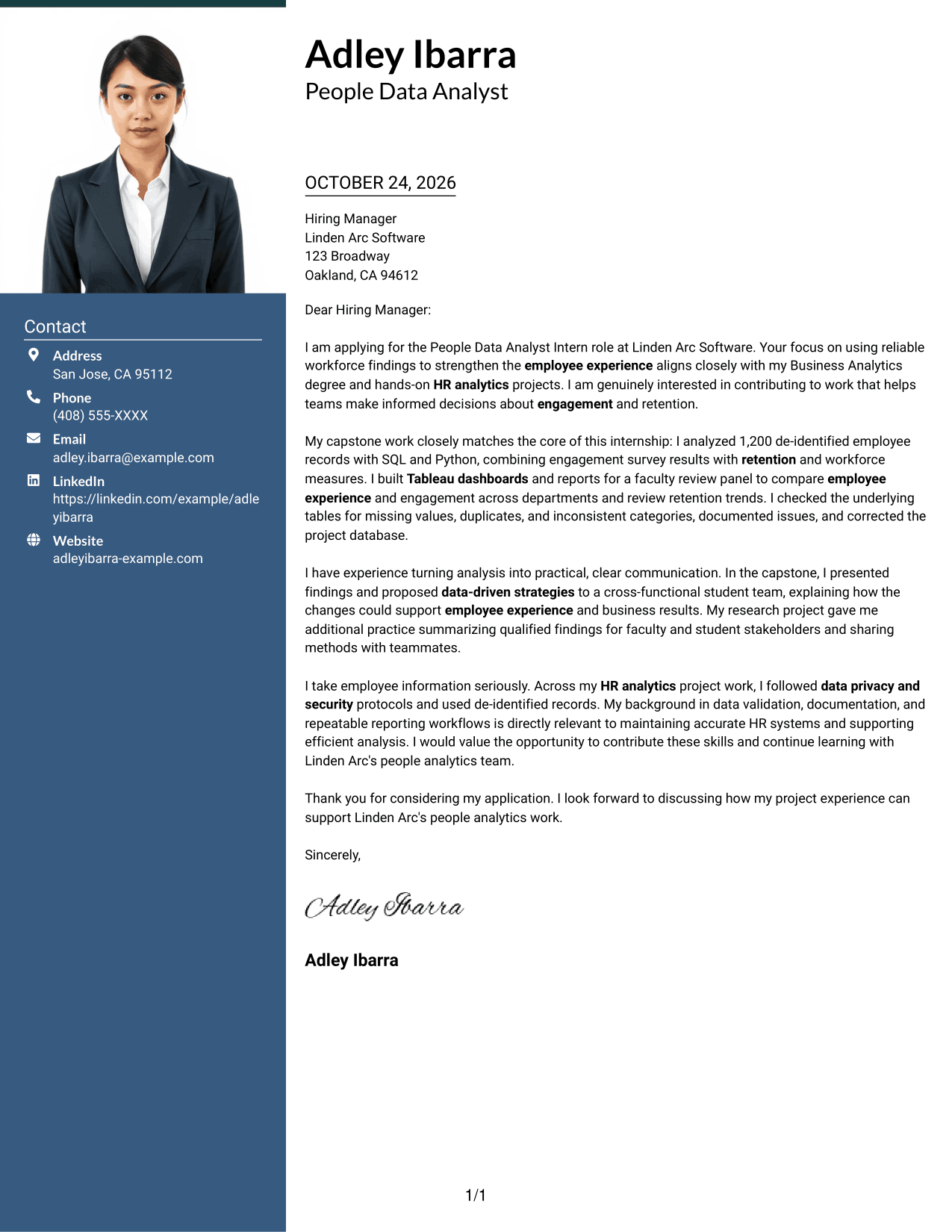
The Photo Header Two Column Format includes a photo and a contact sidebar beside one continuous letter body, a choice for applications where a portrait is welcome.
Why This Format Works
- Sender details occupy a contact sidebar while the full letter remains continuous.
- Opening, motivation, evidence, and closing stay within one uninterrupted body.
- The photo gives the page a portrait element without changing the message structure.
Best For
- Contact sidebar organization
- Portrait-inclusive applications
- Continuous body copy
- Letters without body headings
- People Data Analyst Intern applications
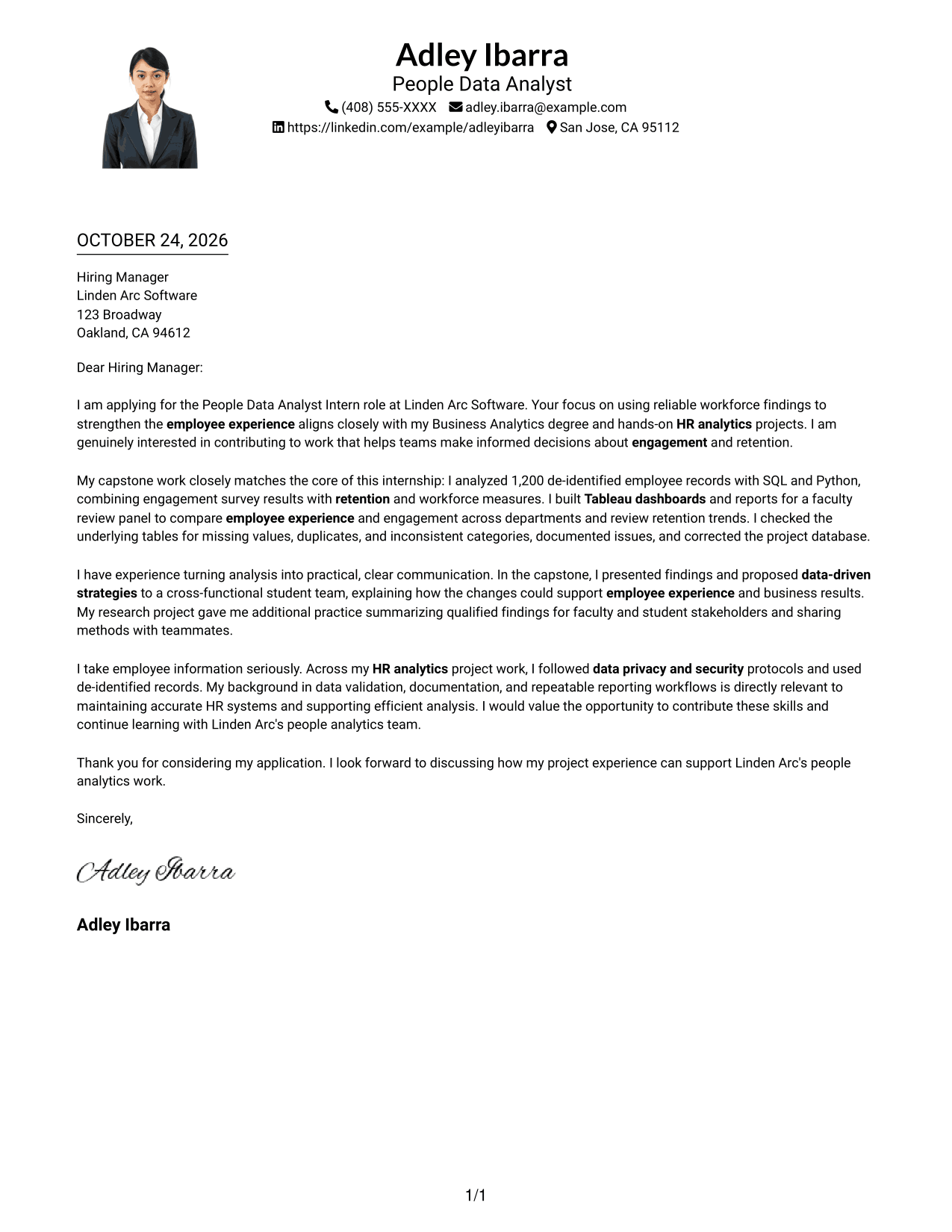
#4 One Column Format with Photo Cover Letter Example
The One Column Format with Photo keeps the letter body in one column and includes a photo, combining a direct reading path with a visible portrait.
Why This Format Works
- Sender details remain in the header, with the letter body following one column.
- Paragraphs carry the opening, motivation, evidence, and closing without parallel body columns.
- The photo adds a visible portrait while leaving the argument's organization unchanged.
Best For
- Single-column letter reading
- Header-based contact details
- Portrait-inclusive applications
- Continuous persuasive paragraphs
- People Data Analyst Intern applications
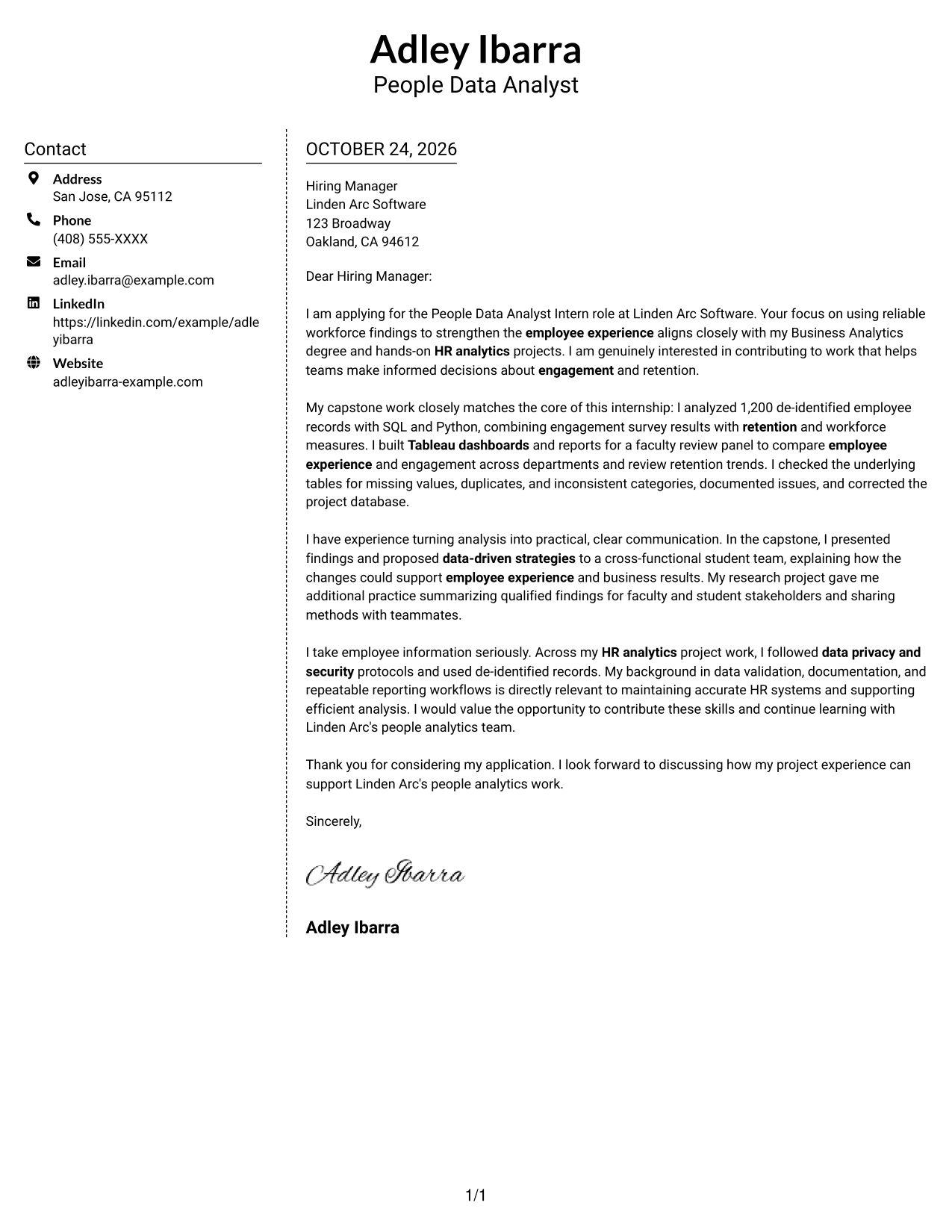
#5 Simple Two Column Format Cover Letter Example
The Simple Two Column Format sets contact details in a sidebar beside one continuous letter body, giving sender information a distinct place apart from the message.
Why This Format Works
- Contact details have a separate sidebar, while the letter remains one continuous body.
- Keeping the message intact helps reviewers follow its opening through the closing.
- Body paragraphs stay free of headings that could interrupt the personal letter tone.
Best For
- Sidebar contact presentation
- Continuous persuasive paragraphs
- Letters without body headings
- Portrait-free correspondence
- People Data Analyst Intern applications
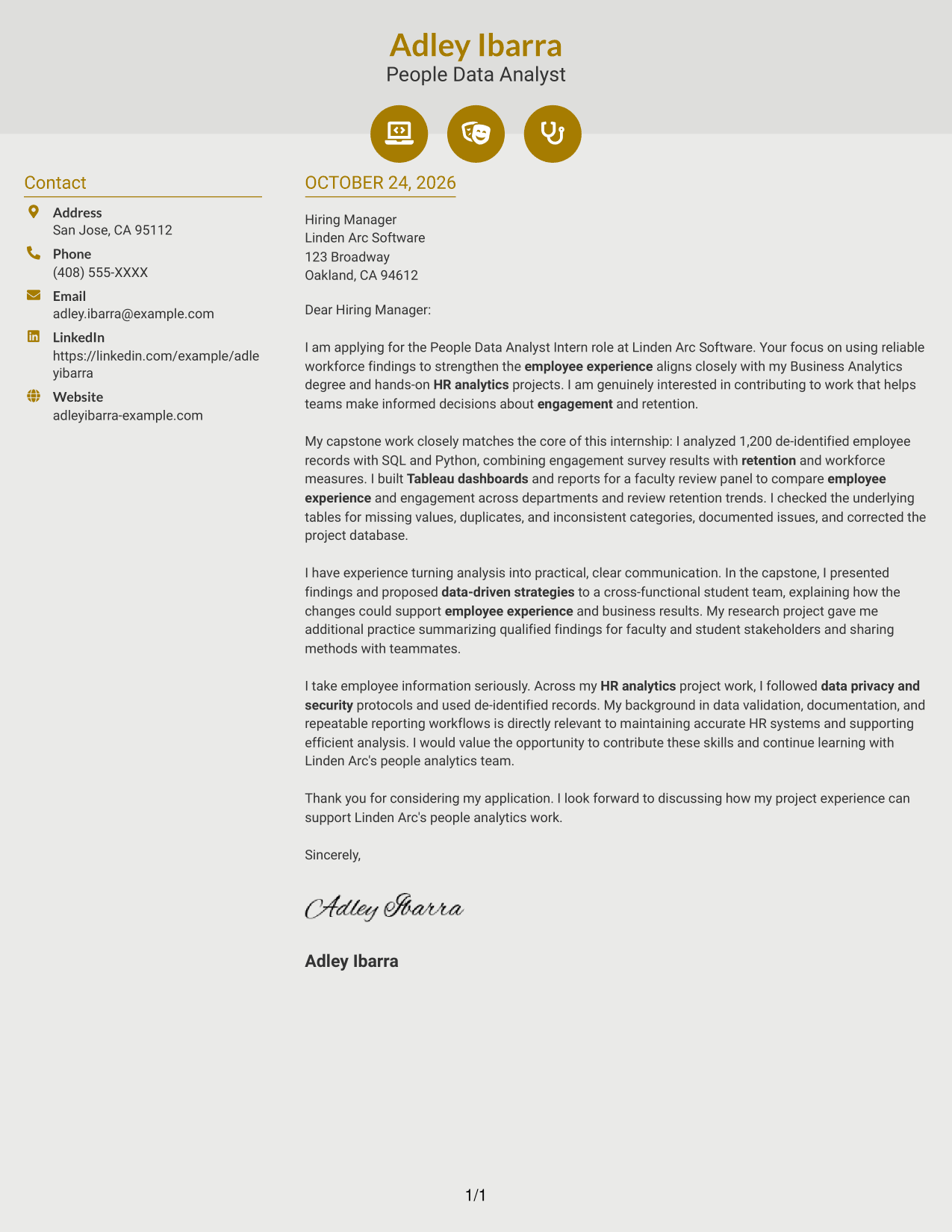
#6 Modern Icon Format Cover Letter Example
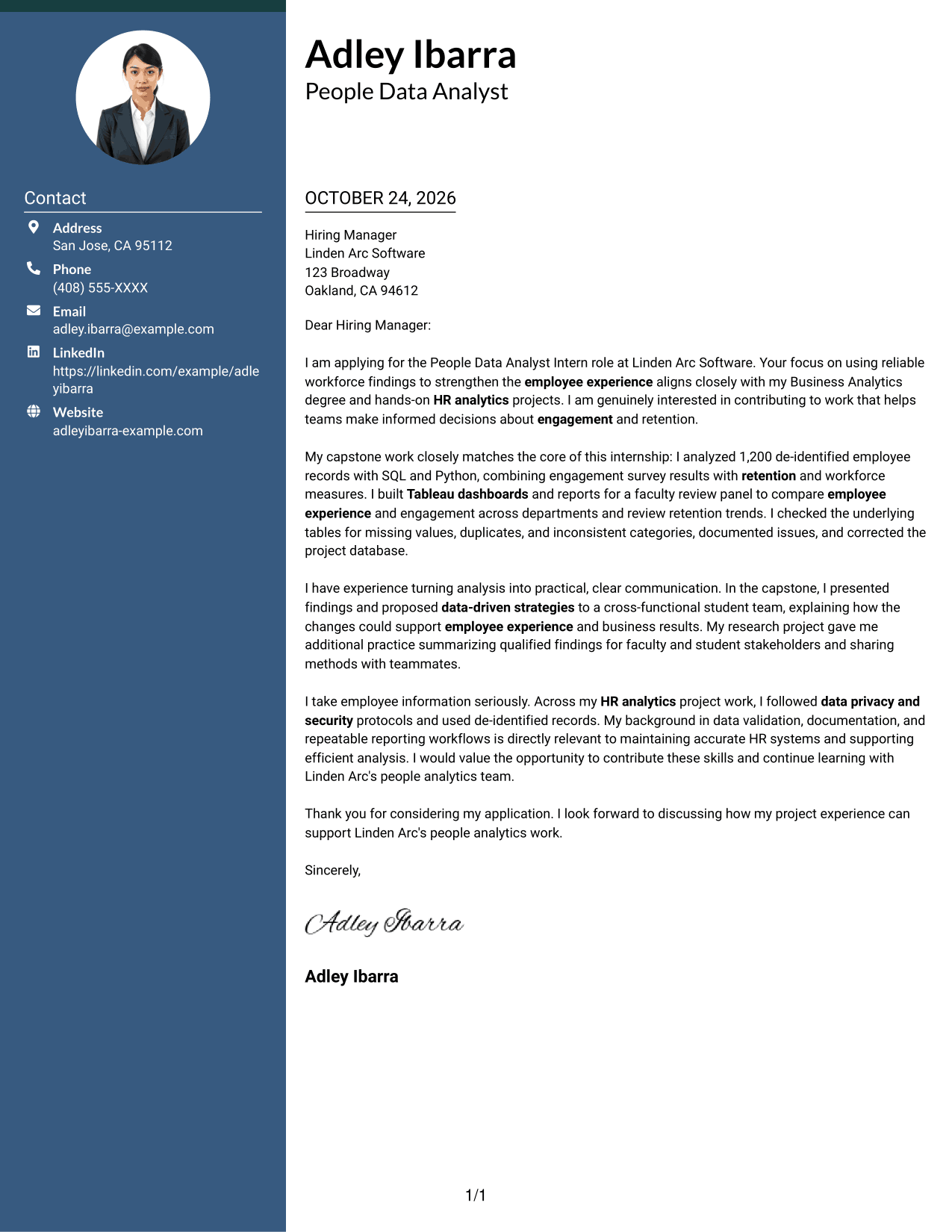
The Modern Icon Format uses two columns for the contact sidebar and continuous letter body, with icons serving as cues for contact details.
Why This Format Works
- Contact icons cue sender details in the sidebar, not stages of the letter.
- The letter remains a single body, so its persuasive message is not divided into columns.
- Without body headings, opening, evidence, and closing remain part of a continuous letter.
Best For
- Icon-based contact cues
- Continuous letter body
- Unheaded paragraph structure
- Portrait-free correspondence
- People Data Analyst Intern applications
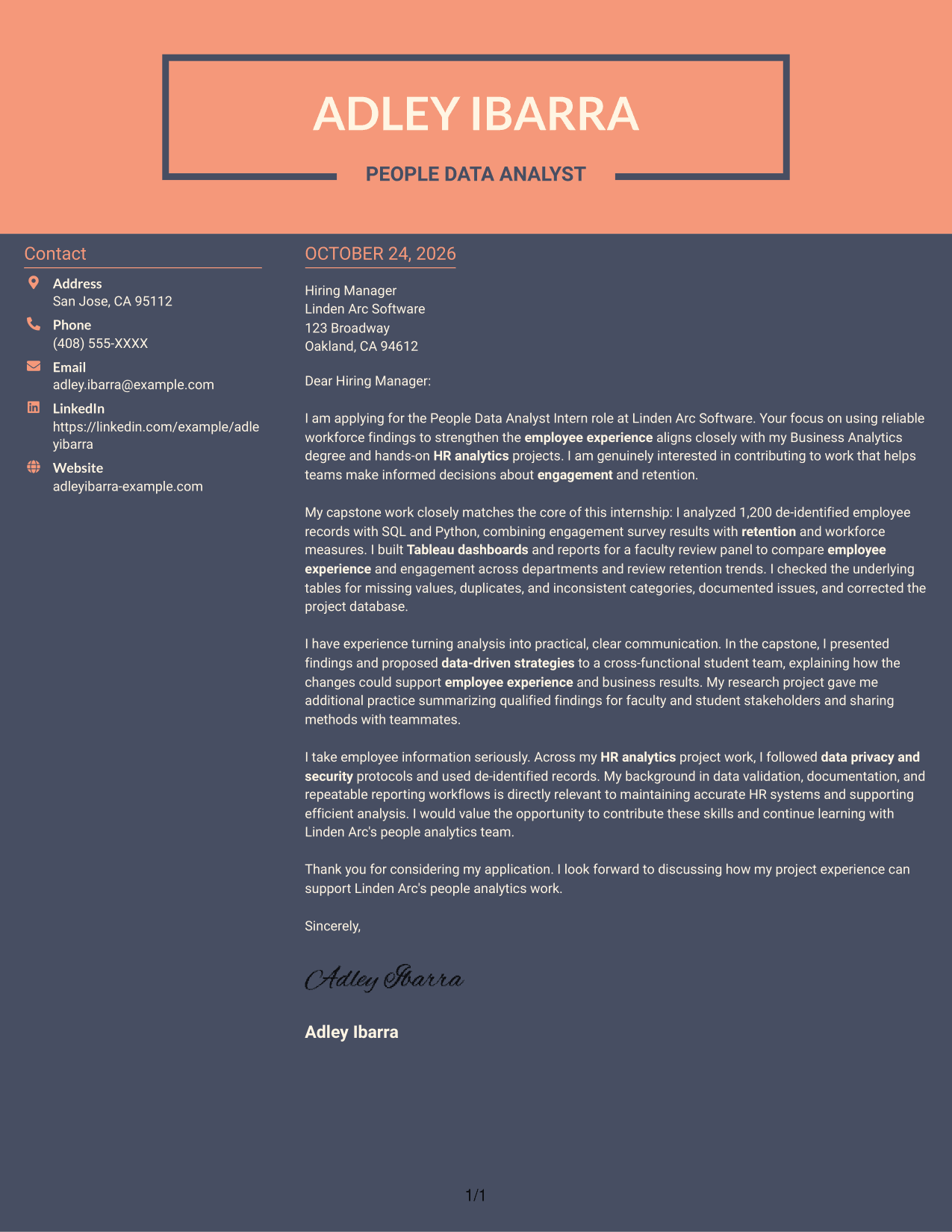
#7 Creative Two Tone Format Cover Letter Example
The Creative Two Tone Format places contact details in a sidebar beside one continuous letter body, separating sender information from the message itself.
Why This Format Works
- Sender details stay apart from the letter's persuasive paragraphs in a contact sidebar.
- One continuous body keeps the opening, evidence, and closing in the same reading sequence.
- Body paragraphs have no section headings, keeping the letter in a familiar format.
Best For
- Sidebar contact presentation
- One continuous letter body
- Letters without body headings
- Portrait-free correspondence
- People Data Analyst Intern applications
See Also
- 7 People Data Analyst Intern Resume Templates with Example
- 7 Analyst/Associate: Equity Research - Telecommunication, Data Center and Tower Resume Templates with Example
- 33 Analyst, Data Analytics Resume Templates with Example 2026 (ATS-Optimized)
- 33 Associate Actuarial Data Analyst, Reserving Resume Templates with Example 2026 (ATS-Optimized)
- 33 Associate Data Analyst Resume Templates with Example 2026 (ATS-Optimized)
- 33 Associate eCommerce Data Analyst Resume Templates with Example 2026 (ATS-Optimized)
- 33 Associate Master Data Analyst - Data Governance Resume Templates with Example
- 33 Aviation Data Analyst Resume Templates with Example 2026 (ATS-Optimized)
- 30+ Analyst, Data Analytics Cover Letter Templates with Example 2026
- 30+ Associate Actuarial Data Analyst, Reserving Cover Letter Templates with Example 2026
Frequently Asked Questions
What should a People Data Analyst Intern cover letter emphasize?
Connect your interest in people analytics to relevant evidence, such as work with engagement or retention data, dashboard reporting, data quality, and clear communication. Show how this experience relates to the role's focus on employee experience and reliable findings.
How can I explain my analysis in a cover letter?
Briefly describe the data question, your approach, and what the findings helped people understand. For example, you could discuss using SQL and Python to review de-identified employee records, then presenting patterns through Tableau dashboards.
How should I show that I can handle employee data responsibly?
Give a specific example of following privacy and security protocols, validating data, or documenting issues. Keep confidential details out of the letter and explain how careful data handling supports trustworthy analysis.
How do I choose a cover letter style for this role?
Choose a clear, professional presentation that makes your opening, evidence, and closing easy to follow. Compare the image previews, then open a suitable example in the editor to review its layout.
Can academic or project work support an internship application?
Yes. Relevant academic work can show how you analyze workforce information, check data quality, communicate findings, and work with others. Explain your contribution and connect it to the People Data Analyst Intern role.




