7 People Success Partner Resume Templates with Example
This guide shows you how to build a People Success Partner resume that is clear, focused, and easy to review. You will see how to organize evidence so recruiters can understand your HR service experience quickly.
Strong resumes for this role connect employee relations, leave administration, recruiting, onboarding, HR data, and service delivery to clear work evidence. Useful keywords may include ServiceNow, SuccessFactors, ADA accommodation, ticket triage, talent calibration, and bilingual Spanish when those details are supported by your background.
The same complete resume appears in 7 layouts so you can compare reading order, section structure, and visual balance without changing the underlying career facts.
What Makes a Great People Success Partner Resume in 2026
A strong People Success Partner resume is easy to scan and shows steady HR service across sensitive employee matters, hiring support, data work, and process improvement.
Use clear bullets and supported keywords such as employee relations investigations, leave administration, ServiceNow, SuccessFactors, and ADA interactive process.
The examples shown below are intentionally detailed to demonstrate a range of experiences, skills, accomplishments and relevant keywords. We prefer detailed resumes as they provide more context to the hiring managers and also help the ATS systems identify relevant qualifications and score your resume better for a match. But the length of a resume is an individual choice. If you want a one page resume, just keep the most relevant experience and information for the job. Note: Resume examples are for educational purposes only. Use only information that accurately reflects your experience and qualifications. References to real organizations do not imply affiliation or endorsement.
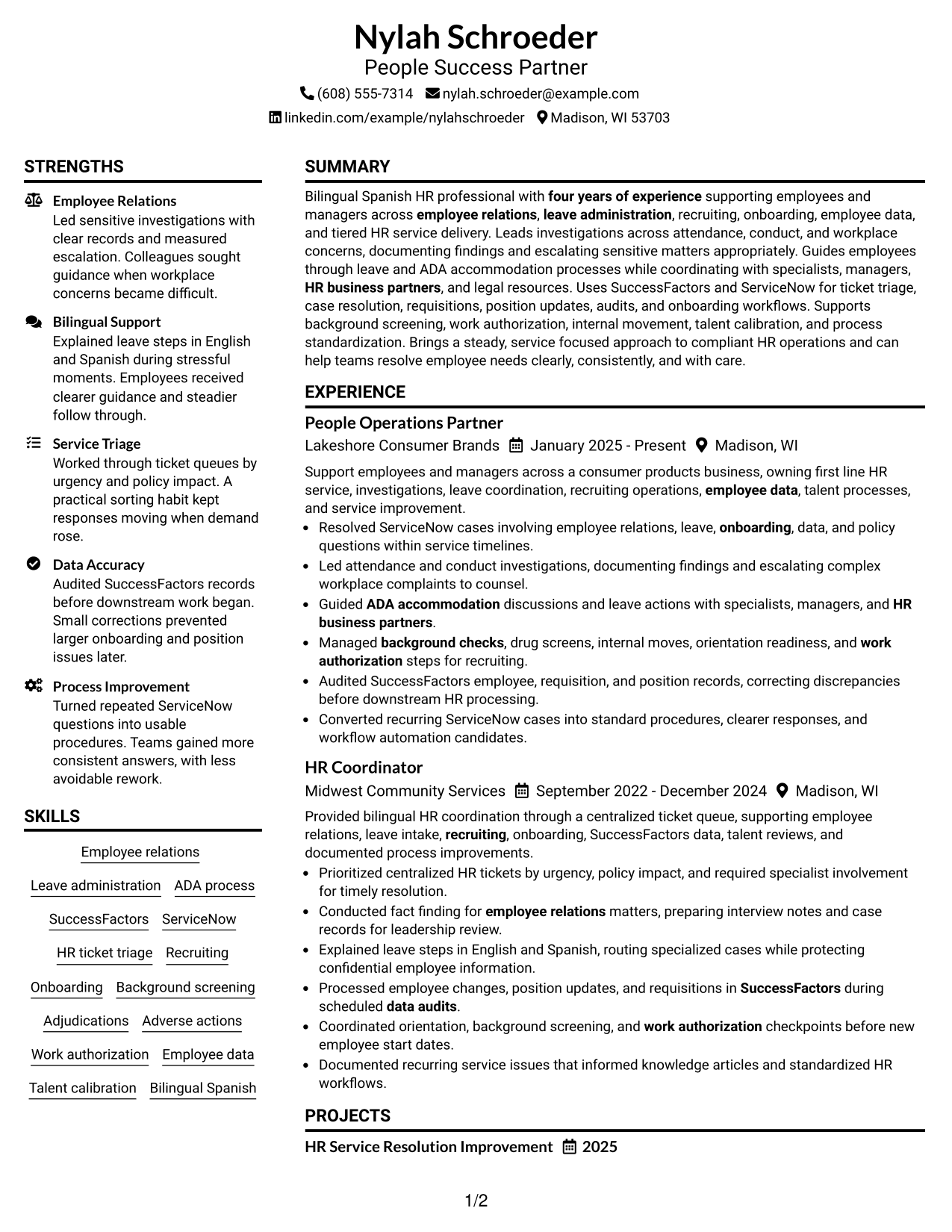
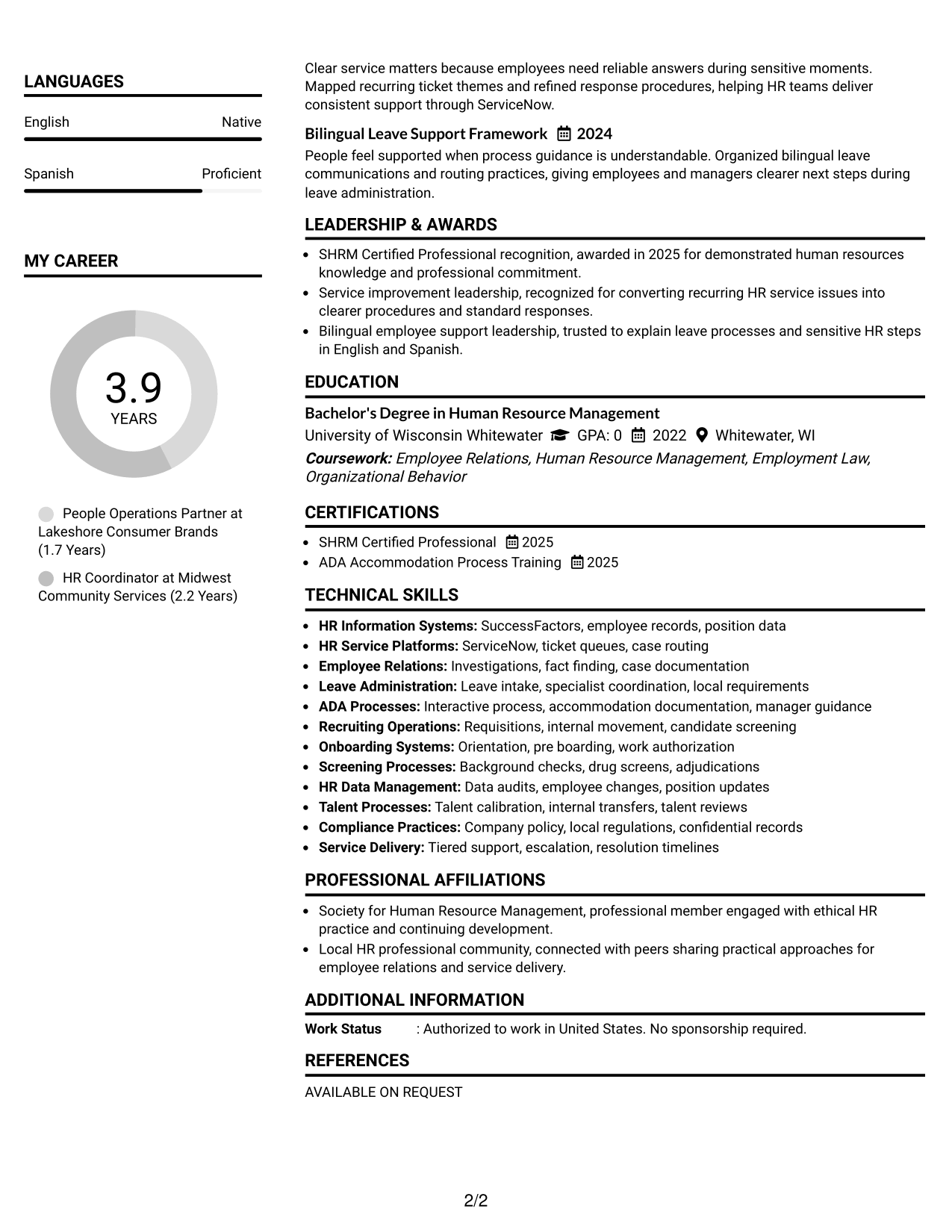
#1 Plain Two Column Format Resume Example
The plain two-column structure lets recruiters scan core experience beside supporting skills and credentials without losing the main reading order.
Resume Snapshot
- Four years of HR experience across employee support, investigations, leave, recruiting, onboarding, and HR data.
- Current People Operations Partner experience with first-line HR service and sensitive employee relations work.
- Hands-on use of ServiceNow and SuccessFactors for cases, data, requisitions, audits, and onboarding workflows.
- Bilingual Spanish and English support, plus SHRM Certified Professional credentials.
Why This Format Works
- Parallel sections help recruiters compare experience with skills and credentials quickly.
- Clear separation keeps career history readable while supporting details remain easy to find.
- Balanced columns give education and credentials space without interrupting experience flow.
Best For
- Balanced experience and skills coverage
- Readers comparing qualifications side by side
- Resumes with several supporting sections
- Compact access to education and credentials
- People Success Partner applications with broad HR scope
Resume Keywords
- People Success Partner
- employee relations
- leave administration
- ADA accommodation
- ServiceNow
- SuccessFactors
- ticket triage
- tiered service delivery
- recruiting
- onboarding
- employee data
- talent calibration
- bilingual Spanish
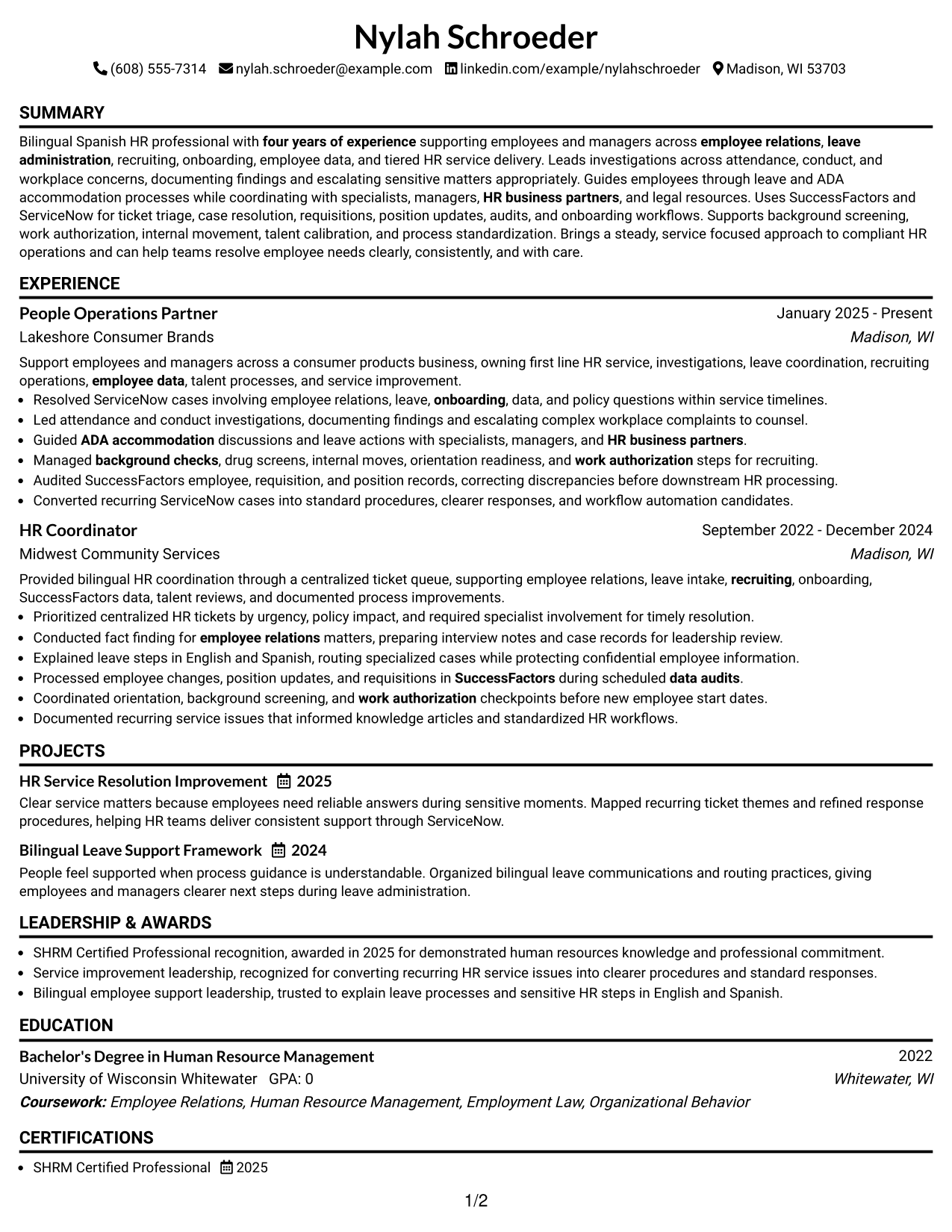
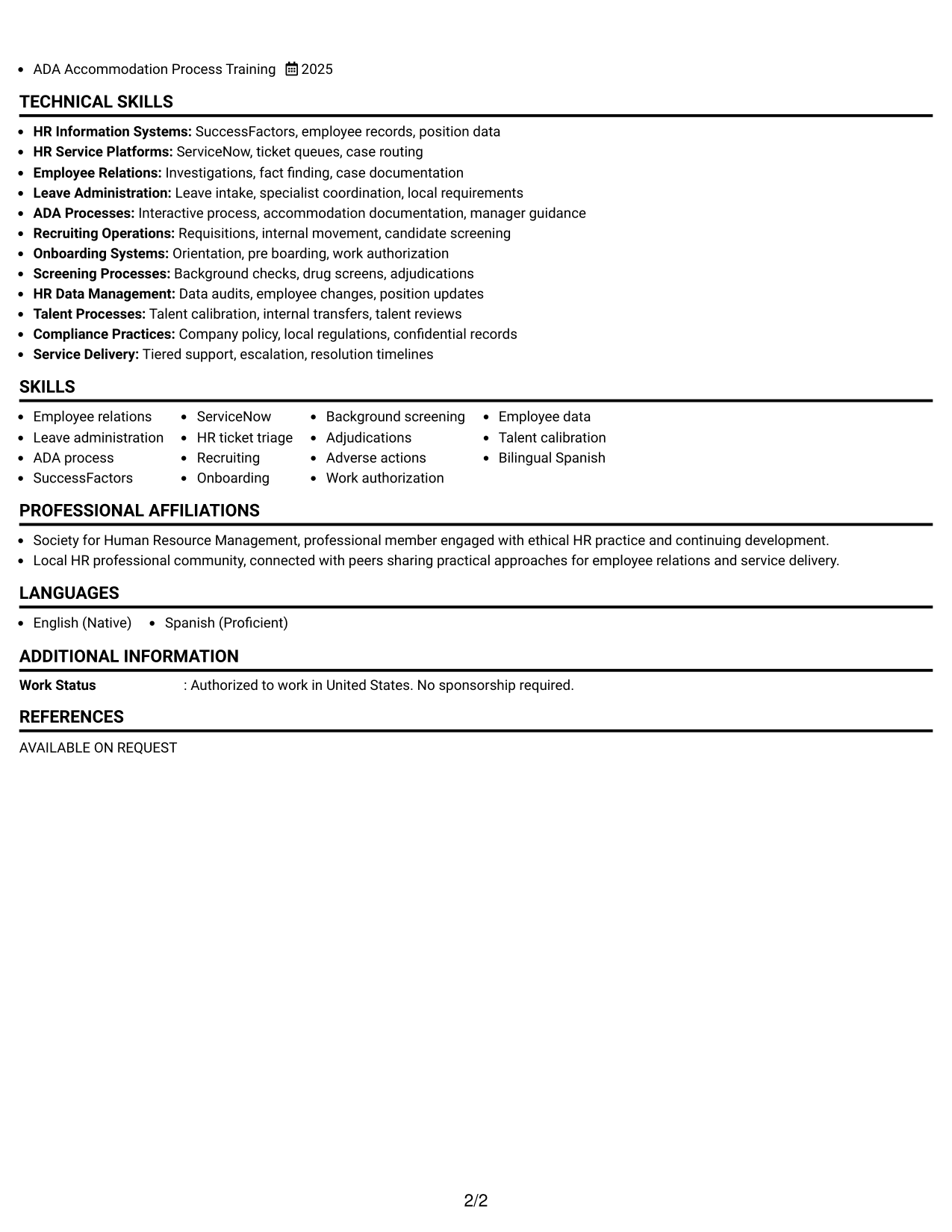
#2 Simple One Column Format Resume Example
The simple one-column flow gives recruiters one direct reading path from the top of the resume through every major section.
Why This Format Works
- Linear reading order makes career progression easy to follow from section to section.
- Full-width space supports detailed experience bullets without splitting attention across columns.
- Skills and education appear in a predictable sequence after the main experience.
Best For
- Straightforward chronological review
- Longer experience descriptions
- Simple ATS-friendly reading order
- Readers who prefer one continuous flow
- Applications where content matters more than decoration
#3 Clean Two Column Sidebar Format Resume Example
The clean two-column sidebar structure helps recruiters keep the main experience path separate from supporting resume details.
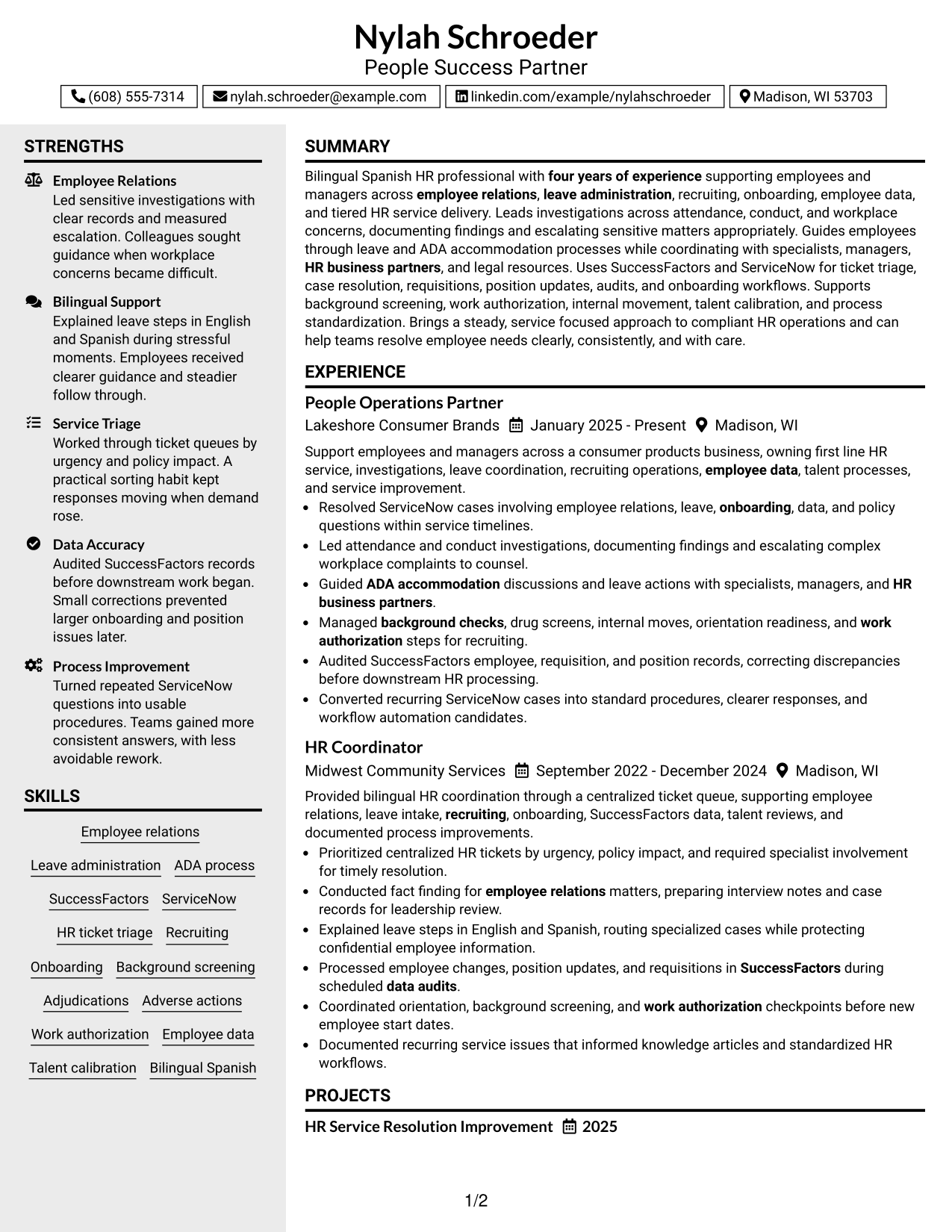
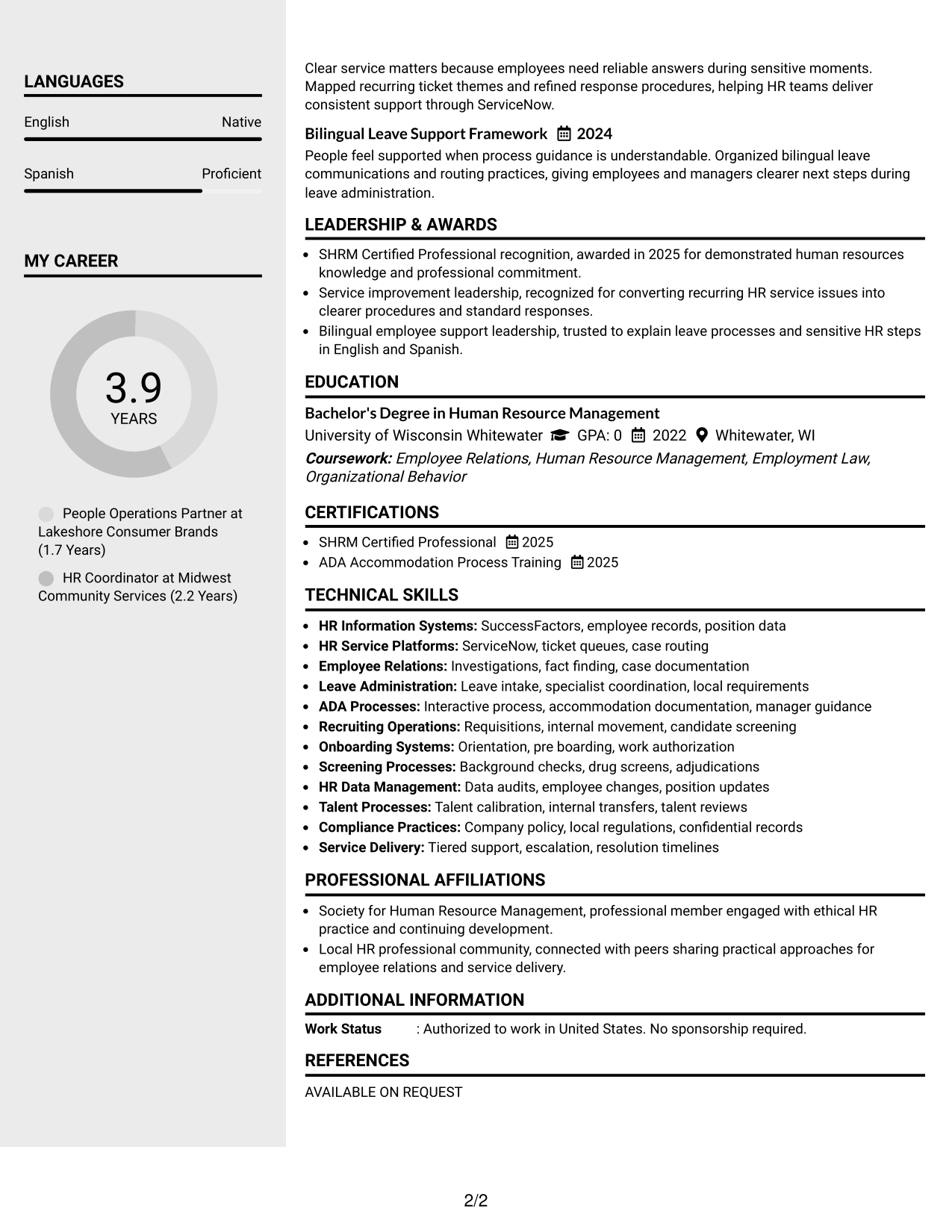
Why This Format Works
- Sidebar separation keeps supporting skills visible while experience holds the main focus.
- Distinct content areas help recruiters locate credentials without scanning every experience bullet.
- Two-column organization reduces competition between career history and supporting qualifications.
Best For
- Strong experience with many supporting skills
- Quick access to secondary qualifications
- Resumes with several compact detail sections
- Recruiters who scan before reading deeply
- Clear separation between history and support
#4 Two Column Format Resume Example
The general two-column layout helps recruiters compare the main career record with supporting information in a balanced visual structure.
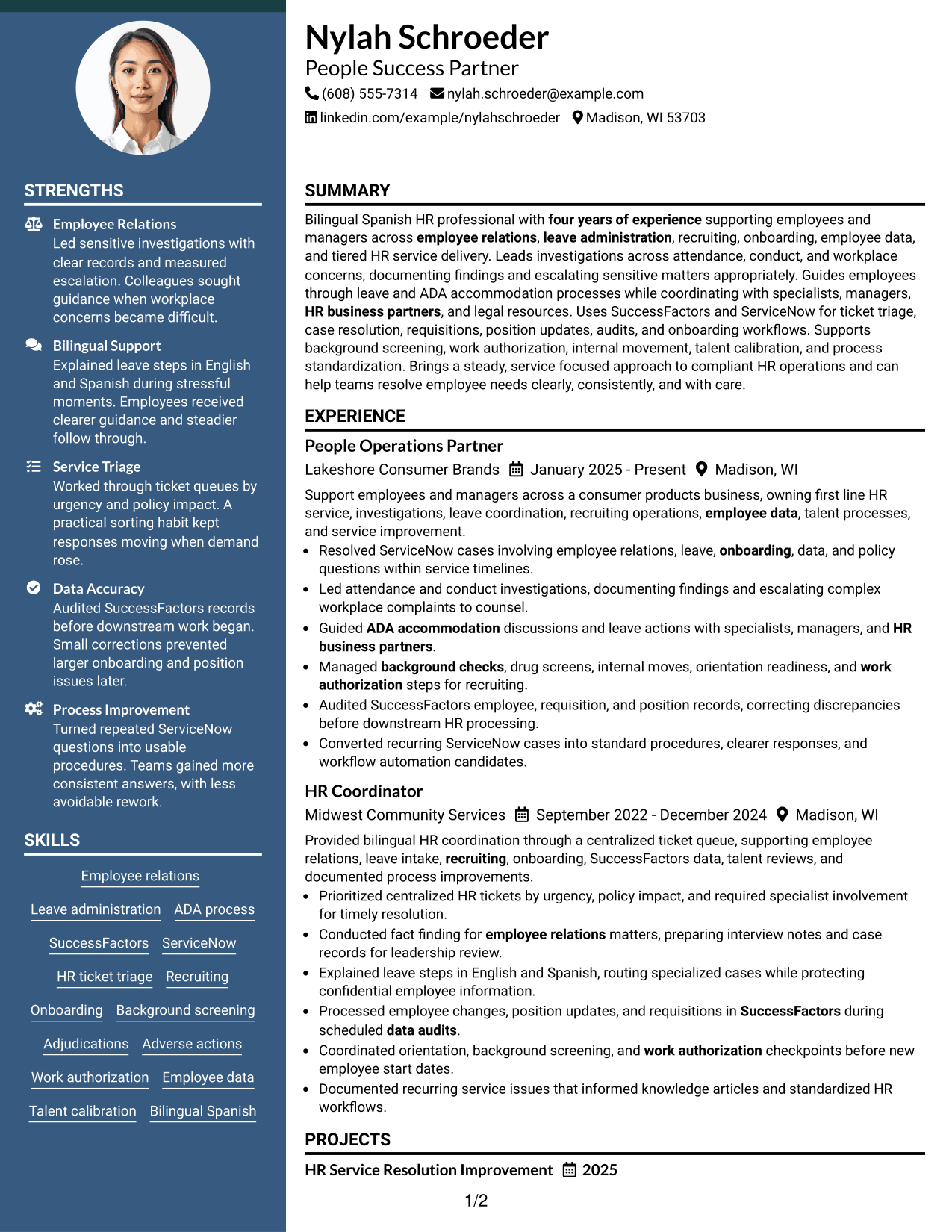
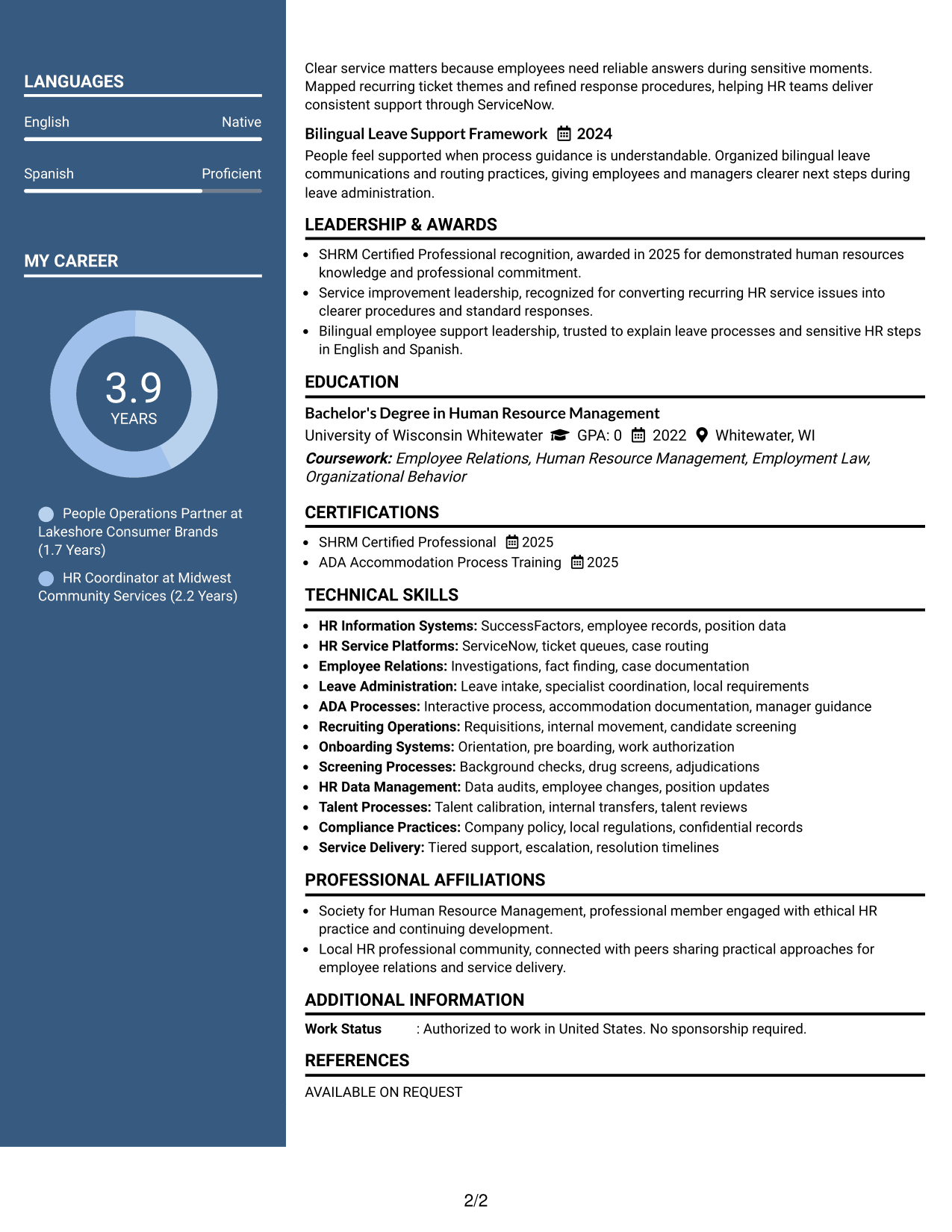
Why This Format Works
- Side-by-side areas give experience and qualifications clear but connected places.
- Shared visual weight helps skills remain noticeable beside substantial career history.
- Section boundaries make education and credentials easier to locate during a quick review.
Best For
- Even balance across resume sections
- Career histories with substantial supporting details
- Readers comparing experience and qualifications
- Applications needing compact visual organization
- Professionals with both skills and credentials
#5 Photo Header Two Column Format Resume Example
The photo header and two-column body give recruiters a clear identity area while keeping resume sections organized for scanning.
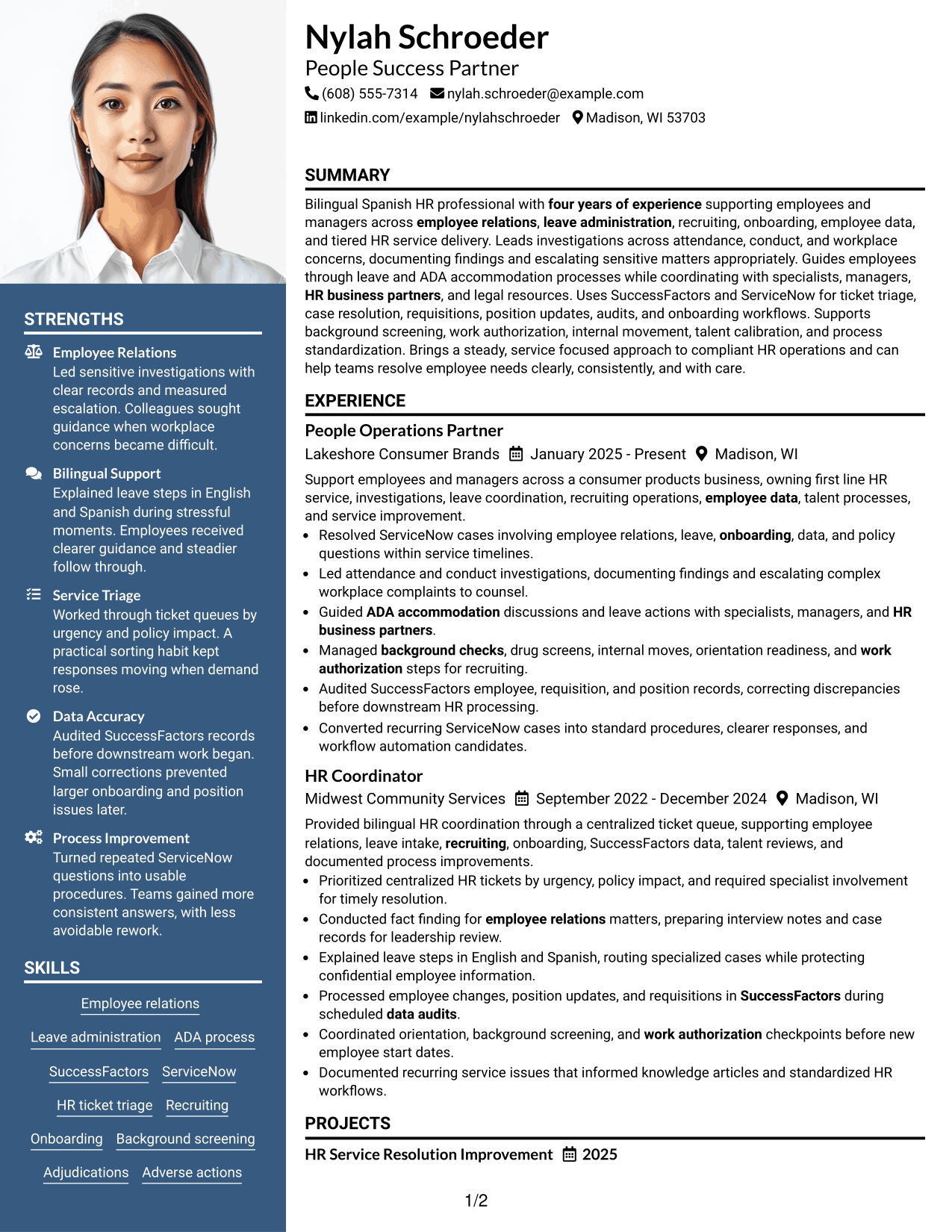
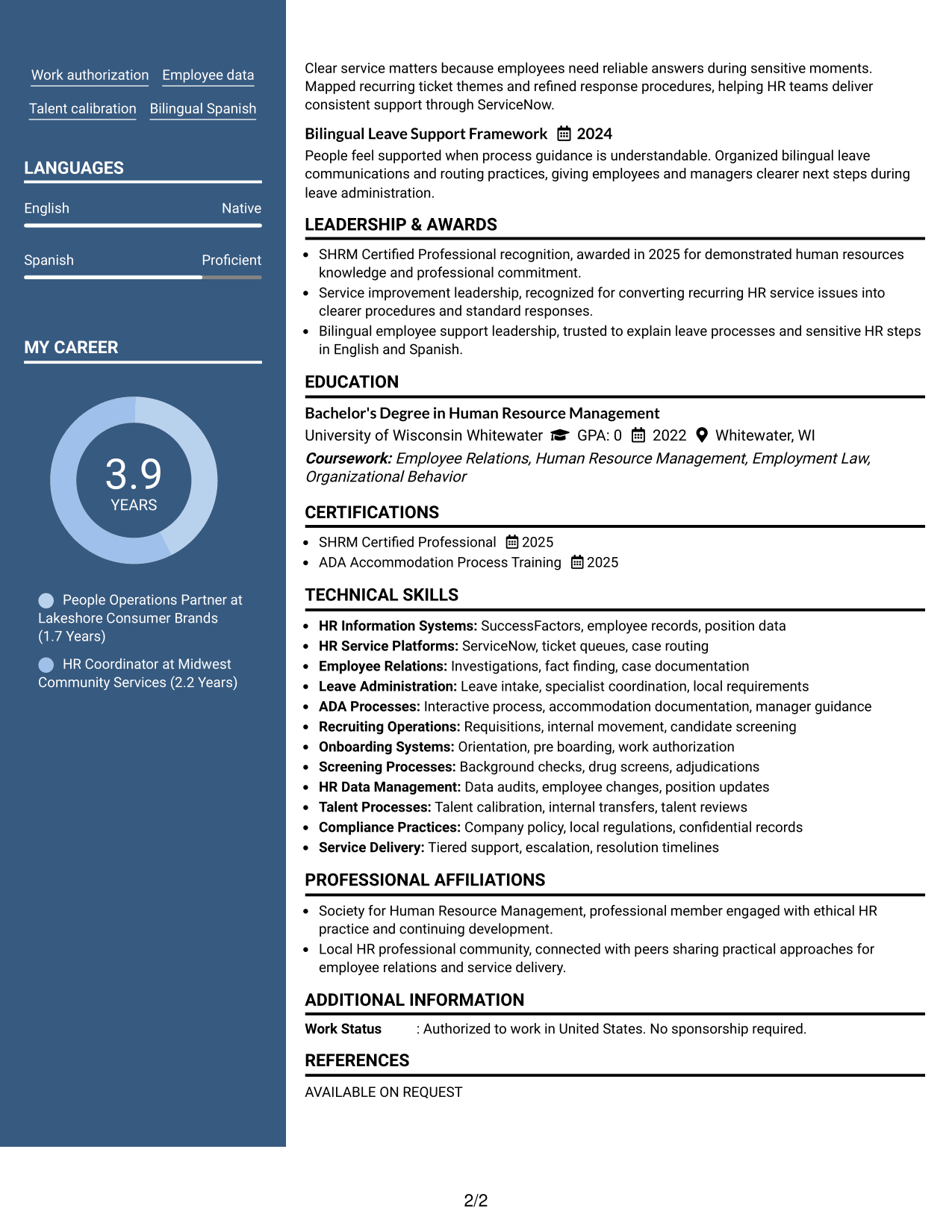
Why This Format Works
- Header photo identifies the person without changing the resume body's reading structure.
- Two-column sections keep experience separate from skills, education, and credentials.
- Clear body divisions help recruiters move between career history and supporting information.
Best For
- Regions where resume photos are customary
- International applications that expect a photo
- Documents needing clear identity at the top
- Two-column organization with personal presentation
- Readers reviewing several supporting sections
#6 Colored Two Column Format Resume Example
The colored two-column design gives recruiters stronger section cues while preserving a practical split between primary and supporting content.
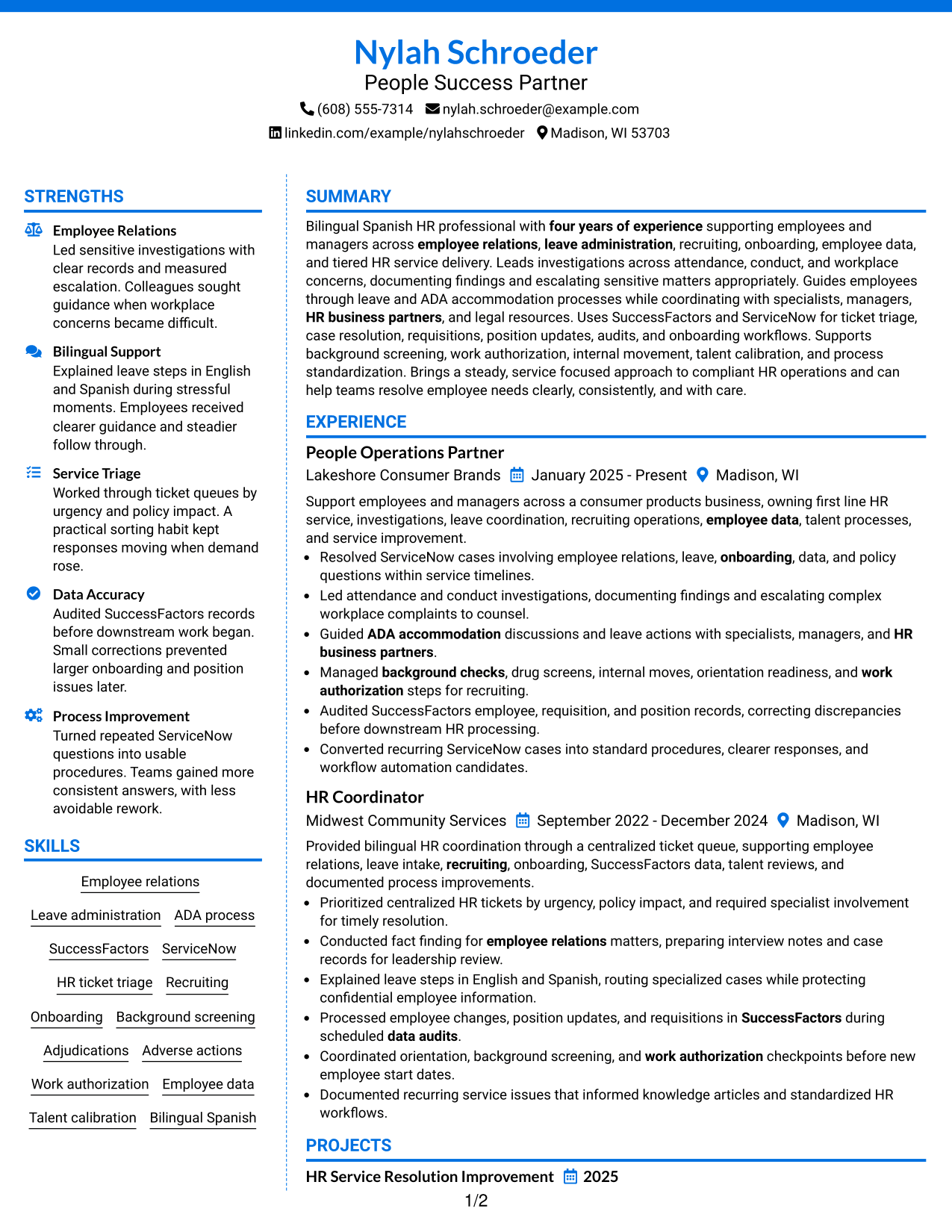
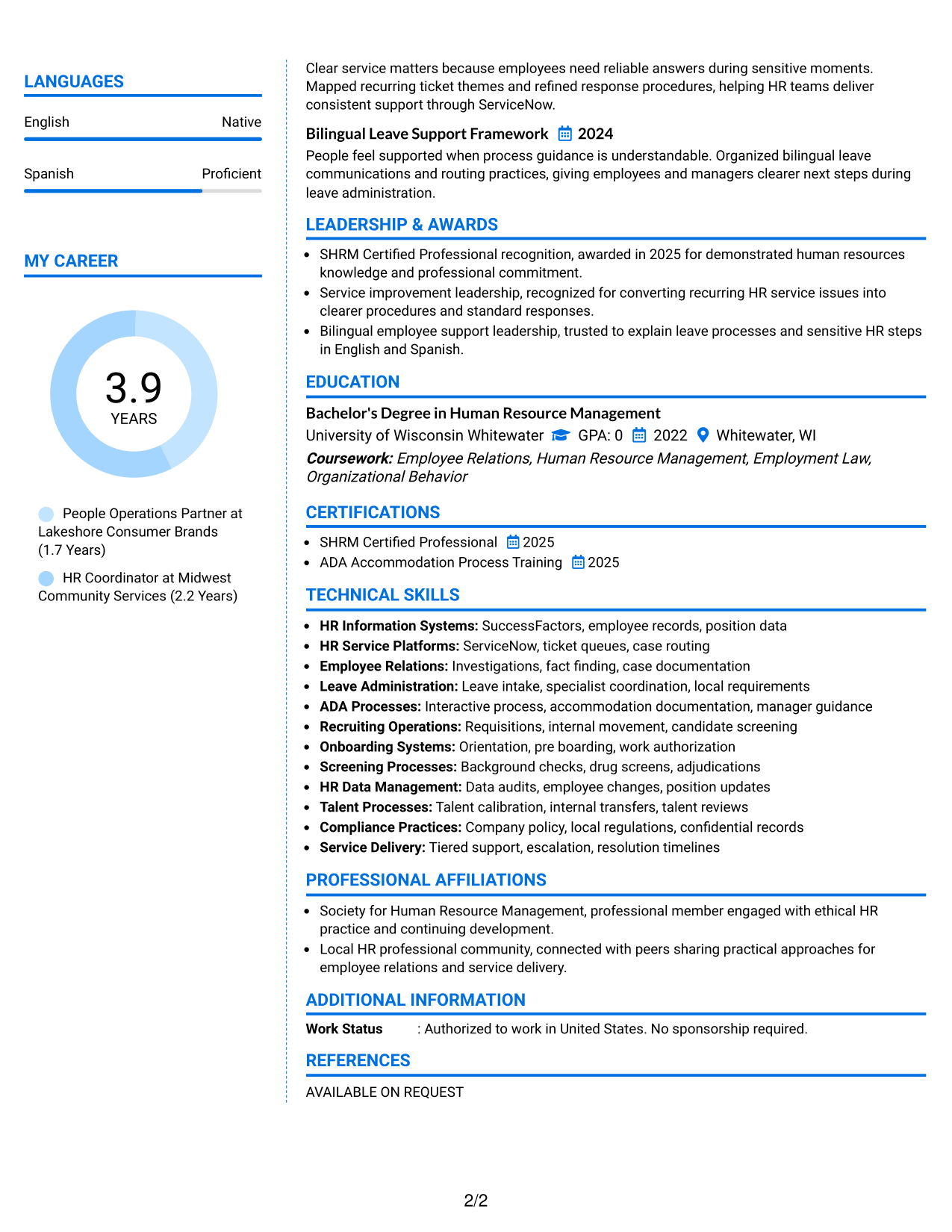
Why This Format Works
- Color cues make section boundaries easier to notice during a fast review.
- Two content areas keep experience readable while supporting qualifications stay accessible.
- Visual separation helps recruiters move from career history to skills and credentials.
Best For
- Readers who benefit from stronger section cues
- Resumes with many distinct content blocks
- Applications allowing restrained color use
- Side-by-side review of primary and supporting content
- Professionals wanting clearer visual navigation
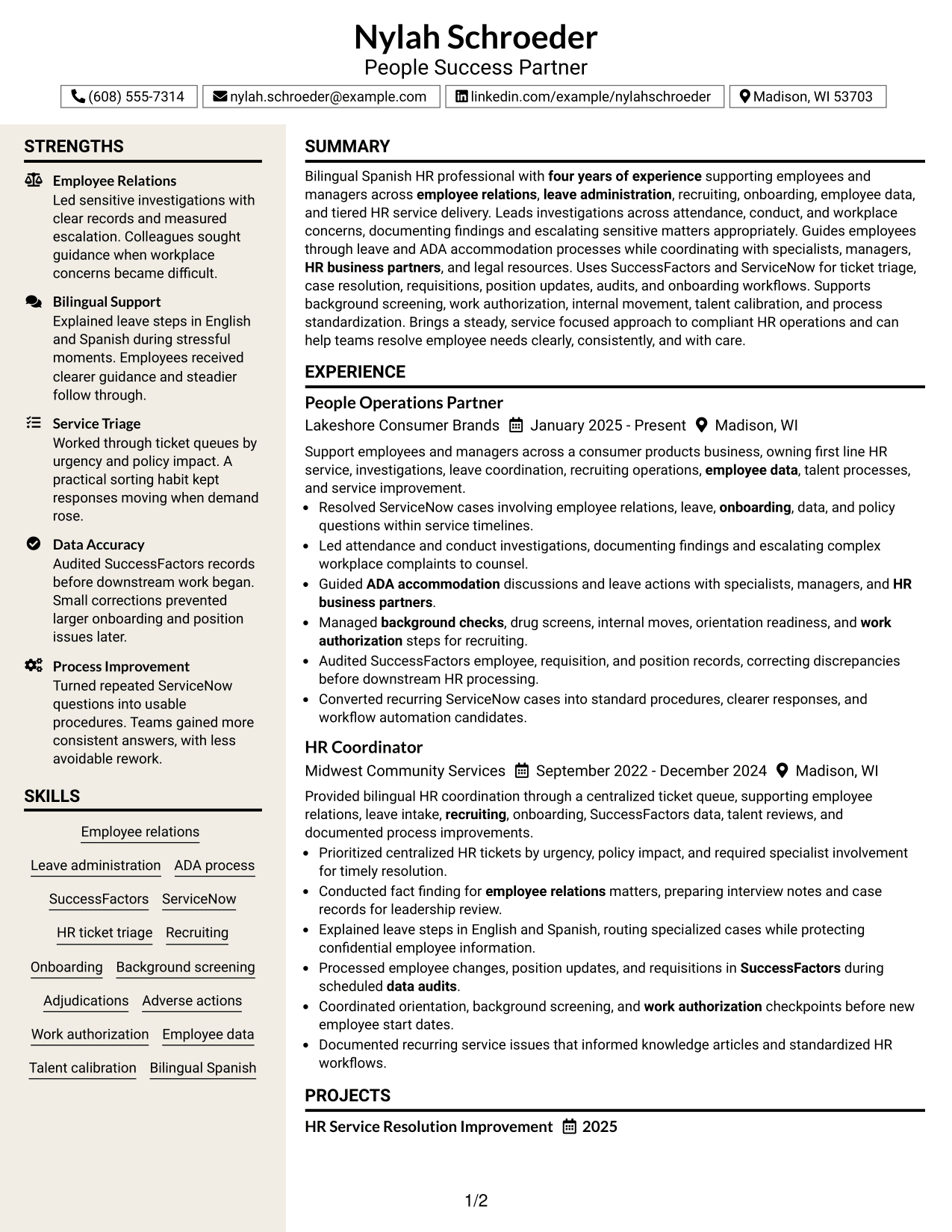
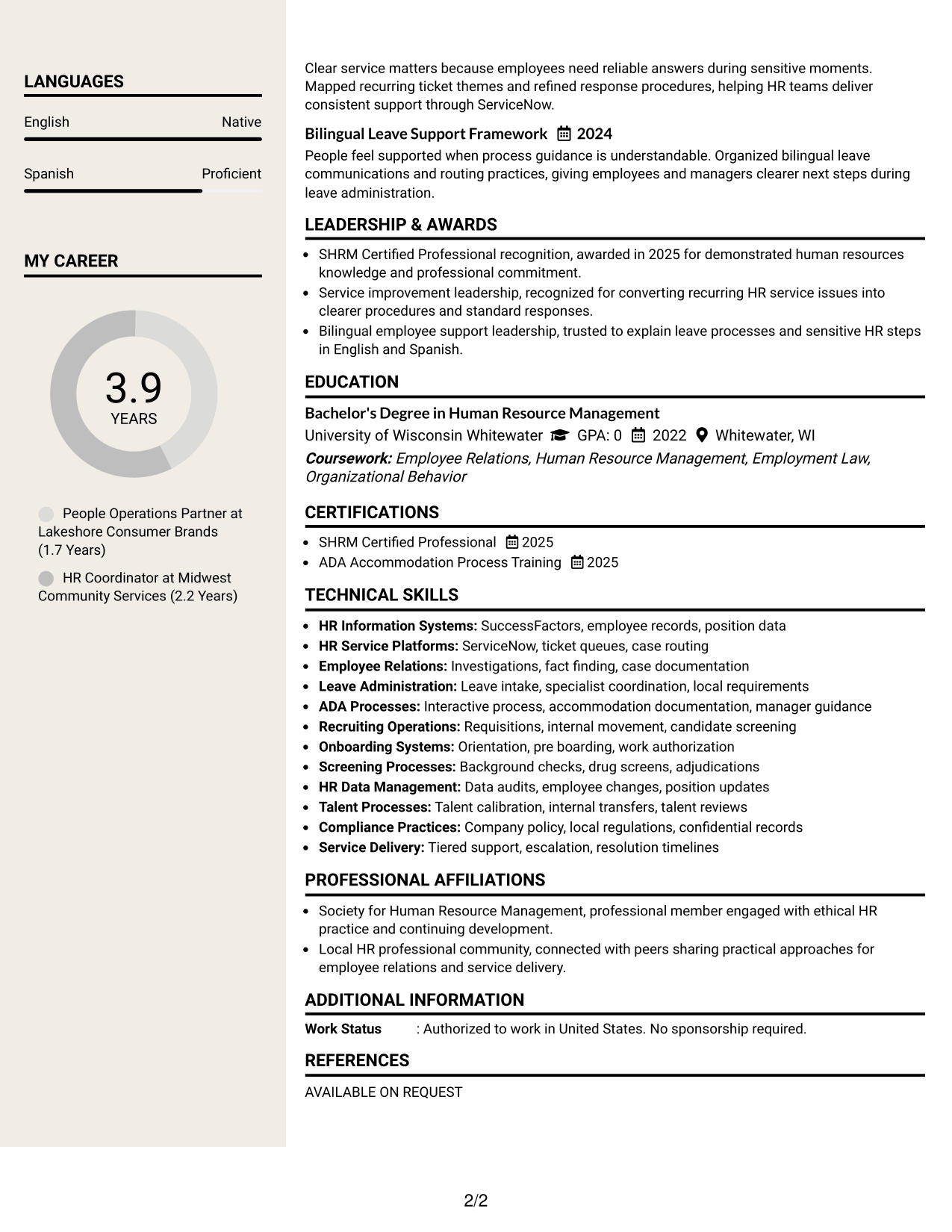
#7 Stylish Two Column Designer Format Resume Example
The stylish two-column designer layout helps recruiters navigate a structured resume with clear visual separation between major content groups.
Why This Format Works
- Stronger visual grouping helps recruiters distinguish experience, skills, education, and credentials.
- Two-column spacing gives supporting sections presence without crowding the career record.
- Defined content blocks make a detailed resume easier to scan in stages.
Best For
- Applications that allow a more designed look
- Detailed resumes needing clear content grouping
- Readers scanning several qualification types
- Professionals wanting structure with visual character
- Resume sections that benefit from stronger separation
Why Build Your People Success Partner Resume with ResumeInMinutes
ResumeInMinutes helps you organize HR experience, systems knowledge, employee support, and process work into a resume that is clear and easy to tailor.
- Clear resume section structure
- ATS-friendly wording
- Focused experience bullets
- Skills and systems organization
- Free PDF resume previews
- Easy resume customization
You can adjust the content to match a People Success Partner posting while keeping every claim accurate and supported by your own experience.
See Also
- 7 Administrative Support II - Career Success Resume Templates with Example
- 33 Biological Sciences Pre-Health Student Success and Program Coordinator Resume Templates with Example
- 33 Customer Success Manager - Cloud Business Transformation Resume Templates with Example 2026 (ATS-Optimized)
- 7 Manager, Customer Success Strategic Accounts Resume Templates with Example
- 7 Registered Nurse III - Sheriff/Correctional Health Resume Templates with Example
- 7 Demand Planning Manager Resume Templates with Example
- 7 Campus Store Lead Assistant Resume Templates with Example
- 7 Payroll Specialist Resume Templates with Example
- 7 Survey Party Chief I - Land Surveying Resume Templates with Example
- 7 Contract Specialist - Contract Administration Resume Templates with Example
Frequently Asked Questions
Are these People Success Partner resume templates ATS-friendly?
Yes. They use clear section headings and readable structures. Keep your wording close to supported job terms such as employee relations, leave administration, recruiting, onboarding, HR data, and service delivery.
Are these seven different resumes?
No. The guide shows one People Success Partner resume in different visual formats so you can compare how the same content reads in each layout.
What should a People Success Partner resume include?
Include a focused summary, HR experience, education, certifications, skills, HR systems, and bullets that show investigations, leave support, recruiting operations, onboarding, data accuracy, and process improvement when supported by your background.
Which keywords are useful for a People Success Partner resume?
Useful terms can include employee relations investigations, leave of absence, ADA accommodation, ticket triage, tiered service delivery, ServiceNow, SuccessFactors, talent calibration, onboarding, and work authorization. Use only terms that match your real experience.
Can I download the resume templates as PDFs?
Yes. Each design includes a free PDF download so you can review the format before choosing a layout for your resume.
Should I include a photo on a U.S. People Success Partner resume?
For most U.S. applications, a no-photo resume is the safer choice. Use a photo only when local practice or a specific application context makes it appropriate.
How should I show HR systems experience?
Name the systems you have actually used and connect them to work such as case resolution, employee data updates, requisitions, audits, or onboarding workflows.
Can I customize these resume templates?
Yes. You can edit the resume text and design while keeping the People Success Partner content focused on the exact job requirements you can support with evidence.