
7 Planner / Scheduler - Data Center Construction Cover Letter Templates with Example
This practical guide to a Planner / Scheduler - Data Center Construction cover letter presents seven layouts and shows how to make your project planning fit clear and persuasive.
What Makes a Great Planner / Scheduler - Data Center Construction Cover Letter in 2026
A strong letter connects your scheduling approach to data center construction, showing how you build credible plans and communicate schedule decisions.
Use clear evidence about Primavera P6, CPM and DCMA 14-point reviews, and construction sequencing. Link your experience to the employer’s needs, including procurement, utility, permitting, and schedule risk.
The featured example moves from role fit to scheduling evidence, a specific risk-analysis example, employer alignment, and a concise close. Use this focused progression as a guide, then choose a presentation that suits the employer and communication context.
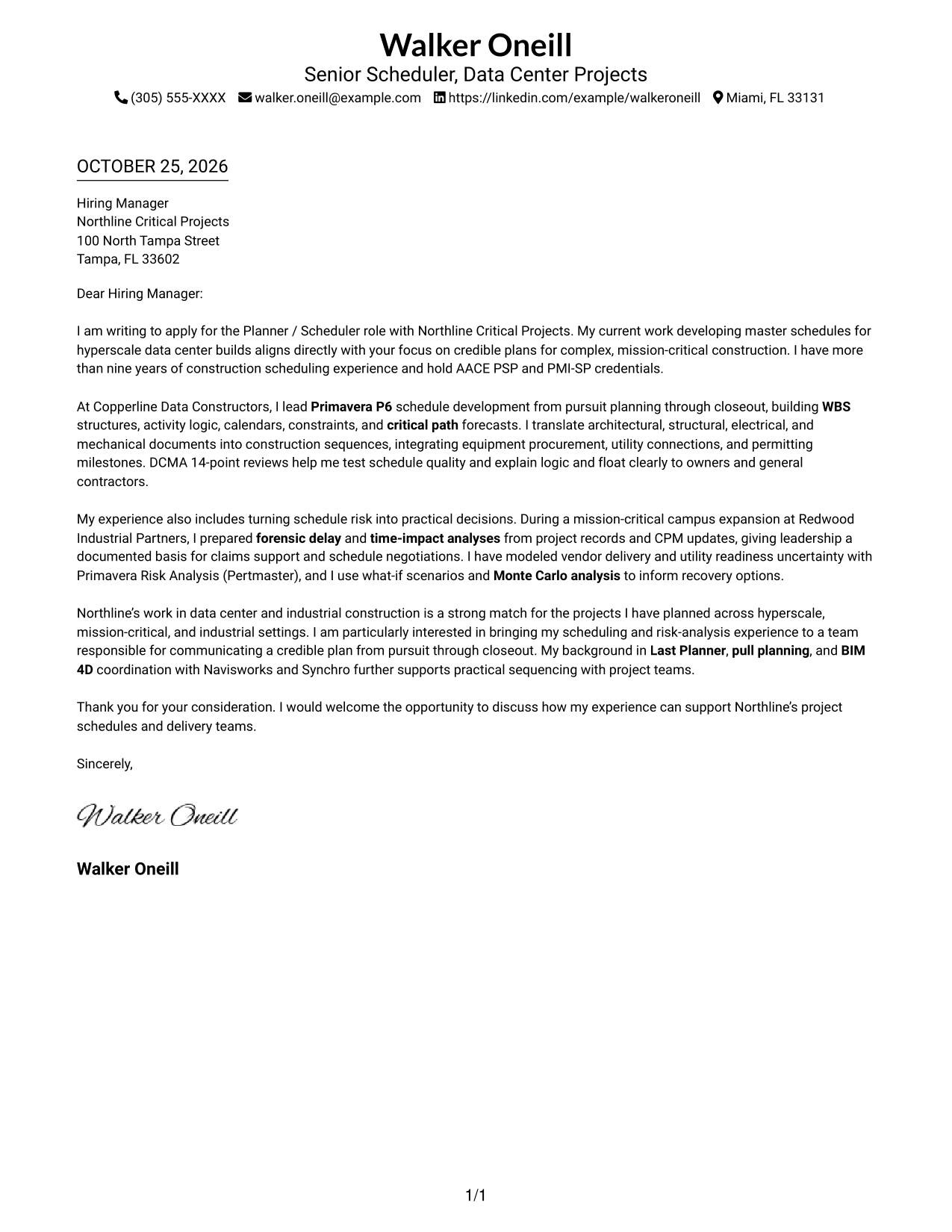
#1 Simple One Column Format Cover Letter Example
A single text column keeps the continuous letter body and sender details in the header easy to distinguish.
Why This Format Works
- One text column keeps each paragraph in its intended reading order.
- Sender details in the header remain separate from the message.
- No argument headings interrupt the letter’s connected explanation of fit.
Best For
- Single-column letter layouts
- Paragraph-led application messages
- Header-based contact details
- Letters without argument headings
- Formal employer correspondence
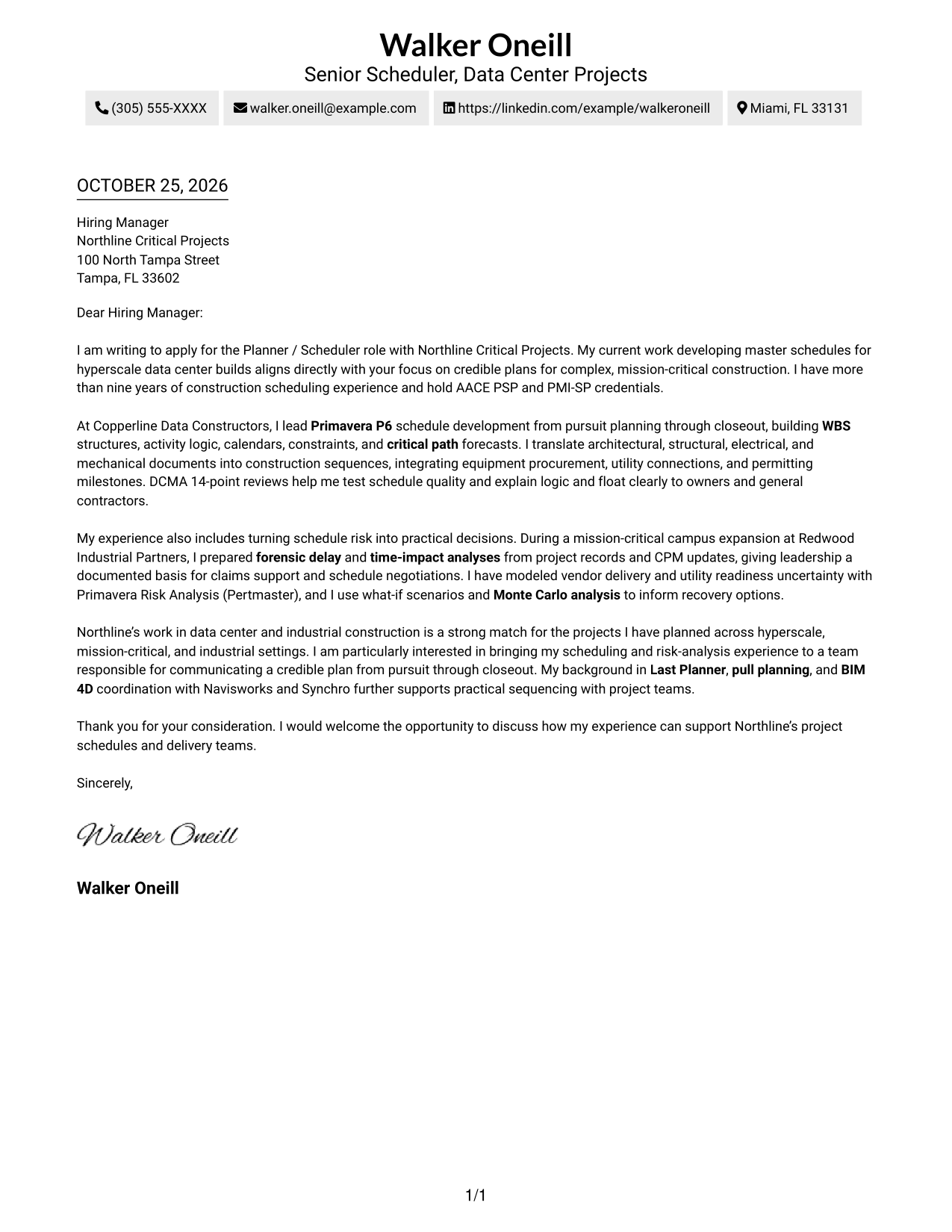
#2 Two Column Format Cover Letter Example
A contact sidebar sits beside one continuous letter body, placing contact details outside the main message.
Why This Format Works
- Contact information sits apart, so reviewers can find it without entering the message.
- The one-column letter body preserves a clear path through every paragraph.
- Continuous prose supports a natural progression from the opening to the closing.
Best For
- Contact details beside the message
- One-column letter-body reading
- Multi-paragraph application letters
- Detailed role-fit explanations
- Formal employer correspondence
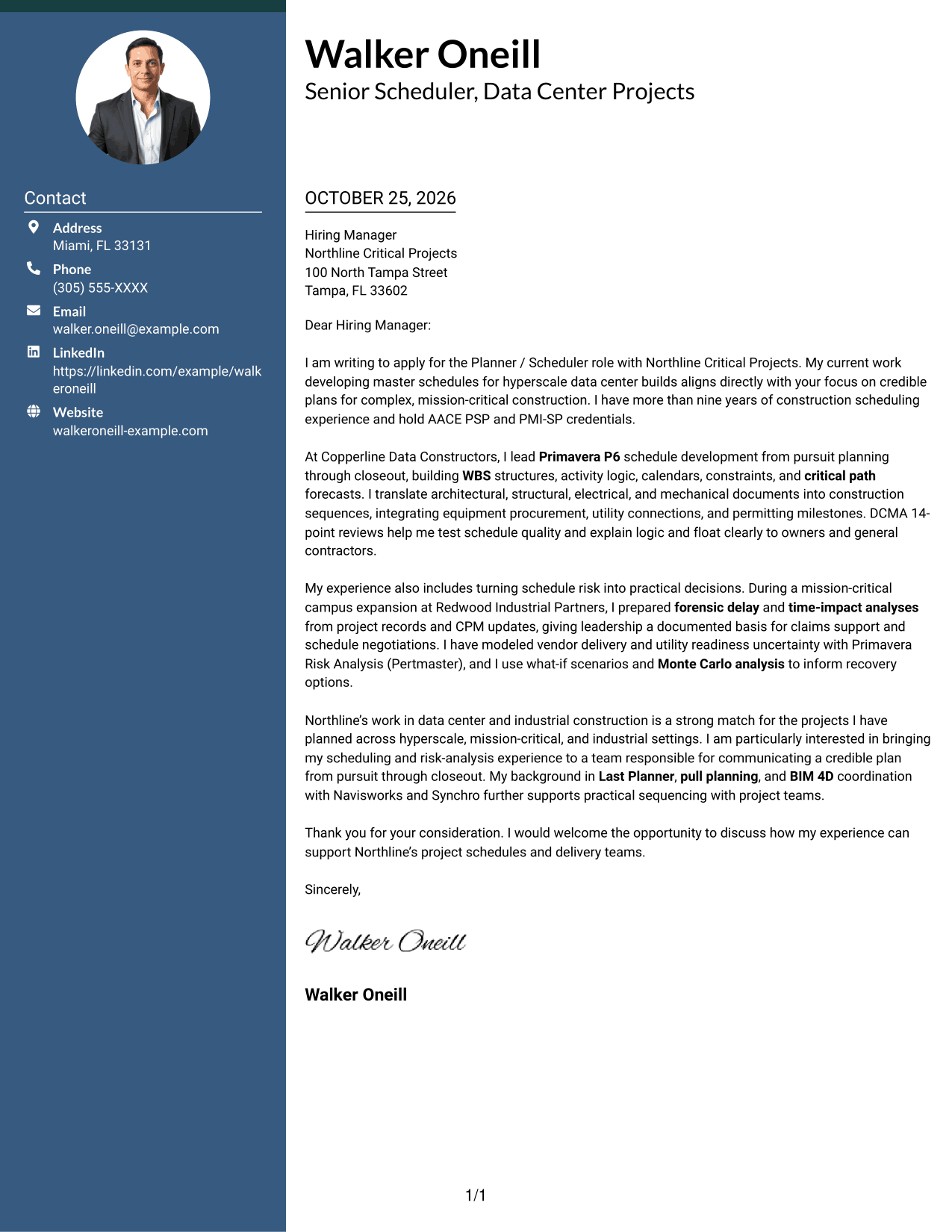
#3 Photo Header Two Column Format Cover Letter Example
A portrait in the header adds a personal visual element above the contact sidebar and continuous letter body.
Why This Format Works
- The contact sidebar separates sender details from the letter’s written message.
- A header portrait adds a personal visual cue without dividing the argument.
- The single-column body keeps the letter’s paragraphs together in reading order.
Best For
- Contact sidebar layouts
- Header portrait presentation
- One-column letter-body reading
- Multi-paragraph employer correspondence
- Letters balancing motivation and evidence
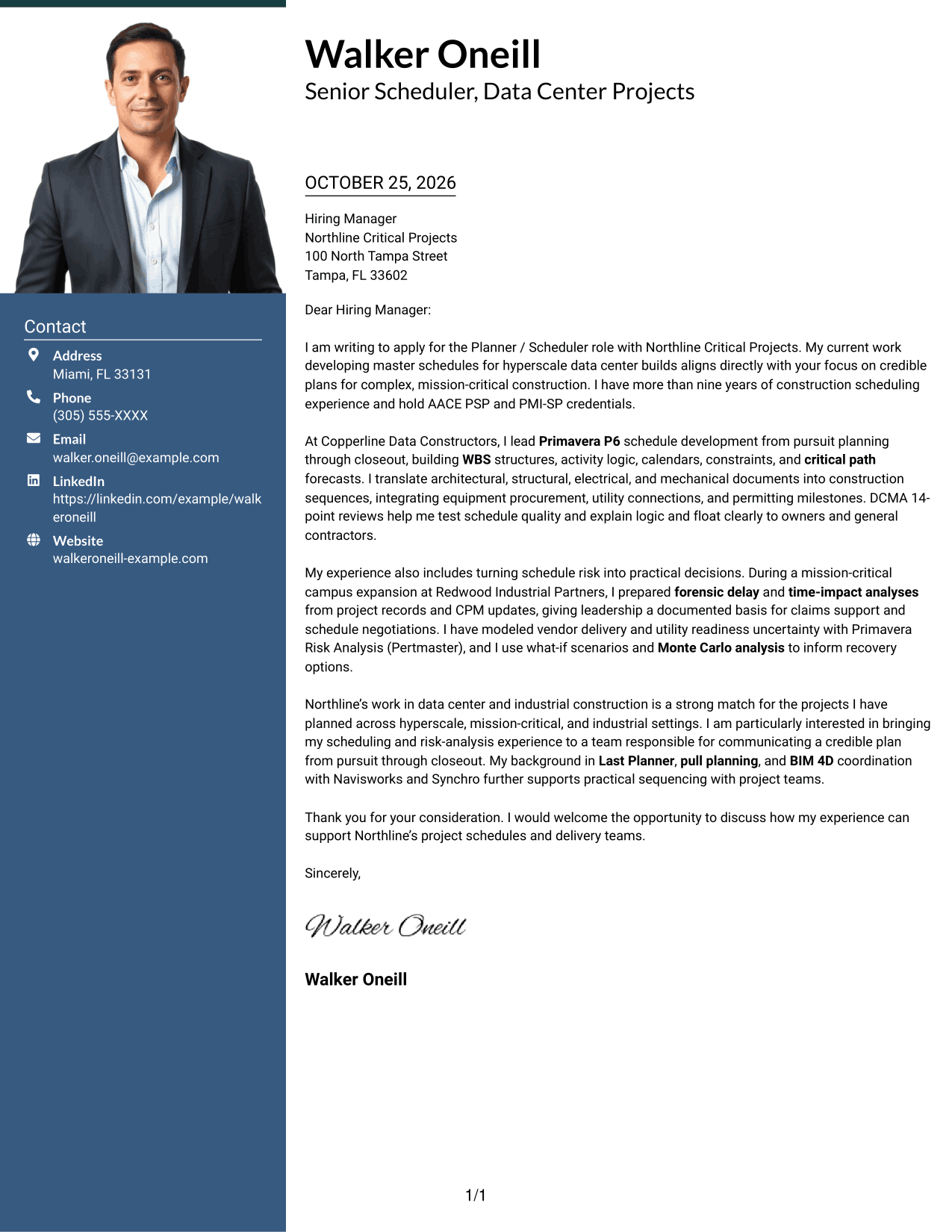
#4 One Column Format with Photo Cover Letter Example
A header portrait brings a personal visual element to a single-column letter with sender details in the header.
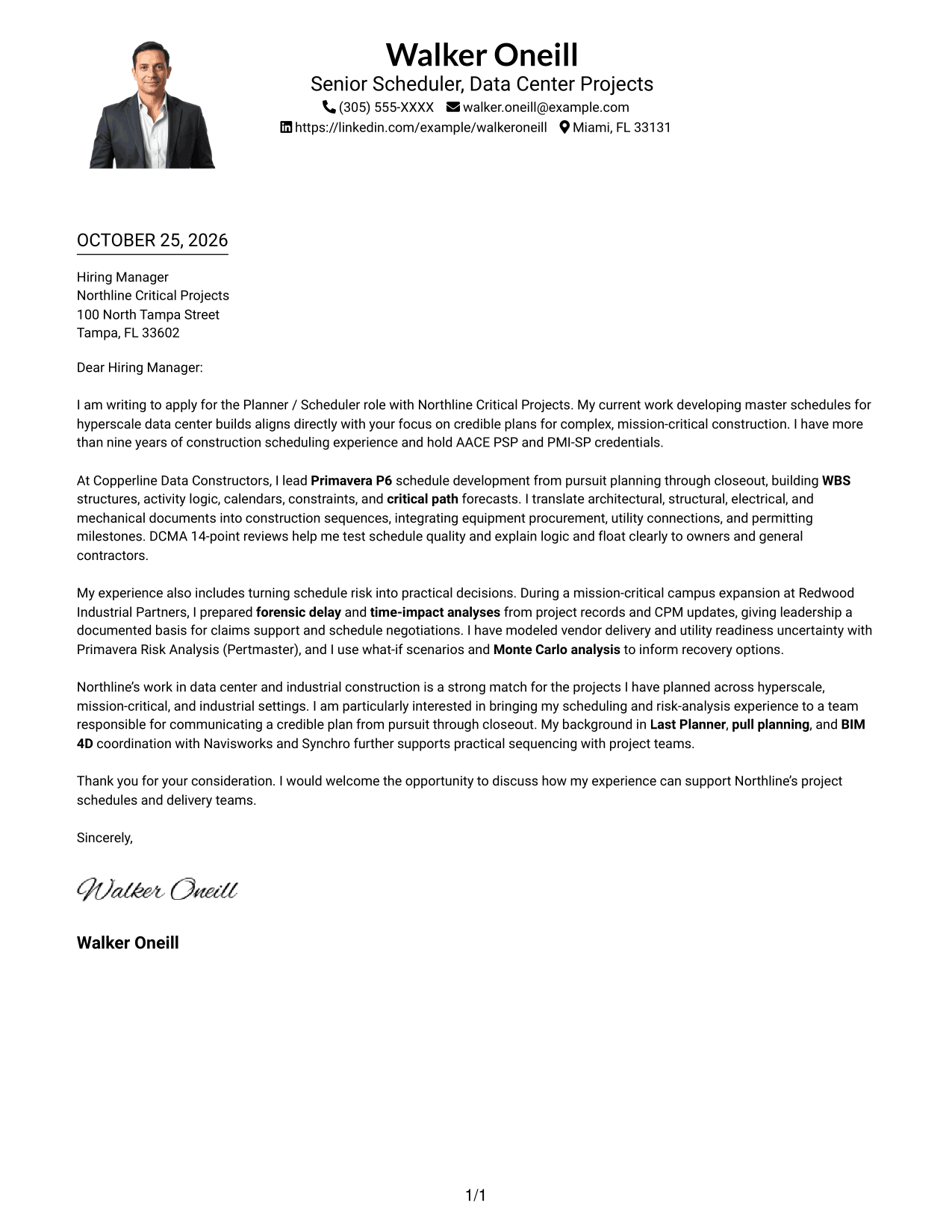
Why This Format Works
- One column gives reviewers a direct path through the letter’s paragraphs.
- Contact details remain in the header rather than beside the message.
- The portrait adds a visual element without serving as an argument heading.
Best For
- Single-column letter layouts
- Header portrait preference
- Contact details in the header
- Multi-paragraph application letters
- Employer-focused motivation in prose
#5 Simple Two Column Format Cover Letter Example
A contact sidebar and one-column letter body give the sender details and message separate places.
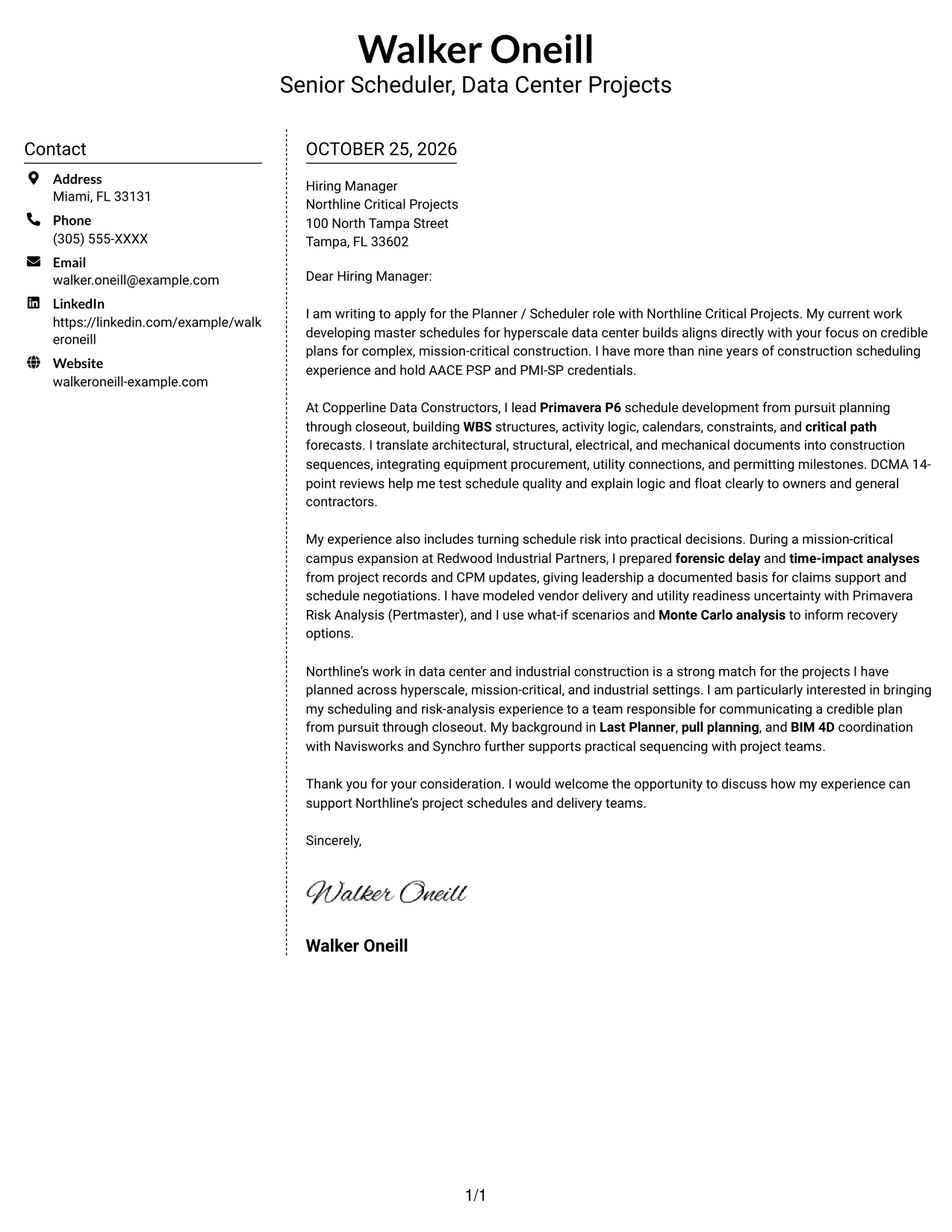
Why This Format Works
- The sidebar places contact details away from the continuous letter body.
- One body column keeps the message in its intended paragraph order.
- A single argument path lets reviewers follow the opening, evidence, and closing together.
Best For
- Sidebar contact presentation
- One-column letter-body reading
- Multi-paragraph employer correspondence
- Detailed role-fit explanations
- Letters with several supporting points
#6 Modern Icon Format Cover Letter Example
Contact icons and decorative header accents add visual cues beside a contact sidebar and continuous letter body.
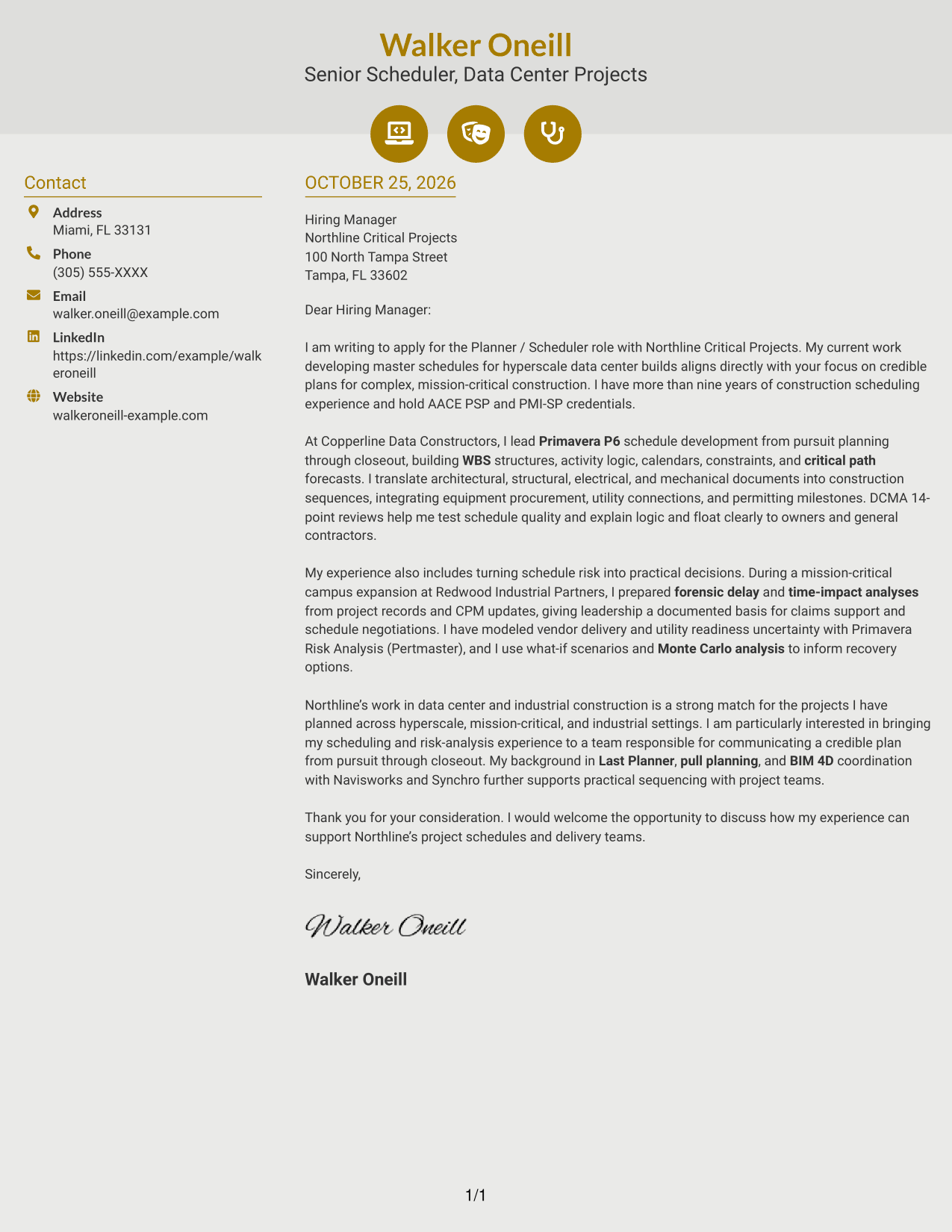
Why This Format Works
- Contact icons provide visual cues for locating sender information.
- Decorative header accents remain separate from the letter’s continuous argument.
- The message stays in one column, keeping its paragraph sequence intact.
Best For
- Contact details marked by icons
- One-column letter-body reading
- Header decoration outside the message
- Multi-paragraph application letters
- Direct employer correspondence
#7 Creative Two Tone Format Cover Letter Example
A contact sidebar beside one continuous letter body creates a two-column layout without a photo.
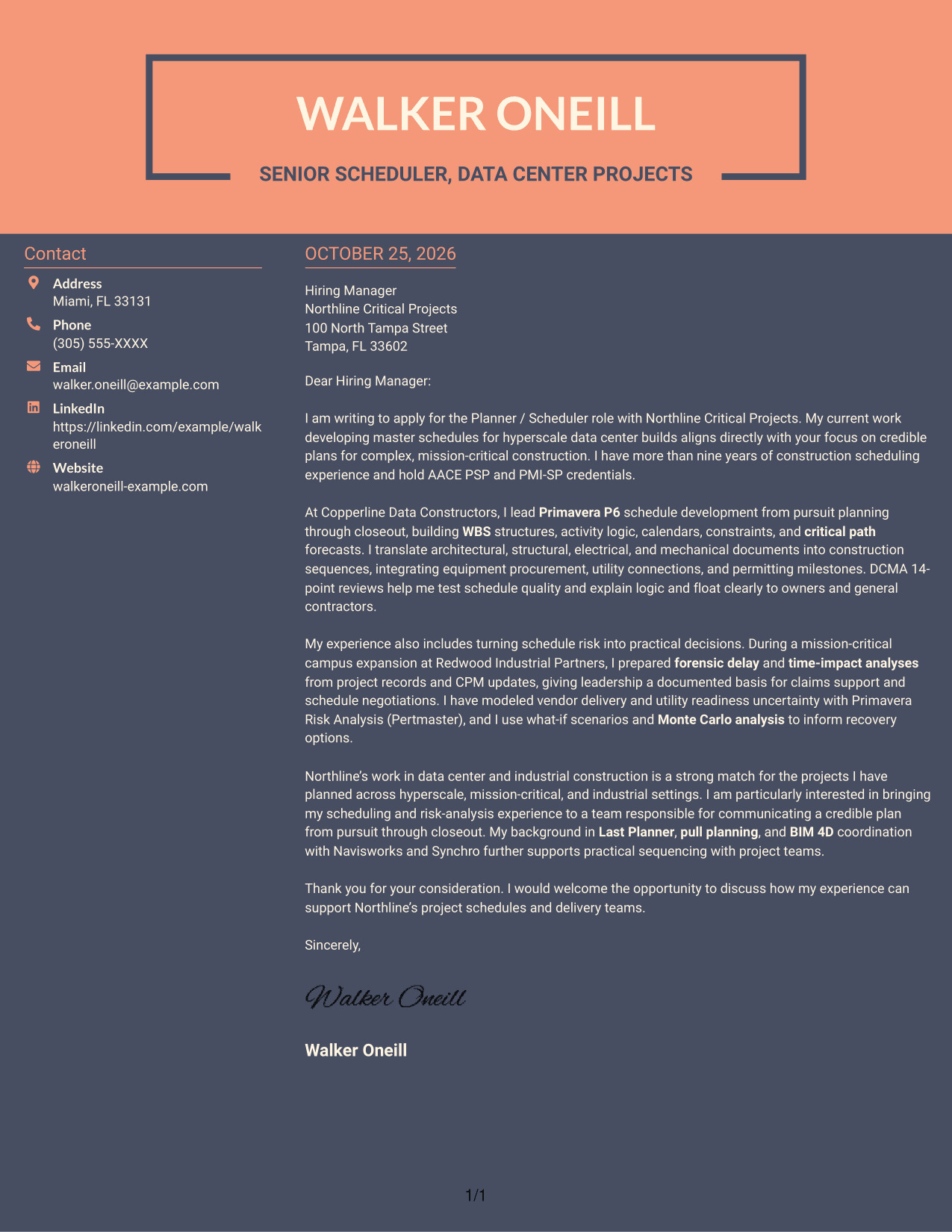
Why This Format Works
- The sidebar keeps sender details apart from the letter’s main message.
- Opening, supporting points, and closing remain together in one body column.
- A photo-free presentation suits applications where a portrait is not wanted.
Best For
- Contact sidebar layouts
- One-column letter-body reading
- Photo-free correspondence
- Multi-paragraph applications
- Detailed role-fit explanations
Why Use ResumeInMinutes for a Planner / Scheduler - Data Center Construction Cover Letter
ResumeInMinutes lets you review cover letter image previews and open an example in the editor. Use the example to shape a clear opening, connect your scheduling experience to the role, and close with a direct expression of interest.
- Cover letter layouts
- Clear, professional presentation
- Role-focused writing guidance
- Examples for construction scheduling
- Editor access for customization
- Support for a focused closing
For this role, emphasize how you develop credible Primavera P6 schedules, assess schedule health, and communicate practical responses to risk. Keep each point tied to the needs of data center construction.
See Also
- 7 Planner / Scheduler - Data Center Construction Resume Templates with Example
- 7 Master Scheduler - Production Planning Resume Templates with Example
- 33 Remote Medical Billing Assistant / Care Scheduler Resume Templates with Example 2026 (ATS-Optimized)
- 7 Assistant Planner - GIS Resume Templates with Example
- 33 Associate Planner Media - Life Sciences Media Resume Templates with Example 2026 (ATS-Optimized)
- 7 Associate Production Planner - Marine Resume Templates with Example
- 7 Financial Planner - Retirement Planning Resume Templates with Example
- 7 Financial Planner - Wealth Management Resume Templates with Example
- 30+ Remote Medical Billing Assistant / Care Scheduler Cover Letter Templates with Example 2026
- 7 Assistant Planner - GIS Cover Letter Templates with Example
Frequently Asked Questions
What should a Planner / Scheduler - Data Center Construction cover letter include?
Show how you develop and maintain construction schedules, assess schedule quality, and turn project documents into realistic sequences. Connect your evidence to procurement, utility, permitting, and milestone needs.
How can I explain my Primavera P6 experience?
Describe the schedule work you have handled, such as WBS development, activity logic, calendars, constraints, and critical path management. Explain how you share schedule logic and float with project teams, owners, or general contractors.
How can I show that I can manage schedule risk?
Give a clear example of how you identified a potential delay, assessed its effect, and helped shape a response. If relevant to your own background, mention methods such as what-if analysis, Monte Carlo simulation, forensic delay analysis, or time-impact analysis.
How should I connect my experience to an employer?
Choose evidence that matches the employer’s stated project needs. For data center construction, that may include integrated schedules, long-lead equipment, utility connections, permitting, and coordination across construction disciplines.
How do I choose a cover letter style?
Choose a clean, readable layout that fits the employer and the way you will communicate. Compare the image previews, then open an example in the editor to review or customize its presentation.
Should I mention scheduling credentials in my cover letter?
If you hold a credential that is relevant to the role, name it briefly and connect it to your scheduling work. Do not present a preferred qualification as your own unless you have earned it.




