
7 Policy Analyst / Senior Policy Analyst - Technology and Innovation Cover Letter Templates with Example
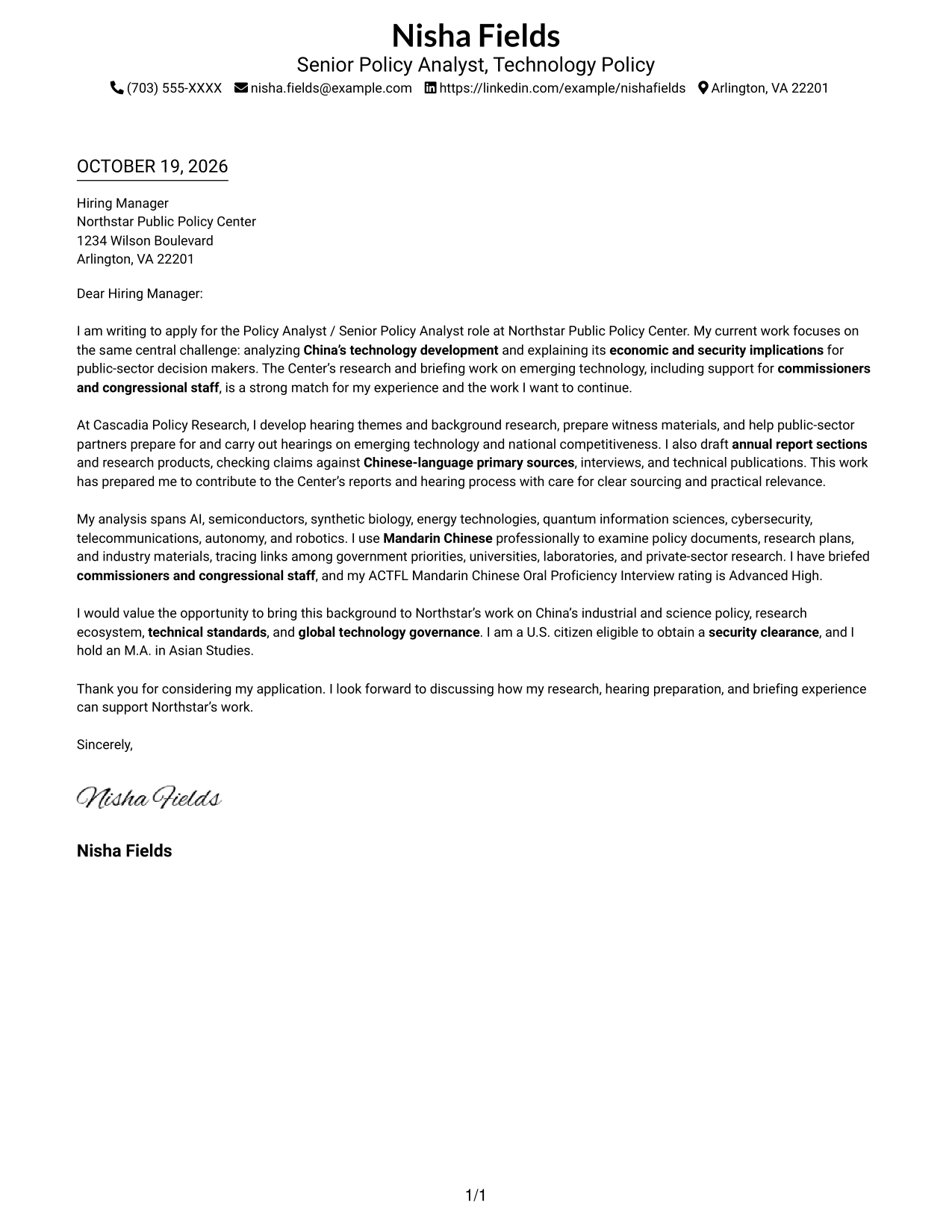
This practical guide to the Policy Analyst / Senior Policy Analyst - Technology and Innovation cover letter presents seven layouts to help you connect policy research with the role in a clear, persuasive way.
What Makes a Great Policy Analyst / Senior Policy Analyst - Technology and Innovation Cover Letter in 2026
A strong letter connects China technology policy analysis to the role’s economic and security focus. Its opening shows clear interest, while the body explains how the applicant can contribute to research, annual reports, hearings, and briefings.
Use specific evidence, such as careful review of Chinese-language sources or preparation of hearing materials, when it reflects your background. Then link that evidence to the employer’s research priorities and the needs of its policy audience.
The featured example moves from role interest to relevant research and hearing experience, then closes with a clear statement of fit; adapt this focused progression while choosing a presentation that suits the employer and communication context.
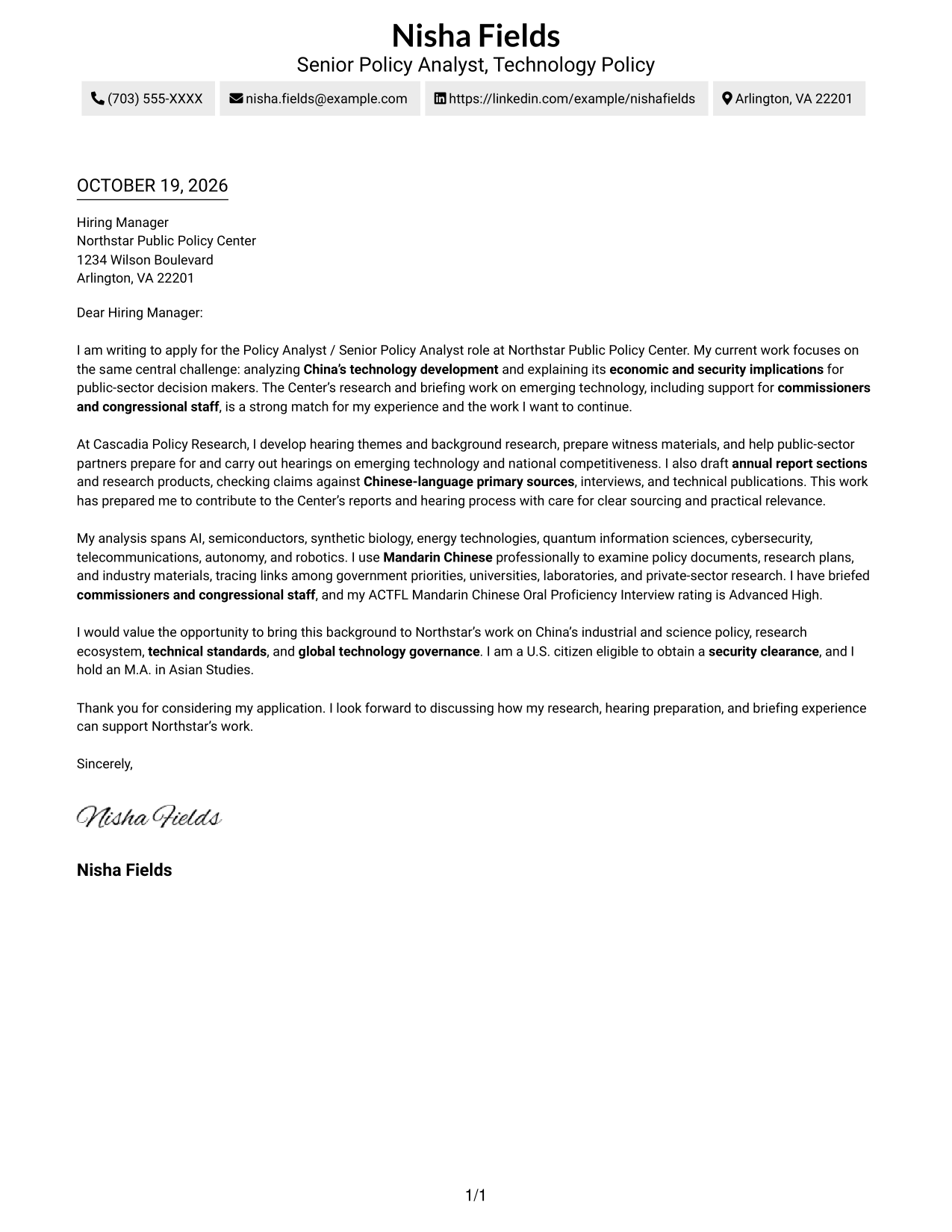
#1 Simple One Column Format Cover Letter Example
A single-column page keeps the contact details and continuous letter body in one reading path, a practical choice for a direct, text-led presentation.
Why This Format Works
- The continuous paragraphs let readers follow the opening, evidence, and closing in order.
- Sender details sit with the letter, keeping contact information easy to locate.
- A single reading path supports a focused review of the full message.
Best For
- One-column reading preference
- Text-led letter presentation
- A unified contact and message page
- Continuous paragraph-based communication
- A direct, uncluttered reading path
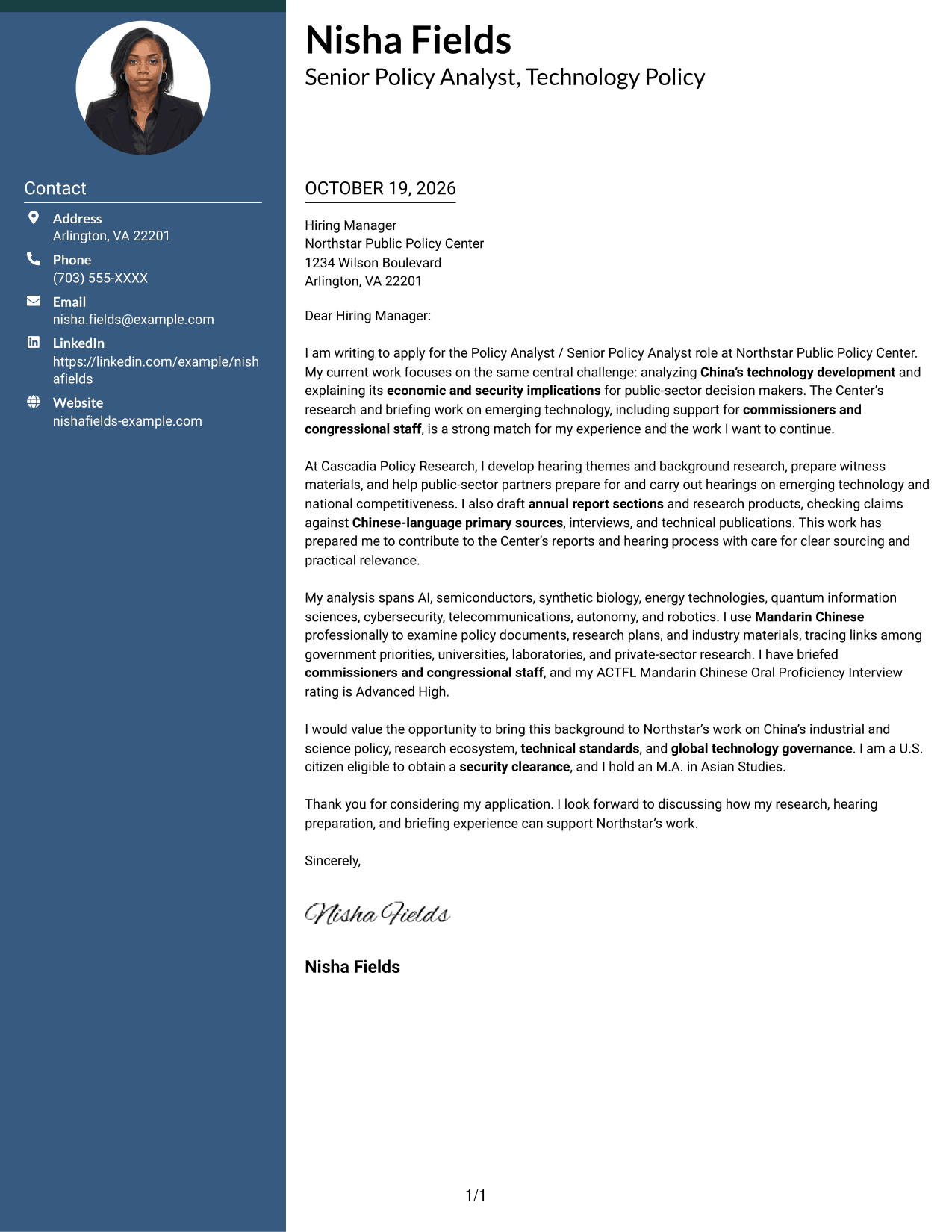
#2 Two Column Format Cover Letter Example
A contact sidebar sits beside one continuous letter body, separating the sender details while keeping the message in a clear reading sequence.
Why This Format Works
- The sidebar gives contact information a dedicated place apart from the letter.
- One continuous body keeps motivation and supporting points together for review.
- Separate columns help readers distinguish contact details from the message.
Best For
- Contact details beside the letter
- A distinct contact area
- Continuous letter paragraphs
- Clear separation of sender details
- A structured page with one message flow
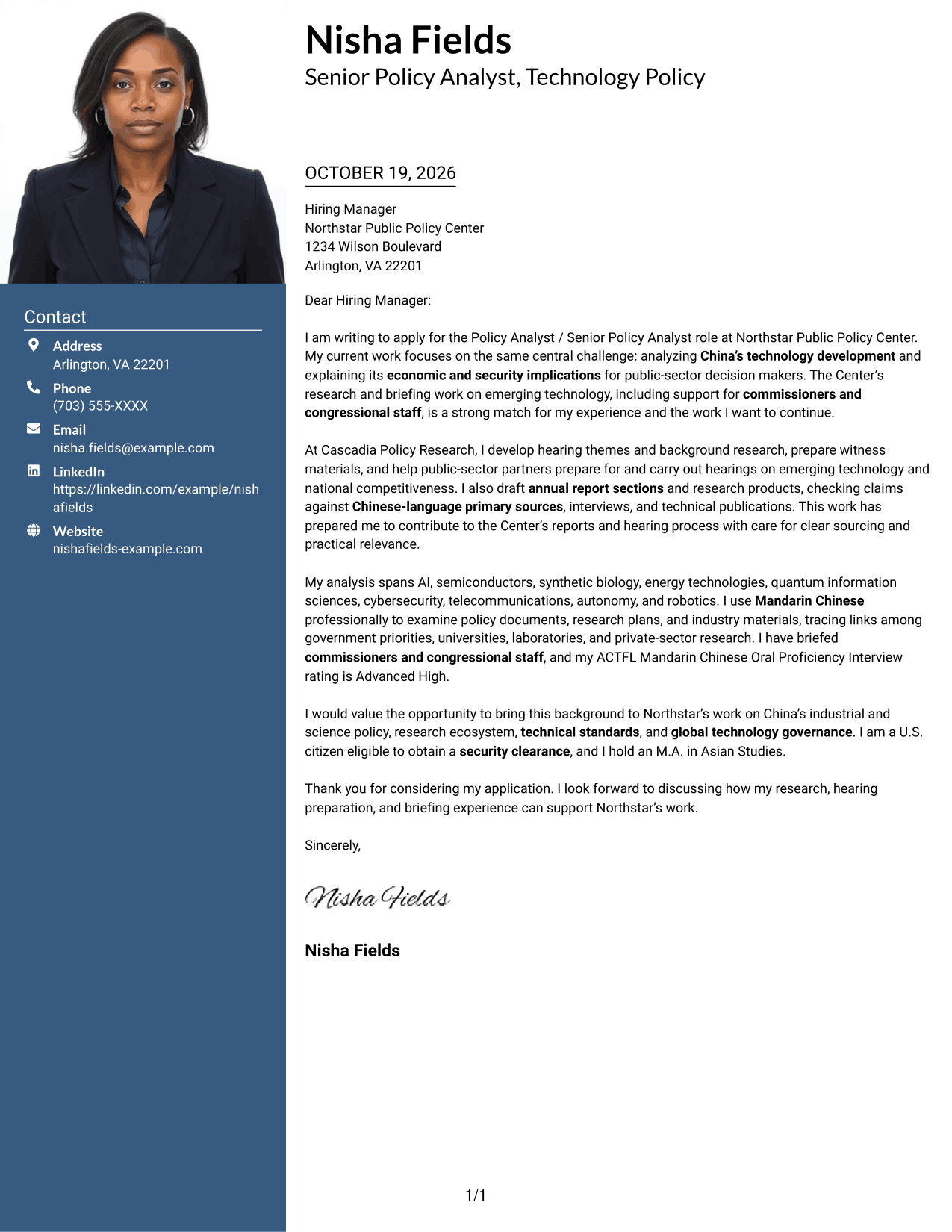
#3 Photo Header Two Column Format Cover Letter Example
A photo header adds a portrait to the two-column layout, while the contact sidebar and continuous letter body keep personal details apart from the message.
Why This Format Works
- The portrait gives the header a visible personal touch without dividing the letter.
- A separate contact area keeps sender details apart from the message.
- The single letter body preserves a natural sequence from opening to close.
Best For
- Portrait-forward page design
- Contact sidebar beside the message
- A continuous letter body
- Visual identity alongside contact details
- A clear distinction between contact and message
#4 One Column Format with Photo Cover Letter Example
A photo appears with a single-column letter, bringing a portrait into the page while the message keeps one continuous reading path.
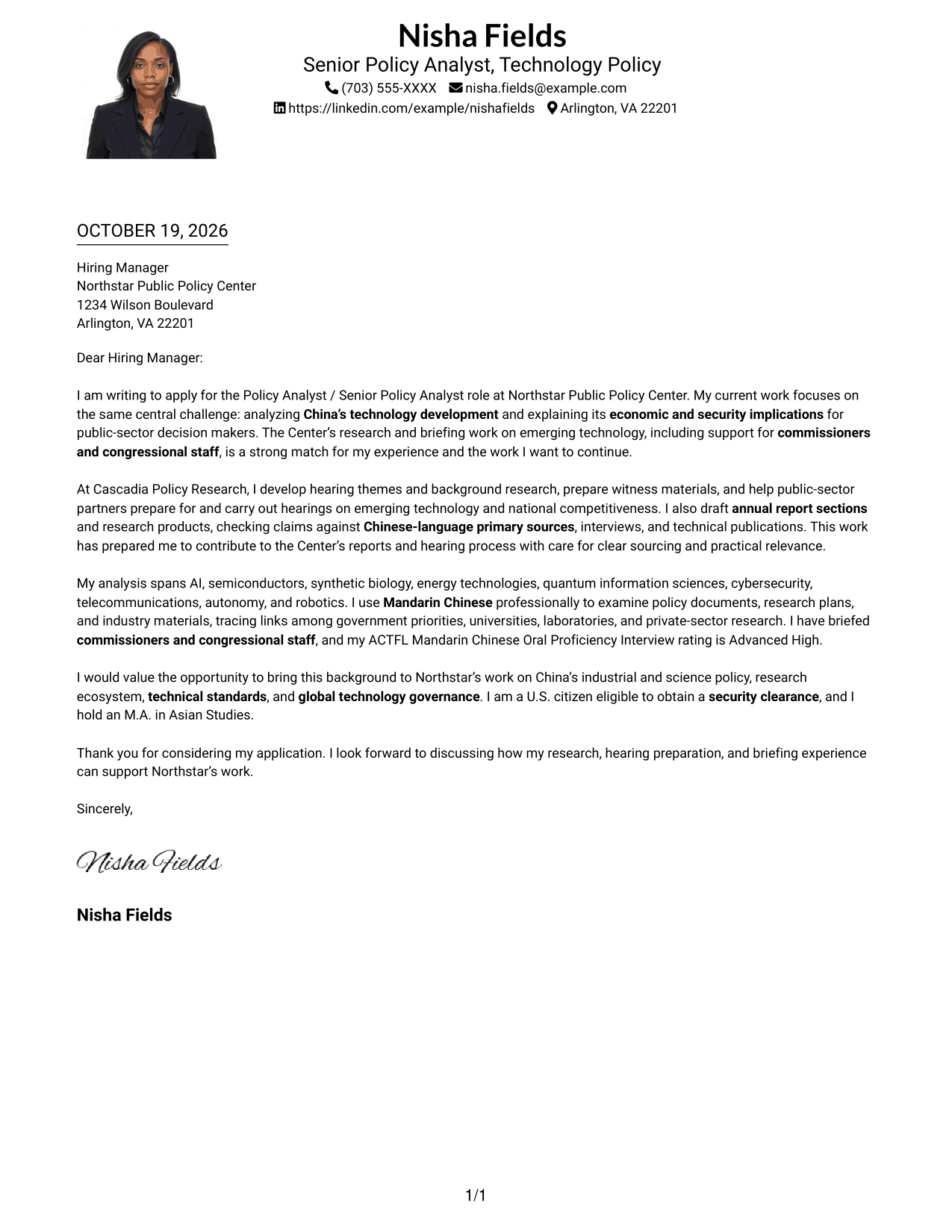
Why This Format Works
- The portrait adds a personal visual element without creating a contact sidebar.
- One column keeps the sender details and letter in a shared reading path.
- Continuous paragraphs let readers follow the message without parallel body content.
Best For
- A portrait within a one-column page
- Single-path letter reading
- A personal visual touch
- Contact details with the letter
- Continuous paragraph-based communication
#5 Simple Two Column Format Cover Letter Example
A contact sidebar stands beside the continuous letter body, offering a simple two-column arrangement that keeps the message intact.
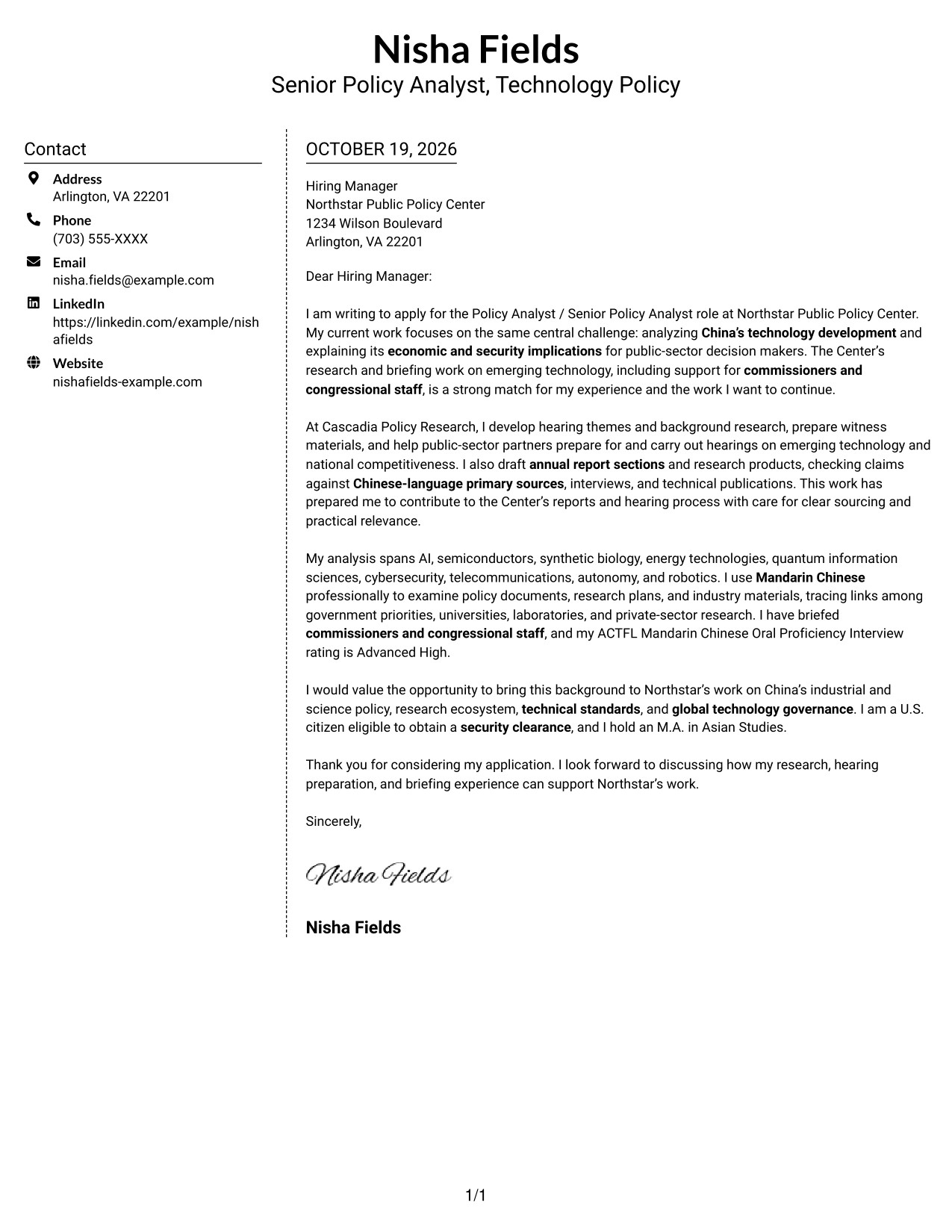
Why This Format Works
- The contact sidebar separates practical details from the persuasive message.
- The letter remains one connected body rather than parallel argument columns.
- A simple two-column arrangement makes the distinction between contact and message clear.
Best For
- A simple contact sidebar
- One connected letter body
- Contact details separate from the message
- A two-column page structure
- A straightforward reading sequence
#6 Modern Icon Format Cover Letter Example
Contact cues and decorative header accents accompany the contact sidebar, while the two-column page leaves the letter body continuous and easy to follow.
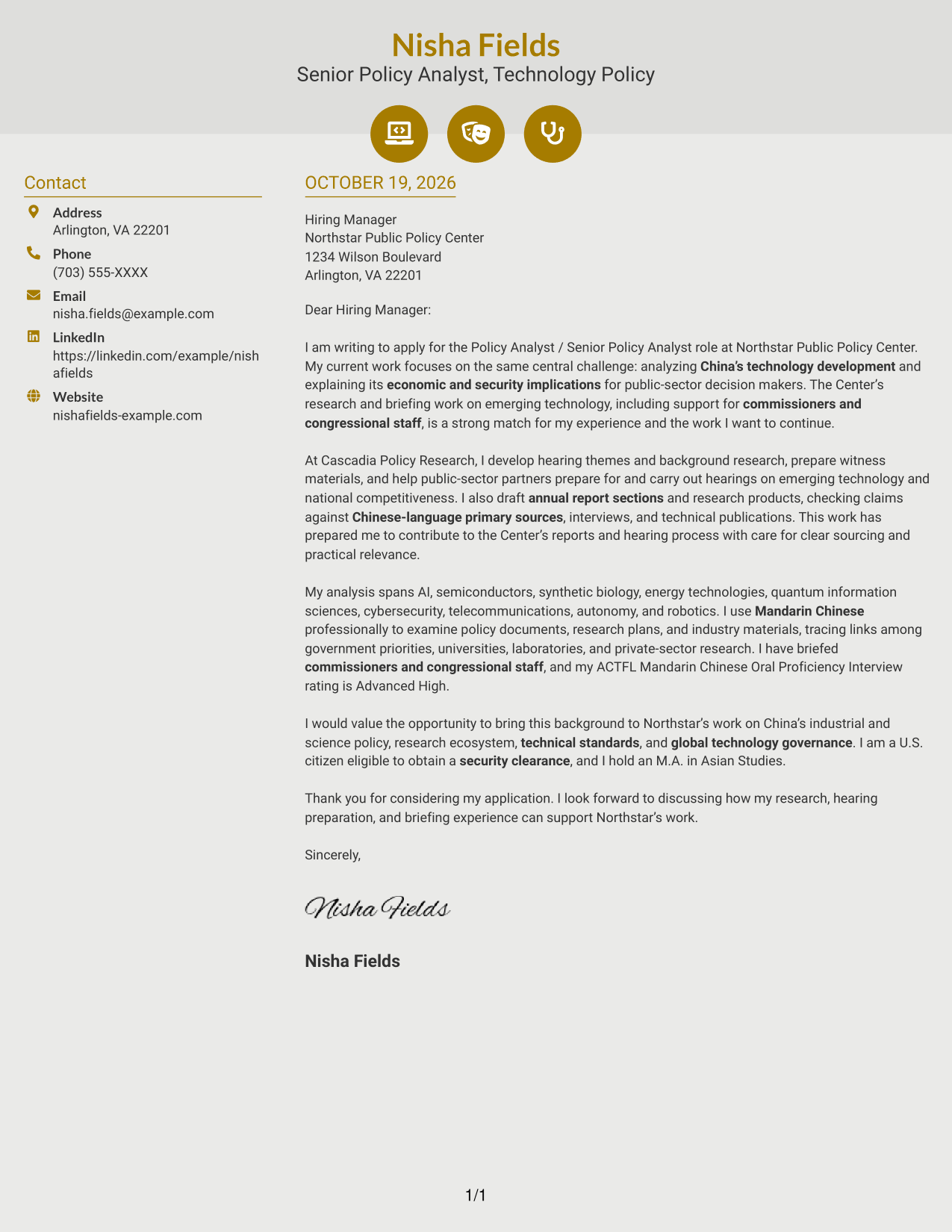
Why This Format Works
- Contact cues help distinguish contact information from the letter itself.
- The sidebar keeps practical details apart from the continuous message.
- Decorative header accents add visual interest without dividing the argument.
Best For
- Contact details with visual cues
- A continuous letter body
- Decorative header accents
- Separate contact and message areas
- A two-column reading arrangement
#7 Creative Two Tone Format Cover Letter Example
A two-column layout places contact details beside the continuous letter body, giving the page a distinct arrangement while preserving the message as one piece.
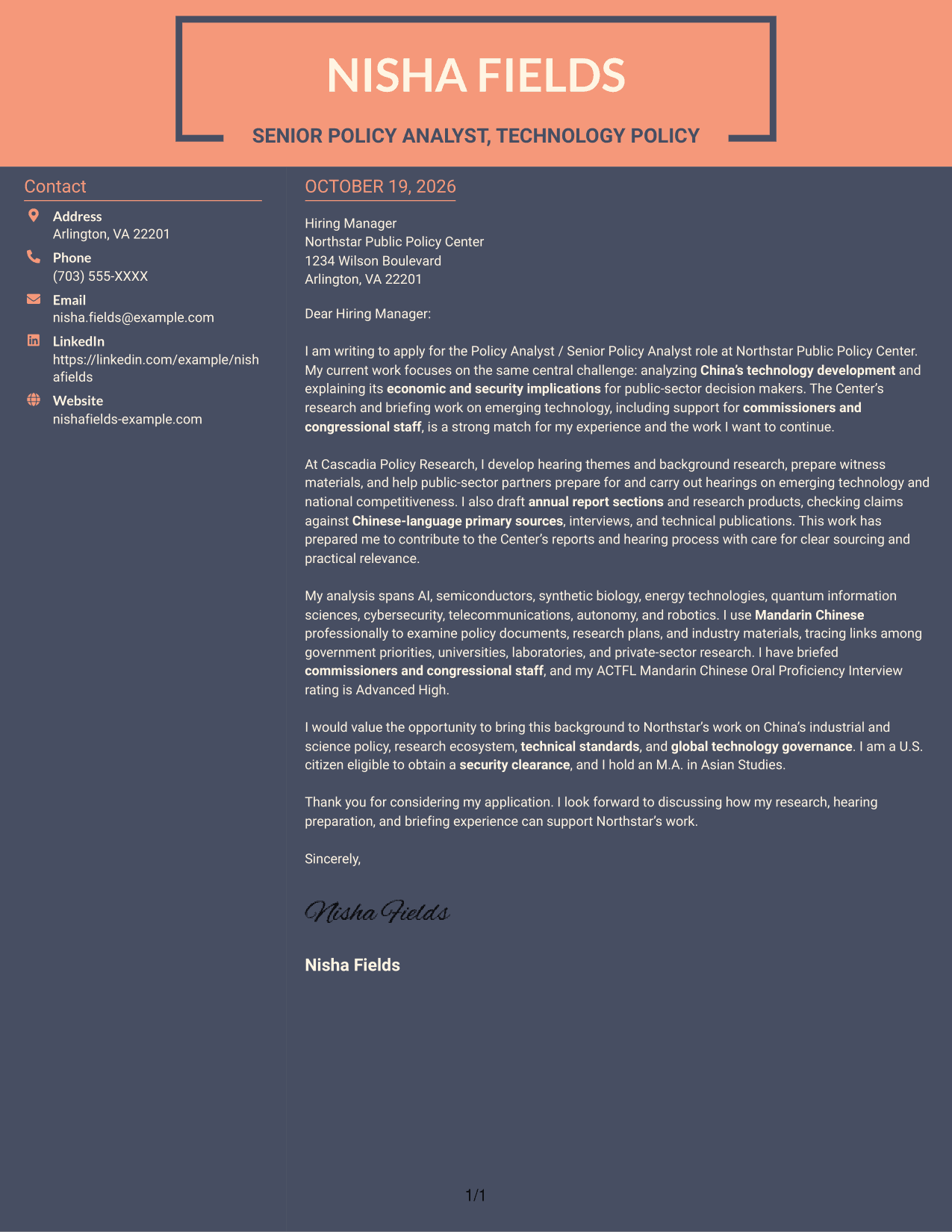
Why This Format Works
- The separate contact area keeps sender information from interrupting the letter.
- Readers can follow the message as one continuous set of paragraphs.
- The two-column structure distinguishes practical details from the central communication.
Best For
- Contact details beside one message
- Continuous letter paragraphs
- Distinct contact and message areas
- A two-column page preference
- One connected persuasive letter
Why Use ResumeInMinutes for a Policy Analyst / Senior Policy Analyst - Technology and Innovation Cover Letter
Compare the image previews to review each letter’s presentation, then open an example in the editor to customize its content for the role and employer.
- Clear opening and role focus
- Evidence-led body paragraphs
- Employer-specific motivation
- Focused closing paragraph
- Readable letter presentation
- Direct, professional communication
Build a persuasive case by showing how your research, writing, hearing preparation, or briefing experience supports the organization’s work on technology and innovation policy.
See Also
- 7 Policy Analyst / Senior Policy Analyst - Technology and Innovation Resume Templates with Example
- 7 Health Care Fiscal Policy Analyst Resume Templates with Example
- 33 Policy Analyst - Legislative Research Resume Templates with Example 2026 (ATS-Optimized)
- 7 Budget Analyst - Technology Modernization Resume Templates with Example
- 7 Departmental Analyst - Technology and Data Systems Resume Templates with Example
- 7 Information Technology Programmer Analyst - Endpoint & User Management Resume Templates with Example
- 7 Information Technology Programmer Analyst - IT Business Analyst Resume Templates with Example
- 7 Information Technology Programmer/Analyst - Security Incident Response Resume Templates with Example
- 7 Information Technology Programmer/Analyst - Security Incident Response Cover Letter Templates with Example
- 30+ Accounts Payable Analyst Cover Letter Templates with Example 2026
Frequently Asked Questions
What should a Policy Analyst / Senior Policy Analyst - Technology and Innovation cover letter emphasize?
Show how your research and communication can support analysis of China’s technology development and its economic and security implications. Relevant examples may include source evaluation, annual report writing, hearing preparation, and briefings, when they match your experience.
Do the previews show different versions of the same cover letter?
Yes. The image previews present one example in different layouts. Compare their appearance, then open an example in the editor to adapt its content and presentation.
How can I show fit for research on China’s technology policy?
Use a concise example that explains what you researched, how you checked the evidence, and why the finding mattered to a policy audience. Mention Mandarin-language research, technical standards, or a specific technology area only when supported by your background.
How should I write about hearing and briefing experience?
Describe your contribution in plain terms, such as developing background materials, preparing witness information, drafting analysis, or briefing decision makers. Connect that work to the employer’s responsibilities without overstating your role.
What is a suitable tone for this cover letter?
Use a direct, professional tone. Keep the opening focused on the role, make the body specific to the organization’s policy work, and end with a brief, confident closing.




