
7 Population Health Strategy & Operations Senior Manager Cover Letter Templates with Example
This practical guide to a Population Health Strategy & Operations Senior Manager cover letter shows how to build a focused application through seven layouts.
What Makes a Great Population Health Strategy & Operations Senior Manager Cover Letter in 2026
A strong letter connects your interest in the role to practical work across CCM and navigation operations. It explains how you can support testing, reporting, and cross-functional delivery.
Use relevant evidence, such as operational pilots, accurate business readouts, or work on margin and workflow improvements. Show how your approach fits the employer’s needs and supports clinical teams.
The featured example moves from role interest to a practical operational example, broader delivery experience, and a clear close; adapt that focused progression and choose a presentation that fits the employer and communication context.
#1 Simple One Column Format Cover Letter Example
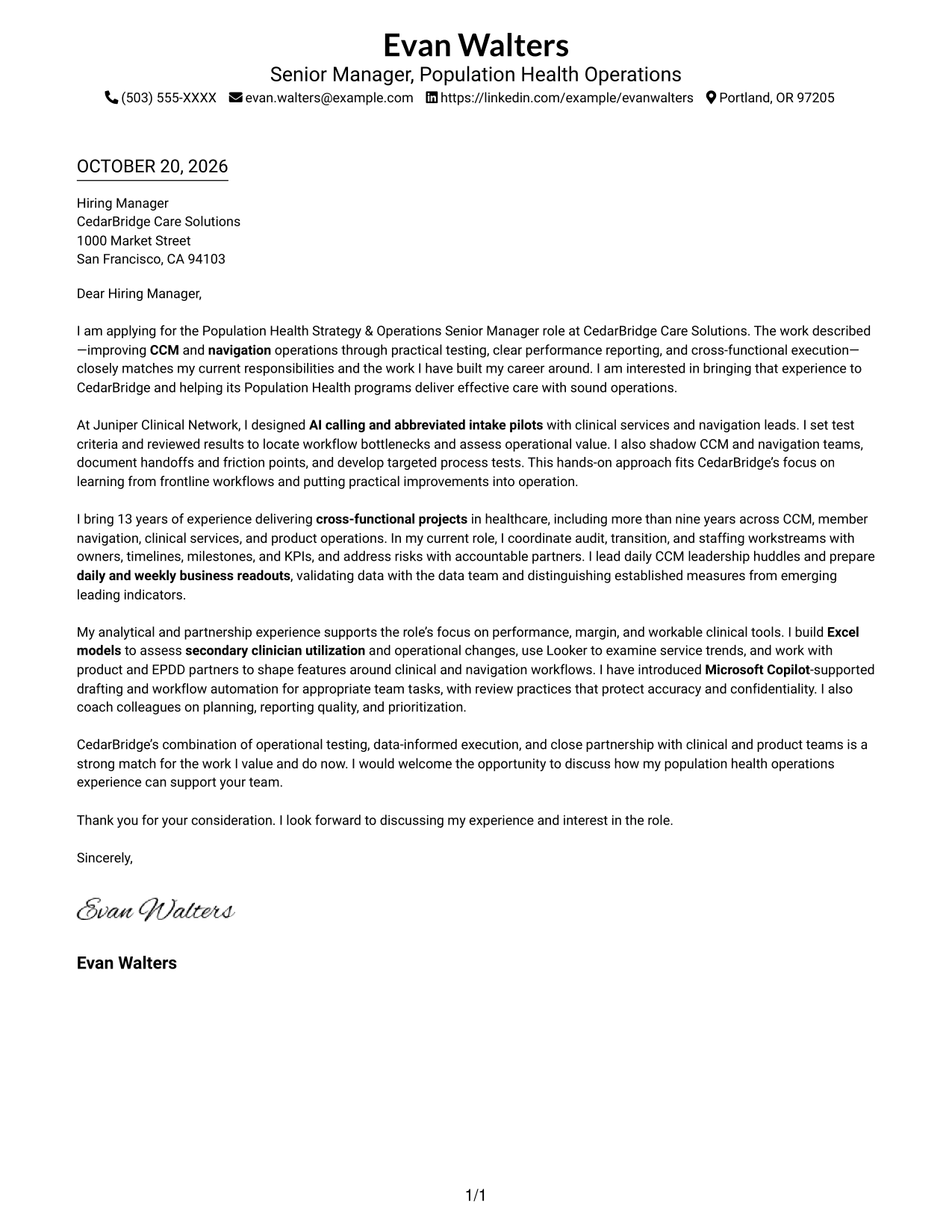
The Simple One Column Format gives the full letter a single vertical reading path for a straightforward presentation.
Why This Format Works
- Sender details stay in the header, without a separate contact sidebar.
- Continuous paragraphs keep motivation, supporting evidence, and the closing connected.
- Without section headings, the letter keeps a natural correspondence style.
Best For
- Single-column reading preference
- Header-based contact details
- Letters without contact sidebars
- Connected multi-paragraph messages
- Traditional correspondence presentation
#2 Two Column Format Cover Letter Example
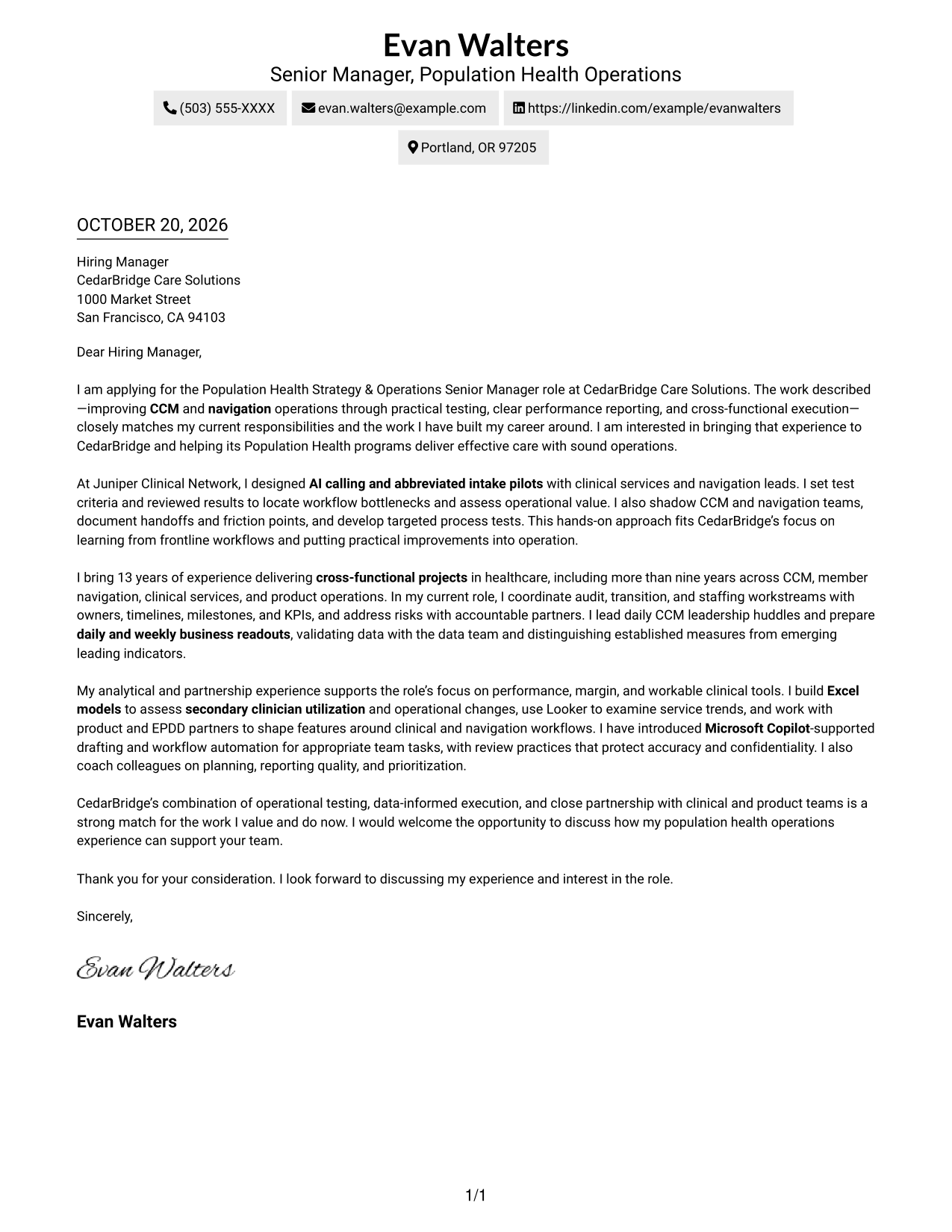
The Two Column Format places a contact sidebar beside the continuous letter body, keeping contact details distinct from the message.
Why This Format Works
- A dedicated sidebar keeps contact details apart from the letter's message.
- The body remains continuous, so motivation and evidence retain a clear sequence.
- No section labels interrupt the letter's natural progression from opening to close.
Best For
- Separate contact-detail access
- Side-by-side contact and message areas
- Letters with continuous argument
- Applications with detailed contact information
- Messages without paragraph headings
#3 Photo Header Two Column Format Cover Letter Example
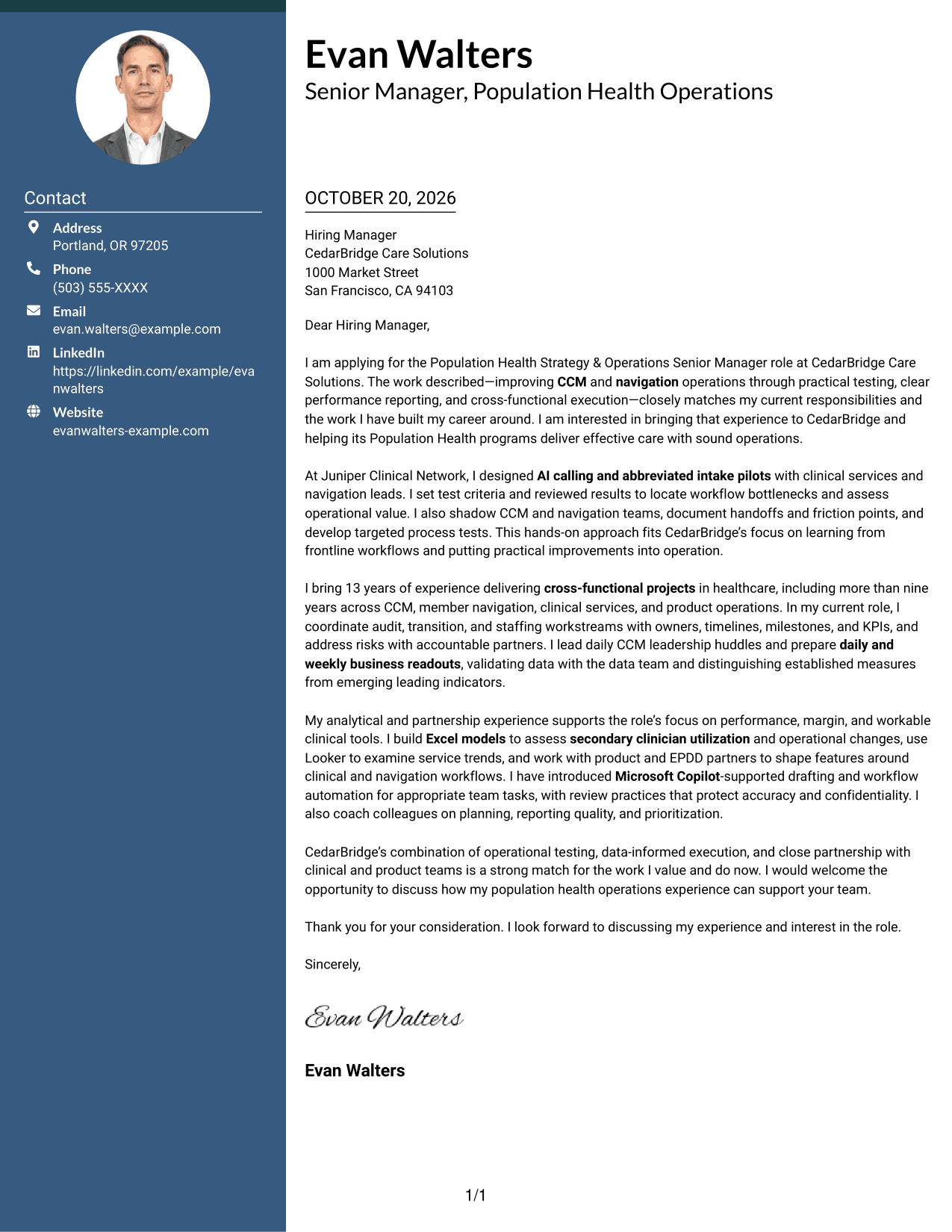
The Photo Header Two Column Format includes a photo and a contact sidebar beside the continuous letter body, for readers who want a personal visual element.
Why This Format Works
- The photo adds a personal visual element without dividing the letter's message.
- Contact details have a dedicated sidebar beside the continuous body.
- The letter's connected paragraphs keep its motivation and evidence in sequence.
Best For
- Photo-inclusive application materials
- Separate contact-detail access
- Letters with connected paragraphs
- A personal visual element
- Side-by-side contact and message areas
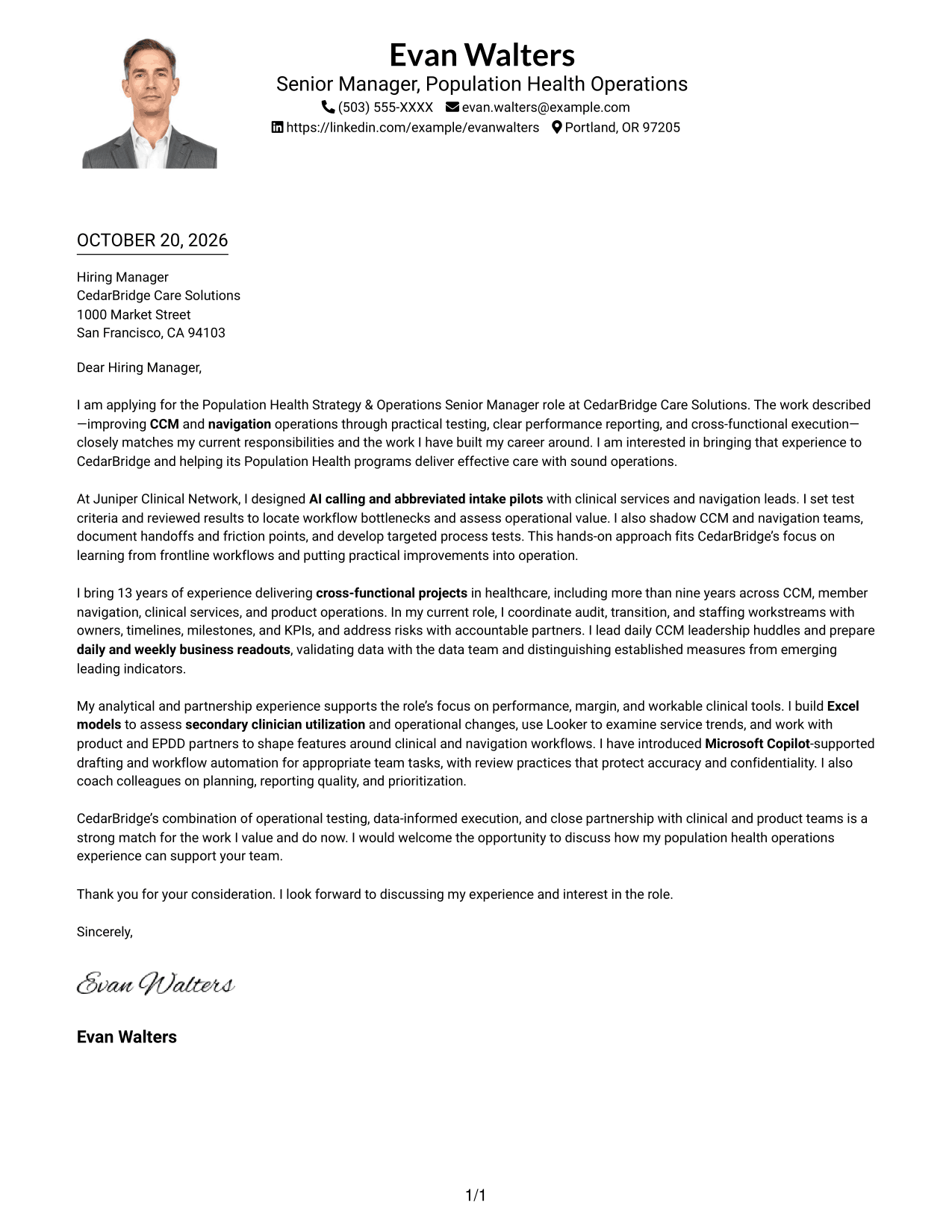
#4 One Column Format with Photo Cover Letter Example
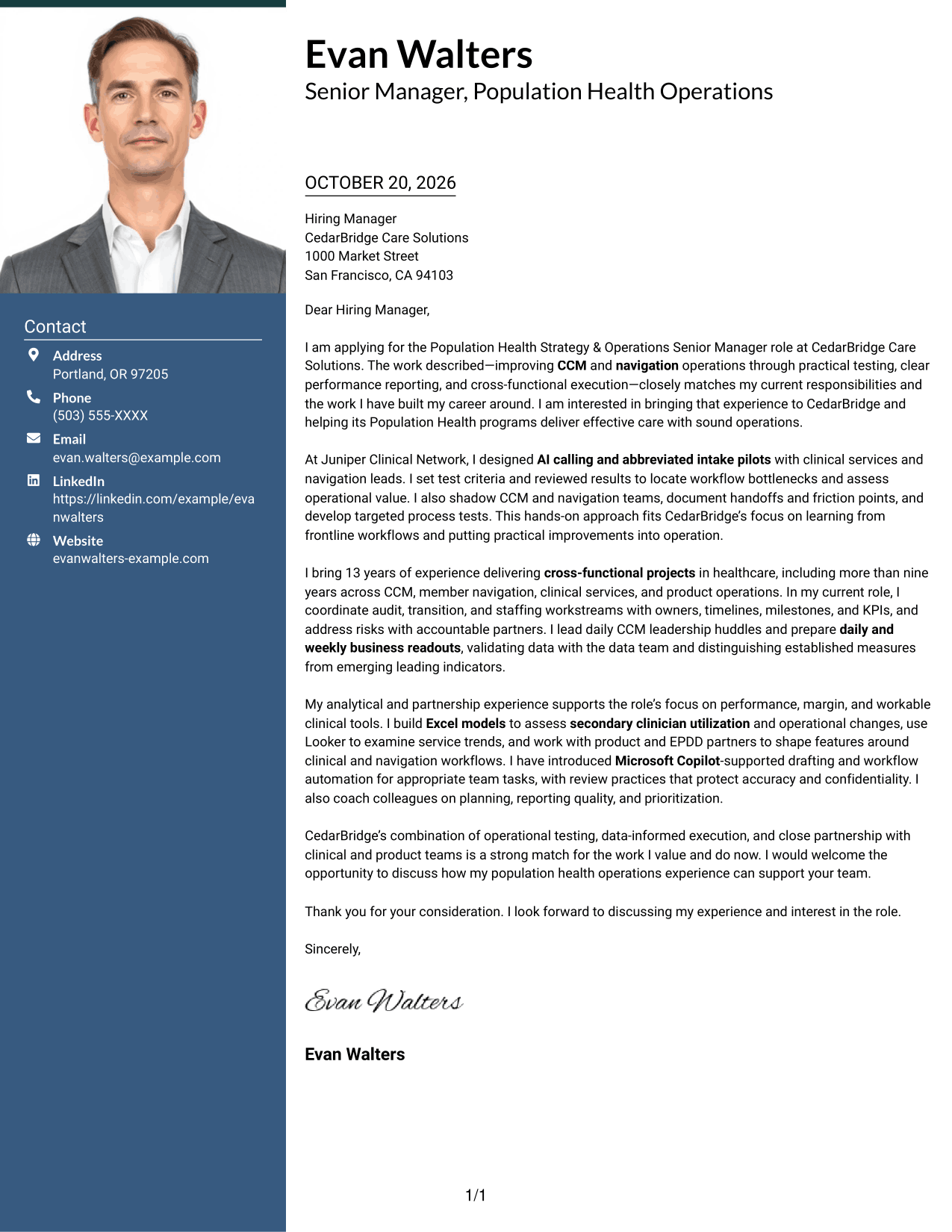
The One Column Format with Photo pairs a photo with a single-column letter, offering a personal visual touch while keeping the message in one reading path.
Why This Format Works
- The photo provides a personal visual element without changing the letter's message.
- Sender details remain in the header rather than a separate sidebar.
- Continuous paragraphs carry the opening, supporting points, and close in sequence.
Best For
- Photo-inclusive correspondence
- Single-column letter reading
- Header-based contact details
- Messages with connected paragraphs
- A personal visual touch
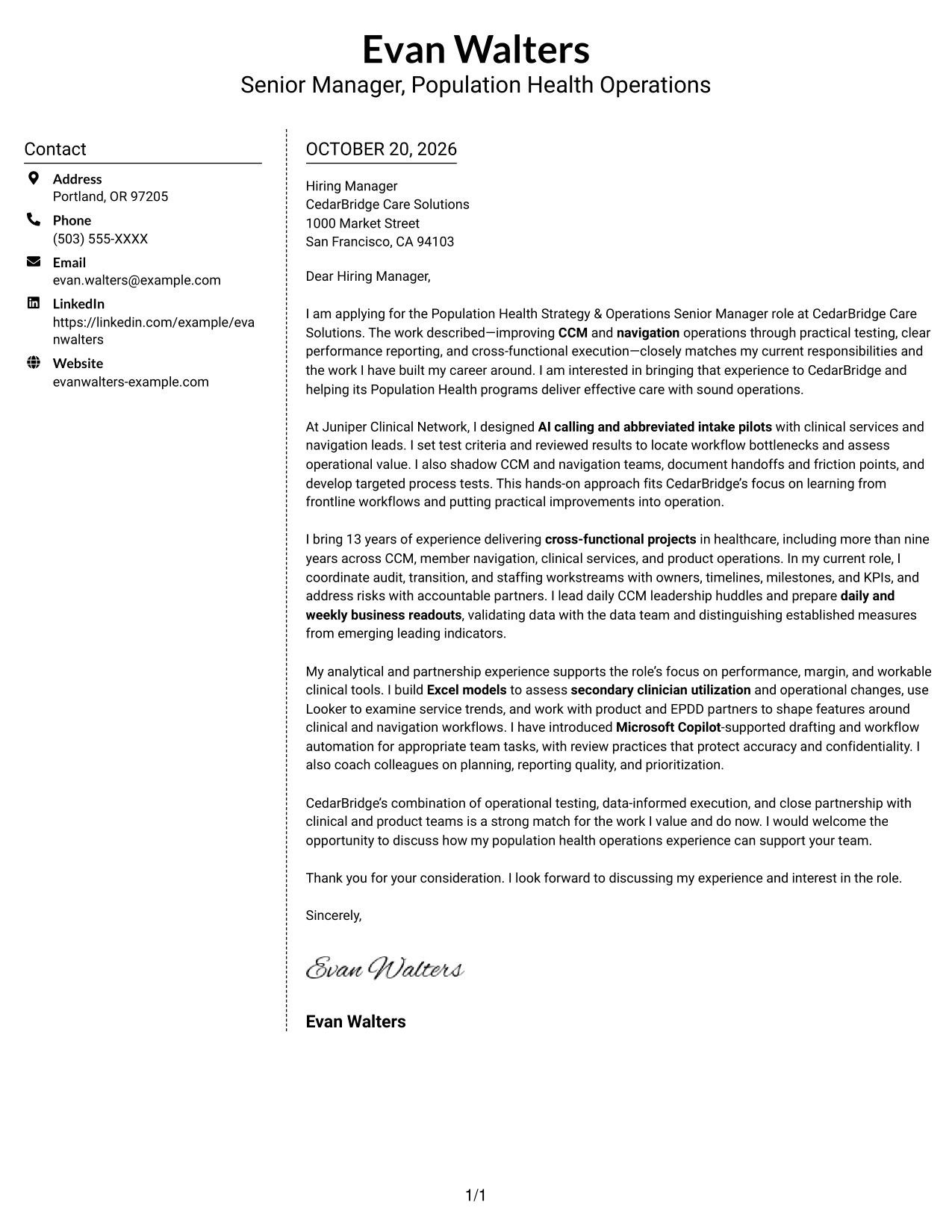
#5 Simple Two Column Format Cover Letter Example
The Simple Two Column Format separates contact details into a sidebar while leaving the letter itself as one continuous body, a practical choice for distinct contact and message areas.
Why This Format Works
- The contact sidebar gives sender details a separate, easy-to-find place.
- The letter stays in continuous paragraphs, keeping its message connected.
- No headings divide the body into artificial stages of the letter.
Best For
- Separate contact-detail access
- Continuous letter messages
- Side-by-side page organization
- Letters without body headings
- Contact details kept apart from the message
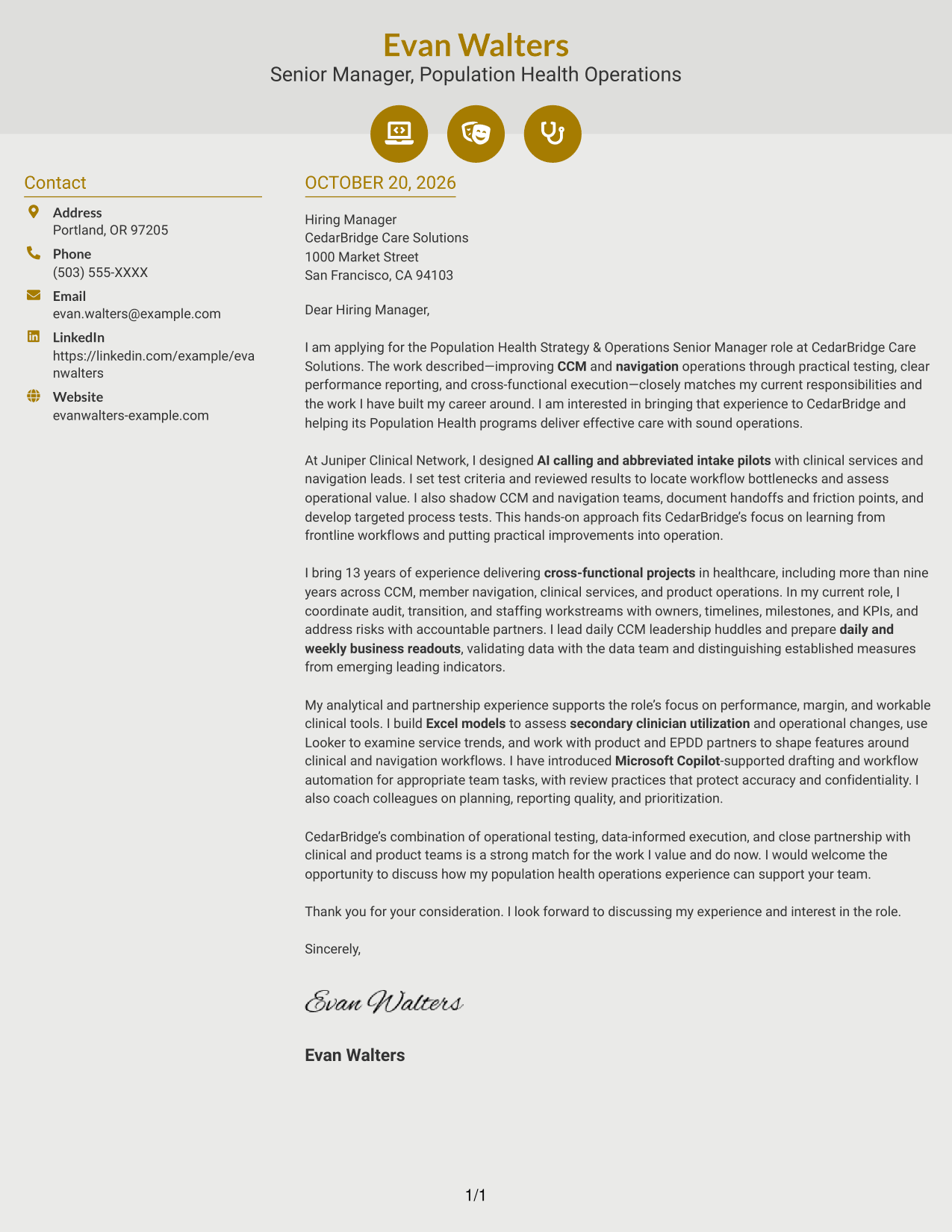
#6 Modern Icon Format Cover Letter Example
The Modern Icon Format uses a contact sidebar beside the continuous letter body, with icons serving as contact cues rather than argument labels.
Why This Format Works
- Contact icons help identify contact details without labeling the letter's argument.
- A separate sidebar keeps those details distinct from the message.
- The continuous body preserves the natural sequence of the letter's paragraphs.
Best For
- Icon-marked contact details
- Separate contact and message areas
- Letters with a continuous body
- Quick contact-detail reference
- Paragraph-based correspondence
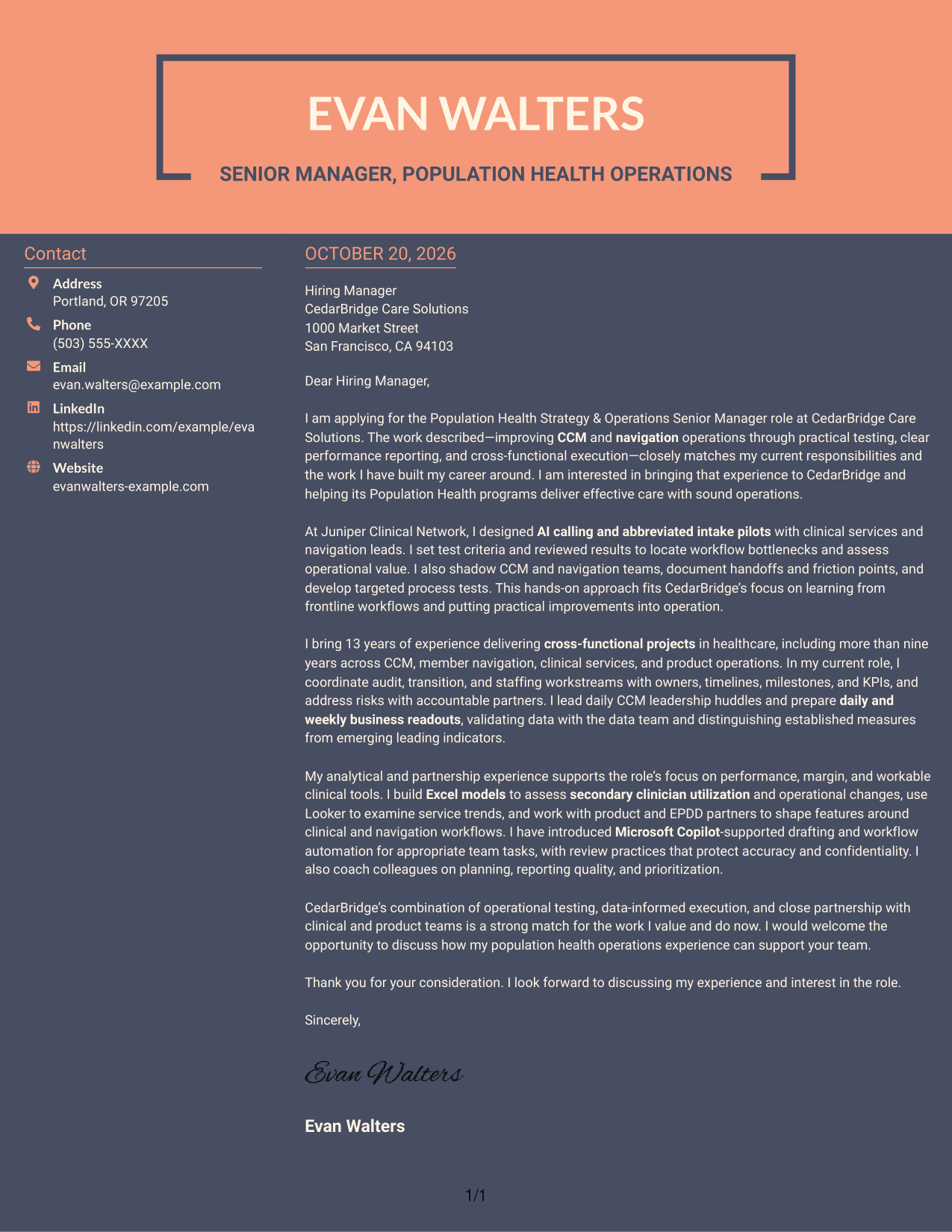
#7 Creative Two Tone Format Cover Letter Example
The Creative Two Tone Format uses two columns to set contact details apart from the continuous letter, making the contact area easy to distinguish from the message.
Why This Format Works
- The contact sidebar provides a distinct place for sender details.
- The letter body stays continuous, so its points read in a connected sequence.
- The two areas let reviewers distinguish contact information from the message.
Best For
- Distinct contact and message areas
- Letters with connected paragraphs
- Contact details in a sidebar
- Continuous letter-body preference
- Side-by-side page organization
See Also
- 7 Population Health Strategy & Operations Senior Manager Resume Templates with Example
- 7 Senior Vice President, Value-Based Care - Population Health, Risk & Quality Resume Templates with Example
- 33 Business Strategy Manager, Vice President - Marketing Operations Strategy Resume Templates with Example 2026 (ATS-Optimized)
- 7 Director of Sales Operations, FX Sales Strategy Resume Templates with Example
- 33 Environmental Health and Safety Coordinator - Convention Operations Resume Templates with Example 2026 (ATS-Optimized)
- 33 Environmental Health and Safety Coordinator - Venue Safety Operations Resume Templates with Example 2026 (ATS-Optimized)
- 7 Director/Senior Director, Life Sciences Industry Strategy Resume Templates with Example
- 33 Product Manager, Visual Strategy for Customer Zero Resume Templates with Example 2026 (ATS-Optimized)
- 7 Senior Vice President, Value-Based Care - Population Health, Risk & Quality Cover Letter Templates with Example
- 7 Director/Senior Director, Life Sciences Industry Strategy Cover Letter Templates with Example
Frequently Asked Questions
What should a Population Health Strategy & Operations Senior Manager cover letter emphasize?
Connect your interest in the role to relevant work in CCM and navigation operations. Explain how you approach operational tests, cross-functional delivery, performance reporting, and practical improvements.
How can I make my cover letter specific to this role?
Use clear examples of work that relates to the position. The featured letter describes AI calling and abbreviated intake pilots, workflow reviews, business readouts, Excel modeling, and partnership with product and EPDD teams.
How should I explain my interest in the employer?
Refer to the work described in the role and explain why it fits your professional interests. Keep the reason specific and accurate, and do not claim knowledge about the organization that you cannot support.
Which cover letter layout should I choose?
Choose a clear layout that makes the opening, supporting examples, and closing easy to follow. Use the image previews to compare presentations, then open an example in the editor to view or customize it.
Should I include every skill and achievement in my cover letter?
No. Select a few details that directly support your fit for the role, such as operational testing, reporting, margin analysis, or workflow partnership. Explain their relevance instead of listing everything.




