
7 Postdoctoral Research Associate - Biological Invasions, Ecology, and Artificial Intelligence Resume Templates with Example
This practical guide shows you how to create a Postdoctoral Research Associate - Biological Invasions, Ecology, and Artificial Intelligence resume that is clear, focused, and easy to review. You will learn how to organize research evidence so your strongest qualifications are easy to find.
For this role, a strong resume should connect ecological research with quantitative work. Give clear space to machine learning, advanced statistical modeling, probabilistic methods, interpretable AI, uncertainty quantification, spatial analysis, reproducible research, publications, and mentoring when those details are supported by your record.
The same complete resume is shown in 7 ATS-friendly resume layouts so you can compare reading order, section balance, photo choices, and two-column versus one-column organization before choosing a format.
What Makes a Great Postdoctoral Research Associate - Biological Invasions, Ecology, and Artificial Intelligence Resume in 2026
A strong resume is clear, evidence-based, and easy to scan. It should make research focus, publications, technical depth, independent work, and mentoring easy to verify.
Use role-relevant terms such as biological invasions, ecological forecasting, probabilistic machine learning, interpretable AI, uncertainty quantification, model calibration, transfer learning, GIS, Python, R, and reproducible research only where your experience supports them.
The examples shown below are intentionally detailed to demonstrate a range of experiences, skills, accomplishments and relevant keywords. We prefer detailed resumes as they provide more context to the hiring managers and also help the ATS systems identify relevant qualifications and score your resume better for a match. But the length of a resume is an individual choice. If you want a one page resume, just keep the most relevant experience and information for the job. Note: Resume examples are for educational purposes only. Use only information that accurately reflects your experience and qualifications. References to real organizations do not imply affiliation or endorsement.
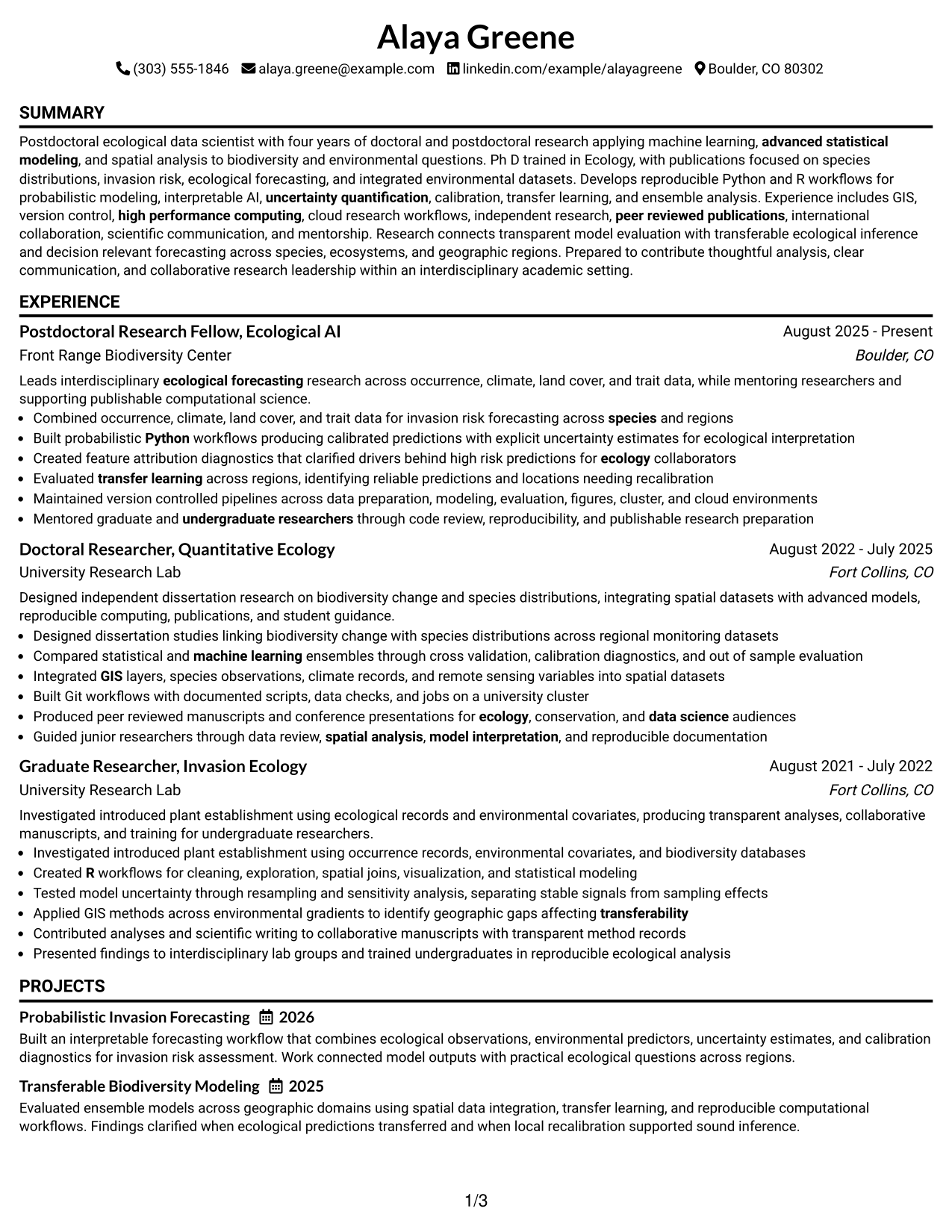
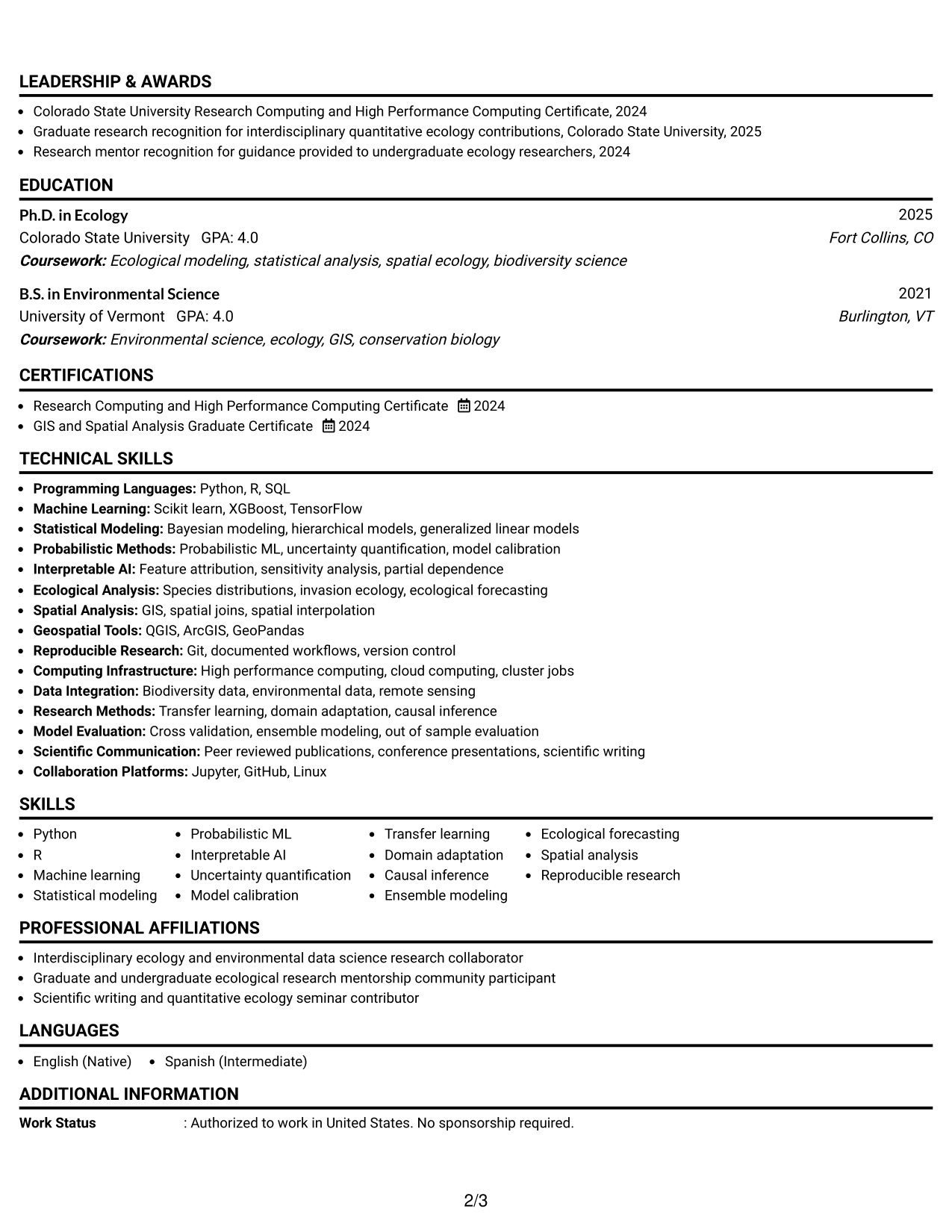
#1 Simple One Column Format Resume Example
The Simple One Column Format gives recruiters one direct reading path through the resume from top to bottom.
Why This Format Works
- Linear reading keeps research experience and career progression easy to follow.
- Full-width sections give achievements enough space for clear supporting detail.
- Consistent section order helps reviewers locate skills, education, and credentials quickly.
Best For
- Detailed research histories
- Straightforward recruiter scanning
- Experience-heavy academic resumes
- Clear chronological progression
- Long technical skill sets
Resume Keywords
- biological invasions
- ecological forecasting
- machine learning
- probabilistic ML
- interpretable AI
- uncertainty quantification
- model calibration
- transfer learning
- spatial analysis
- GIS
- Python
- R
- reproducible research
- high performance computing
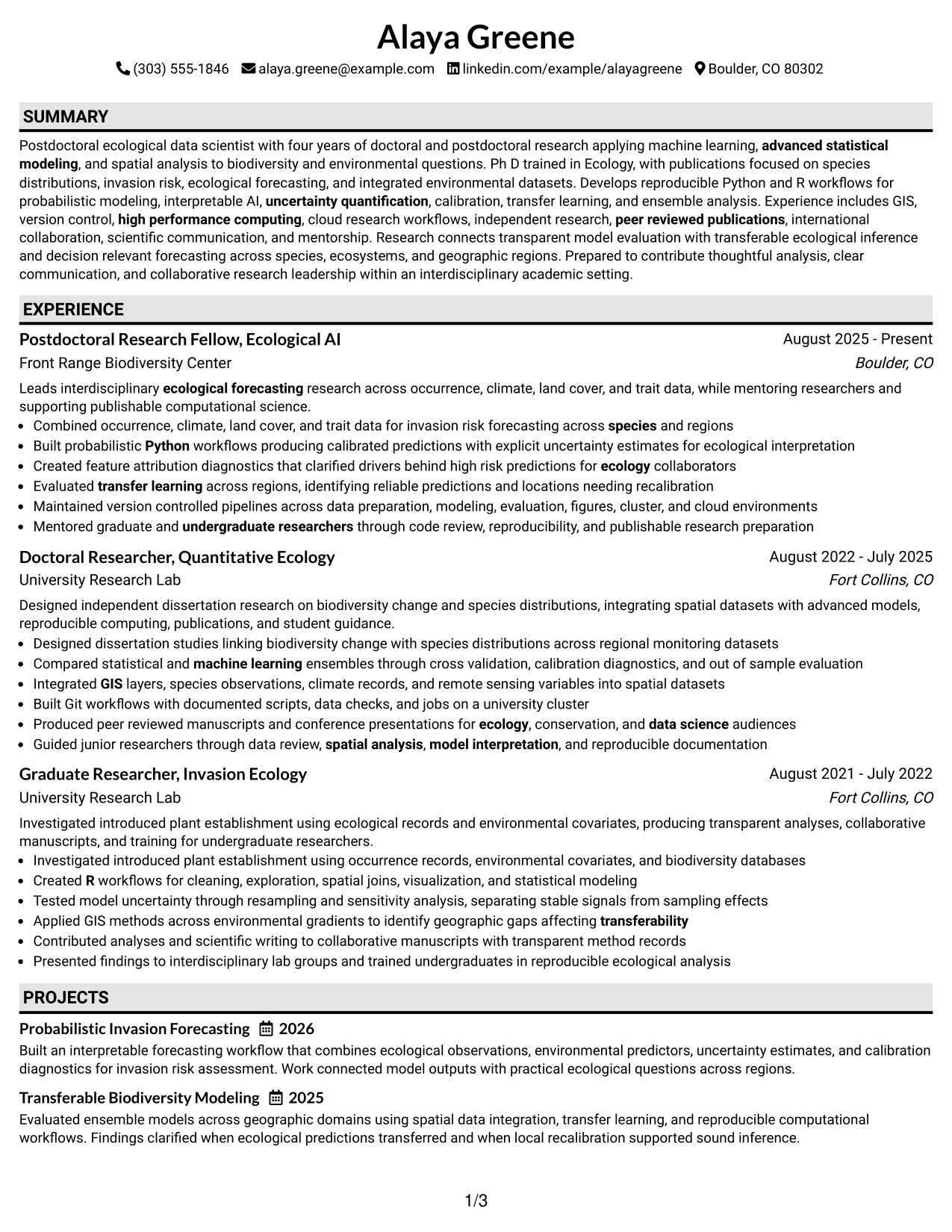
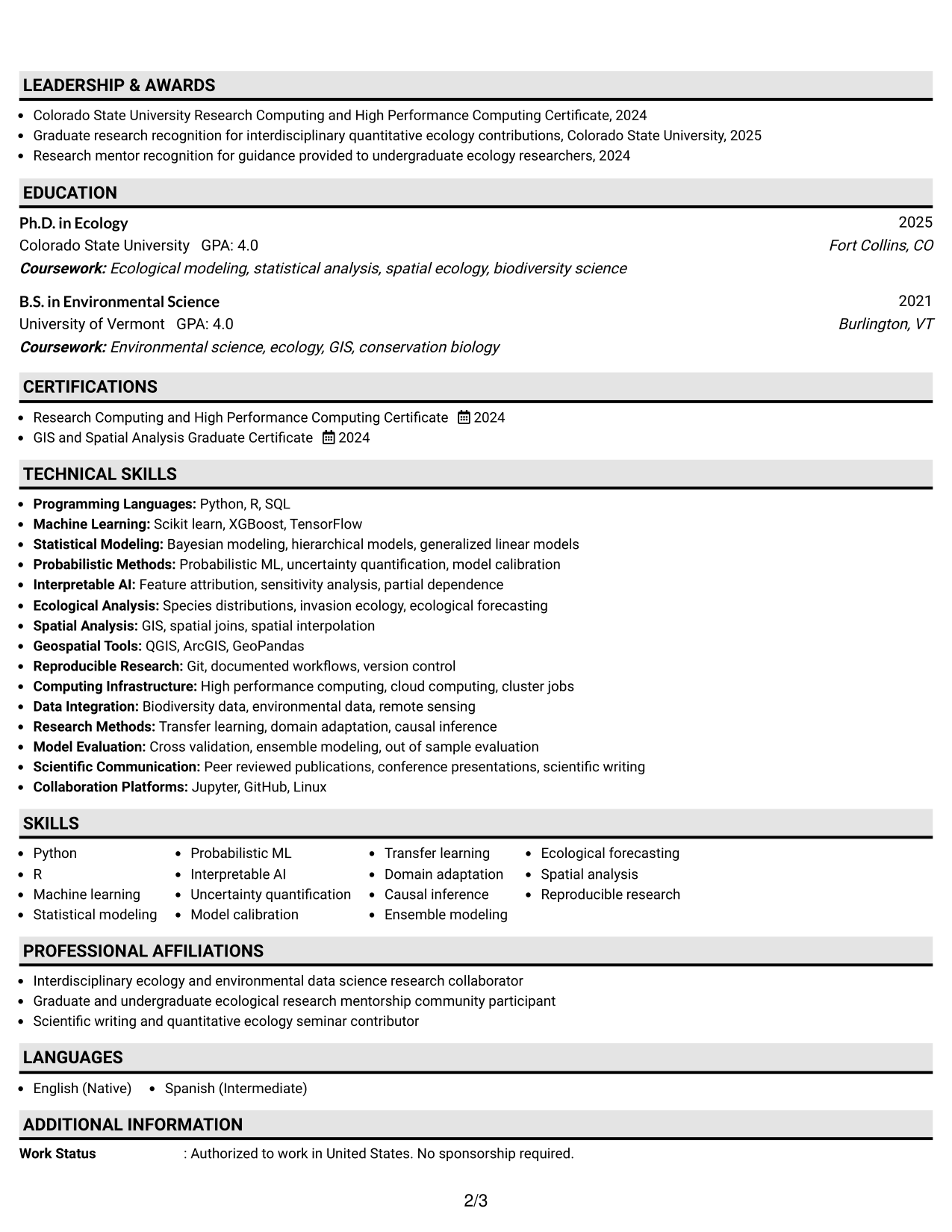
#2 Plain One Column with Shaded Labels Resume Example
The Plain One Column with Shaded Labels Format uses section labels to help recruiters separate major resume areas during a quick scan.
Why This Format Works
- Shaded labels create clear breaks between experience, skills, education, and credentials.
- Single-column flow preserves a predictable sequence for research roles and achievements.
- Visible section boundaries help dense academic content feel easier to navigate.
Best For
- Dense academic content
- Clearly separated resume sections
- Readers who scan by heading
- Mixed research and technical evidence
- Traditional document structure
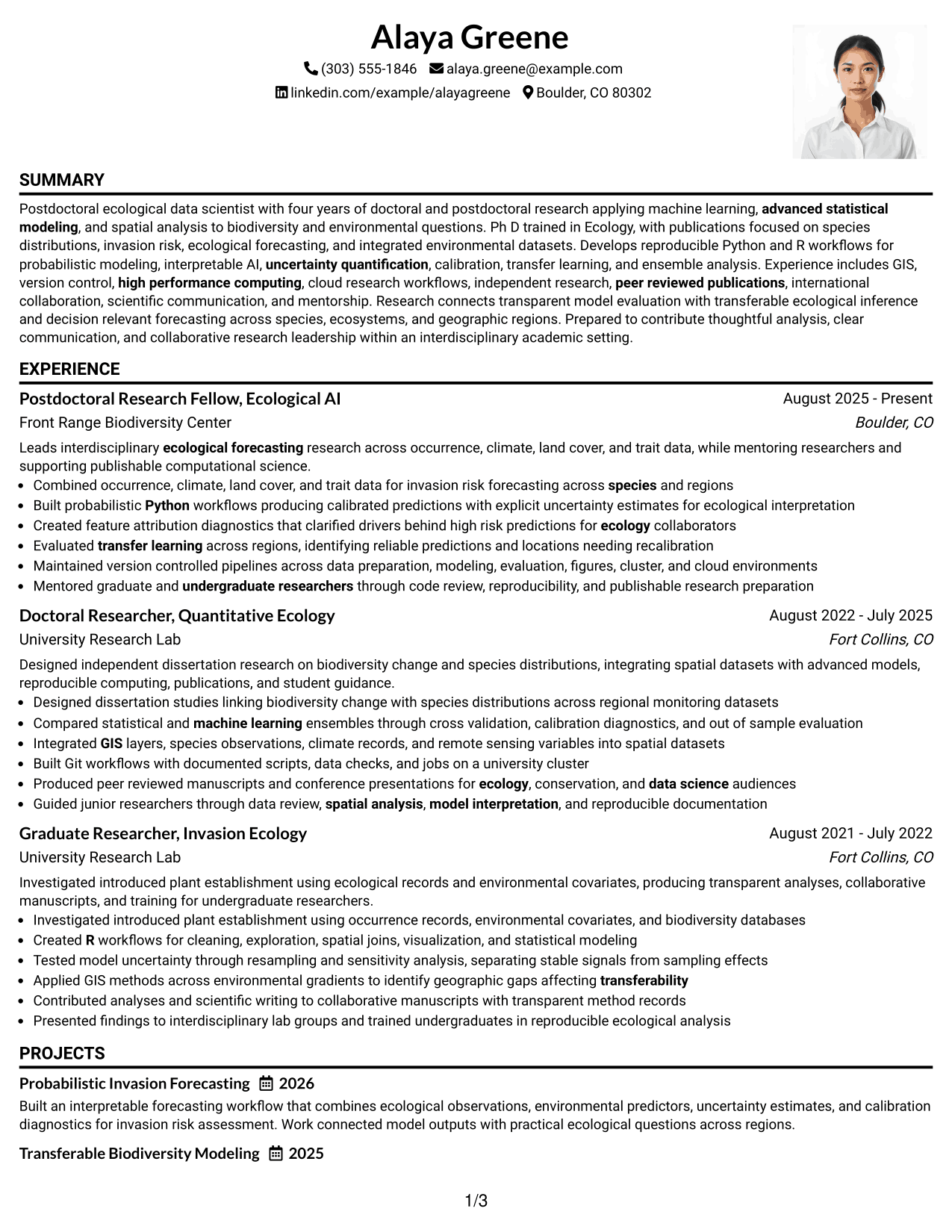
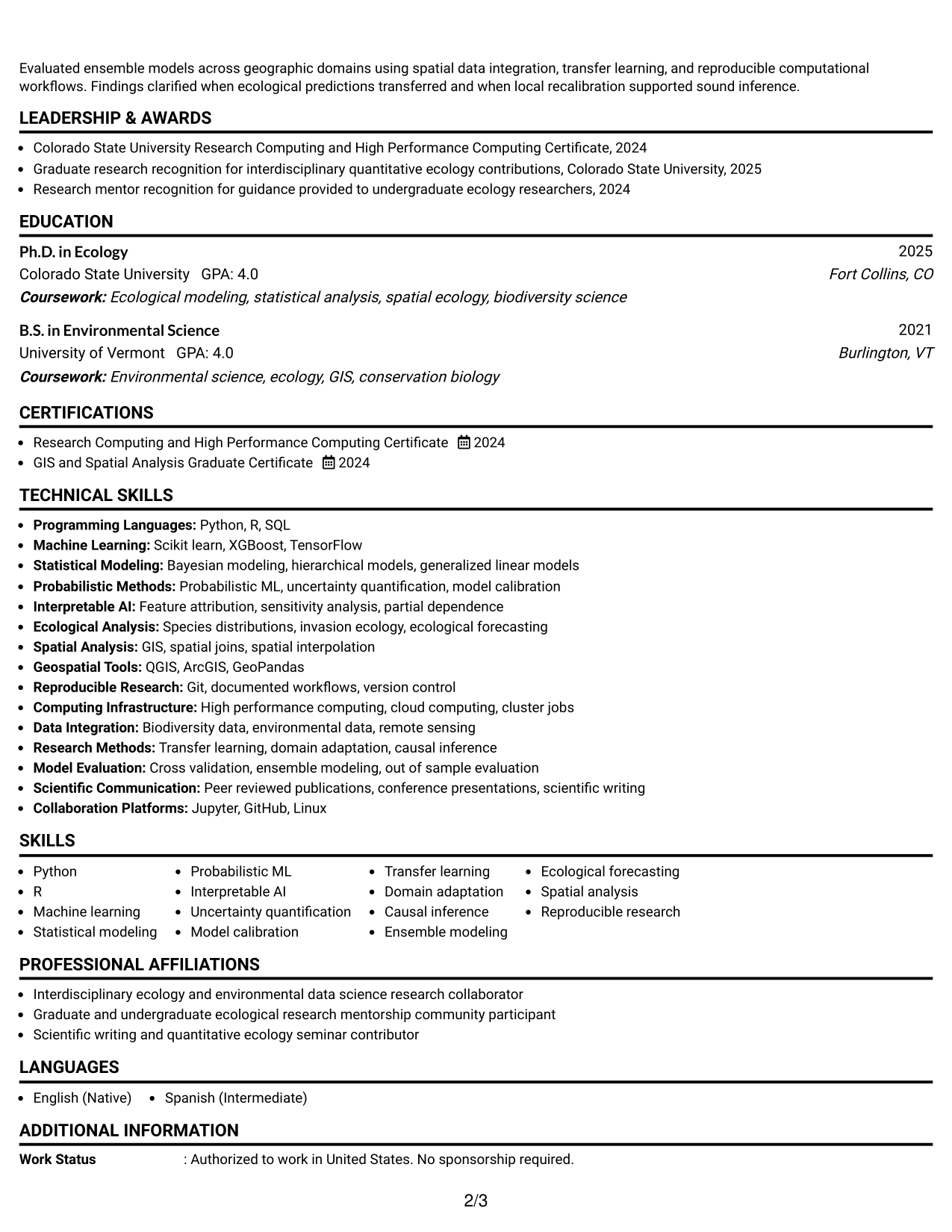
#3 One Column Format with Photo Right Resume Example
The One Column Format with Photo Right keeps a single body flow while a right-side header photo adds personal identification.
Why This Format Works
- One-column body keeps experience and achievements in an uninterrupted reading sequence.
- Header photo stays separate from the main evidence and section structure.
- Full-width content keeps education, skills, and credentials easy to review.
Best For
- Regions where photos are customary
- Direct chronological reading
- Research resumes with detailed bullets
- Full-width evidence sections
- Applications needing personal identification
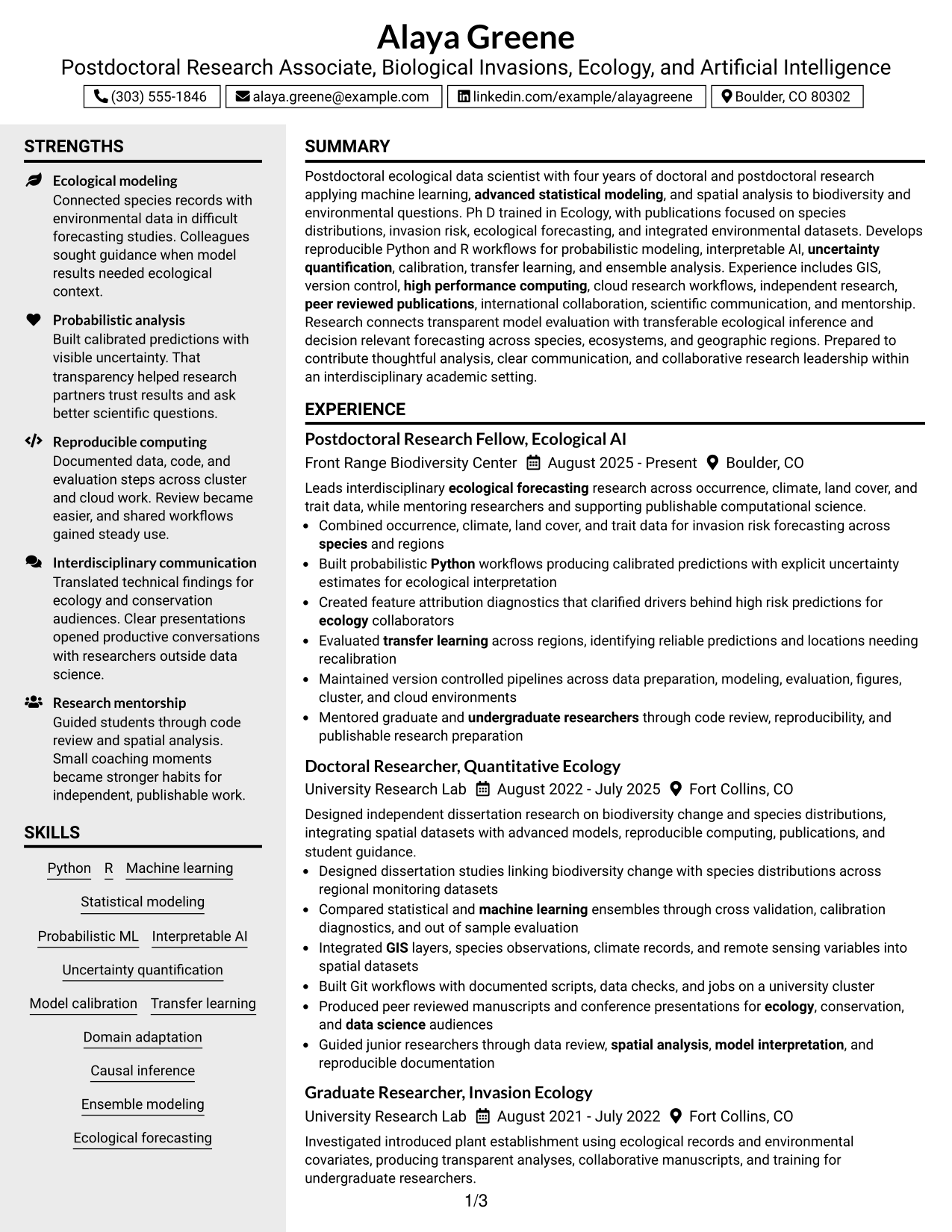
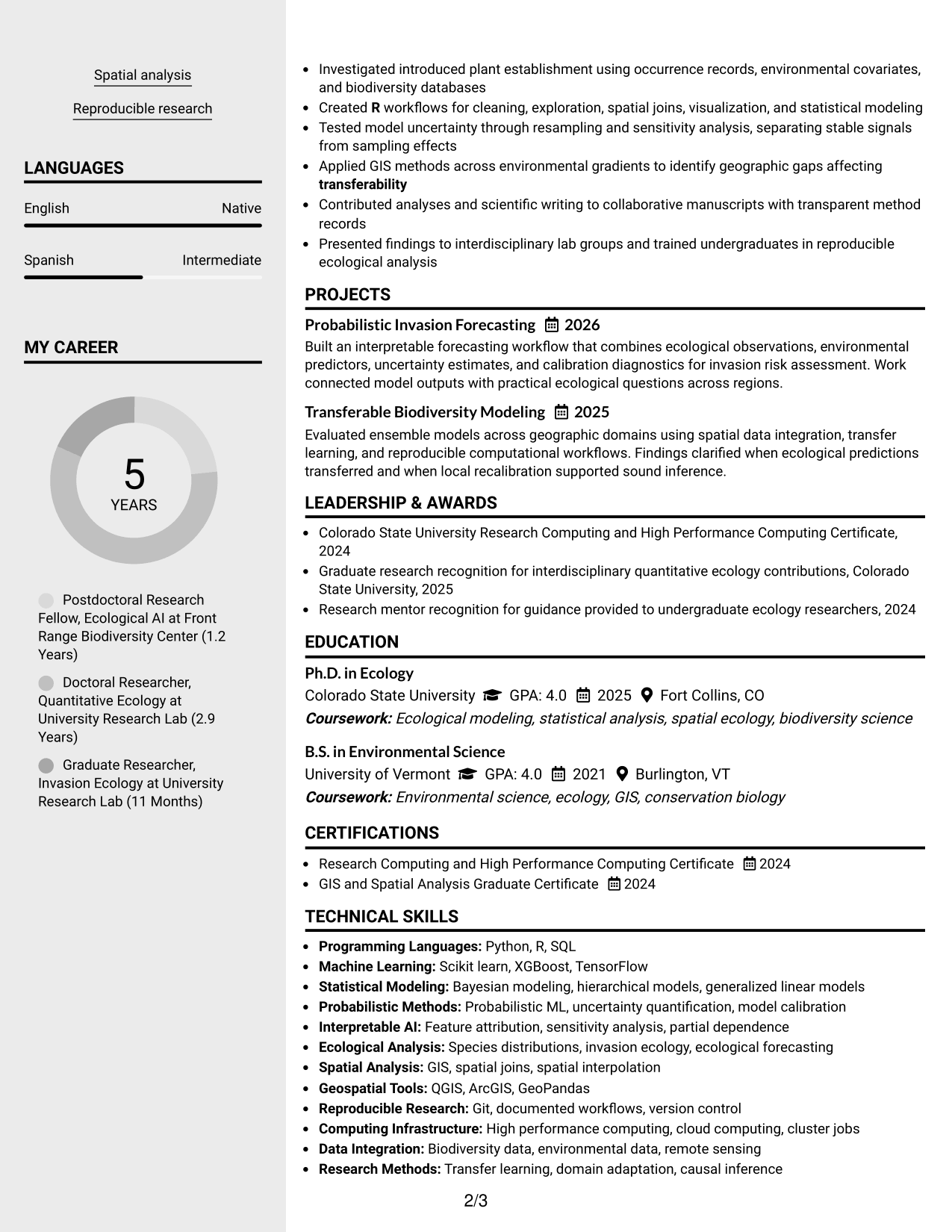
#4 Clean Two Column Sidebar Format Resume Example
The Clean Two Column Sidebar Format lets recruiters scan supporting details beside a larger column for research experience.
Why This Format Works
- Two-column structure separates supporting credentials from detailed experience without breaking navigation.
- Sidebar organization makes compact skills and education sections easy to locate.
- Wider main column leaves room for achievements and career progression to read naturally.
Best For
- Compact supporting qualifications
- Research histories needing visual separation
- Fast access to skills and education
- Balanced technical and academic content
- Readers comparing experience with credentials
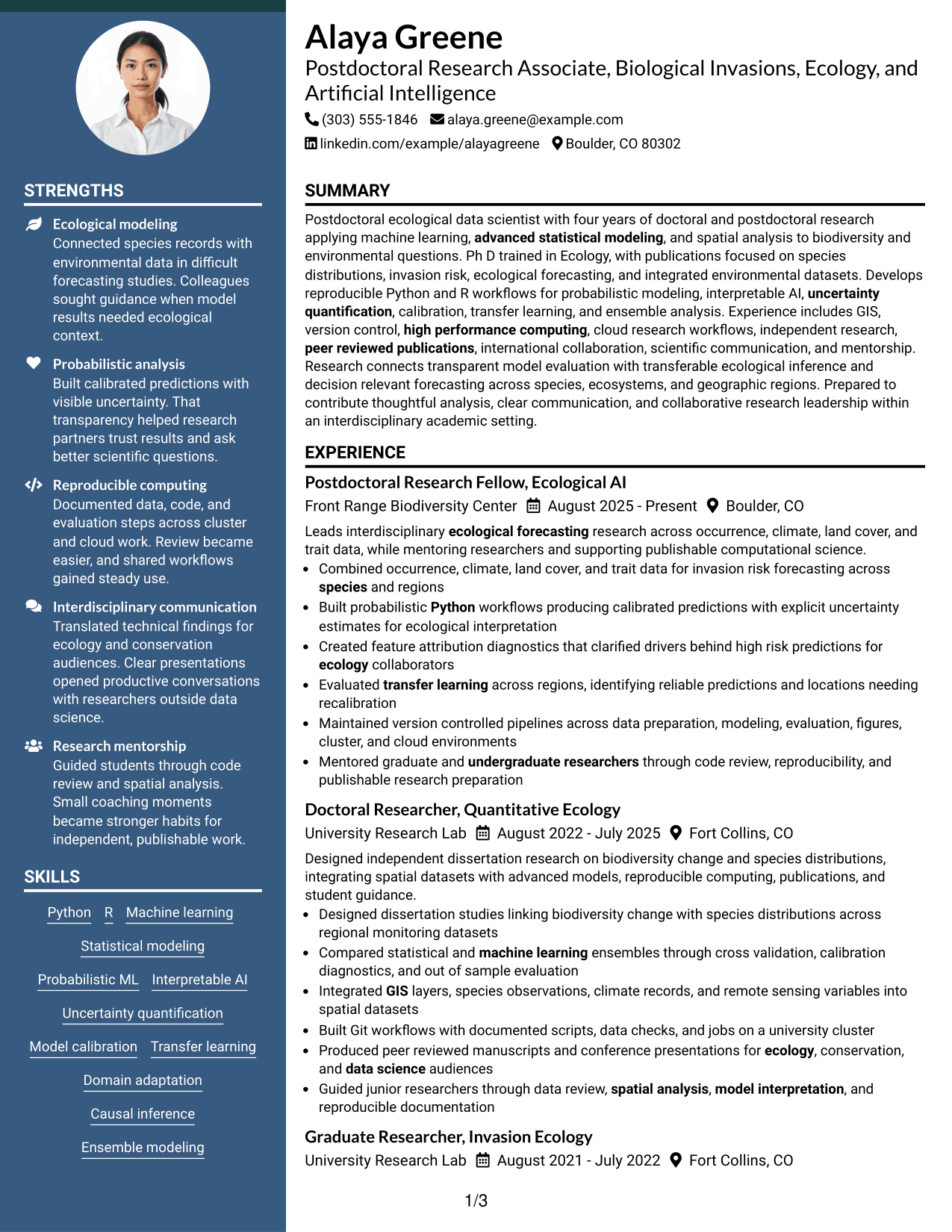
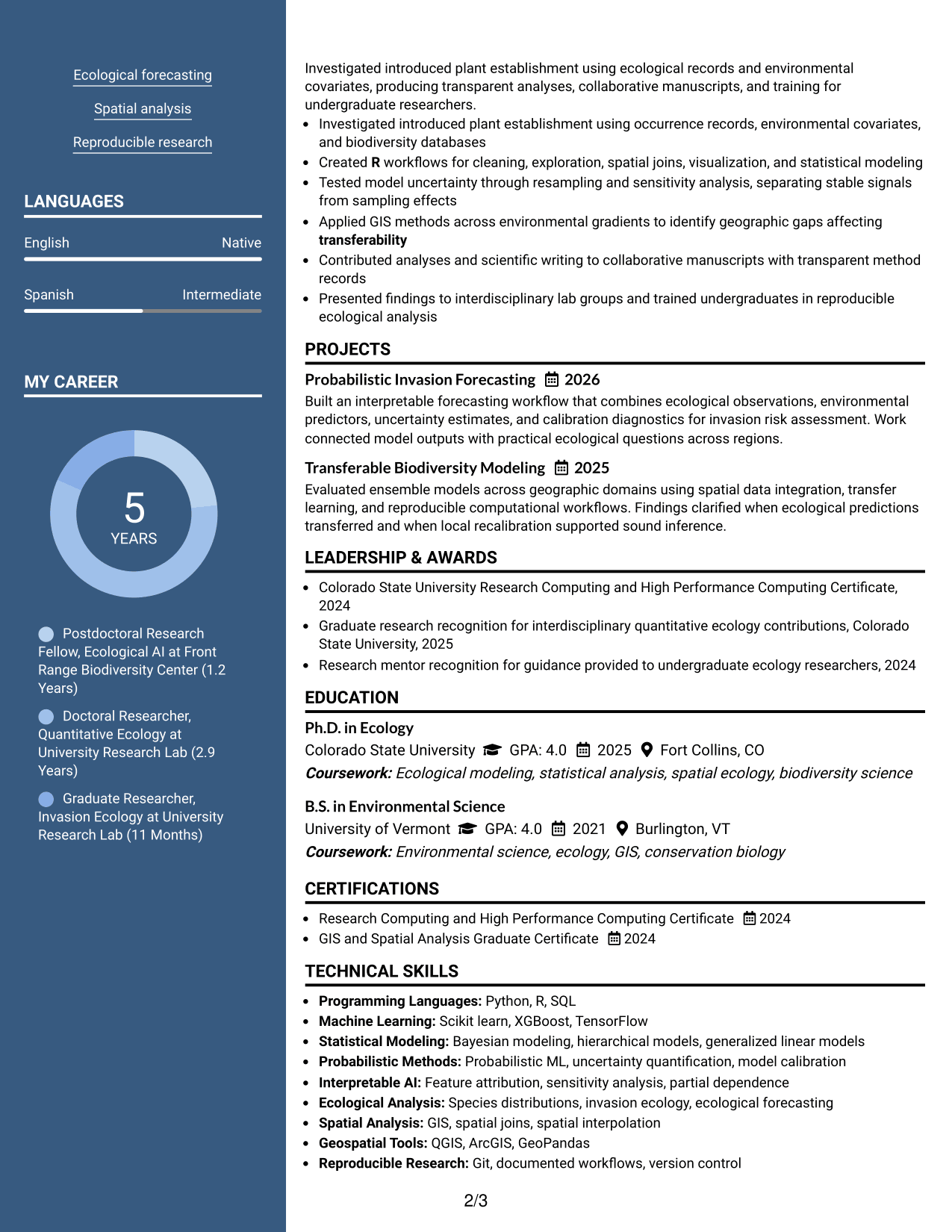
#5 Two Column Format Resume Example
The Two Column Format divides the resume into parallel areas so recruiters can compare core evidence without a long vertical scan.
Why This Format Works
- Parallel columns reduce vertical searching across experience, skills, and education sections.
- Section separation helps reviewers compare achievements with supporting qualifications at a glance.
- Balanced body areas suit resumes that combine research depth with varied credentials.
Best For
- Broad research portfolios
- Shorter vertical scanning
- Several supporting sections
- Side-by-side qualification review
- Balanced evidence across categories
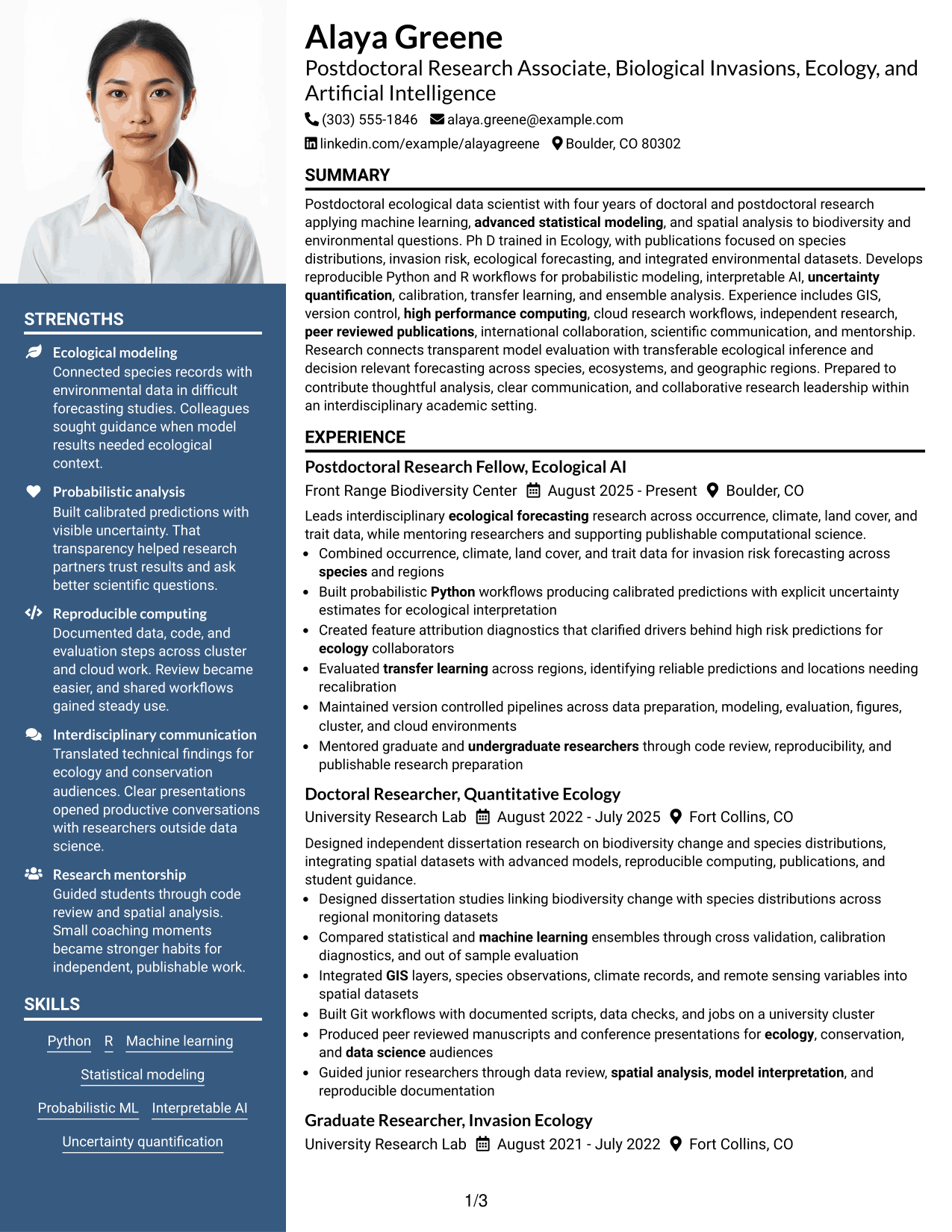
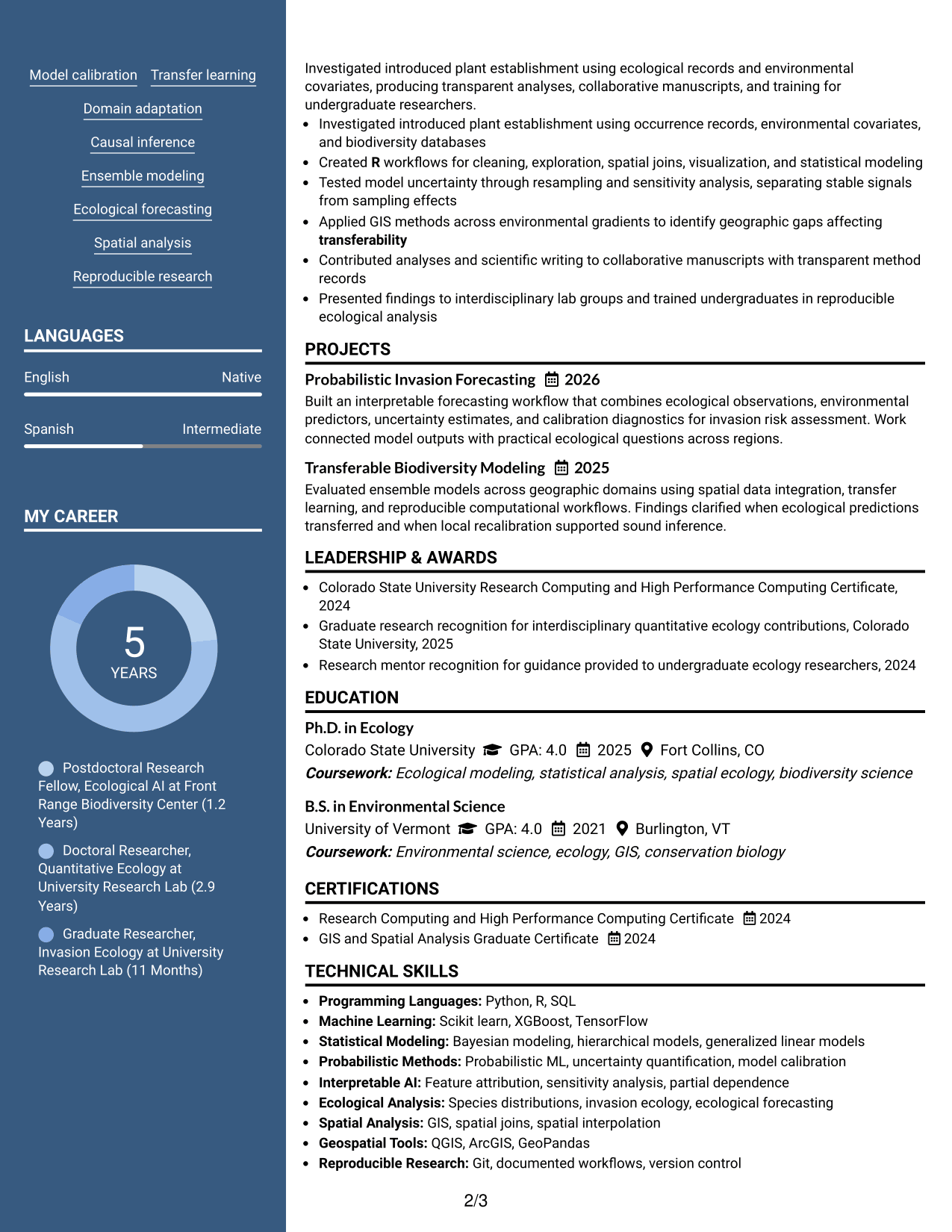
#6 Photo Header Two Column Format Resume Example
The Photo Header Two Column Format combines a photo header with two body columns so recruiters can navigate grouped resume sections quickly.
Why This Format Works
- Two body columns keep experience, skills, education, and credentials in distinct groups.
- Photo header provides identification without taking over the main research evidence.
- Grouped sections help reviewers move between achievements and supporting qualifications efficiently.
Best For
- Photo-accepted application markets
- Grouped technical qualifications
- Research resumes with several sections
- Quick movement between evidence types
- Structured side-by-side review
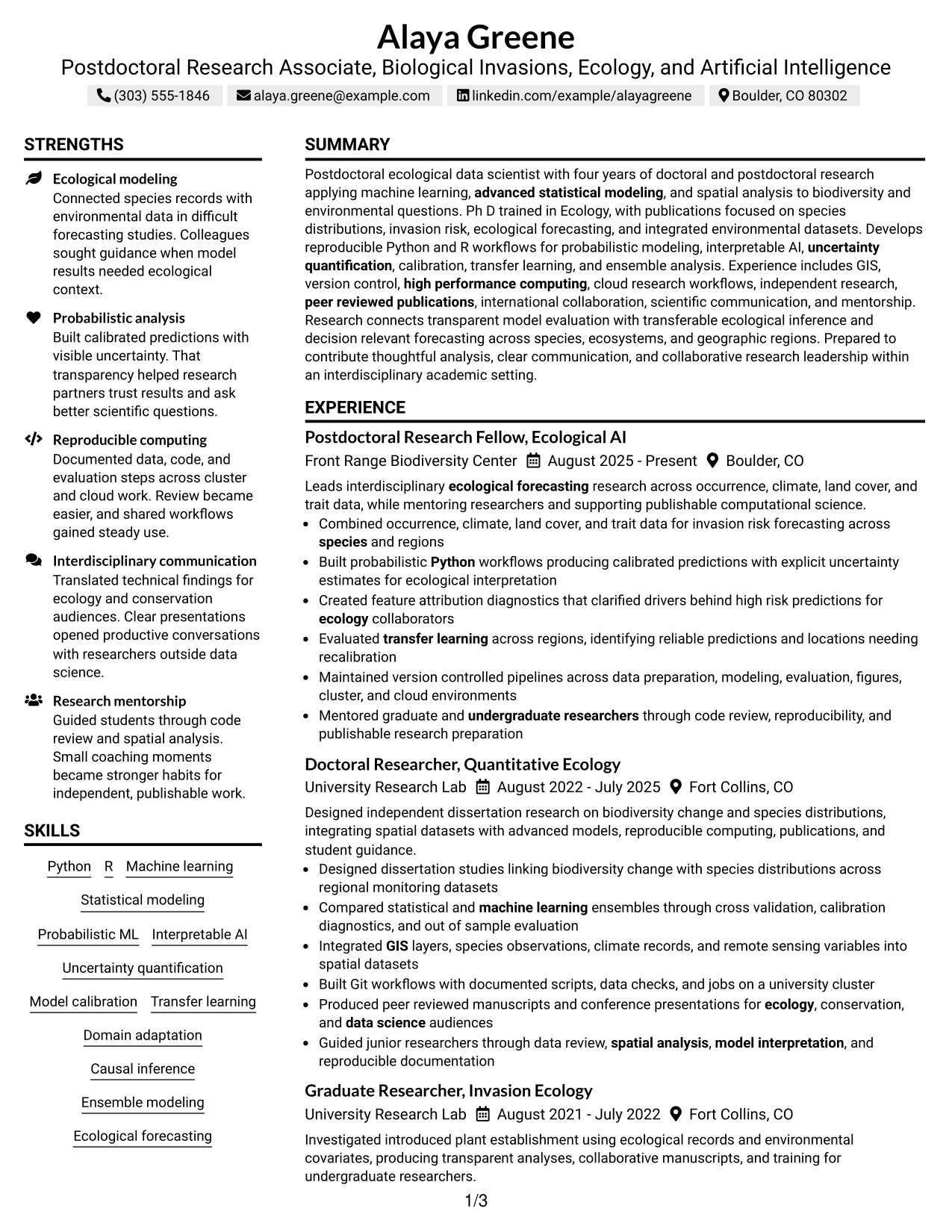
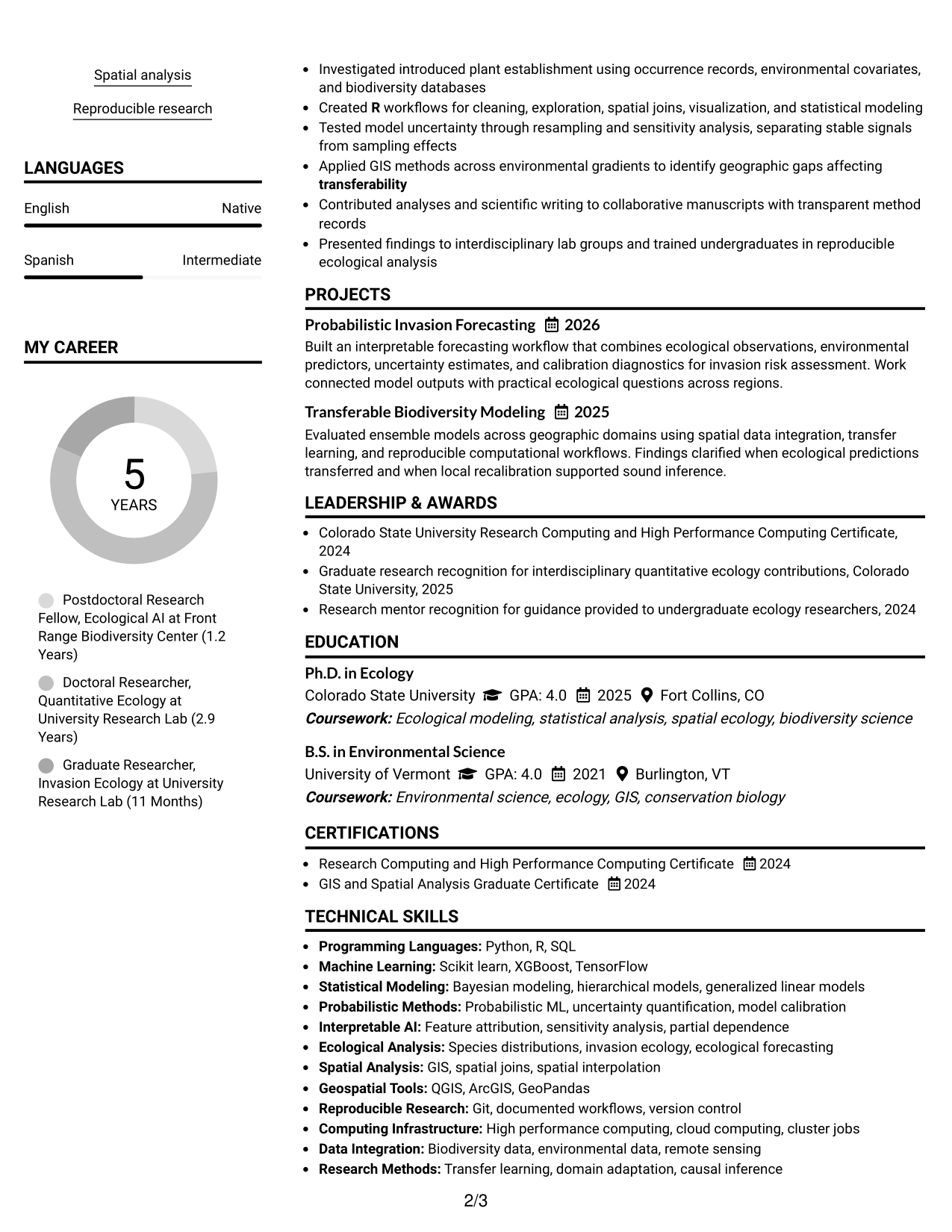
#7 Simple Two Column Format Resume Example
The Simple Two Column Format gives recruiters a clean side-by-side structure for reviewing the resume without extra visual complexity.
Why This Format Works
- Simple column division keeps major sections visible without heavy visual styling.
- Separate content areas help skills and credentials stay distinct from experience.
- Clear organization supports quick review of achievements, education, and career progression.
Best For
- Low-decoration two-column layouts
- Clear separation of core sections
- Technical resumes with varied evidence
- Reviewers wanting simple navigation
- Research and credential balance
Why Build Your Postdoctoral Research Associate - Biological Invasions, Ecology, and Artificial Intelligence Resume with ResumeInMinutes
ResumeInMinutes helps you turn detailed academic and computational work into a resume with clear sections, concise research bullets, and focused evidence.
- ATS-friendly section structure
- Research experience organization
- Skills and tools grouping
- Projects and publication-ready evidence
- Free PDF resume previews
- Resume customization support
You can tailor the resume around ecological research, quantitative methods, spatial work, computing environments, publications, and mentorship without losing a clear reading order.
See Also
- 7 Postdoctoral Research - Applying AI in Environment and Sustainability Resume Templates with Example
- 33 AI Research Engineer Resume Templates with Example 2026 (ATS-Optimized)
- 7 Analyst/Associate: Equity Research - Telecommunication, Data Center and Tower Resume Templates with Example
- 33 Applied AI Research Engineer - Production ML & Cloud Resume Templates with Example 2026 (ATS-Optimized)
- 33 Bioprocess Research Technician Resume Templates with Example 2026 (ATS-Optimized)
- 7 Business Administrator Intermediate - Academic Finance and Research Administration Resume Templates with Example
- 33 Campus AI Research Engineer (Intern) Resume Templates with Example 2026 (ATS-Optimized)
- 33 Cancer Research Specialist Resume Templates with Example 2026 (ATS-Optimized)
- 30+ AI Research Engineer Cover Letter Templates with Example 2026
- 30+ Applied AI Research Engineer - Production ML & Cloud Cover Letter Templates with Example 2026
Frequently Asked Questions
Are these Postdoctoral Research Associate resume templates ATS-friendly?
They use clear section structure and readable headings. For best results, keep important role terms in normal text and match them to evidence in your research record.
Do the examples use different candidate resumes?
No. Each example presents the same complete resume in a different visual format, which makes format comparison easier.
What should this postdoctoral research resume include?
Include a focused summary, research experience, education, technical skills, relevant projects, publications or publication evidence, certifications, computing methods, and mentoring when supported by your background.
Can I download the resume templates as PDFs?
Yes. Each resume style includes a free PDF preview so you can compare the format before adapting your own content.
Which resume style works well for research with many technical details?
A simple one-column format gives a direct reading path, while a well-structured two-column format can separate skills and credentials from detailed research experience. Choose the option that keeps your evidence easy to follow.
How should I show machine learning and ecological modeling experience?
Place the methods in your skills section, then connect them to research bullets that explain the ecological question, modeling work, evaluation approach, and research outcome.
Should I include a photo on a U.S. academic resume?
Usually no. For U.S. applications, a no-photo resume is generally the safer choice unless a specific application system or local practice asks for one.
Can I customize these resume templates?
Yes. You can adjust the text and visual format while keeping your research evidence, education, technical skills, projects, and credentials aligned with the target role.




