
7 Postdoctoral Scholar Research Associate - Pediatric Dental Research Cover Letter Templates with Example
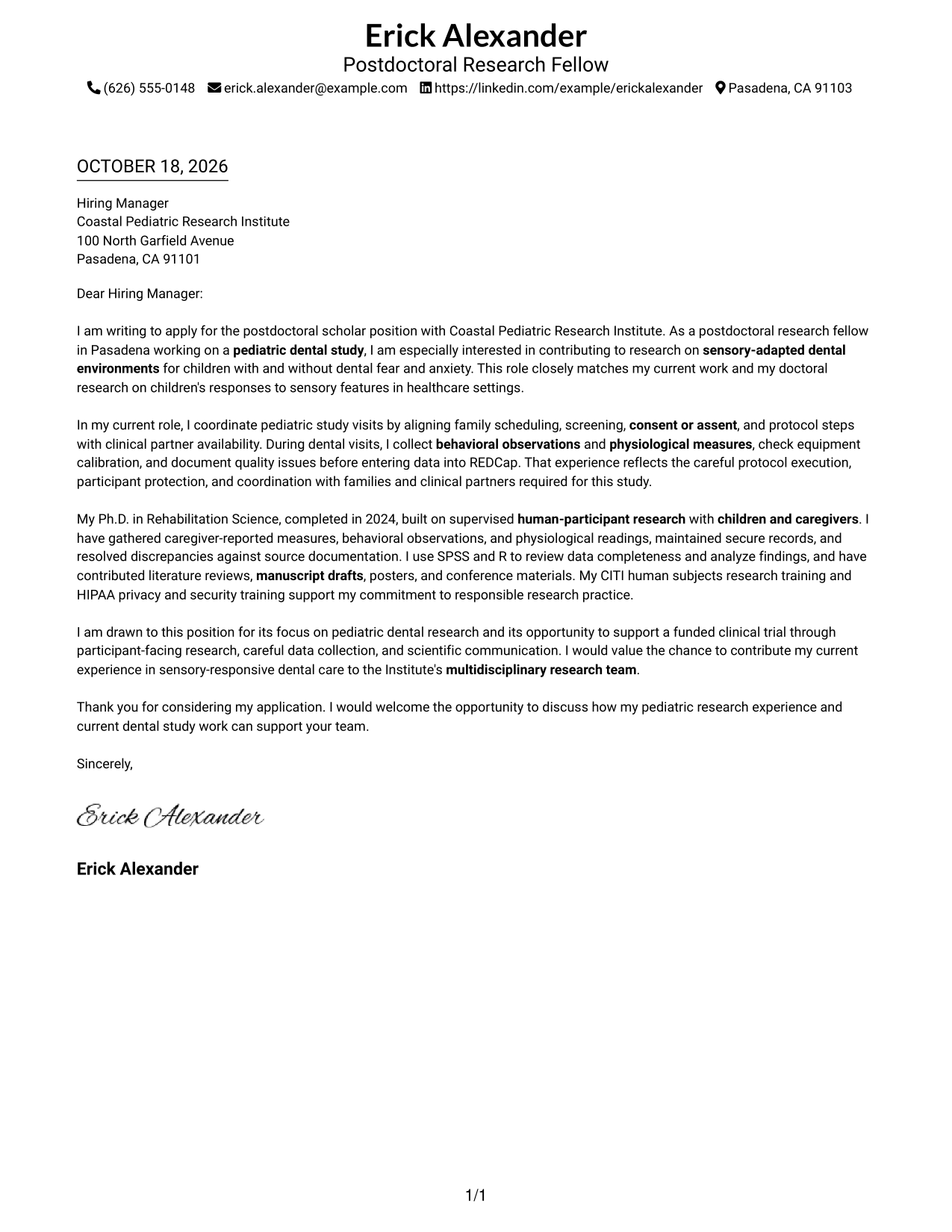
This guide helps you create a focused Postdoctoral Scholar Research Associate - Pediatric Dental Research cover letter and compare seven layouts for clear, role-specific communication.
What Makes a Great Postdoctoral Scholar Research Associate - Pediatric Dental Research Cover Letter in 2026
A strong letter connects your interest in pediatric dental research to evidence of careful work with children and families, study protocols, and clinical partners.
Use the opening to name the research focus, the body to show how you support participant visits and reliable data collection, and the closing to explain your interest and invite a conversation.
The featured example moves from interest in sensory-adapted dental research to relevant study work and a clear closing; adapt this focused progression while choosing a presentation that fits the employer and communication context.
#1 Simple One Column Format Cover Letter Example
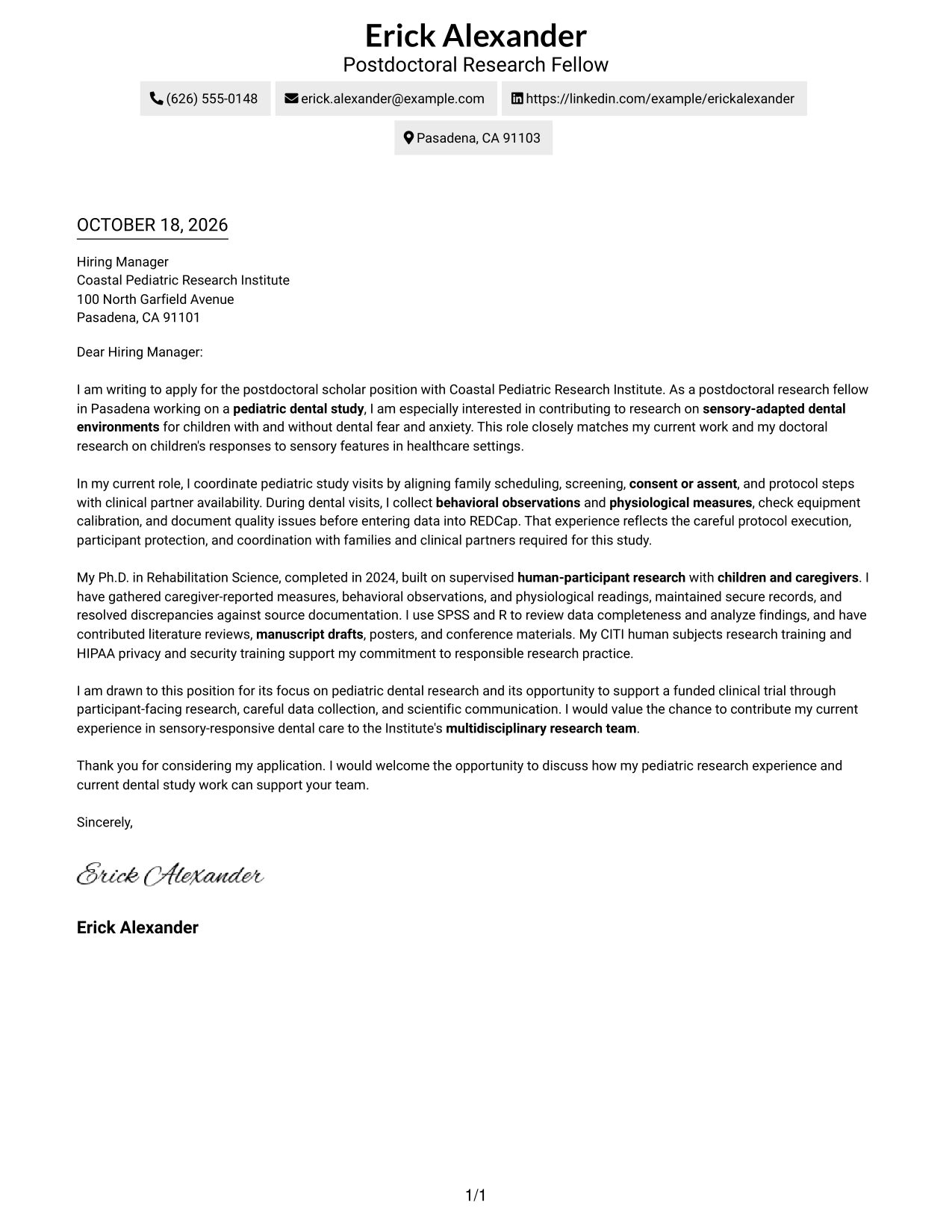
This one-column layout places sender details in the header and keeps the letter body continuous, so readers can follow the message in one direction.
Why This Format Works
- Header contact details stay easy to find without interrupting the letter.
- One reading path keeps the opening, supporting points, and close connected.
- Photo-free presentation suits readers who want the written message to lead.
Best For
- Single-path page organization
- Header-based contact details
- Multi-paragraph arguments
- Text-centered applications
- Photo-free correspondence
#2 Two Column Format Cover Letter Example
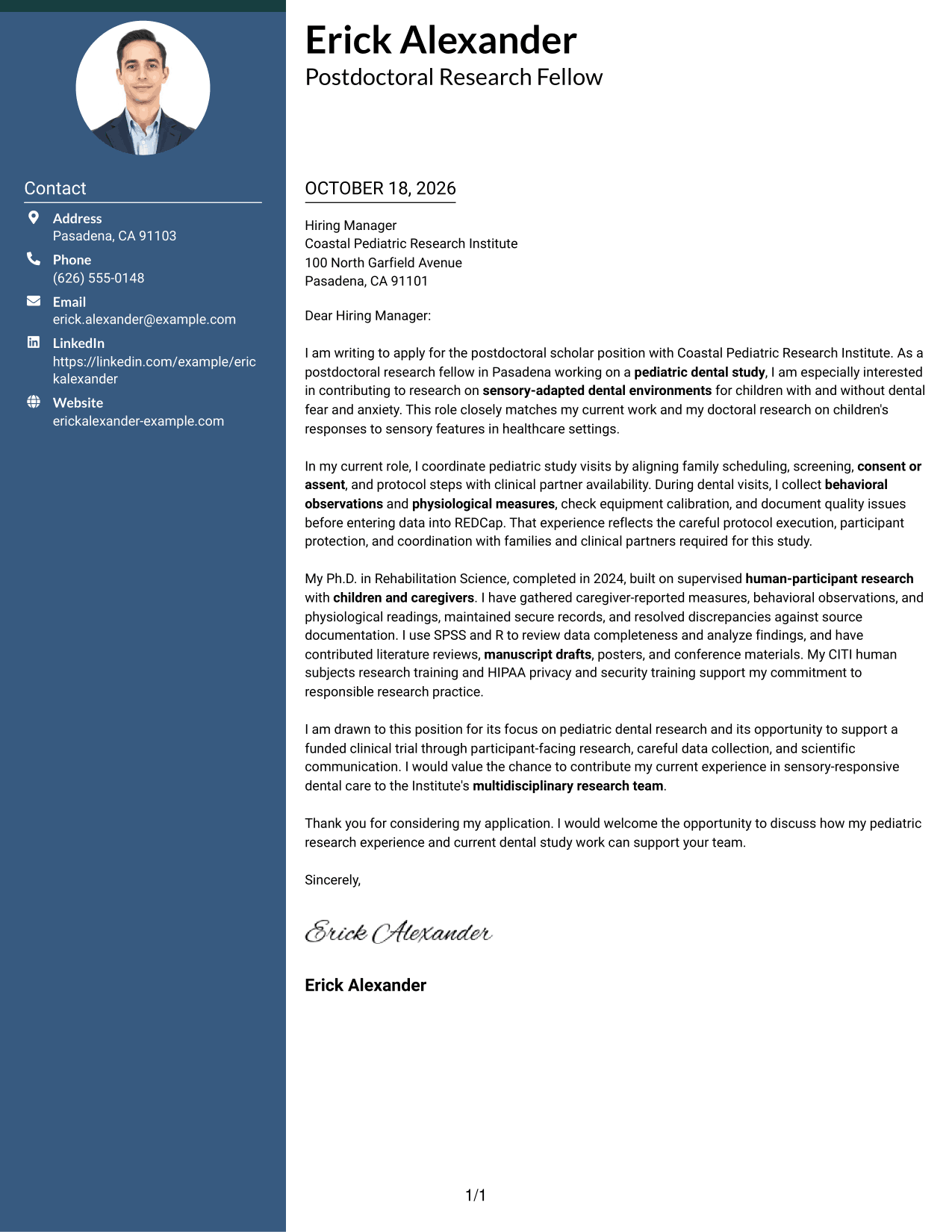
A contact sidebar stands beside one continuous letter body, giving contact details a separate place without splitting the argument.
Why This Format Works
- Contact details in the sidebar remain separate from the letter's argument.
- One continuous body lets readers follow the message from opening to close.
- Photo-free styling suits applications that favor written communication over portrait imagery.
Best For
- Sidebar contact organization
- Continuous letter arguments
- Multi-paragraph applications
- Letters with detailed motivation
- Photo-free correspondence
#3 Photo Header Two Column Format Cover Letter Example
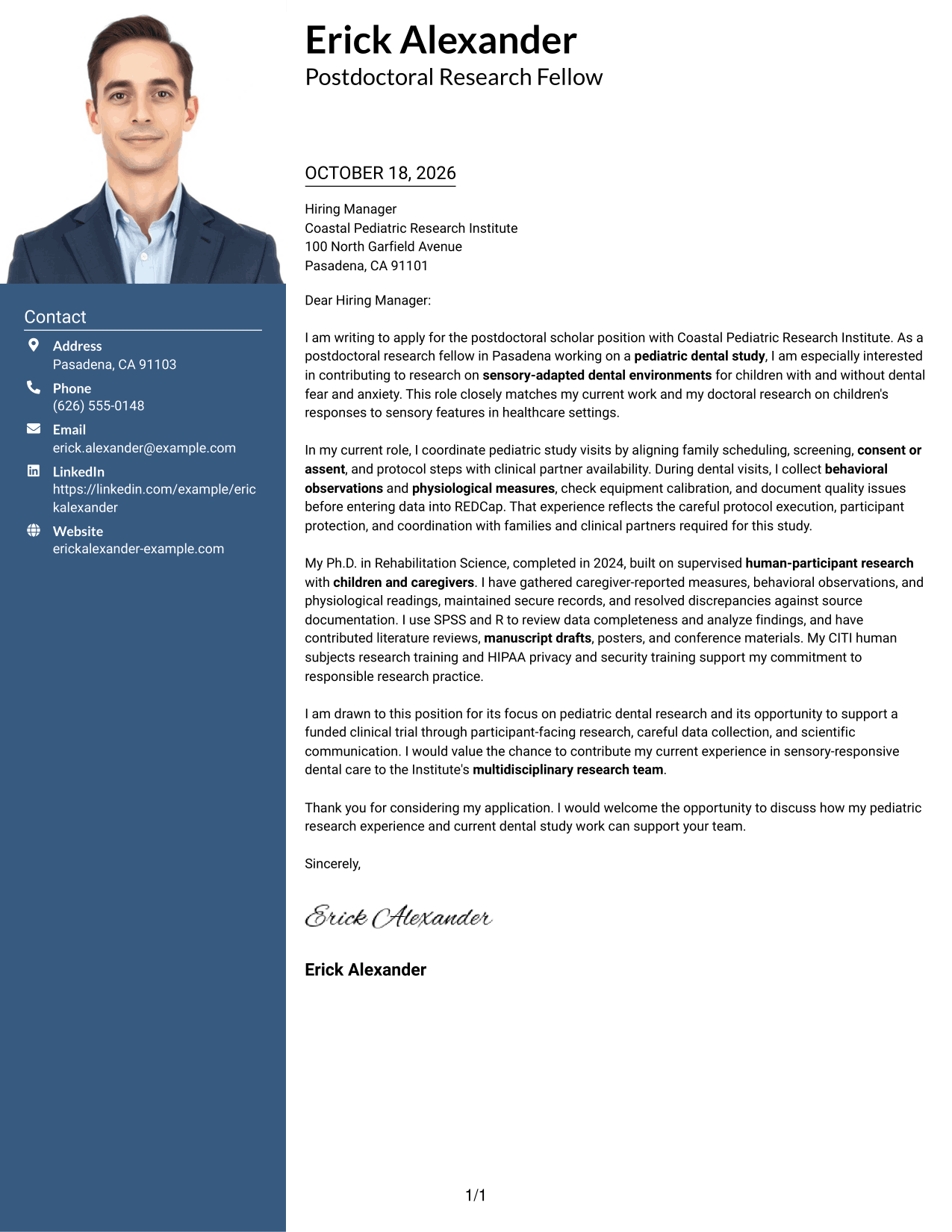
A photo appears with a contact sidebar beside one continuous letter body, pairing a personal visual element with a clear reading path.
Why This Format Works
- Sidebar contact details are easy to locate apart from the letter text.
- The continuous body keeps the letter's opening, evidence, and closing in sequence.
- The photo adds a visible personal image without changing the letter's reading order.
Best For
- Photo-inclusive correspondence
- Separate contact information
- Continuous persuasive writing
- Multi-paragraph letter bodies
- Side-by-side page preference
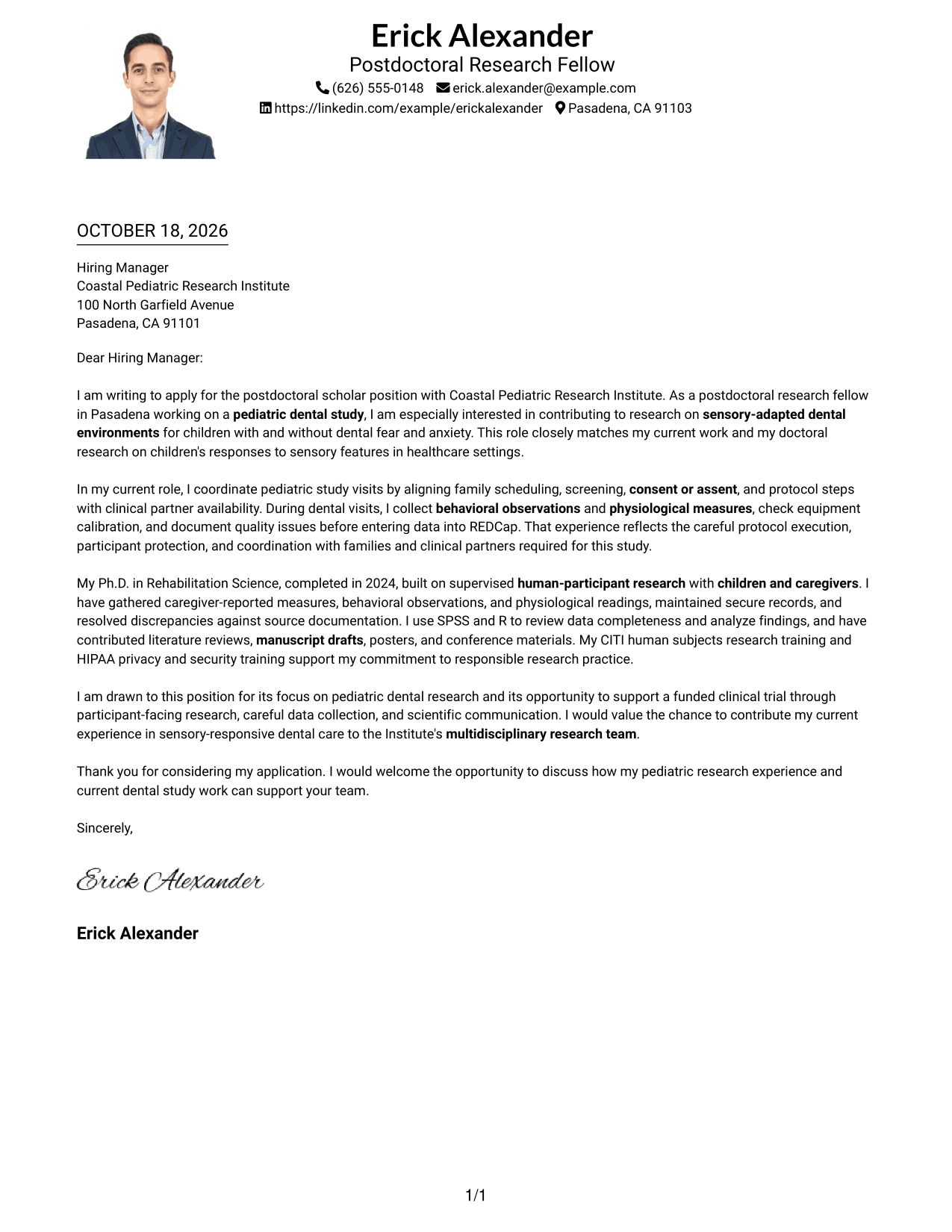
#4 One Column Format with Photo Cover Letter Example
The one-column page includes a photo and a continuous letter body, keeping the message in a single reading path.
Why This Format Works
- Header details keep sender information accessible above the letter body.
- One-column reading order carries the argument through without a side panel.
- A photo gives the page a personal visual element alongside the written message.
Best For
- One-column page preference
- Photo-inclusive correspondence
- Header-based contact details
- Letters with detailed role alignment
- Continuous paragraph arguments
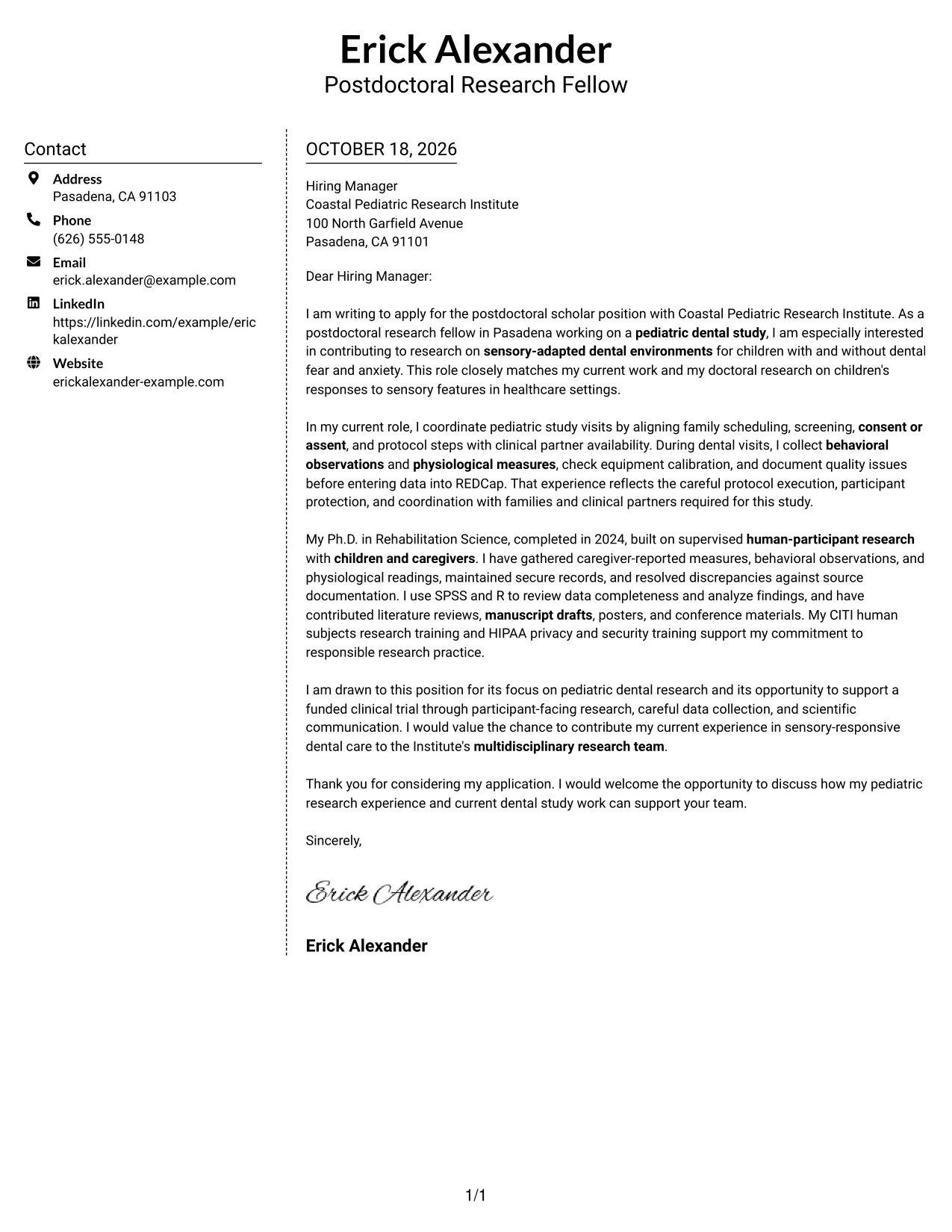
#5 Simple Two Column Format Cover Letter Example
Contact details sit in a sidebar beside the continuous letter body, a practical choice when contact information should remain separate.
Why This Format Works
- Sidebar contact information stays distinct from the persuasive letter body.
- Readers can follow the body in order without parallel argument columns.
- Photo-free styling keeps the page centered on written correspondence.
Best For
- Separate contact details
- Continuous letter body
- Paragraph-led applications
- Side-by-side page preference
- Photo-free correspondence
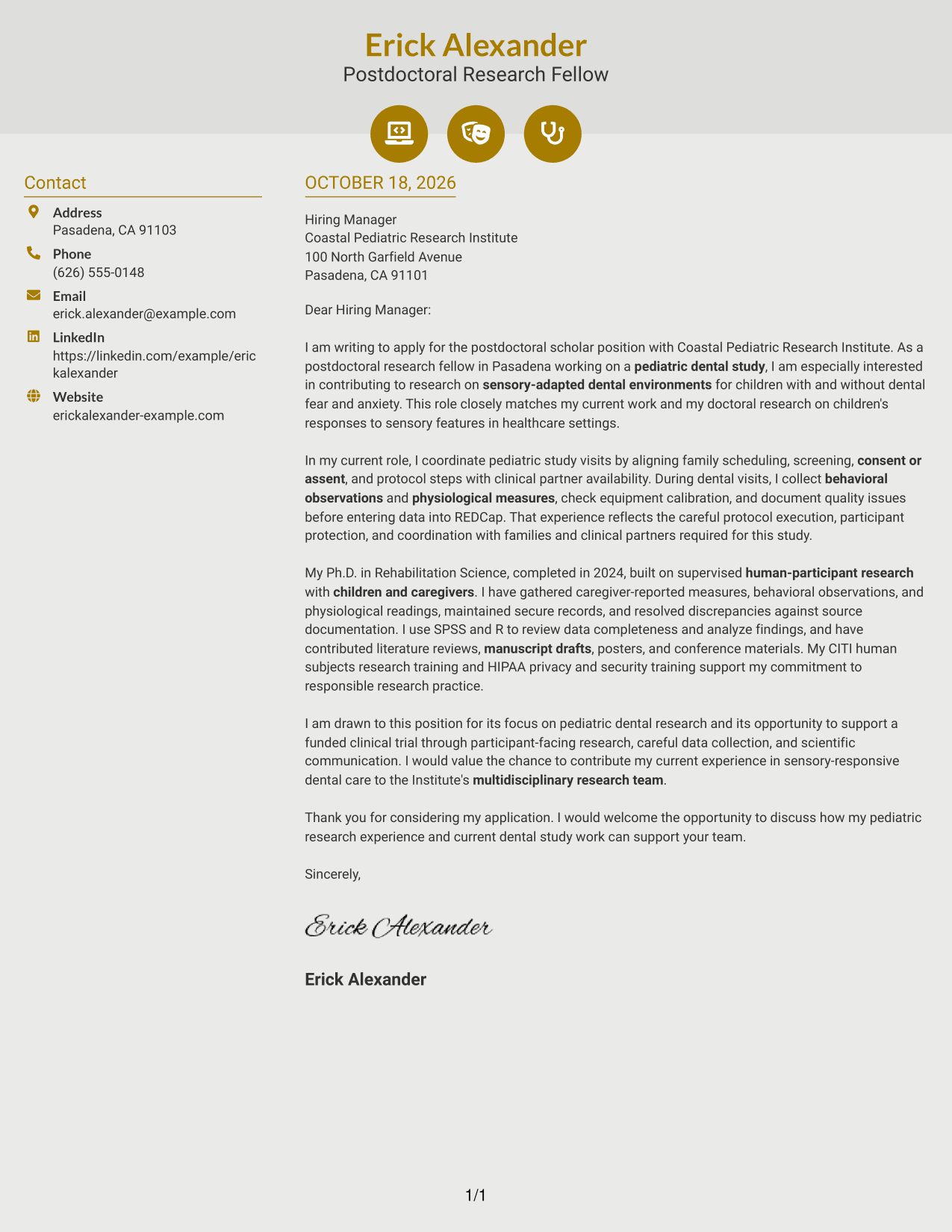
#6 Modern Icon Format Cover Letter Example
Contact icons cue sender information in the sidebar, while the letter itself remains one continuous body.
Why This Format Works
- Contact icons cue sender details without labeling the letter's argument.
- The sidebar separates contact information while leaving the message in one continuous body.
- Readers can follow the letter's paragraphs without decorative icons dividing them.
Best For
- Contact information with visual cues
- One-body persuasive writing
- Multi-paragraph letter bodies
- Research appointment letters
- Photo-free correspondence
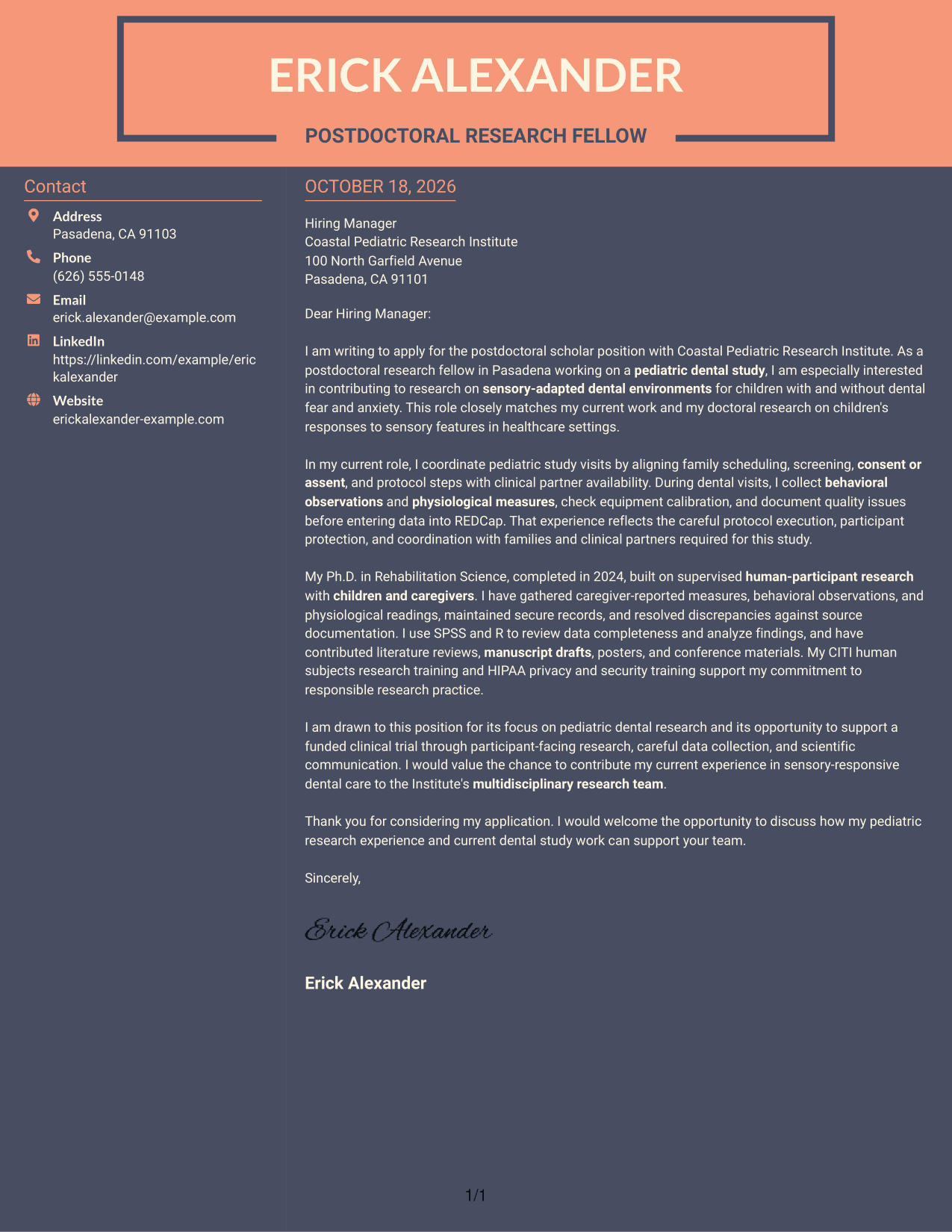
#7 Creative Two Tone Format Cover Letter Example
A contact sidebar sits beside one uninterrupted letter body, separating sender details from the message.
Why This Format Works
- Sidebar contact details have a separate place beside the letter text.
- The message remains a single body, so its reasoning reads in sequence.
- Photo-free presentation suits readers who prefer a text-led page.
Best For
- Side-by-side page organization
- Continuous persuasive paragraphs
- Letters with several evidence points
- Text-led applications
- Photo-free correspondence
Why Use ResumeInMinutes for a Postdoctoral Scholar Research Associate - Pediatric Dental Research Cover Letter
Compare the PNG image previews, then open an example in the editor to review its presentation and customize the letter for the research opportunity.
- Role-focused cover letter example
- PNG image previews
- Open an example in the editor
- Adapt the opening, body, and close
- Emphasize research motivation
- Connect study experience to role fit
See Also
- 7 Postdoctoral Scholar Research Associate - Pediatric Dental Research Resume Templates with Example
- 7 Postdoctoral Research - Applying AI in Environment and Sustainability Resume Templates with Example
- 7 Postdoctoral Research Associate - Biological Invasions, Ecology, and Artificial Intelligence Resume Templates with Example
- 7 Postdoctoral Fellow - Statistical Genetics and Genomics Resume Templates with Example
- 7 Administrative Assistant - Research Administration Resume Templates with Example
- 33 AI Research Engineer Resume Templates with Example 2026 (ATS-Optimized)
- 7 Analyst/Associate: Equity Research - Telecommunication, Data Center and Tower Resume Templates with Example
- 33 Applied AI Research Engineer - Production ML & Cloud Resume Templates with Example 2026 (ATS-Optimized)
- 7 Administrative Assistant - Research Administration Cover Letter Templates with Example
- 30+ AI Research Engineer Cover Letter Templates with Example 2026
Frequently Asked Questions
What should a Postdoctoral Scholar Research Associate - Pediatric Dental Research cover letter emphasize?
Show why pediatric dental research interests you, then connect your experience to participant visits, consent or assent, study measures, careful records, and clear scientific communication. Include only details that reflect your own work.
Are these separate cover letters?
The examples present the same role-focused application story in different visual styles. Compare the presentation, then adapt the wording to your own experience and the position.
How should I explain my fit for a pediatric dental research position?
Use specific evidence, such as coordinating study visits, working with children and caregivers, collecting behavioral or physiological measures, or maintaining accurate research records. Link that evidence to the study duties described in the posting.
How can I show motivation for this research role?
State what draws you to pediatric dental research and the study focus, such as sensory-adapted dental environments. Then explain how your research interests connect to the work without making claims you cannot support.
Should I use a photo on my cover letter?
Use a photo only if it is expected in your country, region, or field. For U.S. applications, a cover letter without a photo is usually the safer choice.




