
7 Private Tutor - K-16 Academic Support Cover Letter Templates with Example
This guide helps you write a Private Tutor - K-16 Academic Support cover letter and compare seven layouts for presenting your role fit clearly.
What Makes a Great Private Tutor - K-16 Academic Support Cover Letter in 2026
A strong letter links your tutoring approach to learner needs, course goals, and academic progress. Show how you adapt one-on-one sessions and explain course material clearly.
Use specific evidence, such as guided practice, progress notes, and timely updates to education staff. Connect that work to the employer’s focus on dependable support and a welcoming learning environment.
The featured example moves from interest in the tutoring role, to practical evidence of instruction and follow-through, then to a clear closing; adapt this focused progression while choosing a presentation that suits the employer and communication context.
#1 Simple One Column Format Cover Letter Example
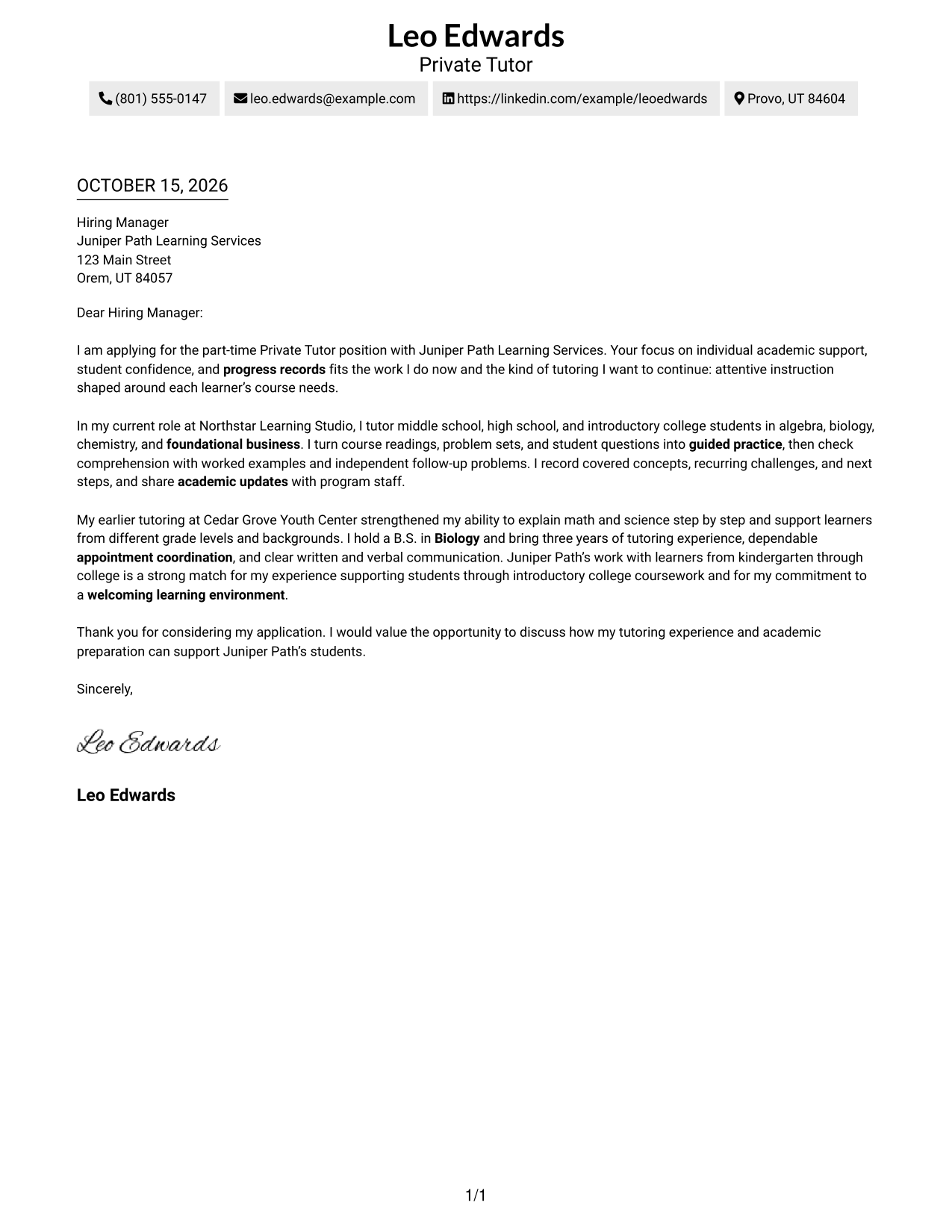
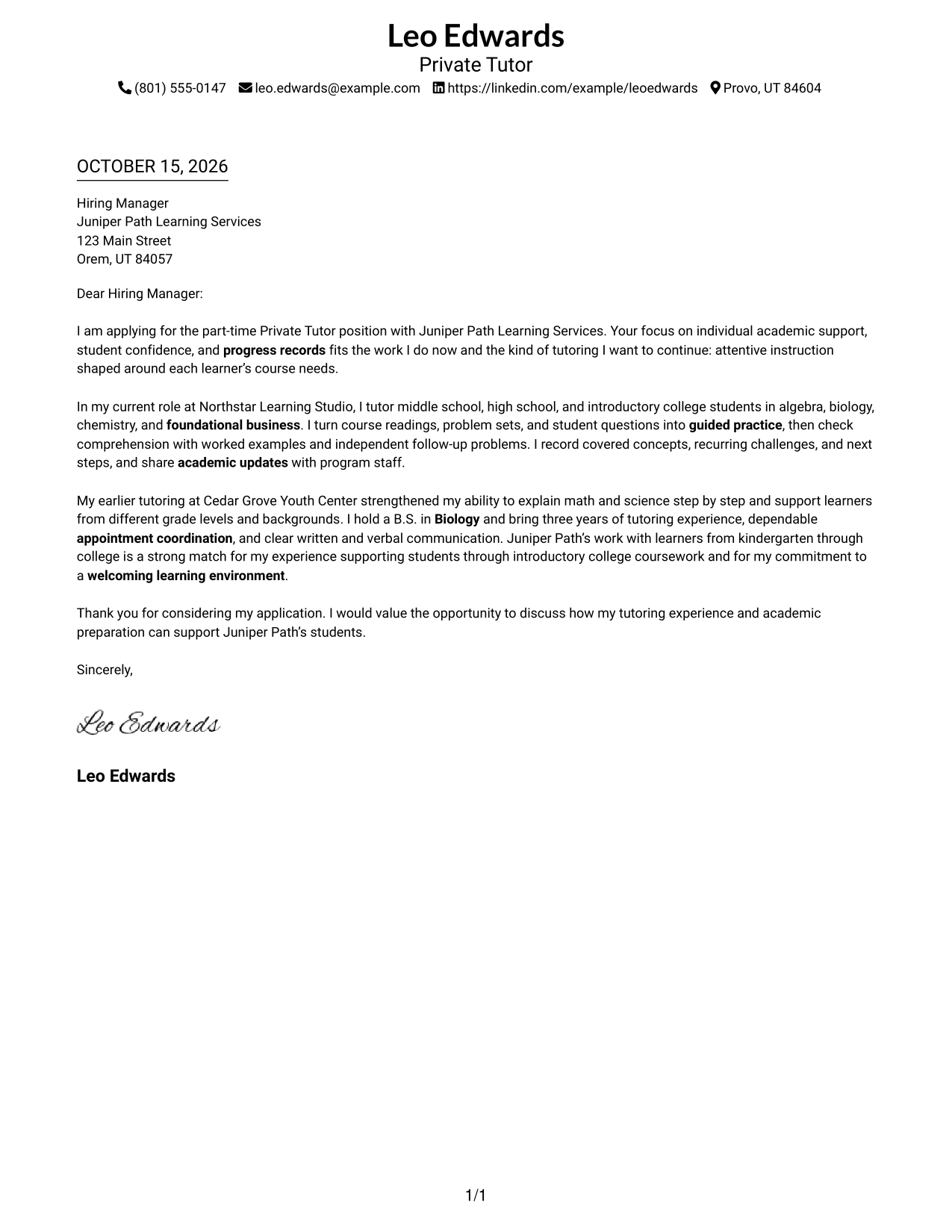
Simple One Column Format keeps sender details in the header and the letter body in one column, giving the opening, evidence, and closing a direct reading path.
Why This Format Works
- One reading path helps reviewers follow the request, evidence, and closing in order.
- Sender details stay in the header, apart from the letter's persuasive message.
- The continuous body carries the explanation without labels dividing its argument.
Best For
- Single-column letter layouts
- A direct reading path
- Header-based contact details
- Continuous letter arguments
- Text-first applications
#2 Two Column Format Cover Letter Example
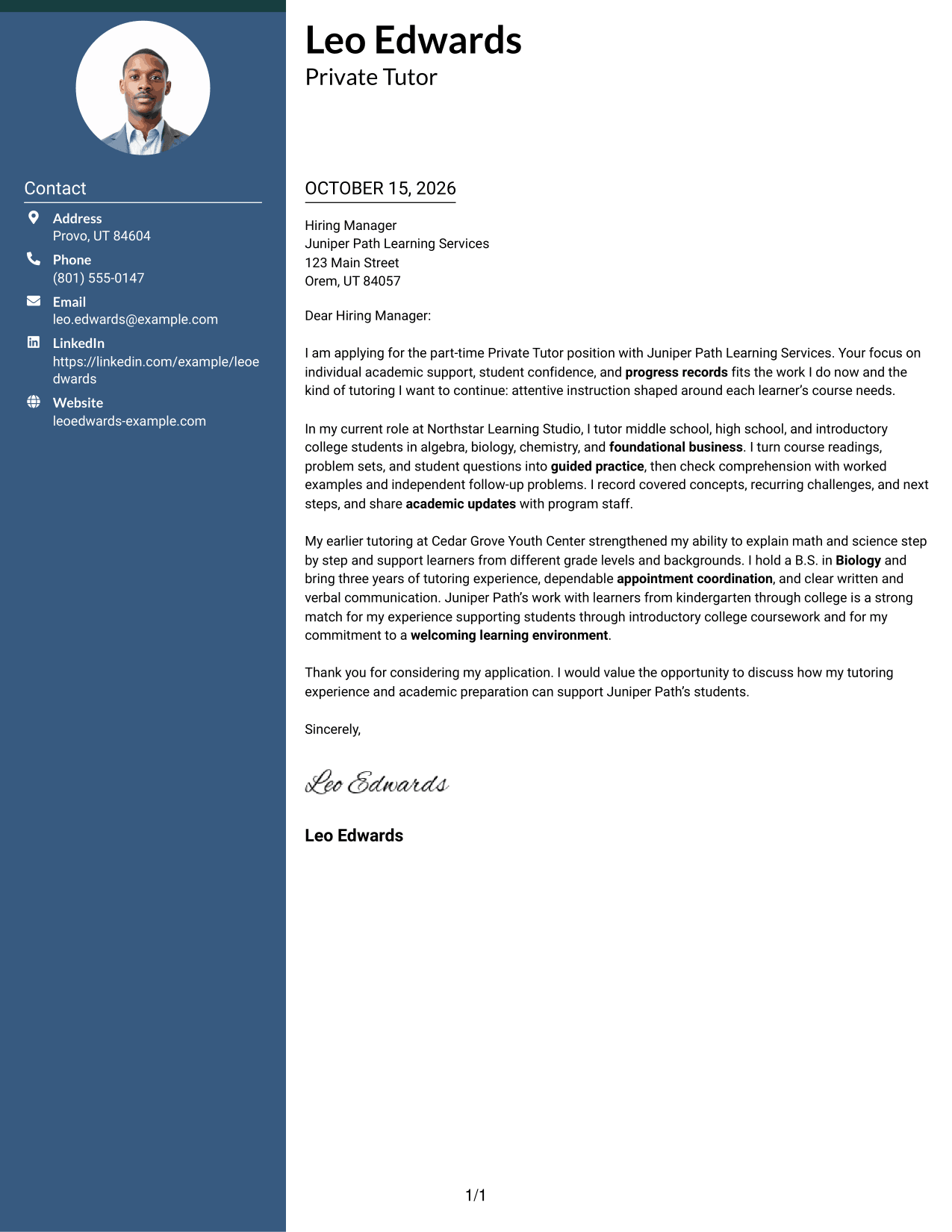
Two Column Format places a contact sidebar beside one continuous letter body, keeping sender information distinct while the message reads as a single argument.
Why This Format Works
- The sidebar separates contact information from the letter's opening, evidence, and close.
- Reviewers can find sender details without searching through the message.
- One continuous body keeps the letter's case together from greeting to closing.
Best For
- Contact details beside the letter
- A continuous letter body
- Visible sender information
- Separate contact and message areas
- Letters with several contact fields
#3 Photo Header Two Column Format Cover Letter Example
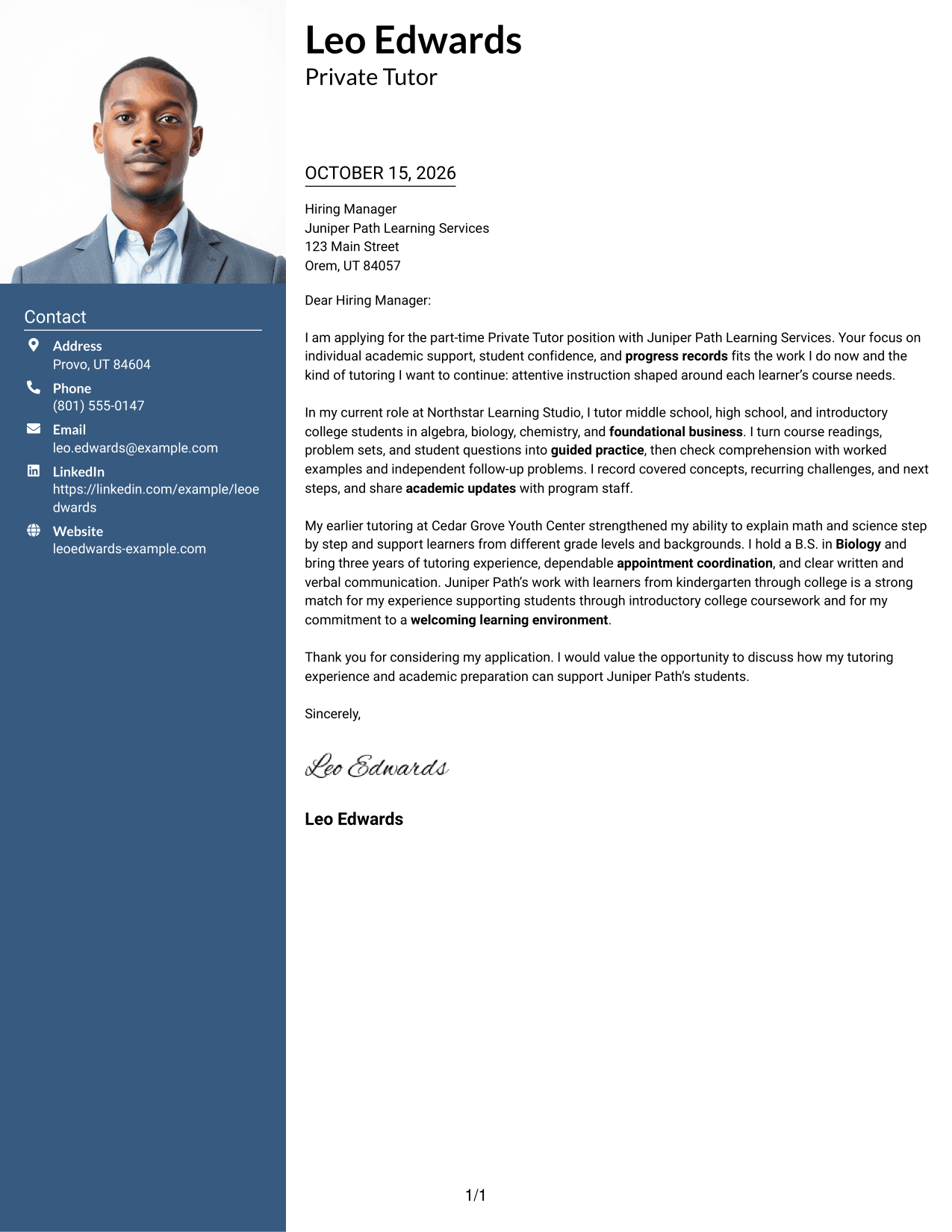
Photo Header Two Column Format includes a photo, a contact sidebar, and one continuous letter body, suiting readers who want a personal image alongside distinct contact details and correspondence.
Why This Format Works
- A separate contact column keeps sender details apart from the letter's message.
- The photo offers a personal visual element without dividing the letter body.
- The continuous paragraphs let the argument move from opening through closing.
Best For
- Photo-inclusive correspondence
- Contact details apart from the message
- A continuous letter argument
- Personal visual presentation
- Letters with visible sender information
#4 One Column Format with Photo Cover Letter Example
One Column Format with Photo includes a photo in a single-column letter layout, for readers who want a personal image while keeping the message in one continuous body.
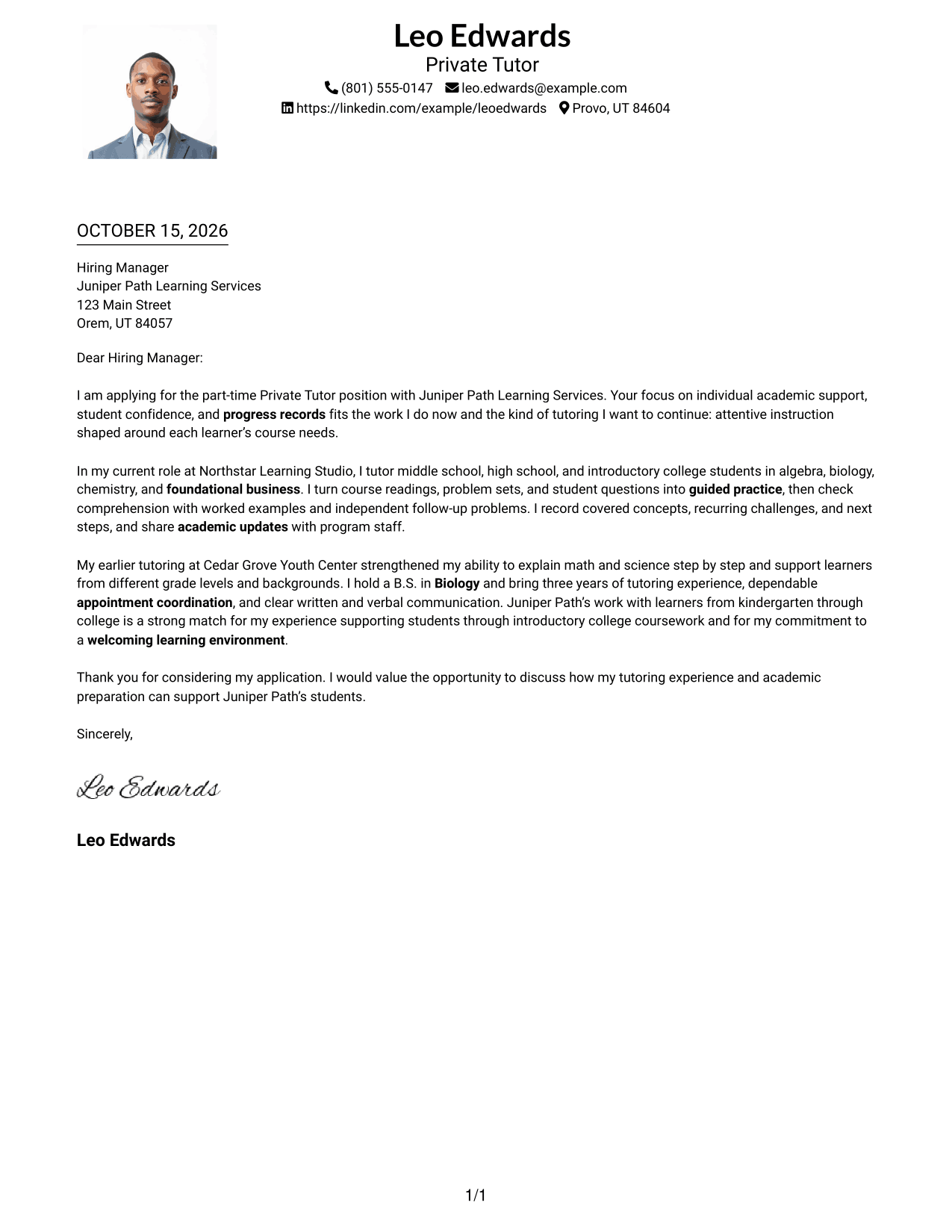
Why This Format Works
- One reading path helps reviewers follow the letter's request, evidence, and closing.
- The photo adds a personal visual detail without splitting the letter body.
- Sender details in the header remain distinct from the persuasive message.
Best For
- Single-column letter layouts
- Photo-inclusive applications
- A direct reading path
- Header-based sender details
- Continuous letter arguments
#5 Simple Two Column Format Cover Letter Example
Simple Two Column Format keeps contact details in a sidebar beside one continuous letter body, giving readers a clear separation between sender information and the message.
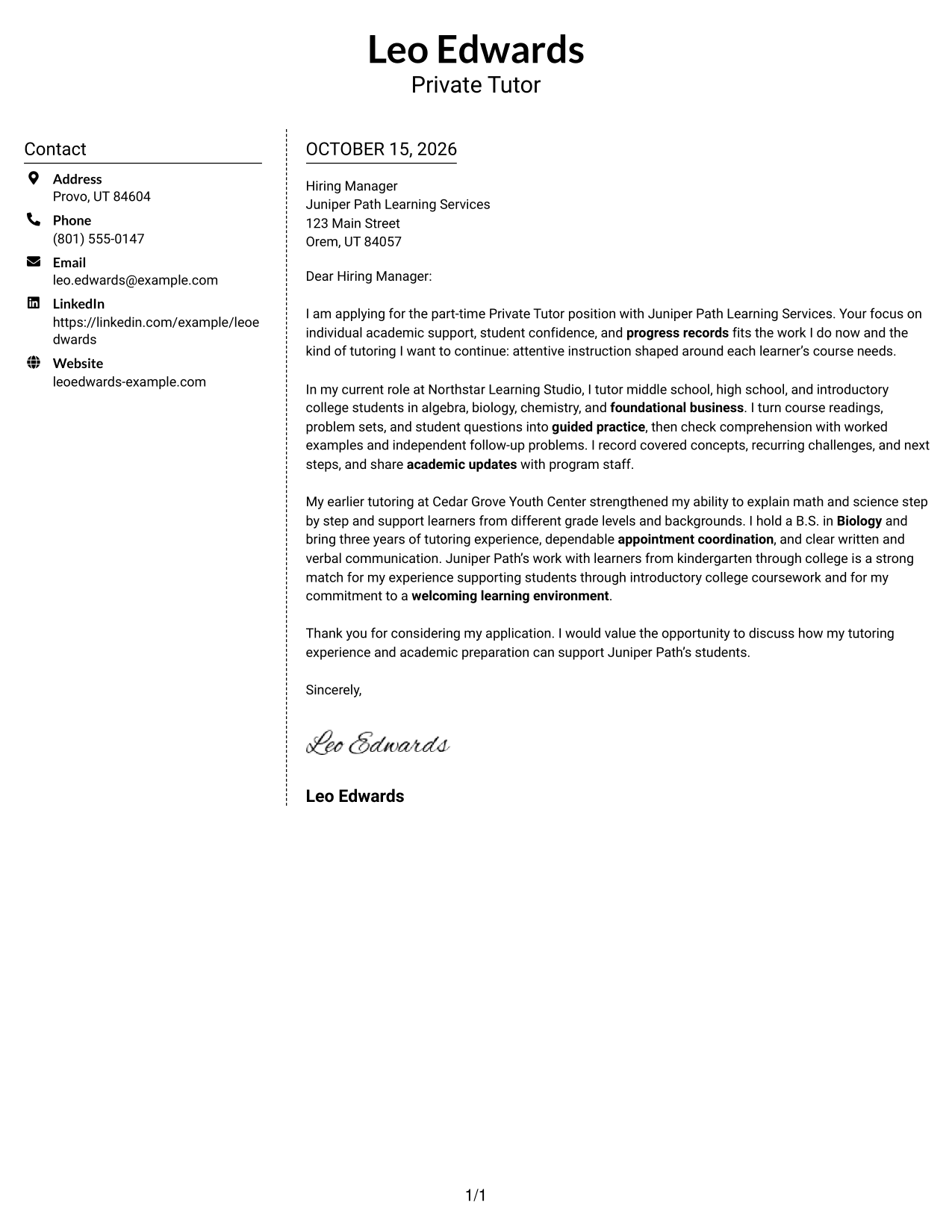
Why This Format Works
- Contact information stays apart from the paragraphs that make the case.
- The single letter body preserves a clear sequence from greeting to closing.
- A separate sidebar gives sender details a consistent place to find.
Best For
- Contact details in a sidebar
- A single letter body
- Clear separation of message and sender details
- Letters with several contact fields
- Readers who prefer a defined reading order
#6 Modern Icon Format Cover Letter Example
Modern Icon Format uses two columns, with icons serving as contact cues and decorative header accents while the letter itself remains one continuous body.
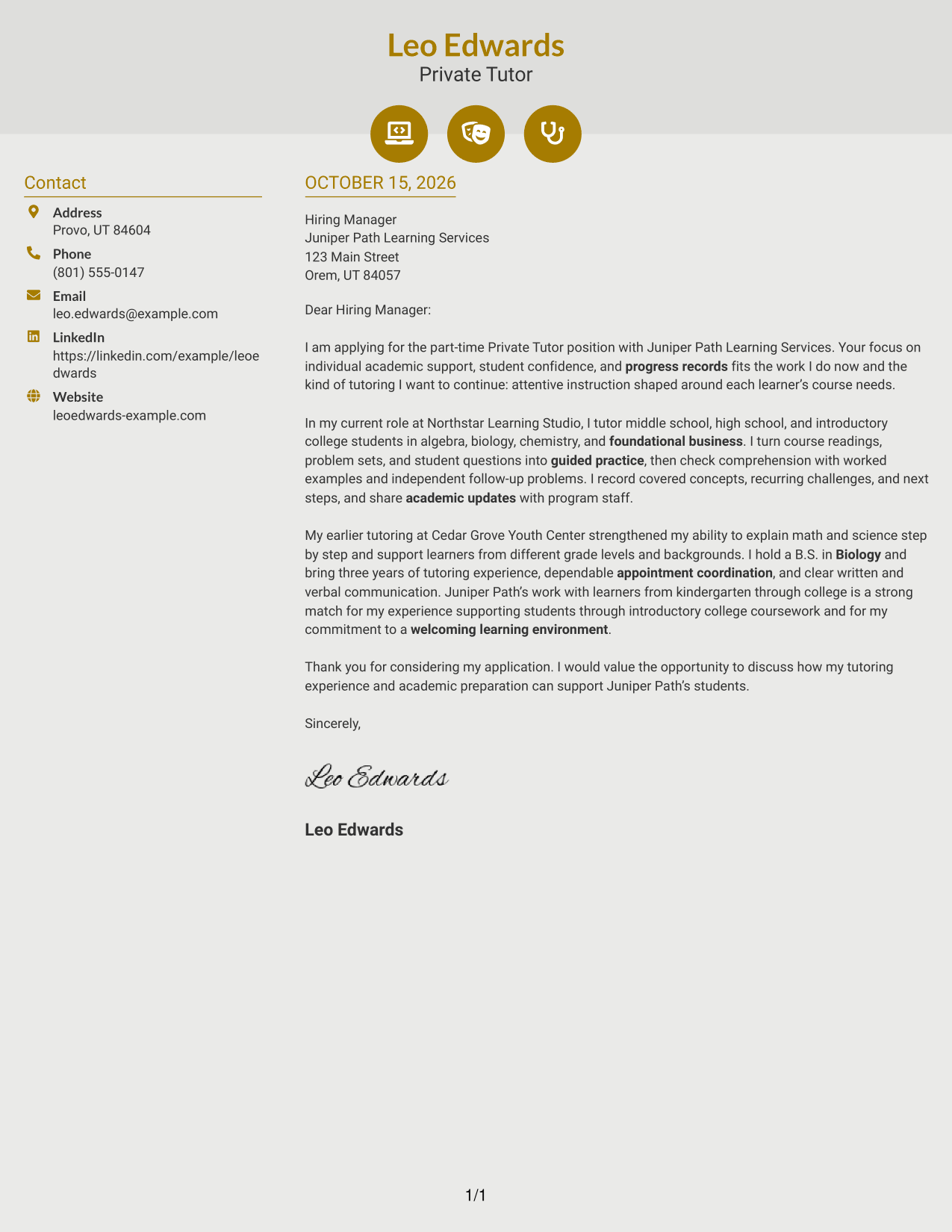
Why This Format Works
- Contact icons help distinguish sender details from the letter's argument.
- The sidebar keeps contact information separate from the continuous message.
- The letter body retains its natural movement from opening to closing.
Best For
- Icon cues for contact details
- A two-column letter layout
- Contact information apart from the message
- Continuous letter paragraphs
- Readers who prefer visual contact cues
#7 Creative Two Tone Format Cover Letter Example
Creative Two Tone Format places a contact sidebar beside one continuous letter body, giving sender details their own area while keeping the message together.
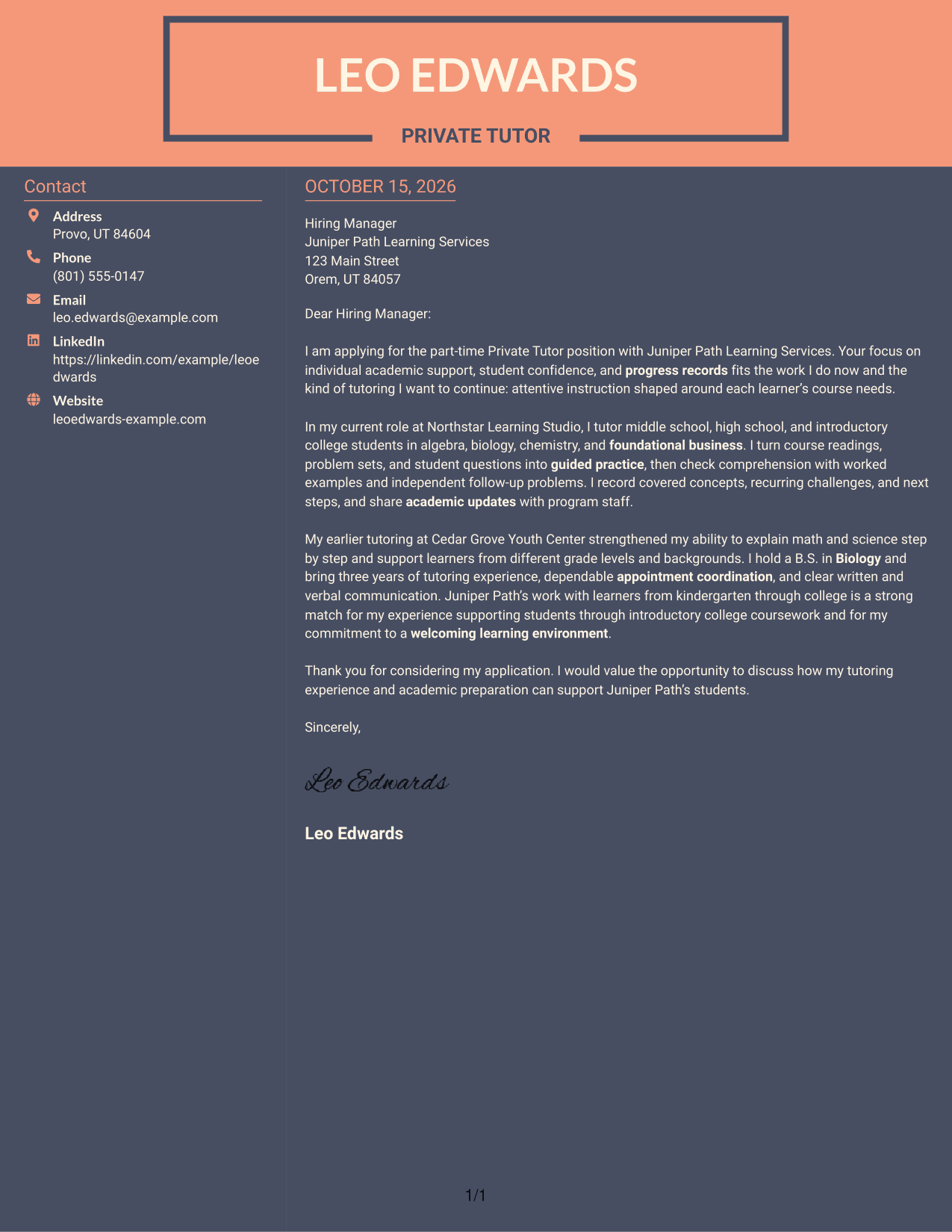
Why This Format Works
- The sidebar gives contact details a place apart from the letter's message.
- A continuous body keeps the opening, supporting points, and close connected.
- Reviewers can move from sender information to the letter without split arguments.
Best For
- Contact details beside the message
- A continuous letter body
- Separate sender information
- Letters with several contact fields
- Readers who prefer distinct content areas
See Also
- 7 Private Tutor - K-16 Academic Support Resume Templates with Example
- 7 Sociology Tutor Resume Templates with Example
- 7 Writing Tutor Resume Templates with Example
- 33 Private Banker Resume Templates with Example 2026 (ATS-Optimized)
- 33 Private Equity Fund Accountant Resume Templates with Example 2026 (ATS-Optimized)
- 7 Sponsored Programs Post-Award Specialist I Resume Templates with Example
- 7 Regional Quality Analyst - PACE Quality Improvement Resume Templates with Example
- 7 Fabricator - Metal Forming Resume Templates with Example
- 30+ Private Banker Cover Letter Templates with Example 2026
- 30+ Private Equity Fund Accountant Cover Letter Templates with Example 2026
Frequently Asked Questions
What should a Private Tutor - K-16 Academic Support cover letter include?
Connect your tutoring approach to the role’s needs. Explain how you adapt one-on-one sessions, guide practice, check understanding, and keep clear progress notes.
How can I show my fit for a private tutoring role?
Describe a real example of how you use course materials or learner questions to shape instruction. Where accurate, mention subjects you have taught and how you share updates or arrange follow-up.
How do I choose a cover letter format for this role?
Choose a clear format that makes your opening, evidence, and closing easy to follow. Consider the employer and the communication style that suits the application.
Can I compare the cover letter examples before opening one?
Yes. Review the PNG image previews to compare how each example looks, then open an example in the editor to view or customize it.
Should I include a photo on my cover letter?
For applications in the United States, a photo is usually not needed. A simple presentation keeps attention on your teaching approach and role fit.




