
7 Process and Utility Piping Laborer Cover Letter Templates with Example
Use this practical guide to create a Process and Utility Piping Laborer cover letter, with seven layouts that show how to present your fit clearly.
What Makes a Great Process and Utility Piping Laborer Cover Letter in 2026
A strong letter connects your interest in the role to safe, reliable support for piping crews. Its opening should state your purpose, while the body and closing make your fit clear.
Use specific examples of tool and material staging, housekeeping, jobsite meetings, or daily documentation when they match your experience. Explain how your approach supports an orderly jobsite and aligns with the employer’s work.
The featured example moves from interest in the role to relevant jobsite evidence and a focused close, giving you a progression to adapt while choosing a presentation that suits the employer and communication context.
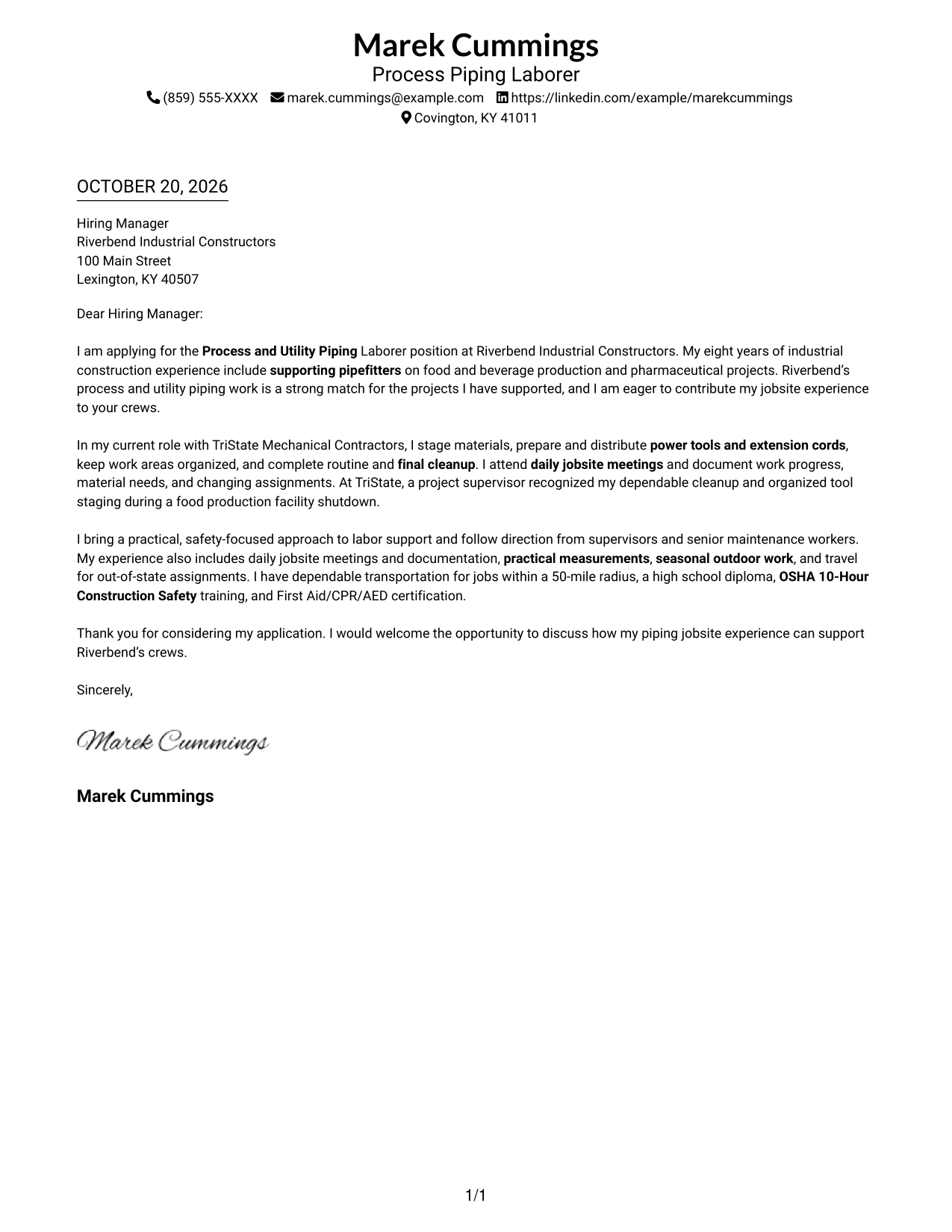
#1 Simple One Column Format Cover Letter Example
A single-column page keeps sender details in the header and gives the letter one direct reading path.
Why This Format Works
- A single text column gives the message a direct top-to-bottom reading order.
- Sender details in the header stay apart from the letter’s persuasive paragraphs.
- Opening, supporting points, and closing remain together in one continuous body.
Best For
- Single-column letter layouts
- A continuous persuasive message
- Sender details in the header
- Readers who prefer direct reading order
- Photo-free correspondence
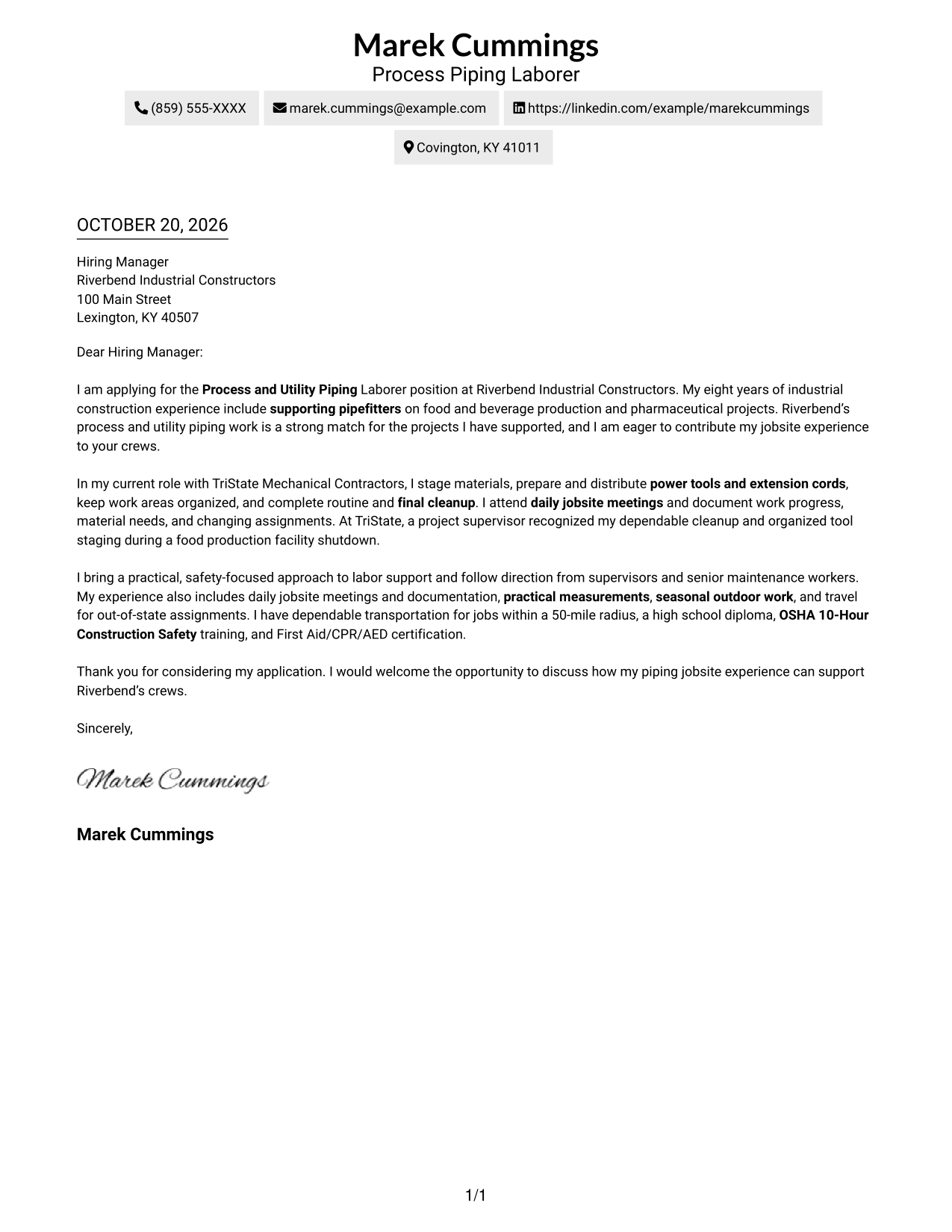
#2 Two Column Format Cover Letter Example
A contact sidebar sits beside the continuous letter body, keeping sender information easy to find while the message stays in one reading column.
Why This Format Works
- The sidebar gives contact details a dedicated place beside the letter.
- The body remains one column, preserving the order of the message.
- Separate areas distinguish sender information from the employer-directed paragraphs.
Best For
- Side-by-side contact access
- Letters with several supporting points
- A single-column message
- Photo-free applications
- Piping labor applications
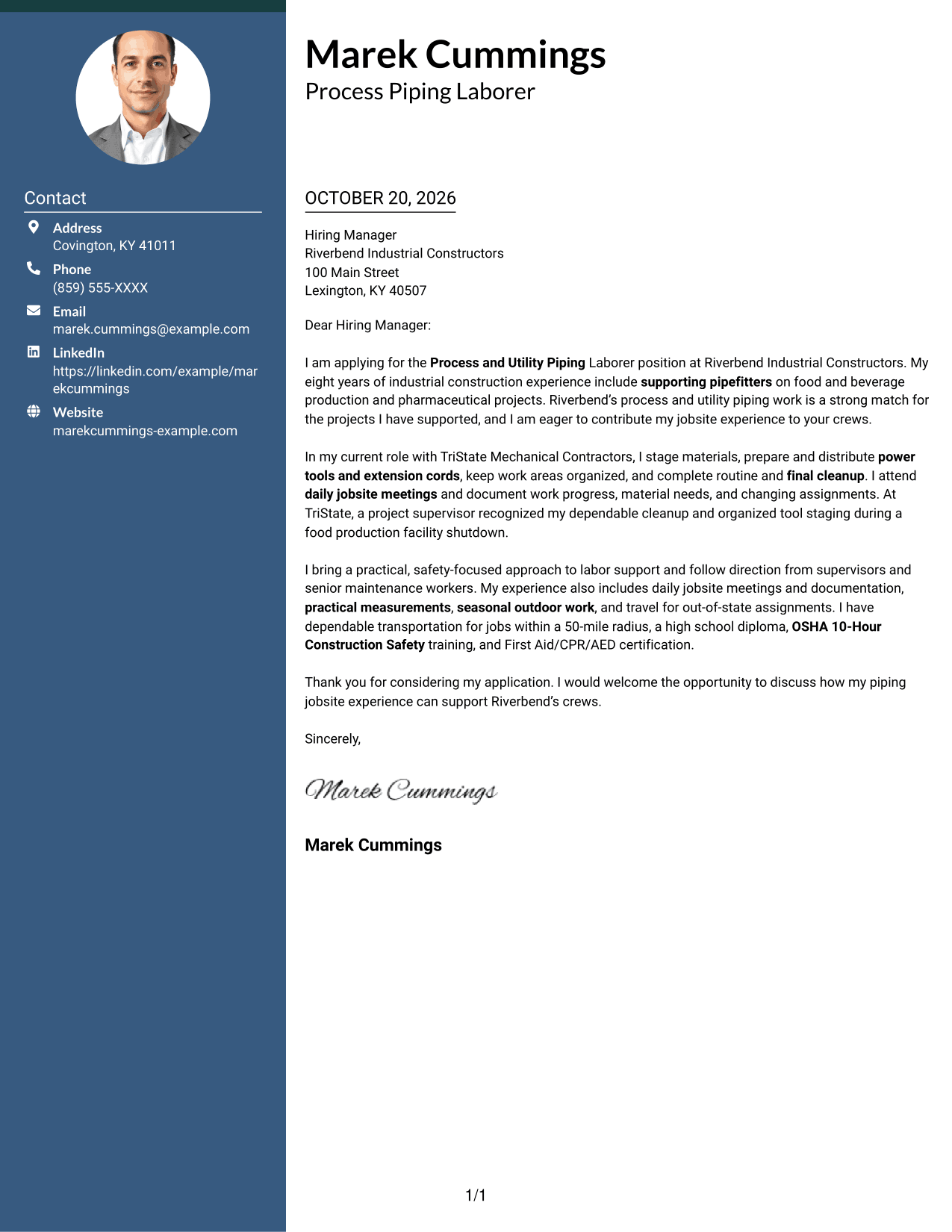
#3 Photo Header Two Column Format Cover Letter Example
A photo header adds a visible portrait, while the two-column layout keeps contact details beside one continuous letter body.
Why This Format Works
- The contact sidebar gives sender information a separate, easy-to-find location.
- The continuous body keeps the opening and supporting case in sequence.
- A visible portrait suits readers who prefer a photo in the header.
Best For
- A visible portrait in the header
- Side-by-side contact details
- One continuous letter message
- Photo-inclusive correspondence
- Applications with a clear supporting case
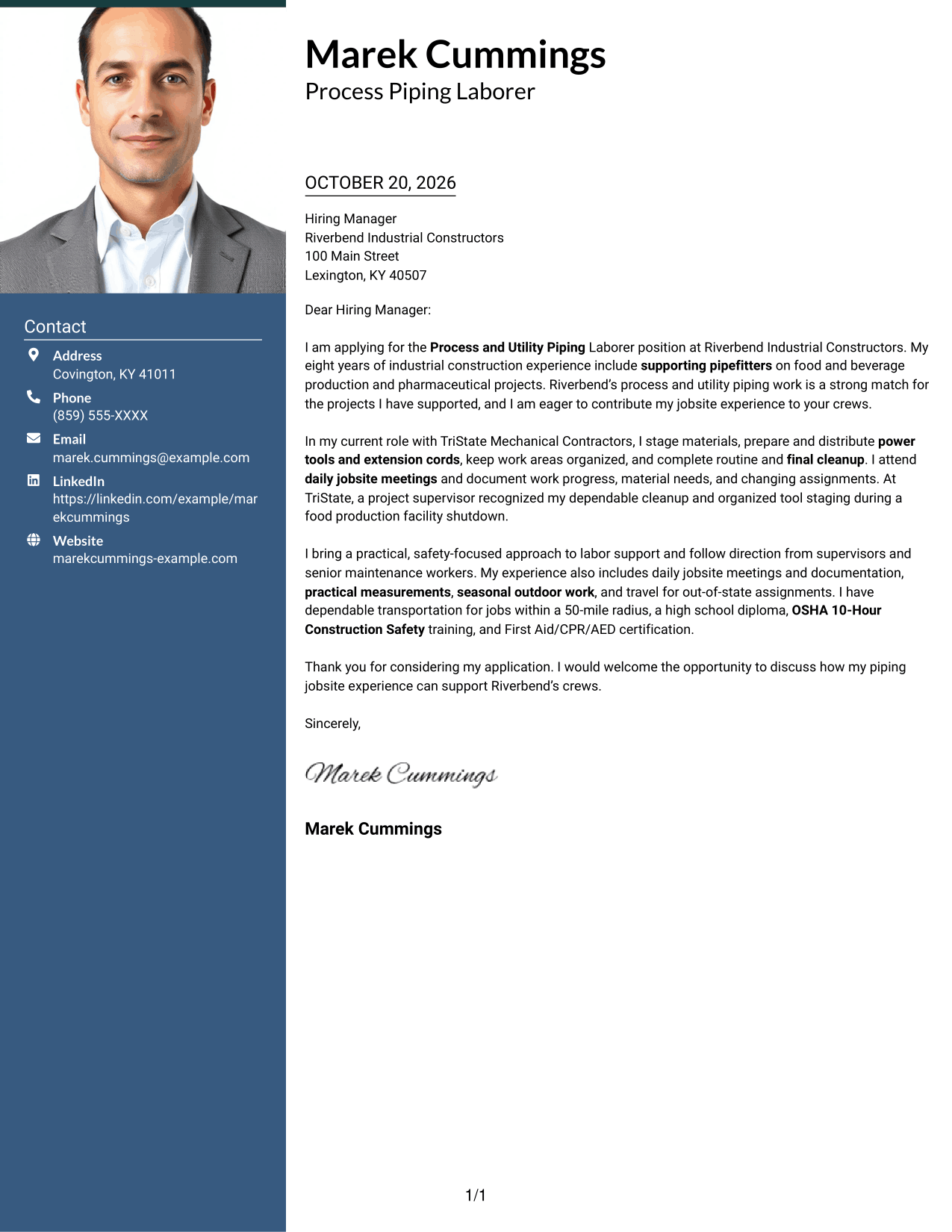
#4 One Column Format with Photo Cover Letter Example
A photo accompanies the one-column letter, offering a visible portrait while the message stays in a single reading path.
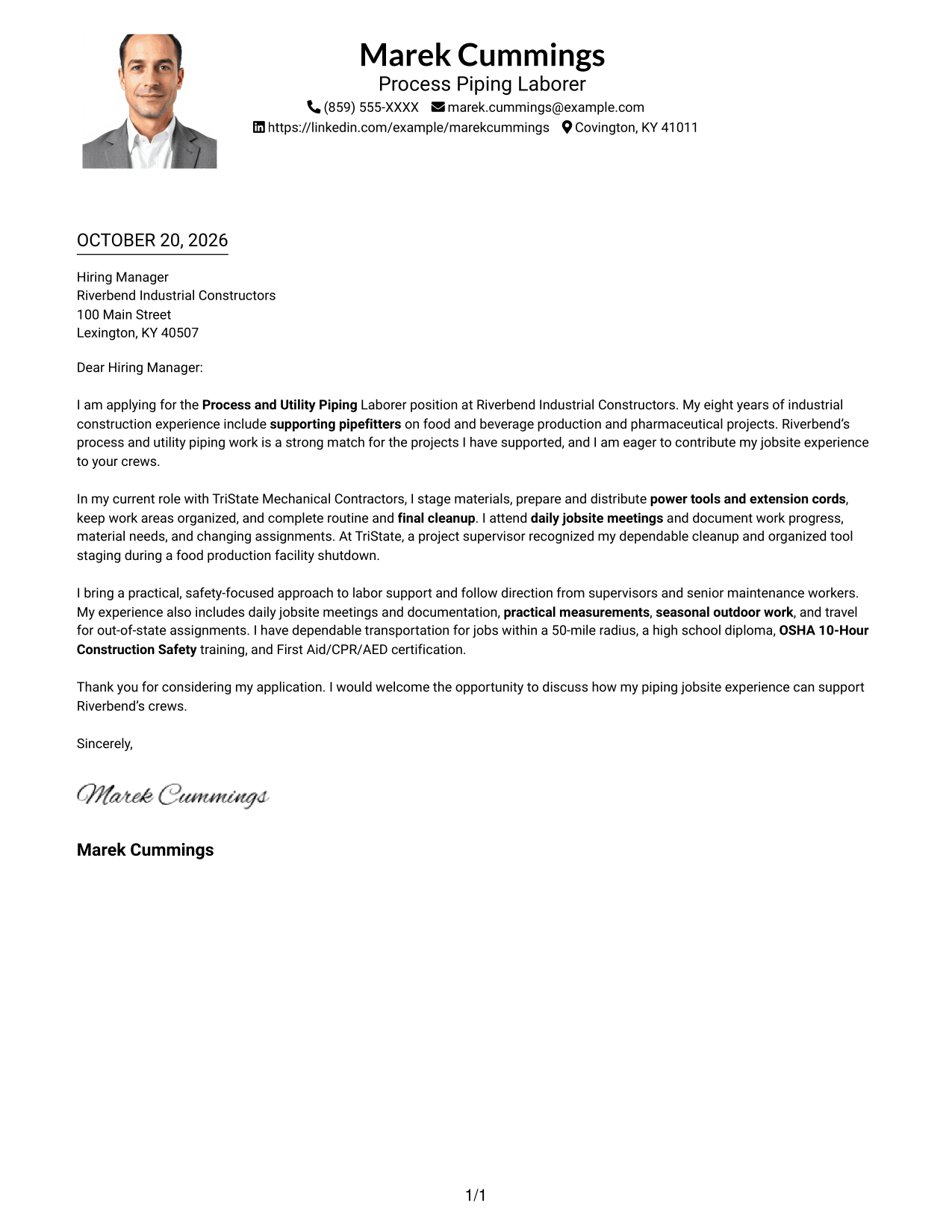
Why This Format Works
- One body column carries the message from opening through closing.
- The sender’s photo adds a visible personal element without interrupting the body.
- Header contact details remain distinct from the letter’s main paragraphs.
Best For
- A single-column message with a photo
- Readers who prefer a visible portrait
- A direct opening-to-closing reading path
- Header contact details
- Photo-inclusive job applications
#5 Simple Two Column Format Cover Letter Example
A contact sidebar keeps sender information alongside, but separate from, the continuous letter body for easy reference.
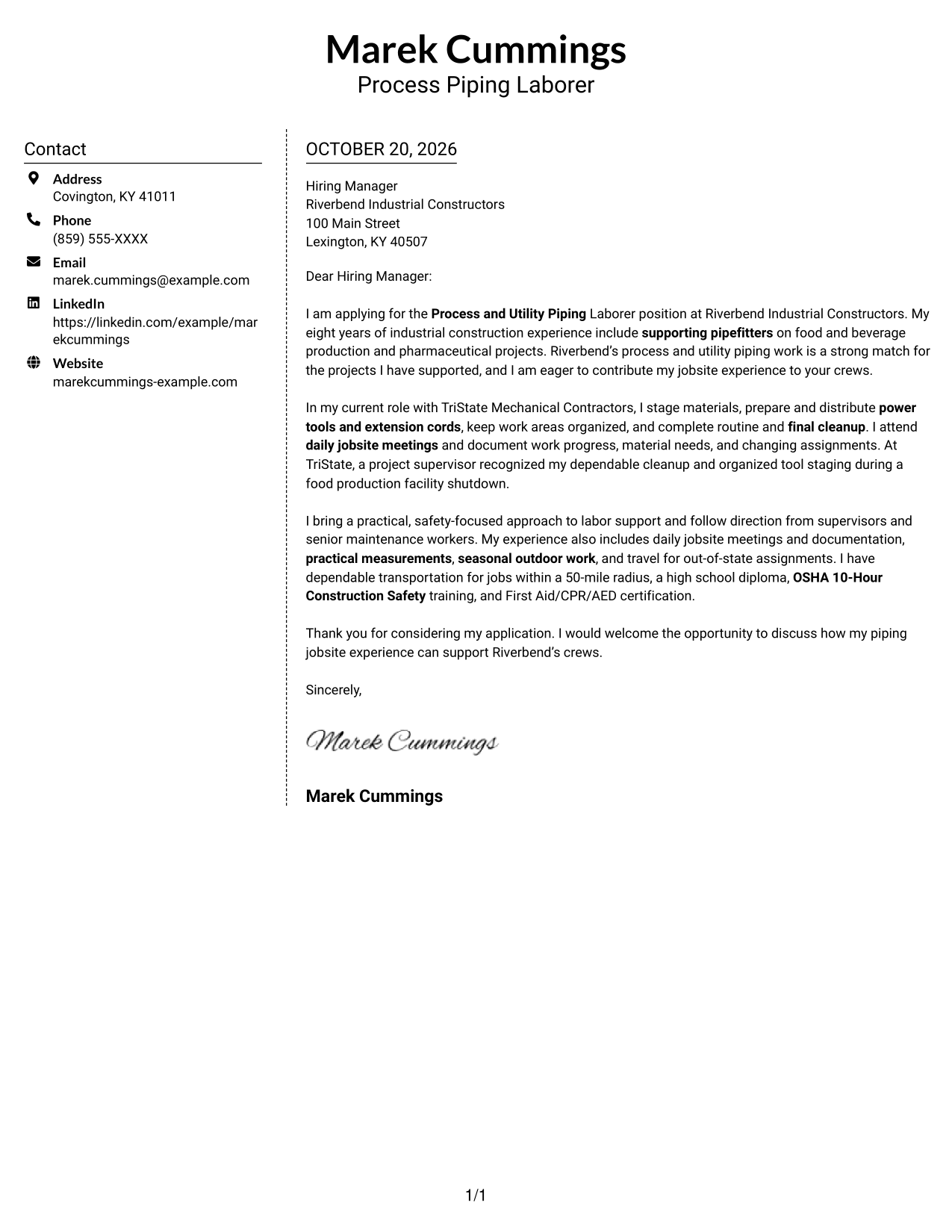
Why This Format Works
- The sidebar makes sender contact information distinct from the letter text.
- A single body column keeps the persuasive message together.
- The two areas offer a clear place for contact details and letter paragraphs.
Best For
- A separate contact area
- Continuous letter paragraphs
- Quick reference to sender details
- Photo-free correspondence
- Applications with a focused case
#6 Modern Icon Format Cover Letter Example
Contact icons provide visual cues in the sidebar, while the letter remains a single continuous body beside it.
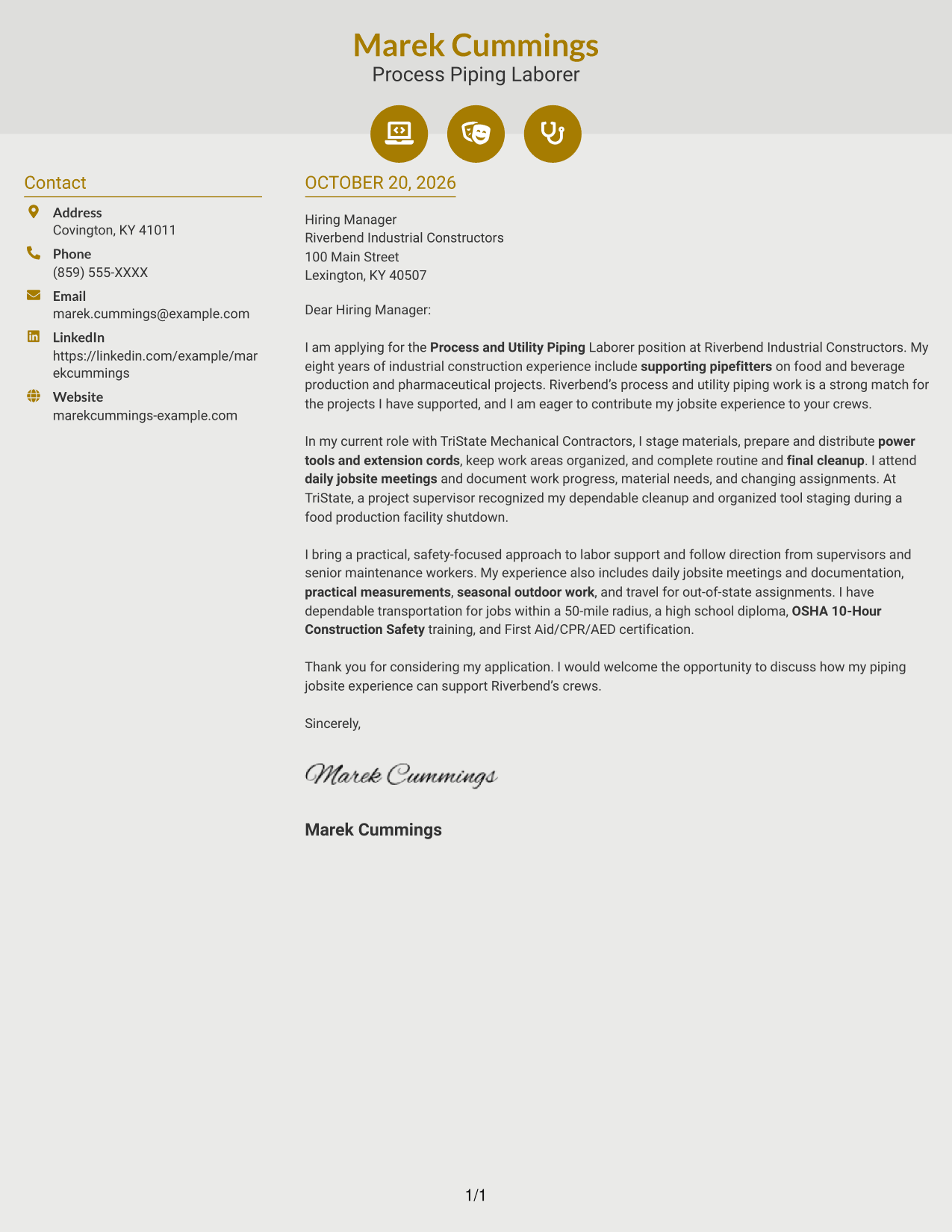
Why This Format Works
- Contact icons help distinguish details in the sidebar from the letter.
- The body stays continuous, keeping the message’s points in their intended order.
- Decorative cues remain in the contact area, not across the letter’s argument.
Best For
- Contact details with visual cues
- One-column letter text
- A continuous persuasive message
- Photo-free applications
- Readers who prefer a contact sidebar
#7 Creative Two Tone Format Cover Letter Example
The two-column layout places sender details beside a single continuous letter body, a practical choice when contact information should stay separate from the message.
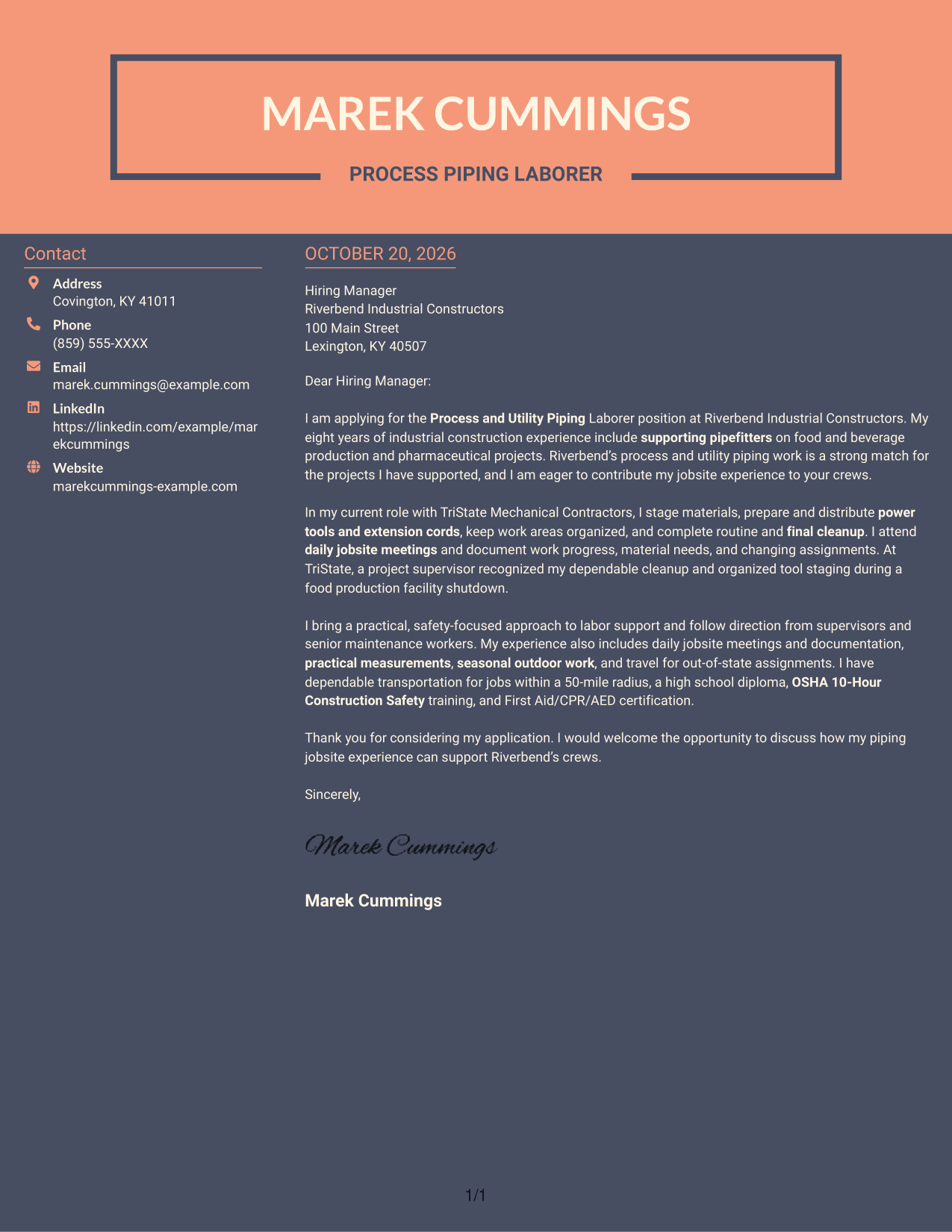
Why This Format Works
- The sidebar separates sender details from the paragraphs addressed to the employer.
- The uninterrupted body carries the application message from opening to close.
- Side-by-side placement keeps contact information available without breaking the letter’s flow.
Best For
- Contact details beside the message
- A continuous letter argument
- Photo-free business correspondence
- Applications with several evidence points
- A clear sender-to-recipient distinction
See Also
- 7 Process and Utility Piping Laborer Resume Templates with Example
- 7 Pipefitter - Process and Utility Piping Resume Templates with Example
- 7 Piping Foreman - Process and Utility Piping Resume Templates with Example
- 7 Pipe Welder - Sanitary Process Piping Resume Templates with Example
- 7 Senior Project Manager - Mechanical and Process Piping Resume Templates with Example
- 7 Laborer - Road and Infrastructure Maintenance Resume Templates with Example
- 7 Skilled Laborer - Highway Resume Templates with Example
- 7 Designer 4 - Piping Systems Resume Templates with Example
- 7 Pipefitter - Process and Utility Piping Cover Letter Templates with Example
- 7 Piping Foreman - Process and Utility Piping Cover Letter Templates with Example
Frequently Asked Questions
What should a Process and Utility Piping Laborer cover letter include?
State your interest in the role, then connect relevant experience to safe crew support. Examples may include staging tools and materials, cleanup, following direction, and completing daily documentation.
How can I show that I am a good fit for this role?
Choose clear examples that show reliability, teamwork, attention to safety, and communication. Link those examples to the labor support and orderly jobsite the employer needs.
How should I structure this cover letter?
Use an opening that names the position and your interest, a body paragraph with relevant evidence, and a closing that welcomes further discussion.
What do the cover letter examples show?
The page includes PNG image previews of the example in different layouts. Compare the previews, then open an example in the editor to view or customize it.
Should I add a photo to my cover letter?
A photo is usually not needed for a U.S. job application. A clear, professional layout without a photo is a sensible choice unless the employer asks for one.




