
7 Processor - Coordination of Benefits Cover Letter Templates with Example
This practical guide helps you write a Processor - Coordination of Benefits cover letter, with seven layouts to present your role fit clearly.
What Makes a Great Processor - Coordination of Benefits Cover Letter in 2026
A strong letter connects your interest in COB processing to the work of researching coverage, keeping claims records accurate, and supporting reimbursement decisions.
Use clear examples of carrier outreach, lead validation, and careful follow-up. Show how your approach can support the employer’s COB work and communication needs.
The featured example moves from interest in the role to relevant COB work, supporting experience, and a direct closing. Adapt that focused progression, and choose a presentation that fits the employer and the communication context.
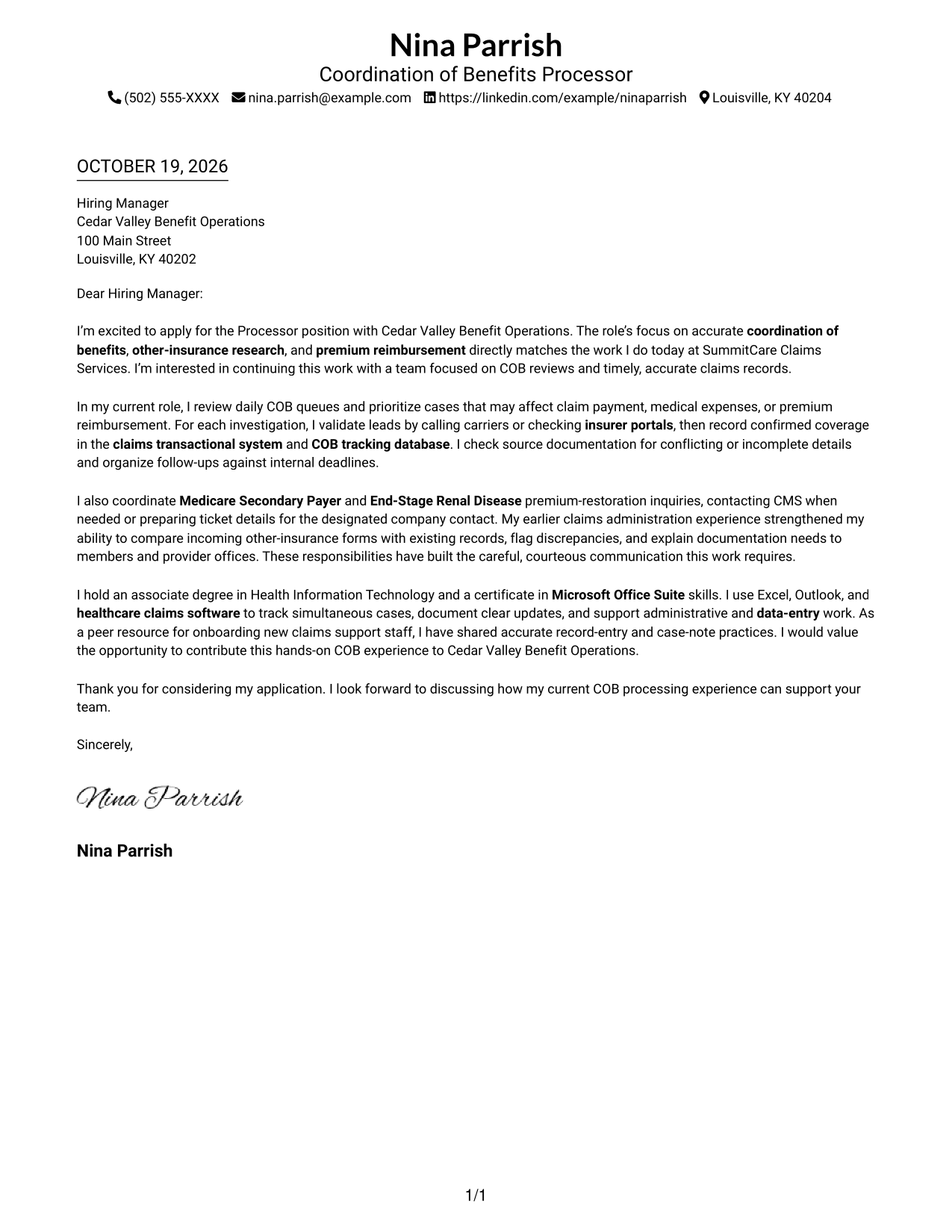
#1 Simple One Column Format Cover Letter Example
The Simple One Column Format keeps sender details in the header above one continuous letter body, a practical choice for a straightforward reading path.
Why This Format Works
- Sender details in the header remain easy to find before the message begins.
- One body column lets reviewers follow the letter from opening to closing.
- Unheaded paragraphs keep motivation and supporting evidence within one direct appeal.
Best For
- Letters with several sender contact details
- Single-path reading preferences
- Paragraph-led application messages
- Letters without argument headings
- Photo-free document preferences
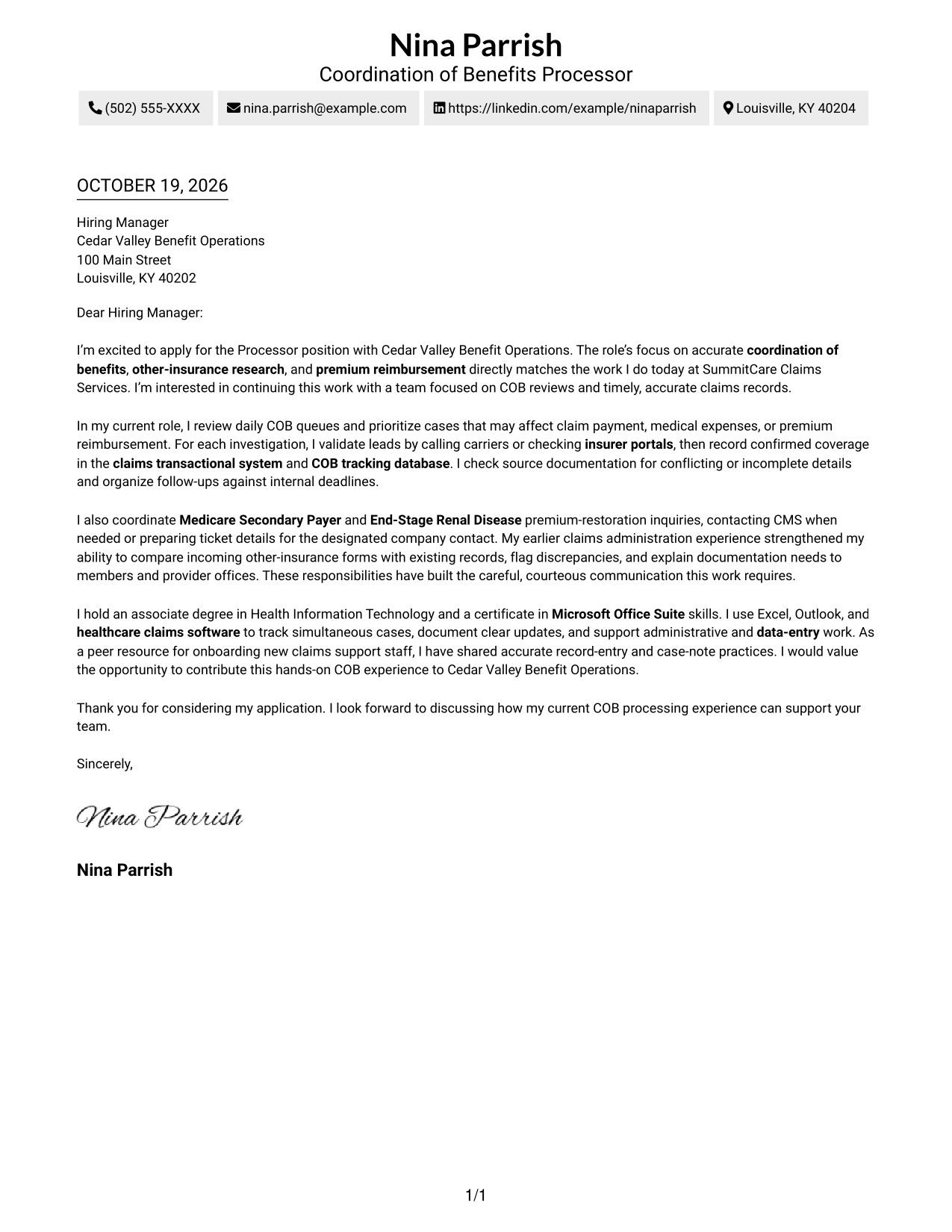
#2 Two Column Format Cover Letter Example
The Two Column Format places a contact sidebar beside one continuous letter body, keeping sender details separate from the message.
Why This Format Works
- The contact sidebar gives sender information a separate place beside the letter.
- The single body column keeps the opening, evidence, and closing in sequence.
- Unheaded paragraphs let the message read as a direct personal appeal.
Best For
- Applications with several contact methods
- Letters needing a separate contact area
- Continuous paragraph-style messages
- Readers who prefer a sidebar
- Photo-free page preferences
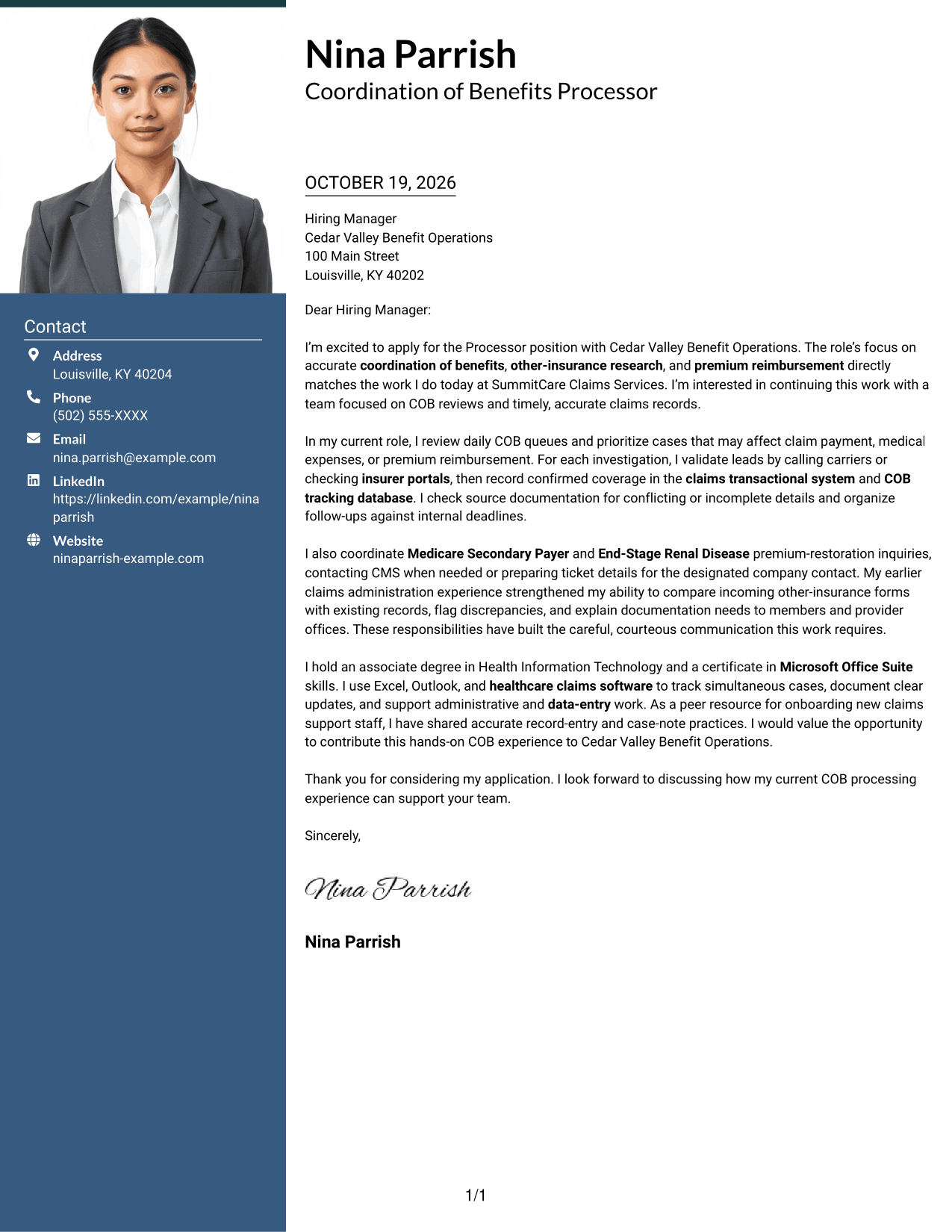
#3 Photo Header Two Column Format Cover Letter Example
The Photo Header Two Column Format pairs a photo with a contact sidebar and one continuous letter body, for readers who want a portrait included.
Why This Format Works
- The photo adds a personal visual detail while the letter remains continuous.
- A contact sidebar keeps sender details apart from the message itself.
- One body column lets reviewers follow the letter in a clear sequence.
Best For
- Applications that include a portrait
- Letters with several contact details
- One-column letter-body preferences
- Continuous persuasive messages
- Readers who value a contact sidebar
#4 One Column Format with Photo Cover Letter Example
The One Column Format with Photo keeps the letter in one body column and includes a portrait, for a personal visual choice without a sidebar.
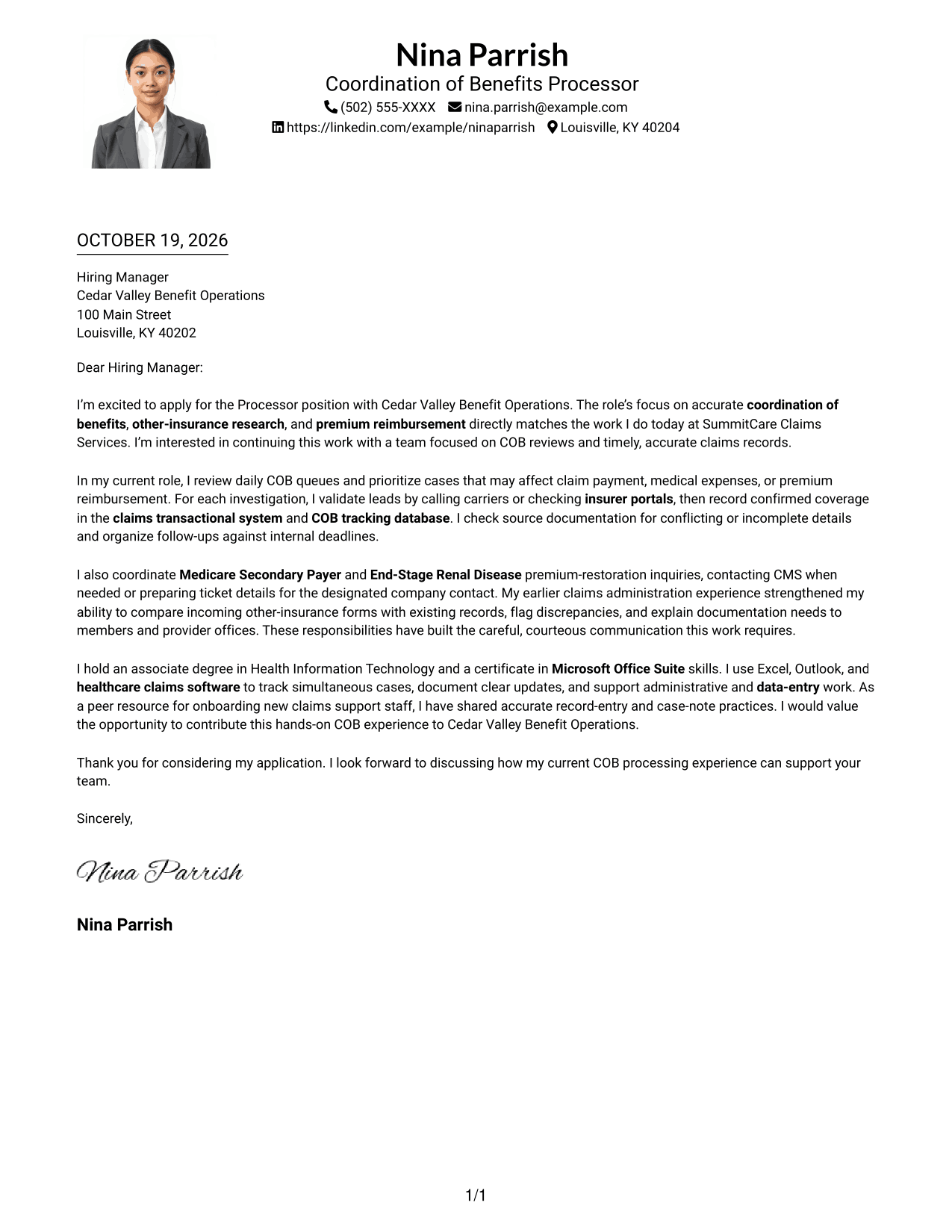
Why This Format Works
- The portrait adds a personal visual element without dividing the letter body.
- Sender details stay in the header before the main message begins.
- One body column gives the opening and closing a shared reading path.
- Unheaded paragraphs keep the appeal direct and easy to follow.
Best For
- Letters that include a portrait
- Single-column body preferences
- Header-based contact details
- Direct paragraph-led appeals
- Photo-forward document choices
#5 Simple Two Column Format Cover Letter Example
With sender contact details in a sidebar beside the letter, the Simple Two Column Format separates contact information from the continuous message.
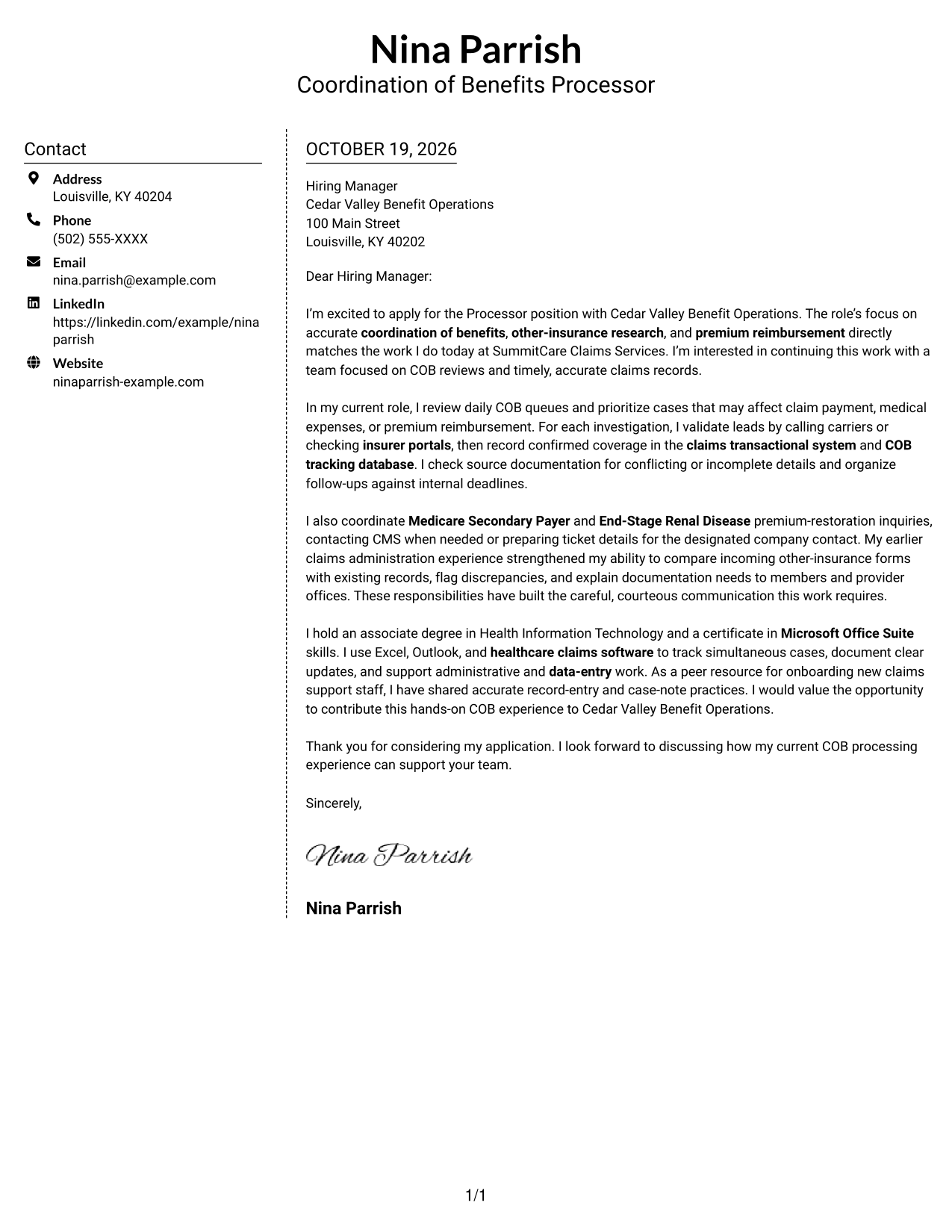
Why This Format Works
- Sender contact details have a dedicated sidebar beside the letter body.
- The message stays in one column rather than splitting across parallel sections.
- Without argument headings, the paragraphs keep a natural letter style.
Best For
- Letters with contact details to reference
- A dedicated sender-information area
- One-column message preferences
- Uninterrupted paragraph-style letters
- Photo-free document choices
#6 Modern Icon Format Cover Letter Example
The Modern Icon Format uses contact cues in a sidebar beside one continuous letter body, helping readers locate sender details without dividing the message.
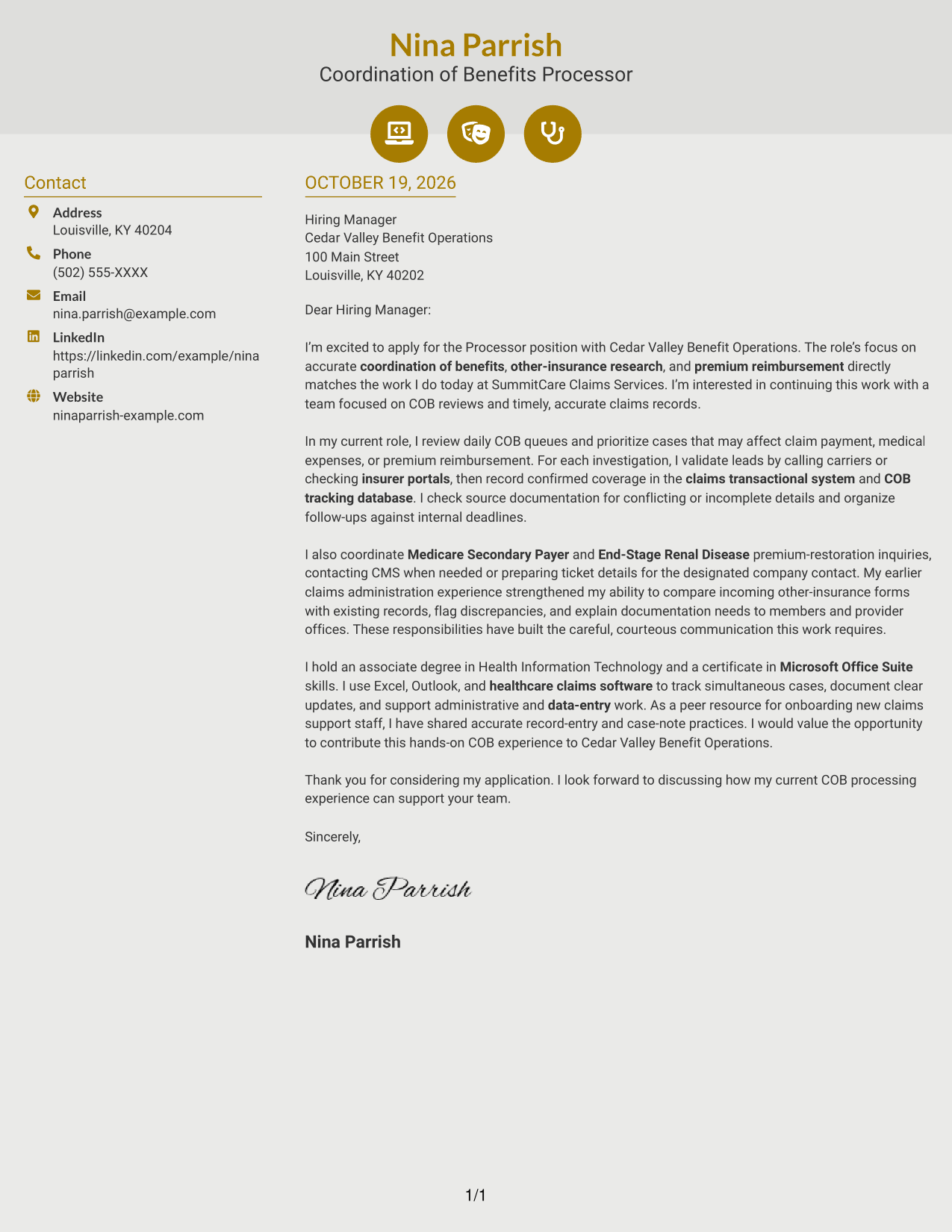
Why This Format Works
- Contact icons cue where sender details appear, without labeling argument stages.
- The sidebar keeps contact information distinct from the letter's message.
- A single body column preserves the sequence from opening to closing.
Best For
- Letters with icon-cued contact details
- A separate contact sidebar
- Continuous body-column reading
- Paragraph-based application messages
- Photo-free page preferences
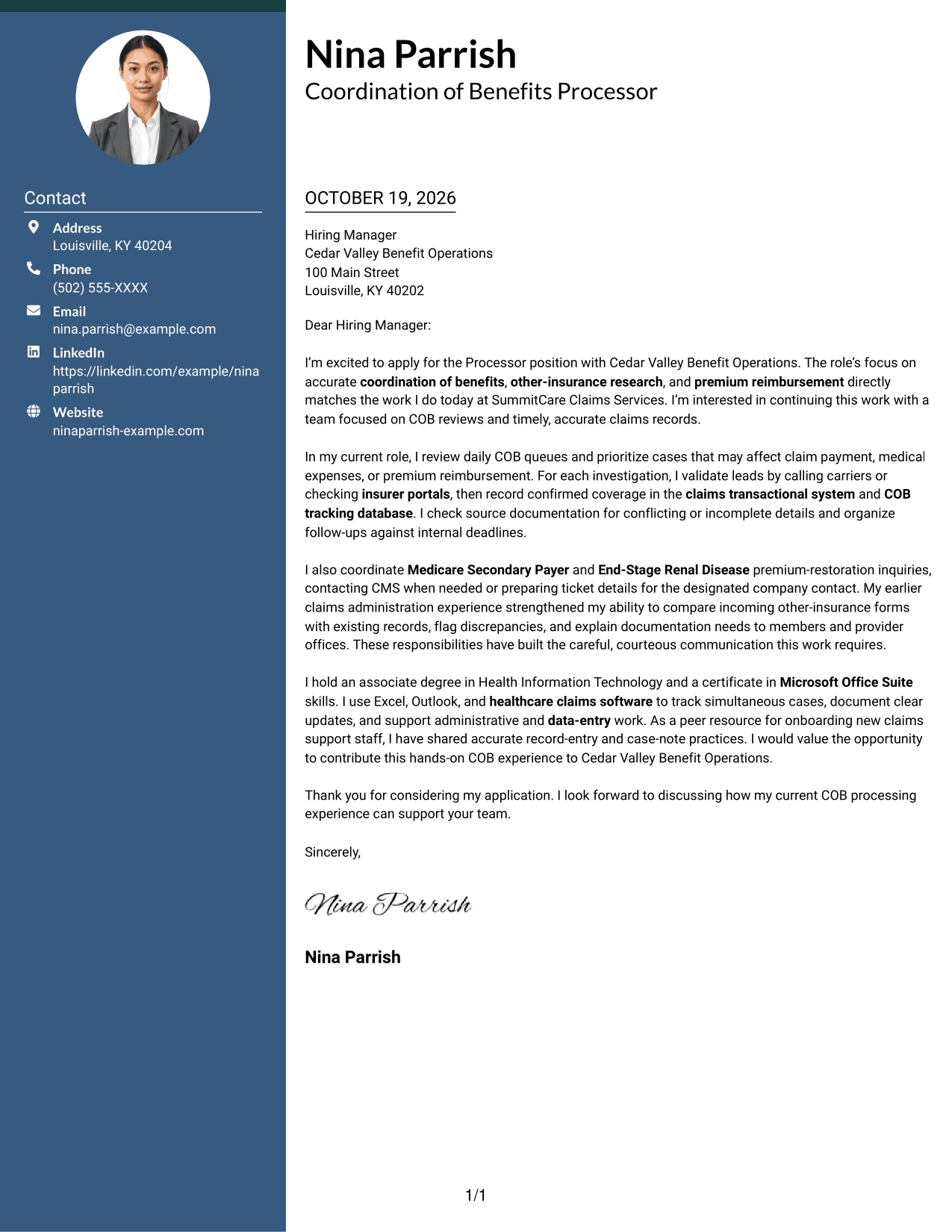
#7 Creative Two Tone Format Cover Letter Example
The Creative Two Tone Format places a contact sidebar beside one continuous letter body, a useful option for keeping contact details distinct from the message.
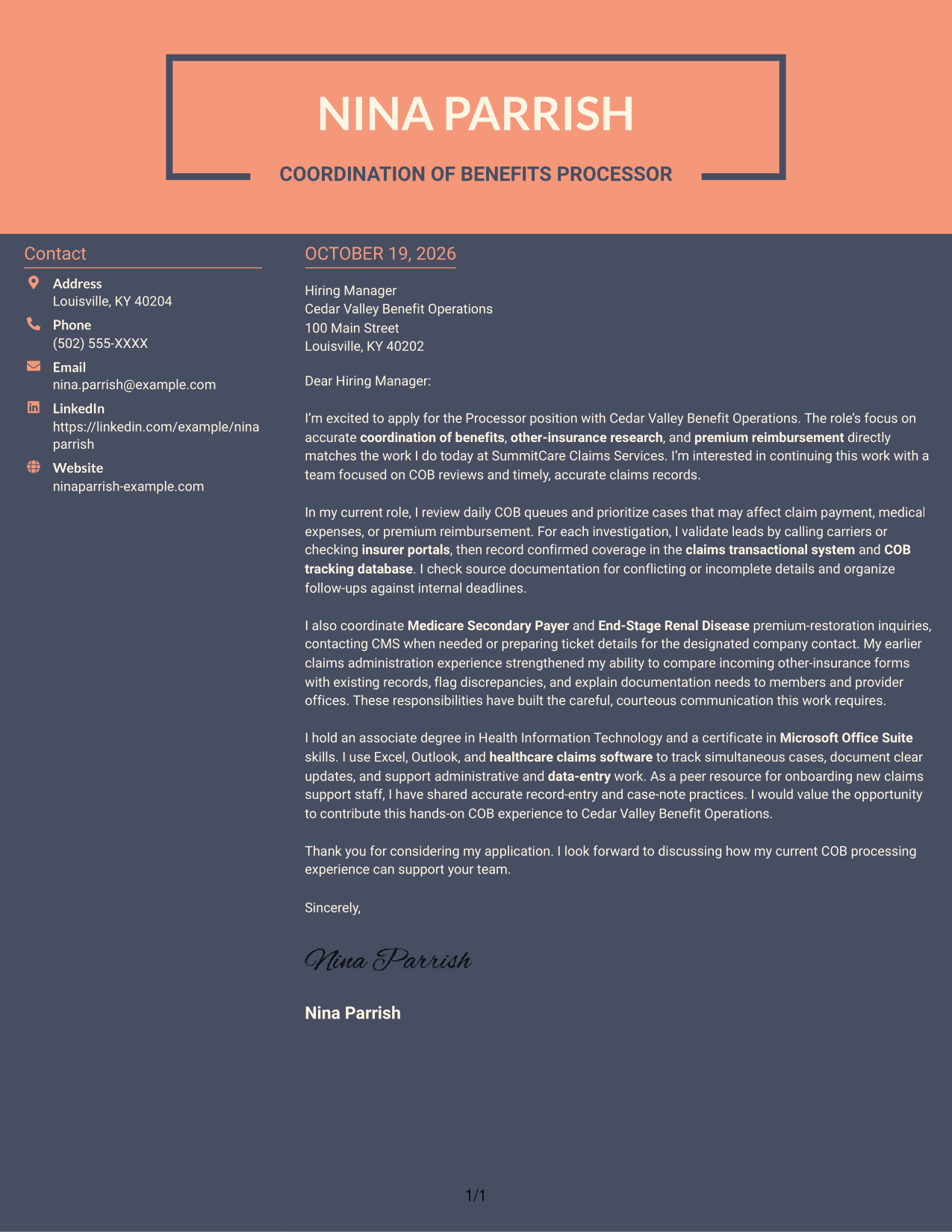
Why This Format Works
- The sidebar presents sender details apart from the letter's main message.
- One continuous body lets reviewers follow the argument without parallel columns.
- Unheaded paragraphs keep the opening, support, and closing in letter form.
Best For
- Applications with contact details in a sidebar
- Continuous letter-body preferences
- Paragraph-led persuasive messages
- Readers who want distinct contact information
- Photo-free layout choices
Why Use ResumeInMinutes for a Processor - Coordination of Benefits Cover Letter
Use the image previews to compare the letter’s presentation, then open an example in the editor to review and customize it for your application.
- Role-focused cover letter guidance
- Clear example structure
- Image previews for comparison
- Examples available in the editor
- Focused opening and closing guidance
- Practical employer-alignment advice
Build a clear case for your fit by connecting your COB experience to the employer’s work and explaining your interest in the role.
See Also
- 7 Processor - Coordination of Benefits Resume Templates with Example
- 33 Skilled Meat Processor / Butcher Resume Templates with Example 2026 (ATS-Optimized)
- 7 Fleet Manager - Commercial Engine Aftermarket Resume Templates with Example
- 7 Case Coordination Caseworker Resume Templates with Example
- 7 Principal, Clinical Product - Behavioral Health AI Resume Templates with Example
- 7 Mechanical Assembler II - Aerospace Assembly Resume Templates with Example
- 7 Electrical Detailer Resume Templates with Example
- 7 Population Health Strategy & Operations Senior Manager Resume Templates with Example
- 7 News Photographer - ENG Field Production Resume Templates with Example
- 30+ Skilled Meat Processor / Butcher Cover Letter Templates with Example 2026
Frequently Asked Questions
What should a Processor - Coordination of Benefits cover letter emphasize?
Show how you approach COB lead research, carrier communication, accurate other-insurance records, and timely follow-up. Connect those details to the role’s focus on claims accuracy and reimbursement.
Does this guide show separate cover letters?
It presents one Processor - Coordination of Benefits cover letter example in different layouts. Compare the image previews, then open an example in the editor to review its presentation.
What belongs in the opening paragraph?
State the exact role you are applying for and give a direct reason for your interest. Link that interest to the work, such as accurate COB reviews or other-insurance research.
What experience can support a COB processor application?
Relevant examples may include validating leads with insurers, updating claims systems and tracking records, or coordinating Medicare Secondary Payer and End-Stage Renal Disease premium-restoration inquiries. Include only work you have actually done.
How can I show interest in Cedar Valley Benefit Operations?
Connect your interest to the advertised COB responsibilities and explain how your communication and record-keeping approach fits the work. Avoid claims about the organization that you cannot verify.




