
7 Product Manager - Claude Marketplace Cover Letter Templates with Example
This guide helps you write a focused Product Manager - Claude Marketplace cover letter, with seven layouts to compare and adapt for a clear, persuasive application.
What Makes a Great Product Manager - Claude Marketplace Cover Letter in 2026
A strong letter connects your marketplace product work to the role’s needs, while making your interest in building a Claude partner ecosystem clear.
Use specific evidence, such as launching an LLM-powered discovery assistant or shaping partner workflows, and explain how it relates to the employer’s goals.
The featured Product Manager - Claude Marketplace example moves from role-specific motivation to marketplace and LLM product evidence, then closes with operational strengths and a clear invitation to talk. Adapt this progression while choosing a presentation that fits the employer and the communication context.
#1 Simple One Column Format Cover Letter Example
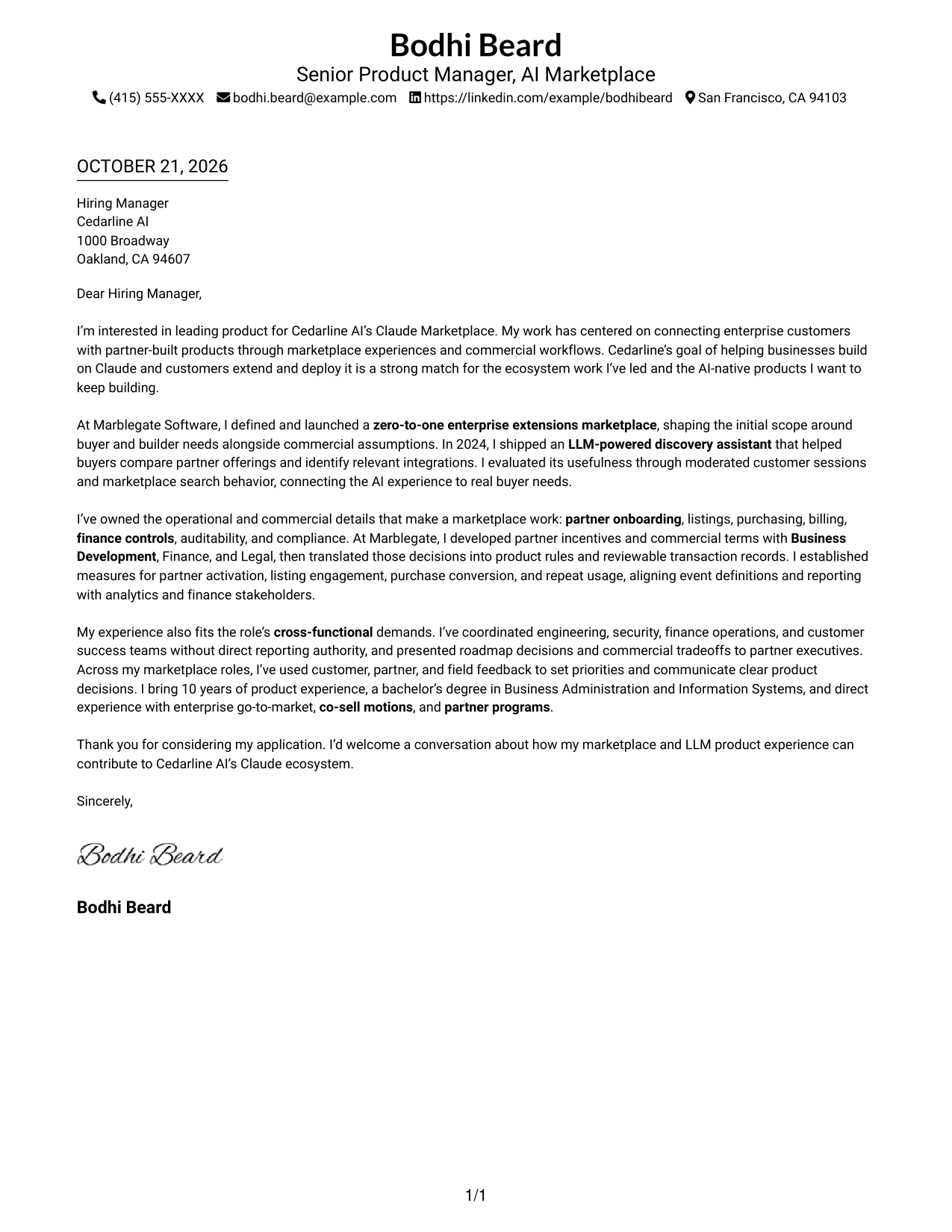
A one-column body keeps the letter’s opening, evidence, and closing in a clear reading path.
Why This Format Works
- Sender details remain in the header, apart from the letter’s continuous paragraph column.
- Motivation, evidence, and closing stay connected in one uninterrupted body.
- Readers who favor a familiar, linear letter structure can follow one reading path.
Best For
- Single-column reading preference
- Header-based contact details
- Continuous persuasive prose
- Text-centered presentation
- Familiar letter structure
#2 Two Column Format Cover Letter Example
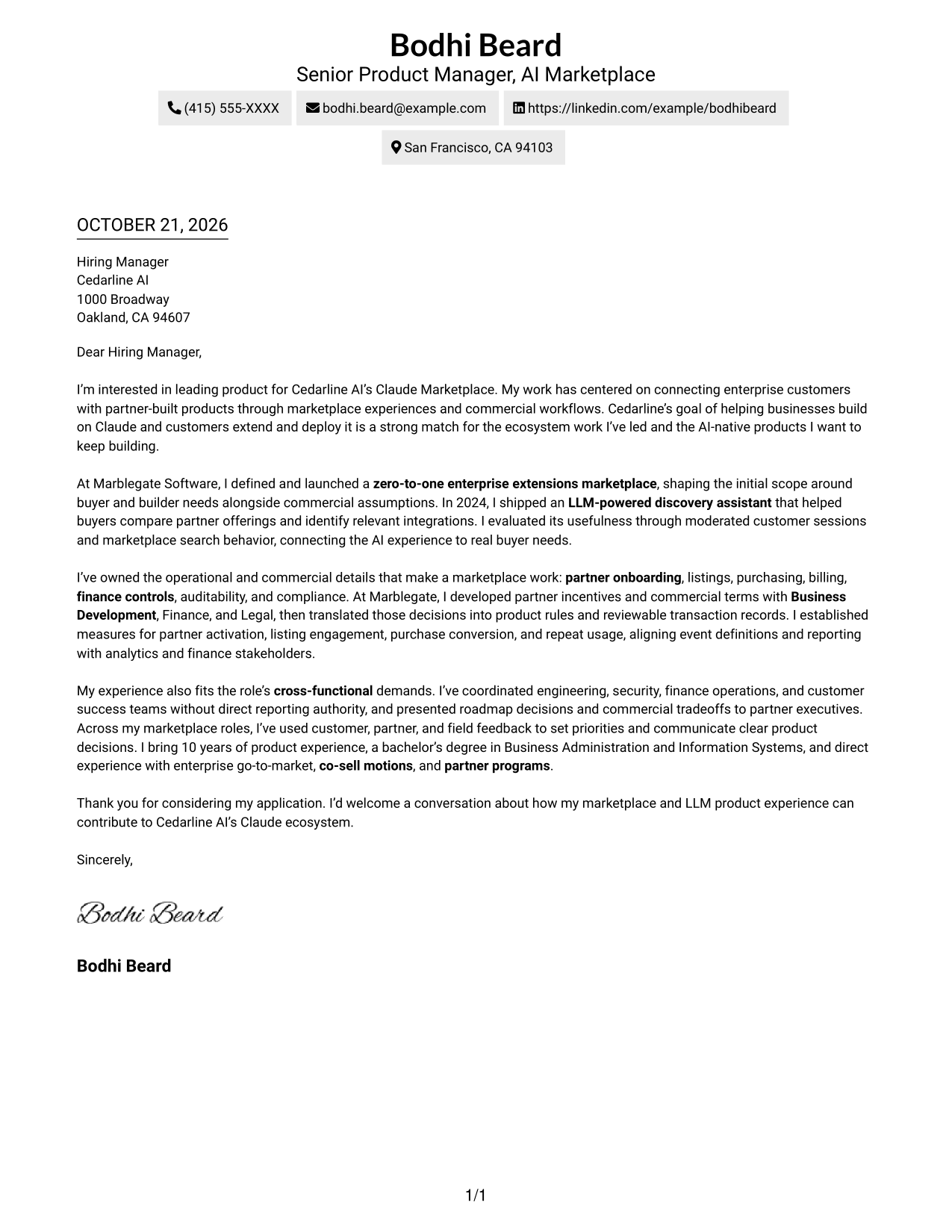
The contact sidebar sits beside one continuous letter body, separating sender information from the message.
Why This Format Works
- The contact sidebar keeps sender information separate from the letter’s main message.
- All persuasive paragraphs remain together in a single body column.
- The opening and closing stay in sequence instead of competing across columns.
Best For
- Side-by-side contact and message
- Continuous letter paragraphs
- Separate sender information
- Employer-specific applications
- Letters with several supporting points
#3 Photo Header Two Column Format Cover Letter Example
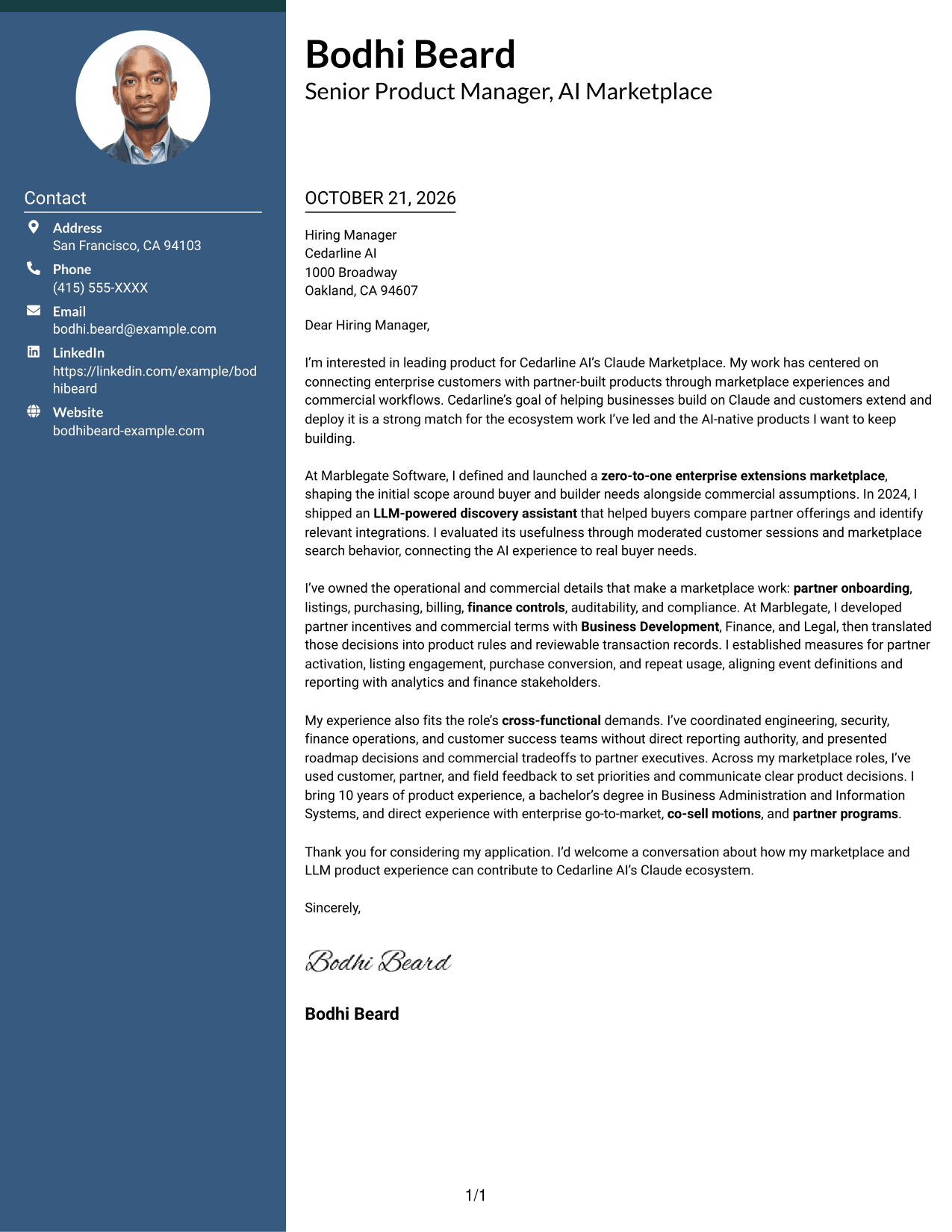
The two-column layout includes a photo while keeping the letter body continuous for readers who prefer a portrait.
Why This Format Works
- The sidebar keeps contact details apart from the continuous message.
- A portrait adds a personal visual element without labeling any part of the argument.
- One letter body keeps the opening and close in the same sequence.
Best For
- Portrait-inclusive letter design
- Contact details beside the message
- Continuous letter argument
- Applications welcoming a photo
- Letters with connected supporting points
#4 One Column Format with Photo Cover Letter Example
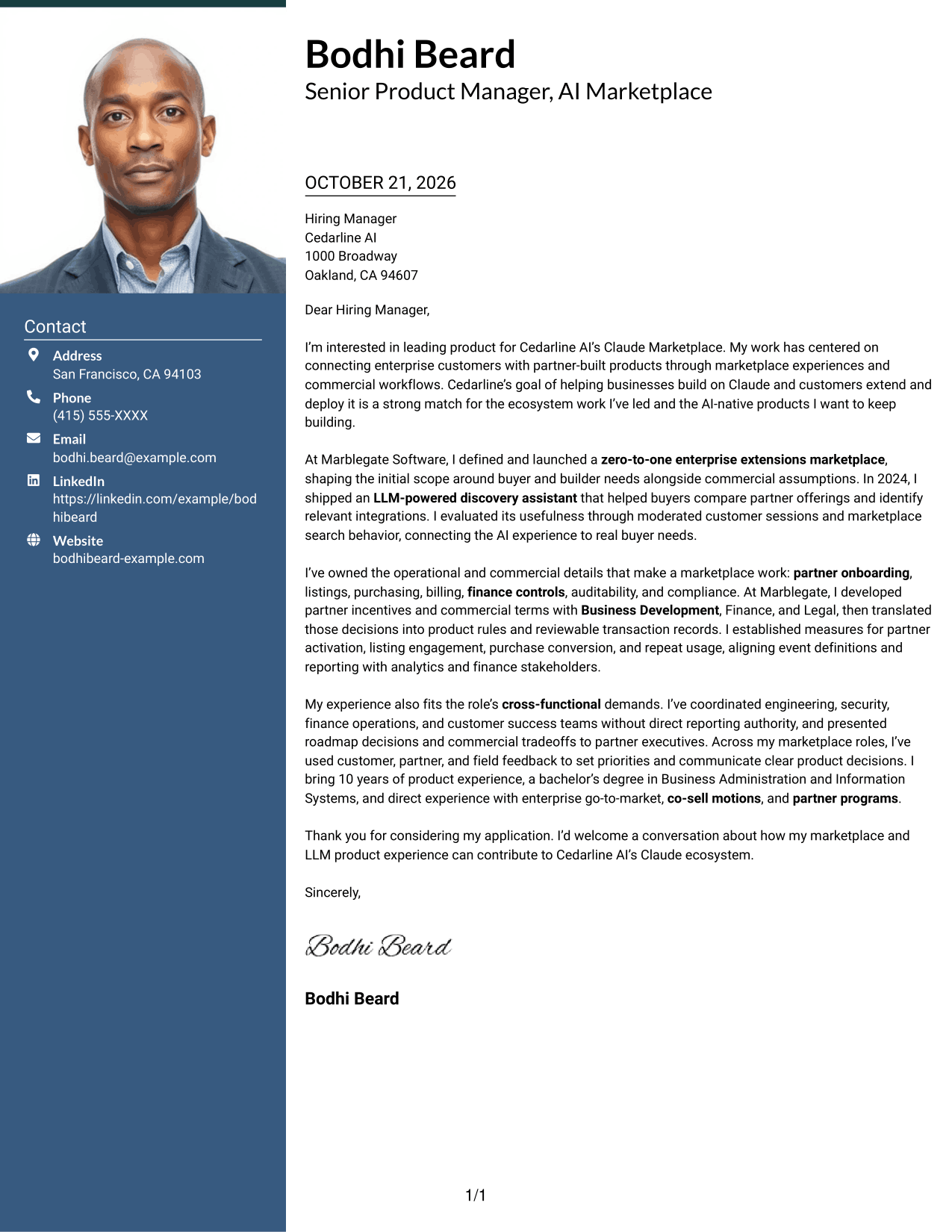
A photo accompanies the one-column letter, offering a portrait option while keeping the message in one reading path.
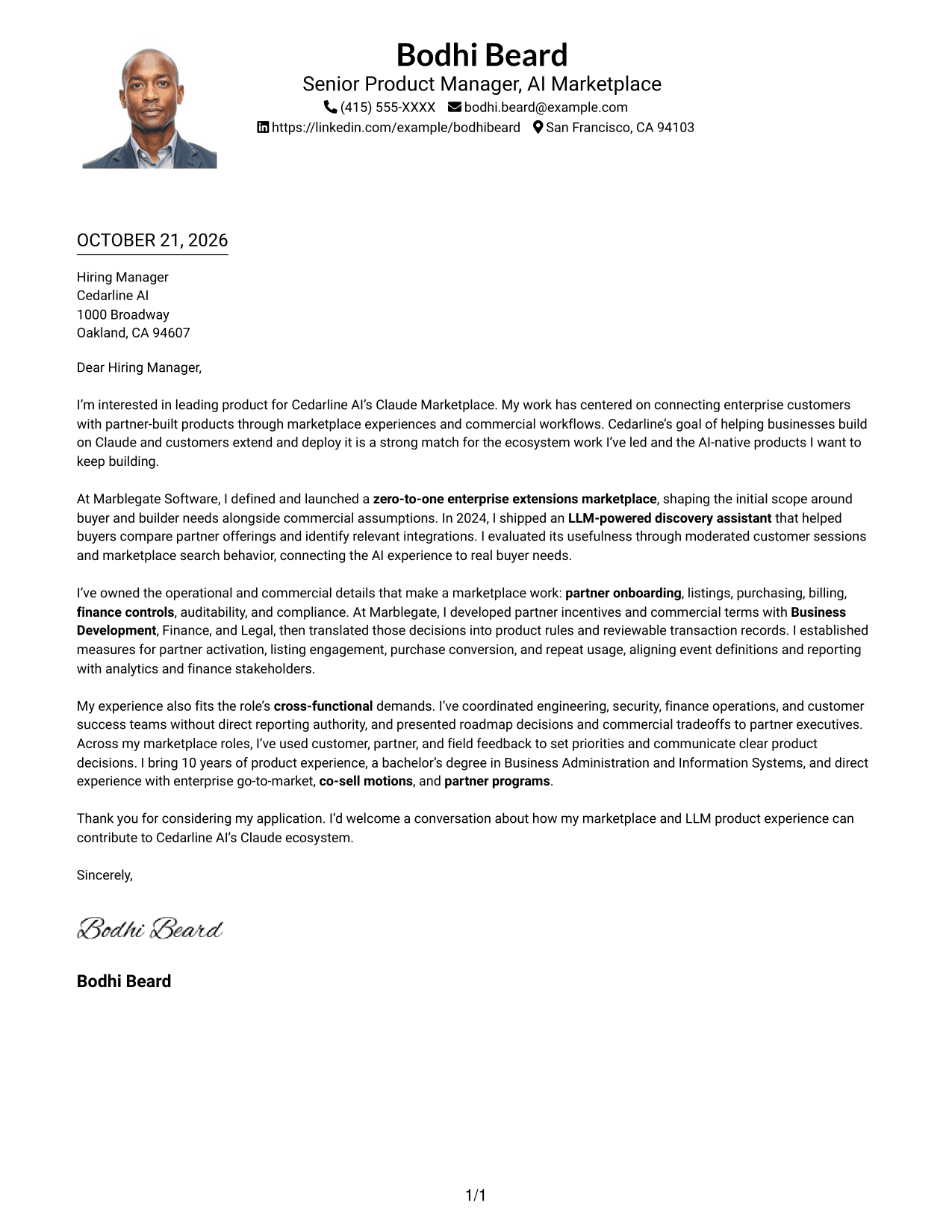
Why This Format Works
- Sender details stay in the header, separate from the letter paragraphs.
- A portrait provides a visual option without standing in for qualifications.
- The continuous body keeps motivation and supporting points in one sequence.
Best For
- One-column reading preference
- Portrait-inclusive presentation
- Header-based sender details
- Letters with connected evidence
- Applications where a photo is welcome
#5 Simple Two Column Format Cover Letter Example
A contact sidebar sits beside a single letter column, giving sender details a separate place from the message.
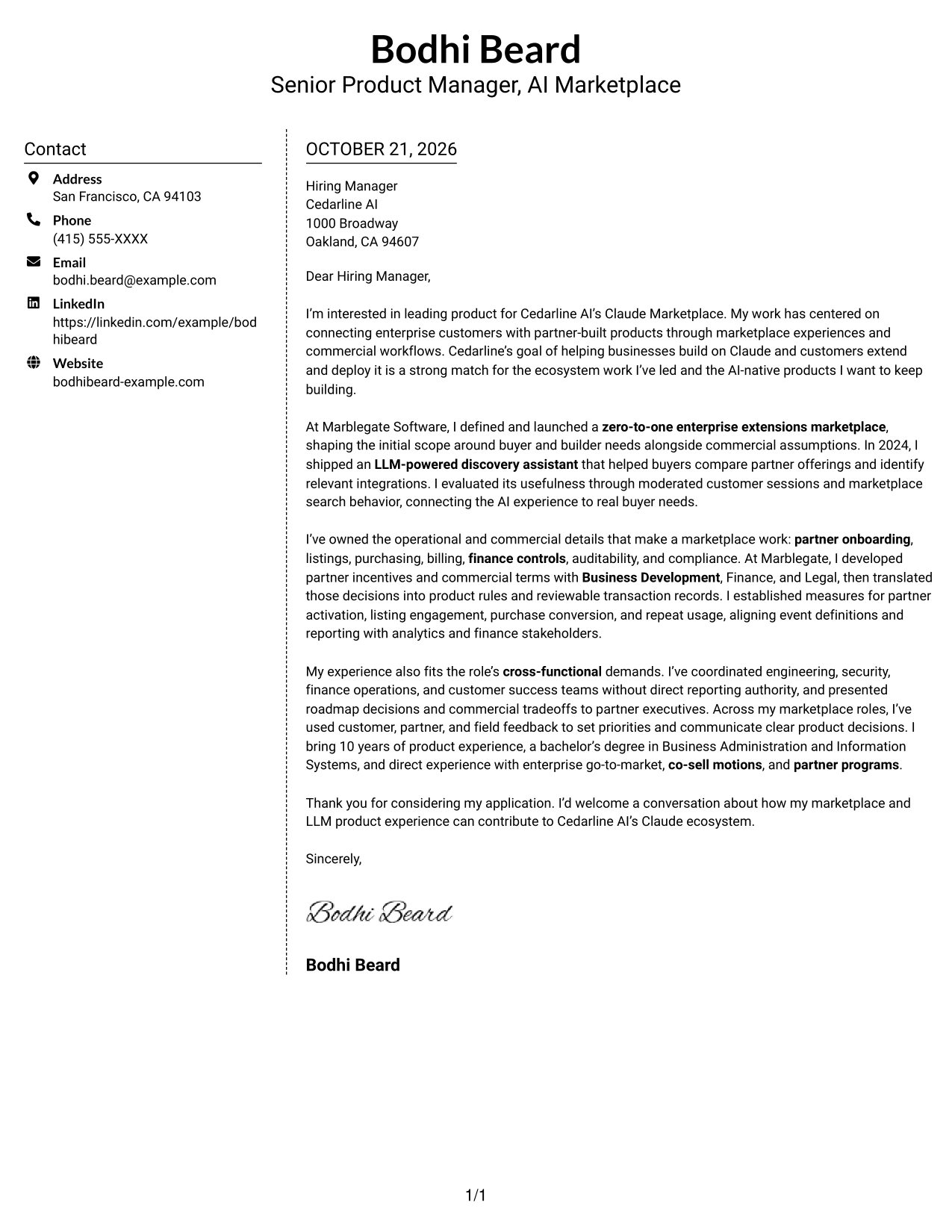
Why This Format Works
- Sender details have their own sidebar, apart from the persuasive text.
- Opening, evidence, and closing remain in one continuous body column.
- The side-by-side arrangement keeps practical contact information distinct from letter prose.
Best For
- Sidebar-based contact details
- Single-column letter text
- Clear separation of contact and message
- Employer-focused correspondence
- Letters with several supporting points
#6 Modern Icon Format Cover Letter Example
Contact icons add visual cues beside sender details in this two-column format, while the letter remains one continuous column.
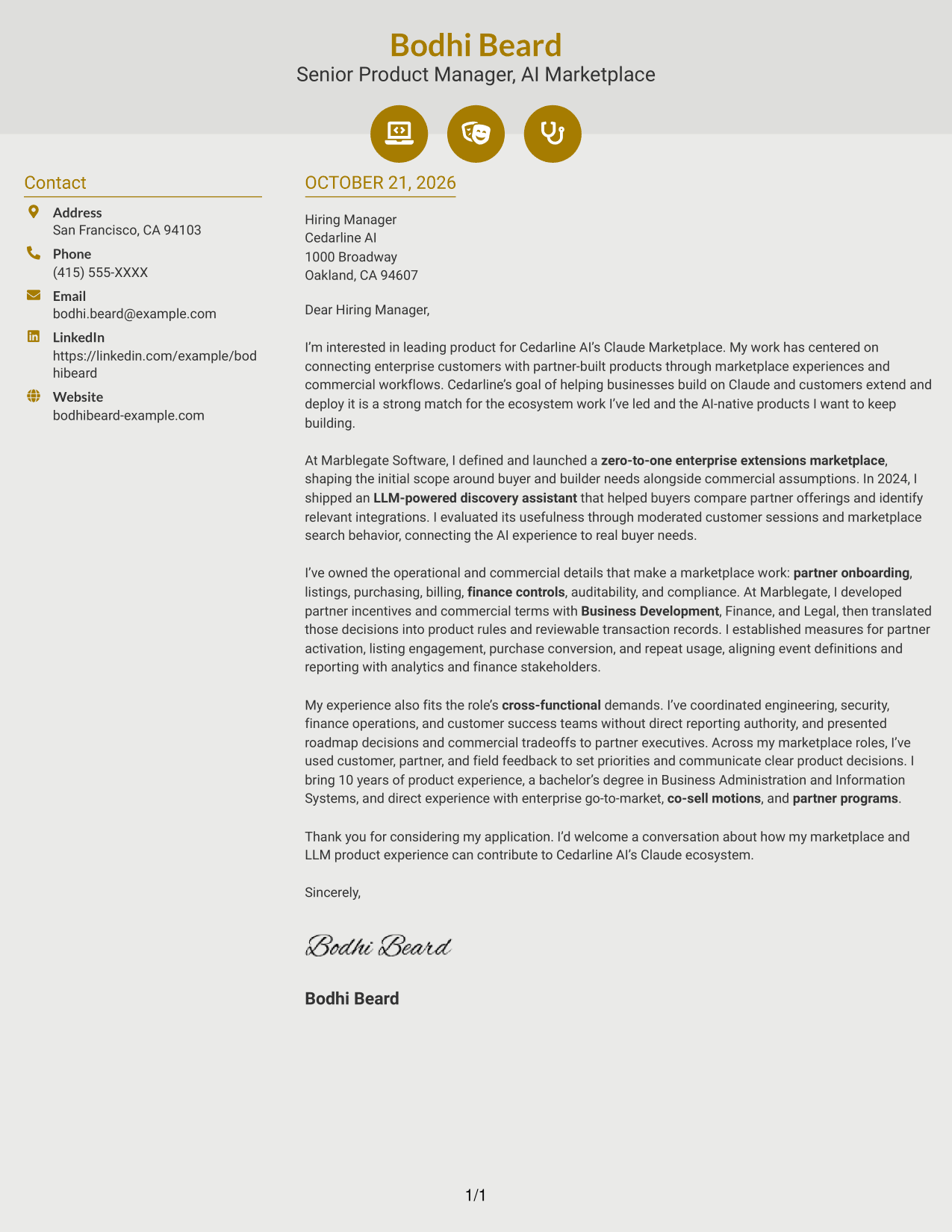
Why This Format Works
- Icons help distinguish contact details without marking stages of the letter argument.
- Opening, evidence, and closing remain together in the continuous body column.
- Decorative header accents add visual detail without changing how the letter reads.
Best For
- Icon-led contact details
- Two-column reading preference
- Continuous letter body
- Distinct sender information
- Letters with a clear message sequence
#7 Creative Two Tone Format Cover Letter Example
The two-column layout places contact details beside one continuous letter body, keeping practical information apart from the message.
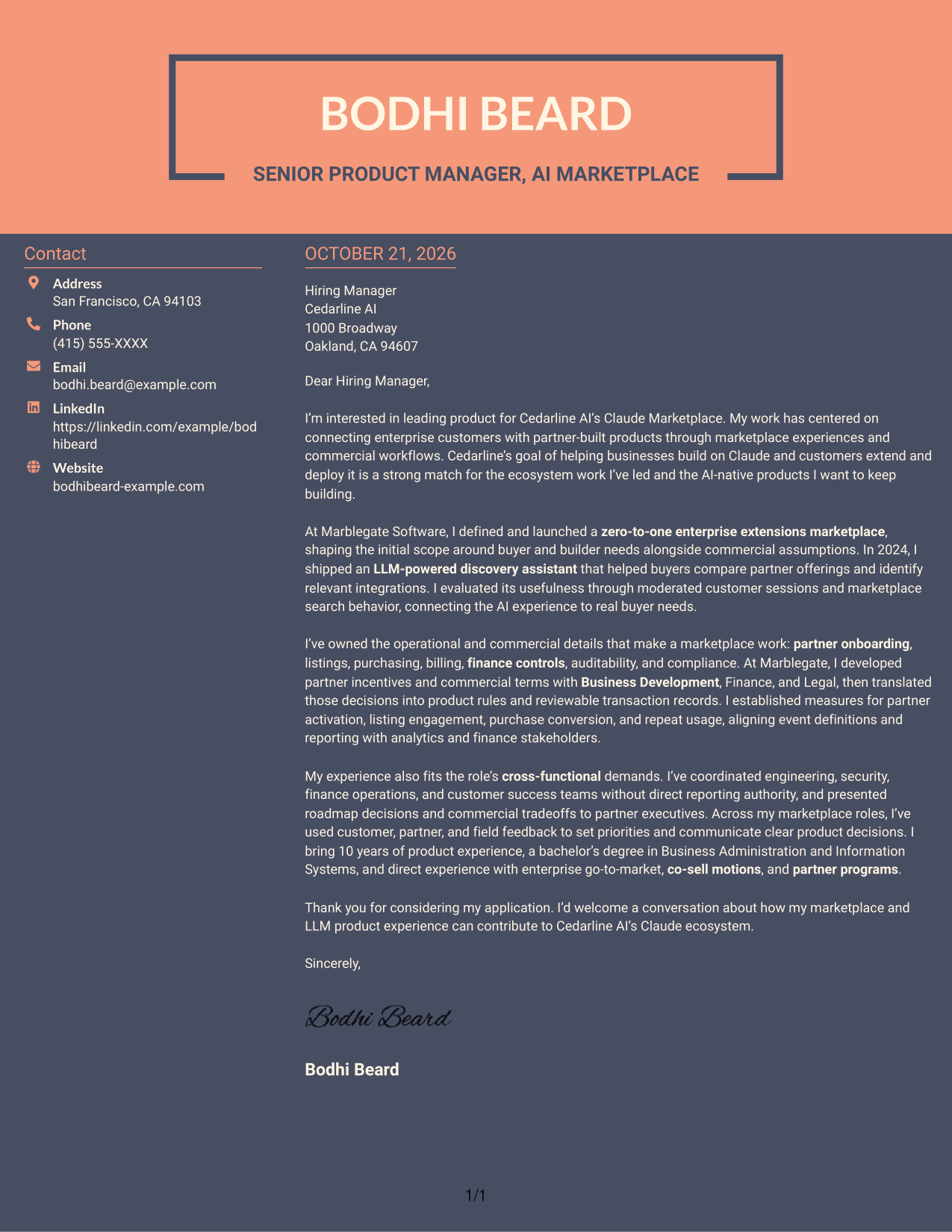
Why This Format Works
- The contact sidebar gives sender information a place separate from the letter text.
- The main message keeps its opening, supporting points, and close in one sequence.
- Readers can distinguish practical contact details from the persuasive letter body.
Best For
- Contact sidebar beside letter text
- Continuous persuasive message
- Separate sender information
- Employer-specific cover letters
- Letters with connected supporting points
See Also
- 7 Product Manager - Claude Marketplace Resume Templates with Example
- 33 Advisory Product Requirements Engineer, AI Orchestration Resume Templates with Example 2026 (ATS-Optimized)
- 33 Agentic AI Product Engineer Resume Templates with Example 2026 (ATS-Optimized)
- 7 Agile Delivery Owner Lead - New Product Development Resume Templates with Example
- 7 Agile Product Owner Federal Healthcare Resume Templates with Example
- 33 AI-Native Product Engineer Resume Templates with Example 2026 (ATS-Optimized)
- 33 AI-Powered Cybersecurity Product Engineer Resume Templates with Example 2026 (ATS-Optimized)
- 33 AI Product Engineer Resume Templates with Example 2026 (ATS-Optimized)
- 30+ Advisory Product Requirements Engineer, AI Orchestration Cover Letter Templates with Example 2026
- 30+ Agentic AI Product Engineer Cover Letter Templates with Example 2026
Frequently Asked Questions
What should a Product Manager - Claude Marketplace cover letter emphasize?
Connect marketplace ownership, partner and customer needs, commercial workflows, and product outcomes. Show how your experience relates to the role without repeating your full work history.
How can I describe LLM product experience in the letter?
Explain the user need the LLM feature addressed, what you shipped, and how you evaluated its usefulness. For example, the featured letter describes an LLM-powered discovery assistant tested through customer sessions and marketplace search behavior.
How can I show marketplace and partner experience?
Choose relevant examples involving partner onboarding, listings, purchases, billing, or commercial terms. Briefly explain your contribution and why the work mattered to customers or partners.
How should I explain cross-functional leadership?
Give an example of bringing teams together around a decision or delivery goal. Mention how you communicated tradeoffs and used feedback to guide priorities.
Which cover letter layout should I choose?
Choose a clear layout that suits the employer and the way you need to communicate your experience. A simple, easy-to-read presentation helps keep attention on your motivation and role-specific evidence.




