
7 Product Manager - Professional Tools Cover Letter Templates with Example
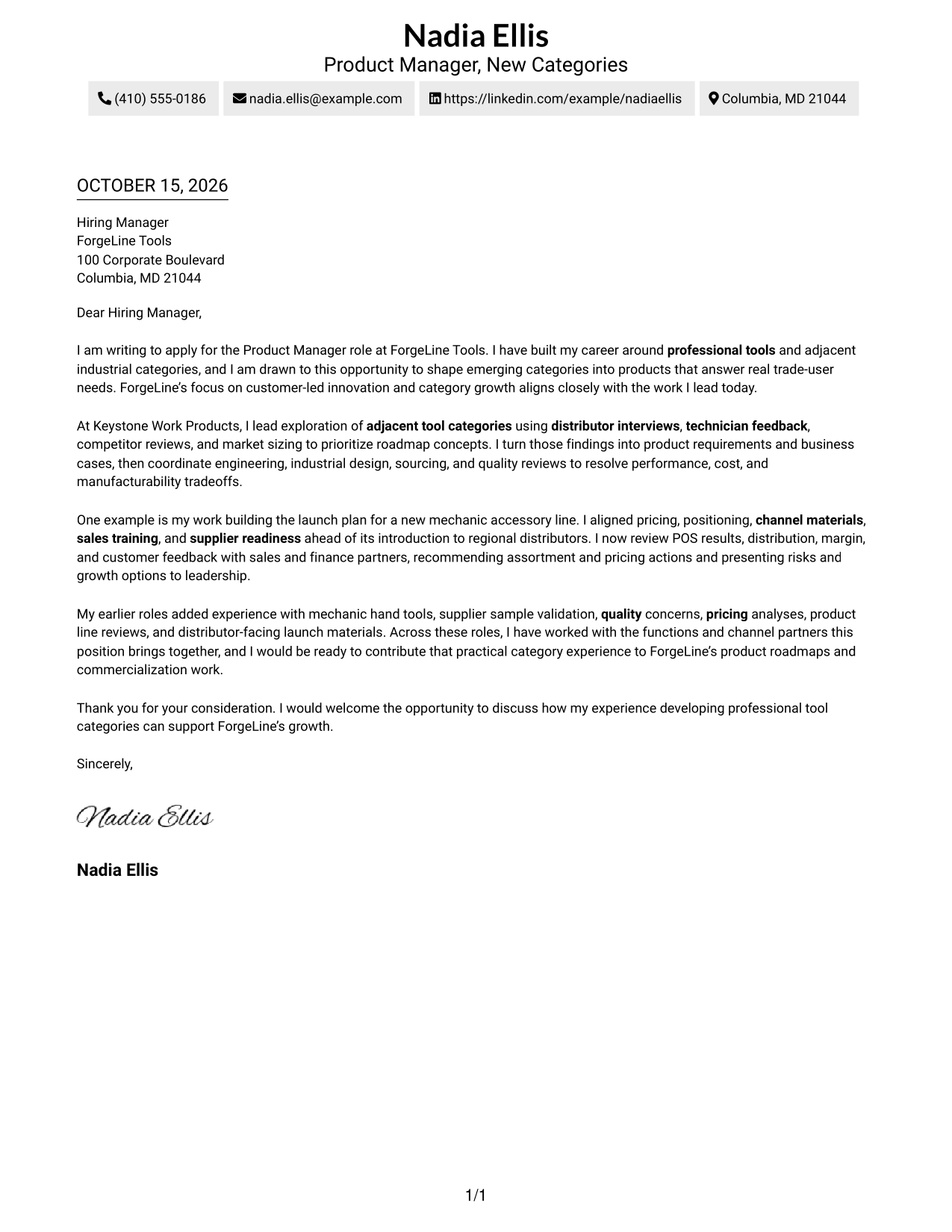
This practical guide to a Product Manager - Professional Tools cover letter presents seven layouts to help you make a clear case for your fit and interest.
What Makes a Great Product Manager - Professional Tools Cover Letter in 2026
A strong cover letter connects customer insight to category choices, product requirements, and commercial goals. Its opening should show clear interest in the Product Manager - Professional Tools role.
Use relevant evidence, such as shaping a product launch or turning customer feedback into product requirements. Then connect that experience to the employer’s focus on professional tools and category growth.
The featured Product Manager, New Categories example moves from role interest to category research, launch evidence, and a courteous close. Adapt that focused progression while choosing a presentation suited to the employer and communication context.
#1 Simple One Column Format Cover Letter Example
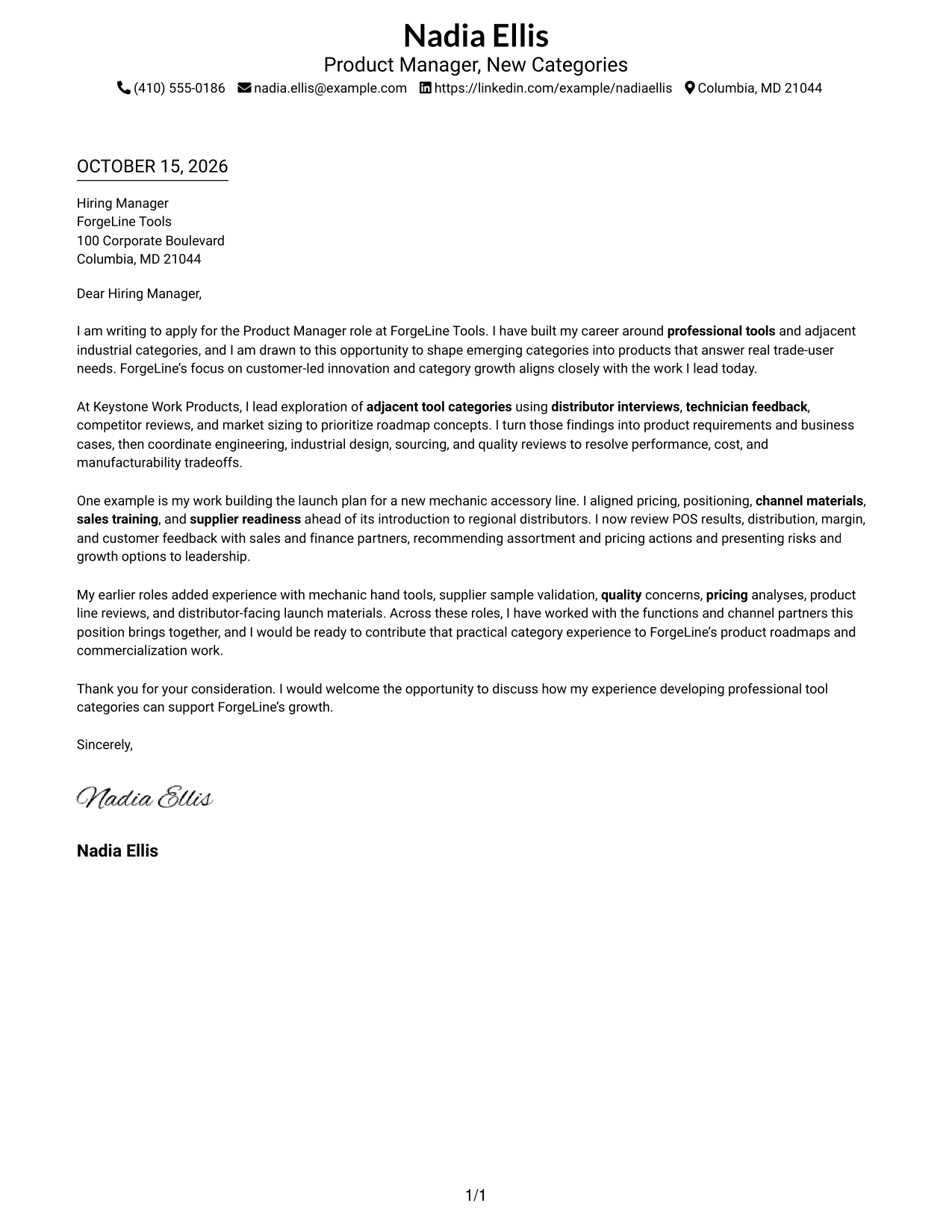
A single-column letter keeps the message in one clear reading path, with sender details in the header.
Why This Format Works
- Sender details stay in the header, leaving the letter in one clear column.
- The continuous paragraphs let reviewers follow the message from interest to closing.
- The photo-free layout suits readers who prefer correspondence without a portrait.
Best For
- Single-column letters
- Header-based contact details
- Continuous paragraph arguments
- Photo-free correspondence
- Direct top-to-bottom reading
#2 Two Column Format Cover Letter Example
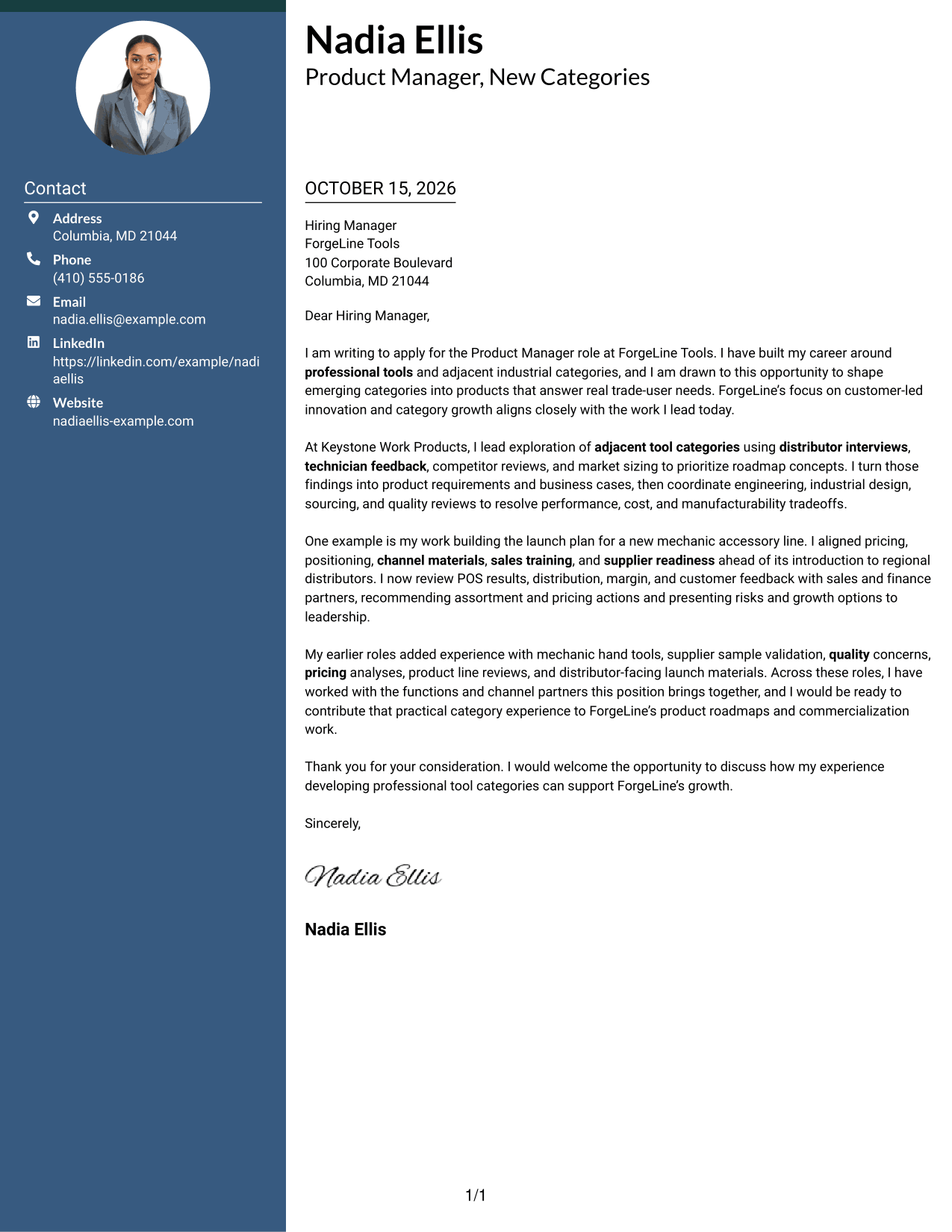
A contact sidebar sits beside the continuous letter body, giving contact details a separate place.
Why This Format Works
- Contact details have a distinct place beside the letter, separate from its argument.
- One continuous body keeps the opening, supporting points, and close in reading order.
- A text-focused layout suits readers who prefer correspondence without a portrait.
Best For
- Letters with a contact sidebar
- Separate contact lookup
- One-column letter bodies
- Photo-free two-column letters
- Side-by-side page organization
#3 Photo Header Two Column Format Cover Letter Example
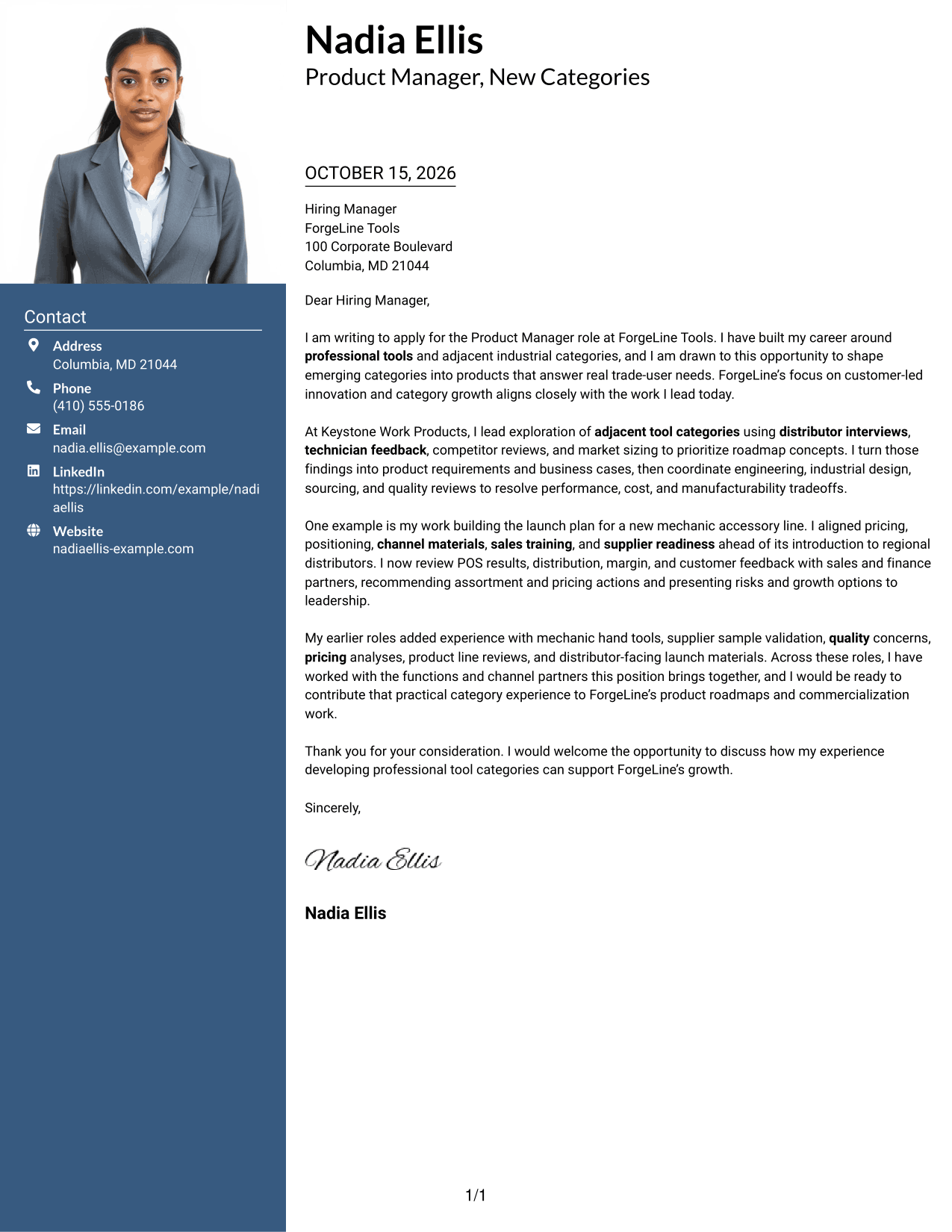
A photo header adds a visible sender portrait, while the contact sidebar stays apart from the letter body.
Why This Format Works
- Contact details remain separate from the single-column message, preserving its natural reading order.
- Opening, evidence, and closing stay together in continuous paragraphs rather than parallel columns.
- The portrait suits applications where a visible sender image is preferred.
Best For
- Portrait-led correspondence
- Contact sidebar layouts
- Single-column letter bodies
- Photo-inclusive applications
- Visible sender identification
#4 One Column Format with Photo Cover Letter Example
The one-column page pairs a sender photo with a direct reading path through the letter.
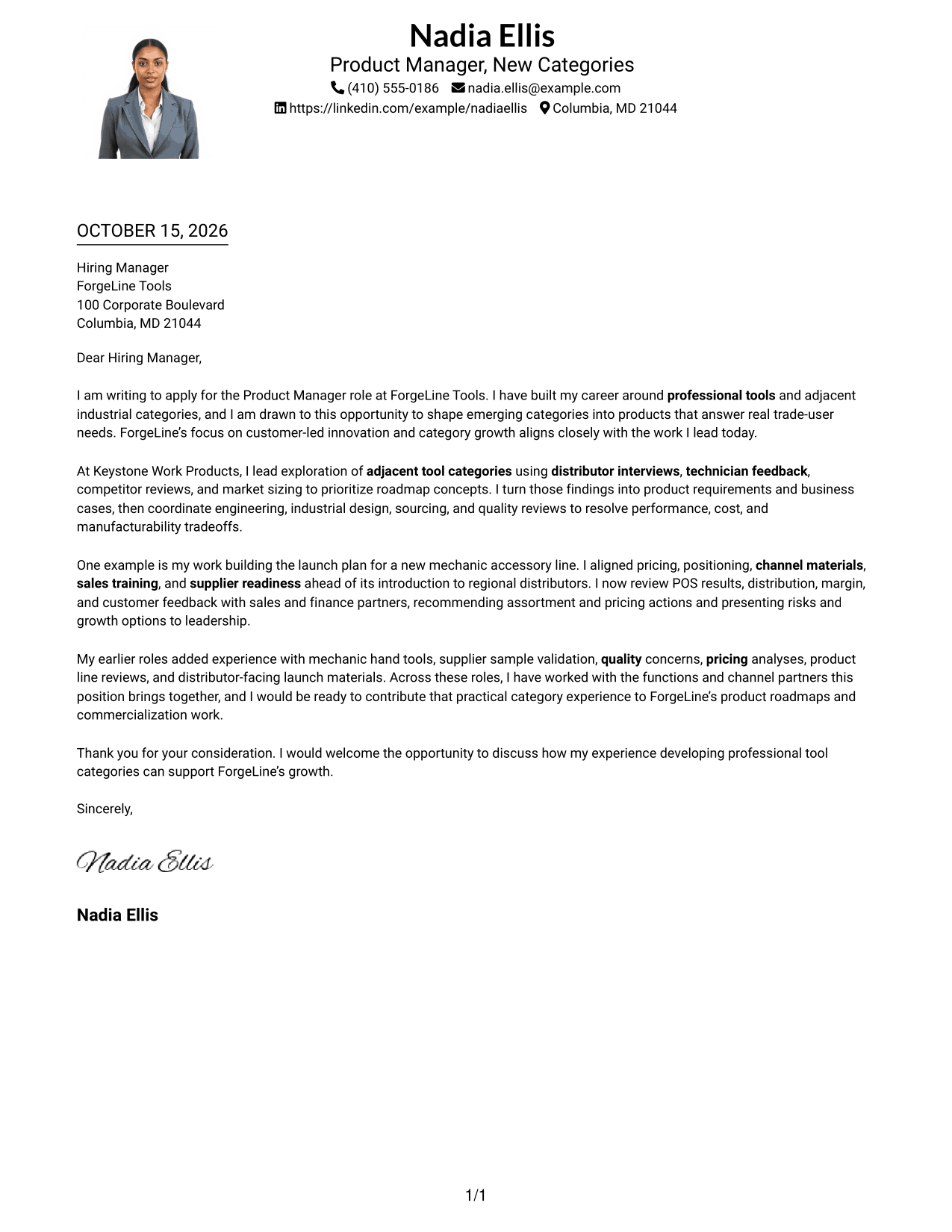
Why This Format Works
- The single-column body presents the message from salutation through closing in one reading path.
- Sender details remain in the header rather than a separate contact column.
- A portrait offers a visible sender image for readers who prefer photo-bearing letters.
Best For
- One-column correspondence
- Photo-bearing letters
- Header-based contact information
- Continuous letter paragraphs
- Readers who prefer a portrait
#5 Simple Two Column Format Cover Letter Example
A contact sidebar and a continuous letter body create two clear areas without splitting the message.
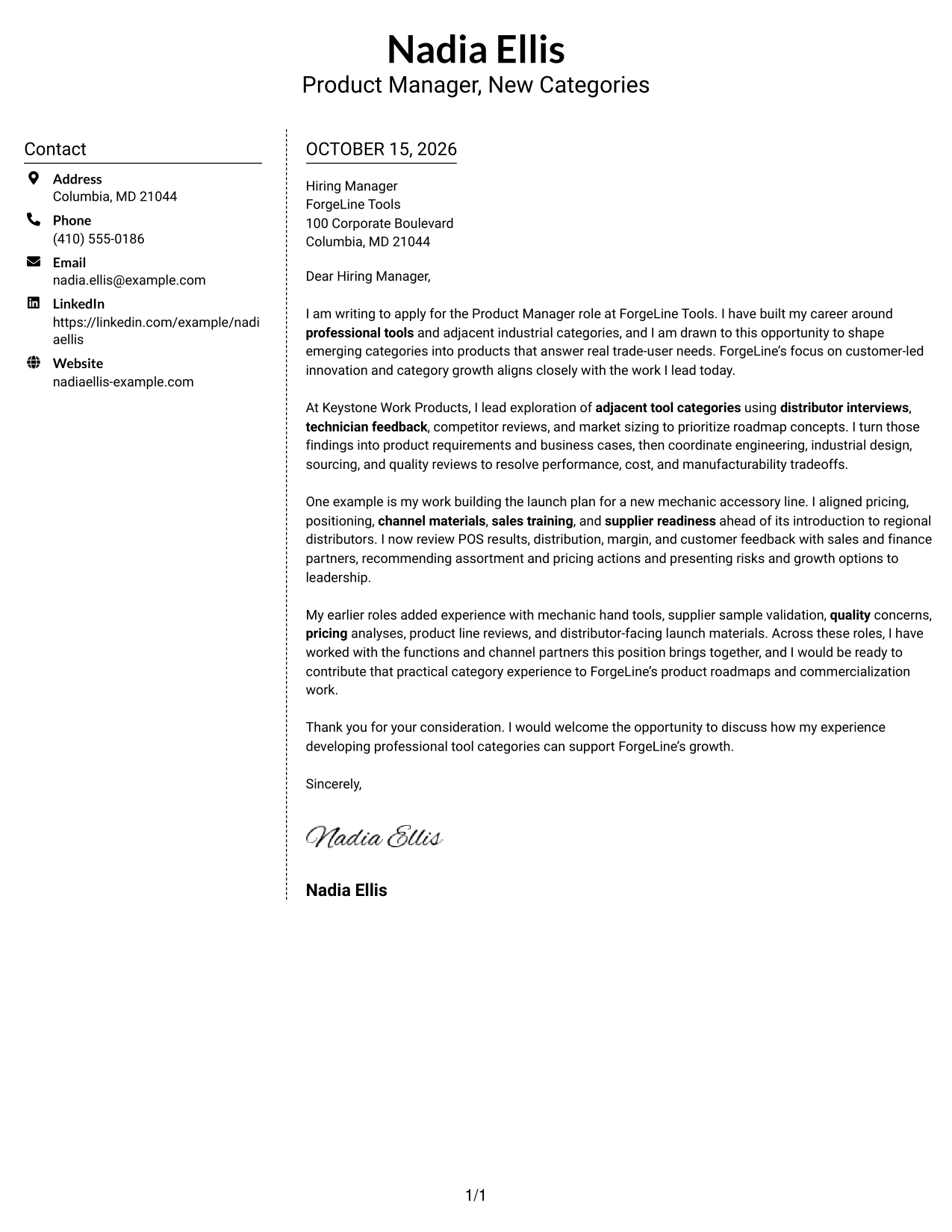
Why This Format Works
- The sidebar keeps contact information apart from the letter's persuasive content.
- A single body column lets reviewers read each paragraph in its intended order.
- The photo-free design fits applications that call for a straightforward written introduction.
Best For
- Separate contact and message areas
- Continuous letter paragraphs
- Photo-free applications
- Two-column page layouts
- Straightforward written introductions
#6 Modern Icon Format Cover Letter Example
Contact icons provide visual cues in the sidebar, while the letter remains a single, continuous body.
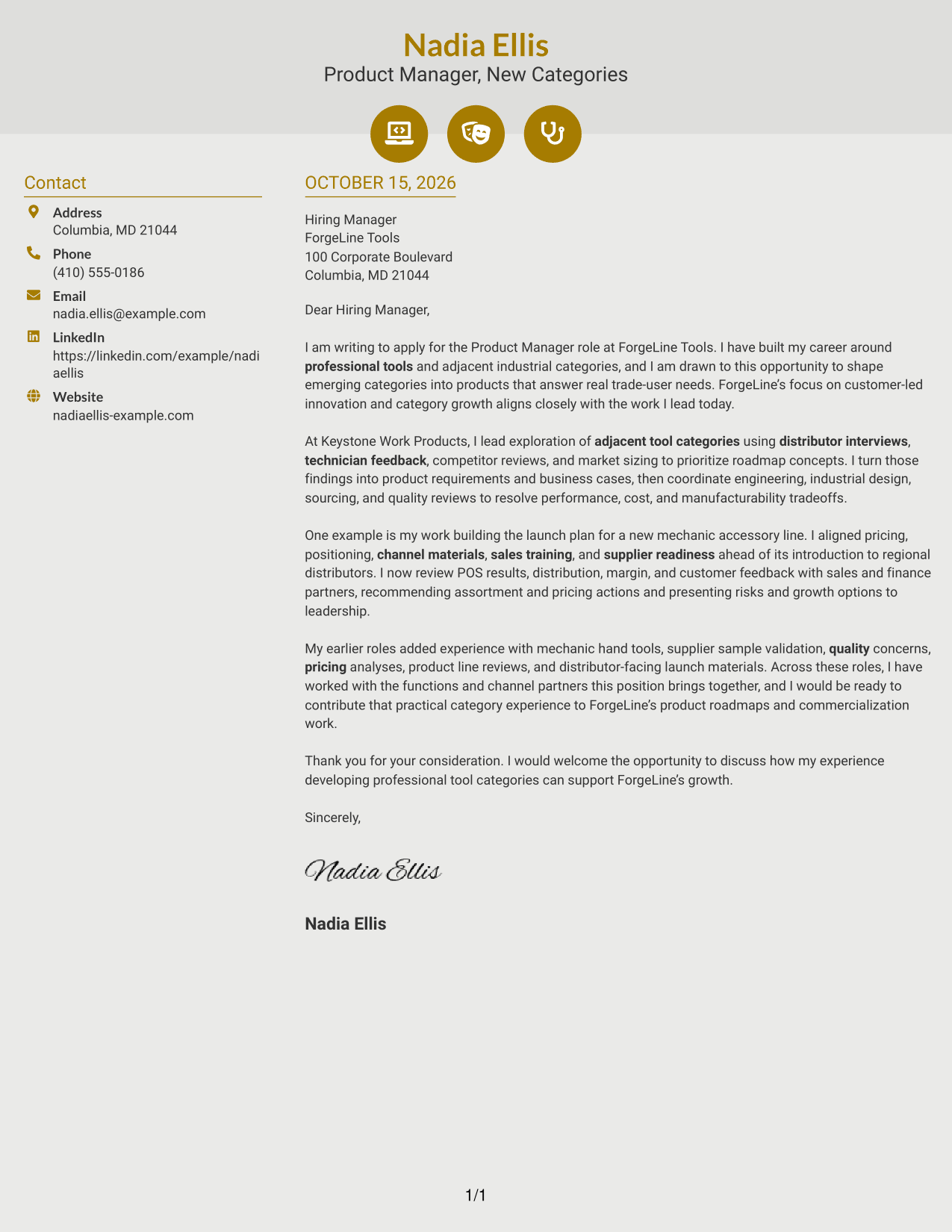
Why This Format Works
- Contact icons act as cues for sender details, not for the letter's argument.
- The sidebar gives contact information a separate location beside the message.
- Continuous paragraphs keep the opening, supporting points, and closing together.
Best For
- Icon-aided contact details
- Sidebar contact information
- Continuous letter paragraphs
- Photo-free correspondence
- Readers who scan contact details
#7 Creative Two Tone Format Cover Letter Example
The contact sidebar sits beside one uninterrupted letter body, separating contact details from the message.
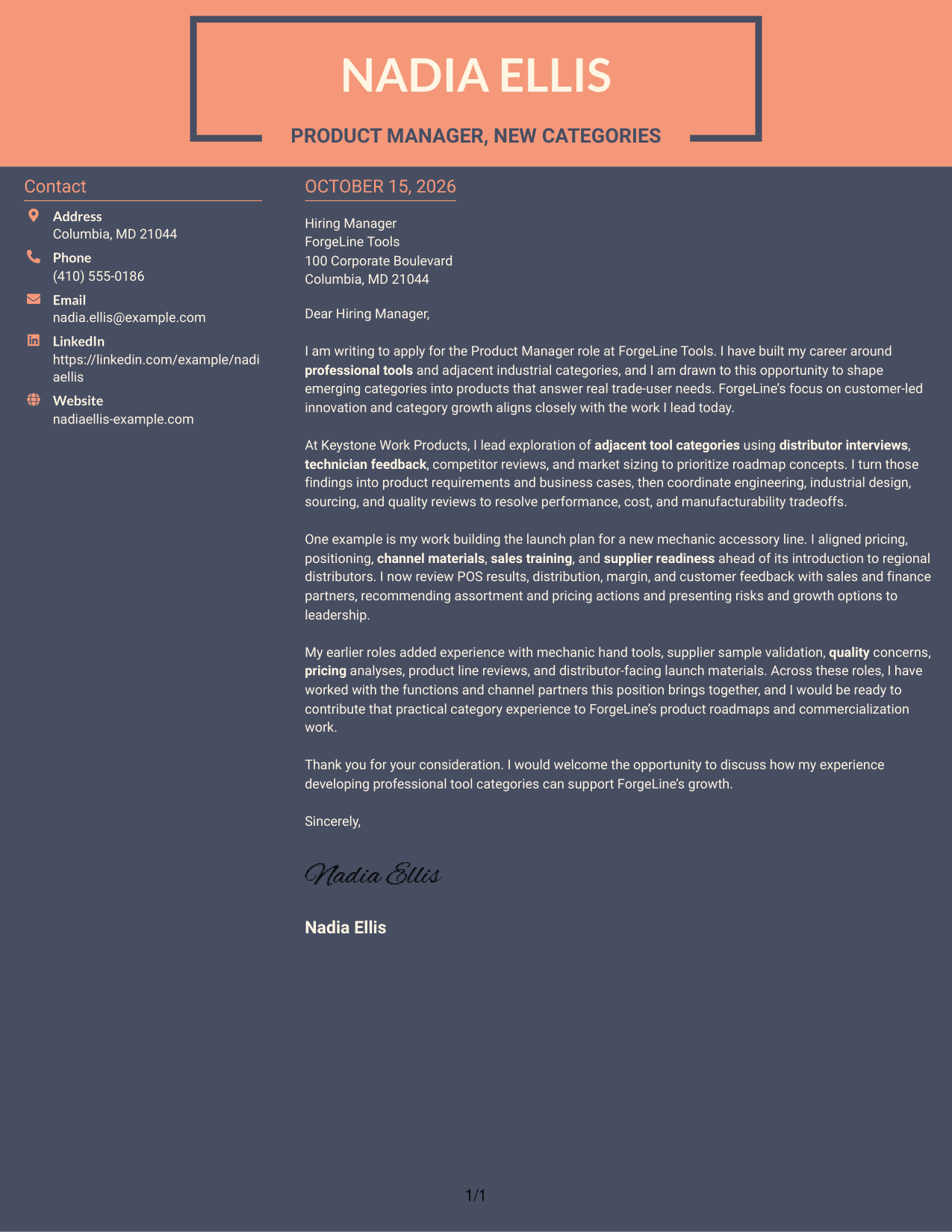
Why This Format Works
- Readers can locate sender details in the sidebar without interrupting the letter's argument.
- The body stays in one column, so the paragraphs read in sequence.
- A photo-free presentation keeps the focus on written correspondence for readers who prefer it.
Best For
- Sidebar-based contact details
- Letters with uninterrupted paragraphs
- Photo-free two-column layouts
- Separate contact and message areas
- Readers preferring written correspondence
Why Use ResumeInMinutes for a Product Manager - Professional Tools Cover Letter
Compare the image previews to see how different letter styles present the same core message, then open an example in the editor to customize it for your application.
- Varied writing styles
- Clear, readable layouts
- Role-focused customization
- Cover letter examples
- Professional presentation options
- Editor-based customization
Build a focused letter that links your product category work, customer research, launch planning, and commercial judgment to the needs of a Product Manager - Professional Tools role.
See Also
- 7 Product Manager - Professional Tools Resume Templates with Example
- 7 Senior Product Manager - Development Tools Resume Templates with Example
- 33 Advisory Product Requirements Engineer, AI Orchestration Resume Templates with Example 2026 (ATS-Optimized)
- 33 Agentic AI Product Engineer Resume Templates with Example 2026 (ATS-Optimized)
- 33 AI-Native Product Engineer Resume Templates with Example 2026 (ATS-Optimized)
- 33 AI-Powered Cybersecurity Product Engineer Resume Templates with Example 2026 (ATS-Optimized)
- 33 AI Product Engineer Resume Templates with Example 2026 (ATS-Optimized)
- 7 AI Product Manager Resume Templates with Example
- 30+ Advisory Product Requirements Engineer, AI Orchestration Cover Letter Templates with Example 2026
- 30+ Agentic AI Product Engineer Cover Letter Templates with Example 2026
Frequently Asked Questions
What should a Product Manager - Professional Tools cover letter emphasize?
Show how you understand customer needs and use research to guide product choices. Include relevant evidence of category planning, product requirements, commercialization, launch work, or ongoing performance review.
Are these different cover letters?
The guide presents one cover letter example in different visual styles. You can compare the image previews and choose a presentation that suits the employer and communication context.
How should I structure this cover letter?
Use the opening to explain your interest and role fit, the body to support that case with relevant examples, and the closing to restate your interest and invite further discussion.
What experience is useful to mention for this role?
Choose accurate examples that show customer research, market or competitor analysis, cross-functional product work, launch planning, pricing, or category performance. Focus on evidence that connects to the role’s needs.
Should I use a photo on my cover letter?
Use a photo only if it is common or expected in your country, region, or industry. For U.S. applications, a no-photo layout is usually the safer choice.




