
7 Production Line Helper - Manufacturing Cover Letter Templates with Example
This practical guide to a Production Line Helper - Manufacturing cover letter shows how seven layouts can help you present relevant production experience clearly.
What Makes a Great Production Line Helper - Manufacturing Cover Letter in 2026
A strong letter connects your interest in the role with safe, accurate production support. Show that you can follow work instructions, contribute to quality, and communicate well with a team.
Use clear examples, such as RF scanning, safe material handling, or flagging quality concerns. Connect that evidence to the employer’s needs, and explain your interest in the work in a direct, genuine way.
The featured example moves from interest in the role to current production work, a quality example, readiness for the work, and a clear close. Adapt that focused progression, and choose a presentation that fits the employer and the communication context.
#1 Simple One Column Format Cover Letter Example
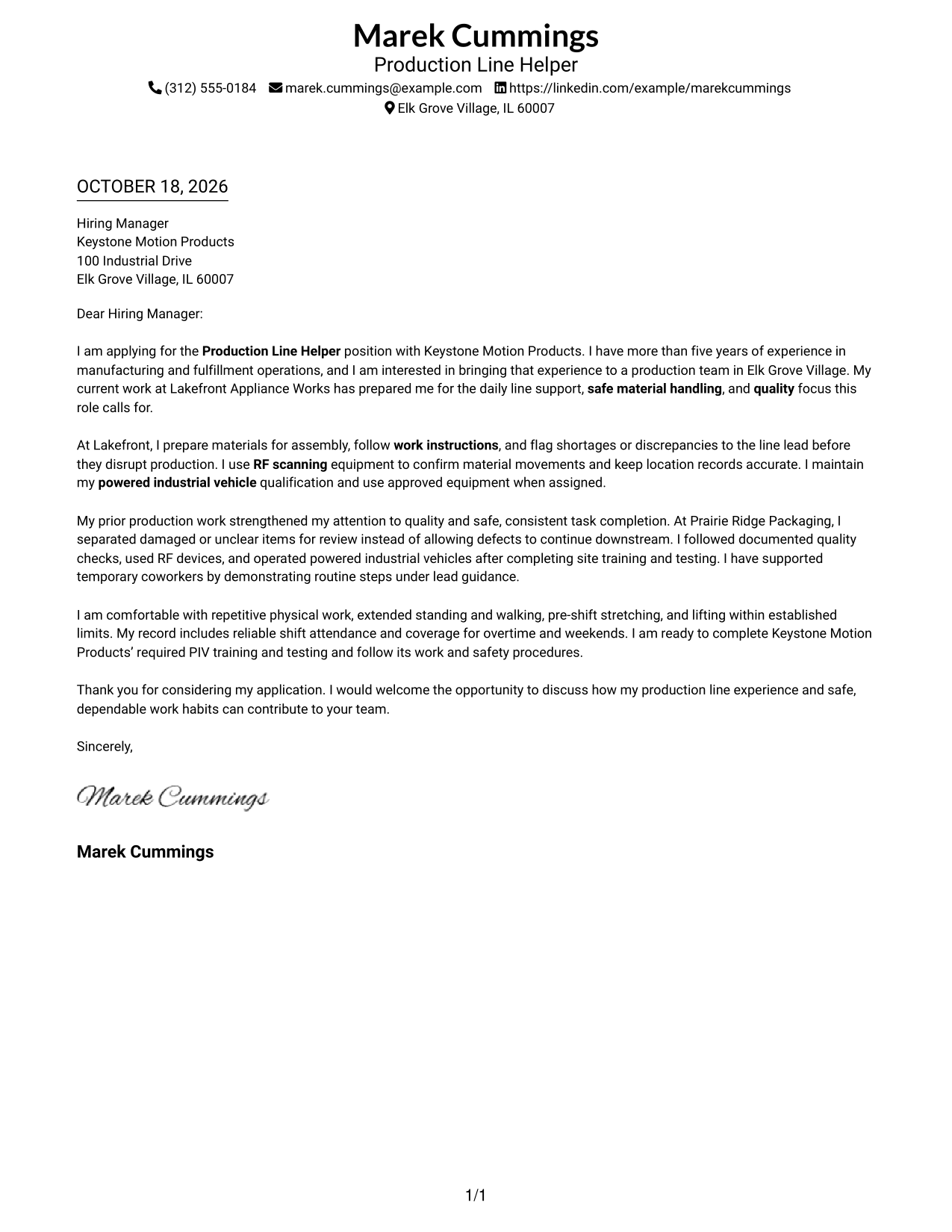
The Simple One Column Format places sender details in the header and keeps the letter in one body column, giving the message a direct reading path.
Why This Format Works
- Sender details stay in the header, making contact information easy to find.
- One body column gives the letter a direct path from opening to close.
- Continuous paragraphs let motivation, evidence, and the closing build in sequence.
Best For
- One-column letter reading
- Header-based contact details
- Paragraph-led applications
- Photo-free correspondence
- Direct opening-to-close flow
#2 Two Column Format Cover Letter Example
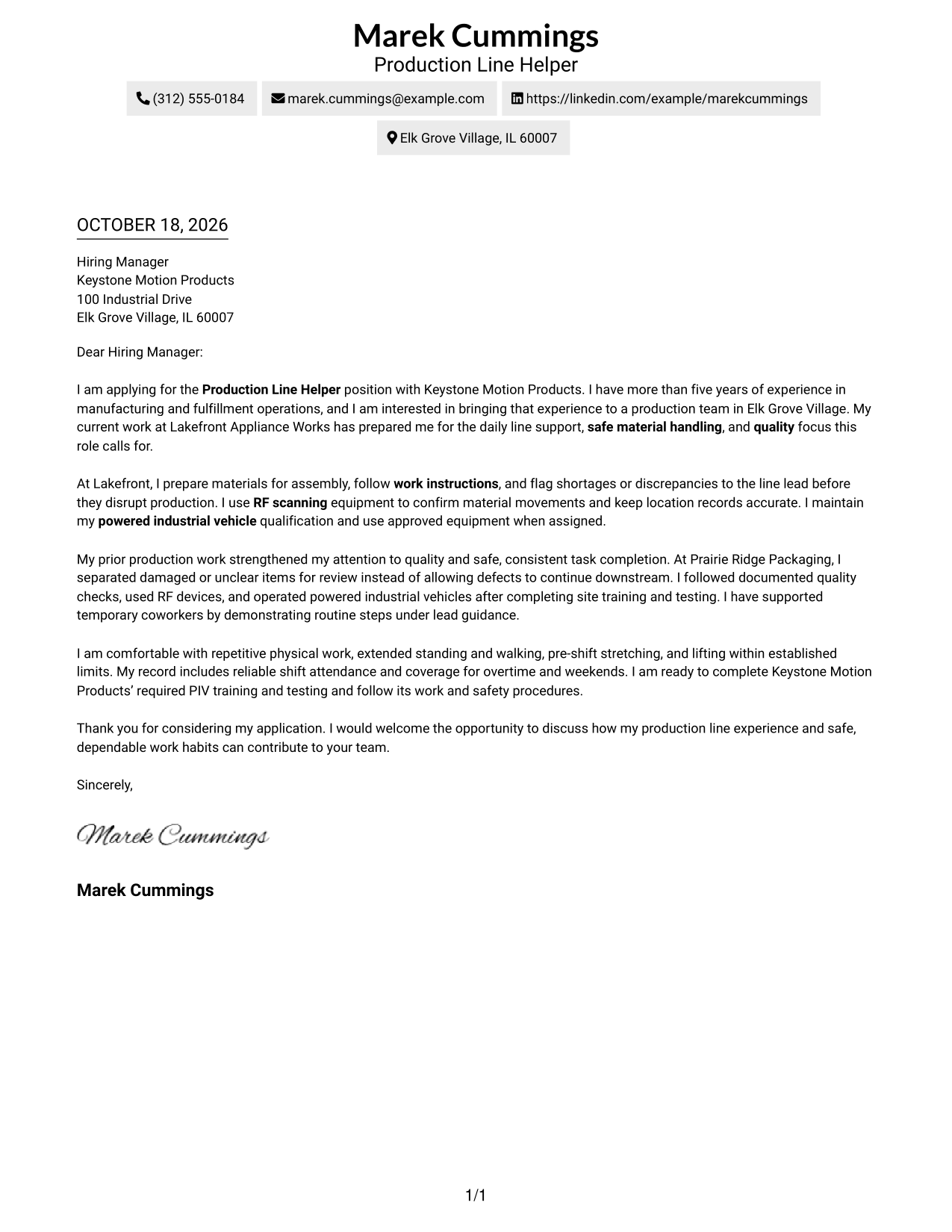
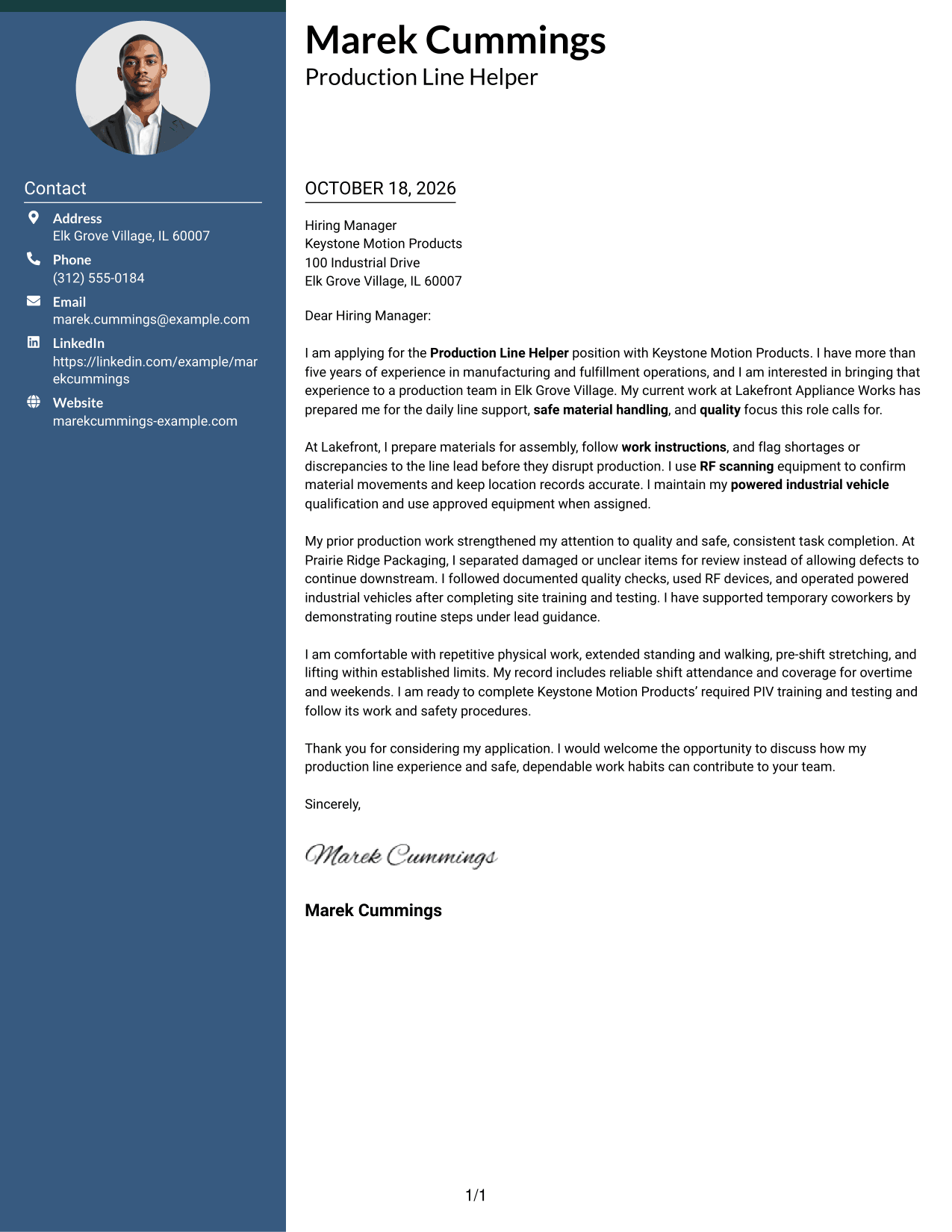
The Two Column Format places a contact sidebar beside a single-column letter body, keeping contact details apart from the message.
Why This Format Works
- A contact sidebar keeps sender details easy to locate beside the letter.
- One body column keeps the argument together rather than dividing it across columns.
- Without a photo, the page keeps its focus on written correspondence.
Best For
- Separate contact information
- Single-column letter text
- Paragraph-based applications
- Sidebar reading order
- Photo-free correspondence
#3 Photo Header Two Column Format Cover Letter Example
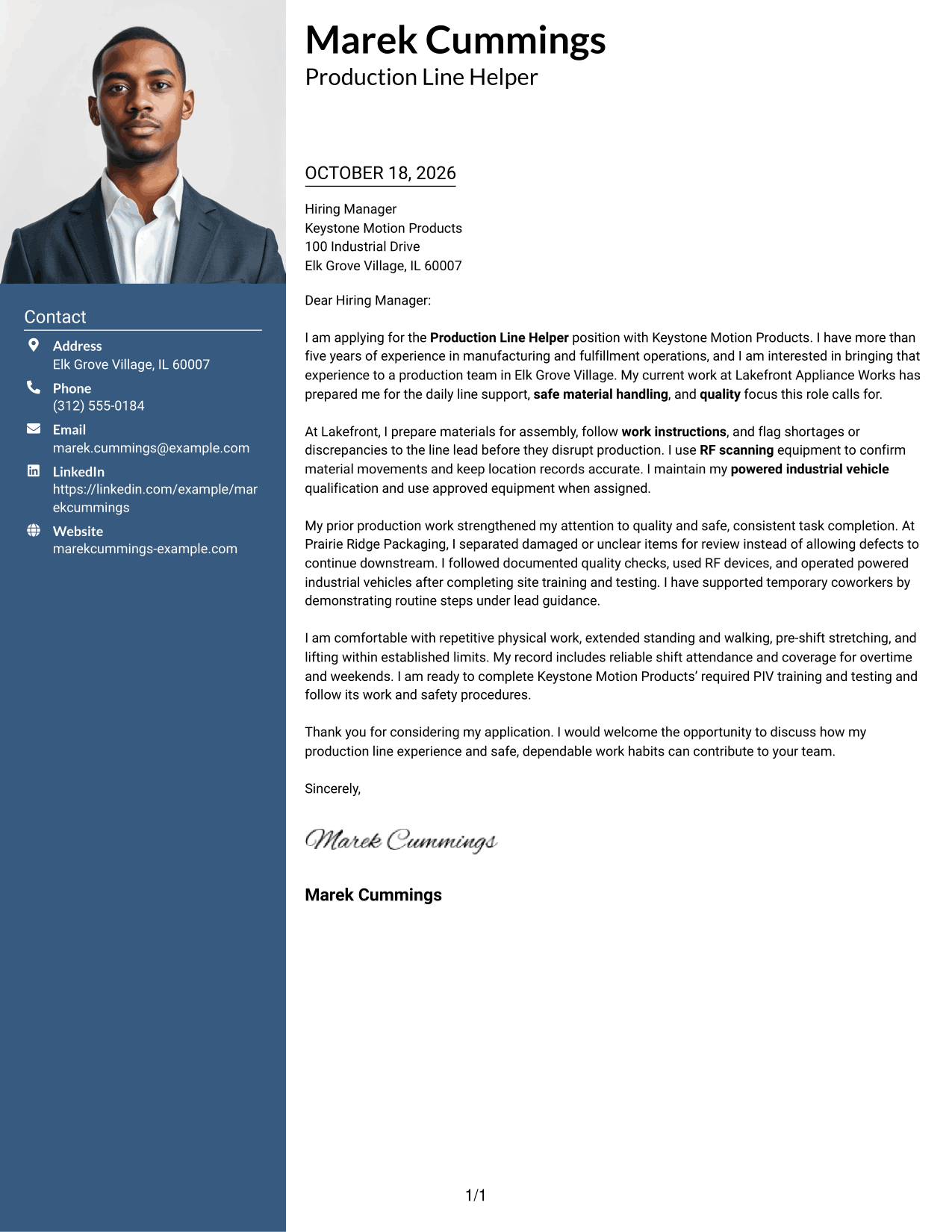
The Photo Header Two Column Format pairs a contact sidebar and one-column letter body with a photo, adding a personal visual element without splitting the message.
Why This Format Works
- The portrait adds a visual point of recognition without dividing the letter body.
- Contact details sit apart from the message for easier reference.
- The letter remains in one body column, so its paragraphs follow a clear sequence.
Best For
- Photo-inclusive correspondence
- Separate contact details
- Single-column letter text
- Paragraph-led applications
- Portrait-based visual identification
#4 One Column Format with Photo Cover Letter Example
The One Column Format with Photo keeps the letter in one body column and includes a photo, pairing a direct reading path with a personal visual element.
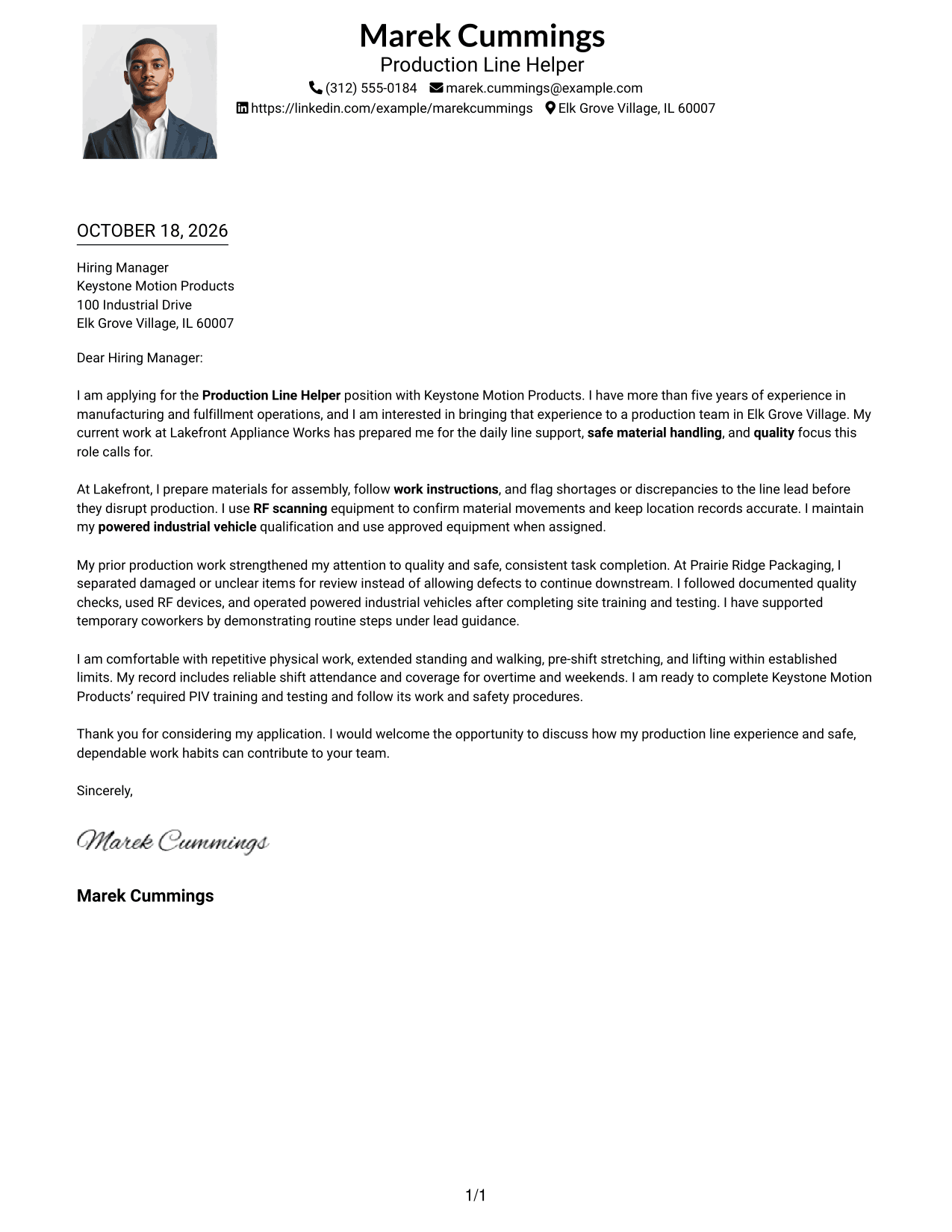
Why This Format Works
- The single-column body gives the message one clear path from opening to close.
- A photo adds a personal visual element without changing the letter's reading order.
- Sender details in the header remain easy to find.
Best For
- One-column correspondence
- Photo-inclusive letter design
- Header-based contact details
- Direct reading order
- Paragraph-led applications
#5 Simple Two Column Format Cover Letter Example
The Simple Two Column Format sets a contact sidebar beside a single-column letter body, offering a clear separation between contact details and correspondence.
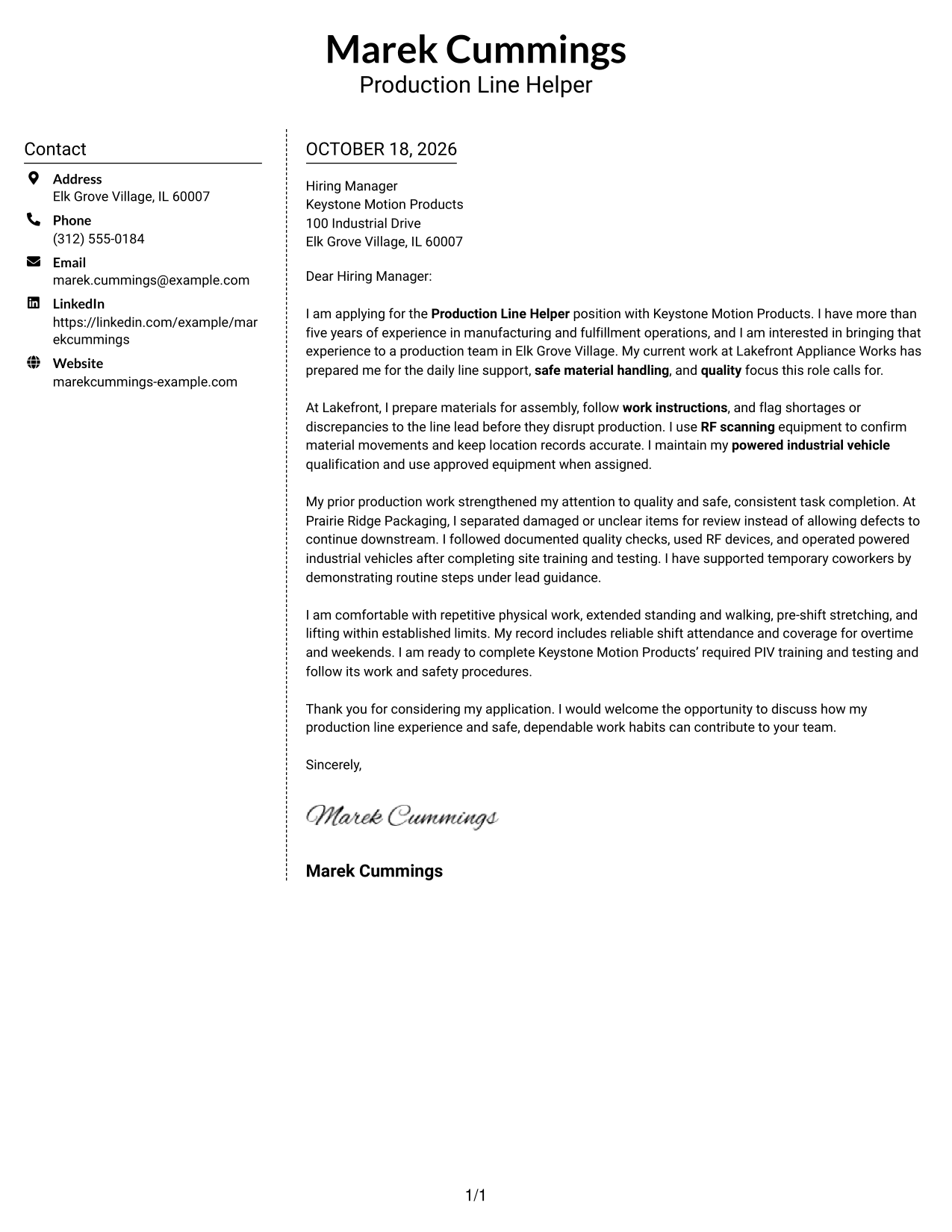
Why This Format Works
- The sidebar makes sender information distinct from the letter's main message.
- A single body column keeps each paragraph in a natural reading sequence.
- The photo-free layout gives the written message the full visual focus.
Best For
- Distinct contact area
- Continuous letter paragraphs
- Photo-free correspondence
- Clear body reading order
- Simple application messages
#6 Modern Icon Format Cover Letter Example
The Modern Icon Format uses a contact sidebar beside one continuous letter body, with icons providing visual cues for contact details.
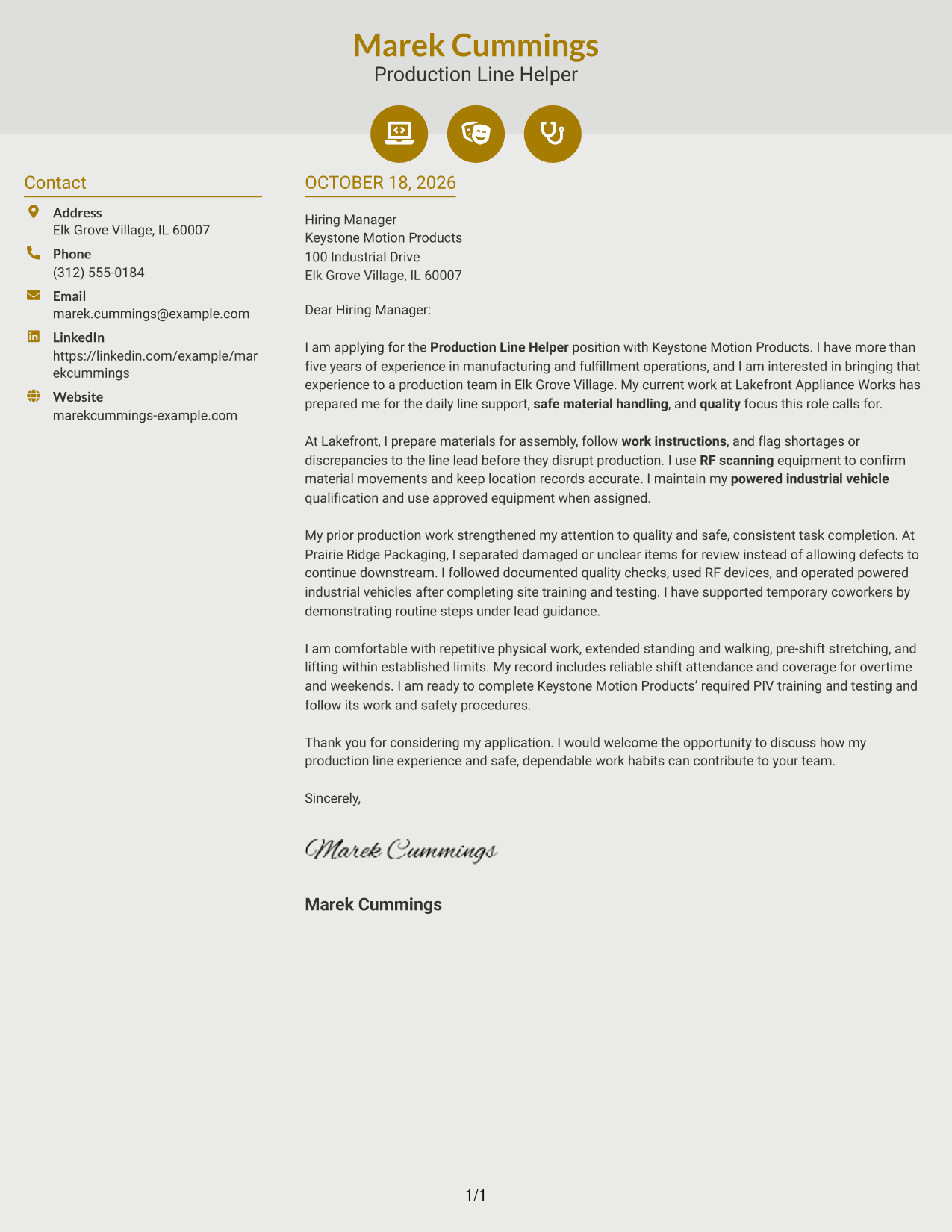
Why This Format Works
- Contact icons help readers spot key sender details in the sidebar.
- The letter stays in one body column, keeping its paragraphs together.
- Icons serve as contact cues, not labels for parts of the message.
Best For
- Icon-guided contact details
- Separate contact sidebar
- Single-column letter body
- Paragraph-based applications
- Photo-free correspondence
#7 Creative Two Tone Format Cover Letter Example
The Creative Two Tone Format places a contact sidebar beside one continuous letter body, keeping the sender information distinct from the message.
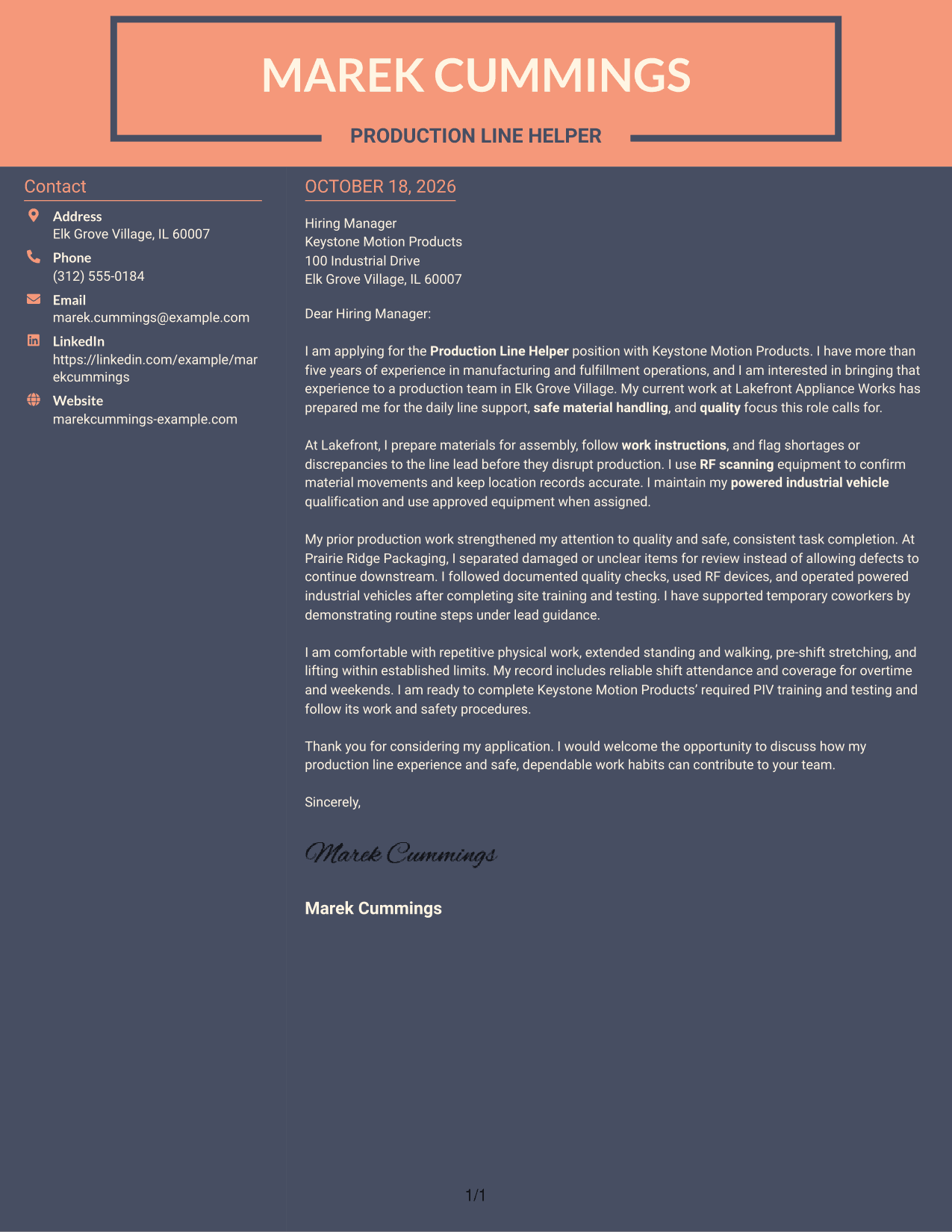
Why This Format Works
- The contact sidebar gives sender details a separate place beside the letter.
- The message remains in one body column, with paragraphs read in order.
- The two-column arrangement distinguishes contact information from the application text.
Best For
- Contact details beside the message
- One-column letter reading
- Continuous application paragraphs
- Separate sender information
- Photo-free correspondence
Why Use ResumeInMinutes for a Production Line Helper - Manufacturing Cover Letter
ResumeInMinutes offers example letter previews and editor links to help you compare presentations and shape a clear, role-focused application.
- Clear cover letter examples
- Role-focused writing guidance
- Image previews to compare
- Links to open examples in the editor
- Professional letter presentation
- Guidance on relevant work evidence
Use specific examples of production support, safe work habits, and attention to quality to explain how your experience fits the Production Line Helper - Manufacturing role.
See Also
- 7 Production Line Helper - Manufacturing Resume Templates with Example
- 7 In-line Process Assistant - Food Production Resume Templates with Example
- 7 Entry Level Production - Steel Manufacturing Resume Templates with Example
- 33 Production Supervisor - Manufacturing Operations Resume Templates with Example
- 7 Cook's Helper - Kitchen and Bakery Support Resume Templates with Example
- 33 Helper Cook Resume Templates with Example 2026 (ATS-Optimized)
- 7 Mechanical Helper - Mechanical Maintenance Resume Templates with Example
- 33 Weld Helper Resume Templates with Example 2026 (ATS-Optimized)
- 7 Cook's Helper - Kitchen and Bakery Support Cover Letter Templates with Example
- 30+ Helper Cook Cover Letter Templates with Example 2026
Frequently Asked Questions
What should a Production Line Helper - Manufacturing cover letter emphasize?
Focus on following work instructions, working safely, supporting line flow, and meeting quality expectations. Give a clear example that shows how you put those skills into practice.
Do the examples show different cover letters?
The guide presents one featured cover letter in different visual layouts. The wording and progression can help you plan your own letter.
What experience can I mention in my letter?
Include relevant evidence you can support, such as RF scanning, PIV qualification, safe material handling, quality checks, or reliable attendance. Explain how the example relates to the role.
How should I choose a cover letter style?
Choose a clear presentation that fits the employer and the way you will communicate. Keep the focus on your interest, relevant evidence, and fit for the role.
Can I view an example in the editor?
Yes. Use the editor link beside an example to open it and review its presentation.




