
7 Program Analyst - Senior Services Data and Evaluation Cover Letter Templates with Example
This practical guide to the Program Analyst - Senior Services Data and Evaluation cover letter presents one example in seven layouts to help you write a clear, role-focused application.
What Makes a Great Program Analyst - Senior Services Data and Evaluation Cover Letter in 2026
A strong letter connects program evaluation and senior services experience to the role’s work with funder requirements, performance measures, and dependable reporting. It should explain your interest in helping teams use findings to make sound program decisions.
Use specific evidence, such as presenting narrative and statistical findings or creating useful dashboards, to show how you work. Connect that evidence to the department’s needs, and describe your technical and communication skills in clear, direct language.
The featured example moves from interest in the role to relevant evidence, technical fit, and a clear close, giving you a focused progression to adapt while choosing a presentation suited to the employer and communication context.
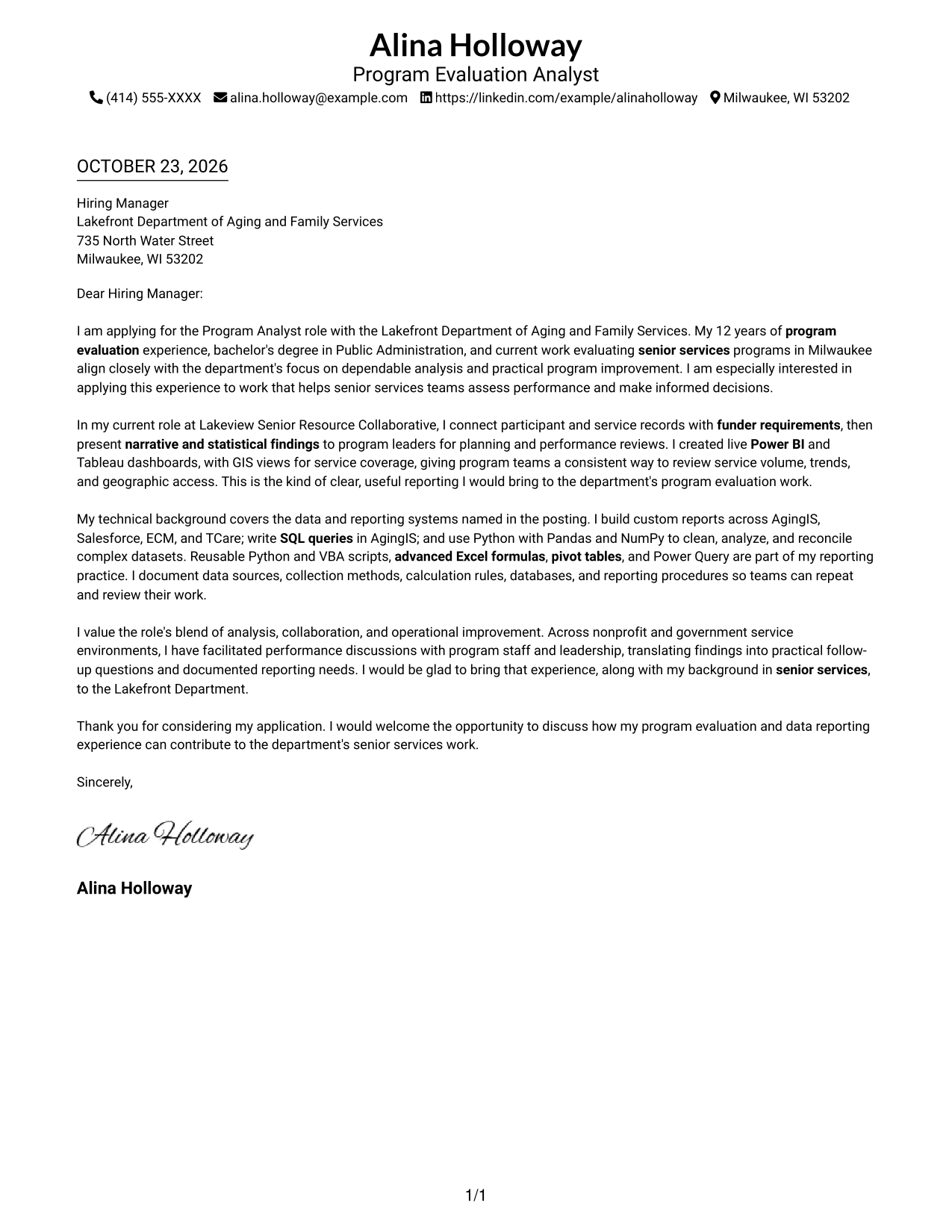
#1 Simple One Column Format Cover Letter Example
The single-column letter body keeps the message on one reading path, while sender details stay in the header.
Why This Format Works
- Sender details remain in the header, apart from the letter's main message.
- One continuous body lets reviewers follow the opening, evidence, and closing in order.
- A single column suits readers who prefer a direct, familiar letter layout.
Best For
- Single-column letter reading
- Sender details in the header
- Multi-paragraph correspondence
- Text-first application materials
- A direct opening-to-close message
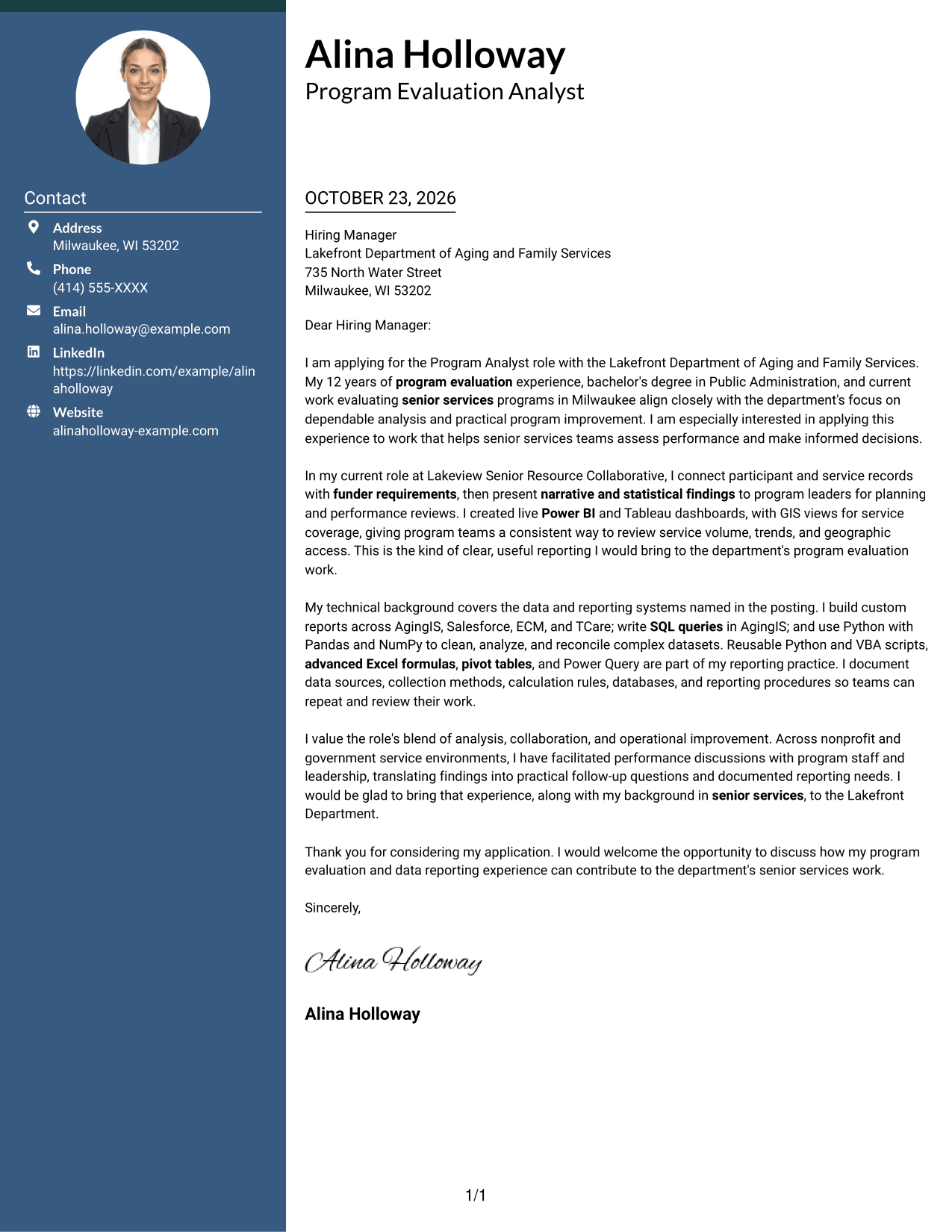
#2 Two Column Format Cover Letter Example
A contact sidebar sits beside the continuous letter body, giving sender information a separate place from the message.
Why This Format Works
- A contact sidebar keeps sender information distinct from the correspondence.
- The letter body remains continuous, preserving the sequence of its points.
- The layout omits a photo, keeping the focus on written correspondence.
Best For
- Contact details beside the letter
- Continuous persuasive correspondence
- Multi-paragraph letter text
- Photo-free application materials
- Separate sender and recipient information
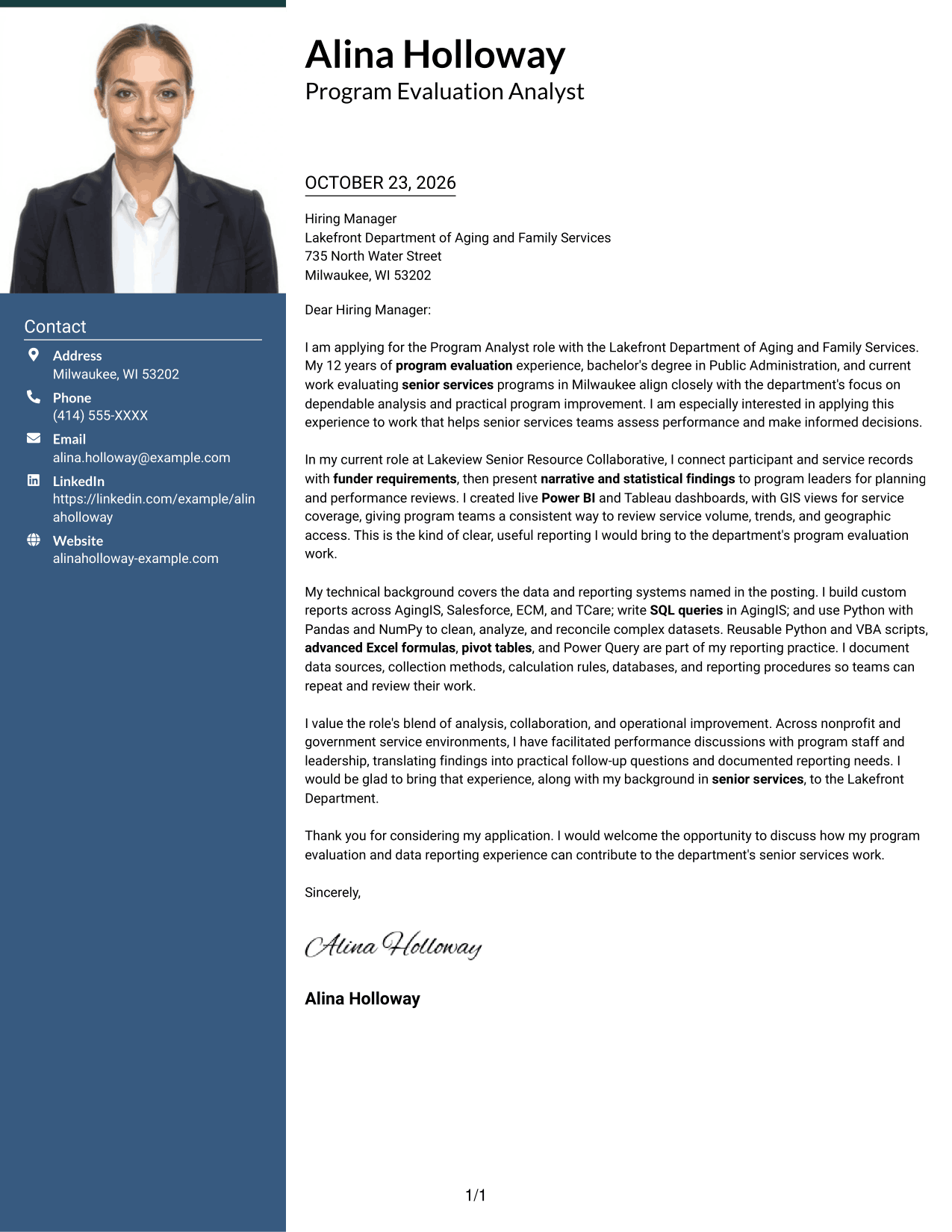
#3 Photo Header Two Column Format Cover Letter Example
A photo in the header and a contact sidebar give this two-column format a visible portrait while keeping the letter body continuous.
Why This Format Works
- The sidebar separates sender details from the letter's persuasive message.
- One continuous body keeps the opening, supporting points, and close in sequence.
- A header photo offers a clear visual choice for portrait-inclusive correspondence.
Best For
- Portrait in the letter header
- Contact sidebar beside the message
- Continuous letter arguments
- Detailed application correspondence
- Photo-inclusive letter layouts
#4 One Column Format with Photo Cover Letter Example
The photo appears with the sender details above a single-column letter body, keeping the message in one continuous reading path.
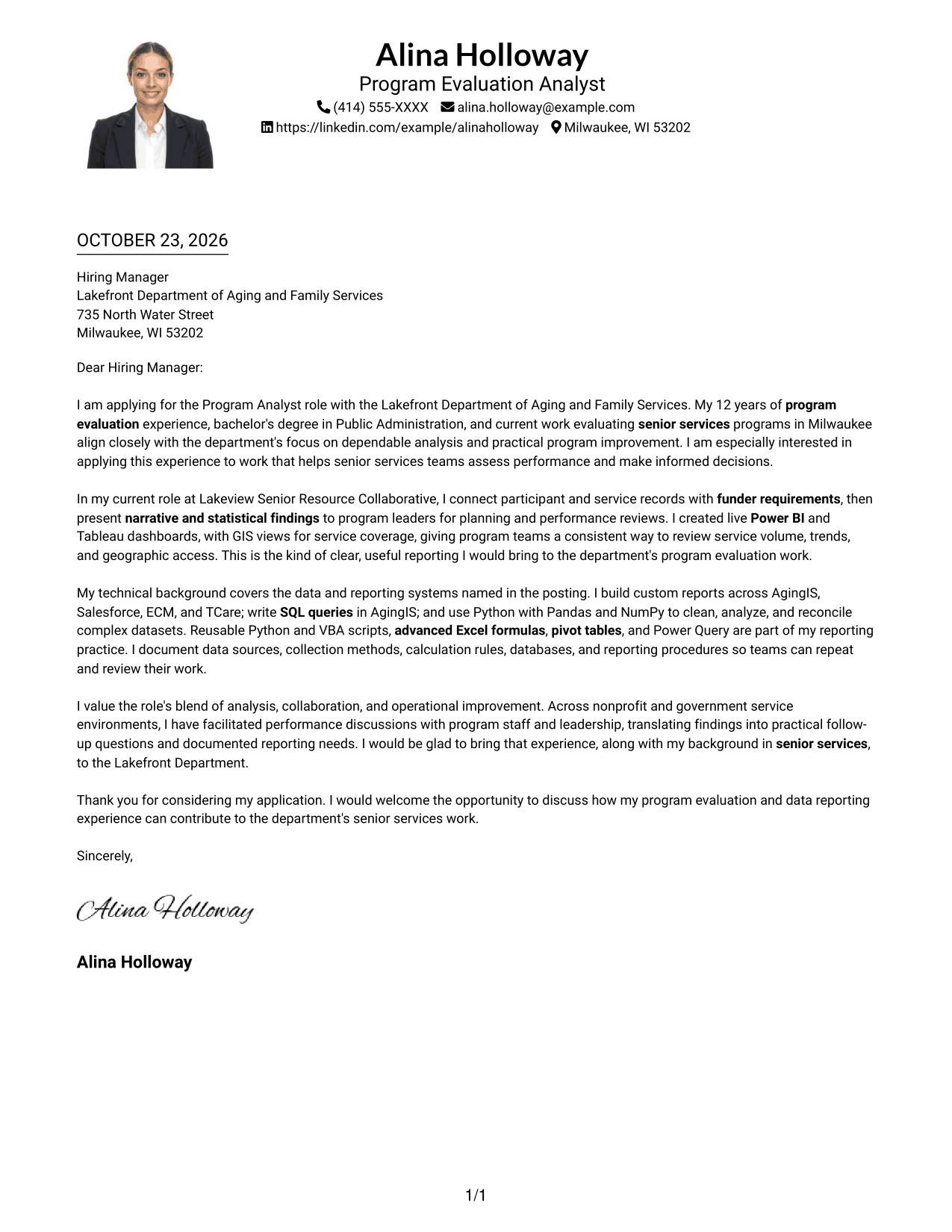
Why This Format Works
- Sender information and the photo appear in the header, apart from the letter text.
- A single-column body keeps the letter's points together from opening through close.
- The portrait provides a visual option without dividing the message into columns.
Best For
- One-column letter text
- Portrait with sender details
- Continuous persuasive writing
- Photo-forward correspondence
- A familiar letter reading order
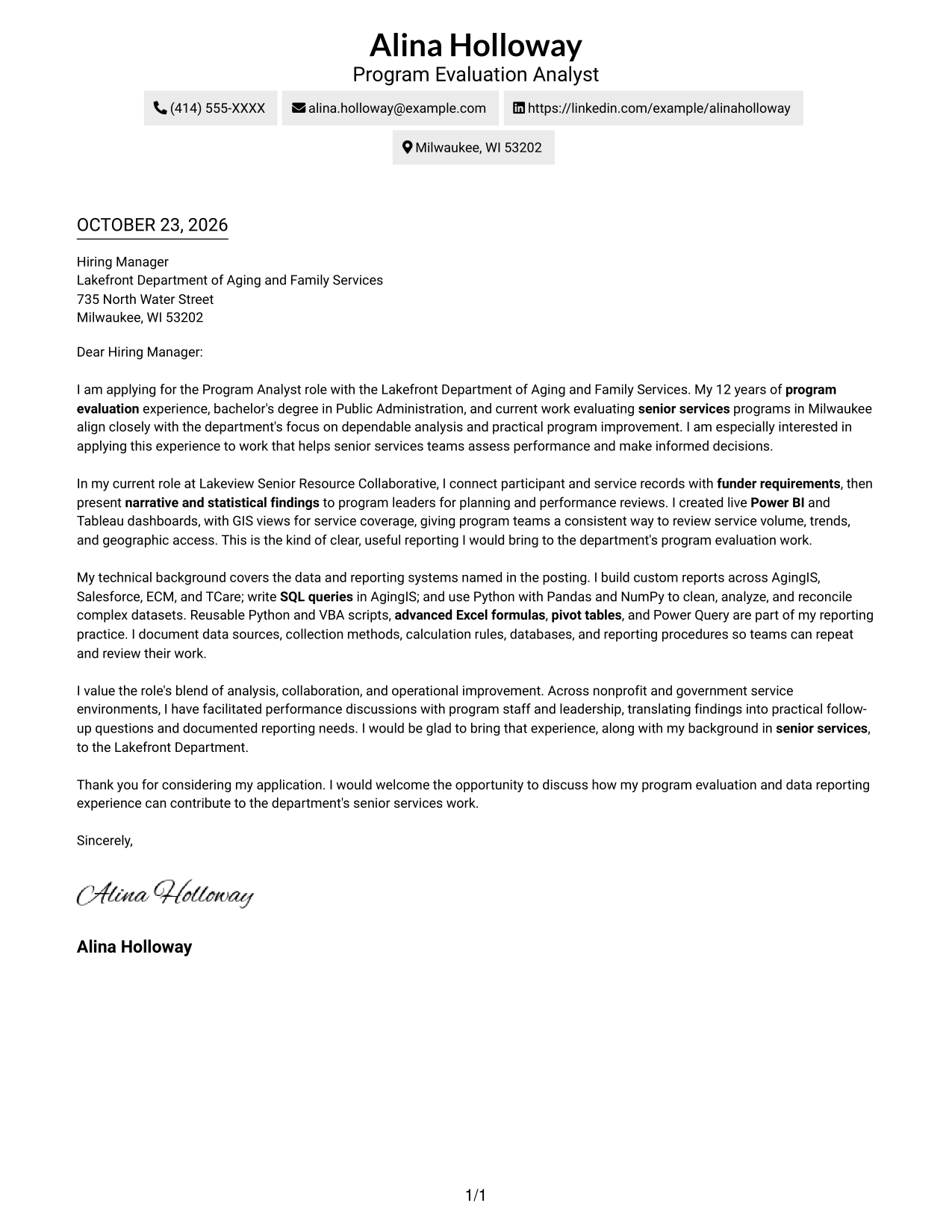
#5 Simple Two Column Format Cover Letter Example
The contact sidebar gives sender details their own space beside the uninterrupted letter body.
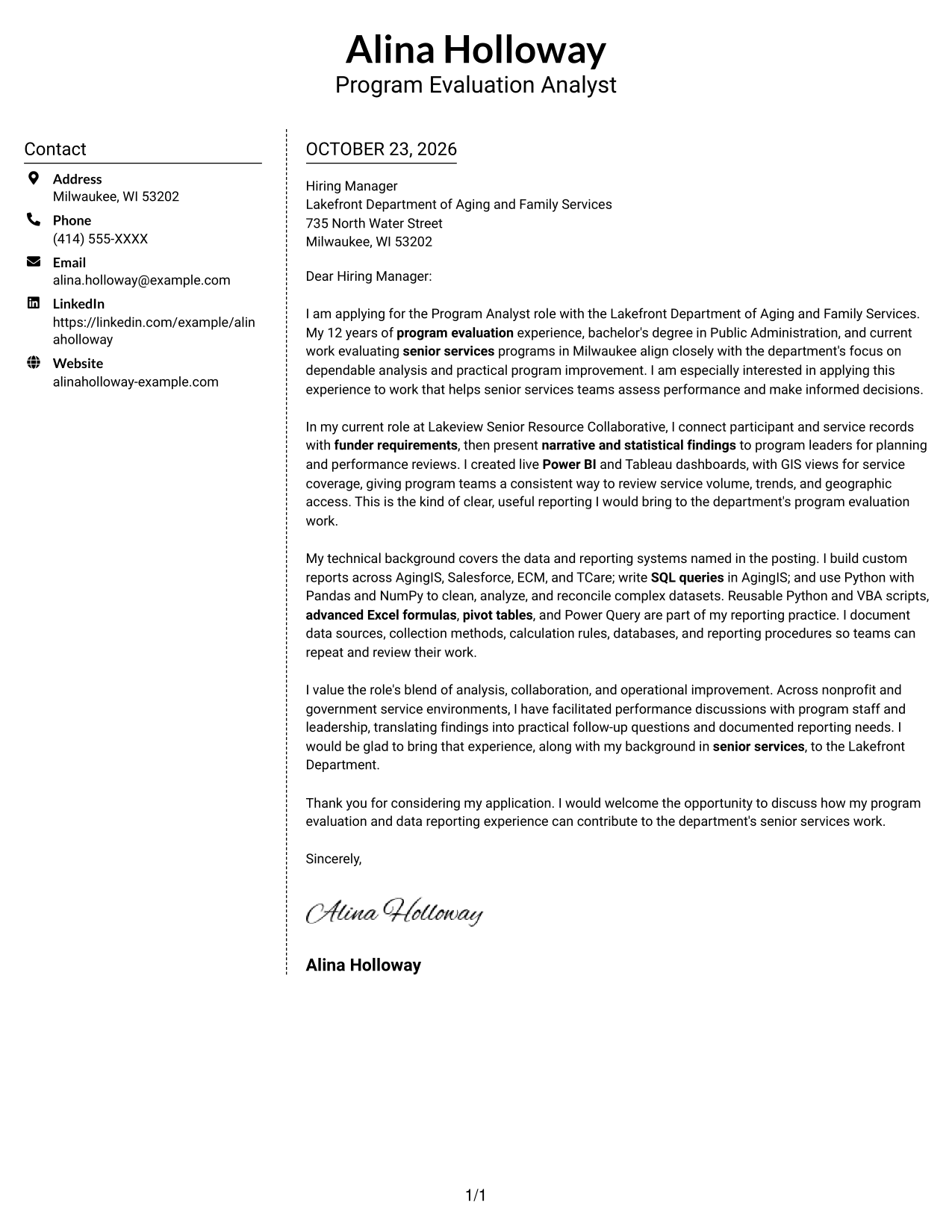
Why This Format Works
- Sender details sit apart from the continuous letter paragraphs.
- The main message stays together, so readers can follow its persuasive sequence.
- The format has no photo, a suitable choice for text-focused correspondence.
Best For
- Sidebar contact information
- Uninterrupted letter paragraphs
- Text-focused applications
- Multi-paragraph persuasive letters
- Correspondence without a photo
#6 Modern Icon Format Cover Letter Example
Contact icons serve as cues in the sidebar, while the letter itself remains one continuous body beside it.
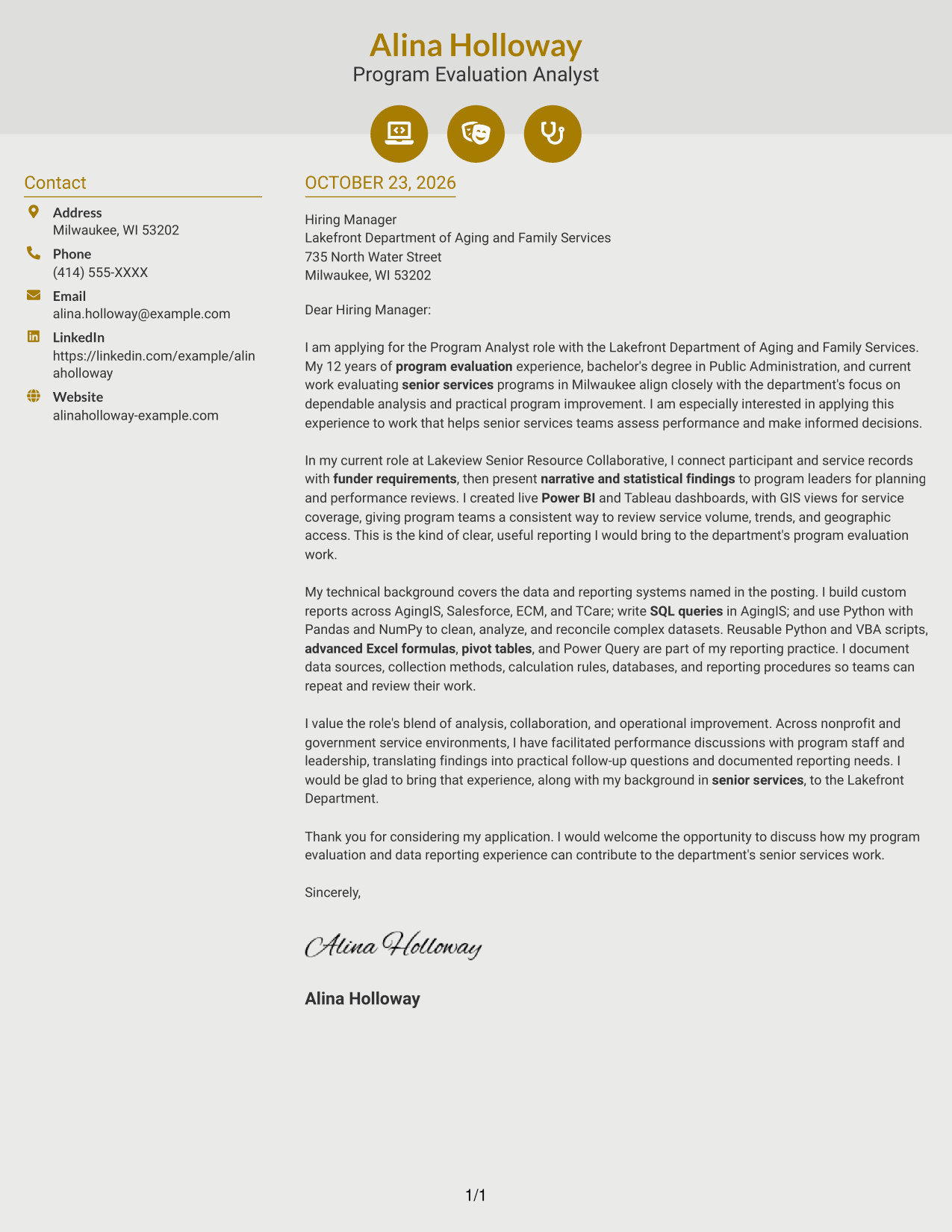
Why This Format Works
- Contact icons help identify sender details without marking parts of the message.
- The letter stays in one body, keeping its persuasive points in order.
- A separate sidebar gives contact information a clear place outside the paragraphs.
Best For
- Icon-led contact details
- A continuous letter argument
- Side-by-side contact and message
- Multi-paragraph correspondence
- Visual cues for sender information
#7 Creative Two Tone Format Cover Letter Example
The contact sidebar and continuous letter body occupy separate columns, placing sender information alongside, but apart from, the message.
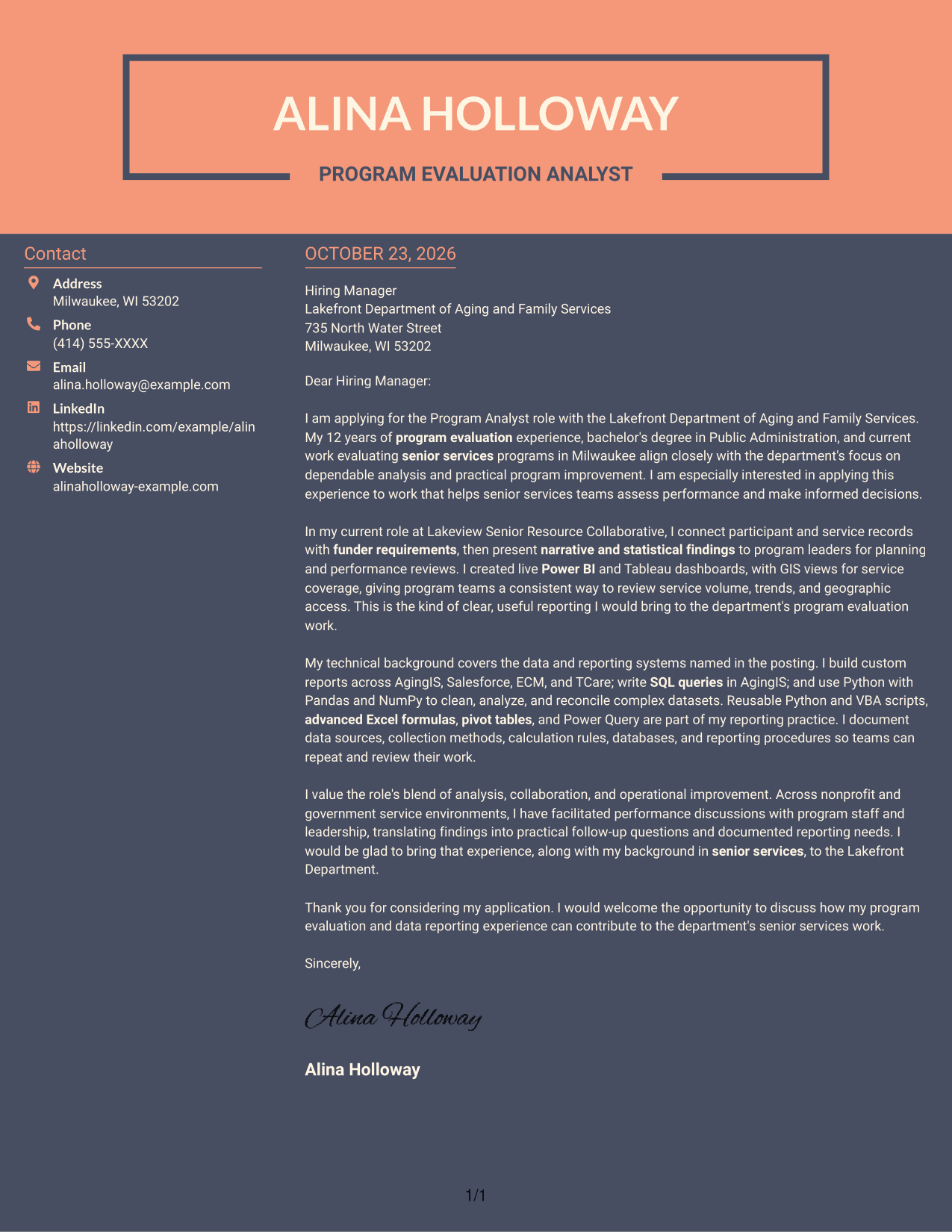
Why This Format Works
- A dedicated sidebar places contact information outside the main correspondence.
- The letter's paragraphs remain continuous, so the argument is not split across columns.
- The photo-free layout keeps the page centered on written communication.
Best For
- Contact information beside the message
- Unsplit letter paragraphs
- Written-first applications
- Clear separation of contact and correspondence
- Letters without portrait imagery
Why Use ResumeInMinutes for a Program Analyst - Senior Services Data and Evaluation Cover Letter
Review the image previews to compare letter presentations, then open an example in the editor to shape a cover letter around your own experience and the role’s needs.
- Cover letter examples
- Different presentation styles
- Editor-based customization
- Role-focused writing guidance
- Clear, professional layouts
- Cover letter support
Build your letter around the work that matters for senior services evaluation, including funder reporting, data quality, performance analysis, and clear communication with program teams.
See Also
- 7 Program Analyst - Senior Services Data and Evaluation Resume Templates with Example
- 33 Senior Data Analyst, Growth Program Insights Resume Templates with Example 2026 (ATS-Optimized)
- 7 Associate Program Analyst Resume Templates with Example
- 33 Commercial Real Estate Summer Analyst Program Resume Templates with Example 2026 (ATS-Optimized)
- 33 Global Corporate Banking Summer Analyst Program Resume Templates with Example 2026 (ATS-Optimized)
- 33 Clinical Practice Data Analyst - Perioperative Services Resume Templates with Example 2026 (ATS-Optimized)
- 7 Data Analyst Intern - Human Services Analytics Resume Templates with Example
- 7 Data Analyst Intern - Human Services Reporting Resume Templates with Example
- 30+ Senior Data Analyst, Growth Program Insights Cover Letter Templates with Example 2026
- 30+ Commercial Real Estate Summer Analyst Program Cover Letter Templates with Example 2026
Frequently Asked Questions
Are these Program Analyst - Senior Services Data and Evaluation cover letter templates easy to read?
The examples use clear letter layouts that help readers follow your opening, supporting evidence, and closing. Choose a style that fits the employer and the way you want to communicate.
How are the cover letter examples presented?
The guide shows one featured cover letter in different visual styles. Use the image previews to compare the presentations, then open an example in the editor to customize it.
What should I highlight for a senior services data and evaluation role?
Focus on relevant program evaluation work, funder requirements, data quality, and the way you explain findings to staff and leaders. Support your points with specific examples that reflect your own experience.
How can I show technical fit without making the letter hard to read?
Mention tools only when they support a clear example. For instance, describe how you used Python, SQL, Excel, or dashboard tools to organize data, prepare reporting, or share findings.
Should I use a photo on my cover letter?
Use a photo only where it is common or expected in your country or field. For many U.S. applications, a simple cover letter without a photo is a suitable choice.




