
7 Program Coordinator - Executive Education Cover Letter Templates with Example
This practical guide to a Program Coordinator - Executive Education cover letter shows how seven layouts can help you present role fit and program delivery experience clearly.
What Makes a Great Program Coordinator - Executive Education Cover Letter in 2026
A strong letter connects interest in executive learning with clear examples of faculty and participant support, program logistics, and dependable service.
Choose relevant evidence, such as coordinating in-person and virtual sessions or using participant feedback to improve preparation. Link it to the employer’s needs and explain how you would support a smooth program experience.
The featured example follows a focused progression from interest and role fit to relevant evidence and a courteous close. Adapt that flow to your strengths, then choose a presentation that suits the employer and communication context.
#1 Simple One Column Format Cover Letter Example
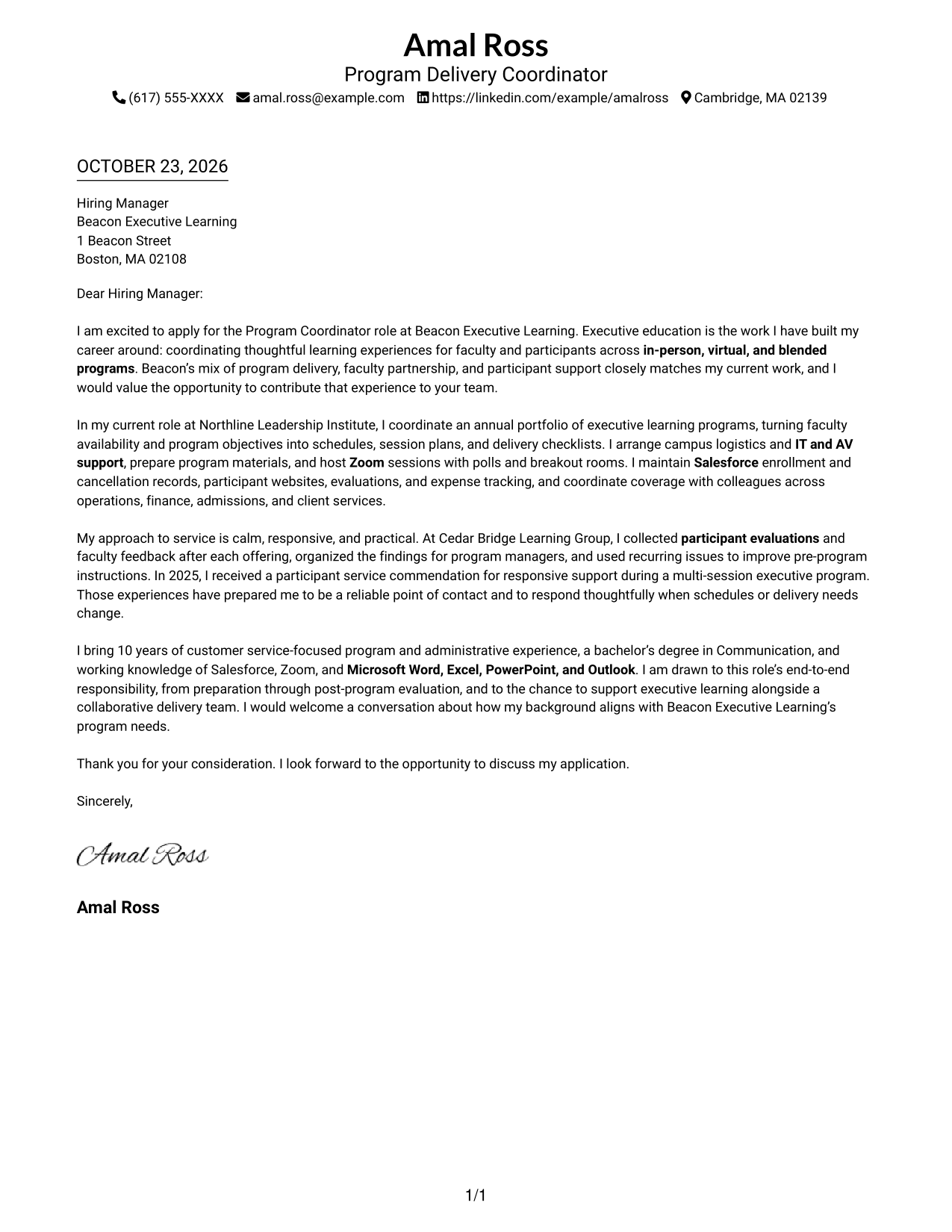
The Simple One Column Format keeps sender details in the header and the letter in one column, giving the message a direct reading path.
Why This Format Works
- One reading column carries the opening, motivation, evidence, and closing in order.
- Sender details remain together in the header, separate from the letter's message.
- A direct page layout suits readers who prefer no contact sidebar.
Best For
- Single-column correspondence
- Sequential persuasive letters
- No-sidebar page preference
- Header-based contact details
- Paragraph-led role alignment
#2 Two Column Format Cover Letter Example
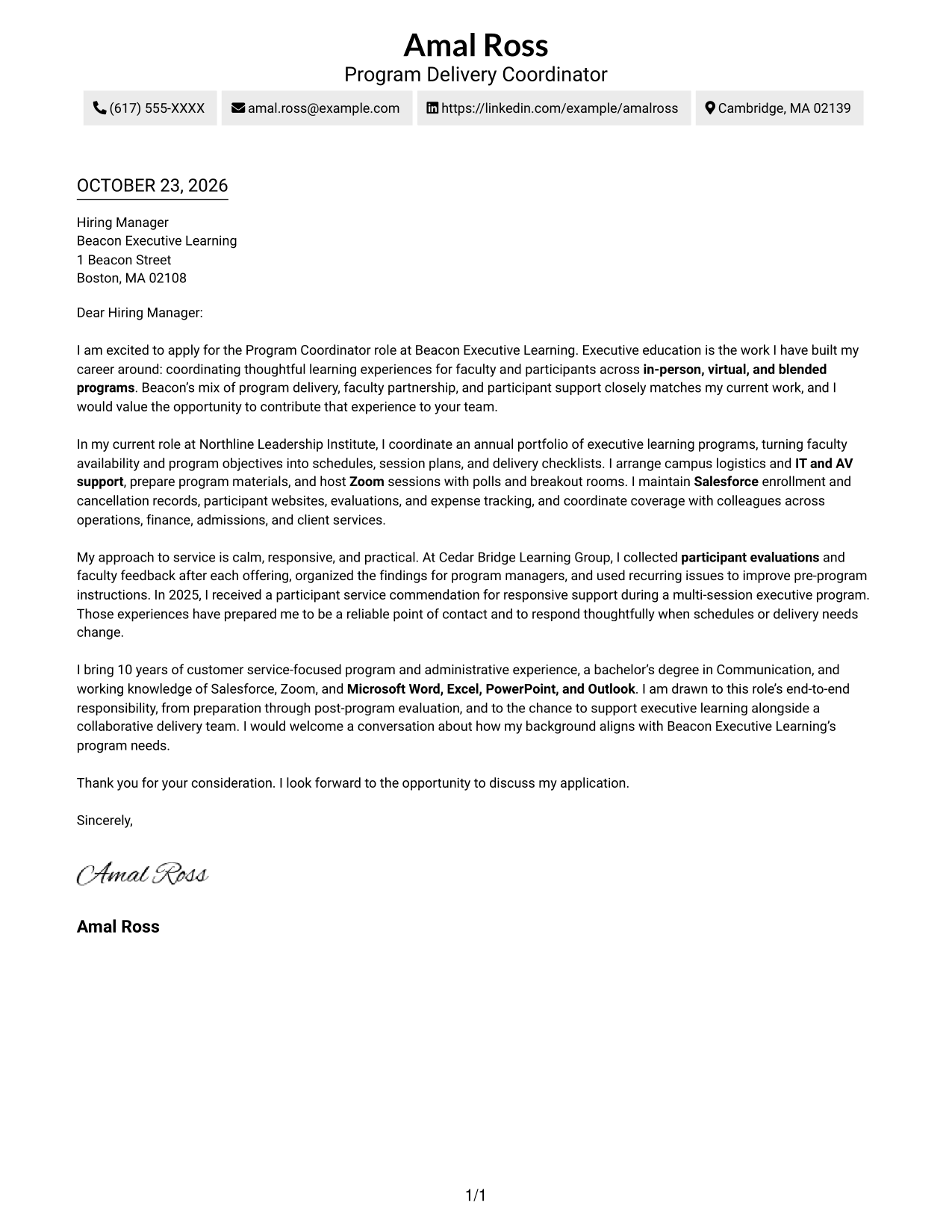
The Two Column Format places a contact sidebar beside one continuous letter body, a practical choice when correspondence details should remain separate from the message.
Why This Format Works
- The contact sidebar keeps sender details apart from the persuasive letter body.
- One continuous text column lets the reader follow the case from opening to close.
- Side-by-side placement suits readers who want contact details distinct from the message.
Best For
- Separate contact details
- Continuous letter arguments
- Side-by-side page preference
- Traditional business correspondence
- Clear sender information
#3 Photo Header Two Column Format Cover Letter Example
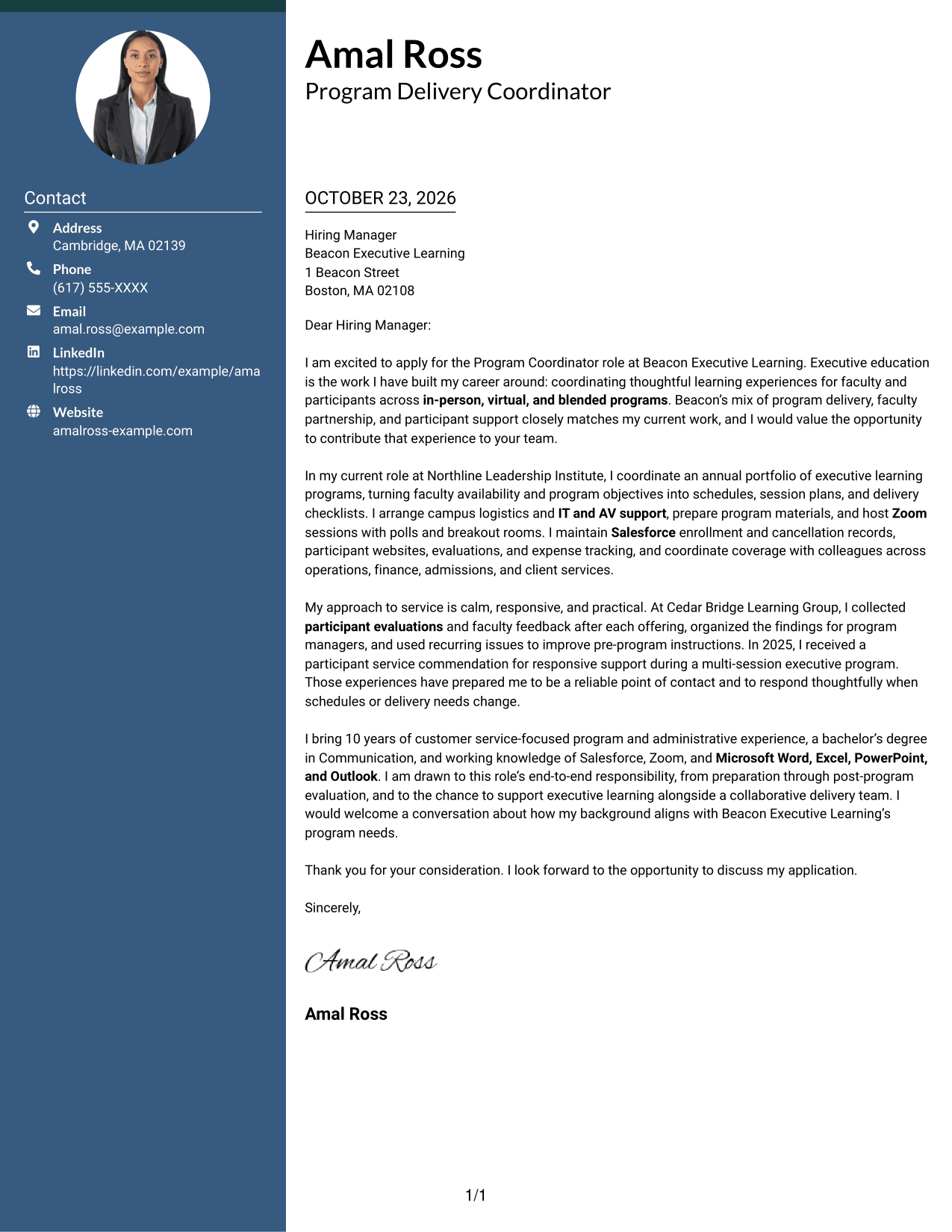
The Photo Header Two Column Format pairs a portrait with a contact sidebar and continuous letter body, offering a personal visual element while keeping the message together.
Why This Format Works
- The portrait adds a personal visual element without interrupting the letter body.
- Contact details remain in a sidebar, apart from the continuous argument.
- Opening, supporting evidence, and closing stay together in one reading sequence.
Best For
- Portrait-inclusive correspondence
- Distinct contact details
- Continuous persuasive letters
- Personal visual preference
- Side-by-side page layouts
#4 One Column Format with Photo Cover Letter Example
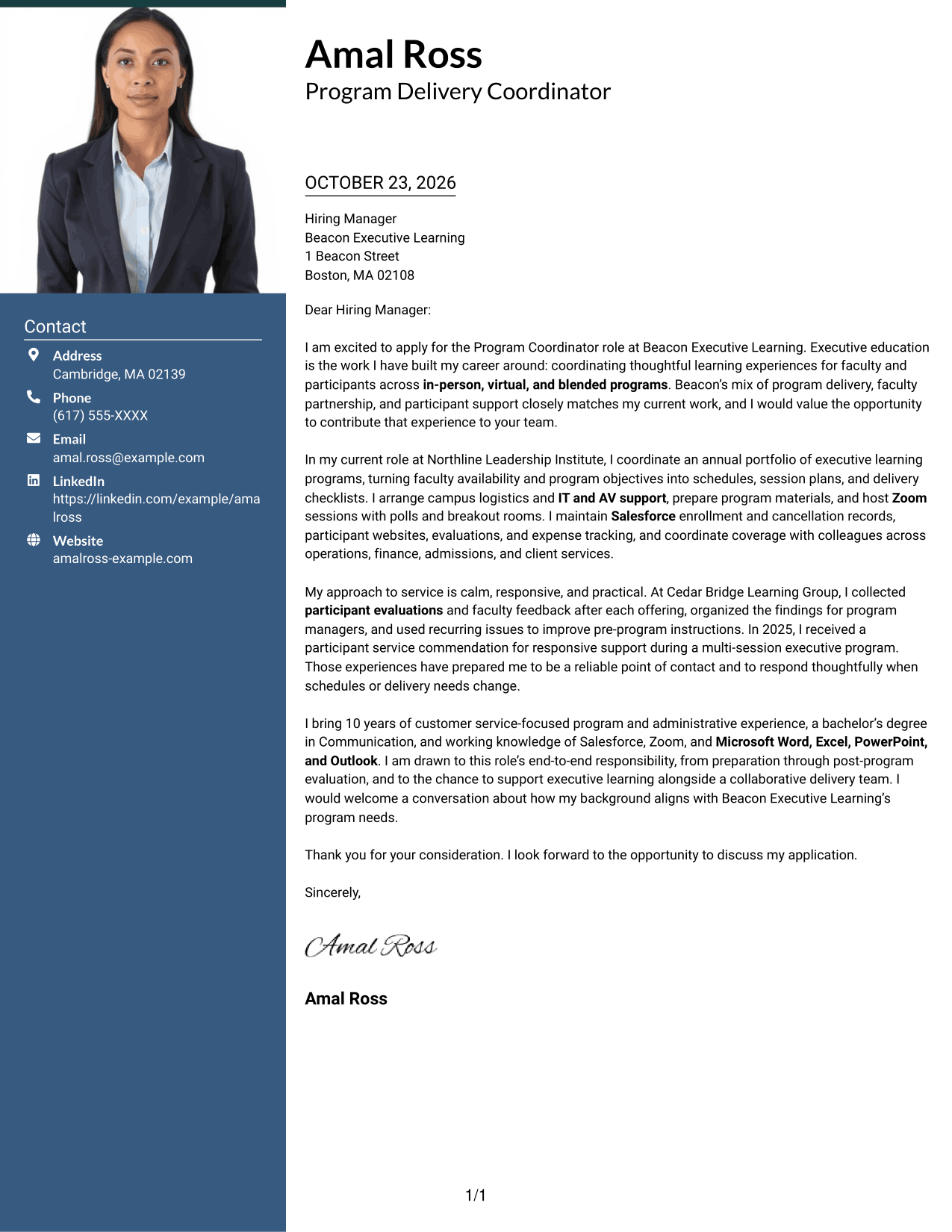
The One Column Format with Photo places a portrait alongside a single-column letter, giving readers a personal visual detail while keeping the message in one reading path.
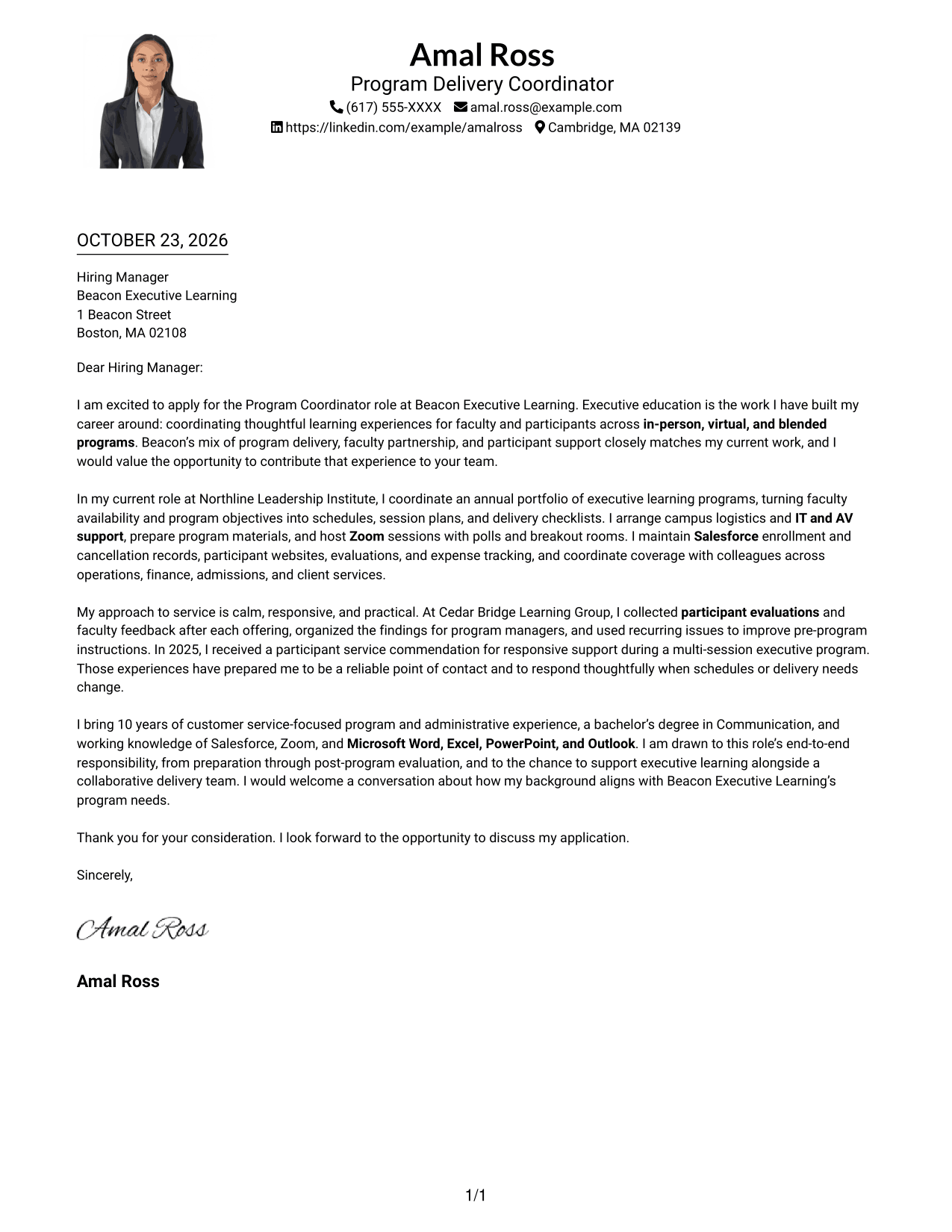
Why This Format Works
- One text column gives each paragraph a clear place in the letter's sequence.
- The portrait adds a visual point of recognition while leaving the message continuous.
- Header details remain distinct from the opening and closing paragraphs.
Best For
- Single-column letter flow
- Portrait-inclusive pages
- Paragraph-led role alignment
- Header-based contact details
- Direct reading order
#5 Simple Two Column Format Cover Letter Example
The Simple Two Column Format sets contact details in a sidebar beside the continuous letter, a useful option for readers who want correspondence information clearly set apart.
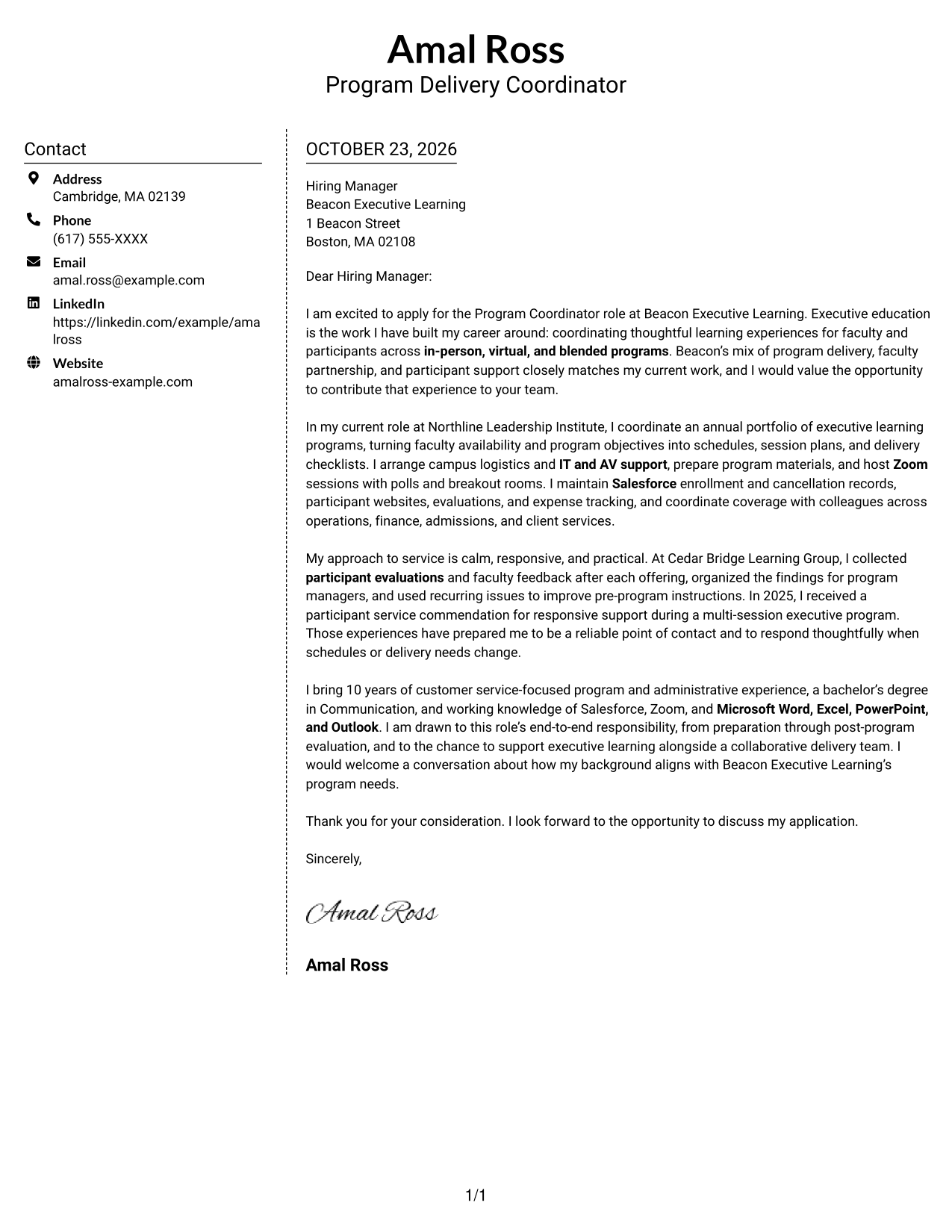
Why This Format Works
- The contact sidebar separates practical details from the letter's persuasive message.
- One body column keeps motivation and supporting evidence in a familiar paragraph flow.
- Side-by-side placement suits readers who prefer a visible boundary between contact and prose.
Best For
- Contact details beside the message
- Continuous paragraph structure
- Clear separation of correspondence
- Side-by-side reading preference
- Business letter conventions
#6 Modern Icon Format Cover Letter Example
The Modern Icon Format uses a contact sidebar with icon cues for contact details, keeping those visual markers separate from the continuous letter body.
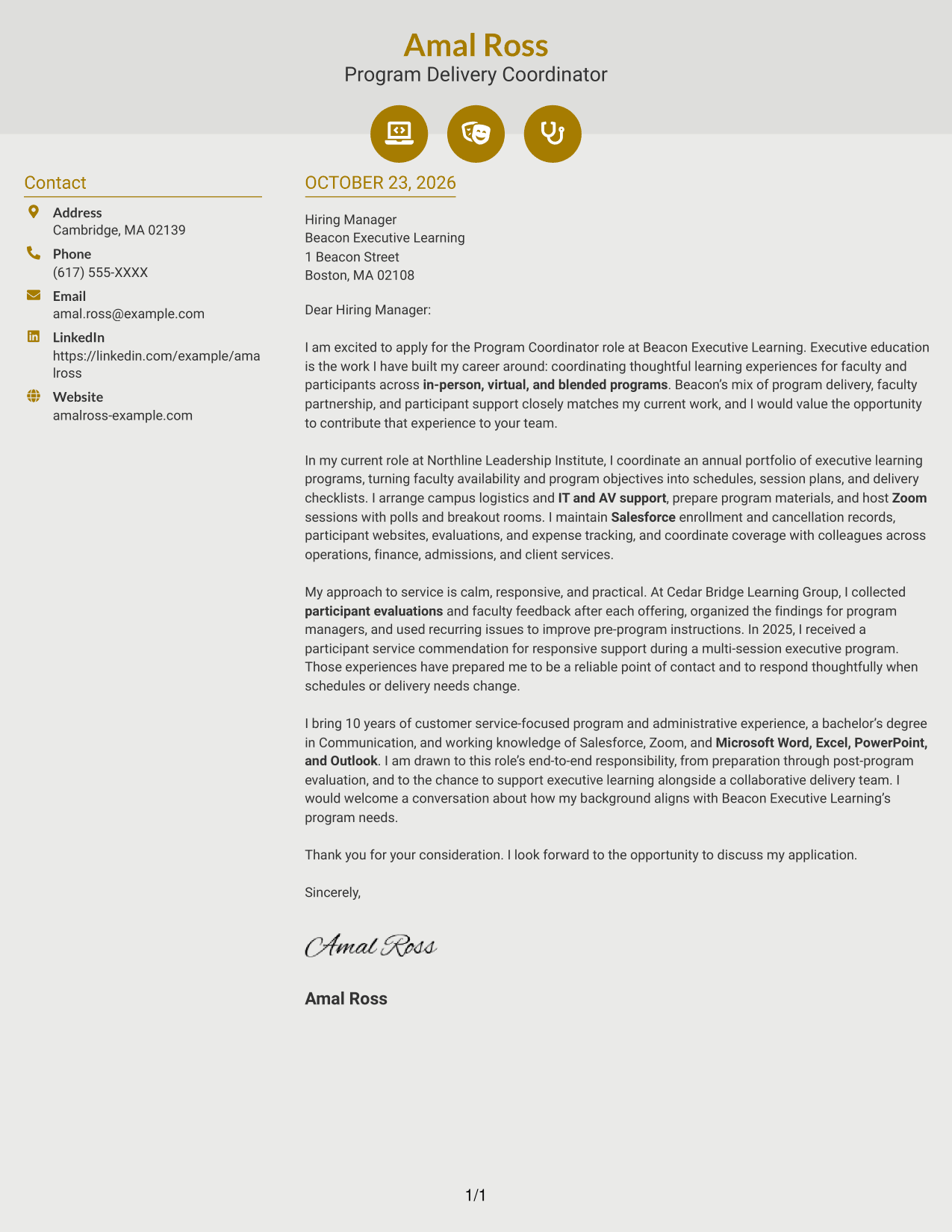
Why This Format Works
- Contact icons act as cues for sender details, not for letter arguments.
- The sidebar keeps those details separate from the single continuous letter body.
- The message remains a clear sequence of paragraphs without section labels.
Best For
- Icon-cued contact details
- Continuous letter arguments
- Sidebar-based contact organization
- Paragraph-led persuasion
- Readers who prefer visual cues
#7 Creative Two Tone Format Cover Letter Example
The Creative Two Tone Format places a contact sidebar beside one uninterrupted letter body, a practical choice for keeping correspondence details distinct from the message.
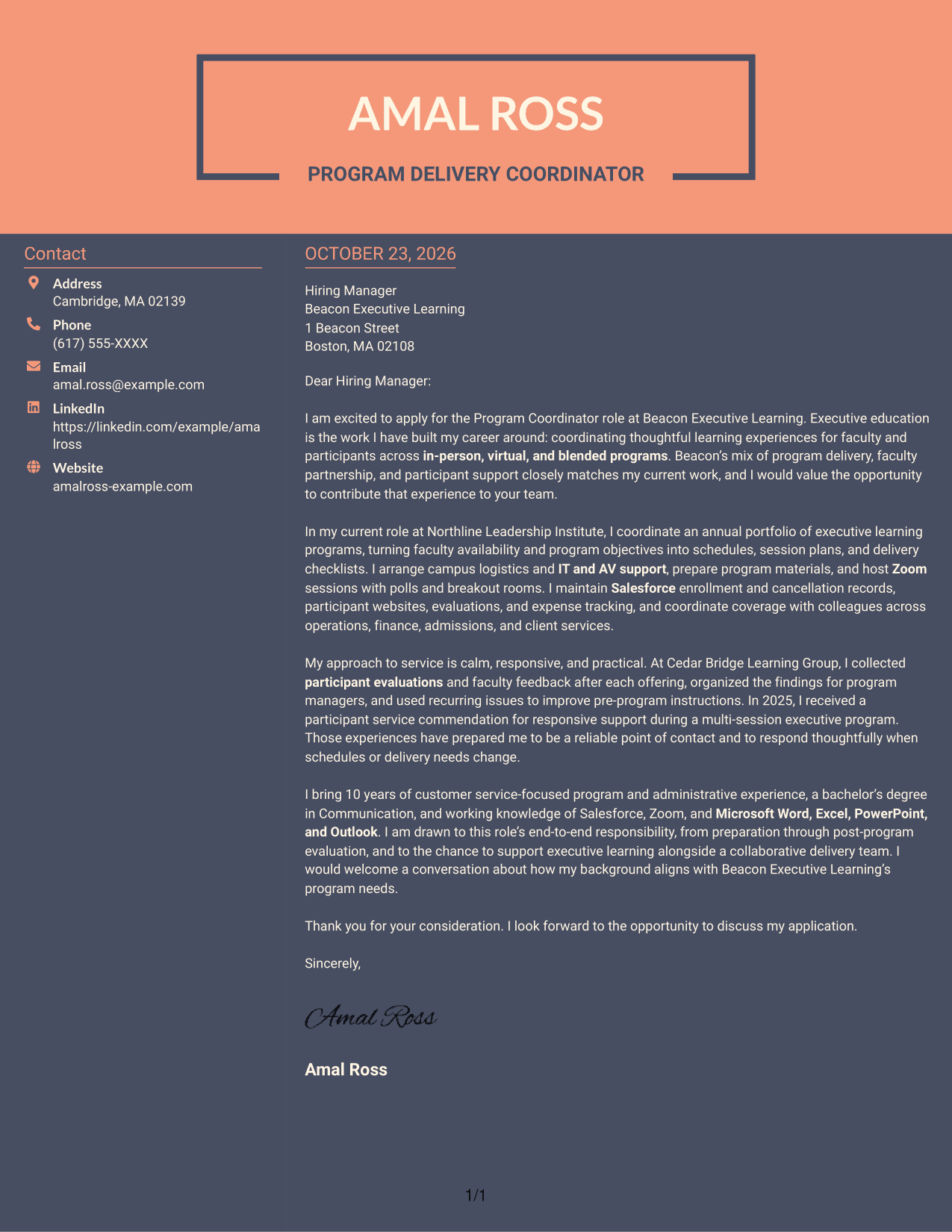
Why This Format Works
- The side area gives sender details a separate place beside the message.
- One continuous text column preserves the letter's movement from interest to closing.
- Parallel placement keeps contact information visible without dividing the argument into sections.
Best For
- Distinct sender information
- Continuous persuasive letters
- Two-column page preference
- Paragraph-based employer fit
- Contact details beside the message
Why Use ResumeInMinutes for a Program Coordinator - Executive Education Cover Letter
Compare image previews to see how different layouts present the same cover letter. Open an example in the editor to personalize its message for the role and employer.
- Clear cover letter layouts
- Role-focused writing guidance
- Employer-specific customization
- Image previews for comparison
- Examples you can open in the editor
- Support for a focused application message
Use the preview to assess the presentation, then make the letter’s opening, supporting evidence, and closing reflect the program coordination work and service style you want to emphasize.
See Also
- 7 Program Coordinator - Executive Education Resume Templates with Example
- 33 Biological Sciences Pre-Health Student Success and Program Coordinator Resume Templates with Example
- 7 Center for Creativity Program Coordinator Resume Templates with Example
- 7 Clinical Administrative Coordinator - PA Program Resume Templates with Example
- 7 Corrections Program Coordinator - College Facility Coordination Resume Templates with Example
- 7 Logistics Coordinator - International Programs Resume Templates with Example
- 7 Program Coordinator - Workforce Programs Resume Templates with Example
- 7 Social Casework Coordinator - Child Care Program Resume Templates with Example
- 30+ Accounts Payable Coordinator Cover Letter Templates with Example 2026
- 7 Accounts Payable Coordinator I - Claims Payments Cover Letter Templates with Example
Frequently Asked Questions
What should the opening of a Program Coordinator - Executive Education cover letter say?
Name the role and give a clear reason for your interest. Connect that interest to executive learning, program delivery, or the employer’s stated focus.
What experience should I highlight in this cover letter?
Choose examples that show program coordination, faculty and participant support, scheduling, event logistics, or online session delivery. Include tools such as Salesforce or Zoom when they support the example.
Does this page show several different cover letters?
It presents one cover letter example in different visual layouts. Compare the image previews, then open an example in the editor to customize its message.
How do I choose a cover letter layout?
Choose a clear, readable presentation that fits the employer and the way you want to communicate. Keep attention on your motivation, relevant evidence, and fit for the role.
How can I make the letter more specific to the employer?
Refer to details from the job description, such as supporting faculty, coordinating program schedules, or handling post-program follow-up. Explain how your relevant experience can meet those needs without claiming experience you do not have.




