
7 Program Operations Specialist - Research Administration Cover Letter Templates with Example
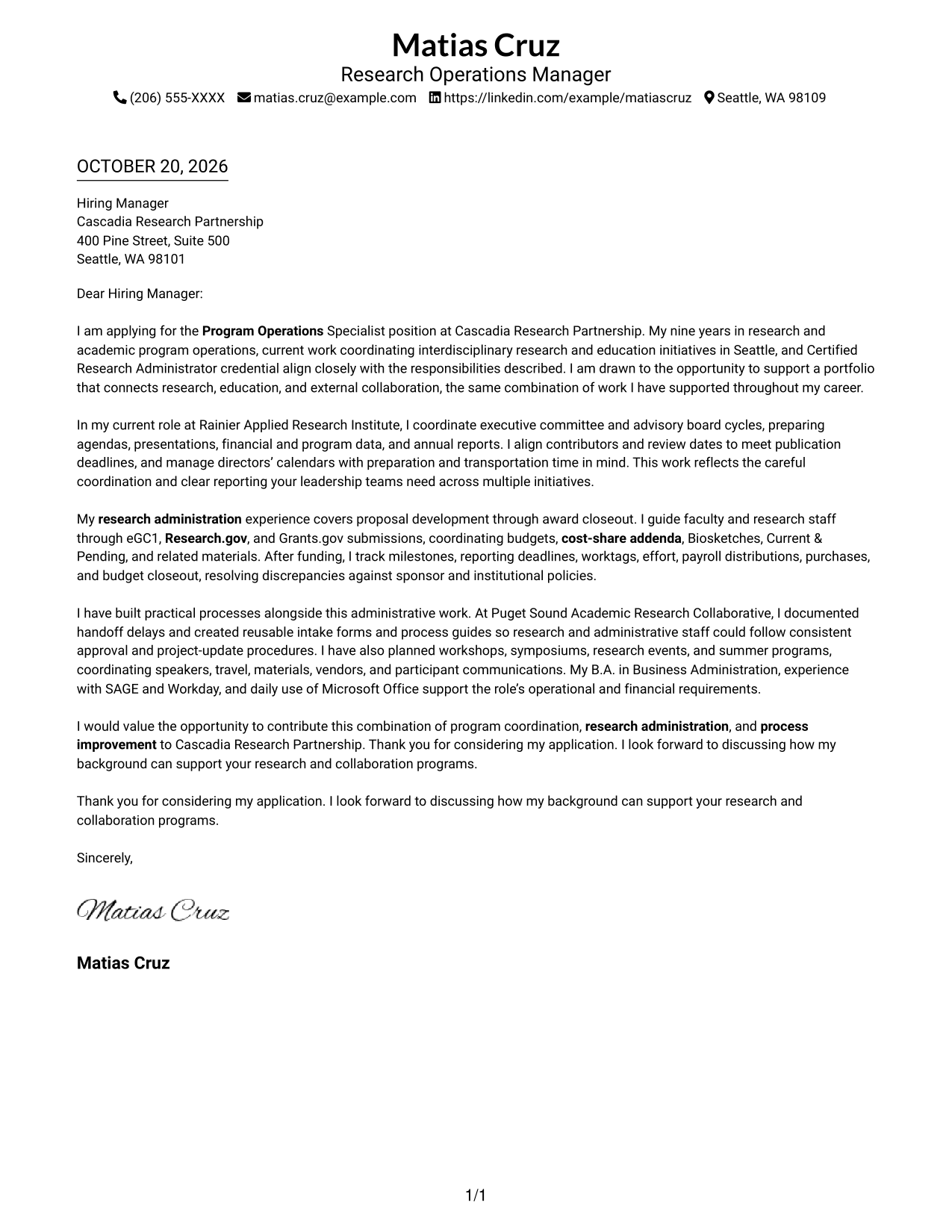
Use this practical guide to shape a Program Operations Specialist - Research Administration cover letter, compare seven layouts, and choose a clear way to present your fit.
What Makes a Great Program Operations Specialist - Research Administration Cover Letter in 2026
A strong letter connects program coordination and research administration to the needs of the role. A focused opening, clear body, and direct closing help explain your interest and fit.
Use specific evidence, such as coordinating proposal workflows, monitoring awards, preparing leadership reports, or improving processes. Show how your experience can support faculty, program leaders, and administrative partners.
The featured example moves from interest in the role to leadership support, research administration, and process improvement, then closes with a clear expression of interest. Adapt this focused progression while choosing a presentation that suits the employer and communication context.
#1 Simple One Column Format Cover Letter Example
Sender details and the continuous letter body share one column, a practical choice for readers who prefer a straightforward, top-to-bottom letter.
Why This Format Works
- Sender details and the letter share one column, keeping contact information close.
- The body follows a direct top-to-bottom path, with no parallel letter columns.
- A restrained single-column page keeps the correspondence visually straightforward.
Best For
- Familiar top-to-bottom reading
- Sender details in the header
- Continuous paragraph correspondence
- Single-column document preference
- Letters without a contact sidebar
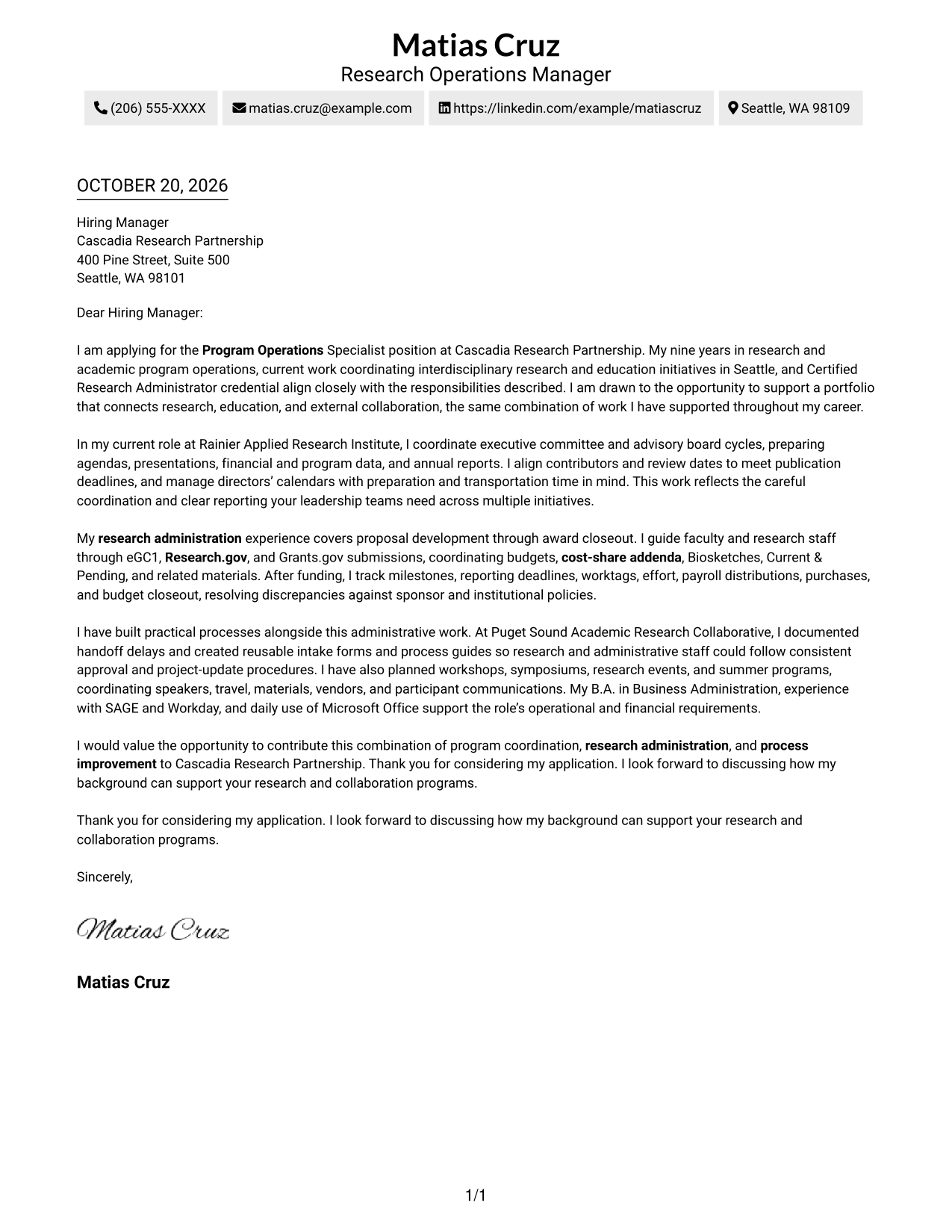
#2 Two Column Format Cover Letter Example
A contact sidebar sits beside one continuous letter body, suiting readers who want sender details separate from the message.
Why This Format Works
- Sender details occupy a separate sidebar, so readers can find contact information quickly.
- Motivation, supporting points, and closing stay together in one letter body.
- The paired layout suits readers who prefer a more structured page.
Best For
- Separate space for sender details
- Uninterrupted letter-body reading
- Side-by-side contact reference
- Multi-paragraph application letters
- Two-column document preference
#3 Photo Header Two Column Format Cover Letter Example
A portrait accompanies the contact sidebar beside the continuous letter body, a useful choice for readers who want a photo in the contact presentation.
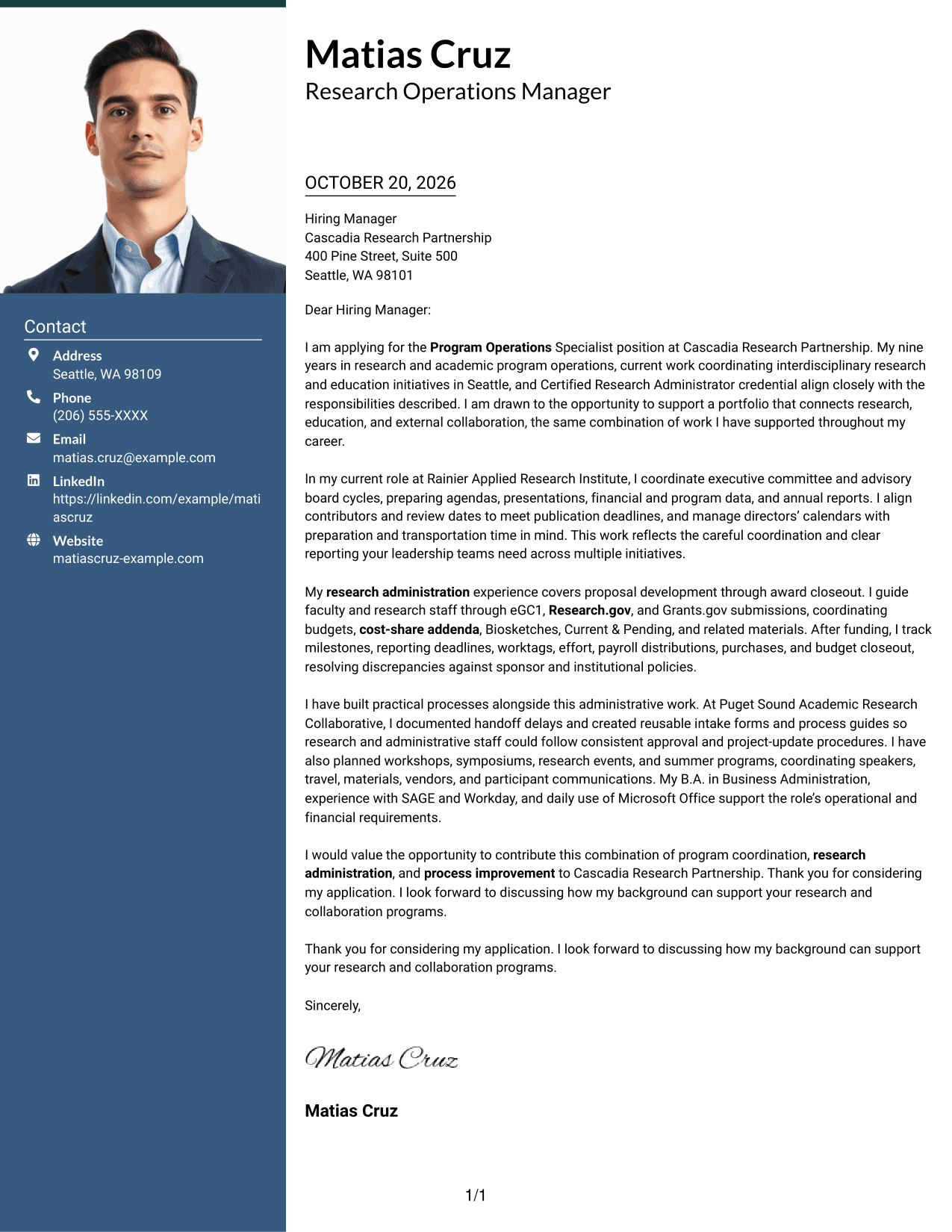
Why This Format Works
- The contact sidebar keeps sender information apart from the letter's paragraphs.
- One continuous body preserves the sequence from opening through closing.
- A portrait adds a personal visual element to the contact presentation.
Best For
- Portrait-inclusive correspondence
- Visual sender identification
- Contact details beside the message
- Continuous letter-body reading
- Two-column document preference
#4 One Column Format with Photo Cover Letter Example
The photo appears with sender details above the one-column letter body, a practical option for readers who want a portrait and a direct reading path.
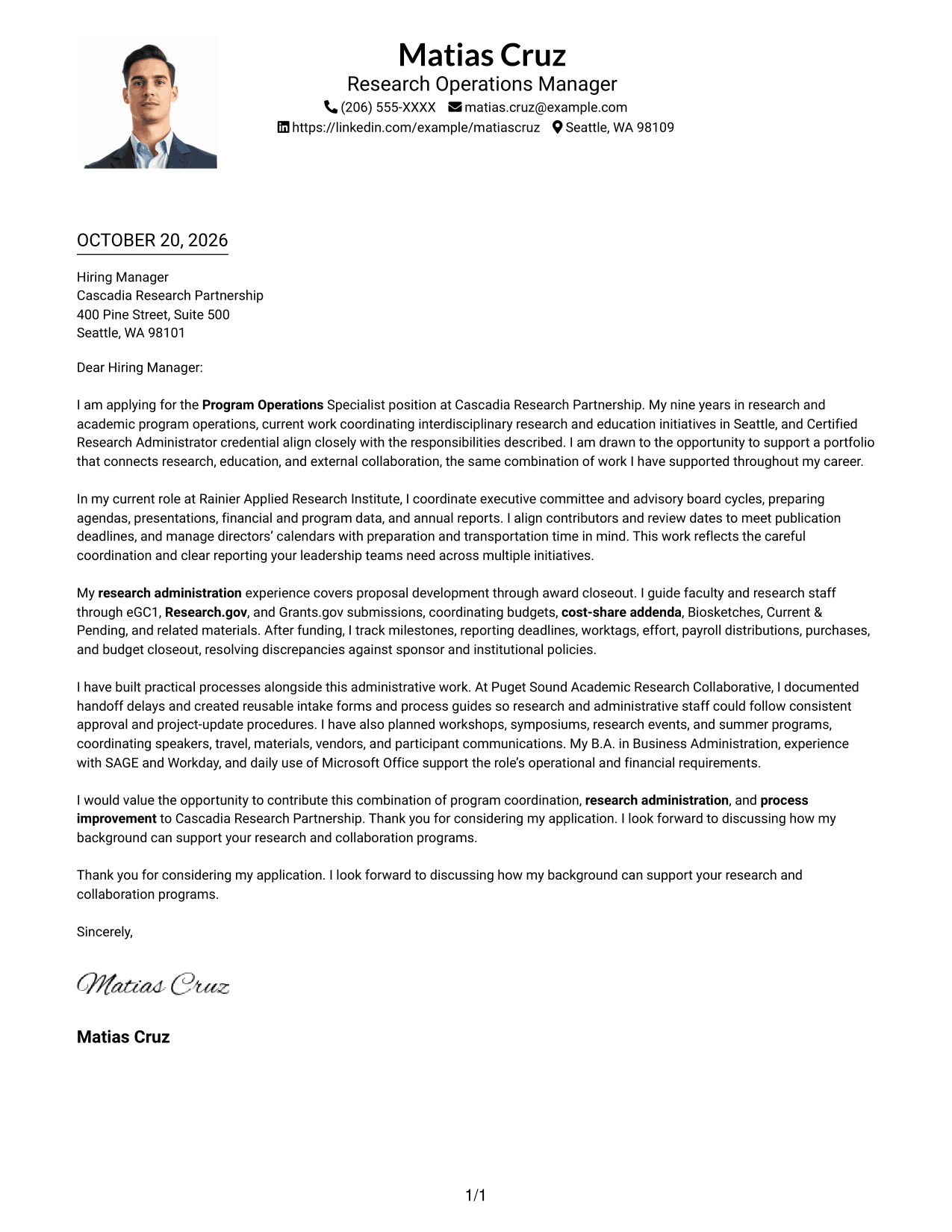
Why This Format Works
- Sender details and the letter follow one column from top to bottom.
- The continuous body keeps the opening, supporting paragraphs, and closing together.
- A portrait brings a personal visual element to the sender presentation.
Best For
- Portrait-inclusive letters
- Direct top-to-bottom reading
- Sender details above the message
- Continuous paragraph correspondence
- Single-column document preference
#5 Simple Two Column Format Cover Letter Example
The contact sidebar and continuous letter body sit in separate columns, suiting readers who prefer practical contact details alongside uninterrupted correspondence.
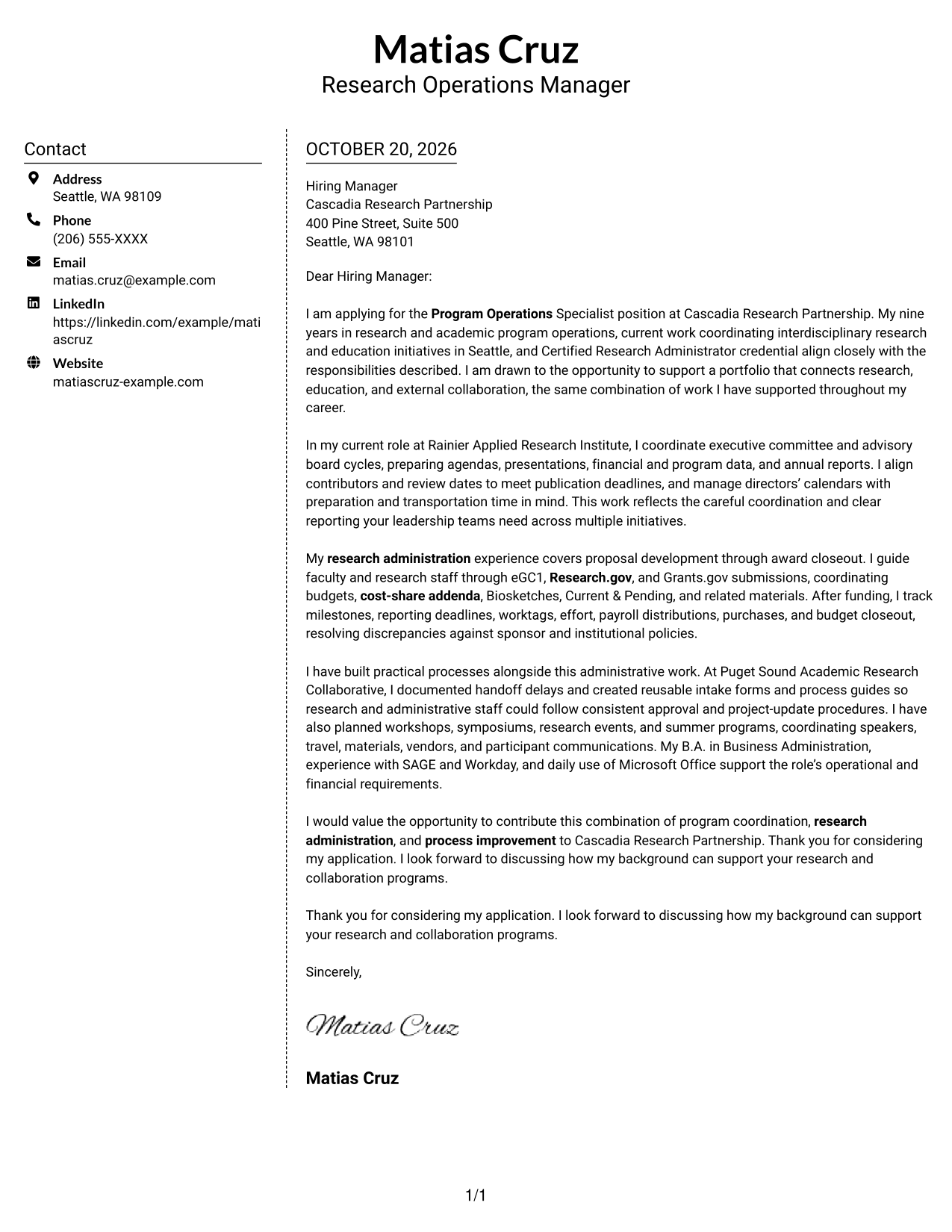
Why This Format Works
- The sidebar gives sender details a distinct place beside the letter.
- The argument remains in continuous paragraphs rather than split across columns.
- A simple two-column arrangement makes the contact and message areas easy to distinguish.
Best For
- Dedicated contact reference
- Continuous letter arguments
- Side-by-side message and details
- Multi-paragraph correspondence
- Simple two-column layouts
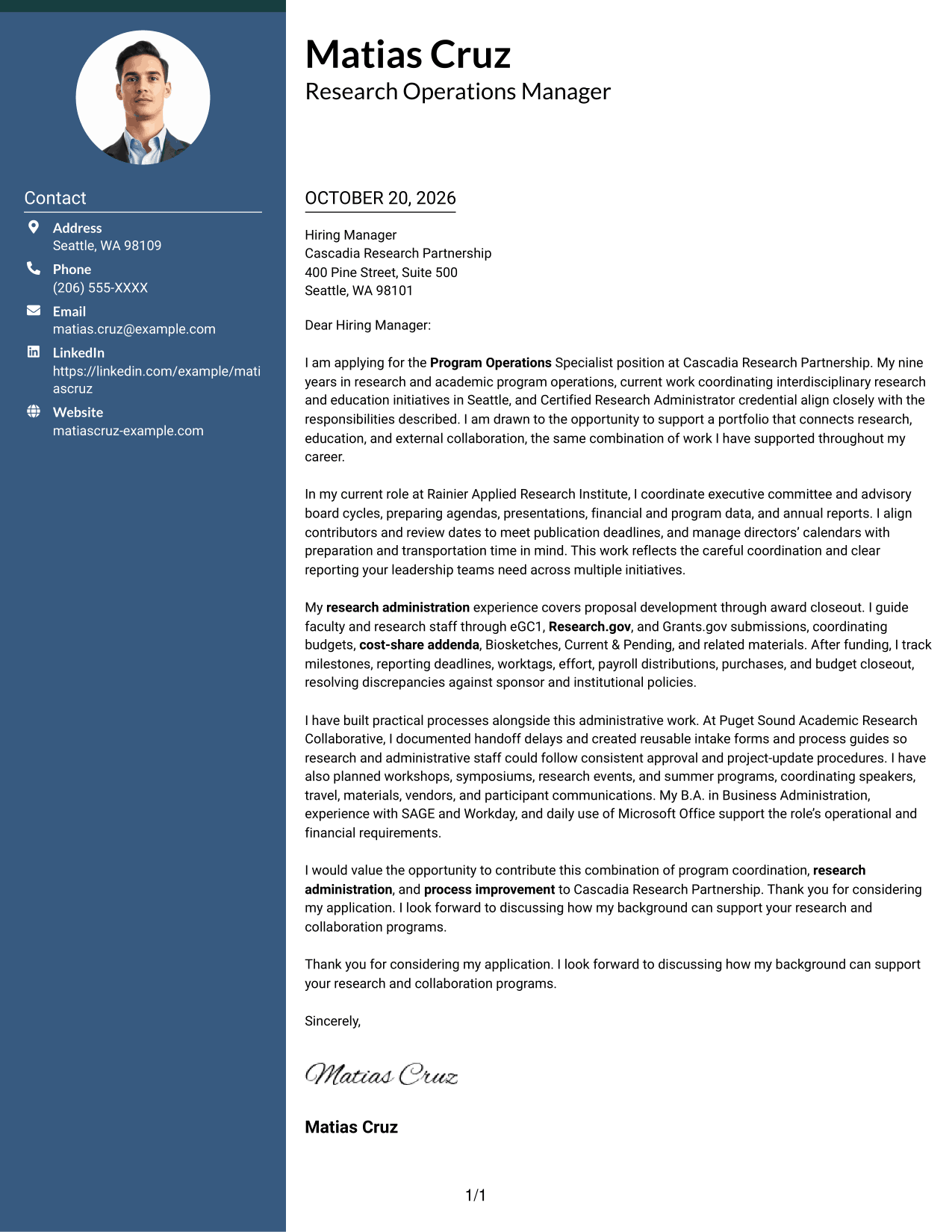
#6 Modern Icon Format Cover Letter Example
Contact icons accompany the sidebar beside one continuous letter body, a good fit for readers who prefer visual cues for sender details.
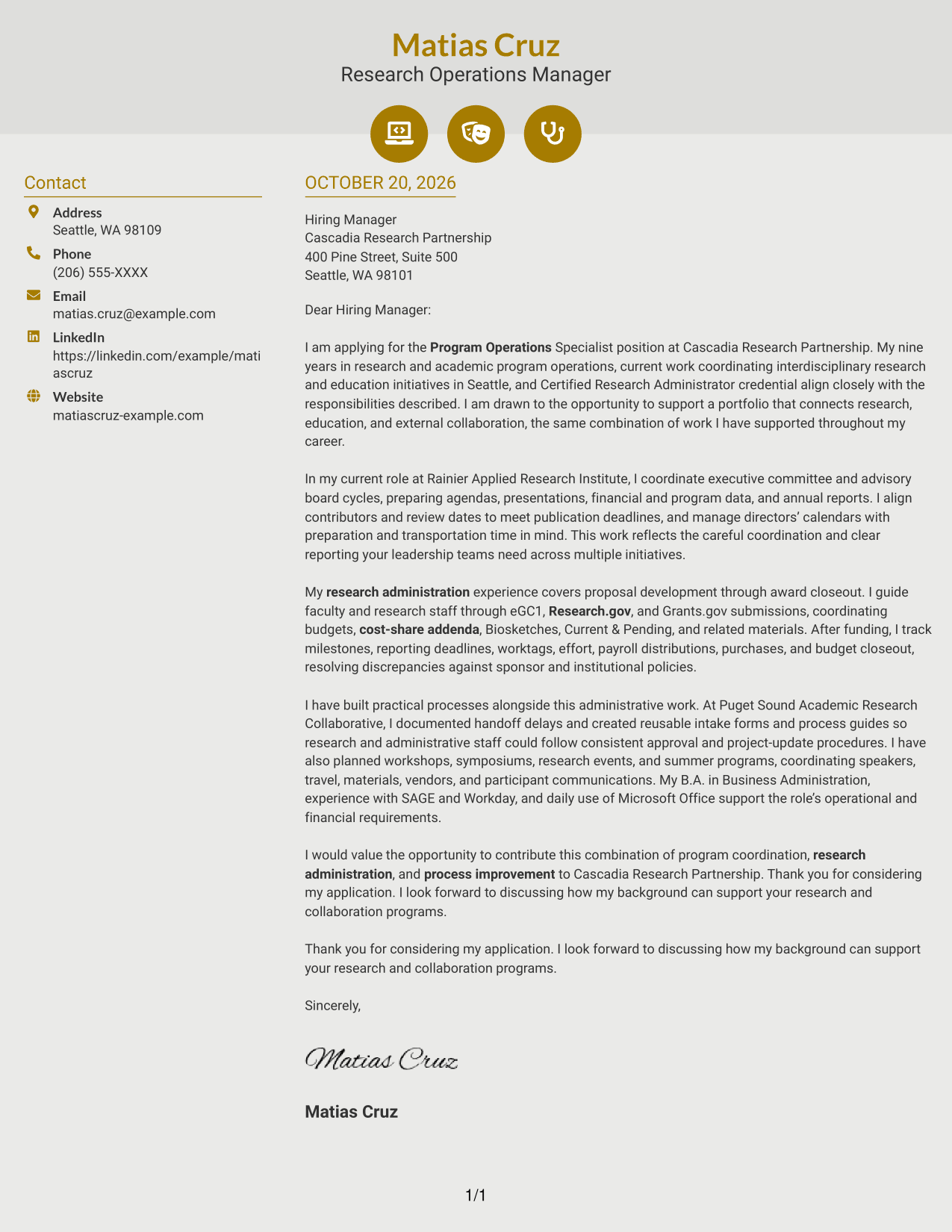
Why This Format Works
- Contact icons act as cues for sender details, not for letter arguments.
- A separate sidebar keeps contact information outside the continuous body.
- The letter's paragraphs retain a clear opening-to-closing sequence.
Best For
- Icon-cued contact details
- Contact reference beside the message
- Continuous paragraph letters
- Two-column reading order
- Visual contact presentation
#7 Creative Two Tone Format Cover Letter Example
The contact sidebar sits beside one uninterrupted letter body, offering a two-column option for readers who want contact information apart from the message.
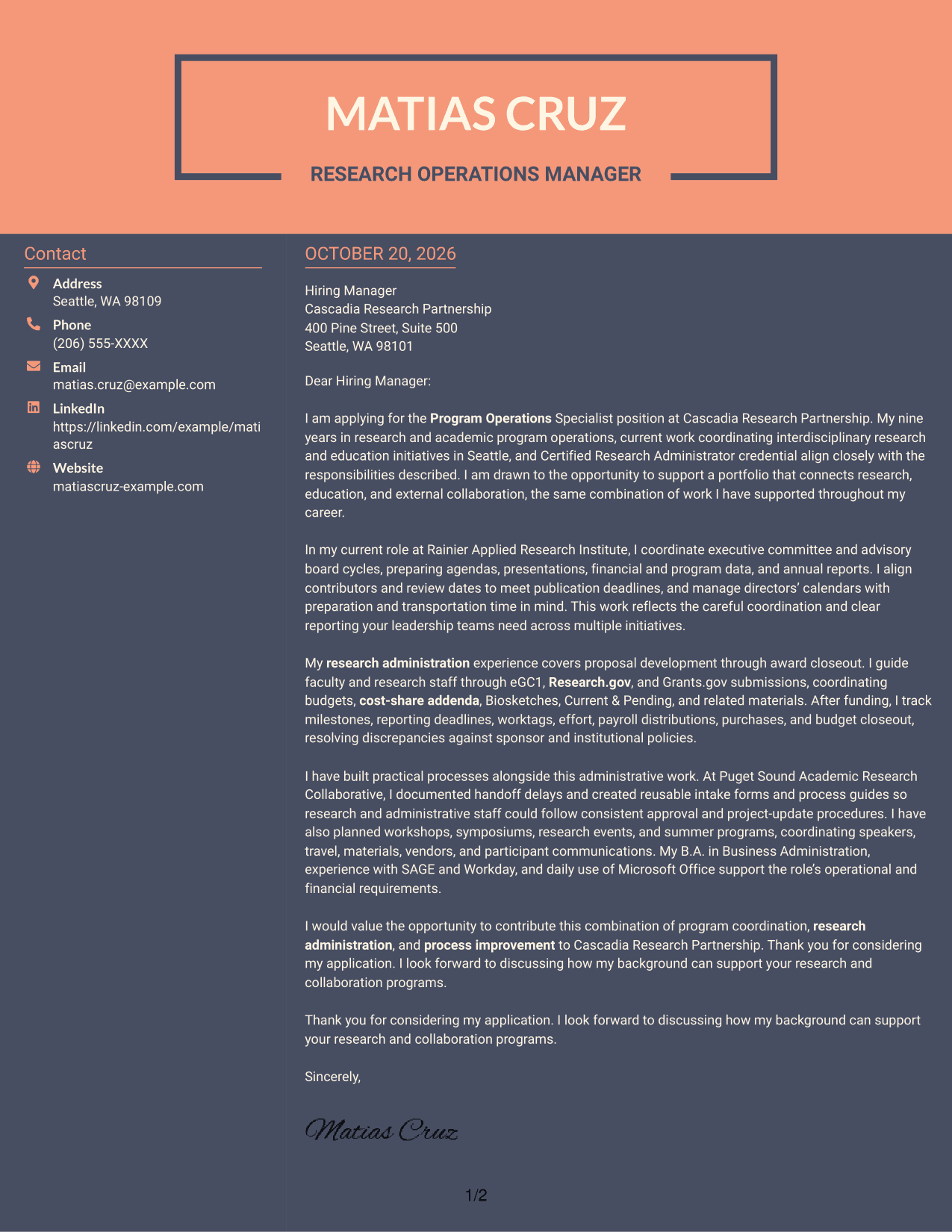

Why This Format Works
- The sidebar keeps practical sender details distinct from the correspondence.
- One continuous body lets readers follow the letter without parallel argument columns.
- Two columns offer a structured alternative to a single-column letter.
Best For
- Separate contact information
- Uninterrupted letter reading
- Adjacent contact reference
- Multi-paragraph application letters
- Two-column layout preference
Why Use ResumeInMinutes for a Program Operations Specialist - Research Administration Cover Letter
Compare image previews to see how different presentations handle a research administration letter. Open an example in the editor to customize its content for the role.
- Cover letter examples for this role
- Clear, professional layouts
- Guidance for role-specific content
- Image previews for easy comparison
- Examples you can open in the editor
- Support for communicating your fit
Use the letter to connect your experience with program planning, proposal and award administration, financial coordination, and process improvement.
See Also
- 7 Program Operations Specialist - Research Administration Resume Templates with Example
- 7 Operations Expert - Federal Employee Program Resume Templates with Example
- 7 Technical Program Manager - Digital Operations Resume Templates with Example
- 7 Program Specialist - Fellowship Program Administration Resume Templates with Example
- 33 Administrative Operations Coordinator - Transportation Administration Resume Templates with Example 2026 (ATS-Optimized)
- 7 Academic Program Specialist - Global Academic Programs Resume Templates with Example
- 7 Accreditation & Program Specialist Resume Templates with Example
- 7 Adjunct Faculty - OTA Program Instructor Resume Templates with Example
- 7 Program Specialist - Fellowship Program Administration Cover Letter Templates with Example
- 30+ Commercial Real Estate Summer Analyst Program Cover Letter Templates with Example 2026
Frequently Asked Questions
What should a Program Operations Specialist - Research Administration cover letter include?
Explain your interest in the role and give relevant examples of program coordination, proposal or award support, financial tracking, and communication with faculty or administrative teams. Close by stating how you could contribute.
Does this page show different letters or different designs?
The examples present a cover letter for the same target role in different visual layouts. Compare the image previews, then open an example in the editor if you want to customize it.
How can I show research administration experience in my letter?
Describe your part in proposal preparation, sponsor submissions, award monitoring, reporting deadlines, or budget closeout. Keep the details accurate and explain how your work supported the team.
How should I describe process improvement?
Give a clear example of a process you reviewed and what you changed. For example, you might explain how reusable intake forms or process guides helped staff follow consistent approval steps.
What cover letter format should I choose?
Choose a clear layout that makes the letter easy to read and suits the employer's communication style. Keep the focus on your interest, relevant evidence, and fit for research program operations.




