
7 Program Specialist - Fellowship Program Administration Cover Letter Templates with Example
Use this practical guide to create a Program Specialist - Fellowship Program Administration cover letter, with seven layouts that show how to present your motivation and role fit clearly.
What Makes a Great Program Specialist - Fellowship Program Administration Cover Letter in 2026
A strong letter explains your interest in fellowship administration and connects your coordination experience to the role. Its opening, body, and closing should make your fit easy to understand.
Use specific evidence, such as coordinating recruitment, tracking milestones, or managing partner communications. Show how your approach supports well-run programs and the needs of academic and industry partners.
The featured application moves from interest in partnership-based fellowship work to relevant coordination evidence, operational strengths, and a clear closing. Adapt this focused progression to your own experience, choosing a presentation that suits the employer and the communication context.
#1 Simple One Column Format Cover Letter Example
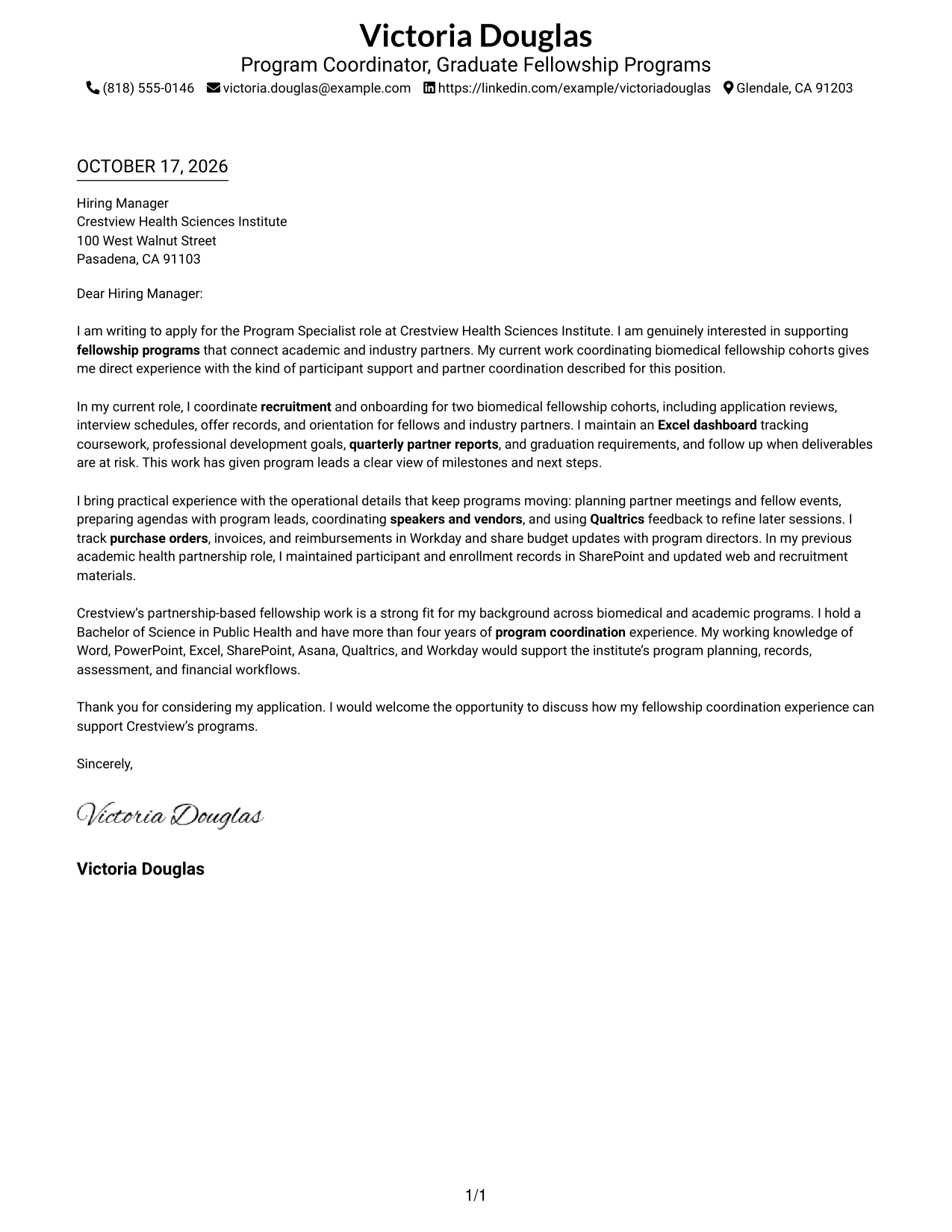
The Simple One Column Format places sender details in the header and keeps the letter body in one column for a direct reading path.
Why This Format Works
- Sender details appear in the header, separate from the letter's main message.
- One body column keeps the opening, evidence, and closing in a clear sequence.
- The single-column presentation keeps attention on the written message rather than a sidebar.
Best For
- Single-column letter reading
- Connected persuasive messages
- Header-based contact details
- Text-led application materials
- Traditional letter presentation
#2 Two Column Format Cover Letter Example
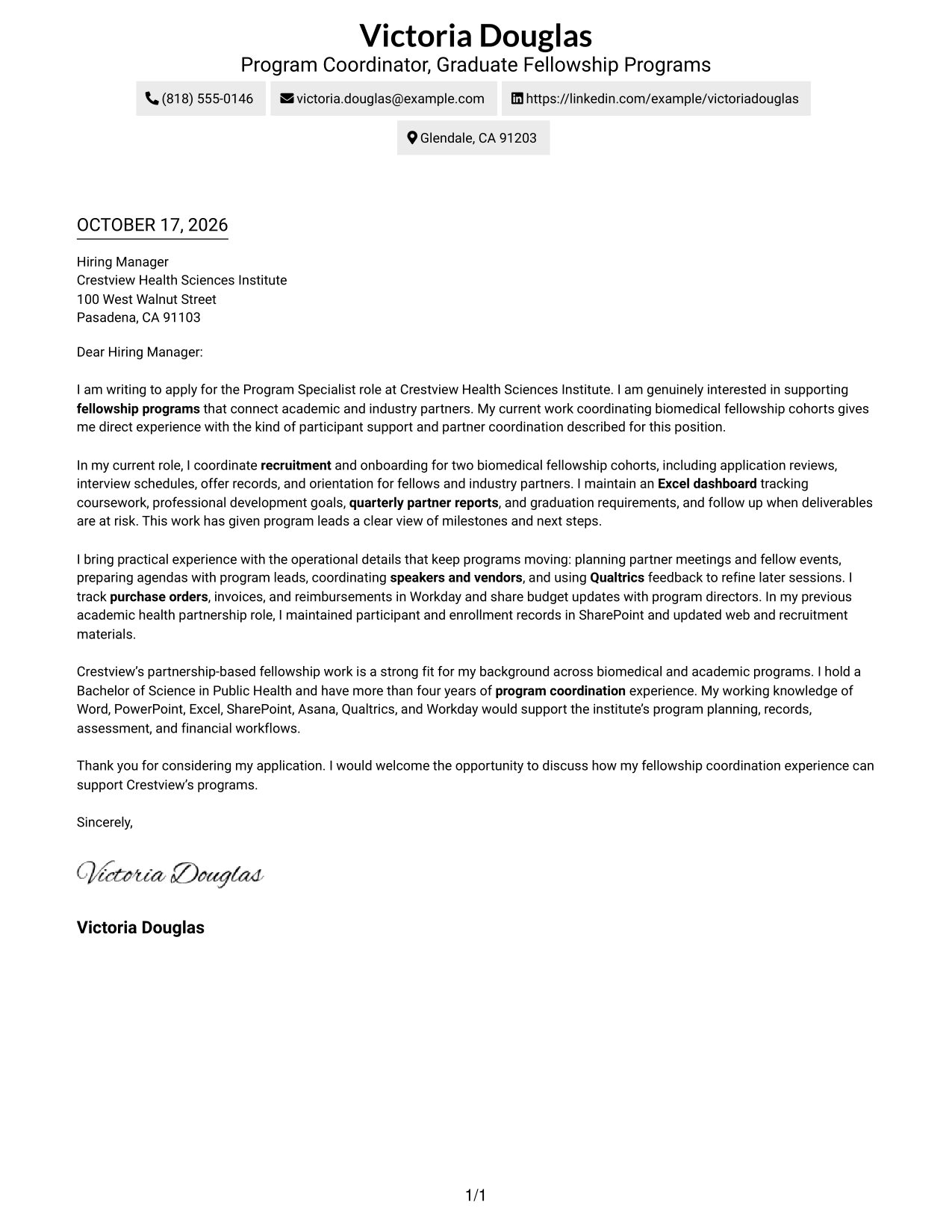
The Two Column Format places contact details in a sidebar beside one continuous letter body, keeping the message in a single column.
Why This Format Works
- The contact sidebar keeps sender information apart from the persuasive text.
- A single body column lets the message unfold in familiar paragraph order.
- Without argument headings, the paragraphs retain the tone of a personal letter.
Best For
- Side-by-side contact and letter layout
- Continuous paragraph-based letters
- Formal application correspondence
- Letters with several supporting points
- Readers who prefer a contact sidebar
#3 Photo Header Two Column Format Cover Letter Example
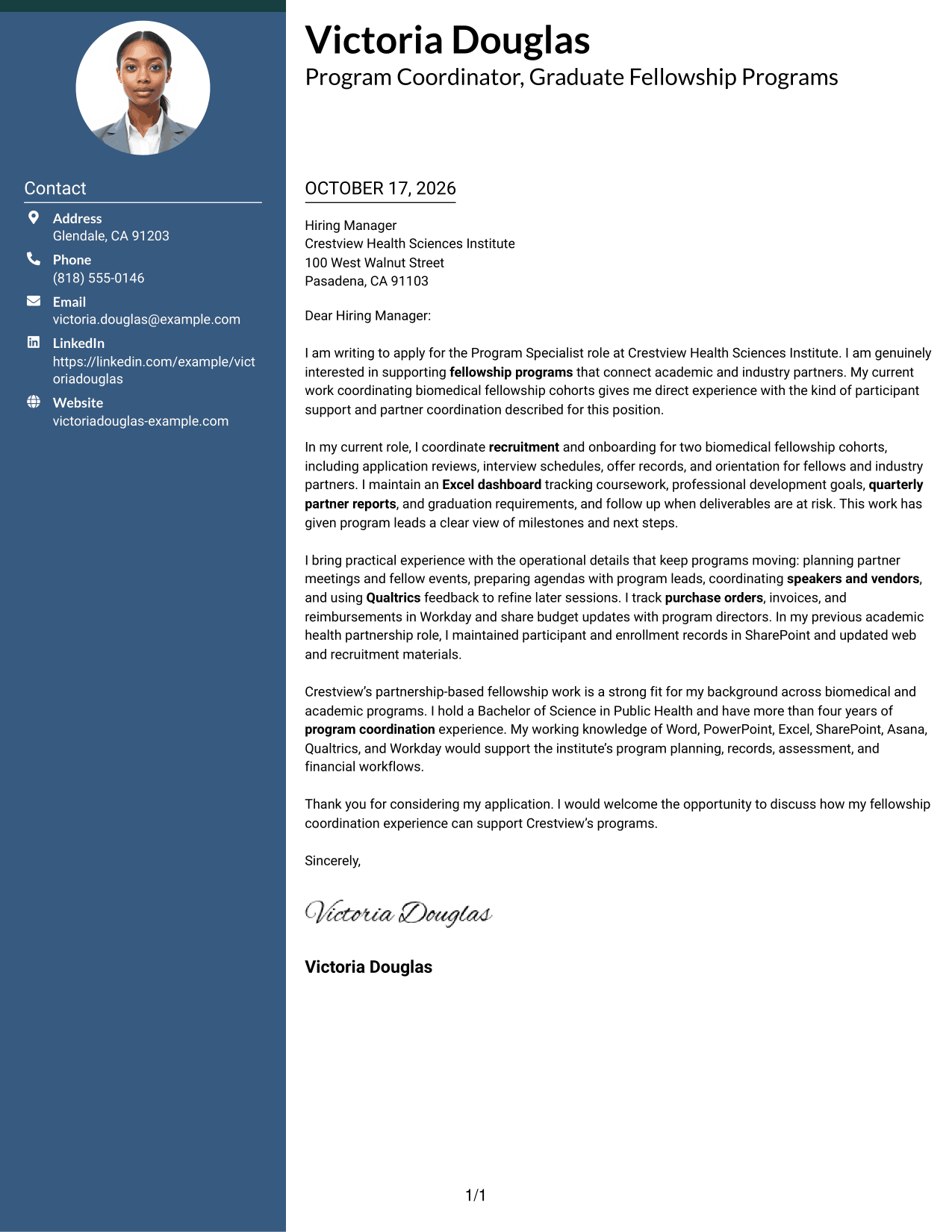
The Photo Header Two Column Format pairs a contact sidebar and photo with one continuous letter body for a portrait-led visual introduction.
Why This Format Works
- The sidebar keeps contact details distinct while the photo adds a clear visual identifier.
- One uninterrupted body lets the reader follow the message in normal paragraph order.
- A portrait offers a visual choice for readers who want one in correspondence.
Best For
- Portrait-led correspondence
- Contact details beside the letter
- Single-column letter arguments
- Applications with connected supporting paragraphs
- Readers who prefer a photo
#4 One Column Format with Photo Cover Letter Example
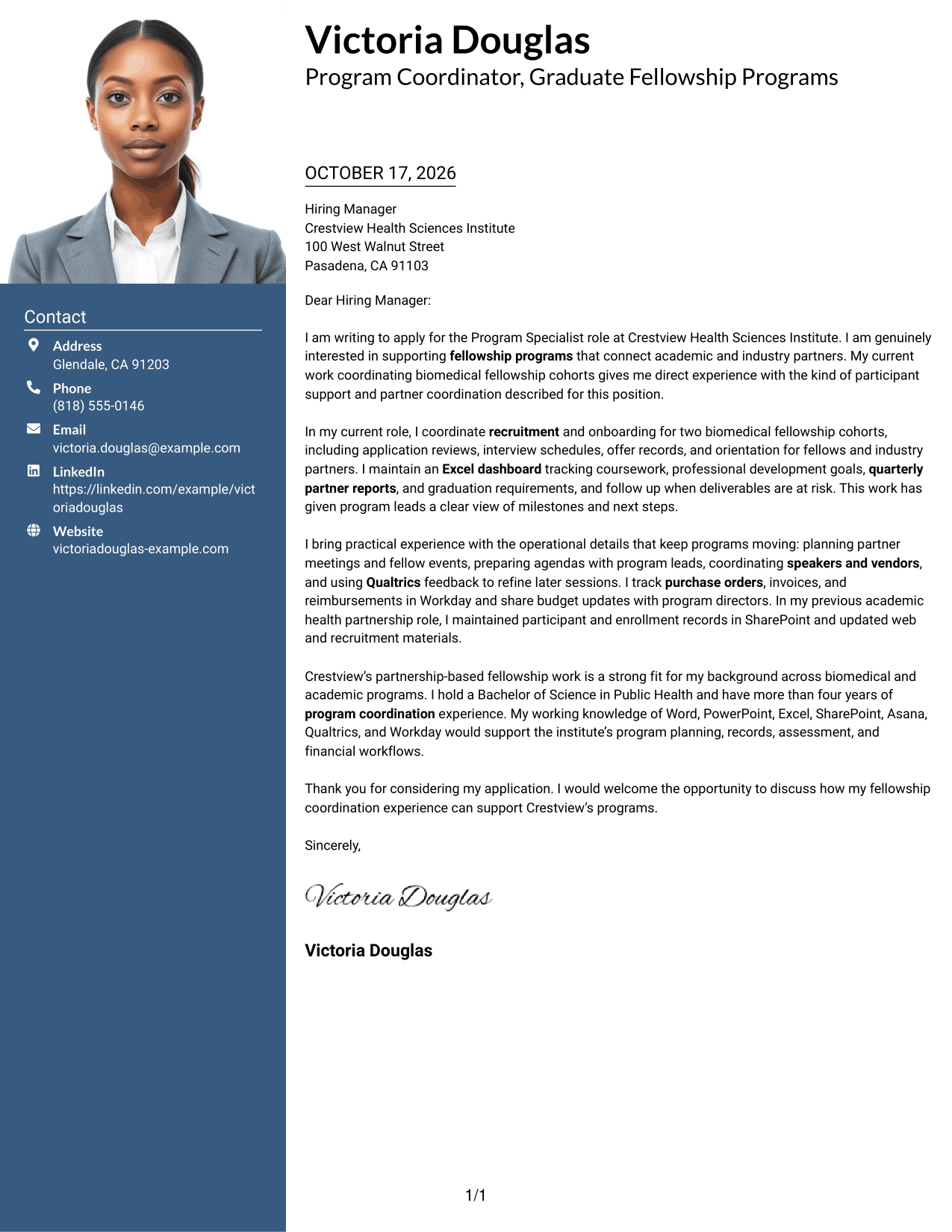
The One Column Format with Photo keeps the sender details in the header and the letter body in one column, with a photo as a visual feature.
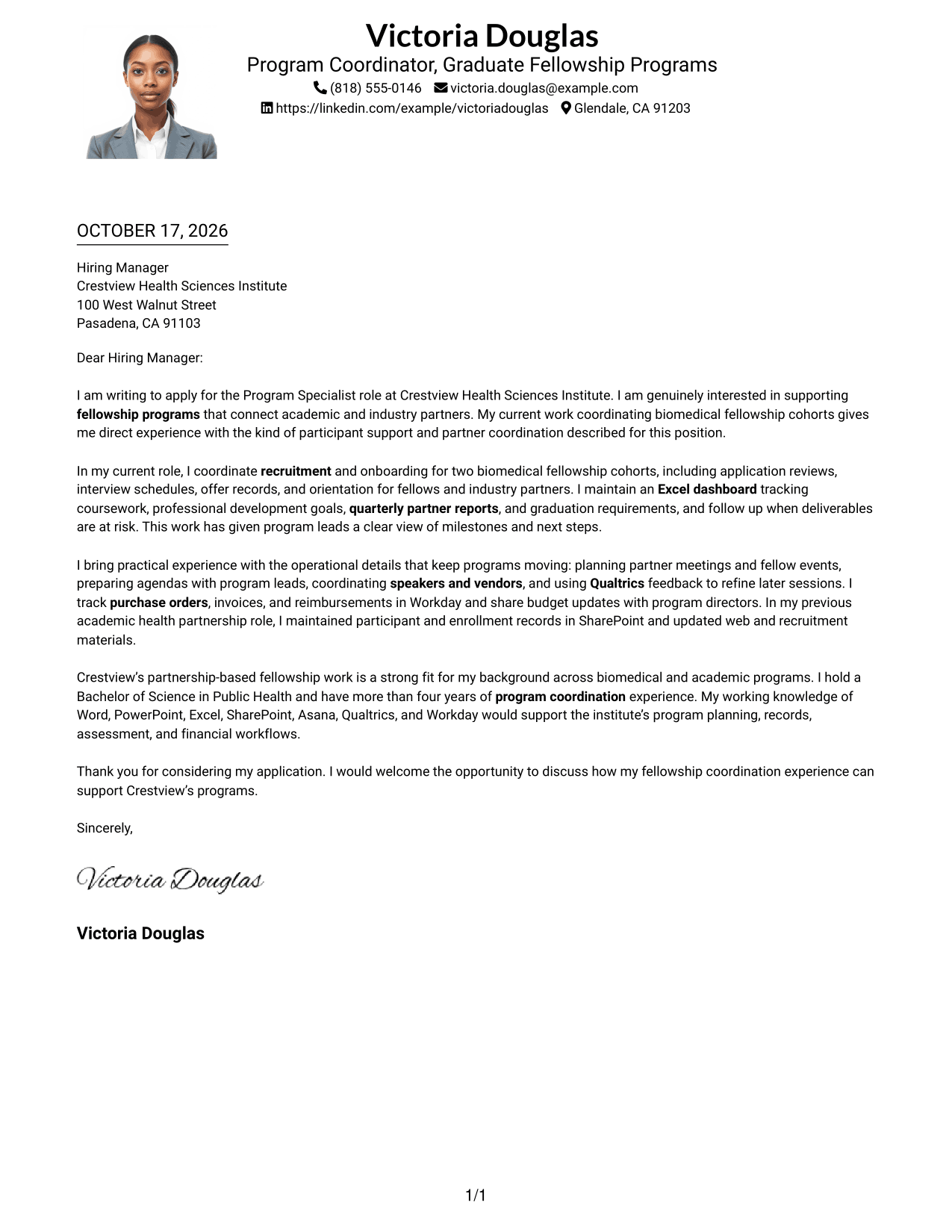
Why This Format Works
- One body column keeps every paragraph in a familiar top-to-bottom reading order.
- Sender details remain in the header rather than beside the letter.
- The photo adds a portrait option without changing the letter's continuous body.
Best For
- Portraits with a single-column letter
- Header-based contact information
- Connected letter paragraphs
- Readers who prefer a familiar reading order
- Photo-inclusive correspondence
#5 Simple Two Column Format Cover Letter Example
The Simple Two Column Format sets contact details in a sidebar beside one continuous letter body, a practical choice for separating sender information from the message.
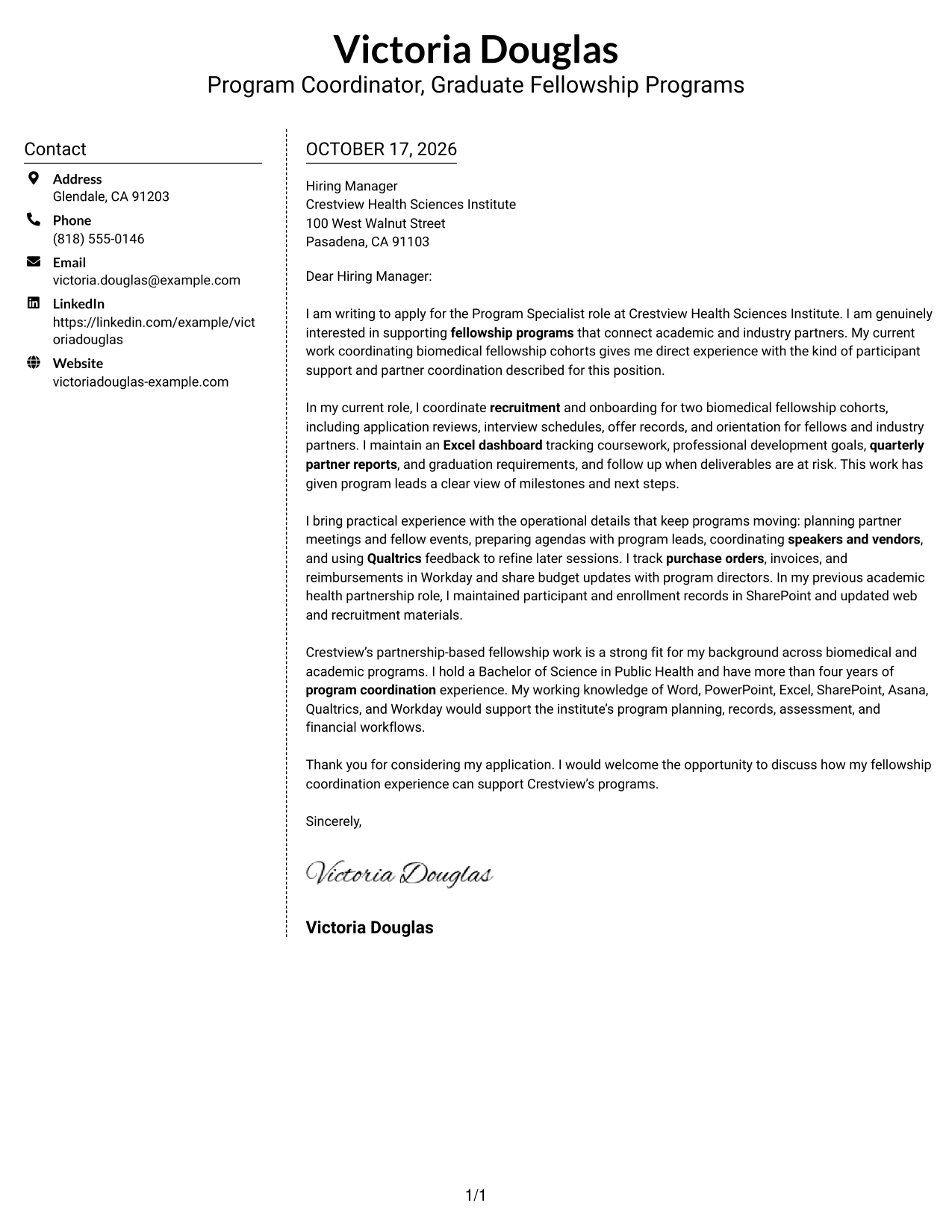
Why This Format Works
- Contact details stay apart from the letter's message in the sidebar.
- The body remains a single column, so the paragraphs read in sequence.
- This arrangement keeps sender information visible without creating parallel argument sections.
Best For
- Separate sender and message areas
- Continuous multi-paragraph letters
- Side-by-side page organization
- Direct access to contact details
- Readers who prefer a sidebar
#6 Modern Icon Format Cover Letter Example
The Modern Icon Format uses two columns for contact details and one continuous letter body, with icons serving as contact cues.
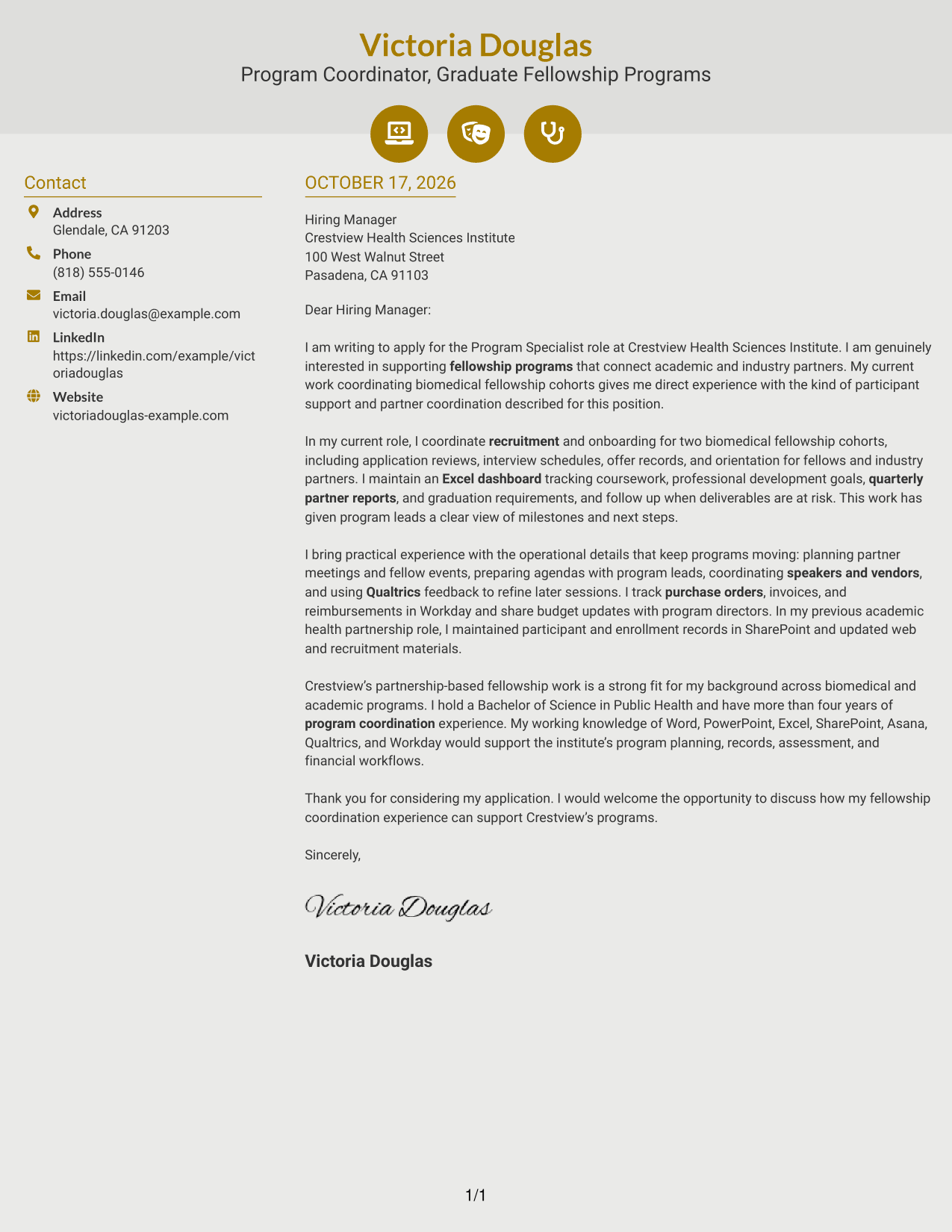
Why This Format Works
- The sidebar keeps contact details apart from the letter's connected paragraphs.
- A single body column leaves the opening, evidence, and closing in one sequence.
- Icons act as contact cues, not labels for parts of the argument.
Best For
- Icon-marked contact details
- Two-column page organization
- Connected persuasive paragraphs
- Letters with a clear opening and close
- Readers who value visual contact cues
#7 Creative Two Tone Format Cover Letter Example
The Creative Two Tone Format places a contact sidebar beside one continuous letter body, keeping the contact information separate from the letter's message.
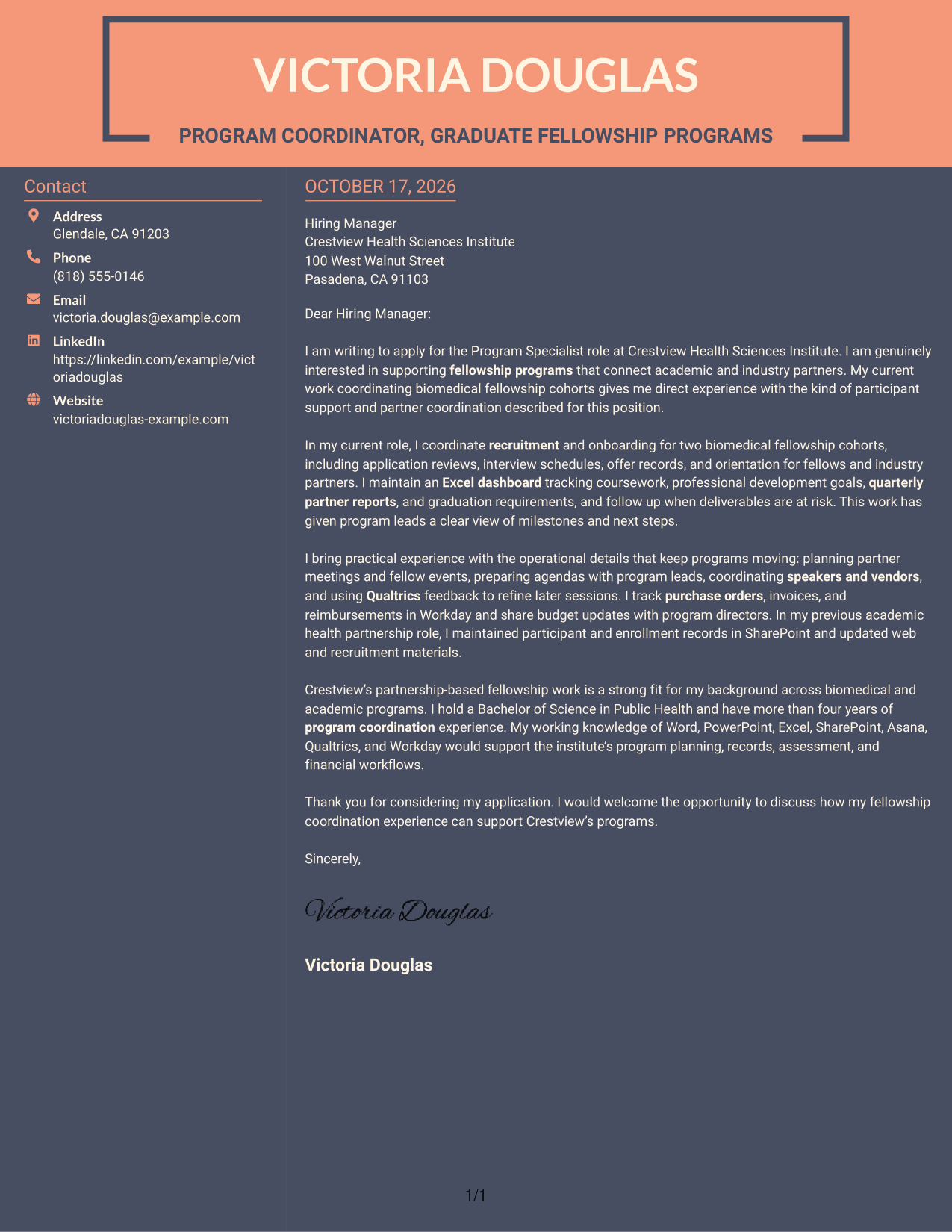
Why This Format Works
- The sidebar gives contact details a separate place beside the letter.
- The message stays in one body column, preserving a connected reading path.
- Readers can distinguish sender information from the letter's persuasive paragraphs.
Best For
- Contact information beside the message
- A continuous letter-body flow
- Side-by-side document organization
- Paragraph-led application letters
- Readers who want clear contact separation
See Also
- 7 Program Specialist - Fellowship Program Administration Resume Templates with Example
- 7 Academic Program Specialist - Global Academic Programs Resume Templates with Example
- 7 Accreditation & Program Specialist Resume Templates with Example
- 7 Adjunct Faculty - OTA Program Instructor Resume Templates with Example
- 7 Administrator for Program Integrity Resume Templates with Example
- 7 Animal Services Manager - Volunteer Services Program Resume Templates with Example
- 7 Associate Program Analyst Resume Templates with Example
- 33 Biological Sciences Pre-Health Student Success and Program Coordinator Resume Templates with Example
- 30+ Commercial Real Estate Summer Analyst Program Cover Letter Templates with Example 2026
- 30+ Community Support Program Manager Cover Letter Templates with Example 2026
Frequently Asked Questions
What should a Program Specialist - Fellowship Program Administration cover letter emphasize?
Explain your interest in fellowship program work and connect relevant experience to tasks such as recruitment, onboarding, milestone tracking, partner meetings, records, and budget coordination. Use only examples that reflect your own background.
How should I organize this cover letter?
Open with your interest in the role and the fellowship work. Use the body to give relevant examples and show how you communicate with participants and partners. Close with a brief statement of interest and thanks.
How can I show that I can keep fellowship activities on track?
Describe a real example of how you organized schedules, tracked deliverables, followed up with stakeholders, or handled competing deadlines. Explain what your actions helped the program team accomplish.
How can I show interest in an employer's fellowship programs?
Refer to a specific part of the role, such as its work with academic and industry partners, and explain why it matters to you. Keep the reason genuine and connect it to your relevant experience or interests.
How can I compare the cover letter examples?
Review the PNG image previews to compare the page layouts and reading flow. When a presentation suits your needs, open its example in the editor to view or customize it.




