
7 Project Architect - Cultural Architecture & Historic Preservation Cover Letter Templates with Example
Use this practical guide to shape a Project Architect - Cultural Architecture & Historic Preservation cover letter, compare its seven layouts, and present your fit clearly.
What Makes a Great Project Architect - Cultural Architecture & Historic Preservation Cover Letter in 2026
A strong letter links your interest in cultural architecture and historic preservation to the role. Use the opening to explain your motivation, then show how you carry design intent from early planning through construction.
Support your fit with relevant examples, such as adaptive reuse, construction-phase coordination, or work with consultants. Connect that evidence to the employer’s priorities, and include only skills and experience that you can support.
The featured example follows a focused progression from motivation to relevant evidence and a clear close. Adapt that flow while choosing a presentation that suits the employer and the communication context.
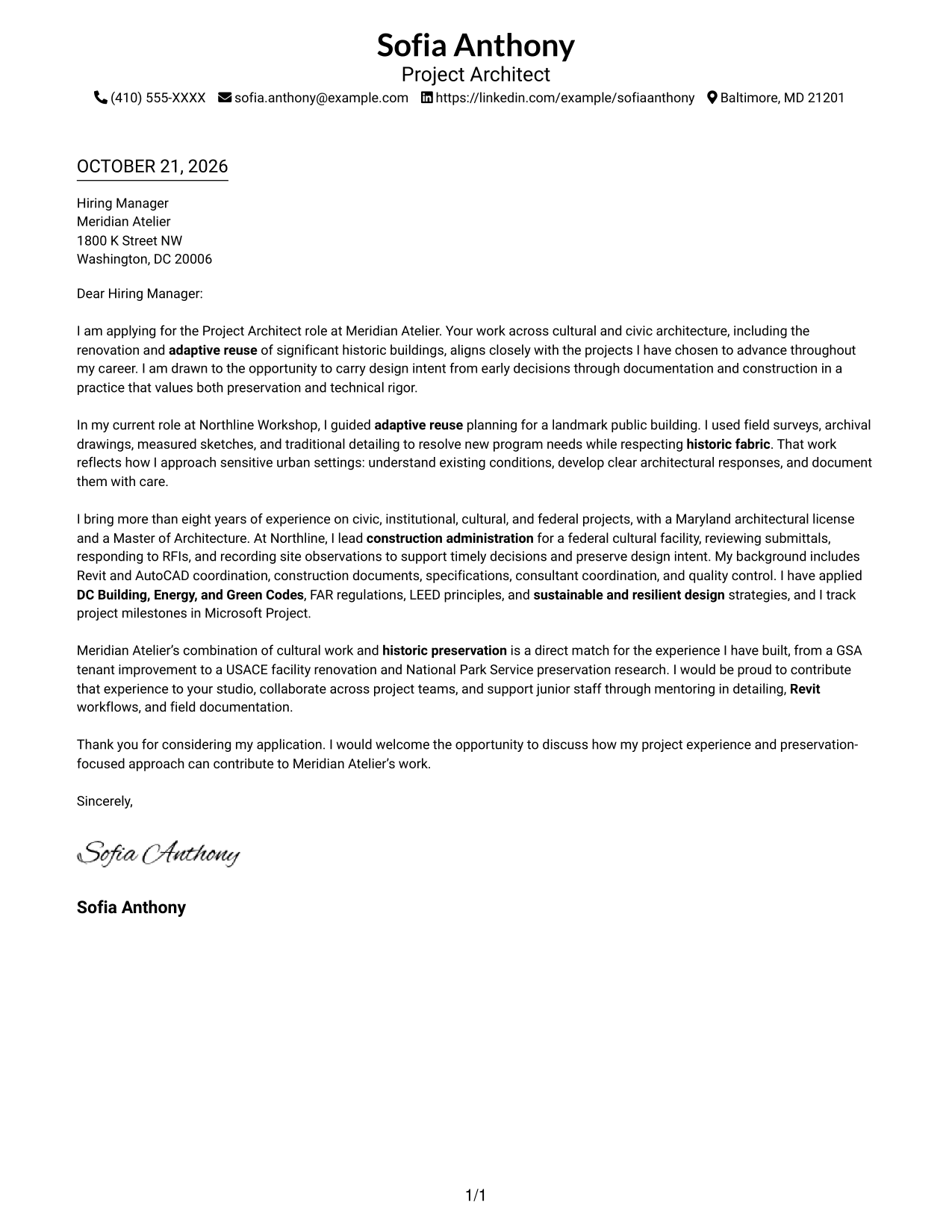
#1 Simple One Column Format Cover Letter Example
A single-column layout places sender details in the header and keeps the letter body on one direct reading path.
Why This Format Works
- Sender details stay near the message, so reviewers can find contact information easily.
- One body column keeps the paragraphs in a direct order from motivation to closing.
- Without a photo, the page keeps its visual focus on the written message.
Best For
- Single-column reading preference
- Header-based contact details
- Text-led applications
- Continuous paragraph letters
- Photo-free correspondence
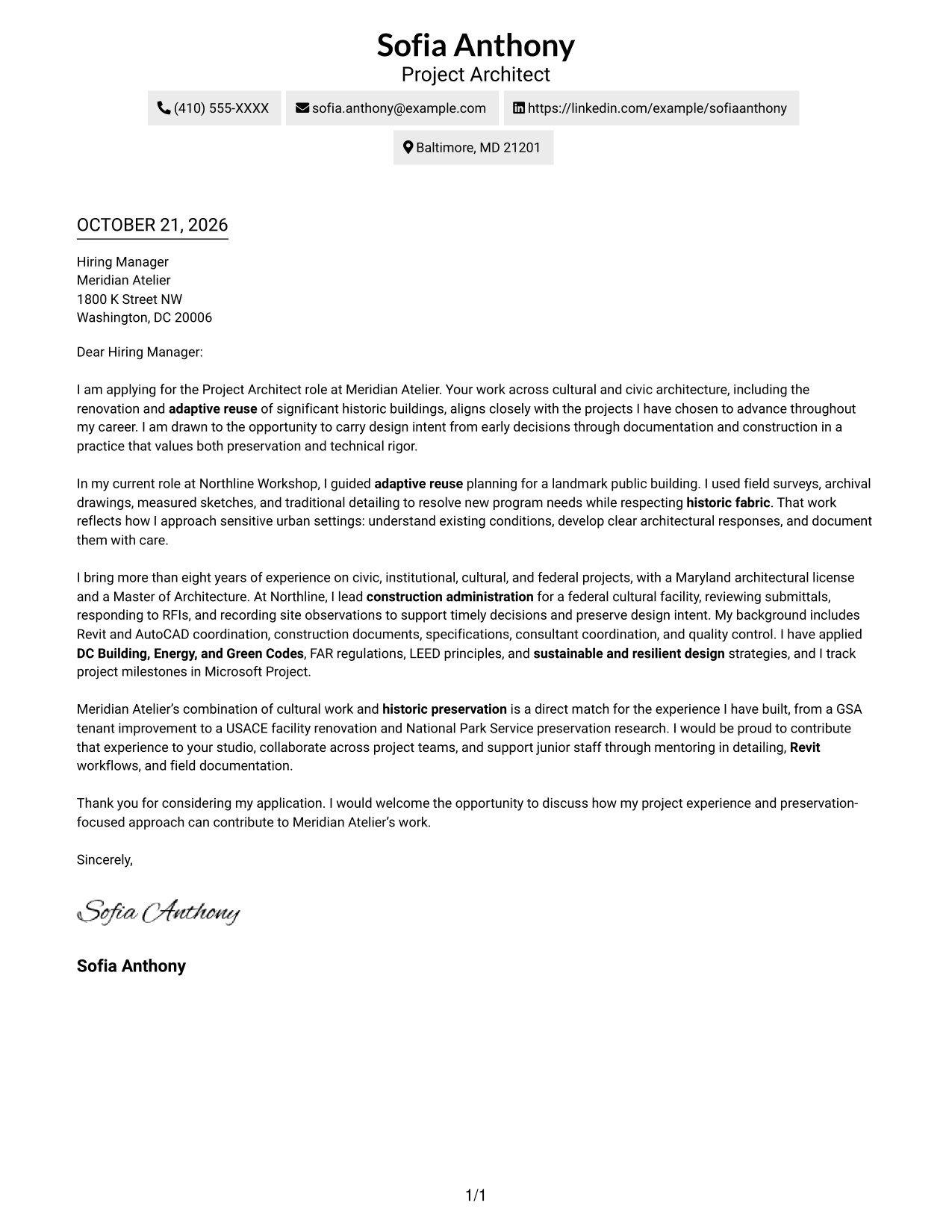
#2 Two Column Format Cover Letter Example
A contact sidebar sits beside one continuous letter body, separating contact details from the full argument.
Why This Format Works
- Contact details in the sidebar remain distinct from the letter’s single body column.
- The continuous paragraphs keep motivation, supporting evidence, and closing together.
- A photo-free style suits readers who want the written case to lead.
Best For
- Separate contact details
- One-body letter structure
- Two-column page preference
- Photo-free correspondence
- Project Architect applications
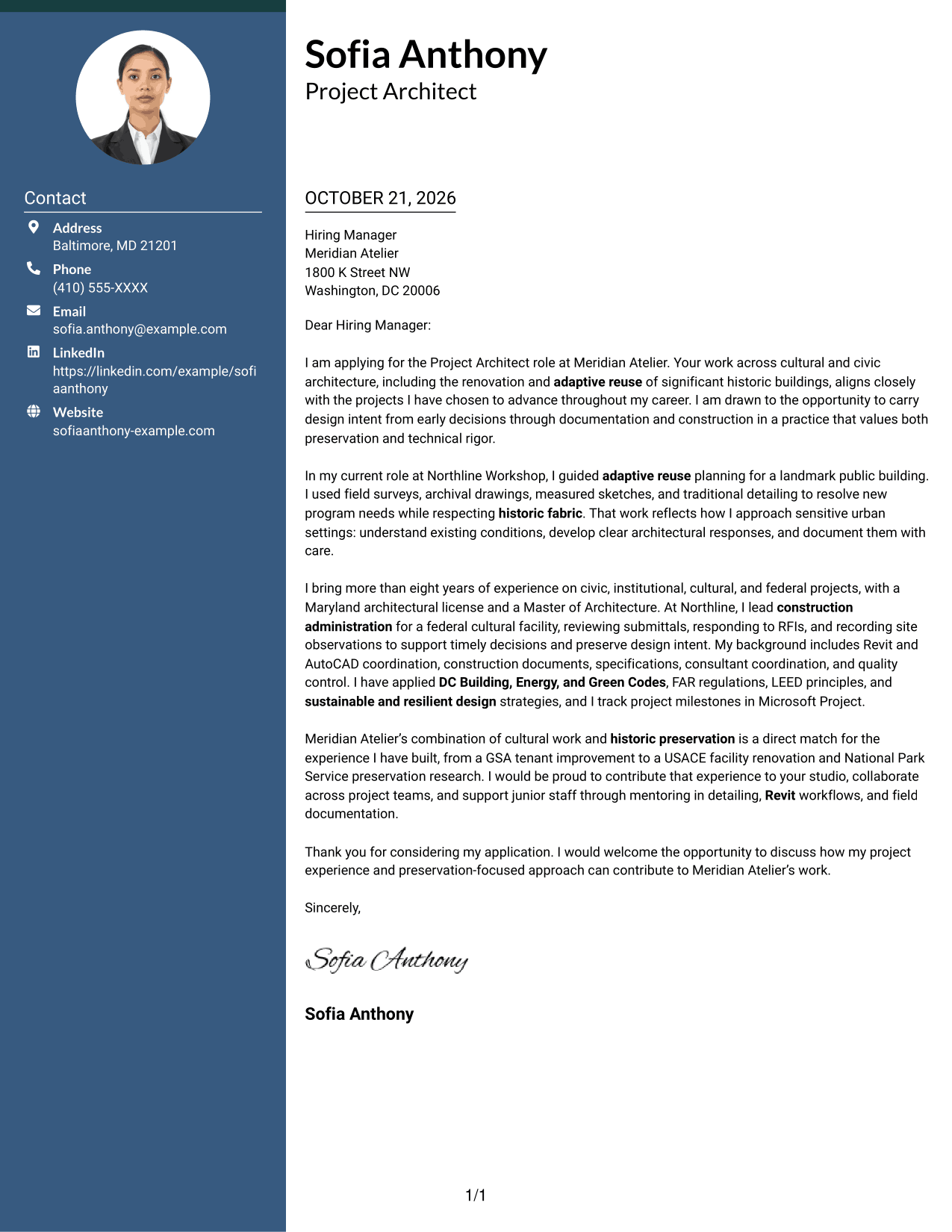
#3 Photo Header Two Column Format Cover Letter Example
A photo header and contact sidebar give this two-column letter a distinct visual identity while keeping its body continuous.
Why This Format Works
- Contact information has its own sidebar, apart from the uninterrupted letter body.
- With the body kept together, reviewers can follow the message from opening to close.
- The portrait offers a personal visual element without dividing the letter’s argument.
Best For
- Portrait-inclusive letters
- Separate contact access
- One-body paragraph structure
- Two-column page preference
- Project Architect applications
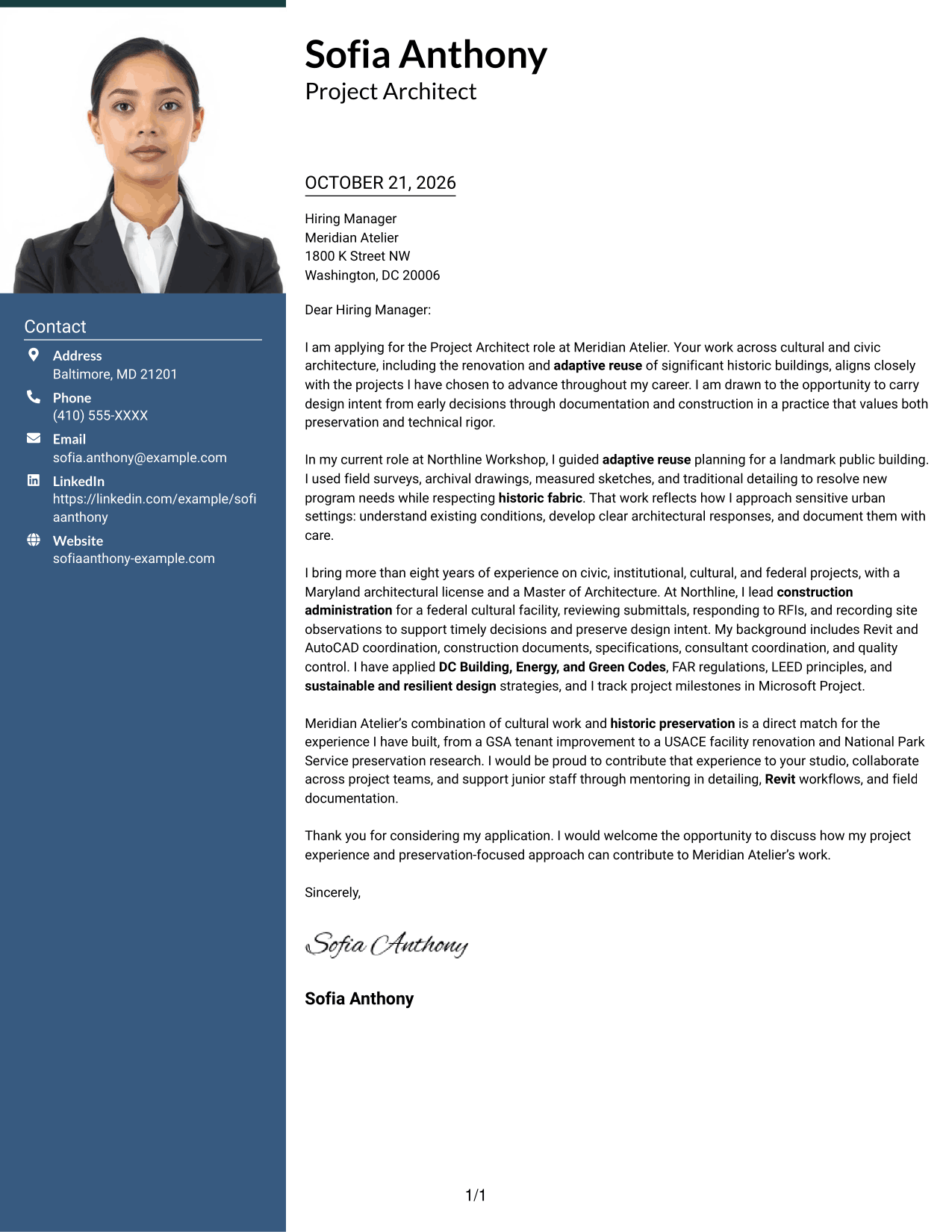
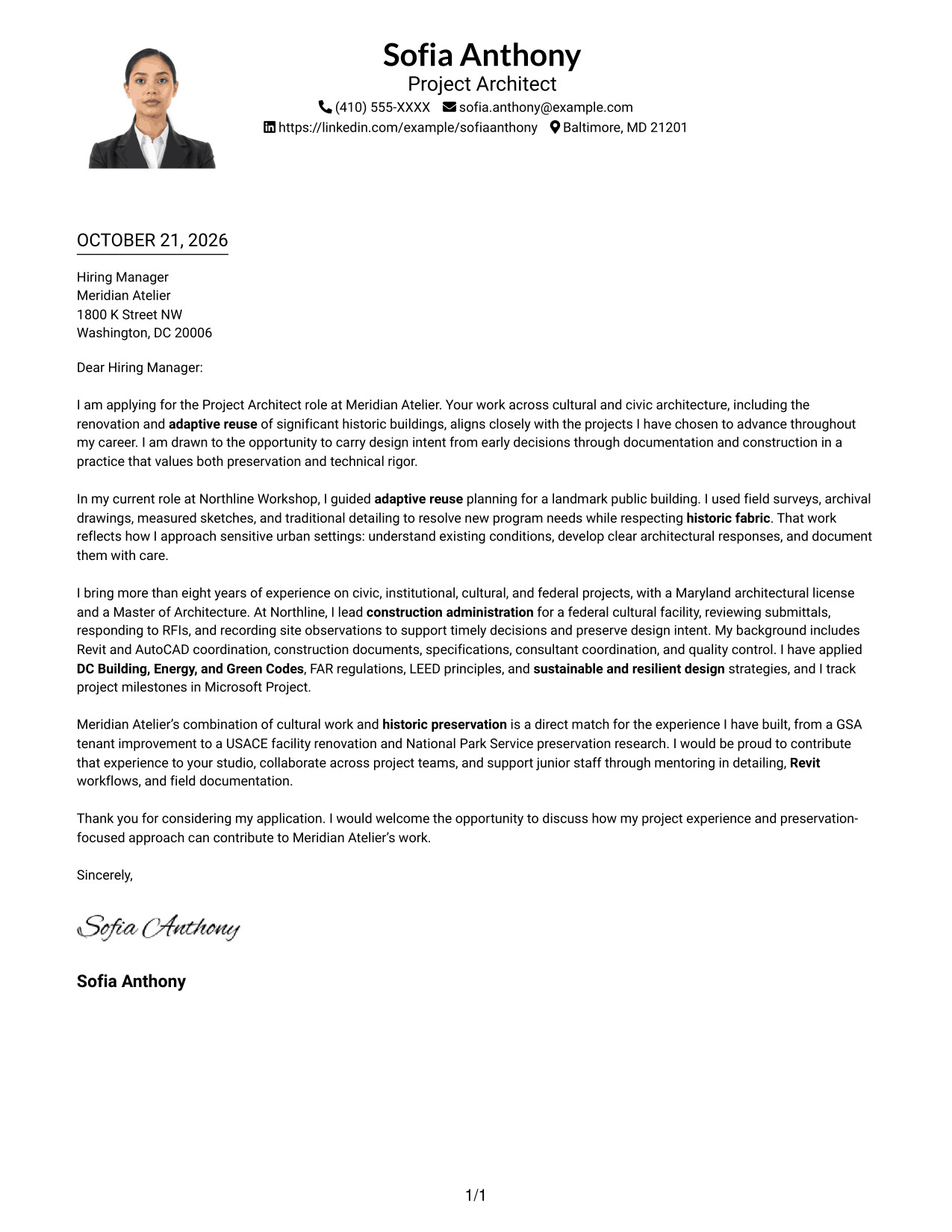
#4 One Column Format with Photo Cover Letter Example
A photo adds a personal visual element while the one-column body keeps the letter in one reading path.
Why This Format Works
- One body column gives the paragraphs a steady reading order from opening to close.
- Sender contact details remain in the header, separate from the letter text.
- The photo provides a personal visual choice while the letter’s message remains central.
Best For
- Single-column reading preference
- Portrait-inclusive correspondence
- Header-based contact details
- Continuous letter paragraphs
- Project Architect applications
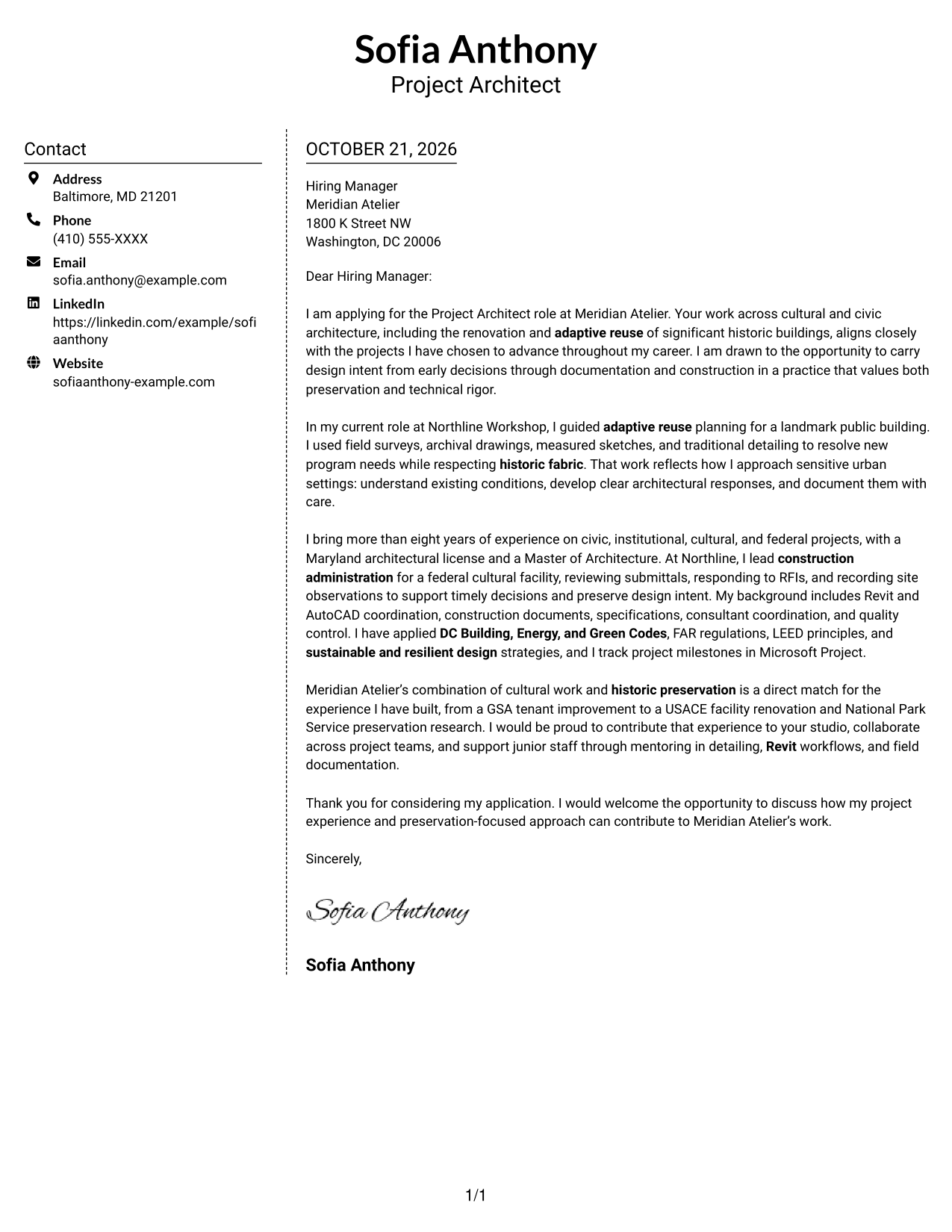
#5 Simple Two Column Format Cover Letter Example
The contact sidebar keeps sender details apart from the one continuous letter body, a practical choice when contact access matters.
Why This Format Works
- The contact sidebar separates sender details from the letter’s continuous body.
- Paragraphs stay together, letting reviewers follow the case without switching columns.
- Leaving out a photo suits a text-focused visual preference.
Best For
- Contact sidebar preference
- Continuous body copy
- Two-column letter pages
- Photo-free correspondence
- Project Architect applications
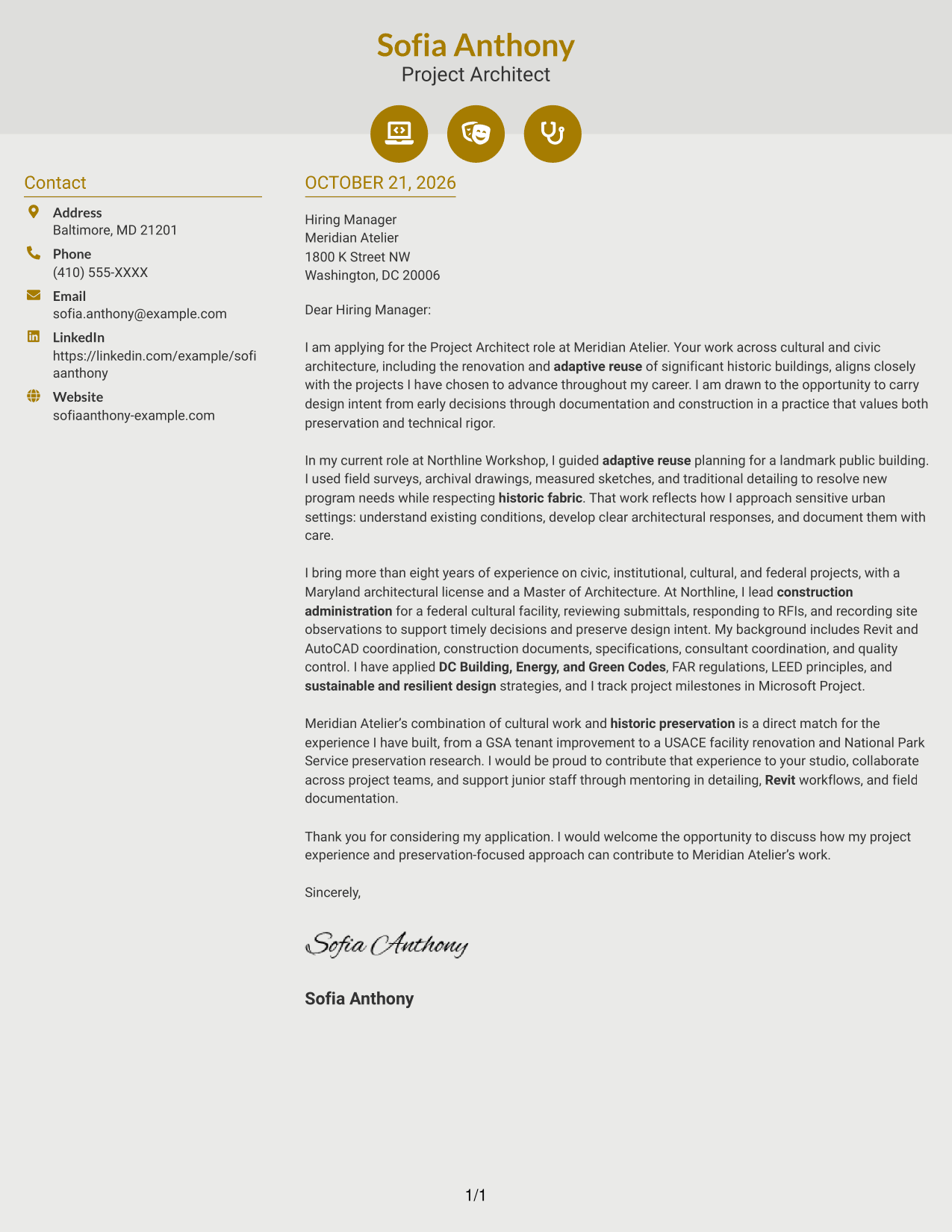
#6 Modern Icon Format Cover Letter Example
Contact icons and header accents add visual cues to the sidebar while the letter body stays continuous.
Why This Format Works
- Contact icons help distinguish details in the sidebar without labeling letter arguments.
- Keeping the letter in one body column preserves its opening-to-close sequence.
- Header accents add visual cues while leaving the persuasive text uninterrupted.
Best For
- Icon-marked contact information
- Two-column layouts
- Continuous letter arguments
- Photo-free presentation
- Project Architect applications
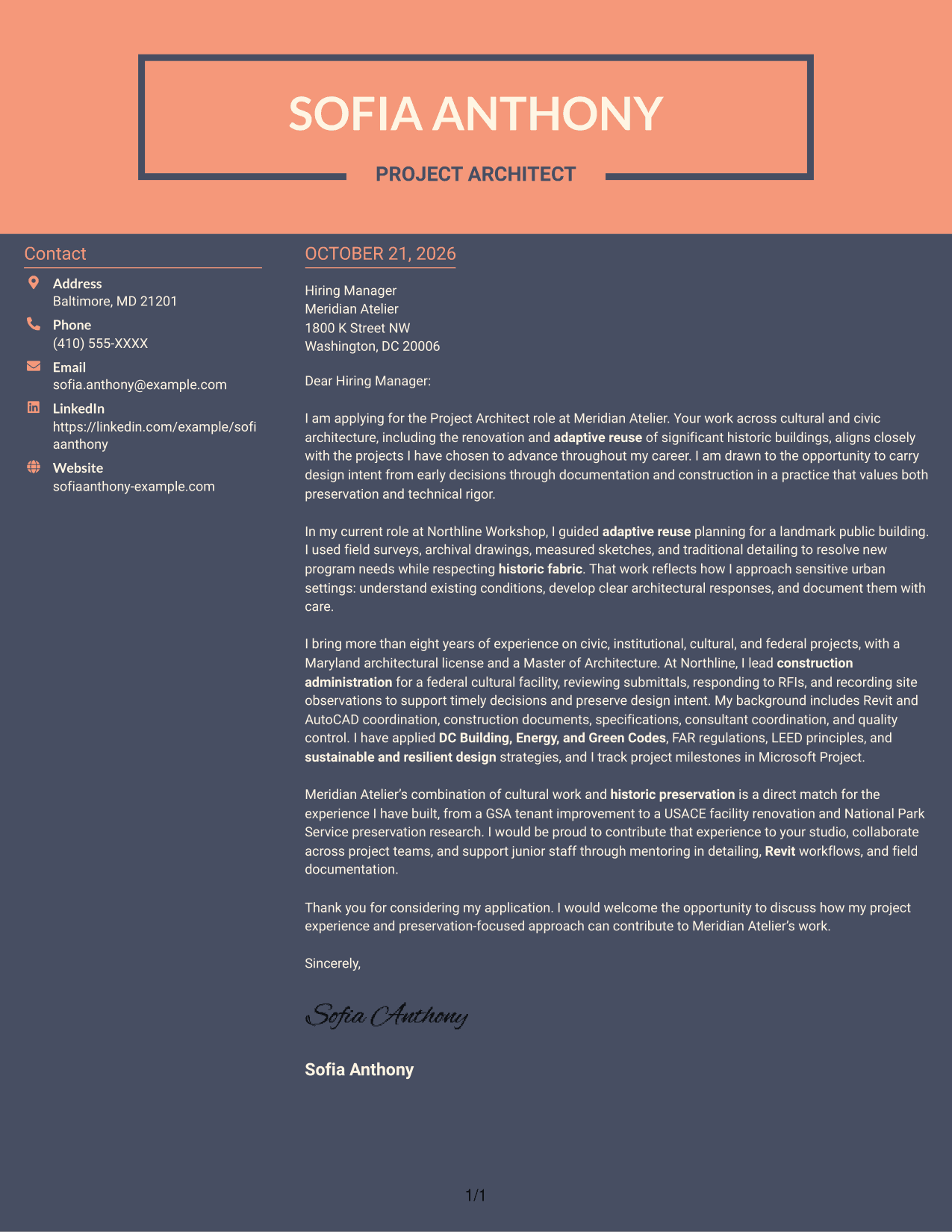
#7 Creative Two Tone Format Cover Letter Example
A contact sidebar sits beside the continuous letter body, giving contact details a separate place without splitting the message.
Why This Format Works
- Sender details have a separate place, so readers can locate them apart from the message.
- All persuasive paragraphs stay in one body rather than becoming parallel columns.
- With no photo, the layout keeps the visual treatment focused on text.
Best For
- Side-by-side contact details
- Single-body correspondence
- Two-column page preference
- No-photo visual style
- Project Architect applications
Why Use ResumeInMinutes for a Project Architect Cover Letter
ResumeInMinutes offers cover letter examples and layouts that can help you organize your message around role fit, relevant experience, and interest in the work.
- Clear letter layouts
- Job-specific customization
- Professional cover letter examples
- Focused writing guidance
- Editor previews
- Options for different communication styles
Compare the PNG previews to see how each layout presents the letter, then open an example in the editor to view or customize it.
See Also
- 7 Project Architect - Cultural Architecture & Historic Preservation Resume Templates with Example
- 7 Architect - Architectural Project Delivery Resume Templates with Example
- 7 Architectural Designer / Project Architect - Commercial and Institutional Resume Templates with Example
- 7 Industrial Project Architect Resume Templates with Example
- 7 Project Architect - Technical Project Delivery Resume Templates with Example
- 7 Senior Project Architect - Data Centers Resume Templates with Example
- 7 Early Career Architect or Designer - Sustainable Architecture Resume Templates with Example
- 7 SoC Engineering Architect - Subsystem Architecture Resume Templates with Example
- 7 Architect - Architectural Project Delivery Cover Letter Templates with Example
- 7 Architectural Designer / Project Architect - Commercial and Institutional Cover Letter Templates with Example
Frequently Asked Questions
What should a Project Architect cover letter emphasize for cultural architecture and historic preservation?
Show how your design decisions respect existing buildings while meeting current needs. Include relevant examples of preservation, renovation, adaptive reuse, or construction-phase coordination that reflect your own experience.
How should I structure this cover letter?
Open with your interest in the role, use the body to connect specific experience to the work, and close by expressing interest in a conversation. Keep each paragraph focused on one point.
Which cover letter layout should I choose?
Choose a clear layout that makes the letter easy to read and fits the employer’s communication style. Compare the image previews, then open an example in the editor to view or customize its presentation.
What examples can help show role fit?
Use a specific example that shows how you addressed the needs of a historic structure or sensitive urban setting. You might explain your approach to adaptive reuse, consultant coordination, documentation, or a construction-phase decision, when supported by your experience.
How can I show interest in a particular architecture practice?
Refer to the practice’s relevant cultural, civic, or preservation work, then explain why it connects to your own professional interests. Keep the reason specific and link it to the contribution you hope to make.
What do the cover letter previews show?
The PNG previews show how the letter appears in each layout. You can compare the images and open an example in the editor to view or customize it.




