
7 Project Architect - Technical Project Delivery Cover Letter Templates with Example
This practical guide to a Project Architect - Technical Project Delivery cover letter presents seven layouts to help you make a clear case for your technical delivery approach.
What Makes a Great Project Architect - Technical Project Delivery Cover Letter in 2026
A strong letter connects your approach to design development, technical documentation, and construction administration. Its opening should state your interest and make the role fit clear.
Use specific evidence, such as consultant coordination, code and constructability reviews, or construction-phase decisions. Link that experience to the employer’s focus on carrying projects through closeout.
The featured example follows a focused progression from role fit to relevant evidence and a direct close. Adapt that flow while choosing a presentation that suits the employer and the communication context.
#1 Simple One Column Format Cover Letter Example
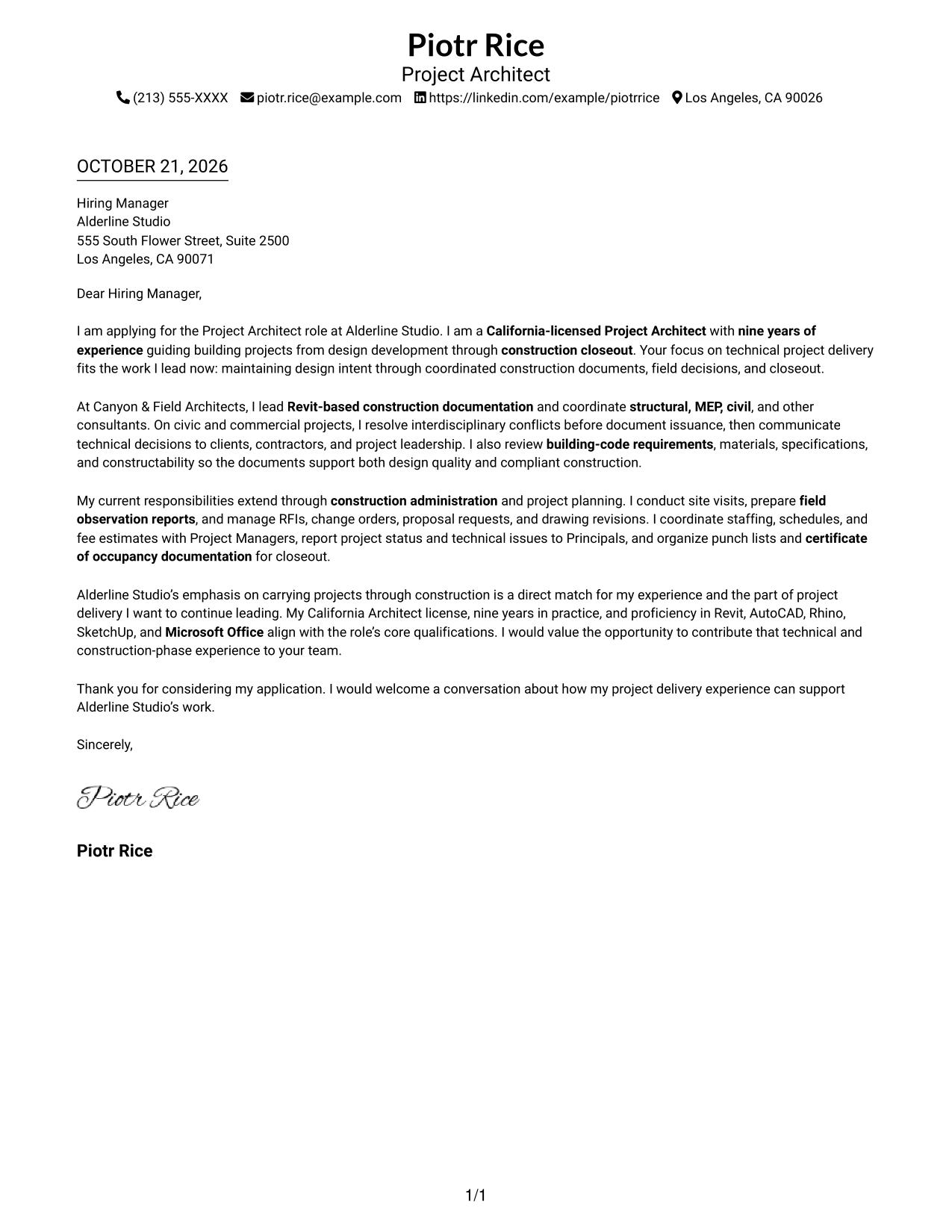
The Simple One Column Format places sender details in the header and keeps the letter body in one column, giving the opening, supporting points, and closing a direct reading path.
Why This Format Works
- The opening, supporting points, and closing stay in one easy-to-follow sequence.
- Sender details remain in the header, apart from the letter's message.
- The lack of a portrait suits text-led correspondence where writing takes focus.
Best For
- Single-column letter layouts
- Header-based contact details
- Text-first application materials
- Letters with several role-fit points
- Photo-free correspondence
#2 Two Column Format Cover Letter Example
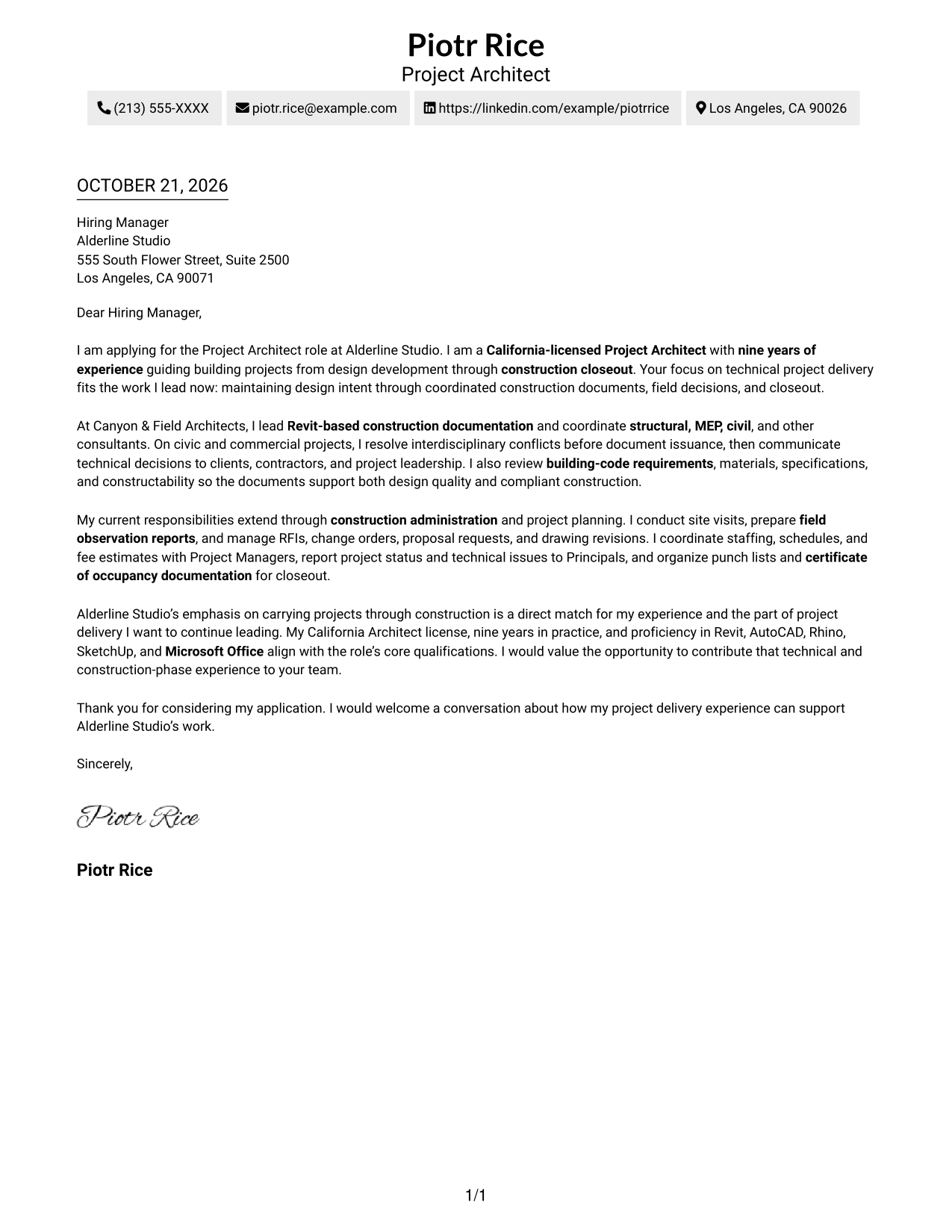
The Two Column Format sets sender details in a sidebar beside one continuous letter body, keeping contact information separate from the written case.
Why This Format Works
- The sidebar makes sender details easy to find without interrupting the written case.
- The letter remains one connected sequence from its opening through the closing paragraphs.
- A text-led layout suits correspondence where the message should remain the main focus.
Best For
- Two-column layout preference
- Several sender contact methods
- Letters with multiple supporting points
- Text-focused application materials
- Direct role-alignment messages
#3 Photo Header Two Column Format Cover Letter Example
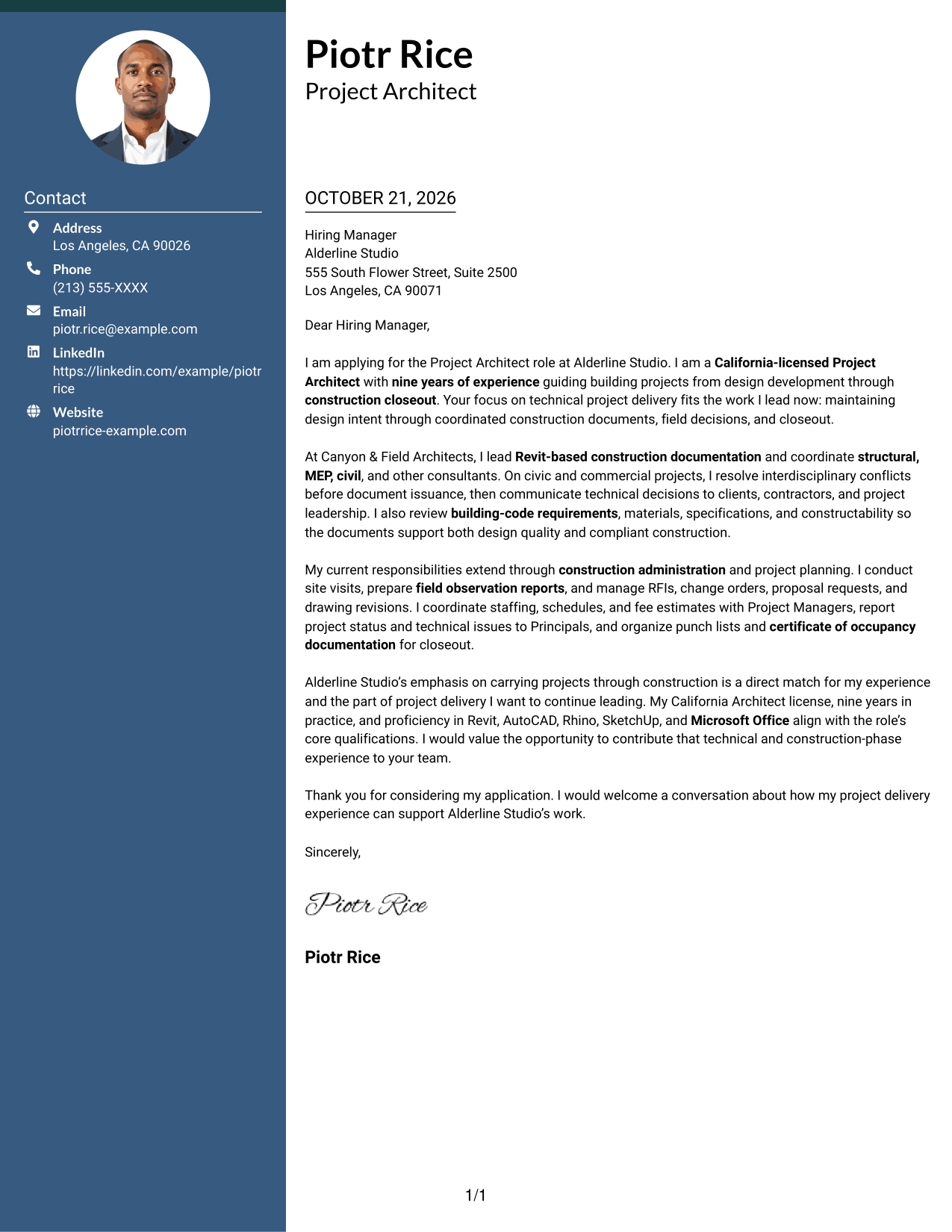
The Photo Header Two Column Format combines a photo in the header with a contact sidebar beside the letter's continuous body.
Why This Format Works
- The portrait gives the header a clear visual identity before the letter begins.
- Contact details sit apart from the letter's continuous paragraphs.
- One uninterrupted body keeps the opening and closing in the same sequence.
Best For
- Prominent portrait in the header
- Sidebar-based contact access
- Letters with several supporting points
- Multiple sender contact details
- Photo-forward correspondence
#4 One Column Format with Photo Cover Letter Example
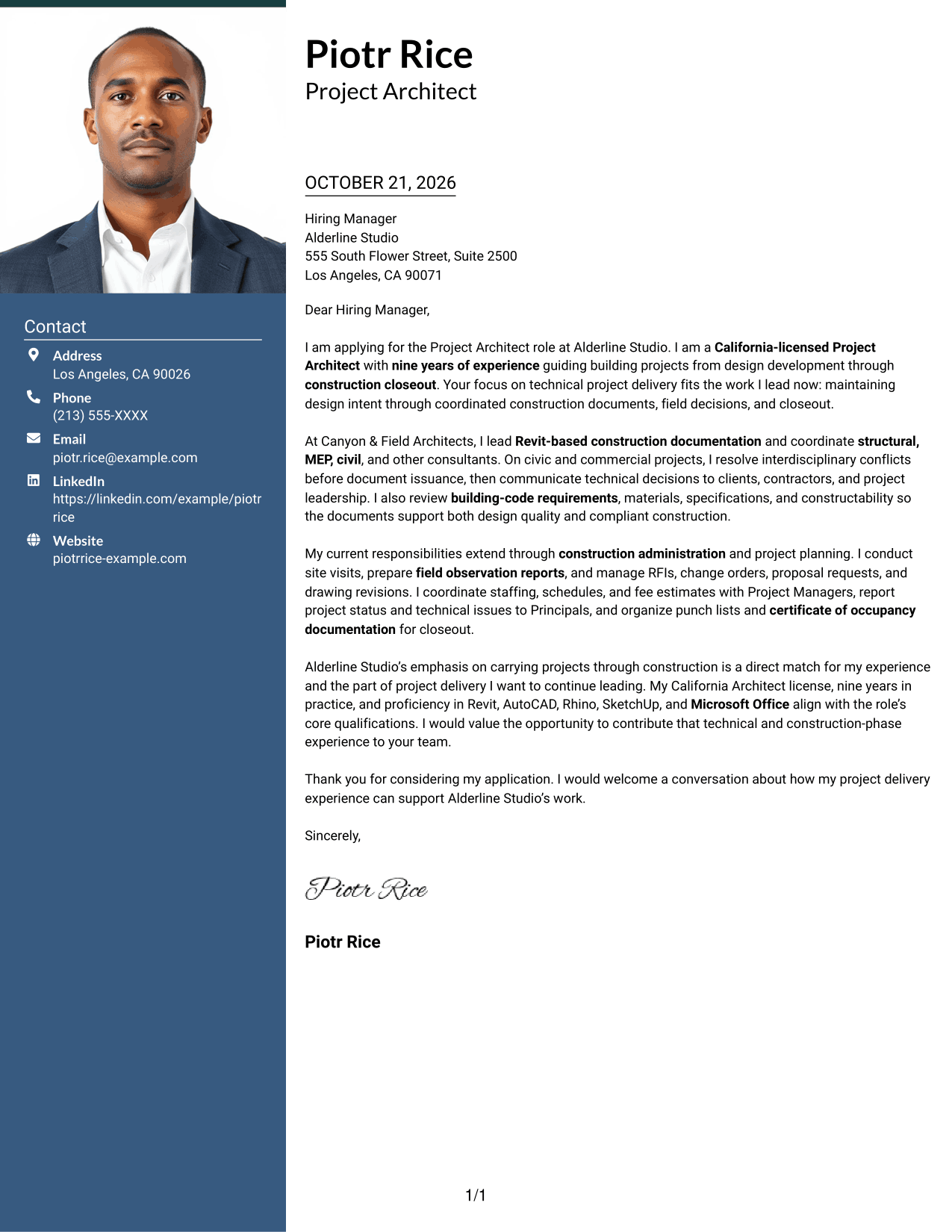
The One Column Format with Photo places a portrait in the header while keeping sender details and the continuous letter body in a single-column layout.
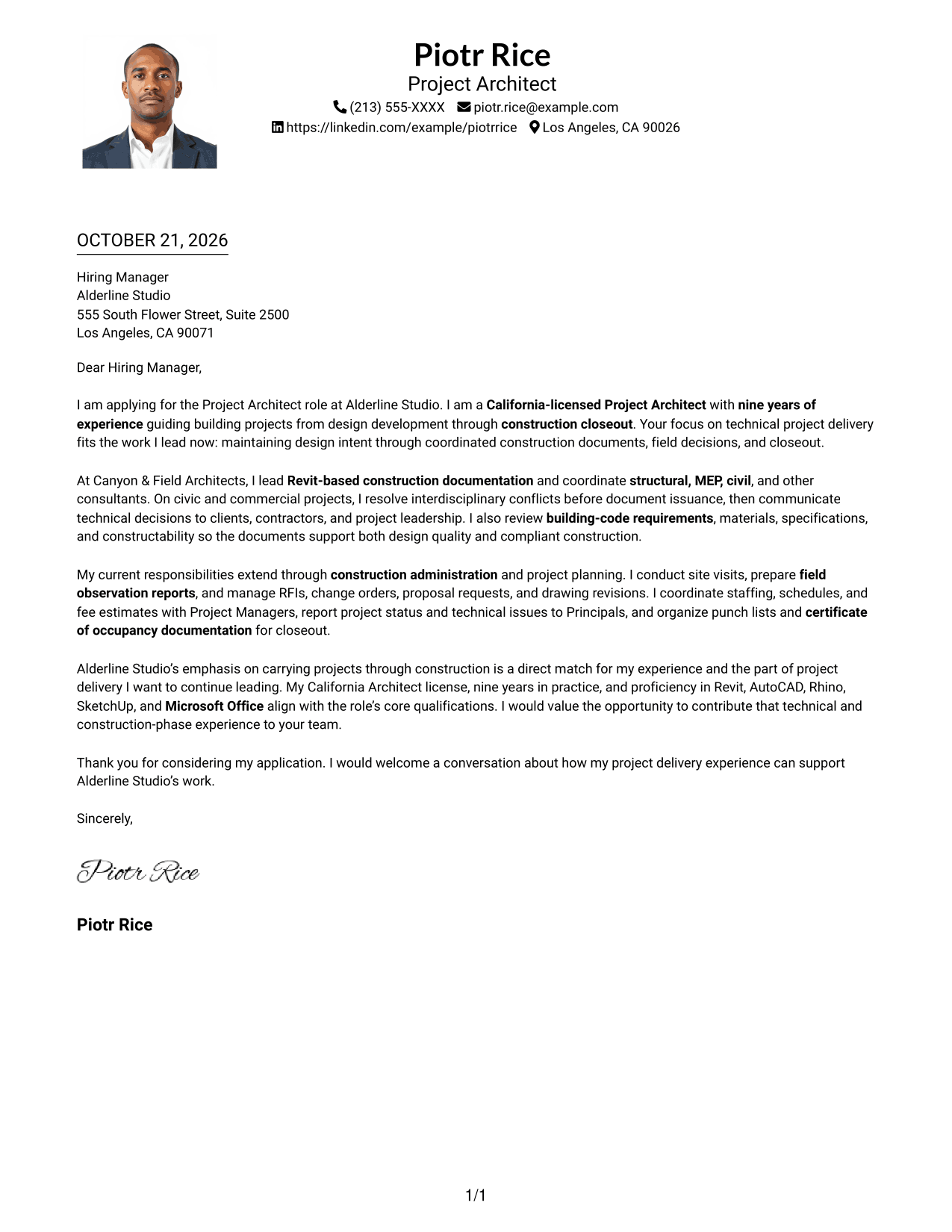
Why This Format Works
- The portrait adds a visible personal element before the letter's message begins.
- One-column paragraphs keep the message's progression easy to follow.
- Sender details share the header rather than a separate sidebar.
Best For
- Portrait in the header
- Single-column letter reading
- Header-based sender contact details
- Letters with a focused written case
- Photo-inclusive correspondence
#5 Simple Two Column Format Cover Letter Example
The Simple Two Column Format gives sender details a sidebar beside a single, continuous letter body, separating contact information from the message.
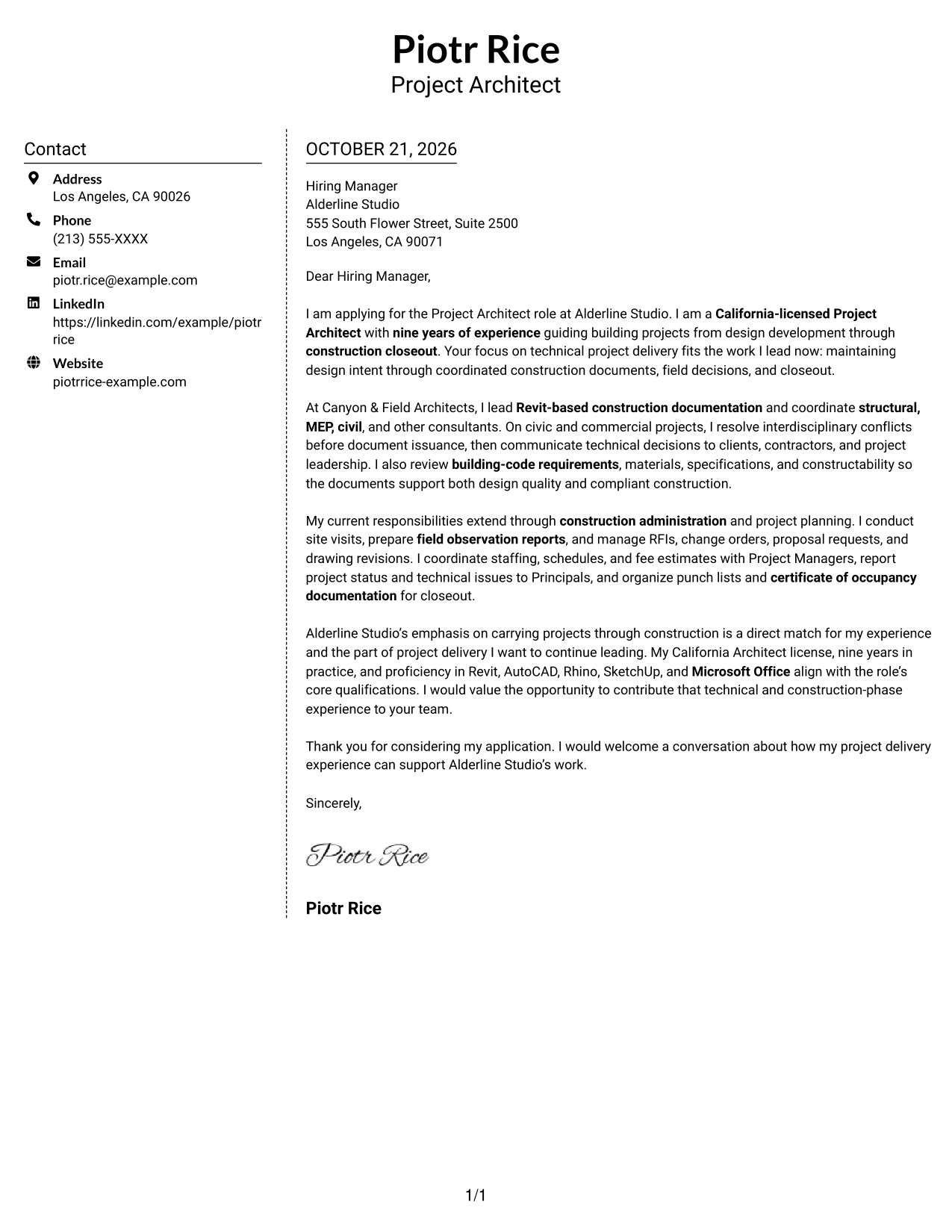
Why This Format Works
- The sidebar places contact information beside, not inside, the letter's argument.
- Readers can follow the opening and supporting points in one continuous body.
- The photo-free presentation keeps attention on written correspondence.
Best For
- Side-by-side contact presentation
- Letters with several supporting paragraphs
- Direct opening and closing messages
- Text-first correspondence
- Photo-free document preference
#6 Modern Icon Format Cover Letter Example
The Modern Icon Format uses a contact sidebar beside one continuous letter body, with icons serving as contact cues or decorative header accents.
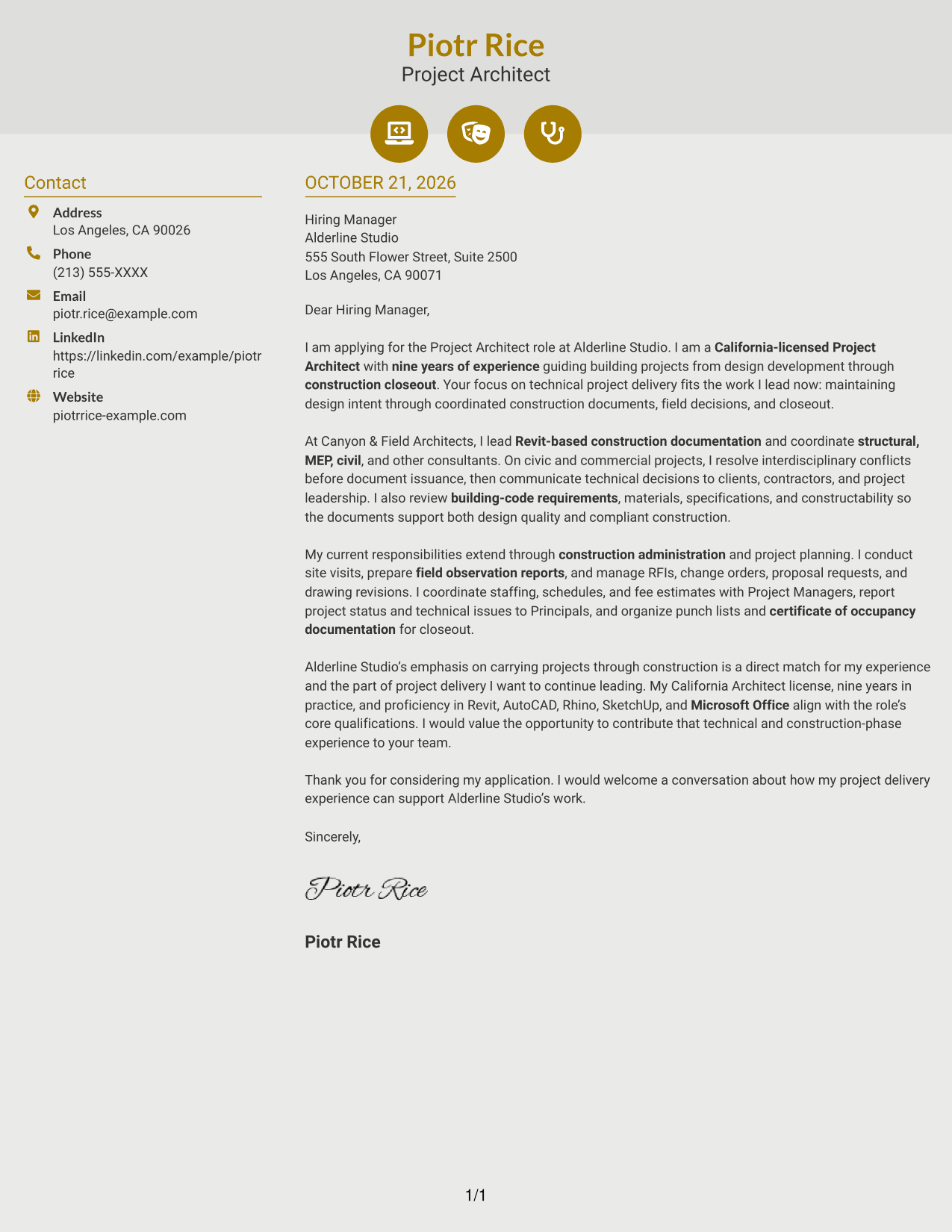
Why This Format Works
- Contact icons help readers distinguish sender details from the continuous letter body.
- Decorative header accents add visual detail without labeling the argument's stages.
- The sidebar keeps contact information apart from the letter's paragraphs.
Best For
- Icon-led contact details
- Two-column page preference
- Letters with multiple supporting points
- Decorative header accents
- Photo-free correspondence
#7 Creative Two Tone Format Cover Letter Example
The Creative Two Tone Format places sender details in a sidebar beside one continuous letter body, keeping the argument together in a single column.
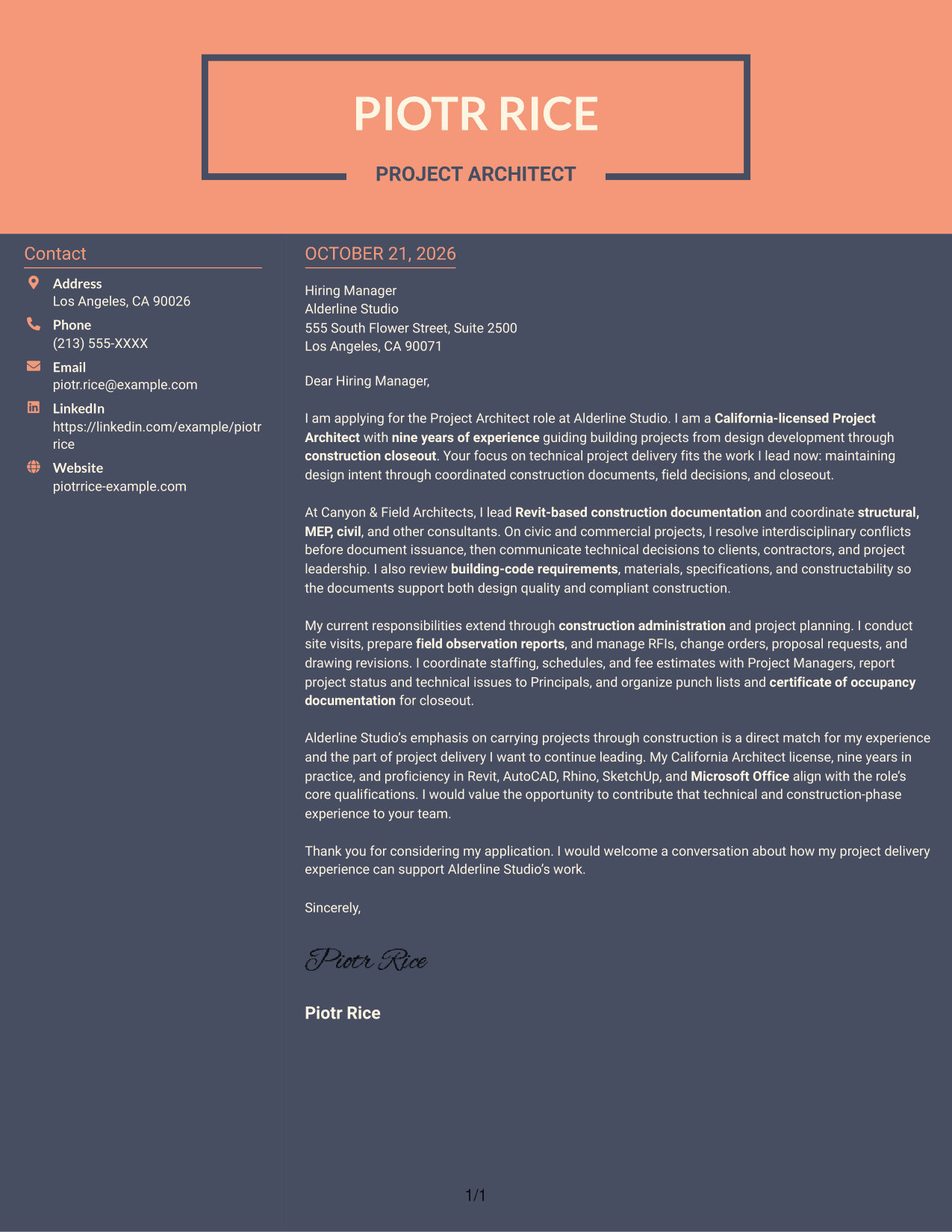
Why This Format Works
- The contact sidebar gives sender details a separate place beside the letter.
- The body carries the opening, supporting points, and closing without section headings.
- The photo-free layout keeps the correspondence focused on its written message.
Best For
- Sidebar-based contact details
- One continuous letter argument
- Letters with several role-alignment points
- Applications centered on written communication
- Photo-free document preference
Why Use ResumeInMinutes for a Project Architect - Technical Project Delivery Cover Letter
Compare the image previews, then open an example in the editor to customize its cover letter content and presentation.
- Professional presentation options
- Role-focused cover letter guidance
- Image previews for comparison
- Editor links for customization
- Clear letter structure
- Cover letter examples
Use the example to shape a direct opening, support your technical fit with relevant evidence, and close with a clear expression of interest.
See Also
- 7 Project Architect - Technical Project Delivery Resume Templates with Example
- 7 Architect - Architectural Project Delivery Resume Templates with Example
- 7 Architectural Designer / Project Architect - Commercial and Institutional Resume Templates with Example
- 7 Industrial Project Architect Resume Templates with Example
- 7 Project Architect - Cultural Architecture & Historic Preservation Resume Templates with Example
- 7 Senior Project Architect - Data Centers Resume Templates with Example
- 33 Java Technical Architect Resume Templates with Example 2026 (ATS-Optimized)
- 7 Technical Architect - Healthcare IT Infrastructure Resume Templates with Example
- 7 Architect - Architectural Project Delivery Cover Letter Templates with Example
- 7 Architectural Designer / Project Architect - Commercial and Institutional Cover Letter Templates with Example
Frequently Asked Questions
What should the opening paragraph say for this Project Architect cover letter?
State your interest in the Project Architect - Technical Project Delivery role and make the connection between your experience and its focus on coordinated delivery through construction clear.
What kind of evidence belongs in the body of the letter?
Choose relevant examples, such as resolving consultant conflicts, reviewing codes and constructability, managing RFIs or revisions, or documenting field observations. Use only examples that reflect your own work.
How can I show alignment with Alderline Studio?
Connect your own experience to the role’s stated focus on design intent, technical documentation, construction administration, and closeout. Refer to specific studio work only when you can verify the details.
Which cover letter style works well for a Project Architect application?
Choose a clear, professional style that is easy to read and supports the message. Keep the opening, evidence, and close easy to follow, and consider the employer and communication context.
Should I include a photo on my cover letter?
In the United States, a photo is usually not needed for a cover letter. A simple presentation without a photo is a sound choice unless the employer asks for one.




