
7 Project Engineer Construction Resume Templates with Example
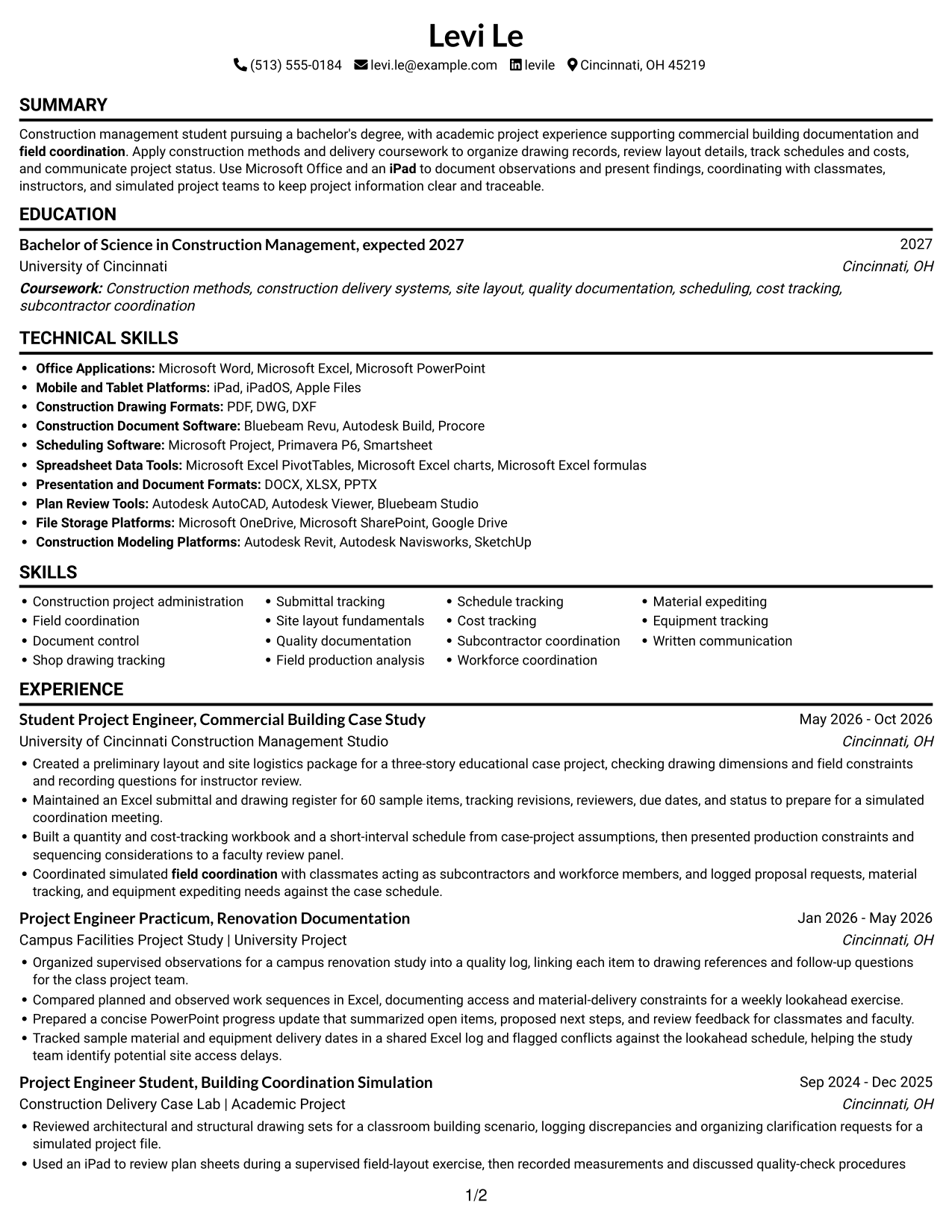
This guide shows you how to create a clear, focused Project Engineer Construction resume. You will learn how to organize your project evidence and choose a format that makes key details easy to find.
Strong resumes for this role show how you support project records and field coordination. Highlight relevant work with drawing and submittal tracking, site layout, quality documentation, schedule and cost tracking, material coordination, and clear project updates.
Explore one Project Engineer Construction resume example presented in 7 layouts. Compare the image previews, then open an example in the editor to view or customize its format.
What Makes a Great Project Engineer Construction Resume in 2026
A strong resume uses clear sections, direct bullet points, and evidence that shows how you support project records, field work, and coordination. Keep the most relevant education, experience, skills, and certifications easy to scan.
Use role-specific terms such as document control, shop drawing and submittal tracking, field production analysis, schedule and cost tracking, subcontractor coordination, and material expediting. Support these terms with accurate examples, such as maintaining a register for 60 sample items or tracking delivery dates in a project log.
Note: Resume examples are for educational purposes only. Use only information that accurately reflects your experience and qualifications. References to real organizations do not imply affiliation or endorsement.
#1 Simple One Column Format Resume Example
The Simple One Column Format keeps resume content in one reading path, so reviewers can follow section order from top to bottom.
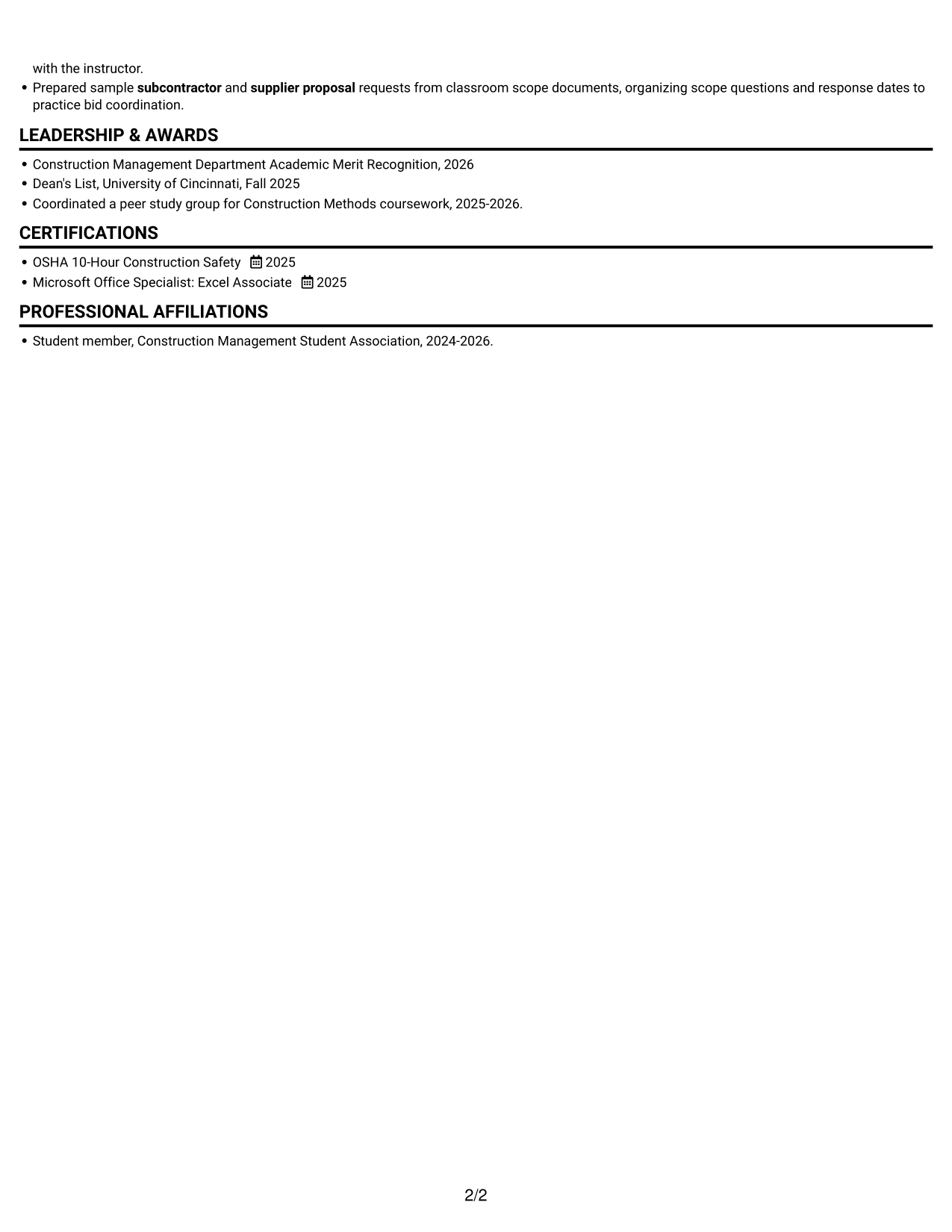
Why This Format Works
- A single reading path lets reviewers follow experience and education in sequence.
- Skills and credentials stay within the same clear section order.
- The one-column sequence helps reviewers connect project records with related experience.
Best For
- Sequential section-by-section review
- Resumes with several experience entries
- A clear reading path
- Experience and education in one flow
- Straightforward ATS reading
Resume Keywords
- Construction project administration
- field coordination
- Document control
- Shop drawing tracking
- Submittal tracking
- Field production analysis
- Schedule tracking
- subcontractor coordination
- Workforce coordination
- Prepared sample subcontractor and supplier proposal requests from classroom scope documents, organizing scope questions and response dates to practice bid coordination.
- Written communication
- Microsoft Word
- Microsoft Excel
- Microsoft PowerPoint
- iPad
#2 Simple Two Column Format Resume Example
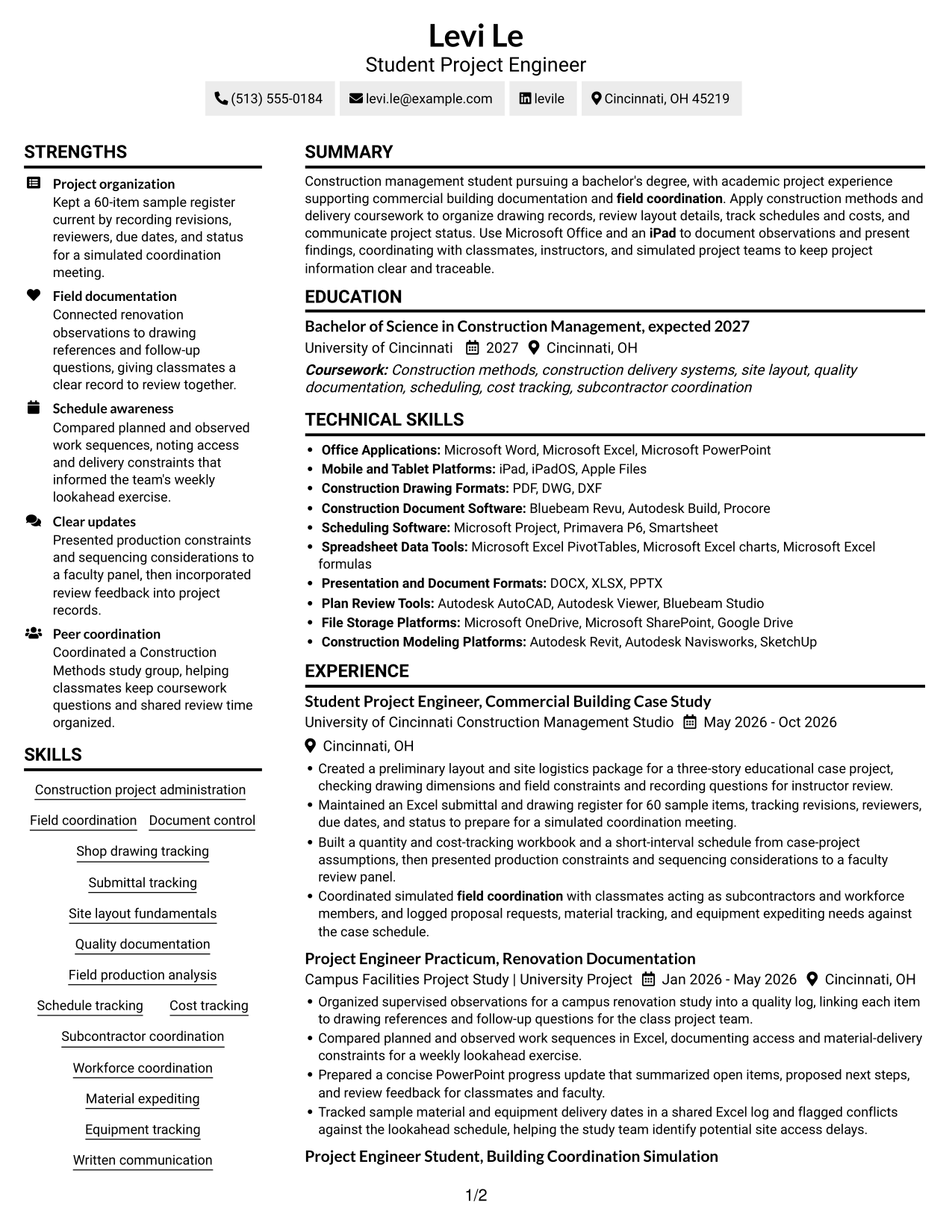
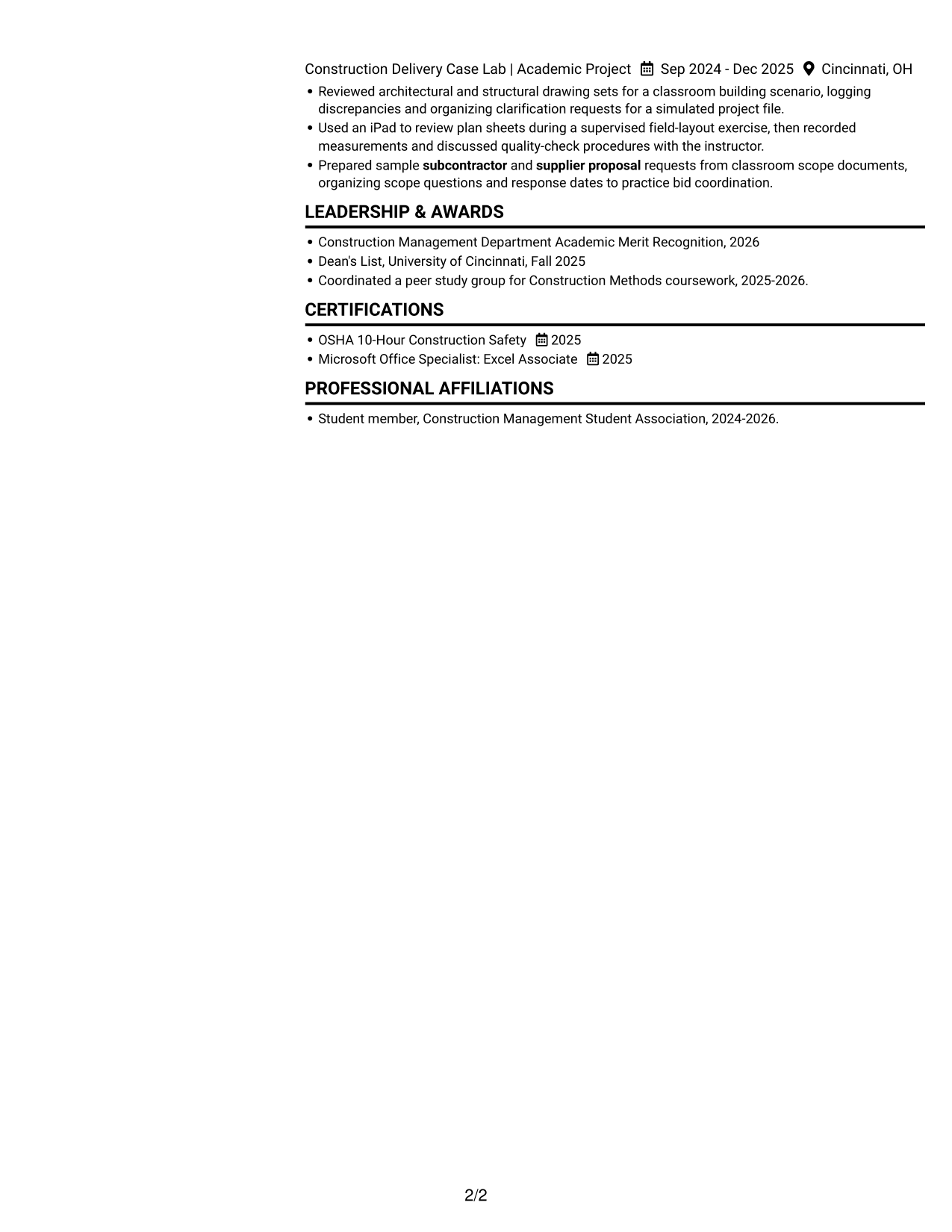
The Simple Two Column Format uses two content columns, giving reviewers a compact way to move between resume sections.
Why This Format Works
- The two-column structure gives experience and supporting sections distinct areas.
- Separate columns help reviewers locate skills without leaving the resume.
- The compact arrangement lets education and credentials sit alongside other content.
Best For
- Separate areas for resume details
- Compact section organization
- Quick reference to skills
- Experience paired with supporting information
- Readers comparing several resume sections
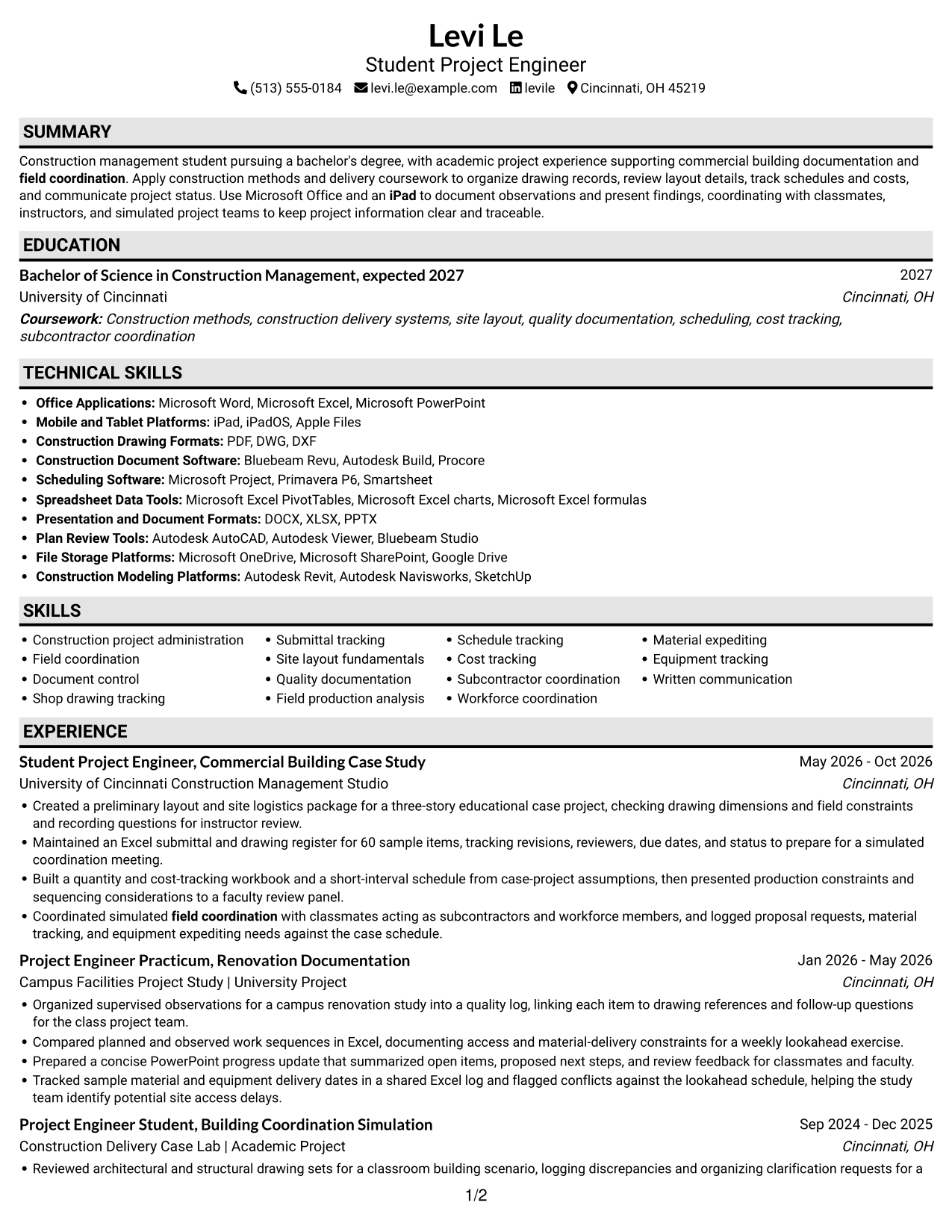
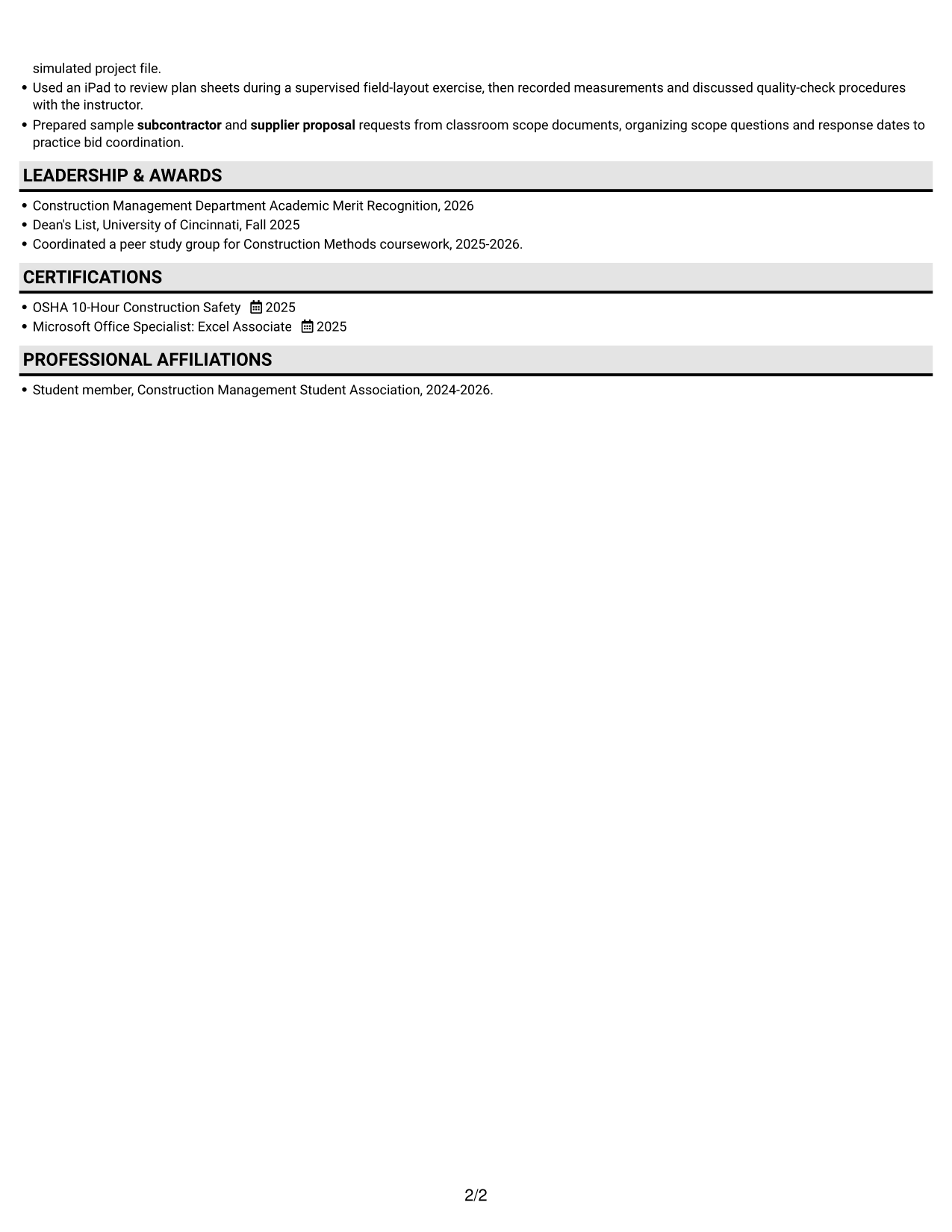
#3 Plain One Column with Shaded Labels Resume Example
Plain One Column with Shaded Labels keeps the resume in a single column, offering a direct route through each section.
Why This Format Works
- A single column keeps career history in a consistent reading sequence.
- Reviewers can move from experience to education without switching columns.
- The simple structure gives project achievements room to remain easy to follow.
Best For
- One-column resume reading
- A consistent section sequence
- Experience listed in clear order
- Education alongside career history
- Simple resume navigation
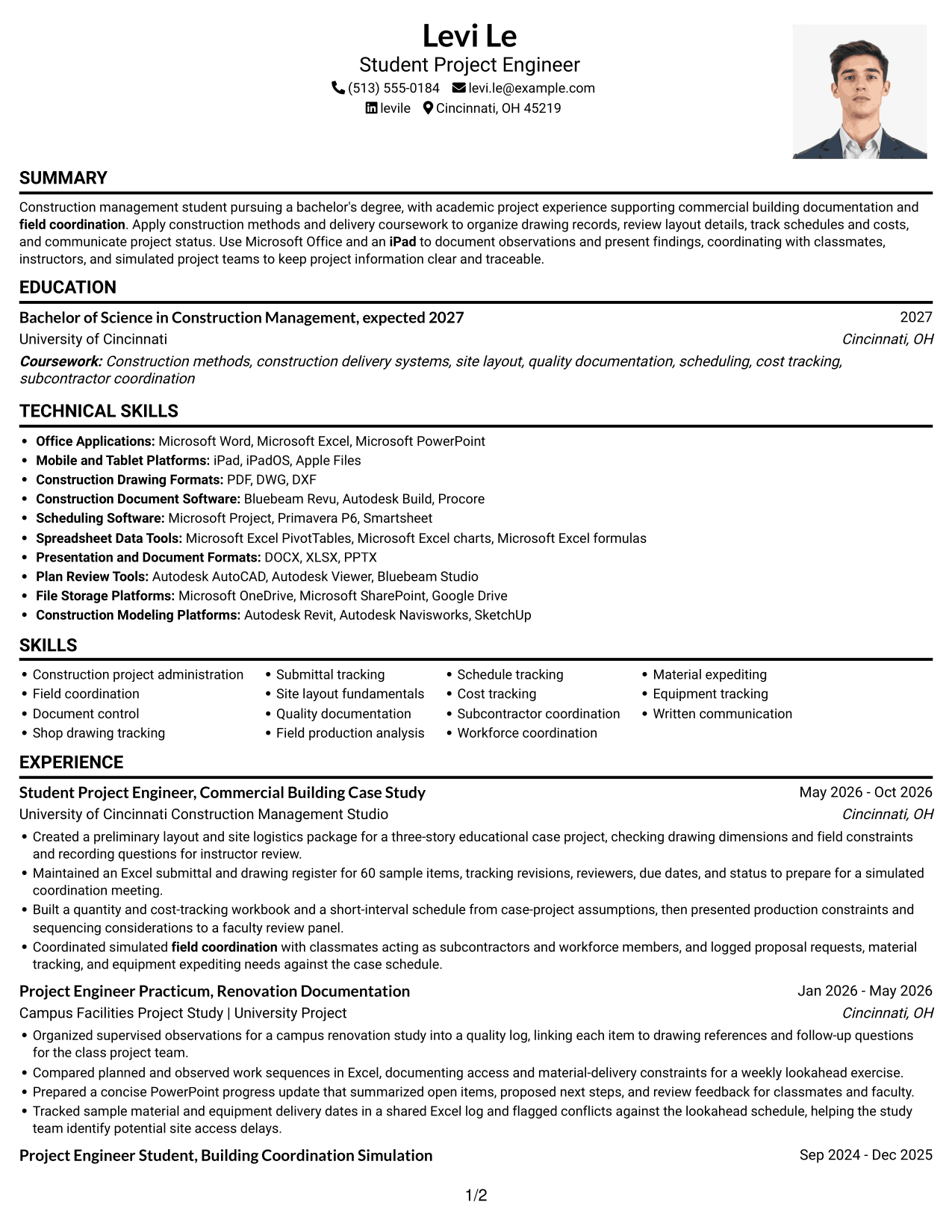
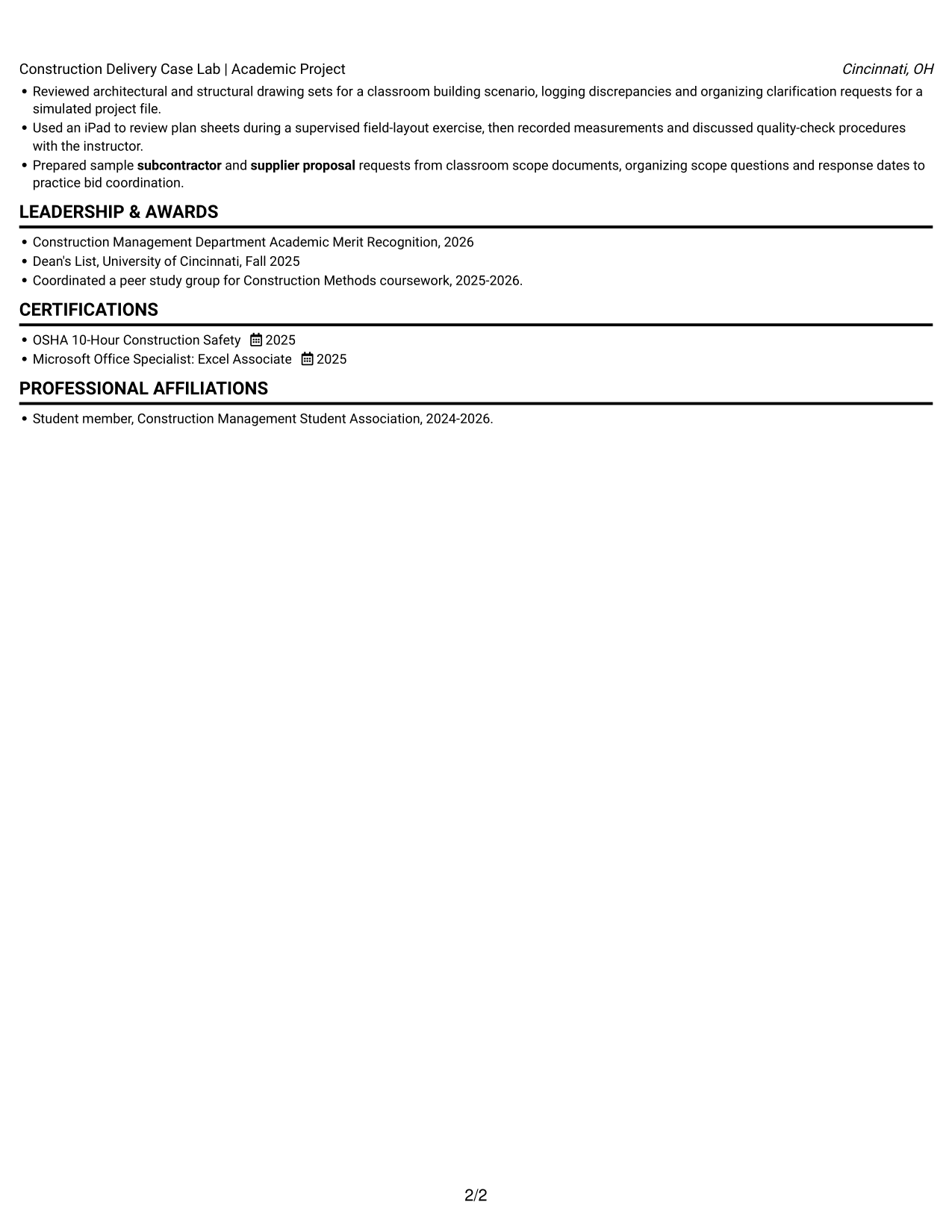
#4 One Column Format with Photo Right Resume Example
One Column Format with Photo Right pairs a single-column resume with a photo, for readers who prefer a portrait in the document.
Why This Format Works
- The one-column reading order keeps experience and education easy to follow.
- Resume sections stay in a single sequence for straightforward review.
- A portrait adds a visual element without changing the section structure.
Best For
- One-column resume review
- Portrait included by preference
- A clear experience sequence
- Education and credentials in one flow
- Readers who favor a photo
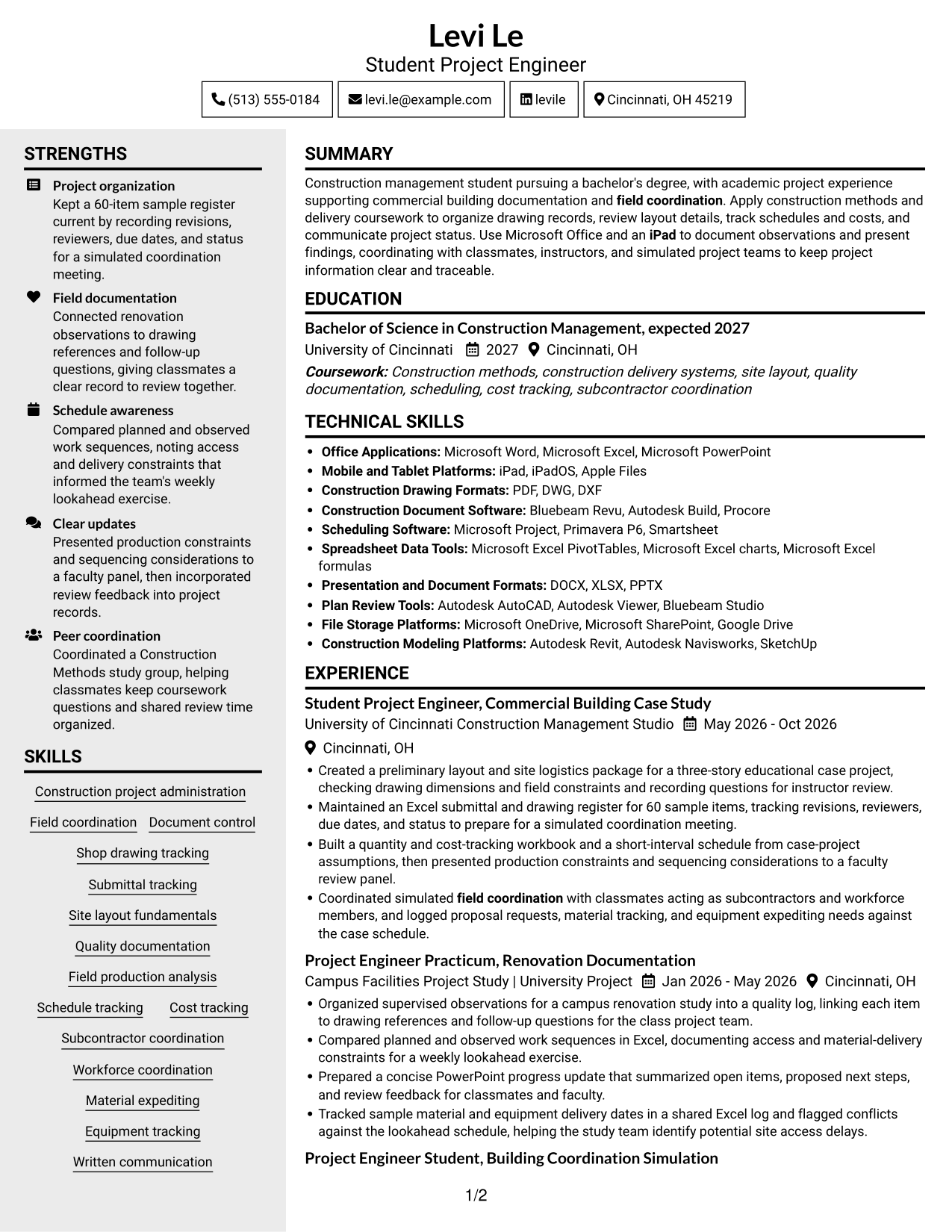
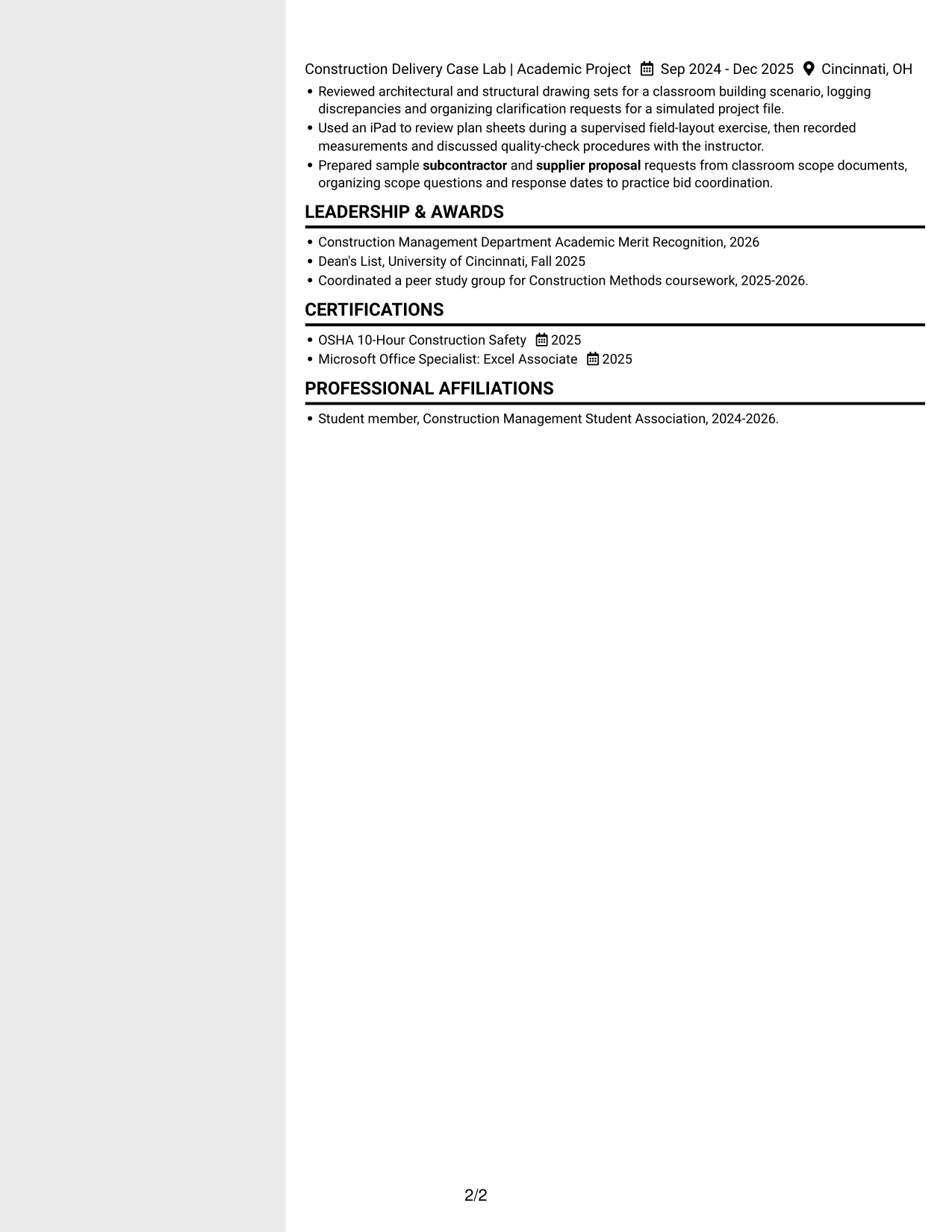
#5 Clean Two Column Sidebar Format Resume Example
Clean Two Column Sidebar Format divides resume content across two columns, helping reviewers find separate sections at a glance.
Why This Format Works
- Two columns give experience and supporting information separate places to read.
- The divided layout helps reviewers return to a section during review.
- Skills and credentials can be found without scanning one long column.
Best For
- Separate resume content areas
- Quick section lookup
- Skills and credentials reference
- Several types of supporting details
- Readers who prefer divided content
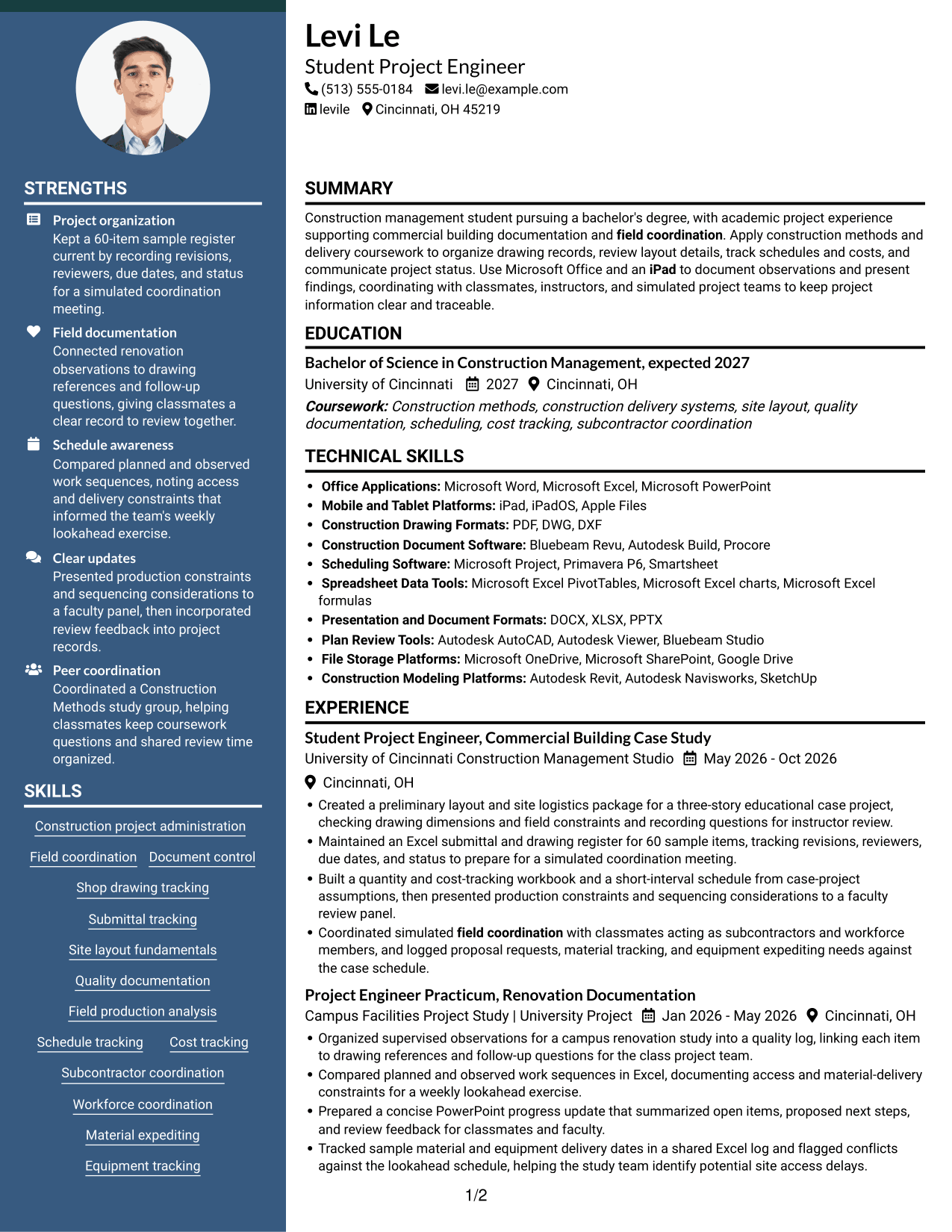
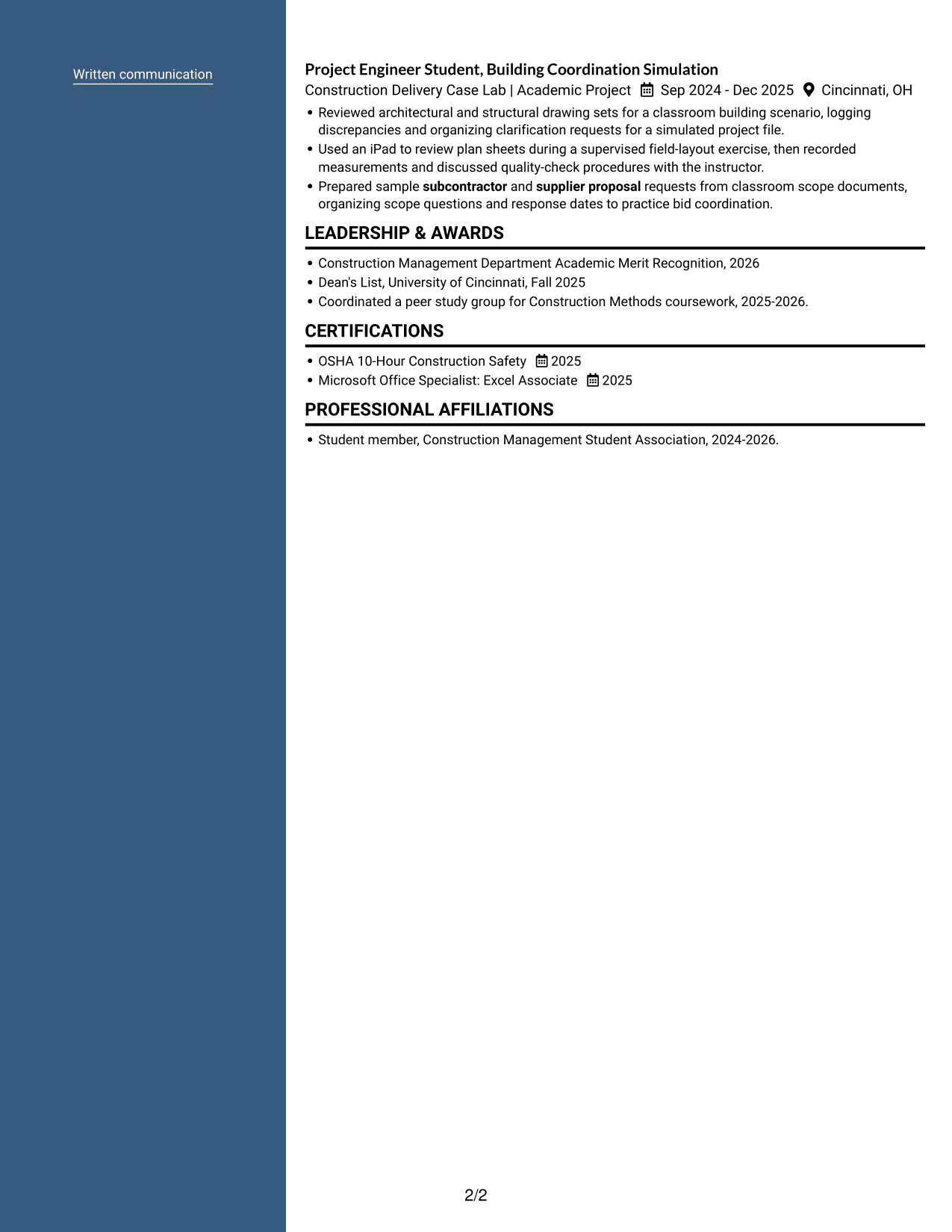
#6 Two Column Format Resume Example
Two Column Format places resume content in two columns, providing a divided layout for readers who want key sections easy to locate.
Why This Format Works
- Separate columns help reviewers move between experience and education sections.
- The divided structure makes supporting details easier to locate during review.
- Readers can find skills without following a single long section sequence.
Best For
- Resume sections in separate areas
- Readers who scan by section
- Skills apart from career history
- Experience with supporting details
- Divided content for quick review
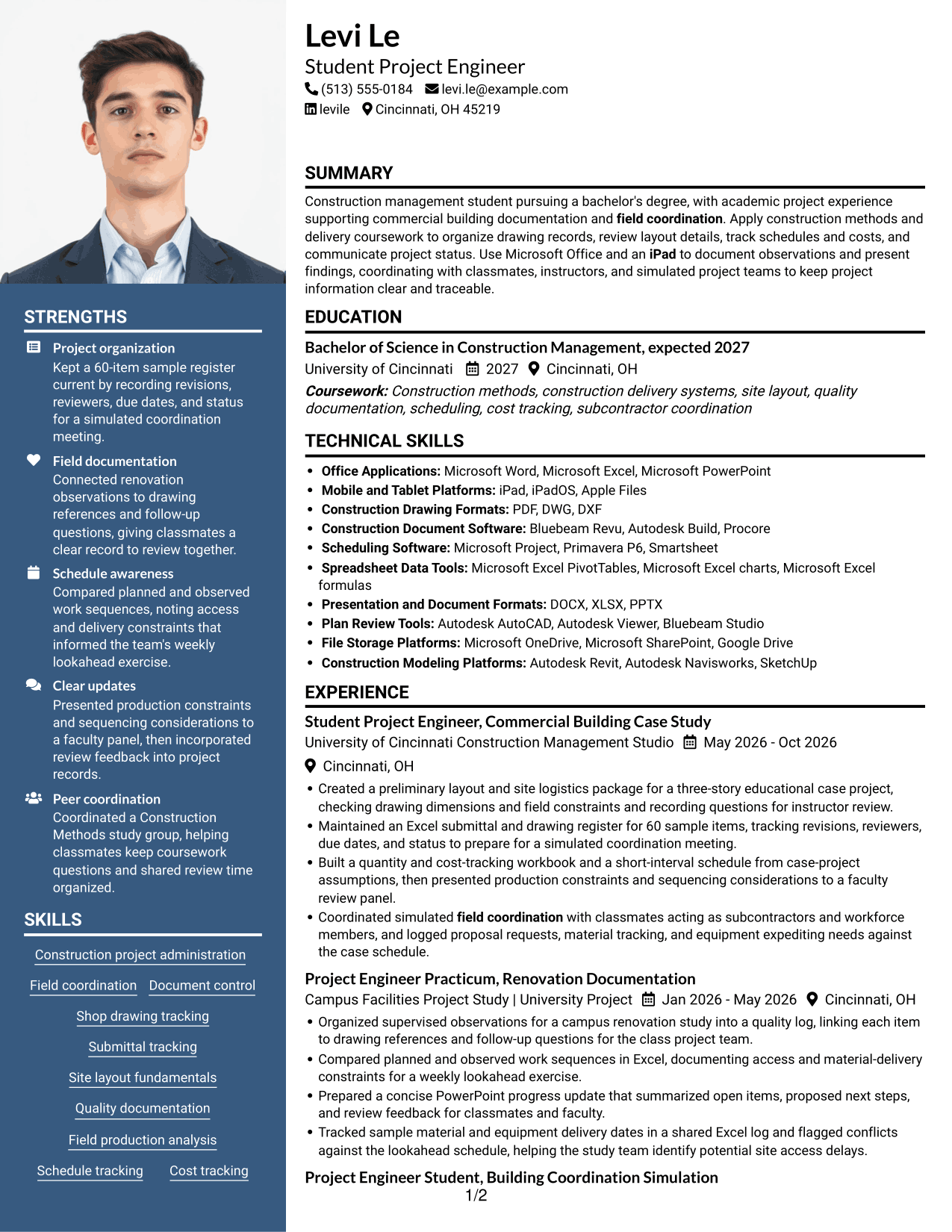
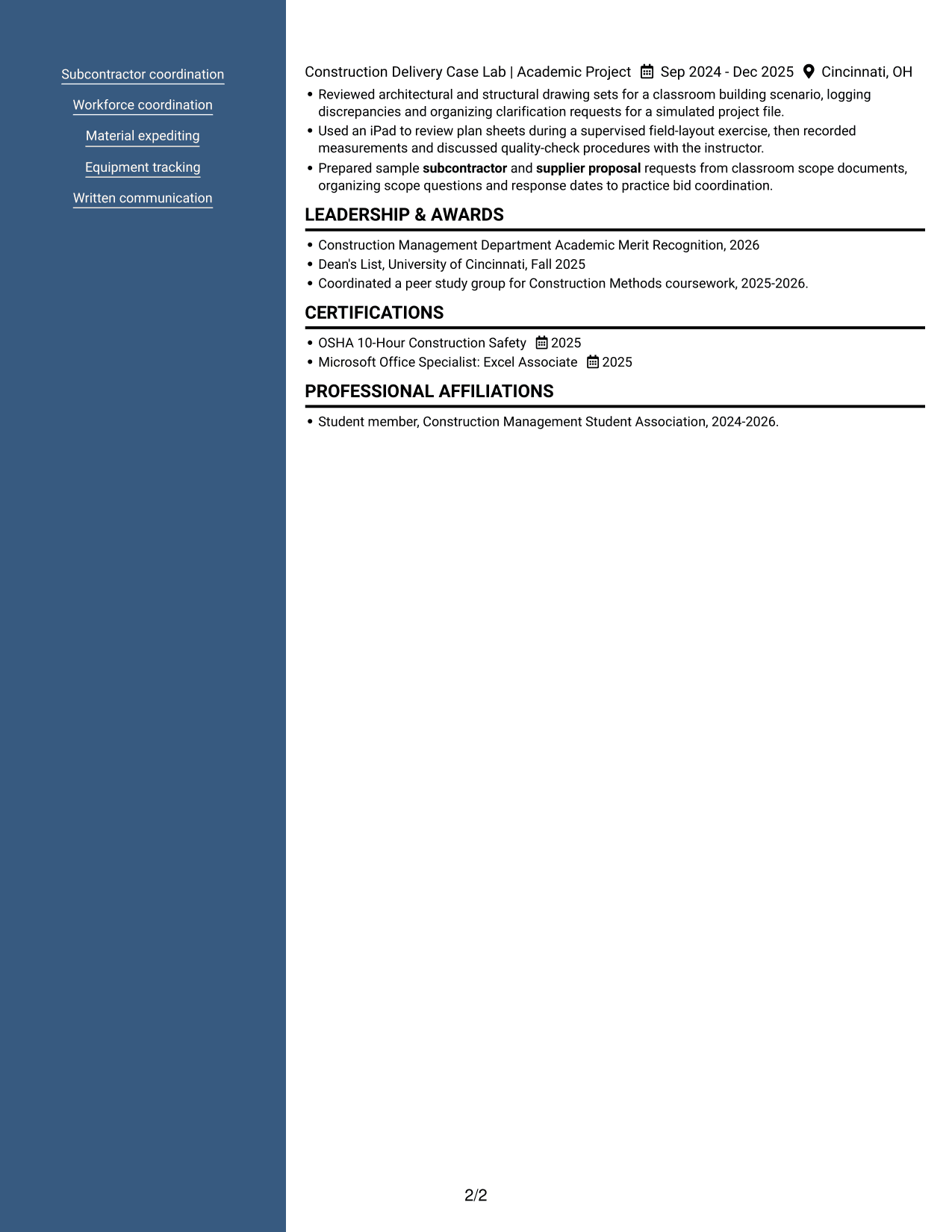
#7 Photo Header Two Column Format Resume Example
Photo Header Two Column Format combines two resume columns with a photo, fitting readers who want both divided content and a portrait.
Why This Format Works
- Two columns help reviewers move between experience and related resume sections.
- The divided reading areas make supporting information easier to locate.
- A photo adds a visual element while the resume content remains in two columns.
Best For
- Two-column resume organization
- Portrait included by preference
- Separate areas for supporting details
- Quick reference to resume sections
- Readers who prefer divided content
Why Build Your Project Engineer Construction Resume with ResumeInMinutes
ResumeInMinutes helps you arrange education, project work, skills, and certifications in a resume that is simple to review and customize. Use a clear structure to show how your construction coursework and project activities connect to the role.
- Resume layout choices
- Clear section structure
- ATS keyword guidance
- Project and skills organization
- Image previews for comparison
- Resume customization support
Focus each bullet on your role, the project task, and the result or record you produced. Open an example in the editor to review its structure and customize it for your Project Engineer Construction resume.
See Also
- 33 Construction Project Engineer Intern Resume Templates with Example 2026 (ATS-Optimized)
- 7 Construction Engineer - Transportation Infrastructure Resume Templates with Example
- 7 Engineer Intern - Transportation Construction Resume Templates with Example
- 7 Principal Engineer - Highway Construction Resume Templates with Example
- 33 Resident Engineer - Construction Management Resume Templates with Example
- 33 Civil Project Engineer Resume Templates with Example 2026 (ATS-Optimized)
- 7 Manufacturing Project Engineer Resume Templates with Example
- 7 Mechanical Project Engineer Resume Templates with Example
- 30+ Construction Project Engineer Intern Cover Letter Templates with Example 2026
- 7 Project Engineer Construction Cover Letter Templates with Example
Frequently Asked Questions
Are these Project Engineer Construction resume templates ATS-friendly?
Use clear section headings, simple formatting, and relevant terms such as document control, submittal tracking, field coordination, and schedule tracking. Match keywords to your real experience and coursework, and keep the resume easy to scan.
What is shown in the resume examples?
The page presents one Project Engineer Construction resume example in different layouts. Review the image previews and open an example in the editor to view or customize its format.
What should a Project Engineer Construction resume include?
Include a focused summary, education, relevant project or work experience, construction skills, tools, and certifications. Use bullets to show tasks such as drawing review, quality documentation, schedule tracking, and material coordination.
Which resume format works well for a Project Engineer Construction role?
Choose a clean format with clear headings and a logical section order. A single-column layout can make details easy to follow, while a simple two-column layout can help organize skills and contact details. Keep important information readable by applicant tracking systems.
How can I show relevant experience if most of it comes from academic projects?
Label academic work clearly and describe the project task, your contribution, and the records or updates you produced. Include specific evidence, such as tracking revisions, organizing drawing questions, or comparing planned and observed work sequences.
Should I include a photo on my resume?
For U.S. applications, a photo is usually not needed. A no-photo resume keeps attention on your experience, education, skills, and project evidence.




