7 Project Manager Resume Templates with Example
This guide shows you how to build a Project Manager resume that is clear, focused, and easy to review. You will learn how to organize evidence so recruiters can see leadership, delivery judgment, and project control quickly.
Strong Project Manager resumes connect responsibilities to outcomes. Use concise experience bullets, a focused summary, clear skills, relevant tools, education, certifications, and examples of scope, schedules, budgets, risks, change control, and cross-functional delivery.
The same complete resume is shown in 7 ATS-friendly layouts so you can compare reading order, section emphasis, and visual structure before choosing a format. Each example also includes free PDF downloads and practical notes on when the layout works well.
What Makes a Great Project Manager Resume in 2026
A strong Project Manager resume is clear, achievement-focused, and easy to scan. It should show how you turn complex work into defined scope, ownership, decisions, and reliable delivery.
Useful keywords can include project intake, scope management, requirements, schedules, budgets, capacity planning, risk management, change control, Jira, Notion, Google Workspace, responsible AI, KPI tracking, and PMP.
The examples shown below are intentionally detailed to demonstrate a range of experiences, skills, accomplishments and relevant keywords. We prefer detailed resumes as they provide more context to the hiring managers and also help the ATS systems identify relevant qualifications and score your resume better for a match. But the length of a resume is an individual choice. If you want a one page resume, just keep the most relevant experience and information for the job. Note: Resume examples are for educational purposes only. Use only information that accurately reflects your experience and qualifications. References to real organizations do not imply affiliation or endorsement.
#1 Simple One Column Format Resume Example
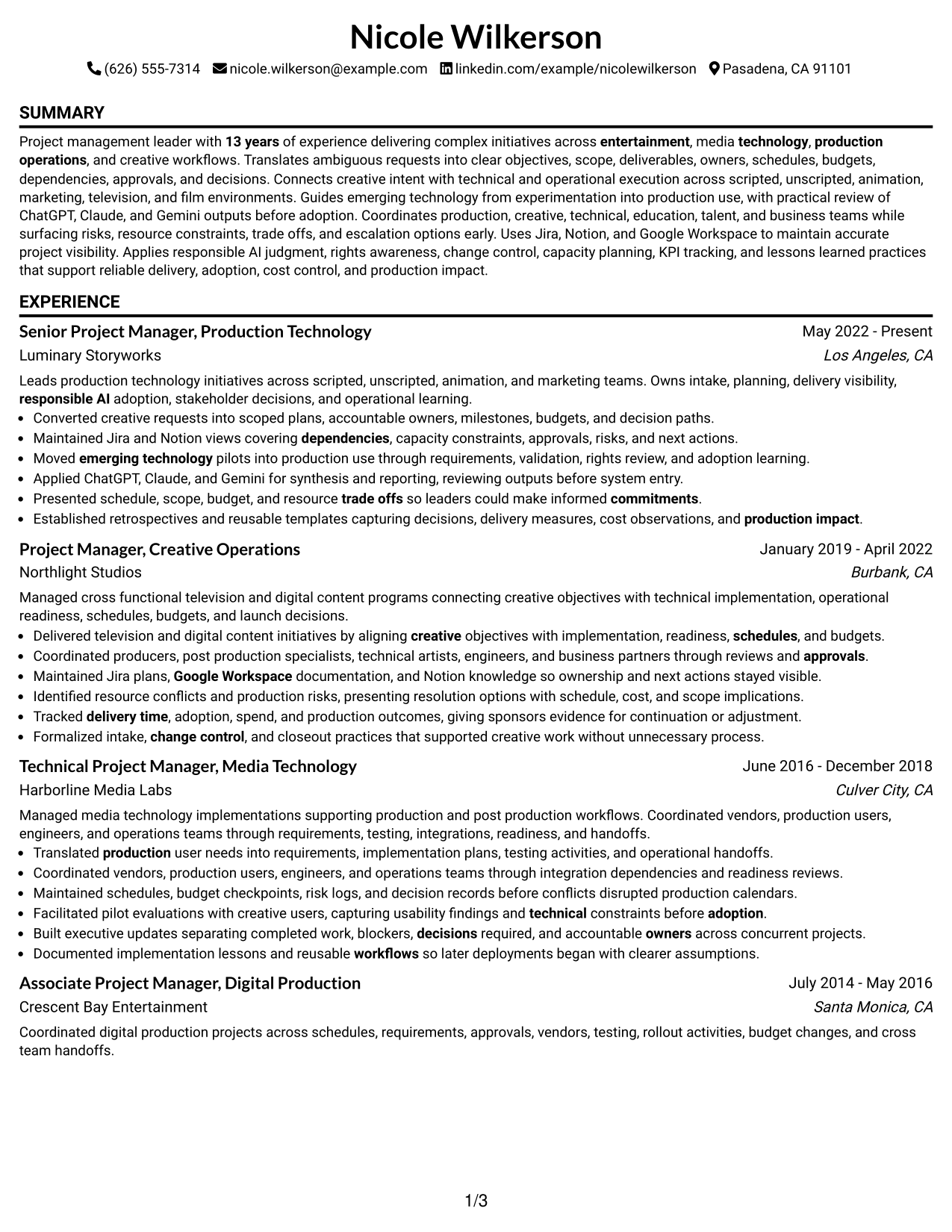
A simple one-column reading order keeps each resume section linear, helping recruiters scan experience and supporting details without switching across columns.
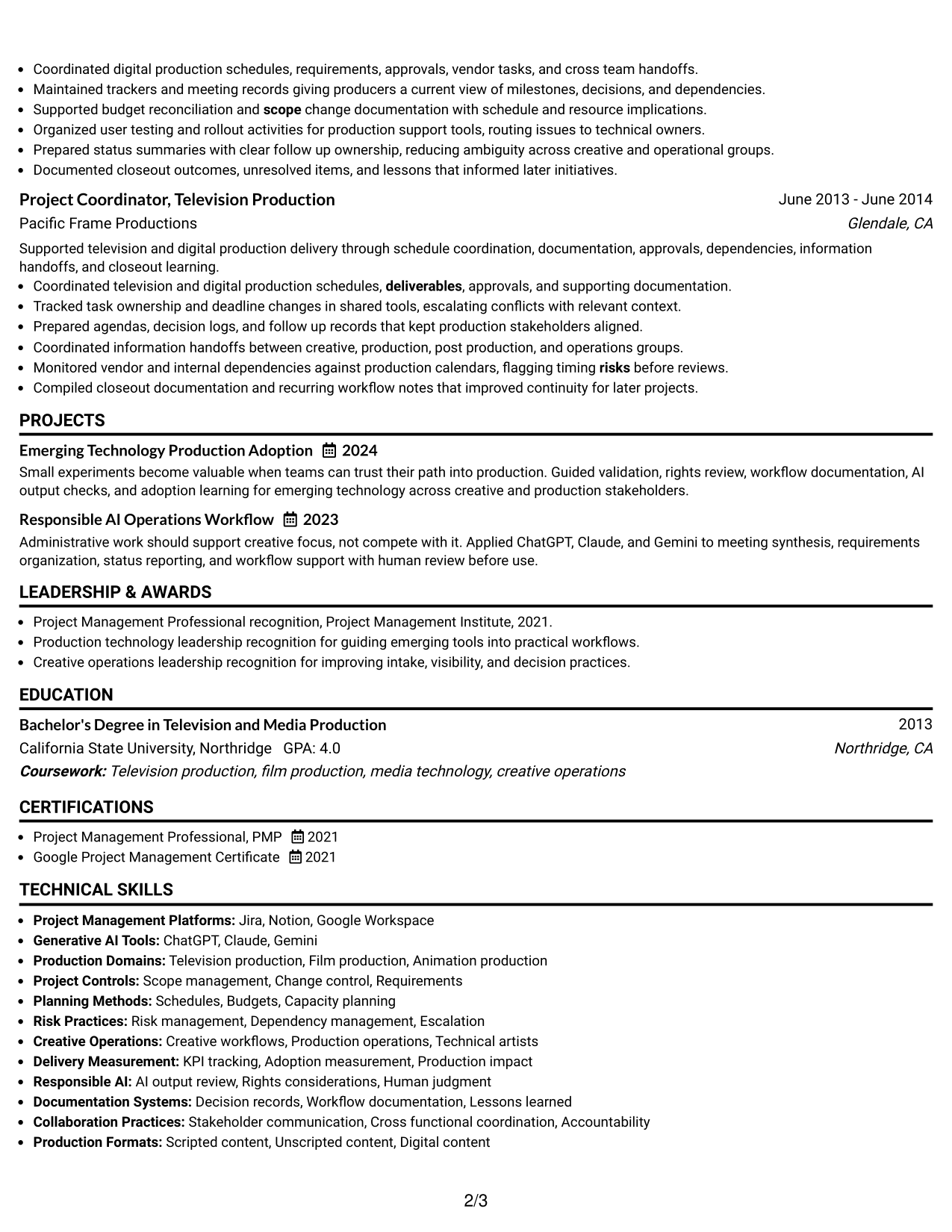
Why This Format Works
- Linear section order makes career progression easy to follow from top to bottom.
- Full-width space gives achievement bullets room to stay clear and readable.
- Separated sections keep skills, education, and credentials easy to locate.
Best For
- Straightforward recruiter scanning
- Detailed career histories
- Achievement-heavy experience sections
- Clear ATS reading order
- Applications needing simple navigation
Resume Keywords
- Project management
- Project intake
- Scope management
- Requirements
- Schedules
- Budgets
- Capacity planning
- Risk management
- Change control
- Jira
- Notion
- Google Workspace
- Responsible AI
- KPI tracking
- PMP
#2 Plain One Column with Shaded Labels Resume Example
Shaded section labels break a single-column resume into clear blocks, helping recruiters move quickly between experience, skills, education, and credentials.
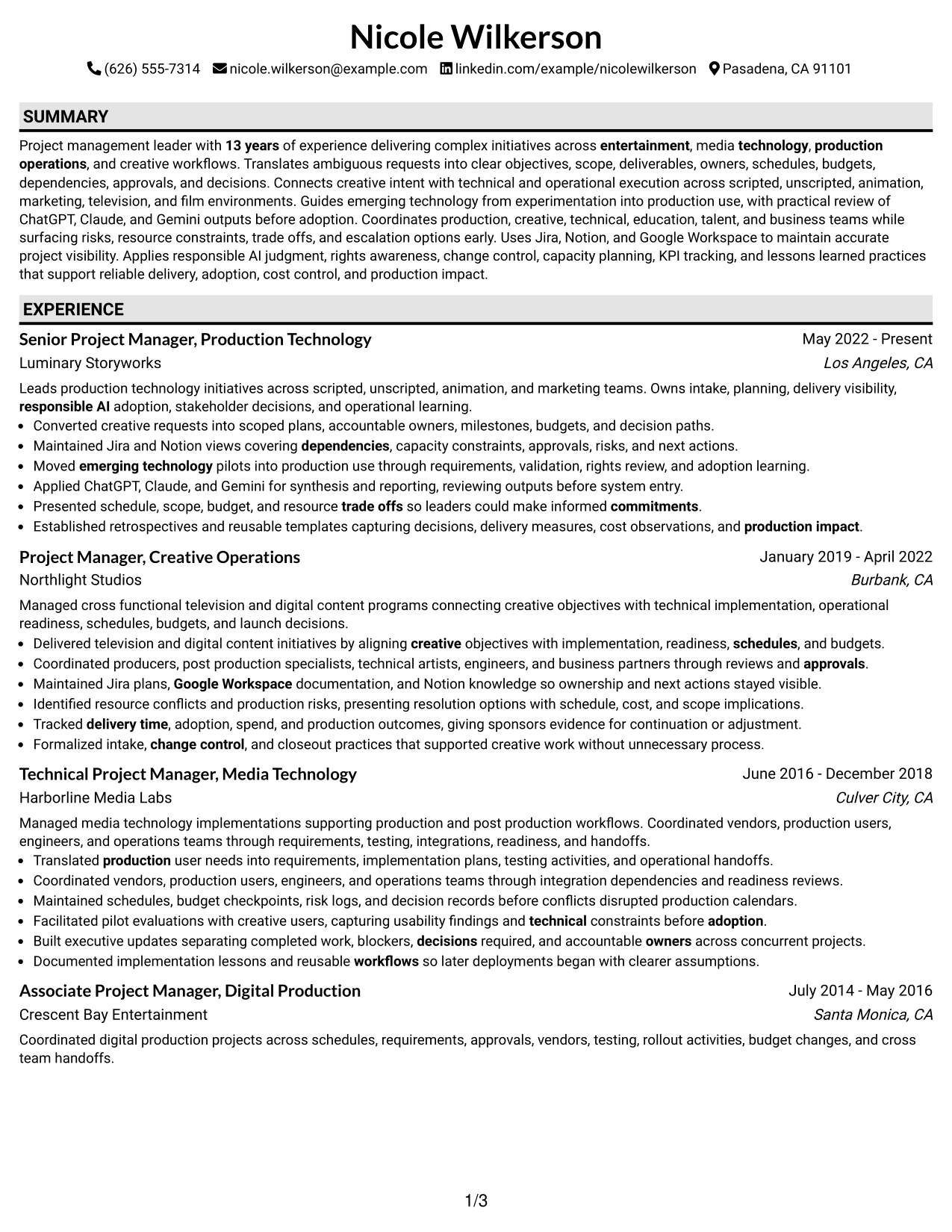
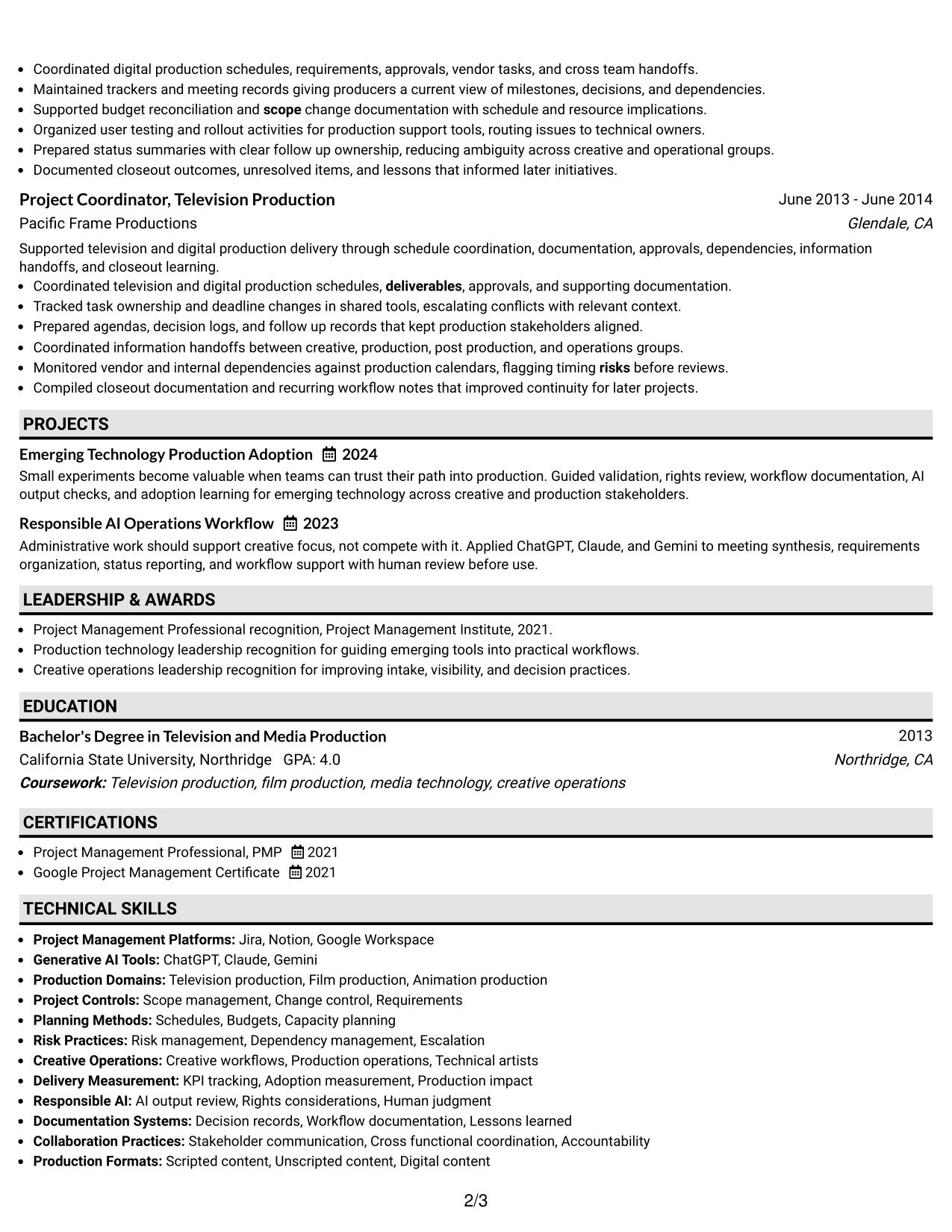
Why This Format Works
- Shaded labels create clear stops between major resume content categories.
- Single-column flow keeps experience and achievements in a predictable sequence.
- Visible section boundaries help recruiters return to skills or credentials quickly.
Best For
- Fast section-by-section review
- Long experience descriptions
- Readers who value strong section markers
- Resumes with several supporting sections
- Traditional applications with light visual structure
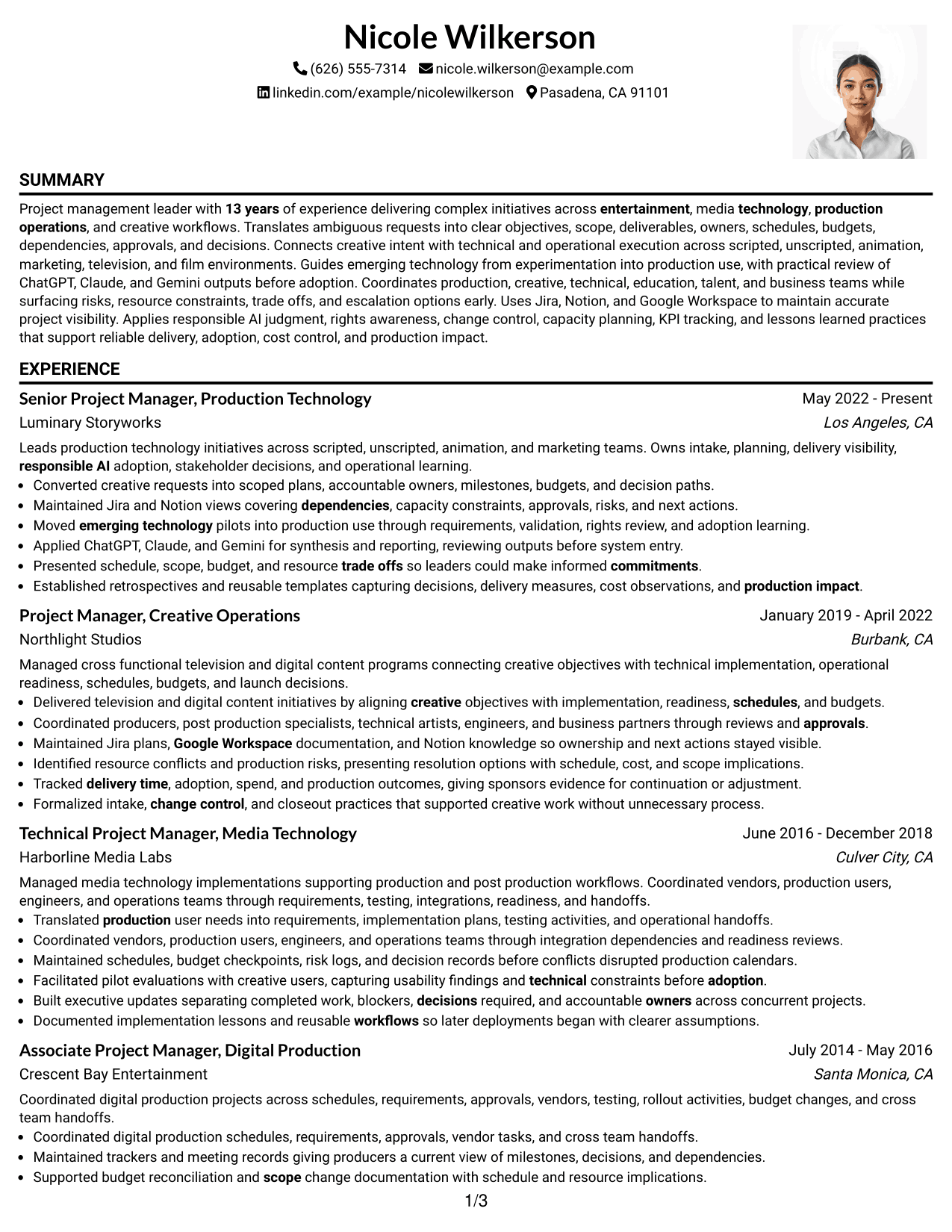
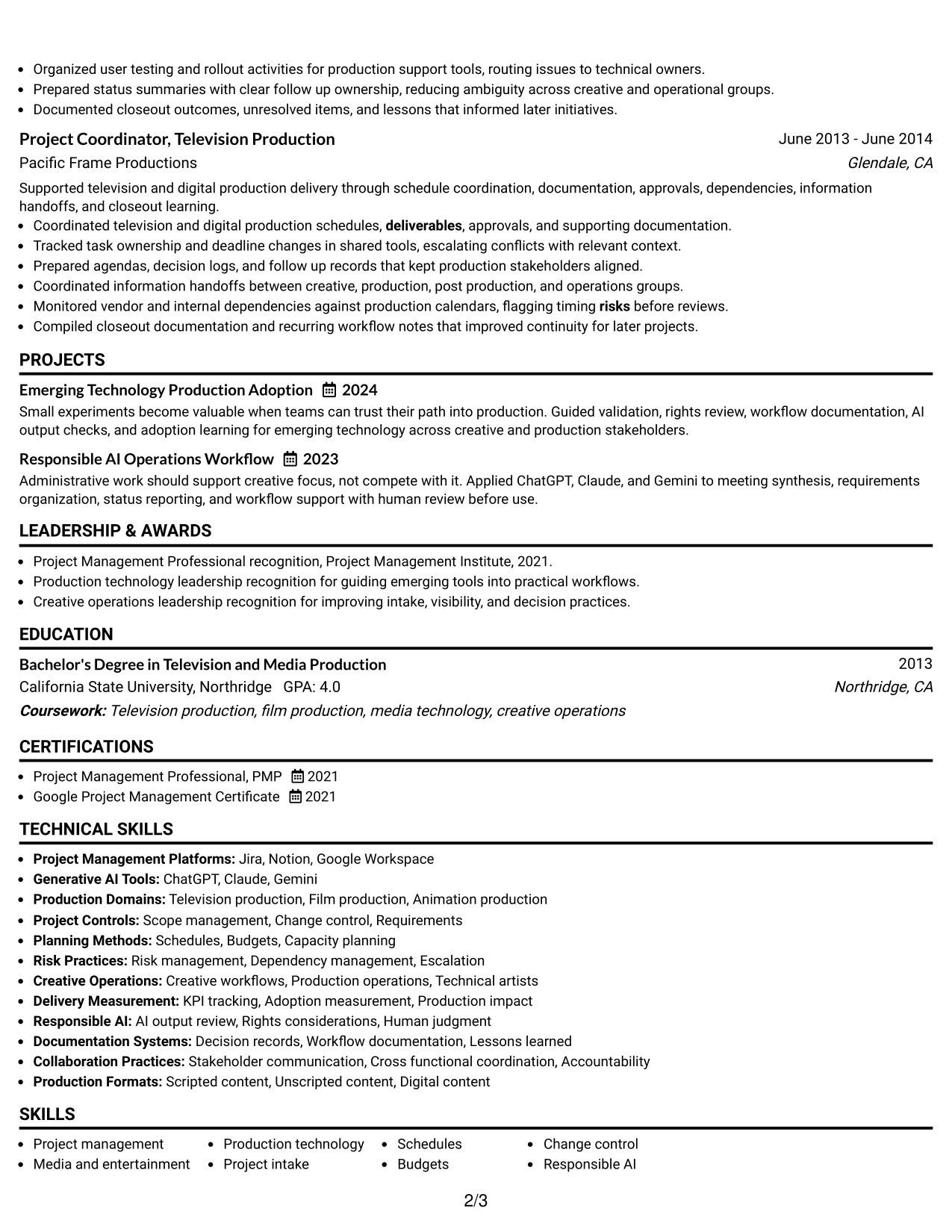
#3 One Column Format with Photo Right Resume Example
A right-side photo adds personal identification while the one-column body keeps resume sections in a direct sequence for recruiter scanning.
Why This Format Works
- One-column body preserves a direct path through experience and achievements.
- Photo stays separate from the main career evidence in the document body.
- Consistent section flow keeps education, skills, and credentials easy to trace.
Best For
- Regions where resume photos are customary
- Direct chronological reading
- Career stories needing uninterrupted body flow
- Applications with formal identity presentation
- Readers who prefer one main content path
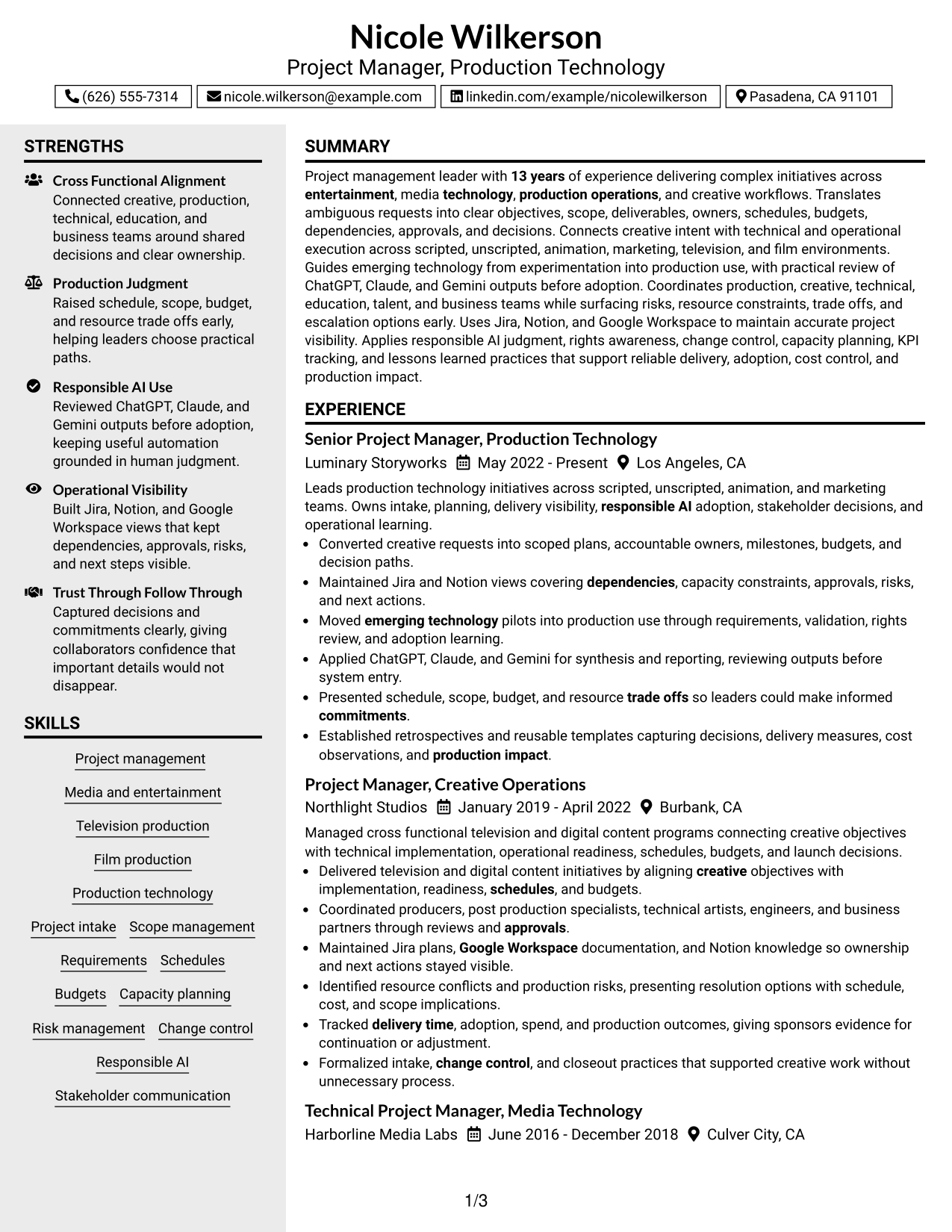
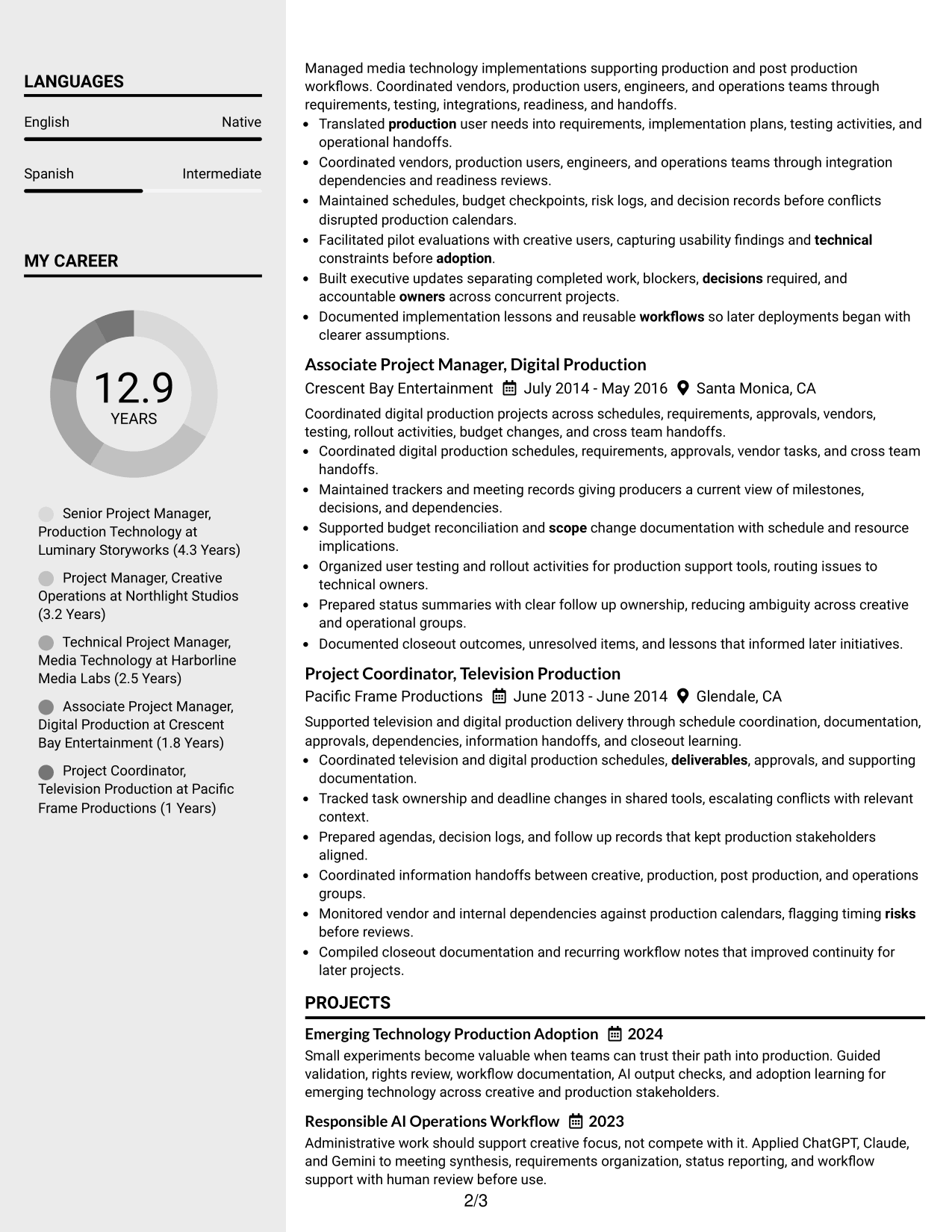
#4 Clean Two Column Sidebar Format Resume Example
A clean two-column sidebar separates supporting information from the main career story, helping recruiters scan experience while keeping other sections close by.
Why This Format Works
- Main column gives career progression and achievements a clear reading path.
- Sidebar separates supporting skills and credentials from longer experience content.
- Parallel sections reduce searching when recruiters compare experience with qualifications.
Best For
- Experience-led resumes with compact supporting details
- Side-by-side review of career and qualifications
- Readers comparing skills with work history
- Resumes with several concise secondary sections
- Applications needing strong visual separation
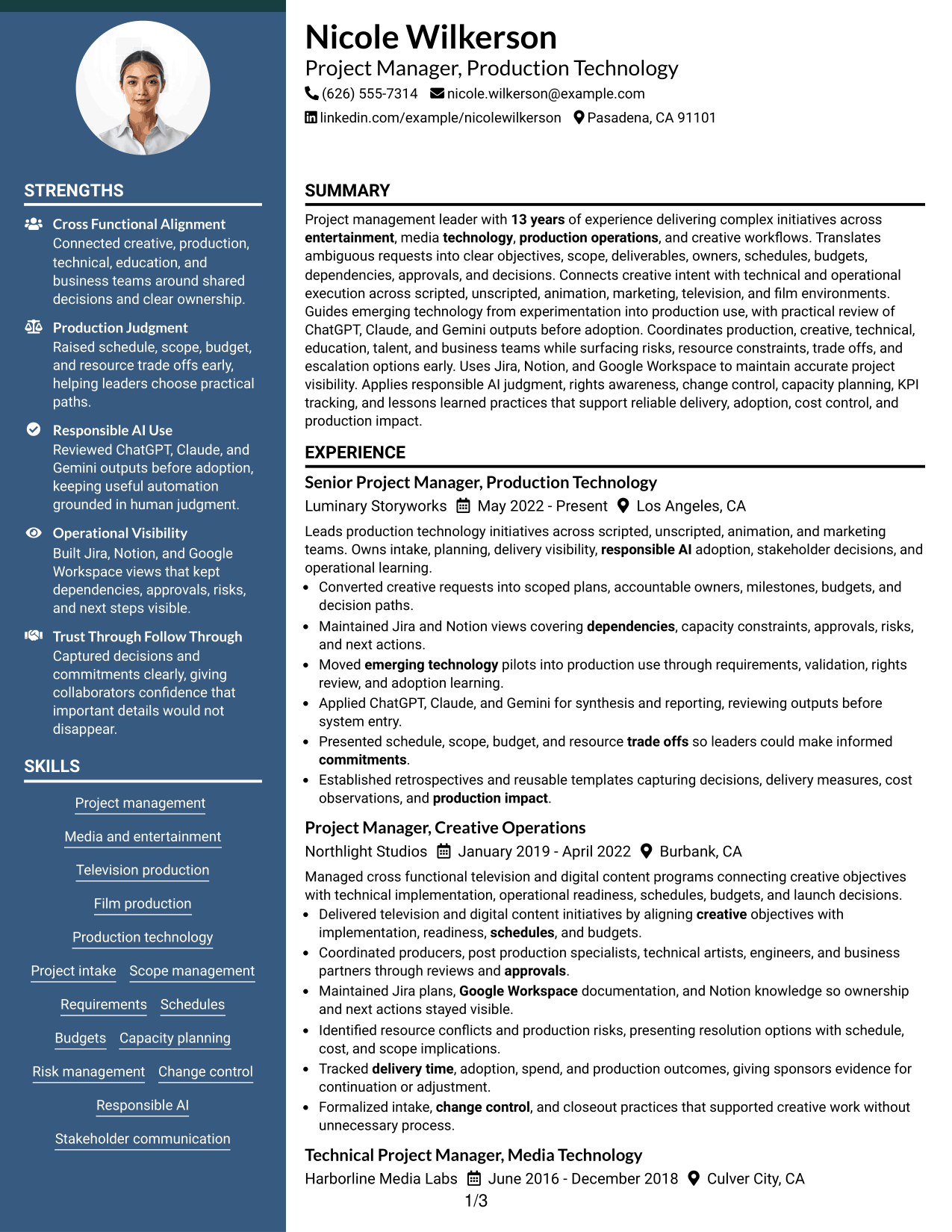
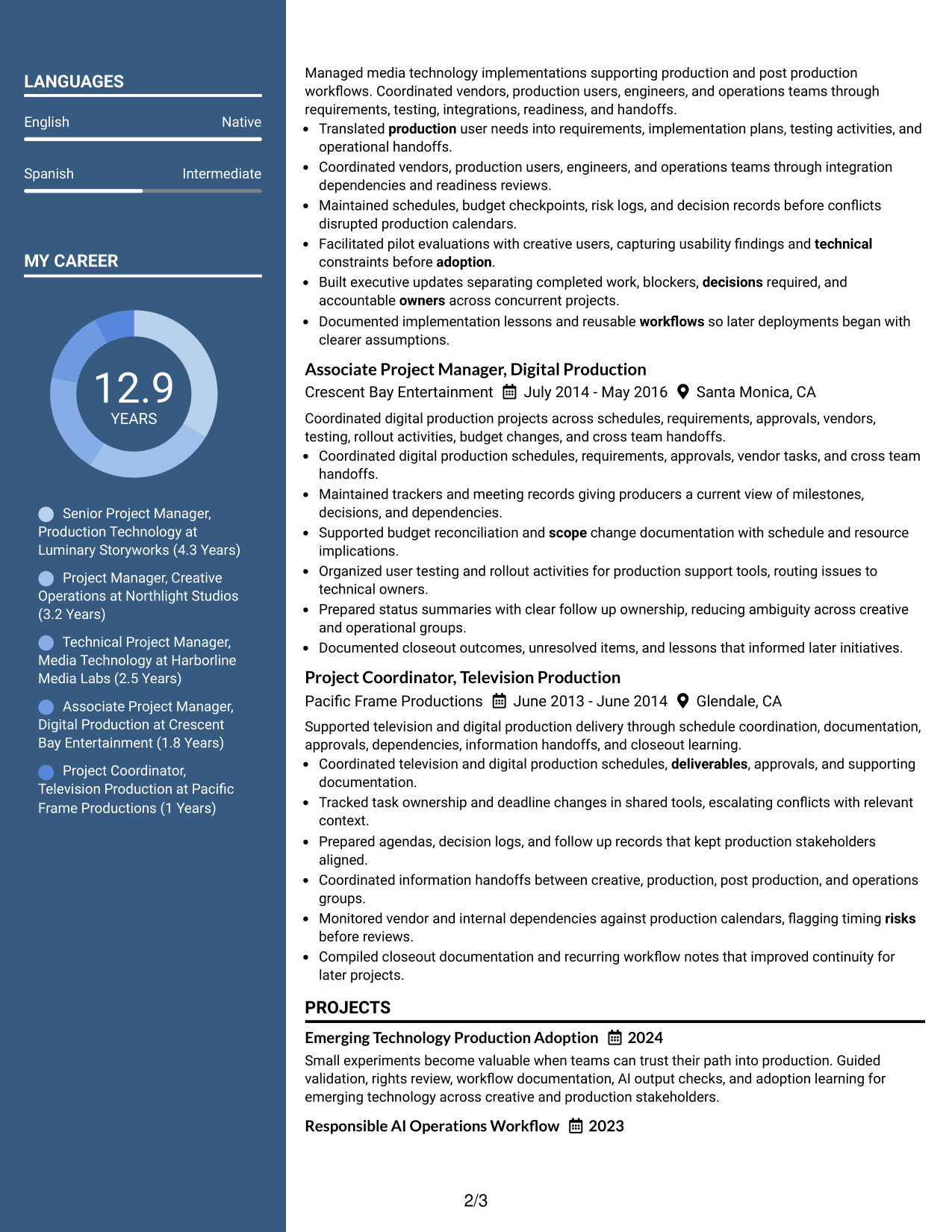
#5 Two Column Format Resume Example
A balanced two-column structure gives recruiters two clear content areas, making it easier to review career evidence alongside supporting qualifications.
Why This Format Works
- Two-column structure separates major content groups without hiding career evidence.
- Balanced space supports concise achievements beside skills, education, and credentials.
- Clear column boundaries help recruiters compare experience with supporting qualifications.
Best For
- Balanced experience and skills coverage
- Compact supporting qualifications
- Readers comparing multiple content groups
- Resumes with moderate information density
- Applications that benefit from parallel organization
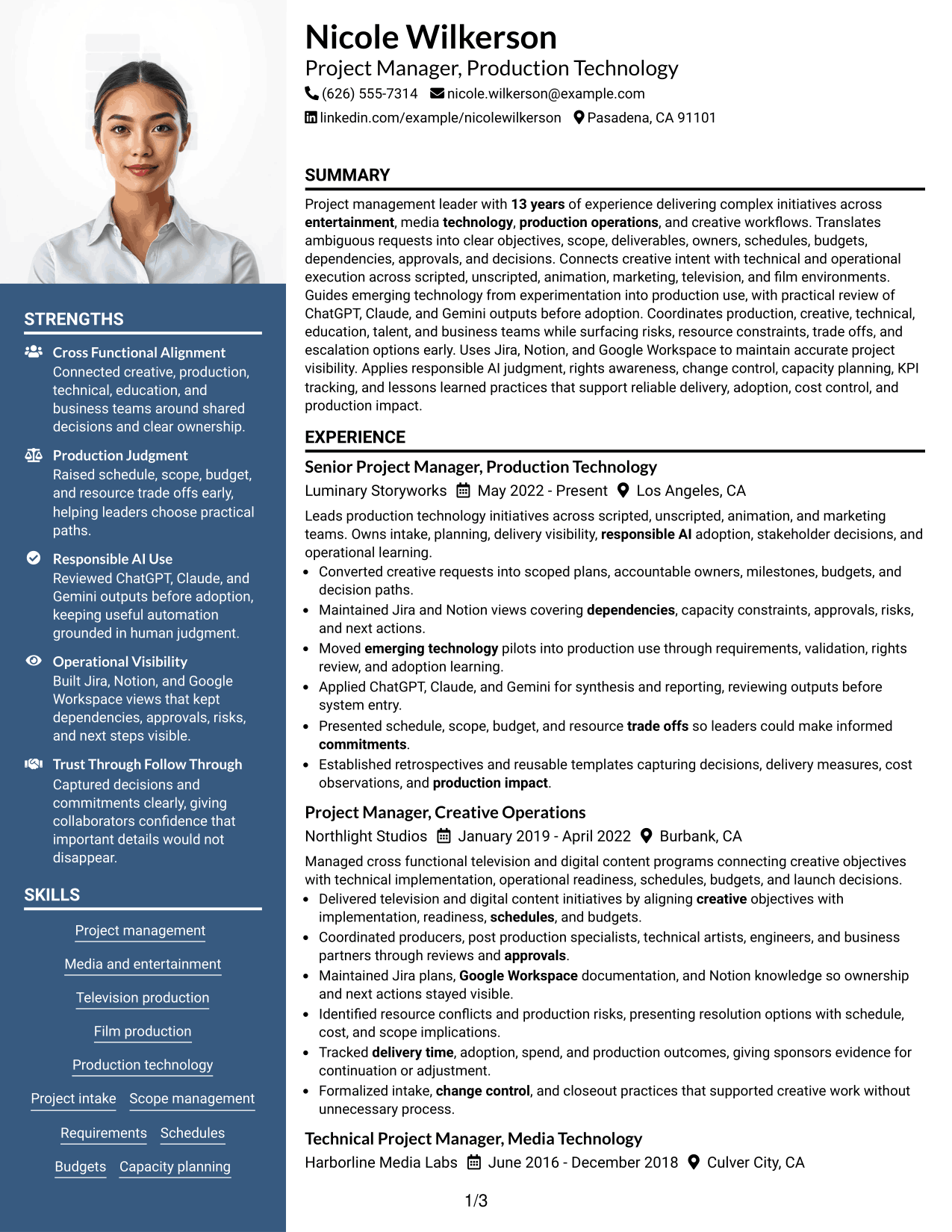
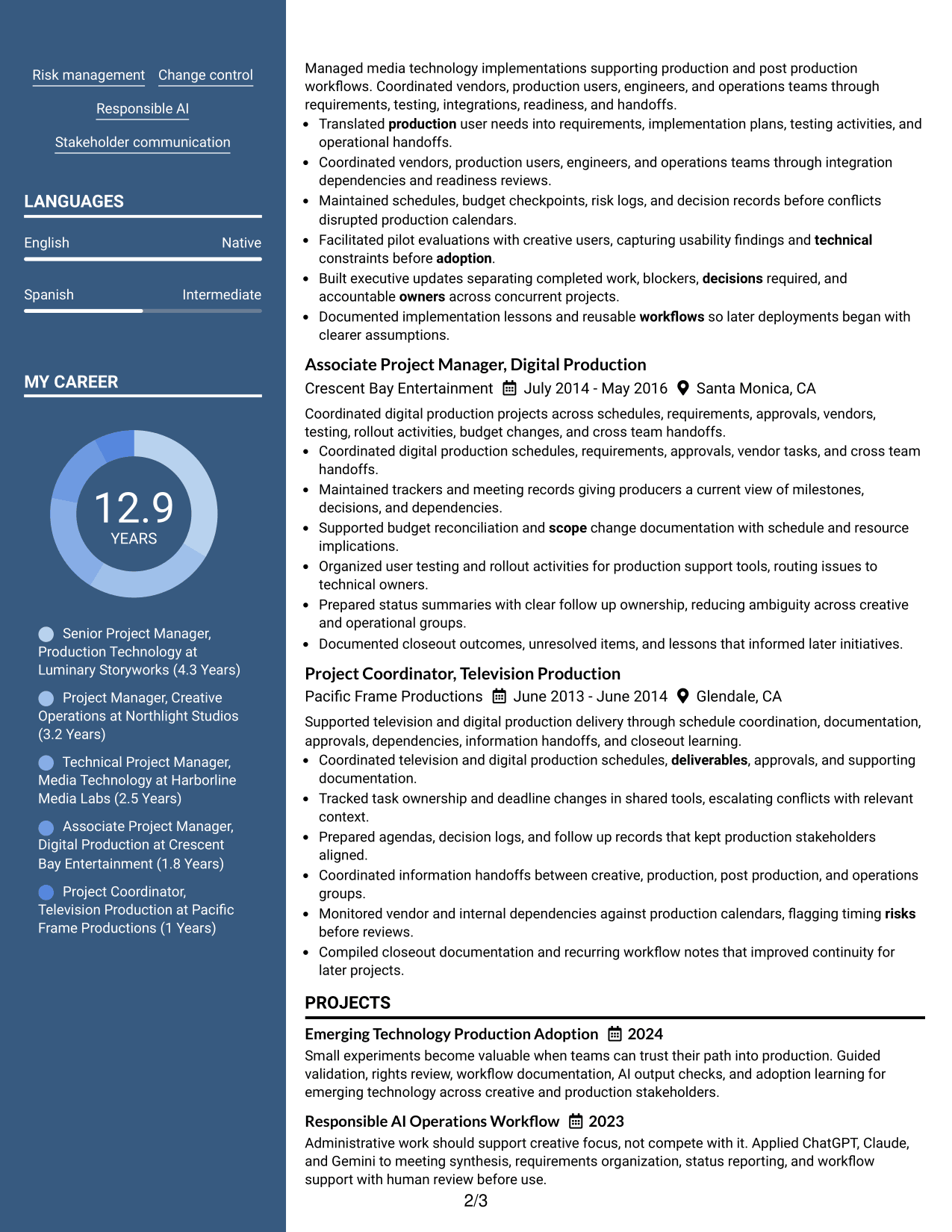
#6 Photo Header Two Column Format Resume Example
A photo header establishes identity while the two-column body divides career evidence and supporting sections into distinct areas for recruiter review.
Why This Format Works
- Two-column body keeps experience separate from shorter supporting content.
- Header photo identifies the person without changing the resume evidence itself.
- Section separation helps recruiters review achievements, skills, education, and credentials efficiently.
Best For
- Markets where professional photos are expected
- Resumes combining long and short sections
- Visual separation between core and supporting content
- Readers scanning qualifications beside experience
- International applications with photo conventions
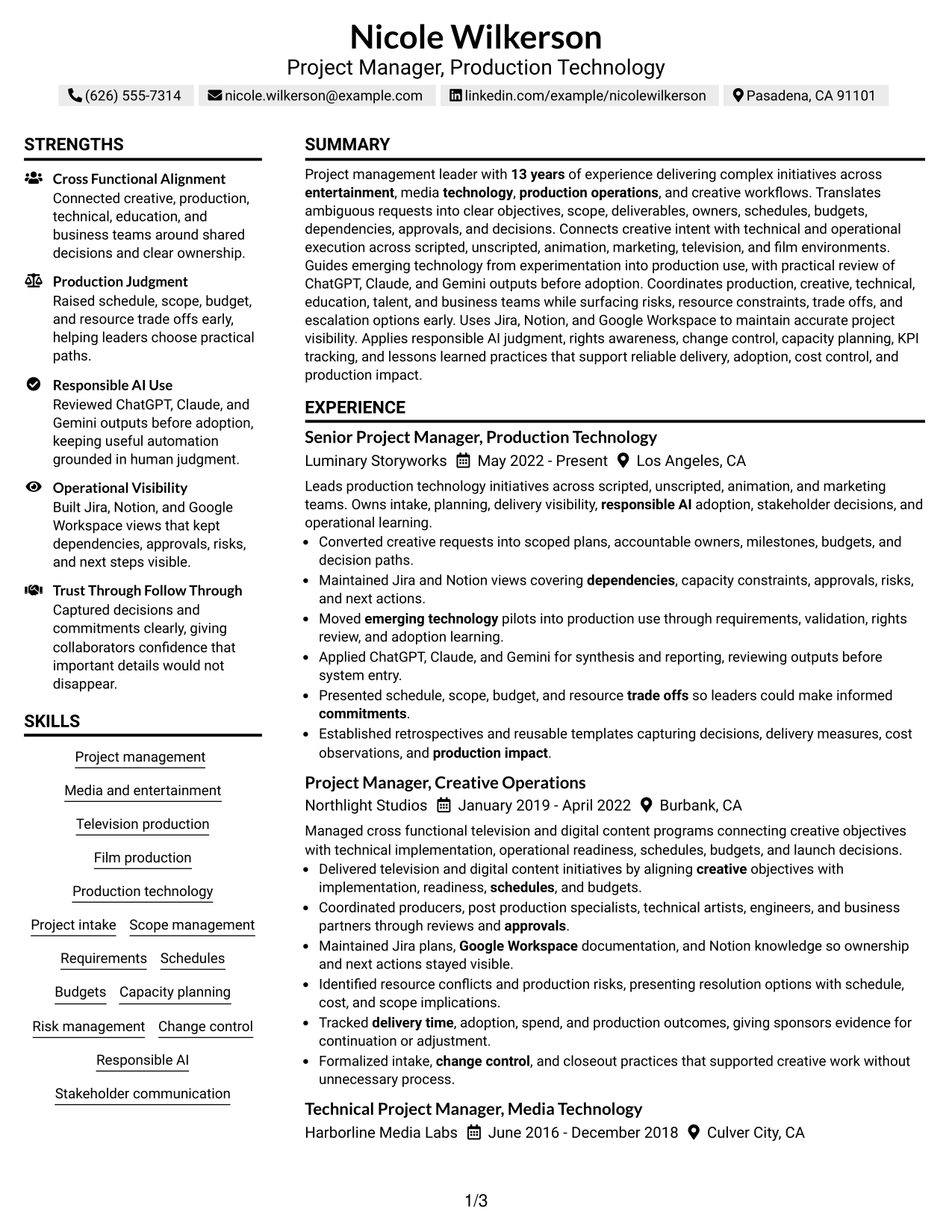
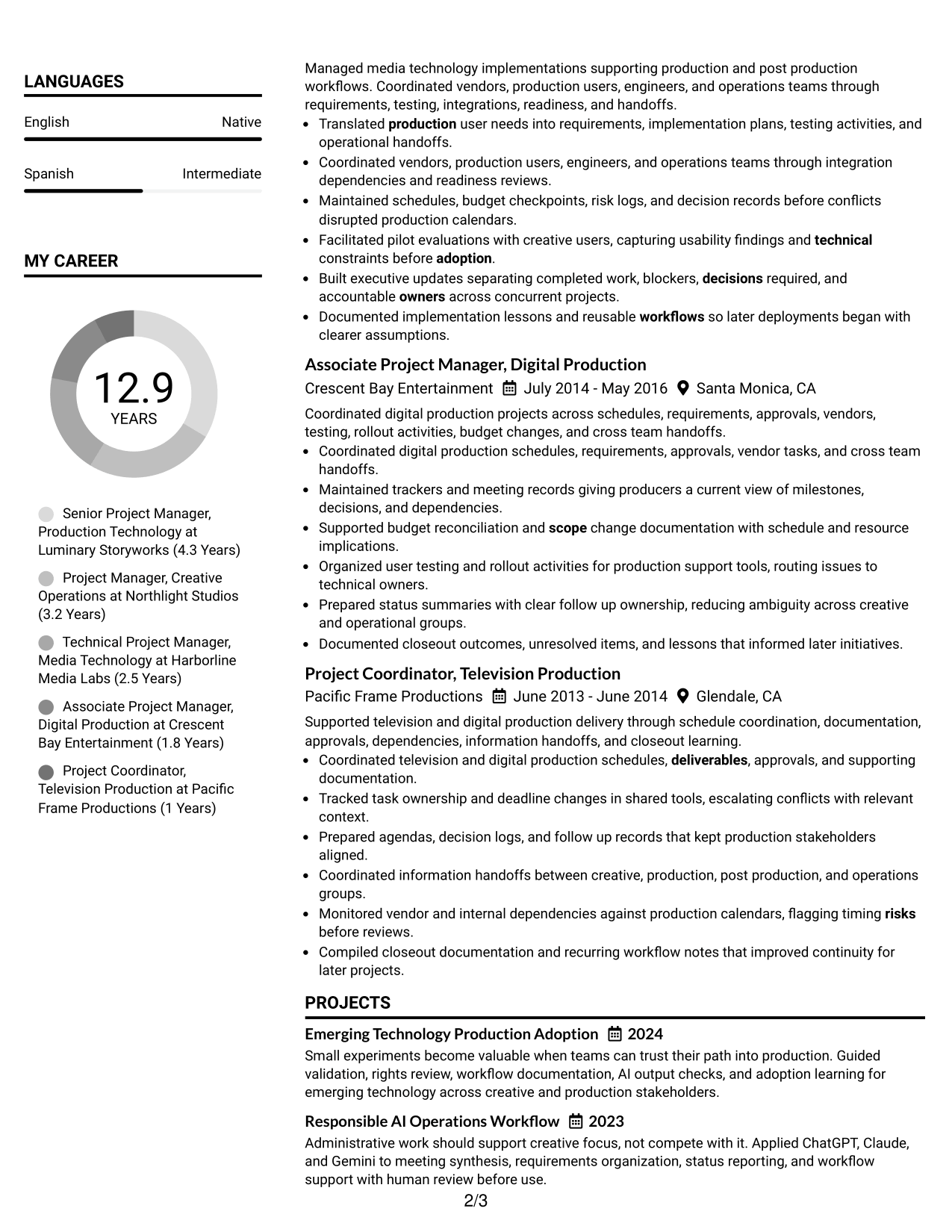
#7 Simple Two Column Format Resume Example
A simple two-column layout organizes the resume into parallel areas, helping recruiters review experience and supporting qualifications with less vertical searching.
Why This Format Works
- Parallel columns make dense resume content easier to divide into sections.
- Primary experience can remain distinct from skills, education, and credentials.
- Simple section grouping supports quick comparison without heavy visual decoration.
Best For
- Information-rich resumes needing compact organization
- Readers who prefer clear parallel sections
- Career evidence with several supporting categories
- Applications favoring restrained visual design
- Quick comparison of experience and qualifications
Why Build Your Project Manager Resume with ResumeInMinutes
ResumeInMinutes helps you turn complex project work into a structured resume with clear sections, concise bullets, and role-relevant keywords that are easier to review and customize.
- ATS-friendly section structure
- Achievement-focused experience bullets
- Project controls and tools organization
- Skills and certification visibility
- Free PDF resume previews
- Fast resume customization
You can adapt the content for Project Manager applications while keeping experience, tools, credentials, and measurable delivery evidence easy to find.
See Also
- 7 Airport Project Manager Resume Templates with Example
- 33 Civil Project Engineer Resume Templates with Example 2026 (ATS-Optimized)
- 33 Construction Project Engineer Intern Resume Templates with Example 2026 (ATS-Optimized)
- 7 Construction Senior Project Manager Resume Templates with Example
- 7 Customer Onboarding Project Coordinator Resume Templates with Example
- 33 Digital Marketing Project Manager Resume Templates with Example 2026 (ATS-Optimized)
- 33 Electrical Project Manager Resume Templates with Example 2026 (ATS-Optimized)
- 33 Entry-Level Project Accountant Resume Templates with Example 2026 (ATS-Optimized)
- 30+ Civil Project Engineer Cover Letter Templates with Example 2026
- 30+ Construction Project Engineer Intern Cover Letter Templates with Example 2026
Frequently Asked Questions
Are these Project Manager resume templates ATS-friendly?
They use clear section structure and readable headings that support ATS parsing. Your results still depend on the system used and how closely your content matches the job.
Are these different Project Manager resumes?
No. This guide shows one complete Project Manager resume in different visual formats so you can compare how the same evidence is organized.
What should a Project Manager resume include?
Include a focused summary, project management experience, achievement-based bullets, relevant skills, tools, education, certifications, and evidence of scope, schedules, budgets, risks, dependencies, and outcomes.
Can I download the resume templates as PDFs?
Yes. Each resume style includes a free PDF download so you can review the format before choosing the version you want to customize.
Which resume format works well for Project Manager applications?
A clear one-column format supports direct reading order, while a two-column format can separate supporting details from experience. Choose the structure that keeps your strongest evidence easy to find.
Which Project Manager skills should I highlight?
Prioritize skills you can support with evidence, such as project intake, scope management, requirements, schedules, budgets, capacity planning, risk management, change control, stakeholder communication, and KPI tracking.
Should I include a photo on my Project Manager resume?
Include a photo only when it is customary or expected in your country or region. For most U.S. applications, a no-photo resume is generally the safer choice.
Can I customize these Project Manager resume templates?
Yes. You can adjust the resume text, layout, section order, and PDF format to fit the Project Manager position you are targeting.