
7 Project Specialist - Radon and Asbestos Consulting Cover Letter Templates with Example
This practical guide helps you write a focused Project Specialist - Radon and Asbestos Consulting cover letter and compare seven layouts for presenting your fit clearly.
What Makes a Great Project Specialist - Radon and Asbestos Consulting Cover Letter in 2026
A strong letter connects your interest in the role with clear examples of coordinating radon and asbestos consulting work. Show how you help move projects from setup through accurate client delivery.
Use relevant evidence, such as interpreting radon results, preparing mitigation plans, checking asbestos deliverables, or coordinating schedules and reports. Then connect your approach to the employer’s needs for careful quality review and responsive client communication.
The featured example moves from interest in the role to relevant work, credentials, employer fit, and a clear closing; adapt that focused progression while choosing a presentation that suits the employer and communication context.
#1 Simple One Column Format Cover Letter Example
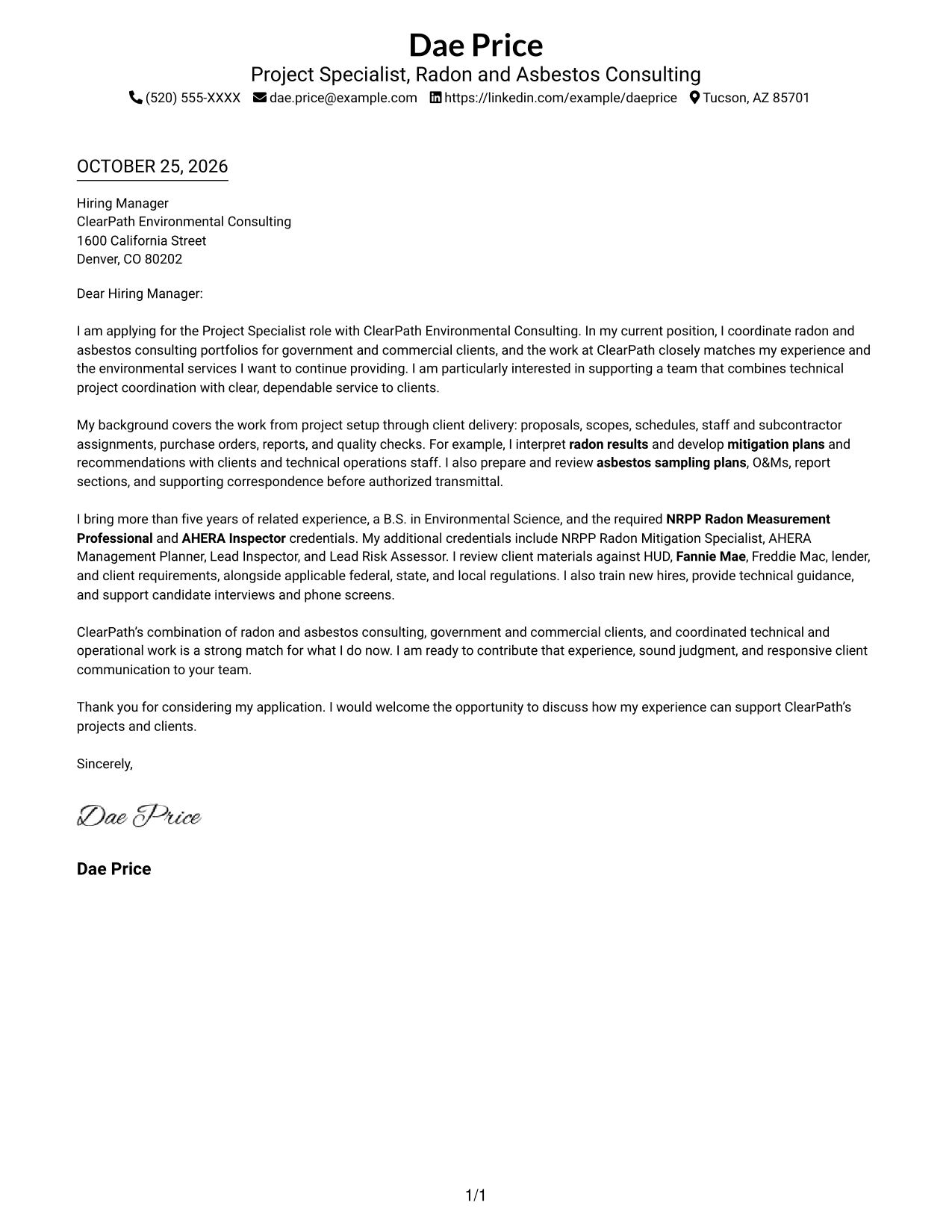
The Simple One Column Format keeps sender details in the header and the letter in one reading path, a practical choice for straightforward correspondence.
Why This Format Works
- The header keeps sender details separate from the letter's main message.
- A single column avoids a second reading lane beside the letter body.
- Continuous paragraphs let reviewers follow the opening, evidence, and closing in order.
Best For
- One-path letter reading
- Header-led contact details
- Direct opening-to-close argument
- Text-first correspondence
- Traditional prose letters
#2 Two Column Format Cover Letter Example
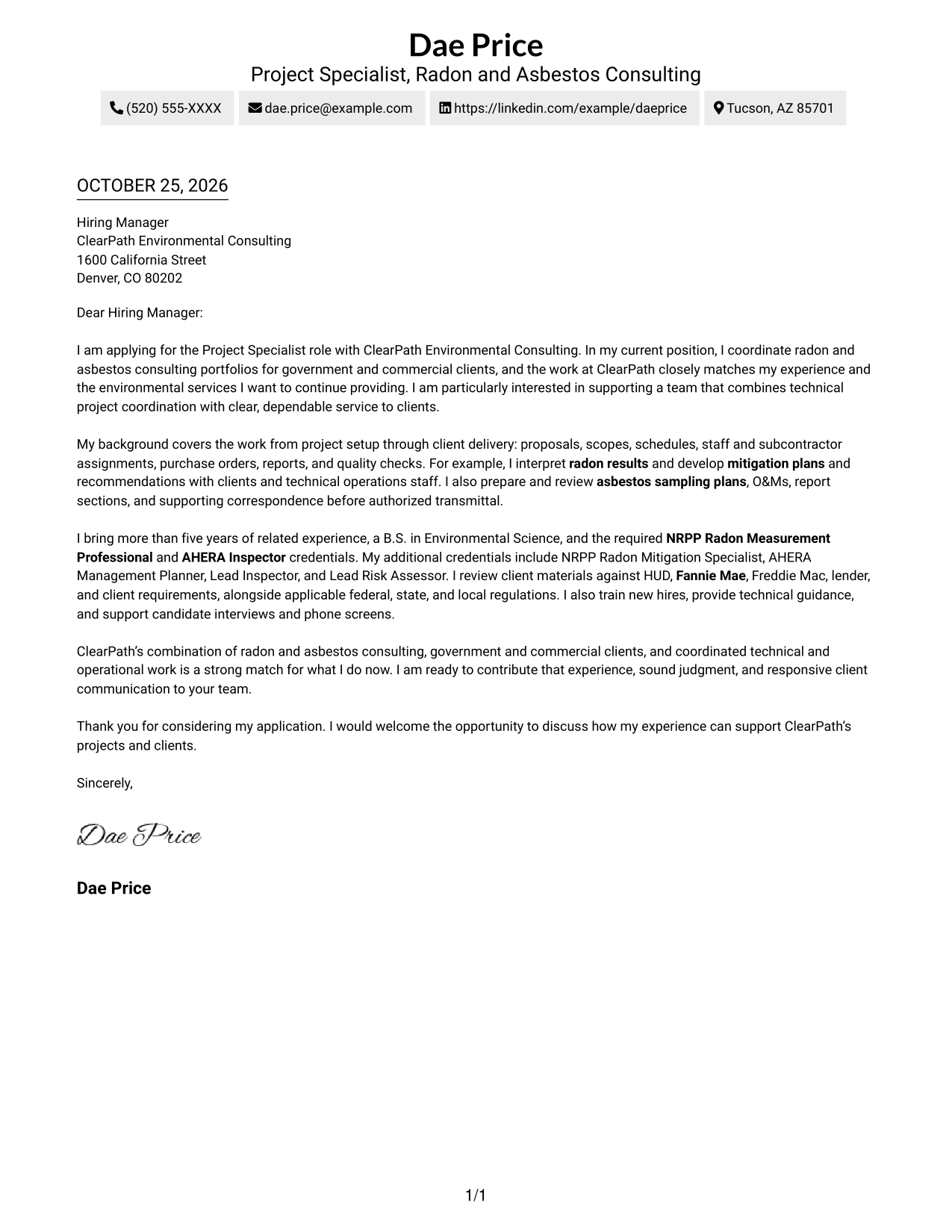
The Two Column Format places contact details beside a single, continuous letter body, suiting readers who want sender information separate from the argument.
Why This Format Works
- Sender information stays separate from the paragraphs that make the case.
- The letter body remains continuous, so its argument does not split between columns.
- Reviewers can refer to contact details while reading the letter body.
Best For
- Contact details outside the letter
- Continuous argument beside contact information
- Side-by-side page organization
- Letters with several contact channels
- Two-area document layouts
#3 Photo Header Two Column Format Cover Letter Example
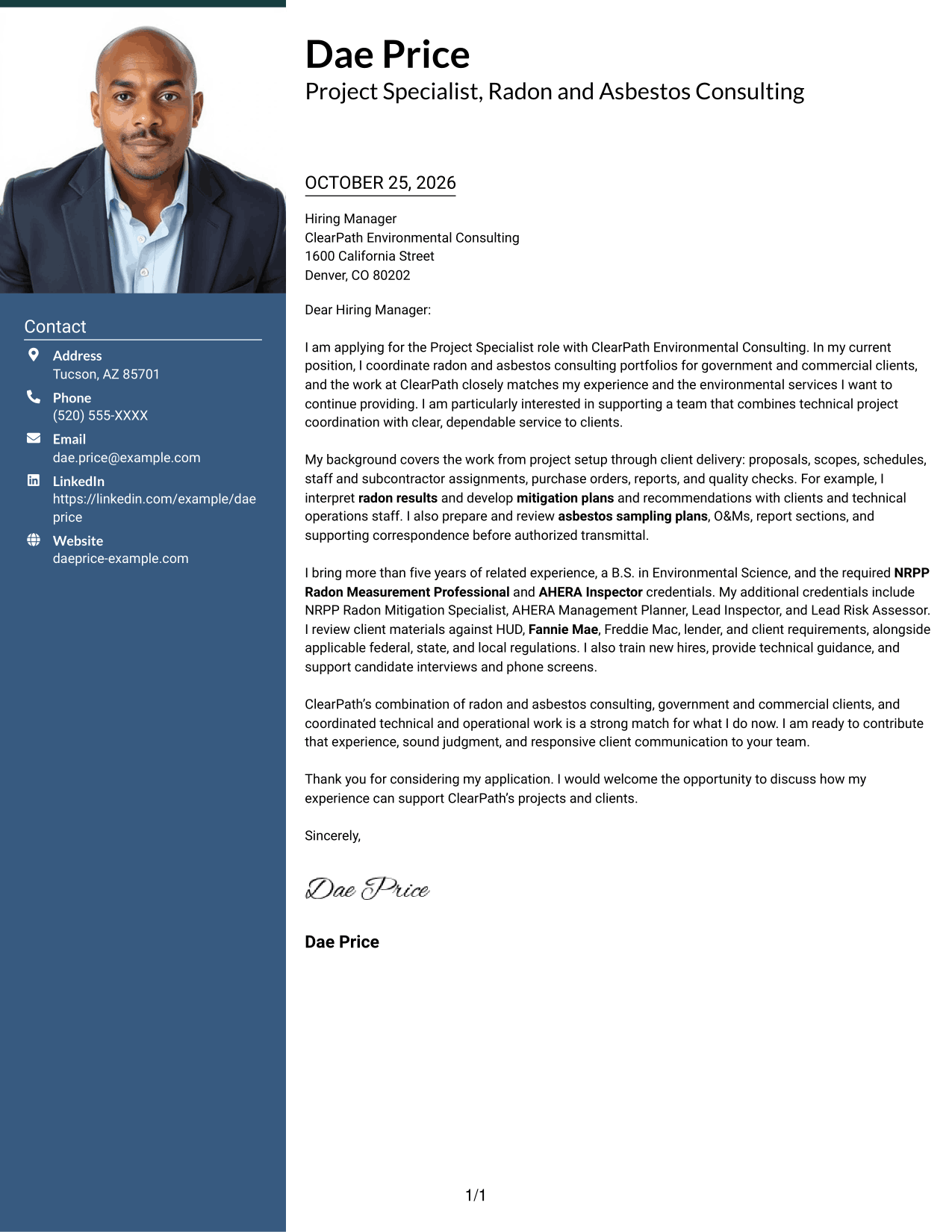
The Photo Header Two Column Format pairs a photo with a contact sidebar beside one continuous letter body, for readers who want a personal image with clear contact access.
Why This Format Works
- Contact details remain apart from the letter's persuasive paragraphs.
- The letter body reads as one sequence, keeping the argument intact.
- An included photo adds a visual choice to the header presentation.
Best For
- Photo-led letter headers
- Contact details beside letter text
- Continuous persuasive paragraphs
- Visual sender identification
- Photo-inclusive personal branding
#4 One Column Format with Photo Cover Letter Example
The One Column Format with Photo keeps the letter in one reading path and includes a photo, for readers who prefer a personal image with a single body column.
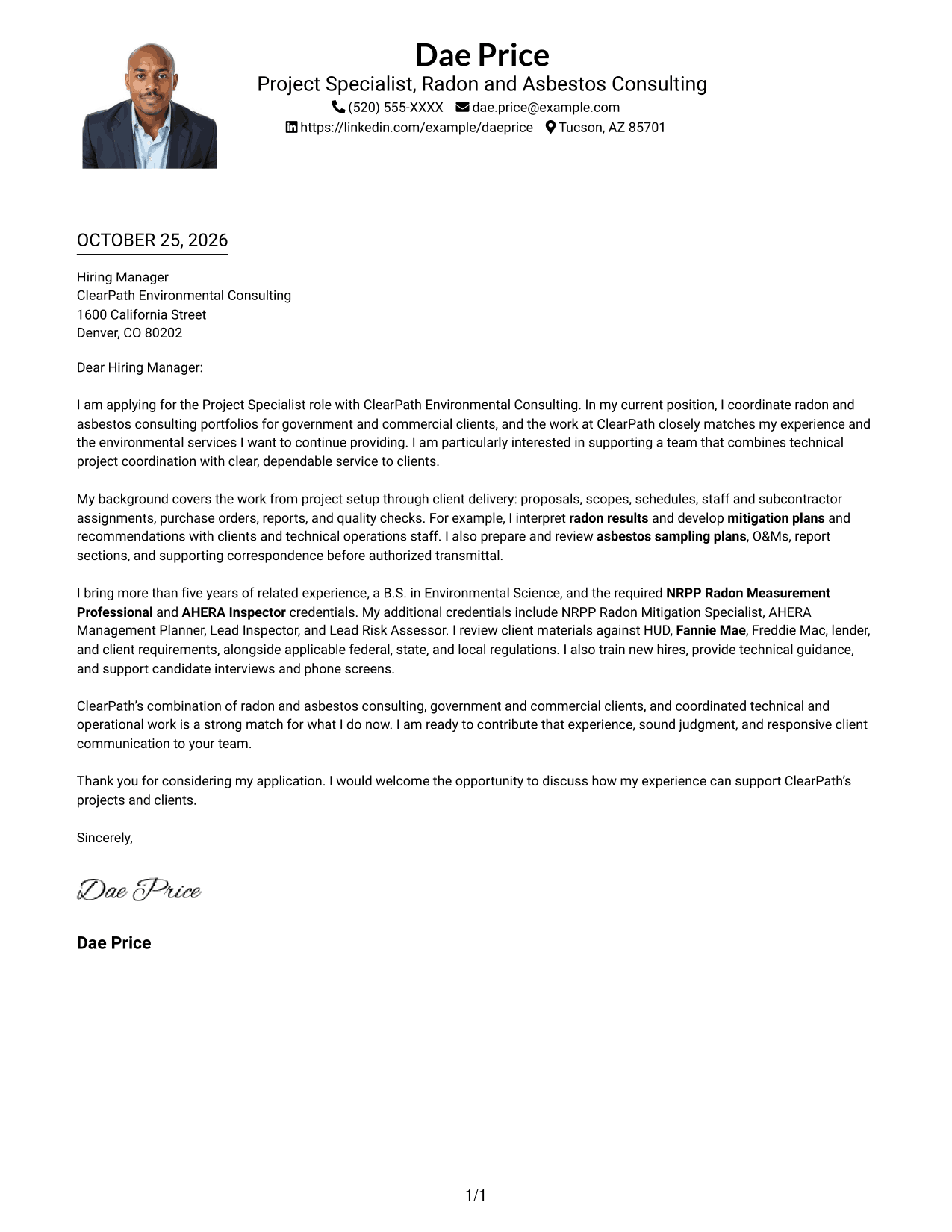
Why This Format Works
- A single column keeps the argument in one clear reading lane.
- Header-based sender details stay distinct from the letter's paragraphs.
- The photo is a visual option, not a divider in the argument.
Best For
- Single-column correspondence
- Personal photo in the header
- Direct prose correspondence
- Traditional business letters
- One-path letter reading
#5 Simple Two Column Format Cover Letter Example
The Simple Two Column Format places a contact sidebar beside the continuous letter body, for readers who prefer contact information and correspondence in separate areas.
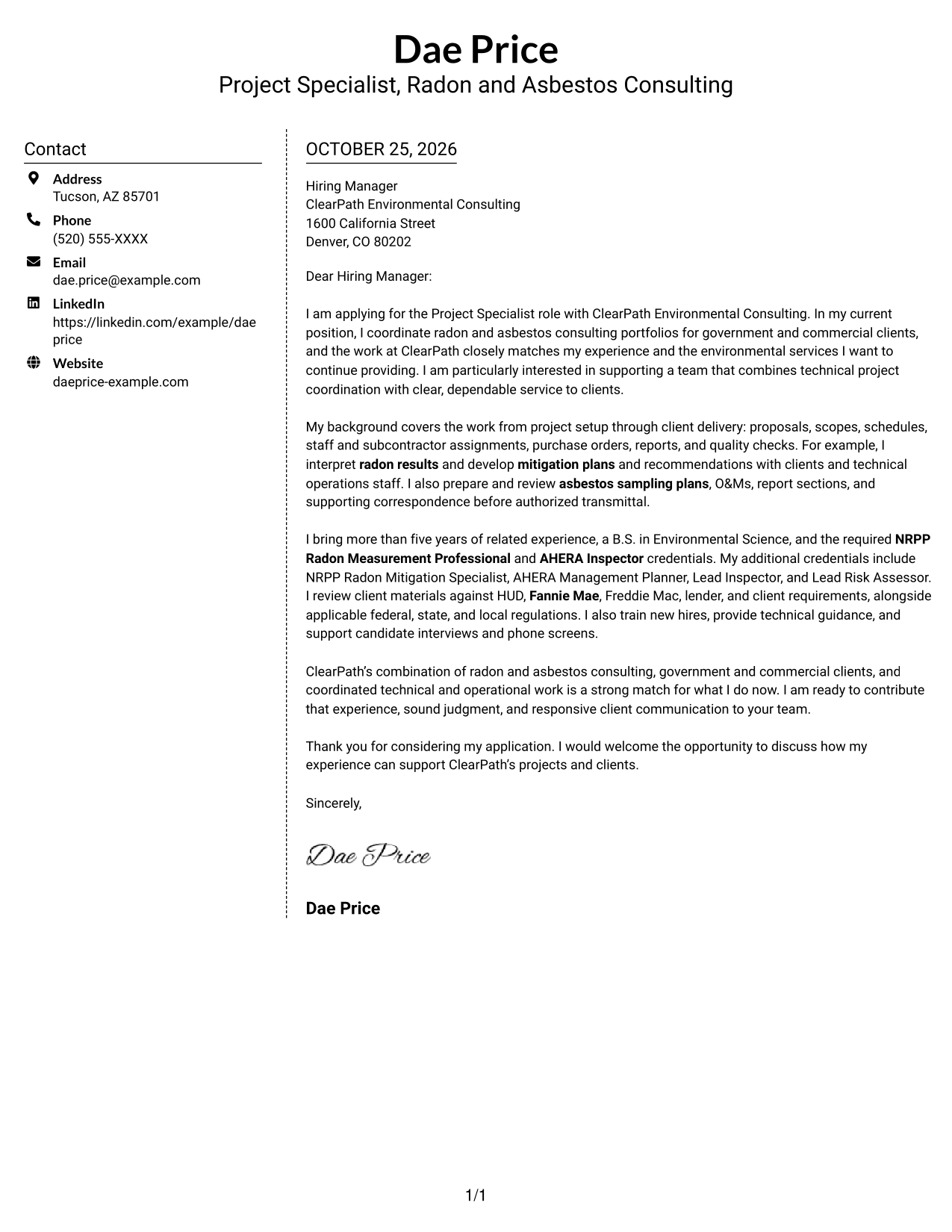
Why This Format Works
- Contact information occupies its own sidebar, apart from the letter's case.
- One continuous body lets reviewers follow the full argument in order.
- Side-by-side placement keeps sender details available without splitting the paragraphs.
Best For
- Separate contact and letter areas
- Uninterrupted persuasive copy
- Side-by-side page organization
- Quick sender-information lookup
- Text-focused business correspondence
#6 Modern Icon Format Cover Letter Example
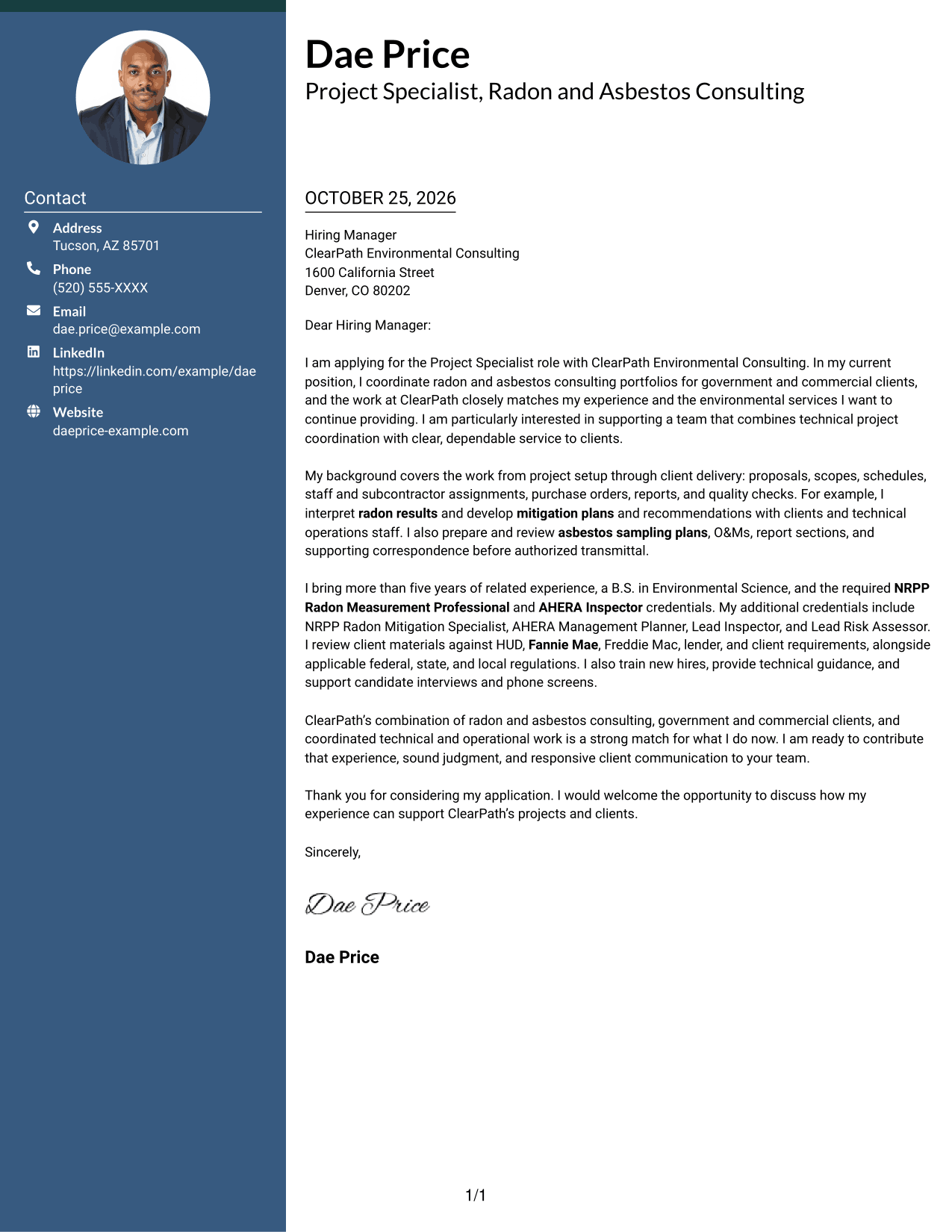
The Modern Icon Format uses contact cues in a sidebar next to one continuous letter body, helping readers identify contact information without treating icons as argument labels.
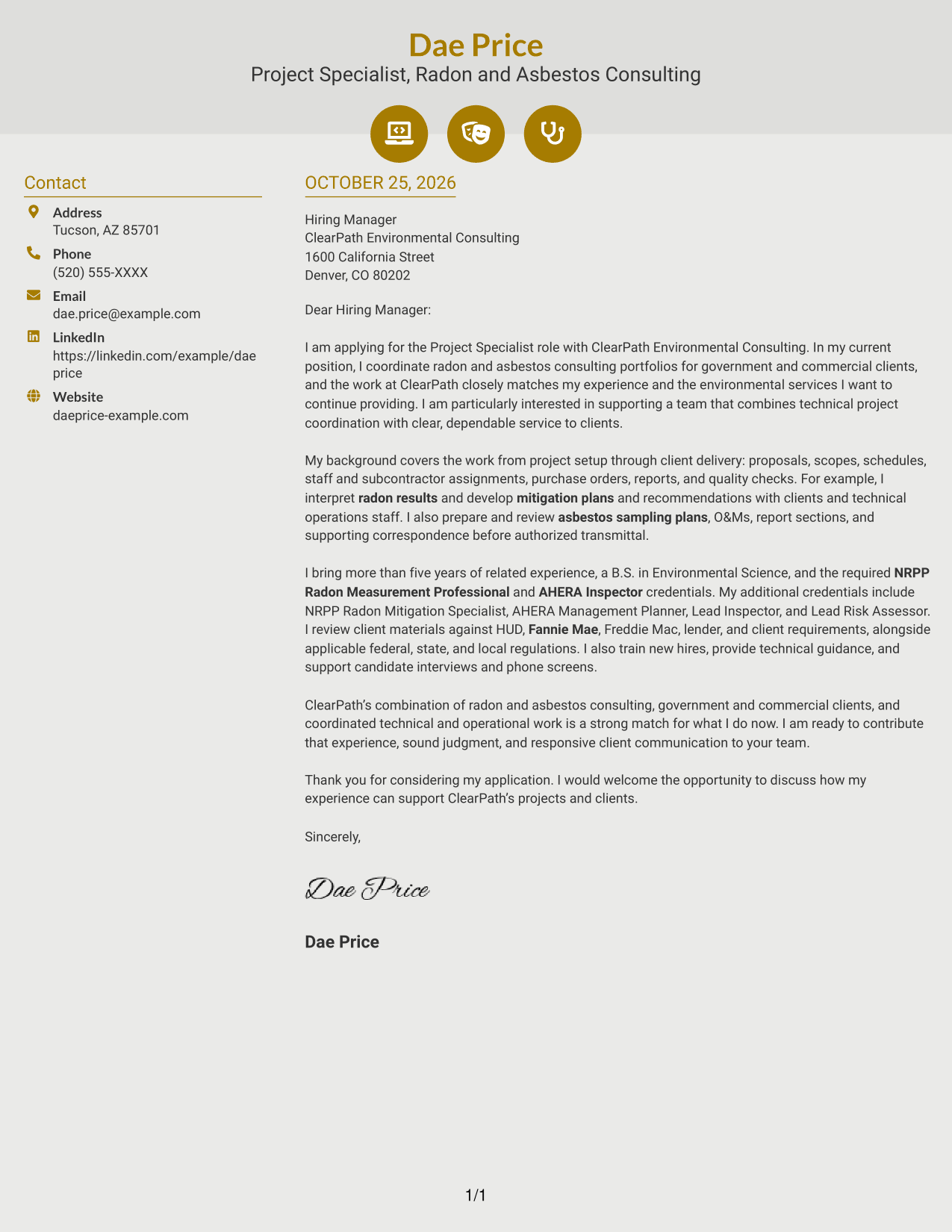
Why This Format Works
- Contact icons cue sender information rather than argument stages.
- The sidebar separates contact details from the letter's continuous paragraphs.
- One body column keeps motivation and evidence together in reading order.
Best For
- Icon-cued contact details
- Sidebar-based sender information
- Continuous letter paragraphs
- A single argument reading path
- Contact details with visual cues
#7 Creative Two Tone Format Cover Letter Example
The Creative Two Tone Format pairs a contact sidebar with one continuous letter body, keeping contact information apart from the persuasive text.
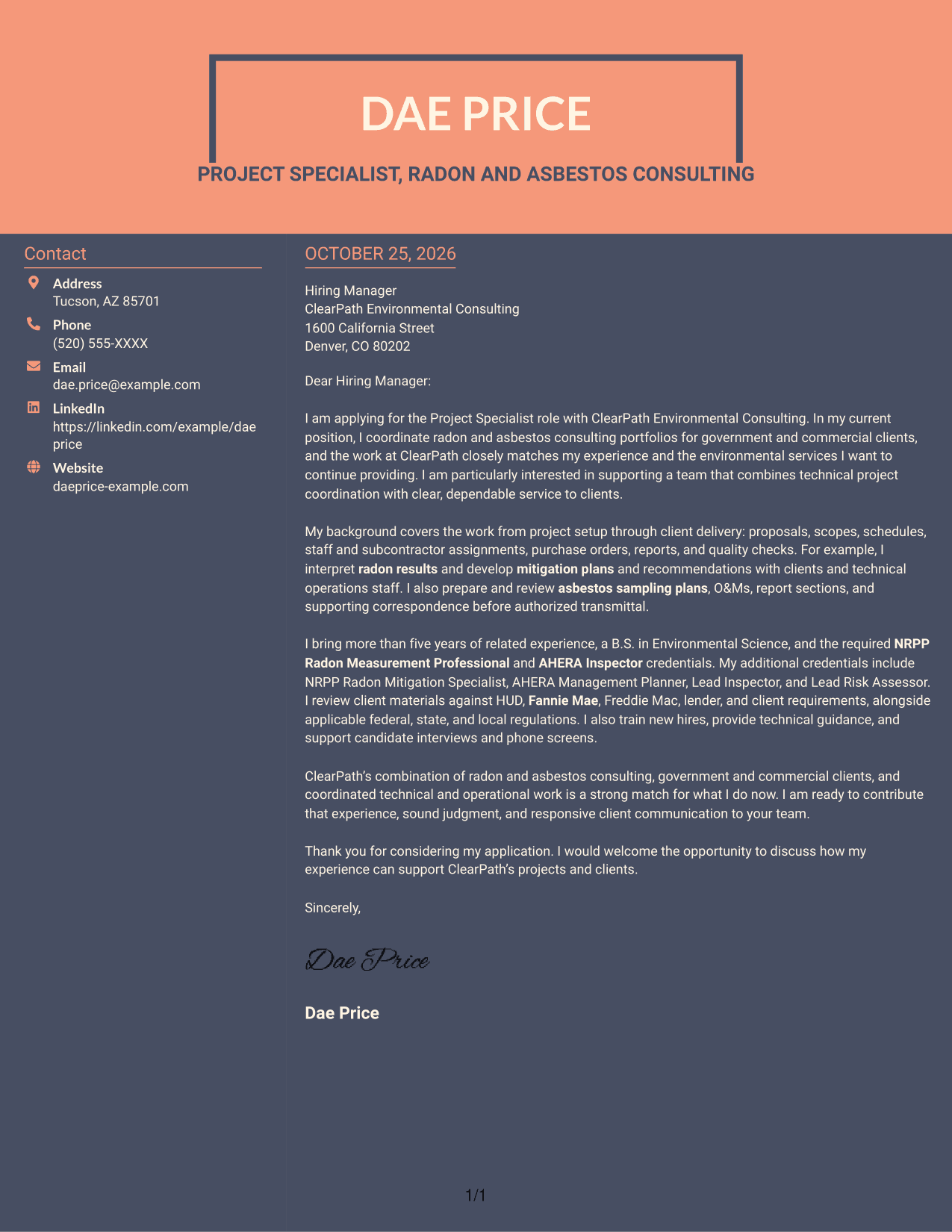
Why This Format Works
- Sender details have a sidebar, separate from the letter's main argument.
- The body stays continuous, so the opening and closing read as one letter.
- Two-column placement keeps the letter in one body lane beside contact information.
Best For
- Sidebar contact information
- Continuous persuasive correspondence
- Two-column page organization
- Clear separation of sender details
- Letters with a single body text
Why Use ResumeInMinutes for a Project Specialist - Radon and Asbestos Consulting Cover Letter
ResumeInMinutes lets you compare cover letter image previews and open an example in the editor. Use the example as a guide, then shape your wording around the role and your own relevant experience.
- Cover letter layouts to compare
- Clear, professional presentation
- Role-focused writing guidance
- Examples with a focused structure
- Editor access for customization
- Support for tailored applications
Build a direct opening, support your fit with relevant radon and asbestos consulting work, and close with a clear expression of interest in the Project Specialist role.
See Also
- 7 Project Specialist - Radon and Asbestos Consulting Resume Templates with Example
- 7 Airport Project Manager Resume Templates with Example
- 7 Architect - Architectural Project Delivery Resume Templates with Example
- 7 Architectural Designer / Project Architect - Commercial and Institutional Resume Templates with Example
- 7 Assistant Project Scientist - Experimental Space Physics Resume Templates with Example
- 7 Capital Project Manager - Informal Projects Resume Templates with Example
- 33 Civil Project Engineer Resume Templates with Example 2026 (ATS-Optimized)
- 7 Community Engagement Visibility Project Associate Resume Templates with Example
- 7 Architect - Architectural Project Delivery Cover Letter Templates with Example
- 7 Architectural Designer / Project Architect - Commercial and Institutional Cover Letter Templates with Example
Frequently Asked Questions
Are these Project Specialist - Radon and Asbestos Consulting cover letter templates easy to read?
They use clear layouts to help readers follow your opening, supporting examples, role fit, and closing. Choose a presentation that keeps your message easy to scan.
Does the guide show one example in different layouts?
Yes. The guide pairs a featured Project Specialist - Radon and Asbestos Consulting cover letter example with alternative visual presentations.
Which cover letter style works well for this role?
A simple, readable style is a strong choice for explaining technical coordination and client communication. Select a layout that gives your examples enough space and suits the employer’s communication context.
What experience should I highlight in this cover letter?
Focus on experience that matches the role, such as coordinating project scopes and schedules, interpreting radon results, preparing asbestos sampling plans and O&Ms, reviewing documents, and communicating with clients. Include only details that accurately reflect your background.
Should I use a photo on my cover letter?
Use a photo only if it is common or expected in your country, region, or industry. For U.S. applications, a no-photo layout is usually the safer choice.




