
7 Project Specialist - Student Engagement Cover Letter Templates with Example
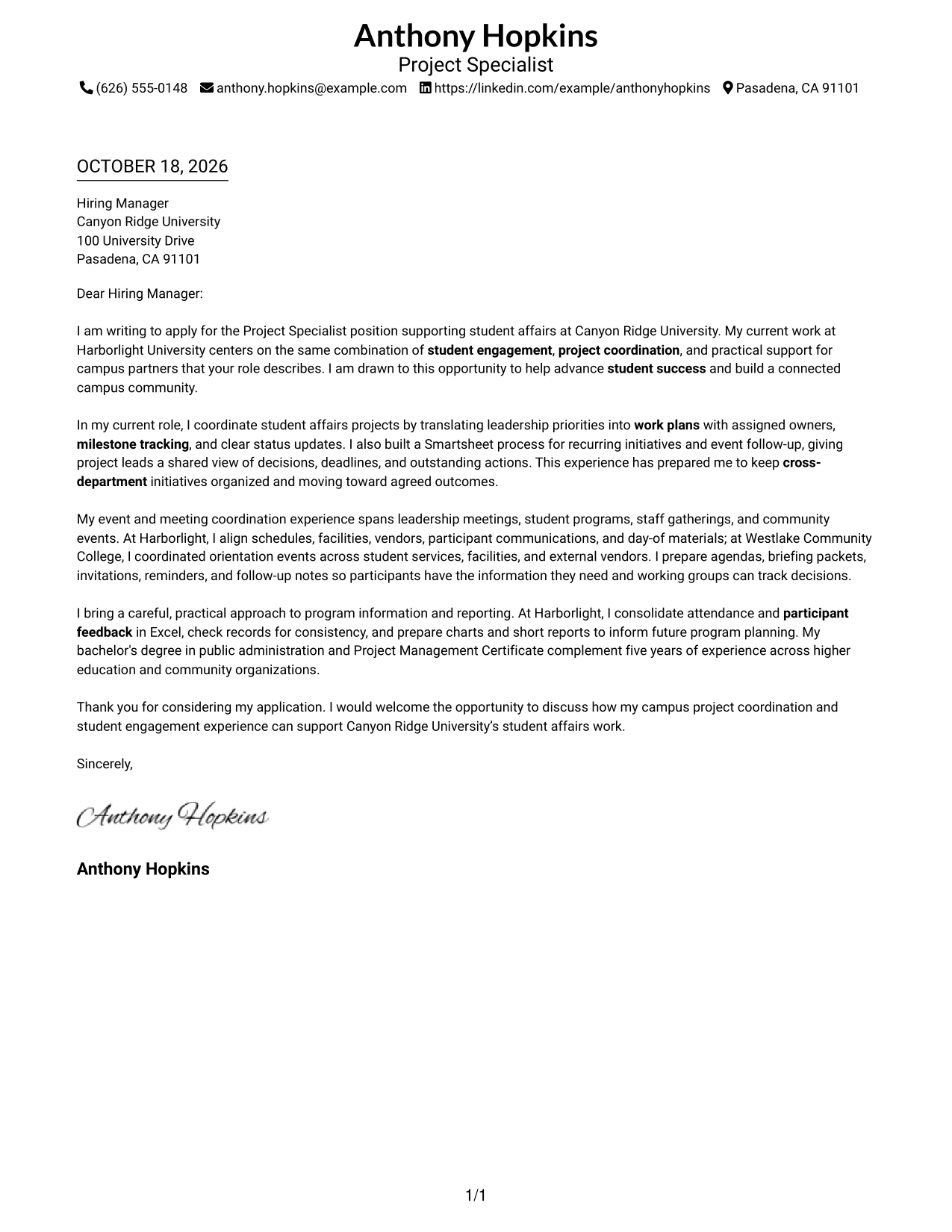
This practical guide helps you create a Project Specialist - Student Engagement cover letter, with seven layouts that show how to present your motivation and role fit clearly.
What Makes a Great Project Specialist - Student Engagement Cover Letter in 2026
A strong letter connects your interest in student success with the work of planning campus initiatives, events, and communications. A clear opening shows why this role matters to you.
Use specific evidence, such as coordinating partners, tracking milestones, or sharing program results. Link that experience to the university's goals and explain how your approach can support its student affairs work.
The featured example moves from motivation to project coordination, event planning, and reporting before a focused close. Adapt that progression to your own evidence, and choose a presentation that suits the employer and the way you will communicate.
#1 Simple One Column Format Cover Letter Example
The Simple One Column Format keeps sender details in the header and the letter in one reading path, so readers can move through the message without switching columns.
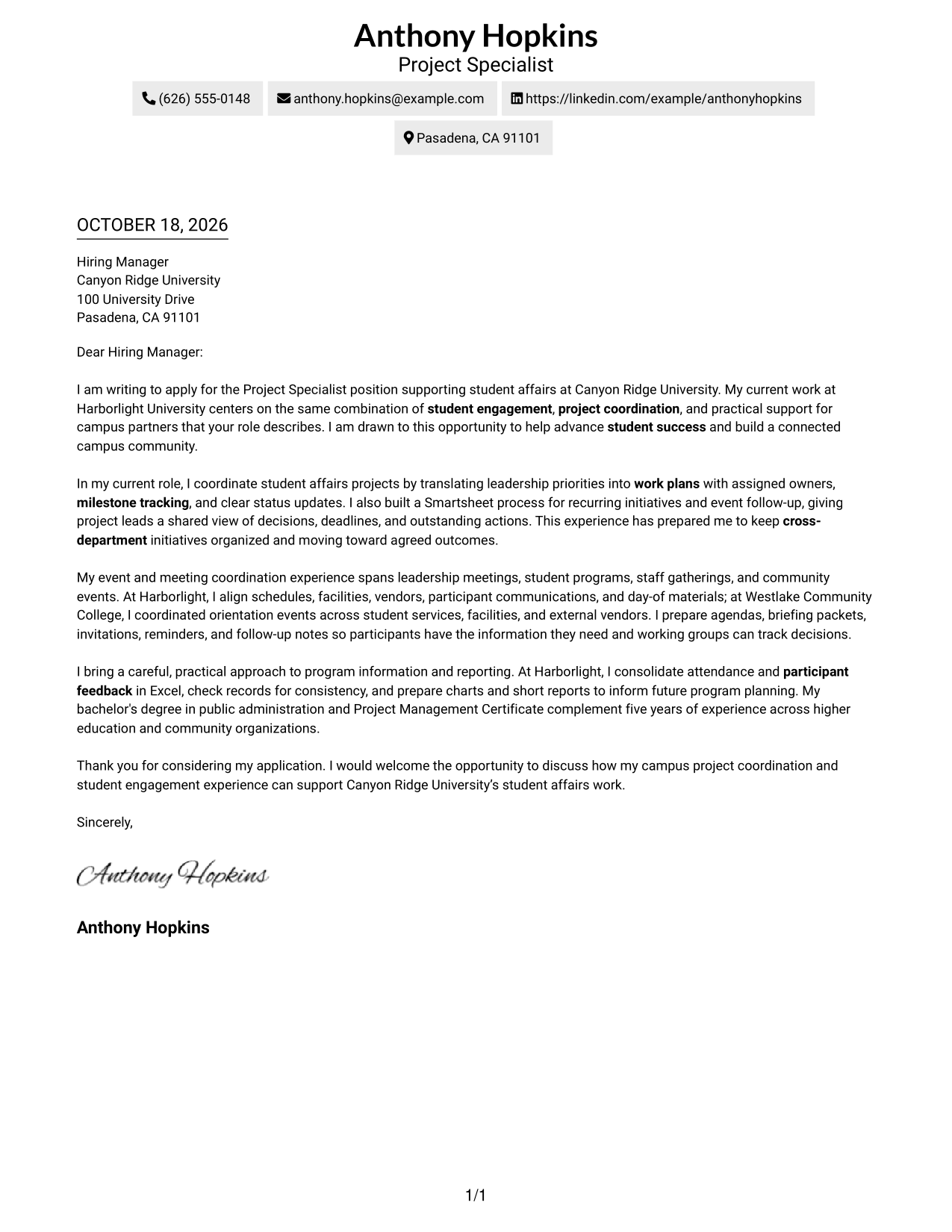
Why This Format Works
- Sender details sit in the header, apart from the letter's message.
- A single column lets readers follow the opening, evidence, and close in order.
- The continuous body gives motivation and role fit room to develop in paragraphs.
Best For
- Single-column letter reading
- Header-based contact details
- Continuous persuasive paragraphs
- Project coordination evidence
- Campus engagement applications
#2 Two Column Format Cover Letter Example
The Two Column Format places contact details in a sidebar beside one continuous letter body, making the sender information easy to find while the message stays in paragraph order.
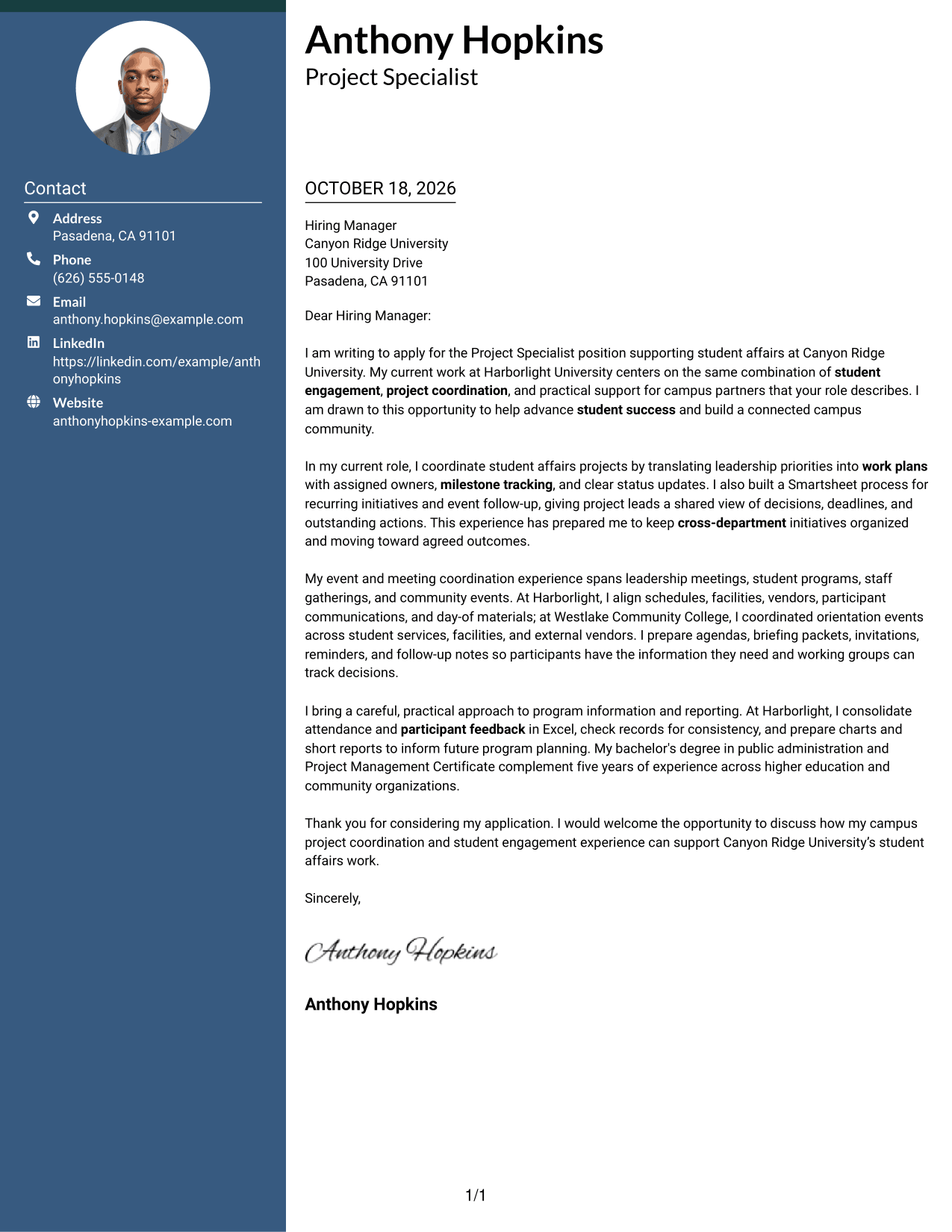
Why This Format Works
- A contact sidebar makes sender details easy to locate beside the message.
- The body keeps motivation, supporting examples, and the closing in sequence.
- The side-by-side layout gives contact information and letter text distinct areas.
Best For
- Separate contact-detail lookup
- Paragraph-led persuasion
- Letters with several supporting examples
- Motivation paired with practical evidence
- Side-by-side information layout
#3 Photo Header Two Column Format Cover Letter Example
The Photo Header Two Column Format combines a portrait and contact sidebar with one continuous letter body, suiting readers who prefer a photo in the page design.
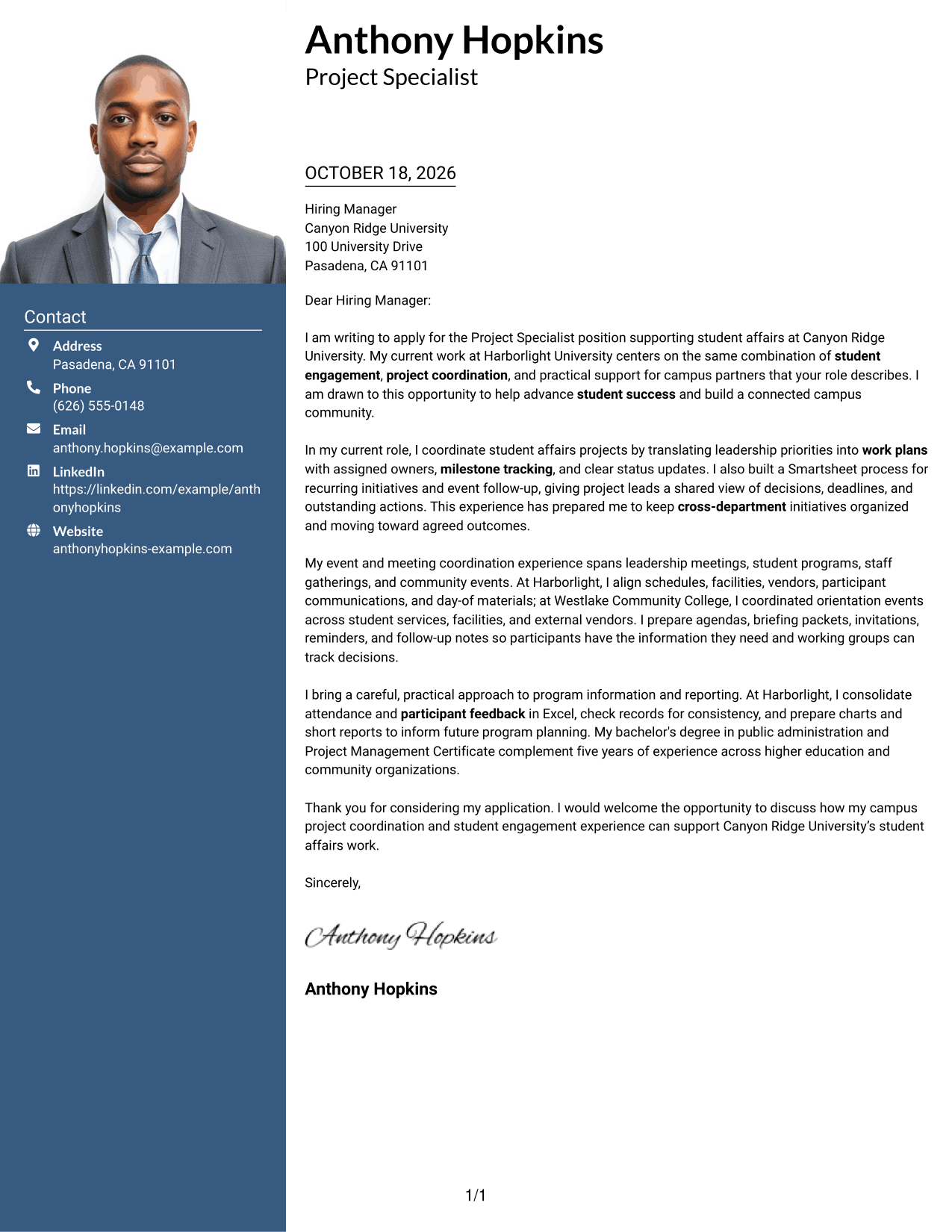
Why This Format Works
- The portrait adds a personal visual element without breaking the letter's argument.
- A contact sidebar keeps sender details apart from the body paragraphs.
- The continuous body lets readers follow motivation, evidence, and closing in order.
Best For
- Photo-inclusive letter layouts
- Contact details beside the message
- Uninterrupted persuasive paragraphs
- Role motivation with supporting evidence
- Campus program applications
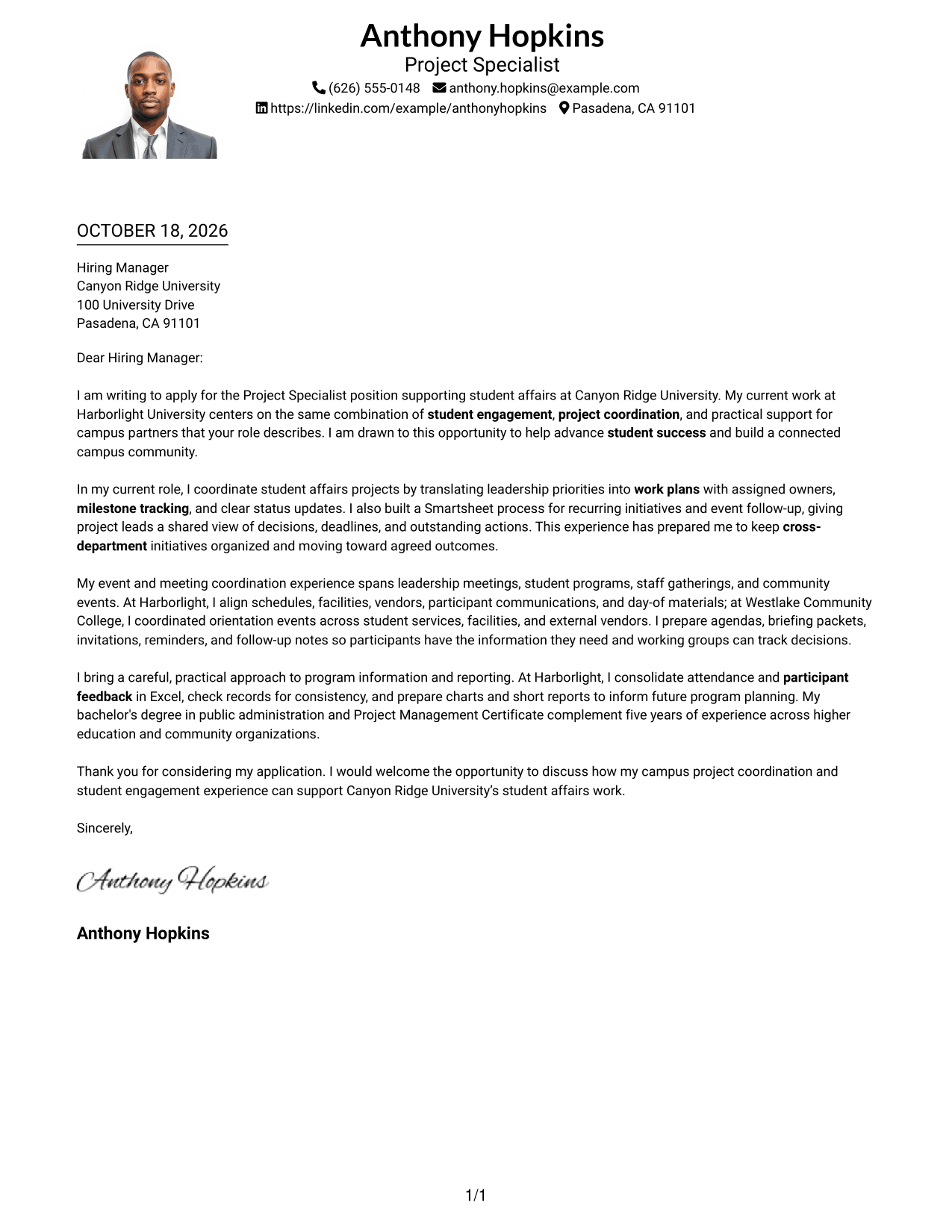
#4 One Column Format with Photo Cover Letter Example
The One Column Format with Photo includes a portrait while keeping sender details in the header and the letter in one continuous column.
Why This Format Works
- The photo offers a visual choice while leaving the letter body in one column.
- Header-based contact details stay separate from the message paragraphs.
- A single reading path carries the reader from the opening to the closing.
Best For
- One-column letter layouts
- Photo-inclusive document preferences
- Header-based sender information
- A direct opening-to-close reading path
- Detailed paragraphs on project fit
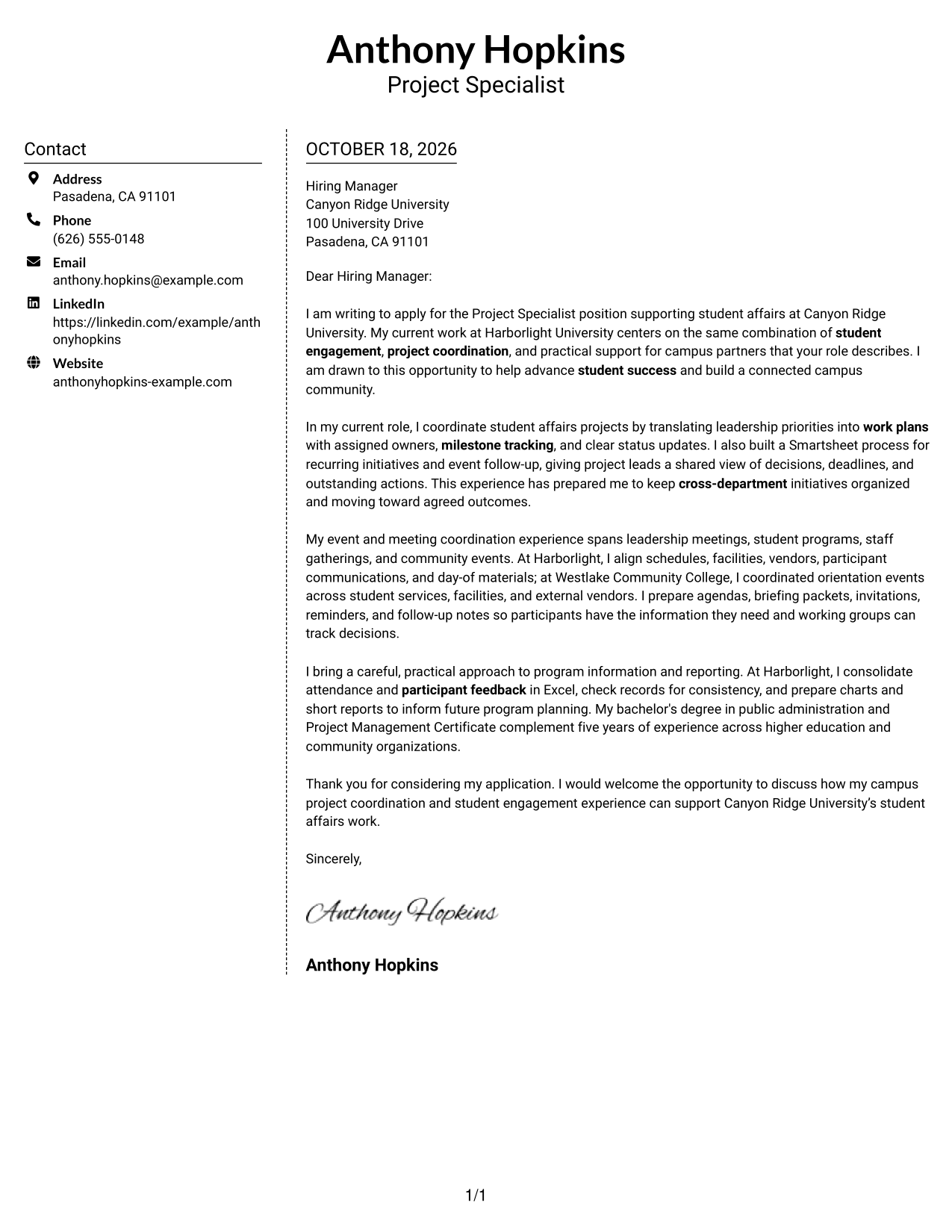
#5 Simple Two Column Format Cover Letter Example
The Simple Two Column Format gives contact details a sidebar beside one uninterrupted letter body, a straightforward choice for separating sender information from the message.
Why This Format Works
- The sidebar creates a separate place for sender contact details.
- One continuous body keeps the letter's reasoning in paragraph order.
- Two columns distinguish contact information from the message without splitting its argument.
Best For
- Separate sender information
- Continuous letter arguments
- Simple side-by-side organization
- Project examples in paragraph form
- Student engagement applications
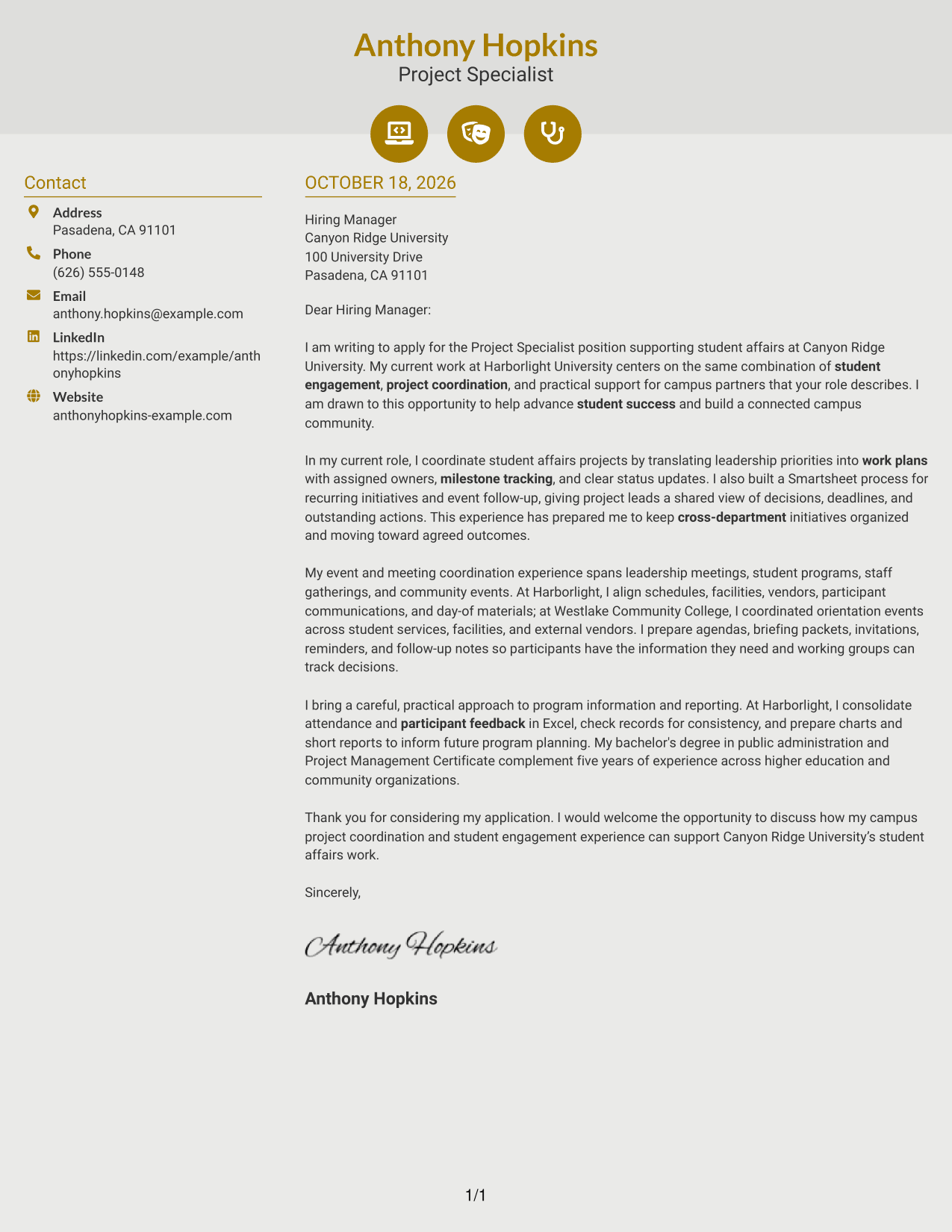
#6 Modern Icon Format Cover Letter Example
The Modern Icon Format uses two columns for contact details and the continuous letter body, with icons serving as cues for contact information rather than argument sections.
Why This Format Works
- Contact icons help readers recognize the details they may need to check.
- The sidebar keeps contact information separate from the letter's paragraphs.
- A continuous body presents motivation, evidence, and closing as one message.
Best For
- Icon-cued contact information
- Two-column letter organization
- One continuous persuasive message
- Easy access to sender details
- Project coordination and engagement applications
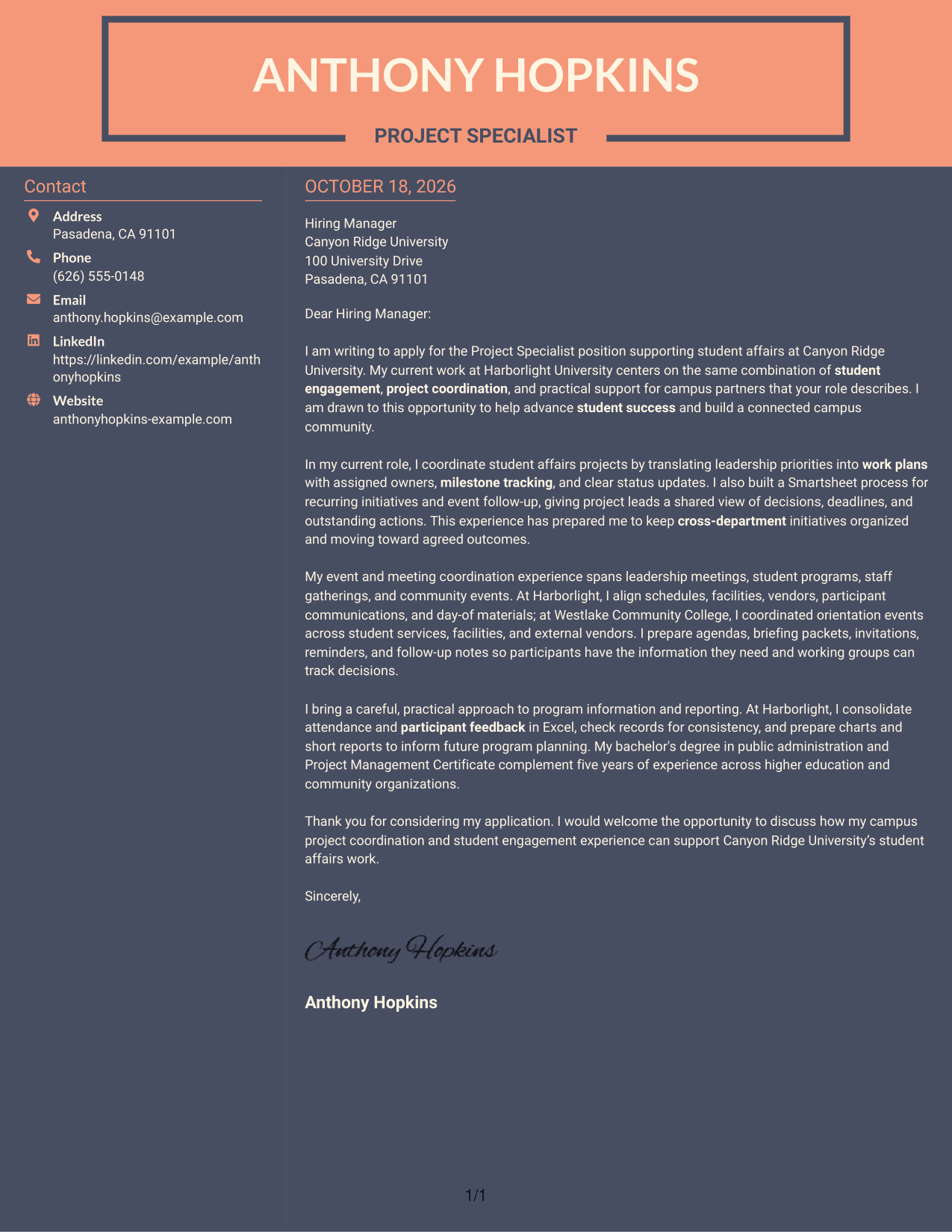
#7 Creative Two Tone Format Cover Letter Example
The Creative Two Tone Format sets contact details beside one continuous letter body, offering a two-column arrangement for readers who want sender information distinct from the message.
Why This Format Works
- Contact details occupy a sidebar, separate from the letter's main message.
- The body preserves the opening, supporting points, and close in one sequence.
- Side-by-side placement helps distinguish sender information from the recipient-facing text.
Best For
- Distinct contact and message areas
- Continuous letter paragraphs
- A clear opening-to-close sequence
- Several connected project examples
- Campus community applications
Why Use ResumeInMinutes for a Project Specialist - Student Engagement Cover Letter
ResumeInMinutes makes it easier to explore cover letter examples and shape a clear message for student affairs work. Image previews let you compare the page designs, and editor links let you open an example to customize it.
- Clear cover letter layouts
- Examples focused on role fit
- Guidance for a strong opening
- Space for relevant experience
- Focused closing paragraphs
- Options for different communication contexts
For this role, show how your project plans, event coordination, stakeholder communication, and program reporting can help support student engagement and campus community.
See Also
- 7 Project Specialist - Student Engagement Resume Templates with Example
- 7 Community Engagement Visibility Project Associate Resume Templates with Example
- 7 Airport Project Manager Resume Templates with Example
- 7 Assistant Project Scientist - Experimental Space Physics Resume Templates with Example
- 7 Capital Project Manager - Informal Projects Resume Templates with Example
- 33 Civil Project Engineer Resume Templates with Example 2026 (ATS-Optimized)
- 33 Construction Project Engineer Intern Resume Templates with Example 2026 (ATS-Optimized)
- 7 Construction Senior Project Manager Resume Templates with Example
- 30+ Civil Project Engineer Cover Letter Templates with Example 2026
- 30+ Construction Project Engineer Intern Cover Letter Templates with Example 2026
Frequently Asked Questions
What should the opening paragraph of a Project Specialist - Student Engagement cover letter say?
State the role you are applying for, explain why student engagement interests you, and connect that interest to the university's work. Keep the opening direct and personal.
How can I show that I fit this role?
Choose a few examples that match the work, such as coordinating cross-department projects, organizing student events, preparing clear communications, or reporting on program feedback. Explain what you did and why it mattered.
Does this guide show one letter or several?
It presents one featured cover letter example in several visual layouts. Use the previews to compare the designs, then open an example in the editor if you want to customize it.
What should the body paragraphs focus on?
Use the body to connect your experience to the role's needs. You might describe how you plan milestones, coordinate event details, communicate with partners, or check and report program data.
Should I use a photo on my cover letter?
For applications in the United States, a cover letter without a photo is usually the safer choice. A simple, readable design keeps the focus on your message.




