
7 Property Administrator - Lease and Occupancy Management Cover Letter Templates with Example
This guide helps you write a Property Administrator - Lease and Occupancy Management cover letter, with seven layouts to compare and practical guidance for presenting your fit.
What Makes a Great Property Administrator - Lease and Occupancy Management Cover Letter in 2026
A strong cover letter connects your lease administration and occupancy work to the role’s needs, including critical dates, facility operations, and financial review.
Use clear examples, such as coordinating a portfolio, reviewing invoices, or planning space changes. Show how your approach supports the employer’s goals for dependable service, careful cost control, and safe facilities.
The featured Property Administrator - Lease and Occupancy Management example follows a focused progression from interest and role fit to relevant evidence and a clear close. Adapt that progression while choosing a presentation that suits the employer and communication context.
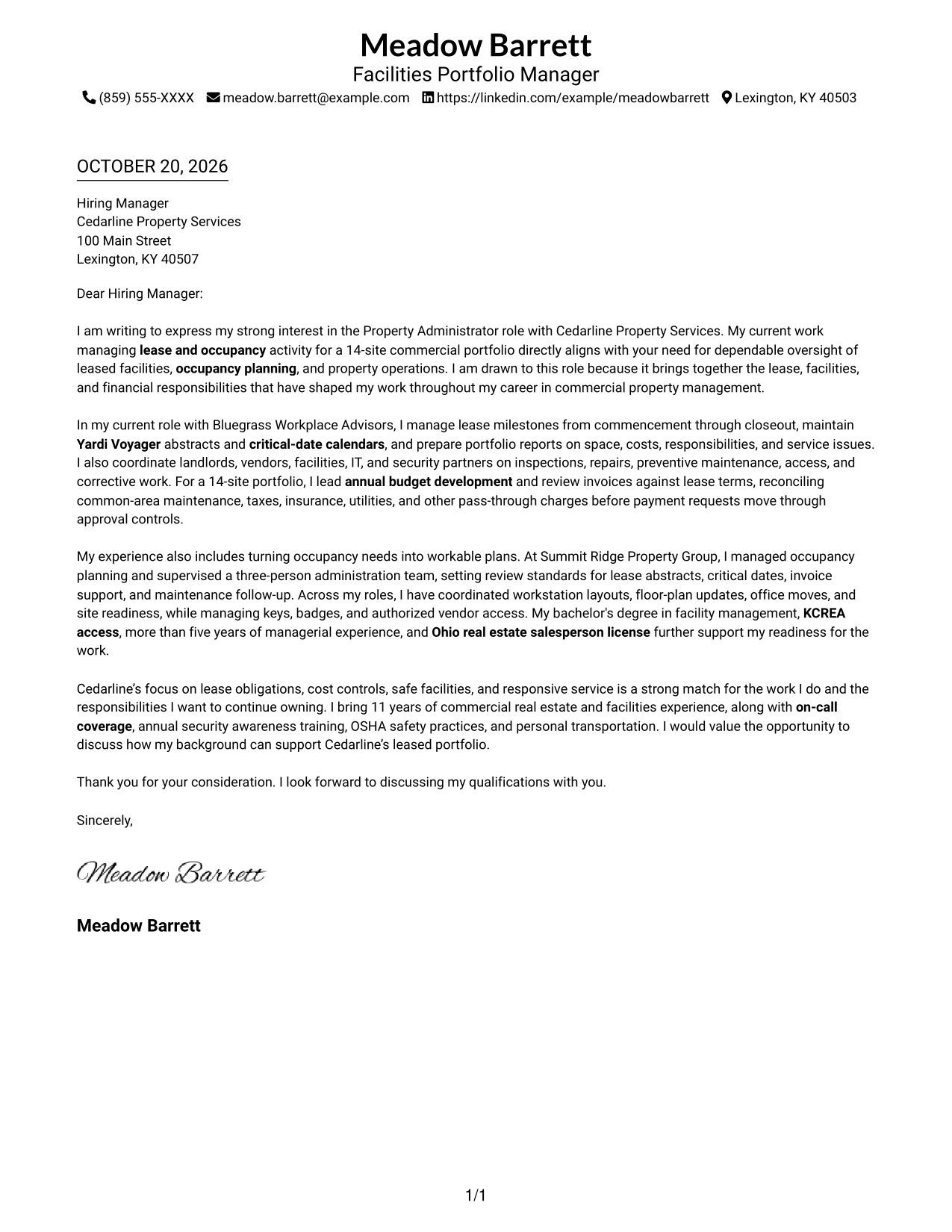
#1 Simple One Column Format Cover Letter Example
The Simple One Column Format places sender details in the header above one continuous letter body, giving the message a direct reading path.
Why This Format Works
- Sender details stay in the header, apart from the letter's main message.
- One reading path carries motivation, supporting examples, and the closing in order.
- Continuous paragraphs let the case develop without section labels dividing it.
Best For
- Single-column letter preferences
- Direct opening-to-closing reading
- Sender details in a header
- Paragraph-led case building
- Text-focused applications
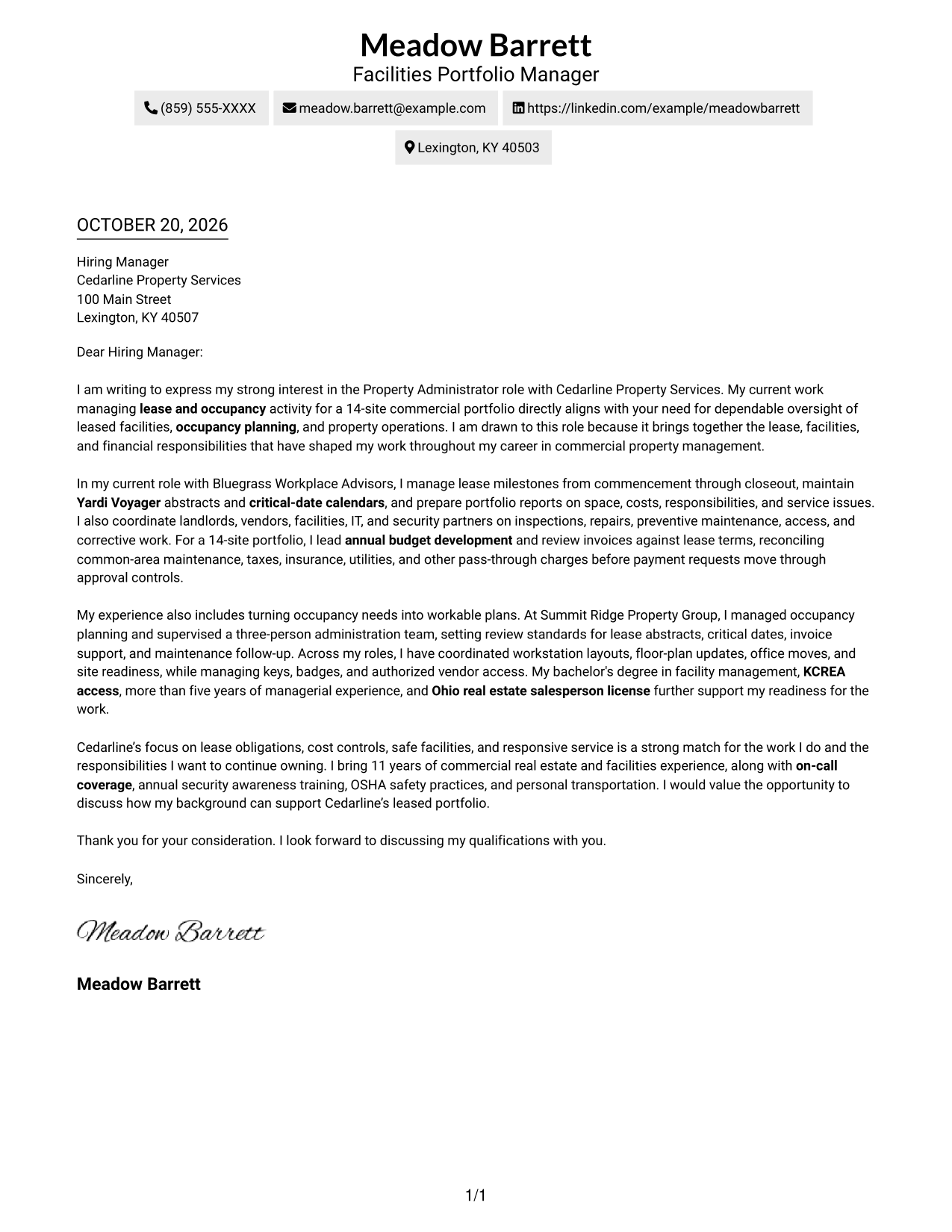
#2 Two Column Format Cover Letter Example
The Two Column Format sets a contact sidebar beside one continuous letter body, separating practical details from the persuasive message.
Why This Format Works
- Contact details have a dedicated sidebar, apart from the letter's persuasive message.
- The body stays in one column, so each paragraph follows the last.
- Side-by-side placement keeps sender information close at hand during review.
Best For
- Contact details beside the message
- A continuous letter-body argument
- Sender information kept within reach
- Letters with several evidence paragraphs
- Distinct contact and message areas
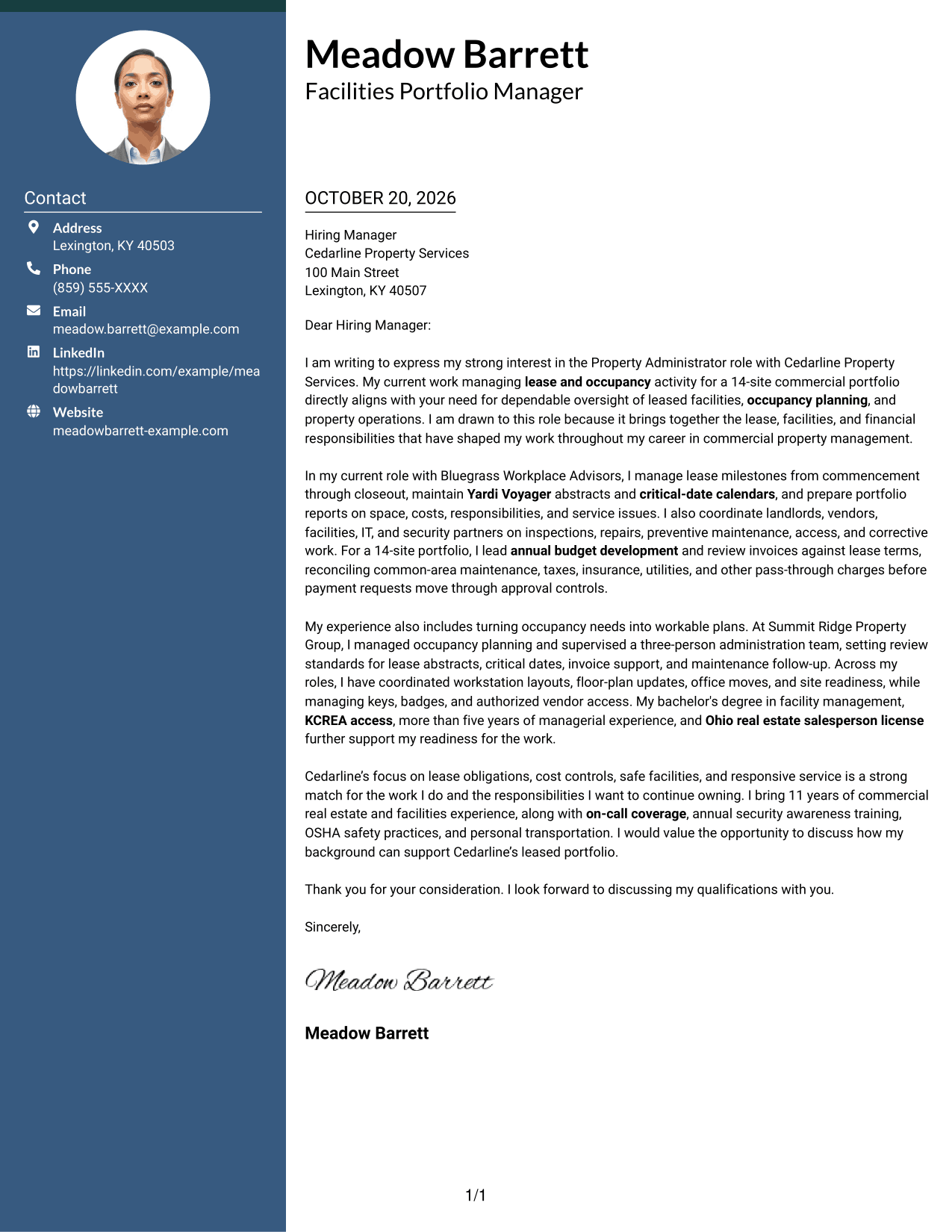
#3 Photo Header Two Column Format Cover Letter Example
The Photo Header Two Column Format pairs a contact sidebar and continuous letter body with a photo, for readers who prefer a portrait in the page design.
Why This Format Works
- Contact details stay in a sidebar, while the letter body remains one column.
- Motivation, examples, and the closing remain together in a continuous body.
- The photo adds a portrait option for readers who prefer that visual choice.
Best For
- Portrait-inclusive letter designs
- Contact details beside the message
- One-column letter-body reading
- Continuous paragraph-based arguments
- Readers who prefer a photo
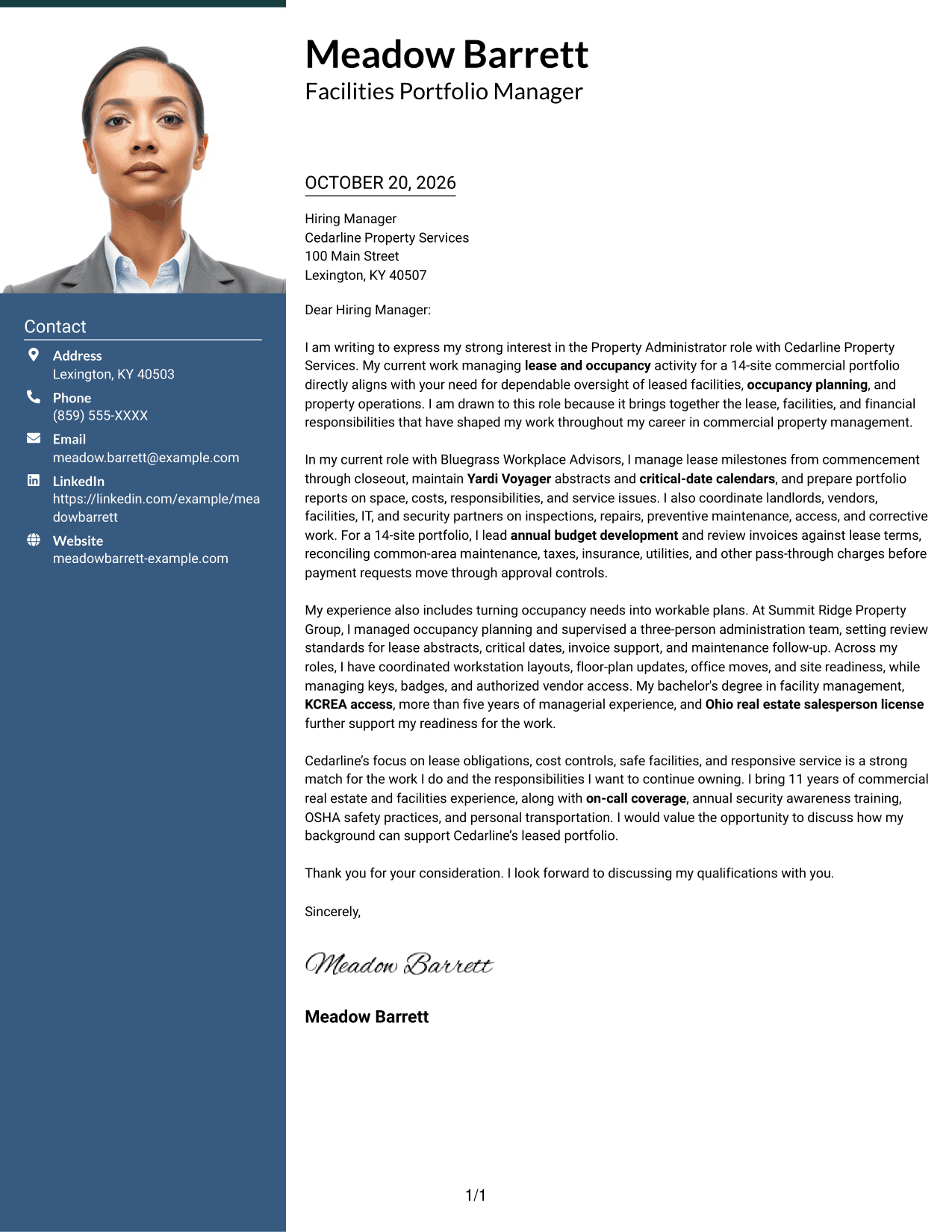
#4 One Column Format with Photo Cover Letter Example
One Column Format with Photo keeps sender details in the header and the letter body in one column, while including a photo for readers who prefer that visual choice.
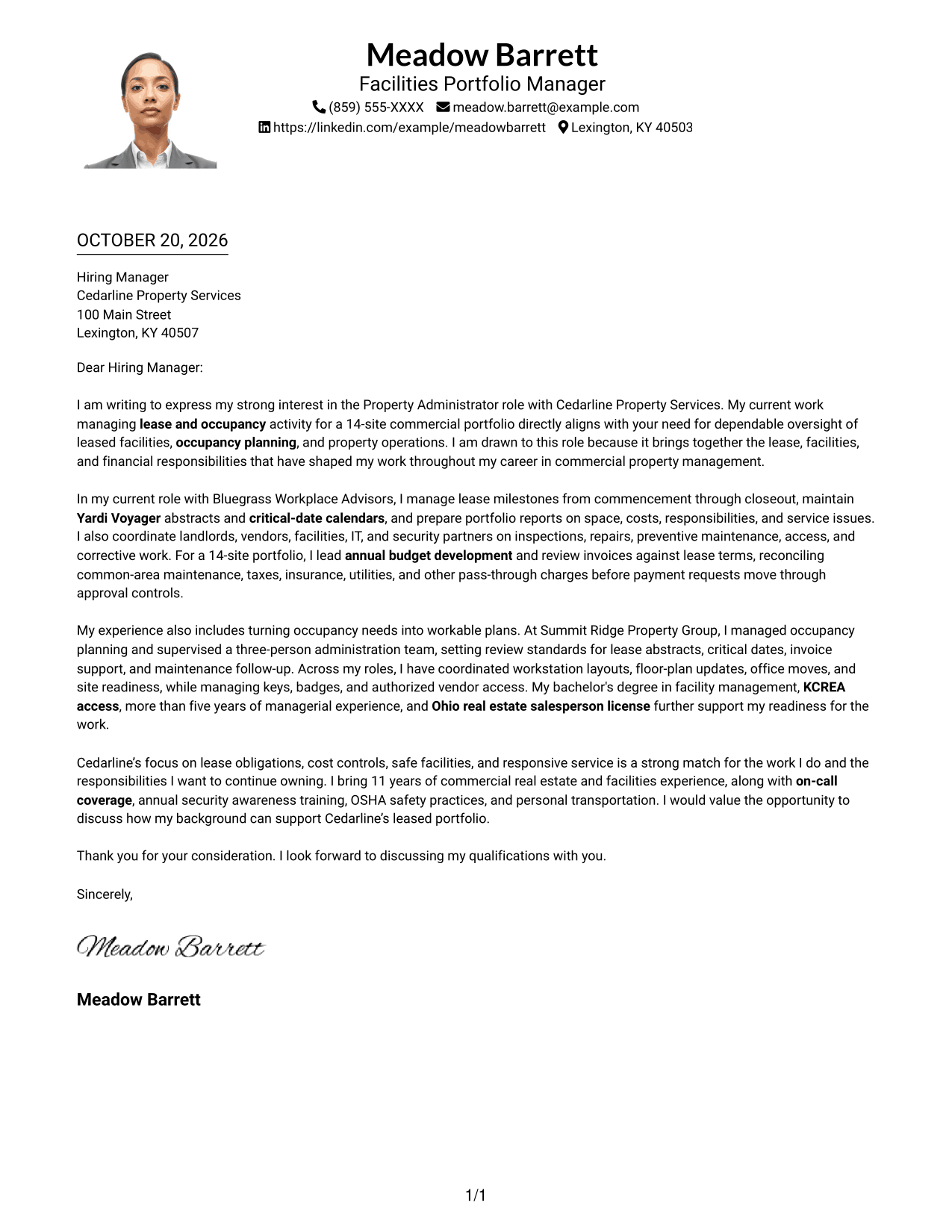
Why This Format Works
- Sender details appear in the header, leaving the body as one reading column.
- The photo offers a personal visual element without dividing the letter's argument.
- Continuous paragraphs keep the opening, supporting points, and close in sequence.
Best For
- One-column letter layouts
- A photo in the document
- Sender details in the header
- Uninterrupted paragraph flow
- Text with a clear reading order
#5 Simple Two Column Format Cover Letter Example
Simple Two Column Format places contact details in a sidebar beside one continuous letter body, keeping the message intact alongside a separate contact area.
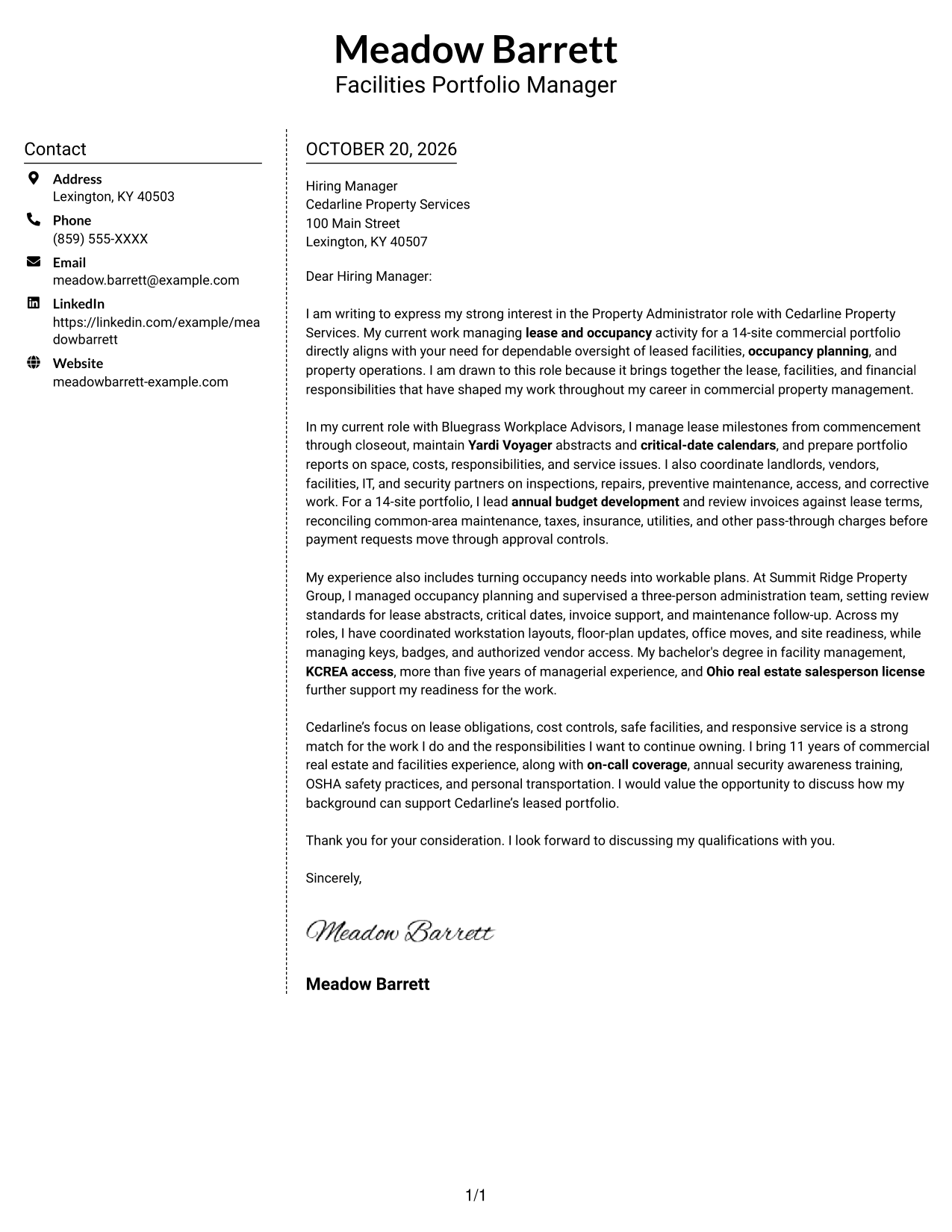
Why This Format Works
- Contact details sit apart from the message in a dedicated sidebar.
- One letter-body column keeps the supporting paragraphs in their intended sequence.
- Readers can refer to sender information without leaving the letter's main reading path.
Best For
- A separate contact sidebar
- Continuous letter-body reading
- Supporting points in paragraph form
- Sender details available at a glance
- Simple two-column organization
#6 Modern Icon Format Cover Letter Example
Modern Icon Format uses two columns, with contact details in a sidebar and icons limited to contact cues or header accents, leaving the letter body continuous.
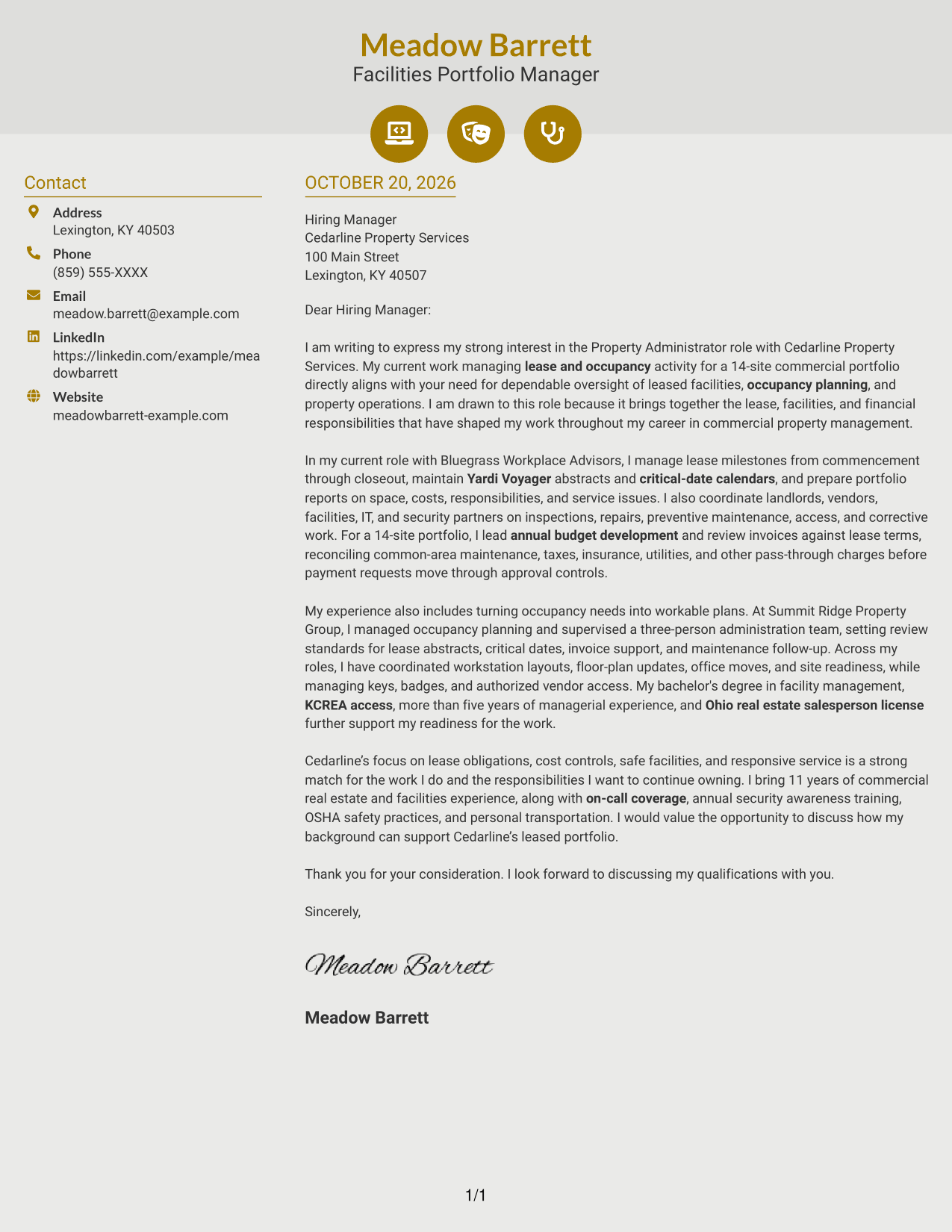
Why This Format Works
- Contact icons help distinguish practical sender details from the letter's main message.
- One continuous body keeps motivation and supporting evidence in a single sequence.
- Header accents add visual cues without labeling the letter's argument.
Best For
- Icon cues for contact details
- A two-column contact layout
- One continuous letter body
- Readers who like visual accents
- Paragraph-led persuasive writing
#7 Creative Two Tone Format Cover Letter Example
Creative Two Tone Format places contact details in a sidebar beside one continuous letter body, keeping the message intact alongside a separate contact area.
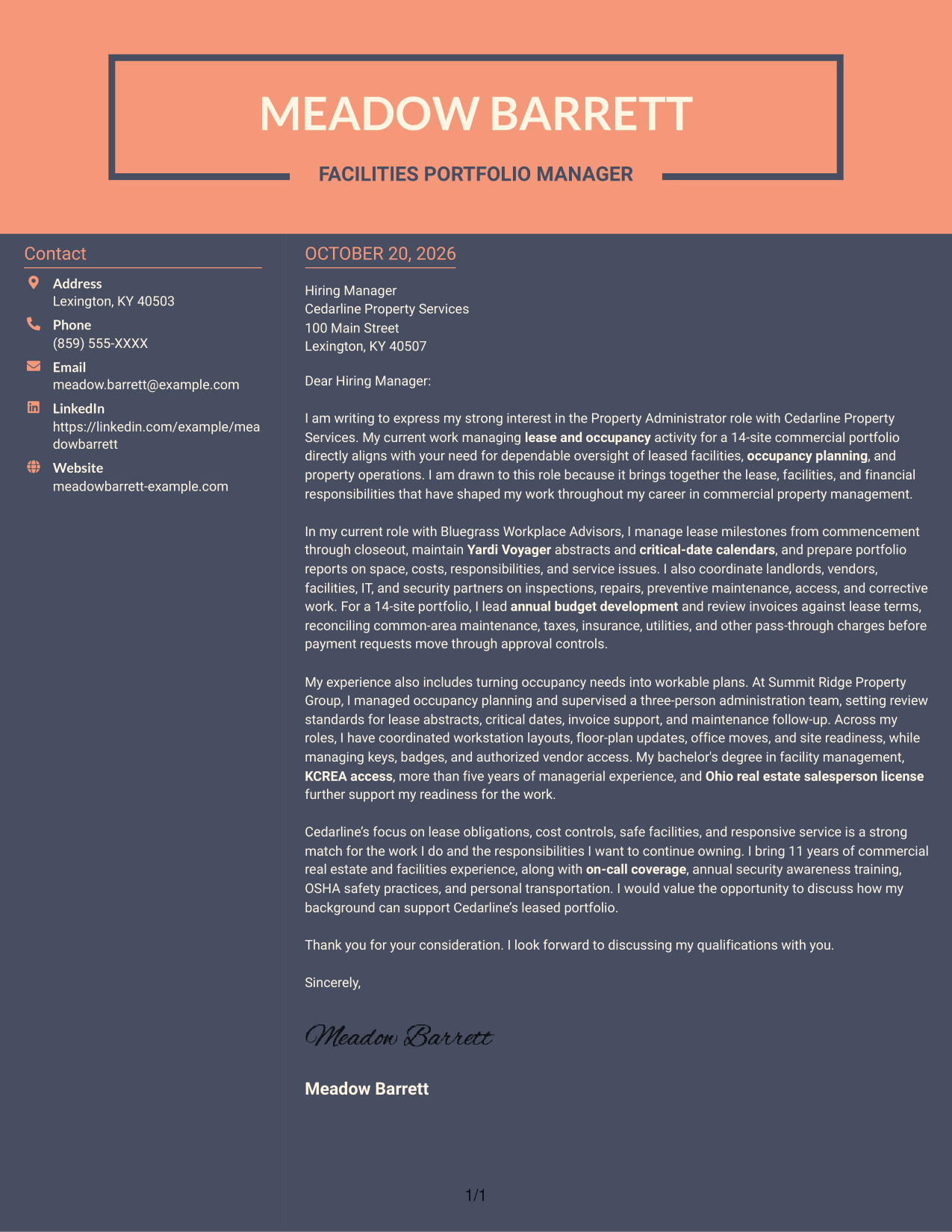
Why This Format Works
- Contact details occupy a sidebar, apart from the letter's continuous body.
- The single-column letter body lets supporting points follow one another clearly.
- Two adjacent areas keep sender information close while preserving a complete letter.
Best For
- Contact details in a sidebar
- A complete continuous letter
- Supporting points read in order
- Separate sender and message areas
- Two-column document preferences
See Also
- 7 Property Administrator - Lease and Occupancy Management Resume Templates with Example
- 7 Account Manager - Commercial Property Casualty Resume Templates with Example
- 33 Entry-Level Property Accountant Resume Templates with Example 2026 (ATS-Optimized)
- 7 Groundskeeper - Residential Property Grounds Resume Templates with Example
- 33 Junior Property Accountant Resume Templates with Example 2026 (ATS-Optimized)
- 7 Maintenance Tech - Property Maintenance Resume Templates with Example
- 33 Property Accountant Resume Templates with Example 2026 (ATS-Optimized)
- 33 Property Management Specialist Resume Templates with Example
- 30+ Entry-Level Property Accountant Cover Letter Templates with Example 2026
- 30+ Junior Property Accountant Cover Letter Templates with Example 2026
Frequently Asked Questions
What should a Property Administrator - Lease and Occupancy Management cover letter include?
Show how your experience relates to lease milestones, occupancy planning, facility coordination, and financial review. Use a direct opening, specific supporting examples, and a closing that invites further discussion.
How can I show fit for a lease and occupancy management role?
Choose examples that show how you track lease obligations, coordinate landlords and service partners, manage space needs, or review operating costs. Explain what you handled and why it matters to the role.
How should I address the employer in my cover letter?
Use the hiring contact’s name when it is available. If you do not have a name, a clear greeting such as “Dear Hiring Manager” is appropriate.
Which cover letter layout should I choose?
Choose a clean, readable layout that makes your opening, supporting examples, and closing easy to follow. Compare the PNG previews, then open an example in the editor to view or customize it.
How can I make my cover letter specific to the employer?
Refer to responsibilities in the job posting, such as lease compliance, invoice controls, occupancy planning, or facility safety. Link those needs to relevant examples from your own work, and avoid claims you cannot support.




