
7 Quality Control Analyst - LIMS Systems Cover Letter Templates with Example
This practical guide helps you write a Quality Control Analyst - LIMS Systems cover letter, with seven layouts to compare and adapt for clear, role-focused communication.
What Makes a Great Quality Control Analyst - LIMS Systems Cover Letter in 2026
A strong letter connects LIMS administration and QC laboratory work to the needs of the role. It shows how clear communication can support reliable, compliant testing workflows.
Use specific evidence, such as coordinating LabVantage eLIMS changes, validation, user access, or incident resolution. Link that work to the employer’s needs, and explain why the role’s local and global system coordination interests you.
The featured Quality Control Analyst - LIMS Systems example moves from role interest to LIMS and QC evidence, then closes with employer alignment; adapt this focused progression and choose a presentation that suits the employer and communication context.
#1 Simple One Column Format Cover Letter Example
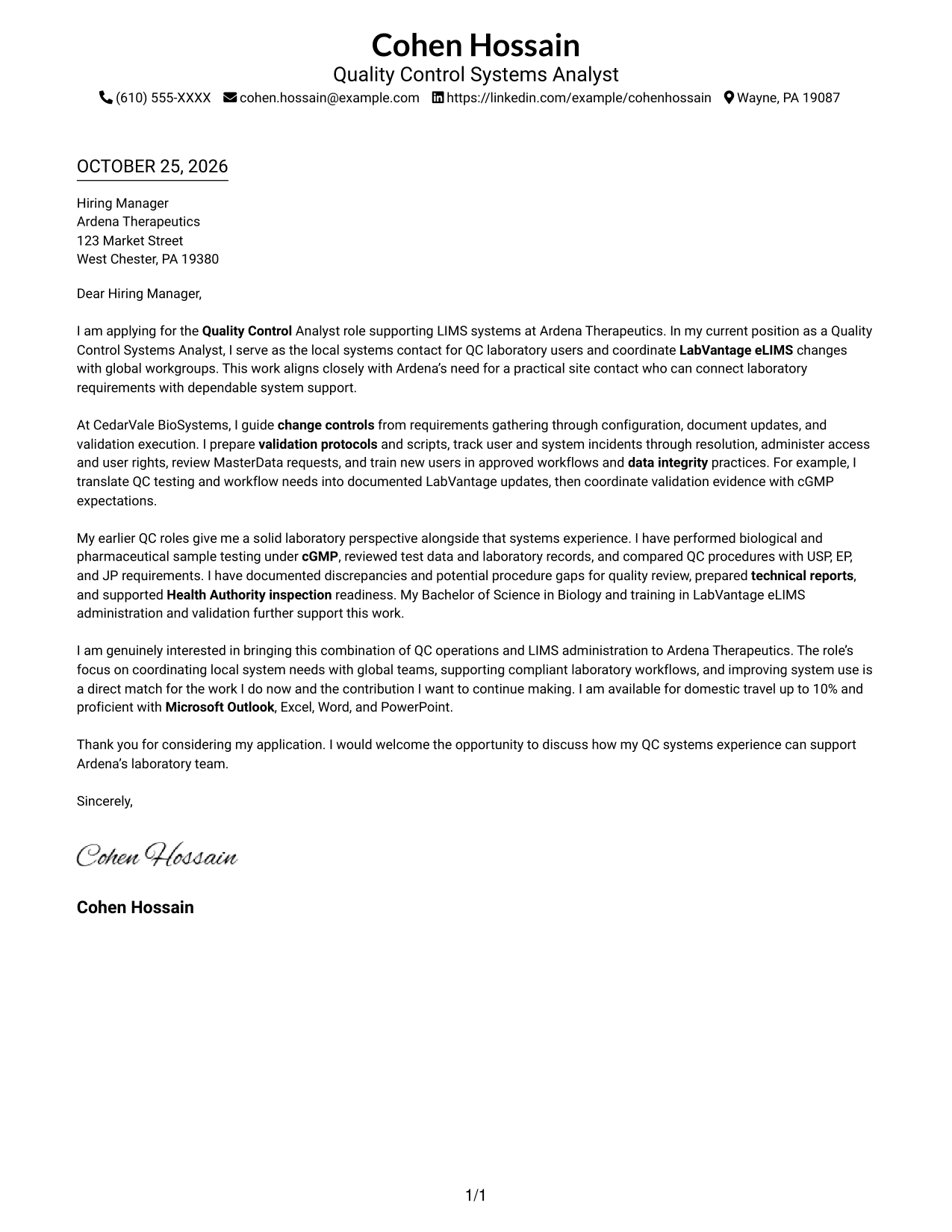
A single-column layout places sender details in the header above the letter, making it a practical choice for a direct, text-led application.
Why This Format Works
- Header-based sender details are easy to locate before the message begins.
- The opening, supporting points, and closing remain in one uninterrupted body.
- Without a photo, the written message remains the page’s main visual content.
Best For
- Single-column letter layouts
- Header-based sender details
- Continuous paragraph narratives
- Text-led application materials
- Photo-free document preferences
#2 Two Column Format Cover Letter Example
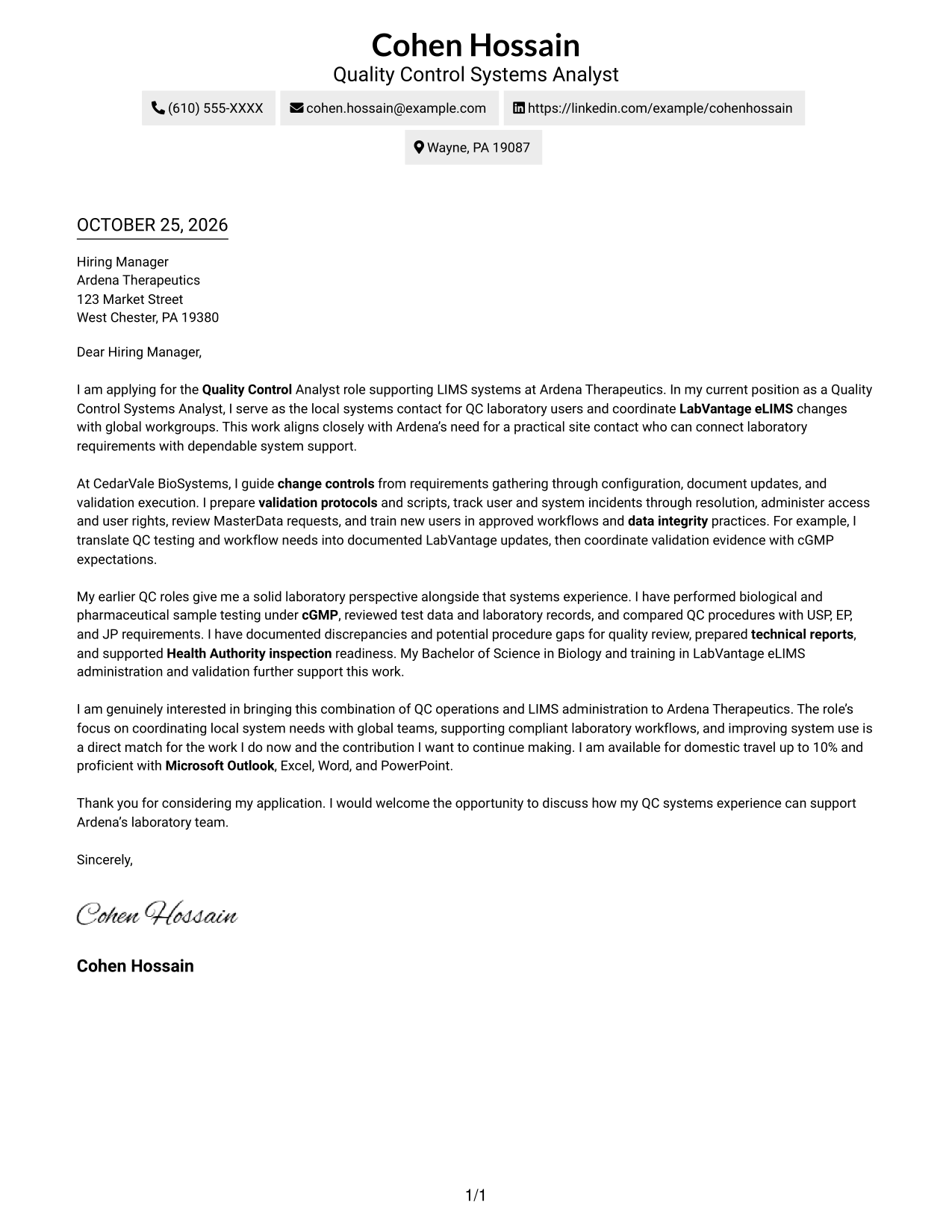
A contact sidebar sits beside one continuous letter body, keeping contact information separate from the message while preserving its natural flow.
Why This Format Works
- The contact sidebar gives sender information a clear place outside the letter paragraphs.
- The opening, evidence, and closing stay together in one continuous body.
- Readers can move from contact details to the message without following parallel argument columns.
Best For
- Contact details beside the message
- Continuous letter arguments
- Sidebar-based contact organization
- Evidence-led application letters
- Clear closing paragraphs
#3 Photo Header Two Column Format Cover Letter Example
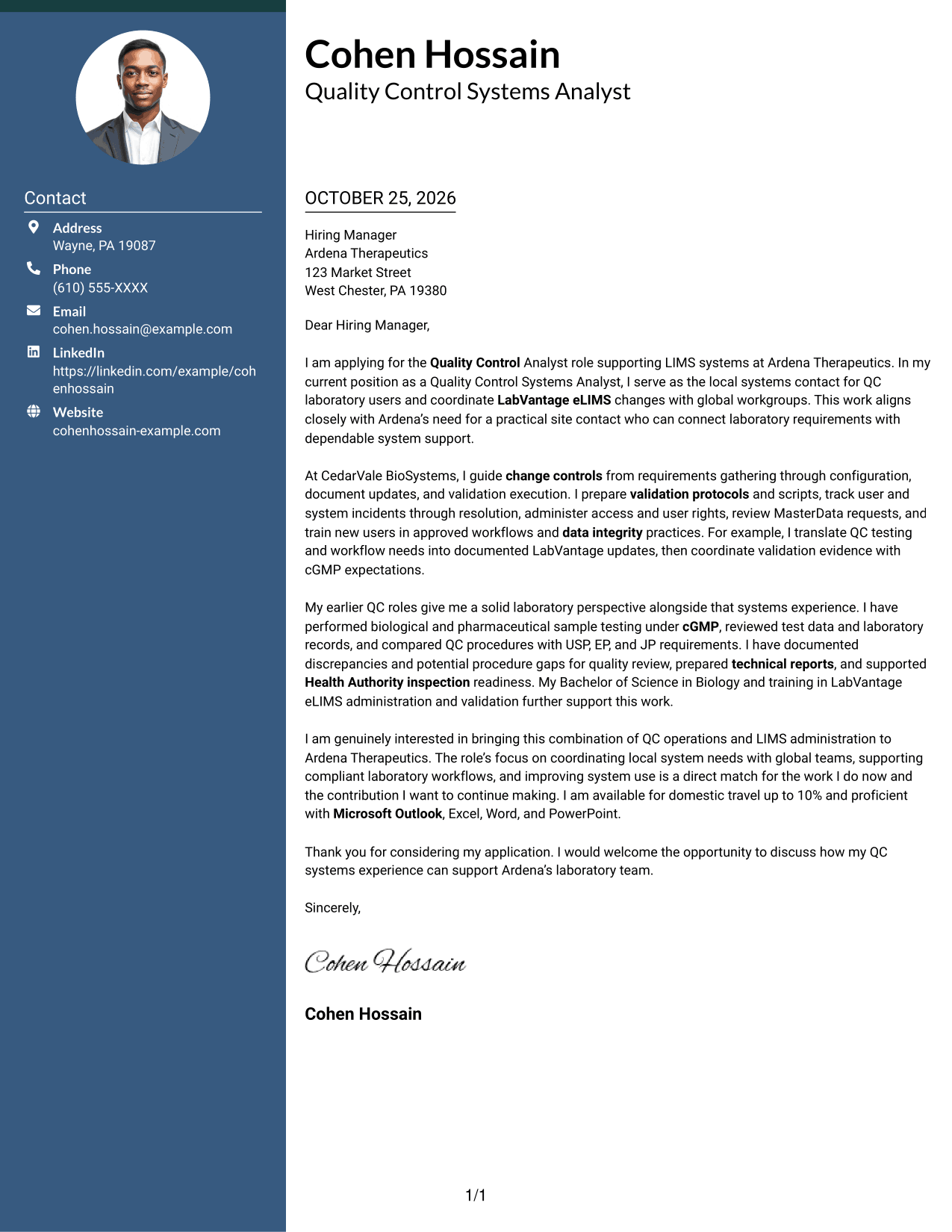
A photo header adds a portrait to the two-column layout, while the contact sidebar remains distinct from the continuous letter body.
Why This Format Works
- The portrait provides a visible personal element in the header area.
- Contact details stay apart from the letter’s opening, evidence, and closing.
- A single letter body keeps the argument in its intended reading order.
Best For
- Portrait-inclusive letter headers
- Contact sidebar layouts
- Continuous paragraph messaging
- Personal visual presentation
- Evidence-led application letters
#4 One Column Format with Photo Cover Letter Example
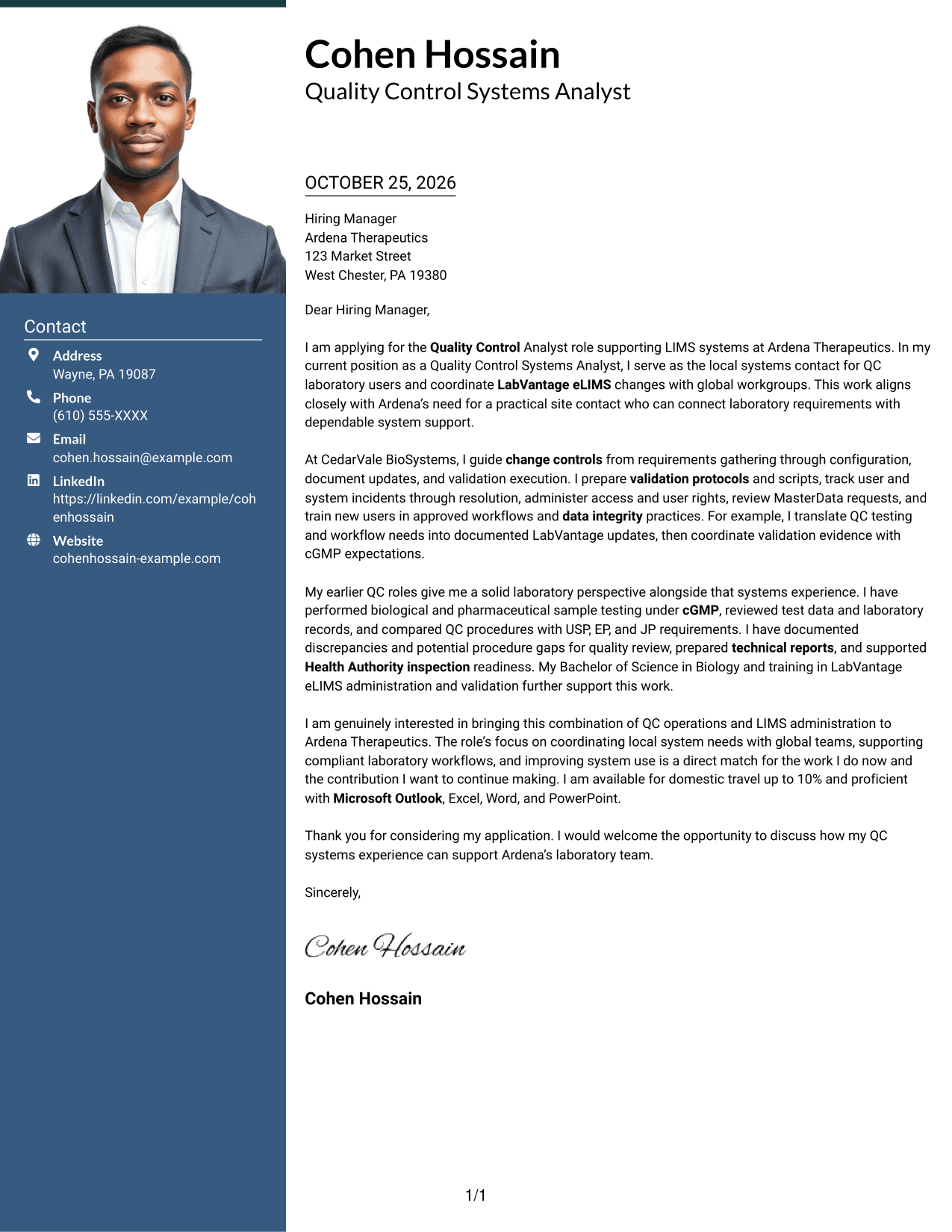
This one-column letter includes a photo and keeps the message in one continuous reading path for readers who prefer a portrait with a straightforward layout.
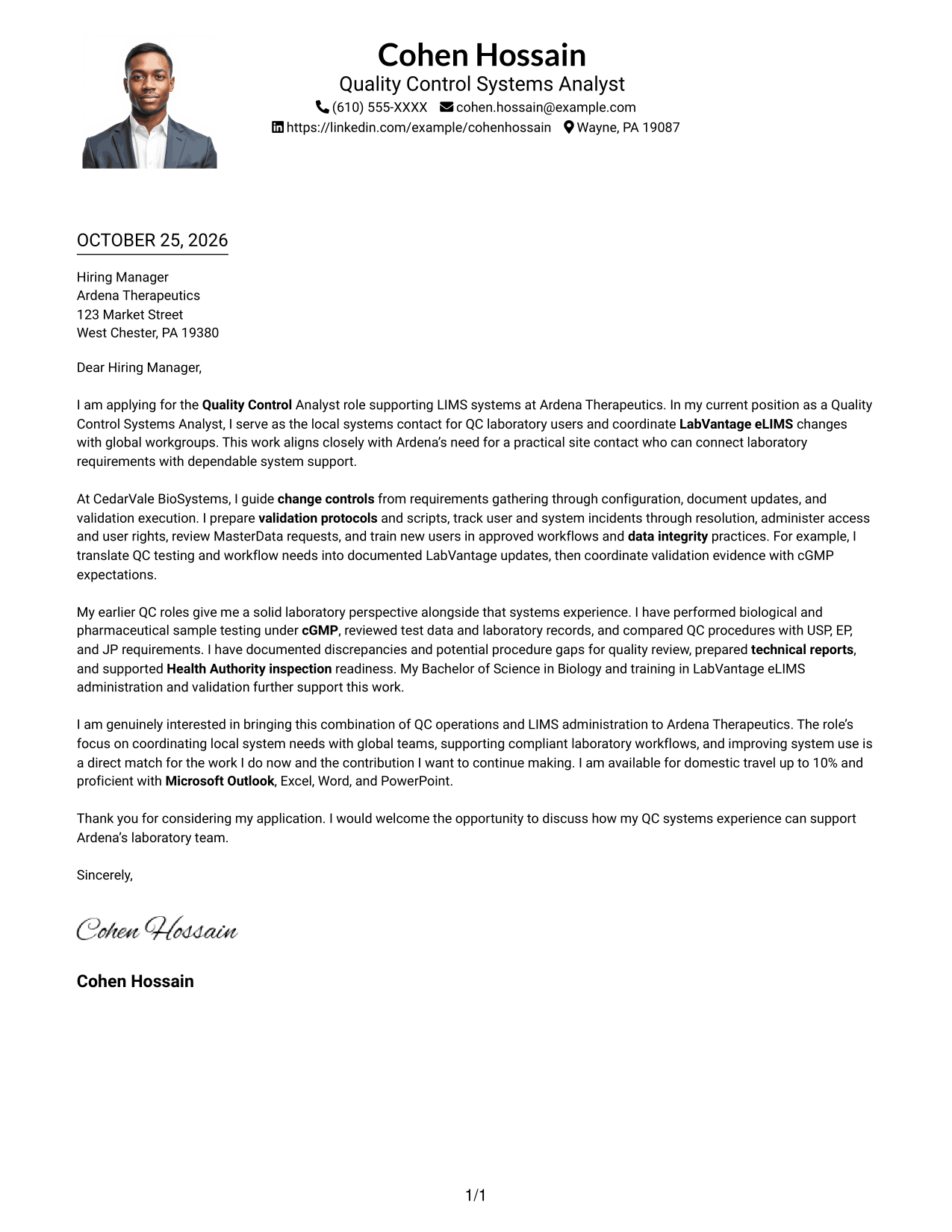
Why This Format Works
- The photo adds a personal visual element without creating a second body column.
- Sender details and the letter remain in one overall reading column.
- The continuous paragraphs carry the opening, evidence, and closing in sequence.
Best For
- One-column letter layouts
- Portrait-inclusive applications
- Continuous paragraph narratives
- Direct reading order
- Photo-based personal presentation
#5 Simple Two Column Format Cover Letter Example
The two-column arrangement places contact details beside one continuous letter body, a useful choice when sender information should stay separate from the message.
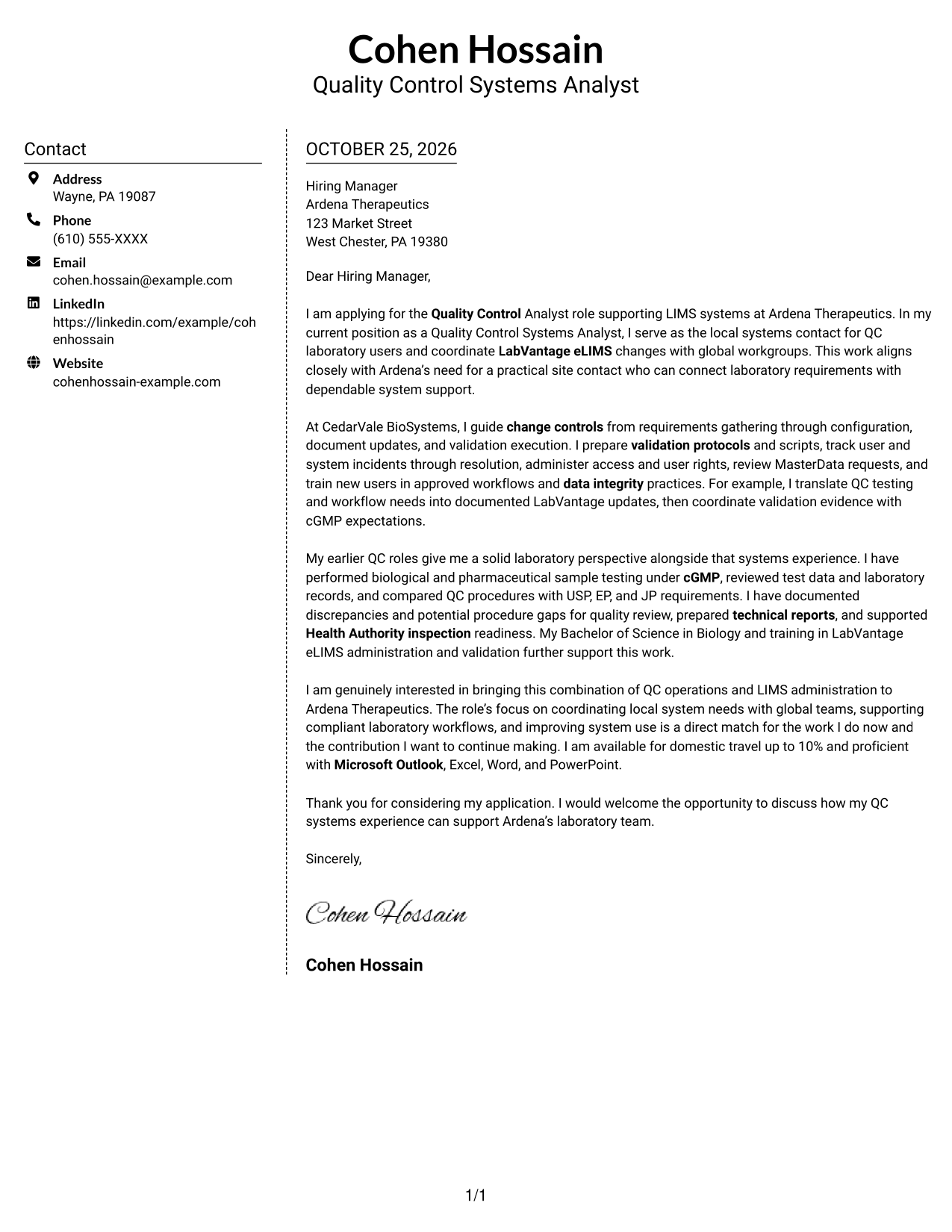
Why This Format Works
- A dedicated contact area keeps sender information outside the letter paragraphs.
- The letter’s opening, supporting case, and close remain part of one body.
- The layout offers a clear distinction between contact details and the message.
Best For
- Side-by-side contact information
- One continuous letter body
- Distinct sender details
- Text-focused application materials
- Clear opening and closing
#6 Modern Icon Format Cover Letter Example
Contact icons and header accents add visual cues to this two-column format, while the letter itself remains one continuous body.
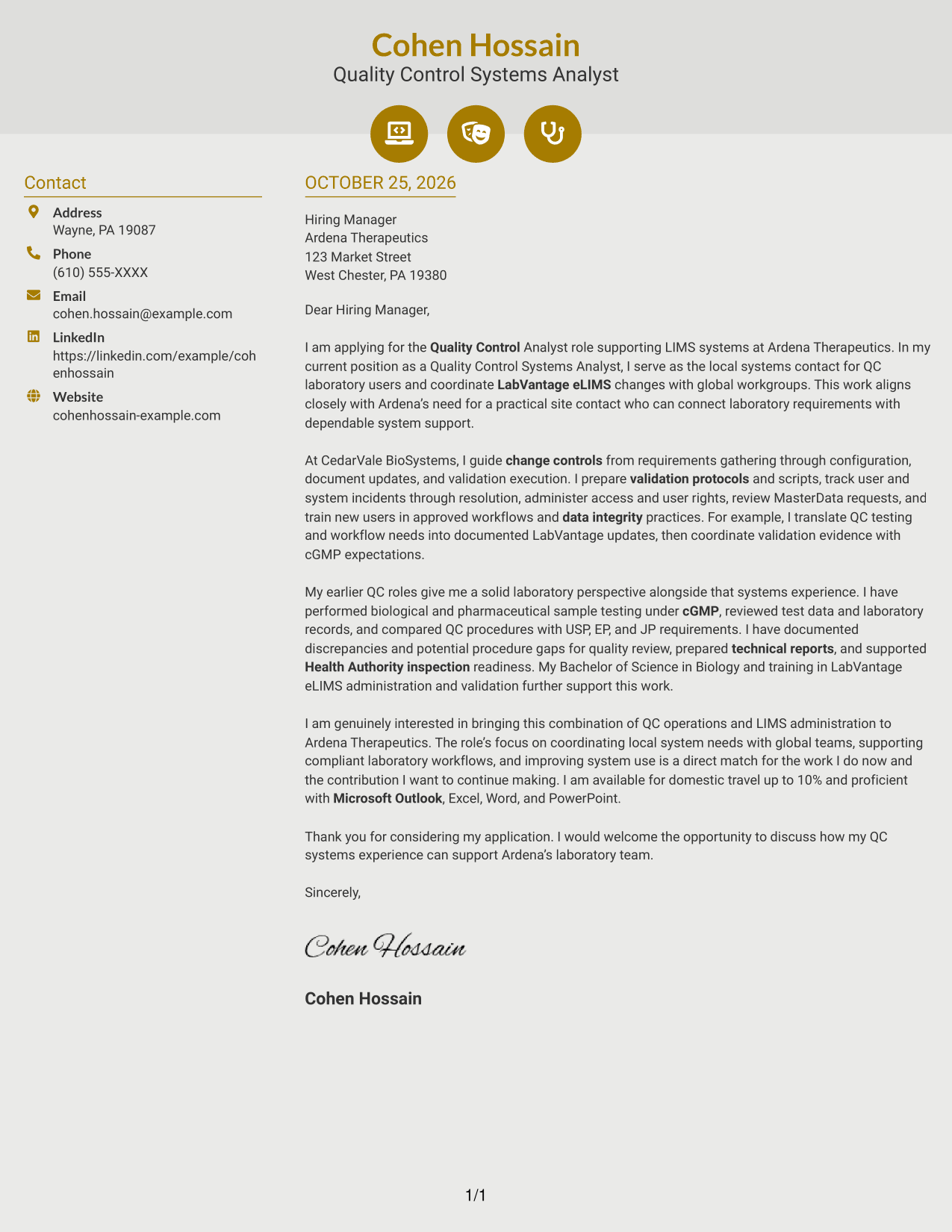
Why This Format Works
- Contact icons help distinguish sender details from the letter’s main message.
- The argument remains in a single body, rather than separate columns.
- Header accents add visual cues without labeling the letter’s motivation or evidence.
Best For
- Icon-guided contact details
- Two-column letter layouts
- Continuous paragraph arguments
- Visually marked header details
- Text-led application materials
#7 Creative Two Tone Format Cover Letter Example
A two-tone treatment distinguishes the contact sidebar from the continuous letter body, giving readers a visible boundary between sender details and the message.
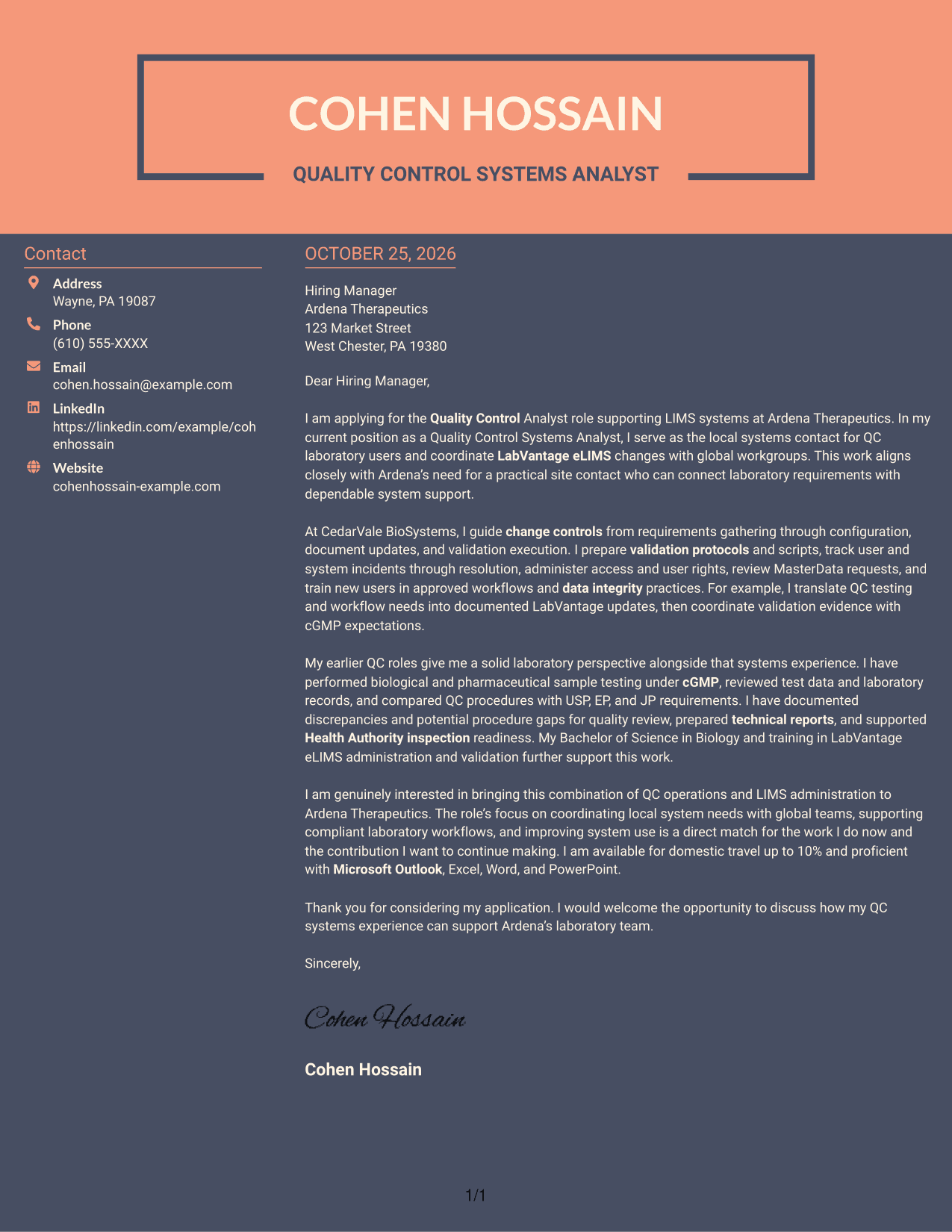
Why This Format Works
- The sidebar separates sender information from the letter’s argument.
- The opening, evidence, and closing remain together in a continuous body.
- The two-tone treatment gives the contact area a distinct visual identity.
Best For
- Two-tone contact sidebars
- Continuous letter narratives
- Distinct sender information
- Visually defined contact areas
- Evidence-led application letters
Why Use ResumeInMinutes for a Quality Control Analyst - LIMS Systems Cover Letter
Compare image previews, then open an example in the editor to customize a cover letter that clearly connects your experience with the role.
- Role-focused cover letter examples
- Clear opening, body, and closing guidance
- Image previews for layout comparison
- Editor access for customization
- Guidance for job-specific wording
- Professional cover letter presentation
Use relevant details such as LabVantage eLIMS, change controls, validation, data integrity, and cGMP to make your message specific and credible.
See Also
- 7 Quality Control Analyst - LIMS Systems Resume Templates with Example
- 7 Analyst, Quality Systems Resume Templates with Example
- 33 Customer Service Quality Assurance Analyst Resume Templates with Example 2026 (ATS-Optimized)
- 33 Data Analyst, Quality Resume Templates with Example 2026 (ATS-Optimized)
- 7 Entry-Level Data Quality Analyst Resume Templates with Example
- 7 Homeowner Claims Quality Assurance Senior Analyst Resume Templates with Example
- 7 Quality Assurance Analyst - Taxation Resume Templates with Example
- 7 Regional Quality Analyst - PACE Quality Improvement Resume Templates with Example
- 30+ Customer Service Quality Assurance Analyst Cover Letter Templates with Example 2026
- 30+ Data Analyst, Quality Cover Letter Templates with Example 2026
Frequently Asked Questions
What should the opening paragraph say for a Quality Control Analyst - LIMS Systems cover letter?
Name the role and briefly connect your LIMS systems experience with the employer’s laboratory needs. A clear opening helps the reader see the purpose of your application right away.
What experience should I describe in the body of this cover letter?
Choose relevant examples of LabVantage eLIMS support, change controls, validation, user access, incident resolution, or QC testing. Explain your actions and how they supported documented, dependable laboratory work.
How can I show fit for a role that connects local users with global LIMS teams?
Describe how you gather laboratory needs, coordinate system updates, and communicate with technical and quality partners. If supported by your experience, mention cross-functional discussions or work with global system groups.
How should I connect cGMP and data integrity to my cover letter?
Use a specific example of following approved procedures, documenting validation evidence, reviewing records, or training users in data integrity practices. Keep the focus on how your actions supported quality and compliance.
Can I compare the cover letter layouts before customizing an example?
Yes. Review the image previews to compare the presentation, then open an example in the editor to customize its content for the Quality Control Analyst - LIMS Systems role.




