
7 Quant Analytics Senior Associate - Risk and Controls Resume Templates with Example
This guide shows you how to create a clear, focused resume for a Quant Analytics Senior Associate - Risk and Controls role. It explains how to present relevant evidence and choose a format that makes your qualifications easy to review.
An effective resume connects business questions to analytics work. Show how you define metrics, build reliable data models, investigate controls or risk issues, and explain findings to business and technical partners.
The resume example is presented in 7 layouts, with image previews to compare and an editor link for viewing or customizing the example. Guidance also covers resume sections, ATS readability, and role-specific keywords such as SQL, Alteryx, Tableau, Snowflake, AWS, and regulatory analysis.
What Makes a Great Quant Analytics Senior Associate - Risk and Controls Resume in 2026
A strong resume makes analytics work easy to follow. Use clear sections and concise bullets to show how your data work supports risk decisions, operational controls, reporting, and customer outcomes.
Include relevant tools and terms, such as SQL joins and subqueries, Snowflake data models, data quality checks, recurring report automation, and regulatory analysis. Add measurable results when you can support them with accurate evidence.
Note: Resume examples are for educational purposes only. Use only information that accurately reflects your experience and qualifications. References to real organizations do not imply affiliation or endorsement.
#1 Plain Two Column Format Resume Example
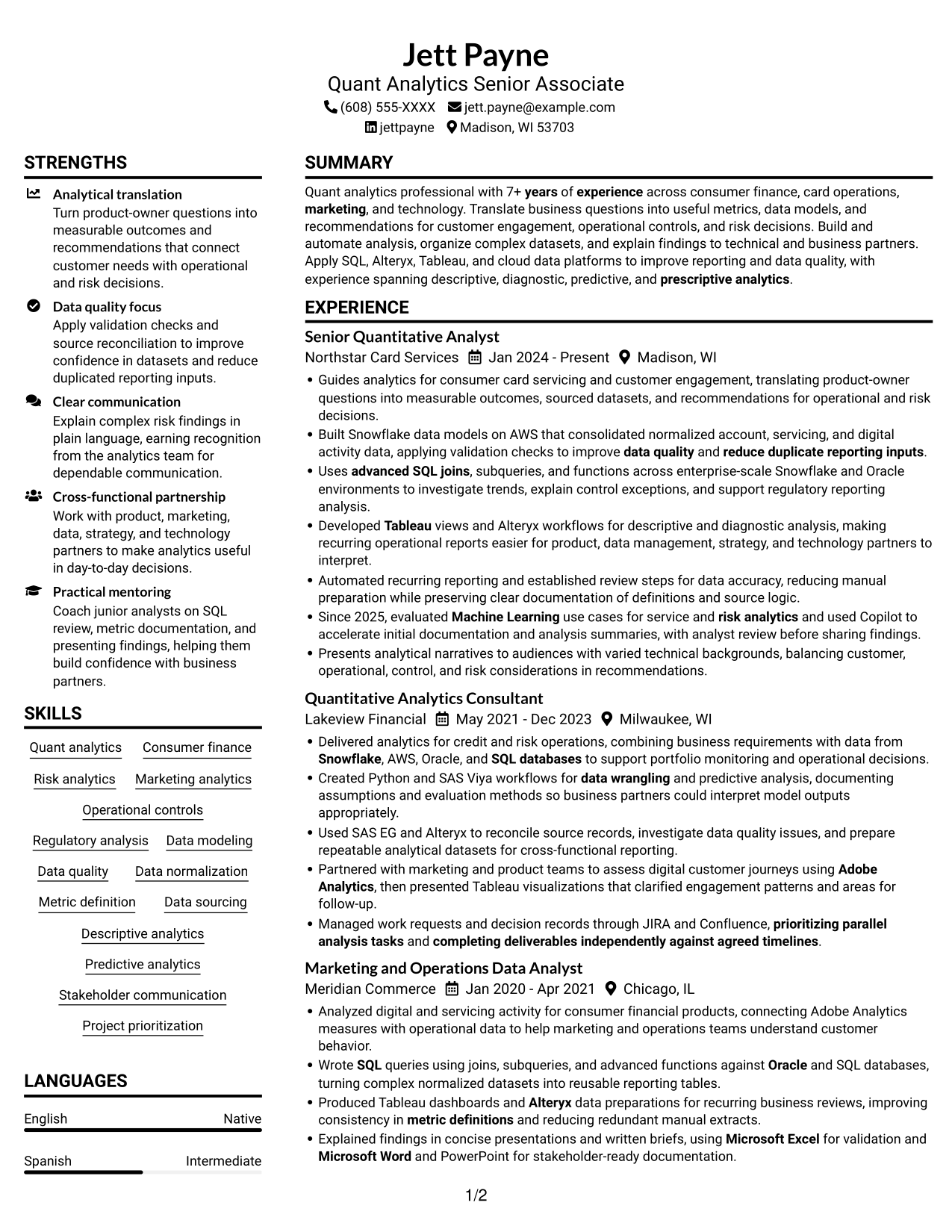
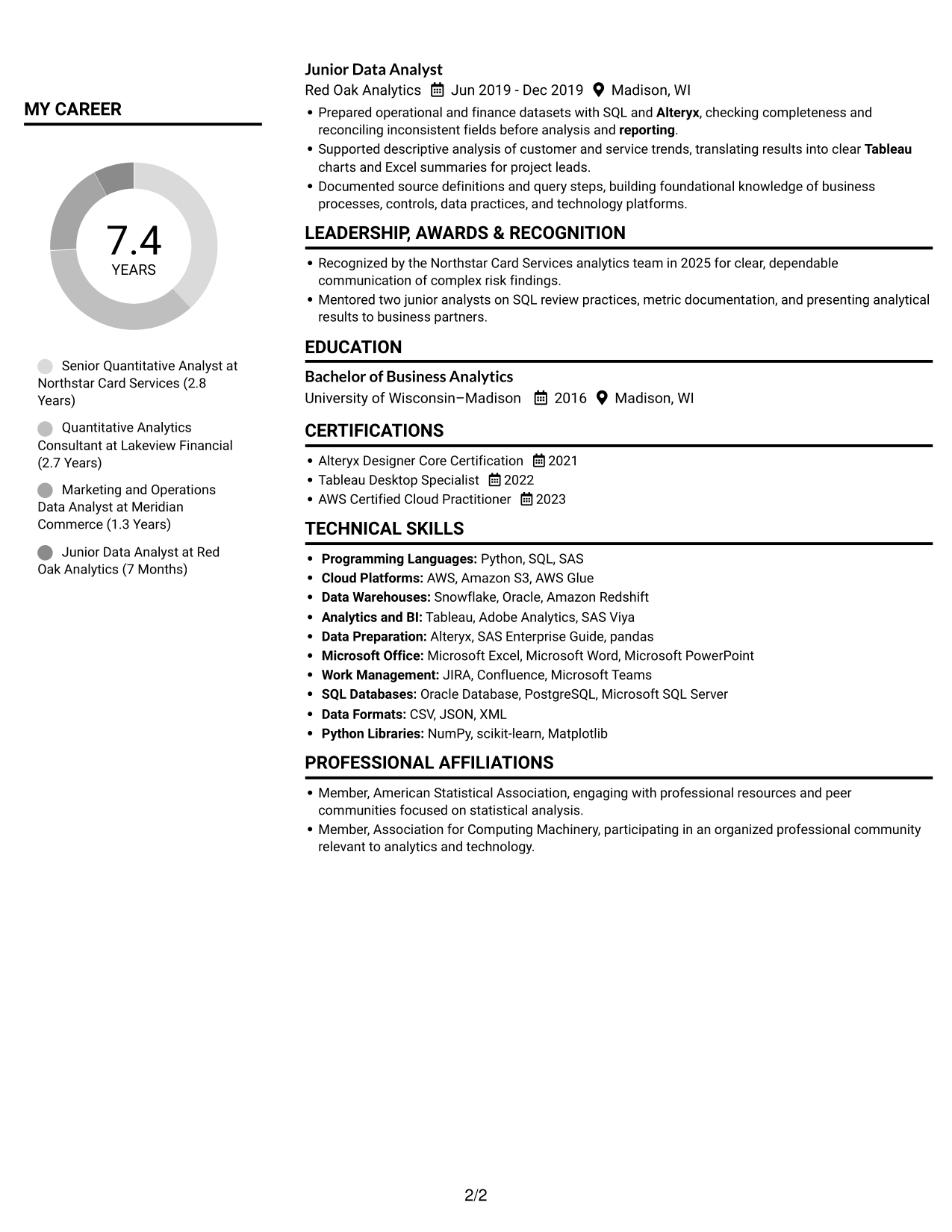
The Plain Two Column Format places resume content in two columns, a practical choice when reviewers need to move between career history and supporting sections.
Resume Snapshot
- 7+ years of experience across consumer finance, card operations, marketing, and technology
- Analytics work spanning descriptive, diagnostic, predictive, and prescriptive methods
- Tools and platforms include SQL, Alteryx, Tableau, AWS, and Snowflake
- Bachelor of Business Analytics, plus Alteryx, Tableau, and AWS certifications
Why This Format Works
- The two-column body gives career history and supporting resume sections distinct reading areas.
- Skills, education, and credentials remain accessible during review of role history.
- Section-based navigation helps reviewers return to key information during a detailed review.
Best For
- Career history with supporting details
- Dense skills and credential sections
- Resumes with several experience entries
- Section-based reviewer navigation
- Technical qualifications alongside education
Resume Keywords
- Bachelor of Business Analytics
- 7+ years of experience across consumer finance, card operations, marketing, and technology
- Adobe Analytics
- SQL
- Alteryx
- Tableau
- AWS
- Snowflake
- Oracle
- SQL databases
- Uses advanced SQL joins, subqueries, and functions across enterprise-scale Snowflake and Oracle environments
- Built Snowflake data models on AWS
- Data modeling
- metric definitions
- Data sourcing
#2 Simple One Column Format Resume Example
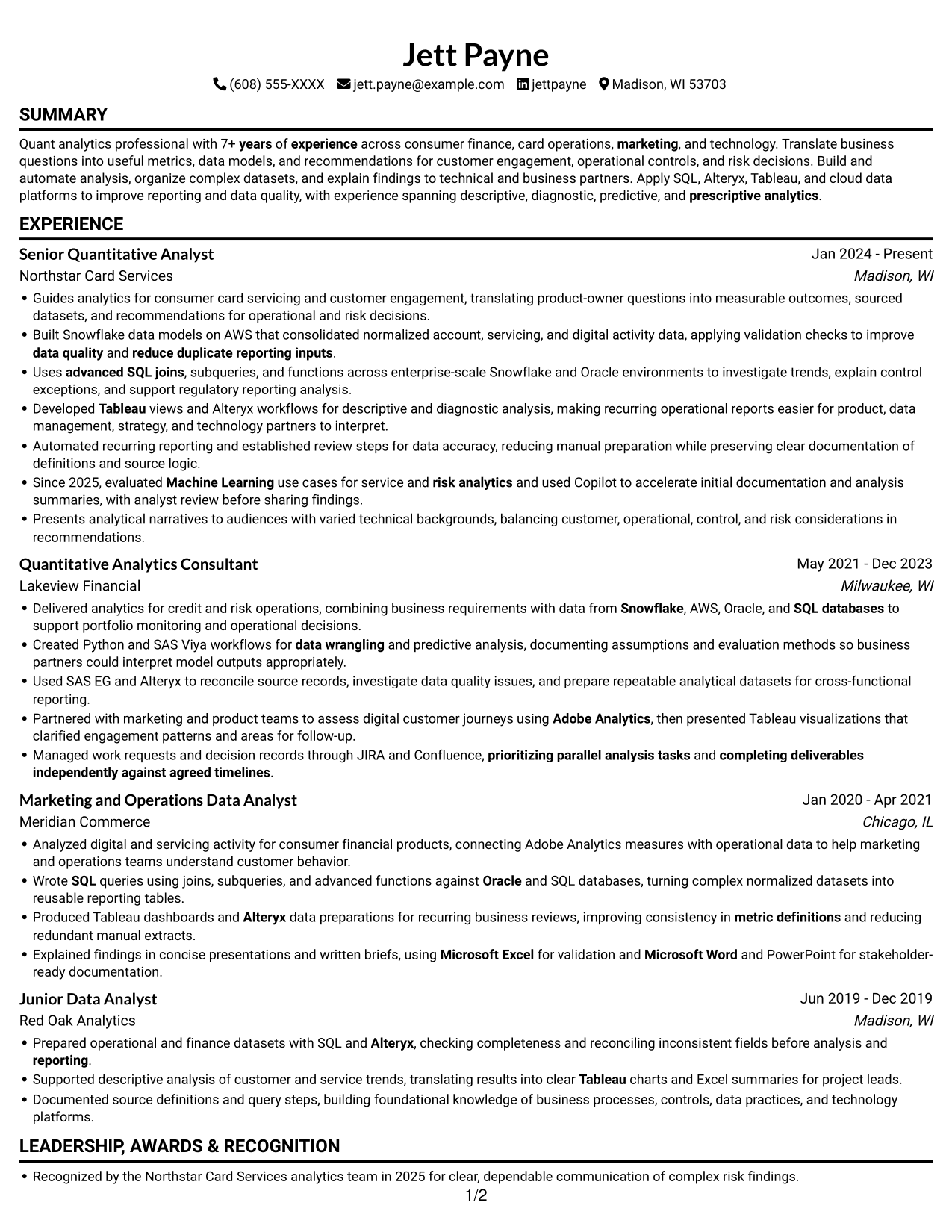
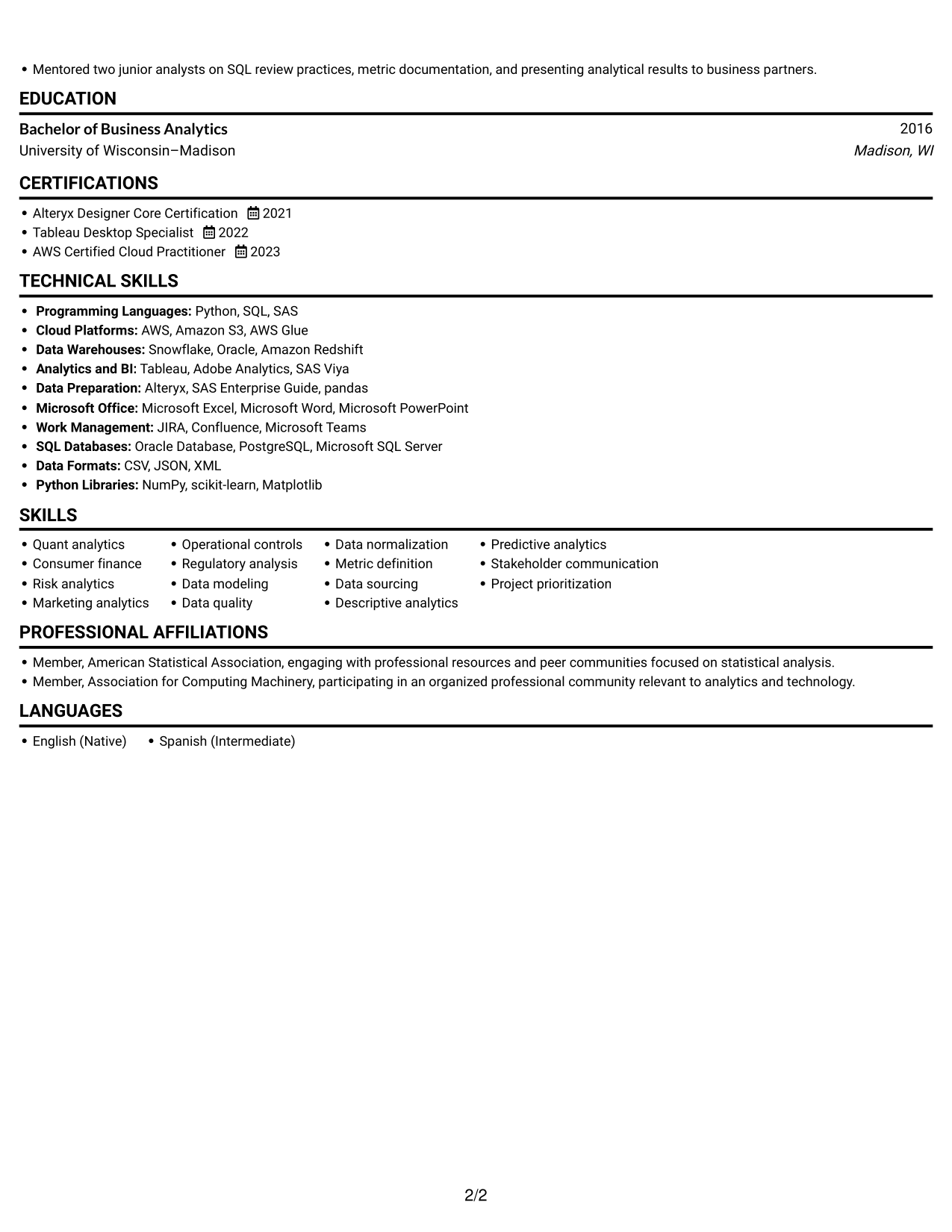
The Simple One Column Format keeps the resume in one vertical reading path, which helps reviewers follow each section in sequence.
Why This Format Works
- A single reading path lets reviewers follow experience, education, and skills in order.
- Role dates and transitions appear within a consistent top-to-bottom sequence.
- The shared reading path makes it simple to revisit details across resume sections.
Best For
- Straightforward top-to-bottom review
- Career timelines needing clear sequence
- Detailed descriptions across role entries
- Consistent section hierarchy
- Education and credentials in one reading path
#3 Clean Two Column Sidebar Format Resume Example
The Clean Two Column Sidebar Format uses two columns to make section-based navigation straightforward during a detailed resume review.
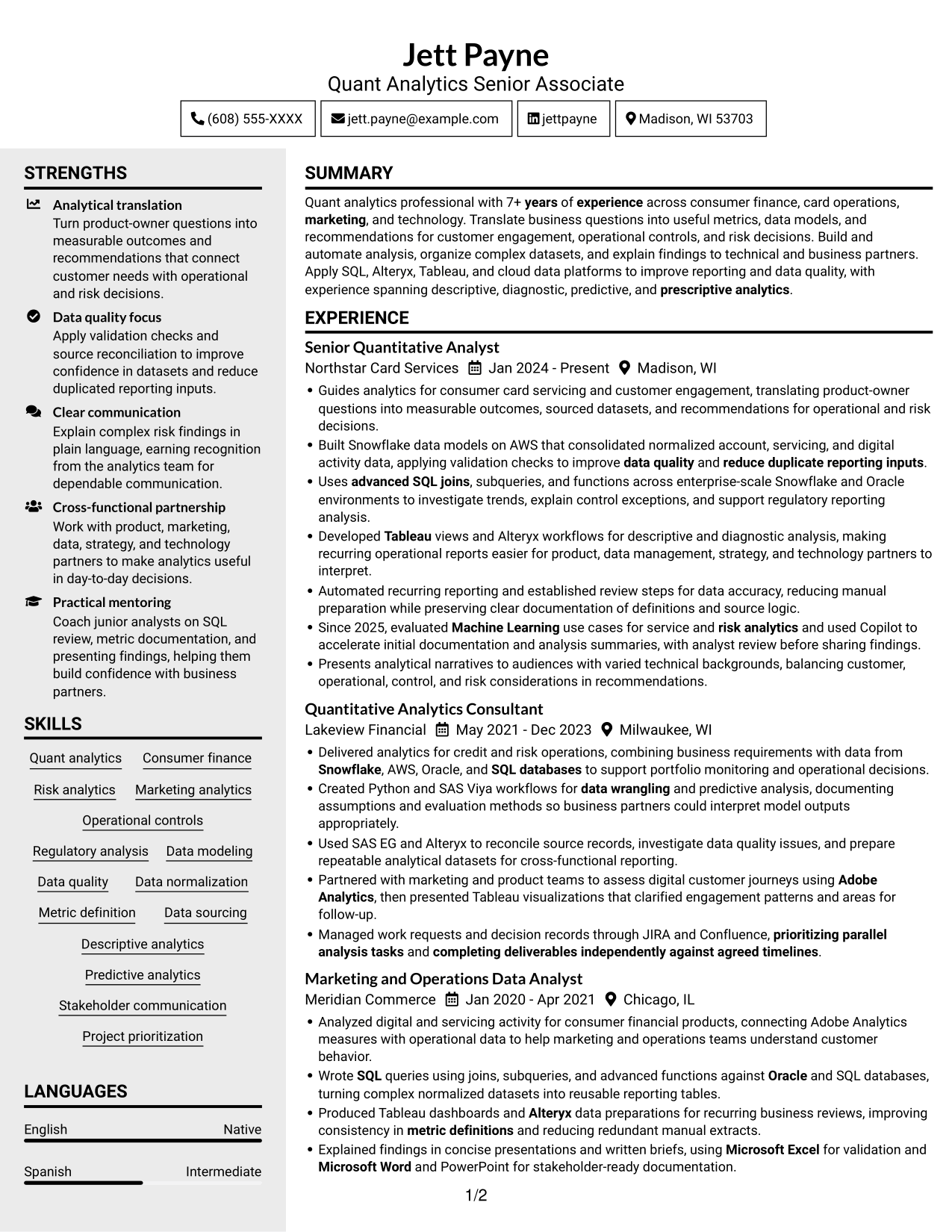
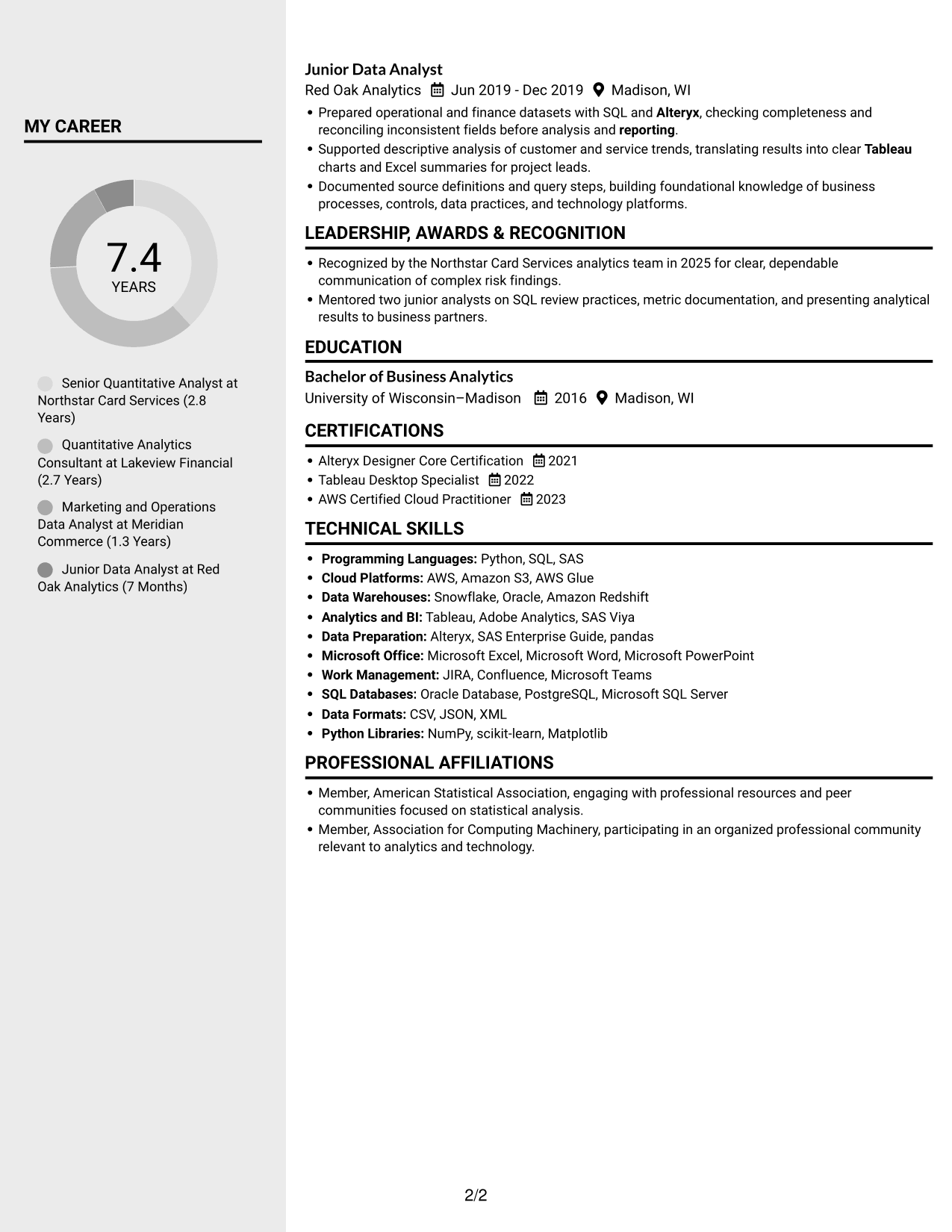
Why This Format Works
- Side-by-side sections help reviewers shift between career history and supporting qualifications.
- Distinct columns offer a useful route through skills, education, and credentials.
- Experience details can be reviewed alongside other resume sections without one long text run.
Best For
- Resume sections with distinct information needs
- Career details beside supporting qualifications
- Multiple skills and credential groups
- Reviewers comparing experience and education
- Section-based navigation during close review
#4 Two Column Format Resume Example
The Two Column Format presents resume sections across two columns, allowing reviewers to move between career details and related information.
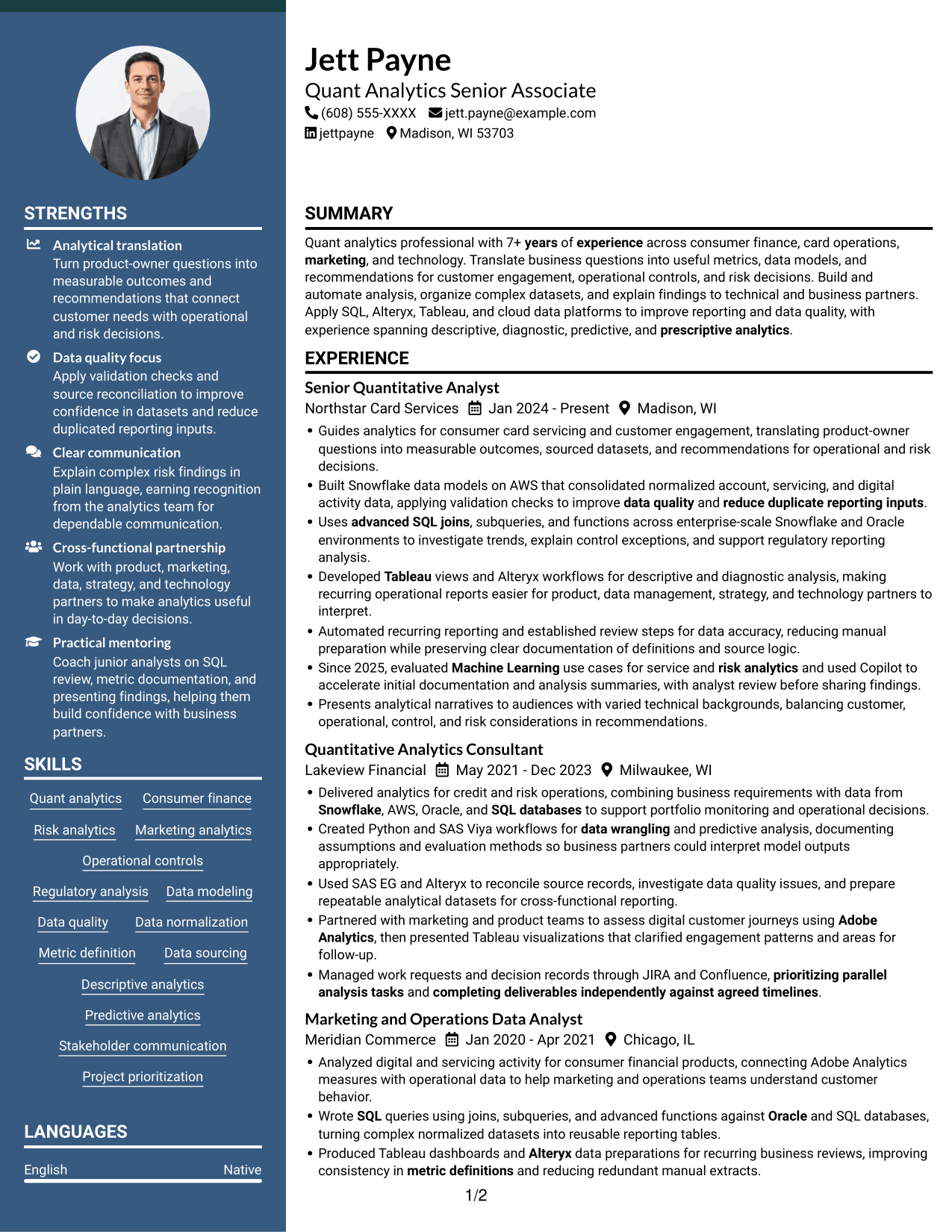
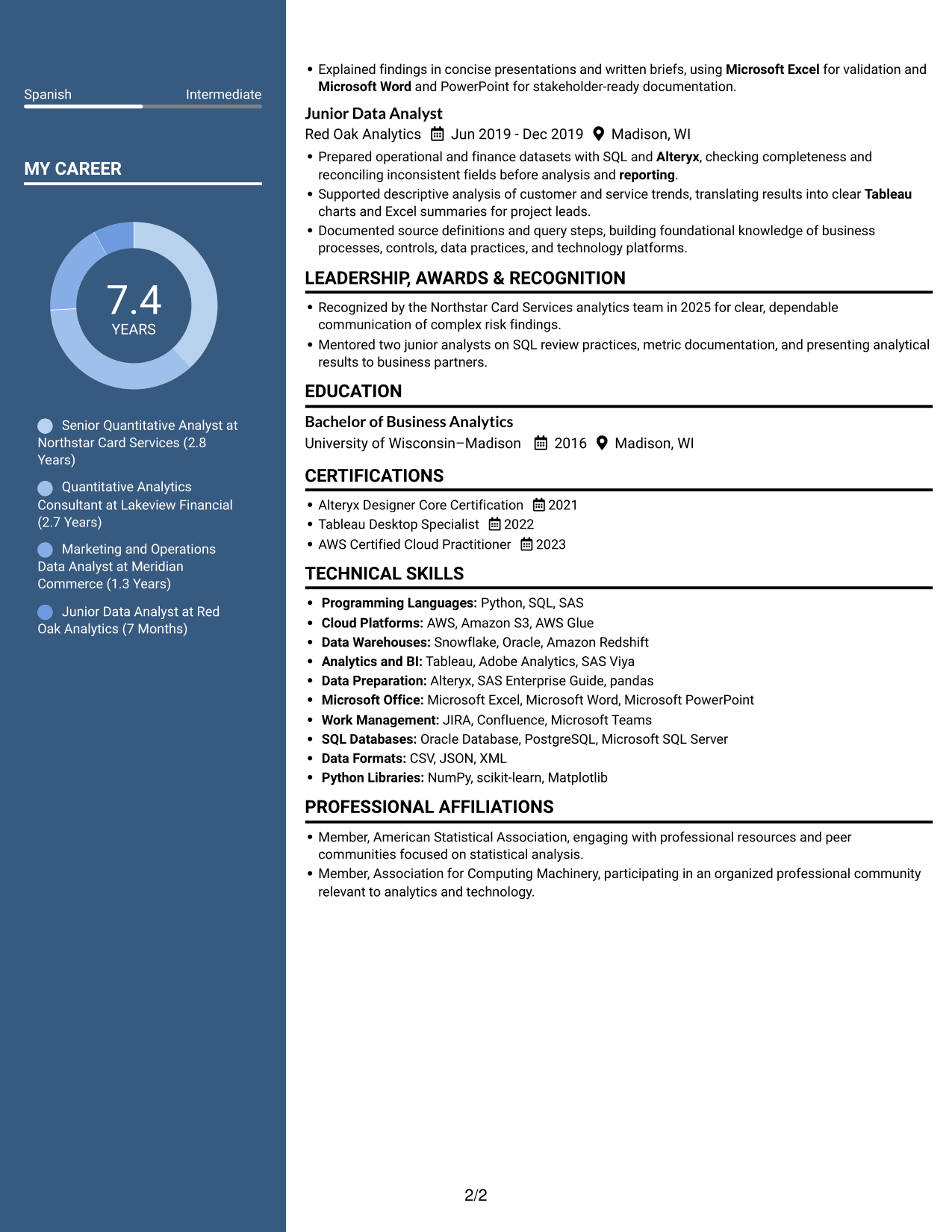
Why This Format Works
- Two columns give resume sections separate space for experience and related details.
- Career entries remain easy to compare with education and credential information.
- Section separation supports a quick return to technical skills during review.
Best For
- Career details with related resume sections
- Experience entries alongside education
- Technical skills with credentials
- Several content groups for recruiter review
- Resume readers moving between sections
#5 Photo Header Two Column Format Resume Example
The Photo Header Two Column Format pairs a header photo with a two-column resume body, giving the portrait a visible place while retaining space for section-based review.
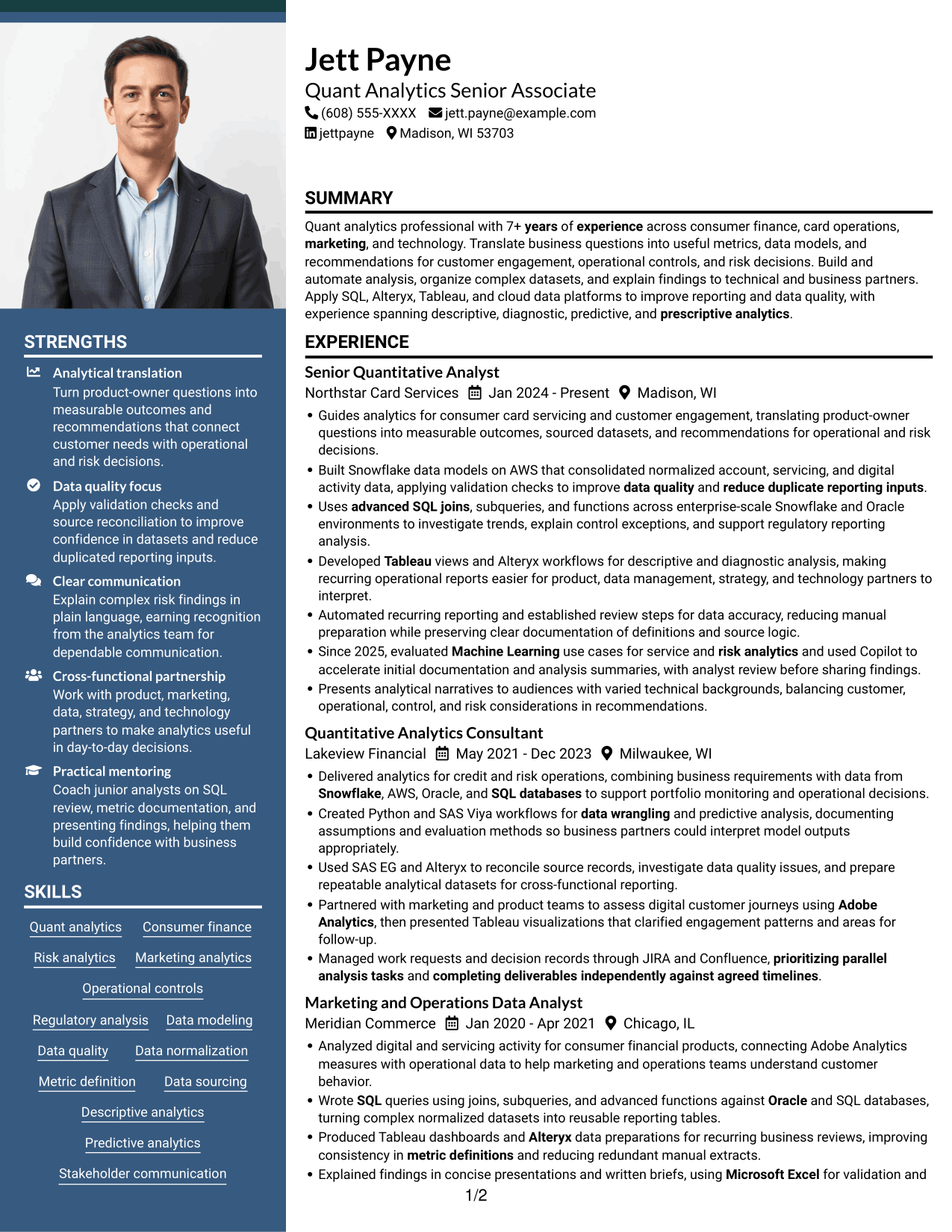
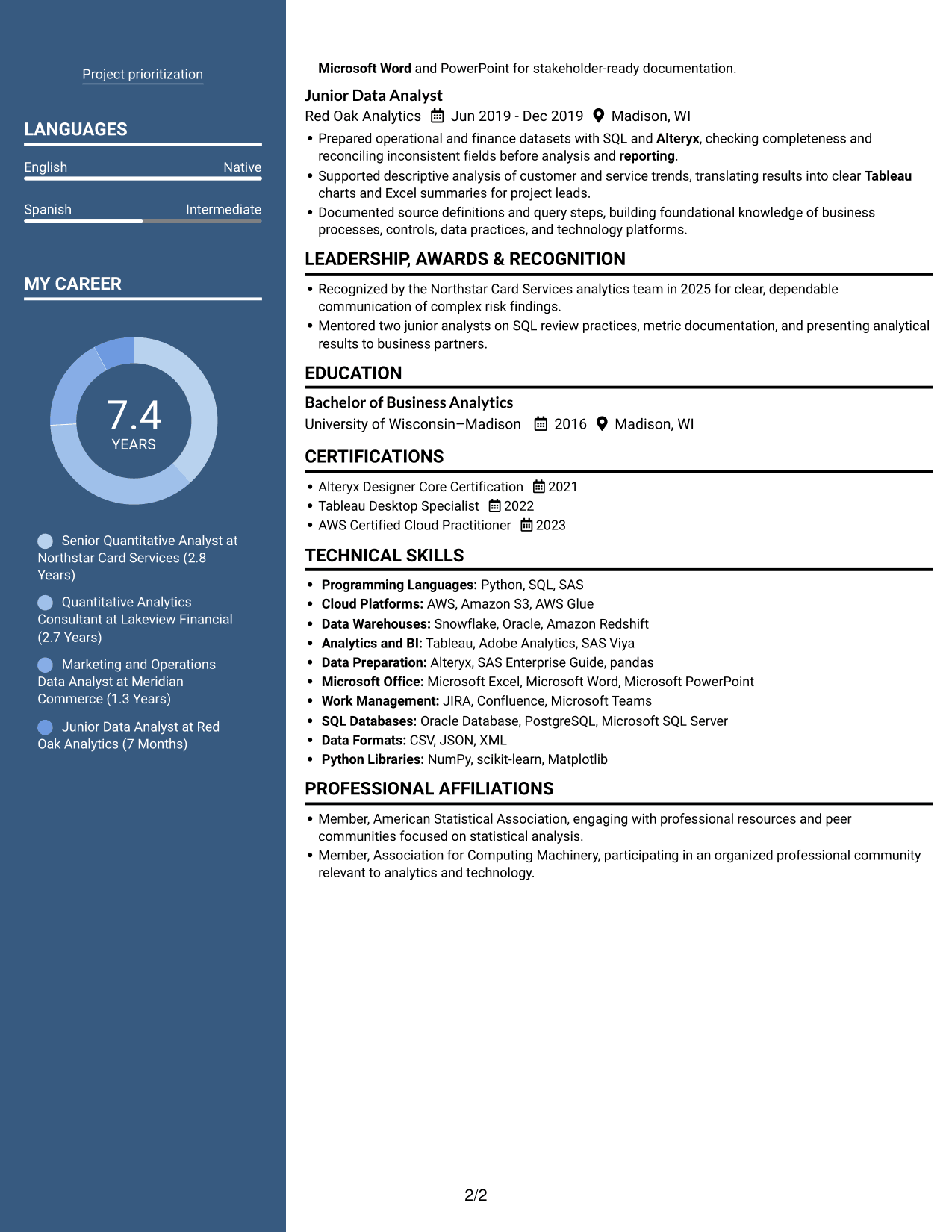
Why This Format Works
- The two-column body separates resume sections while keeping experience and supporting details in view.
- A header portrait provides a visible identity cue without changing the section order.
- Distinct reading areas help reviewers locate skills, education, and credentials.
Best For
- Resume previews that include a portrait
- Career history with supporting information
- Skills and education across separate sections
- Reviewers scanning several content groups
- A visible photo in the header
#6 Colored Two Column Format Resume Example
The Colored Two Column Format uses a two-column body, a practical structure for reviewers who need to scan several resume sections.
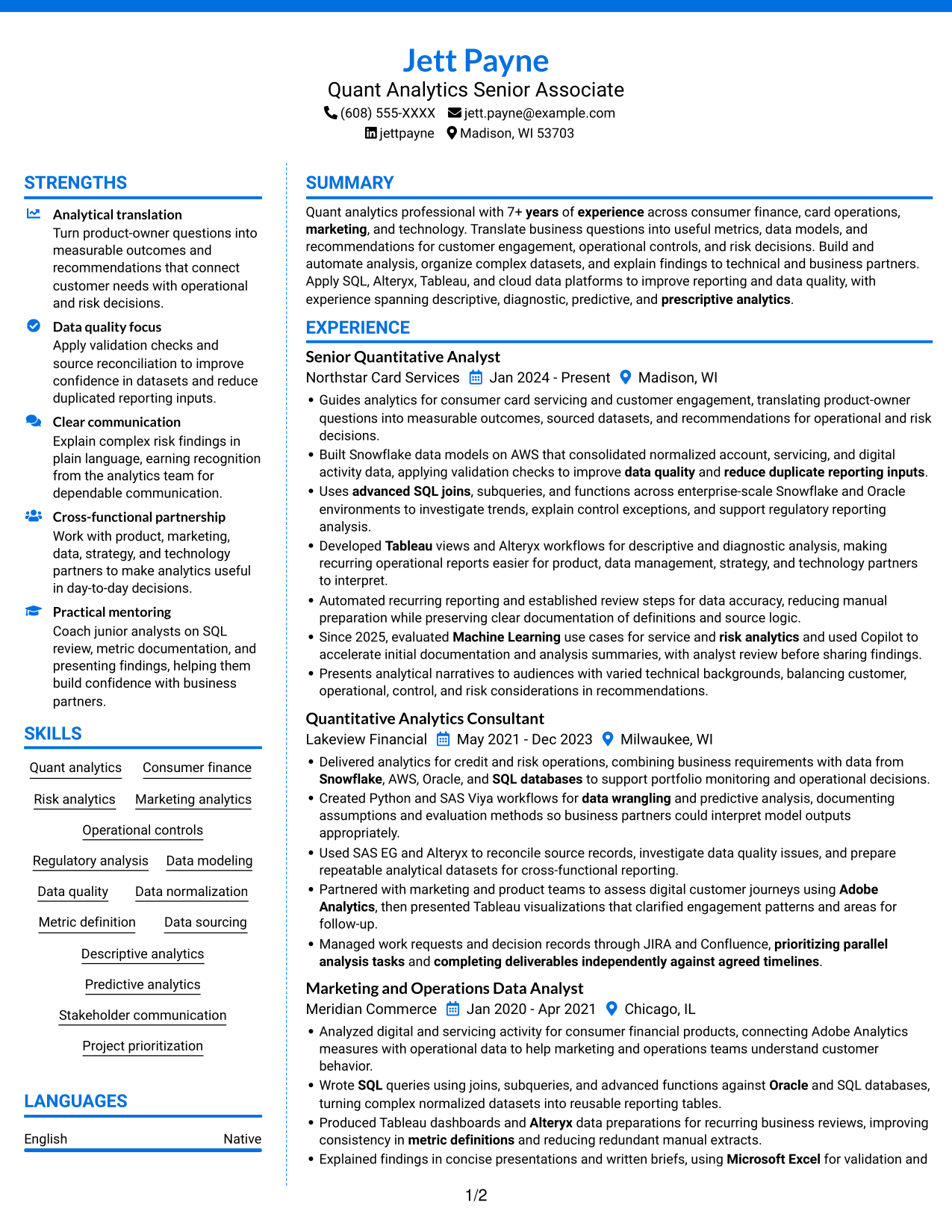
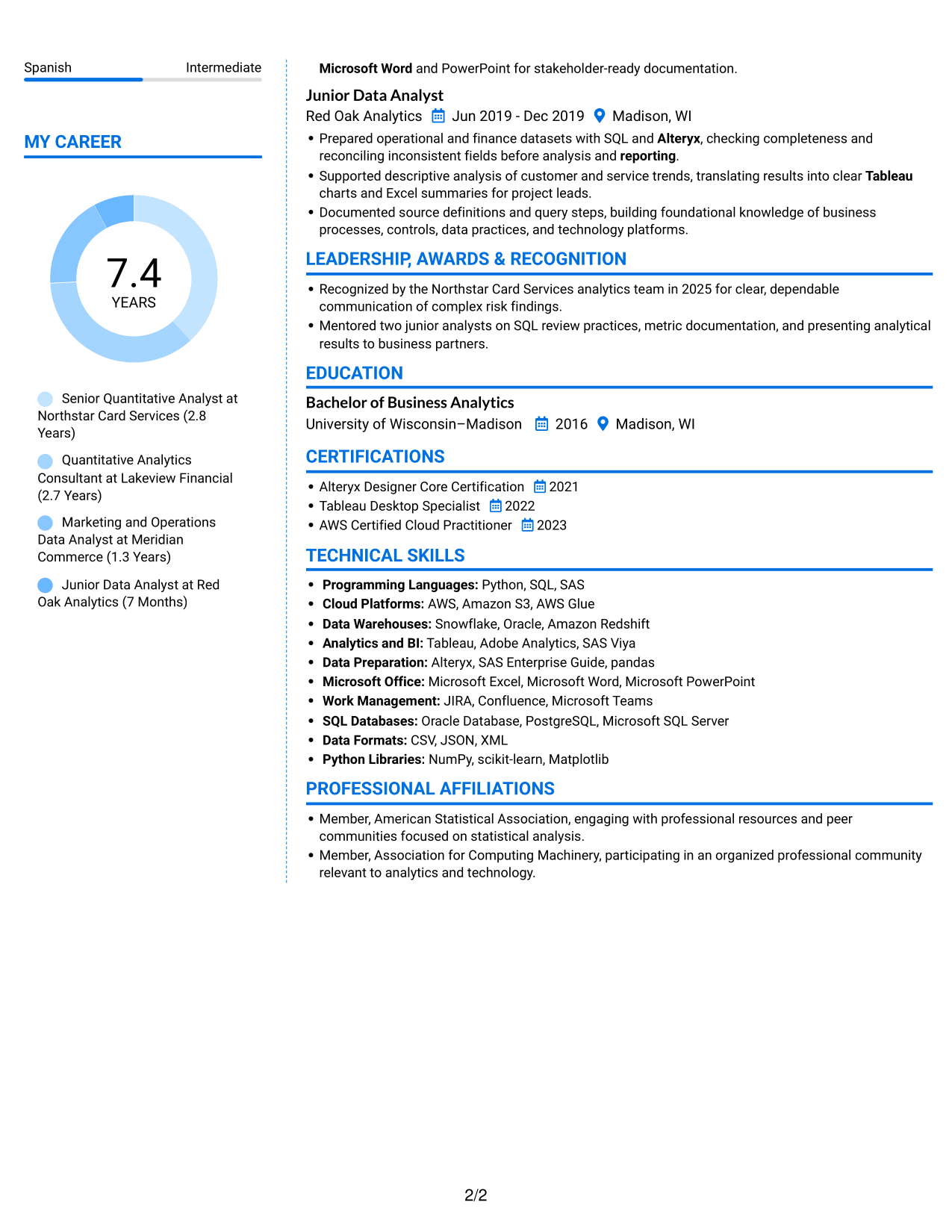
Why This Format Works
- The two-column structure gives experience and supporting resume sections separate reading areas.
- Reviewers can move between career entries and education without following one long column.
- Skills and credentials remain easy to locate among the resume sections.
Best For
- Several resume sections to review
- Career entries with supporting details
- Skills and credentials in separate groups
- Education alongside professional experience
- Readers moving between content areas
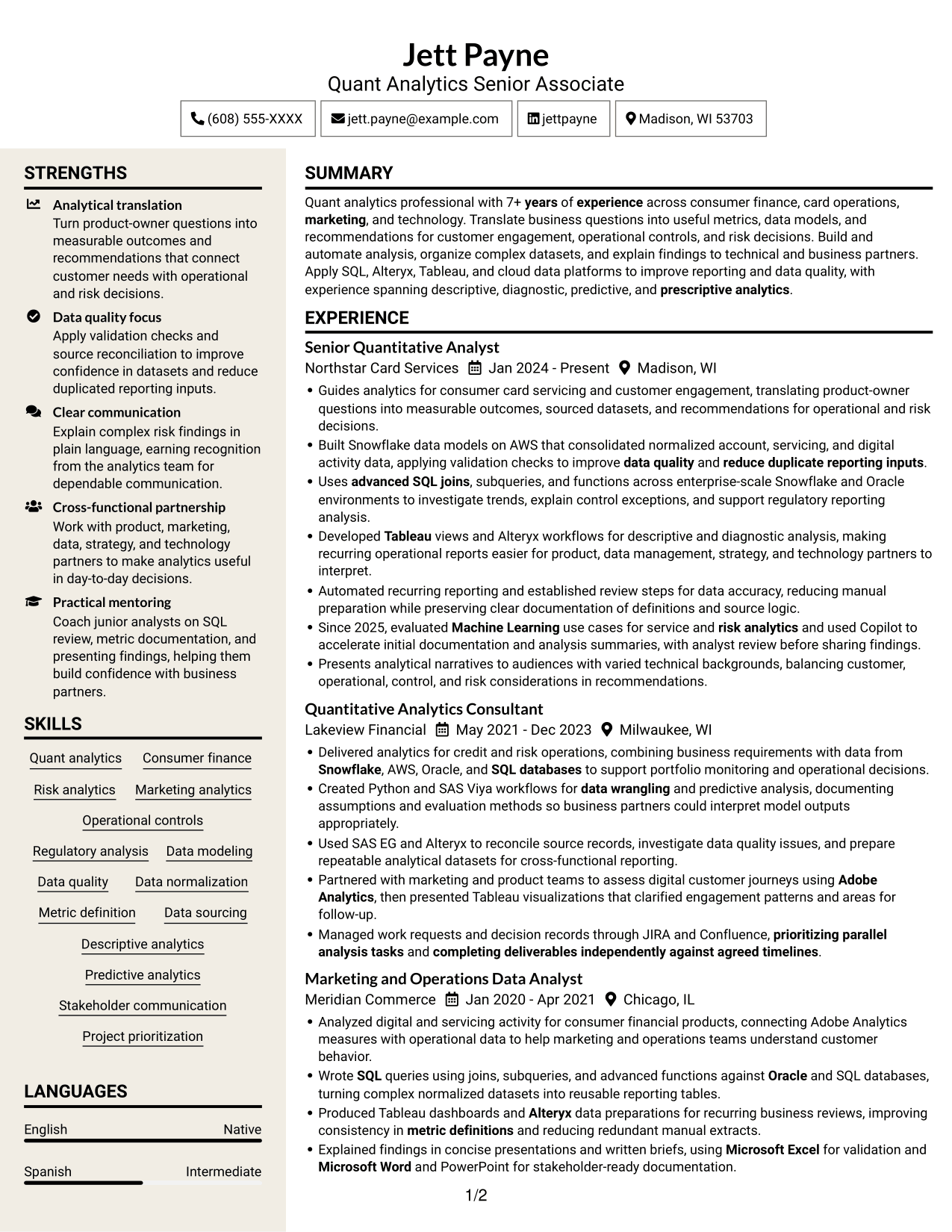
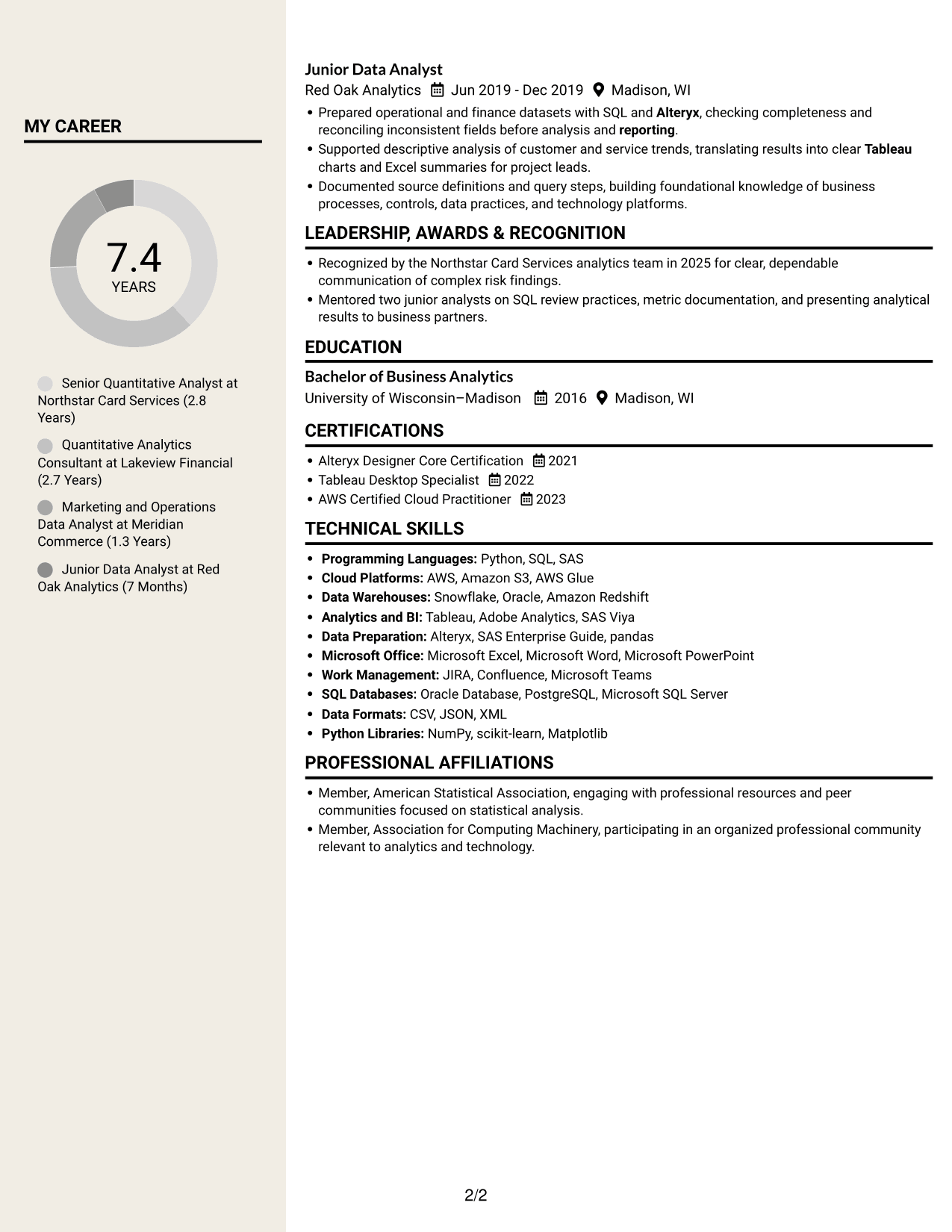
#7 Stylish Two Column Designer Format Resume Example
The Stylish Two Column Designer Format divides the resume body into two columns, giving reviewers a practical way to navigate different sections.
Why This Format Works
- Two-column reading areas help reviewers move between experience and other resume content.
- Career details stay distinct from supporting sections such as education and credentials.
- The section layout gives reviewers a clear route back to skills information.
Best For
- Resume content across multiple sections
- Experience beside supporting resume details
- Skills information for focused review
- Career records paired with education
- Readers navigating varied content groups
Why Build Your Quant Analytics Senior Associate - Risk and Controls Resume with ResumeInMinutes
ResumeInMinutes helps you organize your experience, skills, tools, education, and certifications in a resume that is easy to review and update. Use the image previews to compare layouts, then open an example in the editor to view or customize it.
- Clear resume layouts
- Readable section structure
- Role-relevant keyword guidance
- Organized analytics skills and tools
- Image previews for layout comparison
- Resume customization in the editor
Build a focused resume that connects your analytics methods and tools with evidence of data quality, reporting, risk analysis, and cross-functional work.
See Also
- 7 Analytics Lead, Deposit Fraud Risk Resume Templates with Example
- 7 Advanced Process Analytics Co-op Resume Templates with Example
- 33 Analyst, Data Analytics Resume Templates with Example 2026 (ATS-Optimized)
- 7 Analyst, Reporting & Analytics Resume Templates with Example
- 7 Analytics Sr Software Engineer (US Federal) Resume Templates with Example
- 33 Associate Engagement Lead - Analytics Resume Templates with Example 2026 (ATS-Optimized)
- 7 Data Analyst - Financial and Operational Analytics Resume Templates with Example
- 33 Data Analyst - Healthcare Analytics Resume Templates with Example
- 7 Quant Analytics Senior Associate - Risk and Controls Cover Letter Templates with Example
- 30+ Analyst, Data Analytics Cover Letter Templates with Example 2026
Frequently Asked Questions
Are these Quant Analytics Senior Associate - Risk and Controls resume templates ATS-friendly?
They use clear headings and an organized structure to support easy reading. Include relevant terms naturally, such as SQL, Alteryx, Tableau, Snowflake, AWS, data quality, controls, and regulatory analysis. No format can guarantee a specific ATS result.
Are these separate resume examples?
The previews show the same role-focused resume example in different layouts. Compare the images, then open an example in the editor to view or customize it.
What should a Quant Analytics Senior Associate - Risk and Controls resume include?
Include a focused summary, relevant work experience, education, technical skills, and certifications. Use concise bullets to explain data modeling, metric definition, SQL analysis, reporting, controls, and risk work. Add projects or measurable results when they are relevant and supported by evidence.
Which resume layout works well for this role?
Choose a layout with clear headings and enough space for experience, skills, and education. A simple structure helps readers scan your contributions and helps keep important details easy to find.
How should I show SQL and analytics experience?
Name the tools and methods you have used, then connect them to the work. For example, describe how SQL joins, subqueries, or data models supported analysis, reporting, data quality, or control reviews.
Should I include a photo on my resume?
For U.S. applications, a resume without a photo is usually the safer choice. Use a photo only when it is expected in your location or field.




