
7 Radiologic Technologist - General Radiography Cover Letter Templates with Example
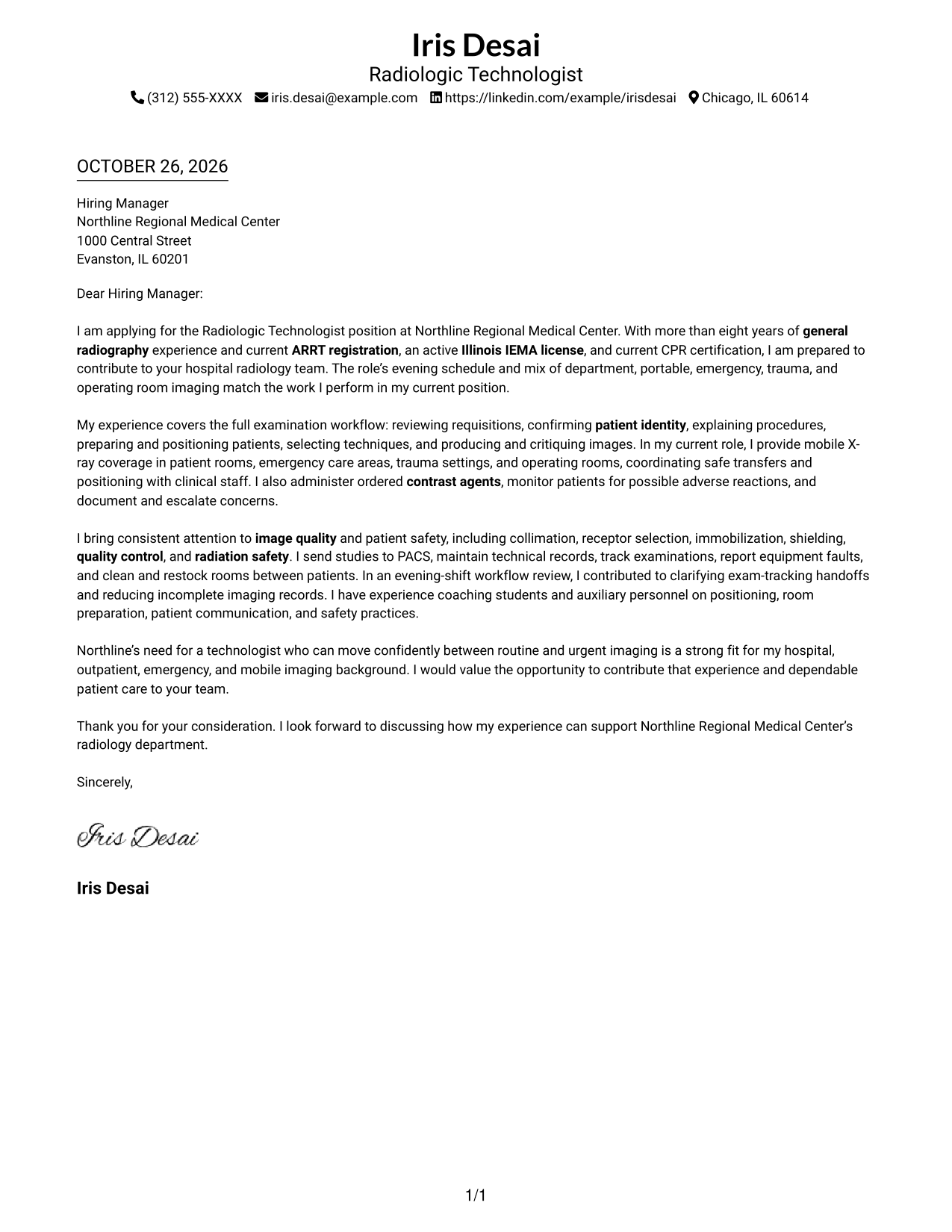
Use this practical guide to write a Radiologic Technologist - General Radiography cover letter and compare seven layouts for presenting your fit clearly.
What Makes a Great Radiologic Technologist - General Radiography Cover Letter in 2026
A strong cover letter for this role connects careful patient care with accurate general radiography. Its opening should name the position, while the body and closing make a clear case for role fit and interest.
Use specific evidence about patient preparation, positioning, portable imaging, image quality, or safe care. Link that experience to the employer’s needs and explain why the role’s mix of routine and urgent imaging interests you.
The featured Radiologic Technologist - General Radiography example follows a focused progression from a clear opening to relevant evidence and a direct close. Adapt that flow to your own strengths, choosing a presentation that suits the employer and the communication context.
#1 Simple One Column Format Cover Letter Example
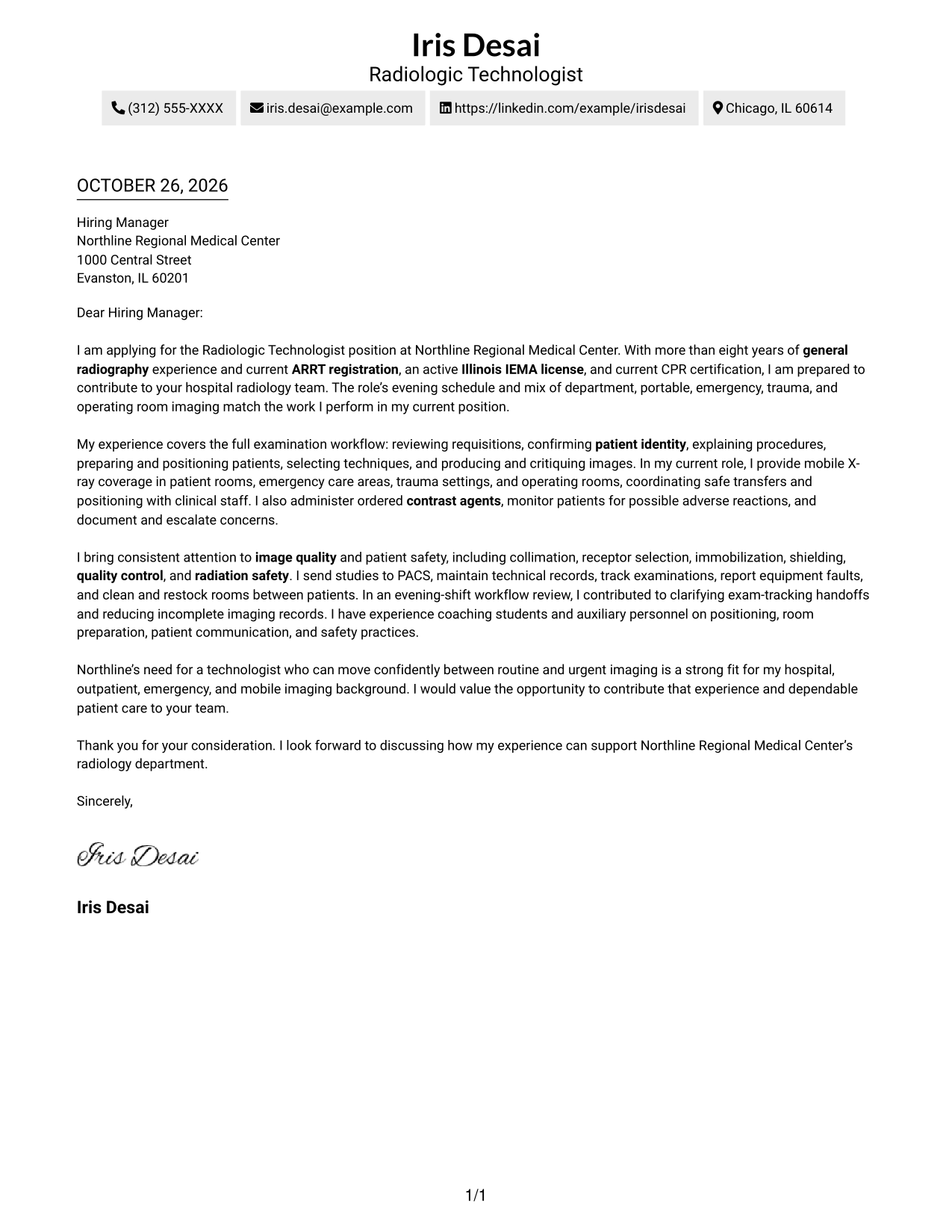
The simple one-column layout keeps sender details in the header and gives the letter a direct reading path.
Why This Format Works
- Sender details stay in the header, apart from the letter's message.
- The single body column keeps the opening, supporting points, and closing in order.
- Without argument headings, the paragraphs carry the letter's case from start to finish.
Best For
- Header-based contact details
- Single-column correspondence
- Continuous paragraph arguments
- Text-focused application materials
- Photo-free letters
#2 Two Column Format Cover Letter Example
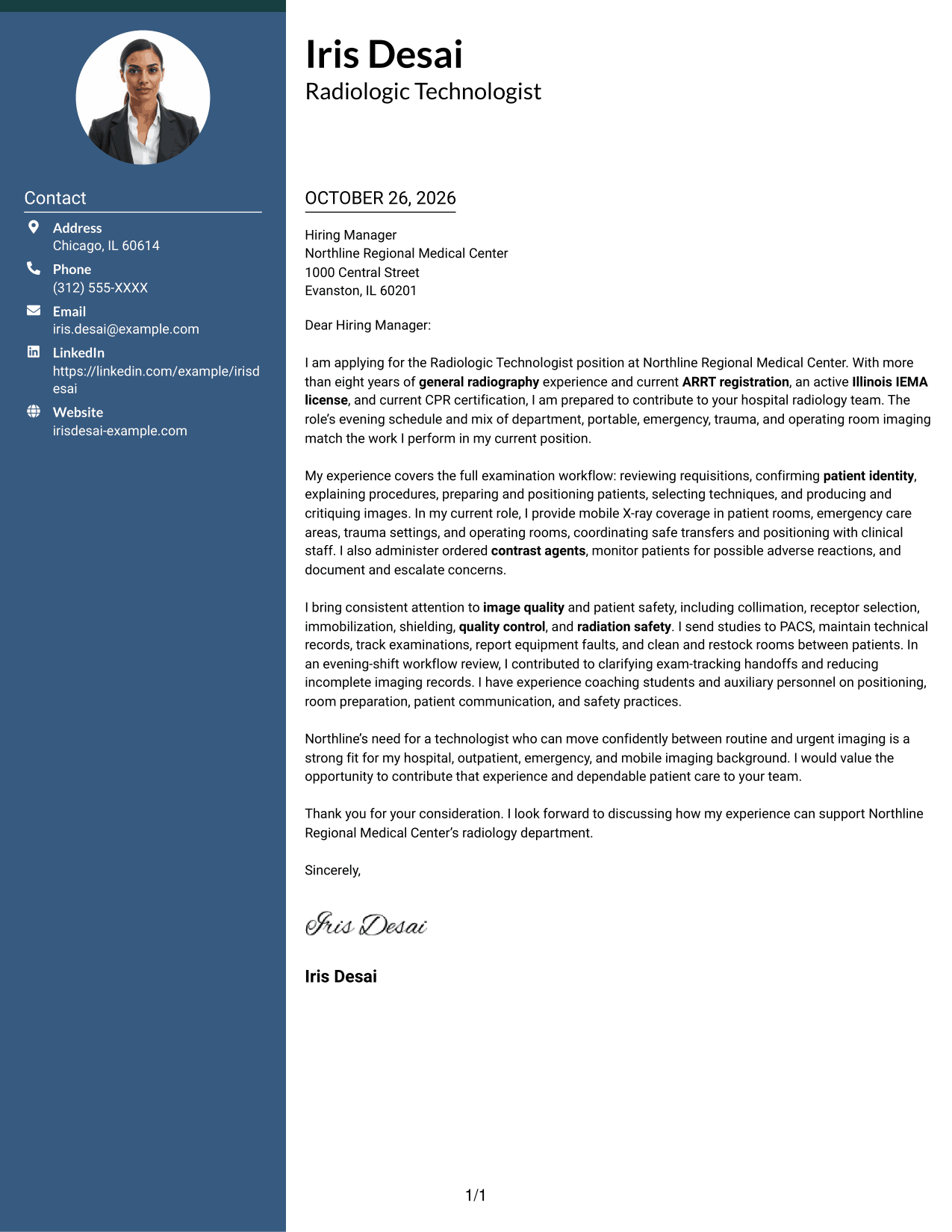
The two-column layout places a contact sidebar beside one continuous letter body, separating contact information from the message.
Why This Format Works
- The sidebar keeps sender contact details distinct from the letter's message.
- The letter body remains in one column, so its argument reads in order.
- Readers can locate contact information without searching through the letter paragraphs.
Best For
- Side-by-side contact and message
- Continuous letter-body prose
- Easy access to sender details
- Photo-free correspondence
- Text-focused application materials
#3 Photo Header Two Column Format Cover Letter Example
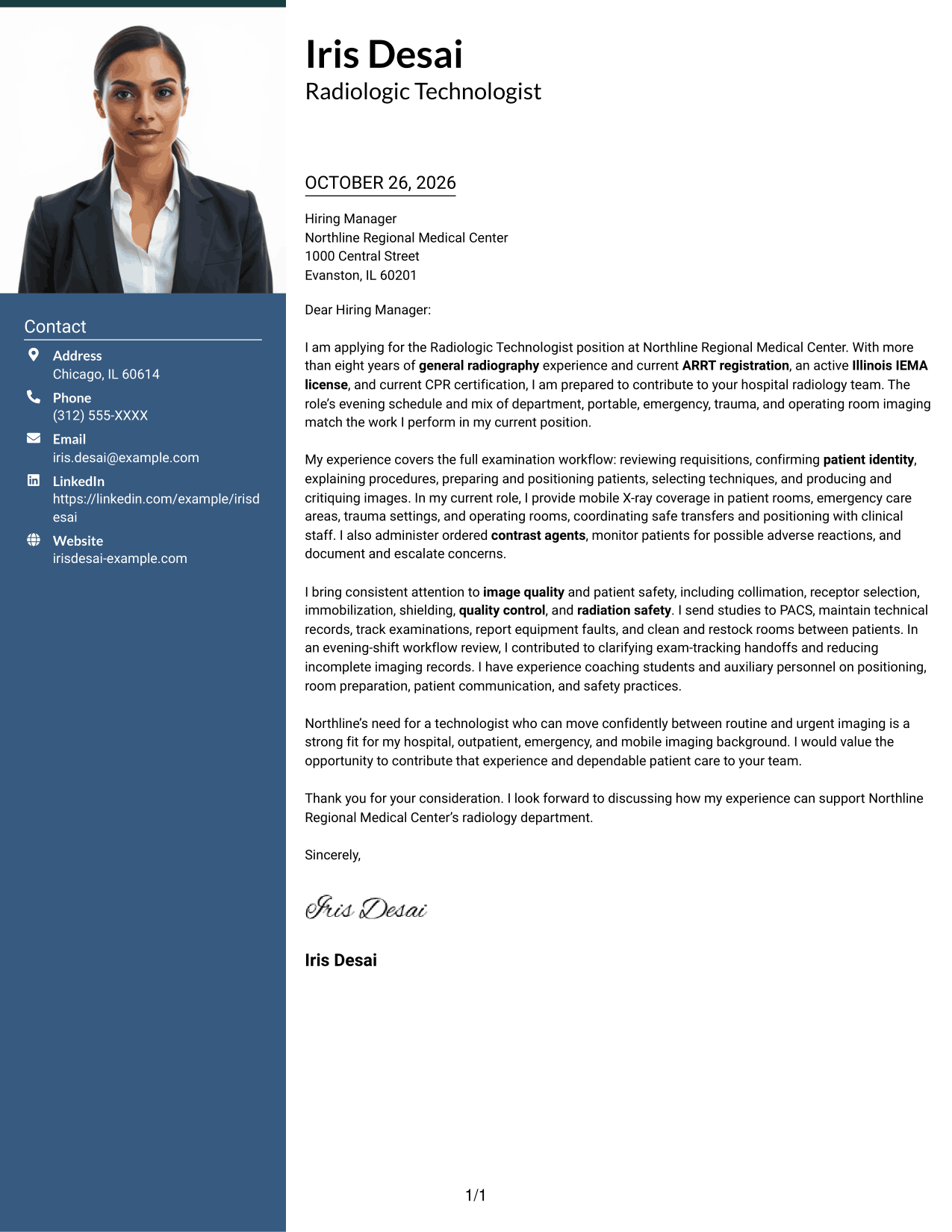
This two-column format includes a photo and keeps contact details beside a single continuous letter body.
Why This Format Works
- The contact sidebar separates sender details from the letter's message.
- A single-column body lets the opening and closing follow one another naturally.
- The photo adds a personal visual element while the letter stays continuous.
Best For
- Photo-inclusive correspondence
- Sidebar contact details
- Single-column letter arguments
- Personal visual identification
- Continuous written messages
#4 One Column Format with Photo Cover Letter Example
The one-column format pairs a photo with sender details in the header, while the letter body remains in a single reading path.
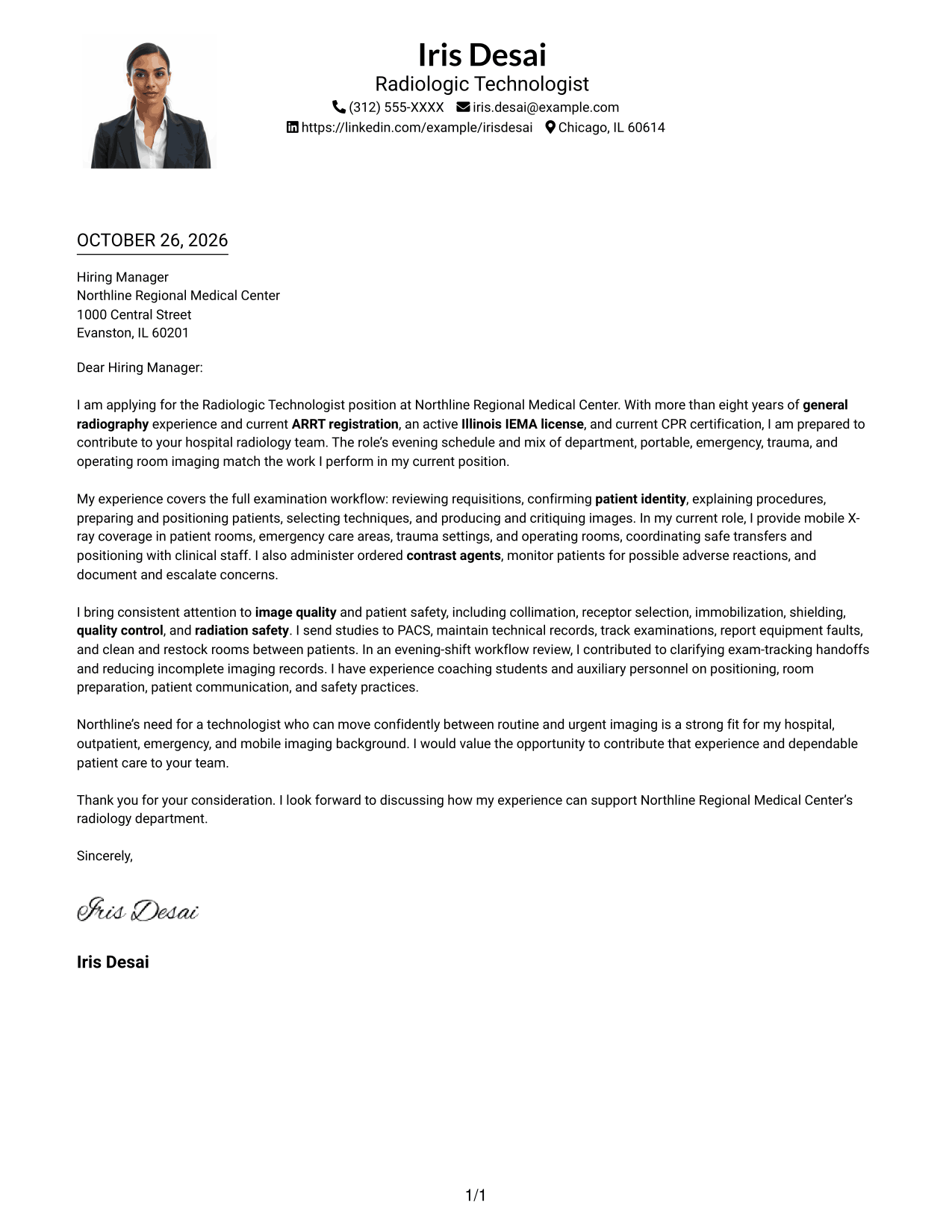
Why This Format Works
- Header contact details stay apart from the continuous letter message.
- The single-column body presents the opening, evidence, and closing in sequence.
- The photo provides a visual introduction without dividing the letter text.
Best For
- Photo-inclusive application letters
- Header-based contact information
- Single-column letter text
- Personal visual introductions
- Uninterrupted written arguments
#5 Simple Two Column Format Cover Letter Example
The simple two-column layout sets a contact sidebar beside one continuous letter body, keeping contact details separate from the message.
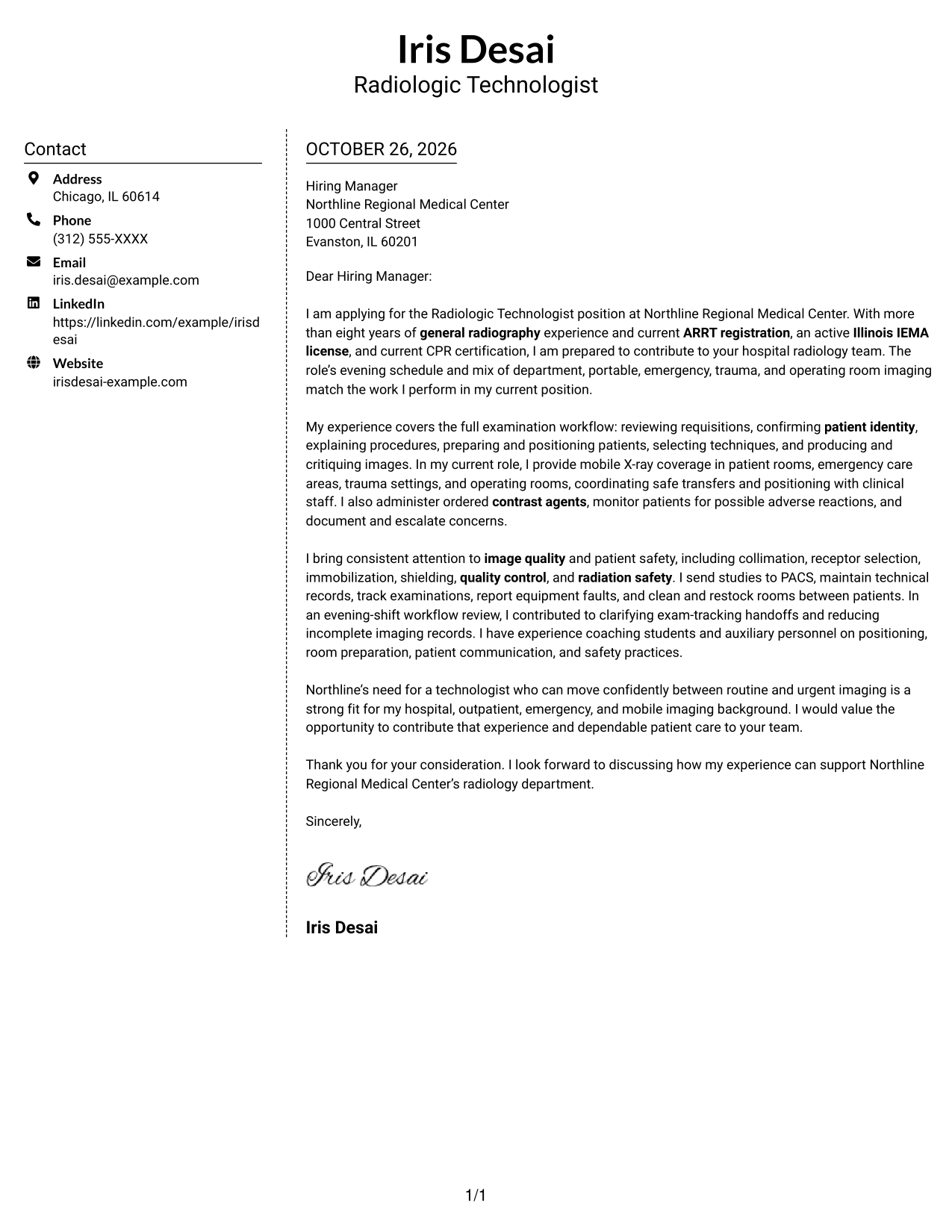
Why This Format Works
- The sidebar gives sender details a defined place beside the letter.
- The body stays in one column, preserving the message's natural progression.
- Readers can distinguish contact information from the letter's persuasive content.
Best For
- Sidebar-based contact information
- One-column letter bodies
- Separate contact and message areas
- Photo-free application letters
- Straightforward correspondence
#6 Modern Icon Format Cover Letter Example
The Modern Icon Format uses two columns, with contact details beside a single letter body and icons serving as contact cues or header accents.
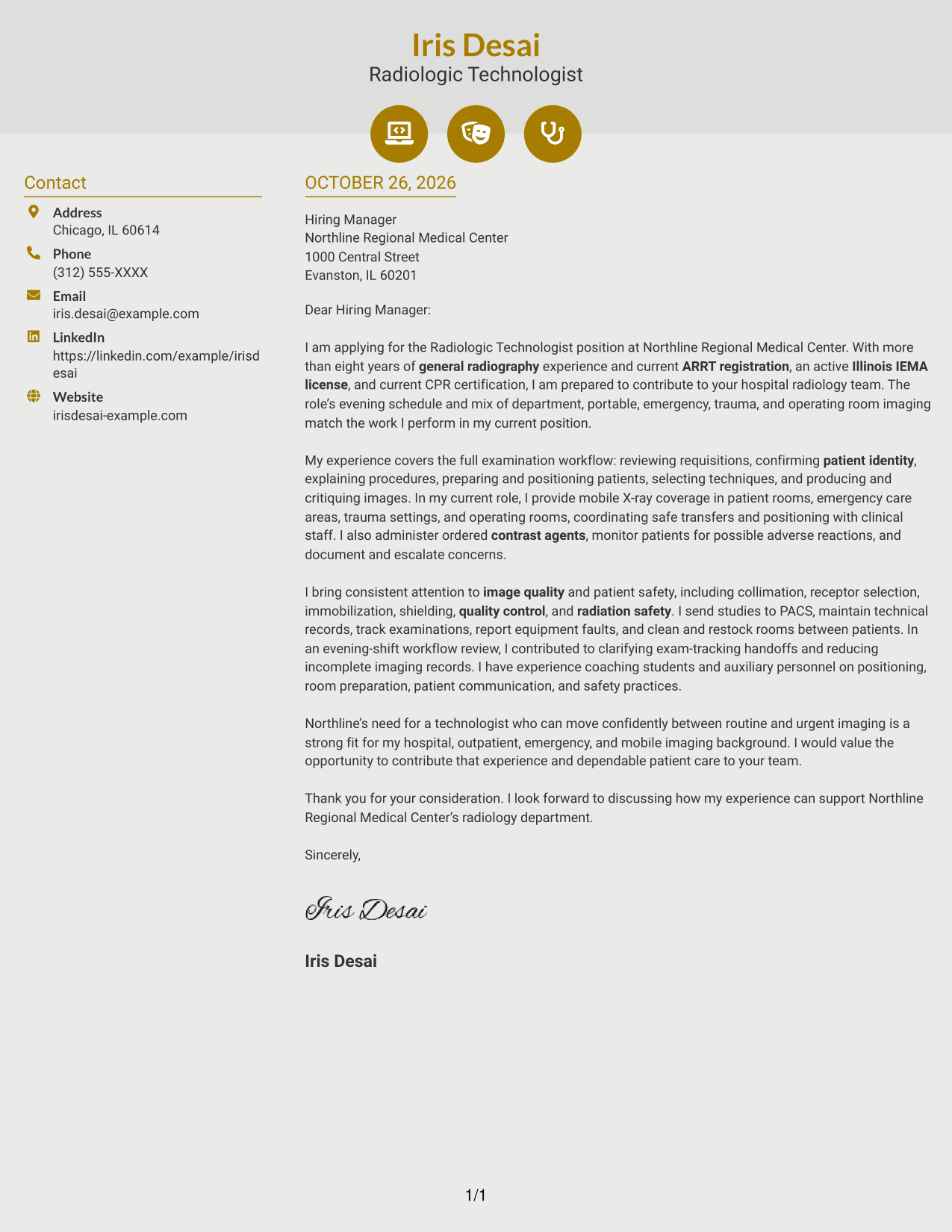
Why This Format Works
- Contact icons help distinguish sender details from the letter itself.
- The letter remains in one column, keeping its message easy to follow.
- Header accents add visual interest without labeling parts of the argument.
Best For
- Icon-cued contact details
- Two-column page organization
- Continuous letter paragraphs
- Photo-free correspondence
- Decorative header accents
#7 Creative Two Tone Format Cover Letter Example
The Creative Two Tone Format places a contact sidebar beside a single continuous letter body, keeping sender details apart from the message.
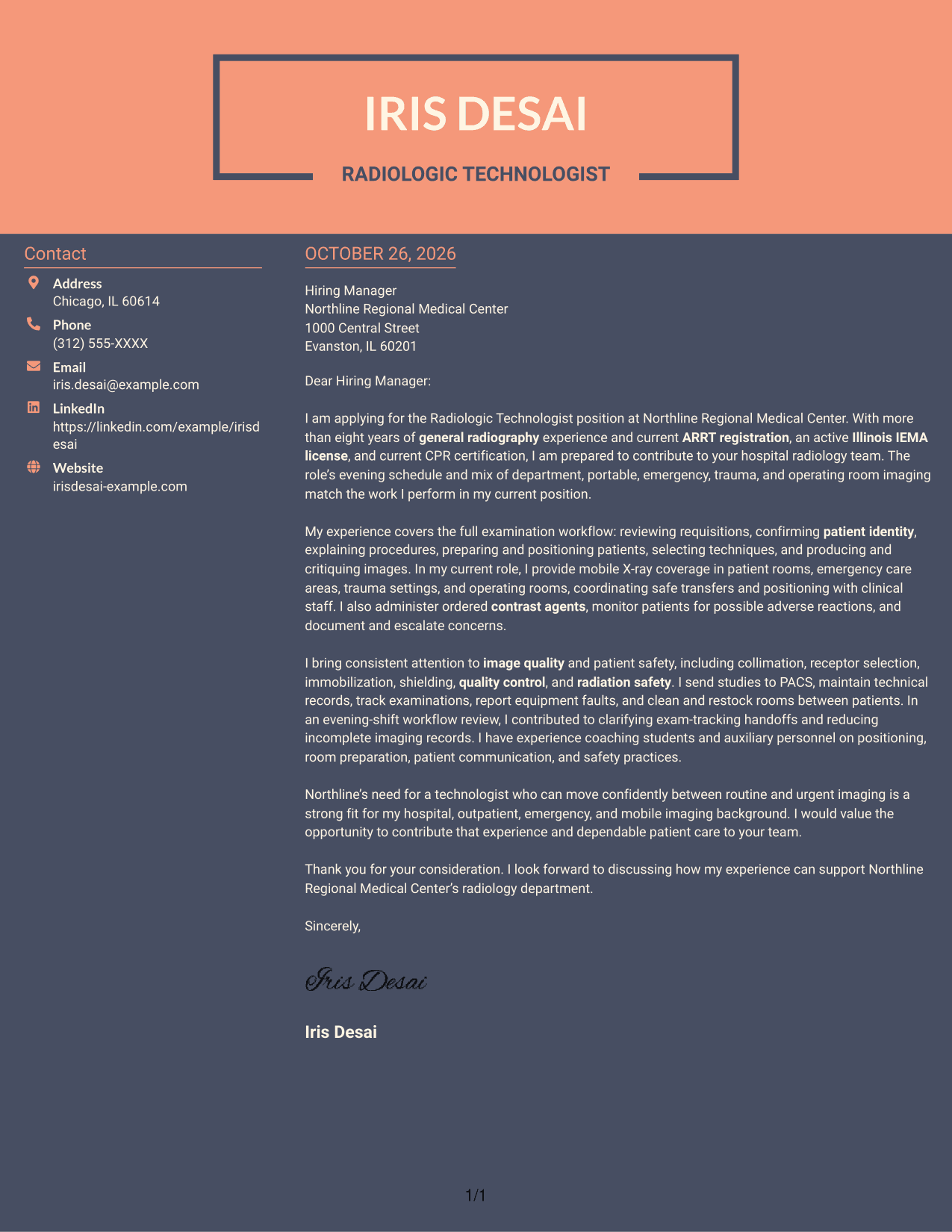
Why This Format Works
- The sidebar keeps contact information distinct from the letter's case.
- A single letter column lets the message develop without parallel body text.
- The reader can move between sender details and the letter without mixing them.
Best For
- Contact sidebar layouts
- Single-column letter arguments
- Separate sender information
- Photo-free application materials
- Continuous paragraph-based letters
Why Use ResumeInMinutes for a Radiologic Technologist - General Radiography Cover Letter
ResumeInMinutes offers cover letter examples and layouts to help you present your fit for general radiography clearly and with purpose.
- Role-focused cover letter examples
- Clear, readable layouts
- Job-description-based customization
- Guidance for the opening, body, and closing
- Professional templates
- Cover letter writing support
Build a focused letter that explains your approach to patient communication, imaging quality, safety, and the needs of a hospital radiology team.
See Also
- 7 Radiologic Technologist - General Radiography Resume Templates with Example
- 7 Radiologic Technologist - Cath Lab Resume Templates with Example
- 33 Certified Surgical Technologist Resume Templates with Example 2026 (ATS-Optimized)
- 33 Chief MRI Technologist Resume Templates with Example 2026 (ATS-Optimized)
- 7 CT Technologist - CT Department Resume Templates with Example
- 7 CT Technologist - CT Scan Department Resume Templates with Example
- 33 CT Technologist I Resume Templates with Example 2026 (ATS-Optimized)
- 33 CT Technologist Resume Templates with Example 2026 (ATS-Optimized)
- 7 Radiologic Technologist - Cath Lab Cover Letter Templates with Example
- 30+ Certified Surgical Technologist Cover Letter Templates with Example 2026
Frequently Asked Questions
What should a Radiologic Technologist - General Radiography cover letter highlight?
Connect patient preparation and positioning with image quality, safe imaging, and clear communication. You can also describe relevant experience with portable X-ray equipment, PACS, or urgent imaging when it applies to your background.
How can I show that I fit a hospital radiology role?
Use a specific example that shows how you support patients and work with clinical staff. Explain how your approach fits the employer’s stated needs, such as department and portable imaging or a mix of routine and urgent examinations.
What should the opening paragraph say?
Name the Radiologic Technologist - General Radiography position and briefly explain your interest. Add one or two relevant points that show why your background fits the role.
What do the cover letter previews show?
The image previews show how the example letter appears in different layouts. Use the links to view an example or customize it in the editor.
Should I include a photo on my cover letter?
For applications in the United States, a photo is usually unnecessary. A simple layout without a photo keeps the focus on your message and role-related evidence.




