
7 Regional Quality Analyst - PACE Quality Improvement Cover Letter Templates with Example
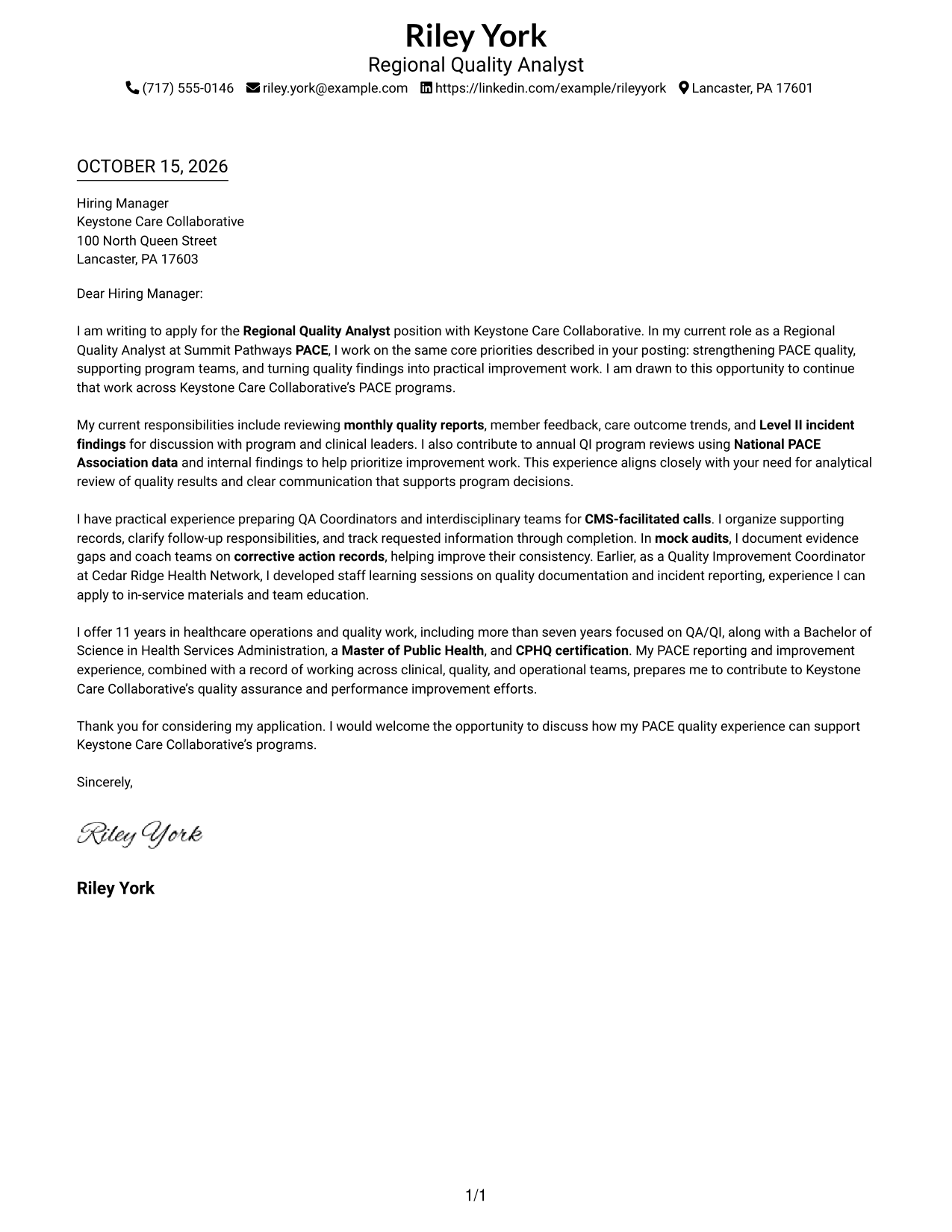
This practical guide to the Regional Quality Analyst - PACE Quality Improvement cover letter presents seven layouts and shows how to explain role fit with clear, relevant evidence.
What Makes a Great Regional Quality Analyst - PACE Quality Improvement Cover Letter in 2026
A strong letter links PACE quality work to the role’s needs, from reviewing member outcomes and reports to supporting audits and improvement efforts. A focused opening should also explain why this work interests you.
Use specific evidence, such as preparing teams for CMS-facilitated calls, reviewing incident findings, or guiding corrective actions. Connect that experience to the employer’s quality goals without claiming skills or results you cannot support.
The featured Regional Quality Analyst - PACE Quality Improvement example follows a focused progression from role interest to relevant evidence and a clear close; adapt that flow while choosing a presentation that suits the employer and communication context.
#1 Simple One Column Format Cover Letter Example
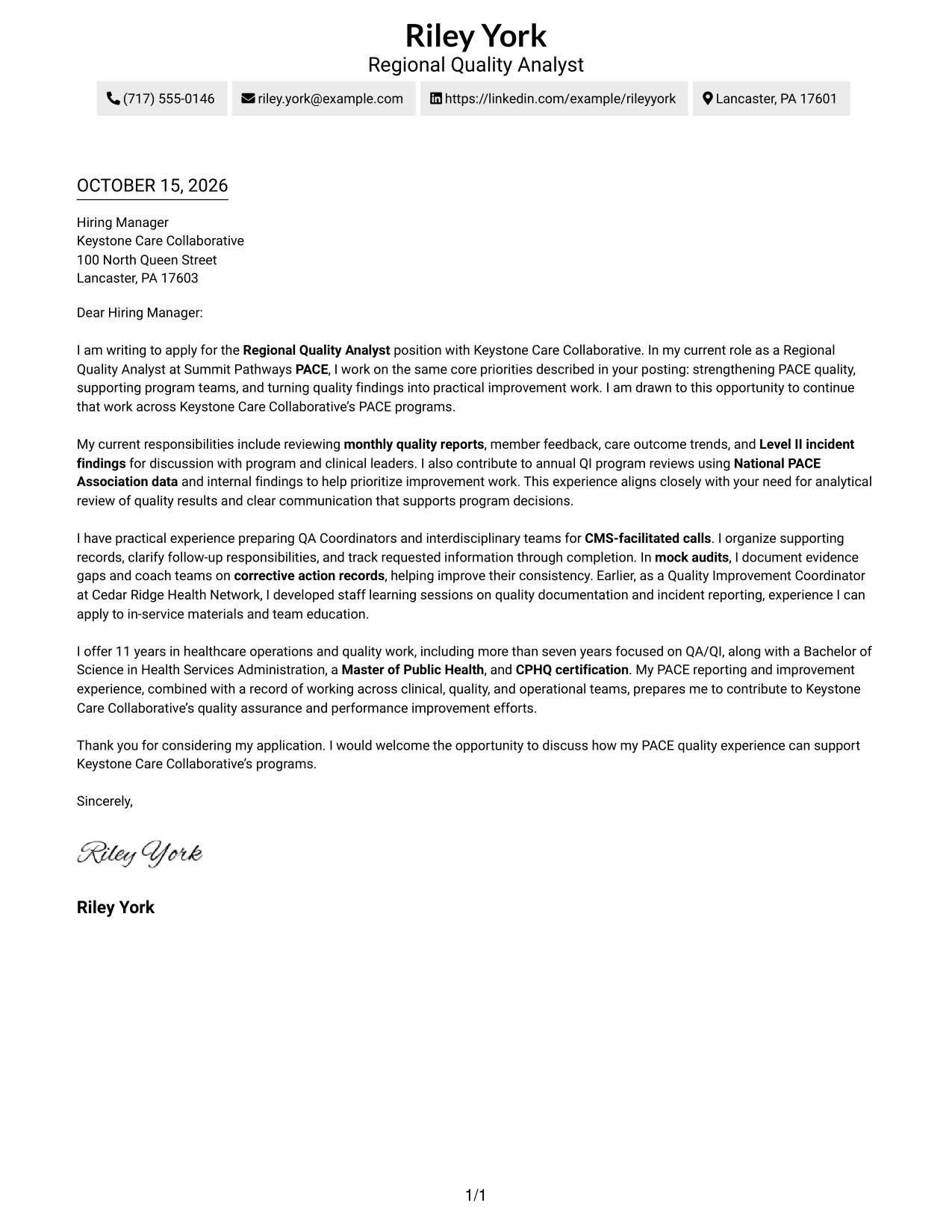
The single-column layout presents the full letter body beneath sender details, a familiar page structure for direct reading.
Why This Format Works
- Header contact details remain distinct from the message and easy to locate.
- Reviewers can follow opening, motivation, evidence, and closing in paragraph order.
- A single body column suits readers who prefer a familiar page structure.
Best For
- Single-column letter layouts
- Continuous paragraph flow
- Header-based contact details
- Straightforward application messages
- Familiar page order
#2 Two Column Format Cover Letter Example
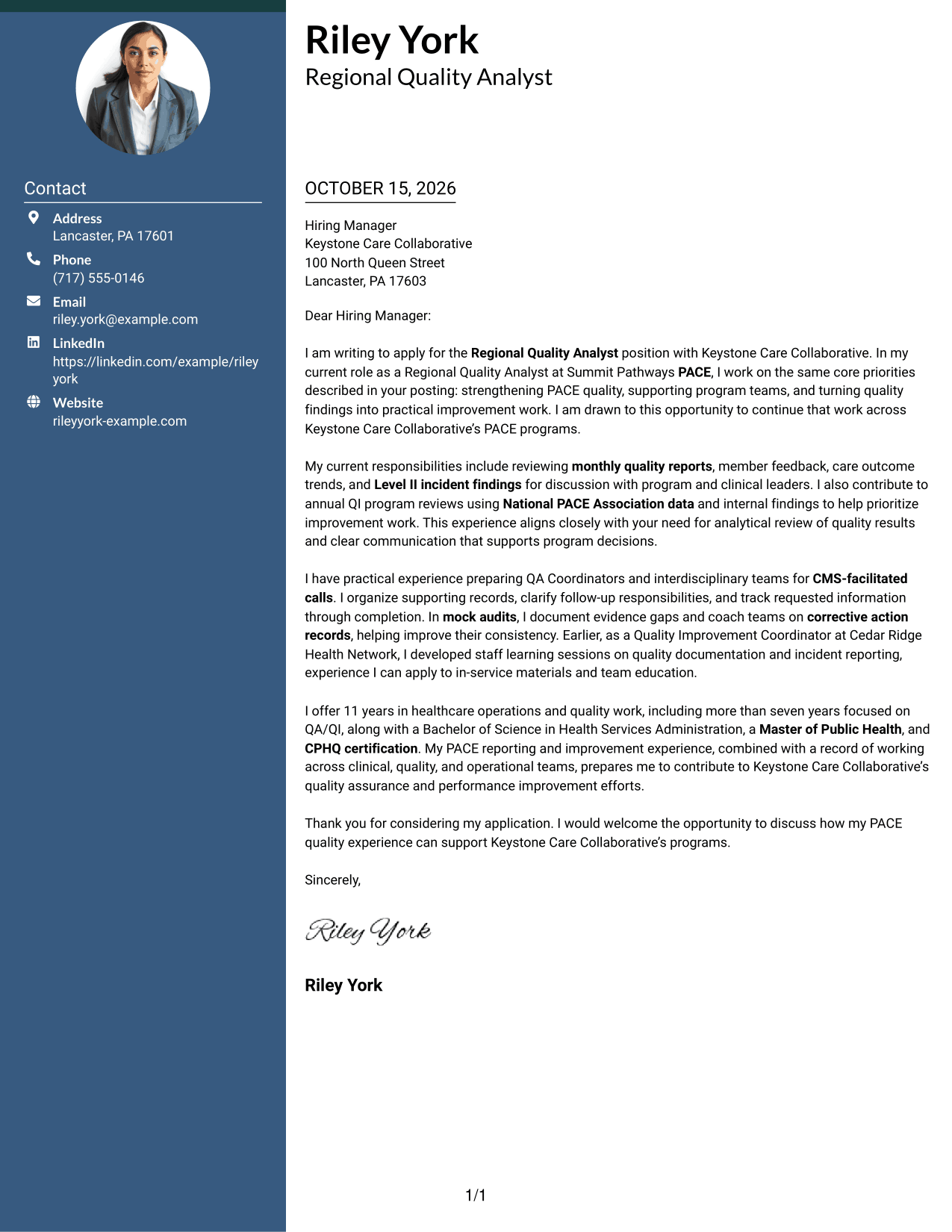
A contact sidebar sits beside one continuous letter body, separating sender details while keeping the message in a single column.
Why This Format Works
- The sidebar keeps sender details apart from the letter's persuasive message.
- The body remains one continuous column for a clear sequence of ideas.
- Contact information stays visible beside the letter for quick reference.
Best For
- Contact details beside the message
- Letters with a continuous body
- Quick contact lookup
- Side-by-side page organization
- Visible sender information during review
#3 Photo Header Two Column Format Cover Letter Example
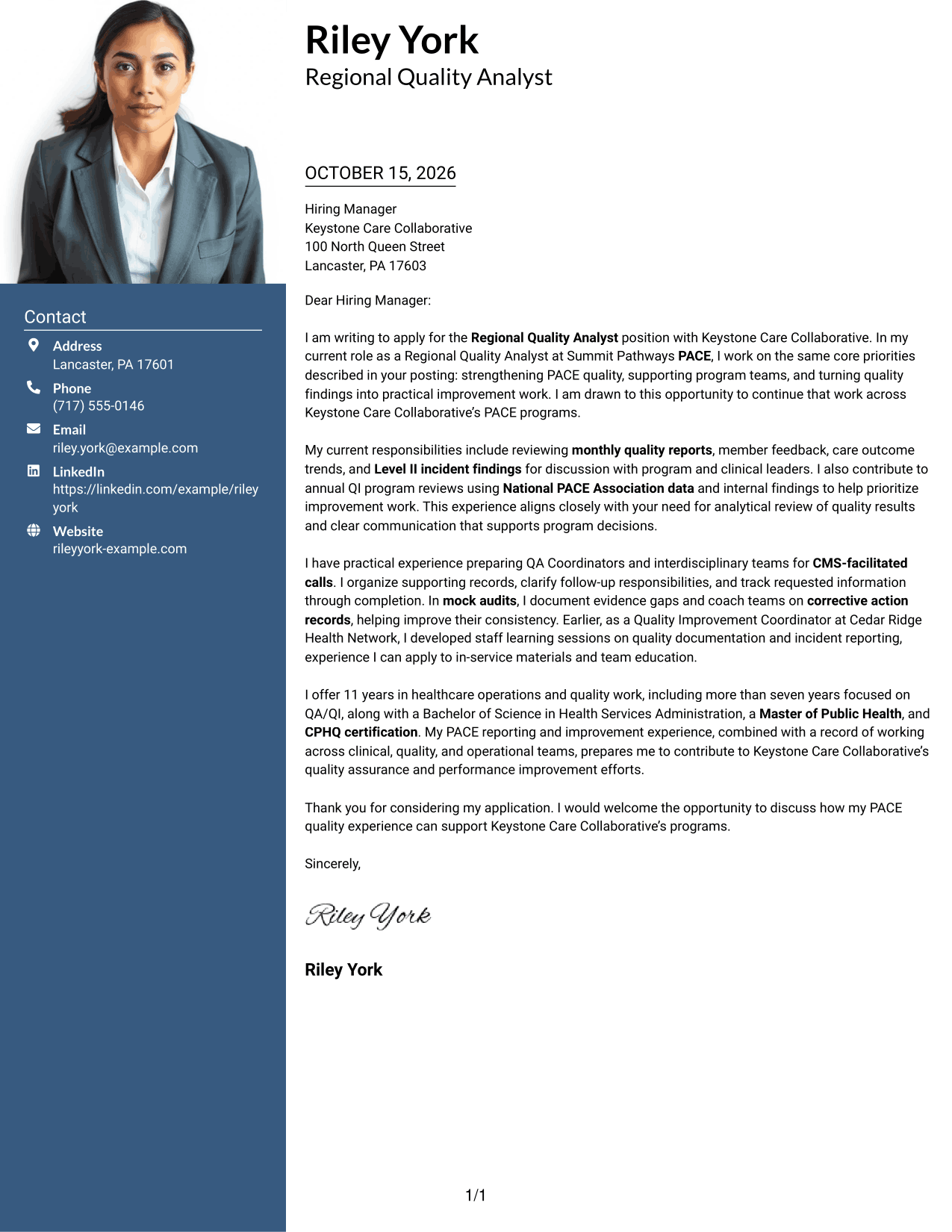
A contact sidebar and continuous letter body form two columns, with a photo included for readers who prefer a personal visual detail.
Why This Format Works
- The contact sidebar gives sender details a separate place beside the message.
- One continuous body preserves the sequence from opening through closing.
- A photo offers a personal visual choice without changing the letter's argument.
Best For
- Two-column letter layouts
- Letters with a visible photo
- Contact details kept apart from the message
- Continuous paragraph-based arguments
- Photo-inclusive application materials
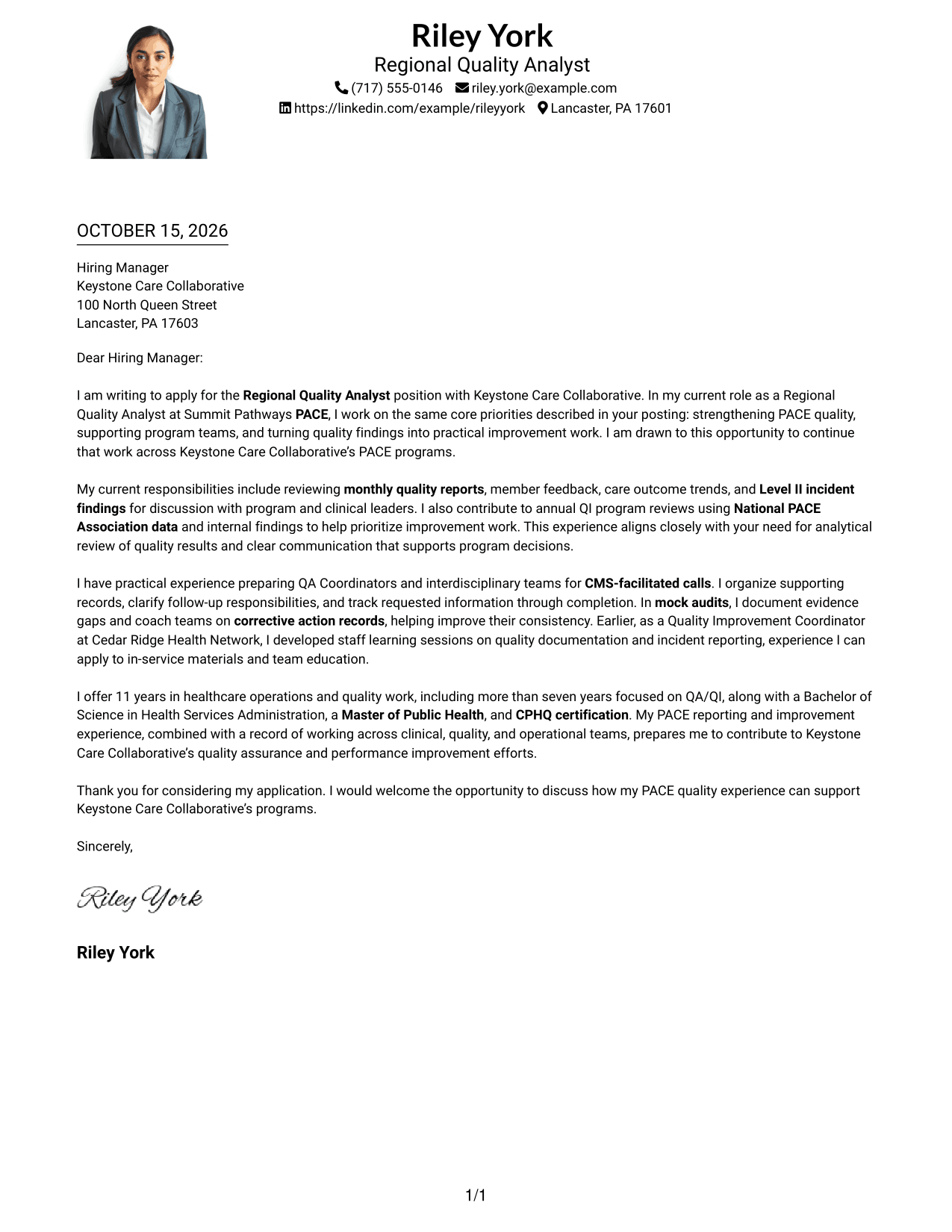
#4 One Column Format with Photo Cover Letter Example
The one-column layout keeps sender details and the continuous letter body in a direct reading sequence, with a photo as a visual option.
Why This Format Works
- One-column reading keeps every paragraph in a direct vertical sequence.
- The photo adds a visual option while leaving the message as the focus.
- Sender details in the header remain separate from the letter body.
Best For
- One-column letter layouts
- Letters that include a photo
- Direct paragraph-by-paragraph reading
- Header contact details
- A familiar page structure with a visual element
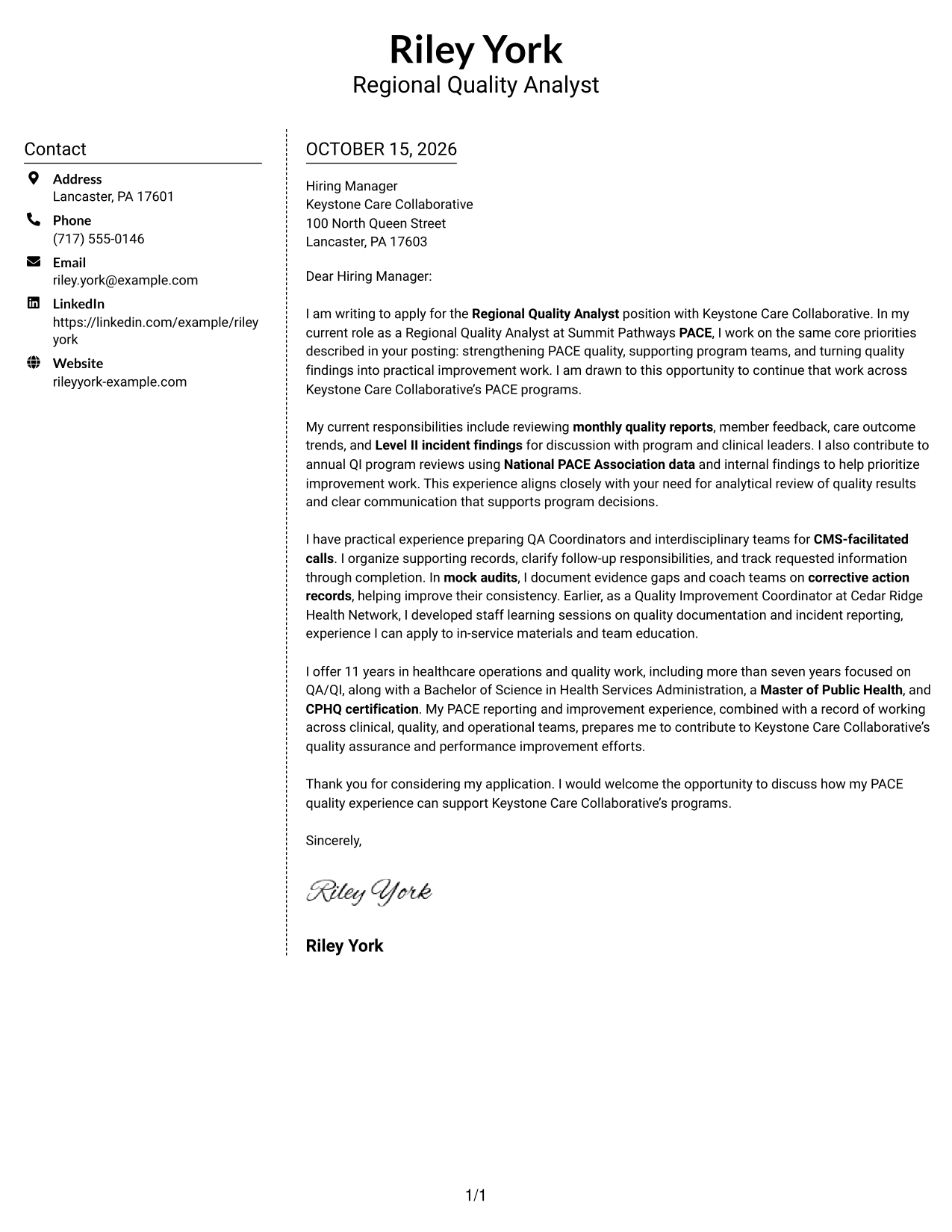
#5 Simple Two Column Format Cover Letter Example
A contact column beside the letter body gives sender information its own area while the message stays in one continuous column.
Why This Format Works
- Contact details occupy their own column, apart from the letter's paragraphs.
- The message stays in one body column, so its argument reads in sequence.
- The side-by-side layout keeps contact information close at hand.
Best For
- Separate contact and message areas
- Continuous letter paragraphs
- Side-by-side contact reference
- Two-column page organization
- Readers who want sender details nearby
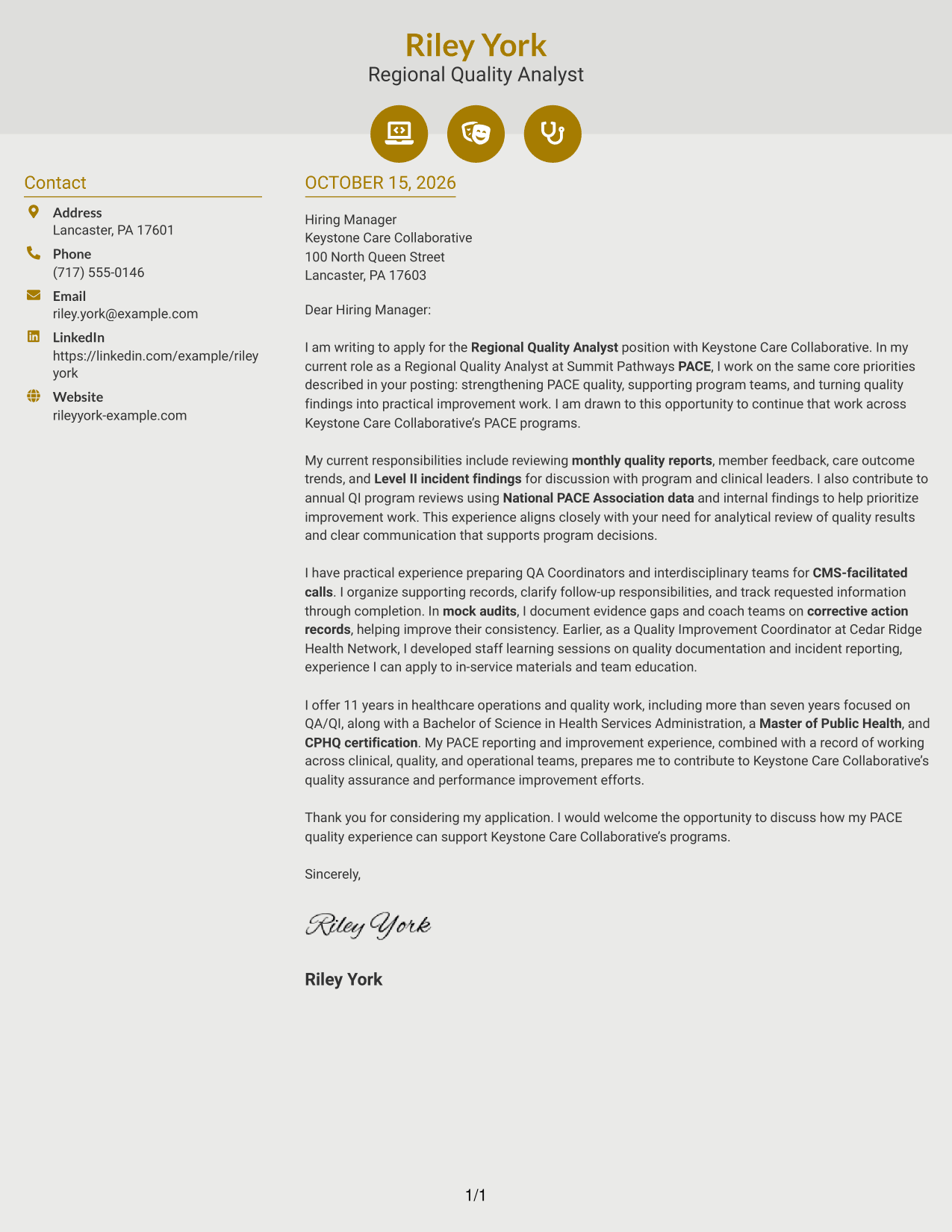
#6 Modern Icon Format Cover Letter Example
The two-column layout uses icons as contact cues beside a single continuous letter body, keeping the visual marks outside the argument.
Why This Format Works
- Icons act as cues for contact details, not for the letter's argument.
- The sidebar separates contact information from the single-column message.
- The continuous body keeps motivation, evidence, and closing in paragraph order.
Best For
- Icon-marked contact details
- Two-column letter layouts
- A continuous message body
- Quick contact detail recognition
- Decorative header accents
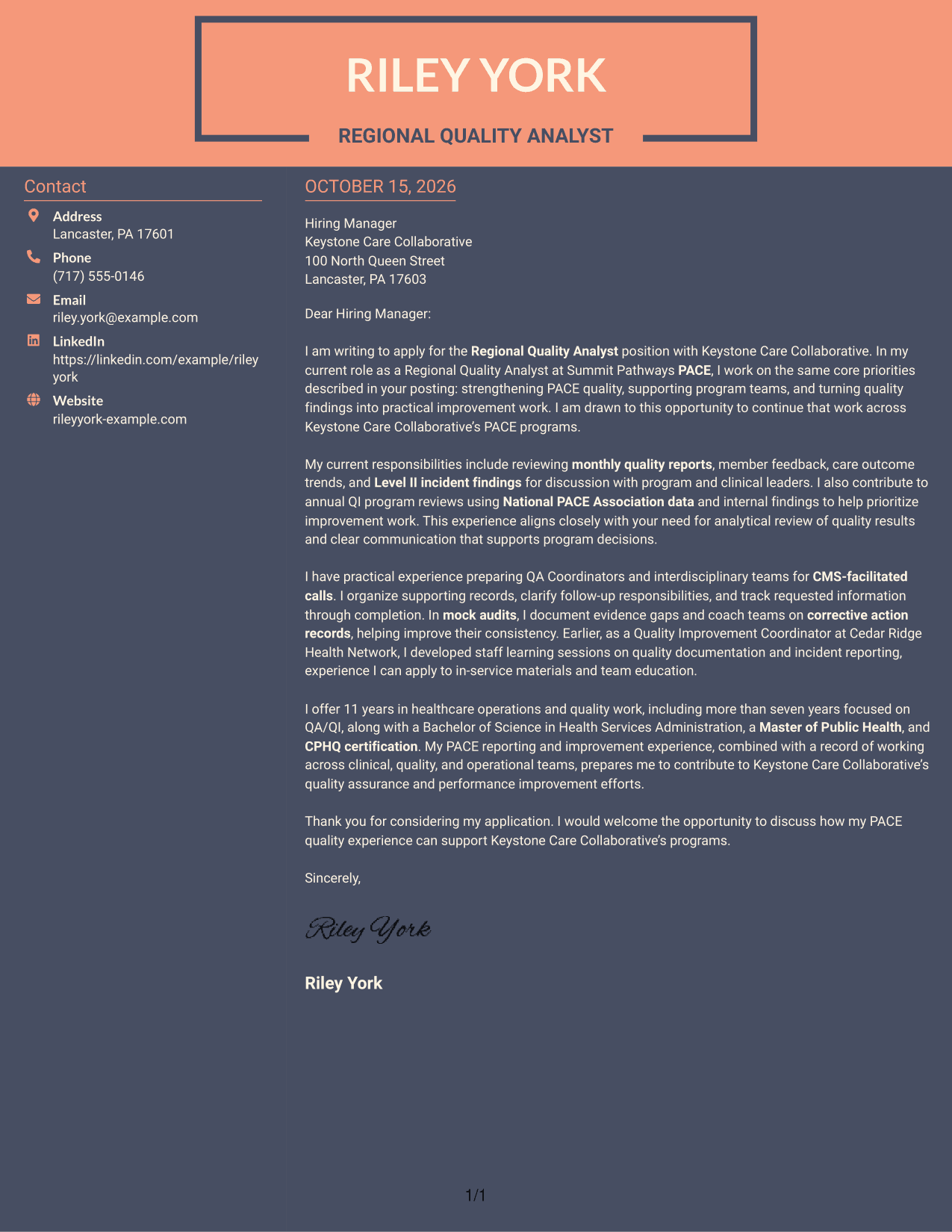
#7 Creative Two Tone Format Cover Letter Example
Two columns place sender details beside one uninterrupted letter body, a useful arrangement when readers want both areas in view.
Why This Format Works
- A separate contact area keeps practical sender information outside the message.
- The single body sequence lets readers follow the message from opening to close.
- Side-by-side placement keeps contact details available during letter review.
Best For
- Contact details beside the letter
- Uninterrupted letter paragraphs
- Side-by-side reading
- Sender information available at a glance
- Letters with a clear message sequence
See Also
- 7 Regional Quality Analyst - PACE Quality Improvement Resume Templates with Example
- 7 Analyst, Quality Systems Resume Templates with Example
- 33 Customer Service Quality Assurance Analyst Resume Templates with Example 2026 (ATS-Optimized)
- 33 Data Analyst, Quality Resume Templates with Example 2026 (ATS-Optimized)
- 7 Homeowner Claims Quality Assurance Senior Analyst Resume Templates with Example
- 7 Quality Assurance Analyst - Taxation Resume Templates with Example
- 33 Accounts Payable Analyst - Invoice Processing Resume Templates with Example 2026 (ATS-Optimized)
- 33 Accounts Payable Analyst Resume Templates with Example 2026 (ATS-Optimized)
- 30+ Customer Service Quality Assurance Analyst Cover Letter Templates with Example 2026
- 30+ Data Analyst, Quality Cover Letter Templates with Example 2026
Frequently Asked Questions
What should the opening paragraph say for this role?
Name the Regional Quality Analyst - PACE Quality Improvement position, show a clear interest in PACE quality work, and briefly connect that interest to the employer’s stated priorities.
Which experience is useful to highlight in the body?
Choose examples that show how you review monthly quality reports, member feedback, care outcomes, or Level II incident findings and share useful conclusions with program and clinical leaders.
How can I describe audit and CMS preparation work?
Explain your role in organizing records, preparing QA Coordinators or interdisciplinary teams, tracking follow-up, and coaching teams on corrective action documentation. Keep the details accurate to your own experience.
How can I connect my experience to Keystone Care Collaborative?
Refer to the responsibilities in the job description, such as PACE quality reporting, annual improvement reviews, mock audits, or team education. Link one or two of these needs to relevant examples from your work.
What makes an effective closing paragraph?
Thank the reader, restate briefly how your PACE quality experience could support the programs, and express interest in discussing your contribution.




