
7 Registered Nurse - Cardiac Progressive Care Cover Letter Templates with Example
This practical guide helps you write a Registered Nurse - Cardiac Progressive Care cover letter and compare seven layouts for presenting your role fit clearly.
What Makes a Great Registered Nurse - Cardiac Progressive Care Cover Letter in 2026
A strong letter connects cardiac and telemetry care to the needs of a progressive care unit. It makes your interest clear and shows how you support patients through treatment and recovery.
Use specific evidence, such as focused assessments, timely updates to physicians, clear handoffs, or patient and family education. Link that experience to the employer’s care priorities and explain why the position interests you.
The featured example moves from interest in the role to clinical evidence, team communication, relevant qualifications, and a clear close. Adapt this focused progression while choosing a presentation that suits the employer and communication context.
#1 Simple One Column Format Cover Letter Example
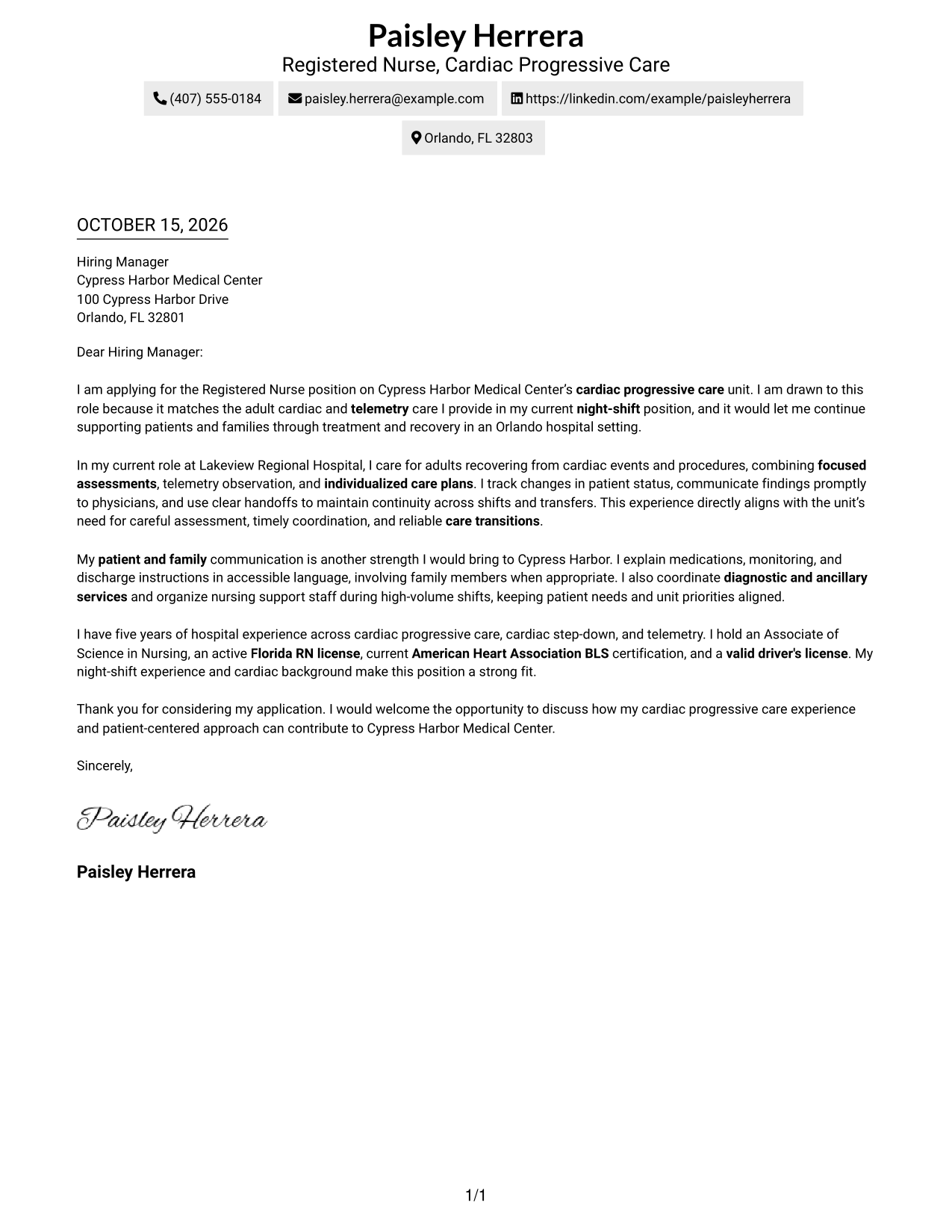
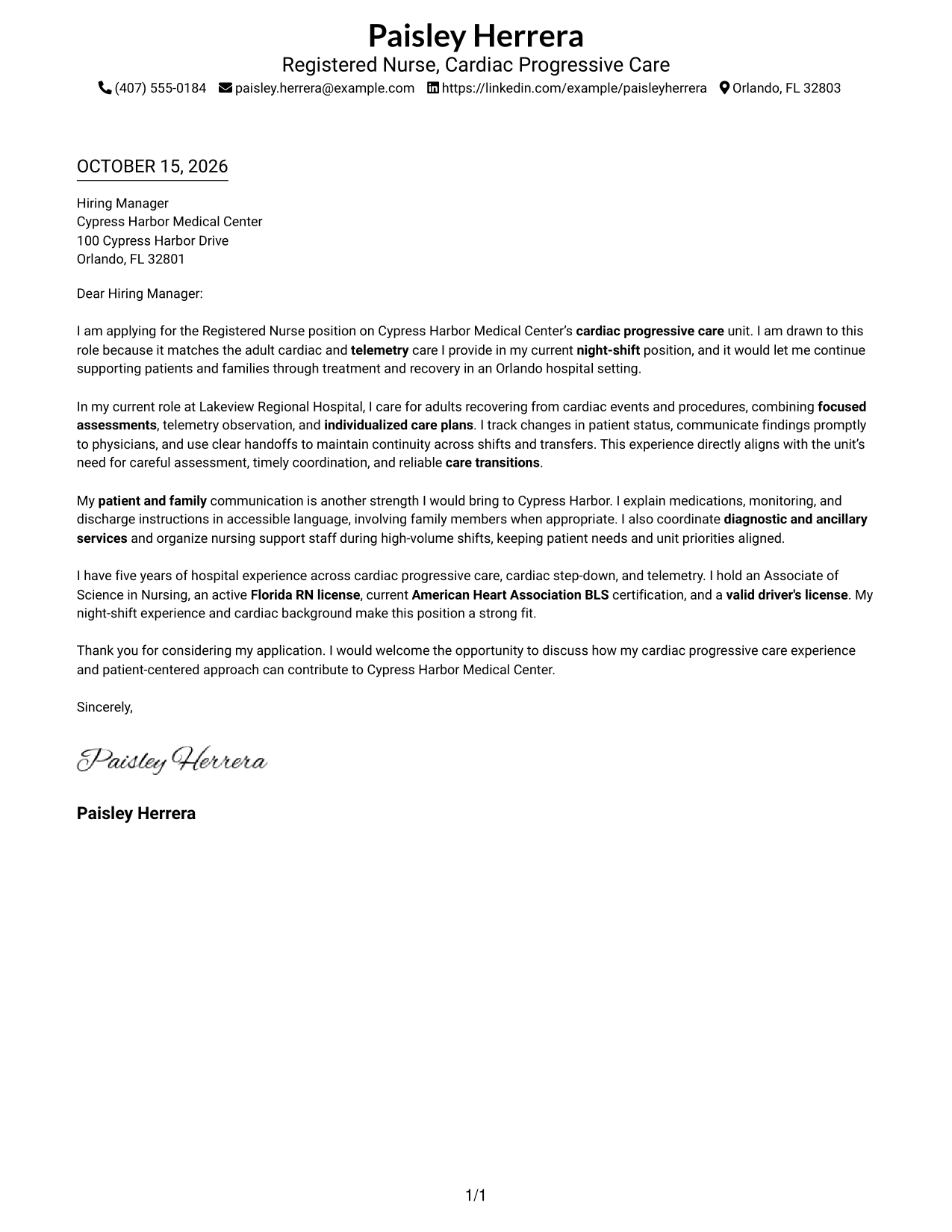
This one-column format keeps sender details in the header and the complete letter body on a single reading path, a practical choice for readers who prefer a direct page layout.
Why This Format Works
- Sender details stay in the header, leaving the letter body in one column.
- Continuous paragraphs keep the opening, supporting points, and closing in sequence.
- Without a contact sidebar, the page keeps attention on the letter text.
Best For
- Single-column letter pages
- Header-based contact details
- Paragraph-led persuasion
- Traditional top-to-bottom reading
- Photo-free correspondence
#2 Two Column Format Cover Letter Example
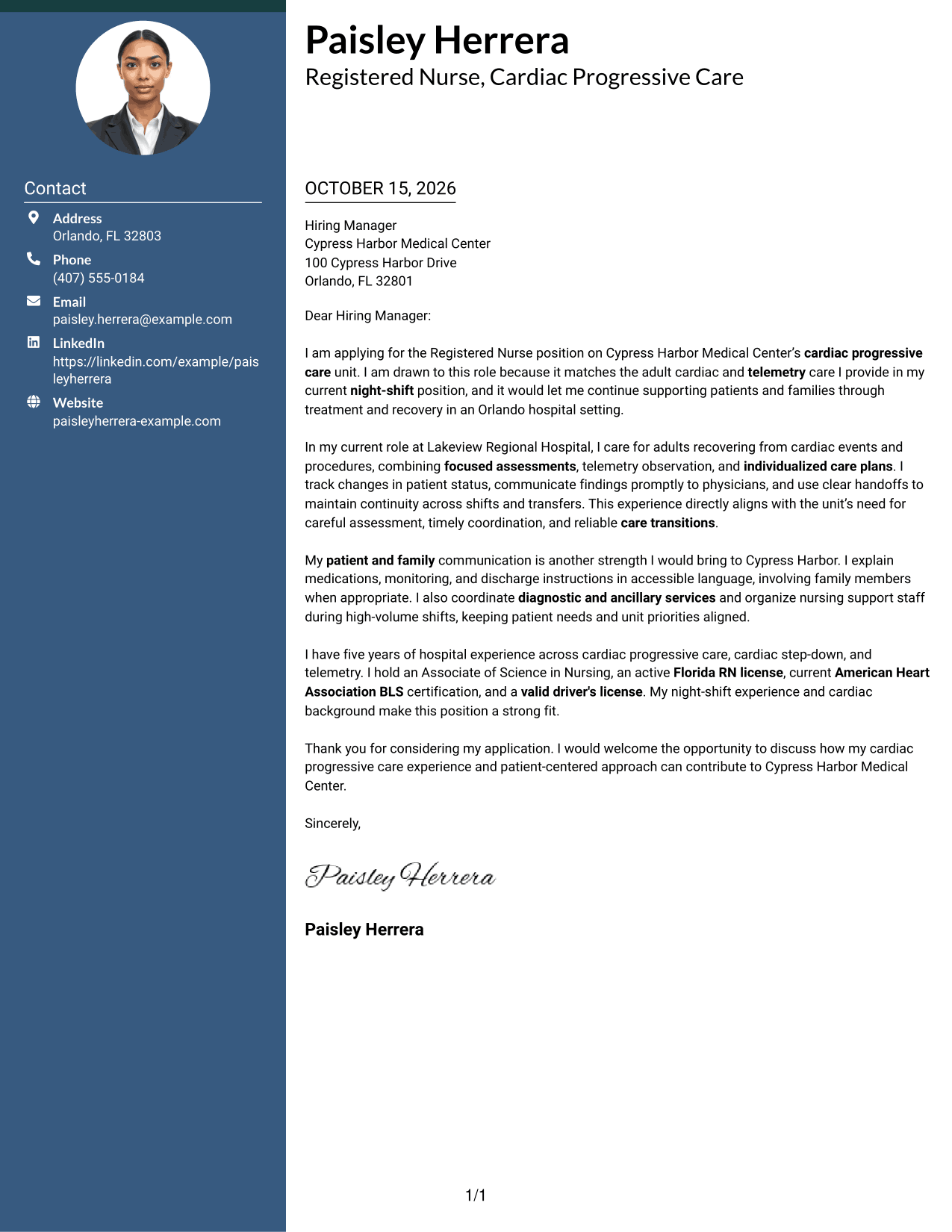
A contact sidebar sits beside the continuous letter body in this two-column format, suiting readers who want sender information kept separate from the message.
Why This Format Works
- A separate contact sidebar keeps sender details apart from the letter's argument.
- The single letter body preserves a clear path from opening through closing.
- A photo-free page suits readers who prefer a text-focused letter design.
Best For
- Contact details beside letter text
- Continuous paragraph arguments
- Conventional letter reading order
- Applications with several contact channels
- Photo-free correspondence
#3 Photo Header Two Column Format Cover Letter Example
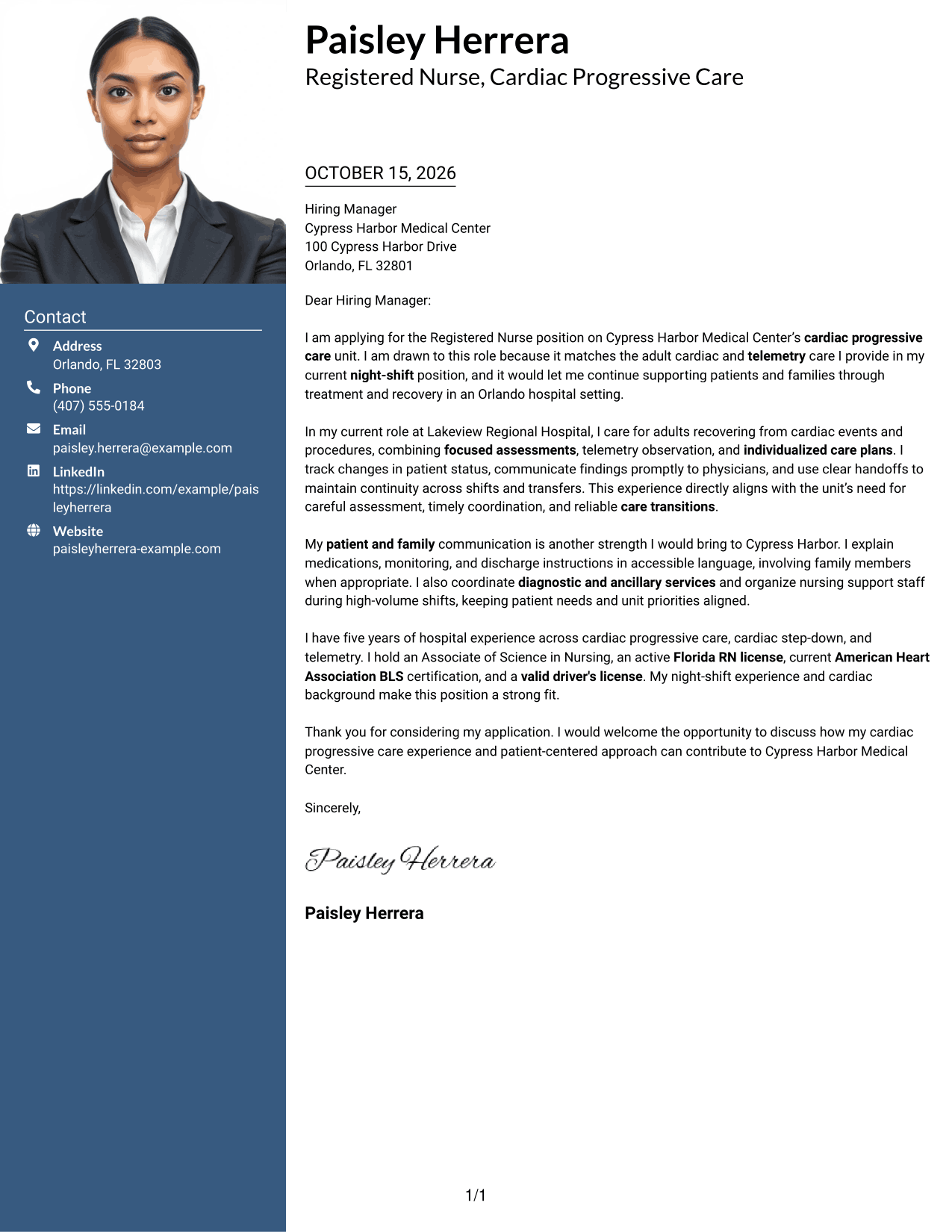
This two-column format includes a photo alongside a contact sidebar and keeps the letter in one body, a useful choice for readers who want visual identification with a continuous message.
Why This Format Works
- The contact sidebar separates sender details from the full letter body.
- One continuous body lets the opening, evidence, and closing read in order.
- The included photo adds a personal visual element without dividing the argument.
Best For
- Photo-inclusive correspondence
- Separate sender contact details
- One-body letter arguments
- Two-area page organization
- Letters with a personal visual element
#4 One Column Format with Photo Cover Letter Example
The one-column page includes a photo while keeping the letter body together, a practical option for readers who want a direct reading path and a personal visual element.
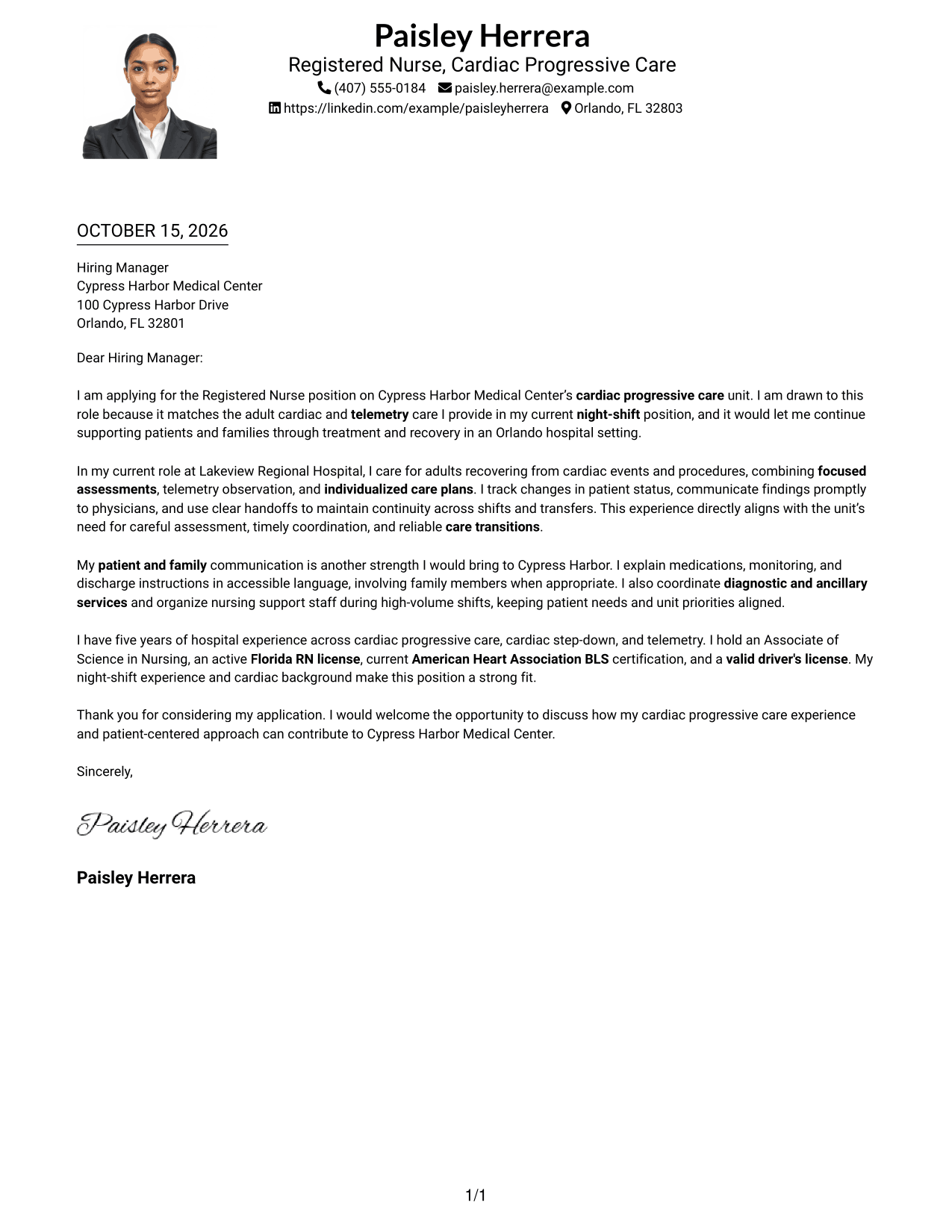
Why This Format Works
- Sender details remain in the header above the single-column letter body.
- Paragraphs carry the opening, supporting points, and close without argument headings.
- The photo adds a personal visual element while the letter stays in one column.
Best For
- Single-column correspondence
- Photo-inclusive letter pages
- Header-based sender details
- Continuous paragraph arguments
- Straightforward page reading order
#5 Simple Two Column Format Cover Letter Example
With a contact sidebar next to one continuous letter body, this two-column format keeps contact information distinct from the message for a clear, organized page.
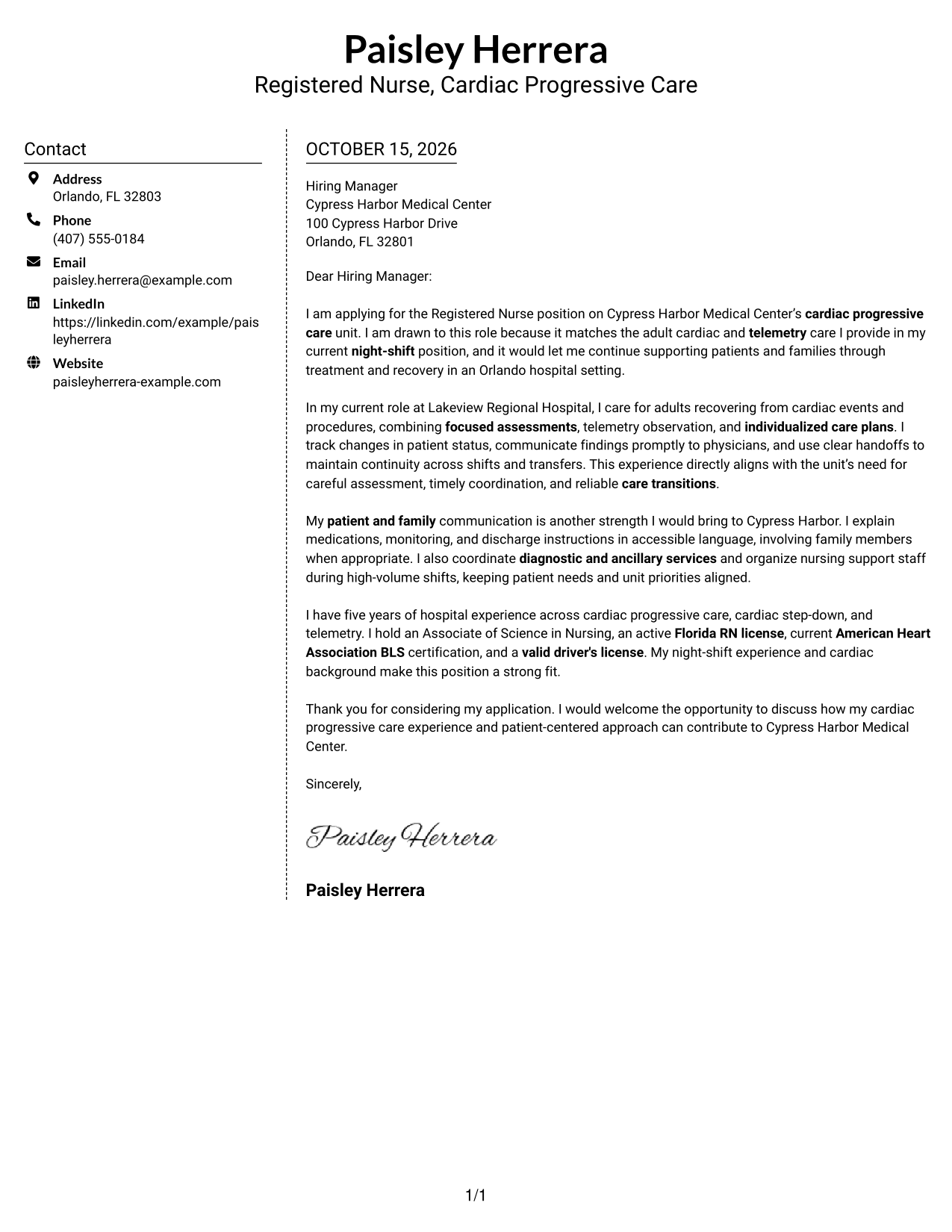
Why This Format Works
- The sidebar gives sender contact information a separate place beside the message.
- The complete letter remains together rather than split across argument columns.
- A layout without a photo keeps the page focused on written correspondence.
Best For
- Contact sidebar layouts
- Single-body correspondence
- Paragraph-first applications
- Applications with several contact details
- Letters without a photo
#6 Modern Icon Format Cover Letter Example
Contact icons mark details in the sidebar of this two-column format, while the letter stays in one continuous body, making it a fit for readers who value visual contact cues.
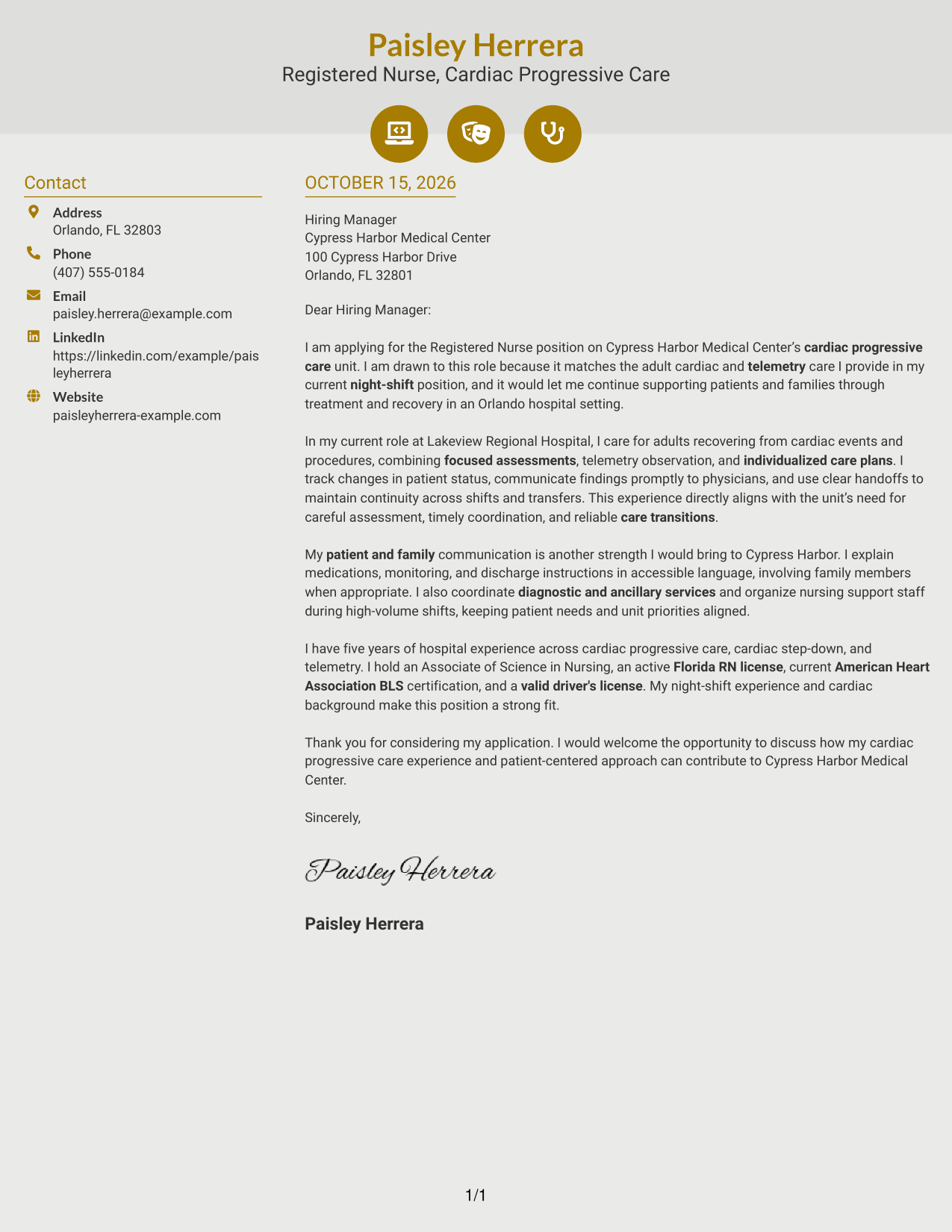
Why This Format Works
- Contact icons help distinguish sender details from the letter's main text.
- The continuous body keeps the opening, supporting points, and closing together.
- Decorative header accents add visual detail without labeling parts of the argument.
Best For
- Icon-marked contact information
- Two-area page layouts
- Continuous prose correspondence
- Photo-free letter layouts
- Readers who value visual contact cues
#7 Creative Two Tone Format Cover Letter Example
The two-column arrangement places contact details beside a single continuous letter body, a practical choice for readers who want contact information separate from the message.
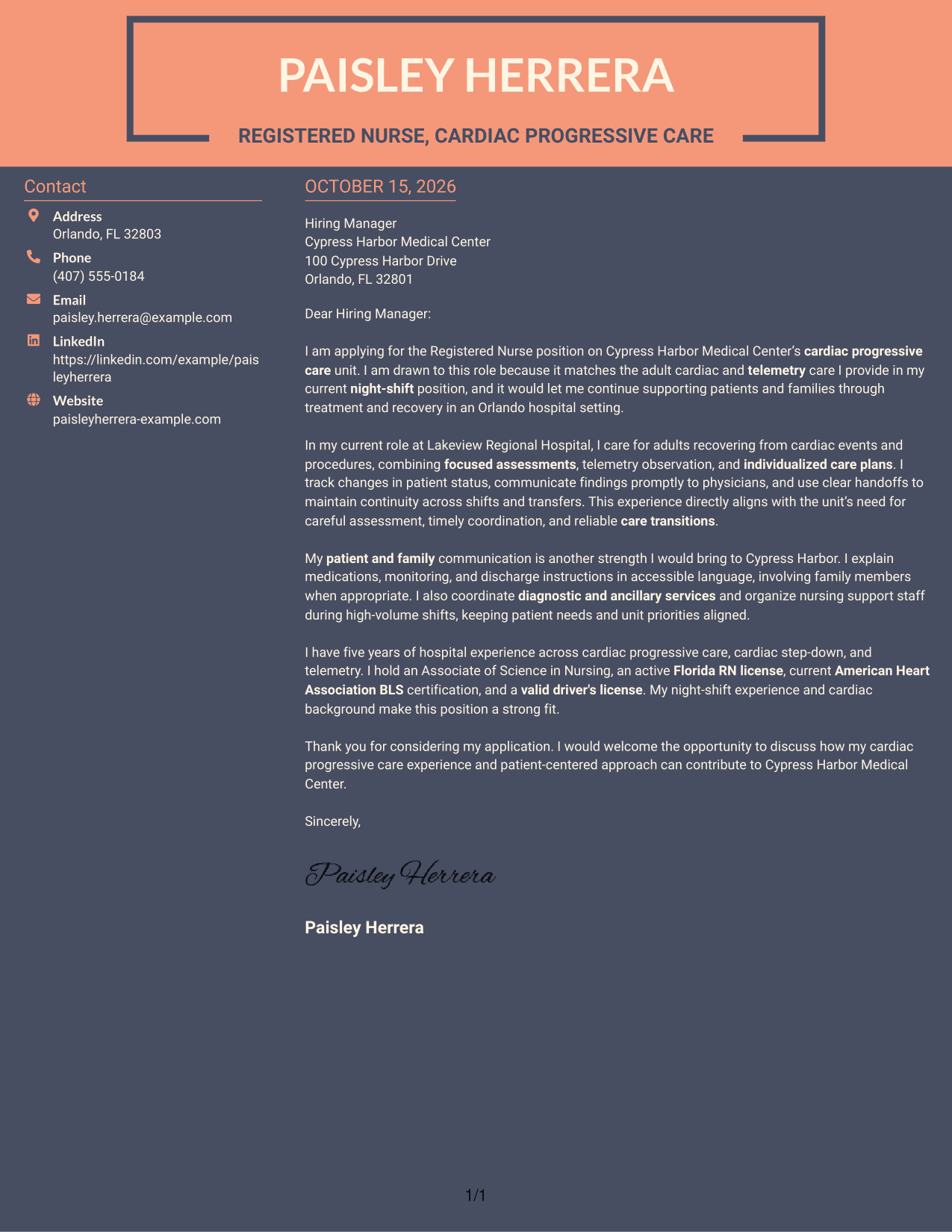
Why This Format Works
- Contact details sit apart from the complete letter, making them easy to locate.
- The body keeps the opening, reasons for applying, and closing in one sequence.
- The photo-free layout gives the written message the full visual focus.
Best For
- Separate contact and message areas
- Single-body letter structure
- Letters with clear paragraph progression
- Readers who prefer no photo
- Direct written applications
Why Use ResumeInMinutes for a Registered Nurse - Cardiac Progressive Care Cover Letter
ResumeInMinutes lets you view PNG previews and open an example in the editor. Use the example to shape a clear letter that connects your nursing experience to the unit’s care needs.
- Cover letter layouts
- Clear, readable presentation
- Role-focused examples
- Patient care evidence
- Employer-focused writing
- Editor customization
Build your message around cardiac assessment, telemetry observation, care coordination, and communication with patients, families, and clinical teams.
See Also
- 7 Registered Nurse - Cardiac Progressive Care Resume Templates with Example
- 7 Registered Nurse - Oncology Progressive Care Resume Templates with Example
- 7 Registered Nurse - Progressive Care Unit (PCU) Resume Templates with Example
- 33 Registered Nurse Cardiac/Telemetry Resume Templates with Example 2026 (ATS-Optimized)
- 33 Registered Nurse (RN) Cardiac Diagnostic Resume Templates with Example 2026
- 33 Advanced Practice Registered Nurse (APRN) - Critical Care Resume Templates with Example 2026
- 33 Home Care Registered Nurse Resume Templates with Example 2026 (ATS-Optimized)
- 33 Home Care Registered Nurse RN Resume Templates with Example 2026 (ATS-Optimized)
- 7 Registered Nurse - Progressive Care Unit (PCU) Cover Letter Templates with Example
- 30+ Registered Nurse Cardiac/Telemetry Cover Letter Templates with Example 2026
Frequently Asked Questions
What should a Registered Nurse - Cardiac Progressive Care cover letter include?
Show your interest in the unit, then give specific examples of cardiac or telemetry care, patient education, care coordination, and communication with the clinical team. Close by stating how you could contribute to the role.
How can I show that my experience fits a cardiac progressive care role?
Describe relevant actions, such as focused assessments, rhythm observation, timely escalation of changes, individualized care planning, and clear handoffs. Connect each example to safe care and continuity for patients.
How should I address motivation and employer fit?
Explain why the role interests you and connect that reason to the care setting or responsibilities described in the job posting. Avoid broad praise that could apply to any hospital.
Which cover letter presentation should I choose?
Choose a clean, easy-to-read layout that suits the employer and the way the letter will be reviewed. The preview images can help you compare presentations before opening an example in the editor.
Should I include a photo on my cover letter?
For U.S. hospital applications, a cover letter without a photo is usually the safer choice. Keep attention on your role fit, patient care, and communication.




