
7 Registered Nurse - Emergency Nursing Cover Letter Templates with Example
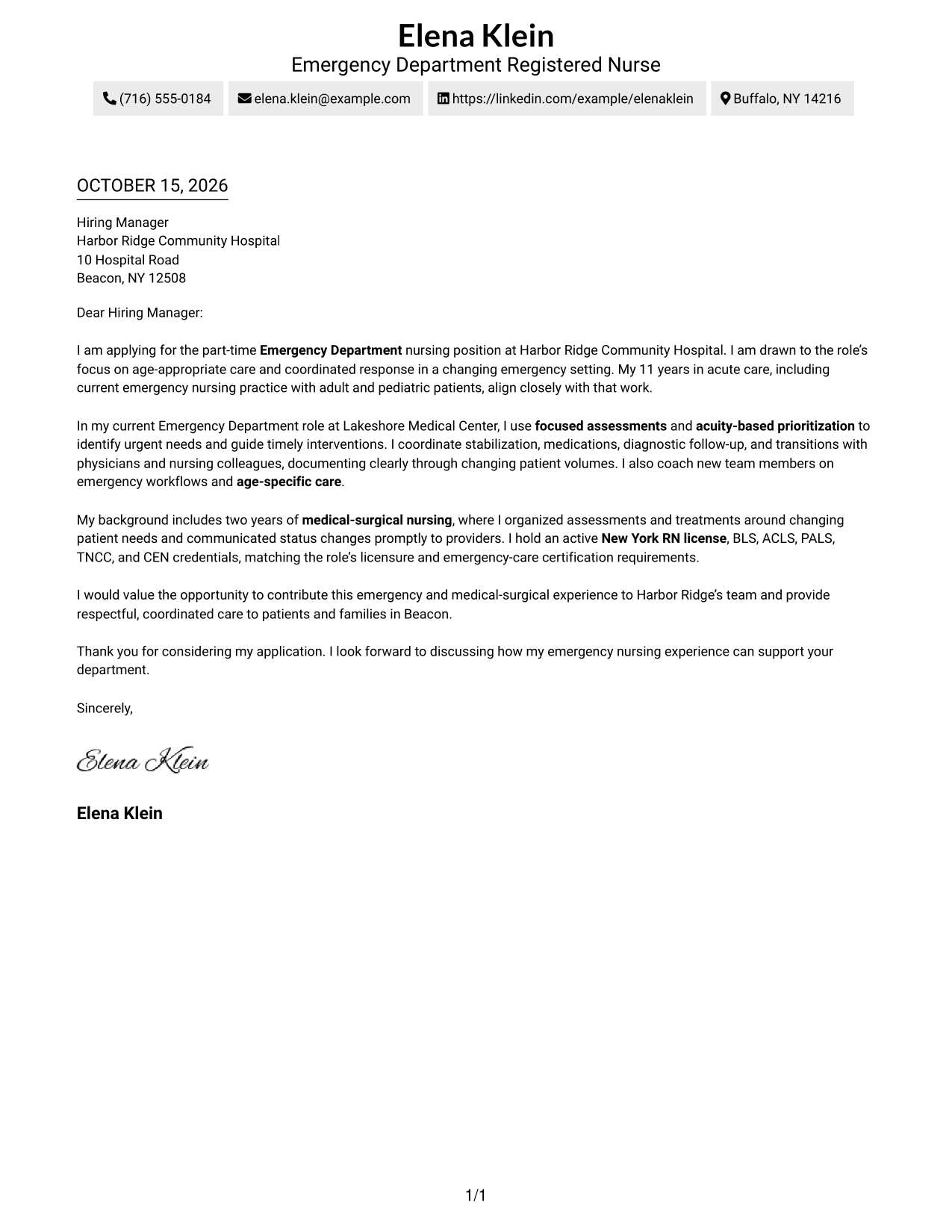
This practical guide to a Registered Nurse - Emergency Nursing cover letter shows how to present clinical judgment and patient-centered communication across seven layouts.
What Makes a Great Registered Nurse - Emergency Nursing Cover Letter in 2026
A strong letter connects your interest in emergency nursing with clear examples of age-appropriate care, sound judgment, and teamwork in a changing setting.
Show how your assessment, triage, and care coordination support patients and families. Link this evidence to the employer’s focus on respectful communication and coordinated emergency care.
The featured application moves from interest in the role to relevant emergency and medical-surgical experience, then closes with a clear expression of fit. Adapt this focused progression while choosing a presentation that suits the employer and the communication context.
#1 Simple One Column Format Cover Letter Example
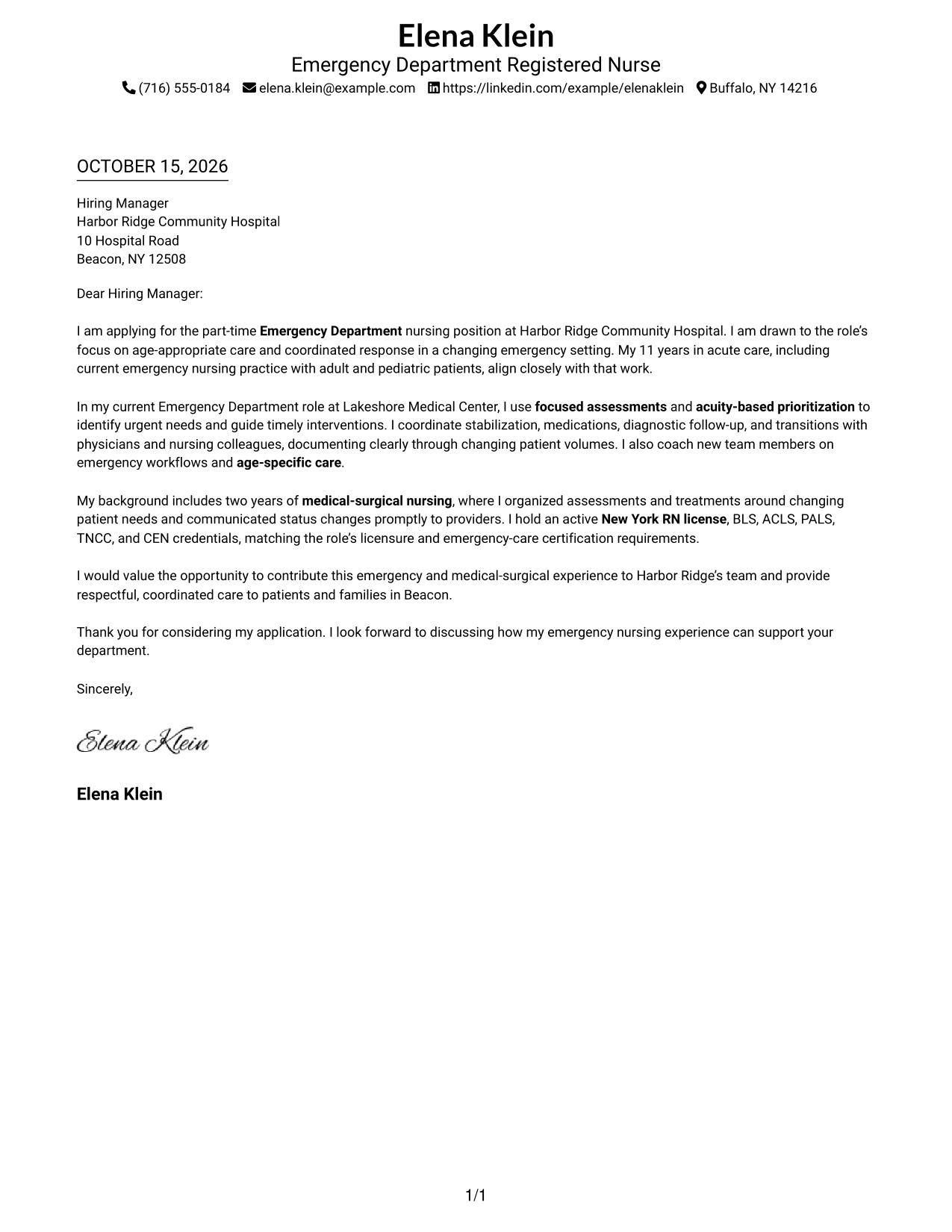
The single-column layout keeps sender details in the header and the letter in one reading path, a practical choice for direct correspondence.
Why This Format Works
- One body column carries the opening, evidence, and close in sequence.
- Sender details remain in the header, apart from the letter's persuasive paragraphs.
- The photo-free page suits readers who prefer a text-led presentation.
Best For
- One-column letter reading
- Header-based contact information
- Text-only correspondence
- Letters without body headings
- Direct opening-to-close reading
#2 Two Column Format Cover Letter Example
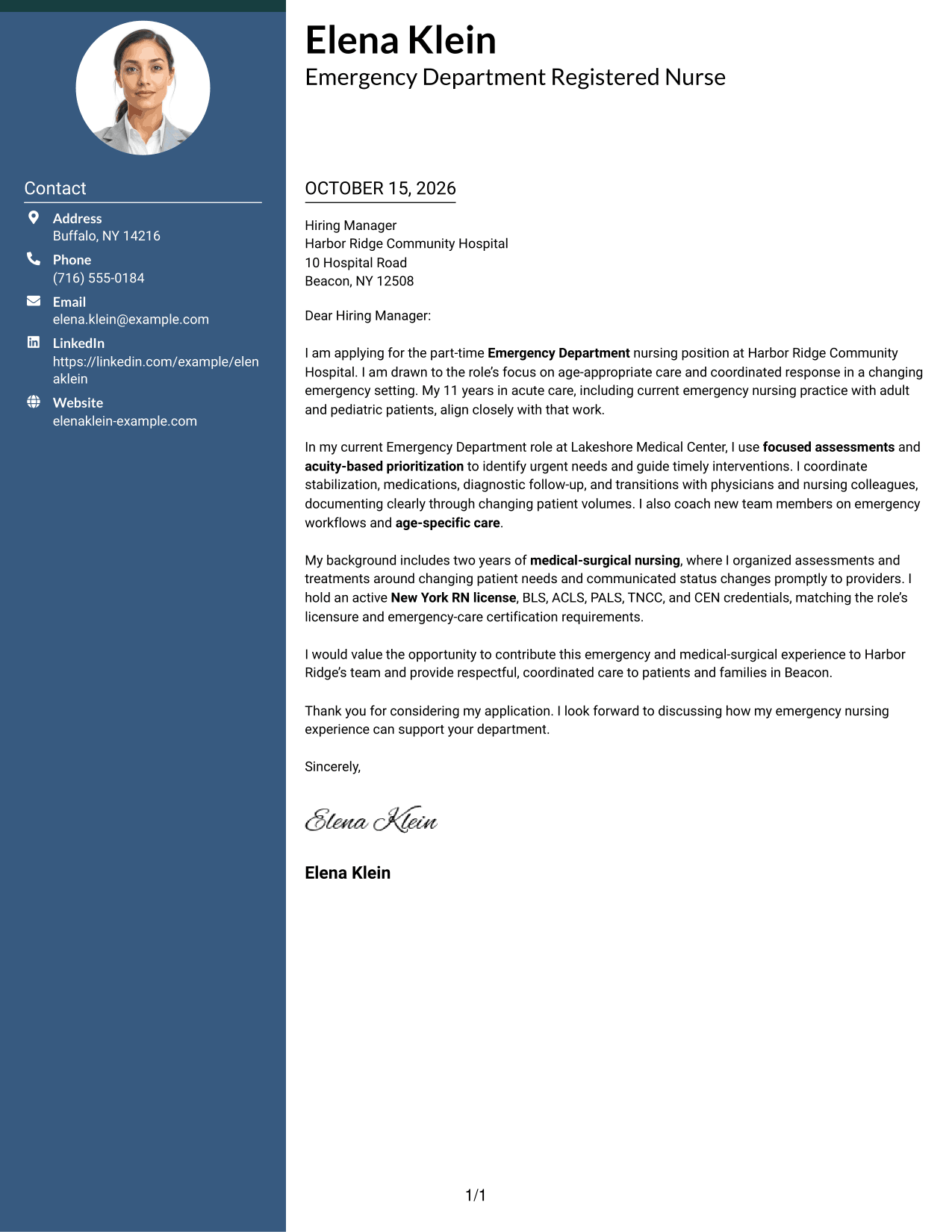
A contact sidebar sits beside one continuous letter body in this two-column layout, making sender information easy to locate separately from the message.
Why This Format Works
- Contact details sit in a sidebar, distinct from the letter's continuous body.
- Opening, supporting points, and closing stay together in one reading path.
- The photo-free layout suits readers who prefer text-led correspondence.
Best For
- Sidebar contact details
- Continuous letter paragraphs
- Photo-free correspondence
- Letters listing several contact methods
- Two-column document preference
#3 Photo Header Two Column Format Cover Letter Example
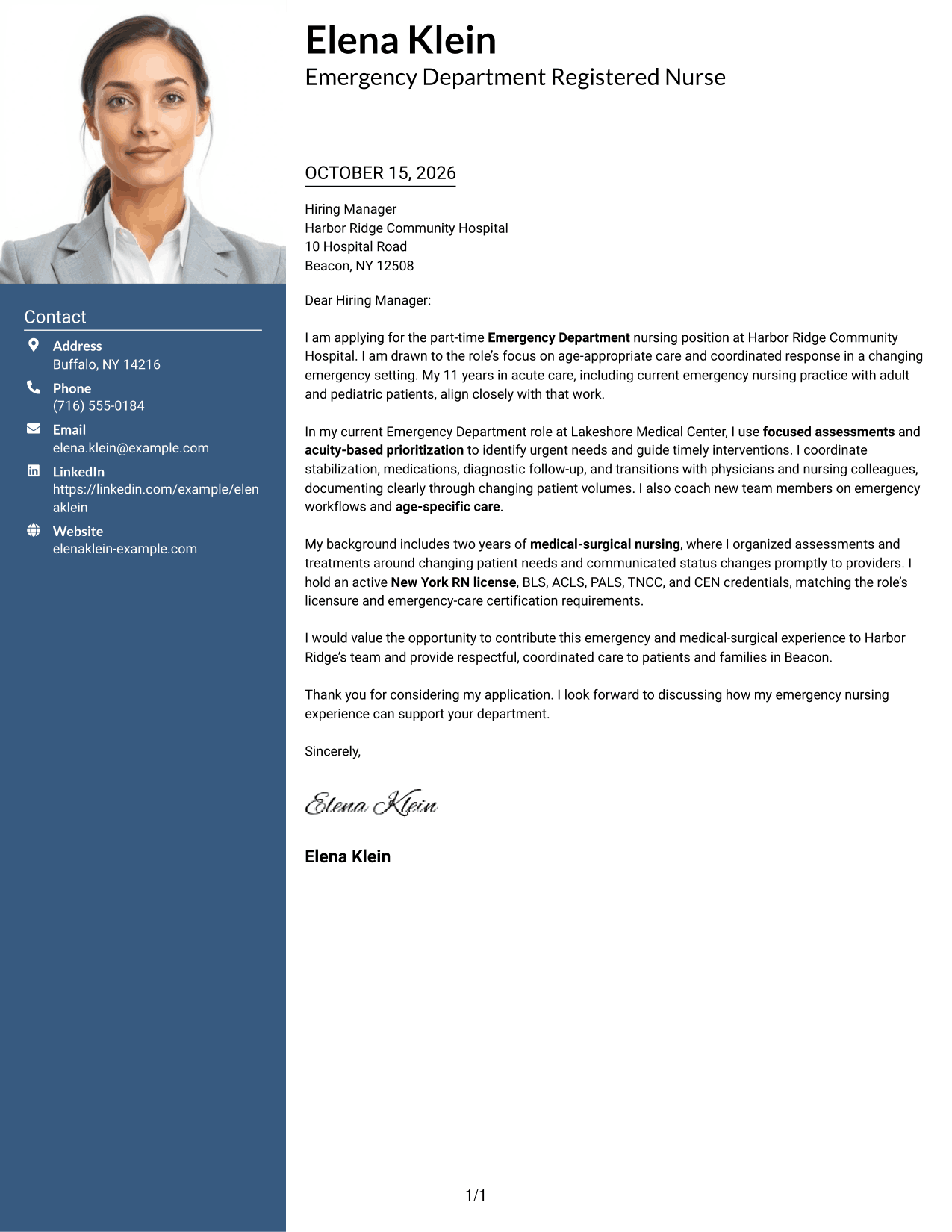
A photo accompanies the contact sidebar in this two-column format, while the letter stays in one continuous body for a clear reading sequence.
Why This Format Works
- The sidebar keeps sender details apart from the continuous letter body.
- One body column carries motivation, supporting evidence, and closing paragraphs in order.
- A photo adds a personal visual element to the contact presentation.
Best For
- Photo-inclusive contact presentation
- Sidebar contact information
- Single-body letter flow
- Letters listing several contact methods
- Portrait-friendly correspondence
#4 One Column Format with Photo Cover Letter Example
The letter and sender details follow a one-column arrangement with a photo included, a useful choice for readers who want a portrait alongside direct letter flow.
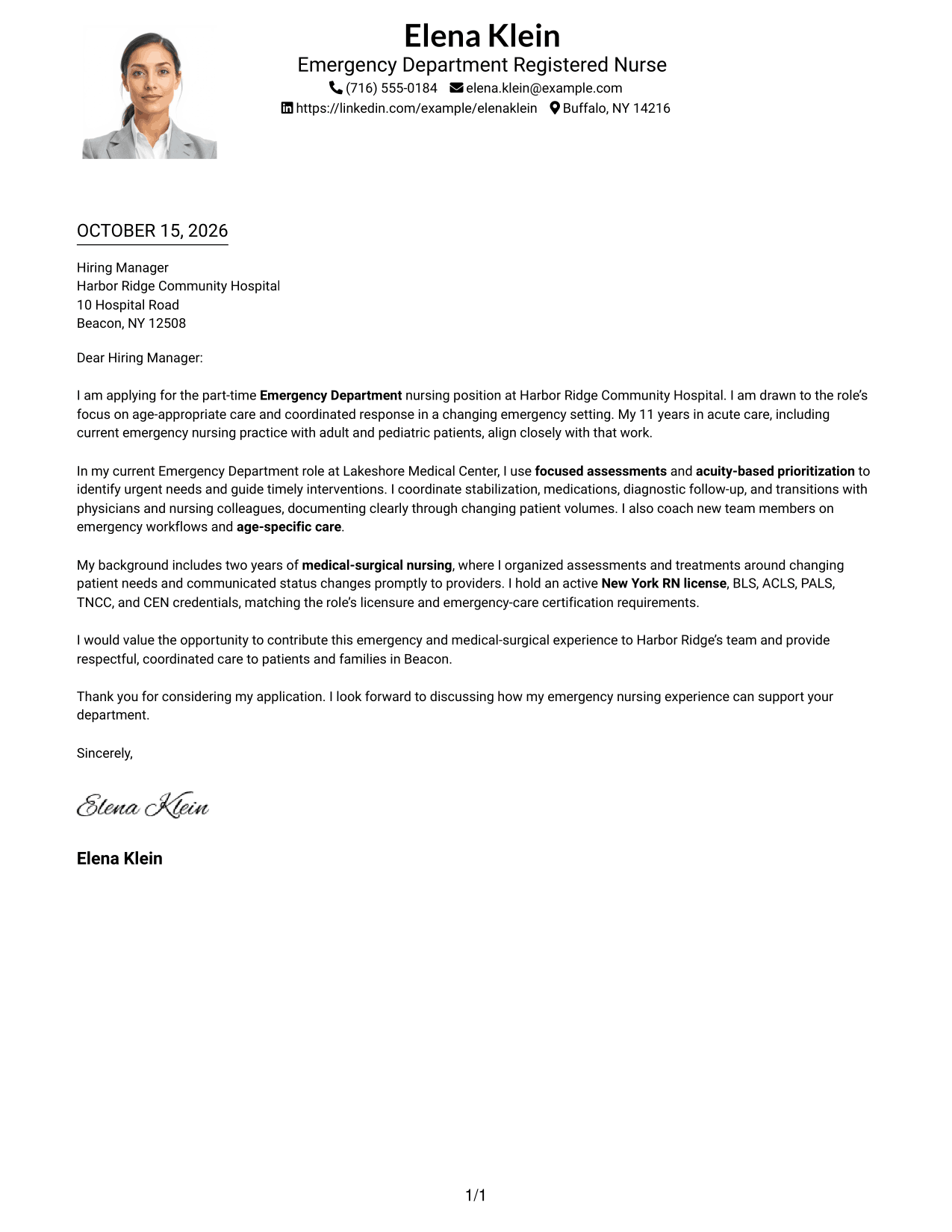
Why This Format Works
- One reading path keeps the opening, evidence, and close in order.
- Sender details sit apart from the letter's main paragraphs in the header.
- The photo adds a visual element without dividing the letter body.
Best For
- One-column letter reading
- Photo-inclusive correspondence
- Header-based sender details
- Letters without a contact sidebar
- Direct opening-to-close flow
#5 Simple Two Column Format Cover Letter Example
This two-column layout places contact details beside a single continuous letter body, giving readers a clear division between sender information and the message.
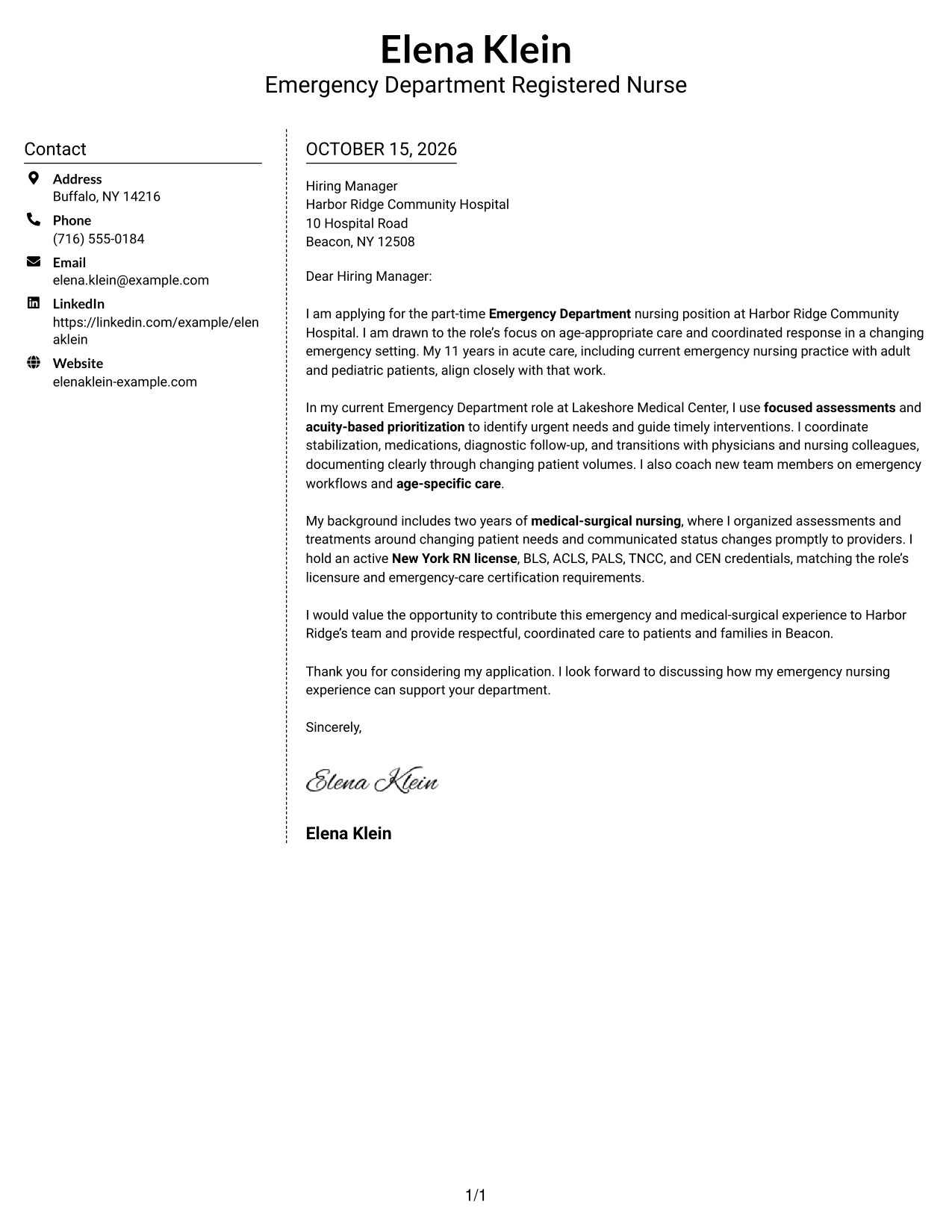
Why This Format Works
- A separate contact area makes sender information distinct from the letter's message.
- The letter's opening, evidence, and close remain together in one body.
- Without a photo, the layout presents the written correspondence without a portrait.
Best For
- Separate contact and message areas
- Continuous letter arguments
- Photo-free application materials
- Letters listing several contact methods
- Two-column correspondence
#6 Modern Icon Format Cover Letter Example
Contact icons add visual cues to the sidebar in this two-column format, while the letter remains one continuous body for the full message.
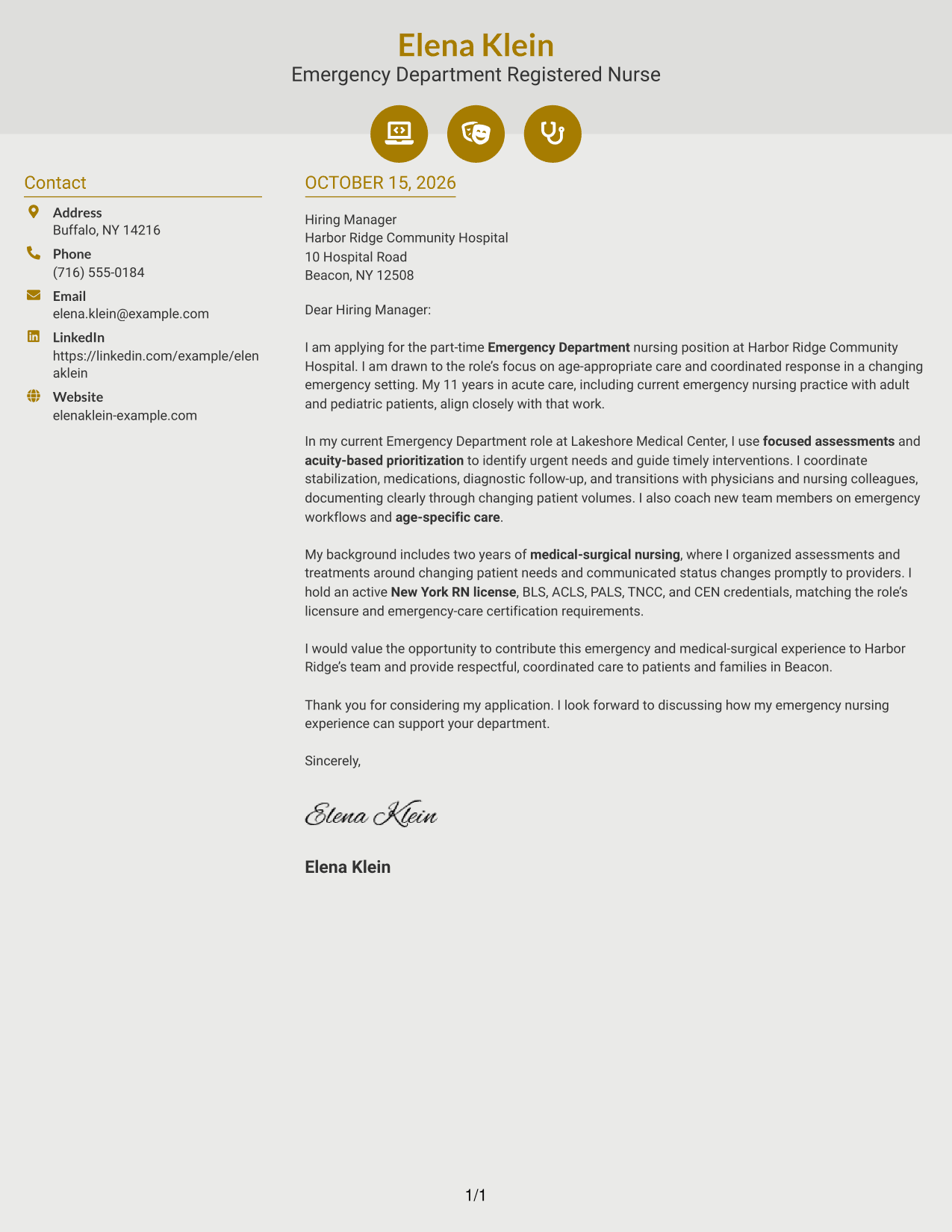
Why This Format Works
- Contact icons cue sender details without labeling the letter's argument.
- One main body keeps motivation, evidence, and closing in paragraph form.
- The photo-free format suits correspondence centered on written content.
Best For
- Icon-marked contact details
- One continuous letter body
- Photo-free correspondence
- Letters listing several contact methods
- Two-column contact organization
#7 Creative Two Tone Format Cover Letter Example
A contact sidebar beside one continuous letter body defines this two-column layout, helping readers distinguish sender information from the letter's message.
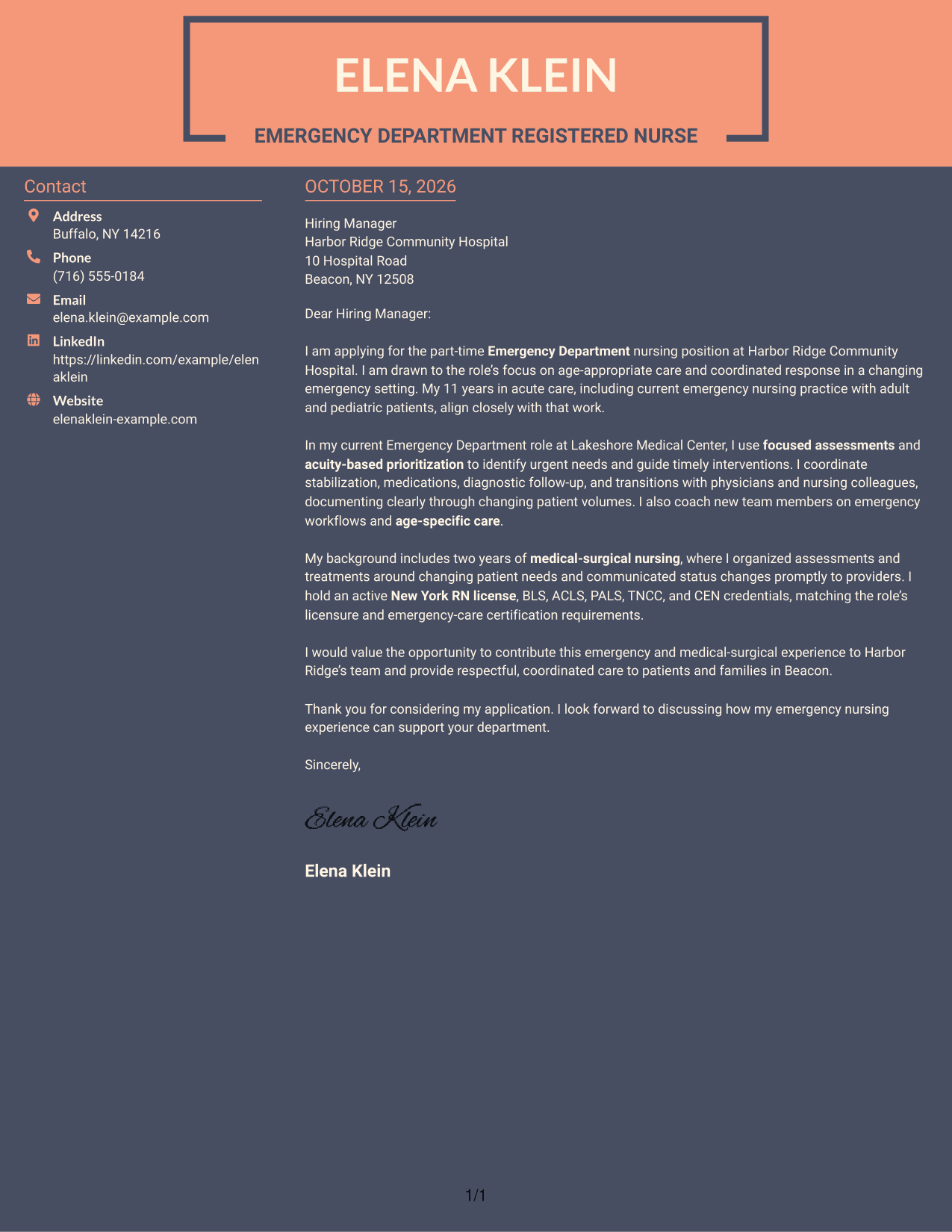
Why This Format Works
- The sidebar separates sender details from the letter's persuasive paragraphs.
- The continuous body keeps the opening, evidence, and close in sequence.
- The photo-free presentation suits readers who prefer text-led correspondence.
Best For
- Sidebar-based contact details
- Letters with a continuous argument
- Photo-free correspondence
- Applications with several contact methods
- Two-column letter layouts
Why Use ResumeInMinutes for a Registered Nurse - Emergency Nursing Cover Letter
Compare the image previews to see how each presentation handles the letter’s opening, evidence, and closing. You can open an example in the editor to explore its layout and customize the letter.
- Clear, readable presentations
- Cover letter examples
- Employer-focused writing guidance
- Role-specific letter content
- Professional layouts
- Editor access for examples
Use a direct opening, relevant evidence from your nursing practice, and a closing that states how you hope to contribute to emergency care.
See Also
- 7 Registered Nurse - Emergency Nursing Resume Templates with Example
- 7 Emergency Department Registered Nurse (RN) Resume Templates with Example
- 7 New Graduate Emergency Department Registered Nurse (RN) Resume Templates with Example
- 7 Registered Nurse, Emergency Department Resume Templates with Example
- 33 Registered Nurse - Emergency Room Resume Templates with Example 2026 (ATS-Optimized)
- 33 Registered Nurse - Emergency Services Resume Templates with Example 2026 (ATS-Optimized)
- 7 Registered Nurse - Pediatric Emergency Department Resume Templates with Example
- 33 Registered Nurse (RN) – Emergency Department Resume Templates with Example 2026 (ATS-Optimized)
- 30+ Registered Nurse - Emergency Room Cover Letter Templates with Example 2026
- 30+ Registered Nurse - Emergency Services Cover Letter Templates with Example 2026
Frequently Asked Questions
What should a Registered Nurse - Emergency Nursing cover letter include?
Connect your interest in emergency care with evidence of patient assessment, age-appropriate care, sound judgment, and communication with patients, families, and clinical teams. Close by making your interest in the role clear.
How can I show my fit for an emergency nursing role?
Use a focused example from your nursing work to explain how you assessed a patient, set priorities, coordinated care, or communicated a change in condition. Keep the details accurate and protect patient privacy.
How should I tailor the letter to an employer?
Refer to the care and communication priorities in the job posting. Explain how your own experience connects to those needs without claiming qualifications you do not have.
Which cover letter presentation should I choose?
Choose a clear, professional layout that makes the opening, supporting evidence, and closing easy to follow. Compare the image previews, then open an example in the editor to review its presentation.
How can I write a strong closing paragraph?
Restate your interest in the emergency nursing role, name the value you can bring based on your experience, and thank the reader for considering your application.




