
7 Registered Nurse - Family Practice Cover Letter Templates with Example
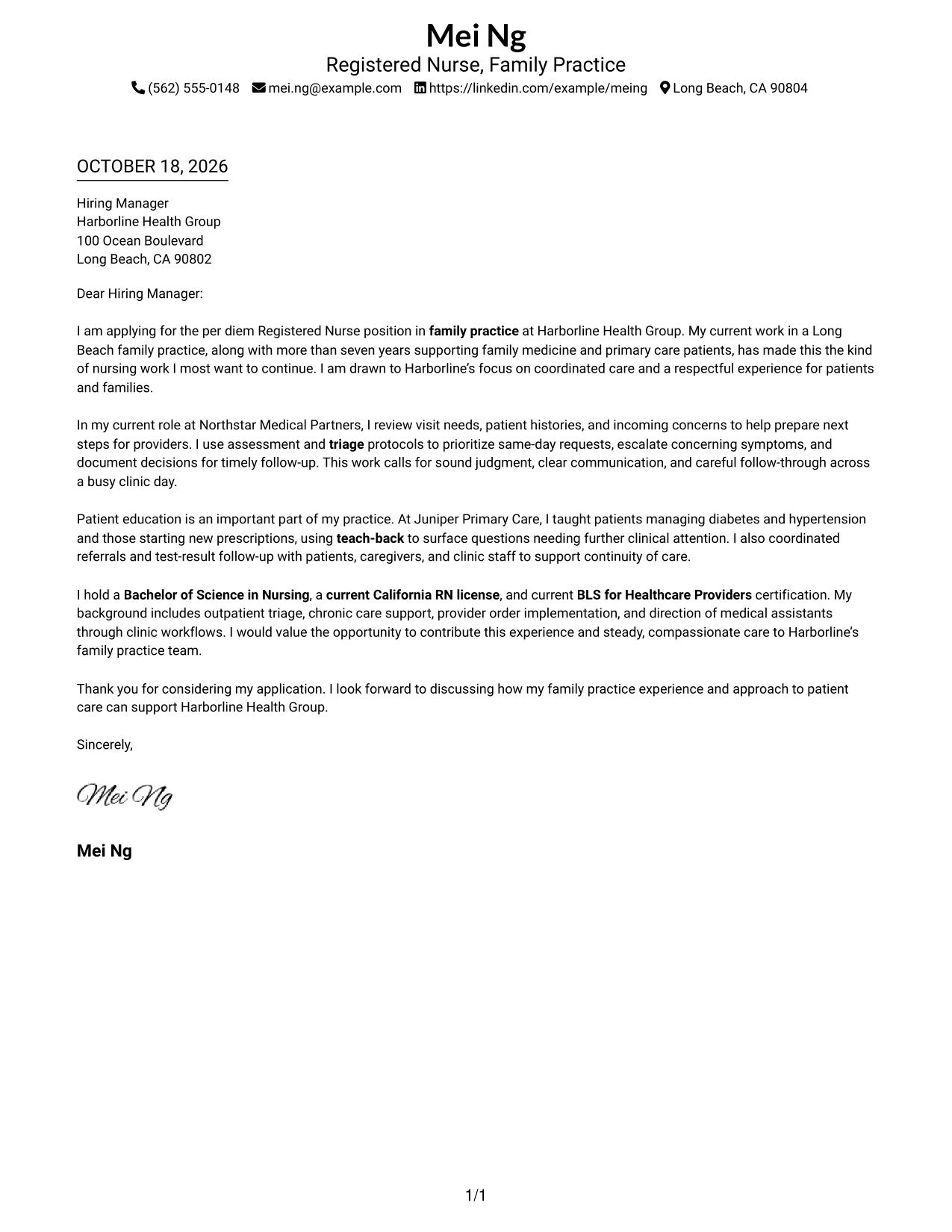
This practical guide to the Registered Nurse - Family Practice cover letter presents seven layouts and shows how to make your role fit clear and persuasive.
What Makes a Great Registered Nurse - Family Practice Cover Letter in 2026
A strong Registered Nurse - Family Practice cover letter opens with a clear reason for interest, then connects sound assessment, triage, care coordination, and patient education to the work.
Support those points with brief examples, such as teach-back or timely follow-up, and explain how your approach fits the employer’s focus on coordinated, respectful care.
The featured Registered Nurse - Family Practice example moves from role-specific interest to clinical evidence, patient education, credentials, and a clear close. Adapt that progression, then choose a presentation that fits the employer and the communication context.
#1 Simple One Column Format Cover Letter Example
The Simple One Column Format places sender details in the header above one continuous letter body, a direct arrangement for straightforward correspondence.
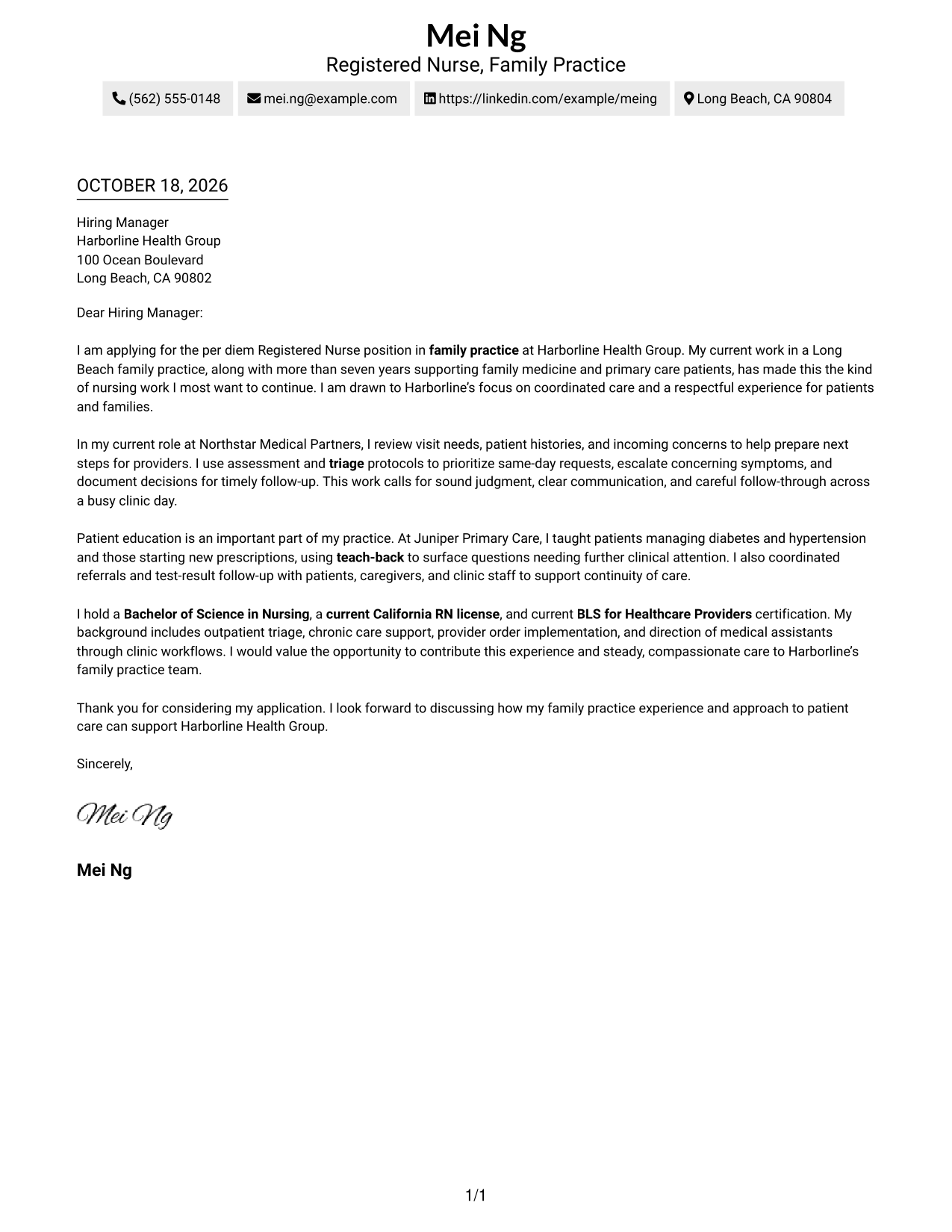
Why This Format Works
- Sender details sit in the header, leaving the letter body as the main focus.
- Paragraphs carry interest, supporting evidence, and the closing in one continuous sequence.
- A single reading path lets reviewers follow the message from opening through close.
Best For
- Single-column correspondence
- Header-based sender details
- Multi-paragraph application letters
- Photo-free presentation
- Family practice applications
#2 Two Column Format Cover Letter Example
The Two Column Format sets contact details beside one continuous letter body, so readers can find sender information without splitting the message.
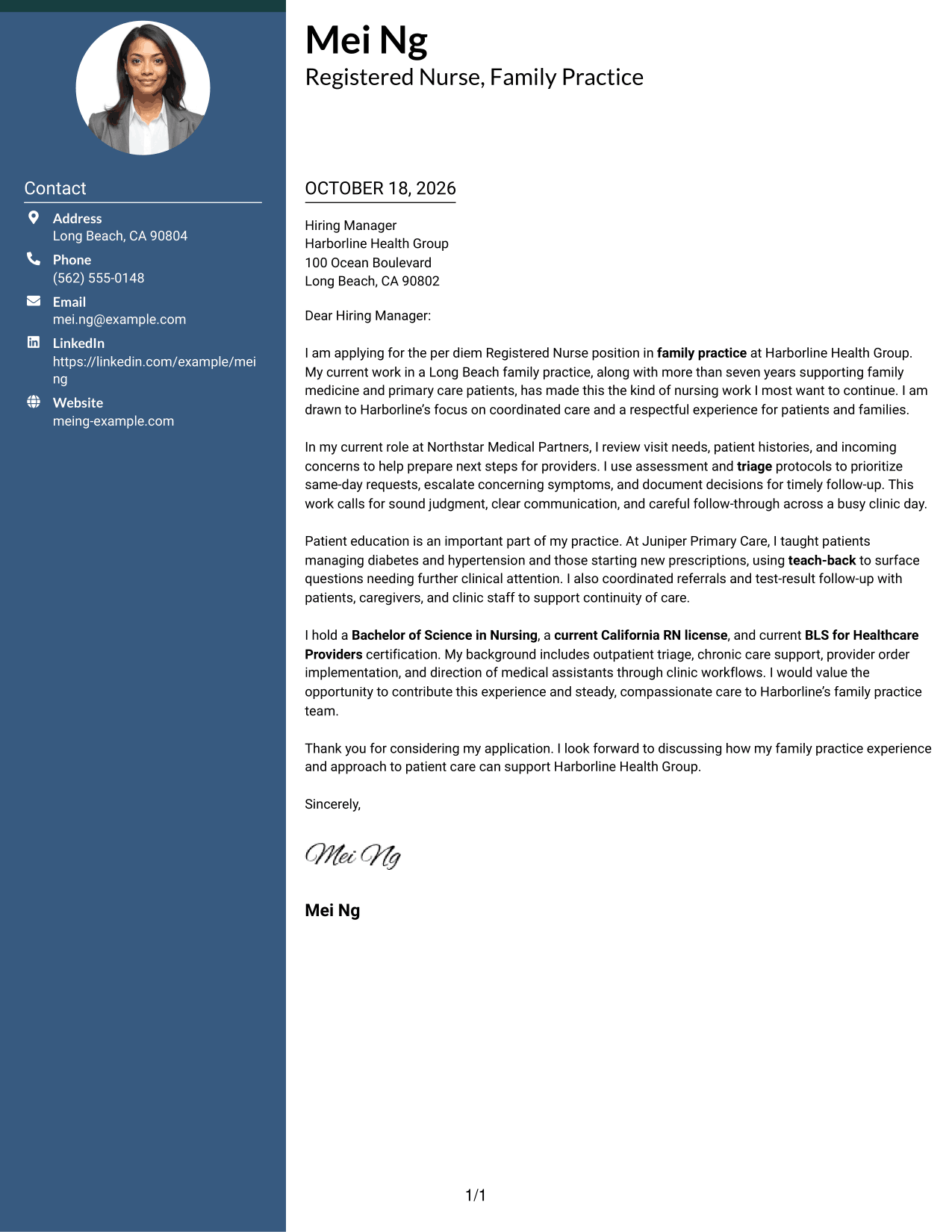
Why This Format Works
- The contact sidebar gives sender details a clear place beside the letter.
- The body keeps motivation, evidence, and closing paragraphs in one sequence.
- Its photo-free presentation suits readers who prefer text without a portrait.
Best For
- Contact information beside the message
- Continuous letter paragraphs
- Detailed sender contact information
- Photo-free correspondence
- Family practice applications
#3 Photo Header Two Column Format Cover Letter Example
A photo in the header gives the Photo Header Two Column Format a personal visual element, while its contact sidebar keeps sender details apart from the continuous letter.
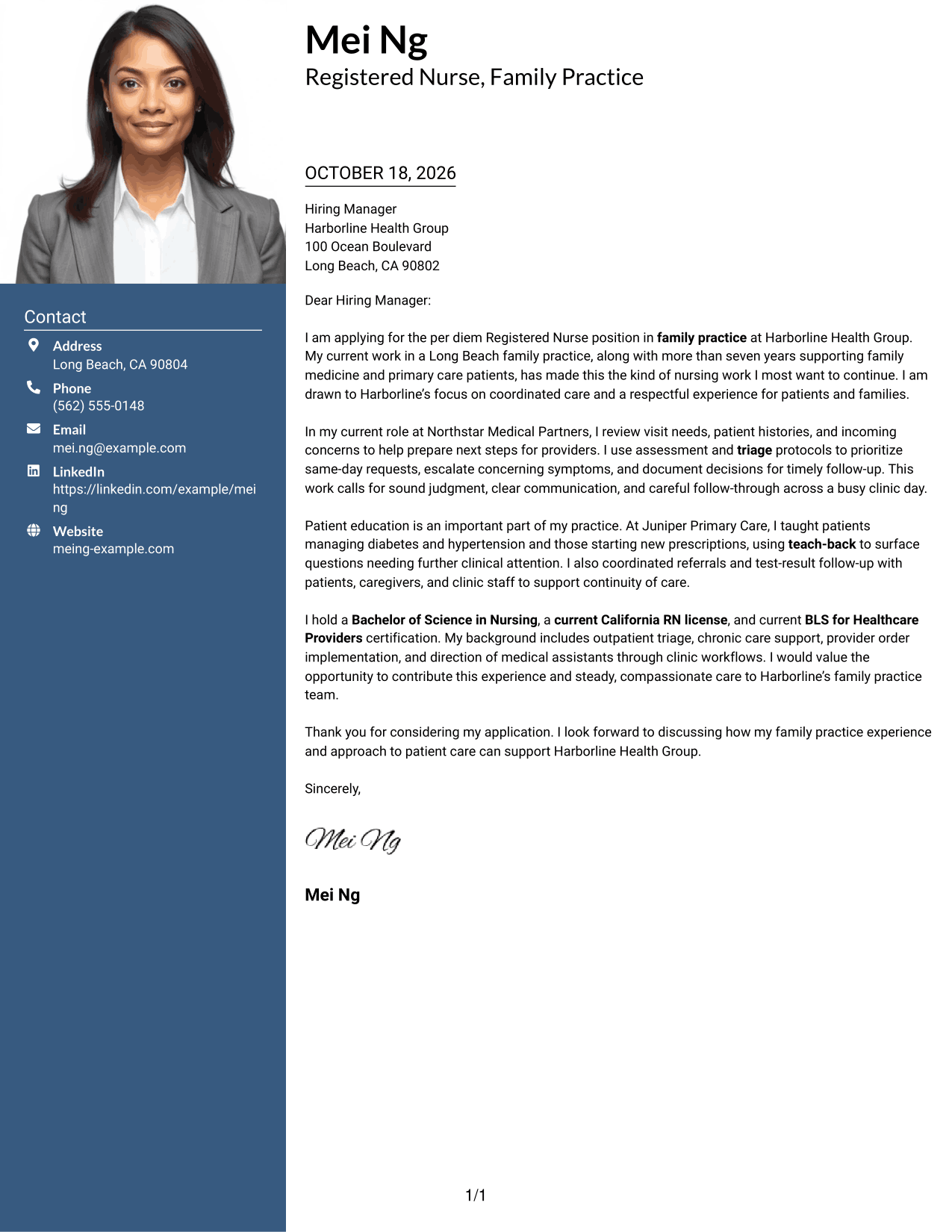
Why This Format Works
- The header photo adds a personal visual element to the contact presentation.
- A separate sidebar gives sender details a consistent place beside the letter.
- One continuous body keeps the opening, evidence, and closing in order.
Best For
- Cover letters with a portrait
- Sidebar contact organization
- Continuous letter narratives
- Family practice applications
- Letters with several body paragraphs
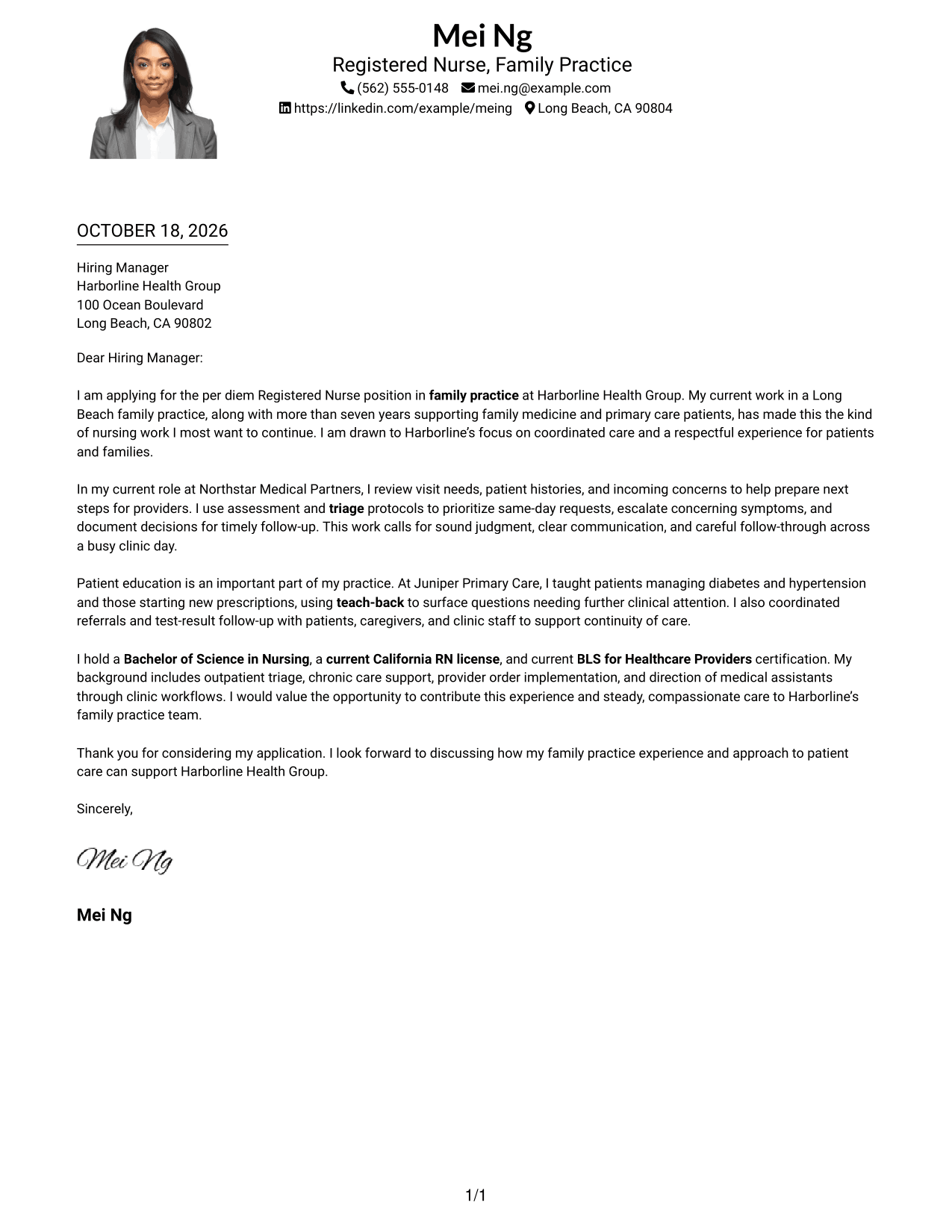
#4 One Column Format with Photo Cover Letter Example
The One Column Format with Photo adds a portrait to a single-column letter, giving readers a personal visual detail without dividing the message.
Why This Format Works
- The portrait adds a personal visual feature without changing the letter's reading order.
- Sender details remain in the header above the continuous body.
- The single-column path keeps opening, supporting points, and closing together.
Best For
- Letters with a portrait
- Single-column correspondence
- Header-based contact details
- Continuous application narratives
- Family practice applications
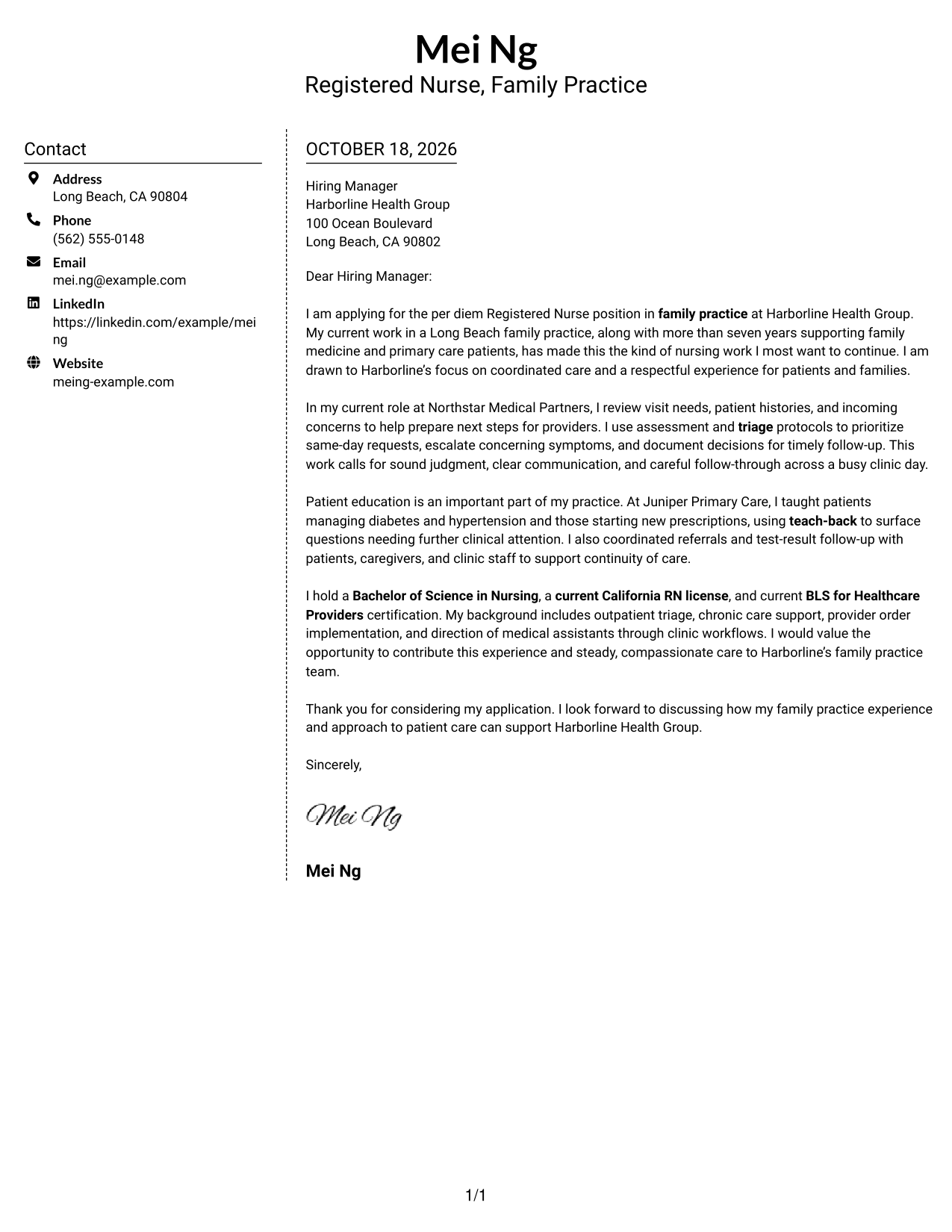
#5 Simple Two Column Format Cover Letter Example
The Simple Two Column Format places a contact sidebar next to the letter, giving sender information a distinct area while the message stays continuous.
Why This Format Works
- The sidebar keeps contact information distinct from the employer-directed message.
- Opening, motivation, evidence, and closing remain part of one letter body.
- Readers can move between sender details and the message without parallel arguments.
Best For
- Sidebar-based contact details
- One continuous letter body
- Photo-free correspondence
- Letters with clear role motivation
- Family practice applications
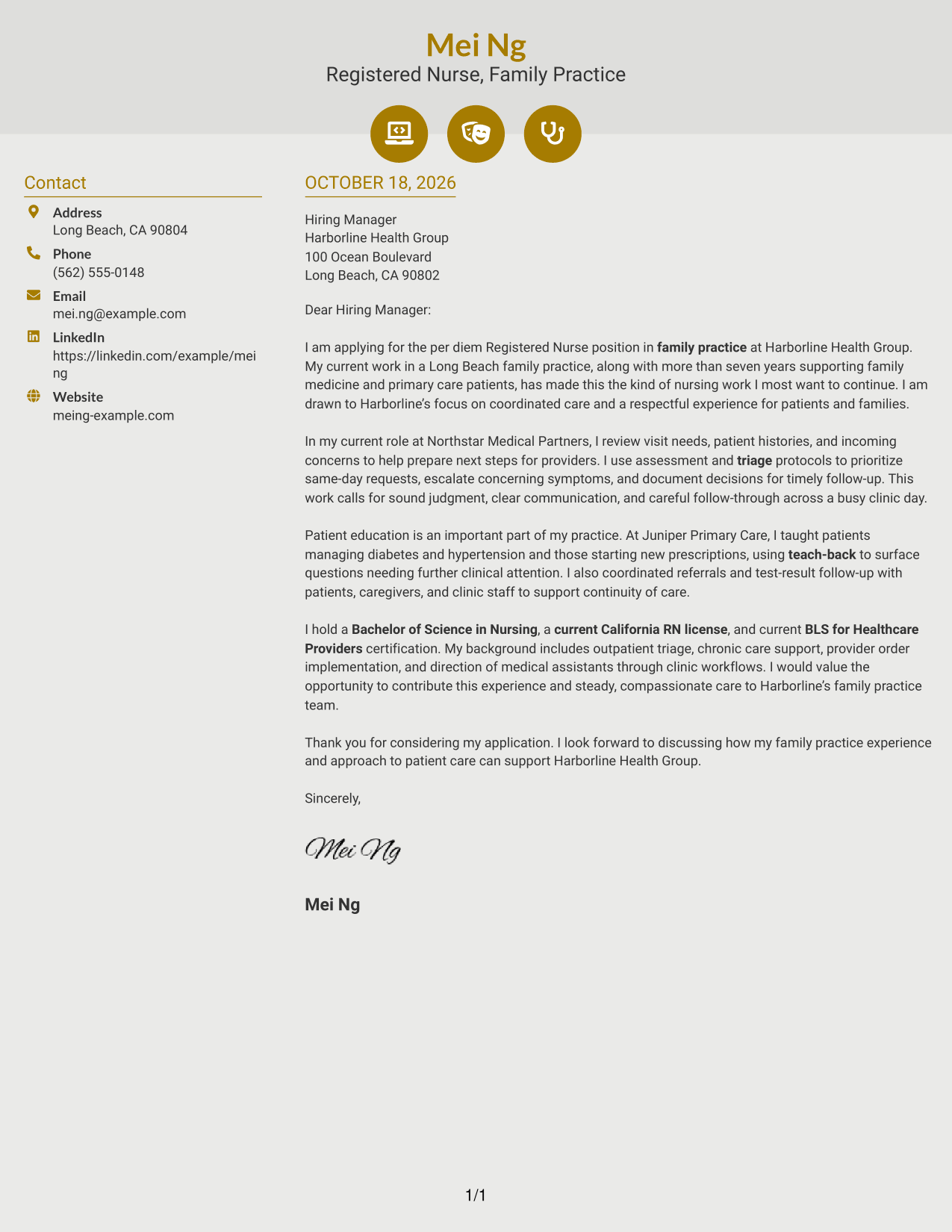
#6 Modern Icon Format Cover Letter Example
The Modern Icon Format uses contact icons in a sidebar beside one continuous letter body, giving sender details quick visual cues without labeling the letter's argument.
Why This Format Works
- Contact icons help readers identify sender details in the sidebar.
- The letter's paragraphs remain together rather than split into parallel columns.
- Visual cues distinguish contact information from the employer-directed message.
Best For
- Icon-marked contact details
- Two-column correspondence
- Continuous letter arguments
- Photo-free presentation
- Family practice applications
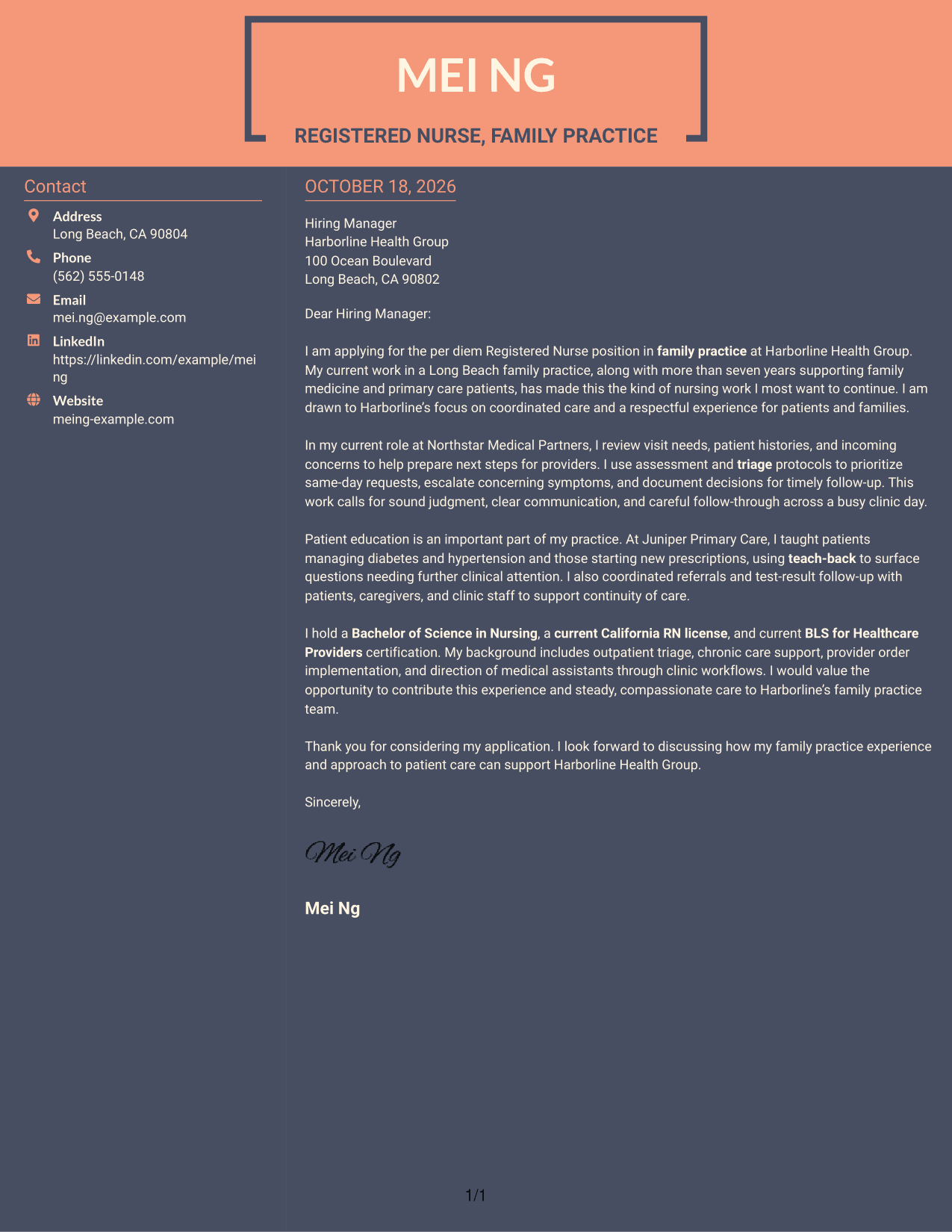
#7 Creative Two Tone Format Cover Letter Example
The Creative Two Tone Format places contact information beside a single continuous letter body, giving the sender details a separate area from the message.
Why This Format Works
- The contact sidebar gives sender information its own reading area.
- The continuous body keeps the message's opening, supporting points, and close together.
- A clear reading order separates contact details from the letter's argument.
Best For
- Contact details beside letter text
- Continuous paragraph-based letters
- Two-column contact organization
- Letters with clear closing paragraphs
- Family practice applications
See Also
- 7 Registered Nurse - Family Practice Resume Templates with Example
- 33 Advanced Practice Registered Nurse (APRN) - Critical Care Resume Templates with Example 2026
- 33 Acute Dialysis Registered Nurse Resume Templates with Example 2026 (ATS-Optimized)
- 33 ASC REGISTERED NURSE Resume Templates with Example 2026 (ATS-Optimized)
- 7 Certified Registered Nurse Anesthetist Resume Templates with Example
- 33 Charge Registered Nurse Resume Templates with Example 2026 (ATS-Optimized)
- 33 Dialysis Registered Nurse Resume Templates with Example 2026 (ATS-Optimized)
- 33 ED Registered Nurse Resume Templates with Example 2026 (ATS-Optimized)
- 30+ Advanced Practice Registered Nurse (APRN) - Critical Care Cover Letter Templates with Example 2026
- 30+ Acute Dialysis Registered Nurse Cover Letter Templates with Example 2026
Frequently Asked Questions
Are these Registered Nurse - Family Practice cover letter templates ATS-friendly?
The examples use clear, readable layouts. Focus your letter on relevant details, such as family practice care, outpatient triage, patient education, and coordination, when they match your experience.
Are these different cover letters?
This guide presents one featured Registered Nurse - Family Practice cover letter in different visual styles. Adapt its message to reflect your own experience and the role you are pursuing.
Which cover letter style works well for a Registered Nurse - Family Practice role?
Choose a clean, easy-to-read style that supports your message. A simple layout can help your opening, clinical examples, and closing stand out without distracting from your qualifications.
What should I include in a Registered Nurse - Family Practice cover letter?
Show how your experience relates to the role. You might describe outpatient triage, patient education using teach-back, care coordination, or follow-up, as long as each example reflects your own work.
Should I use a photo on my cover letter?
For U.S. applications, a cover letter without a photo is usually the safer choice. Use a photo only when it is expected in your location or field.




