
7 Registered Nurse - Virtual Triage Cover Letter Templates with Example
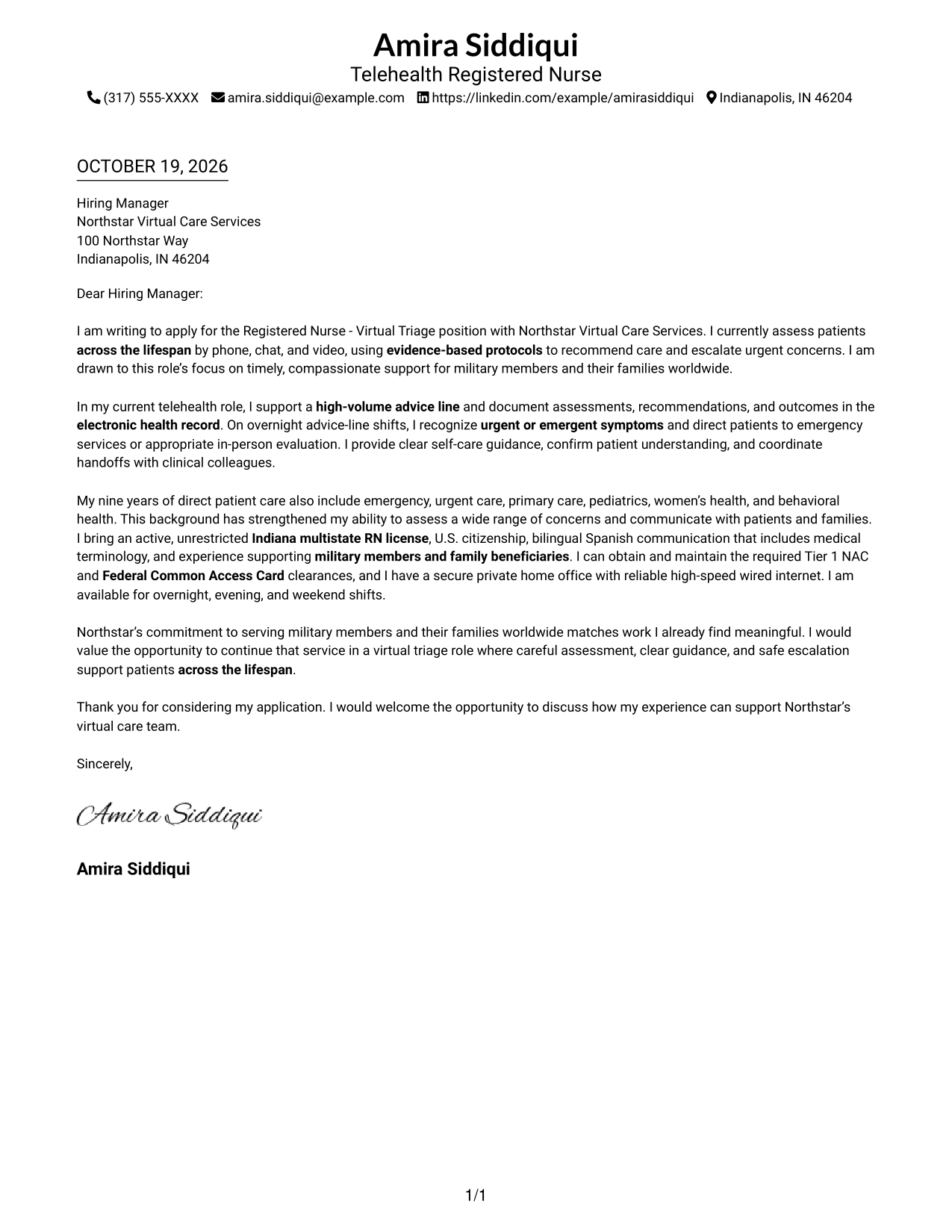
This practical guide presents a Registered Nurse - Virtual Triage cover letter in 7 layouts and shows how to communicate sound clinical judgment with clarity.
What Makes a Great Registered Nurse - Virtual Triage Cover Letter in 2026
A strong cover letter for this role connects careful symptom assessment, clear patient guidance, and safe escalation to the needs of virtual triage. It also gives the reader a clear reason for wanting to support patients by phone, chat, and video.
Use specific evidence from your nursing work, such as accurate documentation, advice-line communication, or coordination with clinical colleagues. Connect that evidence to the employer’s service and patient needs without claiming experience you do not have.
The featured Registered Nurse - Virtual Triage example follows a focused progression from interest in the role to relevant evidence and a clear close, which you can adapt while choosing a presentation suited to the employer and communication context.
#1 Simple One Column Format Cover Letter Example
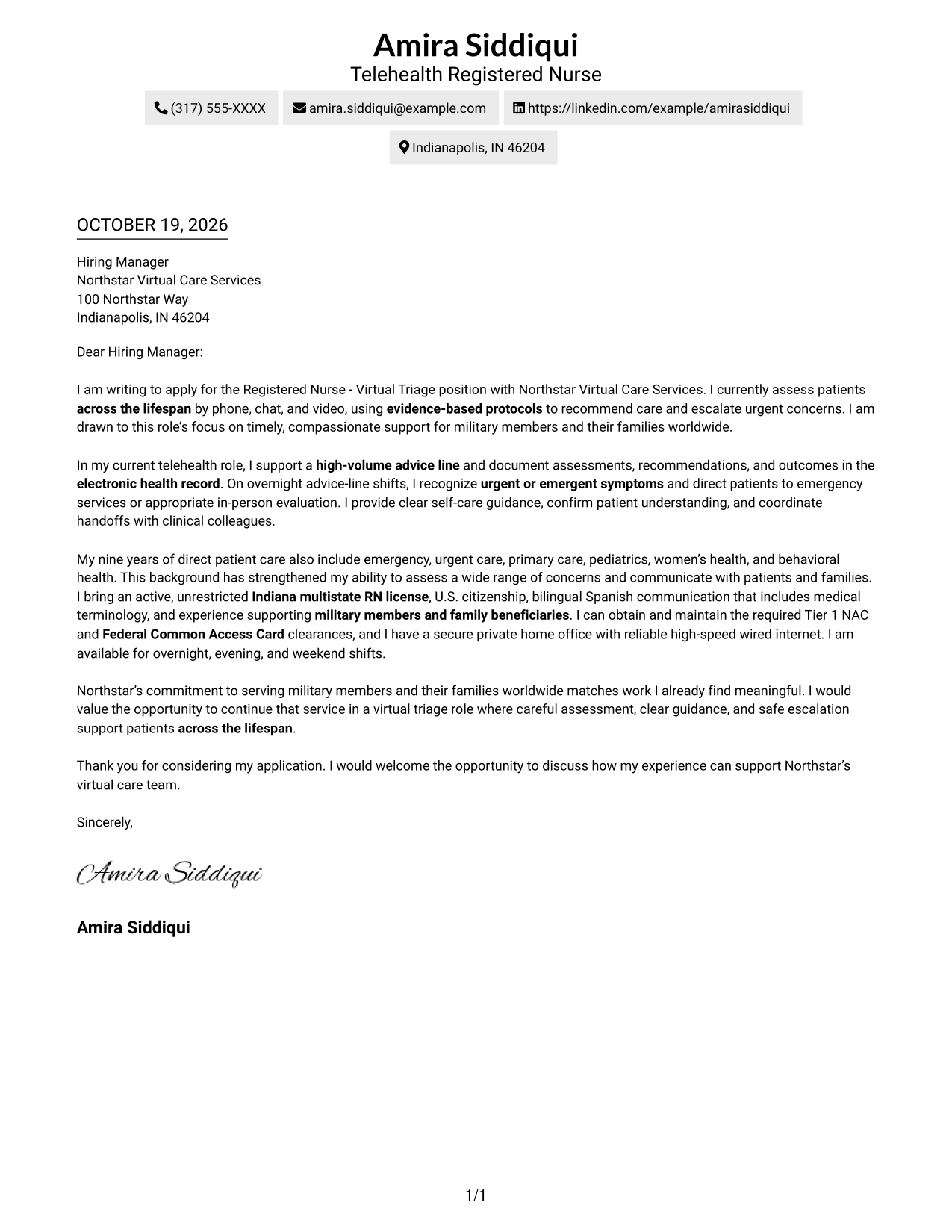
The Simple One Column Format places sender details in the header above a continuous letter body, a practical choice for readers who prefer one clear reading path.
Why This Format Works
- One reading path keeps the opening, supporting points, and close in sequence.
- Sender details stay in the header rather than beside the letter body.
- The single-column page avoids dividing the letter into parallel reading areas.
Best For
- Single-column letter reading
- Continuous paragraph flow
- Header-based sender details
- No-sidebar layout preference
- Photo-free correspondence
#2 Two Column Format Cover Letter Example
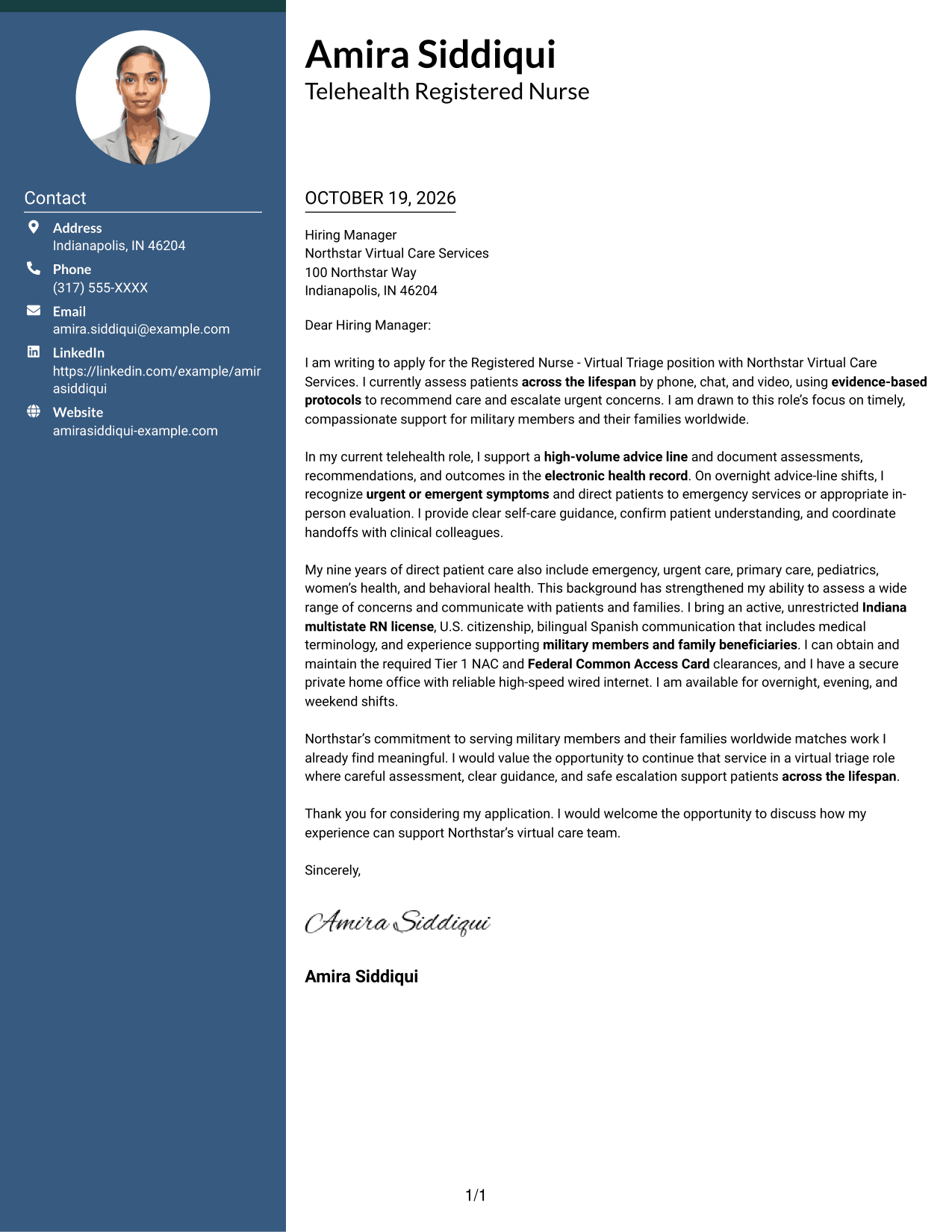
The Two Column Format places a contact sidebar beside one continuous letter body, keeping sender information distinct while the message remains intact.
Why This Format Works
- Contact details have a sidebar, apart from the letter's continuous message.
- The body carries the opening, supporting case, and close in one sequence.
- Side-by-side areas give sender information and letter text distinct places.
Best For
- Contact details kept separate
- Continuous letter-body reading
- Side-by-side page organization
- Sidebar-based contact lookup
- Photo-free correspondence
#3 Photo Header Two Column Format Cover Letter Example
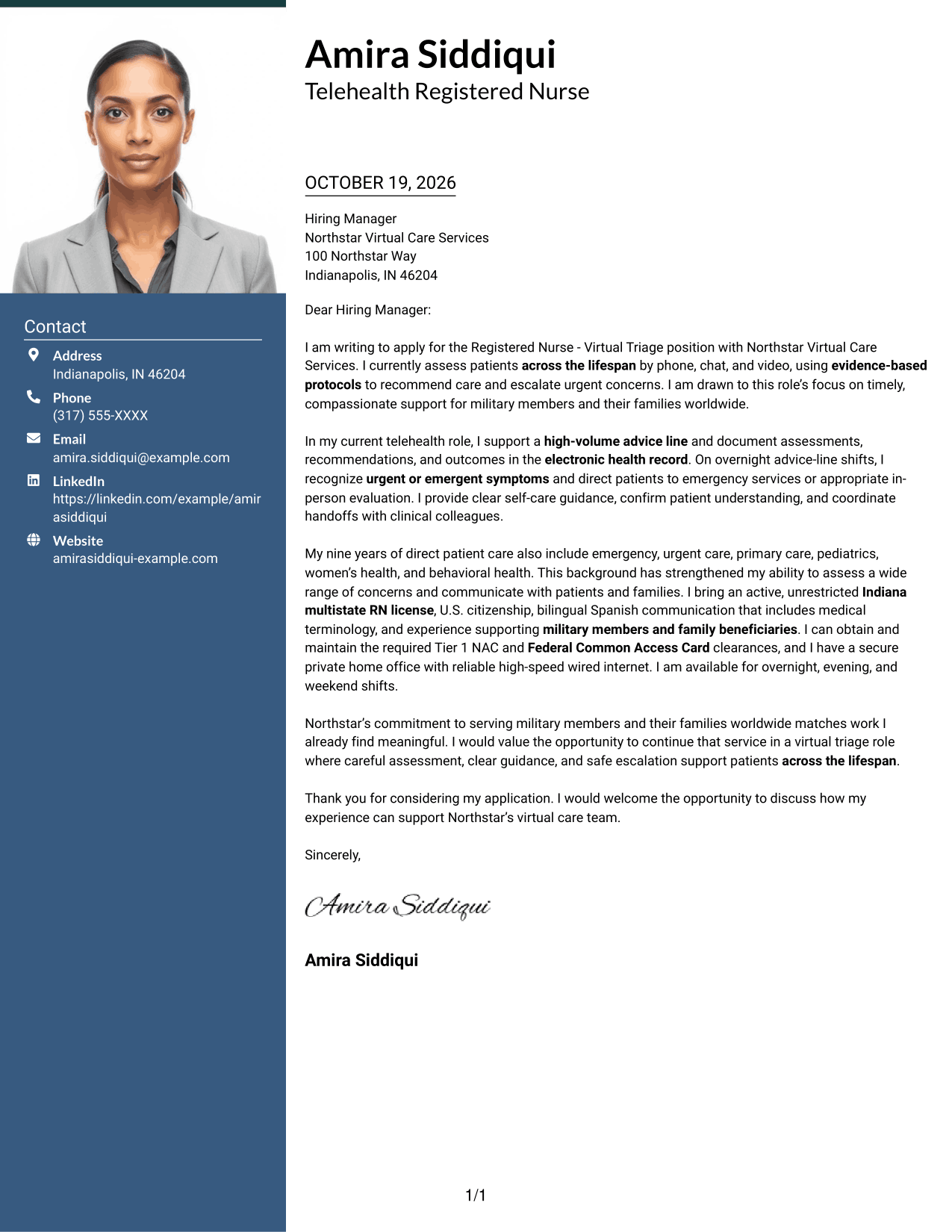
The Photo Header Two Column Format pairs a photo and contact sidebar with one continuous letter body, for readers who want a personal visual element without splitting the message.
Why This Format Works
- A photo adds a personal visual element without dividing the letter body.
- The contact sidebar keeps sender details apart from the message.
- One continuous body keeps the opening, supporting case, and close connected.
Best For
- Photo-inclusive correspondence
- Distinct contact and message areas
- Continuous paragraph flow
- Two-column page organization
- A personal visual element
#4 One Column Format with Photo Cover Letter Example
The One Column Format with Photo keeps sender details in the header and the letter body in one reading path, with a photo for a personal visual touch.
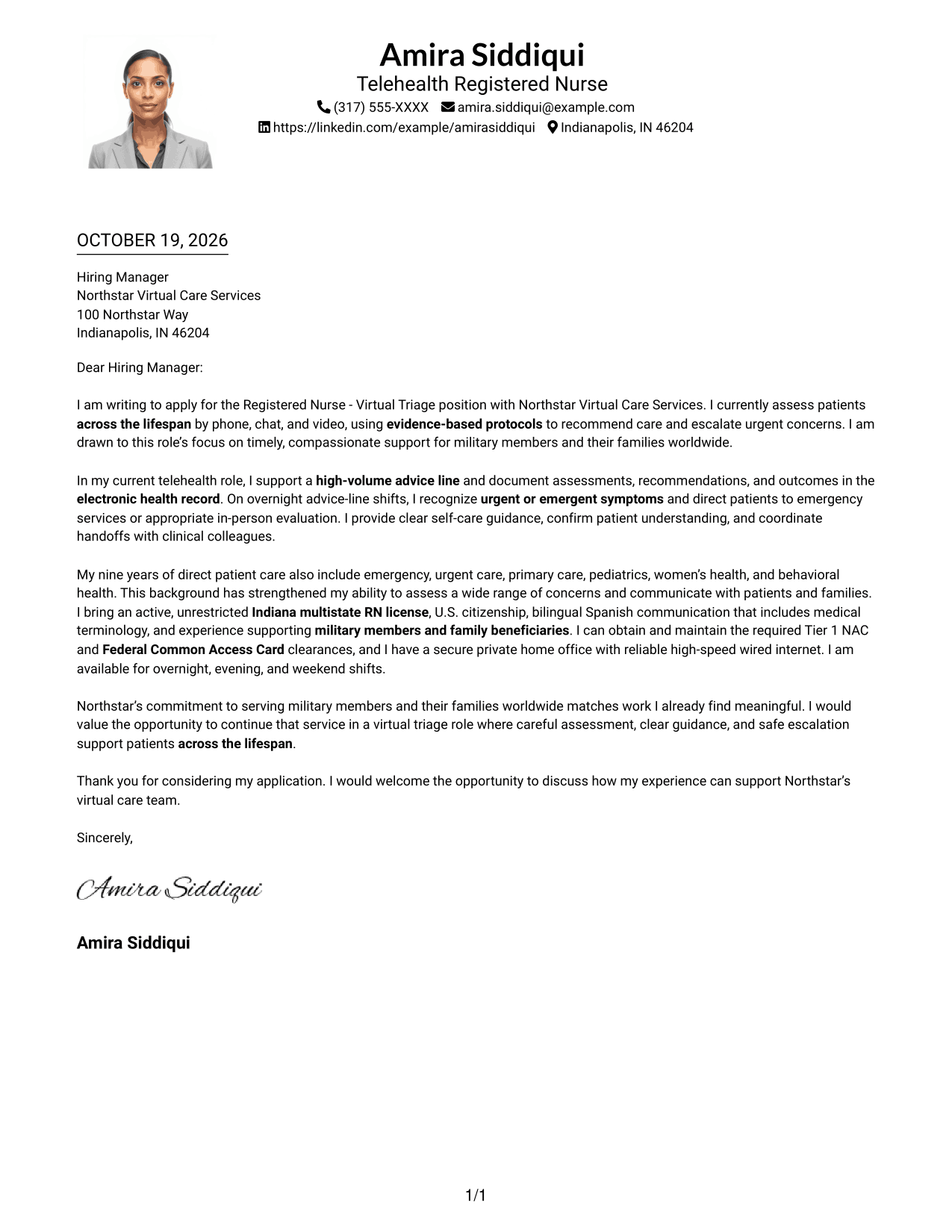
Why This Format Works
- One column keeps the letter's opening, supporting points, and close together.
- Sender details remain in the header, apart from the continuous body.
- The photo offers a visual choice without adding a second text column.
Best For
- Single-column letter reading
- Photo-inclusive presentation
- Header-based sender details
- Connected paragraph flow
- No-sidebar page organization
#5 Simple Two Column Format Cover Letter Example
The Simple Two Column Format keeps contact information in a sidebar and the letter's argument in one continuous body, suiting readers who want distinct contact and message areas.
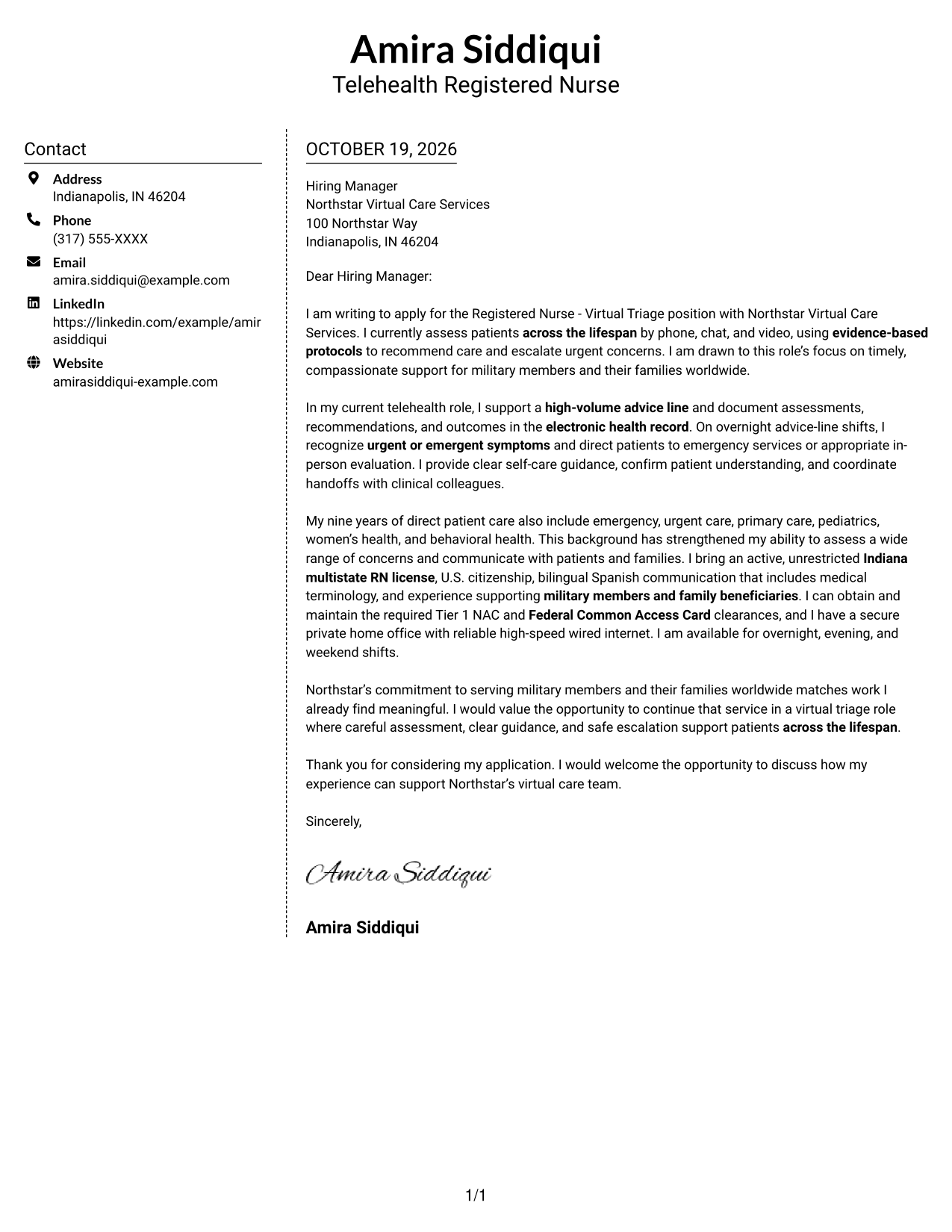
Why This Format Works
- A dedicated sidebar gives sender details a place beside the message.
- The letter's opening, case, and closing remain in one continuous body.
- The two-column reading order separates contact information from the main text.
Best For
- Sidebar contact organization
- Continuous message flow
- Separate sender information
- Two-column reading order
- Photo-free correspondence
#6 Modern Icon Format Cover Letter Example
The Modern Icon Format uses contact-detail cues in a sidebar beside one continuous letter body, making it a useful choice for readers who prefer visual markers for contact information.
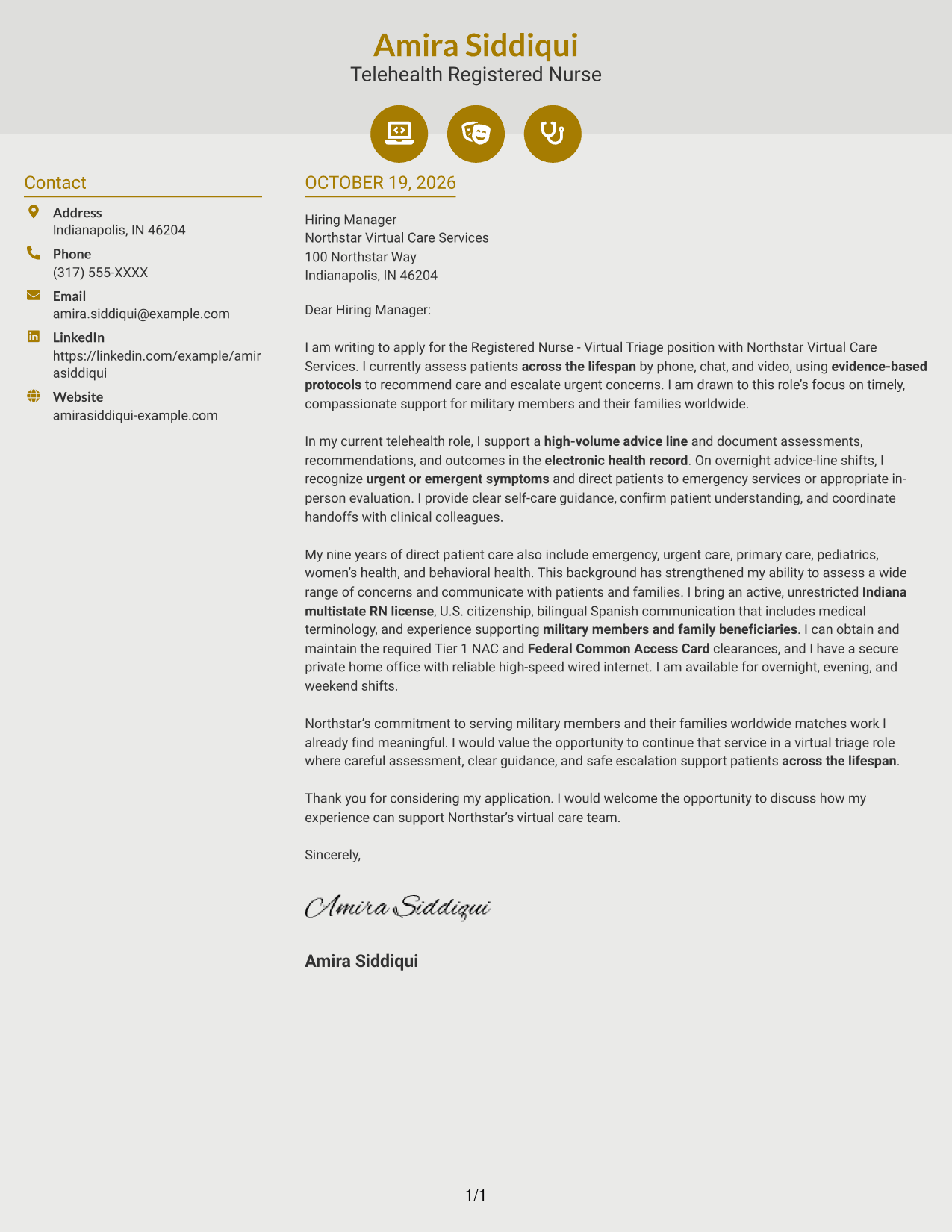
Why This Format Works
- Contact icons help distinguish sender details from the letter's message.
- The sidebar keeps contact information apart from the continuous letter body.
- Opening, supporting points, and closing remain together in the letter's text.
Best For
- Icon-marked contact details
- Sidebar contact organization
- Continuous paragraph reading
- Two-column page layout
- Photo-free correspondence
#7 Creative Two Tone Format Cover Letter Example
The Creative Two Tone Format places contact information in a sidebar beside one continuous letter body, offering a clear choice for readers who want distinct areas for sender details and the message.
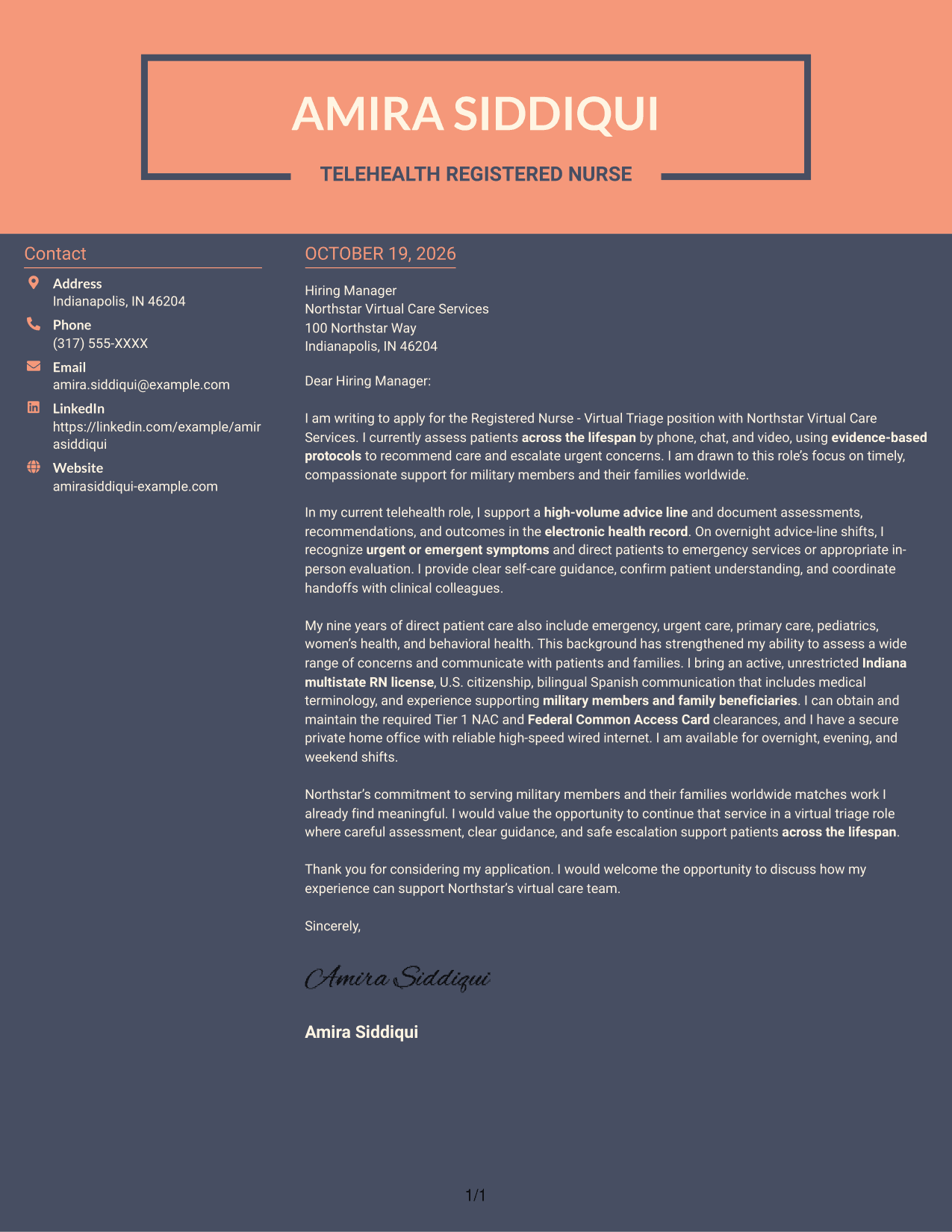
Why This Format Works
- The sidebar gives contact information its own place beside the message.
- A continuous body keeps the letter's opening, case, and close connected.
- Two columns distinguish sender details from the main letter text.
Best For
- Contact information beside the message
- Uninterrupted letter paragraphs
- Distinct sender details
- Two-column page organization
- Photo-free layout preference
See Also
- 7 Registered Nurse - Virtual Triage Resume Templates with Example
- 7 Triage Registered Nurse - Virtual Care Resume Templates with Example
- 7 Telephonic Triage Registered Nurse Resume Templates with Example
- 33 Acute Dialysis Registered Nurse Resume Templates with Example 2026 (ATS-Optimized)
- 33 Advanced Practice Registered Nurse (APRN) - Critical Care Resume Templates with Example 2026
- 33 ASC REGISTERED NURSE Resume Templates with Example 2026 (ATS-Optimized)
- 7 Certified Registered Nurse Anesthetist Resume Templates with Example
- 33 Charge Registered Nurse Resume Templates with Example 2026 (ATS-Optimized)
- 7 Triage Registered Nurse - Virtual Care Cover Letter Templates with Example
- 7 Telephonic Triage Registered Nurse Cover Letter Templates with Example
Frequently Asked Questions
What should a Registered Nurse - Virtual Triage cover letter emphasize?
Show how you assess symptoms, apply clinical judgment, explain next steps, and escalate urgent concerns. Include examples of patient communication and accurate documentation that are supported by your experience.
How can I explain my interest in virtual triage?
Connect your interest to the work itself, such as helping patients understand their care options and guiding them to timely support. If the employer serves military members and families, explain why that service matters to you.
How should I describe experience with urgent or emergent symptoms?
Briefly describe a relevant situation, the assessment or judgment you used, and how you helped direct the patient to an appropriate level of care. Protect patient privacy and avoid unsupported claims.
Which cover letter presentation should I choose?
Choose a clear, readable layout that supports a direct opening, focused body paragraphs, and a courteous close. Consider the employer and communication context, then review the image previews and open an example in the editor to compare its presentation.
Should I include bilingual communication or military-family support?
Include these details when they reflect your experience and fit the role. Explain how they help you communicate with patients or support the people served by the organization.




