
7 Restaurant Shift Lead - Front-of-House Service Cover Letter Templates with Example
This practical guide helps you shape a persuasive Restaurant Shift Lead - Front-of-House Service cover letter, with seven layouts to compare.
What Makes a Great Restaurant Shift Lead - Front-of-House Service Cover Letter in 2026
A strong letter links your interest in guest service with the shift lead’s work, such as opening checks, team communication, and support across the dining room, bar, and kitchen.
Use clear examples of coaching, handling routine guest concerns, or preparing for service. Connect your evidence to the employer’s needs, and explain why its service approach matters to you.
The featured application moves from interest in the role to current shift duties, related service experience, and a direct closing. Adapt this focused progression, choosing a presentation that fits the employer and the communication context.
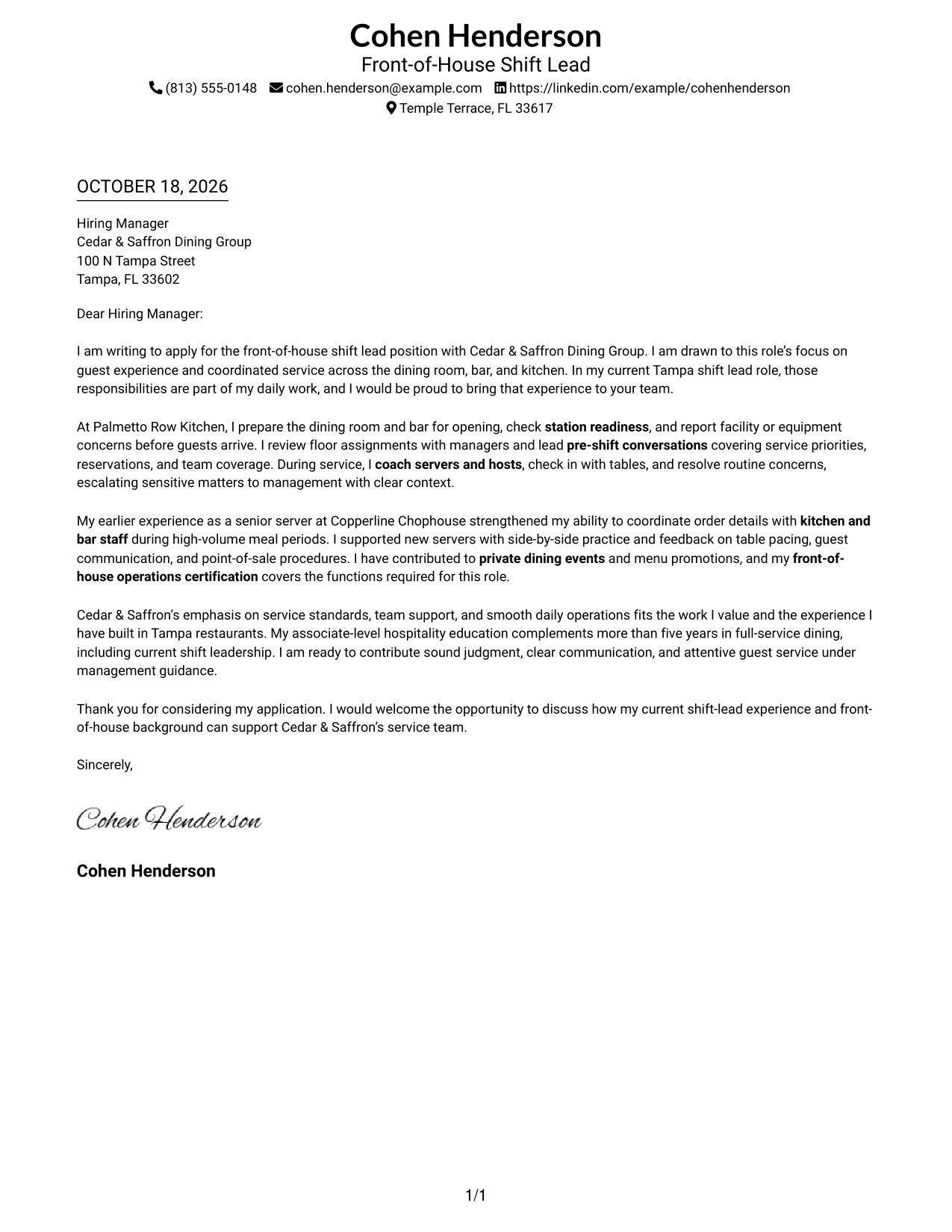
#1 Simple One Column Format Cover Letter Example
A single-column page keeps sender details and the letter in one reading path, a good choice for readers who prefer a direct layout.
Why This Format Works
- Sender details share the page with the letter, keeping contact information close.
- Continuous paragraphs let readers follow the opening, supporting points, and close in order.
- The layout suits readers who prefer a text-led page without a portrait.
Best For
- Single-column letter reading
- Sender details near the message
- Paragraph-led application letters
- Text-led visual preferences
- Letters with a clear argument
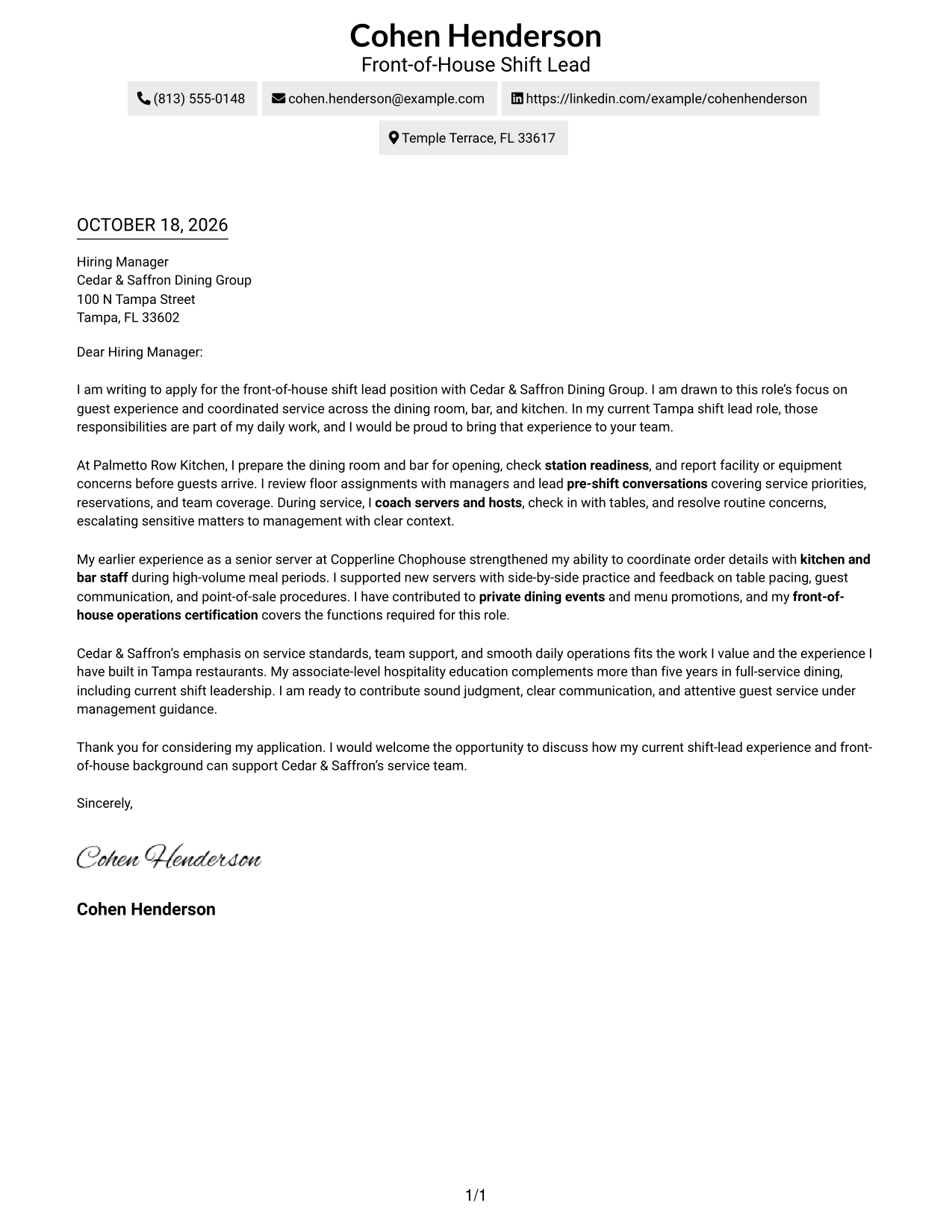
#2 Two Column Format Cover Letter Example
A contact sidebar sits beside the continuous letter body, helping readers who want sender information easy to find.
Why This Format Works
- The sidebar gives contact details a quick reference point beside the message.
- The body keeps its opening, supporting points, and close in sequence.
- Without a portrait, the page keeps its visual focus on written correspondence.
Best For
- Contact details apart from the message
- Quick access to sender information
- Multi-paragraph application letters
- A clear opening-to-close message
- Text-focused layouts without a portrait
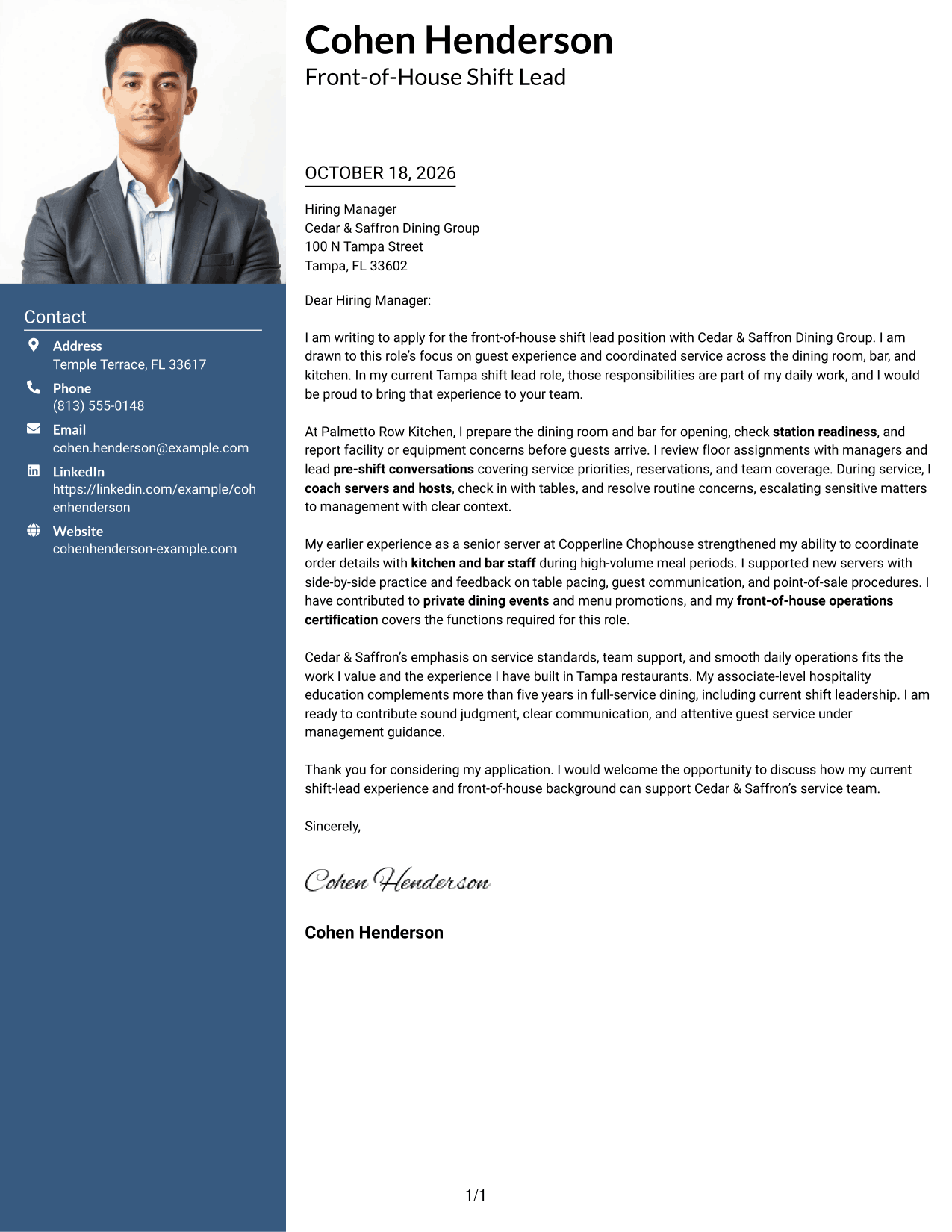
#3 Photo Header Two Column Format Cover Letter Example
The portrait adds a personal visual element to the two-column page for readers who value photo presentation.
Why This Format Works
- Contact details sit apart from the letter, making them easy to locate.
- The body keeps its paragraphs together, preserving the message's natural order.
- A portrait offers a personal visual choice without changing the letter's content.
Best For
- Letters with a portrait
- Separate contact and message areas
- Continuous application correspondence
- Readers who value photo presentation
- Paragraph-based persuasive letters
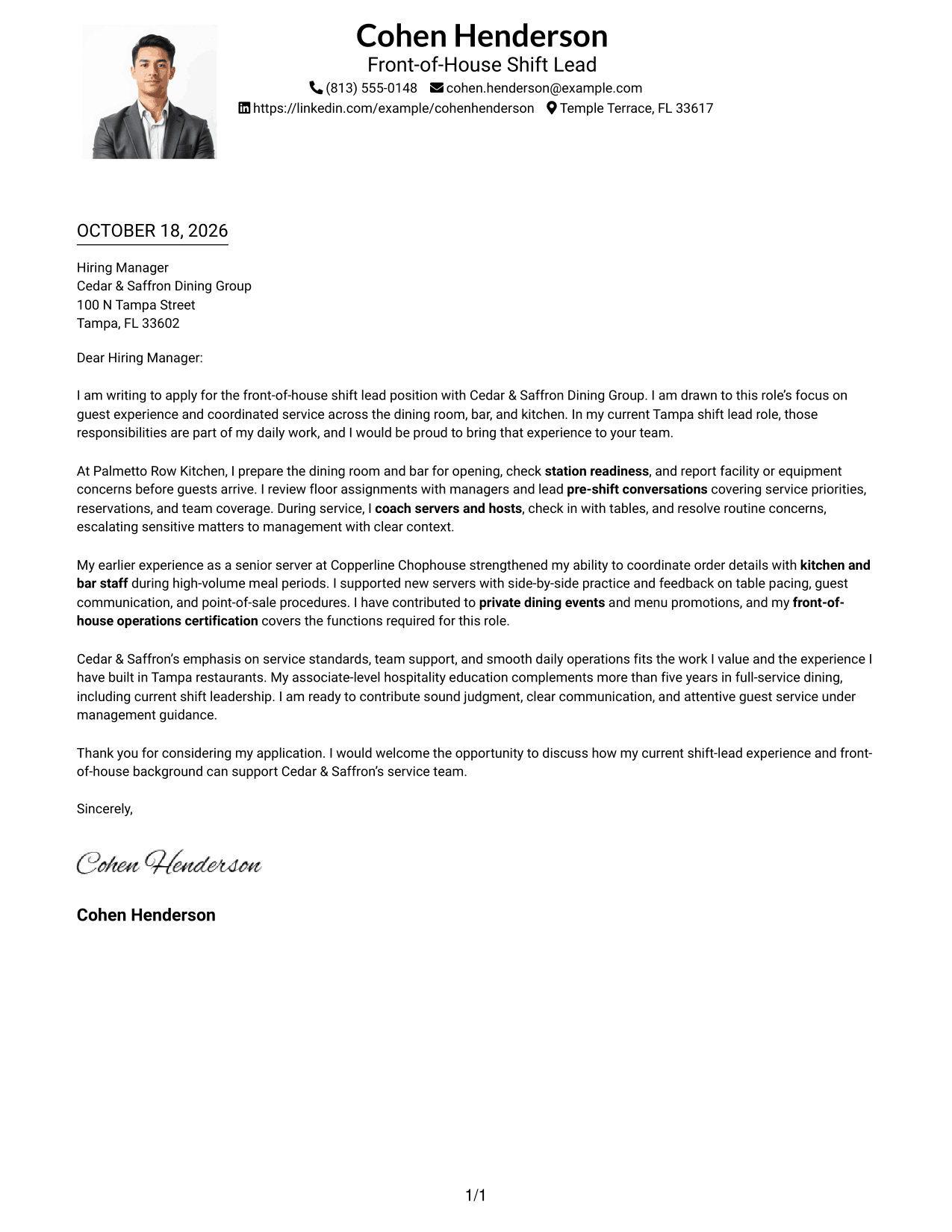
#4 One Column Format with Photo Cover Letter Example
A portrait paired with one text column suits readers who want a personal visual element and a direct letter layout.
Why This Format Works
- Sender information and the letter share one column for a unified page.
- The continuous body keeps the opening, supporting points, and closing together.
- A portrait adds a visual point of interest without dividing the message.
Best For
- One-column letter layouts
- Letters with a portrait
- Sender details alongside the message
- A continuous persuasive letter
- Photo-based visual preferences
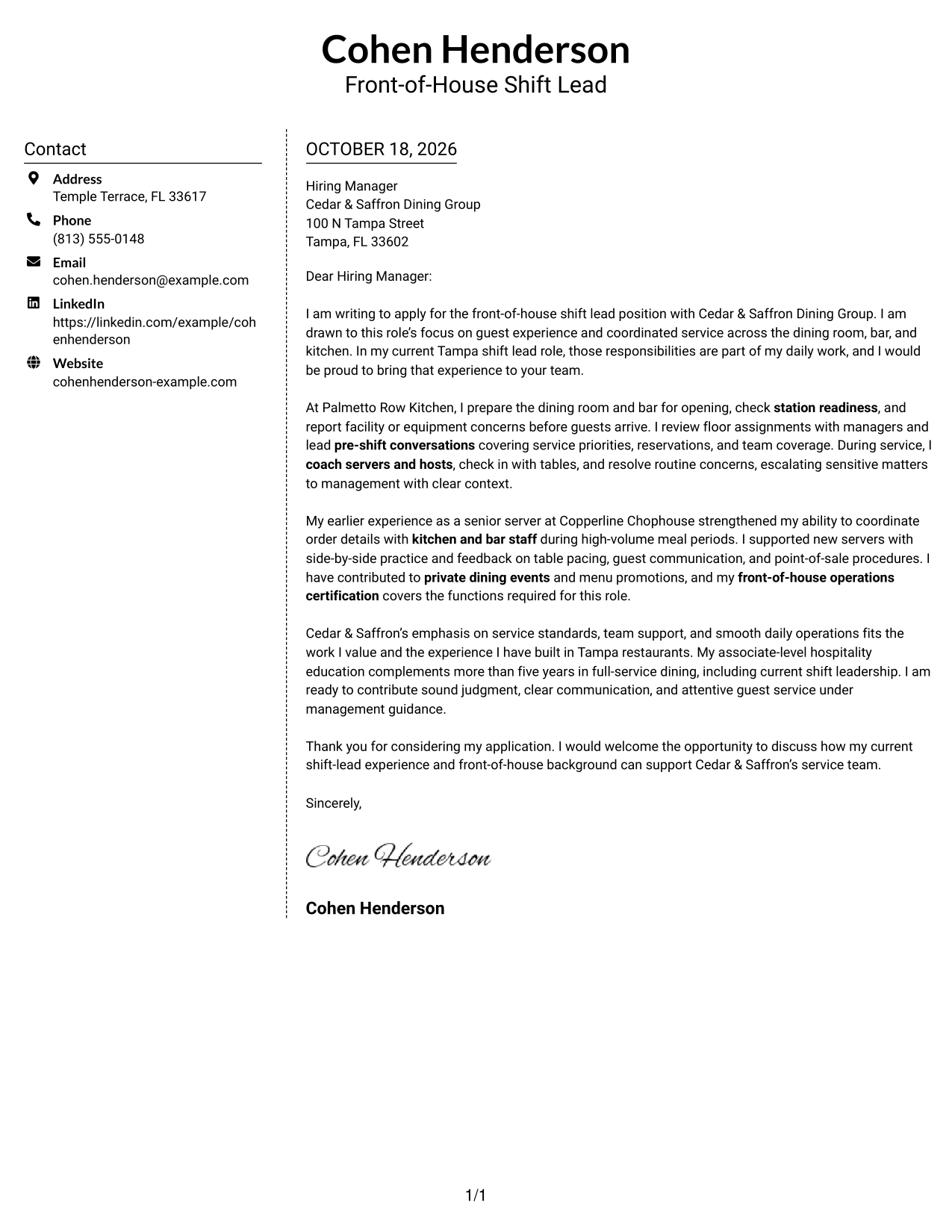
#5 Simple Two Column Format Cover Letter Example
The two-column arrangement places contact details apart from the continuous letter, helping readers check sender information without interrupting the message.
Why This Format Works
- A separate contact area makes sender details easy to locate.
- One continuous body carries the message from opening through closing.
- The layout suits readers who prefer correspondence without a portrait.
Best For
- Separate contact and letter areas
- Continuous application correspondence
- Quick sender-detail reference
- Text-led letter layouts
- Paragraph-based application messages
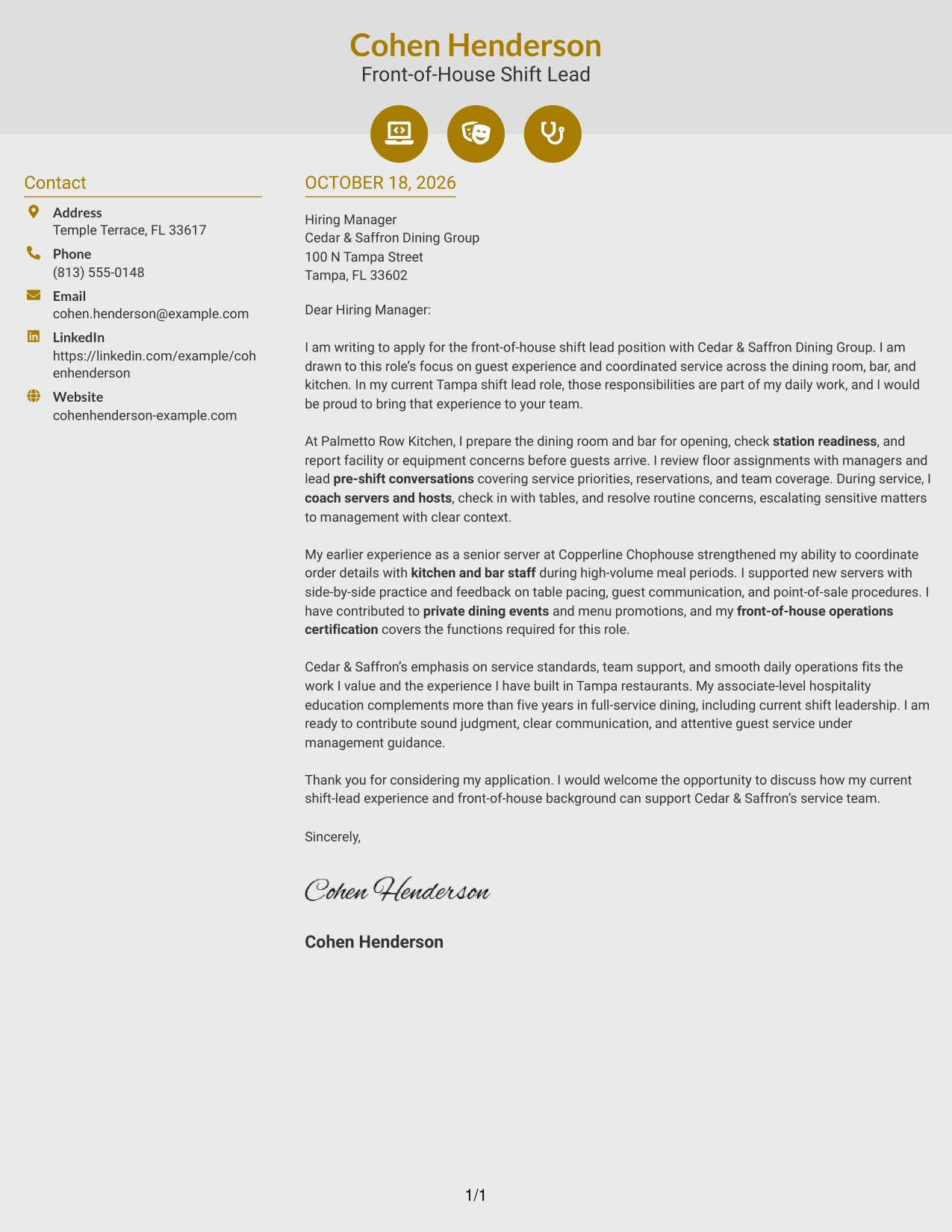
#6 Modern Icon Format Cover Letter Example
Contact icons give the sidebar quick visual cues, while the two-column layout keeps the letter body continuous.
Why This Format Works
- Contact icons help readers identify information in the sidebar.
- The contact area remains distinct from the letter's message.
- One continuous body preserves the order of the letter's paragraphs.
Best For
- Icon-supported contact details
- A separate contact sidebar
- Uninterrupted letter paragraphs
- Quick contact-detail checks
- Two-column correspondence
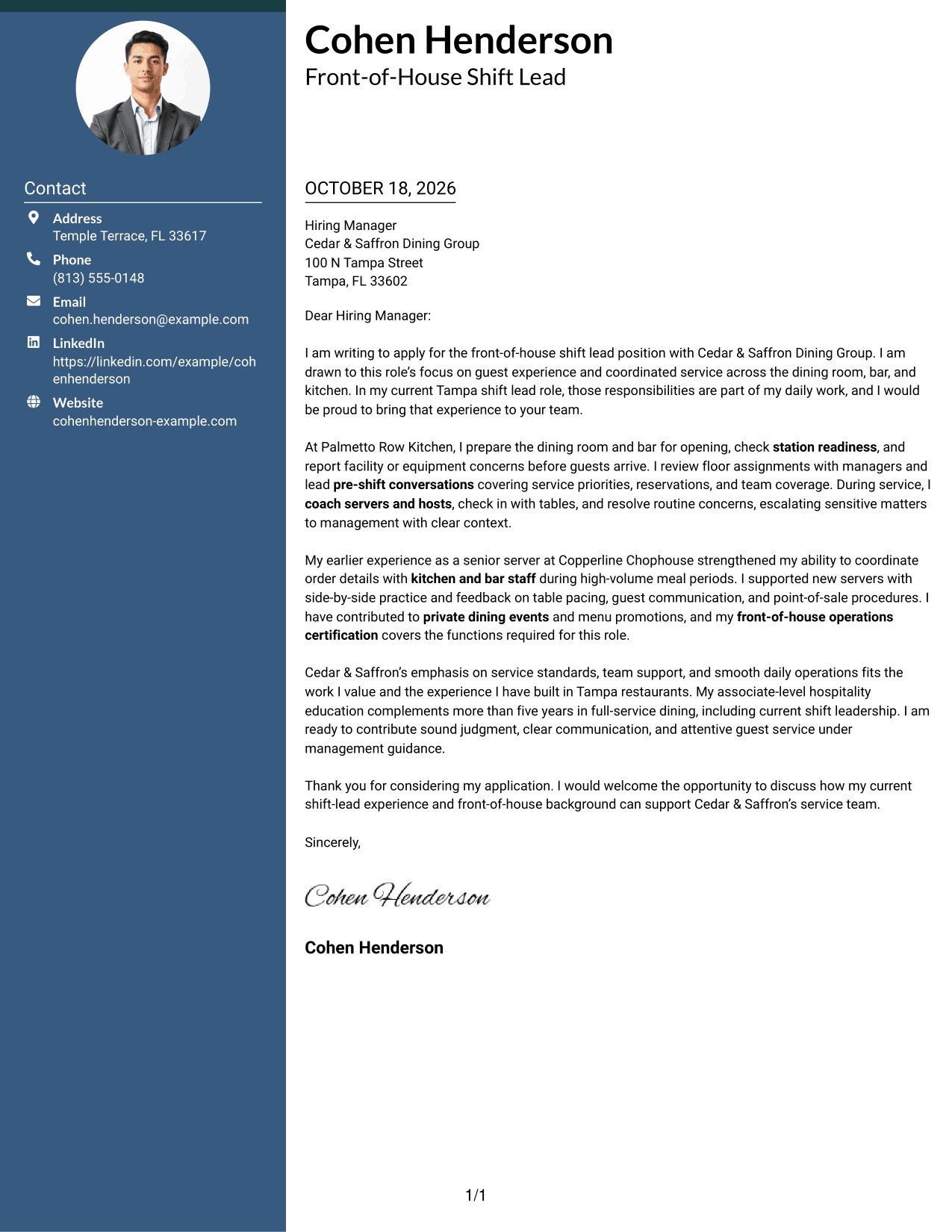
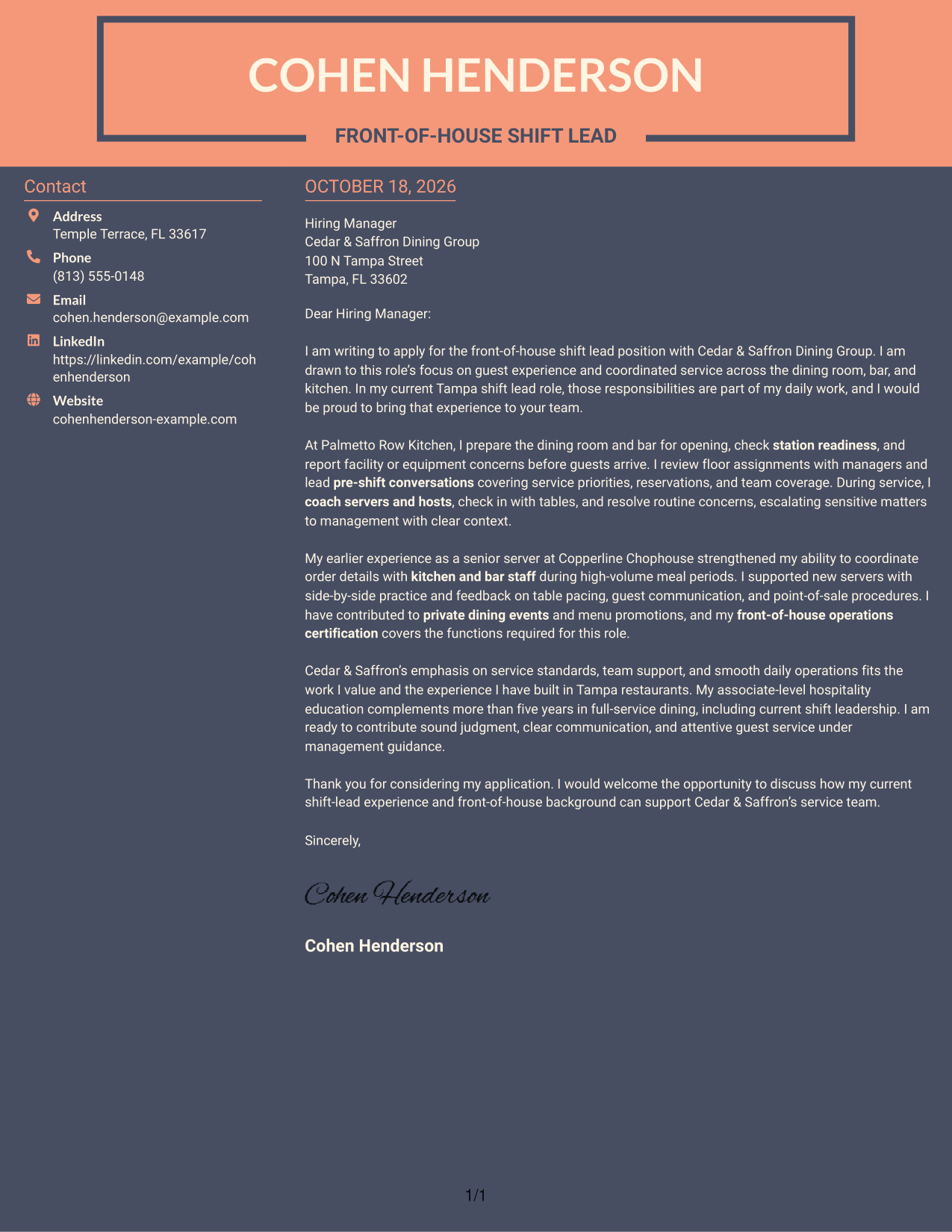
#7 Creative Two Tone Format Cover Letter Example
The two-column layout keeps sender details beside, but separate from, one continuous letter body for readers who want clear access to both.
Why This Format Works
- A distinct contact area keeps sender information apart from the letter.
- The continuous body carries the message without section headings.
- The page suits readers who prefer correspondence without a portrait.
Best For
- Contact details beside the letter
- A continuous persuasive message
- Paragraph-led application correspondence
- Quick access to sender information
- Text-first layouts without a portrait
Why Use ResumeInMinutes for a Restaurant Shift Lead - Front-of-House Service Cover Letter
Review the PNG previews to compare how each letter is presented, then open an example in the editor to customize it for the role and employer.
- PNG image previews
- Examples to view in the editor
- Guidance for a clear opening, body, and closing
- Role-focused cover letter examples
- Layouts for different communication contexts
- Advice on showing service leadership and team support
Build your letter around relevant service-floor coordination, opening readiness, team coaching, and guest care. Use only details that reflect your own experience.
See Also
- 7 Restaurant Shift Lead - Front-of-House Service Resume Templates with Example
- 33 Customer Service - Quick-Service Restaurant Resume Templates with Example 2026 (ATS-Optimized)
- 7 Team Member - Restaurant Service Resume Templates with Example
- 7 Assistant Manager - Restaurant Operations Resume Templates with Example
- 7 Cook 2 - High-End Restaurant Resume Templates with Example
- 7 Nurse II - Skilled Nursing Shift Leadership Resume Templates with Example
- 33 Nurse Shift Supervisor (RN/LPN) Resume Templates with Example 2026 (ATS-Optimized)
- 33 Restaurant Accountant/Controller Resume Templates with Example 2026 (ATS-Optimized)
- 30+ Nurse Shift Supervisor (RN/LPN) Cover Letter Templates with Example 2026
- 30+ Restaurant Accountant/Controller Cover Letter Templates with Example 2026
Frequently Asked Questions
What should a Restaurant Shift Lead - Front-of-House Service cover letter include?
Show why you want the role and how your experience relates to opening preparation, pre-shift communication, coaching front-of-house staff, and responding to guest concerns. Keep the examples specific and truthful.
Are these different cover letters or different layouts?
The guide presents one featured application in different layouts. The wording follows a focused progression, while the visual presentation changes.
How can I show that I can coordinate front-of-house service?
Describe a real example of preparing service areas, reviewing assignments, or communicating with dining room, bar, and kitchen staff. Explain your role clearly without claiming results you cannot support.
How should I connect my experience to the employer?
Refer to priorities in the job posting, such as guest service, team support, and reliable daily operations. Add a genuine reason those priorities interest you.
Can I view and customize a cover letter example?
Yes. Compare the PNG image previews, then use the editor link to view or customize an example.




