
7 Retail Key Holder - Customer Experience and Store Operations Cover Letter Templates with Example
This guide helps you create a Retail Key Holder - Customer Experience and Store Operations cover letter with seven layouts to choose from.
What Makes a Great Retail Key Holder - Customer Experience and Store Operations Cover Letter in 2026
A strong letter shows how you build customer connections while guiding associates and keeping store operations on track. Use a clear opening to explain your interest in customer service and hands-on store leadership.
Support your fit with brief examples of product demonstrations, shift direction, opening and closing, deposits, shipment receiving, or visual merchandising. Connect that evidence to the employer's service goals and the needs of its store team.
The featured example moves from interest in customer-focused store leadership to practical evidence and a clear close. Adapt this focused progression, then choose a presentation that suits the employer and the communication context.
#1 Simple One Column Format Cover Letter Example
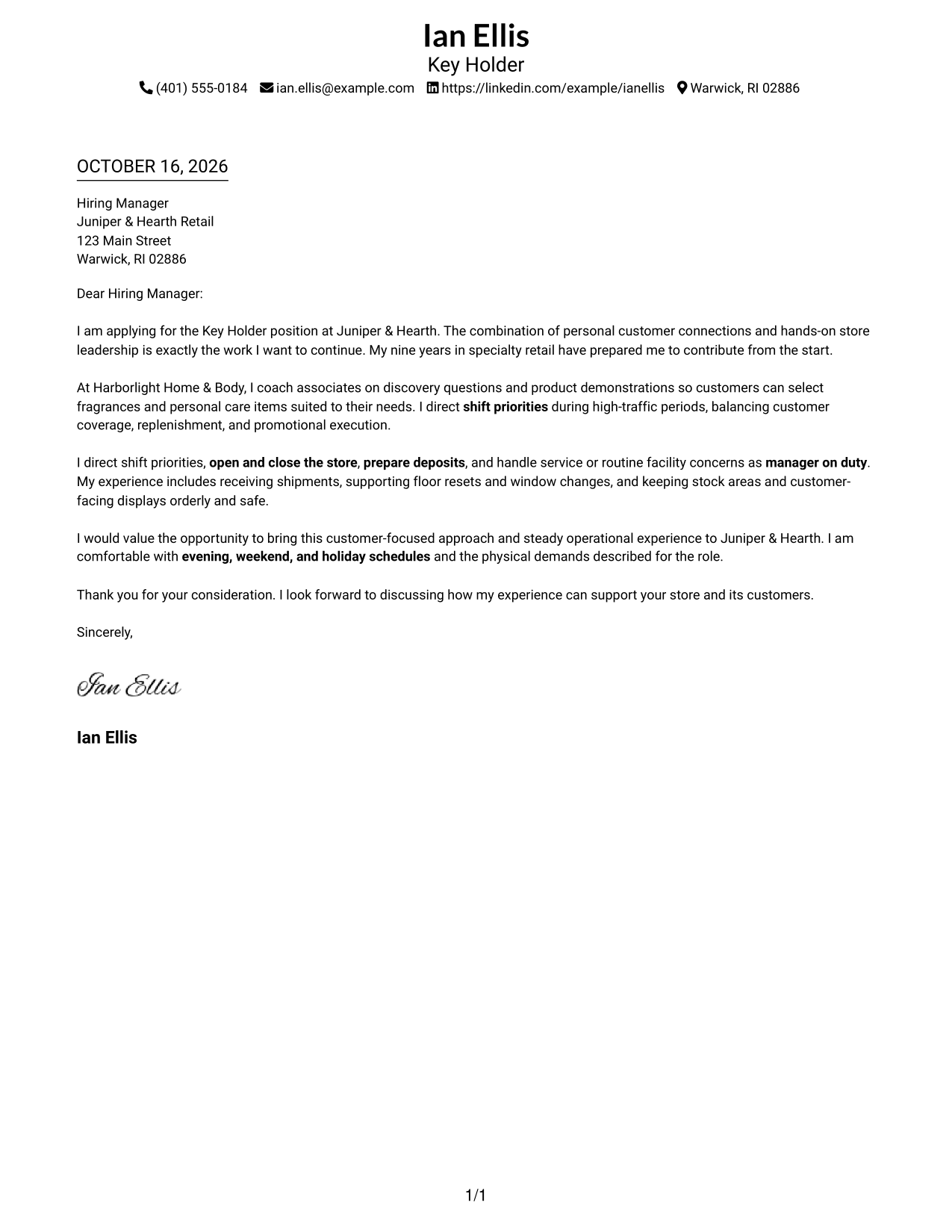
The Simple One Column Format keeps sender details and one continuous letter body in a single-column layout, giving the message a direct reading path.
Why This Format Works
- The single-column page gives the reviewer one clear route through the letter.
- Sender details stay with the letter rather than in a separate sidebar.
- Without section headings, the message reads as a connected personal appeal.
Best For
- Single-column page preference
- Short paragraph-based applications
- Text-led communication
- Main-page contact details
- Letters with a direct opening and close
#2 Two Column Format Cover Letter Example
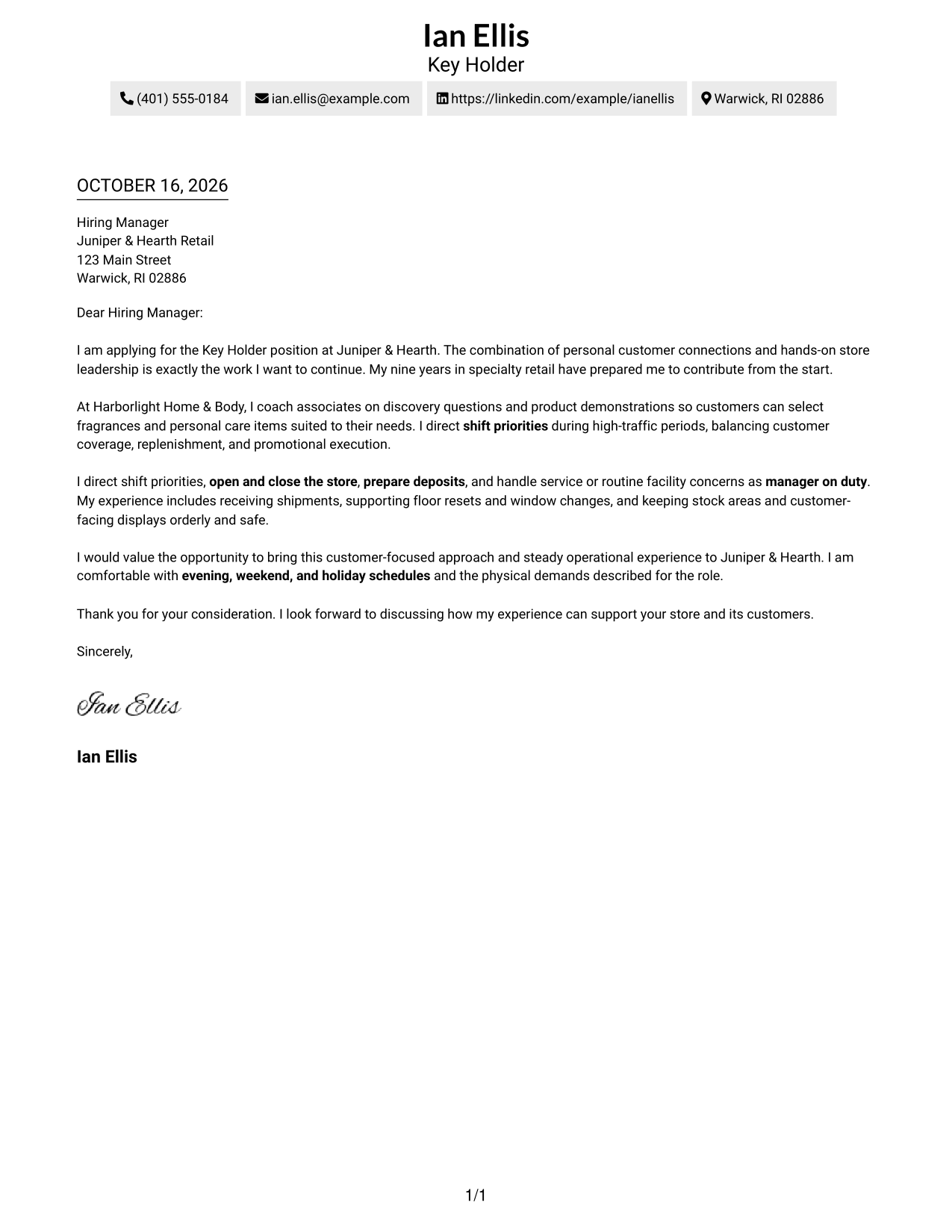
The Two Column Format places a contact sidebar beside one continuous letter body, separating sender details from the message.
Why This Format Works
- The sidebar keeps sender contact details apart from the letter's persuasive paragraphs.
- A single body column preserves the order of the opening, support, and close.
- Readers can check sender information without losing their place in the letter.
Best For
- Separate contact and message areas
- Letters with detailed sender information
- Continuous paragraph-based arguments
- Two-area page organization
- Quick reference to contact details
#3 Photo Header Two Column Format Cover Letter Example
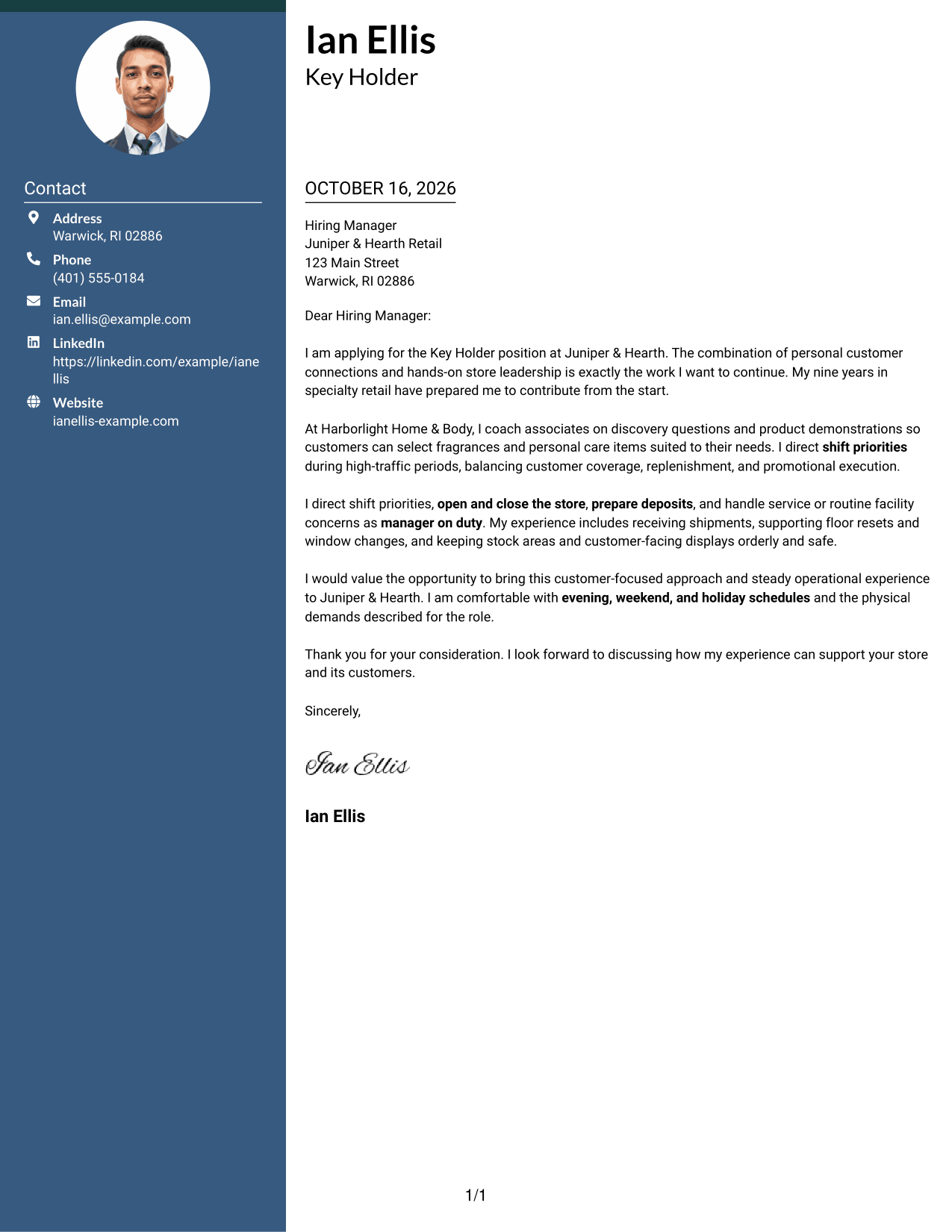
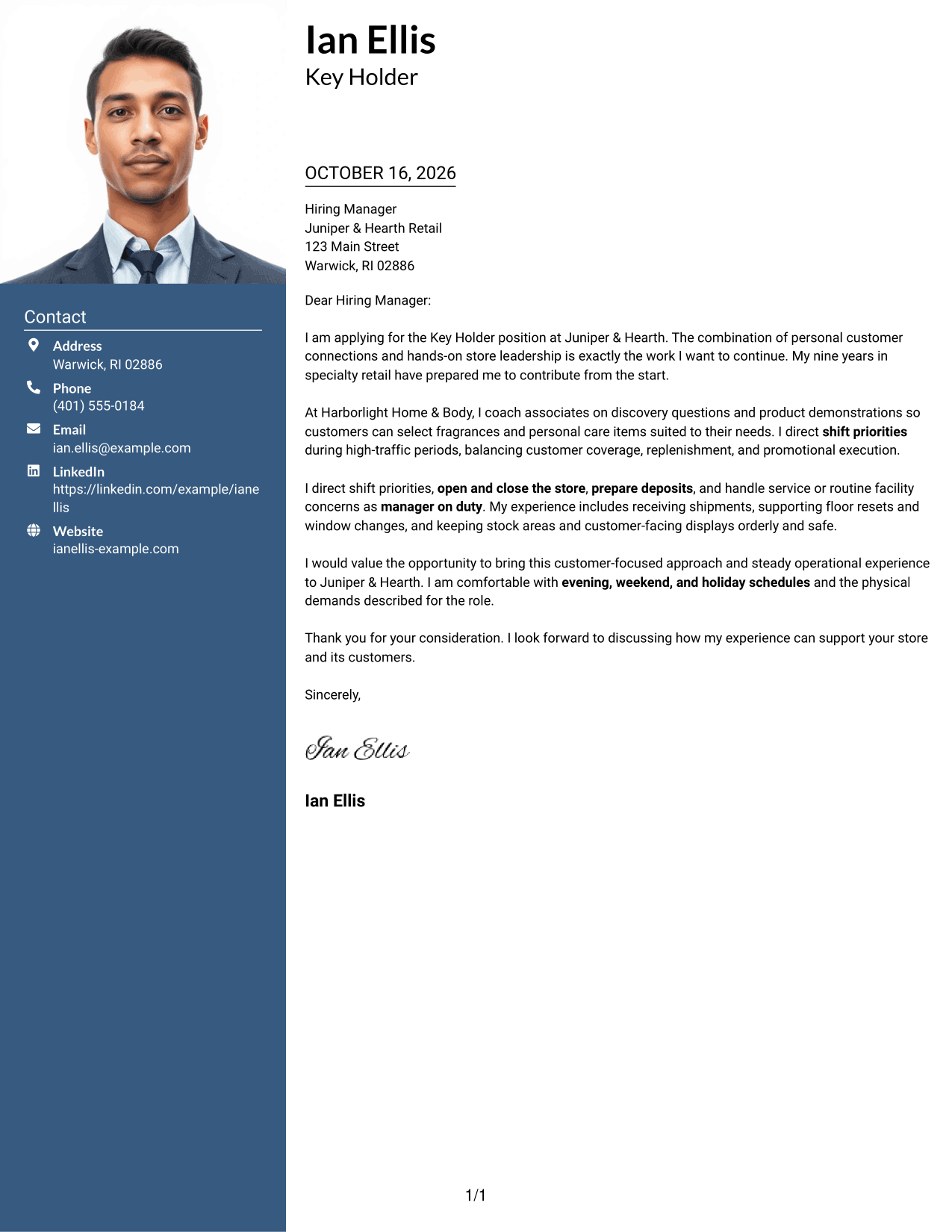
The Photo Header Two Column Format pairs a portrait with a contact sidebar, while the letter stays together in one continuous body.
Why This Format Works
- A portrait adds a personal visual element to the header without changing the message.
- The contact sidebar separates sender details from the letter's continuous paragraphs.
- The reviewer can follow the opening, supporting points, and close in one body column.
Best For
- Portrait-inclusive application materials
- Separate contact and letter areas
- A personal visual detail in the header
- Continuous letter paragraphs
- Two-column page organization
#4 One Column Format with Photo Cover Letter Example
The One Column Format with Photo includes a portrait with a single-column letter, keeping the message on one direct reading path.
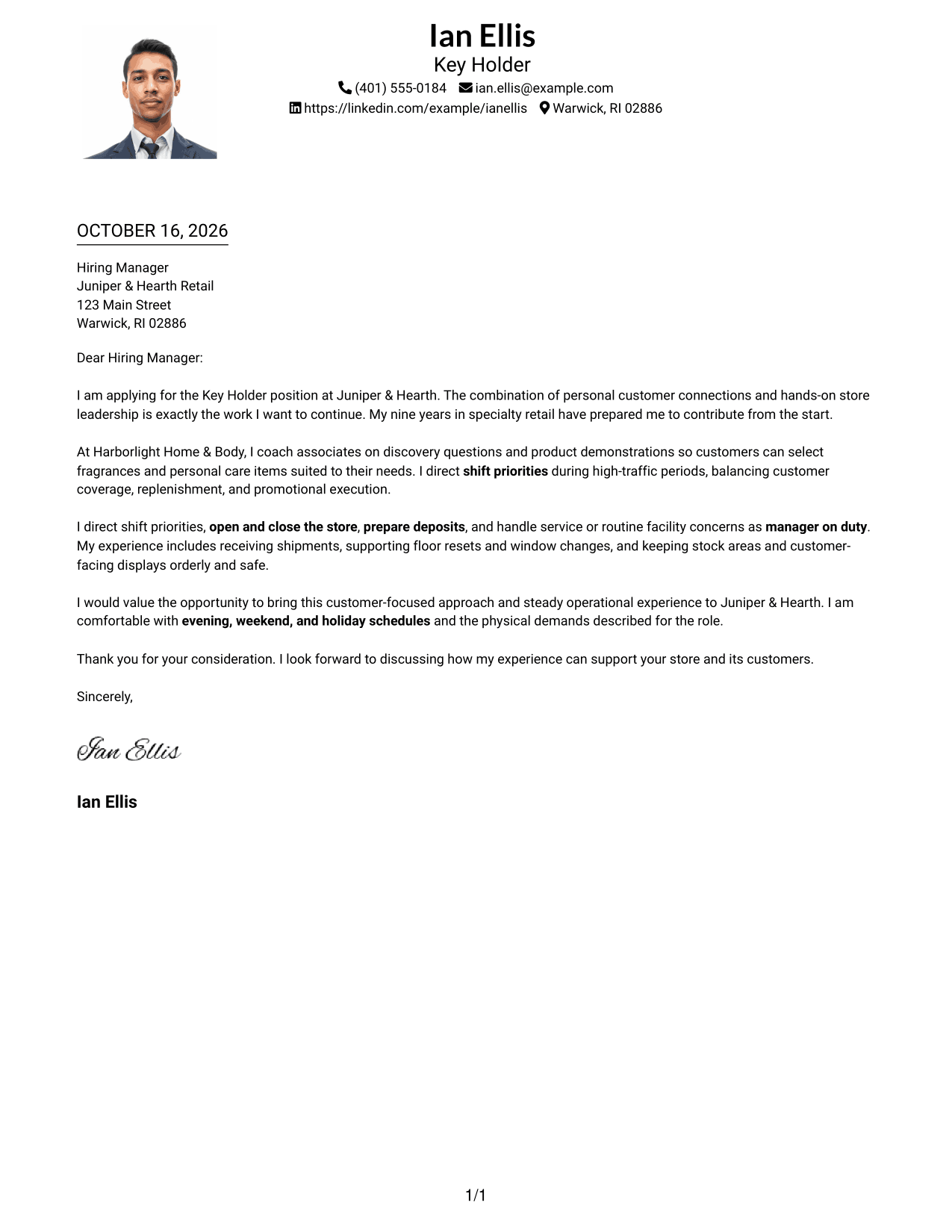
Why This Format Works
- The portrait adds a visual point of interest while the letter remains in one column.
- Sender details and paragraphs share the same reading path.
- Separate paragraphs help reviewers follow the message from greeting to closing.
Best For
- Letters that include a portrait
- Single-column reading preference
- Personal introductory messages
- Text and portrait in one design
- Direct paragraph-based communication
#5 Simple Two Column Format Cover Letter Example
The Simple Two Column Format keeps sender contact details in a sidebar beside one continuous letter body.
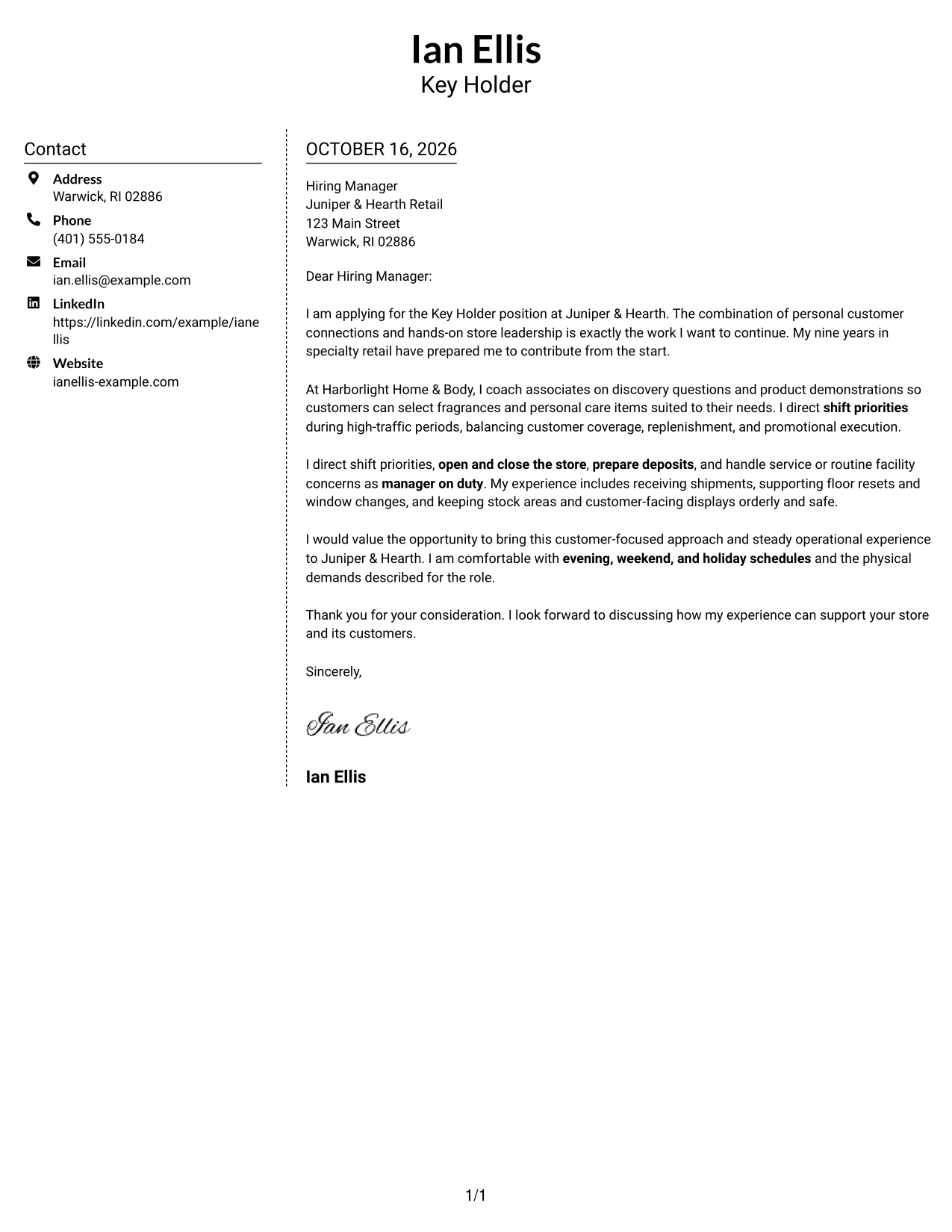
Why This Format Works
- Contact details have their own area beside the letter's main text.
- One body column keeps the opening, supporting points, and close in order.
- A reviewer can refer to sender information without leaving the message.
Best For
- Contact details set apart
- Letters with a clear paragraph sequence
- Sidebar-based contact organization
- Continuous persuasive writing
- Simple two-area page layouts
#6 Modern Icon Format Cover Letter Example
The Modern Icon Format uses a contact sidebar beside one continuous letter body, with icons marking contact details or adding header accents.
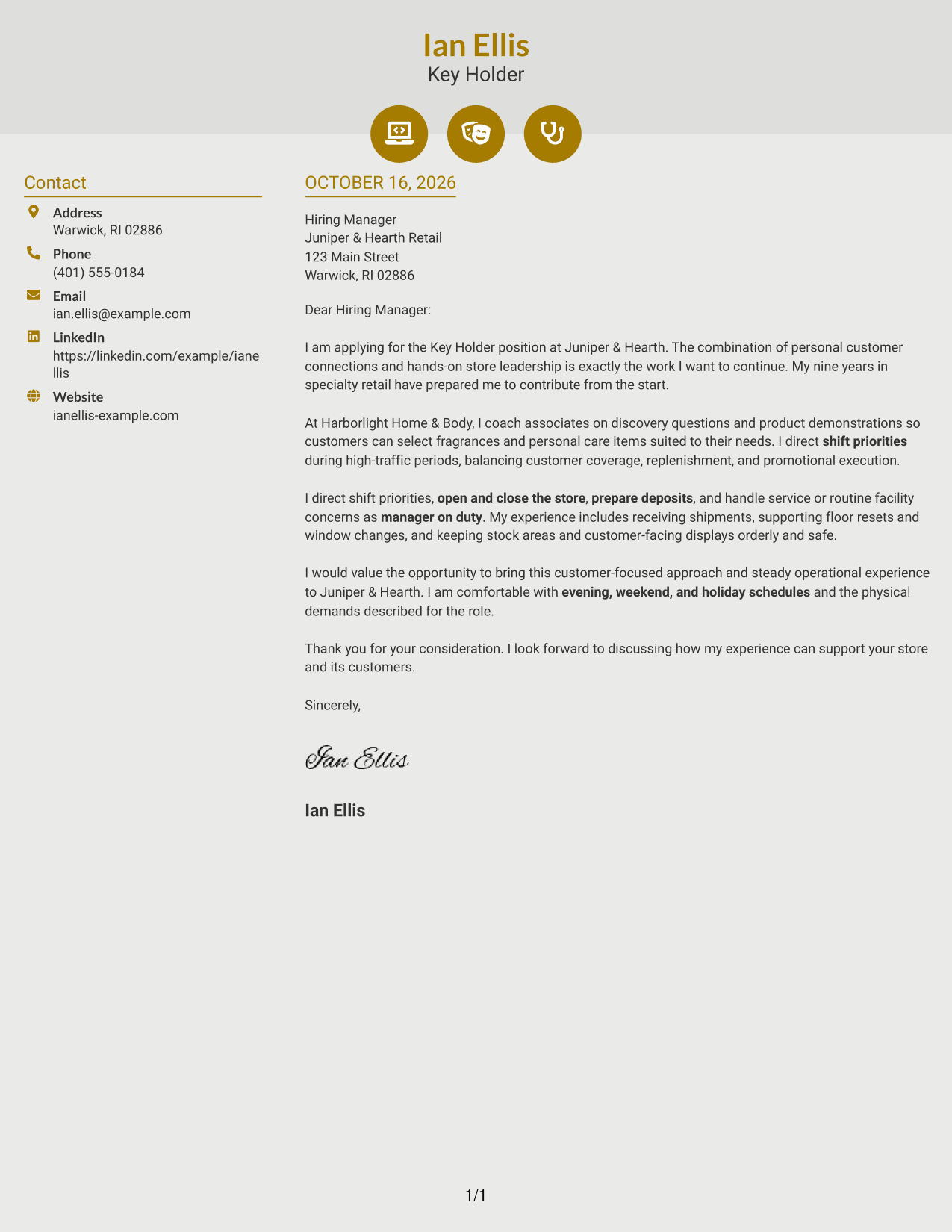
Why This Format Works
- Icons help readers identify contact details without labeling parts of the letter.
- The sidebar remains distinct from the continuous letter body.
- Opening, supporting paragraphs, and closing stay together in one reading sequence.
Best For
- Icon cues for contact details
- Separate contact and message areas
- Letters without body section headings
- Continuous persuasive paragraphs
- Visual accents in the header
#7 Creative Two Tone Format Cover Letter Example
The Creative Two Tone Format uses two columns to place sender contact details beside one continuous letter body.
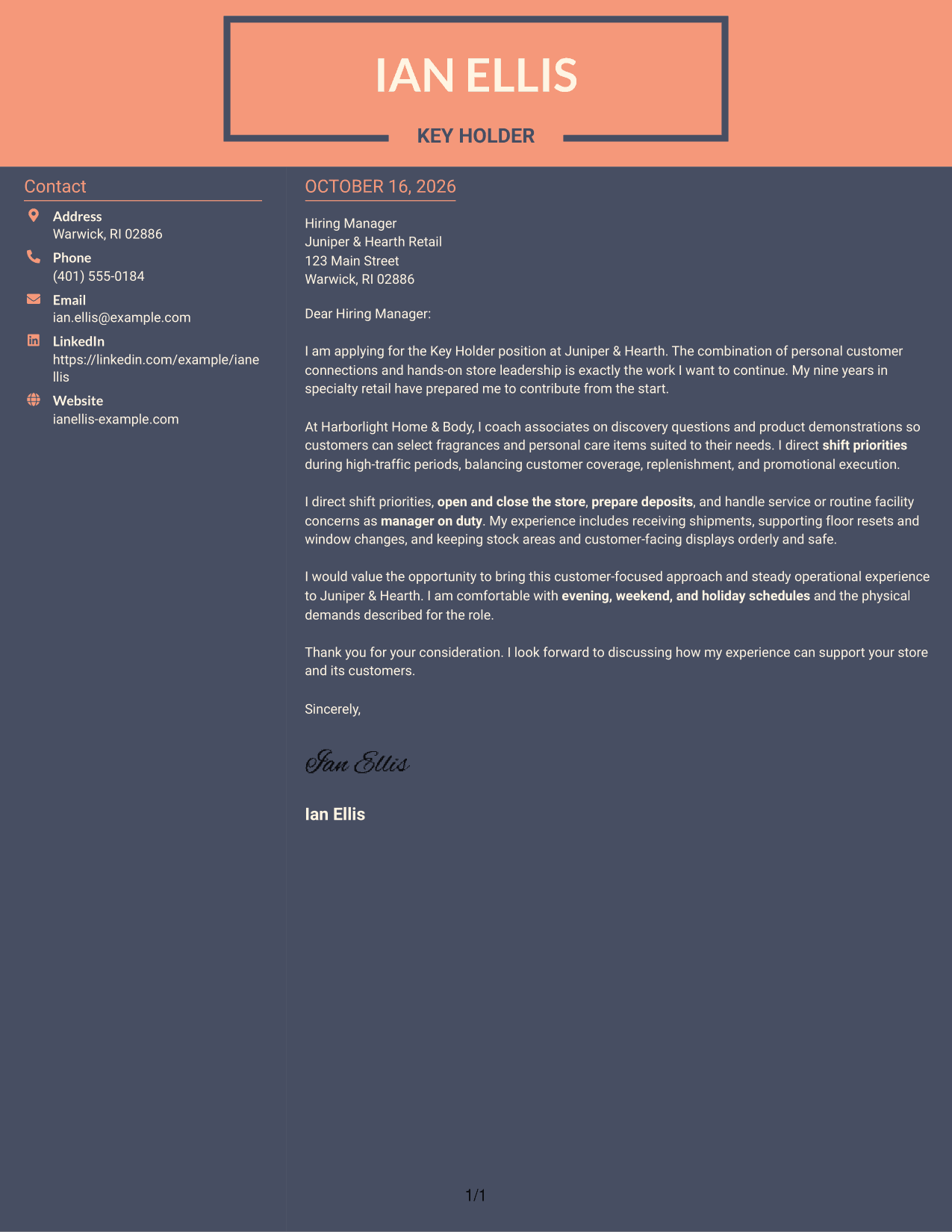
Why This Format Works
- A sidebar separates sender details from the letter's single body column.
- The reviewer can follow the opening, evidence, and close without switching columns.
- Contact information remains beside the message for quick reference.
Best For
- Contact information beside the letter
- One-column letter-body preference
- Two-area page organization
- Paragraph-led application messages
- Easy access to sender details
Why Use ResumeInMinutes for a Retail Key Holder Cover Letter
Compare the PNG previews to see how different presentations affect the way your message reads, then open an example in the editor to customize it for the Retail Key Holder - Customer Experience and Store Operations role.
- Different writing styles
- Clear, professional presentation
- Role-focused wording
- Examples for customer service and store operations
- Simple letter structure
- Preview and editor actions
Use the examples to shape a clear opening, connect your experience to customer and team needs, and close with a direct statement of interest.
See Also
- 7 Retail Key Holder - Customer Experience and Store Operations Resume Templates with Example
- 7 Retail Key Holder - Sales and Store Operations Resume Templates with Example
- 7 Retail Key Holder - Store Sales and Operations Resume Templates with Example
- 7 Retail Lead Associate - Customer Experience Operations Resume Templates with Example
- 7 Retail Supervisor - Apparel Sales and Customer Experience Resume Templates with Example
- 7 General Manager - Retail Store Operations Resume Templates with Example
- 7 Assistant Store Manager - Fashion Retail Resume Templates with Example
- 7 Assistant Store Manager - Telecommunications Retail Resume Templates with Example
- 7 Retail Key Holder - Sales and Store Operations Cover Letter Templates with Example
- 7 Retail Key Holder - Store Sales and Operations Cover Letter Templates with Example
Frequently Asked Questions
What should a Retail Key Holder cover letter emphasize?
Focus on customer connections, associate guidance, and dependable store operations. Relevant examples can include product demonstrations, shift priorities, opening and closing duties, deposits, shipment receiving, and visual merchandising.
Does each preview show a different cover letter?
The previews show the same featured cover letter in different visual presentations. Compare the images, then open an example in the editor to customize the letter.
How should I explain my fit for the role?
Choose a brief example that links your actions to a store need. For instance, describe how you guide an associate or respond to a customer concern, then explain how that supports good service and smooth store operations.
What is a good way to close a key holder cover letter?
Restate your interest in the role and connect your customer-focused approach to the store's daily needs. End with a courteous thank-you and an invitation to discuss your fit.
Should I use a photo on my cover letter?
For U.S. applications, a cover letter without a photo is usually a suitable choice. Keep the focus on your message and role-related experience.




