
7 Retirement Plan Counselor - Participant Education Cover Letter Templates with Example
This practical guide helps you create a Retirement Plan Counselor - Participant Education cover letter, with seven layouts to help you present your role fit clearly.
What Makes a Great Retirement Plan Counselor - Participant Education Cover Letter in 2026
A strong letter connects your participant education work to the role’s focus on clear group presentations for workplace retirement plans. Show how you help participants understand enrollment, contribution rates, and rollovers.
Use specific evidence, such as coordinating education across 28 employer groups or improving materials with participant feedback. Link that experience to the employer’s needs and explain why its participant education work interests you.
The featured example moves from interest in the role to relevant education experience, supporting service skills, employer alignment, and a clear close. Adapt this focused progression while choosing a presentation that suits the employer and communication context.
#1 Simple One Column Format Cover Letter Example
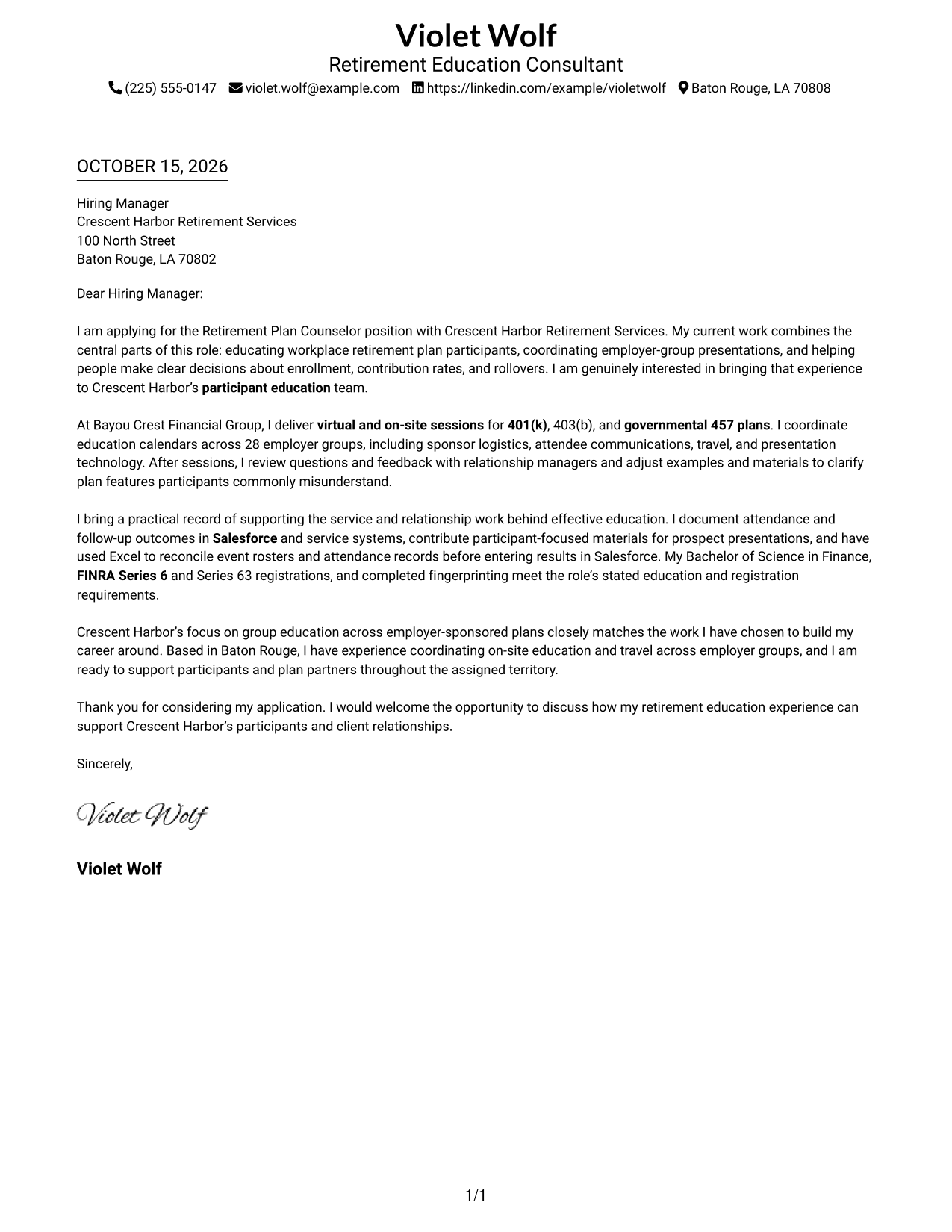
The single-column layout keeps sender details in the header and the continuous letter body below, giving the message a direct reading path.
Why This Format Works
- Sender details stay in the header, while the letter body follows one reading column.
- Continuous paragraphs let reviewers follow interest, supporting evidence, and closing in sequence.
- Without a contact sidebar, the page keeps attention on the letter’s message.
Best For
- Header-based contact information
- Photo-free correspondence
- A direct page layout
- Employer-specific motivation
- Continuous paragraph letters
#2 Two Column Format Cover Letter Example
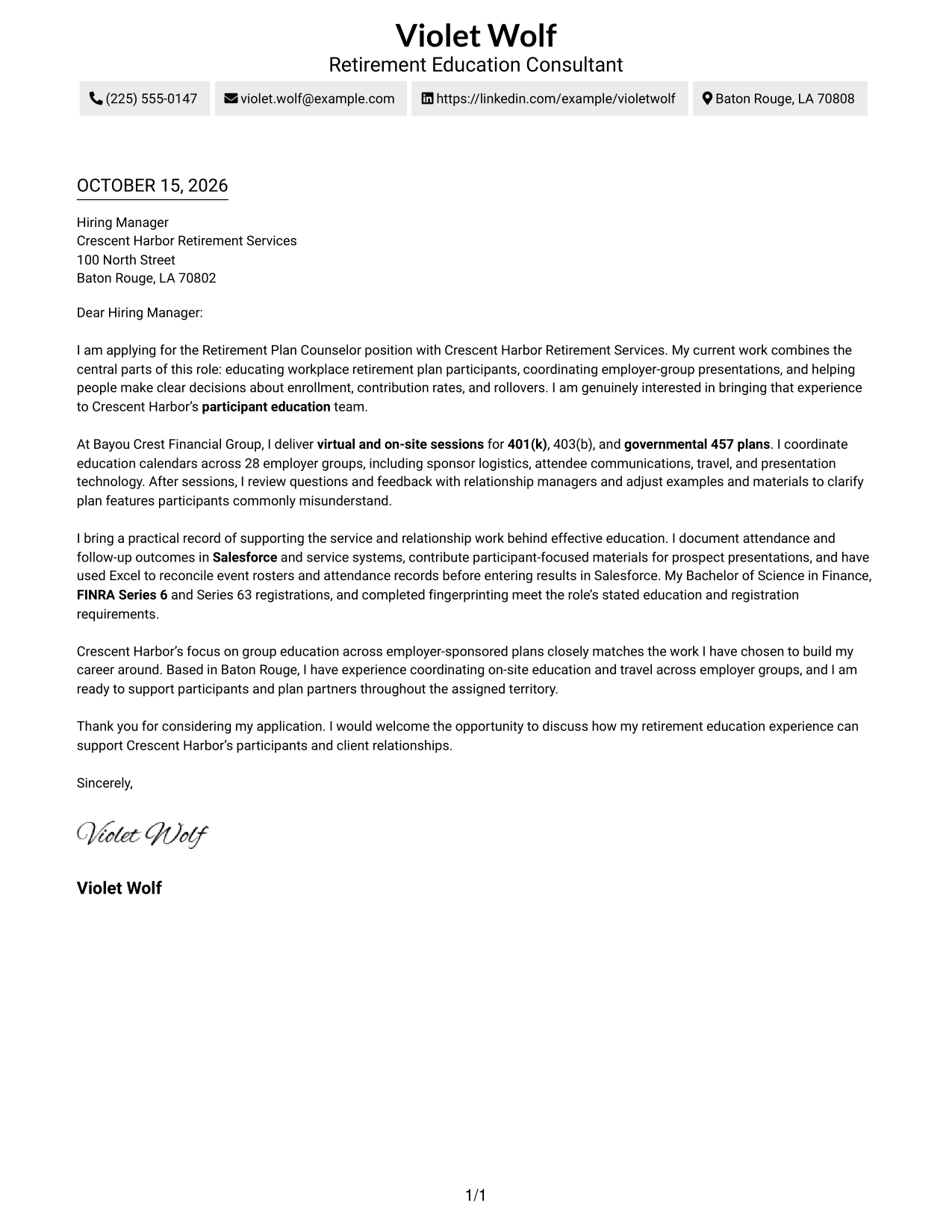
A contact sidebar sits beside the continuous letter body, keeping contact details separate while leaving the argument in one column.
Why This Format Works
- The sidebar gives reviewers a separate place to find contact details.
- One continuous body keeps the opening, evidence, and closing in sequence.
- A photo-free presentation suits readers who prefer contact information without a portrait.
Best For
- Separated contact information
- Photo-free correspondence
- A continuous letter argument
- Employer-specific applications
- Quick access to sender details
#3 Photo Header Two Column Format Cover Letter Example
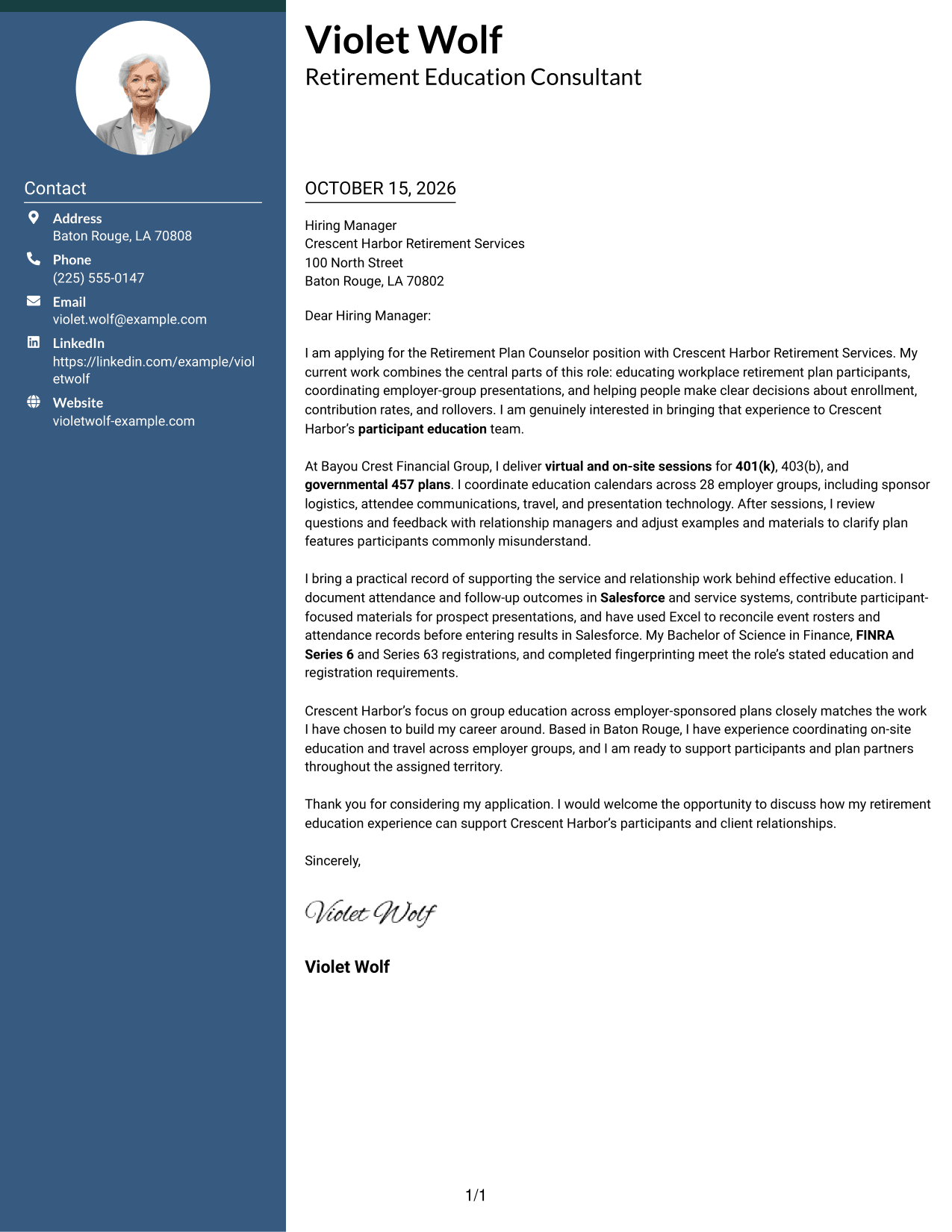
A photo in the header adds a personal visual element, while a contact sidebar sits beside the continuous letter body.
Why This Format Works
- The photo adds a visible personal element without interrupting the letter’s paragraphs.
- Contact details remain apart from the message in the sidebar.
- The continuous body lets reviewers follow motivation and supporting evidence in order.
Best For
- A photo in the header
- Contact details beside the letter
- Personal visual presentation
- Continuous paragraph letters
- Employer-specific motivation
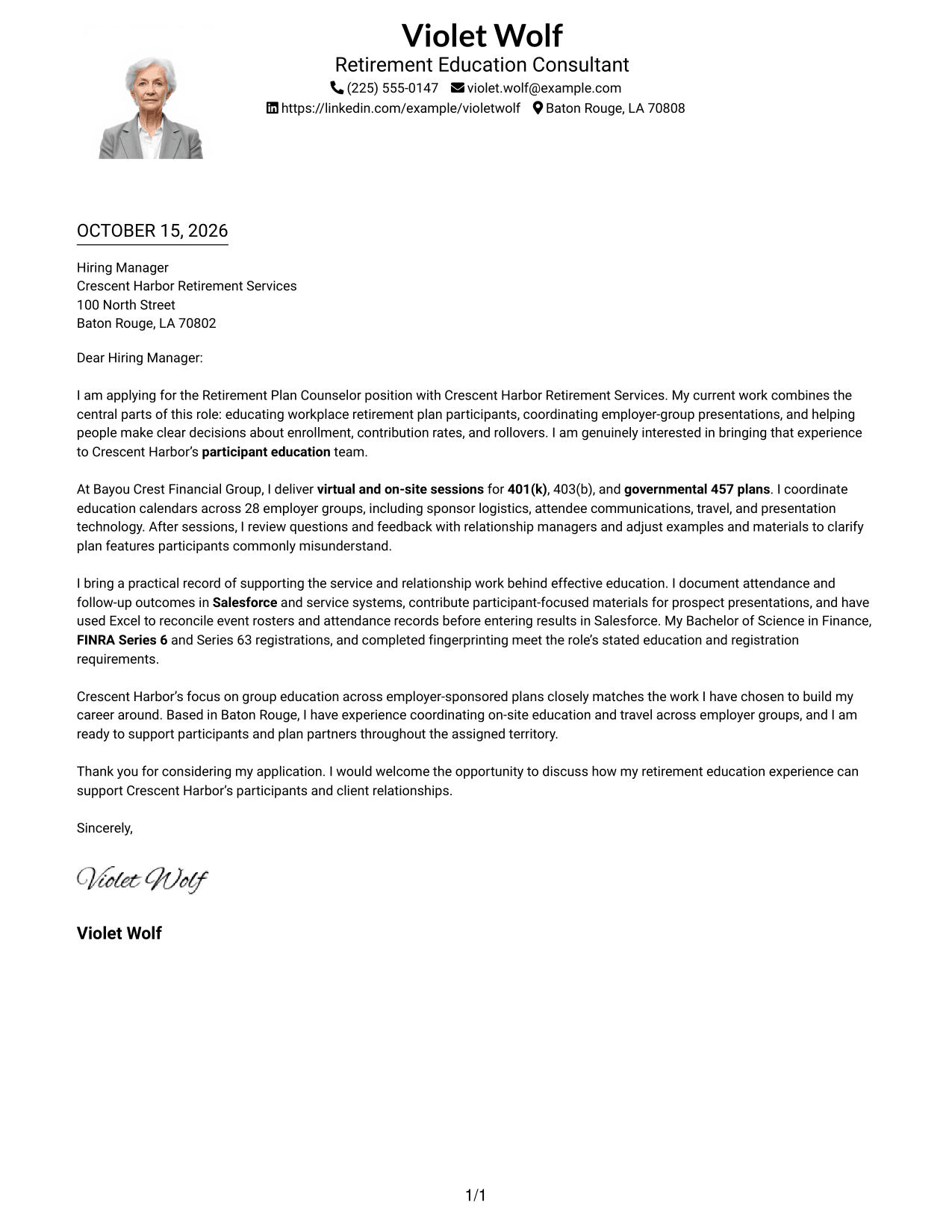
#4 One Column Format with Photo Cover Letter Example
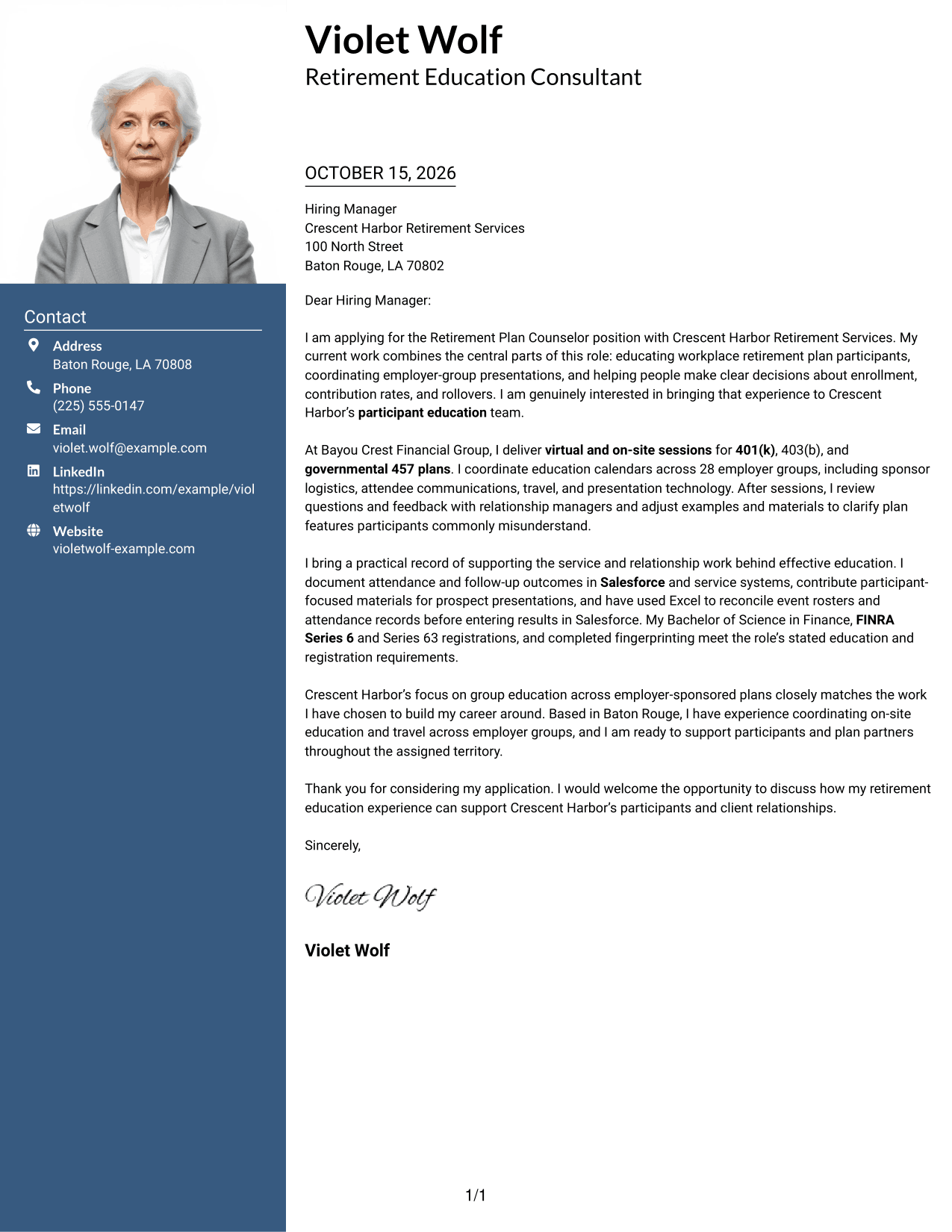
This one-column layout pairs a photo with sender details in the header, keeping the letter body in a single reading path.
Why This Format Works
- The single-column body presents the letter as one connected message.
- A photo in the header adds a personal visual element to the page.
- Sender details appear with the header rather than beside the letter body.
Best For
- A photo-led header
- Single-column correspondence
- Header-based contact details
- A continuous letter message
- Personal visual presentation
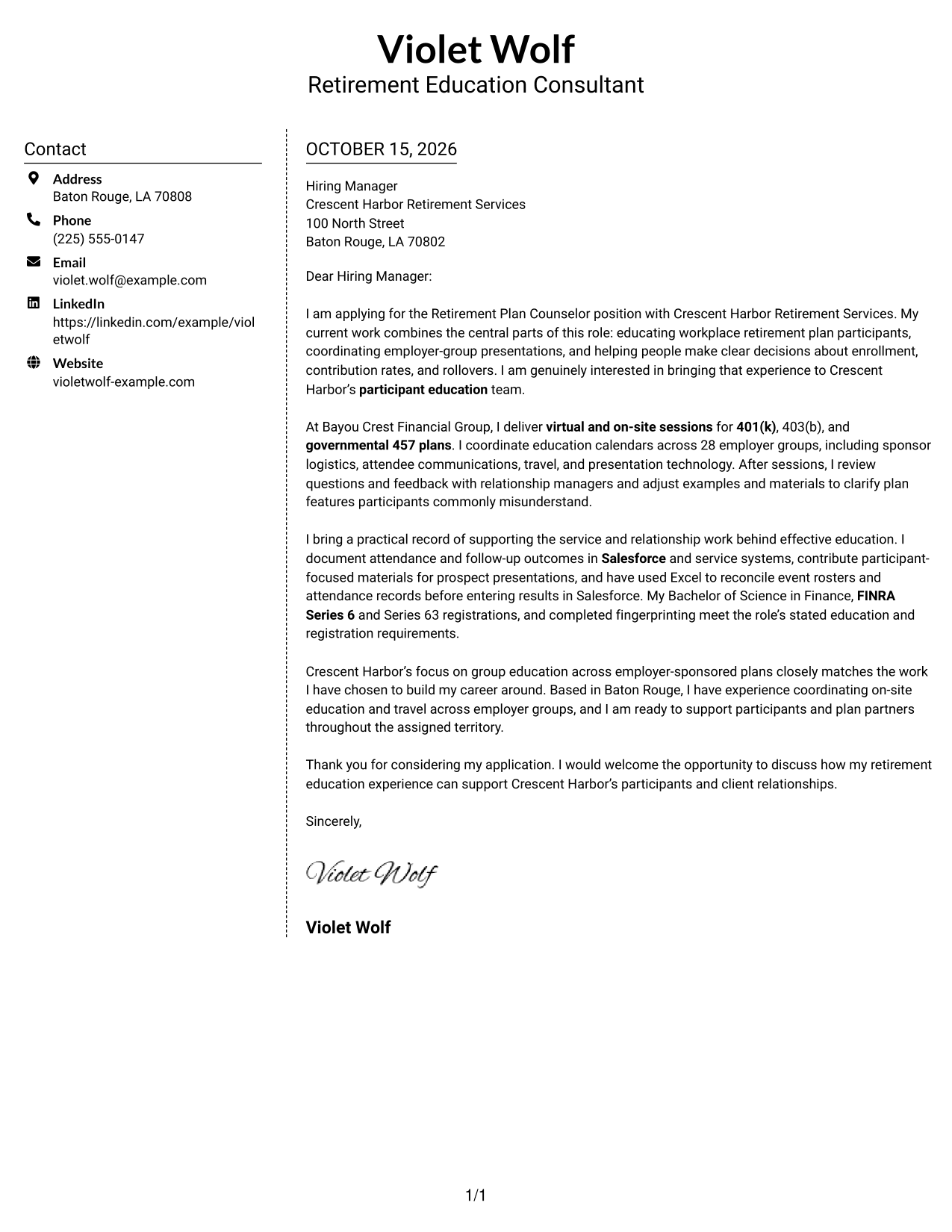
#5 Simple Two Column Format Cover Letter Example
A contact sidebar beside one continuous letter body separates contact details from the message without splitting the argument into columns.
Why This Format Works
- The separate contact area keeps sender details apart from the letter’s message.
- The argument stays in one body, so its paragraphs read in order.
- With no photo, the layout keeps its visual focus on written correspondence.
Best For
- Contact details in a sidebar
- Photo-free applications
- Letters written in continuous prose
- A separate contact area
- Employer-focused correspondence
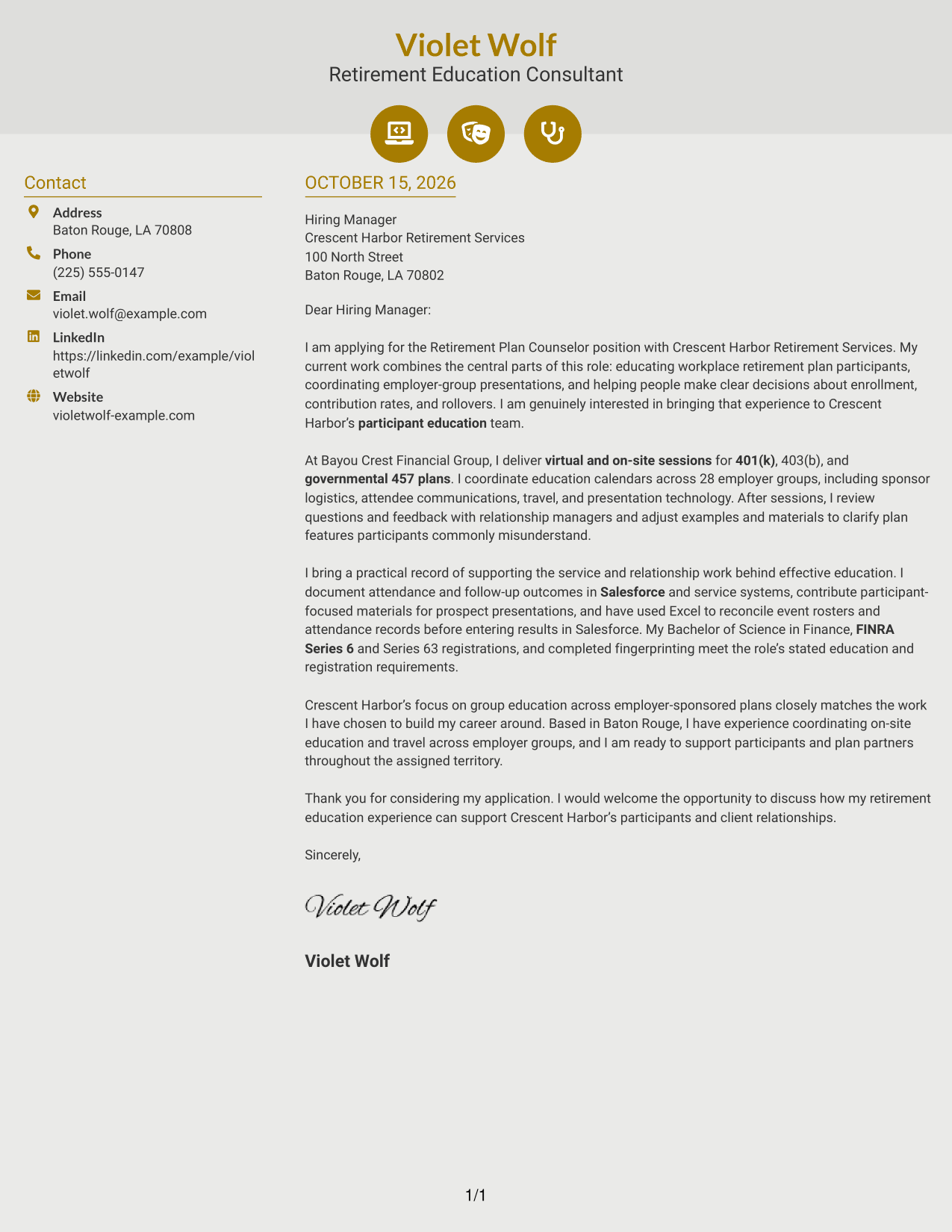
#6 Modern Icon Format Cover Letter Example
This two-column layout uses icons as contact cues and header accents, with a sidebar beside the continuous letter body.
Why This Format Works
- Contact icons help distinguish contact details from the letter’s paragraphs.
- The sidebar places sender information apart from the main message.
- A continuous body keeps motivation and evidence in a natural sequence.
Best For
- Icon-marked contact details
- A separate contact sidebar
- Photo-free correspondence
- Letters with a clear argument
- Visual cues in the header
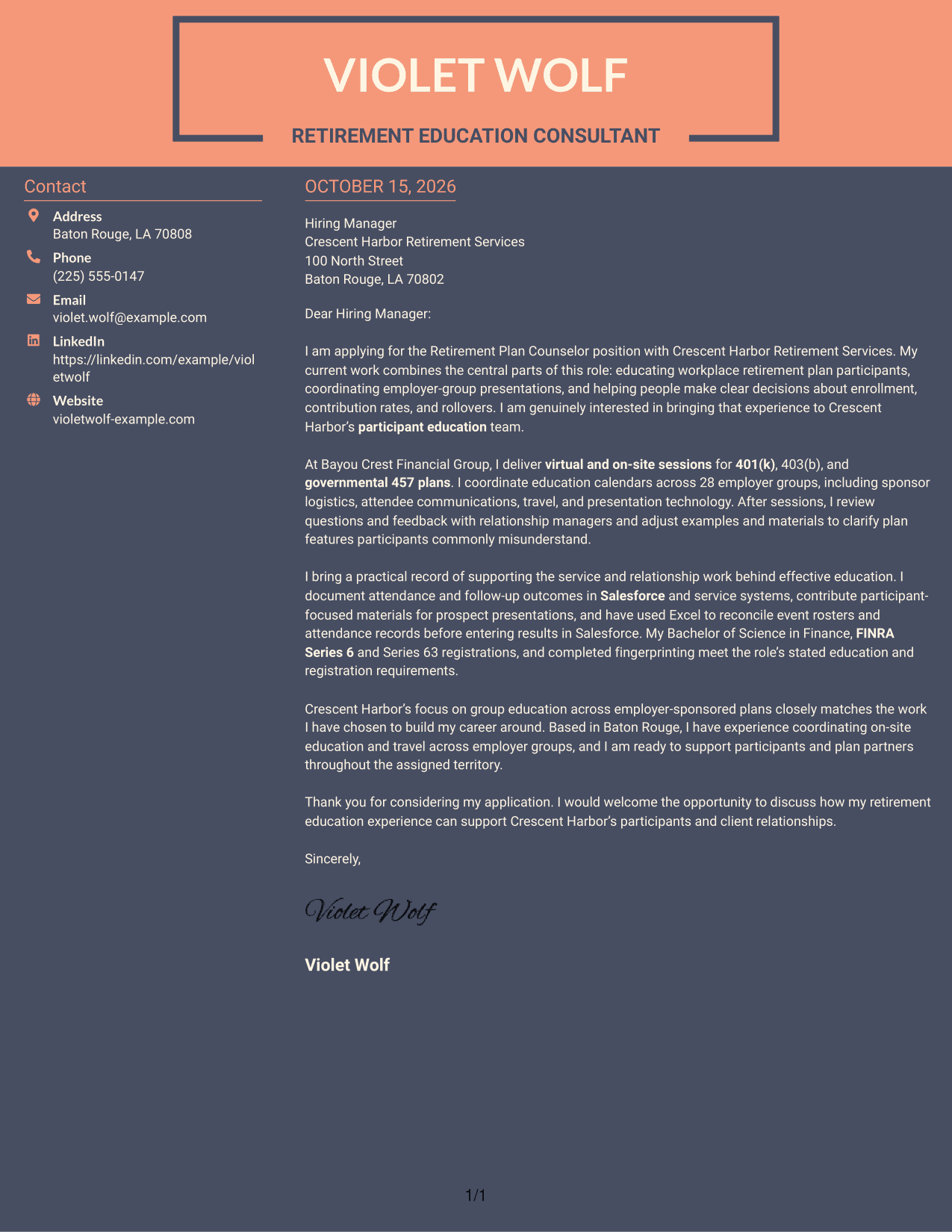
#7 Creative Two Tone Format Cover Letter Example
The two-column layout places contact details in a sidebar beside the letter, while the argument remains one continuous body.
Why This Format Works
- A separate contact area keeps sender information outside the main message.
- The letter remains a continuous body, preserving the order of its paragraphs.
- The photo-free layout suits readers who want a written, text-centered presentation.
Best For
- Sidebar-based contact details
- Photo-free letters
- A text-centered page
- Continuous persuasive correspondence
- Employer-specific applications
Explore Retirement Plan Counselor - Participant Education Cover Letter Examples
Compare the image previews to see how different presentations can support the same clear message. When a layout suits your needs, open the example in the editor to customize your letter.
See Also
- 7 Retirement Plan Counselor - Participant Education Resume Templates with Example
- 7 Academic Counselor - Student-Athlete Services Resume Templates with Example
- 7 Crisis Services Counselor Resume Templates with Example
- 7 Freshman Admission Counselor Resume Templates with Example
- 7 Grade 4-6 School Counselor Resume Templates with Example
- 7 Licensed Chemical Dependency Counselor/Intern - Detoxification Resume Templates with Example
- 7 Licensed Mental Health Counselor Resume Templates with Example
- 7 Social Work/Counselor IV - Clinical Supervision Resume Templates with Example
- 7 Press Assistant / Press Secretary - Financial Policy Communications Resume Templates with Example
- 7 Steward - Patient Food Service Resume Templates with Example
Frequently Asked Questions
What should a Retirement Plan Counselor - Participant Education cover letter emphasize?
Show how you explain workplace plan choices in group settings. Give relevant examples of presenting 401(k), 403(b), or governmental 457 plan information, coordinating sessions, and responding to participant questions.
How can I show that my experience fits this role?
Connect your experience to the role’s main duties. For example, describe coordinating education calendars, working with plan sponsors and relationship managers, or recording attendance and follow-up outcomes in Salesforce.
How can I make my letter specific to the employer?
Research the employer’s participant education work and connect one accurate detail to your own interests. Keep the reason clear, and do not claim knowledge or experience you cannot support.
How do I choose a cover letter layout?
Choose a layout that is easy to read and fits the employer and communication context. Compare the image previews, then open an example in the editor if you want to customize it.
Should I include a photo on my cover letter?
For most U.S. applications, a photo is not needed. A clear, professional letter without a photo keeps attention on your interest and role-related evidence.




