
7 Revenue Cycle Automation Lead Cover Letter Templates with Example
This practical guide helps you write a persuasive Revenue Cycle Automation Lead cover letter, with seven layouts to help you present your fit clearly.
What Makes a Great Revenue Cycle Automation Lead Cover Letter in 2026
A strong letter connects your experience improving revenue cycle workflows with the role’s need for practical automation and technology change. Show how you guide work from assessment through implementation and adoption.
Use specific evidence, such as workflow redesign, Epic revenue cycle applications, business cases, or benefit reviews. Connect that evidence to the employer’s goals and explain how you work with operational and technical partners.
The featured Revenue Cycle Automation Lead example follows a focused progression from role interest to relevant evidence and a clear close. Adapt that flow to your own message, choosing a presentation that suits the employer and the communication context.
#1 Simple One Column Format Cover Letter Example
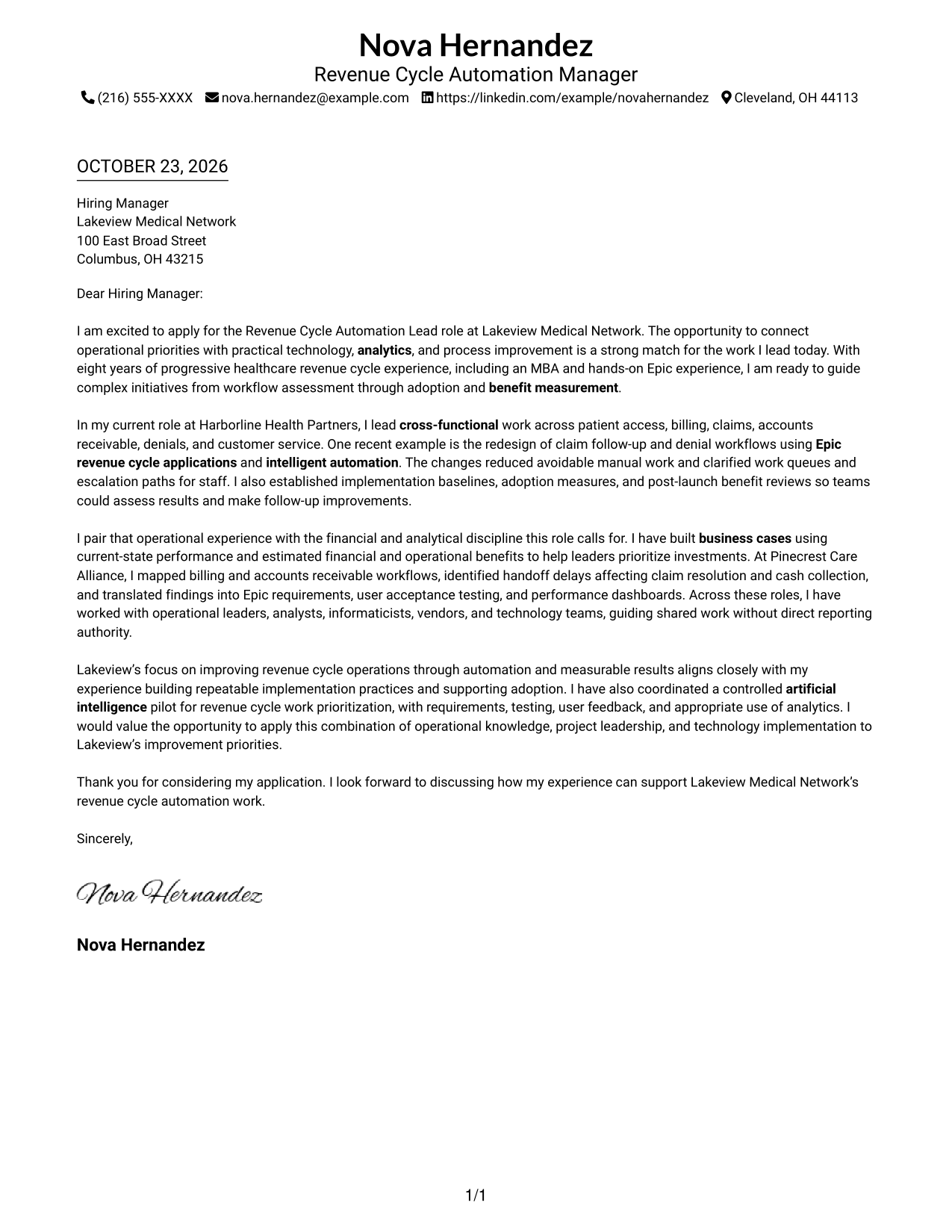
The Simple One Column Format keeps sender details in the header and the letter in one continuous column, giving the message a direct reading path.
Why This Format Works
- Header contact details stay apart from the letter's message for easy reference.
- The continuous body carries interest, evidence, and closing in one connected letter.
- Paragraph breaks give each supporting point room without adding argument headings.
Best For
- Single-column letter reading
- Header-based contact details
- Continuous opening-to-close arguments
- Paragraph-led persuasive writing
- Letters without body section headings
#2 Two Column Format Cover Letter Example
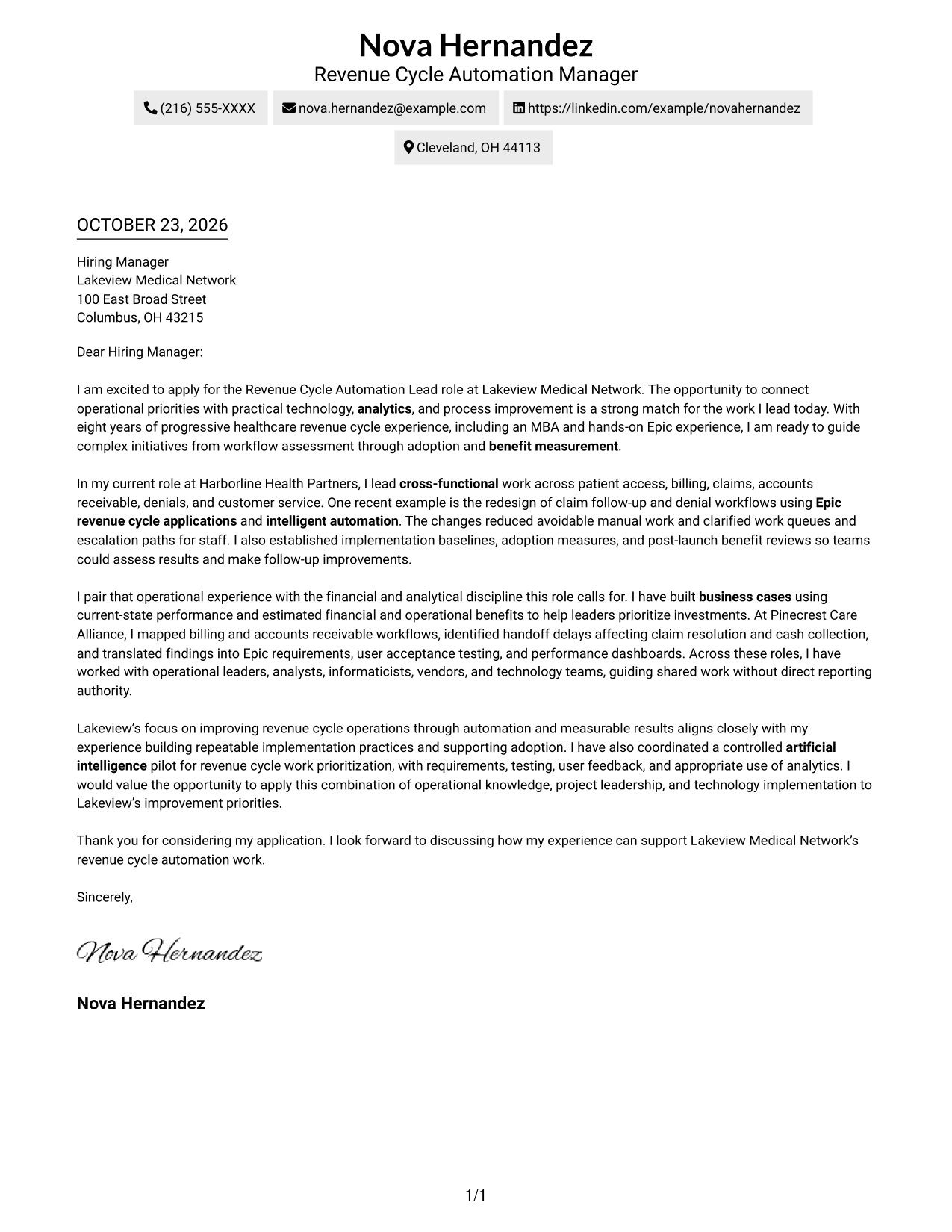
The Two Column Format places a contact sidebar beside one continuous letter body, separating sender details from the message for quick reference.
Why This Format Works
- A contact sidebar lets reviewers find sender details without searching the letter body.
- One uninterrupted body keeps the opening, supporting evidence, and closing in sequence.
- The letter stays free of argument-stage headings, preserving a natural conversational tone.
Best For
- Contact details beside the message
- A single-column letter body
- Letters with several supporting paragraphs
- Natural paragraph-to-paragraph transitions
- Correspondence without body headings
#3 Photo Header Two Column Format Cover Letter Example
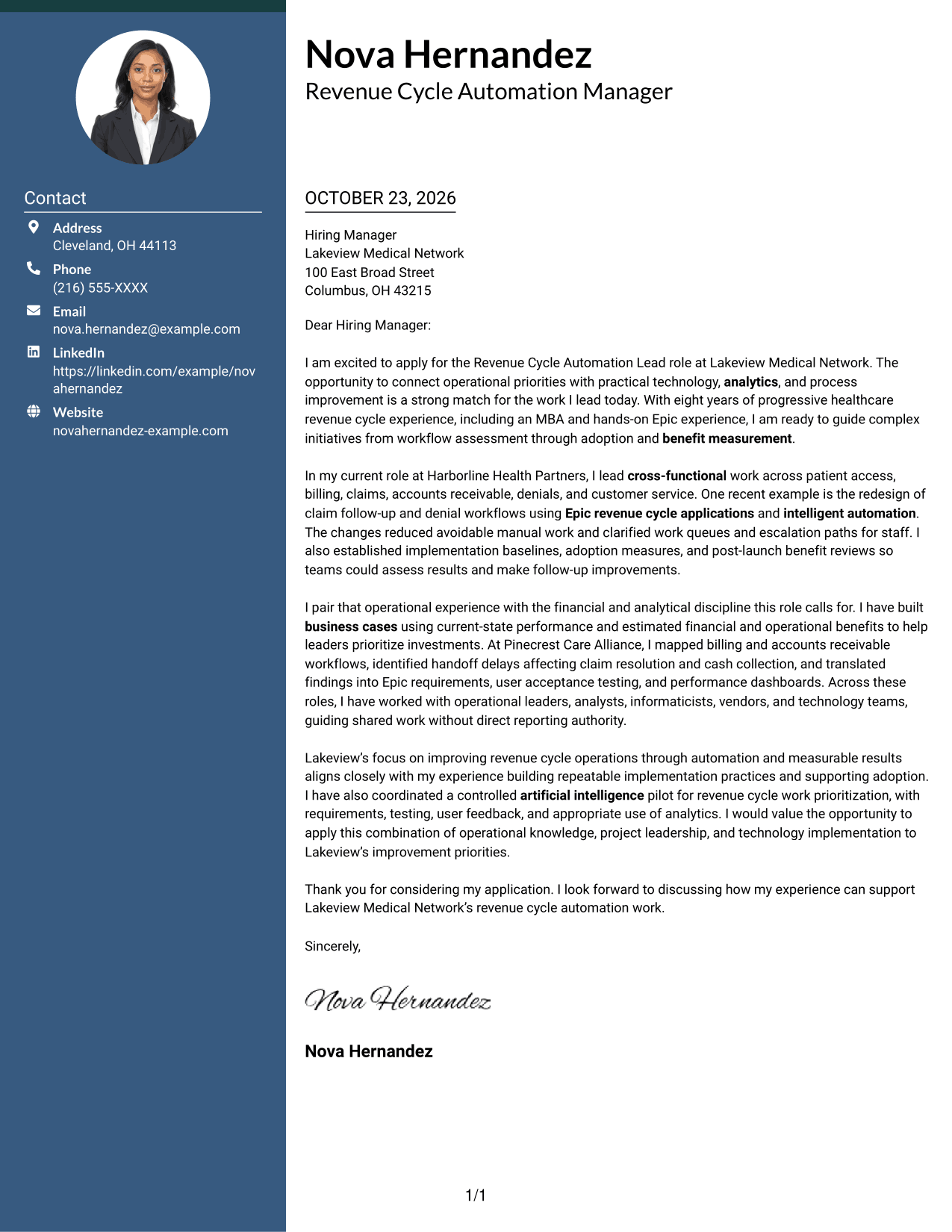
The Photo Header Two Column Format pairs a contact sidebar and continuous letter body with a photo, for readers who prefer a personal visual element.
Why This Format Works
- A photo adds a personal visual element without dividing the letter's argument.
- The contact sidebar keeps sender details apart from the message paragraphs.
- The continuous body lets reviewers follow motivation, evidence, and closing in order.
Best For
- Letters that include a personal photo
- Contact details set beside the message
- A continuous letter narrative
- Several connected supporting paragraphs
- Photo-inclusive correspondence
#4 One Column Format with Photo Cover Letter Example
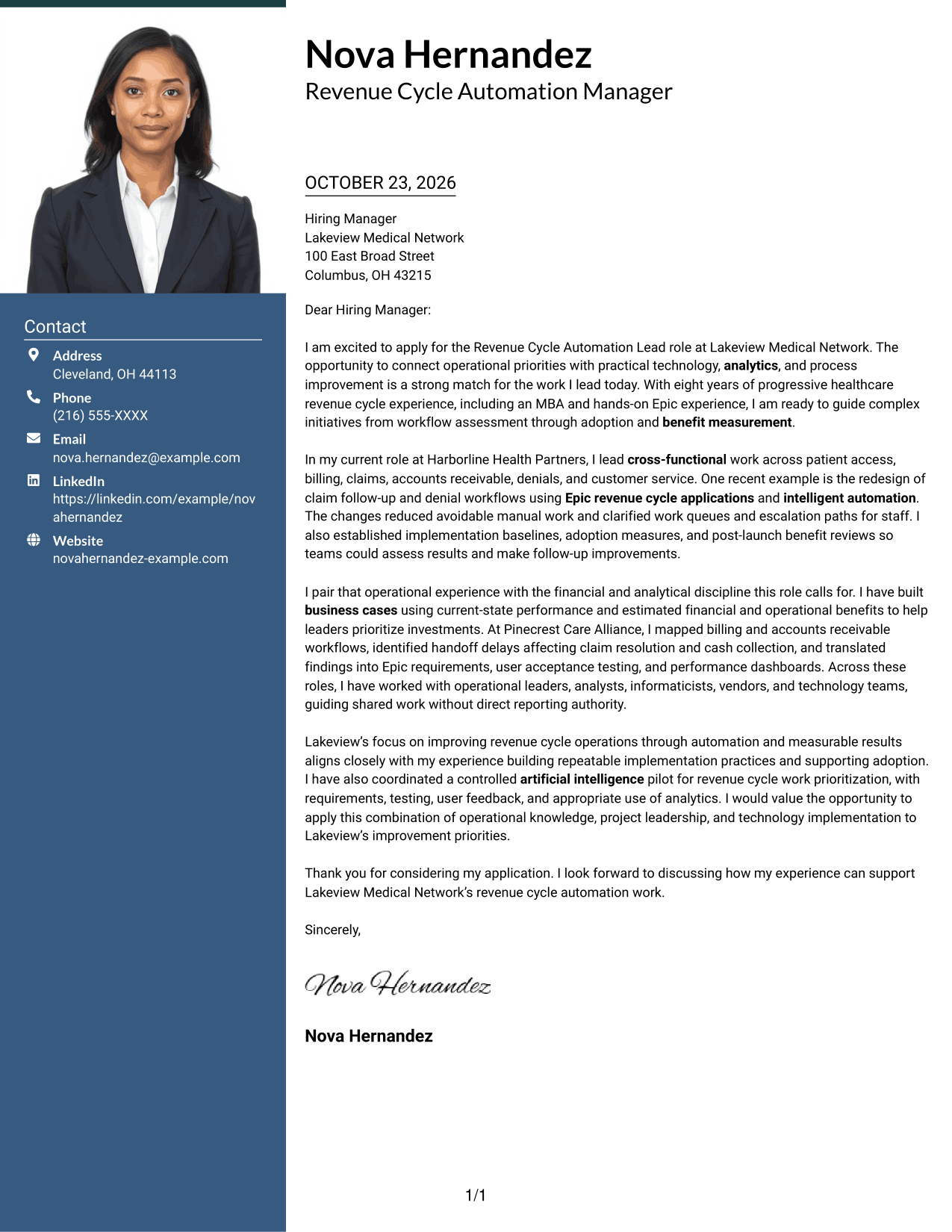
The One Column Format with Photo pairs a photo with a single-column letter body, offering a personal visual touch while keeping the message in one reading path.
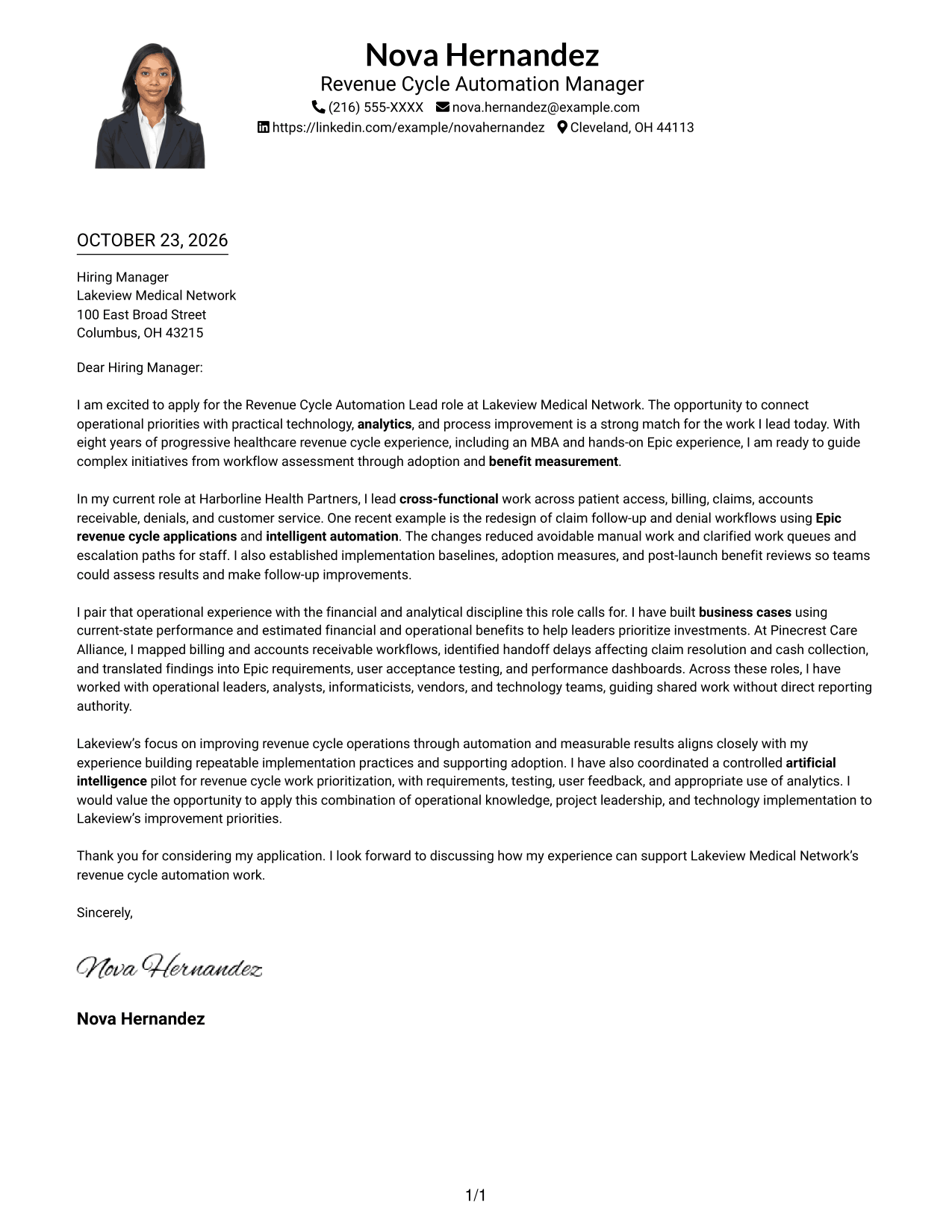
Why This Format Works
- The single-column body keeps the letter's message on one clear reading path.
- A photo provides a personal visual choice without changing the letter's content.
- Paragraph breaks help distinguish the opening, supporting points, and closing.
Best For
- Photo-inclusive single-column letters
- A direct reading path
- Paragraph-based evidence
- Opening-to-closing letter flow
- Personal visual presentation
#5 Simple Two Column Format Cover Letter Example
The Simple Two Column Format sets sender contact details in a sidebar beside the continuous letter body, making the contact information easy to locate.
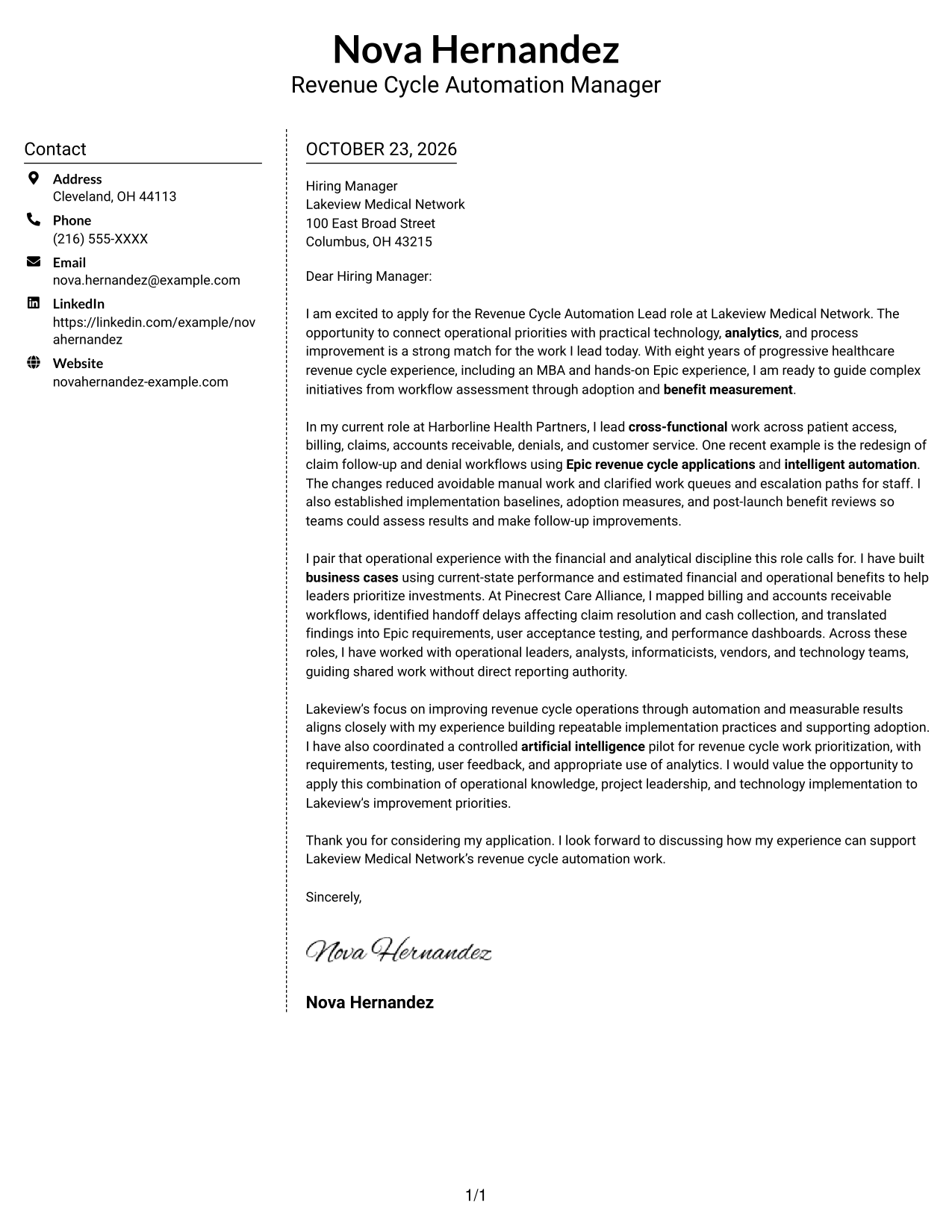
Why This Format Works
- The sidebar gives contact information a separate place beside the letter.
- A single body column keeps the message from splitting across parallel text areas.
- Reviewers can follow the letter's motivation, evidence, and closing as one sequence.
Best For
- Separate contact and message areas
- A single-column letter body
- Connected persuasive paragraphs
- Easy-to-reference sender details
- Letters without argument headings
#6 Modern Icon Format Cover Letter Example
The Modern Icon Format uses contact-detail cues alongside a contact sidebar and one continuous letter body, helping readers distinguish contact information from the message.
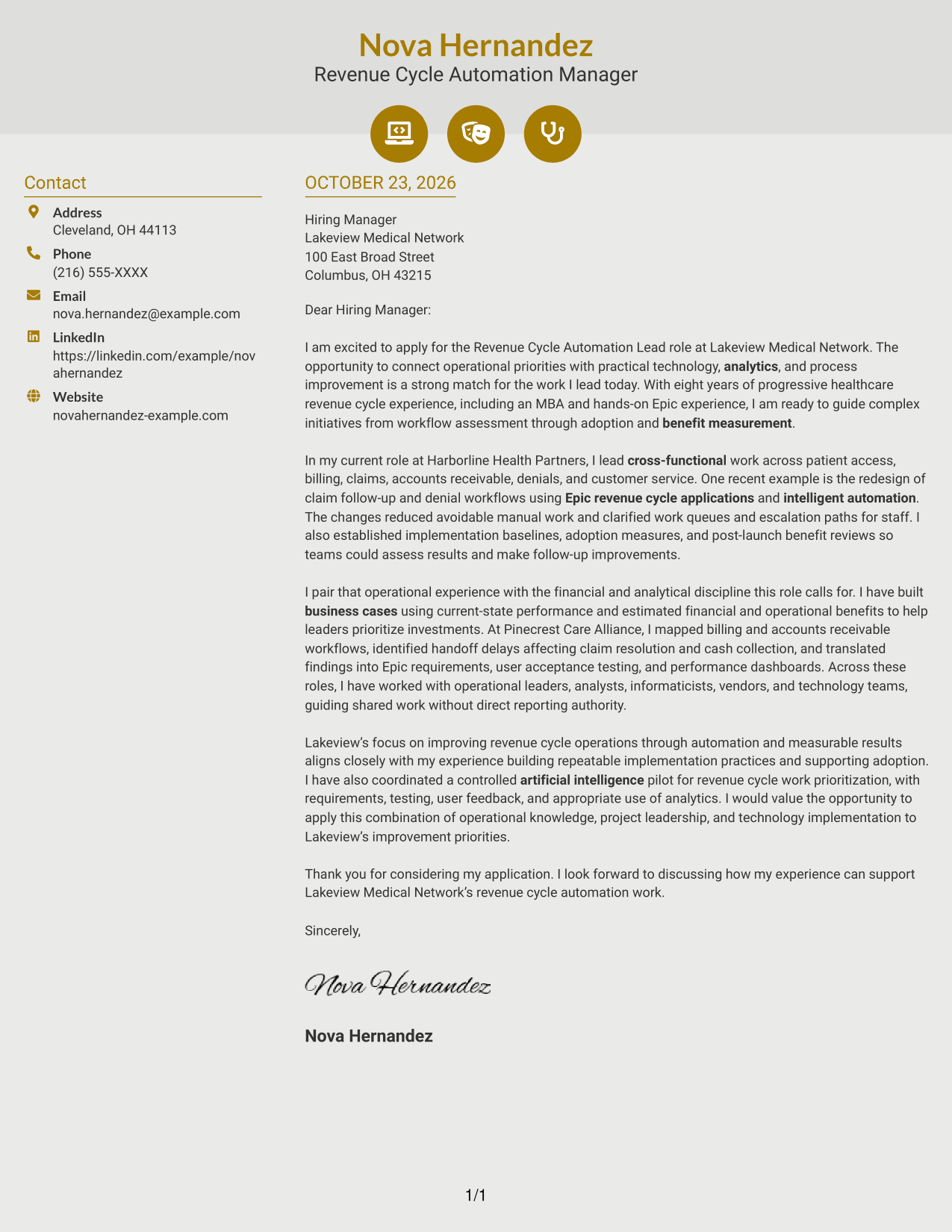
Why This Format Works
- Contact icons help readers identify sender details without labeling the letter's argument.
- The sidebar keeps correspondence information distinct from the continuous message.
- The letter's paragraphs remain together, so its case reads from opening to close.
Best For
- Contact details with visual cues
- A separate contact sidebar
- One continuous letter body
- Opening-to-close argument flow
- Letters without section labels
#7 Creative Two Tone Format Cover Letter Example
The Creative Two Tone Format places a contact sidebar beside the continuous letter body, giving sender details a separate place while keeping the message together.
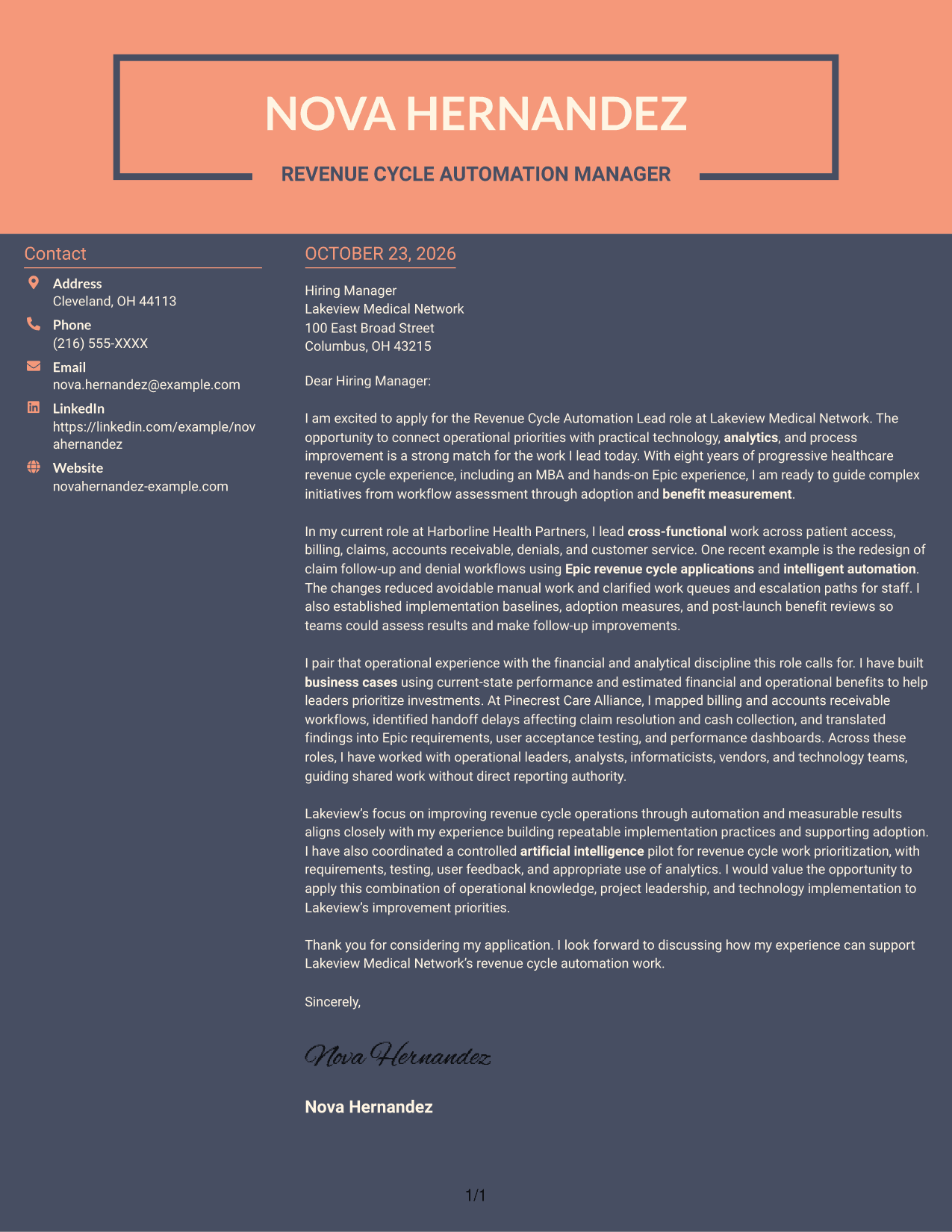
Why This Format Works
- Contact details sit apart from the letter, so readers can refer to them separately.
- The message remains a continuous body rather than parallel argument columns.
- An uncluttered paragraph sequence helps the letter move from interest to closing.
Best For
- Contact information beside the message
- Letters with a continuous body
- Paragraph-led explanations of fit
- A clear opening-to-closing sequence
- Separate correspondence details
See Also
- 7 Revenue Cycle Automation Lead Resume Templates with Example
- 7 Payment Operations Senior Associate - Claims and Revenue Cycle Resume Templates with Example
- 7 Revenue Cycle Coordinator Resume Templates with Example
- 7 Cycle Counter - Inventory Control Resume Templates with Example
- 7 Inventory Cycle Counter - Manufacturing Inventory Control Resume Templates with Example
- 33 Senior Plant Controls Engineer - Combined Cycle Controls Resume Templates with Example 2026 (ATS-Optimized)
- 7 Talent Acquisition Analyst - Full-Cycle Recruiting Resume Templates with Example
- 33 Analyst, Revenue Finance (FP&A) - Advertising Revenue Planning Resume Templates with Example 2026 (ATS-Optimized)
- 7 Payment Operations Senior Associate - Claims and Revenue Cycle Cover Letter Templates with Example
- 7 Cycle Counter - Inventory Control Cover Letter Templates with Example
Frequently Asked Questions
What should the opening paragraph of a Revenue Cycle Automation Lead cover letter say?
State your interest in the role and connect it to the work it involves. A concise opening can show how your experience with revenue cycle improvement, technology, or cross-functional initiatives fits the position.
What evidence belongs in this cover letter?
Choose a clear example of work you led, such as redesigning claim follow-up and denial workflows. Explain your contribution and the result, such as reduced manual work or clearer staff work queues, without adding unsupported figures.
How can I show financial and operational value?
Describe how you built a business case, set a performance baseline, or reviewed benefits after launch. Explain how those measures helped leaders compare options or guide further improvements.
How do I show alignment with the employer?
Refer to the employer’s stated priorities, then connect them to relevant work you have done. For this role, that can include workflow redesign, intelligent automation, analytics, implementation, adoption, and measurable results.
How can I compare the cover letter examples?
Review the PNG image previews to compare each presentation. Use the editor link to open an example and customize it for your own message.




