
7 Sales Development Representative - SaaS Prospecting Cover Letter Templates with Example
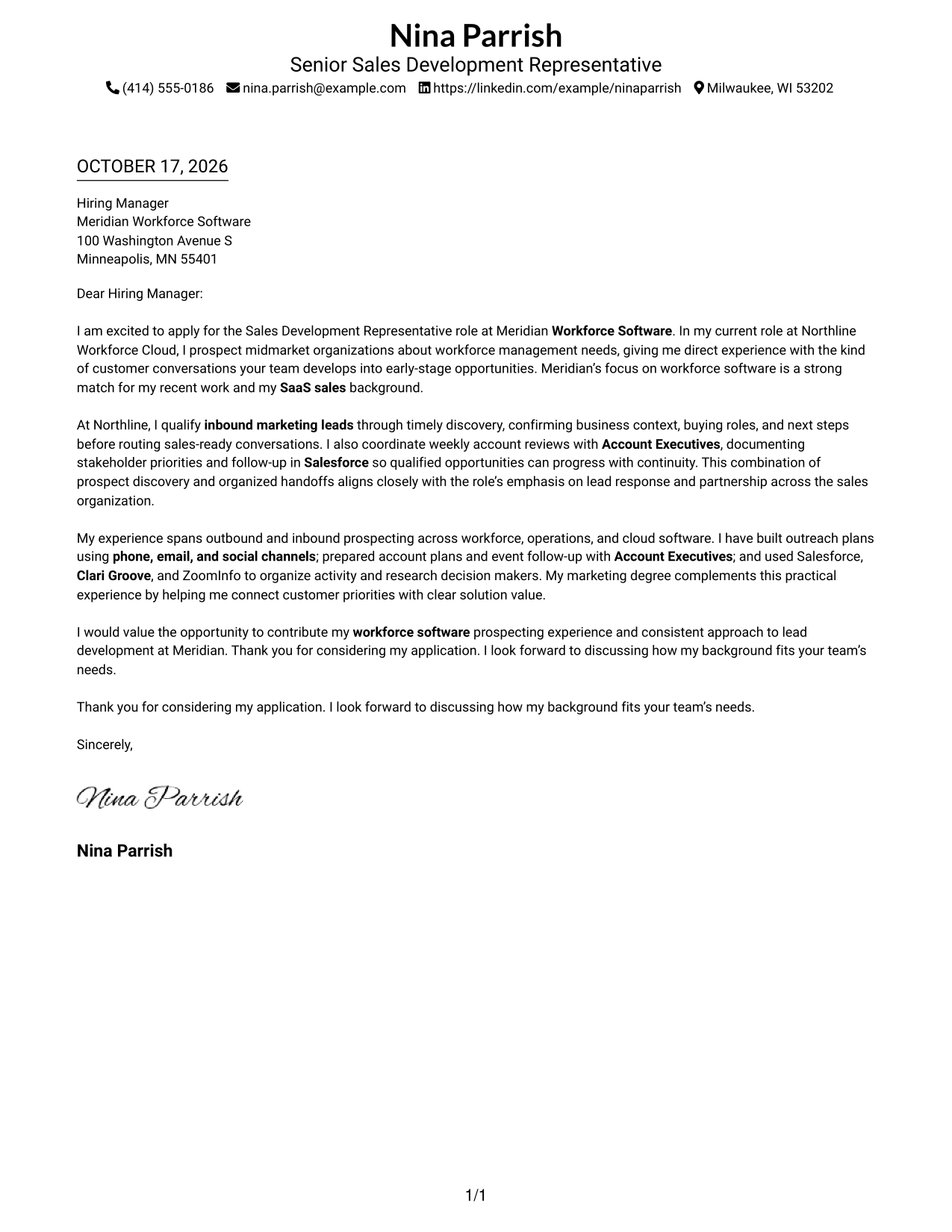
This guide helps you create a focused Sales Development Representative - SaaS Prospecting cover letter and compare seven layouts.
What Makes a Great Sales Development Representative - SaaS Prospecting Cover Letter in 2026
A strong letter links your interest in SaaS prospecting to the work of building early sales opportunities. Open with a clear reason for applying and show how your approach fits the role.
Use relevant evidence, such as lead qualification, account research, outreach, and coordination with Account Executives. Connect that experience to the employer’s needs with clear, specific language.
The featured example moves from interest in the role, to relevant evidence, to a direct close. Adapt this focused progression while choosing a presentation that suits the employer and the communication context.
#1 Simple One Column Format Cover Letter Example
The Simple One Column Format keeps sender details and the continuous letter body in one reading path, giving the message a direct, familiar flow.
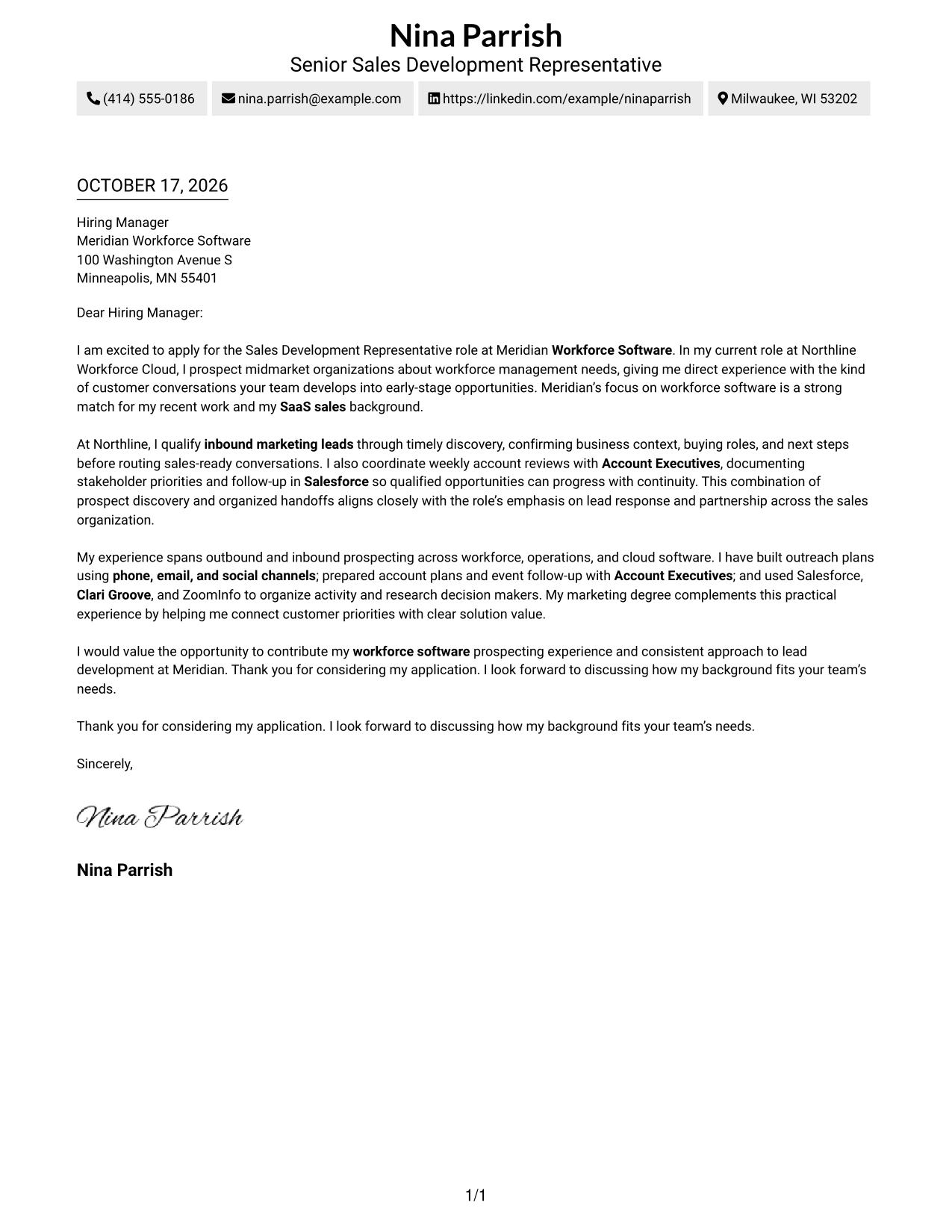
Why This Format Works
- Sender details stay with the letter rather than in a separate column.
- One uninterrupted body carries motivation, evidence, and closing in sequence.
- Single-column reading gives reviewers a familiar route through the message.
Best For
- Single-column letter reading
- Continuous persuasive paragraphs
- Applications with several supporting points
- A familiar page-reading path
- Sales development applications
#2 Two Column Format Cover Letter Example
The Two Column Format places contact details in a sidebar beside one continuous letter body, keeping contact information distinct from the message.
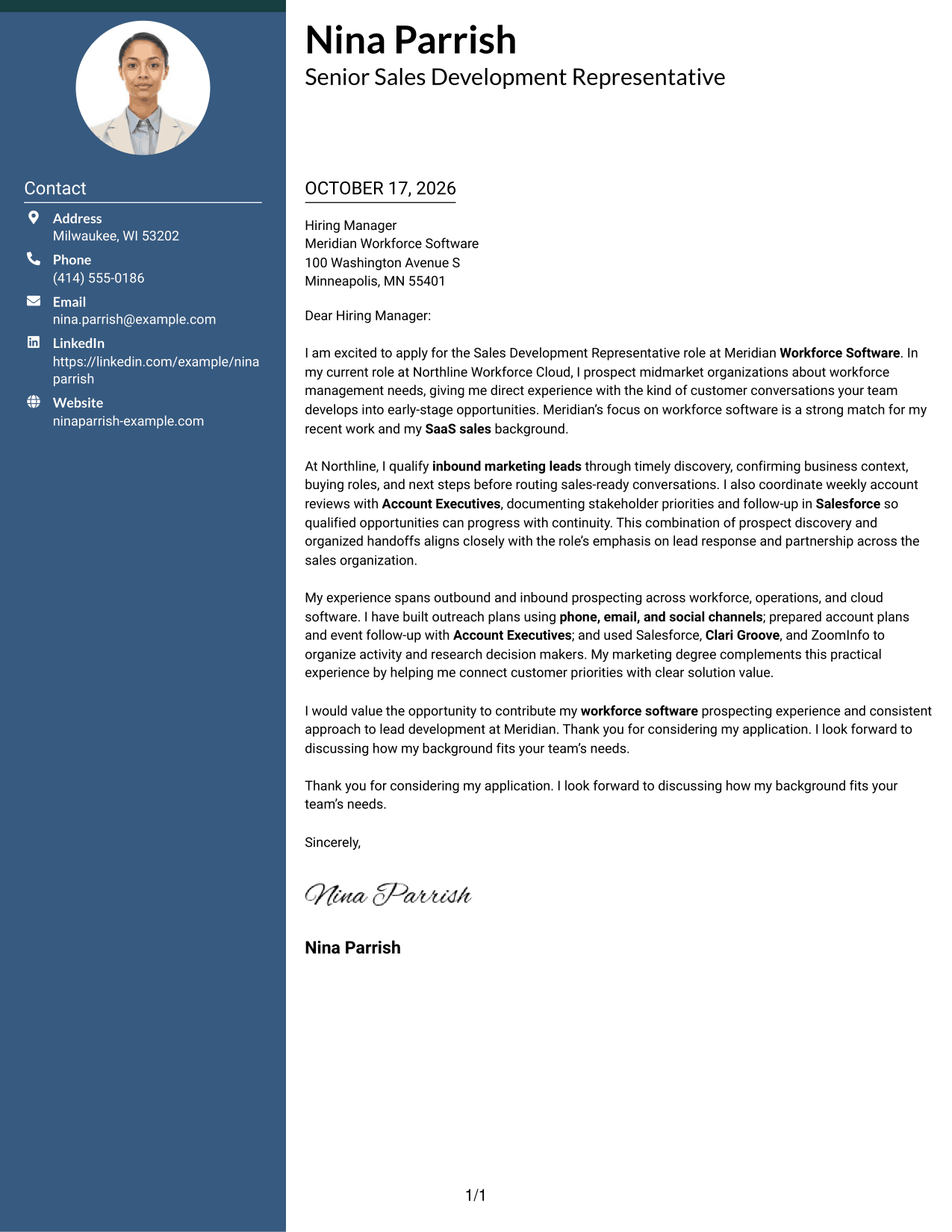
Why This Format Works
- A contact sidebar gives sender details a separate, easy-to-find place.
- The letter's paragraphs stay together, preserving the sequence of its argument.
- Photo-free presentation suits readers who prefer a text-led letter.
Best For
- Side-by-side contact and letter layout
- One continuous persuasive message
- Letters with several supporting paragraphs
- Photo-free application materials
- Sales development applications
#3 Photo Header Two Column Format Cover Letter Example
The Photo Header Two Column Format includes a portrait and contact sidebar alongside a single continuous letter body for readers who want a photo in the page design.
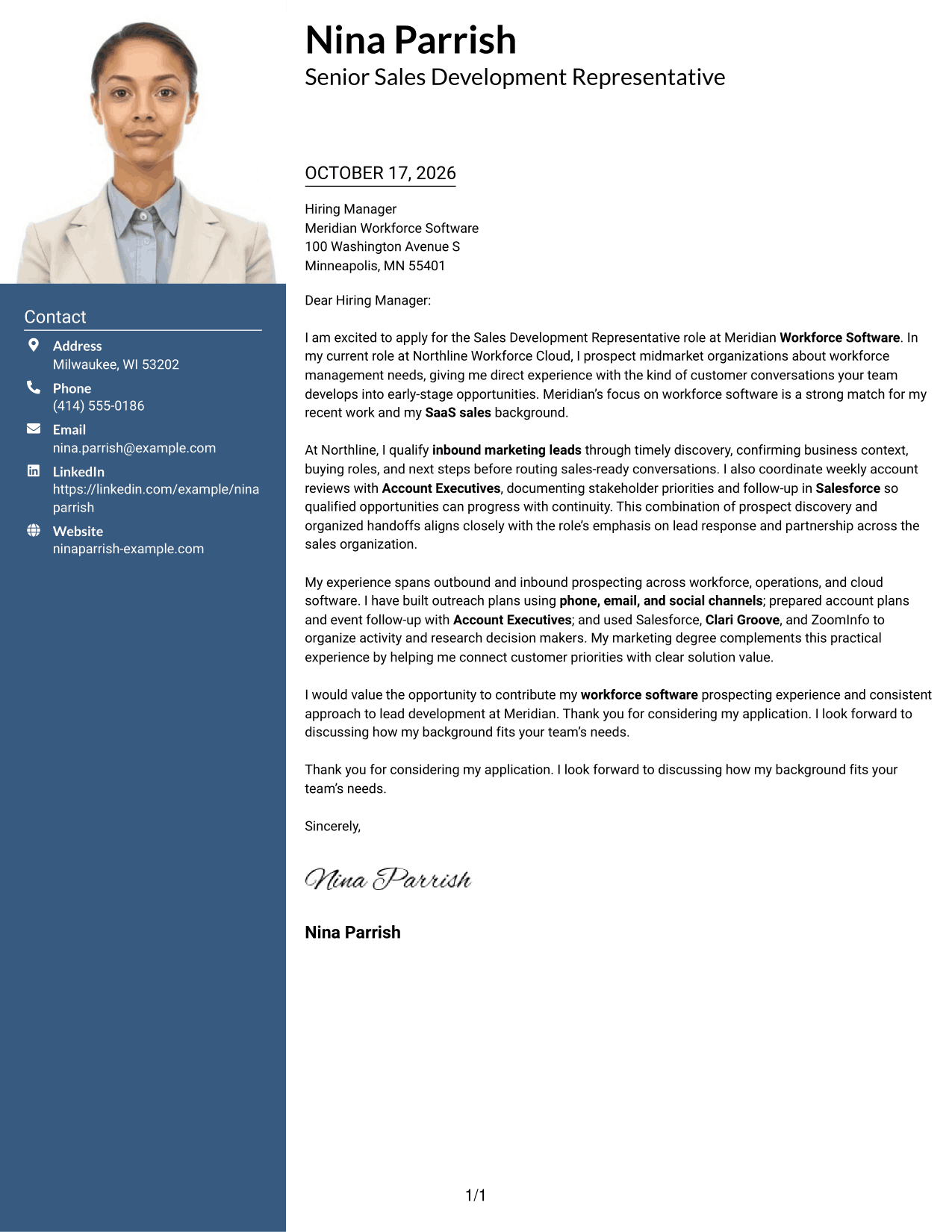
Why This Format Works
- The portrait adds a visual element for readers who prefer photo-based letters.
- A separate contact sidebar keeps sender details apart from the message.
- The continuous body lets the argument unfold from opening through close.
Best For
- Portrait-inclusive letter layouts
- Side-by-side contact and message
- Continuous paragraph-based arguments
- Photo-forward page preferences
- Sales development applications
#4 One Column Format with Photo Cover Letter Example
The One Column Format with Photo combines a portrait with one continuous column for sender details and the letter, keeping the page's reading path unified.
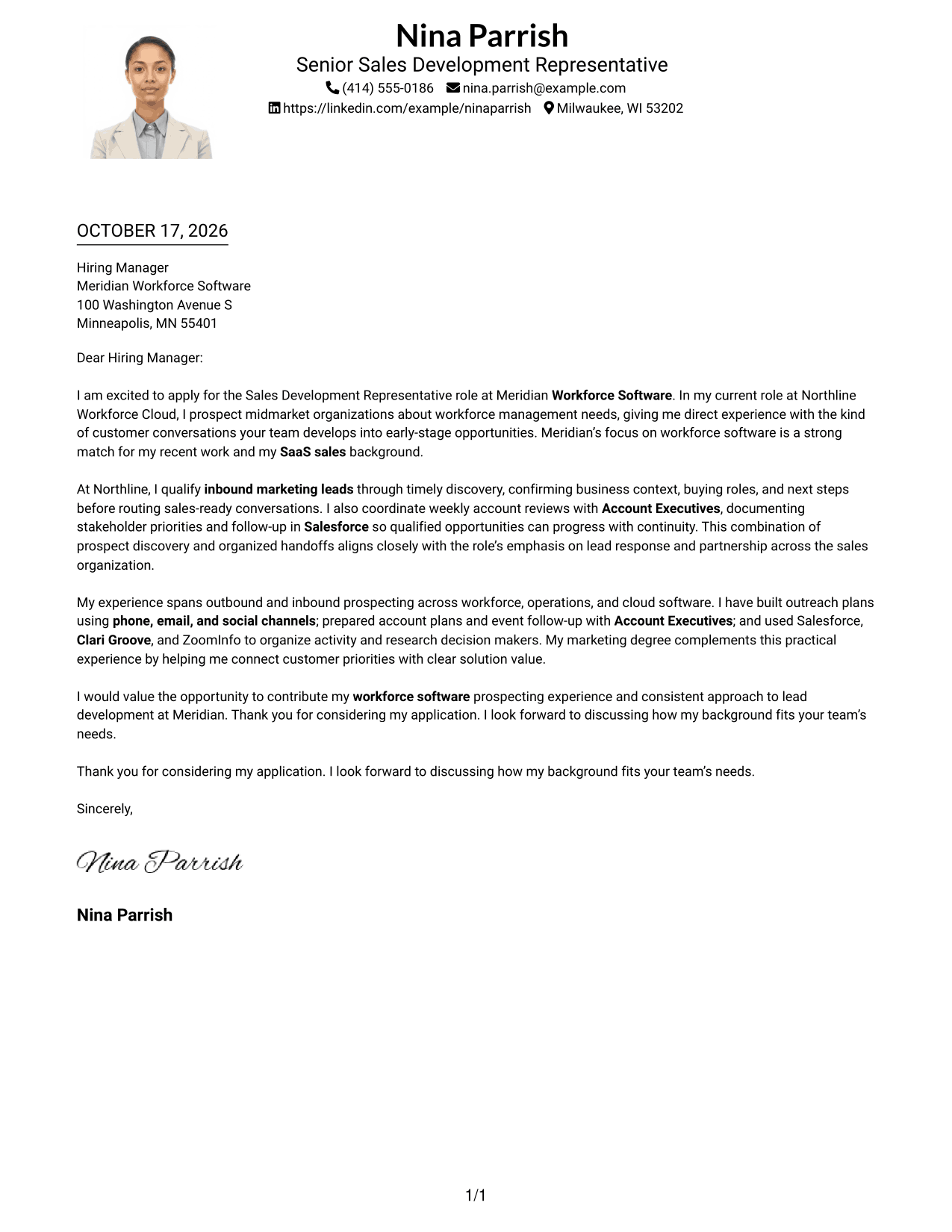
Why This Format Works
- A portrait provides a visual element without splitting the letter across columns.
- The single-column body keeps each paragraph in a clear reading order.
- Sender details and the message share one overall page flow.
Best For
- Single-column letter reading
- Portrait-inclusive page designs
- Paragraph-led role alignment
- Unified contact and message flow
- Sales development applications
#5 Simple Two Column Format Cover Letter Example
The Simple Two Column Format sets sender details apart from the continuous letter body, giving the contact information and message separate places on the page.
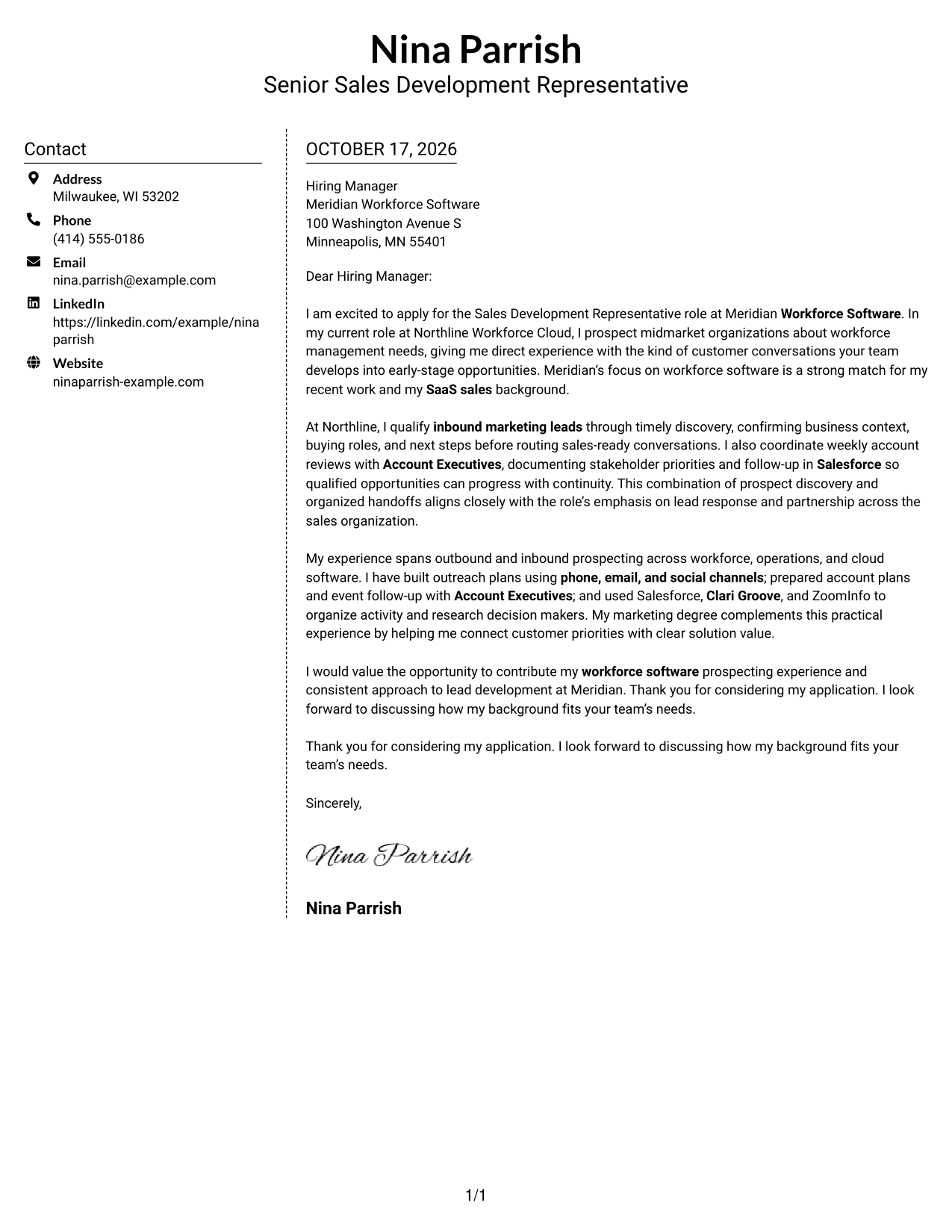
Why This Format Works
- The contact sidebar groups sender details away from the letter's argument.
- A single body keeps the opening, support, and close in order.
- Its photo-free page suits readers who want a text-only letter.
Best For
- Contact details beside the message
- One-body letter arguments
- Applications with several paragraphs
- Photo-free letter preferences
- Sales development applications
#6 Modern Icon Format Cover Letter Example
The Modern Icon Format uses two columns, with contact icons serving as detail cues beside one continuous letter body rather than labeling its arguments.
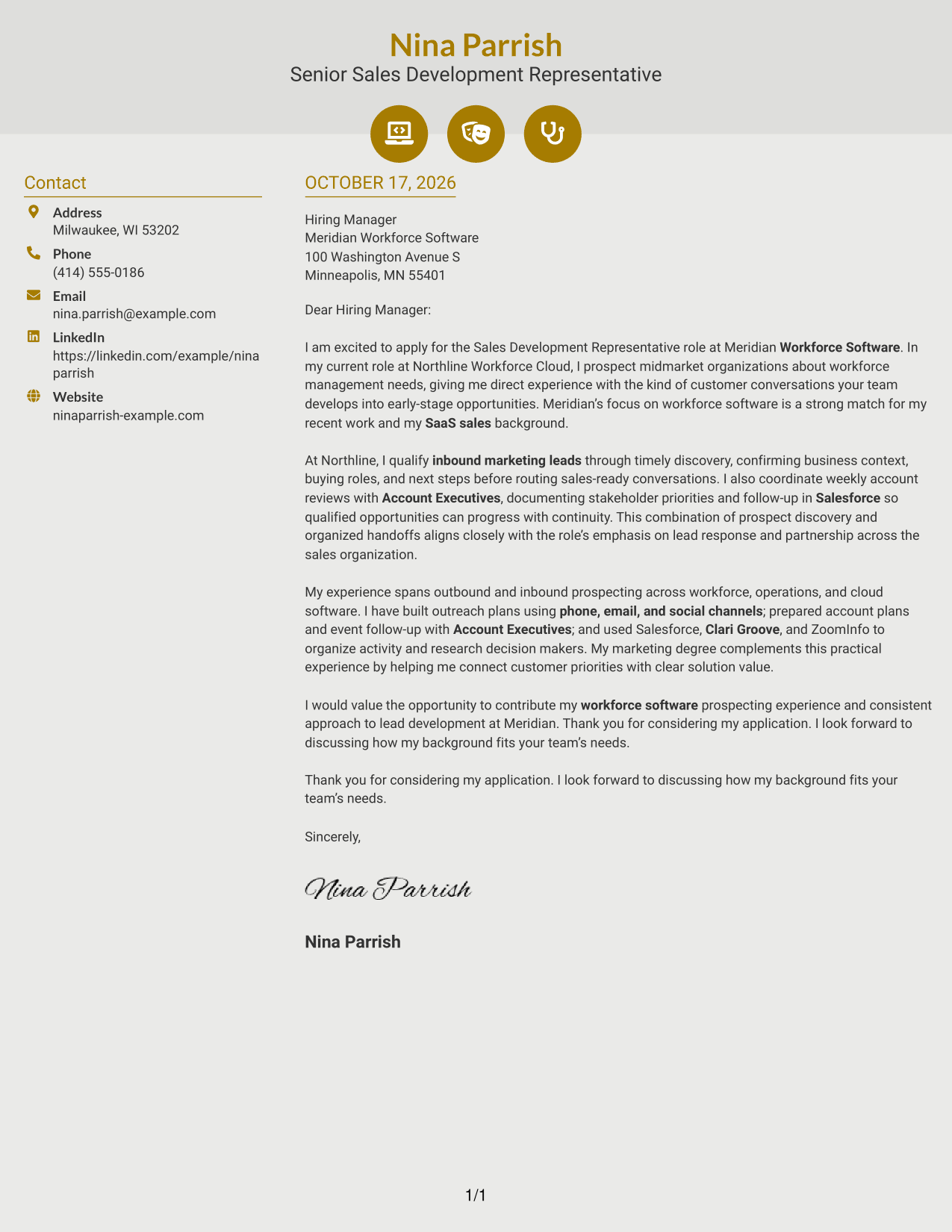
Why This Format Works
- Contact icons help readers identify contact details in the sidebar.
- The letter remains one body, so its paragraphs are read in sequence.
- Icons add a visual cue without assigning labels to the argument.
Best For
- Icon cues for contact details
- Side-by-side contact and letter
- Continuous paragraph-led messages
- Readers who like visual contact markers
- Sales development applications
#7 Creative Two Tone Format Cover Letter Example
The Creative Two Tone Format uses two columns for the contact sidebar and continuous letter body, keeping sender details distinct from the message.
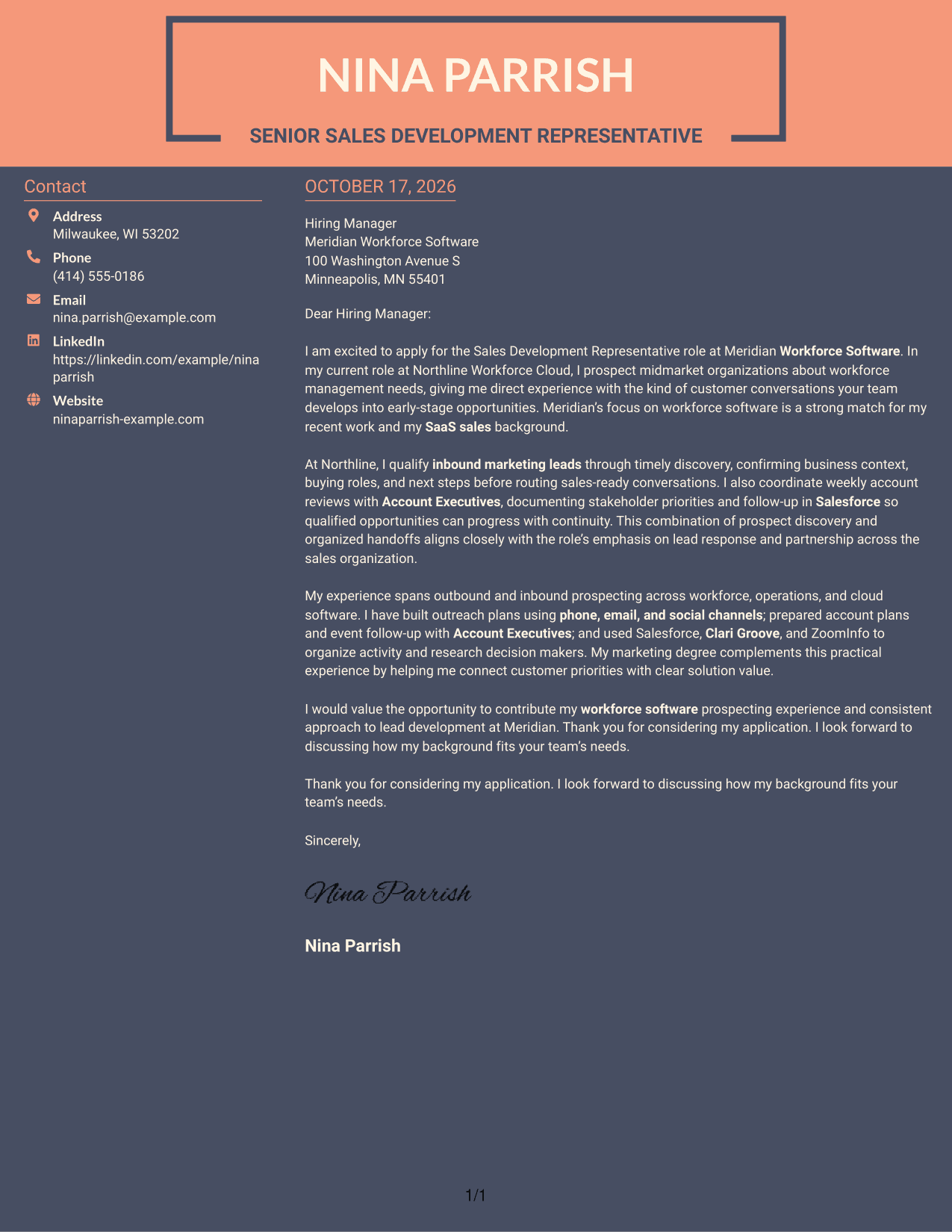
Why This Format Works
- The sidebar gives contact information its own place beside the letter.
- A continuous body keeps motivation, evidence, and closing in reading order.
- The two-column structure distinguishes contact details from the letter's argument.
Best For
- Separate contact and message areas
- One continuous letter argument
- Paragraph-based persuasive writing
- Side-by-side page organization
- Sales development applications
Why Use ResumeInMinutes for a Sales Development Representative - SaaS Prospecting Cover Letter
Review the image previews to compare letter designs, then open an example in the editor to customize its presentation for your application.
- Clear opening and close
- Focused role alignment
- Employer-specific motivation
- Concise evidence of fit
- Professional letter layouts
- Direct, readable language
For this role, connect workforce software prospecting, inbound lead qualification, and account coordination to the employer’s needs. Use specific details only when they reflect your own experience.
See Also
- 7 Sales Development Representative - SaaS Prospecting Resume Templates with Example
- 7 Enterprise Sales Development Representative Resume Templates with Example
- 33 Sales Development Representative Resume Templates with Example 2026 (ATS-Optimized)
- 7 Entry-Level Digital Marketing Business Development Representative Resume Templates with Example
- 33 Advanced Worker – Area Sales Representative Resume Templates with Example 2026 (ATS-Optimized)
- 7 Clinical Sales Representative - Monarch Resume Templates with Example
- 33 Emergency Services Sales Representative Resume Templates with Example 2026 (ATS-Optimized)
- 33 Entry Level Sales Representative Resume Templates with Example 2026 (ATS-Optimized)
- 7 Enterprise Sales Development Representative Cover Letter Templates with Example
- 30+ Emergency Services Sales Representative Cover Letter Templates with Example 2026
Frequently Asked Questions
What should a Sales Development Representative - SaaS Prospecting cover letter include?
Explain your interest in SaaS prospecting, then give relevant evidence of outreach, lead qualification, account research, or early opportunity development. Close by connecting your strengths to the role’s needs.
How can I show fit for a workforce software sales role?
Use examples that show how you learn about business needs and start useful prospect conversations. If relevant to your experience, describe workforce software outreach, inbound lead discovery, or coordination with Account Executives.
How should I describe my outreach experience?
Name the channels you have used, such as phone, email, social channels, or events. Explain how you tailored your message, followed up, and moved a conversation toward a useful next step.
Should I mention Salesforce, Clari Groove, and ZoomInfo?
Mention tools you have used when they support a clear example. For instance, you can explain how you used Salesforce to document follow-up or ZoomInfo to research account contacts.
How can I choose a cover letter style?
Choose a clean, readable design that fits the employer and the way you will communicate. Compare the image previews, then open an example in the editor if you want to customize its presentation.




