
7 Salesforce Solution Architect - Experience Cloud Cover Letter Templates with Example
This practical guide to a Salesforce Solution Architect - Experience Cloud cover letter uses seven layouts to show how to present role fit and motivation clearly.
What Makes a Great Salesforce Solution Architect - Experience Cloud Cover Letter in 2026
A strong letter connects your interest in the role to the work of guiding Salesforce architecture and Experience Cloud delivery. Open with a clear reason for applying, then explain how your approach can support the program.
Use specific evidence, such as shaping portal journeys, mapping service workflows with BPMN, or explaining integration decisions to different audiences. Link each example to the employer’s needs and close with a direct, professional invitation to talk.
The featured example moves from interest in the federal Salesforce initiative to relevant delivery evidence, current Experience Cloud work, and a clear close. Use that focused progression as a guide, then choose a presentation that suits the employer and communication context.
#1 Simple One Column Format Cover Letter Example
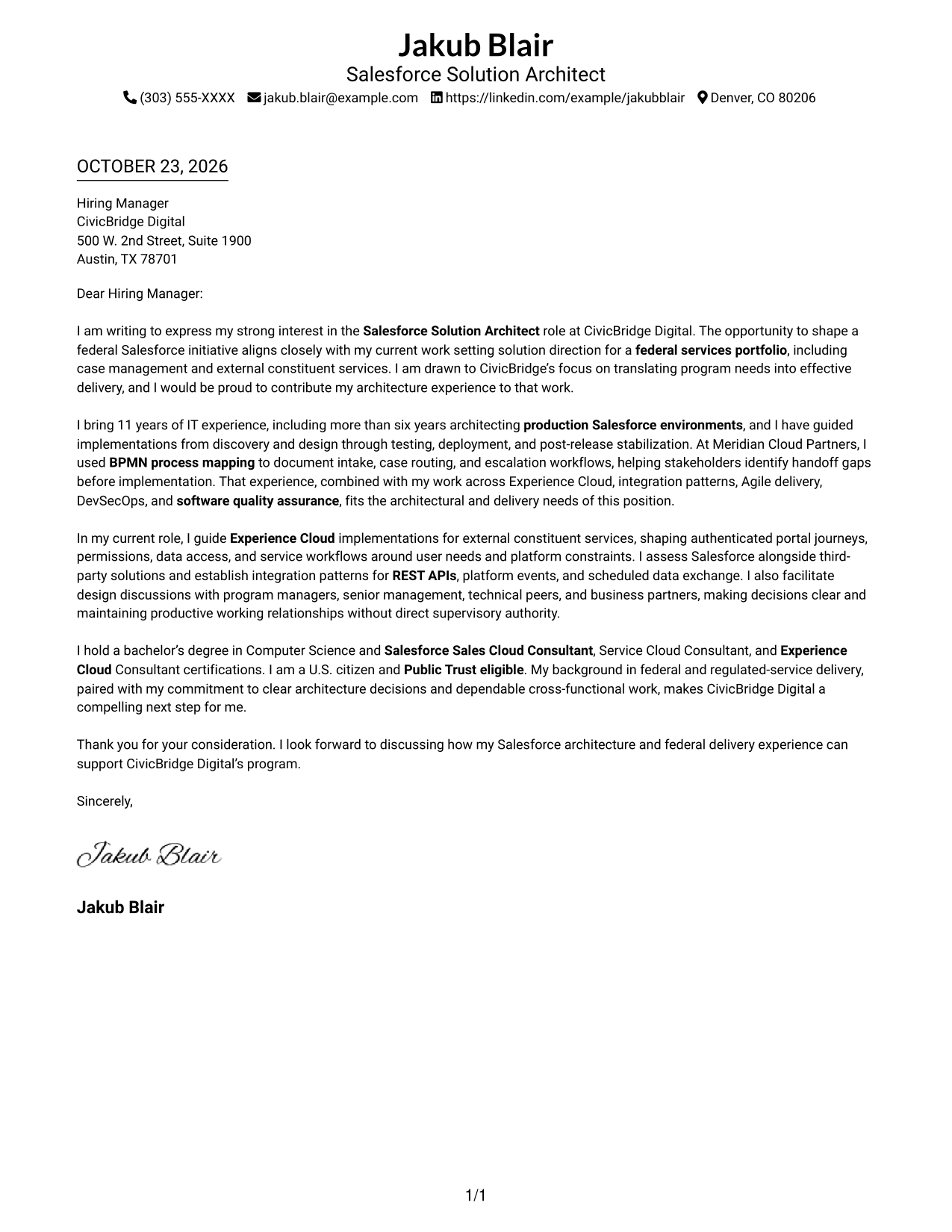
The Simple One Column Format places sender details in the header above one continuous letter body, creating a straightforward reading path.
Why This Format Works
- Sender details stay in the header, keeping attention on the letter's message.
- A single reading path helps the opening, evidence, and close connect naturally.
- Continuous paragraphs let motivation and qualifications build in a clear order.
Best For
- Traditional application letters
- Text-first presentation
- Several supporting paragraphs
- A familiar letter structure
- Direct opening-to-close communication
#2 Two Column Format Cover Letter Example
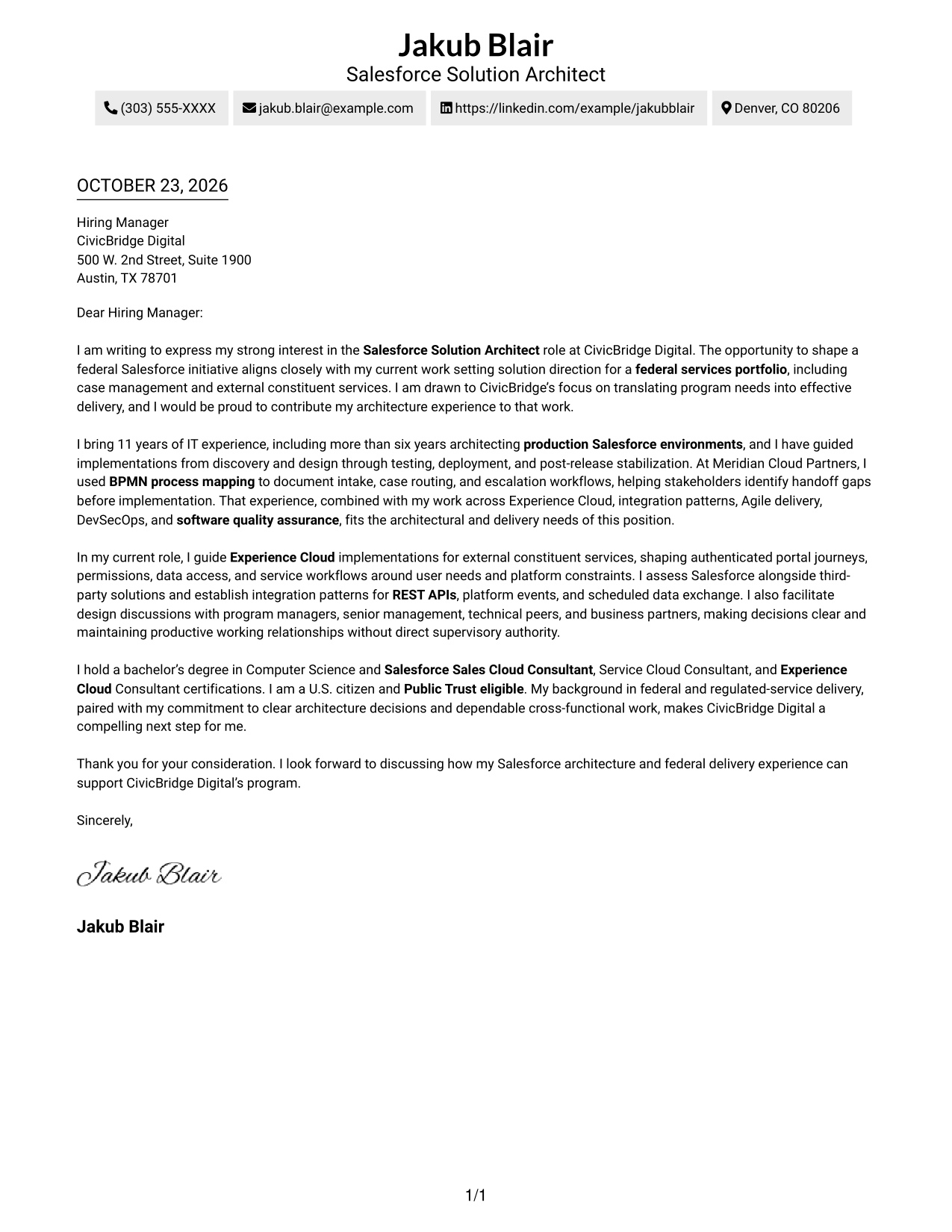
The Two Column Format sets a contact sidebar beside one continuous letter body, keeping contact information and the message in distinct areas.
Why This Format Works
- The contact sidebar makes sender information easy to locate at a glance.
- The letter body stays together, so its opening, evidence, and closing remain in sequence.
- Side-by-side placement keeps contact details and letter text visible together.
Best For
- Side-by-side document views
- Letters with a detailed rationale
- Quick access to sender information
- Separate contact and message areas
- Multi-paragraph application correspondence
#3 Photo Header Two Column Format Cover Letter Example
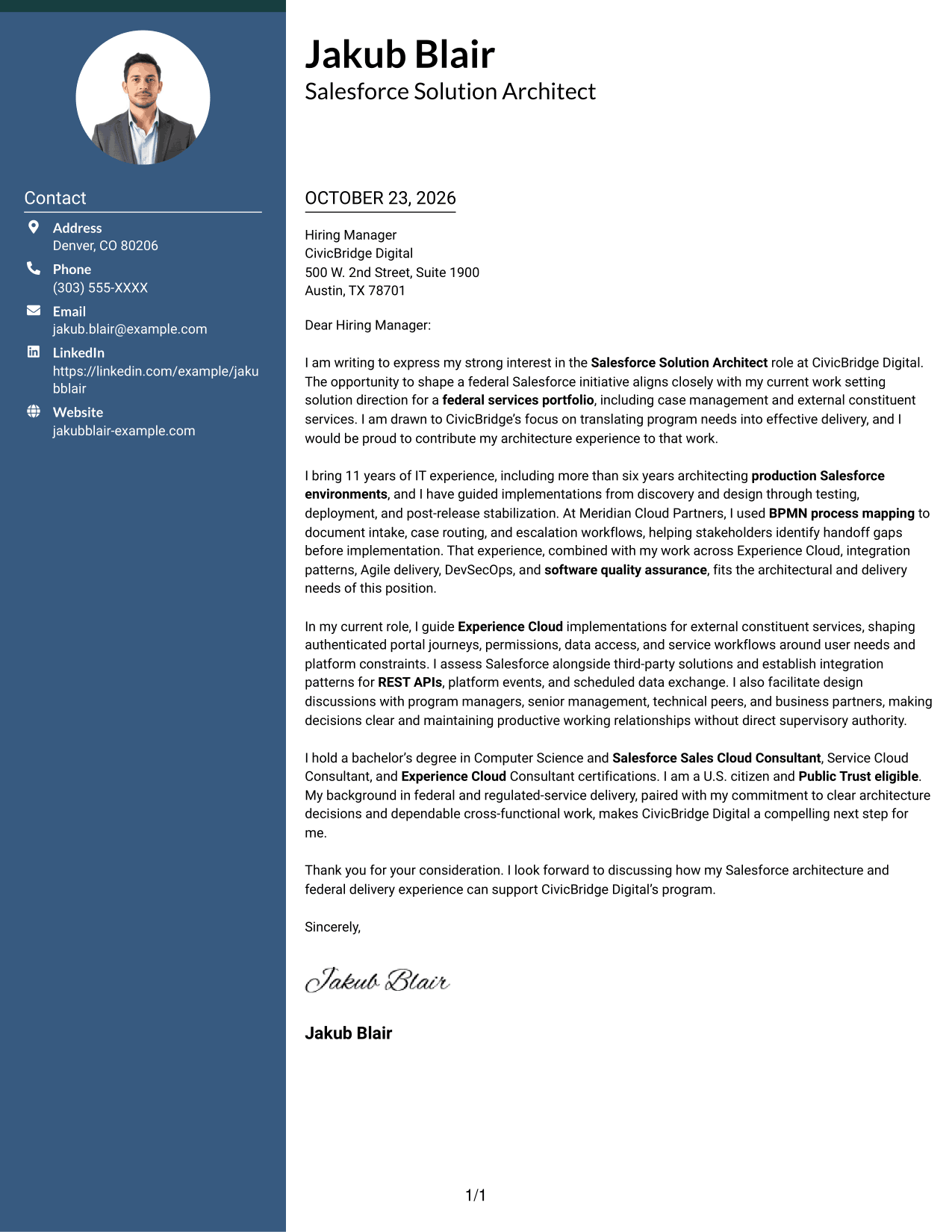
The Photo Header Two Column Format includes a photo and a contact sidebar beside the letter's continuous body.
Why This Format Works
- The photo adds a personal visual element without changing the letter's argument.
- Contact details sit apart from the message, making sender information easy to find.
- One body column keeps the opening, supporting points, and closing in sequence.
Best For
- Portrait-inclusive correspondence
- A personal visual touch
- Letters with several supporting points
- Reader preference for photo-led layouts
- Applications with a continuous written case
#4 One Column Format with Photo Cover Letter Example
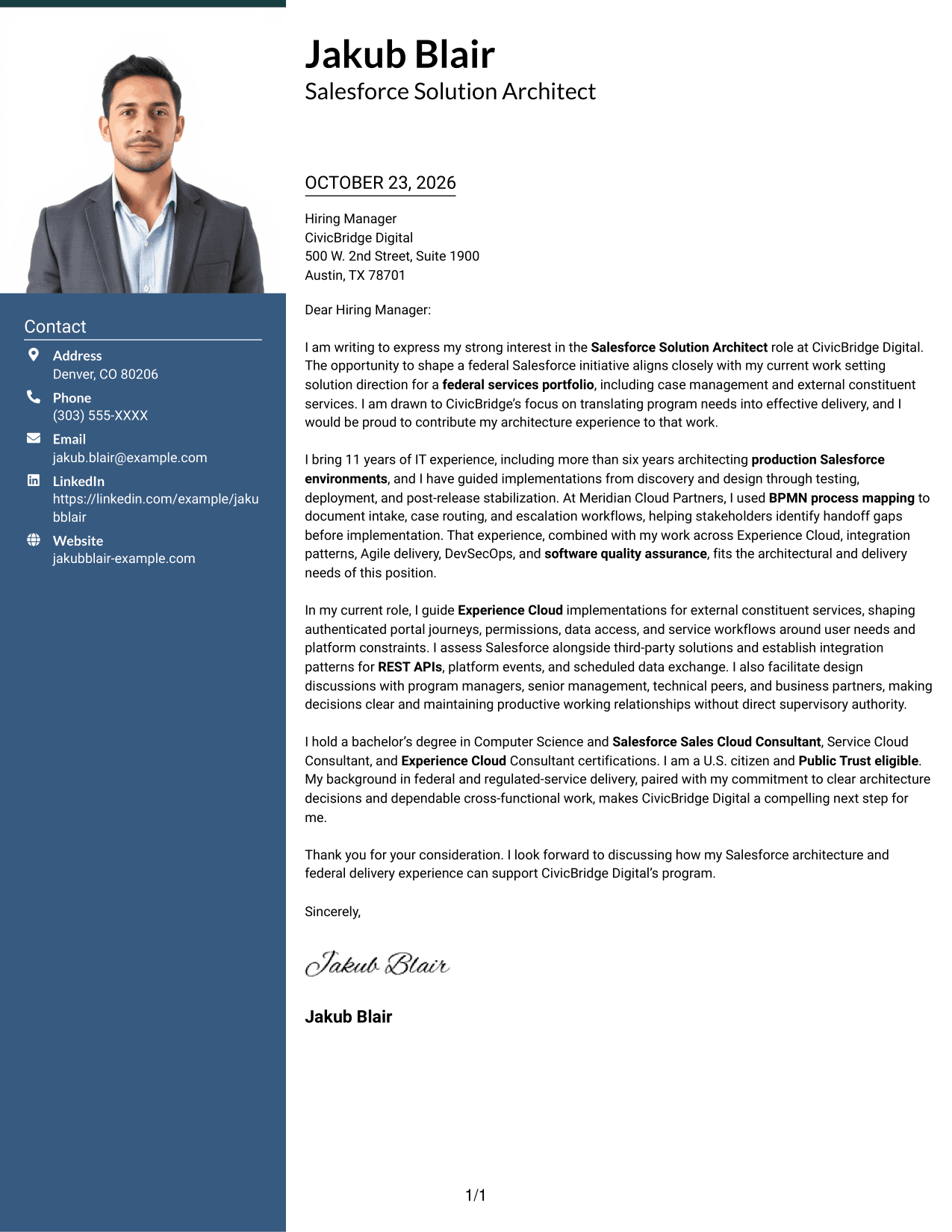
The One Column Format with Photo combines a photo and header-based sender details with a single continuous letter body.
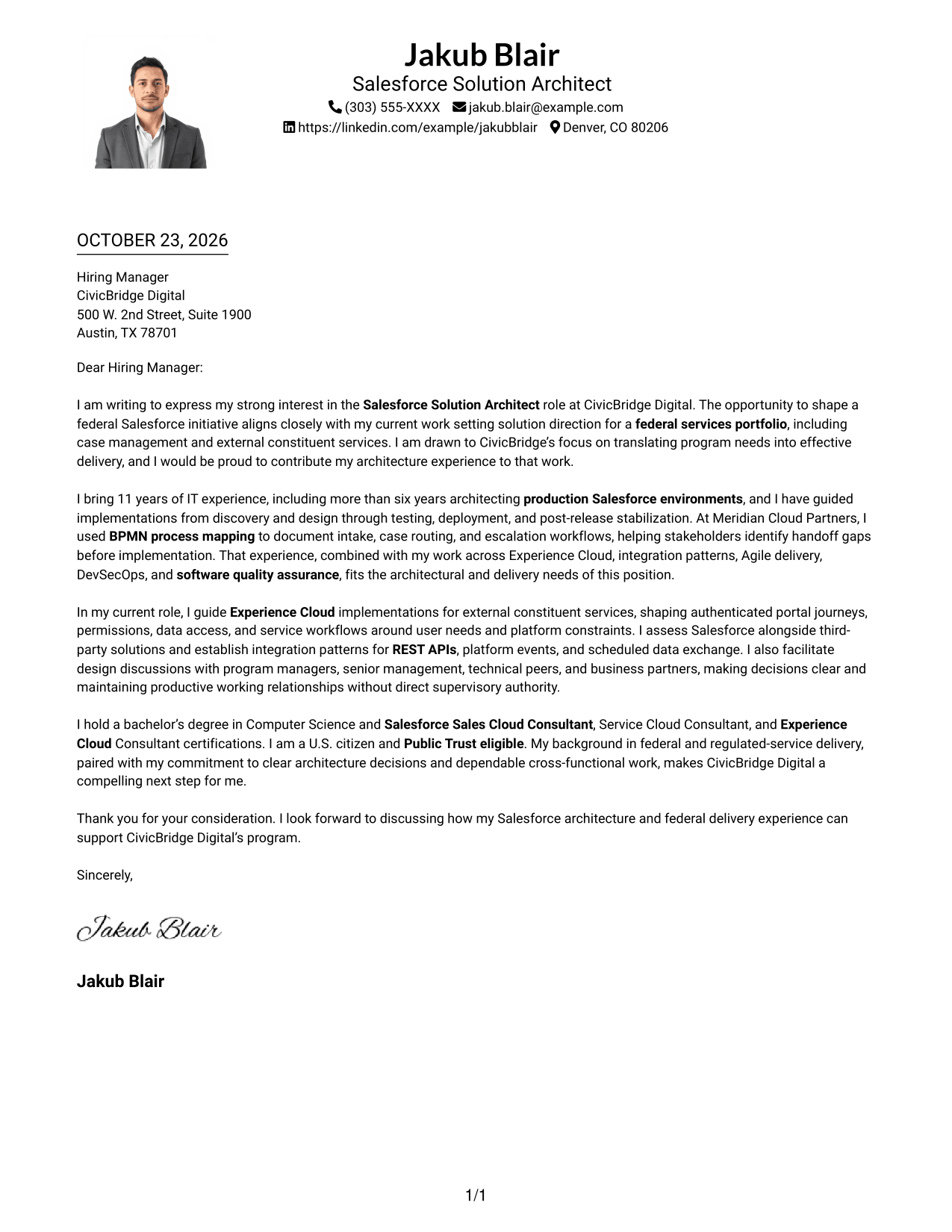
Why This Format Works
- The included photo adds a personal visual element while leaving the letter's message unchanged.
- A single body column keeps each paragraph in the intended reading order.
- Header-based sender details leave the letter itself as the main text area.
Best For
- Portrait-inclusive letter design
- Single-column reading
- Letters with a clear opening and close
- Photo-forward personal presentation
- Straightforward application correspondence
#5 Simple Two Column Format Cover Letter Example
The Simple Two Column Format places a contact sidebar beside the continuous letter body, with no photo in the layout.
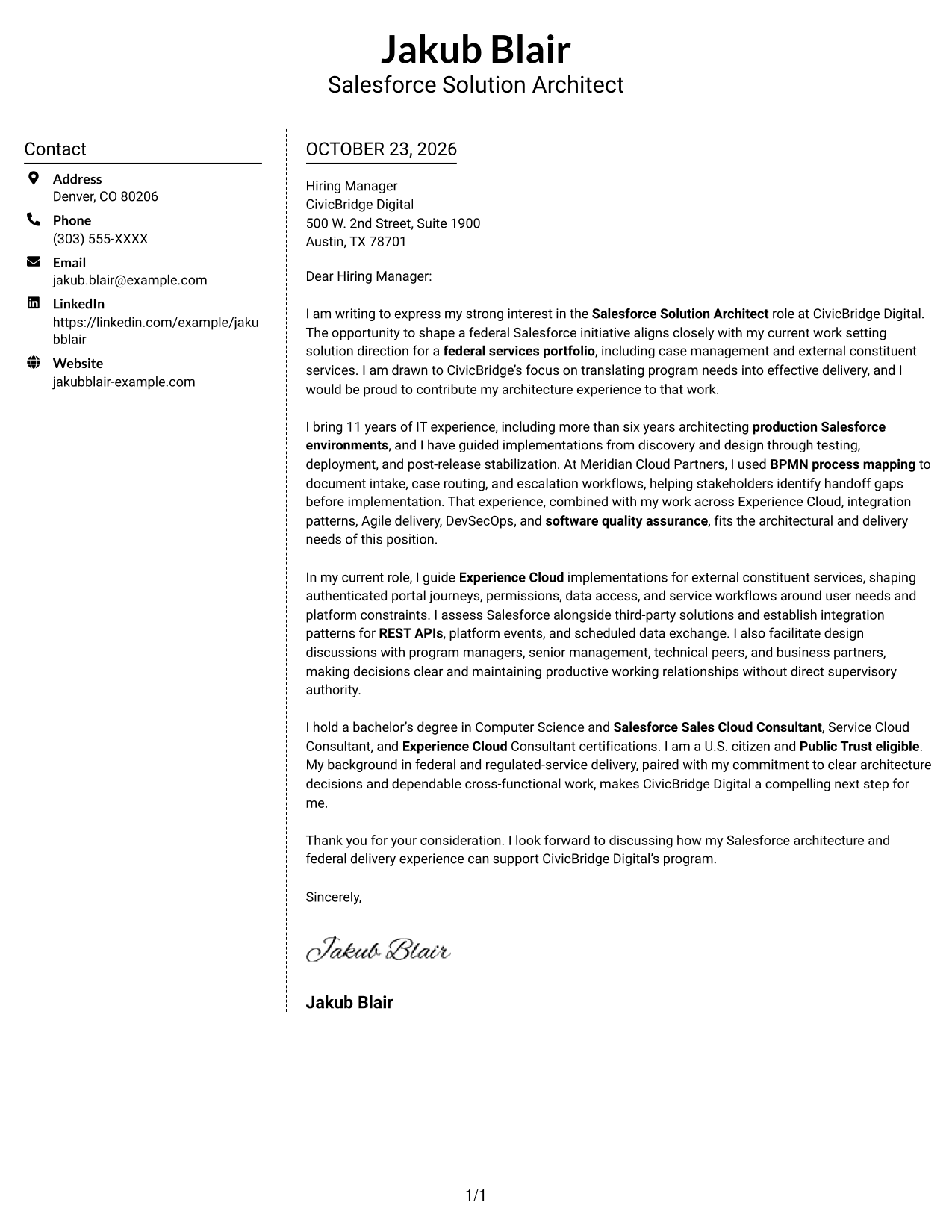
Why This Format Works
- The contact sidebar gives sender details a clear place apart from the letter.
- The body remains one continuous text area, not parallel argument columns.
- Readers can view contact information and the full letter side by side.
Best For
- Photo-free correspondence
- Side-by-side page layouts
- Letters with multiple supporting paragraphs
- A simple contact-and-message arrangement
- Readers who prefer a distinct letter area
#6 Modern Icon Format Cover Letter Example
The Modern Icon Format uses two columns for a contact sidebar and continuous letter body, with icons serving as contact cues or header accents.
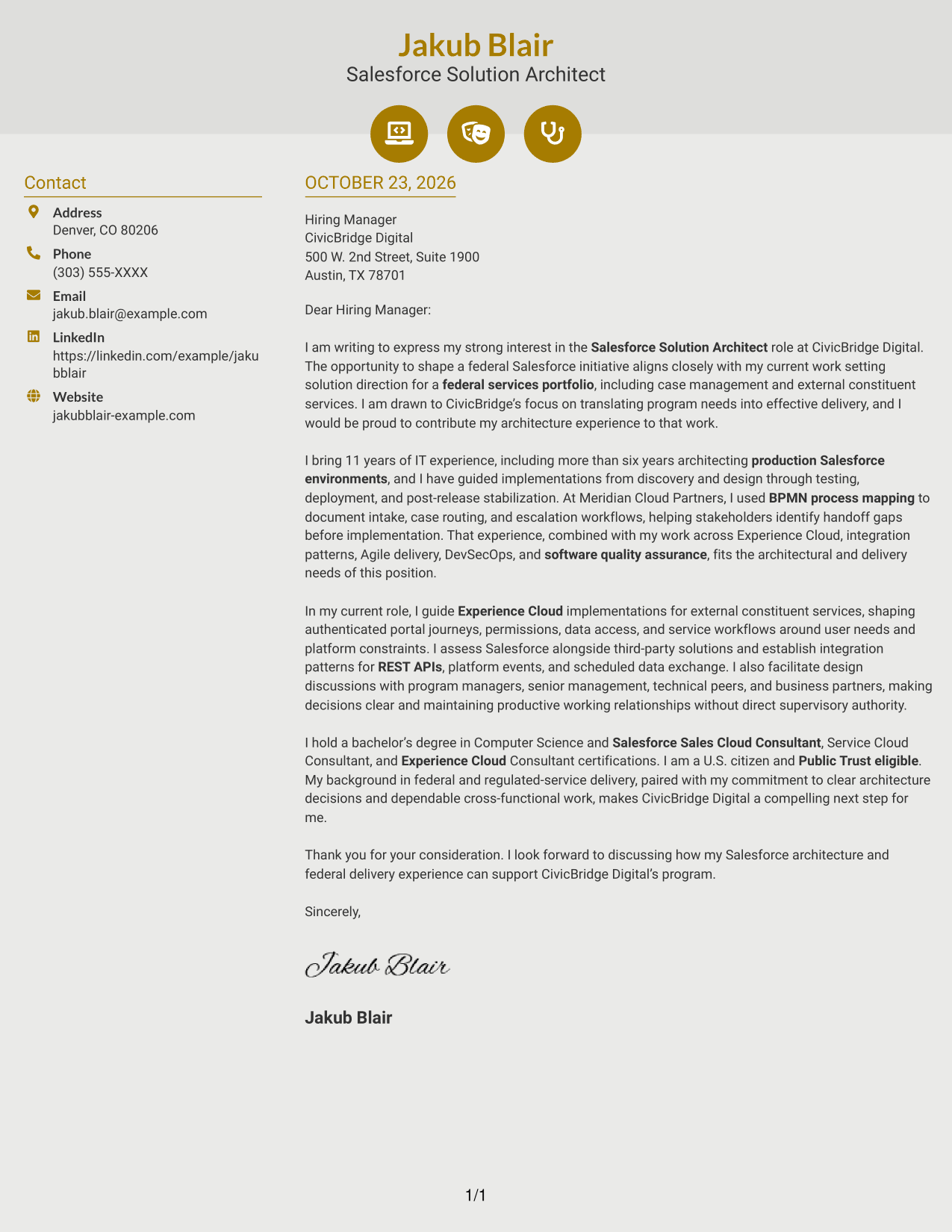
Why This Format Works
- Icons can help identify contact details without labeling the letter's argument.
- The sidebar keeps sender information distinct from the continuous message.
- One letter body lets the opening, evidence, and closing read in order.
Best For
- Icon-led contact details
- A distinct visual touch
- Letters with a connected argument
- Readers who value clear contact cues
- Two-column document preferences
#7 Creative Two Tone Format Cover Letter Example
The Creative Two Tone Format uses two columns to place contact details beside one continuous letter body, while omitting a photo.
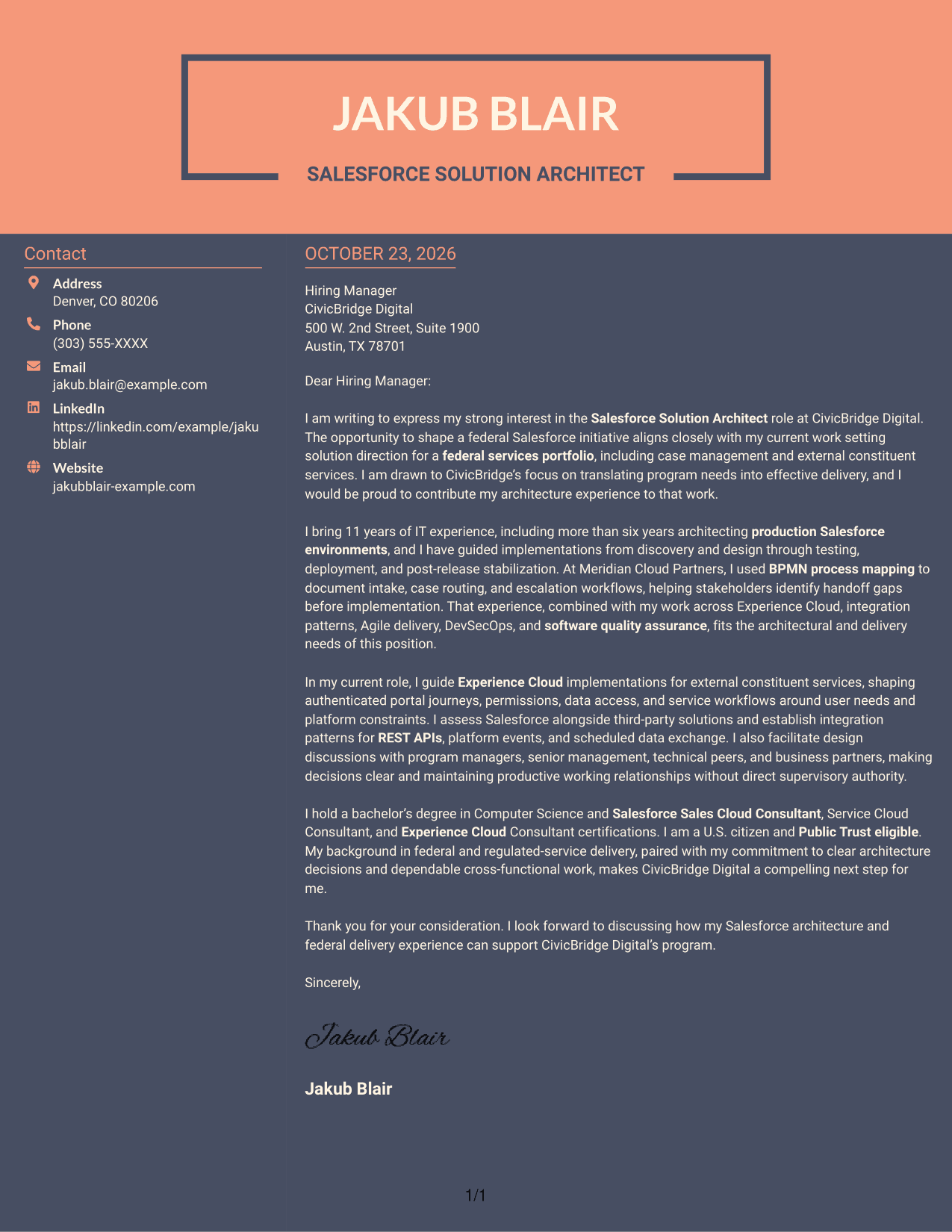
Why This Format Works
- The contact sidebar gives sender details a separate place from the letter's message.
- The continuous body keeps the opening, supporting points, and closing together.
- Two-column organization lets readers move between contact information and the letter.
Best For
- Photo-free letter layouts
- Two-column page preferences
- Letters with a developed case
- Distinct contact and message areas
- Readers who want a continuous letter
See Also
- 7 Salesforce Solution Architect - Experience Cloud Resume Templates with Example
- 7 AWS Cloud Solutions Architect Resume Templates with Example
- 7 Azure Principal Solution Architect - Cloud Go-to-Market Resume Templates with Example
- 7 IFS Cloud Solution Architect - Utility Asset Management Resume Templates with Example
- 7 Senior Solutions Architect - Enterprise Cloud Resume Templates with Example
- 7 Agentic Solution Architect Resume Templates with Example
- 7 AI Application Solutions Architect - Generative AI Resume Templates with Example
- 7 AI Engineering Solutions Architect Resume Templates with Example
- 7 AWS Cloud Solutions Architect Cover Letter Templates with Example
- 7 Azure Principal Solution Architect - Cloud Go-to-Market Cover Letter Templates with Example
Frequently Asked Questions
What should a Salesforce Solution Architect - Experience Cloud cover letter include?
Show why the role interests you, then connect your architecture and Experience Cloud experience to the work. Useful examples may include portal design, integration planning, Agile delivery, quality practices, or explaining technical decisions to business partners.
How can I make my cover letter specific to Experience Cloud?
Describe a relevant portal or external service workflow and explain the decisions behind it. For example, discuss how user needs, permissions, data access, and platform limits shaped the solution, if those details reflect your experience.
How can I show that I communicate well with technical and business teams?
Give a brief example of a design discussion, architecture decision, or process review. Explain how you made the choices clear, addressed tradeoffs, and kept stakeholders aligned.
How should I present workflow and integration experience?
Choose one relevant example and explain its purpose and outcome. You might describe BPMN mapping for intake or case routing, or how REST APIs and platform events supported data exchange, when these match your background.
How can I compare the cover letter layouts?
Review the PNG image previews to compare the page presentation, then open an example in the editor to view or customize it.




